This content was reviewed and updated in September 2026 to ensure all information remains accurate and up to date.
Attendance tracking software records who clocked in, when, and from where, and keeps absence and time off in the same record. For a manager, it replaces paper timesheets and memory with timestamps that hold up when a paycheck is questioned.
Best Attendance Tracking Software in 2026: What It Is and Why Teams Use It
Most businesses start looking at these tools after a specific problem: a disputed overtime claim, a payroll correction, or a leave-balance sheet nobody trusts. The products in this guide solve those problems in different ways, and a few of them were never designed as attendance products at all.
Attendance records are only useful when they connect to the rest of your people data, which is why many teams evaluate them next to their employee management tools. This update compares 20 options by how employees clock in, how that punch is verified, and how the hours reach payroll.
What Attendance Tracking Software Does
In practice, software for attendance tracking does 4 jobs: it records clock-ins and clock-outs, verifies that the right person clocked in at the right place, tracks absence and time off, and turns all of it into payroll-ready hours.
Every product reviewed here is online attendance tracking software, so records live in the cloud, and managers can check them from any device instead of collecting paper sheets at the end of the week.
The tools differ by the workforce they were built for. Attendance tracking system software for a construction crew prioritizes GPS and job sites, while a product for an office leans on automatic desktop tracking, so the right choice starts with who your employees are and where they work.

INSIGHT: How much does manual attendance tracking actually cost?

Market-size forecasts say little about whether a tool will help your team, so this card sticks to US government absence data and what a timestamped record changes.
- In 2025, the absence rate for full-time US wage and salary workers was 3.2%, according to the Bureau of Labor Statistics (BLS).
- Illness or injury accounted for 2.2 percentage points of that rate, and other reasons for the remaining 1.0.
- Measured in hours, the BLS lost worktime rate for 2025 was 1.7%.
- An attendance system replaces recollection with a timestamped record, which is what makes a disputed timesheet resolvable.
Sources:
- U.S. Bureau of Labor Statistics
- Current Population Survey
- Table 47: Absences from work of employed full-time wage and salary workers
accessed September 2026
Attendance Tracking Software Compared: Clock-In Methods and G2 Ratings
The table below lines up the best attendance tracking software on this list by type, typical buyer, and the clock-in methods each vendor documents.
Read the Type column first: several software solutions for attendance tracking here are really payroll, project, or monitoring products, and that shapes everything else.
| Tool | Type | Best for | Clock-in and verification | Rating (G2) |
|---|---|---|---|---|
| Arcoro Time | Time clock and scheduling app | Construction crews and job sites | Mobile app, rugged time clocks, GPS, geofencing | 4.0/5 (172) |
| BambooHR | HR platform with attendance | SMBs managing time off | Web, mobile, iPad time kiosk | 4.4/5 (6,723) |
| Buddy Punch | Time clock and scheduling app | Small businesses needing verified punches | Web, mobile, PIN kiosk, GPS, geofencing, Face ID | 4.8/5 (401) |
| Clockify | Project and billable time tool | Small offices and agencies | Web, desktop, mobile, kiosk with PIN or QR code, GPS on Pro | 4.5/5 (202) |
| Deputy | Time clock and scheduling app | Multi-location hourly teams | Mobile, kiosk, biometric clock-in on Core | 4.6/5 (666) |
| DeskTime | Activity monitoring tool | Computer-based office teams | Automatic desktop tracking | 4.5/5 (400) |
| Factorial | HR platform with attendance | European SMBs with varied leave rules | Web and mobile clock-in | 4.4/5 (111) |
| Gusto | Payroll platform with attendance | US small business payroll | Web and mobile time entry (Plus plan and up) | 4.6/5 (12,893) |
| Homebase | Time clock and scheduling app | Restaurants and retail | Tablet, computer, POS, mobile with location, photo capture | 4.6/5 (597) |
| Hubstaff | Activity monitoring tool | Field and remote teams | Desktop and mobile timer, GPS, geofenced job sites | 4.4/5 (2,307) |
| Jibble | Time clock and scheduling app | Teams wanting free biometric clock-in | Mobile, web, kiosk, facial recognition, GPS, offline mode | 4.7/5 (592) |
| OnTheClock | Time clock and scheduling app | Small US employers | Web, mobile, kiosk, GPS, geofencing, IP restrictions, fingerprint clock | 4.4/5 (278) |
| Paycor | Payroll platform with attendance | Mid-sized US companies | Web and mobile app | 4.0/5 (2,014) |
| QuickBooks Time | Payroll platform with attendance | QuickBooks users | Mobile with GPS, web, timesheets | 4.5/5 (1,448) |
| Rippling | Payroll platform with attendance | Companies uniting HR and IT | Web, mobile, kiosk | 4.8/5 (13,402) |
| Time Doctor | Activity monitoring tool | Remote and hybrid desk teams | Automatic desktop tracking | 4.4/5 (497) |
| TimeCamp | Project and billable time tool | Agencies billing clients | Automatic desktop tracking, GPS, geofencing, kiosk | 4.7/5 (391) |
| TMetric | Project and billable time tool | Service teams billing clients | Timesheets with approvals; lighter on GPS and biometric clock-in | 4.6/5 (122) |
| When I Work | Time clock and scheduling app | Shift-based hourly staff | Mobile time clock with GPS, early clock-in prevention | 4.4/5 (406) |
| Zoho People | HR platform with attendance | Teams already using Zoho | Web and mobile check-in | 4.4/5 (429) |
G2 scores and review counts were read on each public G2 product page in September 2026.
INSIGHT: Searching for Kronos? Here is what happened to it
The best-known name in this category no longer names a current product, but buyers still search for it.
- UKG was formed when Kronos and Ultimate Software completed their merger on April 1, 2020, and the combined company now operates as UKG.
- UKG describes Workforce Central customers as legacy customers and publishes migration guides for moving them to UKG Pro Workforce Management, formerly UKG Dimensions.
- According to UKG, its current workforce management products are UKG Pro Workforce Management and UKG Ready. This reflects UKG’s published guidance, not our recommendation.
Sources:
- UKG: From Kronos and Ultimate Software to UKG
- UKG: End-to-End Migration for UKG Pro Workforce Management
as of September 2026
Quick Picks by Workforce Type
Each shortlist below matches a workforce type, with names in alphabetical order.
- Shift teams in retail and hospitality: Deputy, Homebase, and When I Work, which all pair a time clock with the shift schedule.
- Field crews and job sites: Arcoro Time, Buddy Punch, Hubstaff, and QuickBooks Time, with GPS or geofencing on mobile punches.
- Frontline staff clocking in by phone: Jibble, OnTheClock, and When I Work are apps for attendance tracking that check location or identity at the moment of the punch.
- Small businesses watching cost: Clockify, Homebase, and Jibble each publish a free plan, the cheapest way to trial attendance tracking software for small business teams before paying per user.
- Remote and desk-based teams: DeskTime, Time Doctor, and TimeCamp, which track time automatically on the computer.
- Hours straight into payroll: Gusto, Paycor, and Rippling, where attendance is a module of the payroll system itself.
- Client billing plus attendance: Clockify, TimeCamp, and TMetric, built around project and billable time.
For most shift businesses, rostering is a separate buying decision. Our guide to employee scheduling tools compares products built around rosters, shift swaps, and staff availability.
INSIGHT: Time clock, HR module, project timer, or monitoring tool?
Each product below belongs to 1 of 4 families, and a mismatch between family and workforce causes more failed rollouts than any missing feature.
- Time clock and scheduling apps (for example Buddy Punch, Deputy, Homebase, Jibble, OnTheClock, When I Work): built around clocking in, verification, and shifts.
- HR and payroll platforms with attendance (for example, BambooHR, Factorial, Gusto, Paycor, Rippling, Zoho People): attendance is 1 module, and its value is that hours never leave the system.
- Project and billable time tools (for example, Clockify, TimeCamp, TMetric): built around where the hours went, for client billing as much as for pay.
- Activity monitoring tools (for example DeskTime, Hubstaff, Time Doctor): they record attendance, but they also record what people did, which is a decision about trust rather than features.
Sources:
plan feature lists, as of September 2026
Attendance Tracking vs. Time and Attendance vs. Time Tracking
These 3 labels are often used interchangeably, but they describe different jobs. Attendance tracking answers who was present: when each person clocked in and out, whether they were late, and what absence or time off they took. Time tracking answers where the hours went, broken down by project, task, or client, which is what an agency or consultancy needs to bill accurately.
Time and attendance, as vendors and analysts use the phrase, usually means the enterprise workforce management category, which adds scheduling, labor cost control, and pay rule compliance on top of attendance. Our guide to time and attendance software covers that category, including large HCM suites, while this page focuses on clocking in, verification, absence, and the hand-off to payroll.
Many products do 2 of the 3 jobs well and the third poorly. The most common buying mistake is choosing a project timer when the real problem is absence, or an enterprise suite when a phone-based clock would do.
Attendance Tracking Software Pricing
Most vendors on this list publish a per-user, per-month price, often with a lower rate for annual billing. Several add a monthly base fee on top, which barely matters for a team of 50 but makes a team of 5 expensive per head. Free plans usually cap users, locations, or features, so check which limit you will hit first. HR and payroll platforms are the exception: attendance is bundled into a wider plan or quoted on request, so there is often no standalone price to compare.
| Tool | Pricing model | Free plan or trial | Starting price |
|---|---|---|---|
| Arcoro Time | Quote-based | Trial only | Custom pricing |
| BambooHR | Flat monthly rate up to 25 employees, then per employee | Trial only | $250/month flat (25 employees or fewer); $10/employee/month (Core) |
| Buddy Punch | Base fee plus per user | Trial only (14 days) | $4.99/user/month + $19/month base fee |
| Clockify | Per seat | Yes (up to 4 people) | $3.99/seat/month billed annually |
| Deputy | Per user | Trial only | $5/user/month (Lite) |
| DeskTime | Per user | Trial only | $6.42/user/month billed annually (Pro) |
| Factorial | Per user, quote after demo | No (demo on request) | $8/user/month |
| Gusto | Base fee plus per person | No | $49/month + $6/person (Simple) |
| Homebase | Per location | Yes (1 location, up to 10 employees) | $30/location/month (Essentials) |
| Hubstaff | Per seat | Trial only (14 days) | $4.99/seat/month billed annually (Starter) |
| Jibble | Free plan with paid upgrades | Yes (unlimited users) | $0 (free plan) |
| OnTheClock | Base fee plus per employee | Trial only (30 days) | $4/employee/month + $5/month base fee |
| Paycor | Quote-based | No | Custom pricing |
| QuickBooks Time | Base fee plus per user | Trial only | $20/month + $10/user/month (Time Premium) |
| Rippling | Quote-based | No | Custom pricing |
| Time Doctor | Per user | Trial only (14 days) | $6.67/user/month billed annually (Basic) |
| TimeCamp | Per user | Yes | $5.49/user/month billed monthly (Starter) |
| TMetric | Not covered in our review | Not covered in our review | See tmetric.com |
| When I Work | Per user | Trial only (14 days) | $2.50/user/month (single location) |
| Zoho People | Per user | Yes (up to 5 users) | €2/user/month billed annually (Professional, EU pricing) |
As pricing is subject to change, prices are listed as of September 2026.
How to Choose the Right Attendance Tracking Tool
When I shortlist attendance tracking software solutions, I start with a question that splits this list in half: am I buying attendance on its own, or turning on a module in the HR or payroll system the company already pays for? If payroll already runs in Gusto, Paycor, or Rippling, the built-in module usually wins on data accuracy alone.
Next, I decide how people will clock in. A web punch suits an office, a shared kiosk suits a shop floor, a phone with GPS suits field crews, and a face scan suits sites where buddy punching is a real risk. This is the hardest choice to reverse later, so it deserves a trial with real employees.
If a physical or kiosk clock is the priority, our roundup of employee time clock apps compares dedicated clocking products in more detail.
Then I check 3 things that quietly break totals: whether absence and time off live in the same tool (otherwise a second spreadsheet appears), how overtime rules and rounding are applied, and how hours reach payroll, since every export and import step is a place for errors.
Finally, I look at how much monitoring comes attached. DeskTime, Hubstaff, and Time Doctor record activity as well as attendance, and choosing them is as much a trust decision as a feature decision.
Attendance Tracking and Payroll
Tools connect to payroll in 3 ways. Project and billable time tools such as Clockify, TimeCamp, and TMetric mostly export or sync approved timesheets, and time clock apps such as Buddy Punch, Deputy, Homebase, and When I Work integrate with named payroll providers. Payroll software with attendance tracking, such as Gusto, Paycor, and Rippling, records the hours itself, so nothing moves between systems. HR platforms like BambooHR, Factorial, and Zoho People sit in between, depending on whether you also use their payroll.
Top 20 Best Employee Attendance Tracking Software for 2026
This best attendance tracking software 2026 roundup covers 20 tools that record attendance in very different ways, from job-site geofences to automatic desktop tracking.
All tools are listed in A-to-Z order. The sequence says nothing about quality, preference, or ranking.
To find the best employee attendance tracking software for different teams, I compared how each one handles clock-in, verification, absence, and the hand-off to payroll, using vendor documentation and pricing pages checked in September 2026.
Arcoro Time
Quick Overview
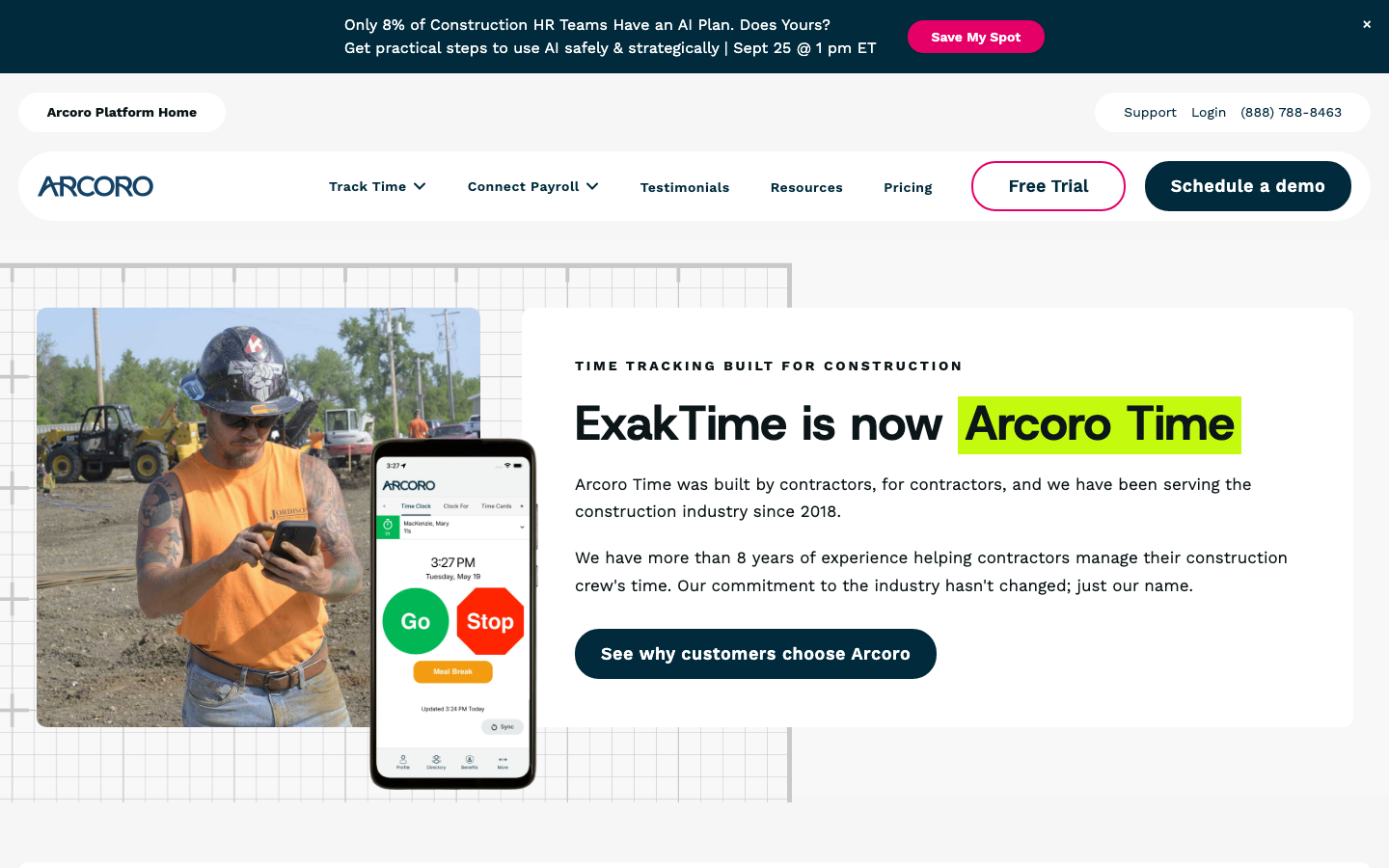
Arcoro Time, the product previously sold as ExakTime, is a time clock for construction contractors and field crews. It records clock-ins from phones and rugged job-site clocks, checks each punch against a geofence, and prepares timecards for payroll and job costing.
Software Pros
- GPS geofences can limit clock-ins to a specific job site
- Rugged time clocks for sites without shared devices
- Timecards prepared for payroll and job costing
Software Cons
- Built for construction, so office teams gain little from it
- No prices published on the Arcoro website
Arcoro Time Review:
Construction is where attendance disputes get expensive, and Arcoro Time is designed around that problem. A geofence around each job site stops a crew member from clocking in before arriving, and breadcrumb tracking shows movement between locations during the day. I would shortlist it for contractors running several sites at once, while an office-based company would be paying for field features it never uses.
Our Verdict
Job-Site Clock-Ins for Contractors
BambooHR
Quick Overview
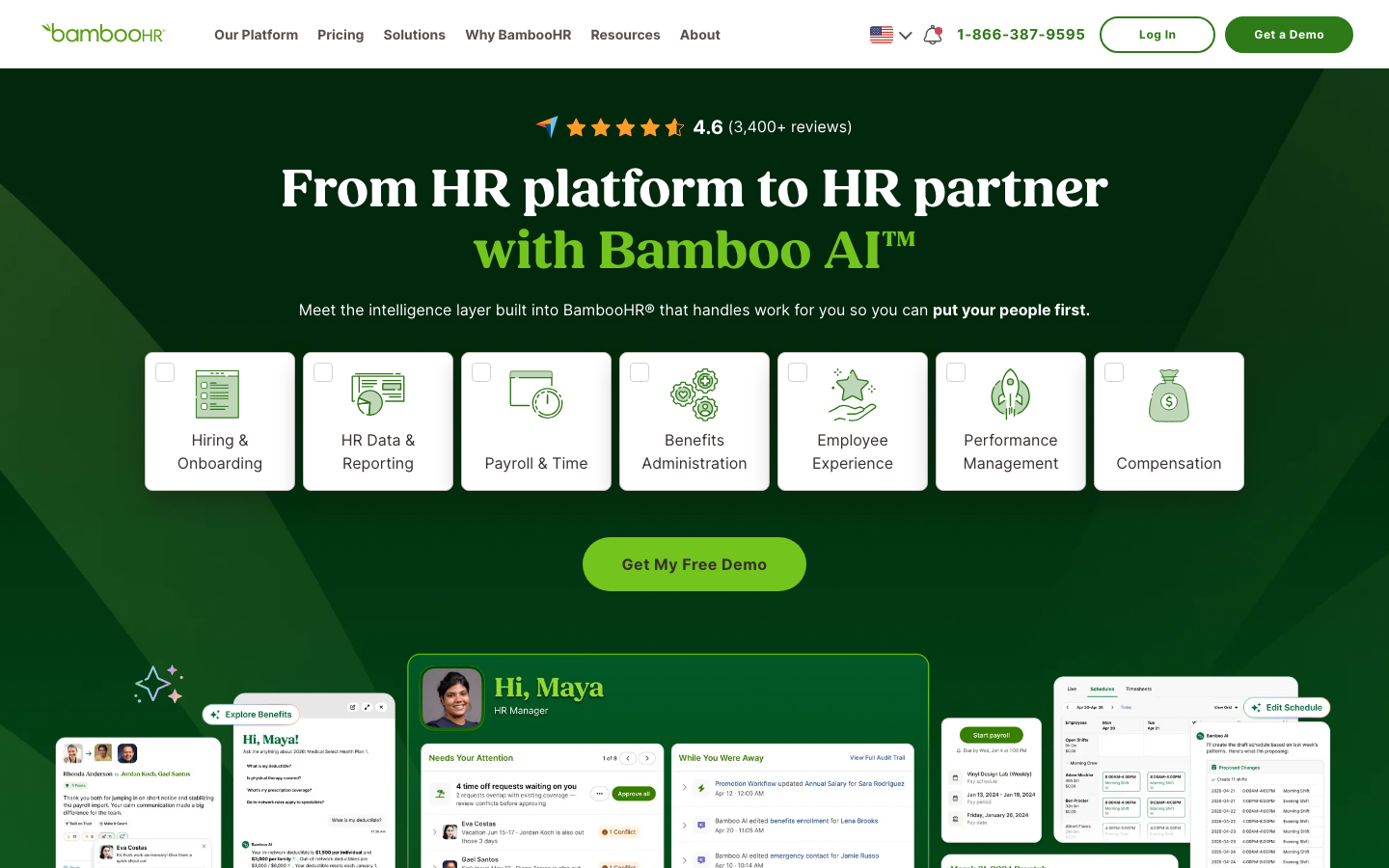
BambooHR is an HR platform for small and mid-sized companies that handles time-off requests, leave balances, and timesheet approvals next to employee records. Its attendance features matter most to teams whose main headache is absence, not shift clocking.
Software Pros
- Employees see their leave balance before they request time off
- Managers approve leave and timesheets in the same workflow
- iPad time kiosk available for shared clock-in
Software Cons
- Time tracking depends on the plan and add-ons you choose
- Not designed for complex shift patterns
BambooHR Review
Leave is the part of attendance that usually ends up in a spreadsheet, and BambooHR pulls it back out well. Employees request time off from their own profile, check the remaining balance before they ask, and managers approve leave and hours from the same inbox. It suits companies that already treat HR as the system of record, whereas teams that mainly need a shift clock will find a dedicated time clock more natural.
Our Verdict
Time Off and Approvals Inside HR
Buddy Punch
Quick Overview
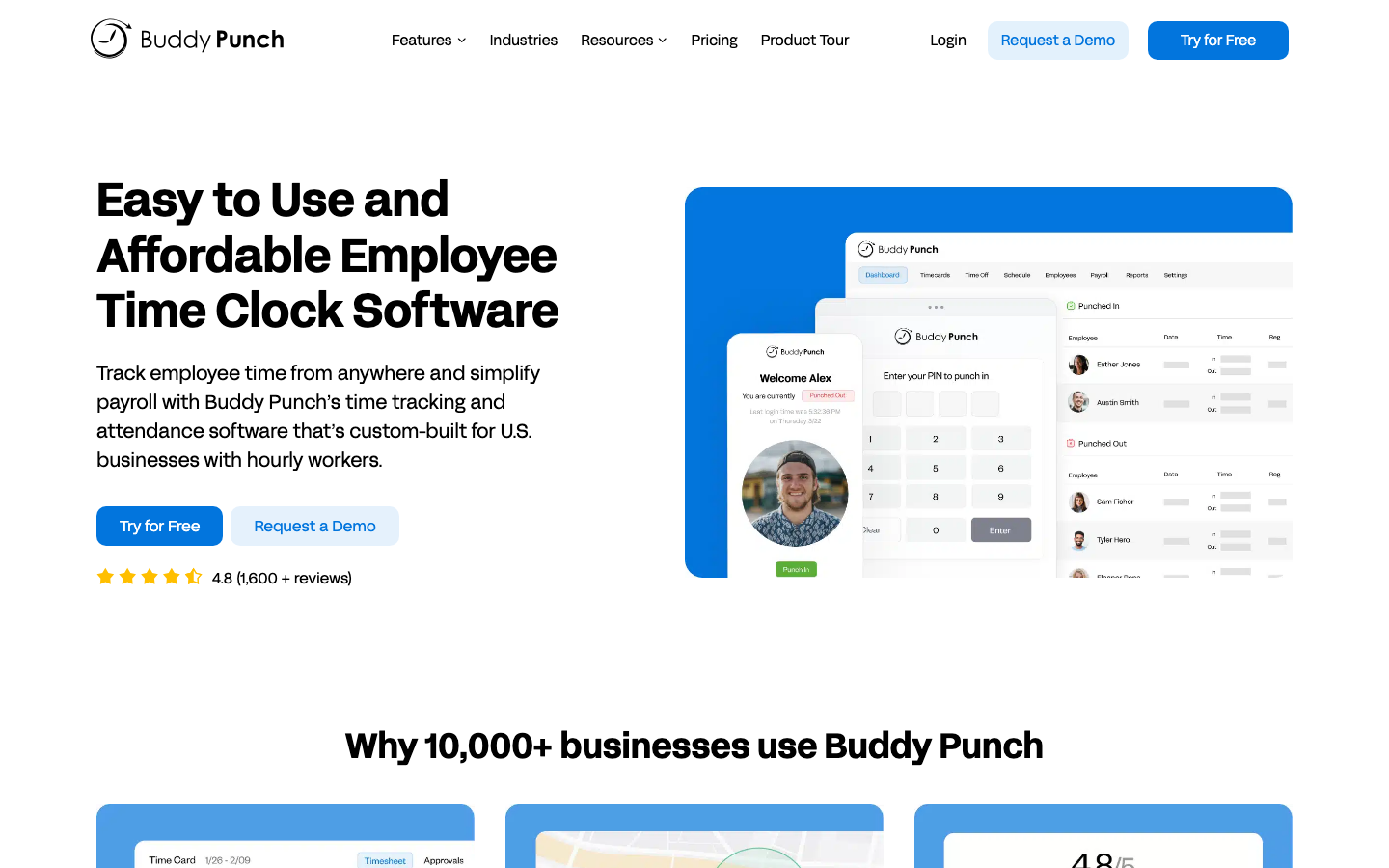
Buddy Punch is a time clock for small businesses that lets managers choose how to verify each punch: GPS coordinates, geofences, a PIN kiosk, or Face ID on iOS devices. Scheduling, overtime alerts, and payroll exports sit on top of the clock.
Software Pros
- Several verification methods, including facial recognition
- Geofences can restrict where employees punch in
- Unlimited administrators at no extra cost
Software Cons
- Real-time GPS tracking costs extra per user
- The monthly base fee raises the per-head cost for very small teams
Buddy Punch Review
The name gives away what this product was built to stop, and verification is its real strength. I like that a business can mix methods, for example, a shared PIN kiosk in the store and GPS-stamped mobile punches for staff on the road, rather than forcing a single method on everyone. Reporting stays fairly basic, so larger teams may outgrow it, but a small employer that needs to trust its timesheets gets the essentials here.
Our Verdict
Verified Punches for Small Teams
Clockify
Quick Overview
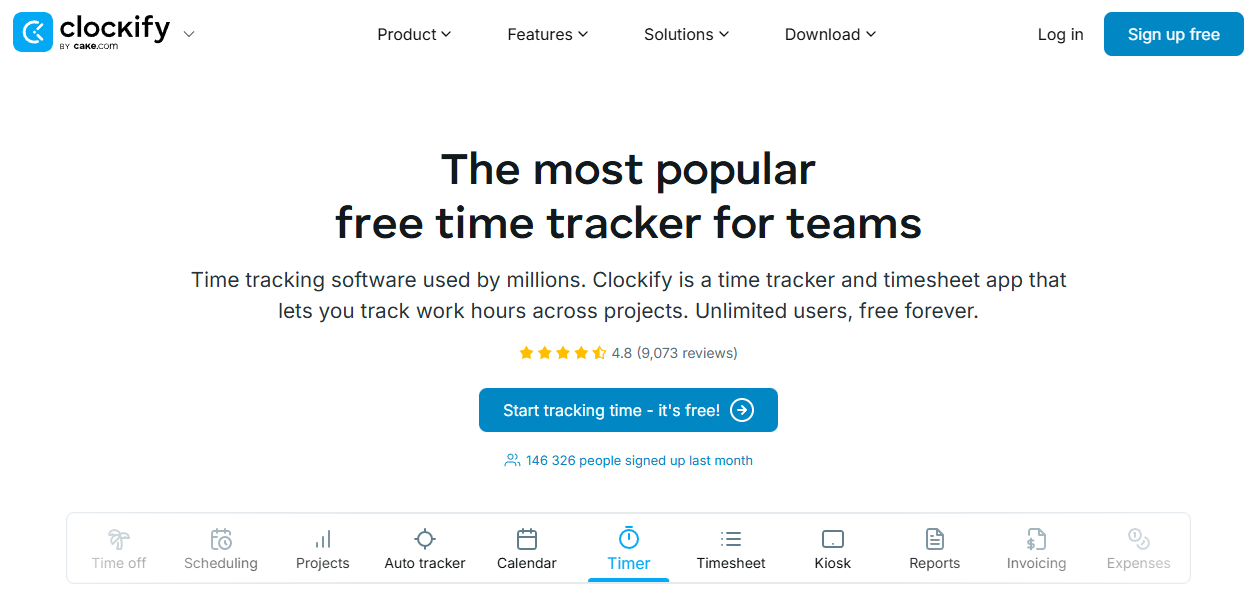
Clockify is a timesheet and time tracking app that adds attendance reports, overtime, and a shared kiosk as teams move to paid plans. As of September 2026, its free plan allows unlimited time tracking for up to 4 people.
Software Pros
- Shared kiosk with PIN and QR code clock-in
- Attendance and overtime reports on the Standard plan
- Apps for web, desktop, and mobile
Software Cons
- GPS tracking and kiosk photo capture require the Pro plan
- Few HR features beyond time off
Clockify Review
Clockify started life as a project timer, and that heritage still shows in its reports. Attendance arrived through the kiosk, the attendance report, and overtime rules, and it works well for a small office or agency that wants arrival times and billable hours in the same app. Growing teams should read the plan table carefully, because verification features such as GPS sit 3 tiers above the free plan.
Our Verdict
Timesheets First, Attendance Added
Deputy
Quick Overview
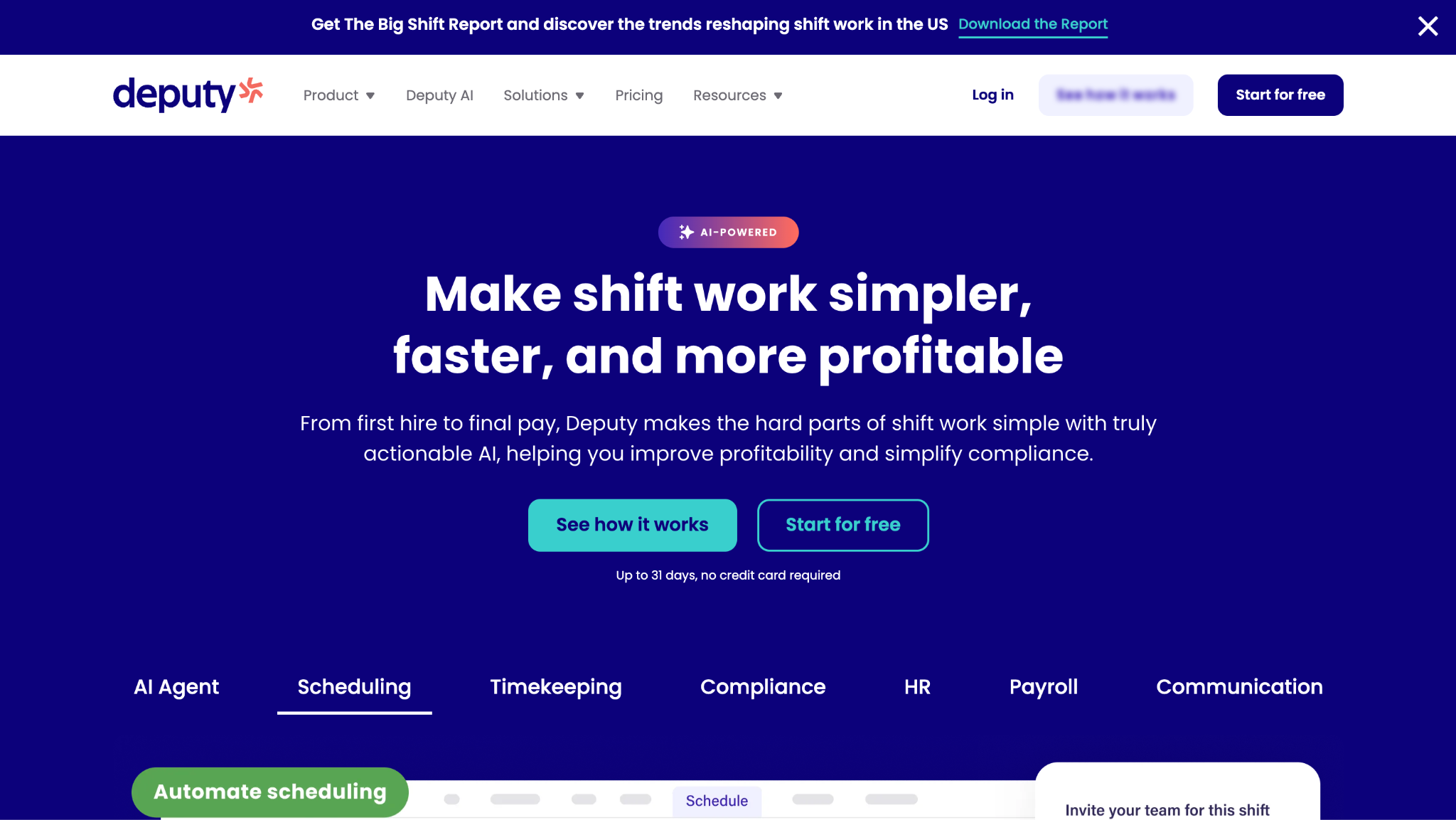
Deputy is attendance tracking software for hourly teams in retail, hospitality, and healthcare. Staff clock in on a phone or shared kiosk; the Core plan adds biometric time clocking, and timesheets can be approved automatically before payroll.
Software Pros
- Biometric time clocking on the Core plan
- Timesheet auto approval cuts manager review time
- Labor law compliance checks on every plan
Software Cons
- Scheduling depth adds complexity if you only need a clock
- Payroll and some workforce features cost extra
Deputy Review
My focus with Deputy was the moment a shift starts, and the time clock handles it well. Staff can clock in on a shared tablet with a photo or biometric check, and the punch lands on a timesheet that a manager approves without re-entering anything. Deputy is at its best for multi-location hourly teams, while an office that only needs arrival times would be buying far more than it uses.
Our Verdict
Shift Clock-Ins for Hourly Teams
DeskTime
Quick Overview
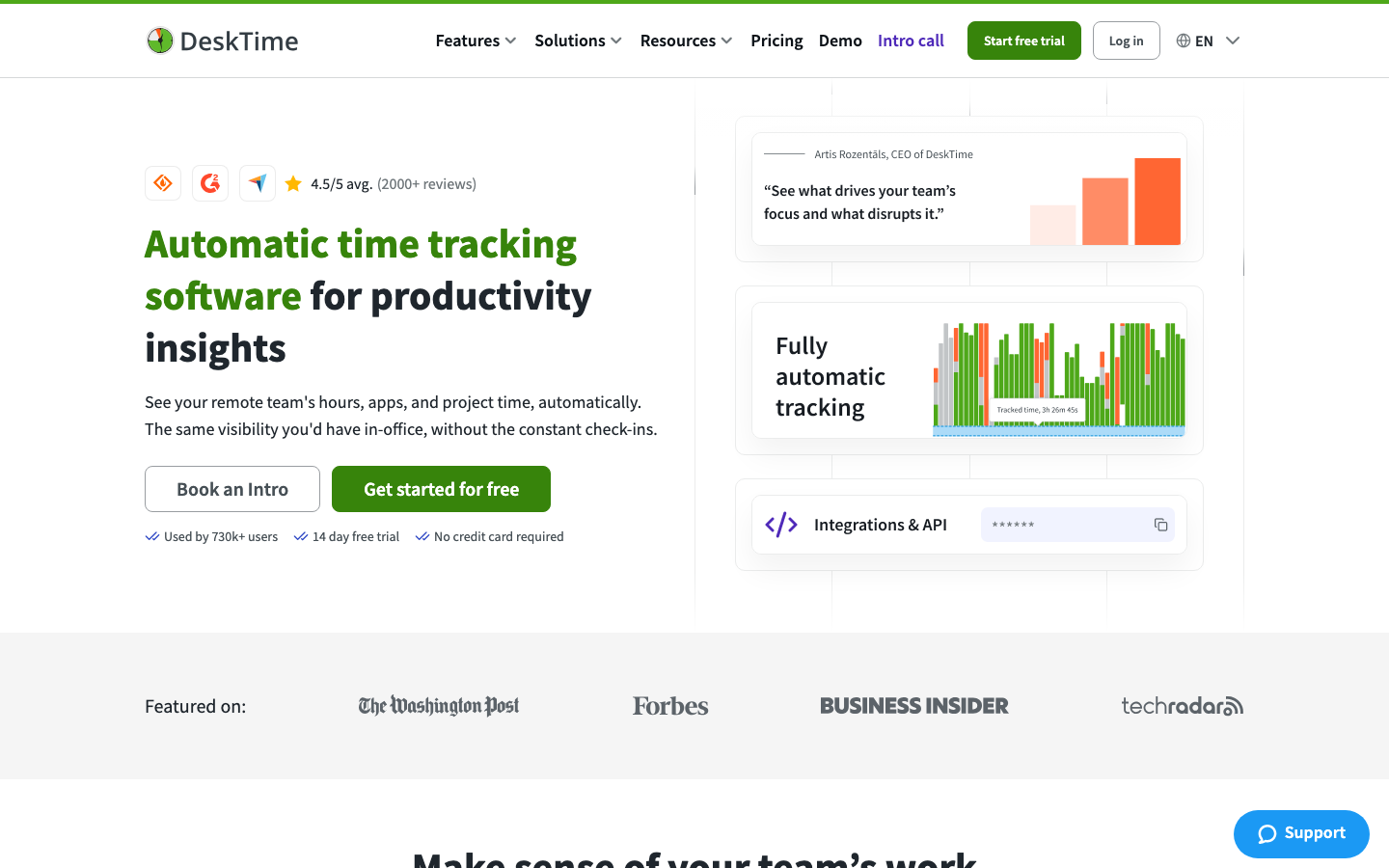
DeskTime is an automatic time tracker for computer-based teams. It starts recording when the employee’s computer does, which creates a record of arrival and departure times, and it also measures app and website use to calculate productivity.
Software Pros
- No manual clock-in needed on the desktop
- Shift scheduling on the Premium plan
- Idle time shows when people step away
Software Cons
- This is activity monitoring as well as attendance, which some employees dislike
- Useful only for work done on a computer
DeskTime Review
Automatic tracking removes forgotten punches, the most common attendance error in an office. The trade-off is that DeskTime sees more than arrivals: it categorizes the apps and websites people use, and the Premium plan adds screenshots. Before a rollout, I would decide how much of that data managers really need and tell the team plainly what is recorded.
Our Verdict
Automatic Tracking for Desk Teams
Factorial
Quick Overview
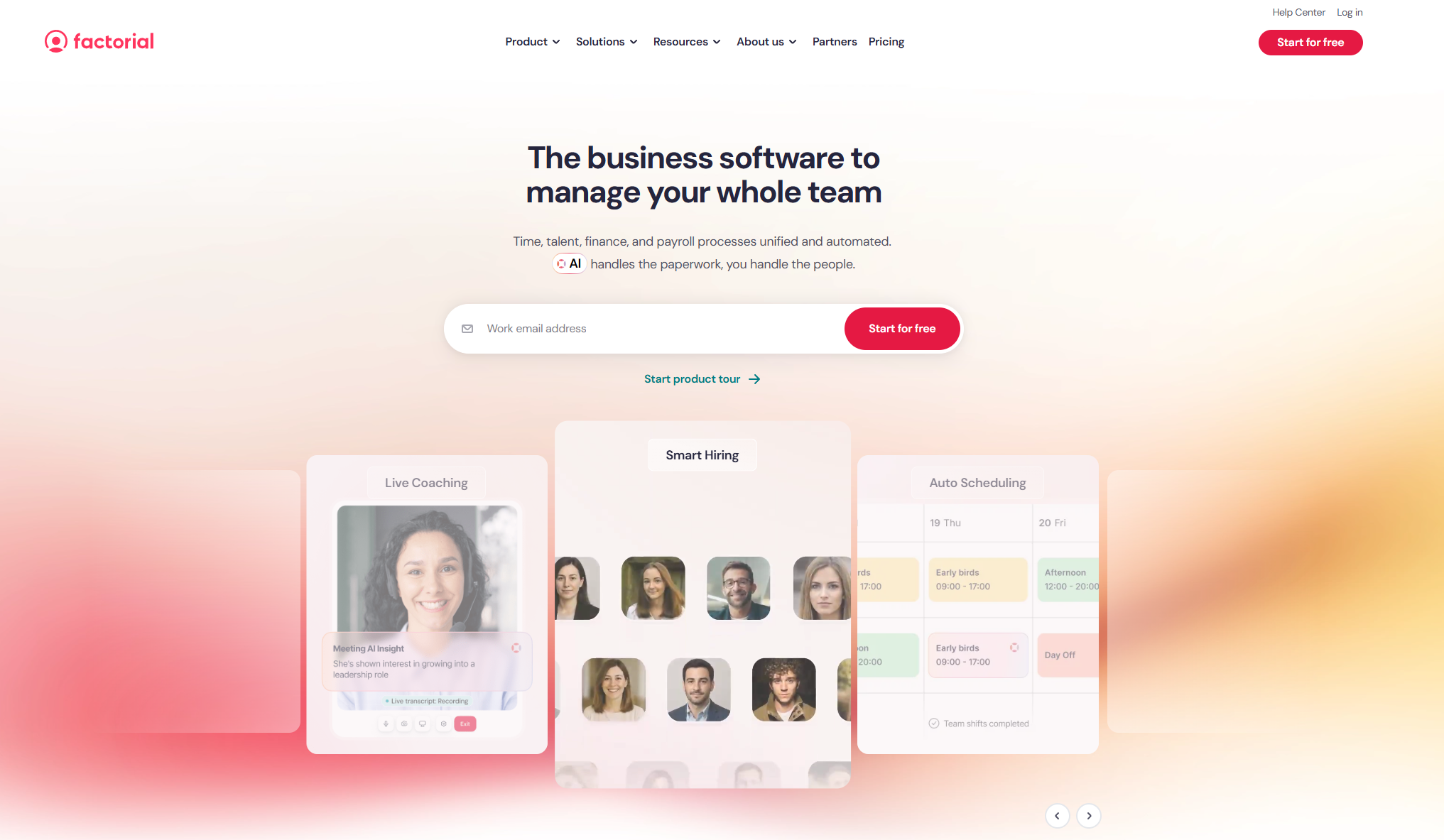
Factorial is an HR platform, widely used by small and mid-sized companies in Europe, that combines clock-in, time-off policies, and absence records with employee files. You can set leave policies by team or location, which helps when rules differ between countries.
Software Pros
- Configurable leave policies and allowances
- Clock-in records stored with employee files
- Shared absence calendar for the whole team
Software Cons
- Pricing beyond the starting rate is quoted after a demo
- Payroll depends on local integrations
Factorial Review
European employers juggle statutory holidays, regional public holidays, and contract-specific leave, and that is where Factorial earned my attention. Each policy can carry its own allowance, and the shared calendar shows who is out before a manager approves another request. It fits a growing European team that wants attendance inside its HR system, although US-only businesses have plenty of options built closer to home.
Our Verdict
Leave and Absence for European Teams
Gusto
Quick Overview
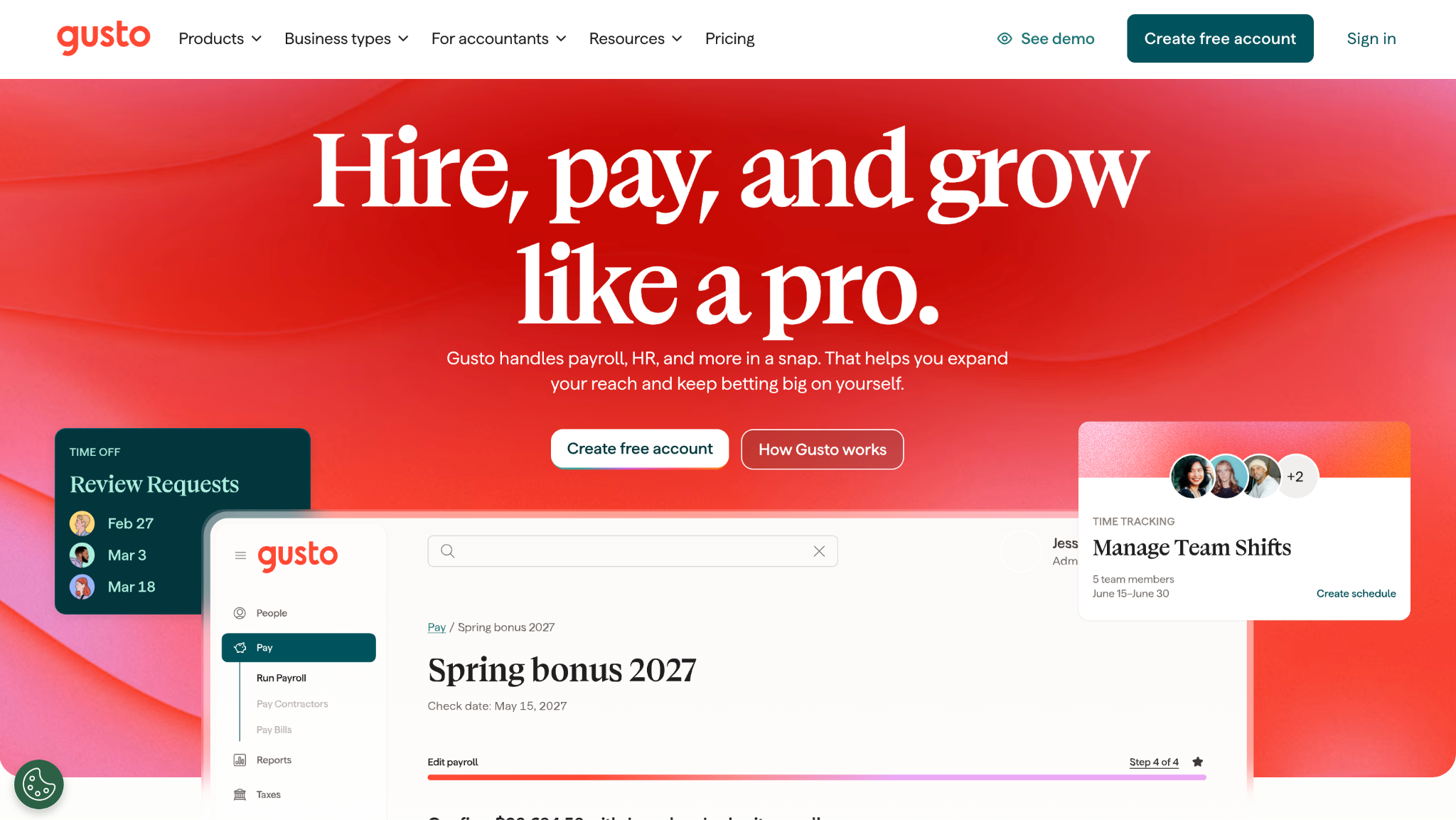
Gusto is a payroll platform for US small businesses. Time and attendance tracking is included from the Plus plan, so approved hours and paid time off go straight into the next payroll run.
Software Pros
- Hours reach payroll without an export step
- PTO policies tied directly to pay
- Unlimited payroll runs on every plan
Software Cons
- Time tracking is not included on the entry-level Simple plan
- Focused on US employers
Gusto Review
When a business owner runs payroll personally, every manual step is a chance to pay someone the wrong amount, and Gusto removes the biggest one. Hours recorded in Gusto never need to be downloaded, cleaned, and uploaded, because they are already on the payroll screen at review time. The time features are simpler than a dedicated clock, so I see Gusto as the right choice when payroll accuracy matters more than clock-in controls.
Our Verdict
Hours That Land in Payroll
Homebase
Quick Overview
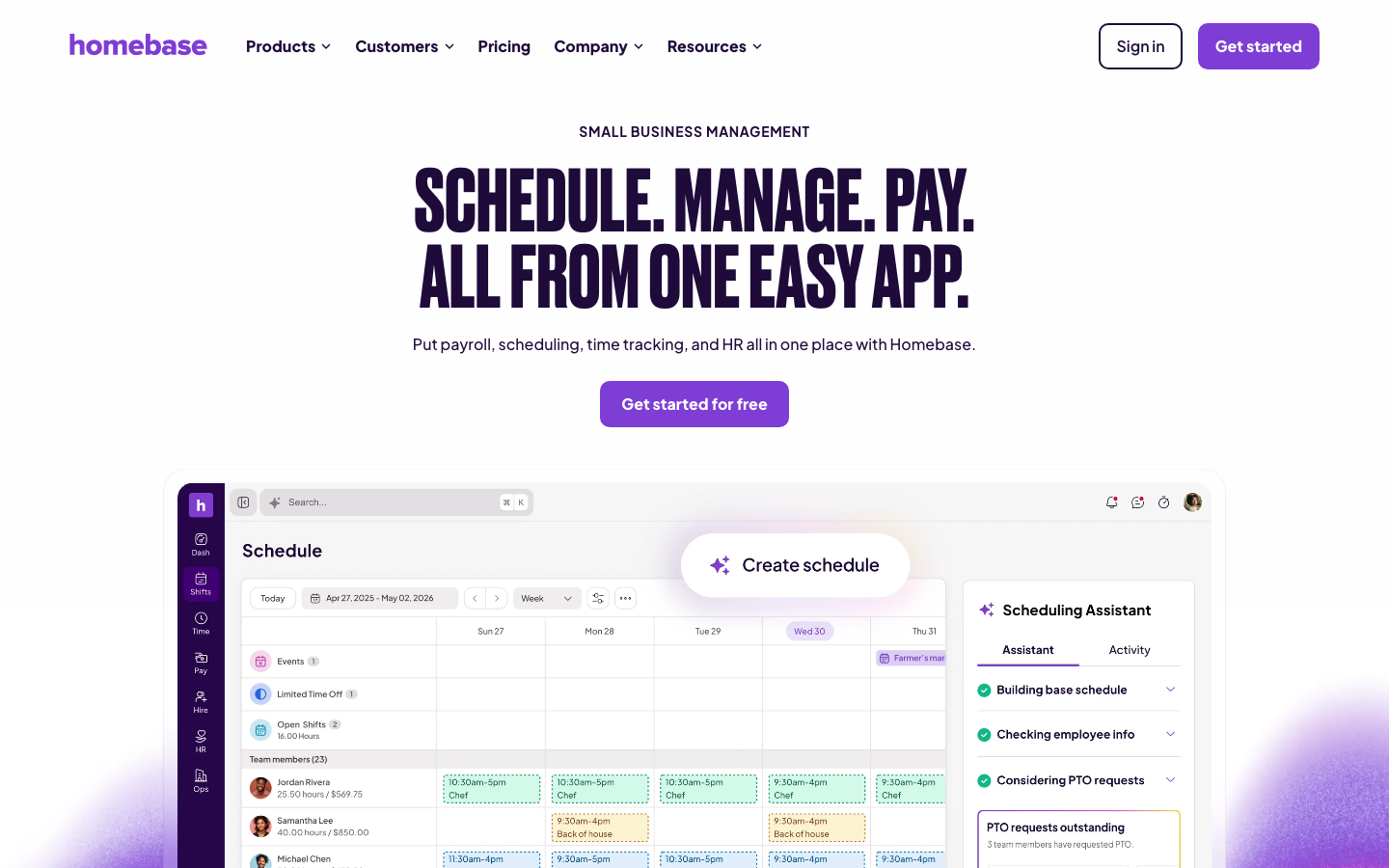
Homebase is a time clock and scheduling app for restaurants, shops, and other local businesses. As of September 2026, its free Basic plan covers 1 location with up to 10 employees and includes basic time tracking.
Software Pros
- Free plan for a single small location
- Clock in on tablets, computers, and POS devices
- Photo capture when staff clock in on shared devices
Software Cons
- Advanced time tracking starts on a paid plan
- Per-location pricing adds up for multi-site businesses
Homebase Review
Buddy punching at a shared register is a classic small-business problem, and Homebase answers it simply by taking a photo when someone clocks in on a tablet or POS device. Managers can also block early clock-ins and automatically close out shifts, which keeps overtime in check. For a single cafe or store, this is attendance tracking software that costs nothing to start, and multi-location operators should compare the per-location price first.
Our Verdict
Free Time Clock for Local Businesses
Hubstaff
Quick Overview
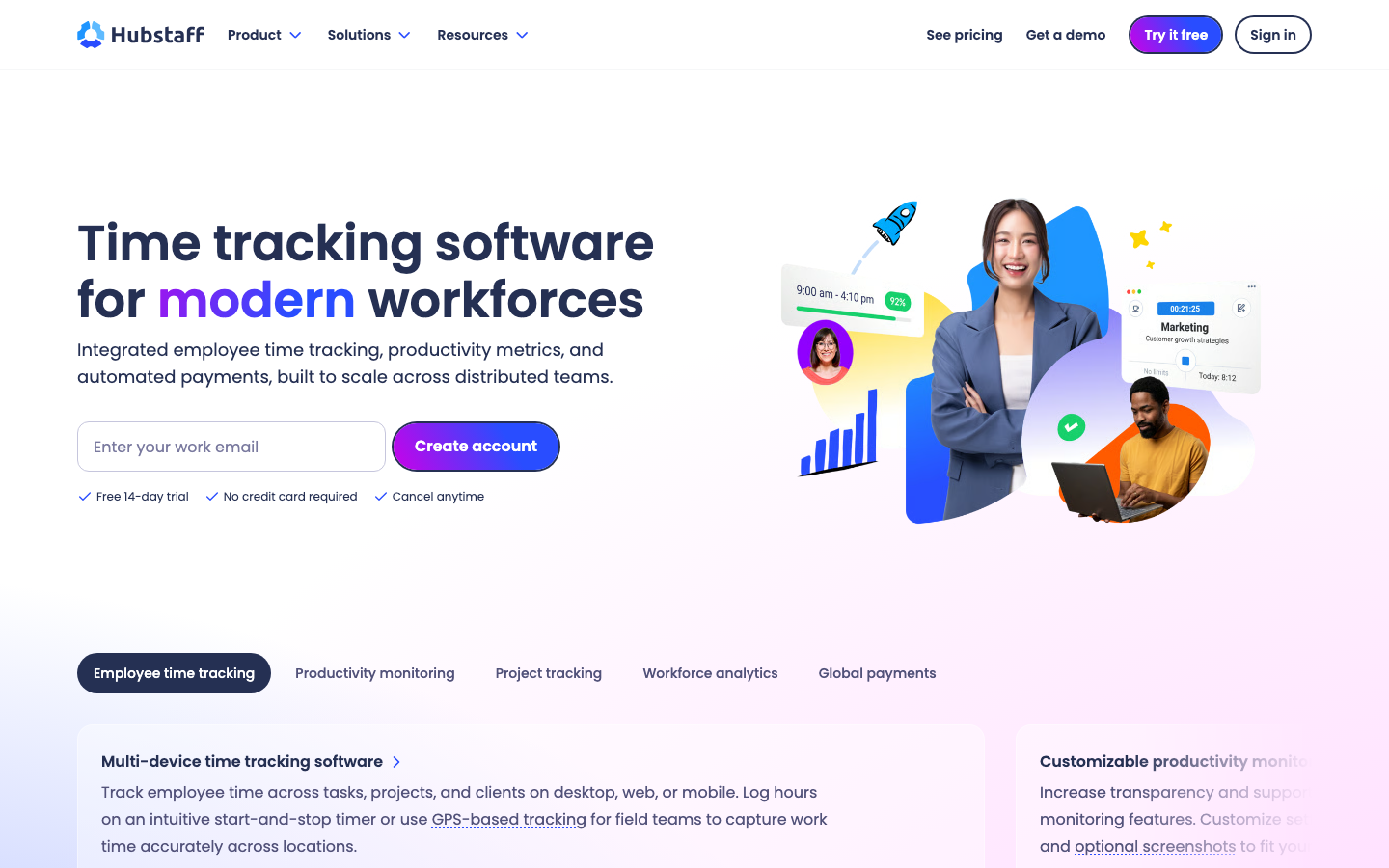
Hubstaff is a time tracker for remote and field teams. Its mobile app records GPS locations, and geofenced job sites log when employees arrive at or leave a customer location.
Software Pros
- Geofenced job sites for field crews
- Location history for mobile workers
- Payments and scheduling on the Team plan
Software Cons
- Activity levels and screenshots can feel intrusive
- Every plan has a 2-seat minimum
Hubstaff Review
For a cleaning crew or a team of technicians moving between customer sites, Hubstaff answers the question an office time clock cannot: was the person actually at the site they were paid for? Geofenced job sites record arrival and departure, and managers can see locations between visits. The desktop app also tracks activity levels and optional screenshots, so I would switch off anything the business does not need before inviting the team.
Our Verdict
GPS Attendance for Field Crews
Jibble
Quick Overview
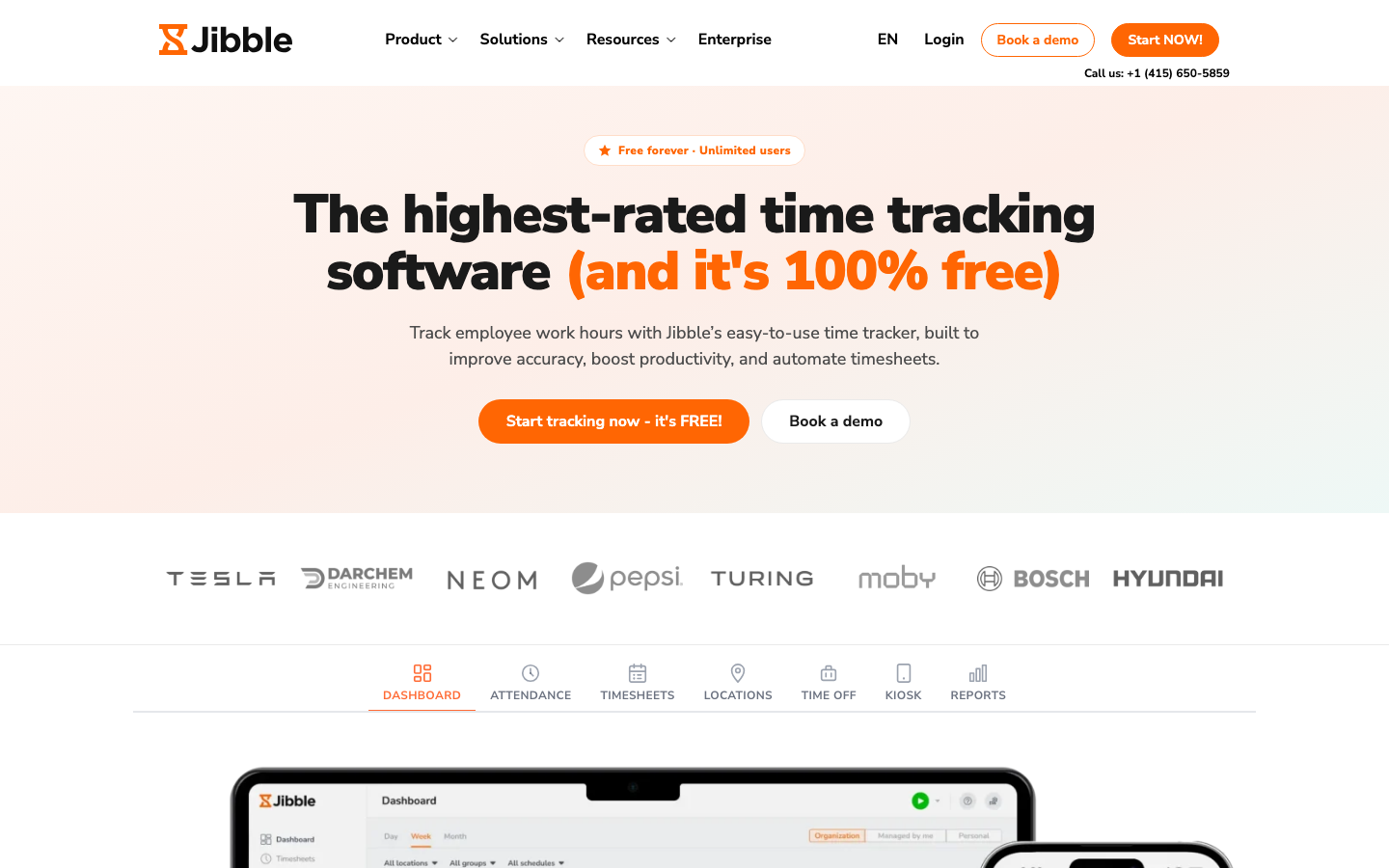
Jibble is a time clock with facial recognition, GPS, and a shared kiosk mode. As of September 2026, jibble.io advertises a free plan with unlimited users, which is rare among attendance tracking apps.
Software Pros
- Free plan with unlimited users
- Facial recognition at clock-in
- Offline clock-in that syncs once back online
Software Cons
- Advanced reporting and controls sit on paid plans
- Limited HR features beyond time off
Jibble Review
Biometric verification used to require a hardware clock, and Jibble brings it to an ordinary phone or tablet at no cost. A face match at clock-in confirms the right person, GPS confirms the place, and the kiosk keeps working without internet before syncing when the connection returns. I would put it on any small team’s shortlist, then check which reports need an upgrade.
Our Verdict
Free Face Recognition Clock-In
OnTheClock
Quick Overview
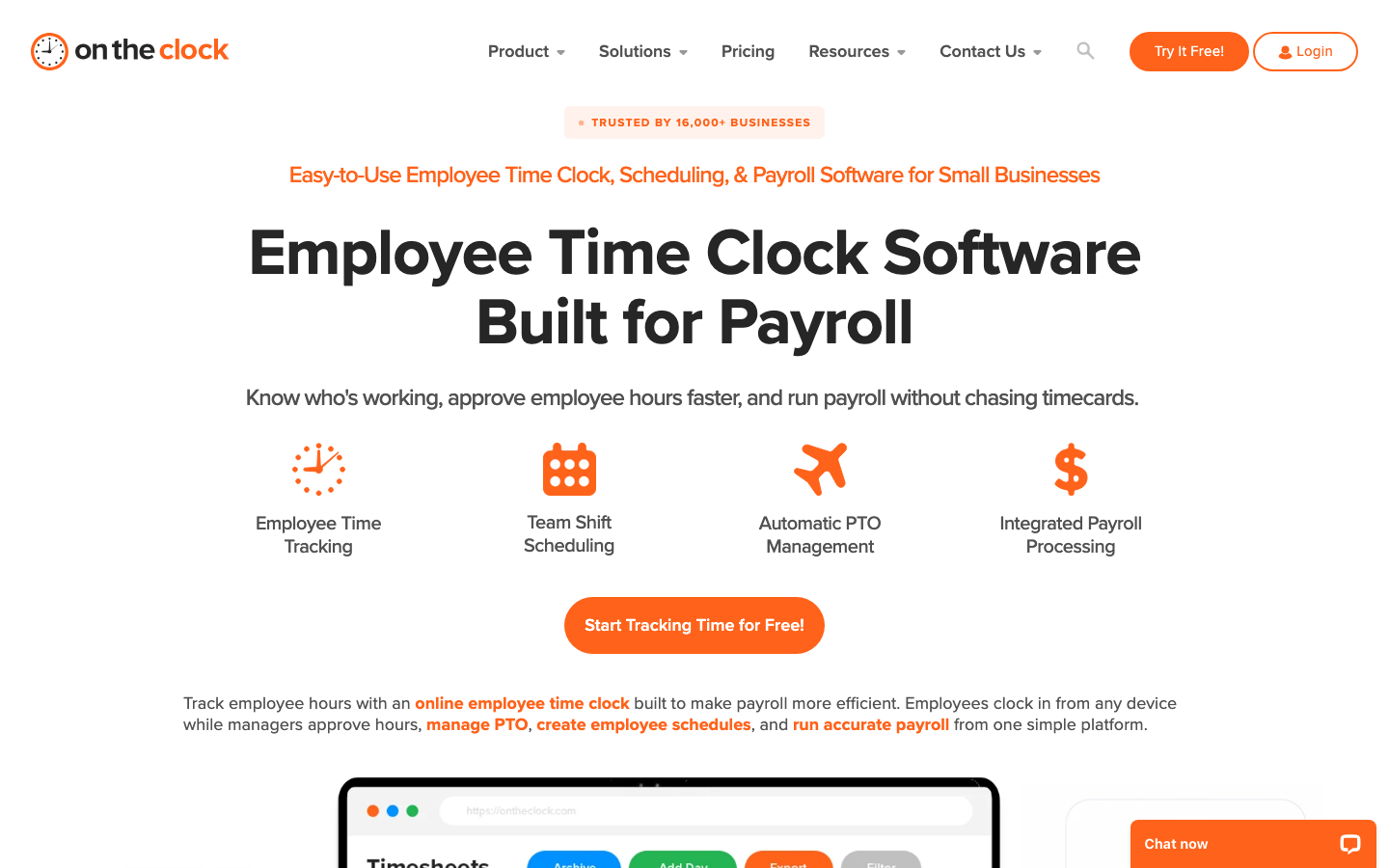
OnTheClock is a cloud time clock for small US employers. Employees clock in from a computer, the mobile app, or a kiosk, and managers can restrict punches by GPS, geofence, or IP address.
Software Pros
- Location controls that include IP restrictions
- Biometric fingerprint time clock option
- Free phone, email, chat, and text support
Software Cons
- Scheduling is less advanced than in dedicated tools
- Reporting stays basic
OnTheClock Review
OnTheClock does not try to be an HR suite, and that restraint is its appeal. Setup takes little time, the interface is uncluttered, and the location controls go further than the price suggests, since an IP restriction can stop office staff from clocking in at home. For a small employer that wants accurate hours without a learning curve, it is dependable attendance tracking software.
Our Verdict
Straightforward Clock for Small Employers
Paycor
Quick Overview
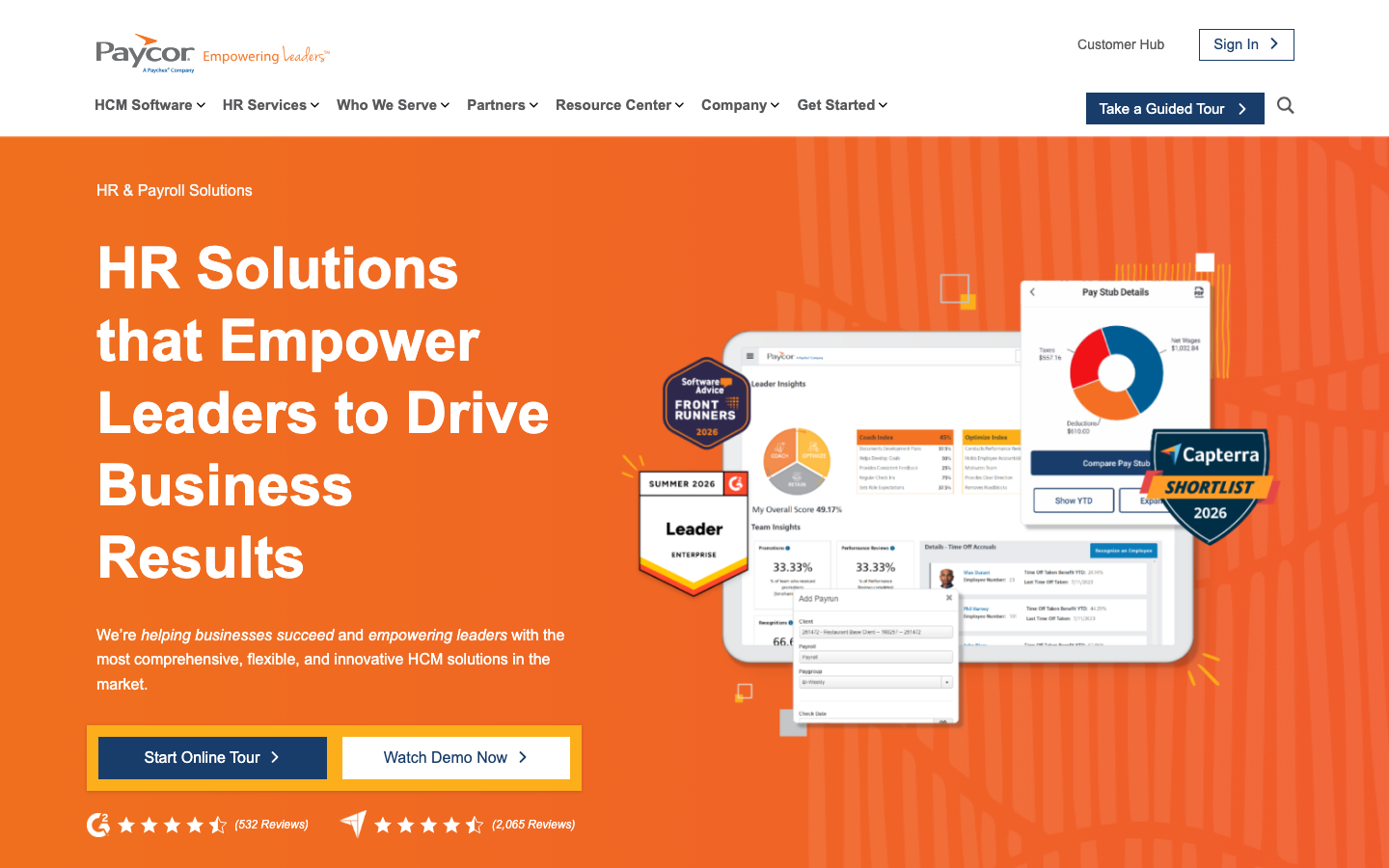
Paycor is an HCM platform for mid-sized US companies that combines payroll, HR, and time. Employees clock in, view pay stubs, and request time off from the same mobile app.
Software Pros
- Attendance, payroll, and HR share a single database
- Employee self-service through the mobile app
- Analytics suited to mid-sized workforces
Software Cons
- Modules can feel separate from each other
- Pricing is available only by quote
Paycor Review
Mid-sized companies often outgrow a standalone time clock when payroll, compliance, and headcount reporting all need the same numbers. Paycor handles that stage well, because punches, time-off requests, and pay stubs share a single app for employees and a single record for HR. As employee attendance tracking software, it is more than a small team needs, but for companies with 100 to 500 employees, the implementation effort tends to pay back.
Our Verdict
HCM Suite for Mid-Sized Payroll
QuickBooks Time
Quick Overview
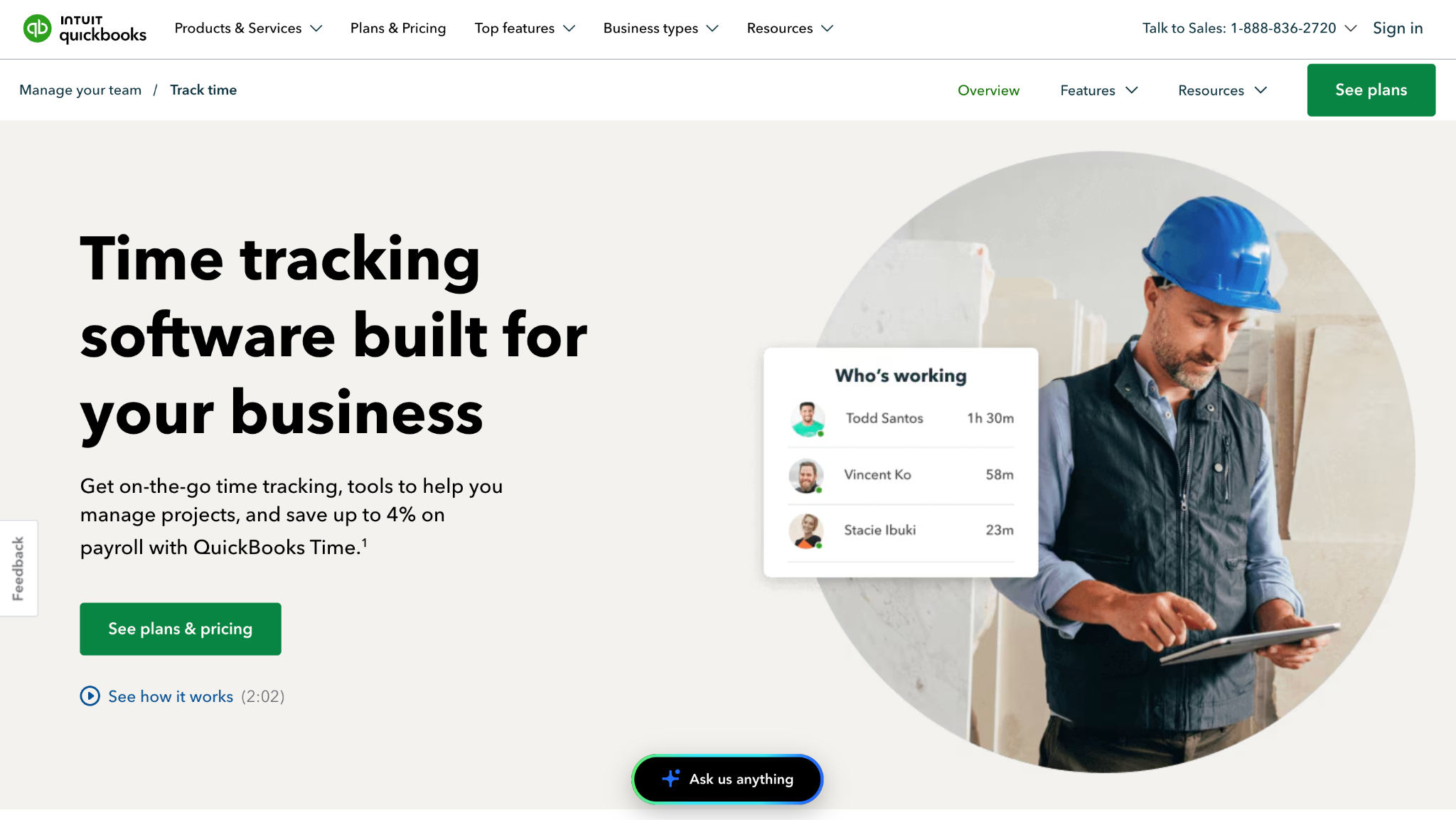
QuickBooks Time is Intuit’s time tracking for QuickBooks users, sold as Time Premium and Time Elite plans. Intuit has rebuilt its features inside QuickBooks Online (QBO) and is removing the link to the classic Time experience, so users are moving into QBO.
Software Pros
- Mobile clock-in with GPS location
- Hours sync to QuickBooks payroll and invoices
- Job and customer codes for job costing
Software Cons
- Classic QuickBooks Time users face a move into QBO
- Base fee plus per-user pricing adds up
QuickBooks Time Review
The practical question with QuickBooks Time in 2026 is where it lives, and the answer is increasingly inside QuickBooks Online. Intuit says it has rebuilt the classic features there, which removes a separate login but also means existing users have a migration to plan. For businesses already on QBO, having GPS-stamped hours appear next to payroll and job costing remains a strong reason to choose it.
Our Verdict
Time Tracking Inside QuickBooks Online
Rippling
Quick Overview
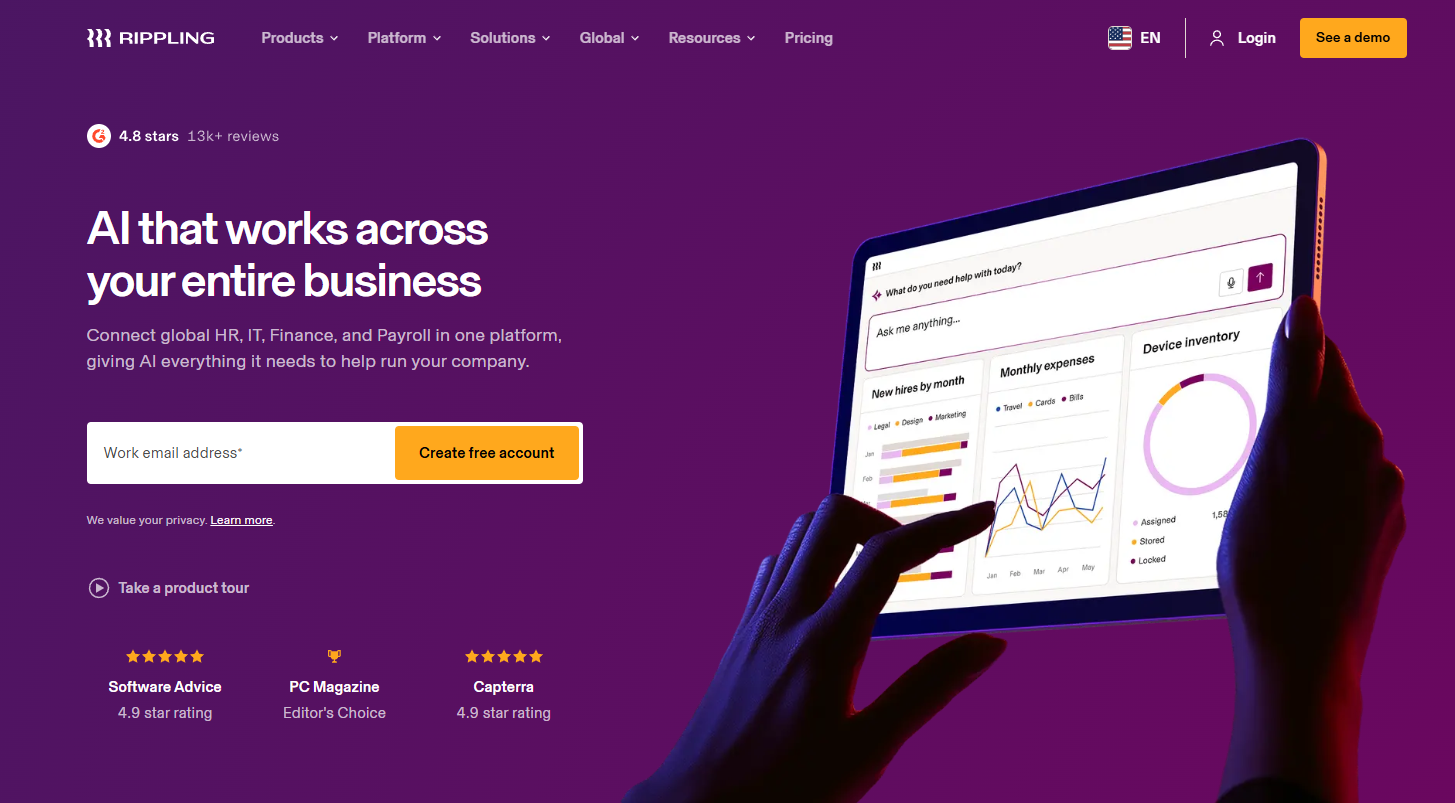
Rippling is a workforce platform that connects HR, payroll, IT, and finance. Its time and attendance module shares the same employee record, so pay rules and time clock access are set up when you add a new hire.
Software Pros
- Approved hours flow into Rippling payroll
- Time clock access set up automatically at onboarding
- Scales from startups to large companies
Software Cons
- Full value depends on buying several modules
- Pricing is available only by custom quote
Rippling Review
Rippling’s argument is that attendance errors often start with bad data, such as a wrong pay rate or a new hire missing from the time clock. Because time tracking sits on the same record as payroll and device access, adding someone sets it all up, and offboarding closes it down together. I would consider it when the company wants a single system across HR and IT, not as a standalone clock.
Our Verdict
Attendance Wired Into Payroll
Time Doctor
Quick Overview
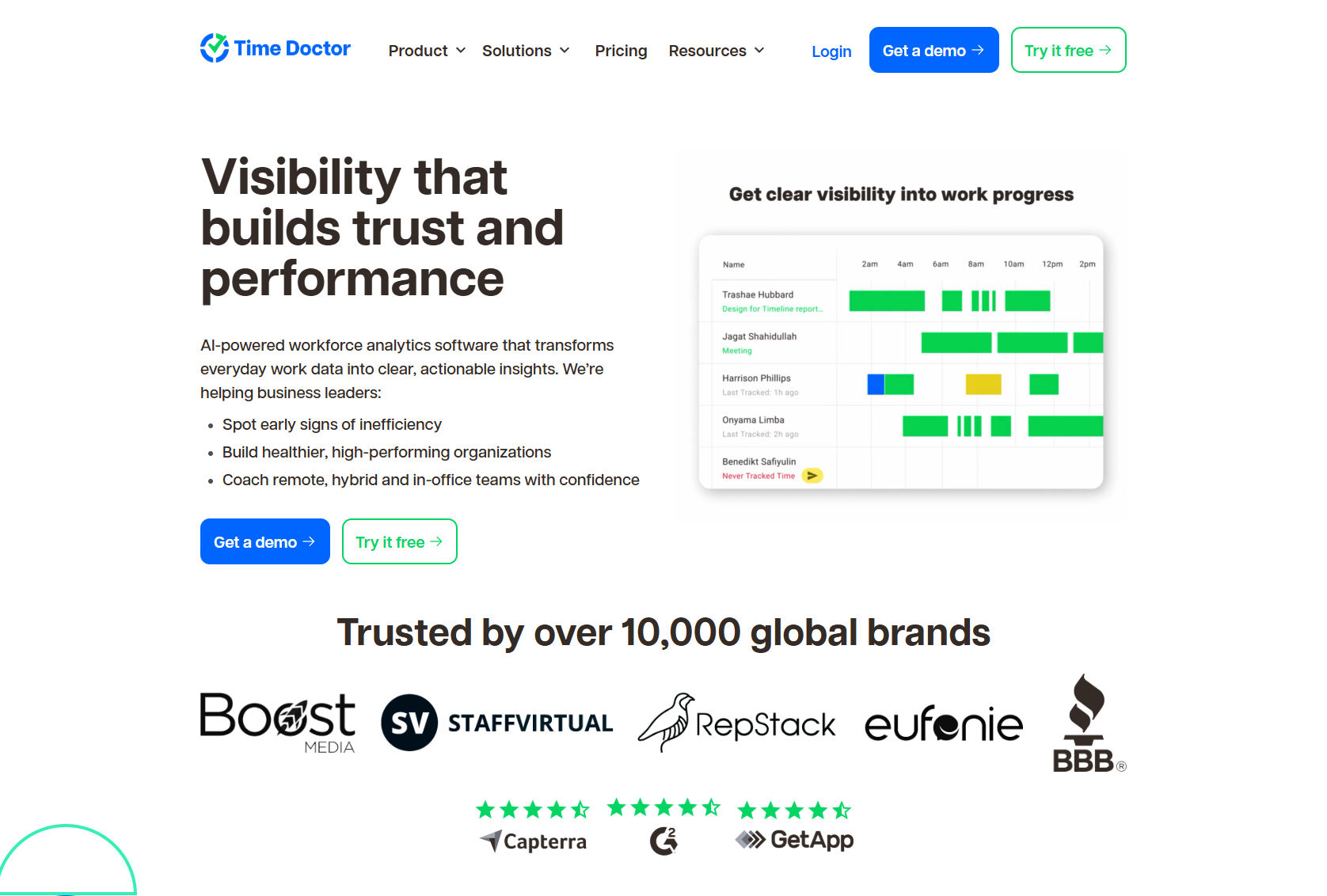
Time Doctor is a productivity tracker for remote and hybrid teams. Its Standard plan adds attendance, schedules, leave and break tracking, and time approvals on top of automatic time and activity tracking.
Software Pros
- Attendance and break tracking on the Standard plan
- Leave tracking alongside worked hours
- Payroll features for remote staff
Software Cons
- Screenshots and web tracking are monitoring, not attendance
- Works only for computer-based roles
Time Doctor Review
Managers of distributed teams tend to ask 2 questions: did people start on time, and what did the working day look like? Time Doctor answers both, measuring attendance against schedules and tracking app and website use. That second layer is where I would tread carefully, because monitoring that feels proportionate to a manager can feel intrusive to an employee, so the settings deserve a conversation before launch.
Our Verdict
Attendance Plus Remote Monitoring
TimeCamp
Quick Overview
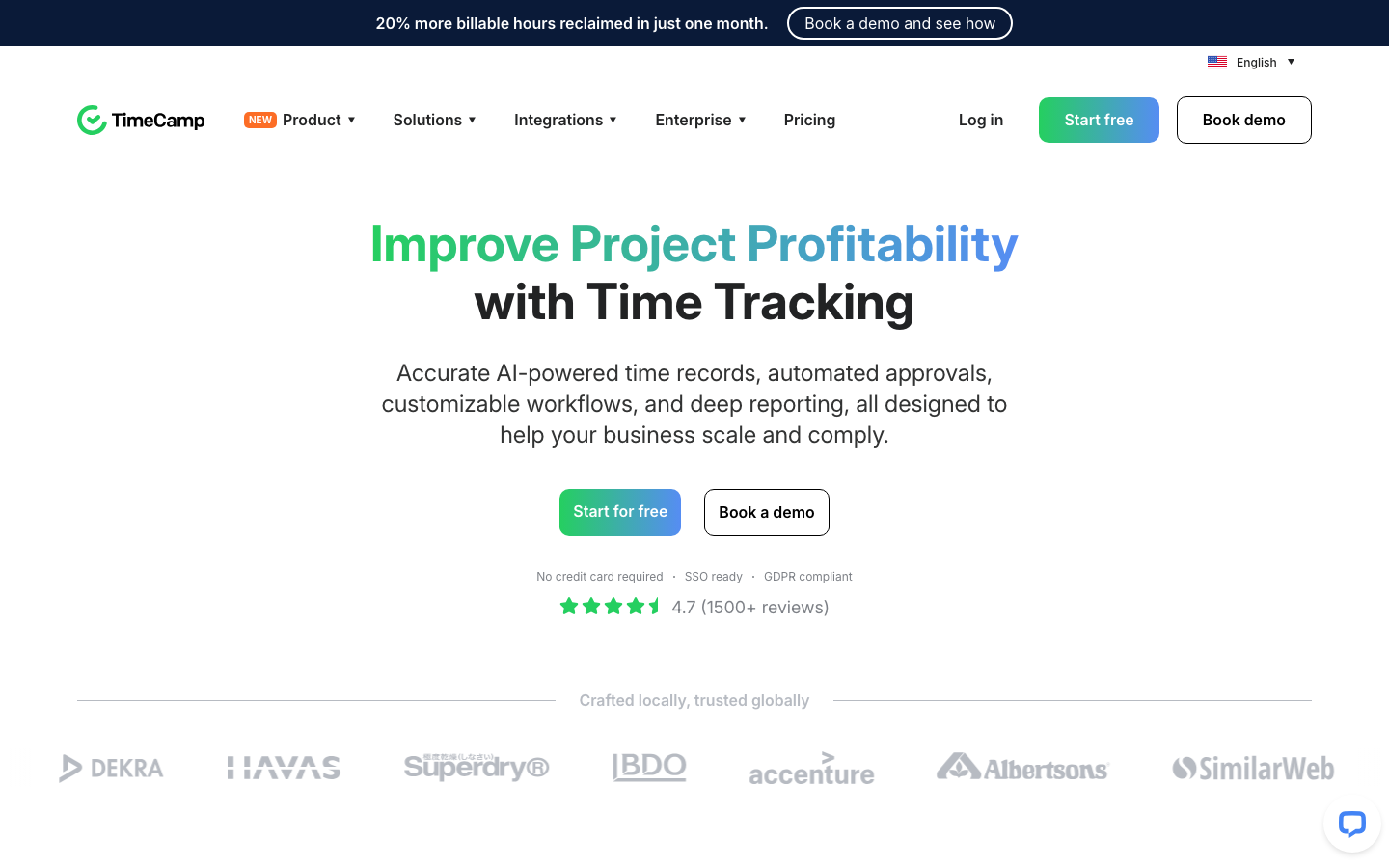
TimeCamp is a time tracker for agencies and professional services firms that bill by the hour. It automatically captures time on desktop, links it to projects and clients, and offers GPS, geofencing, and a time clock kiosk for attendance.
Software Pros
- Automatic capture reduces unbilled hours
- Project budgets and billing rates
- Free plan for getting started
Software Cons
- Automatic tracking needs the desktop app
- Most attendance controls sit on paid plans
TimeCamp Review
Unbilled time is lost revenue for an agency, and TimeCamp is designed to catch it by recording activity in the background and suggesting which project it belongs to. Attendance is a secondary layer here: the kiosk and geofencing record arrivals, but the product centers on billable time and budgets. If client billing is the main job and attendance a close second, it is a sensible pick.
Our Verdict
Automatic Capture of Billable Time
TMetric
Quick Overview
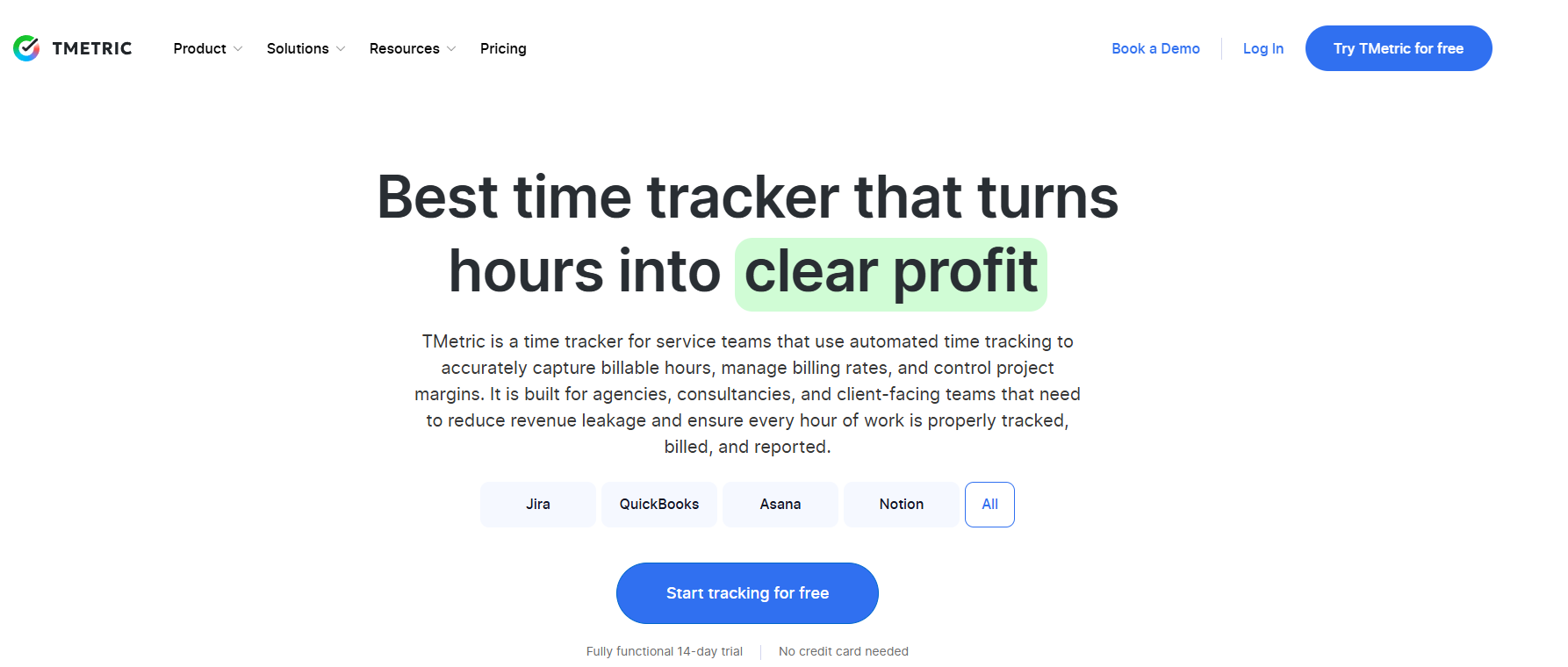
TMetric is a time-and-attendance platform for service teams, pairing timesheets and time-off management with payroll-ready reporting. Agencies and consultancies use it as their attendance tracking software alongside client billing.
Software Pros
- Time-off calendar with leave balances and accruals
- Approval-based timesheets feed straight into payroll
- 50+ integrations including Jira and QuickBooks
Software Cons
- Built around billable project work, not hourly shift clocking
- Lighter on frontline features like GPS or biometric clock-in
TMetric
I went in expecting a pure billing tool, but the attendance side is more complete than that label suggests. Time-off policies, accrual tracking, and approval-based timesheets cover the core of what teams need, and the data flows directly into payroll. It fits service teams that manage attendance and client hours in one place, less so field or shift-based crews.
Our Verdict
Attendance With Billing Built In
When I Work
Quick Overview
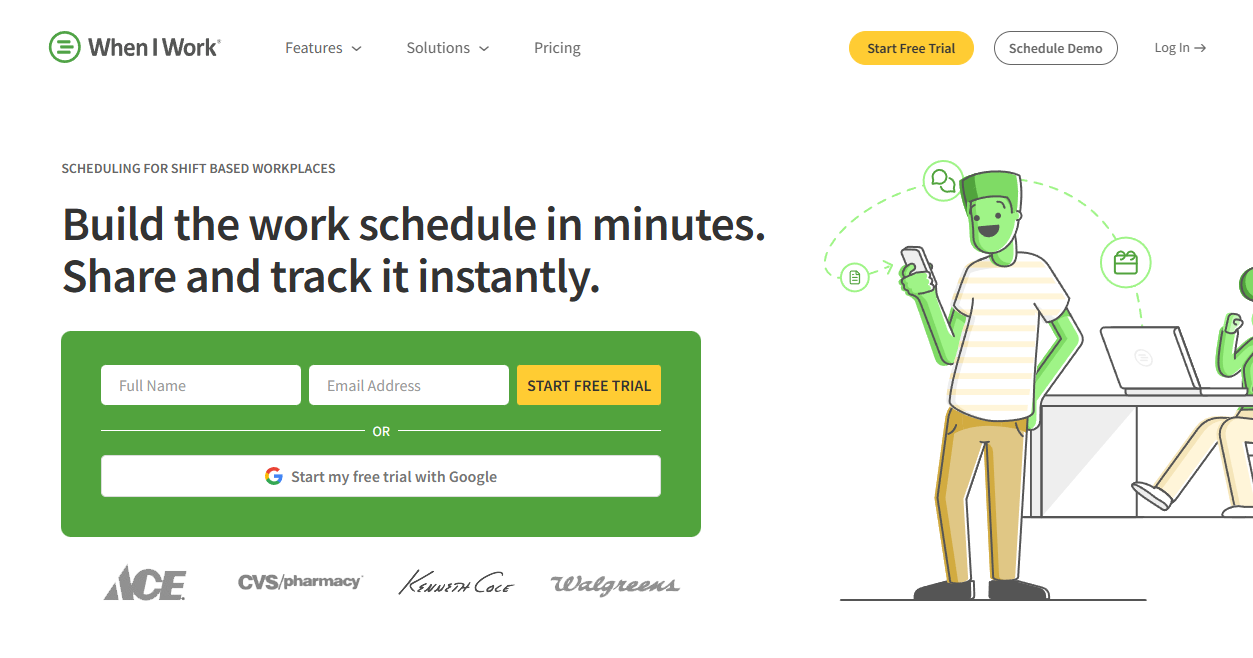
When I Work is a scheduling and time clock app for shift-based businesses. Its built-in time clock supports GPS clock-in and can stop employees from clocking in before their shift begins.
Software Pros
- GPS clock-in from the mobile app
- Early clock-in prevention
- Timesheets connect to payroll and POS systems
Software Cons
- Multi-location businesses pay a higher per-user rate
- Built for hourly staff rather than salaried teams
When I Work Review
Among attendance tracking tools for shift work, When I Work keeps the time clock close to the schedule, which makes late arrivals and missed shifts easy to spot. An employee who taps in too early is held until the shift begins, and GPS confirms they are on site. I found the clock simple enough for staff who open the app only at the start and end of a shift.
Our Verdict
Time Clock Tied to the Schedule
Zoho People
Quick Overview
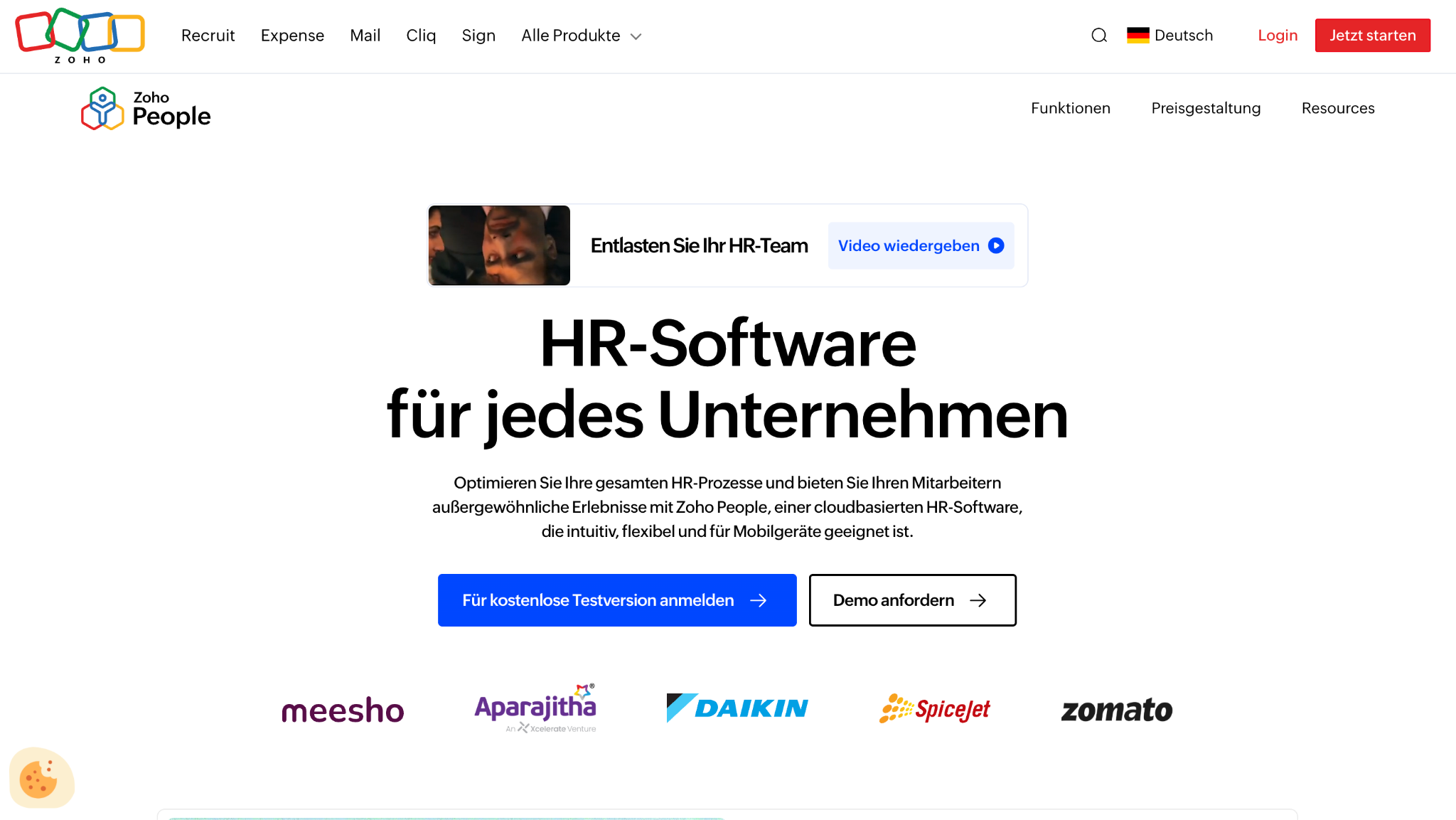
Zoho People is HR attendance tracking software for teams already using Zoho. The Professional plan includes attendance management, timesheets, and rosters, and the free edition covers core HR and leave for up to 5 users.
Software Pros
- Attendance and leave in the same HR app
- Connects with Zoho CRM and other Zoho apps
- Low per-user price on paid plans
Software Cons
- Most useful inside the Zoho suite
- Some screens feel less polished than competitors
Zoho People Review
Zoho People makes the most sense when a company already runs sales or email on Zoho, because employee data then moves between apps instead of being typed twice. The attendance module covers check-ins, shift rosters, and timesheets without much setup. Outside the Zoho family, I would compare it with the HR platforms above before committing.
Our Verdict
Attendance for Zoho Users
FAQs About Employee Attendance Tracking Software
What key features should companies prioritize when choosing attendance tracking software?
Start with clock-in methods that match your workforce, such as web, mobile, kiosk, or biometric. Then check leave and absence handling, overtime and rounding rules, and how approved hours reach payroll. Location controls like GPS and geofencing matter mainly for field and remote staff.
How do modern attendance systems support hybrid and remote workforces?
Employees can clock in from a browser or mobile app wherever they work, and managers see the records in real time. Location checks, IP restrictions, or automatic desktop tracking confirm that remote punches are genuine without an office visit.
Can attendance tracking tools integrate with payroll and HR systems?
Yes. Most time clock apps connect to payroll providers such as Gusto and QuickBooks, and many HR and payroll platforms include attendance as a built-in module. The fewer export and import steps between clock-in and paycheck, the fewer errors make it to payroll.
How do employees typically perceive attendance tracking tools?
It depends on what you collect and how you explain it. Most employees welcome self-service features such as viewing schedules, requesting time off, and fixing a missed punch. Activity monitoring and screenshots are more sensitive, so a clear written policy helps build trust.
What is the difference between attendance tracking and time tracking software?
Attendance tracking records presence: clock-ins, lateness, and absence. Time tracking records where the hours went by project or client. The section on attendance tracking, time and attendance, and time tracking above explains how the 3 relate.
What is the best attendance tracking software?
No product wins for every company, since a warehouse crew and a remote design team need opposite things. Time clock apps suit shift and field teams, HR and payroll platforms suit companies that want hours inside payroll, and project or monitoring tools suit desk-based teams. The comparison table above sorts all 20 tools by type.
How much does attendance tracking software cost?
Most tools charge per user per month, and published entry prices on this list start at $2.50 per user per month for When I Work as of September 2026. Tools with a base fee, such as Buddy Punch at $4.99 per user plus $19 per month, cost more per head for small teams, while Clockify, Homebase, and Jibble offer capped free plans. The pricing table above lists every tool.

Yaryna is our lead writer with over 8 years of experience in crafting clear, compelling, and insightful content. Specializing in global employment and EOR solutions, she simplifies complex concepts to help businesses expand their remote teams with confidence. With a strong background working alongside diverse product and software teams, Yaryna brings a tech-savvy perspective to her writing, delivering both in-depth analysis and valuable insights.