This content was reviewed and updated in July 2026 to ensure all information remains accurate and up to date.
Employee management software is used to organize, track, and optimize workforce operations through digital platforms. It lets you manage employee data, track performance, handle scheduling, process payroll, and maintain compliance records in one place. The best employee management software does all of that without forcing managers to learn a new system for every task, which is the practical test most of them fail.
Many of these platforms now go well beyond record-keeping, offering dashboards that let managers oversee team productivity, track goals, and analyze workforce trends. The best employee management system brings those functions together rather than leaving them scattered across separate tools.
In 2026, the case for solid personnel management software is largely a practical one. Hybrid and remote work have made it harder to keep teams aligned when people are spread across offices, time zones, and contracts, and spreadsheets can’t keep up quickly. Companies need tooling that supports distributed teams while maintaining consistent performance standards, and products designed before remote work became the norm often struggle with exactly that.
These systems also sit inside a wider technology stack rather than standing alone. Employee data integrates with employee training tools to track skill development, while performance metrics feed into employee review software to provide a fuller picture of how people are progressing.
The right platform gives you a single view of workforce operations, making decisions about hiring, development, and retention feel evidence-based rather than instinctive. Anyone shortlisting the best employee management software 2026 has to offer should be clear about where this category sits: it is the layer that holds records, performance, and scheduling together, while payroll, recruiting, and learning tools plug into it. Below, I compare all 21 tools and then break down their costs, because pricing models in this category vary far more than the feature lists suggest.
Employee Management Software Compared
A top-line view of all 21 platforms before the full reviews. Categories matter here: these tools are not interchangeable, and a scheduling app solves a different problem from an enterprise HCM suite.

| Tool | Category | Best for | Free plan | Rating |
|---|---|---|---|---|
| 15Five | Performance and engagement | Continuous feedback | Trial only | 4.6/5 |
| ADP Workforce Now | Payroll-first HR | Mid-size to enterprise payroll | No | 4.2/5 |
| BambooHR | Full HR suite | SMB all-in-one HR | Trial only | 4.4/5 |
| ClickUp | Work management | Project-based teams | Yes | 4.6/5 |
| Deputy | Workforce scheduling | Hourly and shift teams | Trial only | 4.6/5 |
| Gusto | Payroll-first HR | Small business payroll | No | 4.6/5 |
| HiBob | Full HR suite | Mid-size culture focus | Trial only | 4.5/5 |
| Humanity by TCP Software | Workforce scheduling | Complex shift planning | Trial only | 4.3/5 |
| Justworks | PEO | SMB HR outsourcing | No | 4.6/5 |
| Lattice | Performance and engagement | Structured performance | Trial only | 4.6/5 |
| Monday.com | Work management | Visual workflow teams | No | 4.7/5 |
| Namely | Full HR suite | Mid-market HR | No | 3.9/5 |
| OrangeHRM | Open-source HR | Modular and self-hosted HR | Yes, Starter edition | 4.2/5 |
| Paychex Flex | Payroll-first HR | Growing businesses | No | 4.1/5 |
| Paycom | Full HR suite | Single-database HCM | No | 4.5/5 |
| Rippling | Full HR suite | HR, payroll, and IT | No | 4.8/5 |
| SAP SuccessFactors | Full HR suite | Enterprise HCM at scale | No | 4.1/5 |
| TriNet HR Platform | Full HR suite | SMB people operations | No | 4.2/5 |
| UKG (Ultimate Kronos Group) | Full HR suite | Industry-specific workforces | No | 4.4/5 |
| Workday HCM | Full HR suite | Global enterprise HCM | No | 4.1/5 |
| Zoho People | Full HR suite | Zoho ecosystem users | Trial only | 4.4/5 |
Quick Picks by Team Type
Not every team needs the same thing. Deskless and shift-based businesses are usually best served by tools that work on a phone, while knowledge-work teams tend to need people management tools focused on goals and feedback. Matching the tool to the team matters more than picking the most capable product on the page.
Where each platform tends to fit, alphabetical inside each group. These are matches rather than rankings.
All-in-one HR for SMBs: BambooHR, Gusto, TriNet HR Platform, Zoho People.
Enterprise HCM at scale: Paycom, SAP SuccessFactors, Workday HCM.
Hourly and shift-based teams: Deputy, Humanity by TCP Software, UKG.
Performance and engagement focus: 15Five, HiBob, Lattice.
Project-based teams using work management tools: ClickUp, Monday.com.
HR outsourcing through a PEO model: Justworks, TriNet HR Platform.
Open-source and self-hosted HR: OrangeHRM.
For a small team on a tight budget looking for a staff management app, the free-plan column above is the fastest filter.
Employee Management Software Pricing Compared
Pricing in this category follows three models, and the difference matters more than most feature comparisons. Per-user subscriptions charge a flat rate per person on the platform, which is predictable but scales linearly: a $ 9-per-user plan is $360 per month for a 40-person team. Payroll-first platforms usually charge a base fee plus a per-person rate, so a small team pays the base whether it has three employees or ten. Enterprise suites are almost always quote-based, priced by headcount, modules, and contract length. A few tools offer genuinely usable free tiers, which is the practical starting point for very small teams.
| Tool | Pricing model | Free plan or trial | Starting price |
|---|---|---|---|
| 15Five | Per user | Trial only | From $4 per user per month, billed annually |
| ADP Workforce Now | Quote-based | No | Custom pricing |
| BambooHR | Quote-based | Trial only | Custom pricing |
| ClickUp | Free plus per user | Yes | Free tier, paid plans per user |
| Deputy | Per user | Trial only | From $5 per user per month (Lite) |
| Gusto | Base fee plus per person | No | From $49.00 |
| HiBob | Quote-based | Trial only | Custom pricing |
| Humanity by TCP Software | Per user | Trial only | Custom pricing |
| Justworks | Base fee plus per person | No | Custom pricing |
| Lattice | Per user | Trial only | Custom pricing |
| Monday.com | Free plus per user | No | From $12 |
| Namely | Quote-based | No | Custom pricing |
| OrangeHRM | Free plus paid edition | Yes, Starter edition | Free Starter, paid Advanced |
| Paychex Flex | Base fee plus per person | No | Custom pricing |
| Paycom | Quote-based | No | Custom pricing |
| Rippling | Per user | No | Custom pricing |
| SAP SuccessFactors | Quote-based | No | Custom pricing |
| TriNet HR Platform | Quote-based | No | Custom pricing |
| UKG (Ultimate Kronos Group) | Quote-based | No | Custom pricing |
| Workday HCM | Quote-based | No | Custom pricing |
| Zoho People | Per user | Trial only | Custom pricing |
*As pricing is subject to change, prices are listed as they stand in August 2026.
How to Choose Employee Management Software
I start with the job to be done, not the feature list. Ask what actually hurts right now: if it is records, onboarding, and compliance, you want a full HR suite; if it is rotas and timesheets, you want a scheduling-first tool; if it is reviews and goals, you want a performance platform; and if it is paying people correctly, start with a payroll-first system. A staff management system chosen against the wrong problem will feel like overhead no matter how good it is.
Next, check whether per-user pricing still works at your headcount, because the pricing table above makes the arithmetic obvious once you multiply by your team size. For very small teams, the free tiers are worth a serious look before you commit to anything.
Then confirm the integrations you actually depend on, particularly payroll and your existing stack. Anything that cannot talk to payroll creates duplicate data entry immediately, and insist on a genuine mobile experience if your workforce is frontline rather than desk-based.
One distinction is worth drawing before you shortlist. Software for managing people usually means goals, feedback, and development, while the records, time, and pay side is a different product entirely, and plenty of vendors sell both under one name.
An HR employee management system generally handles records well but treats development as an add-on. If growth and feedback are the priority rather than administration, that trade runs the wrong way for you.
So if development is what you are buying for, the best people management software will serve you better than a records-first suite, and the reverse holds just as firmly. Pick the half that matches your actual problem.
It is also worth knowing where the neighboring categories start: dedicated employee scheduling software goes deeper on shift planning than most HR suites, and specialist performance management software goes deeper on reviews and goals than a general platform will.
Top 21 Staff Management Tools for 2026
The employee management solutions below cover every category in the table above, from lightweight tools built for shift teams to full HCM suites. Each review covers what the tool does well, where it falls short, and who it actually suits.
Whether you need a simple app for employee management or a full HR suite, I’m listing all providers in alphabetical order to keep things simple and neutral.
These are the platforms organizations actually use for workforce planning, performance tracking, and team coordination. They range from comprehensive HR suites to specialized workforce tools, so the category label in the table above is worth checking before you shortlist any of them.
15Five
Software Pros:
- Continuous performance feedback system
- Weekly check-ins and goal tracking
- Strong manager-employee communication tools
Software Cons:
- Performance-focused rather than full HR suite
- May feel repetitive for some teams
15Five Review:
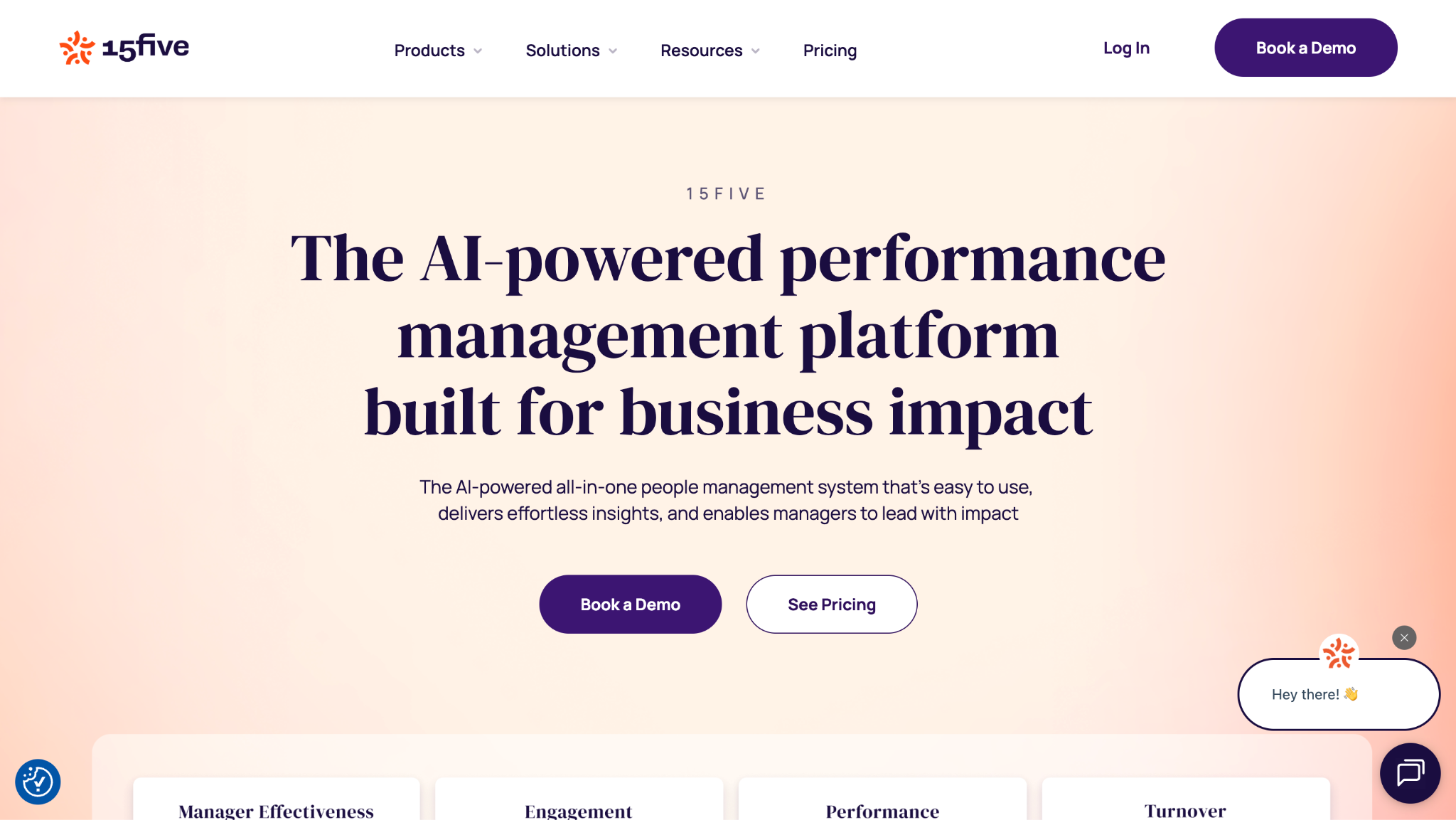
While exploring this tool, I was impressed by how it turns traditional annual reviews into ongoing conversations. The weekly check-in format keeps managers connected with their teams without becoming a burden in itself. I found it genuinely helpful when organizations want to move away from once-a-year performance reviews toward continuous feedback. Among top employee management software, it sits firmly on the development side rather than the admin side.
Our Verdict
Continuous Performance Management Platform
ADP Workforce Now
Software Pros:
- Complete HR suite with payroll integration
- Strong compliance and regulatory features
- Scalable for growing organizations
Software Cons:
- Complex setup and learning curve
- Can feel overwhelming for smaller teams
ADP Workforce Now Review:
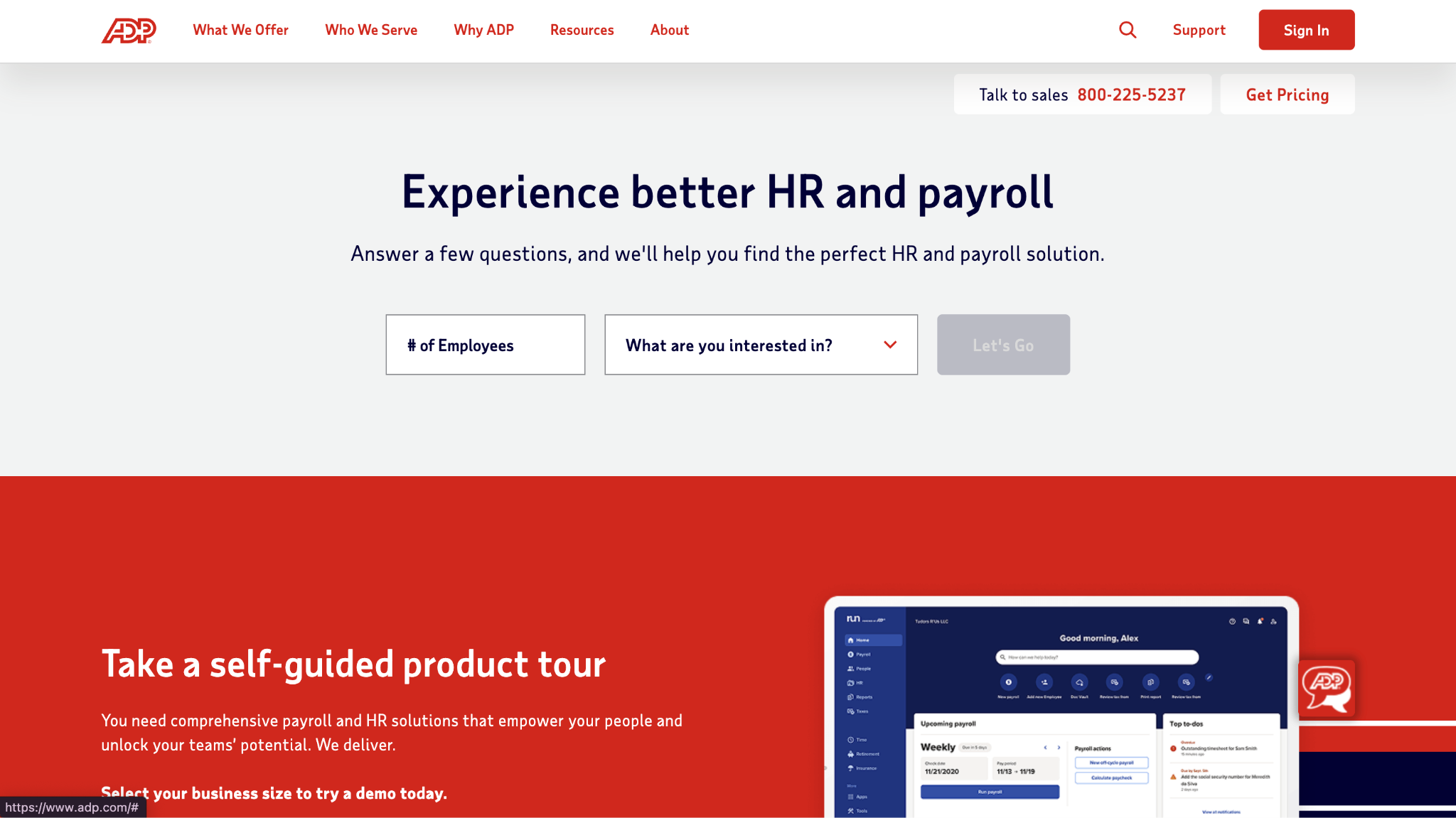
I came to this expecting enterprise-level functionality, and it delivered on that front. The integration between payroll and workforce management is seamless, removing much of the administrative friction. In my opinion, it works best for organizations that need a complete HR overhaul rather than a point solution. The depth suits organizations that have outgrown simpler personnel management systems.
Our Verdict
Enterprise-Grade HR Workforce Solution
BambooHR
Software Pros:
- Intuitive interface designed for HR teams
- Strong employee self-service portal
- Comprehensive reporting and analytics
Software Cons:
- Limited customization for complex workflows
- Payroll integration requires third-party providers
BambooHR Review:
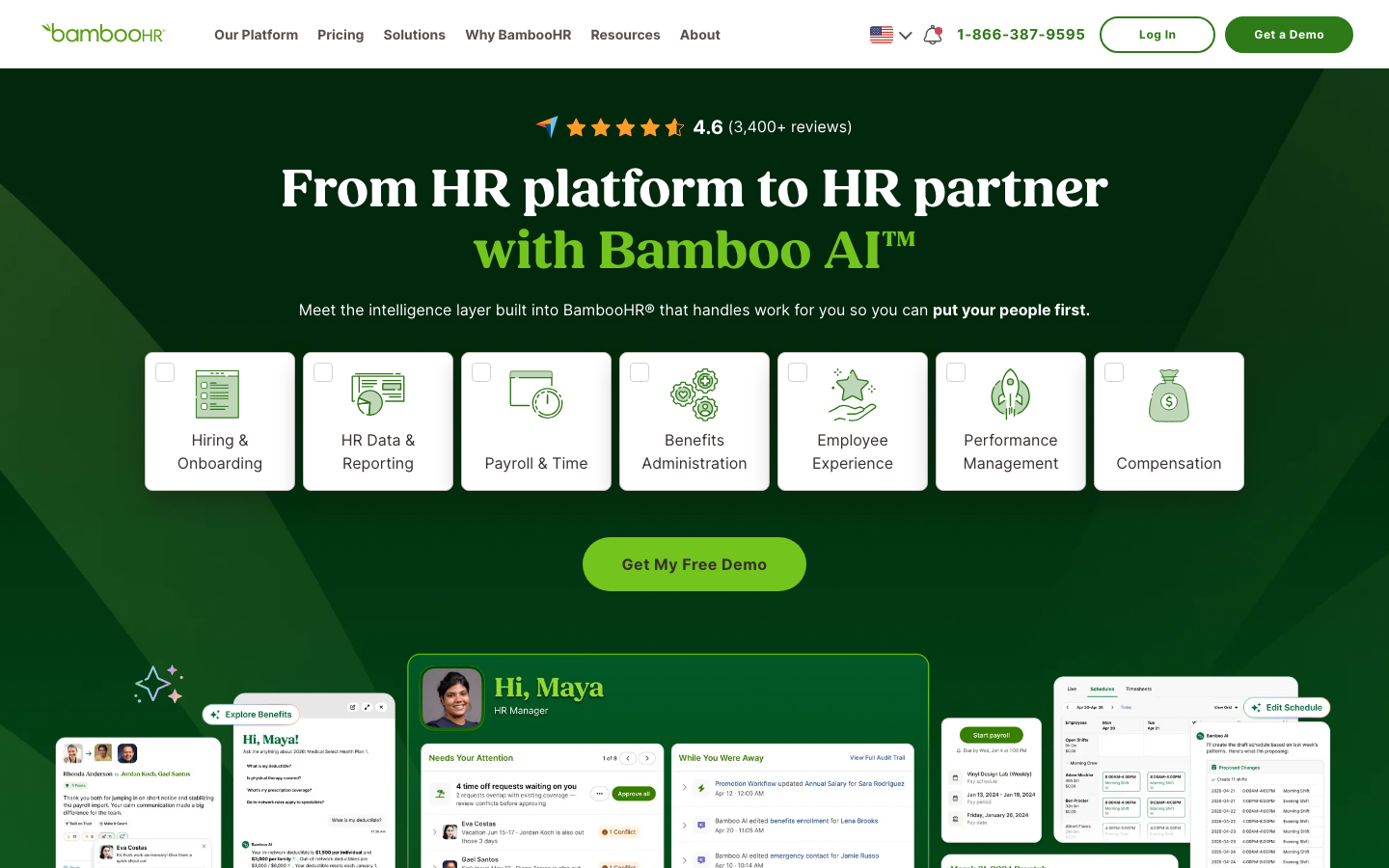
What stood out immediately was how approachable the interface feels next to traditional HR systems. The employee self-service features genuinely reduce the administrative load on HR teams, where much of the small-company HR time disappears. I would position this as the go-to for growing companies seeking professional HR tools without the complexity of enterprise systems. For many SMBs, it is the best employee management solution precisely because it does not overreach.
Our Verdict
User-Friendly SMB HR Platform
ClickUp
Software Pros:
- Highly customizable workspace and workflows
- Strong project management and collaboration tools
- Affordable pricing for small teams
Software Cons:
- Can become complex with extensive customization
- Not specifically designed for HR functions
ClickUp Review:
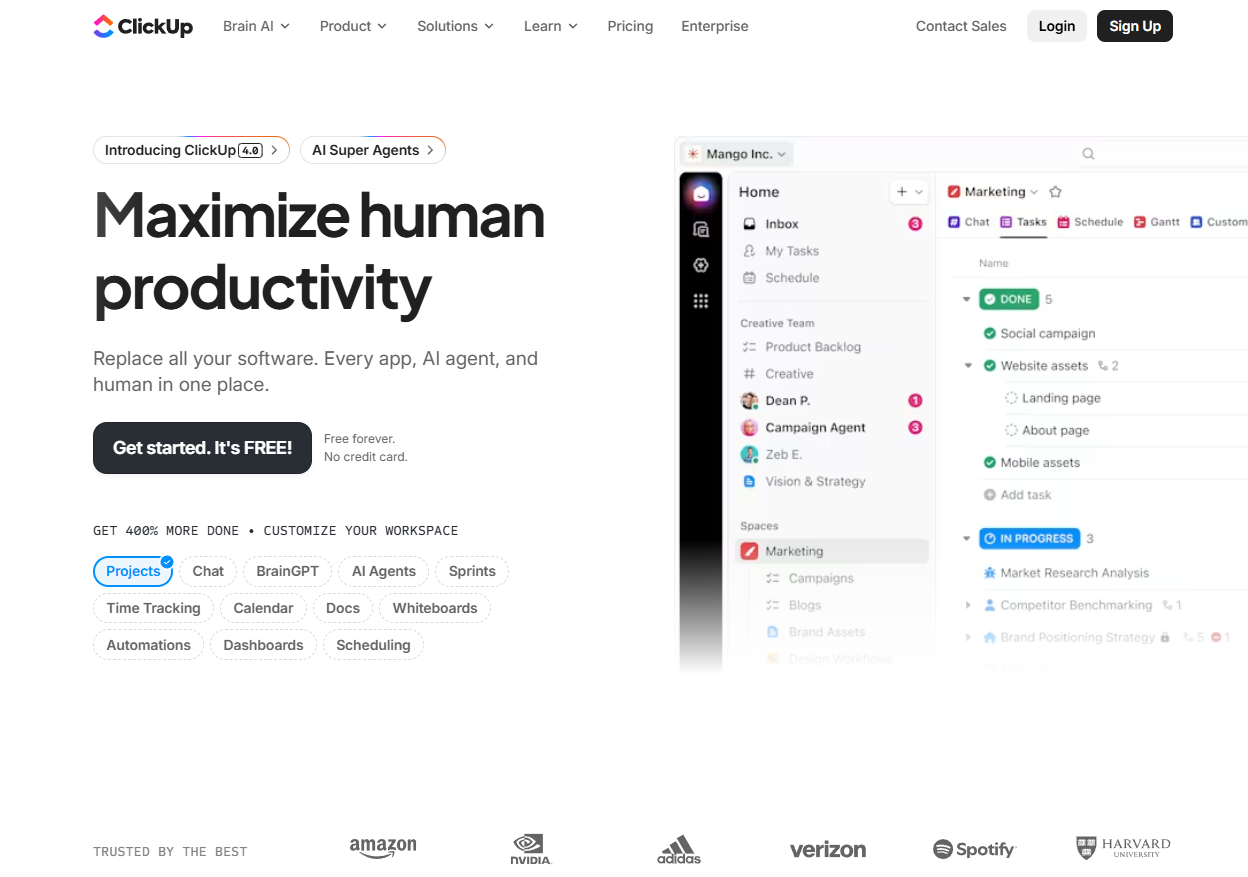
This is a productivity platform first, and it handles team management surprisingly well for project-based organizations. The customization options are extensive, though that same flexibility is what makes initial setup fiddly. I found it especially useful when teams need project management and basic employee tracking in a single tool rather than two. Treat it as a people management tool bolted onto project work, not a replacement for HR records.
Our Verdict
Customizable Productivity And Team Management
Deputy
Software Pros:
- Excellent shift scheduling and time tracking
- Mobile-first design for frontline workers
- Labor compliance and break management
Software Cons:
- Primarily focused on hourly and shift workers
- Limited features for salaried employee management
Deputy Review:
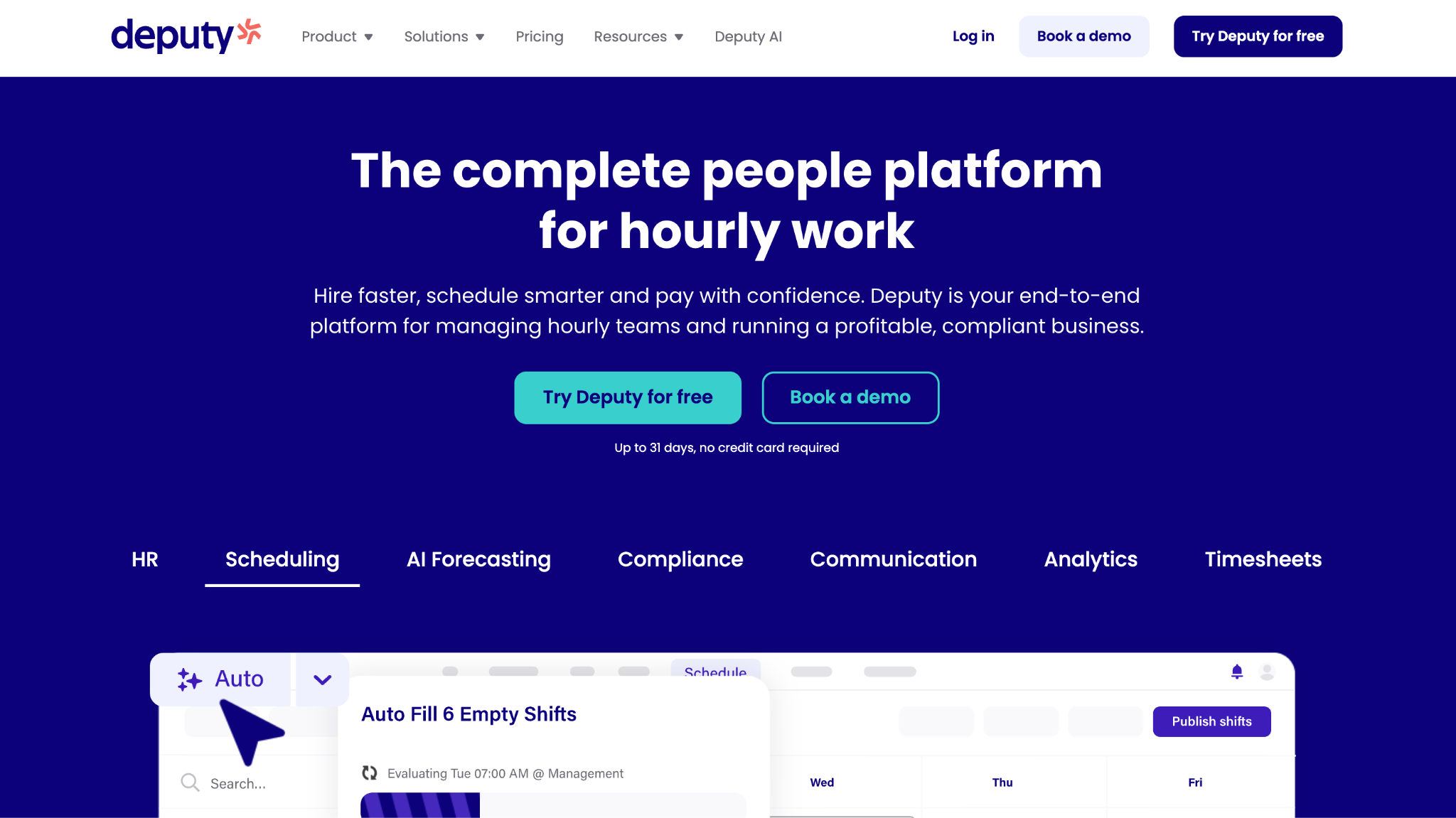
What I noticed quickly is how well it handles the messiness of shift-based work that general HR platforms tend to fumble. The mobile interface is genuinely built for frontline staff rather than shrunk down from a desktop view. The focus is on operational workforce management rather than traditional HR processes, which is clearer. As a staff management app, it is one of the more convincing options for managers working from a phone.
Our Verdict
Shift-Based Workforce Management Specialist
Gusto
Software Pros:
- Integrated payroll and benefits administration
- Automated tax compliance and reporting
- Simple setup for small businesses
Software Cons:
- Limited advanced HR features for larger companies
- Performance management tools are basic
Gusto Review:
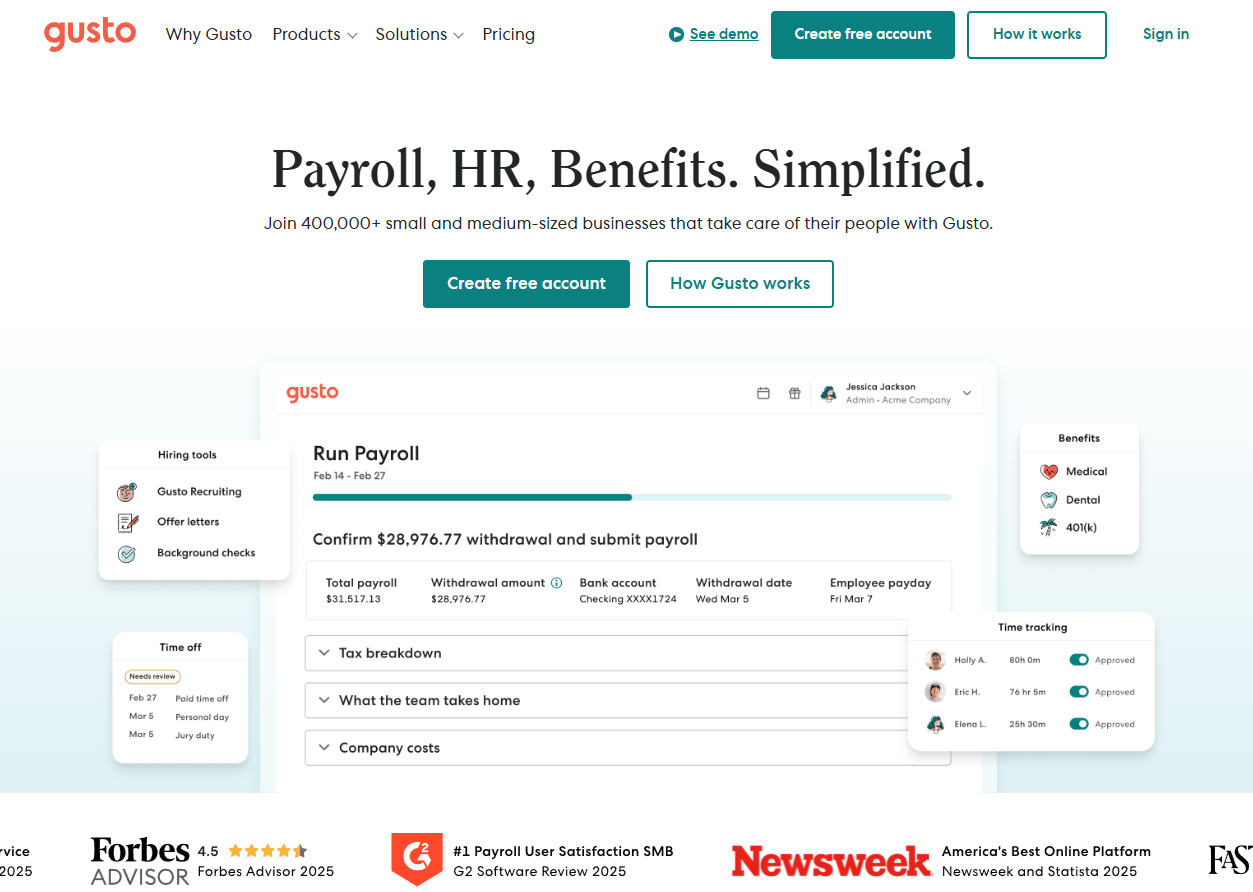
I liked how naturally this fits into small-business operations without requiring HR expertise to run it. The payroll integration removes the need for a second system, which is often where small companies lose time. Compliance is where it earns its keep, automating much of the complexity that trips up businesses without a dedicated HR function. It is staff management software that handles payroll properly without anyone needing to specialize in it.
Our Verdict
Simple Small Business HR And Payroll
Hibob
Software Pros:
- Modern interface designed for employee engagement
- Strong analytics and people insights
- Culture-focused features and social elements
Software Cons:
- May lack depth for complex HR processes
- Newer platform with evolving feature set
Hibob Review:
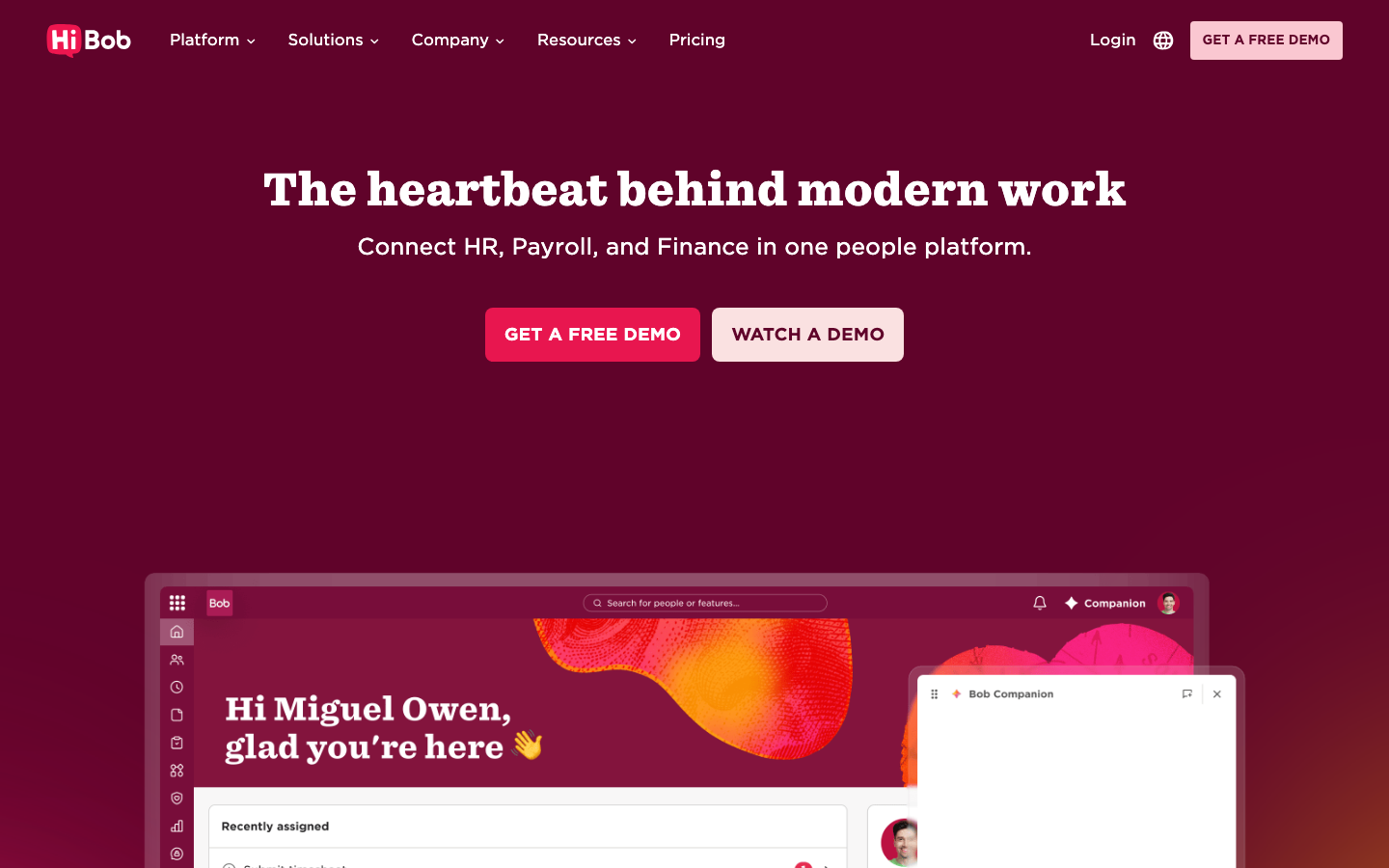
The focus here is on employee experience and company culture rather than on pure administration, and that shows in the way the product is organized. The analytics offer real insight into team dynamics and engagement patterns rather than vanity charts. I tend to view it as ideal for companies that want their HR platform to actively support culture work. If you are weighing the best HR tech platform for employee management on experience rather than paperwork, it stands out.
Our Verdict
Modern Employee Experience Platform
Humanity by TCP Software
Software Pros:
- Advanced shift scheduling and optimization
- Labor forecasting and budget management
- Mobile scheduling for managers and employees
Software Cons:
- Focused primarily on scheduling rather than full HR
- Can be complex for simple scheduling needs
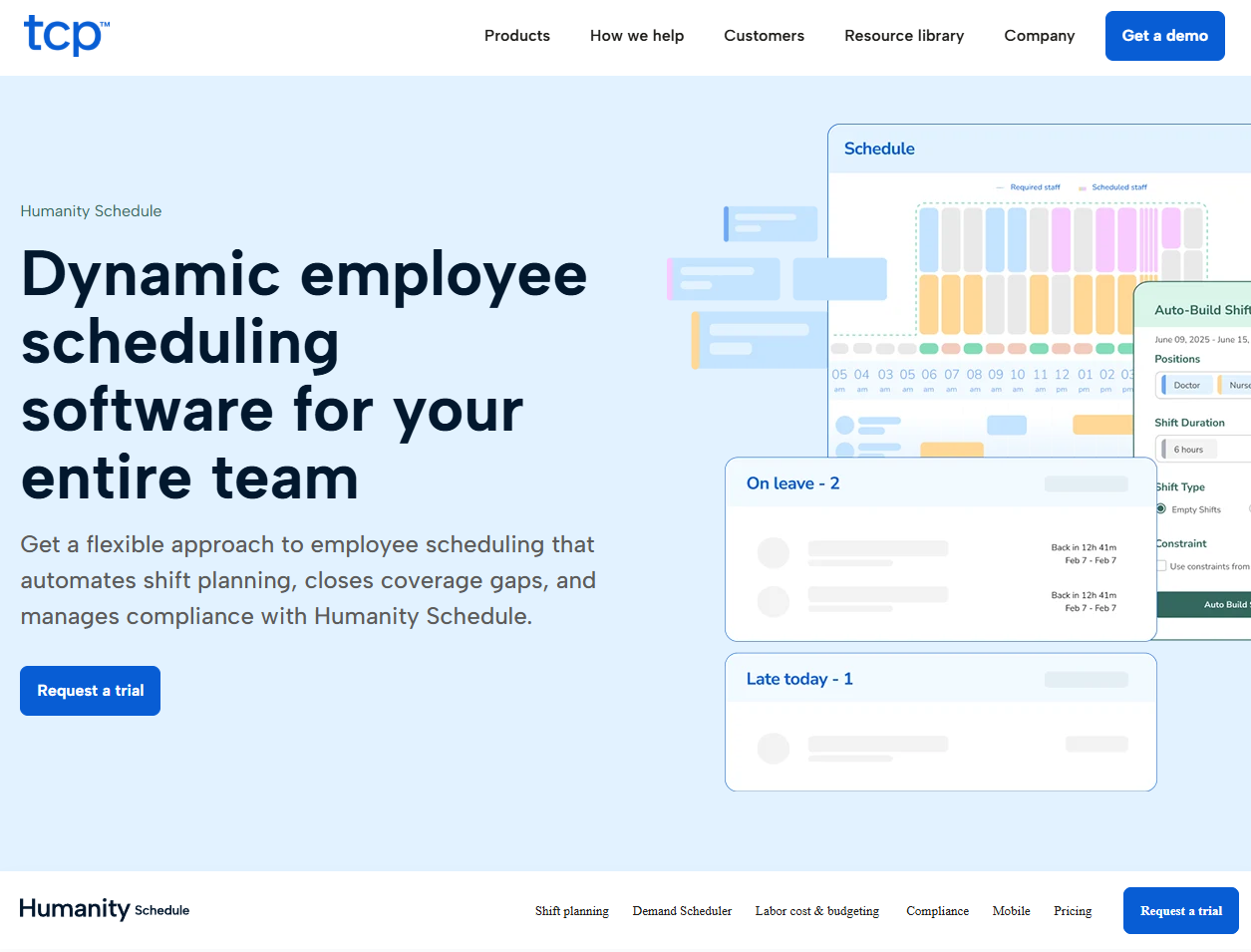
Humanity Review:
I spent time on how it handles genuinely complicated scheduling scenarios, and the optimization is sophisticated rather than cosmetic. The platform clearly understands what it takes to manage a large hourly workforce. It earns its place when labor requirements are complex enough that simpler scheduling tools start breaking down. It belongs in the same conversation as other staff management apps built for rota-heavy operations.
Our Verdict
Advanced Workforce Scheduling And Optimization
Justworks
Software Pros:
- PEO model provides enterprise-level benefits
- Comprehensive compliance and legal support
- Access to better health insurance rates
Software Cons:
- Co-employment model may not suit all businesses
- Less direct control over HR policies
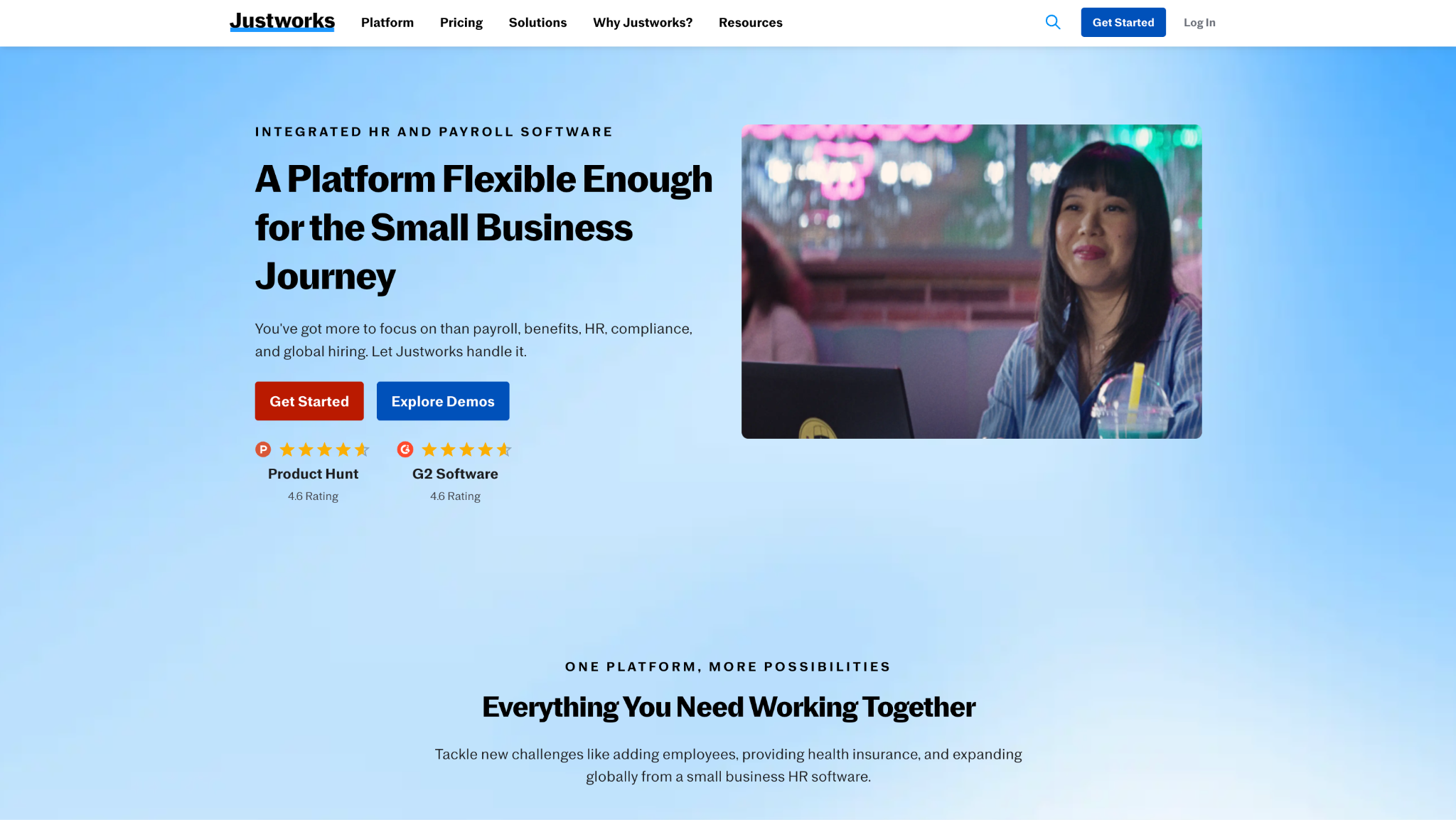
Justworks Review:
I came to this expecting a traditional HR platform and found the PEO model offers something structurally different. Access to enterprise-grade benefits is genuinely valuable for a small company that could never negotiate those rates on its own. It works best for companies that want comprehensive HR support without building internal HR expertise.
Our Verdict
Professional Employer Organization Platform
Lattice
Software Pros:
- Comprehensive performance management tools
- Strong goal setting and tracking features
- Employee development and career planning
Software Cons:
- Performance-focused rather than full HRIS
- May be complex for teams new to structured performance management
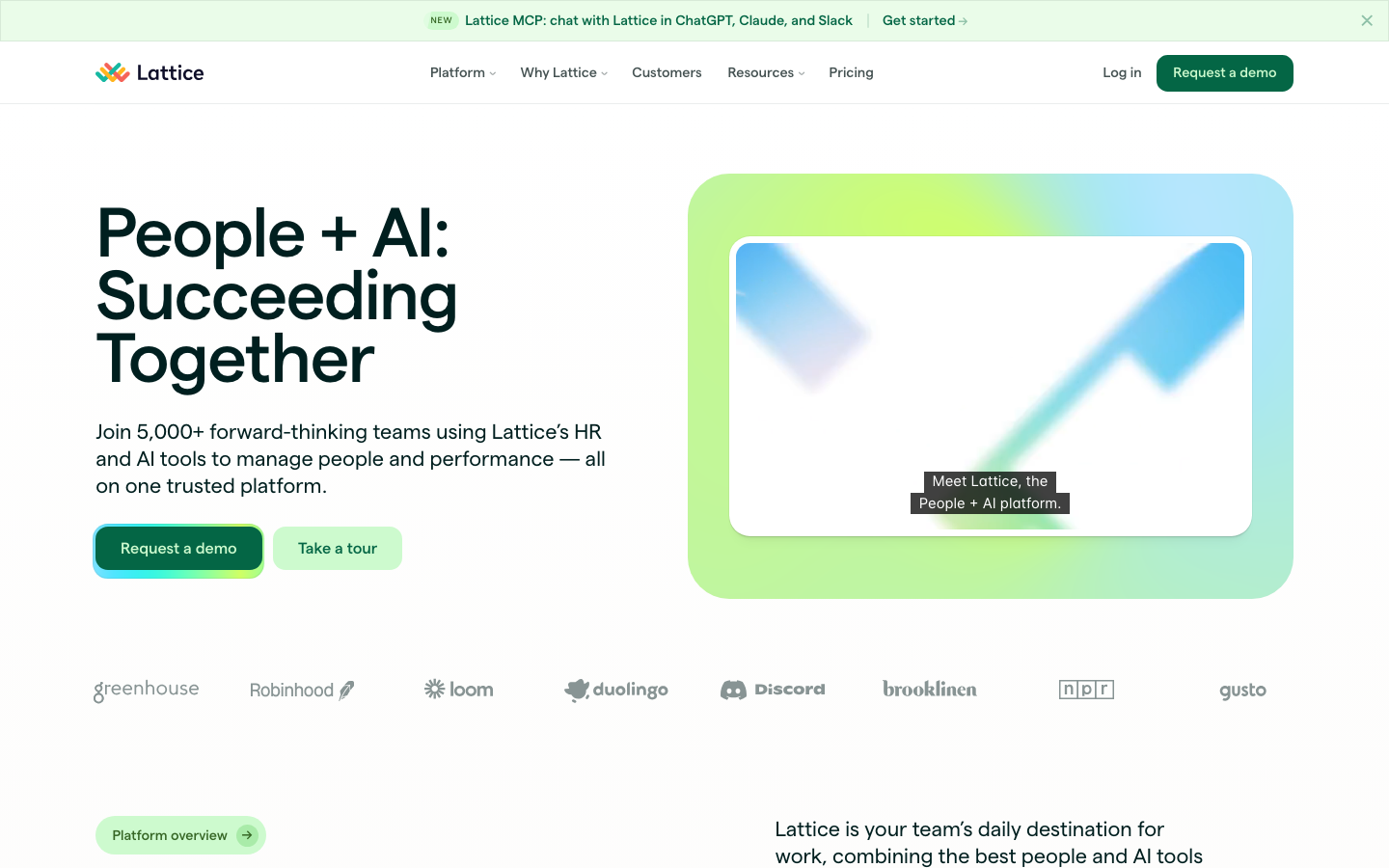
Lattice Review:
What stood out was how it makes performance management feel like development rather than paperwork. Goal tracking is particularly effective for teams trying to align individual objectives with company objectives. It works especially well for companies moving from informal check-ins to a structured process for the first time. Compared with the best employee management software in HR tech, its strength lies in depth of performance rather than breadth.
Our Verdict
Performance-Focused People Management
Monday.com
Software Pros:
- Highly visual and customizable interface
- Strong workflow automation capabilities
- Flexible for diverse team structures
Software Cons:
- Not specifically designed for HR functions
- Can become complex with extensive customization
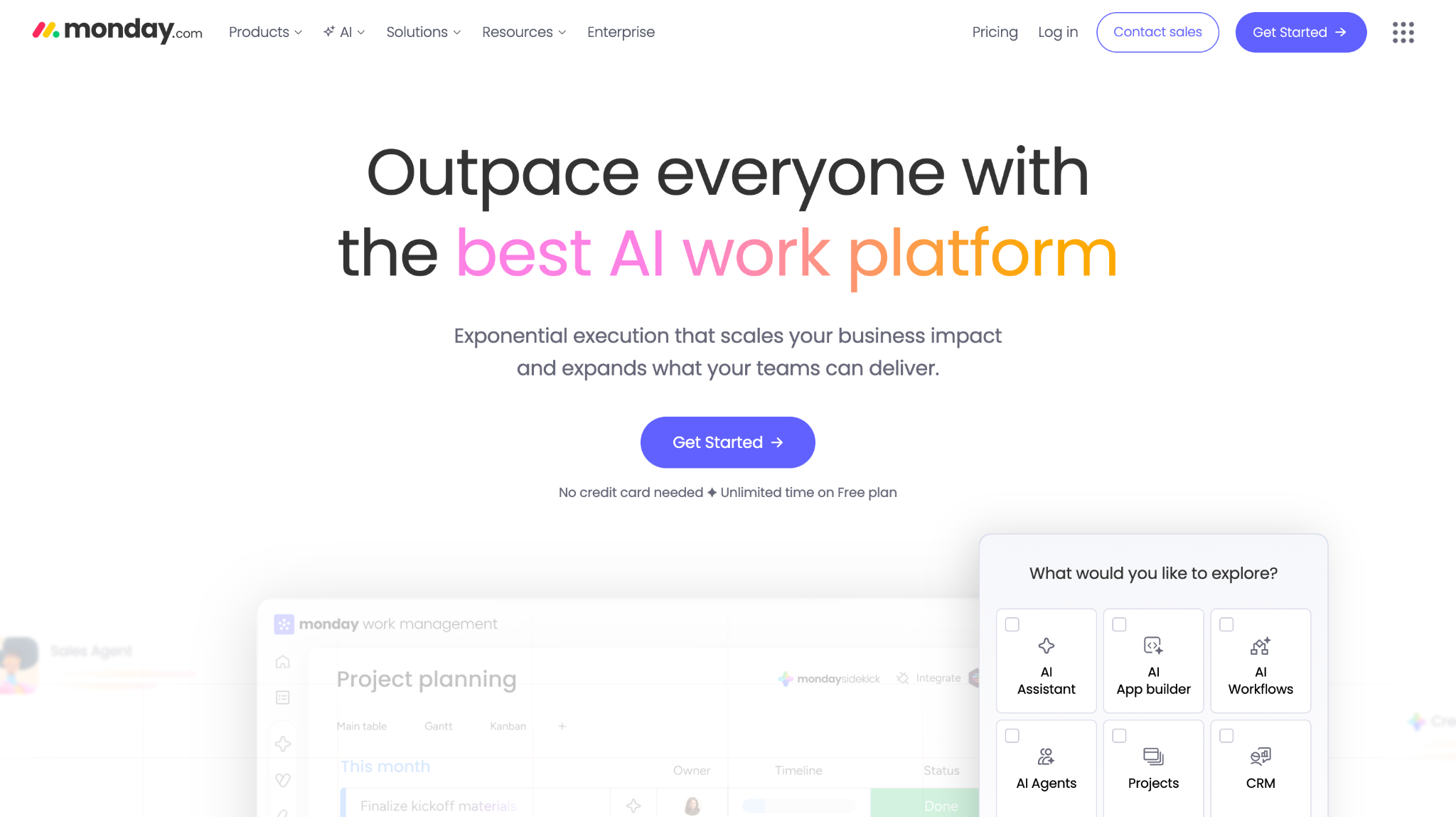
Monday.com Review:
The visual approach makes complex workflows more legible, which is the main reason teams pick it for people-related processes. Automation handles much of the repetitive administrative work that would otherwise fall to a manager. It suits project-based organizations that value flexibility over a traditional HR structure. As a staff management tool, it is adaptable, though you are configuring it yourself.
Our Verdict
Visual Work Operating System
Namely
Software Pros:
- Social features that build company culture
- Comprehensive mid-market HR functionality
- Strong reporting and analytics capabilities
Software Cons:
- May feel complex for smaller organizations
- Social features may not appeal to all company cultures
Namely Review:
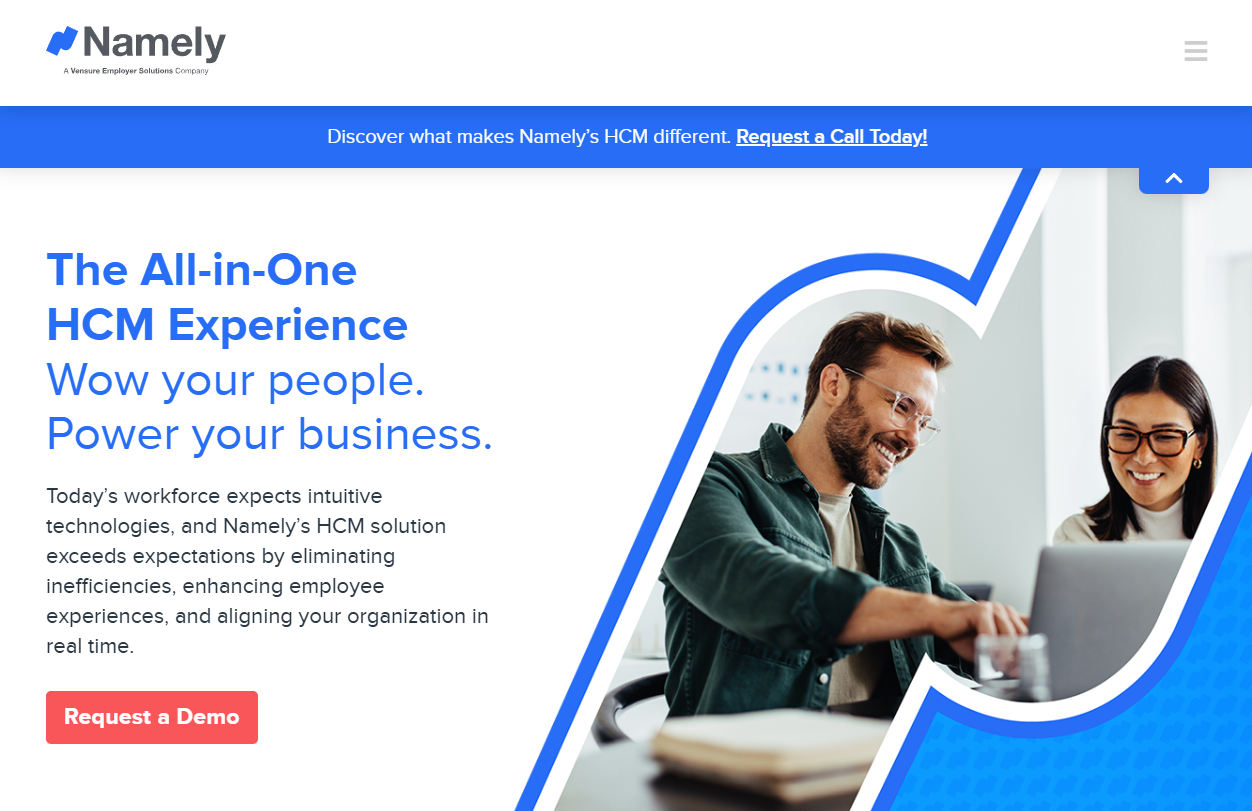
I liked how it combines conventional HR functions with social elements that support rather than distract from the core work. The culture-building features feel considered rather than bolted on. Its place within Vensure is worth knowing when you evaluate long-term roadmap questions, though day-to-day it still operates as its own mid-market platform. It is one of the friendlier employee management systems for teams without a large HR function.
Our Verdict
Culture-Building HR Platform
OrangeHRM
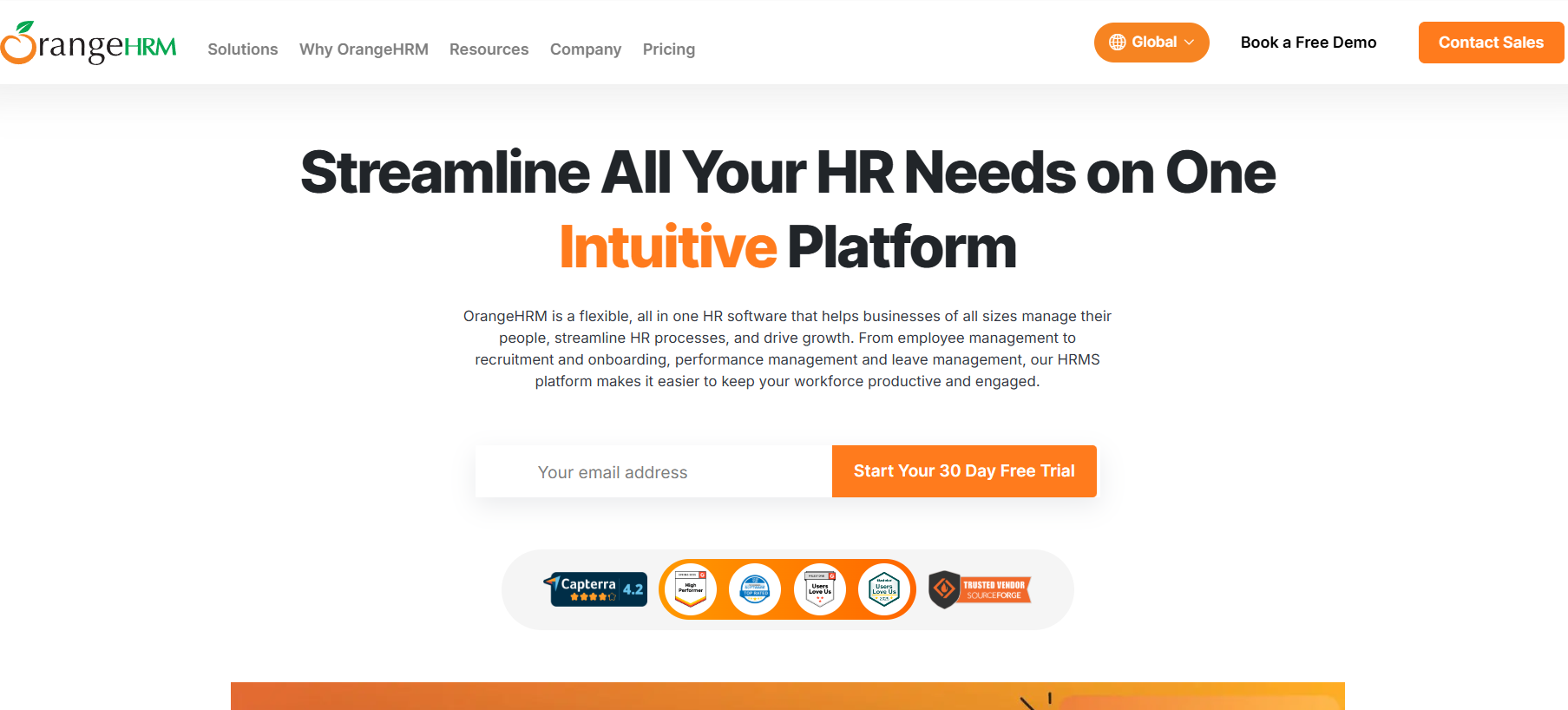
OrangeHRM is a modular HR management platform serving over 5 million users across 100 countries, offering personnel information management, leave and attendance tracking, recruitment, and performance management through both a free open-source Starter edition and a paid Advanced edition.
Software Pros:
- Free open-source Starter plan with genuinely usable core HR functionality
- Modular architecture lets companies activate only the features they need
- Available as both SaaS and on-premise deployment for data sovereignty needs
Software Cons:
- Interface feels less modern than newer cloud-native HR platforms
- No built-in payroll module, requires third-party integrations
OrangeHRM Review:
I approached this tool curious about how an open-source foundation translates into a polished HR product, and the modular pick-and-mix approach is genuinely refreshing compared to bloated all-in-one suites. The free Starter edition delivers more functionality than most freemium HR tools, including 360-degree performance reviews and a working applicant tracking system. I found it especially useful for organizations that want flexibility, on-premise deployment options, or a low-cost path into structured HR processes without committing to enterprise pricing upfront.
Our Verdict
Modular HR Management Software
Paychex Flex
Software Pros:
- Scalable from small business to enterprise
- Strong payroll and compliance expertise
- Comprehensive benefits administration
Software Cons:
- Interface can feel dated compared to newer platforms
- Complex pricing structure
Paychex Flex Review:
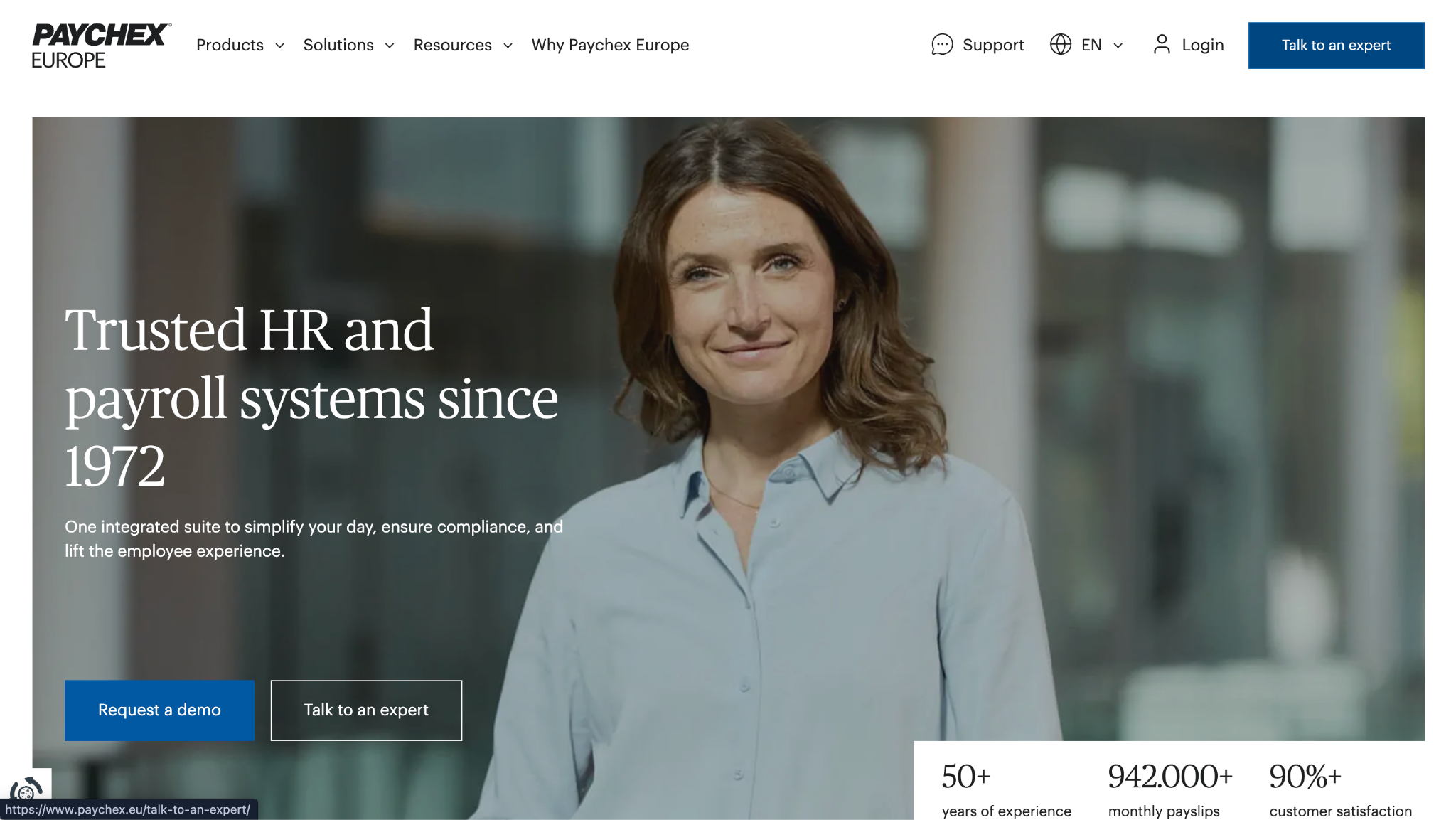
The clearest strength is its ability to grow with an organization from startup through to enterprise scale without a migration. The payroll expertise runs deep, reflecting decades of work in compliance and tax management. It suits businesses that want established, reliable HR infrastructure rather than the newest interface. Its staff management solutions grow with the business rather than forcing a migration later.
Our Verdict
Scalable HR And Payroll Infrastructure
Paycom
Software Pros:
- Single database eliminates data silos
- Strong employee self-service capabilities
- Comprehensive HCM functionality
Software Cons:
- Complex implementation process
- Pricing may be high for smaller organizations
Paycom Review:
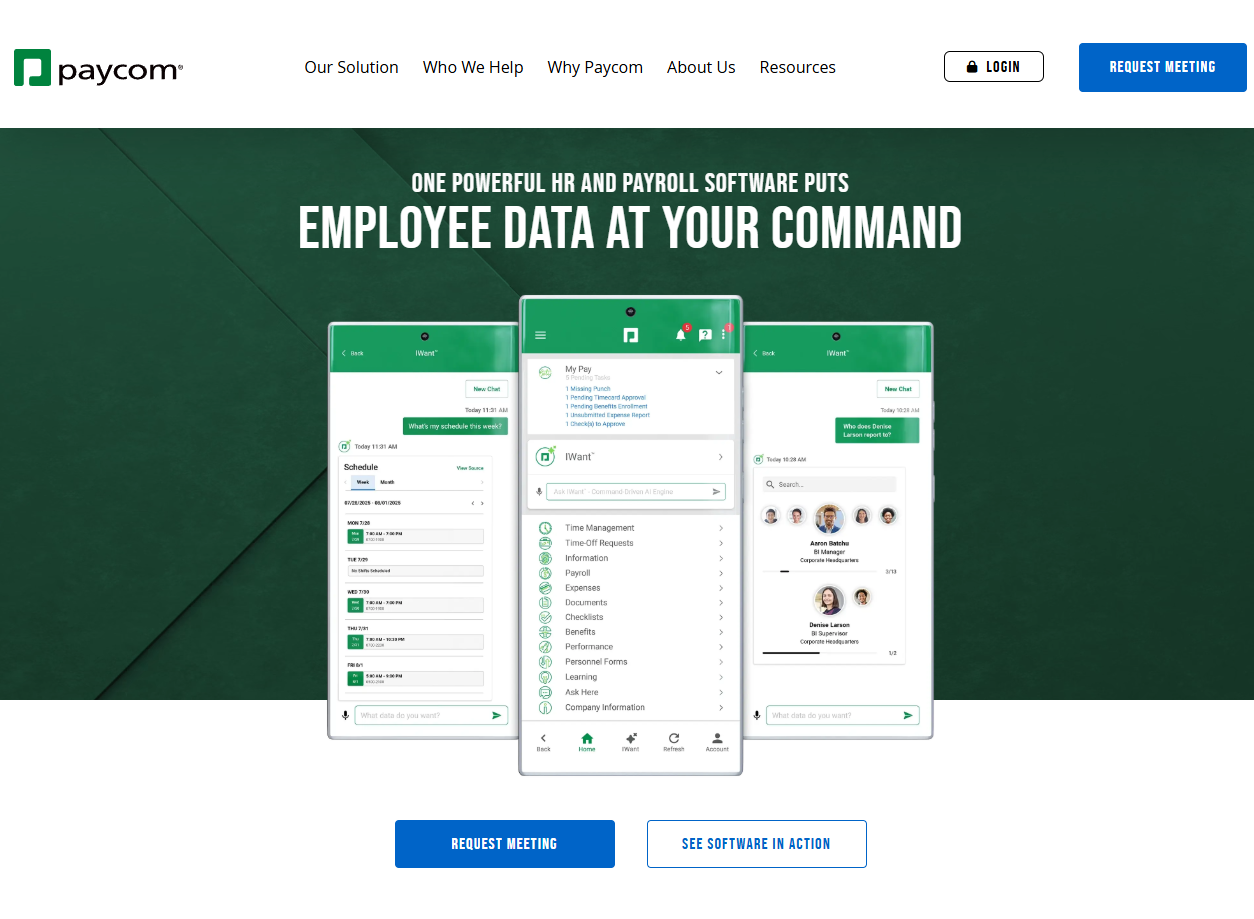
The single-database architecture genuinely removes the integration headaches that come with stitching multiple systems together, which is the whole argument for buying it. Employee self-service here is empowering rather than simply a way to offload admin onto staff. It handles complex organizational structures well, whereas simpler platforms struggle with them. As software for managing employees at scale, the single database is the whole argument.
Our Verdict
Comprehensive HCM Single Database Solution
Rippling
Software Pros:
- Unified approach to HR, payroll, and IT management
- Powerful automation and workflow capabilities
- Comprehensive integration ecosystem
Software Cons:
- Can be complex to set up initially
- May be overwhelming for simple HR needs
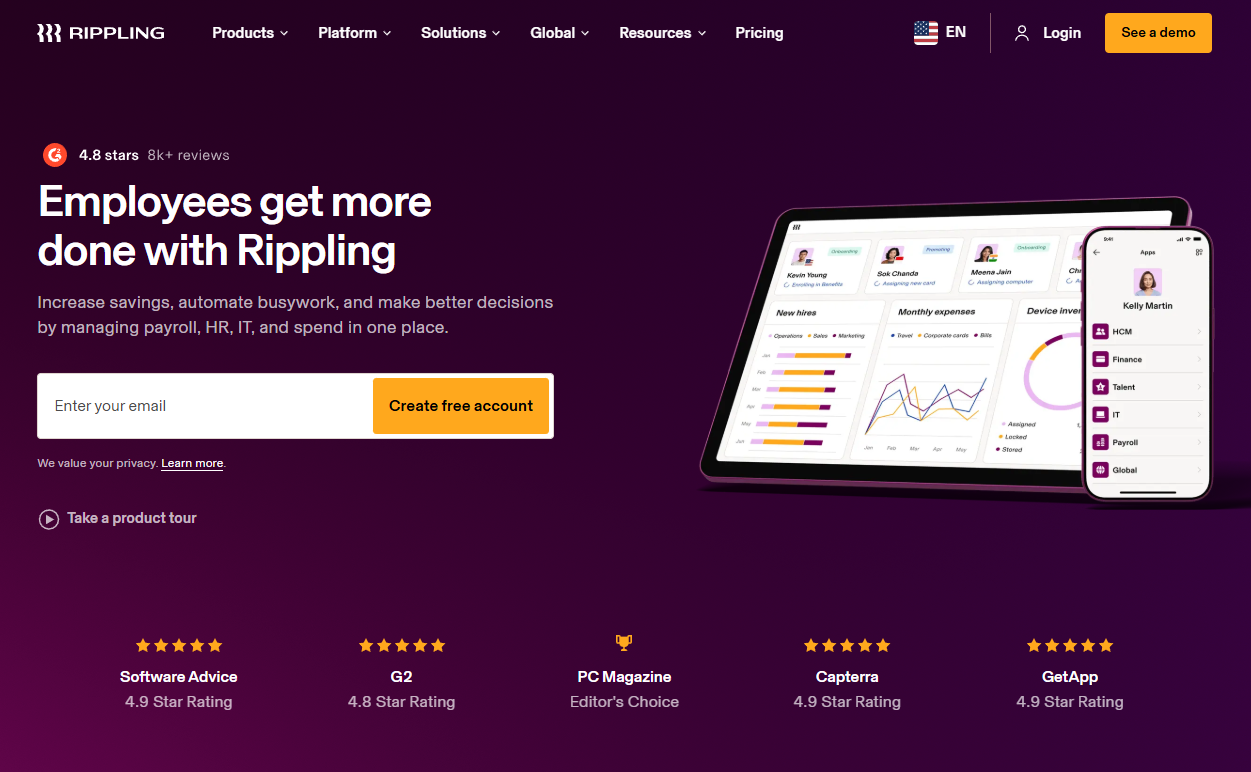
Rippling Review:
Unifying traditionally separate HR and IT functions is the standout here, and the integration is more than surface deep. Automation extends beyond typical HR tasks to include device provisioning and access management, which matters when someone joins or leaves. I would position it for tech-forward companies that want the whole employee lifecycle automated.
Our Verdict
Unified HR IT Workforce Platform
SAP SuccessFactors
Software Pros:
- Enterprise-grade scalability and security
- Comprehensive talent management suite
- Advanced analytics and reporting
Software Cons:
- Complex implementation and high costs
- Requires significant technical resources
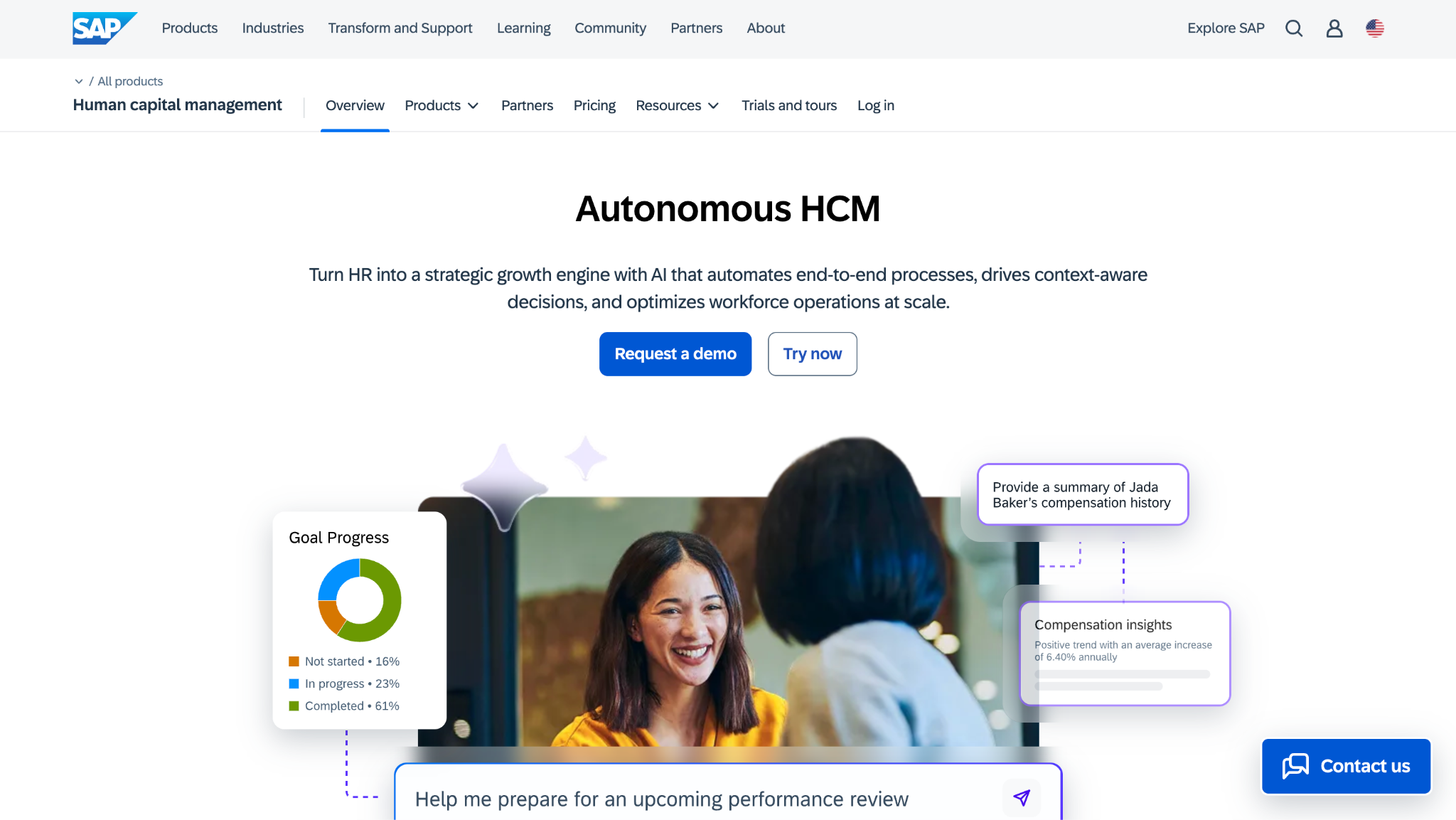
SAP SuccessFactors Review:
This delivers comprehensive functionality at genuine scale, which is what large organizations are buying. The analytics provide strategic workforce planning insight rather than operational reporting alone. It makes sense for large organizations that need sophisticated talent management, and much less sense for anyone who does not. Few HR employee management system deployments are this large, and it shows in both capability and effort.
Our Verdict
Enterprise Human Capital Management Suite
TriNet HR Platform
Software Pros:
- Employee data and HR administration
- Payroll, benefits, and time tracking
- Useful for SMB people operations
Software Cons:
- Best suited for small and mid-sized businesses
- Advanced support may depend on the selected plan
- Less focused on enterprise workforce analytics
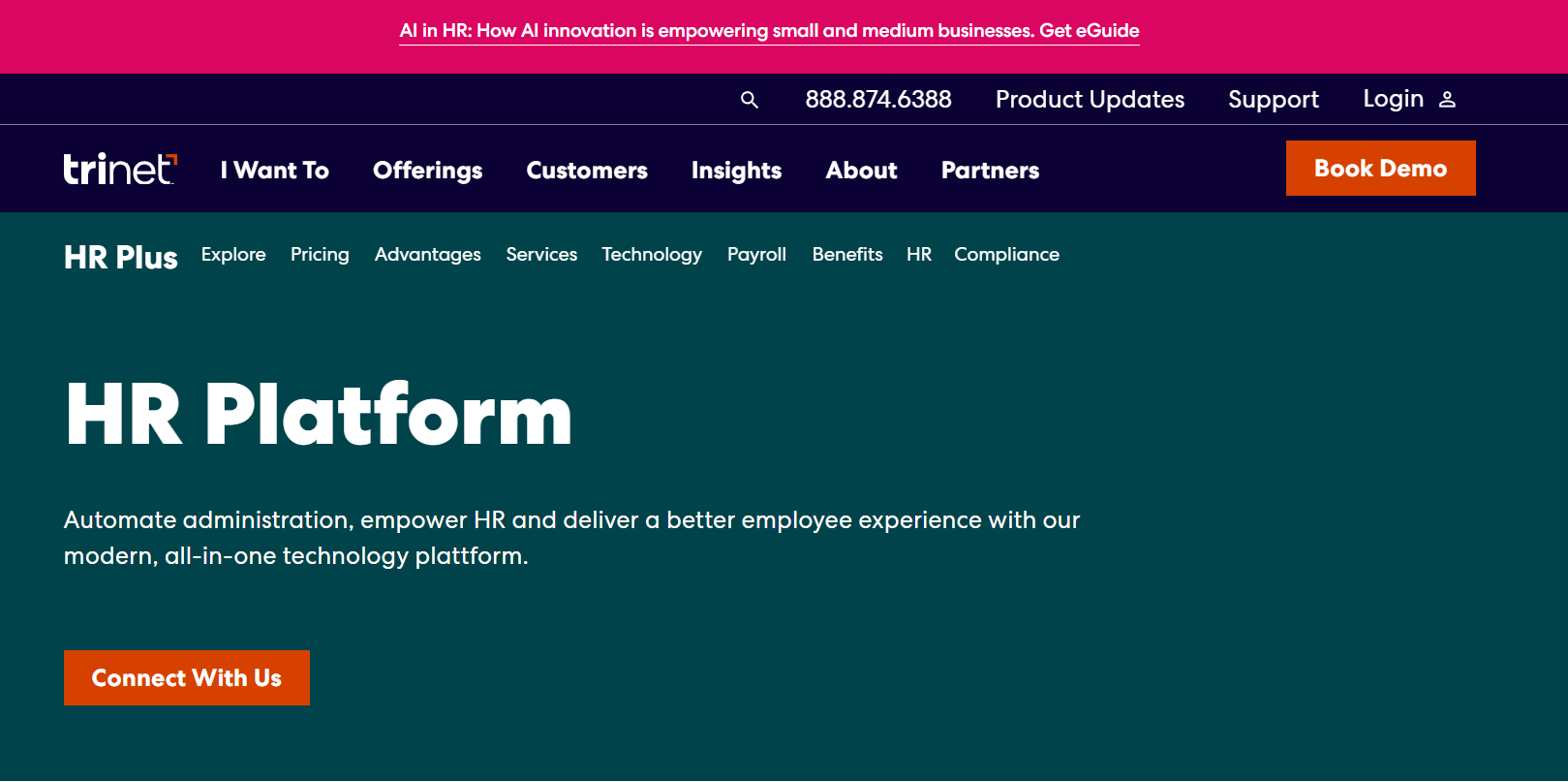
TriNet HR Platform Review:
Routine HR tasks, payroll, benefits, time tracking, and employee data all sit in one system here, which is the practical appeal for a small team. The benefits and compliance support is what makes it useful for companies without a large HR function. Worth knowing Zenefits’ history if you are researching older reviews, since much of the online coverage still uses the former name. As staff management software for smaller US companies, the bundled-services model is the real draw.
Our Verdict
All-In-One HR Platform For SMBs
UKG (Ultimate Kronos Group)
Software Pros:
- Industry-specific workforce solutions
- Strong time and labor management
- Comprehensive talent acquisition tools
Software Cons:
- Complex platform requiring training
- Higher cost for advanced features
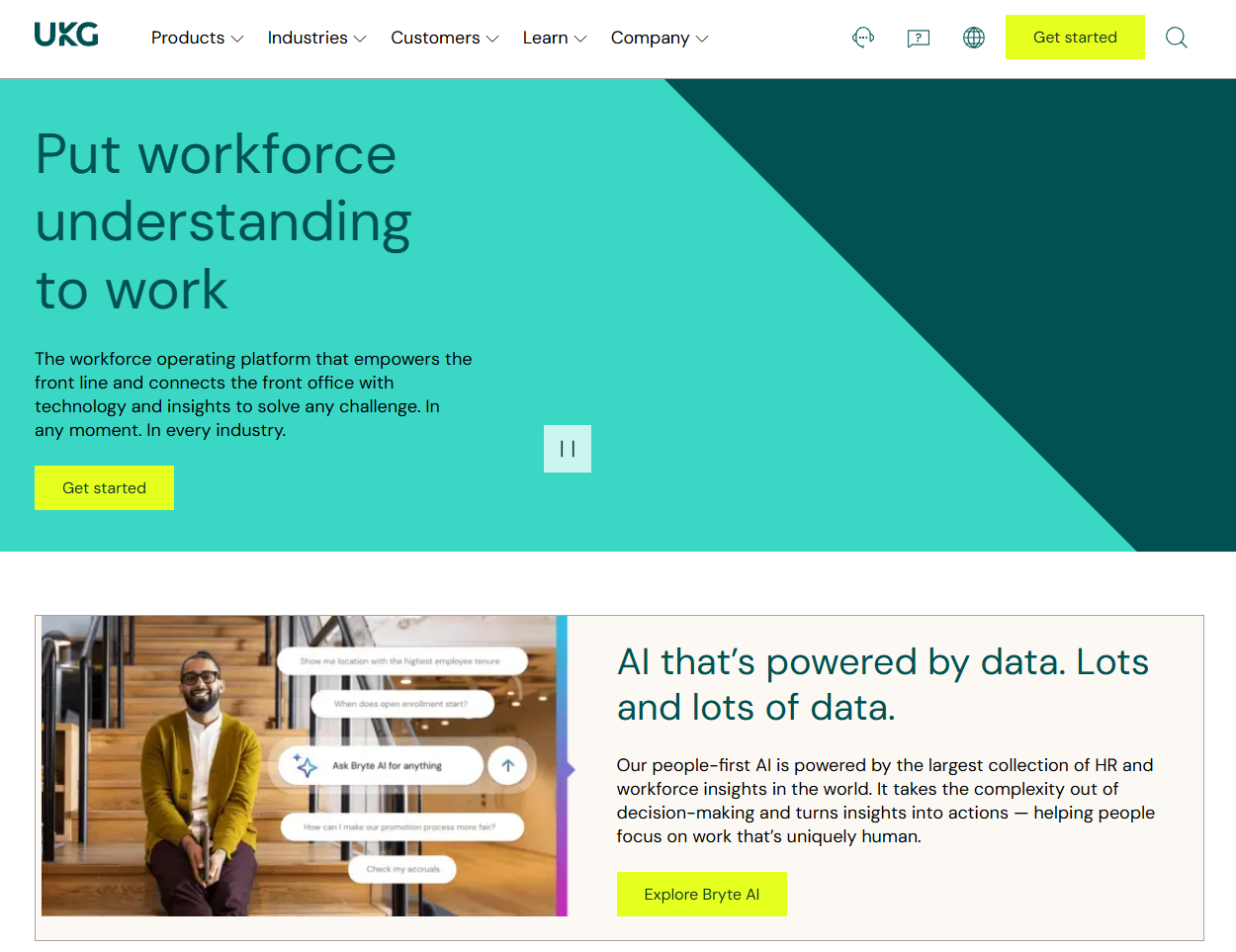
UKG (Ultimate Kronos Group) Review:
What stood out was that it addresses industry-specific workforce problems rather than offering a single generic configuration. The time and labor management is sophisticated enough for genuinely complex scheduling. Combining operational workforce management with strategic talent processes is unusual, and it suits organizations that need both in one place. Few staff management systems handle union rules and complex shift patterns as thoroughly.
Our Verdict
Industry-Focused Comprehensive Workforce Management
Workday HCM
Software Pros:
- Cloud-native architecture and modern interface
- Strong analytics and reporting capabilities
- Global payroll and compliance features
Software Cons:
- Enterprise-level complexity and costs
- Significant implementation timeline
Workday HCM Review:
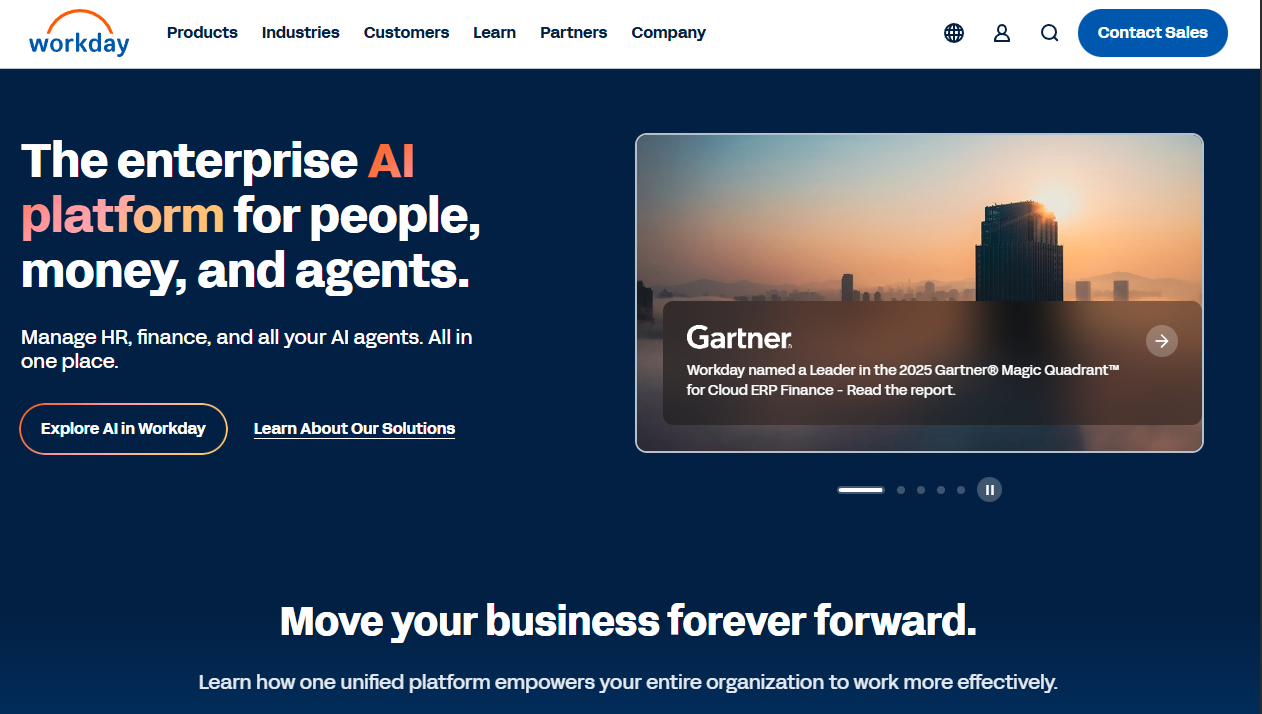
The cloud-native architecture offers flexibility that older on-premise systems cannot match, and the interface feels modern next to legacy enterprise HR software. Where it really earns attention is global complexity, handling multi-country requirements without bolting on regional workarounds. The trade is a long implementation and enterprise pricing. The employee management apps on mobile are capable, though the platform is built for scale rather than simplicity.
Our Verdict
Cloud-Native Enterprise HCM Platform
Zoho People
Software Pros:
- Seamless integration with Zoho ecosystem
- Cost-effective for small to medium businesses
- Comprehensive feature set for the price
Software Cons:
- Best value requires adoption of broader Zoho suite
- Interface may feel less modern than specialized HR platforms
Zoho People Review:
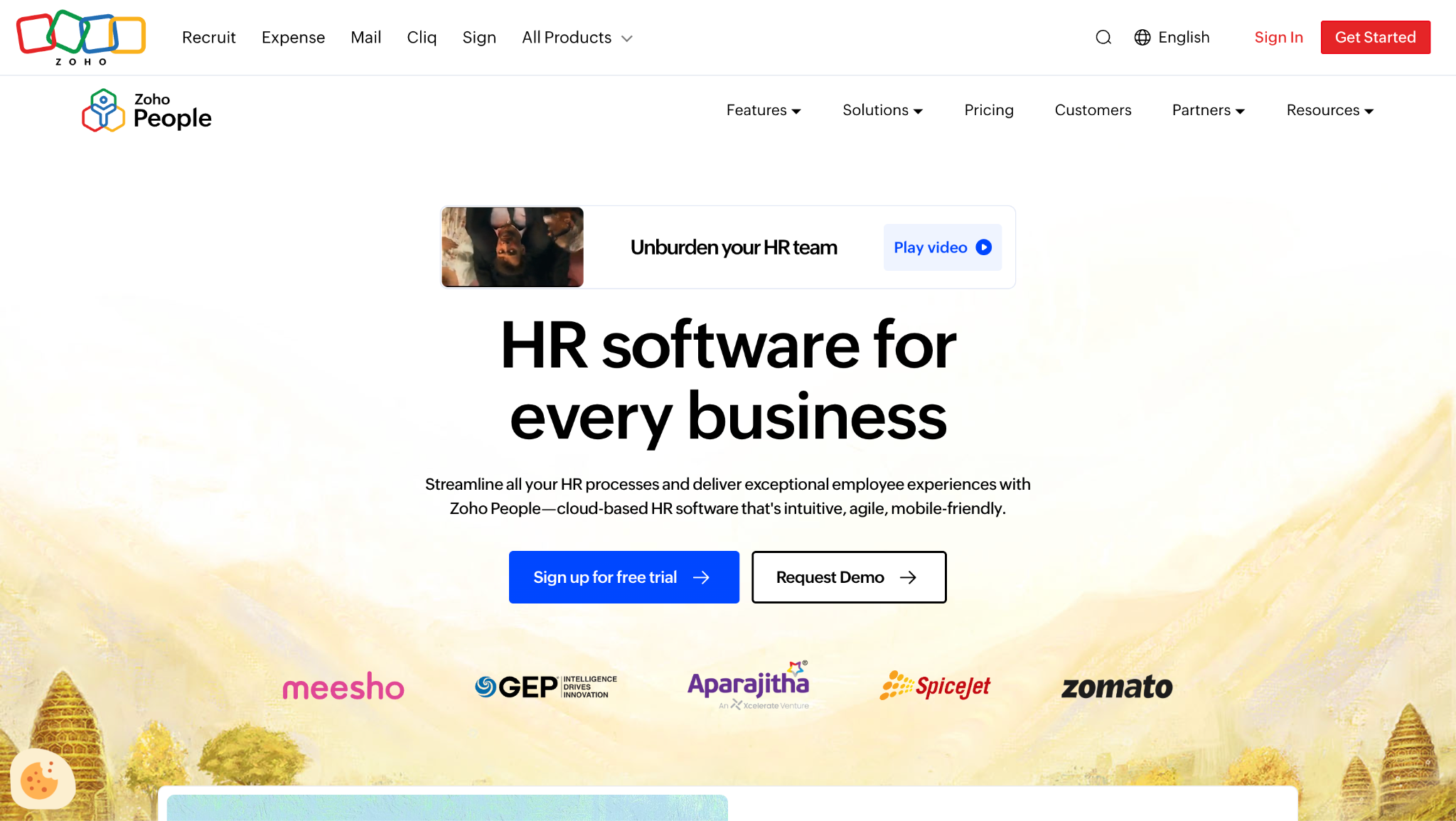
The integrations with the wider Zoho suite are genuinely valuable for organizations already using Zoho tools, and that is really who this is for. Pricing is competitive, particularly when bundled with other Zoho products. It works best for companies that want integrated business management rather than a standalone HR system. Within its ecosystem, it works as a capable employee management app for teams already committed to Zoho.
Our Verdict
Integrated Zoho Ecosystem HR Solution
FAQs About Best HR Software For Employee Management
How do employee management tools support distributed and hybrid teams?
They give managers one place to see what a scattered team is doing, through shared dashboards, digital check-ins, and time-off calendars that work across time zones. Most include collaboration and messaging so updates do not live in someone’s inbox. The practical benefit is consistency: the same process applies whether a person is in the office, at home, or in another country.
Can employee management software support global or multi-country teams?
Many platforms do, though depth varies a great deal. Look for localized compliance, multi-currency handling, and support for the specific countries you employ in, rather than a general claim of global coverage. Enterprise suites such as SAP SuccessFactors and Workday HCM are built for this, while smaller tools may cover one region well and others thinly.
How do employee management tools differ from standalone HR or performance software?
The difference is breadth. A standalone performance tool handles reviews and goals; a scheduling tool handles rotas and timesheets. Employee management platforms combine several of those functions so the same employee record carries performance, time, and scheduling data. That integration is the advantage, though a specialist tool usually goes deeper within its own area.
What industries rely most heavily on employee management platforms in 2026?
Healthcare, retail, hospitality, and manufacturing lean on them hardest, because shift patterns, labor compliance, and variable staffing are difficult to manage manually. Technology companies use them differently, mainly to coordinate distributed teams and track performance across locations. The common factor is complexity: the more moving parts in your workforce, the more the software pays for itself.
How much does employee management software cost?
Per-user tools typically run from a few dollars to the mid-teens per person per month, with 15Five listing $4 per user per month billed annually and Deputy listing its Lite plan at $5 per user per month, both as of July 2026. Payroll-first platforms usually charge a base fee plus a per-person rate, so the total depends heavily on headcount. Enterprise suites are almost always quote-based. Check the pricing table above and confirm the current figure on the vendor’s page, as these often change.
Is there free employee management software?
Yes, though the free tiers vary in usefulness. ClickUp offers a free plan, and OrangeHRM publishes a free open-source Starter edition alongside its paid Advanced edition. Several other vendors offer trials rather than permanently free plans. Free tiers usually cap users or features, so check the limits against your headcount before committing.
What is the difference between employee management software and HR software?
Employee management leans toward day-to-day operations: scheduling, attendance, performance, and team communication. HR software focuses on records, onboarding, benefits, and compliance throughout the employment lifecycle. In practice, most platforms overlap, which is why the category column in the comparison table is useful: it shows which side each tool started from.

Yaryna is our lead writer with over 8 years of experience in crafting clear, compelling, and insightful content. Specializing in global employment and EOR solutions, she simplifies complex concepts to help businesses expand their remote teams with confidence. With a strong background working alongside diverse product and software teams, Yaryna brings a tech-savvy perspective to her writing, delivering both in-depth analysis and valuable insights.