This content was reviewed and updated in September 2026 to ensure all information remains accurate and up to date.
Remote Employee Monitoring Tools: What They Are and How Teams Use Them
Remote employee monitoring software records what happens on a work device: which applications and sites are used, how much active time there was, and, depending on the settings, what the screen looked like while it happened.
It is more common than most teams assume. Pew Research Center found in December 2024 that 35% of US workers say their employer monitors how they use their work computer, and 54% say their employer tracks the start and end of their workday.
Monitoring rarely arrives alone. It usually lands next to the systems that shape the first weeks of a job, which is why our guide to onboarding platforms is worth reading alongside this one if you are building the whole remote setup.
The decision that matters is not which vendor has the longest feature list. It is how deep the capture goes and whether the person being measured can see it happening.
What Remote Employee Monitoring Software Does
Employee remote monitoring software installs an agent on a company device, or reads activity signals from systems the company already runs, and reports what it finds to an administrator. The depth ranges from active time and application names to full-screen recording and keystroke logs.
It is not the same thing as attendance tracking, which answers when somebody worked rather than what they did. Our roundup of attendance tracking tools covers clock-ins, shift records, and absence, which is a different purchase with a different conversation attached.
The tools are also split by purpose rather than by feature count: some exist to measure productivity, some to price billable work, and some to detect data leaving the company. A security platform will answer a productivity question badly, and the reverse is just as true.

INSIGHT: Does monitoring improve productivity, or just measure it?

The evidence points both ways, and what separates the 2 outcomes is whether employees know what is collected and why.
- Pew Research Center reported in December 2024 that 35% of US workers say their employer monitors how they use their work computer, and 44% say work email or messaging is monitored.
- In the same survey, 69% of workers said the amount their employer monitors them is about right, while 12% said they are watched too closely, which suggests that the reaction depends on proportionality rather than on monitoring itself.
- A tool that records screenshots and a tool that records active hours are different decisions, and the second one is far easier to explain to a team.
Comparison Table: Capture Depth and Agent Visibility
The table below lines up the best remote employee monitoring software on this page by what the agent records and whether the employee can see it running.
Those 2 columns settle most shortlists. The best software for remote employee monitoring in a design studio and in a bank are rarely the same product, and the difference is usually depth rather than dashboards.
| Tool | Type | Best for | Monitoring depth | Agent visibility | Rating (G2) |
|---|---|---|---|---|---|
| ActivTrak | Productivity analytics | Coaching rather than oversight | App and URL logs, optional screenshots | Visible or silent deployment | 4.3/5 (342) |
| Apploye | Time tracking with monitoring | Agencies billing tracked hours | Screenshots and screen recording | Visible | 4.7/5 (57) |
| CleverControl | Desktop monitoring | Close oversight of a small team | Keystrokes, live view, screenshots | Optional hidden agent | 4.6/5 (23) |
| Controlio | Desktop monitoring | Policy enforcement with alerts | Screen recording and screenshots | Visible or hidden | 4.9/5 (111) |
| CurrentWare | Desktop monitoring | Blocking sites and USB devices | App and URL logs, screenshots | Visible or silent install | 4.6/5 (42) |
| DeskTime | Productivity analytics | Productivity scoring for offices | App and URL logs, optional screenshots | Visible | 4.5/5 (400) |
| DTEX System | Insider risk and security | Insider risk without content capture | Behavioral metadata, no content | Visible to security teams | N/A |
| EmpMonitor | Desktop monitoring | Screenshots on a budget | Screenshots and keystrokes | Optional hidden agent | 4.9/5 (21) |
| Fullstory | Digital experience analytics | How staff use internal tools | Session replay in the browser, no screenshots | Browser extension, not stated in block | 4.5/5 (1,052) |
| Hubstaff | Time tracking with monitoring | Field and remote hours with proof | Screenshots and activity levels | Visible | 4.4/5 (2,308) |
| Insightful | Productivity analytics | Workforce analytics with a stealth option | Screenshots and app logs | Visible or stealth | 4.6/5 (426) |
| InterGuard | Insider risk and security | Investigations and evidence trails | Keystrokes, screenshots, file tracking | Optional stealth | 3.2/5 (6) |
| Kickidler | Desktop monitoring | Live screens across many machines | Live view and screen recording | Visible or hidden | N/A |
| Microsoft Purview Insider Risk Management | Insider risk and security | Teams already on Microsoft 365 | Signals from Microsoft 365 activity | Policy-based, no separate agent | 4.3/5 (16) |
| Monitask | Time tracking with monitoring | Small teams tracking hours | Screenshots and activity levels | Visible | 4.8/5 (101) |
| ProHance | Workforce analytics | Operations teams measuring capacity | Application and utilization data | Visible | 4.6/5 (229) |
| Proofpoint Insider Threat Management | Insider risk and security | Regulated enterprises | Screen capture and user timelines | Configurable, security-managed | 4.3/5 (48) |
| SentryPC | Desktop monitoring | Filtering and time limits | Screenshots and keystrokes | Optional hidden agent | 2.5/5 (2) |
| StaffCop | Insider risk and security | On-premise deployments | Screen recording, keystrokes, DLP | Visible or hidden | 4.3/5 (3) |
| Syteca | Insider risk and security | Privileged access and audit | Session recording with keystrokes | Visible, audit-first | 4.7/5 (23) |
| Teramind | Insider risk and security | Deep capture with DLP rules | Screen recording, keystrokes, OCR | Visible or stealth | 4.6/5 (183) |
| Time Doctor | Time tracking with monitoring | Outsourcing and BPO teams | Screenshots and web usage reports | Visible | 4.4/5 (497) |
| Traqq | Time tracking with monitoring | Privacy-conscious hour tracking | Blurred screenshots and activity levels | Visible | 4.8/5 (123) |
| Veriato | Insider risk and security | Risk scoring across a workforce | Screen recording and keystrokes | Optional stealth | 4.3/5 (37) |
| We360.ai | Productivity analytics | Attendance plus live screens | Screen recording and livestream | Not stated in block | 4.8/5 (509) |
| WebWork | Time tracking with monitoring | Tracked hours with screenshots | Screenshots and app usage | Visible | 4.6/5 (383) |
| WorkExamine | Desktop monitoring | Windows networks on a budget | Screenshots and keystrokes | Optional hidden agent | No G2 profile |
| Workstatus | Time tracking with monitoring | Field and desk teams together | Screenshots, activity levels, GPS | Visible | 4.5/5 (1) |
| WorkTime | Productivity analytics | Monitoring without content capture | Activity levels and app usage | Visible, no content capture | 4.6/5 (82) |
The rating column shows what each product’s G2 page displayed in September 2026.
Quick Picks by Monitoring Need
The best remote employee monitoring solutions depend entirely on the question you are trying to answer, so the shortlists below are grouped by that question, alphabetically and without ranking.
- Coaching signals without screenshots: ActivTrak, DeskTime, and WorkTime report activity and application use without making screen content the default.
- Billable hours with light capture: Apploye, Hubstaff, and Time Doctor attach screenshots and activity levels to billable hours.
- Policy enforcement and blocking: CurrentWare, SentryPC, and WorkExaminer add web, application, and device blocking to the reporting.
- Insider risk and evidence: DTEX Systems, Proofpoint Insider Threat Management, Syteca, and Veriato are built for investigations and audit trails.
- Enterprise deployments: Microsoft Purview Insider Risk Management, ProHance, and Teramind scale to large organizations with existing security teams.
If the real requirement is hours rather than activity, monitoring is the wrong category. Our guide to time and attendance platforms compares the clock-in tools that answer that question directly.
INSIGHT: Productivity, billing, or security?
These 29 products answer 3 different questions, and buying a security suite to settle a productivity argument is the most expensive mistake in this category.
- Productivity and workforce analytics (for example, ActivTrak, DeskTime, Insightful, ProHance, WorkTime, and We360.ai as its own block describes it): activity levels and application use, read by managers and HR.
- Time tracking with monitoring (for example Apploye, Hubstaff, Monitask, Time Doctor, Traqq, WebWork, Workstatus): hours first, with screenshots and activity levels as options.
- Desktop monitoring and policy control (for example CleverControl, Controlio, CurrentWare, Kickidler, SentryPC, WorkExaminer): deep capture plus web and app blocking, sometimes with a hidden agent.
- Insider risk and security (for example DTEX Systems, InterGuard, Microsoft Purview, Proofpoint, StaffCop, Syteca, Teramind, Veriato): session recording, audit trails, and data loss rules, run by security teams. Fullstory sits outside all 4, as its own block explains.
Sources:
all checked September, 2026
Remote Employee Monitoring Software Pricing
Pricing follows 4 patterns here. Most productivity and time tracking tools charge per user per month with feature tiers, and screenshots or stealth mode usually sit on a higher tier than the entry plan. Security platforms quote per endpoint per year, often with a seat minimum and always after a demo. Desktop tools frequently sell a perpetual or on-premises license instead, which regulated buyers prefer. Free tiers are rare and capped. The cost of remote employee monitoring solutions therefore depends less on the sticker price than on how many people you monitor and how much you record.
| Tool | Pricing model | Free plan or trial | Starting price |
|---|---|---|---|
| ActivTrak | Per worker per month, billed annually | Trial only | Custom pricing |
| Apploye | Per seat per month, billed annually | Trial only (10 days) | $4.50/seat/month (Elite) |
| CleverControl | Per computer per month | Trial only | Custom pricing |
| Controlio | Per user per month | Trial only (14 days) | Custom pricing |
| CurrentWare | Per user per year by module | Trial only | Custom pricing |
| DeskTime | Per user per month, billed annually | Trial only | $6.42/user/month (Pro); screenshots on Premium at $9.17 |
| DTEX System | Quote by endpoint count | No (demo) | Custom pricing |
| EmpMonitor | Per user per month | Trial only | Custom pricing |
| Fullstory | Quote after a demo, as its block states | Not stated in block | Not stated in block |
| Hubstaff | Per seat per month, 2-seat minimum | Trial only (14 days) | $4.99/seat/month billed annually (Starter) |
| Insightful | Per employee per month, billed annually | Trial only (7 days) | Custom pricing |
| InterGuard | Per license per year | Trial only | Custom pricing |
| Kickidler | Per computer, monthly or perpetual license | Trial only | Custom pricing |
| Microsoft Purview Insider Risk Management | Included with Microsoft 365 E5 or as an add-on | Trial only (Microsoft 365 trial) | Included in Microsoft 365 E5 |
| Monitask | Per user per month | Trial only (10 days) | $6.49/user/month (Pro) |
| ProHance | Quote by headcount | No (demo) | Custom pricing |
| Proofpoint Insider Threat Management | Quote through Proofpoint sales | No (demo) | Custom pricing |
| SentryPC | Annual license by number of devices | No (demo account) | Custom pricing |
| StaffCop | Per agent license, cloud or on-premises | Trial only (15 days) | Custom pricing |
| Syteca | Per endpoint license, subscription or perpetual | Trial only | Custom pricing |
| Teramind | Per seat per month with a seat minimum | Trial only | Custom pricing |
| Time Doctor | Per user per month, billed annually | Trial only (14 days) | $6.67/user/month billed annually (Basic) |
| Traqq | Per user per month | Trial only (14 days) | Custom pricing |
| Veriato | Per user per year | Trial only | Custom pricing |
| We360.ai | Per user per month, as its block states | Not stated in block | From Rs 399 per user per month, as stated in the block |
| WebWork | Per user per month | Trial only (14 days) | Custom pricing |
| WorkExamine | Per computer license, cloud or on-premises | Trial only | Custom pricing |
| Workstatus | Per user per month | Trial only | Custom pricing |
| WorkTime | Per computer per year | Trial only (14 days) | Custom pricing |
As pricing is subject to change, prices are listed as of September 2026.
How to Choose Remote Monitoring Software
Start with the question you are actually trying to answer: are people working, where does the time go, or is data leaving the company? Those 3 questions point at 3 different families on this list, and mixing them up is how companies end up with a security platform nobody in HR can use.
Then decide the deepest level of capture you can defend to your own staff. Activity levels and application names are a different proposition from screenshots, and screenshots are a different proposition again from keystrokes and screen recording.
Decide whether the agent is visible before you shortlist, not after. A hidden agent is restricted or unlawful in several places and, where it is allowed, it is still the single fastest way to turn a productivity project into a resignation problem.
Check the notice and consent rules where your people actually sit, and keep the policy with the rest of your documentation. Our roundup of HR compliance platforms covers where a monitoring policy can live and be acknowledged.
Next, check data residency and retention, since everything these tools collect is personal data.
Look at what a manager sees about a single employee compared with a team. The most trusted remote employee monitoring software in a workforce usually reports aggregates by default and requires a reason to open an individual profile.
Finally, think about where the data goes afterward. The best hr tools for remote employee monitoring feed coaching conversations rather than a separate dashboard, which is why it helps when activity data can reach the systems covered in our talent management software guide.
INSIGHT: Where is it legal to monitor a remote employee without telling them?
Almost nowhere in the EU, and in a growing number of US states only with written notice, which rules out hidden agents for most distributed teams.
- Under the GDPR, monitoring employees means processing personal data, so it needs a lawful basis and must follow the principles in Article 5: lawfulness, fairness and transparency, purpose limitation, and data minimization. Article 88 lets member states add their own workplace rules on top.
- In Connecticut, Sec. 31-48d requires every employer that uses electronic monitoring to give prior written notice to all affected employees, and to post that notice where employees can see it. Other states impose similar notice duties, so the rule follows the employee’s location rather than the head office.
- Questions worth asking a vendor before signing: can the agent be set to visible, where is the data stored, and how long is it retained by default? None of this is legal advice, and a local employment lawyer is cheaper than a works council dispute.
Sources:
both checked September 18, 2026
Top 29 Employee Monitoring Software for Remote Teams
This list of the best remote employee monitoring software 2026 covers the products teams actually deploy, from light activity reporting to full session recording.
The best employee monitoring tools for a given company depend on what you need to prove: hours to a client, focus to a leadership team, or data movement to an auditor.
These best remote employee monitoring software reviews are based on each vendor’s product and pricing pages, checked in September 2026, plus each tool’s public G2 rating on the day of writing.
Every entry states what the agent captures and whether it runs visibly, because those 2 facts decide more shortlists than any feature grid.
All tools are listed alphabetically, and the order says nothing about quality or preference.
ActivTrak
Quick Overview
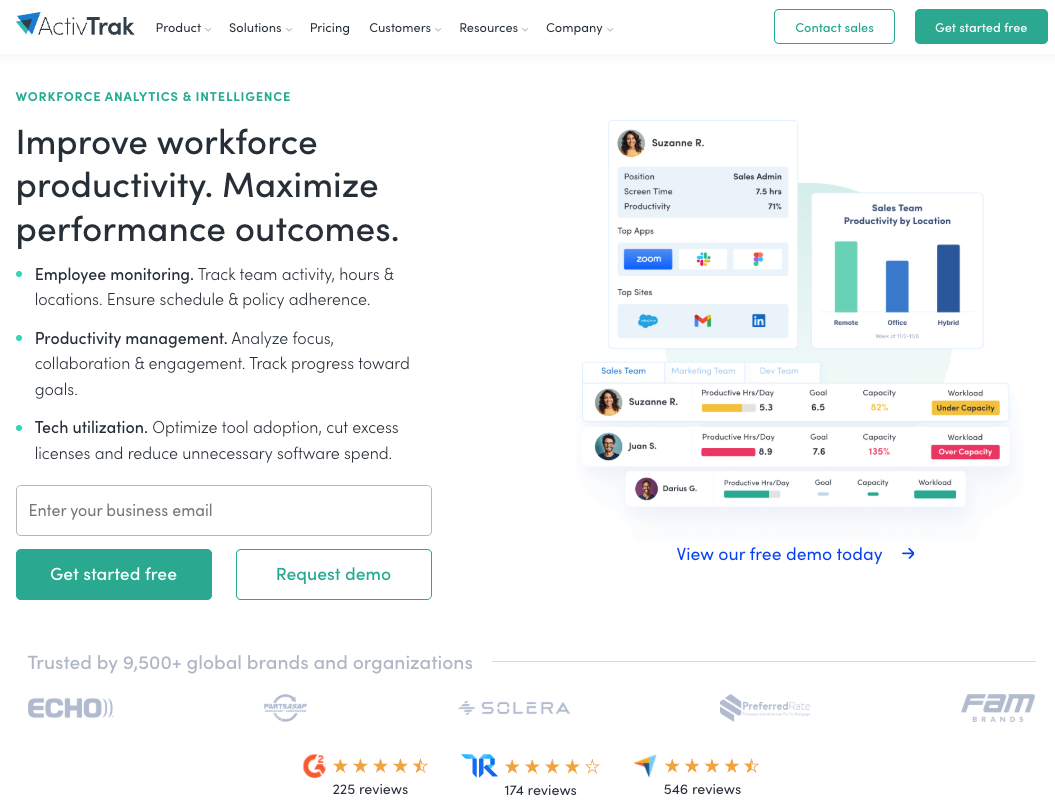
ActivTrak is remote employee productivity monitoring software that reports app and website use, focus time, and workload balance. Screenshots are an option rather than the default, and the agent can be deployed silently or announced.
Software Pros
- App and website usage with productivity classification
- Team-level reports aimed at workload and burnout signals
- SOC 2 Type 2 attestation listed on its pricing page
Software Cons
- Deep evidence capture such as keystrokes is not the product
- Pricing is quoted per worker rather than published as a flat rate
ActivTrak Review
ActivTrak is the tool most often bought by an HR team rather than a security team, and the product reflects that: the default view is how the week was spent, not what somebody typed. Screenshots exist as an option, and AI insights cost extra per worker. The silent deployment setting is worth discussing internally before rollout because it changes the conversation with employees.
Our Verdict
Workload Analytics With Optional Screenshots
Apploye
Quick Overview
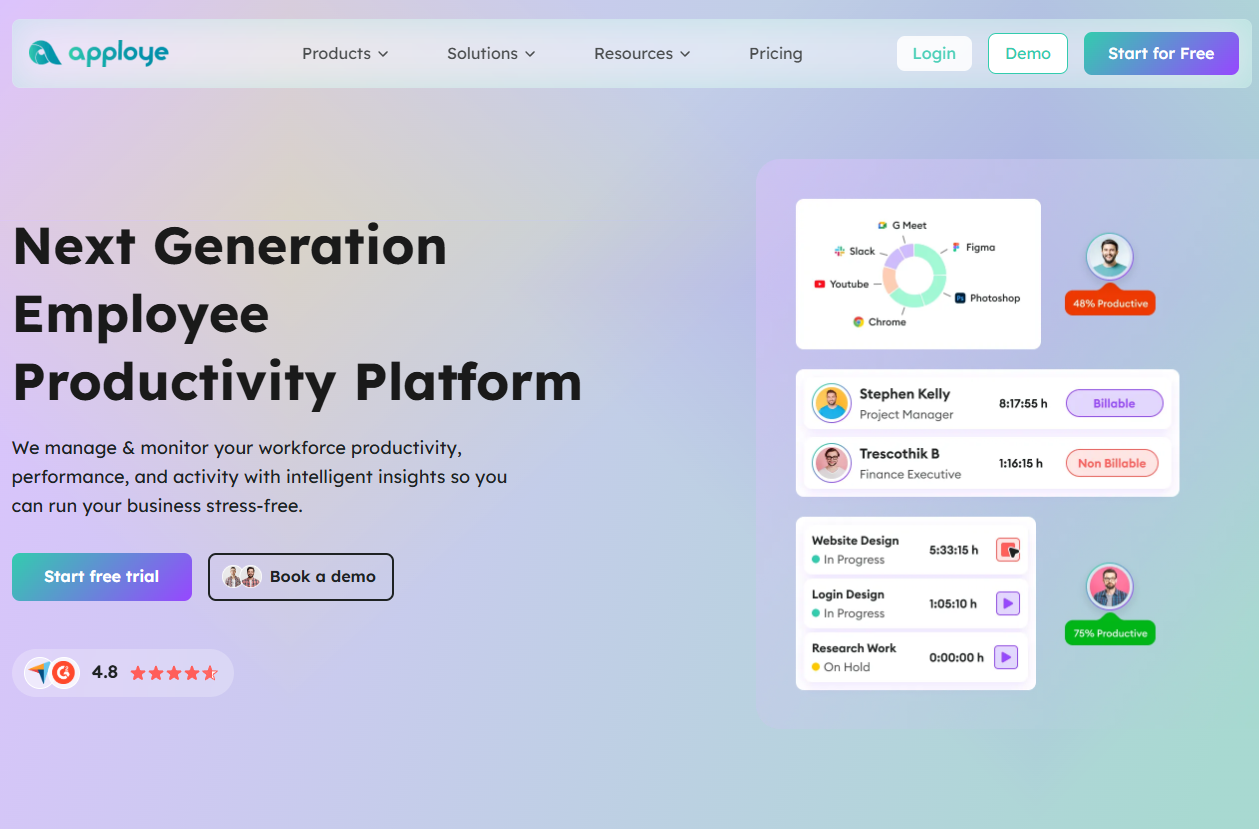
Apploye is a time tracker with a monitoring layer: screenshots at a set interval, screen recording, and app and website logging, sold per seat with a free trial.
Software Pros
- Screenshot frequency scales from 1 to 60 per hour by plan
- Screen recording and live feed available as add-ons
- Elite plan published at $4.50 per seat per month
Software Cons
- The employee sees the tracker, so covert use is not the design
- Enterprise features such as on-premise deployment need a custom quote
Apploye Review
Apploye is priced for agencies that bill by the hour and want proof attached to the invoice. Its pricing page is unusually specific about capture: how many screenshots per hour each tier allows, and which plans add real-time screenshots or recording. For a 10-person studio, that clarity beats a demo call.
Our Verdict
Billable Hours With Screenshot Proof
CleverControl
Quick Overview
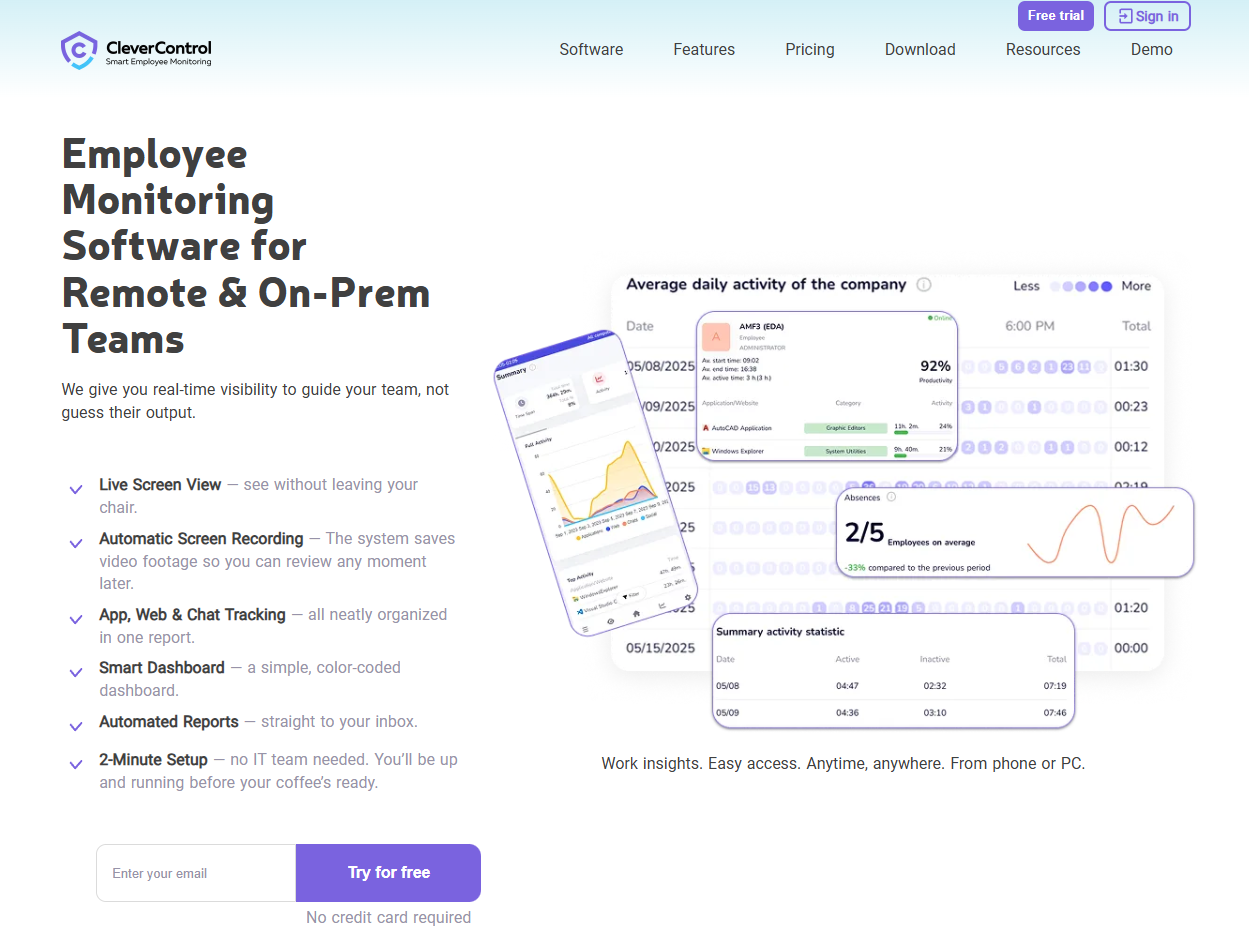
CleverControl is remote employee desktop monitoring software built for close oversight: screenshots, keystroke logging, live viewing, and recordings of what happens on a Windows machine.
Software Pros
- Live view of an active desktop session
- Screenshots and keystroke capture in the same agent
- Works for small teams without a security operations center
Software Cons
- Capturing this needs a written policy and employee notice
- Trust cost is real when staff learn what the agent records
CleverControl Review
CleverControl belongs to the older school of monitoring, where the manager essentially sees everything. That makes it effective for specific investigations and risky for everyday use. If you deploy it, announce the agent and agree on the retention period before the first recording.
Our Verdict
Deep Desktop Capture for Small Teams
Controlio
Quick Overview
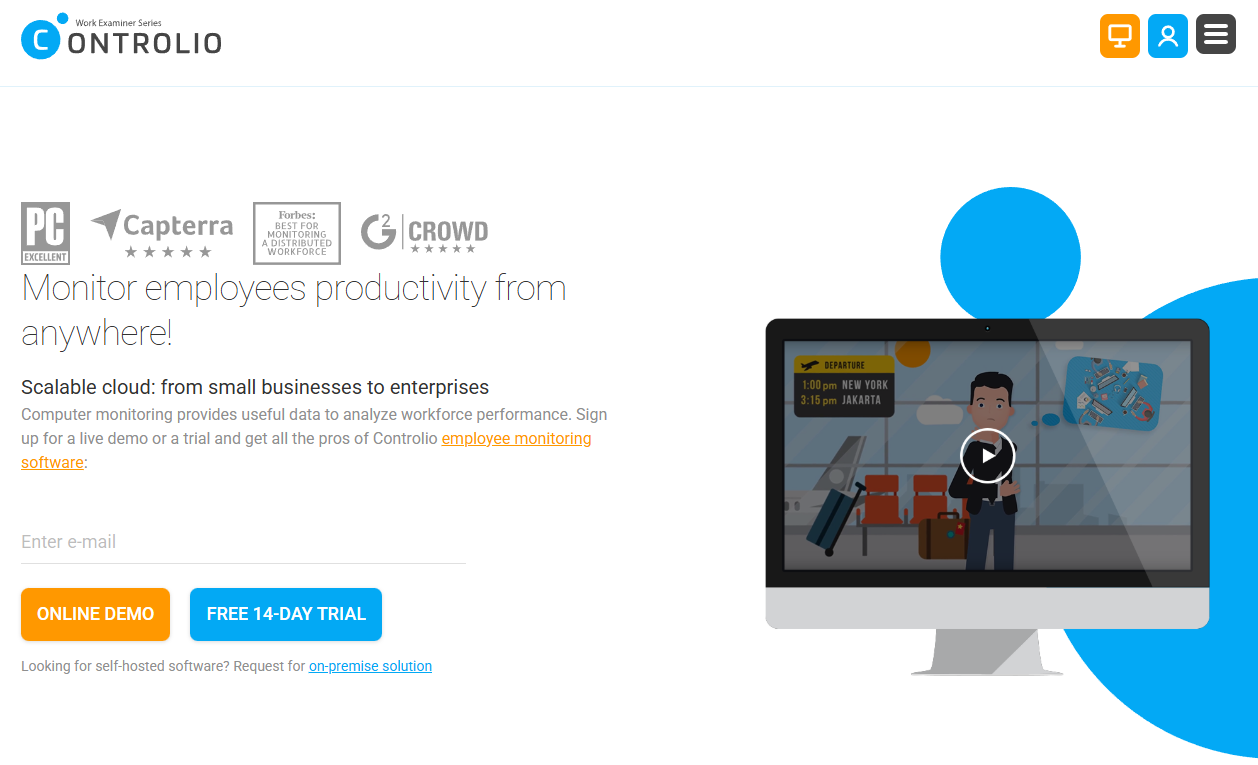
Controlio is cloud-based employee remote work monitoring software that offers screen recording, screenshots, app and web logs, and alerts when a policy rule is triggered.
Software Pros
- Cloud deployment with an on-premises option on request
- Continuous screen recording alongside periodic screenshots
- Rule-based alerts rather than manual review of everything
Software Cons
- Recording by default produces data somebody has to govern
- Reporting is aimed at oversight, not at coaching conversations
Controlio Review
Controlio sits between the productivity tools and the security platforms: it records more than ActivTrak and costs less to run than Teramind. The site offers a 14-day trial, which is an honest way to see whether managers will actually watch the recordings they are paying to store.
Our Verdict
Cloud Recording With Policy Alerts
CurrentWare
Quick Overview
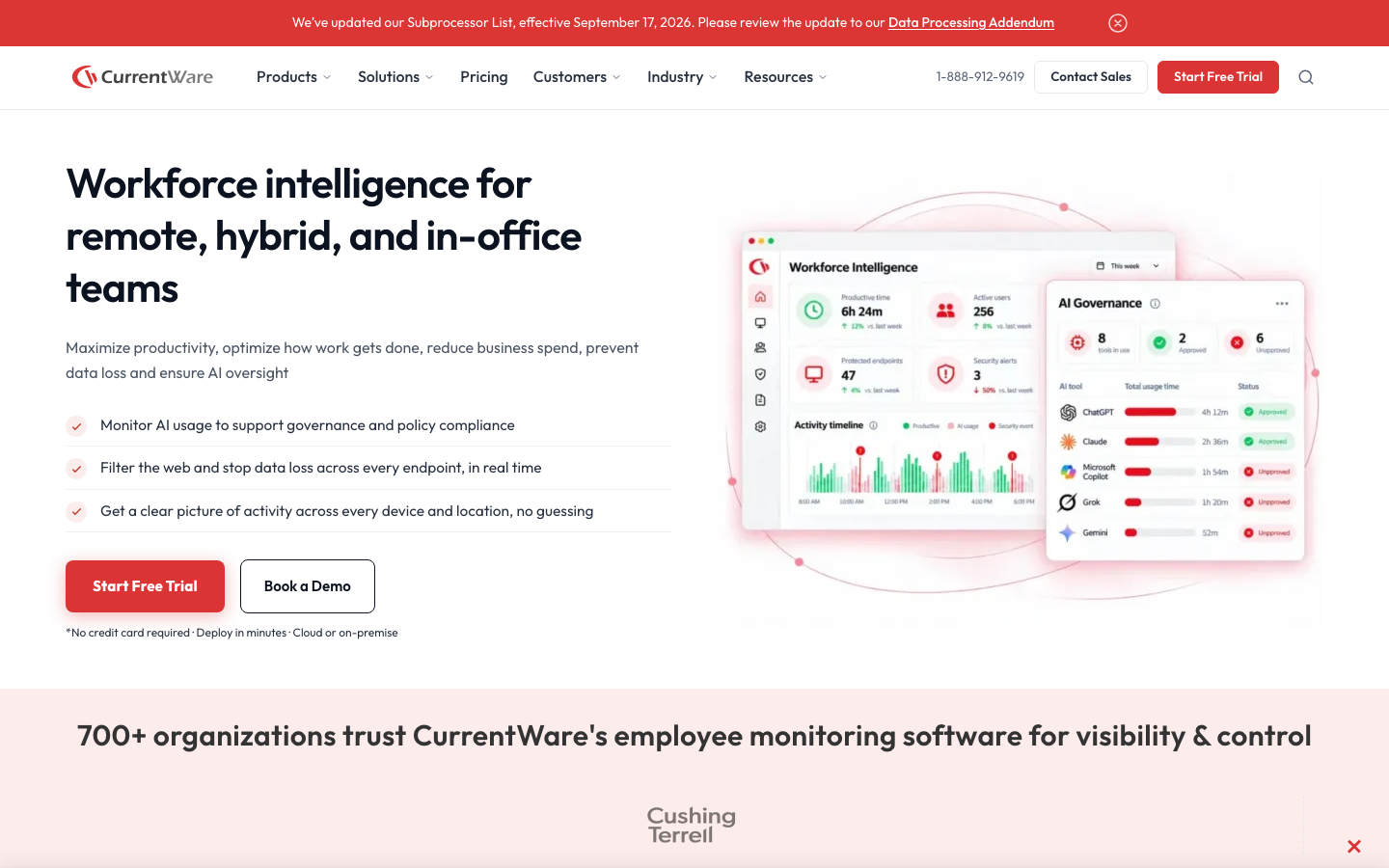
CurrentWare is a suite of separately licensed modules: BrowseControl for web and app blocking, BrowseReporter for activity reports, AccessPatrol for USB device control, and enPowerManager for power and login tracking.
Software Pros
- Modules can be bought individually rather than as one bundle
- USB and device control alongside web filtering
- Deploys on-premises for buyers who cannot use a cloud console
Software Cons
- Windows-first, so mixed fleets need checking before purchase
- Module pricing makes a like-for-like comparison harder
CurrentWare Review
Most tools here watch; CurrentWare also blocks. That matters in regulated offices where the goal is to prevent a USB copy rather than review it afterward. Buying only the modules you need keeps the price sane, and the on-premises option answers the data residency question before it is asked.
Our Verdict
Blocking and Reporting in Modules
DeskTime
Quick Overview
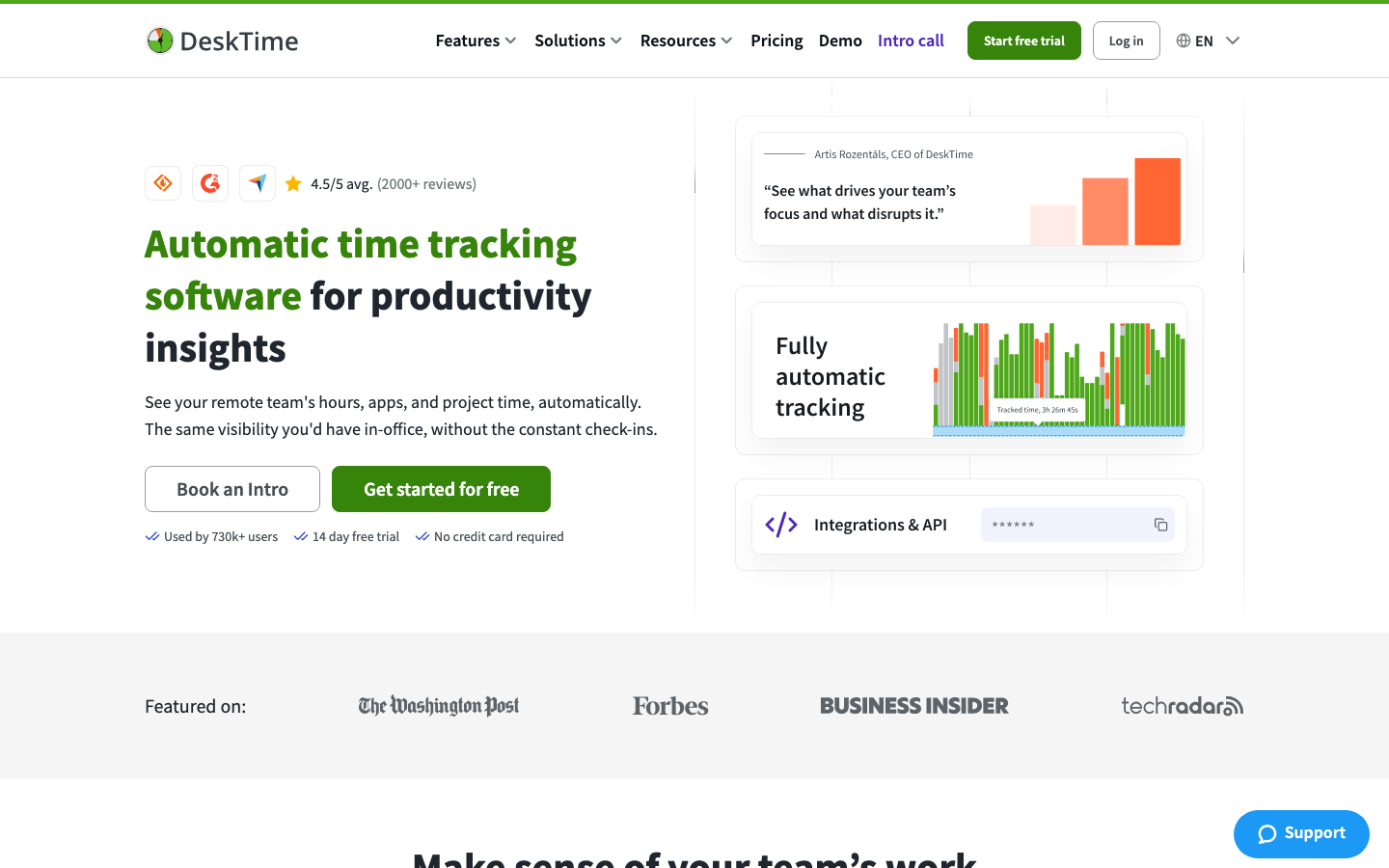
DeskTime tracks time automatically and classifies apps and URLs as productive or not, with optional screenshots on its Premium plan and a documented USD price per user.
Software Pros
- Automatic time capture with productivity scoring
- Screenshots available on Premium at $9.17 per user per month
- Absence calendar and shift scheduling included
Software Cons
- Built for computer-based work rather than field teams
- Productivity classification needs tuning before the scores mean anything
DeskTime Review
DeskTime answers the how question rather than the whether question: not did someone log in, but what the day was actually spent on. Screenshots sit behind the Premium tier, which is a useful fork in the road, since a team can start with app data at $6.42 per user per month and decide later whether images are worth the trust cost.
Our Verdict
Productivity Scoring With Optional Images
DTEX Systems
Quick Overview
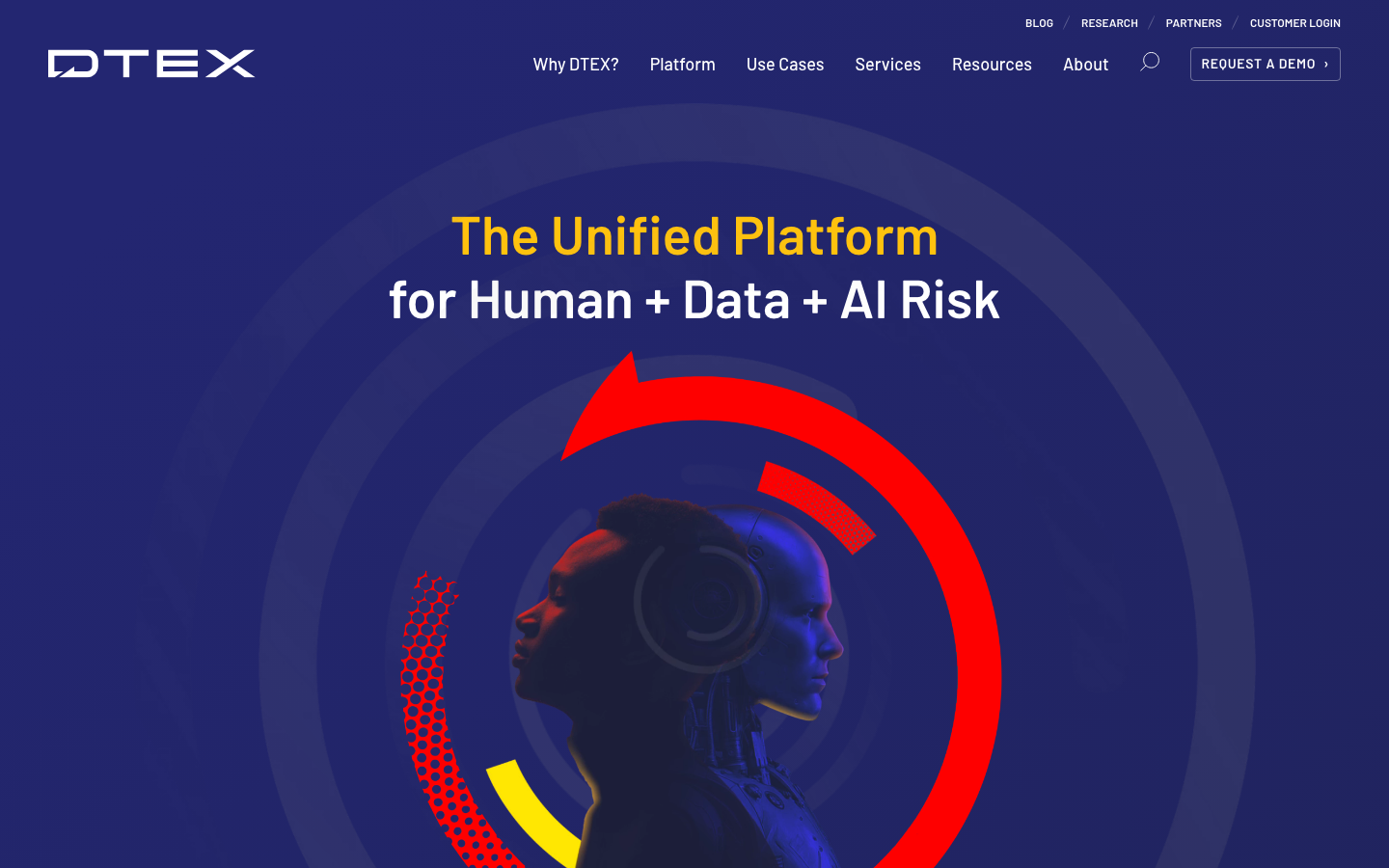
DTEX Systems is an insider risk platform that collects behavioral metadata rather than screen content, scoring unusual activity so a security team can investigate without watching everyday work.
Software Pros
- Metadata approach avoids screenshots and keystroke capture
- Risk scoring aimed at investigations, not at manager dashboards
- Built for large, distributed endpoint fleets
Software Cons
- Security tooling rather than a productivity product
- Pricing is quoted by endpoint count after a demo
DTEX Systems Review
DTEX answers a question productivity tools can’t: is data leaving, and who is behaving unlike themselves. Because it is designed around metadata rather than content, it is also the easiest platform in this group to explain to a works council, which matters in Europe.
Our Verdict
Insider Risk Without Screen Capture
EmpMonitor
Quick Overview
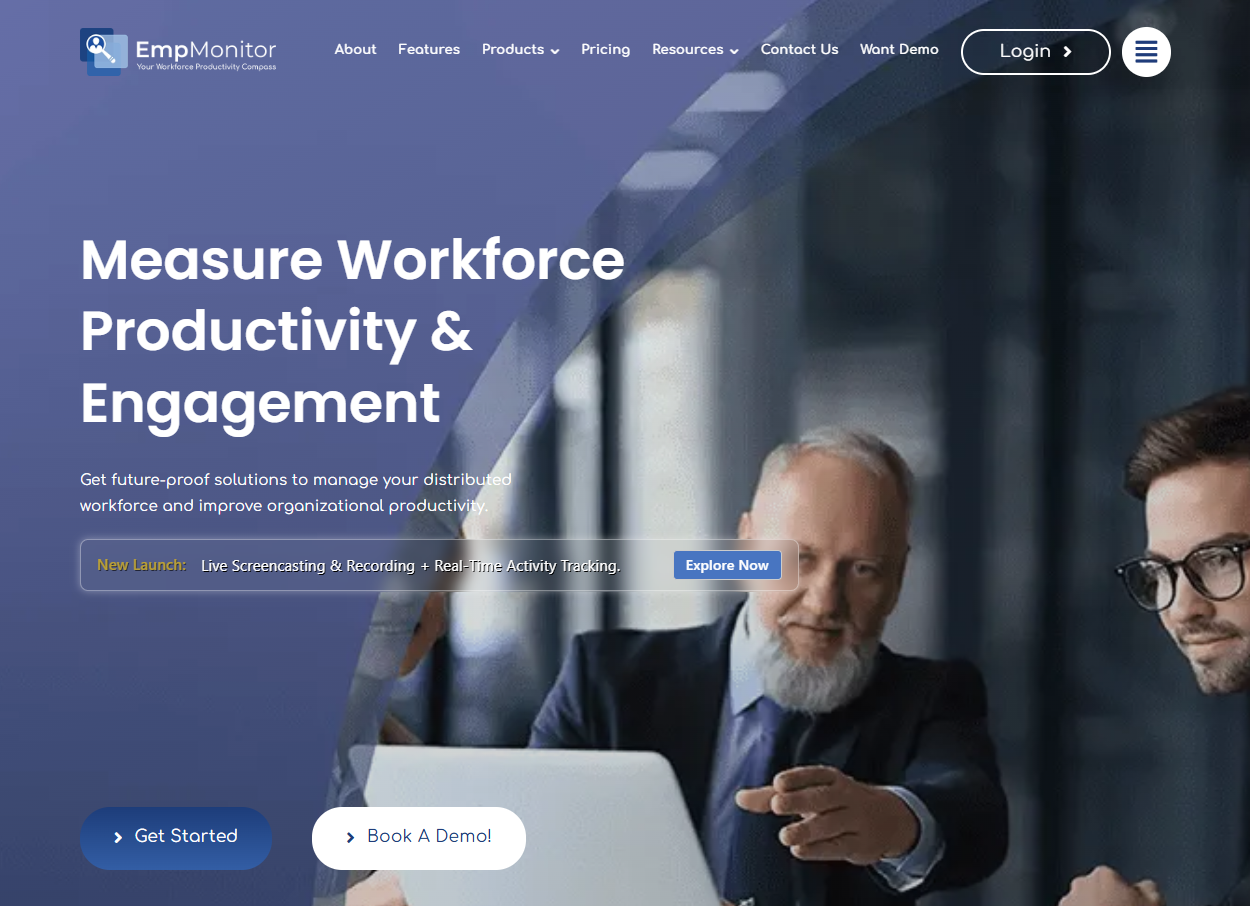
EmpMonitor records screenshots, keystrokes, app and website use, and login times from a Windows agent, with reports for productivity and for investigations.
Software Pros
- Screenshots at configurable intervals with keystroke logs
- Web and app reports per employee and per team
- Priced for small businesses rather than enterprises
Software Cons
- Requires clear privacy settings and notice before deployment
- Support and documentation are thinner than at the larger vendors
EmpMonitor Review
EmpMonitor is a remote employee monitoring solution provider aimed at companies that want deep capture at a small-business price. The trade-off is governance: the same settings that make it useful in an investigation will unsettle a team that was never told the agent exists, so the notice conversation comes first.
Our Verdict
Budget Capture With Keystroke Logs
Fullstory
Quick Overview
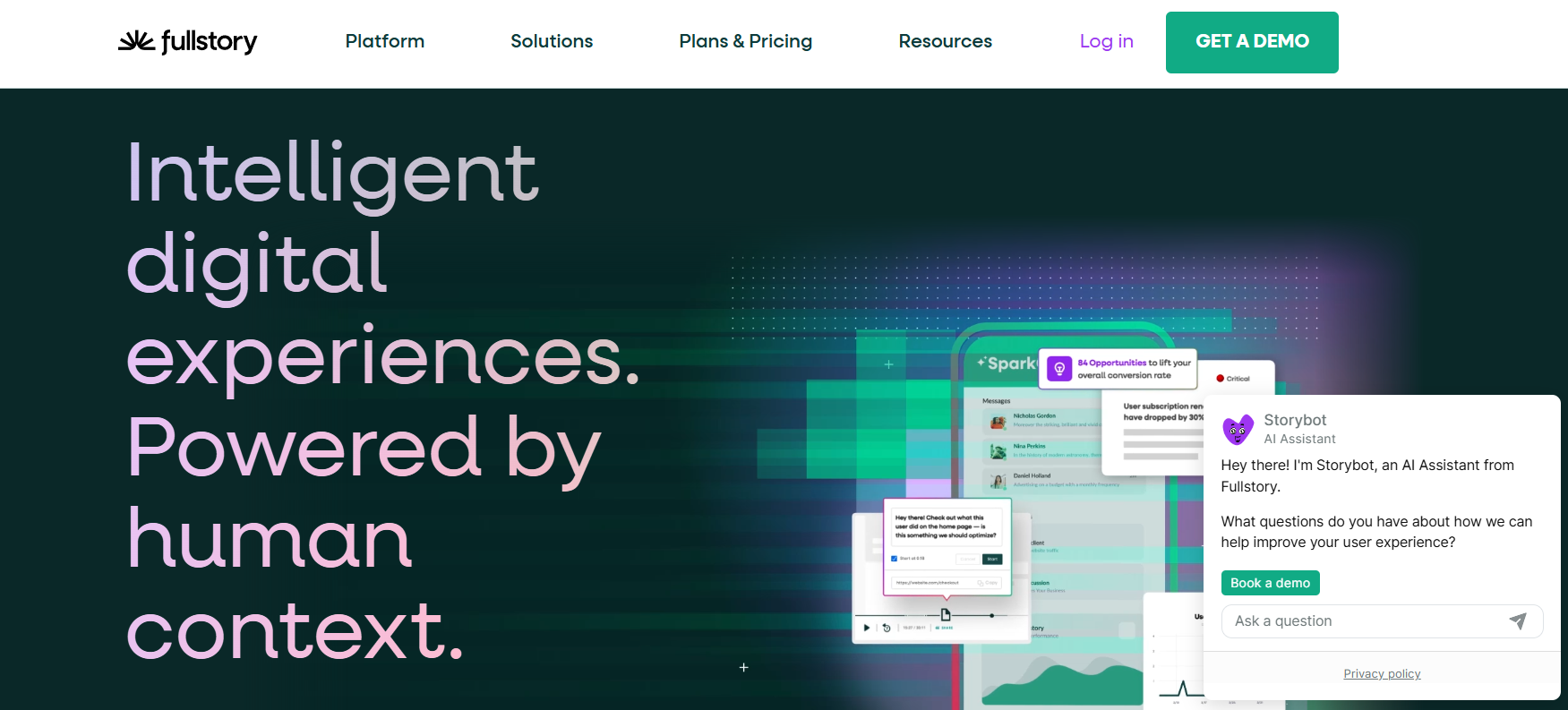
Fullstory Workforce applies behavioral analytics to internal tools, showing how employees actually work across the software they use every day.
Software Pros
- Behavioral insight into internal tool usage
- Lightweight browser extension setup
- Friction and shadow IT detection
Software Cons
- Workflow insight rather than time tracking
- Pricing arranged through a demo
Fullstory Review
What stood out to me is that this monitoring is aimed at the tools rather than at the person. Instead of screenshots or keystroke logs, it captures how teams navigate internal applications and where they get stuck, making it one of the least intrusive options among remote employee monitoring tools on this list. I would reach for it when the question is why work takes so long rather than whether someone is working. For distributed teams managing a large SaaS stack, tool adoption and shadow IT data often turn out to be the more valuable outputs.
Our Verdict
Digital Employee Experience Analytics
Hubstaff
Quick Overview
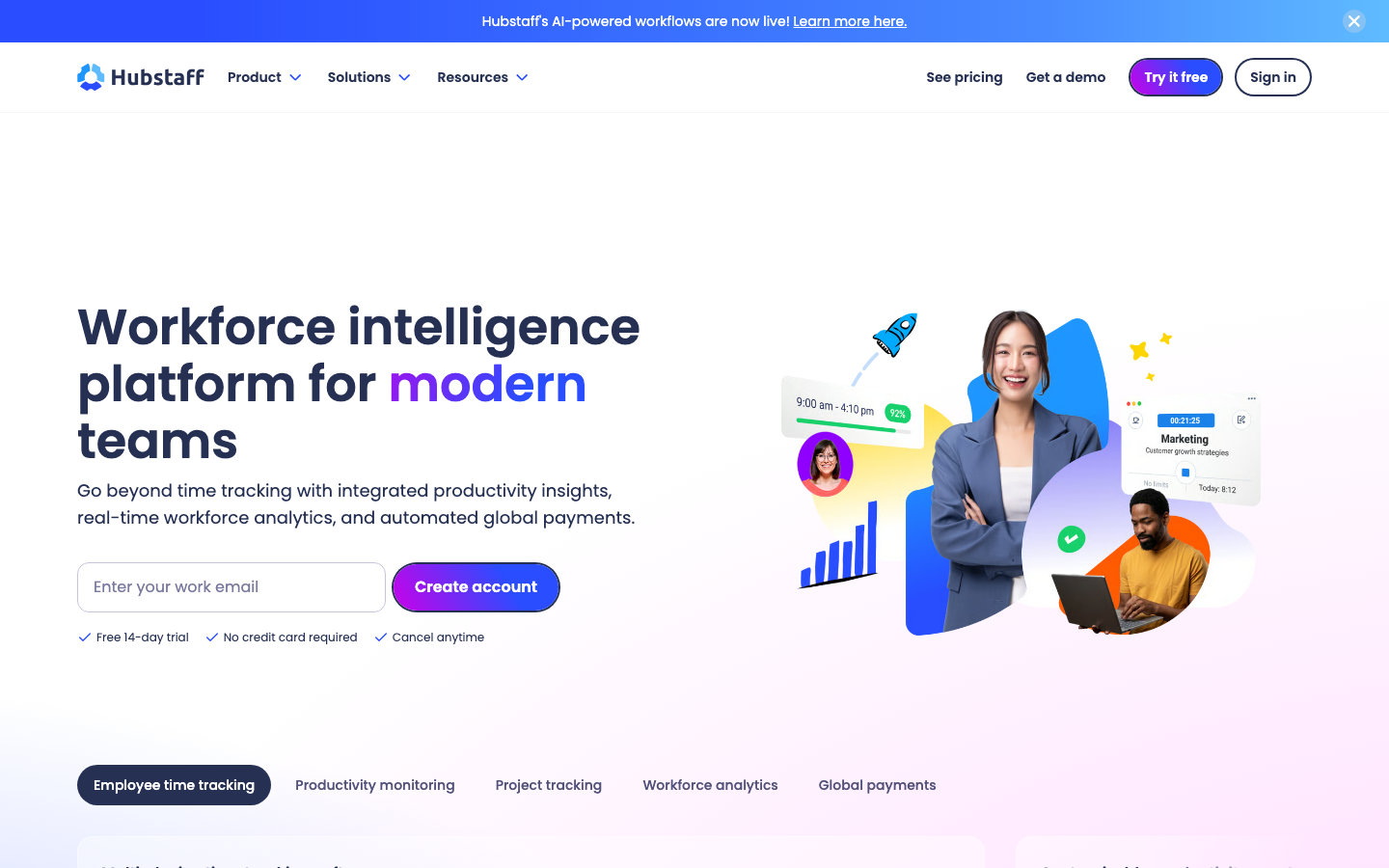
Hubstaff is a remote employee monitoring tool built around tracked time: screenshots, activity levels from keyboard and mouse use, app and URL logs, and GPS for field staff, starting at $4.99 per seat per month with a 2-seat minimum.
Software Pros
- Screenshots and activity levels tied to tracked hours
- Published per-seat pricing with a free trial
- Field tracking for teams that are not at a desk
Software Cons
- Employees see the timer, so this is visible monitoring by design
- Deeper capture such as keystrokes is not part of the product
Hubstaff Review
Hubstaff sells proof of work rather than surveillance, and the distinction shows in the interface: employees start the timer and see what is captured. For agencies and outsourcing teams that bill clients for tracked hours, that visibility is a feature, not a limitation.
Our Verdict
Tracked Hours With Visible Capture
Insightful
Quick Overview
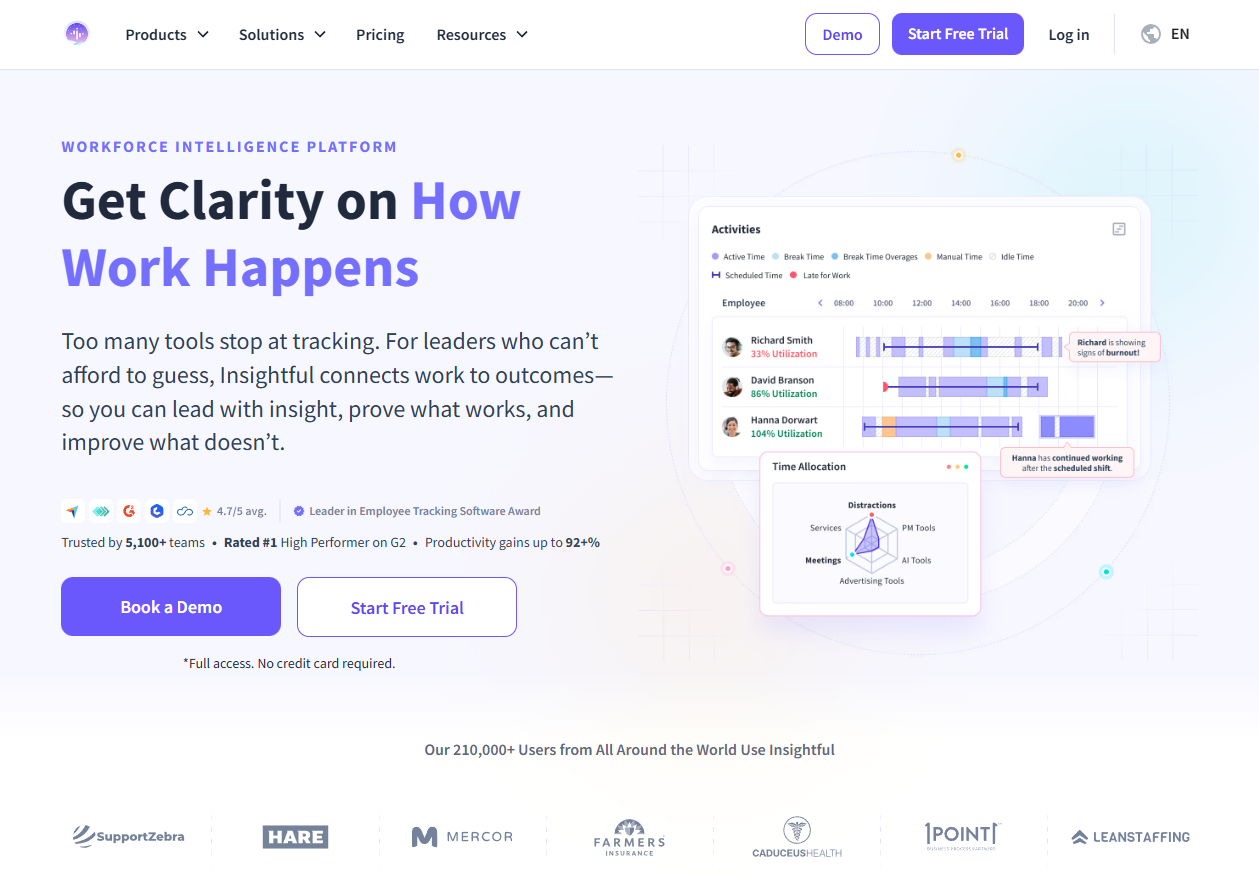
Insightful, formerly Workpuls, is employee monitoring for remote teams with productivity analytics, screenshots, and a choice between a visible agent and a stealth one. It installs on Windows, macOS, and Linux, and the vendor states that it does not track keystrokes.
Software Pros
- Runs on Windows, macOS, and Linux
- Visible or stealth agent, chosen at deployment
- Vendor states keystrokes are not tracked
Software Cons
- The stealth option demands a legal review before it is enabled
- Analytics depth depends on categorizing apps correctly first
Insightful Review
Insightful is the clearest example on this list of a single product that can be either a coaching tool or a surveillance tool depending on 1 setting. The keystroke position is a genuine differentiator: it limits what an investigation can recover, and it makes the rollout conversation much easier.
Our Verdict
Analytics With a Visibility Switch
InterGuard
Quick Overview
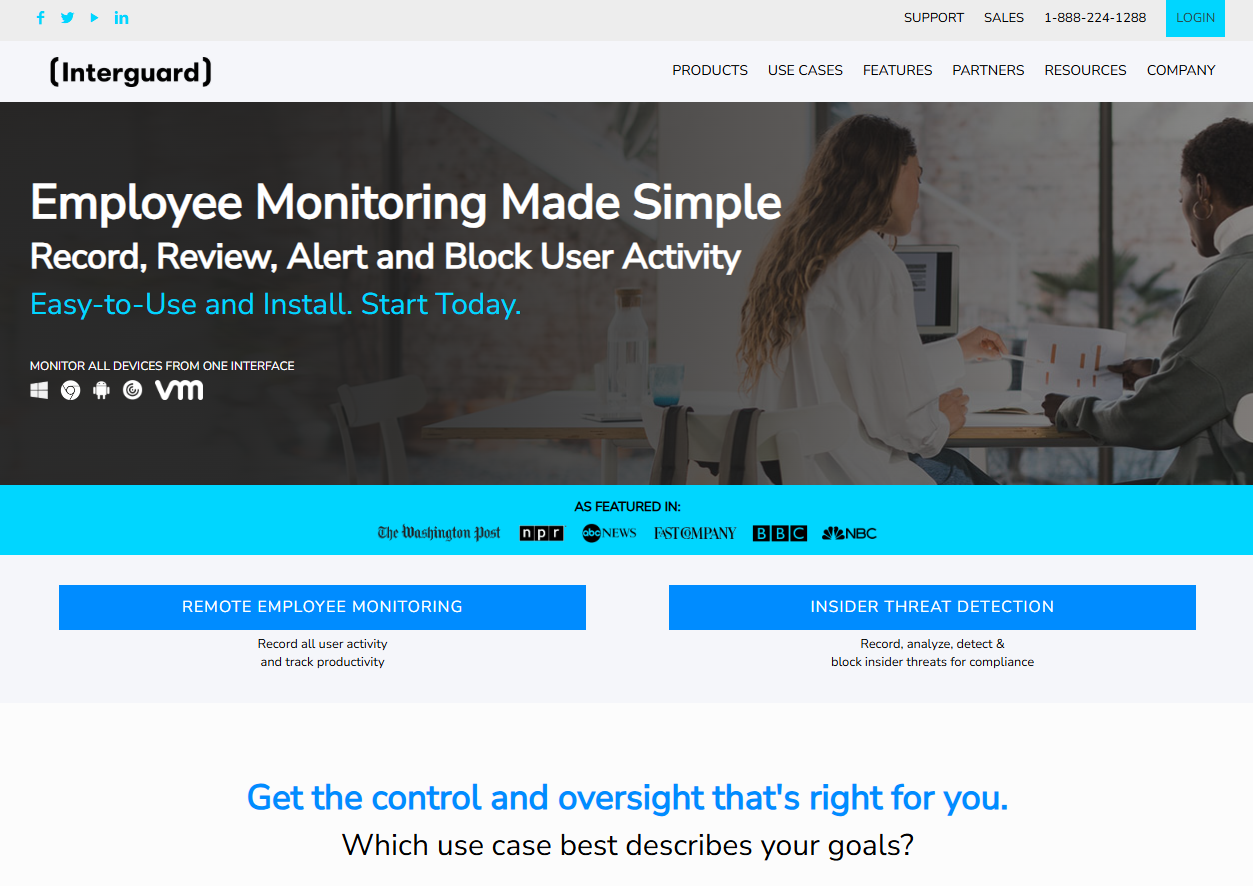
InterGuard records screenshots, keystrokes, email and file activity, and web use, and adds web filtering and remote file retrieval for investigations.
Software Pros
- Evidence-grade capture including file movement
- Web filtering and alerting alongside recording
- Remote install across a Windows fleet
Software Cons
- Capture this broad turns retention into a policy problem
- The interface reflects its security heritage rather than HR use
InterGuard Review
InterGuard is bought when something has already gone wrong, or when a regulated employer wants an audit trail that will hold up later. It is not a tool for measuring focus time, and using it that way can lead to resignations rather than a productivity answer.
Our Verdict
Evidence Capture for Investigations
Kickidler
Quick Overview
Kickidler is built around live screens: real-time viewing of many machines at once, recorded session video, keystroke logs, and a DLP module, with clients for Windows, macOS, and Linux.
Software Pros
- Live grid view of multiple desktops at once
- Session video that can be replayed later
- Windows, macOS, and Linux clients with a DLP add-on
Software Cons
- Live viewing is the most sensitive capability on this page
- A hidden agent option raises legal questions in several jurisdictions
Kickidler Review
Watching a wall of live screens is either exactly what a call center supervisor needs or the fastest way to destroy trust in a knowledge team. Kickidler does it well, which is precisely why the deployment decision belongs with legal and HR before it reaches IT.
Our Verdict
Live Screens and Session Video
Microsoft Insider Risk Management

Quick Overview
Microsoft Purview Insider Risk Management builds risk policies from signals already generated inside Microsoft 365, such as file exfiltration and unusual sharing, without installing a separate monitoring agent.
Software Pros
- No extra agent: it uses Microsoft 365 activity signals
- Policy templates for data theft and departing employees
- Pseudonymization and role-based access controls documented by Microsoft
Software Cons
- Requires Microsoft 365 E5 or a matching add-on license
- Covers Microsoft 365 activity rather than everything on the device
Microsoft Purview Insider Risk Management Review
If your company already pays for E5, this is the monitoring capability you own without buying anything. It answers security questions rather than productivity ones, and Microsoft documents how identities can be pseudonymized in the analyst view, which is a useful answer for European rollouts.
Our Verdict
Insider Risk Inside Microsoft 365
Monitask
Quick Overview
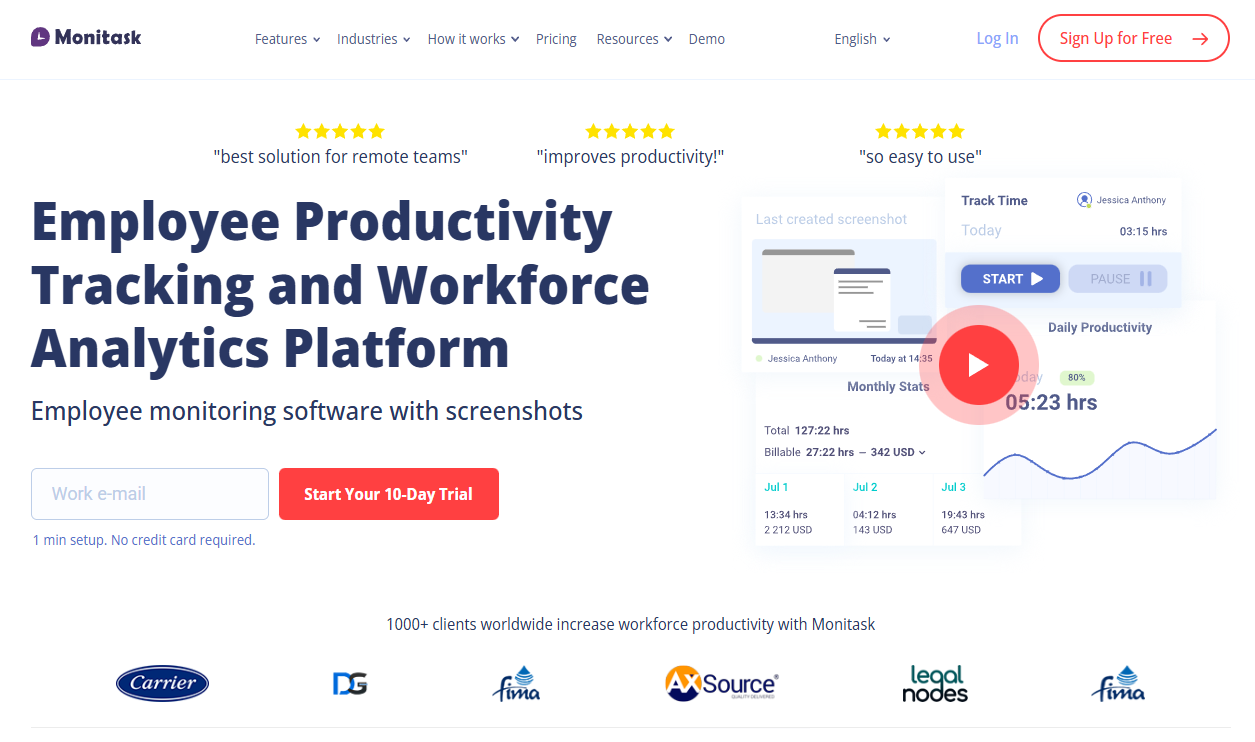
Monitask is employee monitoring software for remote workers that pairs time tracking with screenshots and activity levels, published at $6.49 per user per month with a 10-day trial.
Software Pros
- Published per-user price and a 10-day full trial
- Screenshots with adjustable frequency
- Simple enough to roll out without an IT project
Software Cons
- Data retention on lower tiers is measured in months
- Reporting stays basic next to the analytics platforms
Monitask Review
Monitask targets small companies that want proof of hours without a procurement cycle. Note the retention limits on the cheaper plans, because a screenshot you cannot retrieve in 6 months is useless in a dispute.
Our Verdict
Straightforward Hours and Screenshots
ProHance
Quick Overview
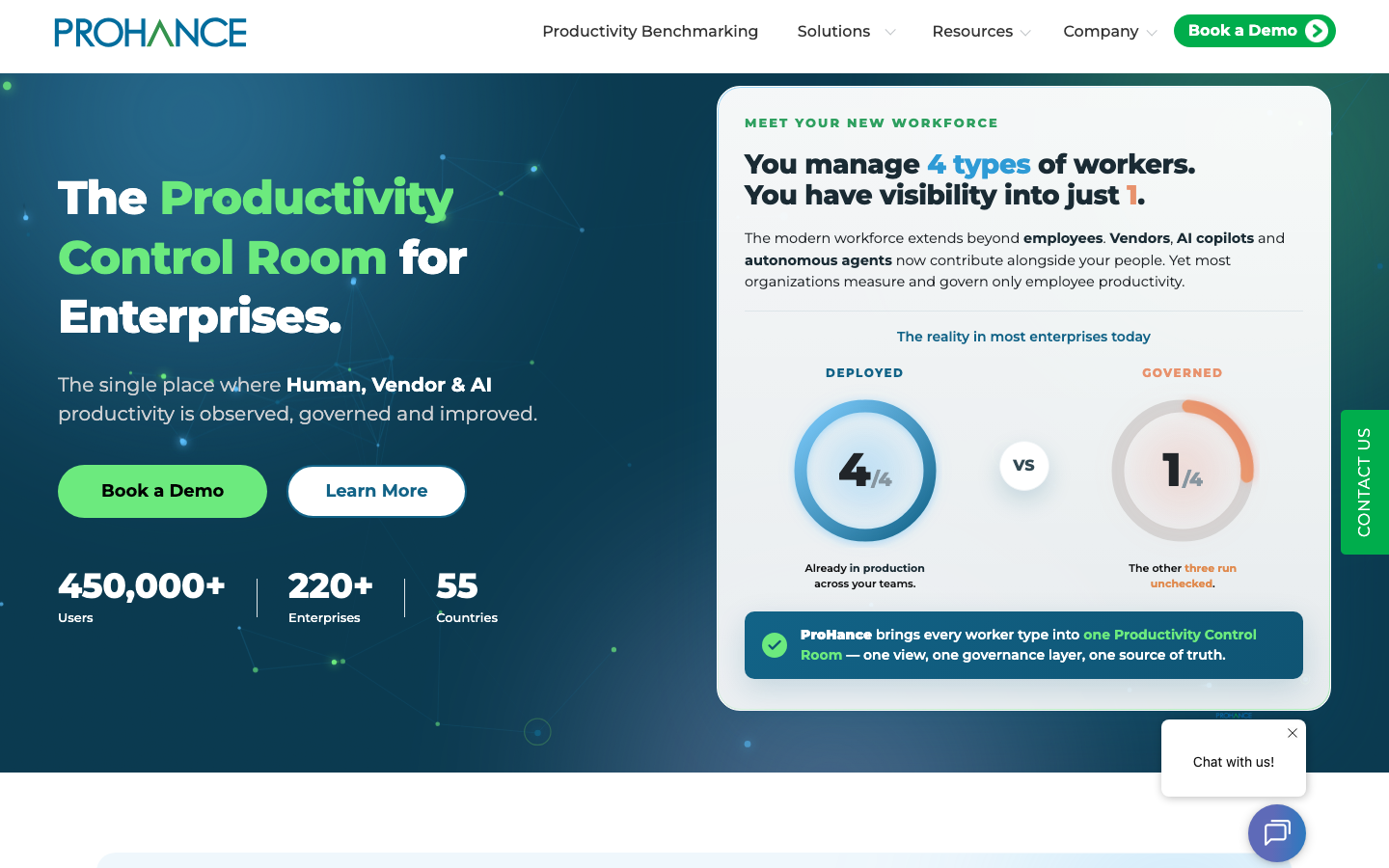
ProHance is a workforce analytics platform for operations teams that measures utilization, process time, and capacity across large service delivery organizations rather than recording screens.
Software Pros
- Utilization and capacity analytics at team and process level
- Built for large operations and shared services centers
- Reporting aimed at operations managers, not at individual oversight
Software Cons
- Enterprise deployment rather than a self-serve signup
- Individual-level detail is deliberately shallower than a desktop agent
ProHance Review
ProHance answers a different question from the rest: not what a single employee did, but where capacity is going across hundreds of people doing similar work. That makes it a planning instrument, which is why it usually sits with operations.
Our Verdict
Capacity Analytics for Operations
Proofpoint Insider Threat Management
Quick Overview
Proofpoint Insider Threat Management, formerly sold as ObserveIT, correlates user activity with data movement and builds an investigation timeline, with screen capture available around risky events.
Software Pros
- User activity timelines linked to data movement
- Screen capture focused on flagged events rather than everything
- Part of a wider information protection portfolio
Software Cons
- Security product sold through enterprise sales, not self-serve
- Managed by security teams, so HR has no dashboard of its own
Proofpoint Insider Threat Management Review
This is the enterprise answer to the insider question, and the rename matters for buyers: searching for ObserveIT still lands on Proofpoint pages, but support articles and contracts now use the Insider Threat Management name. Evidence quality is the selling point, not productivity scoring.
Our Verdict
Investigation Timelines for Enterprises
SentryPC
Quick Overview
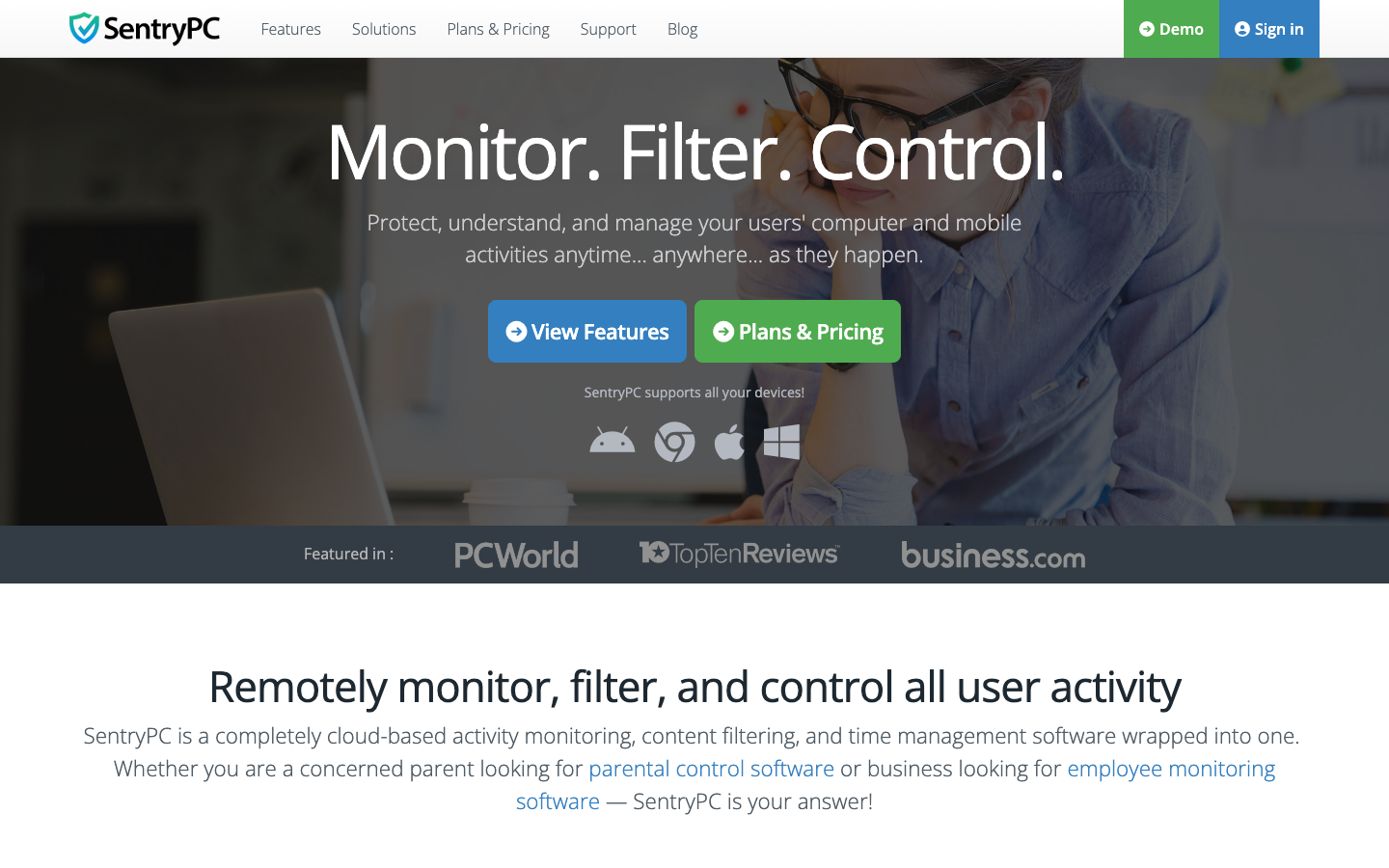
SentryPC combines monitoring with control: screenshots, keystroke logs, and activity reports alongside time limits, schedules, and website or application blocking, managed from a cloud console.
Software Pros
- Filtering and time scheduling alongside monitoring
- Cloud console covering all licensed devices
- Annual licensing priced by device count
Software Cons
- Aimed at control as much as insight, which suits few knowledge teams
- Interface and documentation feel dated next to newer tools
SentryPC Review
SentryPC is closer to an access control product than a productivity one: block these sites, allow that hour, log the rest. It fits shared or shift-based machines far better than laptops carried by salaried staff, who will read the restrictions as a statement about trust.
Our Verdict
Filtering, Schedules, and Logs
StaffCop
Quick Overview
StaffCop is an on-premises-friendly monitoring and data loss prevention platform, recording screens, keystrokes, files, and communications and storing the data inside the customer’s own infrastructure.
Software Pros
- Self-hosted deployment keeps data on your servers
- Combines monitoring with data loss prevention rules
- Detailed reports for security investigations
Software Cons
- Self-hosting requires IT ownership and maintenance
- Depth of capture makes a formal policy mandatory
StaffCop Review
Where cloud tools lose a procurement review over data residency, StaffCop usually wins it: the recordings never leave the building. That is also the operational cost, since someone has to run the server, patch it, and decide who can open the archive.
Our Verdict
Self-Hosted Monitoring With DLP
Syteca
Quick Overview
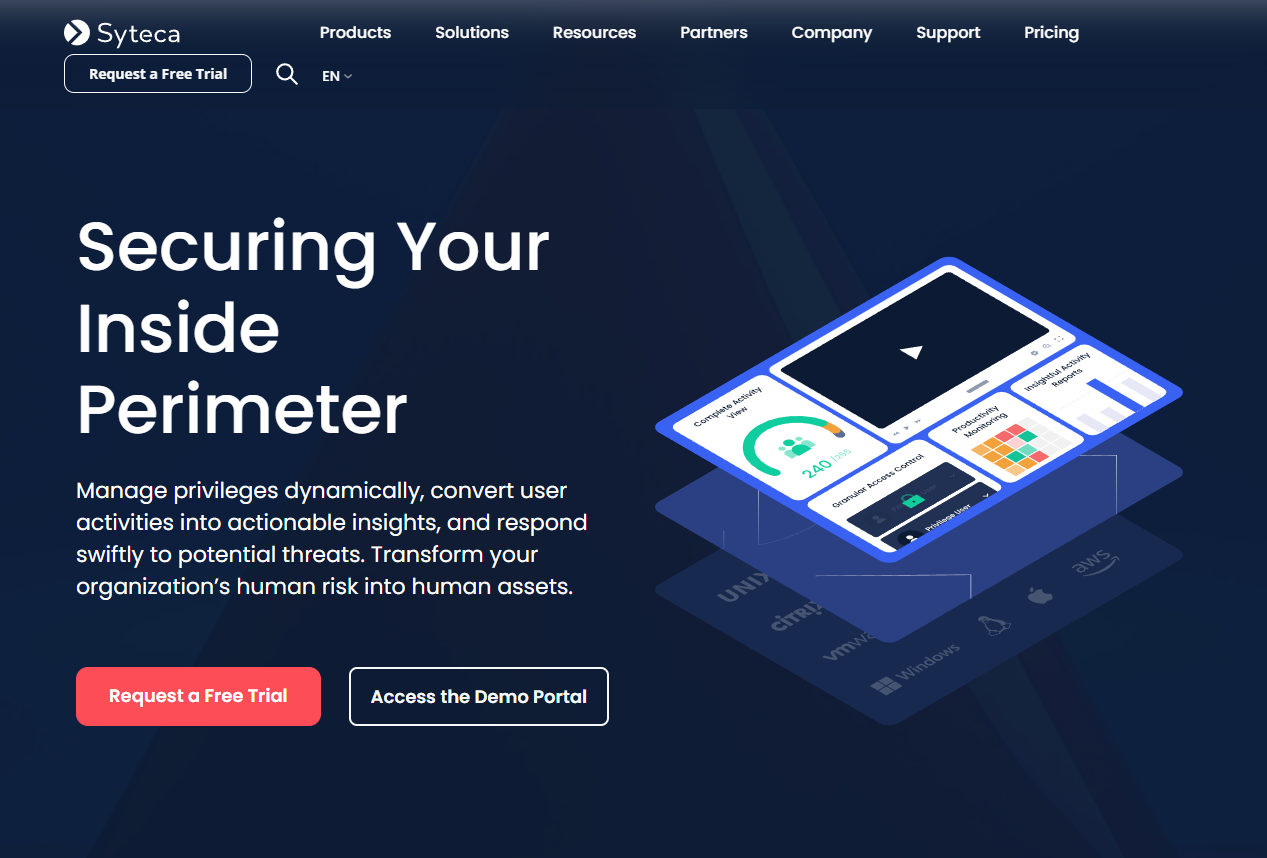
Syteca, the platform previously sold as Ekran System, records privileged sessions with video and metadata, manages access to critical systems, and produces audit trails for compliance reviews.
Software Pros
- Session recording tied to privileged access management
- Audit-ready evidence for regulated environments
- Deploys on-premises, in the cloud, or in a hybrid setup
Software Cons
- Aimed at administrators and contractors rather than all staff
- Licensing by endpoint gets expensive across a whole workforce
Syteca Review
Syteca is a controls product, not a productivity one: it exists so that an auditor can see who touched a production system and what they did. Companies that monitor only their privileged users, which is a defensible position, tend to land here.
Our Verdict
Session Recording for Privileged Access
Teramind
Quick Overview
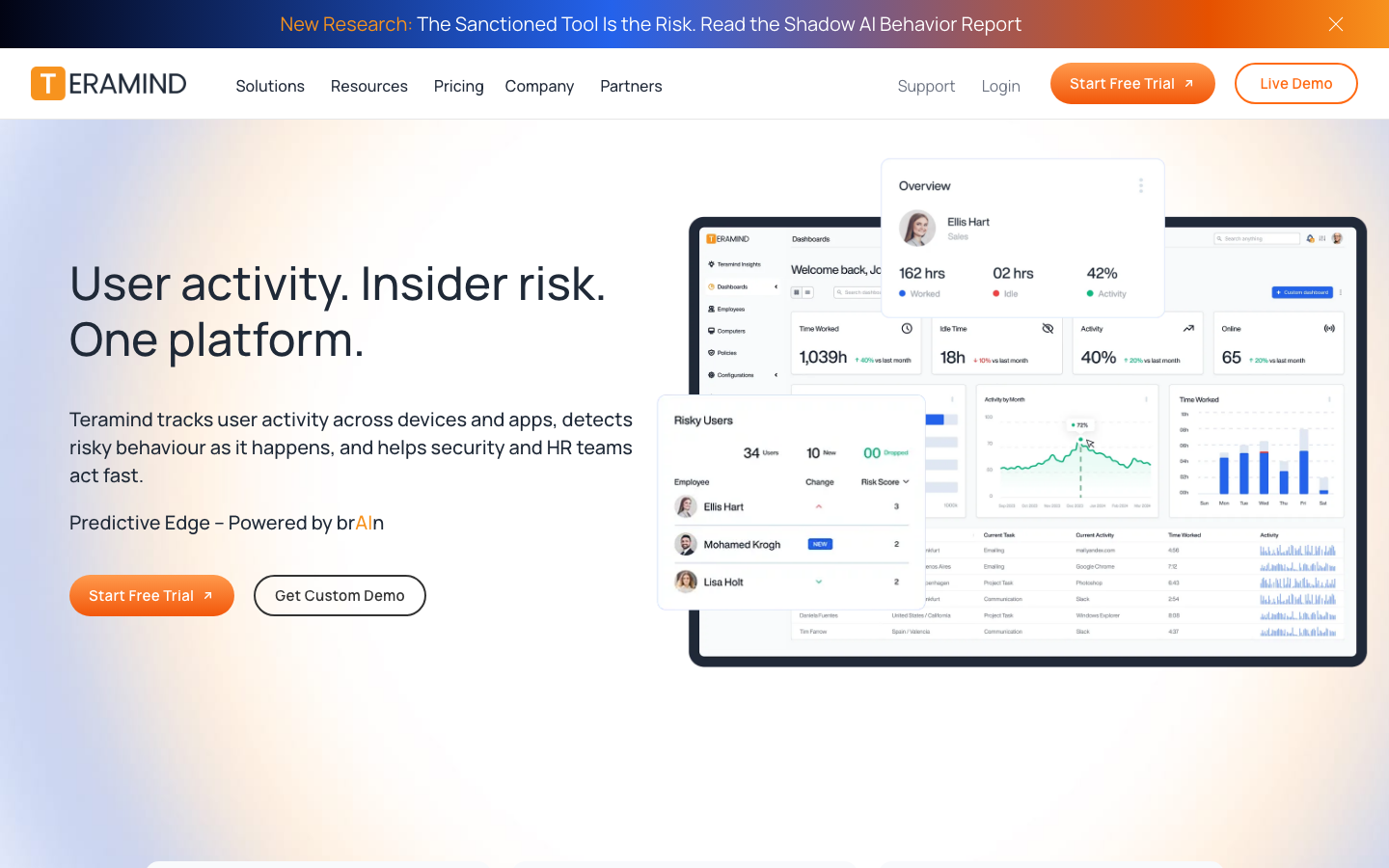
Teramind is a remote employee monitoring system with the deepest capture on this list: screen recording, keystroke logging, optical character recognition on screen content, and data loss prevention rules that can block actions as they happen.
Software Pros
- OCR reads text inside windows and screenshots
- Rules can warn, block, or lock a session automatically
- Runs visibly or in a hidden mode, depending on configuration
Software Cons
- The hidden mode is a legal decision, not a technical one
- Rule design takes real time before alerts become useful
Teramind Review
Teramind is what people picture when they hear employee monitoring, for better or worse. In a regulated environment where an auditor expects evidence, it is hard to beat. In a design team, switching it on is the fastest way to lose the people you were trying to manage.
Our Verdict
Maximum Capture With DLP Rules
Time Doctor
Quick Overview
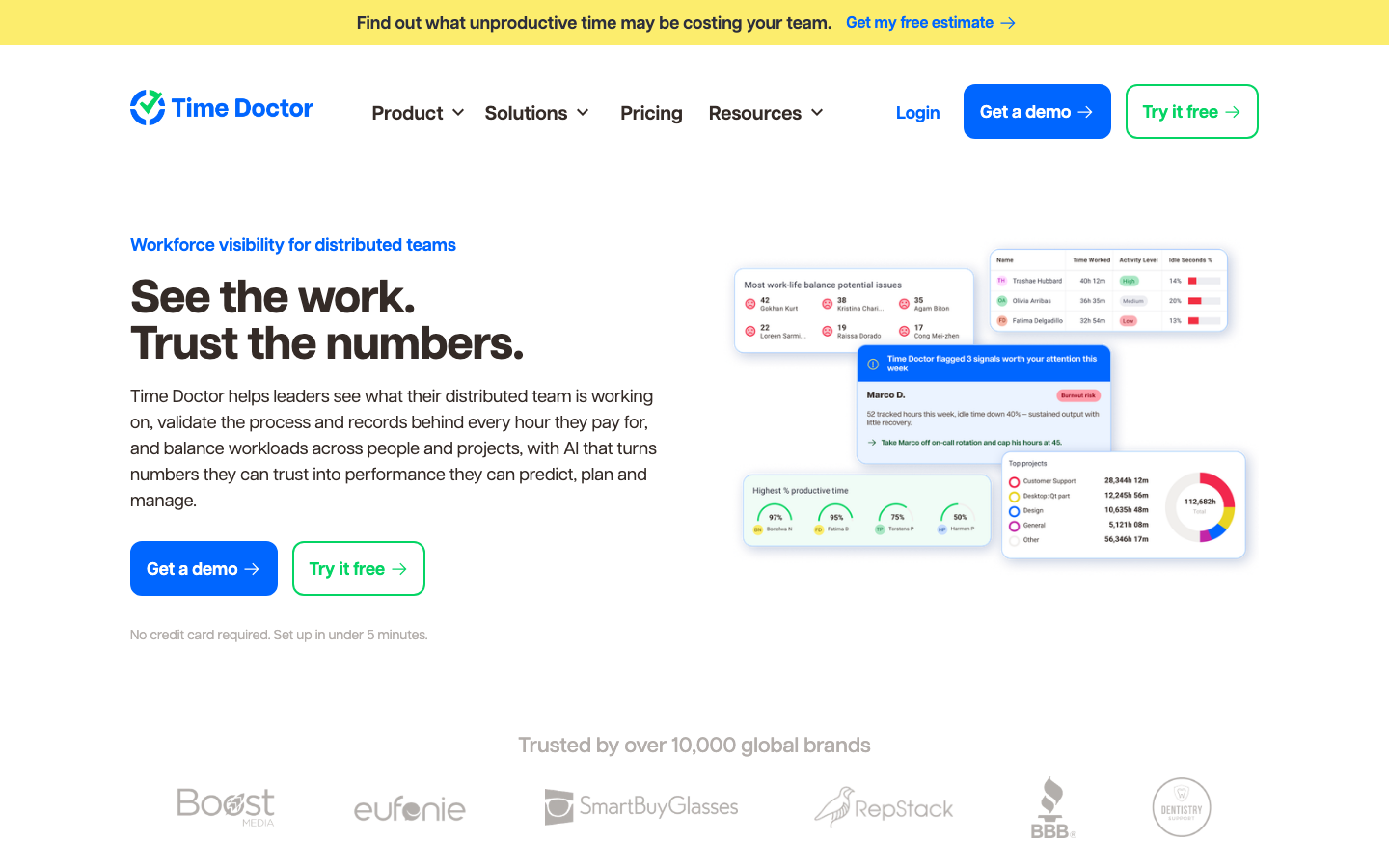
Time Doctor pairs automatic time tracking with screenshots, web and app reports, and idle detection, published at $6.67 per user per month billed annually on the Basic plan.
Software Pros
- Screenshots and web usage reports from the Basic plan
- Published pricing with a 14-day trial
- Reporting built for outsourcing and BPO oversight
Software Cons
- Visible tracking only, with no covert mode
- Productivity ratings need configuration per team to be fair
Time Doctor Review
Time Doctor is the standard choice where an outsourcing client wants evidence attached to invoiced hours. Screenshots start at the entry tier rather than as an upsell, and employees can see what was captured, which keeps the arrangement workable over long engagements.
Our Verdict
Hours With Screenshots for BPO Teams
Traqq
Quick Overview
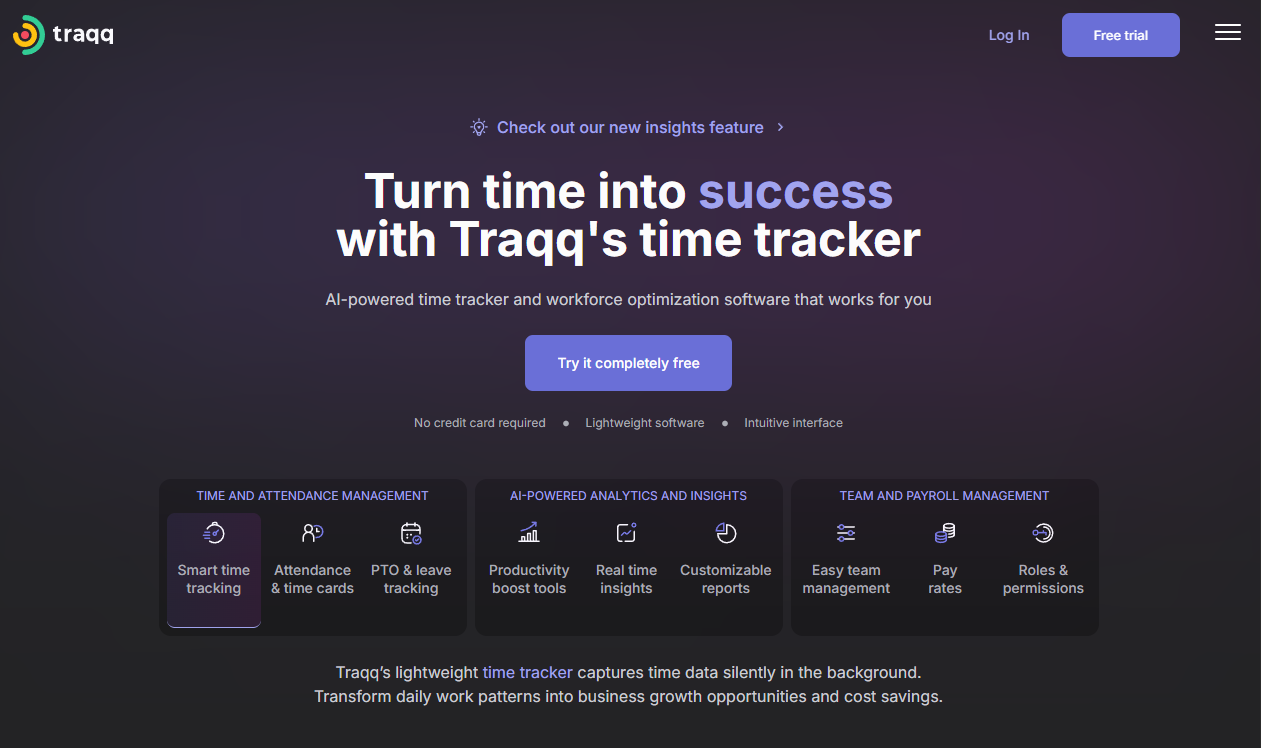
Traqq tracks time with activity levels and screenshots that can be blurred, and advertises itself as tracking work without surveillance. Every paid plan includes a 14-day trial.
Software Pros
- Screenshots can be blurred to limit what is readable
- Activity levels without keystroke content
- 14-day trial on every paid plan
Software Cons
- Lighter capture will not satisfy a security investigation
- Analytics stop well short of the workforce platforms
Traqq Review
Blurred screenshots are a small feature with a big impact: a manager can confirm work happened without reading a private message over someone’s shoulder. For distributed teams that want proof of hours and not a transcript, Traqq is the gentlest option in this group.
Our Verdict
Proof of Work With Blurred Screens
Veriato
Quick Overview
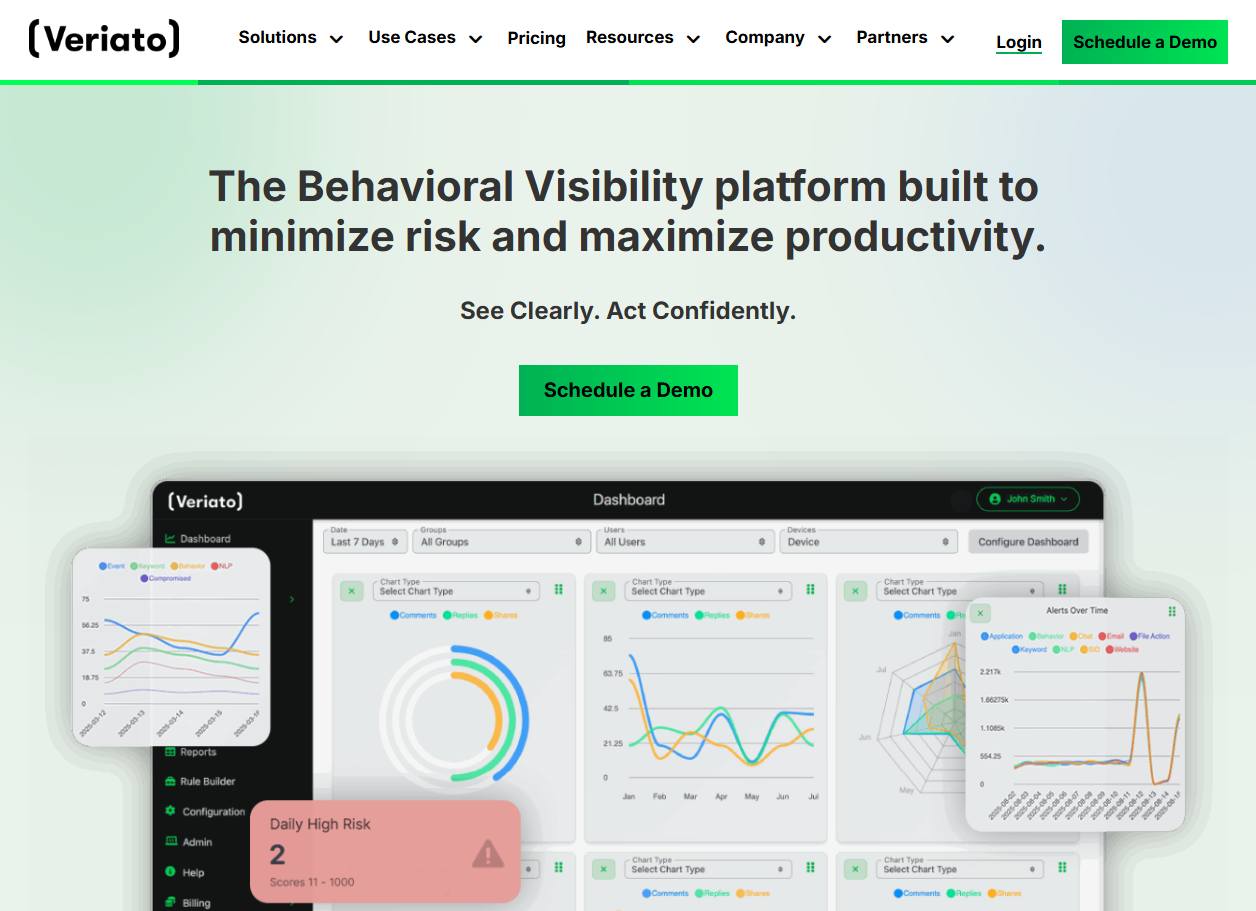
Veriato applies user behavior analytics to monitoring data, scores risk across the workforce, and keeps screen recordings and keystroke logs available when an alert needs investigating.
Software Pros
- Risk scoring that surfaces unusual behavior
- Screen recording and keystroke capture for investigations
- Reporting designed for security and HR investigations together
Software Cons
- Full capture makes retention rules essential
- Overkill for teams that only want productivity signals
Veriato Review
Veriato’s pitch is triage: rather than reviewing everything, look at the people whose behavior changed. That is a sensible model, and it still rests on a recording layer deep enough that the policy conversation has to happen before the first install.
Our Verdict
Risk Scoring Over Recorded Activity
We360.ai
Quick Overview
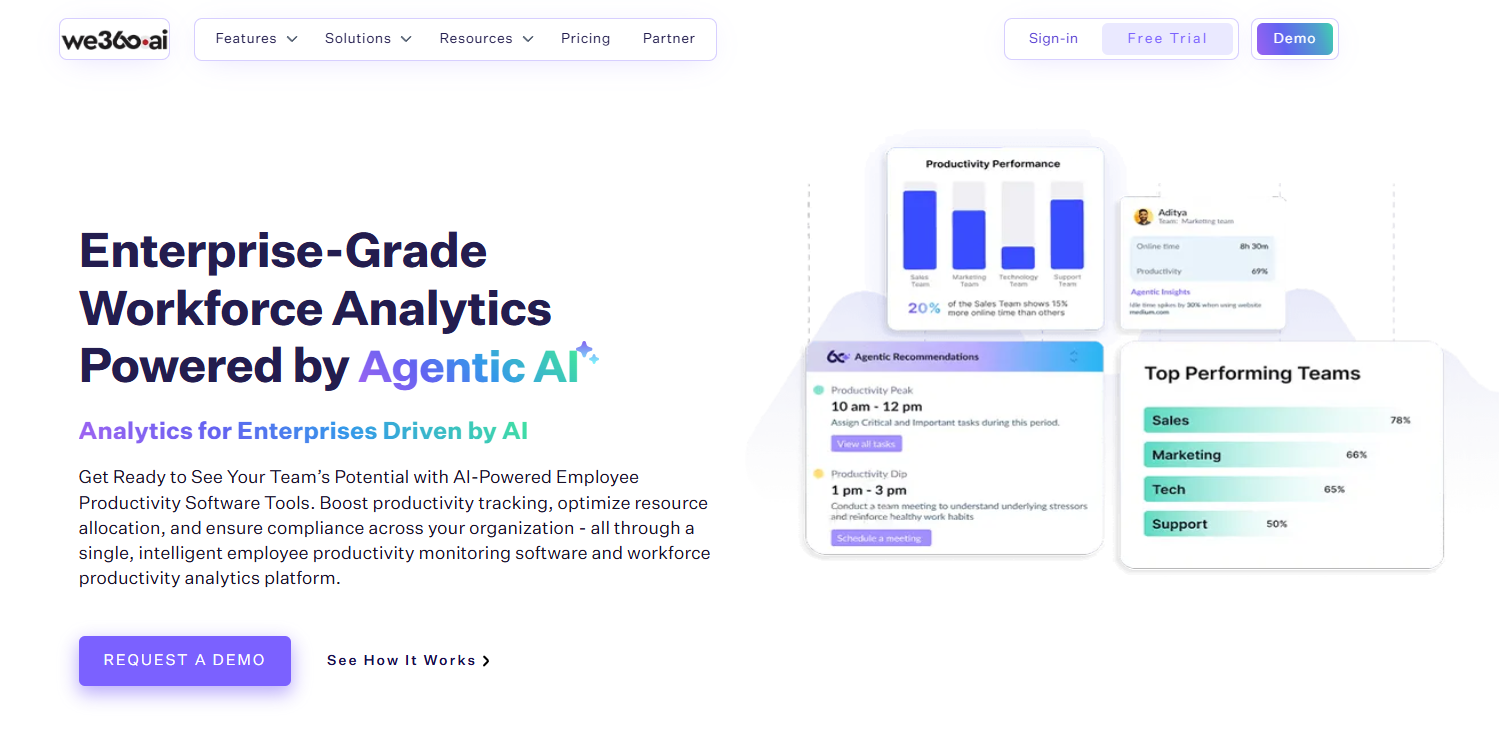
We360.ai pairs workforce analytics and cost reporting with a deep monitoring layer, aimed at enterprise and delivery-team scale.
Software Pros
- Agentic AI recommendations and predictive burnout/attrition signals
- Deep feature coverage: screen recording, livestream, apps and URLs, attendance
- SOC 2 Type II, GDPR, ISO and HIPAA compliance coverage
Software Cons
- Live screen and recording options need a clear internal policy
- Broader than teams that only need simple time tracking
We360 Review
I like that We360.ai starts from the leadership question rather than the supervision one. Its dashboards connect hours to output, cost, and technology usage, so the conversation with a team becomes about workload and capacity instead of activity levels. The AI layer builds on that by flagging burnout risk and disengagement early, which is where I see the real value for HR. Add SOC 2 Type II, GDPR, ISO and HIPAA coverage plus pricing from ₹399 per user per month, and it lands as one of the more complete enterprise options on this list.
Our Verdict
AI-Driven Workforce Analytics
WebWork
Quick Overview
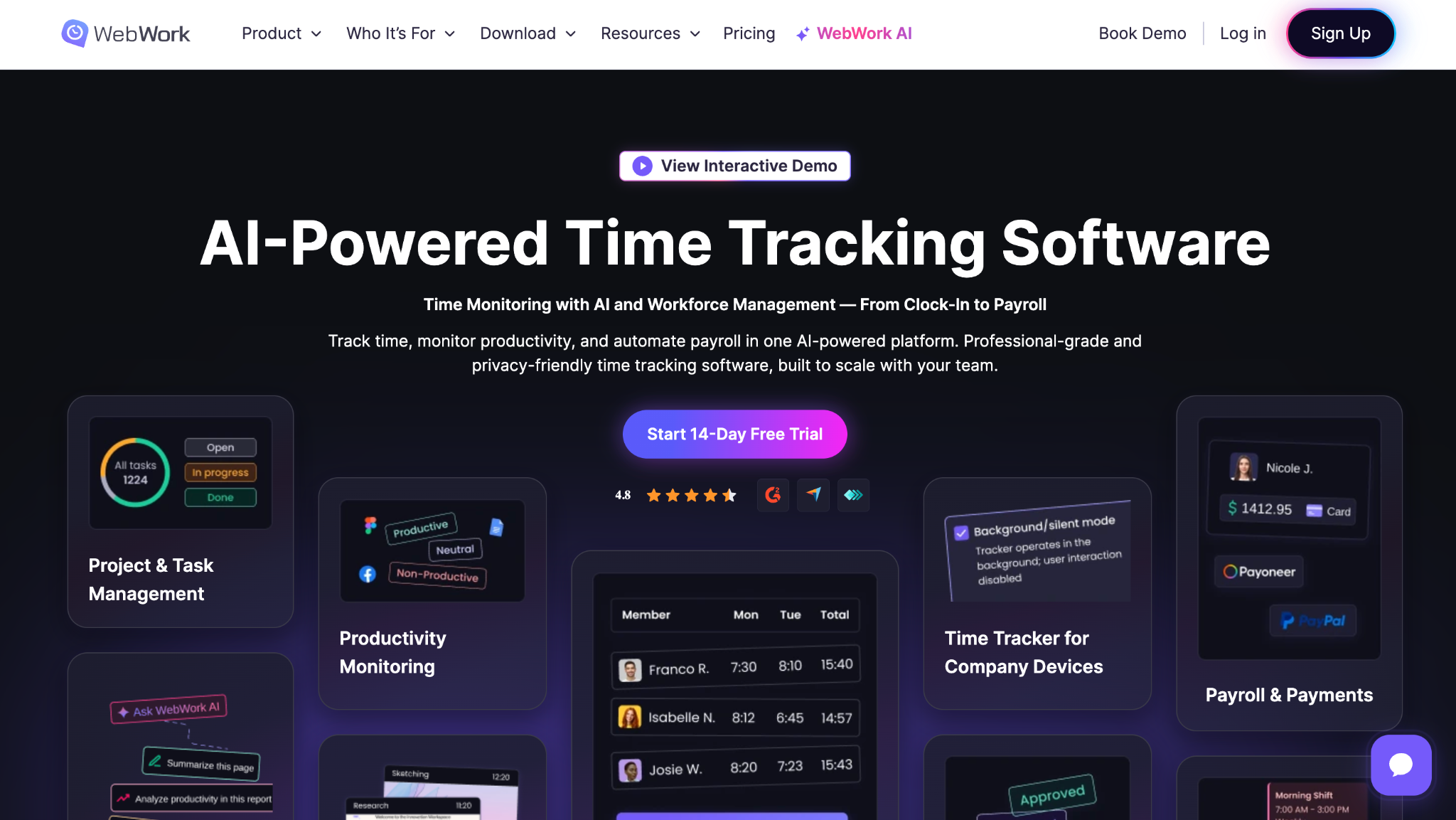
WebWork is a time tracker with screenshots in 4 modes, app and website tracking, and reports that tie tracked hours to projects and clients.
Software Pros
- Screenshot modes from blurred to full capture
- App and website reports alongside tracked time
- Invoicing and project reporting included
Software Cons
- Visible tracking only, by design
- Analytics are lighter than the productivity platforms
WebWork Review
WebWork covers the same ground as Hubstaff and Time Doctor and differentiates on screenshot modes: teams that find full captures intrusive can switch to blurred images and keep the audit trail. For client work, the invoicing side saves a separate subscription.
Our Verdict
Tracked Hours With Flexible Screenshots
WorkExaminer
Quick Overview
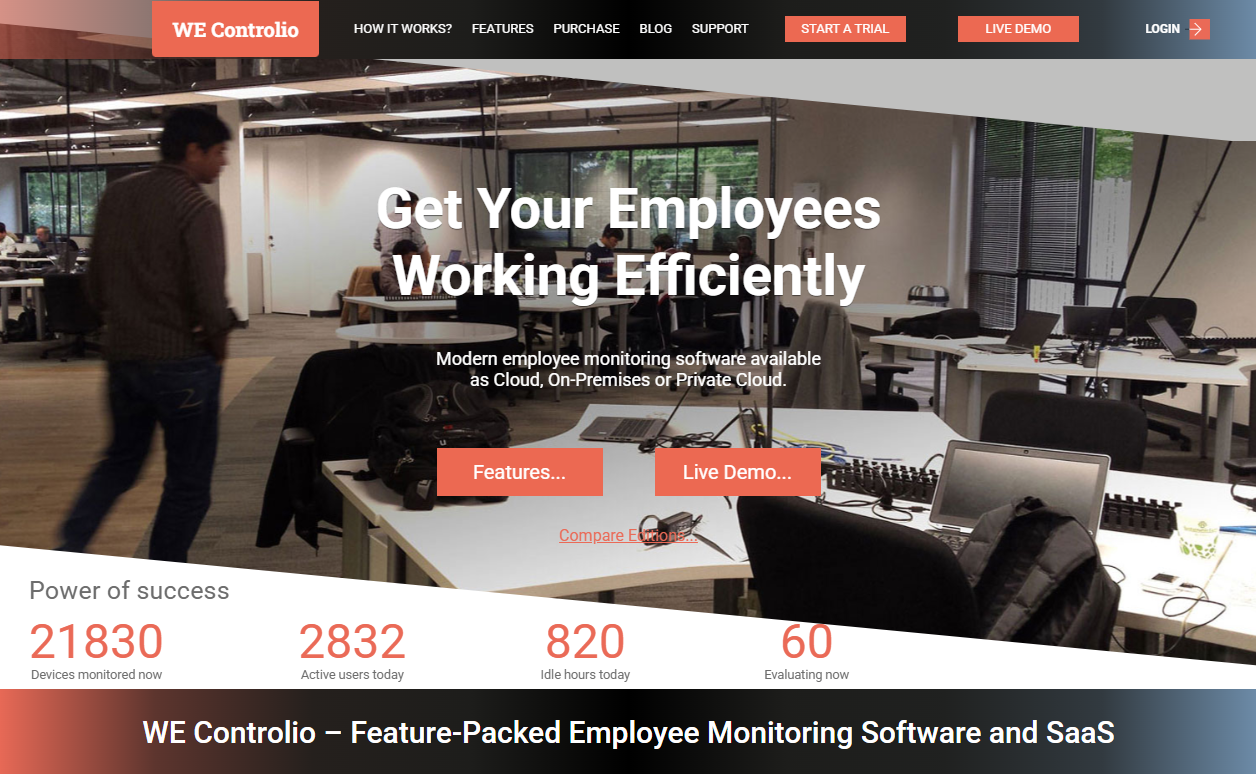
WorkExaminer monitors Windows networks with screenshots, keystroke logging, web and app reports, and filtering, available as a cloud service or installed on the company’s own server.
Software Pros
- Cloud or on-premise deployment on Windows networks
- Screenshots, keystrokes, and web filtering in one agent
- Priced per computer rather than per user
Software Cons
- Interface and reporting show their age
- Windows-centered, so mixed fleets need a second tool
WorkExaminer Review
WorkExaminer is a practical choice for an office running Windows desktops on a local network, where the alternative is an enterprise platform priced far above the need. Check the hidden agent settings during the trial, because that decision drives the notice you owe employees.
Our Verdict
Windows Network Monitoring on a Budget
Workstatus
Quick Overview
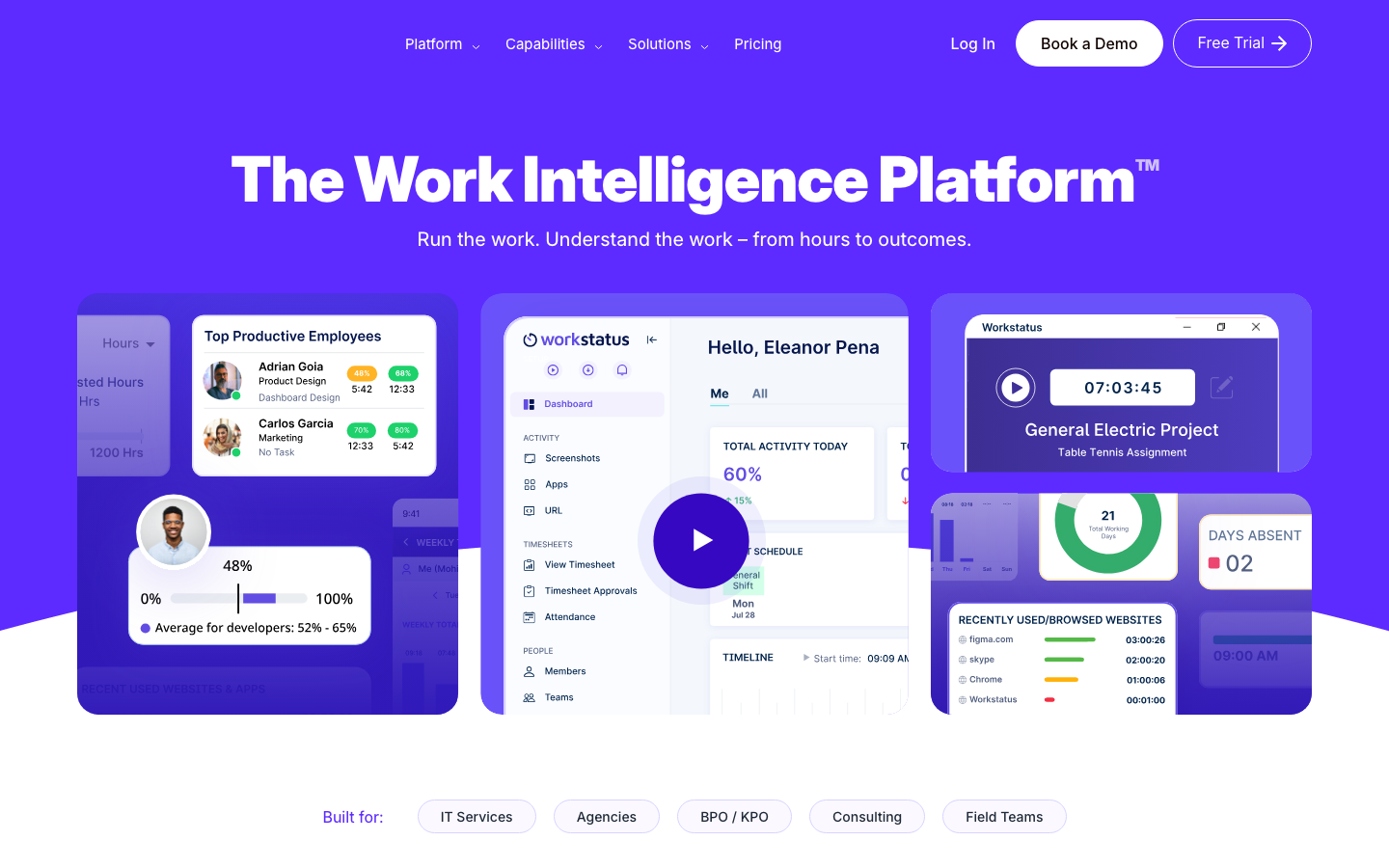
Workstatus combines time tracking, screenshots, activity levels, and GPS with shift scheduling, so field staff and desk staff can be managed in the same console.
Software Pros
- Screenshots and activity levels with GPS for field teams
- Scheduling and attendance alongside monitoring
- Project and task reporting for billing
Software Cons
- Feature breadth means more setup before the data is useful
- Deeper capture such as keystrokes is not offered
Workstatus Review
Workstatus targets companies whose workforce is split between laptops and vans. Combining location data with screenshots in the same product is convenient and raises the stakes, so the privacy notice must explicitly cover both kinds of tracking.
Our Verdict
Desk and Field Tracking Together
WorkTime
Quick Overview
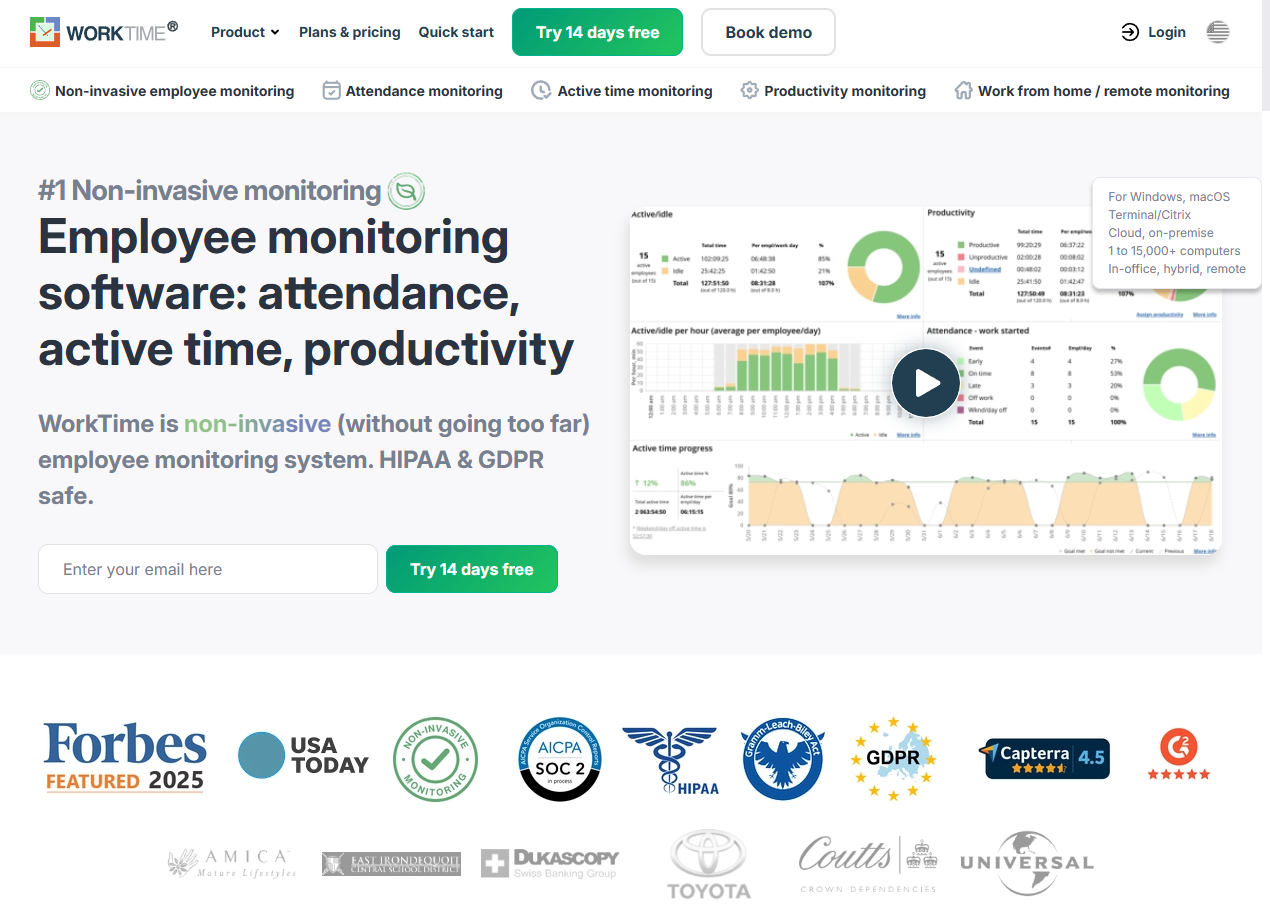
WorkTime describes itself as non-invasive monitoring: it records attendance, active time, application and website use, but deliberately does not capture screen content, keystrokes, or personal messages.
Software Pros
- No screenshots, keystrokes, or message content captured
- Attendance and productivity reporting for hybrid teams
- Positions itself for healthcare and regulated employers
Software Cons
- Cannot support an investigation that needs evidence
- Metrics are coarse next to full-capture platforms
WorkTime Review
WorkTime is the deliberate opposite of Teramind, and it is a legitimate strategy: measure presence and application use, refuse to collect the rest, and let HR say exactly that to employees. For companies whose main aim is a defensible productivity baseline, the shorter list of what is captured is the feature.
Our Verdict
Metrics Without Content Capture
FAQs About Employee Monitoring Software for Remote Teams
What is remote employee monitoring software?
It is software that records activity on a company device and reports it to an administrator. The depth varies enormously: some products log only active time and the applications in use, while others capture screenshots, record the screen, or log every keystroke. What a given tool collects, and whether the employee can see it running, depends on configuration rather than fixed properties.
Why do companies use remote employee monitoring tools?
3 reasons dominate: proving billable hours to clients, understanding where working time goes across a distributed team, and protecting data from leaving the company. The first 2 are management questions, and the third is a security question that usually falls to a different team and budget.
How do monitoring tools handle employee privacy?
Settings decide almost everything. Reputable vendors let administrators limit what they capture, blur or disable screenshots, exclude personal applications, and set how long they keep data. Employers still have a legal duty to give notice and collect no more than the purpose requires, whatever the software allows.
What types of teams benefit most from employee monitoring software?
Agencies and outsourcing firms that bill for time, support and operations teams that need workload balance, and regulated employers that must show an audit trail. Teams doing unstructured creative work tend to lose more in trust than they gain in data.
Can employee monitoring software integrate with other HR tools?
Most connect to payroll, project management, and HR systems so hours and activity data do not sit in isolation. The most valuable integration puts a summary in front of the manager already having the performance conversation, rather than adding another dashboard nobody opens.
Is it legal to monitor remote employees?
Generally yes, when there is a legitimate purpose, and employees have been told, but the rules follow the employee’s location. The GDPR requires a lawful basis, transparency, and data minimization, and several US states, including Connecticut, require prior written notice of electronic monitoring. Covert monitoring is the riskiest option everywhere, and none of this is legal advice.
How much does remote employee monitoring software cost?
Per-user plans on this list generally start between $4 and $7 per user per month, with screenshots, recording, and analytics gated behind higher tiers. Security platforms are quoted per endpoint after a demo and cost several times more. The pricing table above lists each tool’s model, trial, and published starting price as of September 2026.

Yaryna is our lead writer with over 8 years of experience in crafting clear, compelling, and insightful content. Specializing in global employment and EOR solutions, she simplifies complex concepts to help businesses expand their remote teams with confidence. With a strong background working alongside diverse product and software teams, Yaryna brings a tech-savvy perspective to her writing, delivering both in-depth analysis and valuable insights.