An intranet is a private website and app that only a company’s employees can open. It holds company news, team pages, policies, documents, and an employee directory, meaning a searchable list of colleagues with roles and contact details. Together with chat, email, and file storage, it forms the digital workplace, the full set of tools people use to get work done. The best intranet software makes that set easier to navigate.
Many intranets are built on SharePoint, Microsoft’s platform for sites and documents inside Microsoft 365. Others run on their own and connect to Google Workspace or Slack. Most now offer targeted news, also called audience targeting, which shows each post only to the locations or departments it concerns. Deskless or frontline workers don’t sit at a computer, so companies often reach them through a phone app. Another route is digital signage, the screens placed in break rooms and on shop floors.
What Is the Best Intranet Software in 2026?
Employee intranet software gives a company one official home for what people need to know and who to reach. It holds the current policy, the latest announcement, and the right contact in a place everyone can search. That role differs from tools built to push messages and run campaigns, which our guide to employee communication software covers. The buyers are internal communications leads, HR leaders, IT owners of the digital workplace, and founders of growing companies.
The cost of a weak intranet shows up as lost time. McKinsey Global Institute’s report The Social Economy, published July 1, 2012, quantified it. Interaction workers spent nearly 20% of the workweek looking for internal information or tracking down colleagues. The pattern still feels familiar. The same question gets asked in 5 chat threads because nobody knows where the answer lives. Meanwhile, the real answer sits in an attachment from last spring.

INSIGHT: How much time do employees spend looking for information?

The cost of a poor intranet is not the license. It is the hours people spend asking around for answers that already exist.
- The same 2012 McKinsey report estimated that interaction workers spend 28% of the workweek managing email.
- Gallup’s State of the Global Workplace 2026 found that only 20% of employees worldwide were engaged at work in 2025.
- If the answer lives in a chat thread, the next person asks again.
No single platform wins, because the category covers 3 ways of building an intranet. Standalone intranets run on their own and connect to Microsoft 365, Google Workspace, and Slack. Microsoft 365 intranets sit on SharePoint and Teams. Employee app and workspace suites put the intranet next to chat, tasks, or signage. A good intranet also takes people into account, and Nielsen Norman Group found that its 2023 award winners had core teams averaging 21 people. The best company intranet software fits the tools and team you already have. Below, I’ve reviewed 13 of the leading platforms in A-Z order.
INSIGHT: Standalone, Microsoft 365, or an all-in-one suite?
The 13 platforms here are built in 3 different ways, and the right one depends mostly on the tools your company already uses.
- Standalone intranets (Claromentis, Haystack, MyHub, Simpplr, ThoughtFarmer): run on their own and connect to Microsoft, Google, and Slack.
- Microsoft 365 intranets (Akumina, Omnia, Powell Software, Unily): built on SharePoint and Teams, so content stays where it is.
- Employee app and workspace suites (Appspace, Bitrix24, HubEngage, Zoho Connect): the intranet next to chat, tasks, signage, or a frontline app.
Best Intranet Software 2026 Comparison
This best intranet software comparison 2026 sorts the 13 by group, because the suite you already run narrows the field fastest. Rows follow the same A-Z order as the reviews below. Prices sit in the pricing section, since each vendor counts users, locations, or devices differently.
| Tool | Group | Best for | Works with | Frontline access | AI features | G2 rating |
|---|---|---|---|---|---|---|
| Akumina | Microsoft 365 | Enterprises with large SharePoint estates | Microsoft 365 | Teams, mobile | Conversational Search | 3.8 (13) |
| Appspace | Employee app and workspace suite | Enterprises with offices, sites, and screens | Signage, messaging apps, SSO | App, signage, messaging apps | Appspace AI and assistants | 4.7 (160) |
| Bitrix24 | Employee app and workspace suite | Small businesses wanting 1 tool for everything | Own suite | Mobile app | AI chat assistant, AI agents | 4.1 (613) |
| Claromentis | Standalone | Regulated, franchise, and charity organizations | Cloud or on-premise | Mobile app | Permission-aware AI search | 4.6 (59) |
| Haystack | Standalone | Hybrid and growing companies | Google Workspace, Microsoft 365, Slack | Mobile app, SMS alerts | Haystack AI | 4.7 (268) |
| HubEngage | Employee app and workspace suite | Large frontline workforces | Google Drive, SharePoint, OneDrive | App, SMS, email, signage | AI Chatbot, AI Search | 4.7 (78) |
| MyHub | Standalone | Small and mid-size businesses | SharePoint, OneDrive, Google Drive, Dropbox | Mobile app | AI Search, AI Assist | 4.4 (25) |
| Omnia | Microsoft 365 | Mid-size and large organizations on Microsoft 365 | Microsoft 365 | Not stated | AI publishing and search | N/A |
| Powell Software | Microsoft 365 | Regulated and multi-site enterprises | Microsoft 365 | Mobile app, no work email needed | Powell AI, Powell Buddy | 4.1 (31) |
| Simpplr | Standalone | Mid-size and large hybrid companies | Existing workplace apps | Multichannel | AI assistance, enterprise search | 4.6 (377) |
| ThoughtFarmer | Standalone | Organizations of 100 to 2,000 employees | Microsoft 365 or Google Workspace | Native mobile app | ThoughtFarmer AI | 4.7 (159) |
| Unily | Microsoft 365 | Large global enterprises | Microsoft 365 | Employee app | Indi | 4.5 (40) |
| Zoho Connect | Employee app and workspace suite | Small businesses on Zoho | Zoho apps | Mobile app, push | Zia Writing Assistant, Post Summary | 4.5 (98) |
G2 ratings were read on October 28, 2026.
HR Intranet Software: Features and Benefits
HR teams use an intranet as the front door for everything employees ask about. Policies and the handbook usually come first, often kept in step with employee handbook software when the handbook is managed separately. Benefits information, onboarding pages, forms, holiday calendars, the directory, the org chart, and HR announcements follow. Good intranet software for HR teams keeps all of that in 1 searchable place instead of scattered PDFs.
The features that matter most are practical. Targeted news lets HR reach 1 location or department without messaging everyone. Read receipts or acknowledgments prove that staff have seen a new policy. Directory sync from the HRIS keeps names, titles, and managers current, while onboarding journeys guide new hires through their first weeks. Forms and simple workflows replace emailed requests, and search should surface the current policy rather than last year’s PDF.
The benefits show up quickly. HR answers fewer repeat questions, and every policy exists in 1 current version. New hires find answers in their first week without waiting for a manager. A well-run HR intranet solution also lets HR reach staff who have no desk or company email. That reach matters most in retail, healthcare, and manufacturing.
What Does AI-Powered Intranet Software Actually Do?
AI on an intranet mostly finds and summarizes. Akumina offers Conversational Search, and Haystack AI answers questions from internal resources and summarizes updates. Claromentis runs AI search over its hub, and Unily builds experiences with its Indi agent. HubEngage and MyHub help write and edit posts, and Zoho Connect summarizes posts on higher plans. HubEngage’s AI Chatbot translates answers, and Powell’s AI answers HR and IT questions without a Copilot license.
The limit is the content underneath. AI answers are only as current as the pages behind them, so an old policy page produces a confident old answer. The same rule applies to knowledge base software, and it is why content owners matter more than the model.
Permissions matter just as much. AI search must respect who can see what, so answers never surface restricted HR or finance content. Claromentis says its AI respects individual permission settings, and HubEngage says its chatbot answers based on each employee’s document access. Test this with a restricted page before launch.
Plans and add-ons decide the bill. Zoho Connect keeps Zia and post summaries off its Starter plan, Powell sells Powell Buddy as an add-on, and ThoughtFarmer makes its AI optional. Even the best AI-powered intranet software needs a person to decide which content it can use.
Best Intranet Software by Company Type
These groupings follow company type and setup, not a score. Tools appear in A-Z order inside each group, and a platform named twice is broad rather than better. A 20-person agency, a 400-person software firm, and a hospital network with 9 sites all need an intranet. They need very different amounts of governance, targeting, and frontline reach.
Best Intranet Software for Small Business
Small businesses need a free or low-cost plan, setup without IT, and 1 place for news, documents, and the staff directory. Bitrix24 bundles the intranet with CRM, tasks, chat, and video, and prices per organization rather than per user. MyHub offers free setup and design on every plan, plus AI search and a mobile app. Zoho Connect adds feeds, manuals, and forums, with a forever free plan after its trial. All 3 can be running within a week, which matters more than depth when 1 person owns the intranet part-time.
Best Intranet Software for Mid-Sized and Growing Companies
Growing companies need an intranet that scales from 100 to 2,000 people without an enterprise project. Claromentis suits multi-site and regulated organizations, with cloud or on-premises deployment and a mobile app for field staff. Haystack connects to Google Workspace, Microsoft 365, and Slack, and adds emergency SMS alerts. ThoughtFarmer includes every feature in 1 plan and searches Microsoft 365 and Google Drive from the intranet. IT services firms, with consultants spread across client sites, are a typical fit for this group.
Best Intranet Software for Large and Multi-Site Enterprises
Large enterprises usually store years of content in SharePoint, so the intranet must sit on top of Microsoft 365 rather than replace it. Akumina keeps content in SharePoint and adds the experience and management layer. Omnia adds publishing, governance, and search on Microsoft 365. Powell targets campaigns by team, region, or language, while Unily targets organizations with 1,000+ employees. This enterprise intranet software needs an IT owner and a project measured in months. Some platforms bundle the intranet with surveys and journeys, which overlaps with employee experience software.
Best Intranet Software for Remote, Hybrid, and Global Teams
Distributed companies need profiles and news that make people feel part of 1 organization, plus search across Google and Microsoft content. Haystack combines profiles, news, events, and universal search, with mobile apps for people away from a laptop. Simpplr brings multichannel communications, enterprise search, and AI assistance together for larger companies. Both count as modern intranet software for hybrid work, because they assume nobody shares an office. Single sign-on, which lets staff log in once with their work account, removes a common adoption barrier. The rest of a distributed team’s stack is covered in our guide to remote work tools.
Best Intranet Software for Deskless and Frontline Workers
Frontline staff often have no company email and no desk, so the intranet must reach a phone or a screen. Appspace combines an employee app, intranet, and digital signage, and its Frontline Worker Comms bundle adds dedicated onboarding. Claromentis gives field staff a mobile app that franchise customers rely on. HubEngage reaches people through a mobile app, email, SMS, and digital signage from 1 post. Before shortlisting, check whether staff can log in with a phone number rather than a work email.
How Much Does Intranet Software Cost?
Pricing units differ more than features do. ThoughtFarmer charges per user per month with lower rates at higher user bands, and Zoho Connect charges per user on monthly or yearly terms. Bitrix24 charges a flat price per organization with a user cap on each plan. Unily sells a base package plus add-ons, Claromentis prices its Franchise Hub by location, and Appspace counts users and screens. Most of the rest quote. Buyers often miss the first-year bill beyond the license. Implementation, content migration, and an internal owner often cost more than the software.
| Tool | Pricing model | Free plan or trial | Published starting price |
|---|---|---|---|
| Akumina | Quote | Not stated | Custom pricing |
| Appspace | By users and devices | Free plan | Custom pricing |
| Bitrix24 | Flat per organization, user cap | Free plan for 1-2 users | $49/month billed annually for 5 users ($69 monthly) |
| Claromentis | By product and locations | Not stated | Custom pricing |
| Haystack | Quote | Not stated | Custom pricing |
| HubEngage | Quote | Not stated | Custom pricing |
| MyHub | Core, Business, Enterprise plans | Free trial | Custom pricing |
| Omnia | Quote | Not stated | Custom pricing |
| Powell Software | Quote by size and capabilities | Not stated | Custom pricing |
| Simpplr | Volume-based quote | 14-day trial | Custom pricing |
| ThoughtFarmer | Per user by band | 90-day guarantee | $10/user/month for 100-199 users |
| Unily | Base package plus add-ons | Not stated | Custom pricing |
| Zoho Connect | Per user, monthly or yearly | Free plan; 15-day trial | €0.34/user/month billed annually (Starter, EU) |
As pricing is subject to change, prices are listed as they stand in October 2026.
INSIGHT: What does intranet software actually cost?
The license is only part of the first-year cost. Setup, migration, and someone to keep content current are the rest.
- 3 of the 13 publish a starting price (Bitrix24, ThoughtFarmer, Zoho Connect), and 10 quote. Appspace, Bitrix24, and Zoho Connect offer free plans.
- Pricing units scale with different things: users by band (ThoughtFarmer), a flat fee per organization (Bitrix24), and a base package plus add-ons (Unily). Claromentis prices franchises by location.
- AI features and frontline channels often sit on higher plans or as add-ons.
How to Choose Intranet Software
I would start from the suite you already run. Microsoft 365 shops lean toward a SharePoint-based intranet, Google Workspace companies toward a standalone one, and companies on neither can pick freely. Then decide who must be able to read it, including staff without a company email. Check how the directory stays current through HRIS or identity sync, and confirm targeting by location, department, and language. Search should reach the places documents already live. Comparing intranet software platforms on these points narrows a long list quickly.
Test the mobile app with a real frontline employee, not just the project team. Ask who will own content after launch, because a stale intranet stops being read within months. Good intranet software for employee engagement depends far more on fresh, useful pages than on badges or likes. Finally, price the first year with setup, migration, and training included, and compare that total rather than the license alone.
Top 13 Best Intranet Software Platforms in 2026
I built these best intranet software 2026 reviews from each vendor’s product, documentation, and pricing pages, read in October 2026. I pulled G2 ratings from each product profile on October 28, 2026, and labeled vendor numbers as vendor claims.
Choosing the best software for intranet use depends on where the platform runs, so each block states it. The list runs from small business options like Zoho Connect to Microsoft 365 platforms like Powell Software and frontline apps like HubEngage.
Every block also says how frontline staff reach the platform and how the directory stays current. Those 2 points decide whether employee intranet software is still used after launch week.
I’m listing all providers in alphabetical order to keep this comparison neutral.
Akumina
Quick Overview
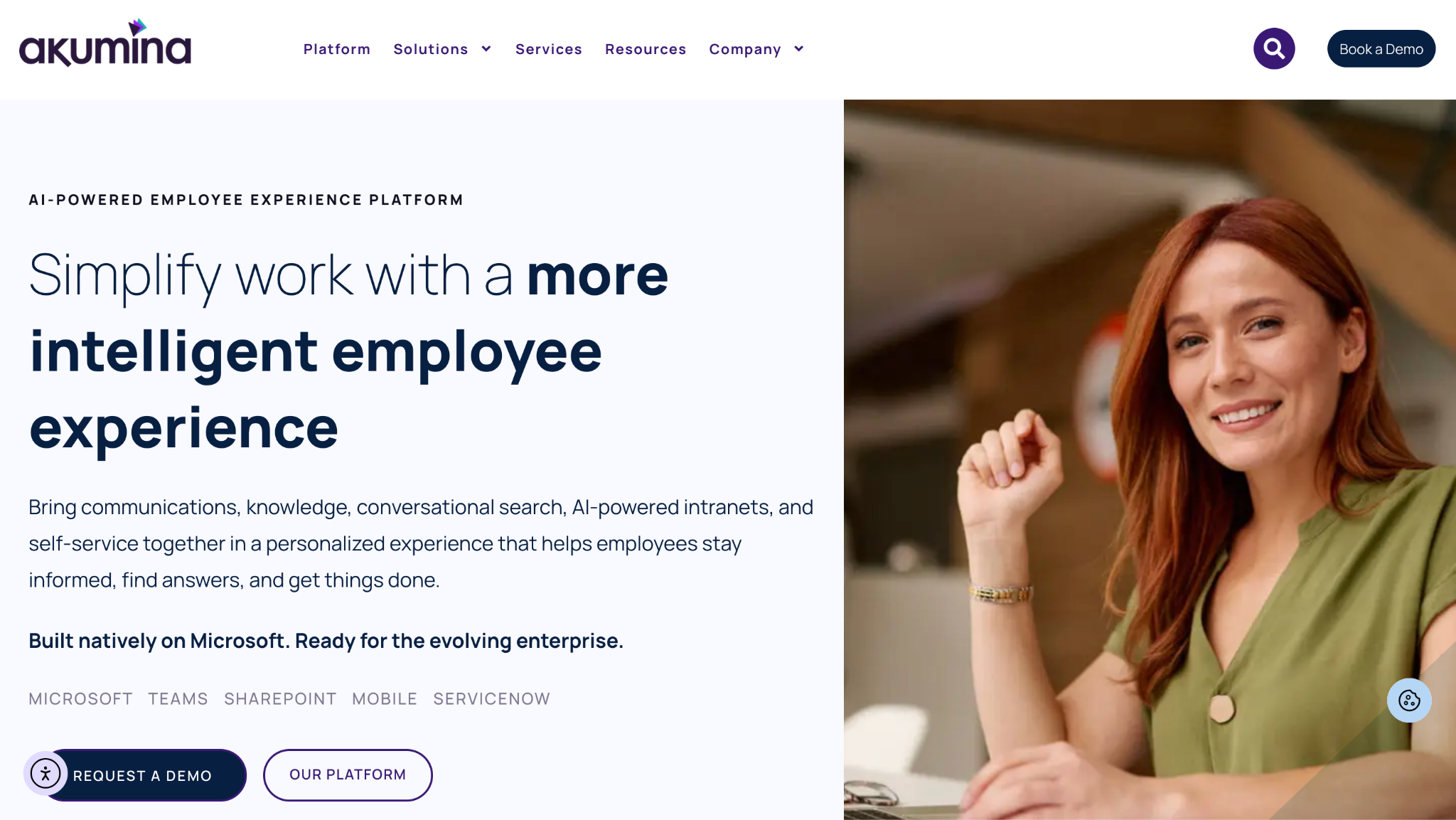
Akumina is a Microsoft 365 intranet that keeps content in SharePoint and adds an experience and management layer on top. AI and services also run inside Teams. Its Conversational Search lets employees ask questions in plain language, and HR self-service runs through the same AI. It can extend an existing SharePoint intranet instead of replacing it.
Software Pros
- Content and permissions stay in SharePoint
- Communications, knowledge, and AI delivered inside Teams
- Extends an existing SharePoint intranet without migration
Software Cons
- Requires Microsoft 365
- Quote-only pricing
- 13 G2 reviews, a thin sample
Akumina Review
I’d shortlist this for an enterprise with a large SharePoint estate that wants a better experience without moving content. Existing access rules and governance apply, so IT keeps control while communications teams manage the message. Frontline staff reach it through Teams and mobile, so check licensing for people without Microsoft accounts. Expect a project with IT involved from the start.
Our Verdict
Experience Layer for SharePoint
Appspace
Quick Overview
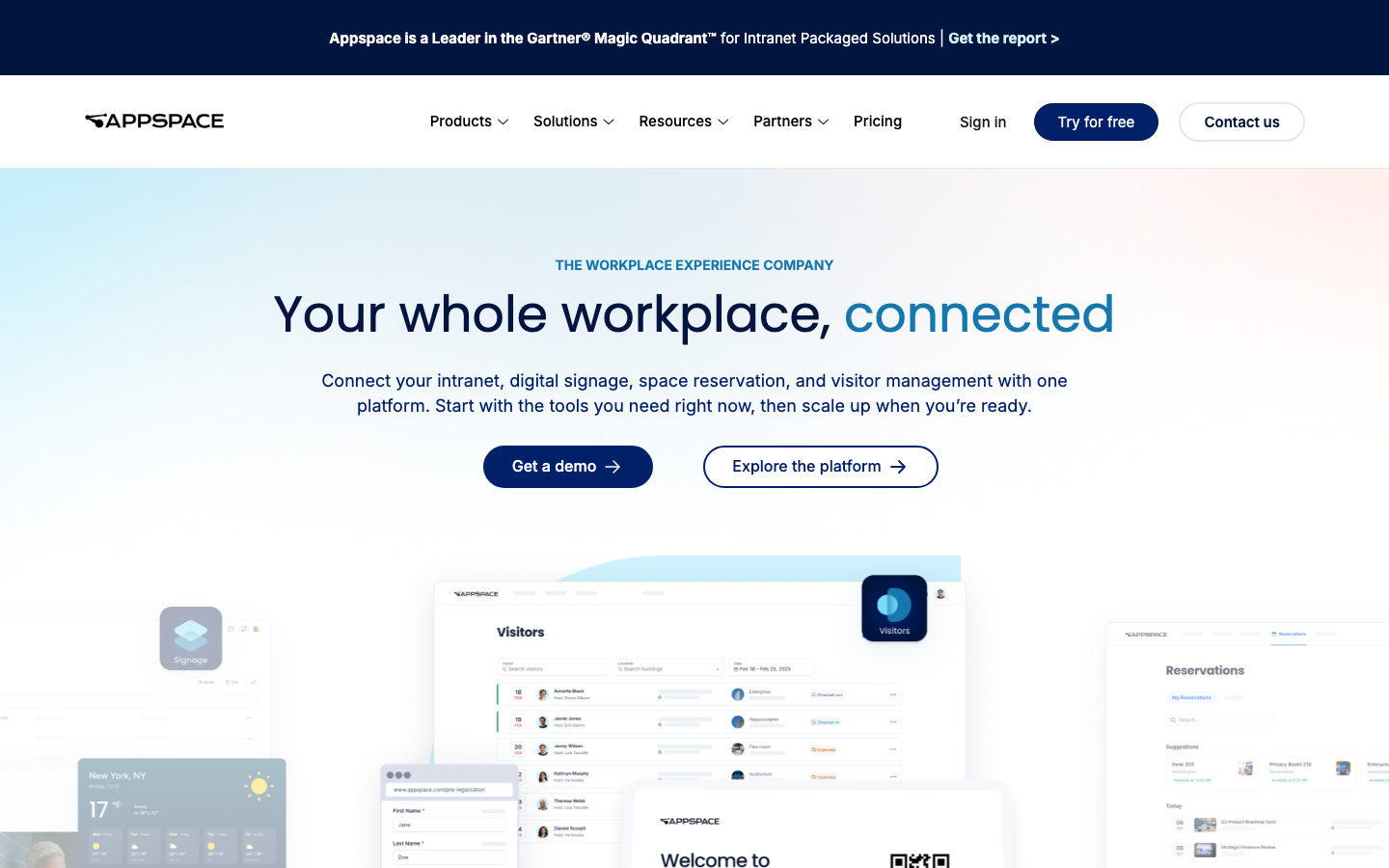
Appspace is an employee app and workspace suite that connects the intranet, digital signage, space reservation, and visitor management in 1 platform. Igloo is now part of Appspace, after an acquisition announced in September 2025. Appspace AI and assistants work across the platform.
Software Pros
- Intranet, signage, and room booking in 1 place
- Everyone can view signage content without a paid seat
- Free plan with 1 device and 2 Premium Users
Software Cons
- Paid pricing is by quote
- Employee App access needs Premium Users and SSO
- A broad suite to adopt for an intranet alone
Appspace Review
This fits an enterprise with offices, sites, and screens that wants communications and workplace tools together. Frontline staff reach content through signage, the employee app, or messaging apps. The app needs single sign-on with just-in-time user creation, so the directory follows the identity provider. Admins are free, while paid plans count Premium Users and connected devices, so map both before asking for a quote.
Our Verdict
Intranet Meets Workplace Screens
Bitrix24
Quick Overview
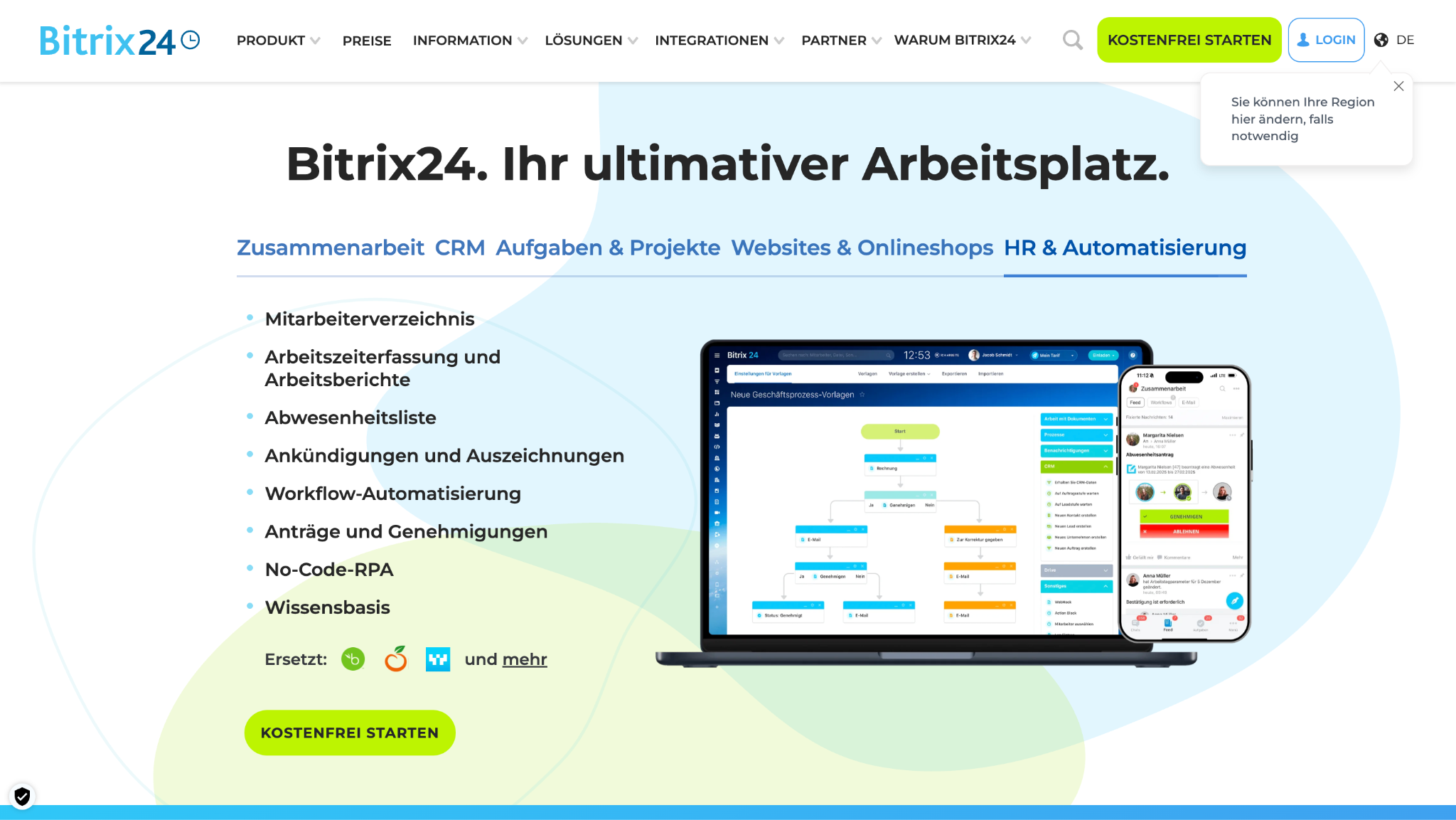
Bitrix24 is an employee app and workspace suite that combines the intranet with CRM, tasks, chat, video calls, and shared calendars. It charges a flat price per organization, from a free plan for 1 to 2 users up to Enterprise. The vendor says 15,000,000+ organizations use it.
Software Pros
- 1 tool for CRM, tasks, chat, and company news
- Flat pricing per organization, not per user
- Available in 18 languages
Software Cons
- Intranet features sit inside a much broader product
- User caps per plan force upgrades as teams grow
- Many modules to configure before launch
Bitrix24 Review
This one suits a small business that wants 1 workspace instead of 5 subscriptions. Basic costs $49/month billed annually for 5 users, and Standard costs $99 for 50 users, including an AI chat assistant. Staff reach chat, tasks, and news through Bitrix24’s mobile apps. The directory lives inside Bitrix24 itself, so someone has to update it there when people join or leave.
Our Verdict
All-in-One Small Business Workspace
*As pricing is subject to change, prices are listed as they stand in October 2026.
Claromentis
Quick Overview
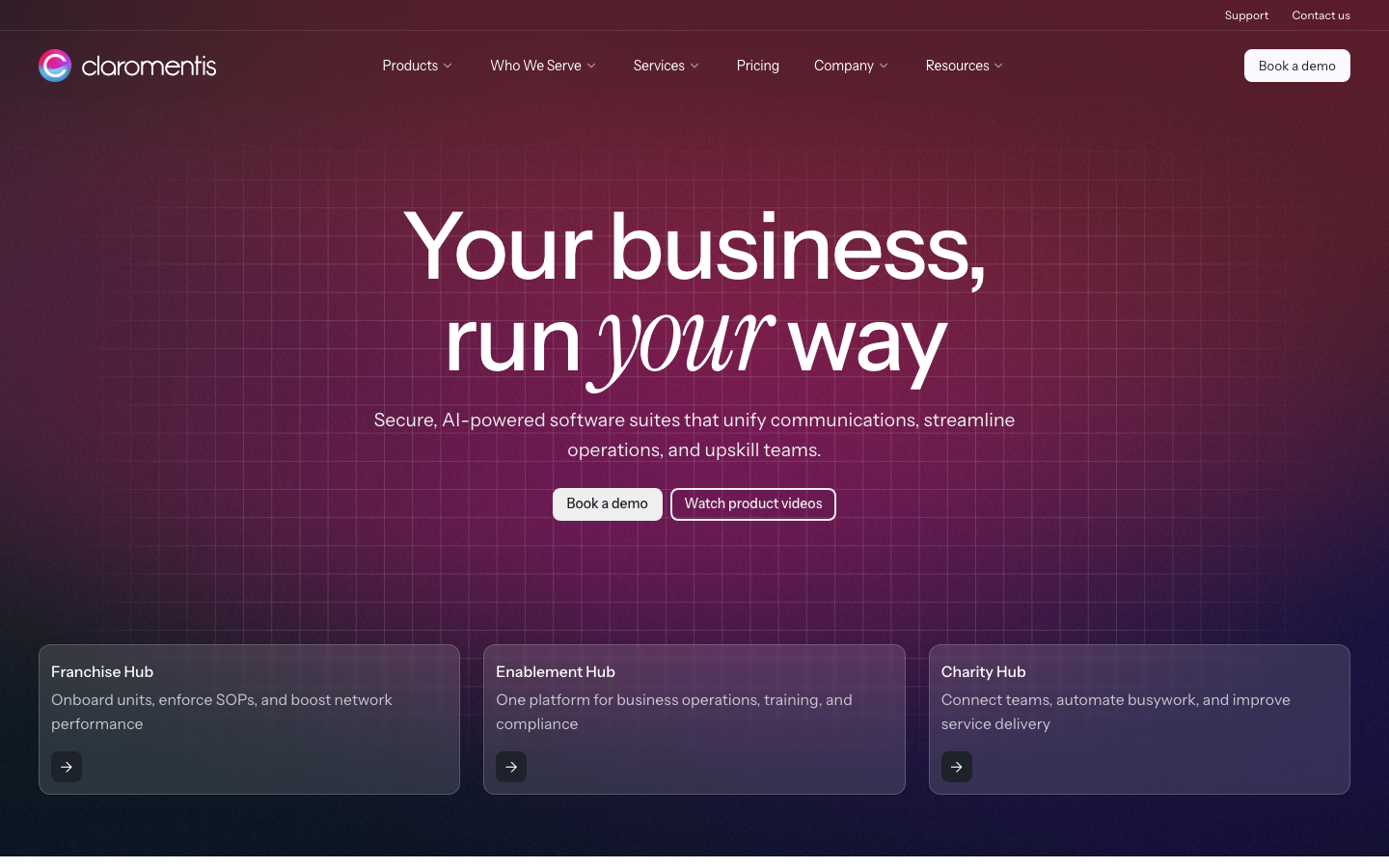
Claromentis is a standalone intranet sold through Franchise, Enablement, and Charity hubs for multi-site, regulated, and charity organizations, in the cloud or on-premises. Its AI reads only content inside the hub, respects each user’s permissions, and can be switched off by admins. Customers praise its mobile experience for field staff.
Software Pros
- On-premise option for strict data rules
- Franchise Hub built for location networks
- AI that respects permissions and can be disabled
Software Cons
- Pricing by product, quote only
- Hub packaging takes time to understand
- Heavier than a simple news site
Claromentis Review
For organizations that run franchises, clinics, or charity branches, Claromentis keeps policies and procedures consistent across every site. Field staff use the mobile app, and pricing is based on the number of locations. The service includes training, onboarding, and a 24/7 online support portal. Smaller single-office teams will probably find the hub structure heavier than they need.
Our Verdict
Secure Hubs for Multi-Site Networks
Haystack
Quick Overview
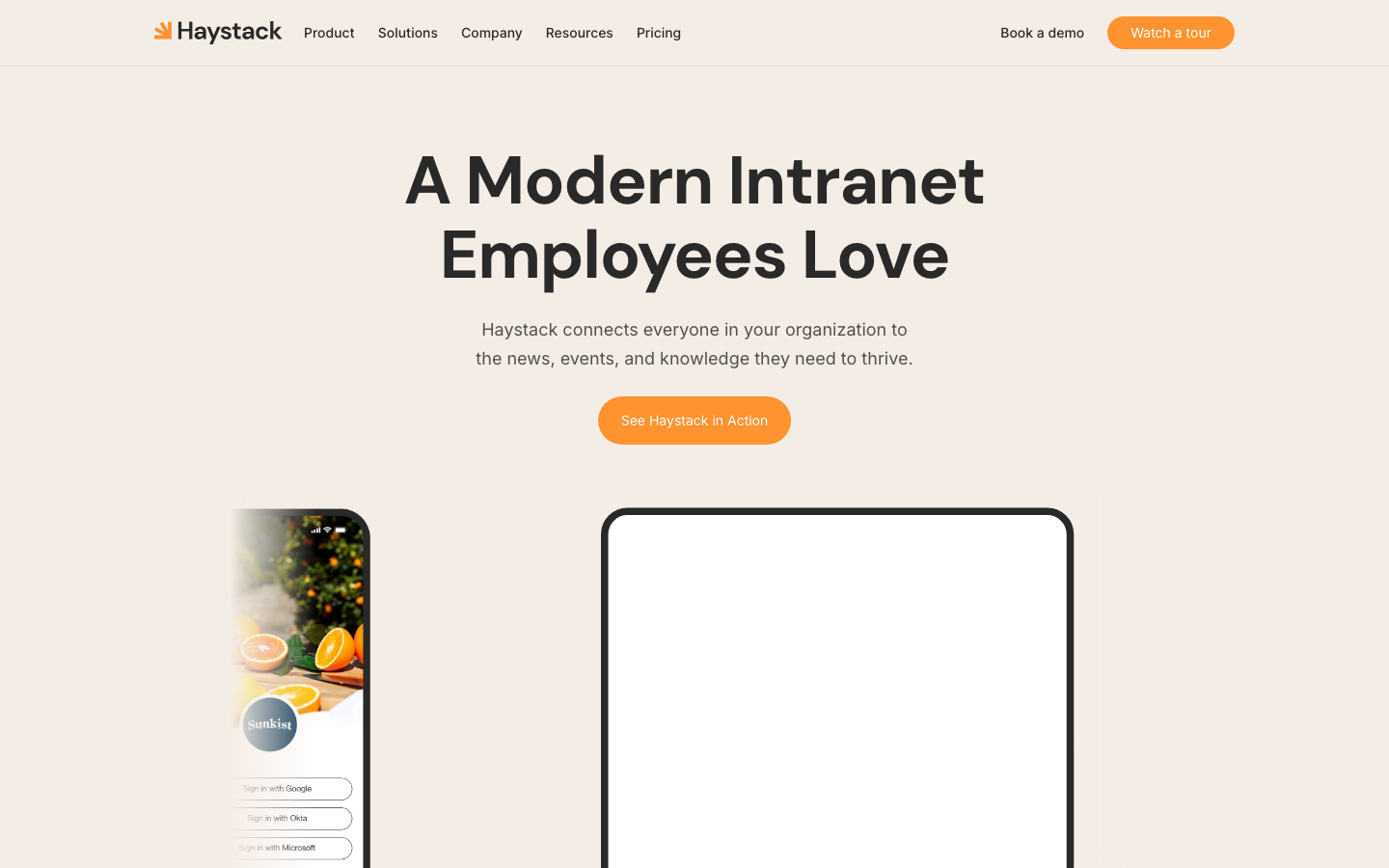
Haystack is a standalone intranet for growing companies that connects to Google Workspace, Microsoft 365, and Slack, with news, profiles, events, and a mobile app. Haystack AI answers questions from internal resources and summarizes updates. Emergency SMS alerts reach employees outside Wi-Fi range.
Software Pros
- Universal search across connected tools
- Works with Google Workspace, Microsoft 365, and Slack
- SMS alerts with read receipts
Software Cons
- Pricing is by quote
- A second home for documents unless connectors are set up
- AI search is optional and still evolving
Haystack Review
My read is that Haystack fits a hybrid, growing company that wants an intranet staff enjoys opening. Frontline workers reach it through the mobile app, email, chat apps, or SMS, and SMS alerts include read receipts. New users can be added at any time, according to its pricing FAQ. Haystack also says customer data is never used to train AI models, which matters to legal and security reviewers.
Our Verdict
Modern Intranet People Open
HubEngage
Quick Overview
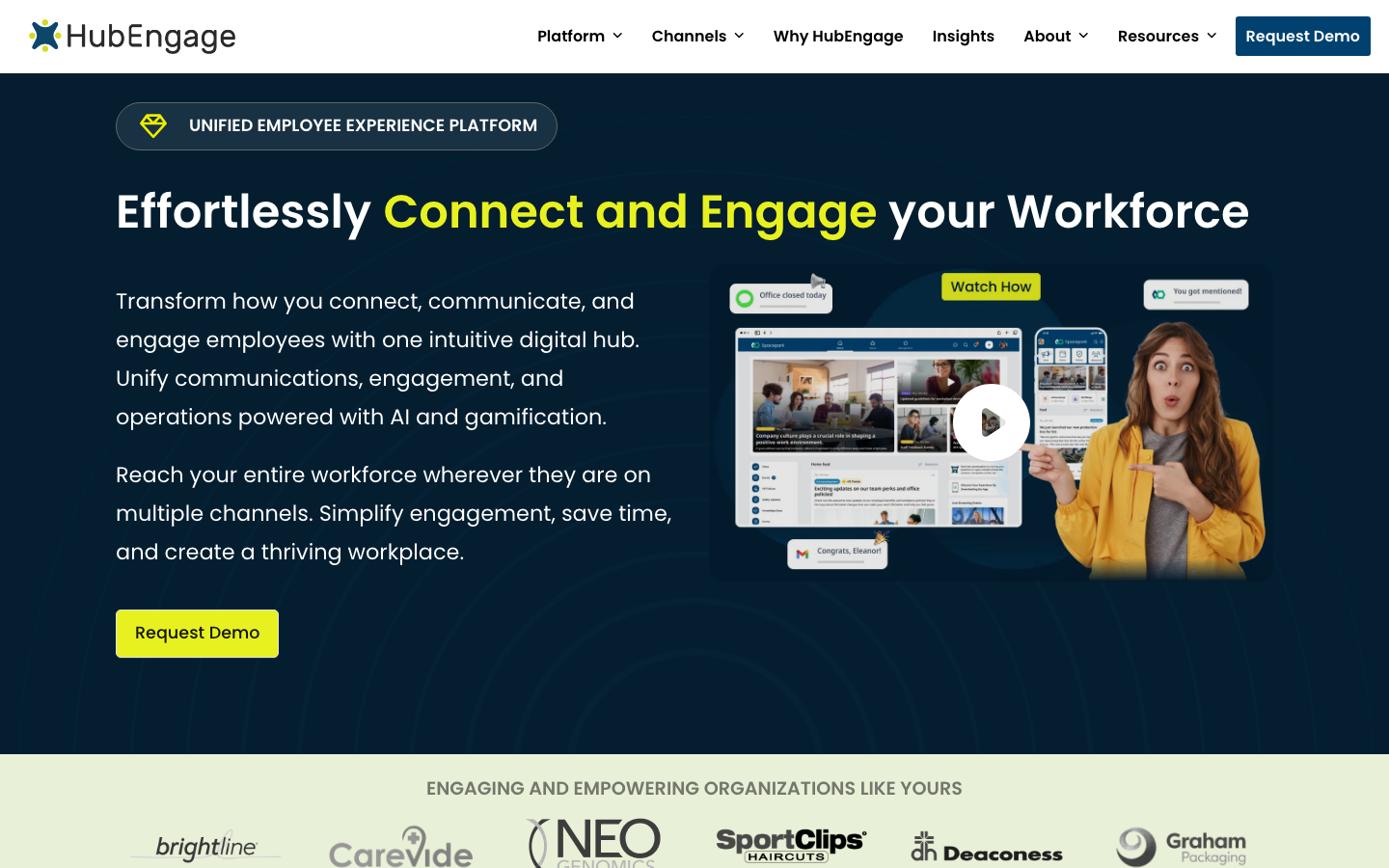
HubEngage is an employee app and workspace suite for frontline, remote, and hybrid teams. It publishes 1 post to the mobile app, web, email, SMS, and digital signage. Its AI Chatbot answers with source attributions, translates automatically, and respects each employee’s document access. It can also run inside SharePoint or Microsoft Teams.
Software Pros
- 1 post reaches app, email, SMS, and screens
- AI answers in each employee’s preferred language
- Gamification to drive adoption
Software Cons
- Pricing is by quote
- Web, email, signage, and SMS are add-on channels
- A broad platform to roll out
HubEngage Review
Frontline staff reach HubEngage mainly through its mobile app, which suits companies where most people never sit at a desk. SMS covers anyone who skips the download, and digital signage reaches break rooms and warehouse floors. AI search pulls from Google Drive, SharePoint, OneDrive, and knowledge bases. Plan the channel mix before signing, because web, email, SMS, and signage each arrive as add-ons.
Our Verdict
Multichannel Reach for Frontline Teams
MyHub
Quick Overview
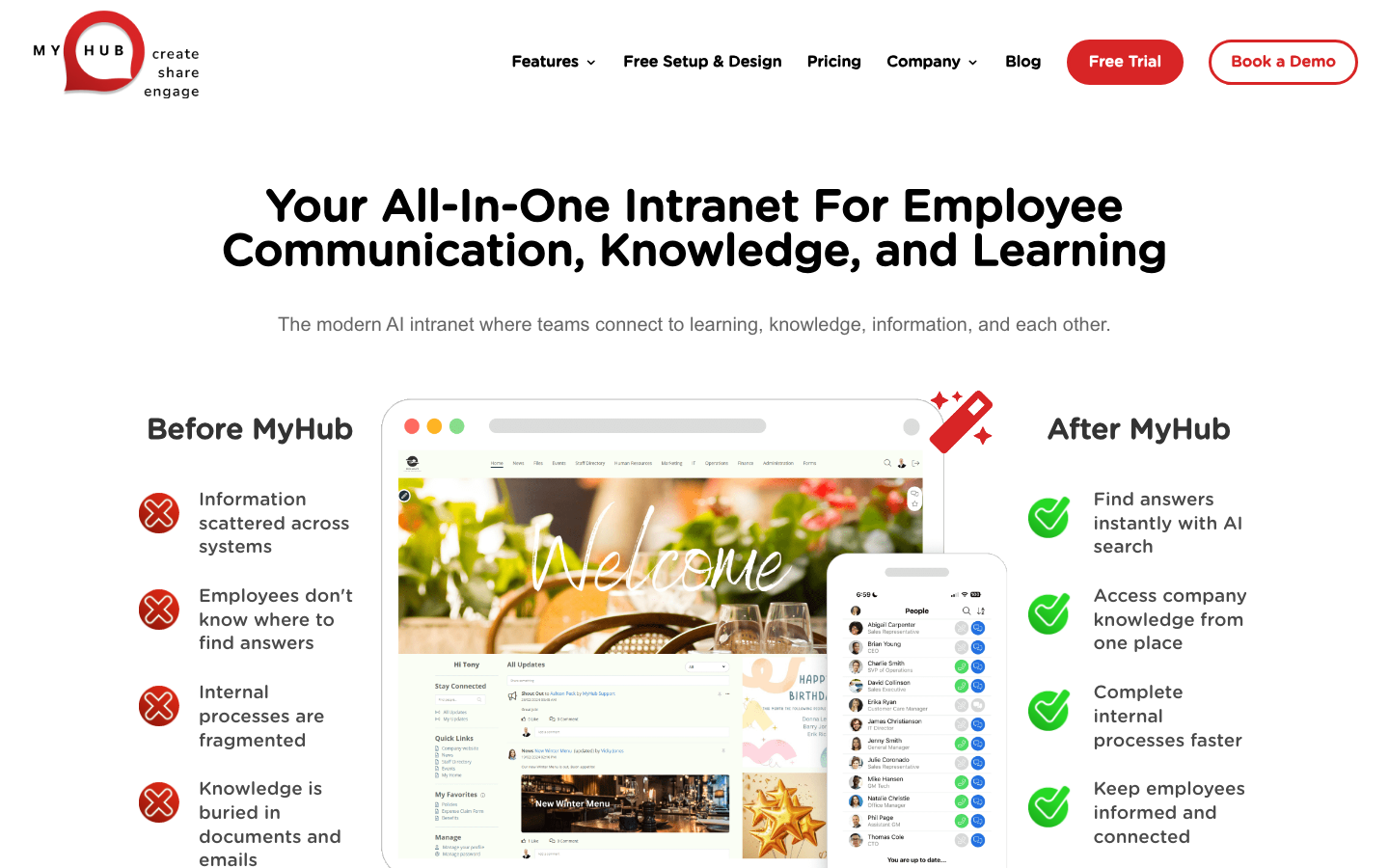
MyHub is a standalone intranet for small and mid-size businesses, with news, documents, and an optional learning system. A mobile app serves staff on the road. AI Search finds answers, and AI Assist helps admins draft and edit pages. It connects to SharePoint, OneDrive, Google Drive, and Dropbox.
Software Pros
- Free setup and design on every plan
- Unlimited data storage
- Optional learning management system
Software Cons
- Prices are not published
- Only 2 site administrators on Core
- 25 G2 reviews, a thin sample
MyHub Review
In practice, MyHub suits a small or mid-size business that wants someone else to build the intranet. The vendor sets up and designs it for free, then the team adds content. Mobile users get the same access as office staff, which matters for crews in the field. Choose Business or Enterprise if more than 2 people will manage the site. Its free trial lets a team test the layout before paying.
Our Verdict
Done-for-You Small Business Intranet
Omnia
Quick Overview
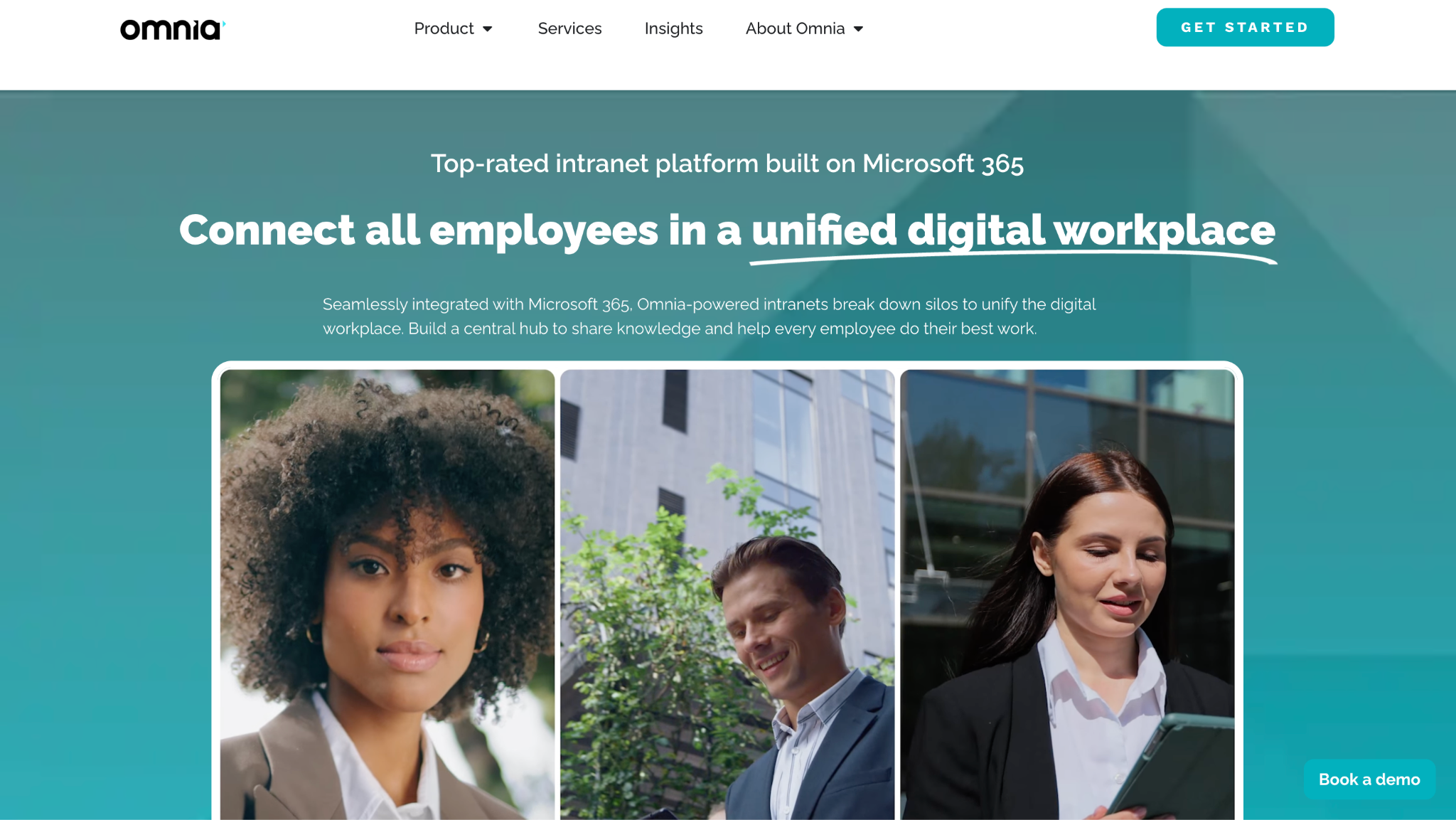
Omnia is a Microsoft 365 intranet for mid-size and large organizations, combining AI-powered publishing, governance, and search on SharePoint and Teams. It turns Microsoft 365 into an enterprise intranet rather than replacing it. The company runs regional sites for Sweden, Denmark, and Germany.
Software Pros
- Publishing governance on top of SharePoint
- Strong presence in the Nordics and Germany
- Content stays in Microsoft 365
Software Cons
- Requires Microsoft 365
- Pricing is by quote
- No G2 reviews yet on its intranet profile
Omnia Review
The clearest case for Omnia is a Nordic or German organization on Microsoft 365 that wants an intranet with clear publishing rules. Governance helps large teams keep pages current, which is where most intranets fail. Its pages do not describe a separate frontline app, so check how staff without Microsoft accounts will reach it. Ask for references in your region and industry, and for a demo of the publishing approval flow.
Our Verdict
Governed Intranet on Microsoft 365
Powell Software
Quick Overview
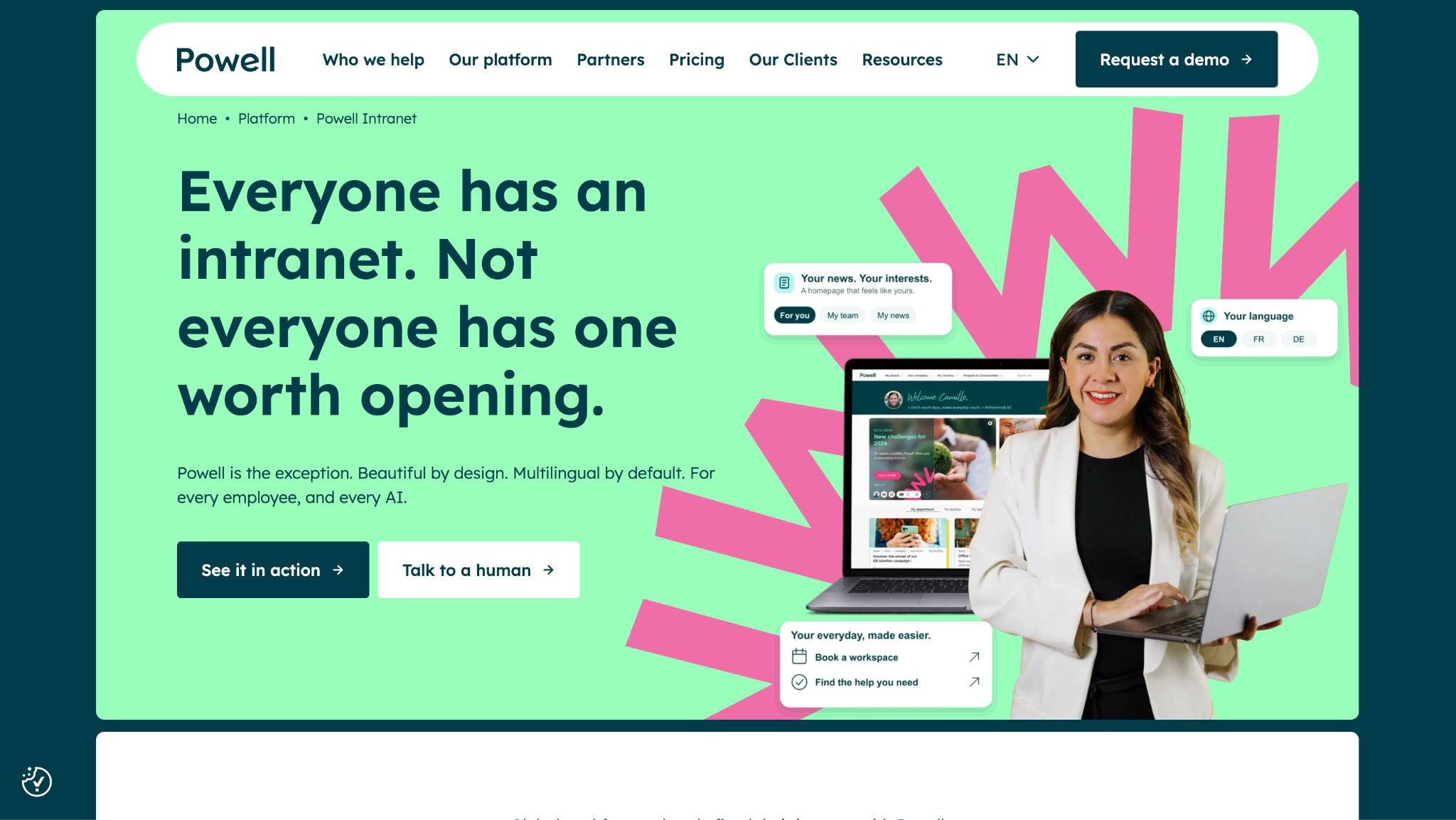
Powell Software is a Microsoft 365 intranet for mid-market and enterprise organizations, with campaigns targeted by team, region, or language. It also includes an org chart and Flexdesk desk booking. Its AI answers HR, IT, and onboarding questions without a Copilot license. The vendor says 550+ organizations run on Powell.
Software Pros
- Frontline staff receive news without a company email
- Desk, room, and parking booking with QR check-in
- Native mobile app from desk to frontline
Software Cons
- Requires Microsoft 365
- Powell Buddy, the content assistant, costs extra
- 31 G2 reviews, a thin sample
Powell Software Review
It stands out for regulated or multi-site enterprises that need desk and frontline staff on the same intranet. Campaigns can target a region or language, and the org chart helps people find colleagues anywhere. Synigo, a digital workplace company, is now part of Powell. Pricing depends on organization size and the capabilities chosen, so expect a quote after a scoping call.
Our Verdict
Microsoft 365 for Every Employee
Simpplr
Quick Overview
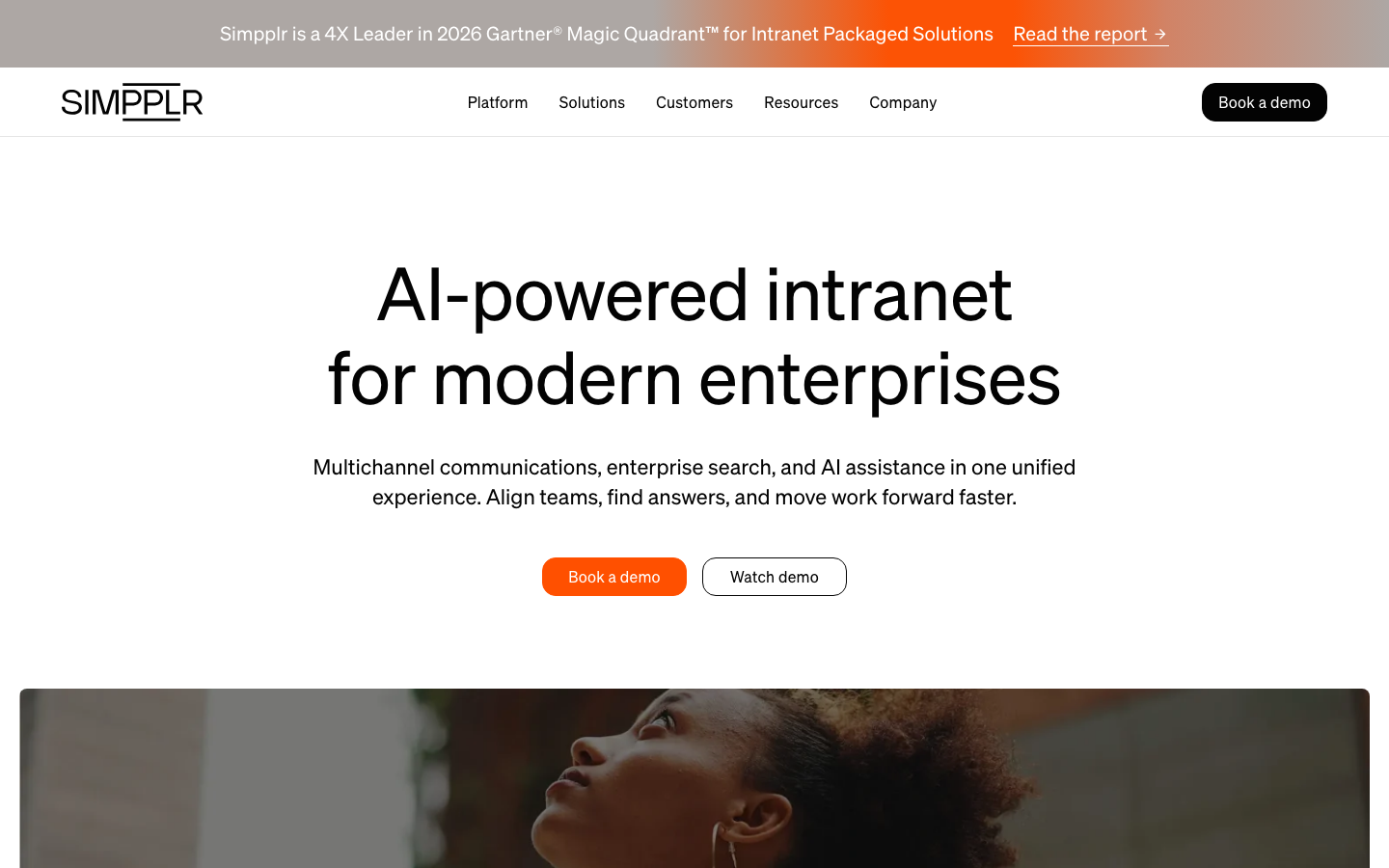
Simpplr is a standalone AI-powered intranet for mid-size and large companies, combining multichannel communications, enterprise search, and AI assistance. It connects existing workplace apps so employees can find answers across systems. Pricing is volume-based and quoted to each organization’s size.
Software Pros
- Enterprise search across connected systems
- AI assistance built into the intranet
- A Leader in Gartner’s 2026 intranet Magic Quadrant, per the vendor
Software Cons
- Quote-only pricing
- Built for larger companies
- More platform than a 50-person team needs
Simpplr Review
Think of this as the intranet for a hybrid company with 500 or more employees that wants news, search, and AI help in 1 place. Content reaches people through several channels. Value-add Customer Success and Global Support options are available on top. The connectors decide how useful search will be, so test them against your own systems early. Ask how the AI handles restricted pages before you roll it out to everyone.
Our Verdict
AI Intranet for Hybrid Enterprises
ThoughtFarmer
Quick Overview
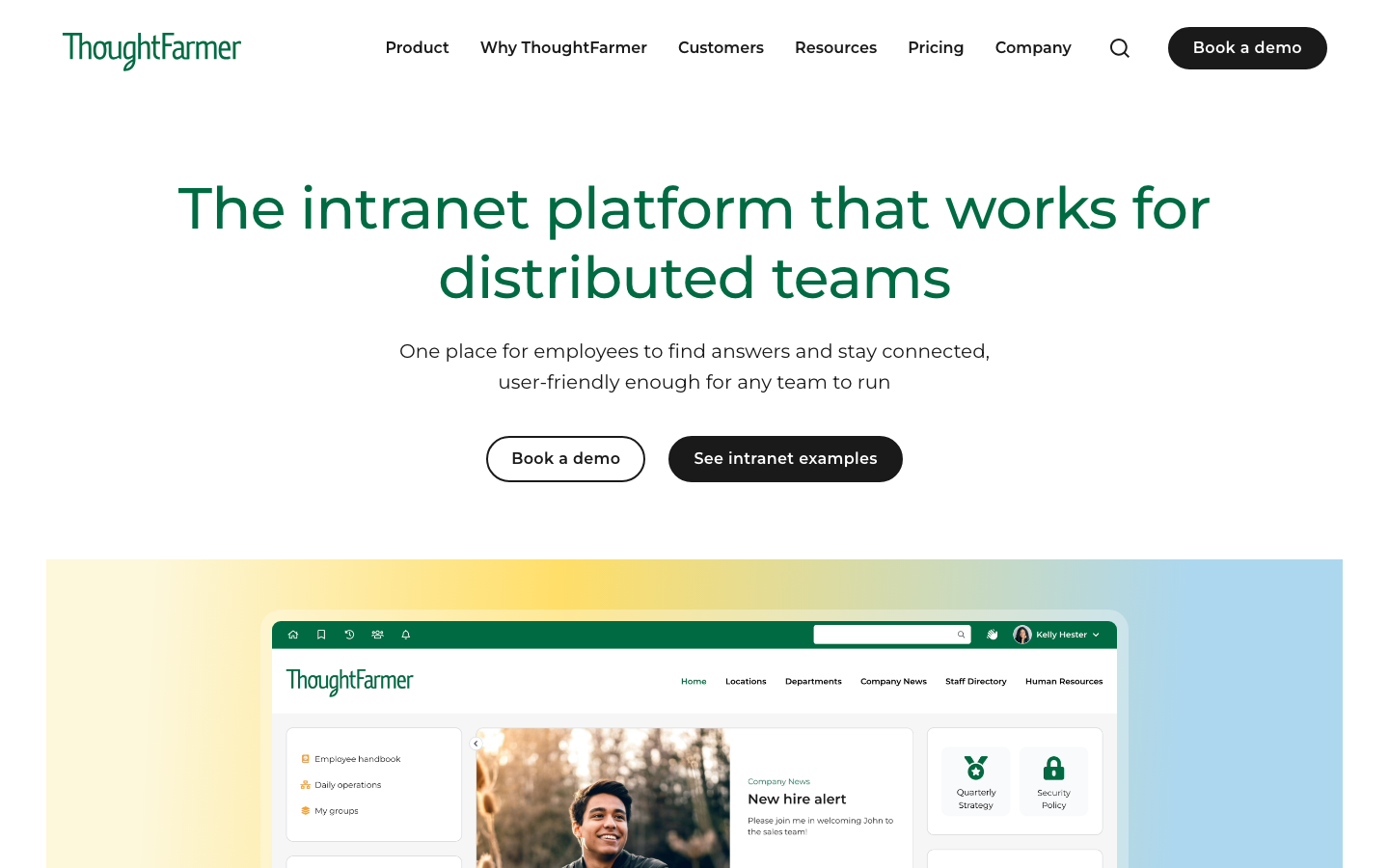
ThoughtFarmer is a standalone intranet that integrates with Microsoft 365 or Google Workspace. Every feature sits in 1 plan, and the native mobile app costs nothing extra. Its optional ThoughtFarmer AI includes an AI Assistant that answers from your own content. Prices are published per user by band.
Software Pros
- All 240+ features in a single plan
- Search across Microsoft 365 and Google Drive
- Required reading with read confirmations
Software Cons
- Published bands start at 100 users
- Fewer frontline channels than app-first suites
- Needs an owner to run content review cycles
ThoughtFarmer Review
I’d shortlist this for an organization of 100 to 2,000 employees that wants a full intranet without an enterprise project. Pricing runs $10 per user per month for 100 to 199 users, falling to $5 at 1,000 to 1,999. Staff away from a desk use the native mobile app, and broadcasts reach everyone at once. A 90-day guarantee lowers the risk of switching.
Our Verdict
Full Intranet, Published Prices
*As pricing is subject to change, prices are listed as they stand in October 2026.
Unily
Quick Overview
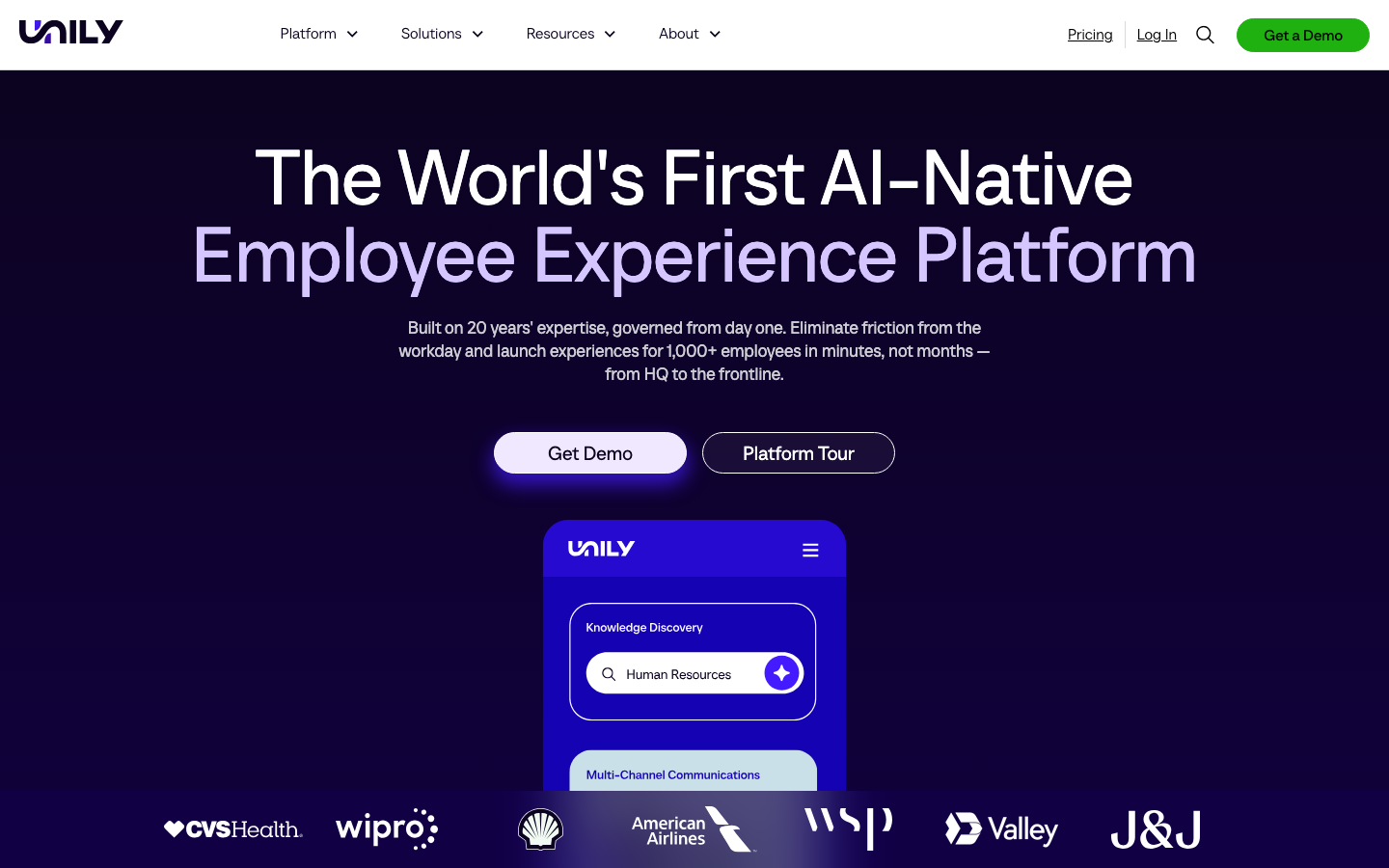
Unily is a Microsoft 365 intranet and employee experience platform for organizations with 1,000+ employees, built AI-native with an agent called Indi. Indi creates experiences in minutes, and AI-enabled targeting sends each message to the right person. Pricing starts with a Base Package plus add-ons such as Campaigns.
Software Pros
- AI-enabled targeting for large audiences
- Turns articles into podcasts or infographics
- Built to reach everyone from HQ to the frontline
Software Cons
- Quote-only pricing
- Aimed at organizations of 1,000+ employees
- 40 G2 reviews, a thin sample
Unily Review
This one suits a global enterprise that wants 1 intranet across regions and serious investment in personalization. Frontline staff reach it through the employee app, and add-ons cover campaigns and lifecycle journeys. Each plan is quoted by size, capabilities, and deployment. Expect a governed rollout with dedicated owners rather than a quick launch. Turning articles into podcasts or infographics helps reach people who skip long posts.
Our Verdict
AI-Native Enterprise Intranet
Zoho Connect
Quick Overview
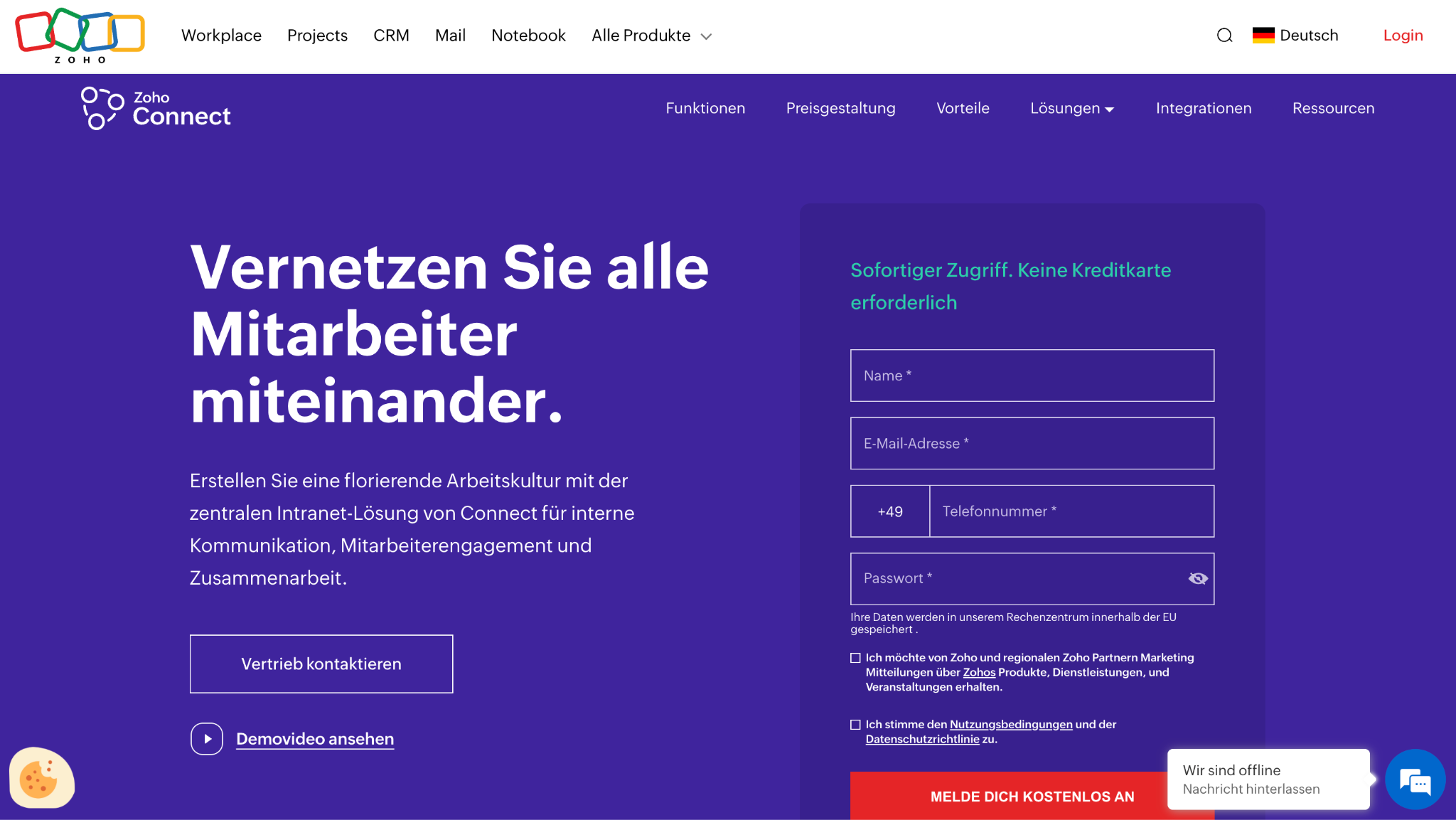
Zoho Connect is an employee app and workspace suite for small and mid-size businesses, with feeds, announcements, manuals, forums, and group chat. It integrates with other Zoho apps, and Zia Writing Assistant and post summaries are included on higher plans. Accounts move to a forever free plan after the 15-day trial.
Software Pros
- Feeds, forums, and group chat in 1 app
- Manuals for company knowledge
- Low per-user prices
Software Cons
- AI features skip the Starter plan
- Best value inside the Zoho suite
- Prices vary by region, so check yours
Zoho Connect Review
Frontline staff reach Zoho Connect through its mobile app and push notifications, which suits small teams already on Zoho. In the EU, Starter costs €0.34 per user per month billed annually for 25 users, and Ultimate costs €2.50. Multilingual translation helps mixed-language teams read the same post. Companies outside Zoho can still use it, though the Zoho integrations add most of the value.
Our Verdict
Social Intranet for Zoho Teams
*As pricing is subject to change, prices are listed as they stand in October 2026.
FAQs About Intranet Software
What is the best company intranet software?
It depends on your office suite and whether frontline staff need access. Companies on Microsoft 365 often choose a SharePoint-based platform, while Google Workspace teams tend to prefer a standalone intranet. Businesses with many deskless workers should look at app-first suites that add SMS, push notifications, and digital signage to the intranet. The comparison table above sorts all 13 platforms by these factors, so you can narrow a list to 3 or 4 in minutes.
How is an intranet different from internal communication tools?
An intranet is the home for official content and people: policies, pages, documents, and the employee directory. Communication tools focus on sending messages, newsletters, and campaigns, then measuring who opened, read, and reacted to each one. The line has blurred, because many intranets now send targeted news and many communication tools now host pages. If you need both jobs done well, ask each vendor which job its product was originally built for and which it added later.
What is the best HR intranet software?
Look for a policy library with acknowledgments, onboarding pages, a directory synced from the HRIS, and targeted HR news. Search matters too, because employees should find the current version of a policy rather than an old file saved to someone’s desktop. Forms and simple workflows help HR replace emailed requests for leave, equipment, training, or address changes. A mobile app is essential if part of the workforce never sits at a desk or has no company email.
Do I need Microsoft 365 to run an intranet?
Not for every platform, and the answer shapes your shortlist. Standalone intranets run without Microsoft 365 and connect to Google Workspace, Slack, Dropbox, and other tools people already use. Microsoft 365 intranets do need it, because they reuse SharePoint content, Teams channels, and the permissions your IT team has already set up. If most documents already live in SharePoint, a platform built on it avoids a migration, while a standalone intranet offers more design freedom.
How much does intranet software cost?
Published prices in October 2026 start at $10 per user per month for ThoughtFarmer at 100 users, falling at larger bands. Bitrix24 charges $49/month for a 5-user organization on annual billing, and most enterprise vendors, including Simpplr and Unily, quote instead. Budget for setup, migration of old content, training, and an internal owner who keeps pages current. Those first-year costs can exceed the license itself, especially for large rollouts with years of content to move.
Can employees without a company email use an intranet?
Often yes, as long as the platform supports logins that do not depend on email. Many platforms let staff log in with a phone number or access code through a mobile app that also sends push alerts. Some reach people through SMS, kiosks, or digital signage instead, so nobody needs a work inbox at all. Check this early for retail, healthcare, manufacturing, or construction teams, because a platform that requires a work email misses much of the workforce.
How long does it take to launch an intranet?
A small business can launch in days, especially with templates and a vendor-led cloud setup. Enterprise rollouts take weeks to months because they involve content migration, audience targeting, integrations, and IT and legal approvals. Nielsen Norman Group found that its 2023 award-winning intranets took about 2 years to design and build on average. Plan large projects in phases, starting with news, the directory, and the most requested policies, then adding forms and integrations.
How do you get employees to actually use the intranet?
Put what people need every day on it, like shift schedules, forms, cafeteria menus, IT help, and the directory. Keep content current with named owners and review dates, and make the intranet the only place official news is posted. When leaders and managers link to it instead of attaching files to emails, employees learn that the answer lives there. Usage then follows, and search analytics show which topics people search for but cannot find yet.

Helen is Anywherer’s Market Analyst & Content Researcher, with extensive experience in analyzing global employment markets and HR technology trends. She is skilled at turning complex market data into clear, well-researched insights that inform every piece of content. With a strong grasp of the EOR, PEO, and international hiring space, Helen plays a key role in keeping Anywherer’s research accurate, up to date, and genuinely useful for readers.