Any business that lets people spend on its behalf runs an expense process, even if it’s just a shared inbox for receipt photos. An expense report is an employee’s claim for money spent on company business, with the receipt as proof. Employee expense management software turns that claim into a workflow: capture, policy check, approval, repayment, and a record in the books.
The process has 3 parts. Receipt capture uses optical character recognition (OCR) to read the amount, date, and merchant from a photo. At submission, the system checks an expense policy, the written rules for what the company pays for. Finally, GL coding assigns each item to a general ledger account, so the expense lands in the right place in the accounts.
What Is the Best Expense Management Software in 2026?
The best expense management software for a business matches how its people pay. Expense management software records, checks, approves, and repays what employees spend for the company: receipts, mileage, per diems, card transactions and travel. Its buyers are finance managers, controllers, and founders of small and mid-size firms. Finance and travel leads in larger companies use it to close employee expenses monthly.
The spending itself keeps growing. The Global Business Travel Association (GBTA) forecasts business travel spend of $1.71 trillion in 2026, up 7.2% from 2025. Much of it lands on expense reports. The costly part is rarely the meal or the hotel. It is the time spent chasing a missing receipt, checking it against policy, and keying it into the ledger, often weeks after the trip ended.

INSIGHT: What does a manual expense process actually cost?

The expense itself is rarely the problem. The time spent chasing receipts and the claims nobody checks are.
- GBTA forecasts global business travel spend of $1.71 trillion in 2026, up 7.2% year on year (2026 Business Travel Index, published August 2026).
- Expense reimbursement schemes made up 13% of occupational fraud cases in the ACFE’s 2026 report, with a median loss of $36,000 (Occupational Fraud 2026: A Report to the Nations).
- The same report finds these schemes run a median of 18 months before detection.
- A receipt checked a month later is checked by nobody who remembers the trip.
Sources:
read October 2026
No single product wins, because the category covers 3 ways of handling spend. Expense reporting tools repay staff who paid with their own or existing company cards. Card and spend platforms issue their own cards, so most expenses arrive matched. Travel and expense (T&E) suites add booking and travel policy to the same flow. Fraud makes the choice matter: the Association of Certified Fraud Examiners (ACFE) found expense schemes in 13% of 2026 cases. The best business expense management software catches those claims before payment. Below, I’ve reviewed 13 of the leading tools in A-Z order.
INSIGHT: Expense reports, company cards, or travel and expense?
The 13 tools here handle employee spending in 3 different ways, and the one that fits depends on how your people pay today.
- Expense reporting (Expensify, Sage Expense Management, Webexpenses, Zoho Expense): receipts and reimbursements on the cards employees already use.
- Card and spend platforms (Jeeves, Moss, Spendesk, Volopay): company cards with limits, so most expenses arrive already matched.
- T&E suites (ITILITE, Perk, Rydoo, SAP Concur, TravelBank): travel booking and expenses under one policy.
Best Expense Management Software 2026 Comparison
This best expense management software comparison 2026 puts all 13 tools side by side by group, best fit, card program, and named AI features. I pulled every G2 score straight from the product’s own profile on October 27, 2026.
| Tool | Group | Best for | Own corporate cards | AI features | G2 rating |
|---|---|---|---|---|---|
| Expensify | Expense reporting | Small teams paying first and claiming later | Yes | SmartScan, Concierge AI | 4.5/5 (5,689 reviews) |
| ITILITE | T&E suite | US firms with regular travel | Yes | AI Expense Buddy, AI GL tagging, AI fraud detection | 4.5/5 (728 reviews) |
| Jeeves | Card and spend platform | Startups with teams in several markets | Yes | Accounting Auto-Coding AI Agent | 4.8/5 (22 reviews)* |
| Moss | Card and spend platform | European small and mid-size companies | Yes | Moss Intelligence (coding and policy agents) | 4.7/5 (255 reviews) |
| Perk | T&E suite | Mid-market and enterprise travel programs | Yes | Perk AI | 4.6/5 (2,170 reviews) |
| Rydoo | T&E suite | Multi-country companies in Europe | Yes | Rydoo Intelligence agents | 4.4/5 (744 reviews) |
| Sage Expense Management | Expense reporting | US firms keeping their existing cards | No | Copilot, Text-to-Expense | 4.6/5 (1,821 reviews) |
| SAP Concur | T&E suite | Enterprises on SAP or a large ERP | No | ExpenseIt, Joule agents | 4.0/5 (7,238 reviews) |
| Spendesk | Card and spend platform | Growing startups and mid-size firms | Yes | AutoCatML, Document Intelligence | 4.6/5 (441 reviews) |
| TravelBank | T&E suite | US companies booking trips in one app | Yes (U.S. Bank virtual) | None named | 4.5/5 (382 reviews) |
| Volopay | Card and spend platform | Multi-currency teams in APAC and the UK | Yes | None named | 4.3/5 (108 reviews) |
| Webexpenses | Expense reporting | UK and Australian firms with strict rules | Yes | None named | 4.3/5 (2,784 reviews) |
| Zoho Expense | Expense reporting | Small businesses on Zoho | Yes (Zoho Prepaid Mastercard) | Ask Zia, AI expense audit | 4.5/5 (1,590 reviews) |
G2 ratings as of October 27, 2026.
Expense Management vs Spend Management Software
Expense management covers the money employees spend for the business and how they get it back. That means receipts, mileage, per diems, card transactions and travel, plus the approval and repayment of each claim. The center of gravity is the employee: what they bought, whether it was allowed and when they are repaid.
Spend management goes wider. It adds supplier invoices, purchase orders, software subscriptions, and budgets across departments, shifting the center from employees to vendors. Platforms that also cover invoices, purchasing, and subscriptions fall under spend management software. Several tools on this list, such as Jeeves, Moss, Spendesk and Volopay, sit between the 2 categories.
The quickest test is where the pain lives. If most of the work is employee receipts and reimbursements, an expense tool is enough. If finance spends its week on invoices and approvals across many departments, look at the wider category and expect a longer project.
What Does AI Do in Expense Management Software?
In this category, AI does 4 jobs. It reads receipts and fills in the expense, as with Expensify SmartScan, the Rydoo Prefill Agent, SAP Concur ExpenseIt and Zoho OCR. It suggests the GL code and category, which ITILITE, Moss and Jeeves all do from past entries. It checks policy and flags duplicates or possible fraud, as ITILITE, Spendesk and the Zoho Expense audit do.
The fourth job is conversation. Expensify Concierge AI, Ask Zia and the SAP Concur Joule agents answer questions or take actions in plain language. Rules that approve every claim below a set amount or decline a blocked merchant are useful, but they are fixed rules rather than AI. Most automated expense management software runs on rules like these, with AI layered on top.
Receipt reading still misreads faded thermal paper and foreign-language receipts, and coding suggestions are only as good as the chart of accounts behind them. AI is also moving past employee expenses into invoices, purchase orders and vendor spend, which is the territory of AI-powered spend management software.
Plan placement matters as much as the feature. Zoho puts its AI audit on Standard, but SAP Concur needs Joule Premium for report validation. Even the best AI expense management software only prepares the report. A finance person still approves it, and the tools worth buying explain why they made each suggestion.
Best Expense Management Software by Business Type
Business size and spending pattern narrow the field fast. A 10-person agency, a funded startup and a multinational need very different things from employee expense management software. The 5 groups below name tools in A-Z order, with no ranking inside each group.
Best Expense Management Software for Small Business and Small Teams
Expensify, Sage Expense Management, Webexpenses, and Zoho Expense all start small. A phone camera captures receipts, and approvals need only an owner or 1 manager. Zoho Expense is free for up to 3 users, while Expensify Collect is priced per member, which keeps a 5-person team cheap. Sage Expense Management keeps the cards a business already has. Some owners repay claims through payroll or pull staff records from the HR system. Check the links with your HR software for small businesses before you buy.
Best Expense Management Software for Startups
Jeeves, Spendesk and Volopay suit startups that want company cards from day 1. Each employee gets a card with a limit, so there are fewer reimbursements to process. Spendesk and Volopay include unlimited users on paid plans, which matters when headcount doubles in a year. Jeeves adds cards in local currency for teams hiring in Latin America. All 3 keep receipts tied to card payments, which shortens month-end for a 1-person finance team.
Best Enterprise Expense Management Software
Perk, Rydoo, and SAP Concur handle the demands of large companies: multiple entities and currencies, approval chains tied to cost centers, and audit trails. SAP Concur charges per report and connects deeply to SAP. Perk adds travel booking under the same policy, and Rydoo is strongest across European tax rules. Any corporate expense management software at this level should also sync with the ERP both ways. Expect a longer rollout and a quote rather than a price list.
For Companies With Frequent Business Travel
ITILITE and TravelBank put booking and expensing in one app. Travel policy applies before the trip, so an out-of-policy hotel is caught at booking, not at month-end. The booking already holds dates, place and price, so receipts match it automatically. ITILITE bills travel per trip and expenses per active user. TravelBank fits US firms that use U.S. Bank cards.
For Teams Operating Across Countries
Jeeves, Moss, and Rydoo handle multiple currencies and local rules. Jeeves issues local-currency cards across the Americas and Europe. Moss covers EU accounting needs such as DATEV, and Rydoo handles VAT and certified paperless expensing in many countries. Distributed teams also need remote work tools that cope with time zones, so check how approvals reach managers abroad.
How Much Does Expense Management Software Cost?
Picking the best expense management software for companies starts with the pricing unit. Expensify, ITILITE, Perk, Rydoo, Sage Expense Management, Webexpenses and Zoho Expense charge per user or active user per month. SAP Concur charges per expense report. Moss, Spendesk and Volopay charge a platform fee, sometimes plus transaction fees, with unlimited users. Jeeves and Zoho Expense offer free tiers. The point buyers miss is who counts as a user. Paying only for employees who file an expense that month changes the bill more than the list price.
| Tool | Pricing model | Free plan or trial | Published starting price | User minimum |
|---|---|---|---|---|
| Expensify | Per member per month | Free plan for individuals | Collect $5 per member/month; Control custom, from $9 per active member | None stated |
| ITILITE | Per active user (expense), per trip (travel) | Corporate card plan is free | $6 per active user/month billed annually ($9 monthly); travel $10 per trip | None stated |
| Jeeves | Platform fee plus per-user fee | Free Basic tier up to 10 users | Basic free to 10 users, then $15 per user; Gold $60/month platform fee; Platinum custom | 10 users on Gold |
| Moss | Platform fee plus transaction volume | Free start with Cards or AP | Custom pricing | None; unlimited users |
| Perk | Per active user per month | Not stated | Spend Premium from $9, Pro from $11 per active user/month (North America) | None stated |
| Rydoo | Per user per month | Not stated | Essentials $9 ($12 monthly), Pro $11 ($14 monthly); Business, Enterprise custom | 5 users; 30 and 50 active on Business, Enterprise |
| Sage Expense Management | Per active user per month | Not stated | Growth $11.99, Business $14.99 billed annually; Enterprise custom | 5 (Growth), 10 (Business) |
| SAP Concur | Per expense report | Not stated | Base from $7, Plus from $11 per report; Premium custom | None; unlimited users |
| Spendesk | Platform fee plus transaction fees | Not stated | Custom pricing | None; unlimited users |
| TravelBank | Quote | Free demo | Custom pricing | Not stated |
| Volopay | Annual or monthly plan | Not stated | Custom pricing | None; unlimited users |
| Webexpenses | Per user per month | Not stated | Essential from £7.50, Scale £9, Pro £13 | Not stated |
| Zoho Expense | Per user per month | Free plan up to 3 users; free trial | Standard $3 ($4 monthly), Premium $5 ($6 monthly) | Not stated on US page |
As pricing is subject to change, prices are listed as they stand in October 2026.
INSIGHT: What does expense management software actually cost?
The list price matters less than who counts as a paid user and which plan carries the policy checks you need.
- 9 of the 13 tools publish a starting price; 4 (Moss, Spendesk, TravelBank, Volopay) quote only (October 2026).
- Per-active-user pricing scales with staff who claim, per-report pricing with claim volume, and platform fees with transaction volume.
- Several tools keep AI, travel booking or multi-entity support on higher plans only.
Sources:
read October 27, 2026
How to Choose Expense Management Software
I start with cards. Decide whether to keep your current bank cards or move to the tool’s own cards, because that one choice splits the list in half. Then confirm that cards and reimbursements work in every country where you have staff, not only at headquarters.
Next, count who becomes a paid user. Some tools bill everyone, others only active submitters, and several set a 5- or 10-user minimum. Check the accounting sync both ways, including categories and GL codes. Good software for expense category management maps your chart of accounts once and keeps it in sync.
Mileage and per diem rules come next. Make sure the tool knows your countries’ rates, or lets you enter them. Decide whether travel booking belongs in the same tool, which favors a T&E suite, or stays with an agency.
Last, test with real receipts during the trial: crumpled, faded and in other languages. Check which plan carries the AI and policy checks you saw in the demo. The best expense management software solutions pass that test on your own paperwork, not just sample data.
Top 13 Best Expense Management Software in 2026
For each tool, I read the product pages, documentation and pricing, and checked its G2 profile on October 27, 2026. The goal was to find the best software for expense management for each spending pattern, not a single winner.
The list mixes expense reporting tools like Expensify and Zoho Expense with card platforms like Spendesk and T&E suites like SAP Concur. These expense management software companies range from bootstrapped specialists to units of Sage, SAP and U.S. Bank.
Every block follows the same pattern, so the best expense management software 2026 reviews below compare line by line. Each has an overview, 3 pros, 3 cons, my review and a verdict.
I’m listing all providers in alphabetical order to keep this comparison neutral.
Expensify
Quick Overview
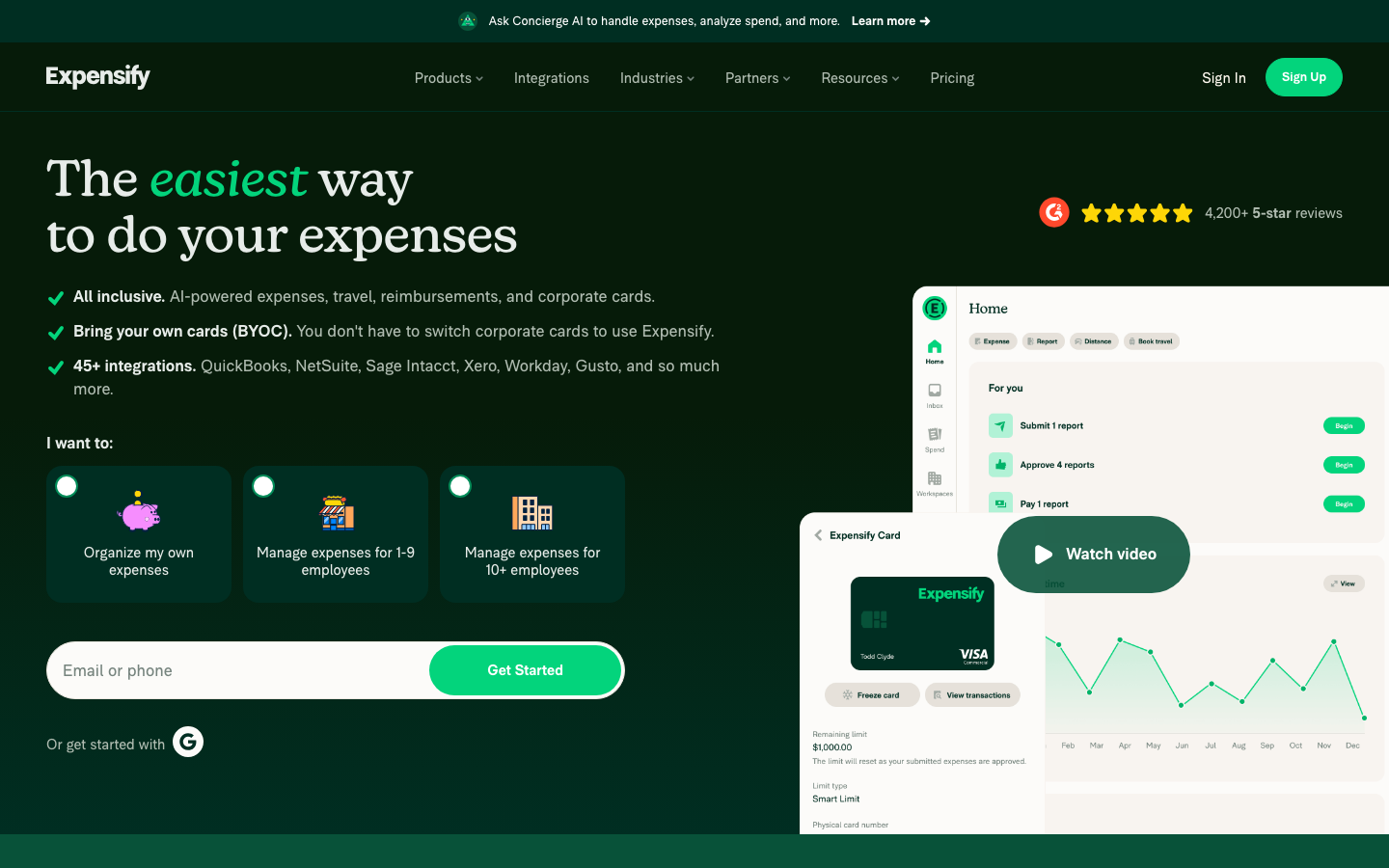
Expensify is an expense reporting tool. Employees photograph receipts or link existing cards, and the company reimburses approved claims via ACH or local payout. SmartScan reads receipts, and Concierge AI codes expenses and flags policy breaks. The company says 15 million+ members use it.
Software Pros
- Free plan lets employees scan receipts without company approval
- Links cards from 10,000+ banks, so no card switch is needed
- Concierge AI shows an Explain button for every action it takes
Software Cons
- Collect is charged per member, so the bill rises with headcount
- ERP links such as NetSuite and Sage Intacct need the Control plan
- Control pricing is quoted, with only a starting figure published
Expensify Review
In my testing notes, Expensify suits companies of 1 to 50 people where staff pay first and claim later. A sales team on the road can snap receipts all month and let Concierge AI sort them. QuickBooks Online and Xero sync on Collect, and larger accounting systems arrive on Control. Optional Expensify Visa cards add spend limits for owners who later want company cards.
Our Verdict
Fast Receipts for Small Teams
ITILITE
Quick Overview
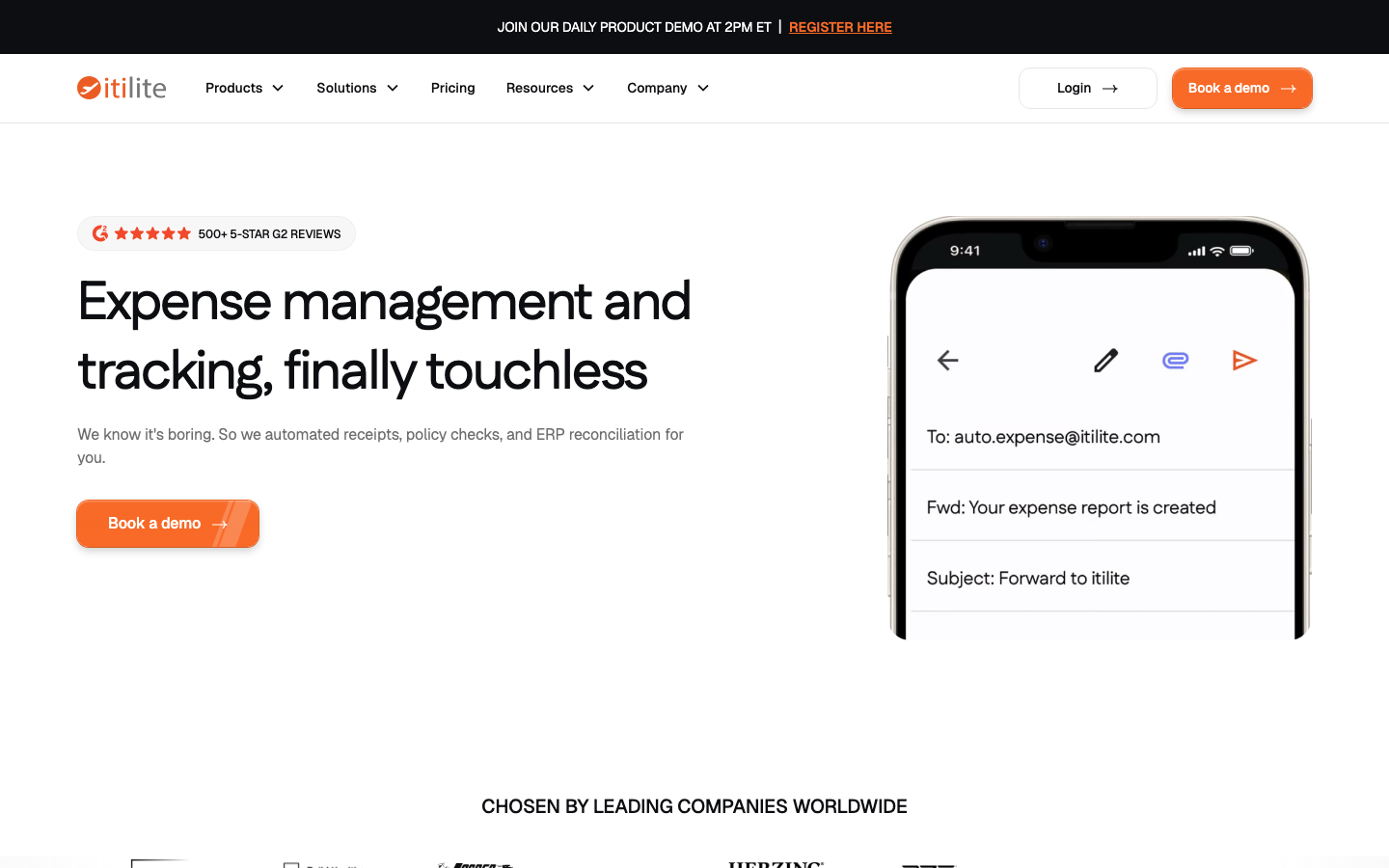
ITILITE is a travel and expense suite. Trips booked in the app and swipes on its own card become expenses, and users can forward or scan other receipts before reimbursement. AI Expense Buddy suggests the GL code and blocks items like alcohol. The vendor cites 500+ five-star G2 reviews.
Software Pros
- Card swipes arrive already tagged with merchant, category and GL code
- Travel booking, policy and expenses run under one set of rules
- Separate per-trip and per-user prices are published openly
Software Cons
- Travel and expense are billed separately, so totals need modeling
- Some integrations carry a one-time fee, depending on complexity
- Its cards and banking features center on the US market
ITILITE Review
ITILITE makes sense for a US company of 50 to 1,000 people whose managers fly several times a month. Booking a flight in the app links it to the expense, so finance sees the trip and the receipt together. The vendor lists 50+ ERP, HRMS and SSO connections, with reconciliation pushed straight into the ERP rather than rekeyed by hand.
Our Verdict
Travel and Expense in One
Jeeves
Quick Overview
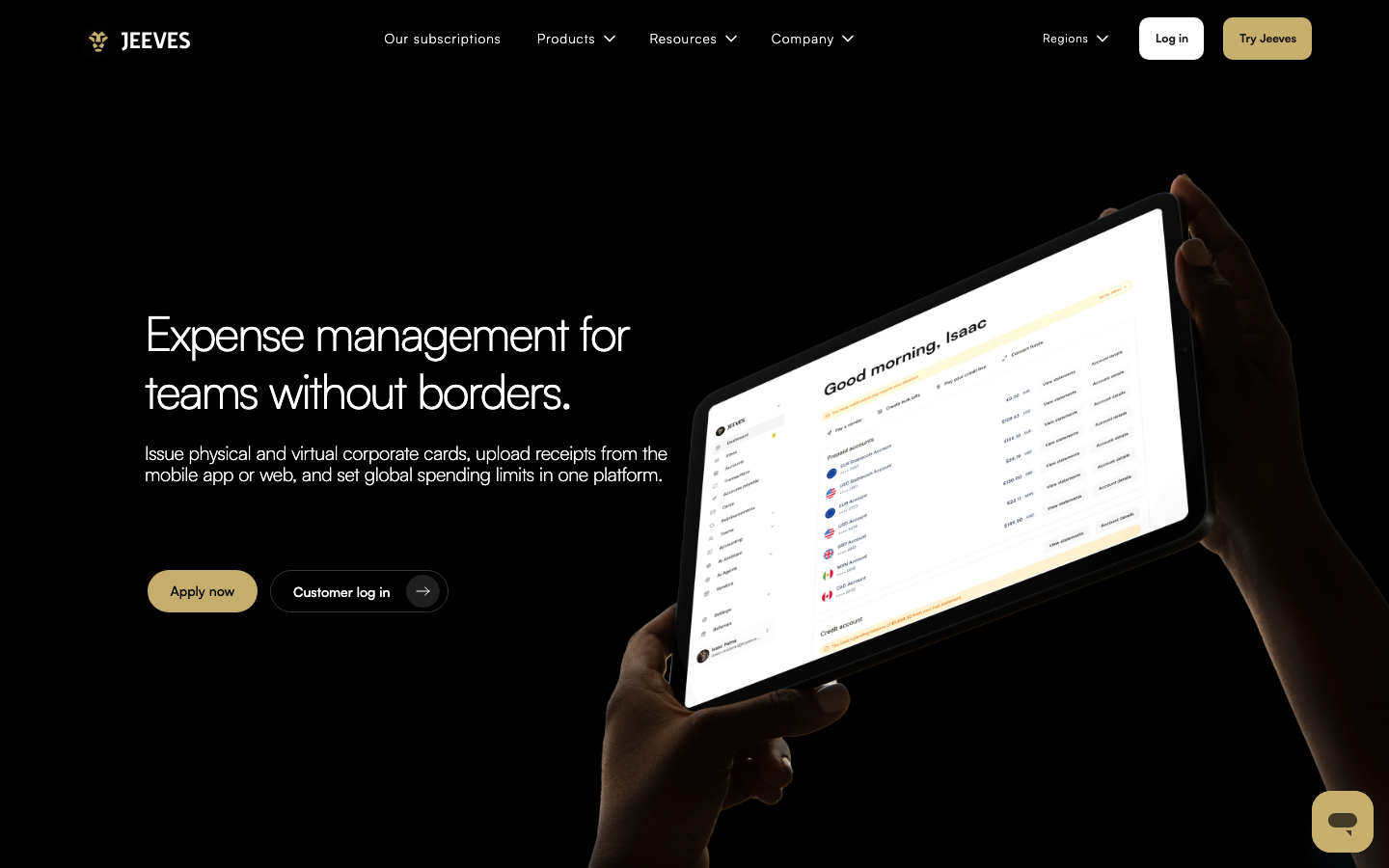
Jeeves is a card and spend platform. Most spending starts on its physical or virtual cards in local currency, and out-of-pocket claims are repaid by ACH. Its Accounting Auto-Coding AI Agent maps each transaction to the chart of accounts. Jeeves says it is built for companies operating in several markets.
Software Pros
- Cards in the currency each team spends in
- Several entities managed from one login and one report
- Direct sync with QuickBooks Online, Xero and NetSuite
Software Cons
- Reimbursements and card controls need the paid Gold plan
- Card issuance and features vary by country and plan
- Its Gold page lists 2 different per-user fees at once
Jeeves Review
For a startup with staff in Mexico, Brazil and the US, Jeeves removes the need for a separate card program in each country. You set spending limits per person or team, and missing receipts trigger reminders. The Basic tier covers card spend alone. Reimbursements, ERP sync and the AI coding agent start on Gold, so most finance teams budget for that plan.
Our Verdict
Cards for Cross-Border Teams
Moss
Quick Overview
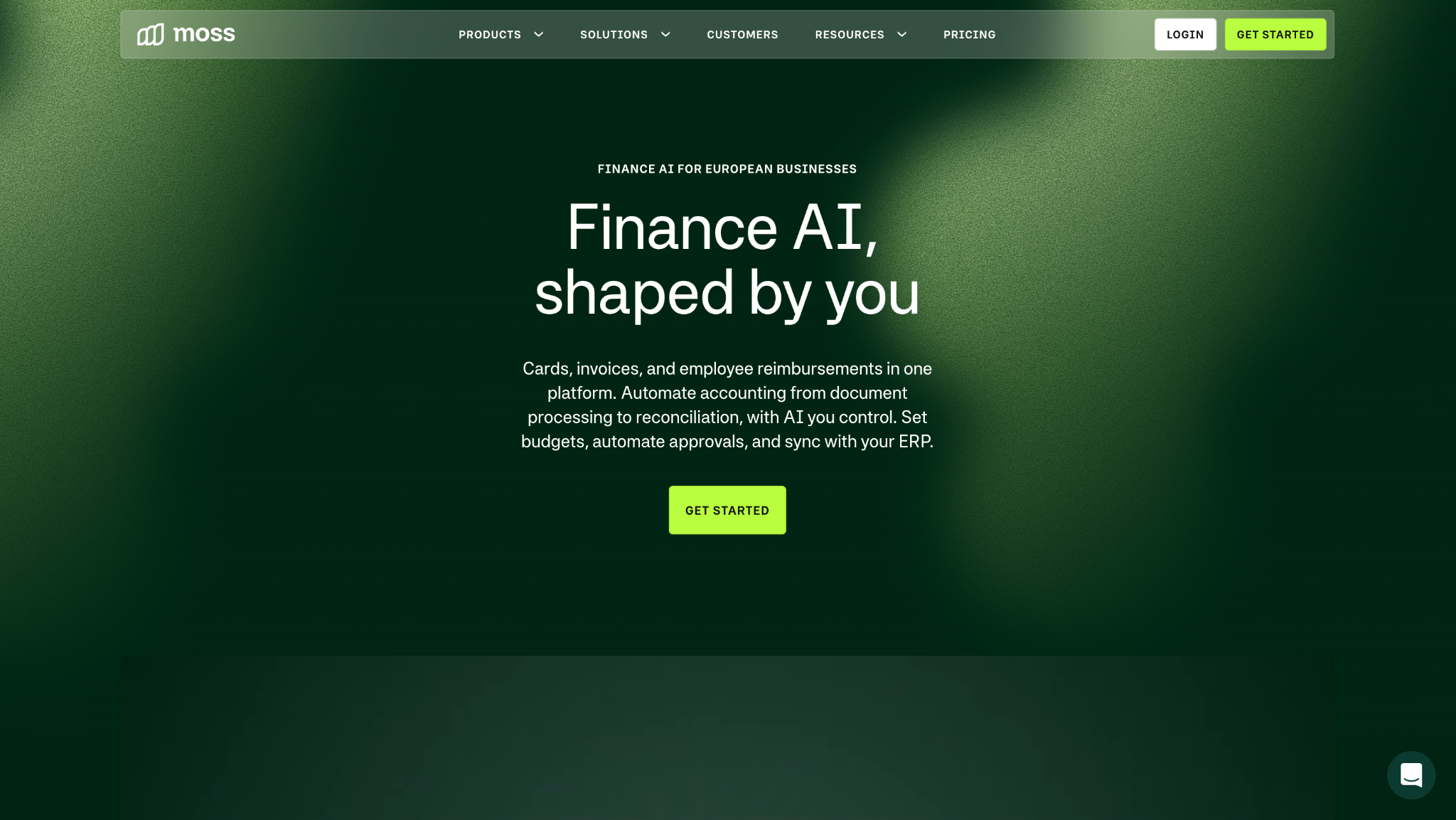
Moss is a card and spend platform for Europe. Spend runs on Moss cards, and claims for mileage, per diems and other costs are repaid from the Moss balance or by SEPA file. Moss Intelligence adds coding and policy agents. The company says 7,500+ European businesses use it.
Software Pros
- Unlimited users and cards on paid plans, with no per-seat fee
- Native DATEV support for German accounting firms
- Auto-expense coding agent learns from past booking patterns
Software Cons
- Cards and core features are built for the European market
- Moss shares paid-plan figures only in a sales call
- Fees rise with transaction volume, so busy months cost more
Moss Review
Moss fits a German, Austrian or Dutch company of 20 to 500 staff that wants cards, reimbursements and supplier invoices handled together. The coding agent pre-fills cost centers and accounts before a bookkeeper opens the entry. It connects to 40+ accounting, ERP and HR tools, and the DATEV link matters for firms whose tax advisor works inside that system. Card limits can follow each team budget.
Our Verdict
Spend Control for EU Companies
Perk
Quick Overview
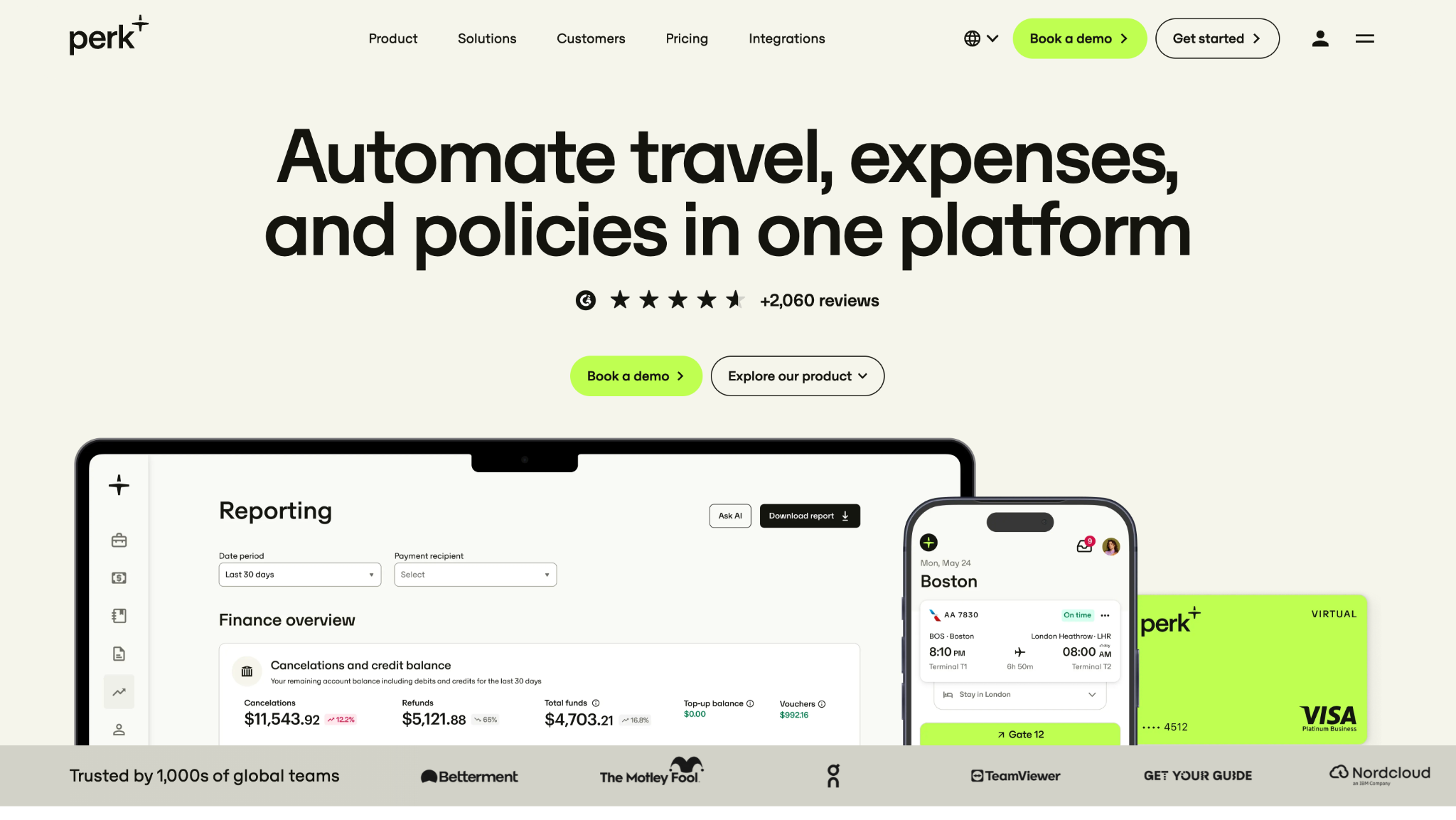
Perk, formerly TravelPerk, is a travel and expense suite. Bookings become expenses, receipts match card feeds, and ACH repays out-of-pocket costs. Its Spend product, formerly Yokoy, runs on Perk AI to fill gaps and check policy. Perk says 10,000+ businesses use it.
Software Pros
- Bring any existing card feed, or use Perk Cards where offered
- Full GSA per diem rates for US domestic and international trips
- Pricing counts only users who submit or review expenses
Software Cons
- Travel booking fees apply on top of the per-user price
- Entity limits differ, with 4 legal entities on Premium
- Custom per diems and workflows need the Pro plan
Perk Review
I see Perk as a fit for mid-market and enterprise companies that want 1 policy across flights, hotels and expenses. A traveler books in the app, the trip feeds the expense, and the AI fills gaps from the booking. ERP connectors are included, with the full set on Pro. North American pricing is published, which is rare for a suite of this size.
Our Verdict
One Policy From Booking
Rydoo
Quick Overview
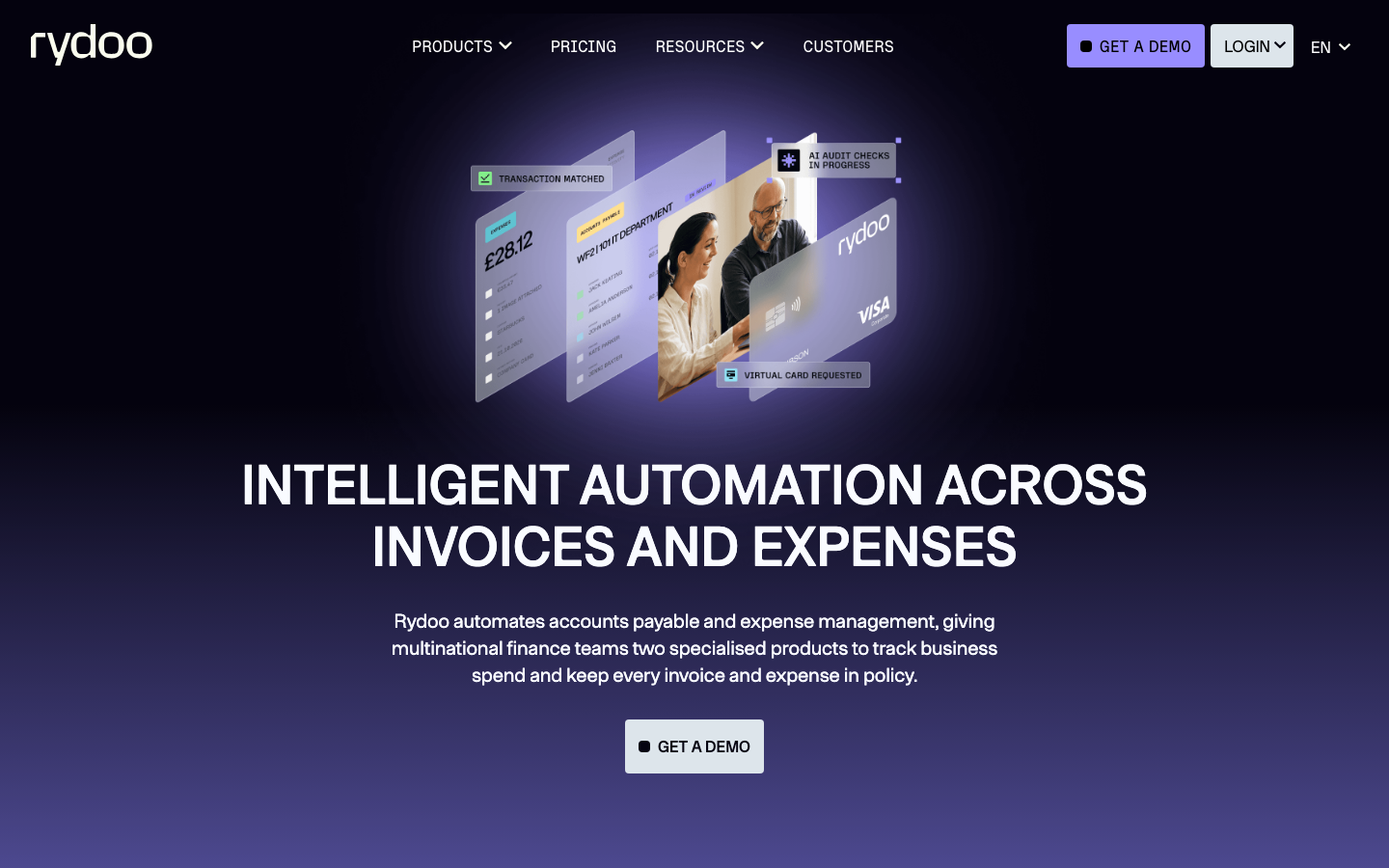
Rydoo is a travel and expense suite. Staff snap receipts in the app or pay with Rydoo cards, and mileage and per diem claims pass multilevel approval before repayment. Rydoo Intelligence adds Prefill, Audit and Policy agents. The company says it has 1 million+ users.
Software Pros
- Prefill Agent reads amount, merchant, VAT and category
- Audit Agent checks for duplicates and altered receipts
- Local tax and legal rules built in for many countries
Software Cons
- Per diems and accounting links start on Pro, not Essentials
- 5-user minimum on Essentials and Pro
- Business and Enterprise plans need 30 and 50 active users
Rydoo Review
My pick here is a company with offices in several European countries, each with its own VAT and allowance rules. Rydoo handles certified paperless expensing, which lets staff discard paper receipts where local law allows. Mileage and per diem rates follow each country. The vendor lists 50+ HR, travel and ERP integrations, and only active users are billed on the Business and Enterprise tiers.
Our Verdict
Multi-Country Compliance Built In
Sage Expense Management
Quick Overview
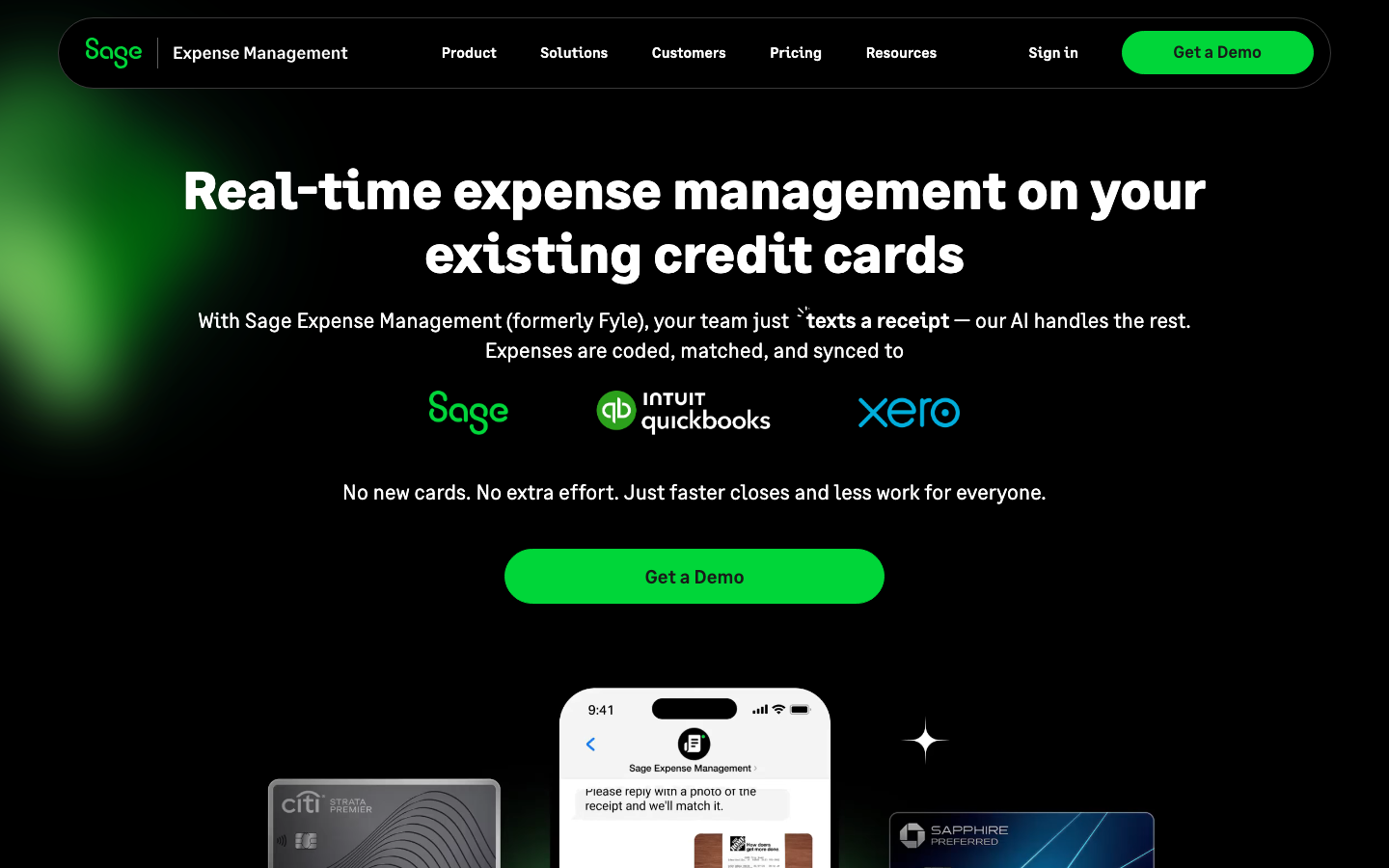
Sage Expense Management, formerly Fyle, is an expense reporting tool for existing cards. It reads card transactions in real time, collects receipts by text, and repays US staff by ACH. Text-to-Expense and Copilot handle receipts and questions. The company says 2,500+ customers use it.
Software Pros
- Real-time card feeds with no change of card provider
- Receipts and project codes collected through text messages
- Billing counts only users who file an expense that month
Software Cons
- 5-user minimum on Growth and 10 on Business
- Multi-stage approvals and project tracking start on Business
- Two-way ERP links carry a one-time implementation fee
Sage Expense Management Review
Sage Expense Management works best for a US construction, nonprofit or services firm with 20 to 250 employees on existing bank cards. Field staff texts a receipt the moment a card is swiped, and the AI matches it to the transaction. It syncs with QuickBooks, Xero, Sage Intacct and Sage 300, which keeps month-end in the accounting system finance already knows.
Our Verdict
Existing Cards, Faster Receipts
SAP Concur
Quick Overview
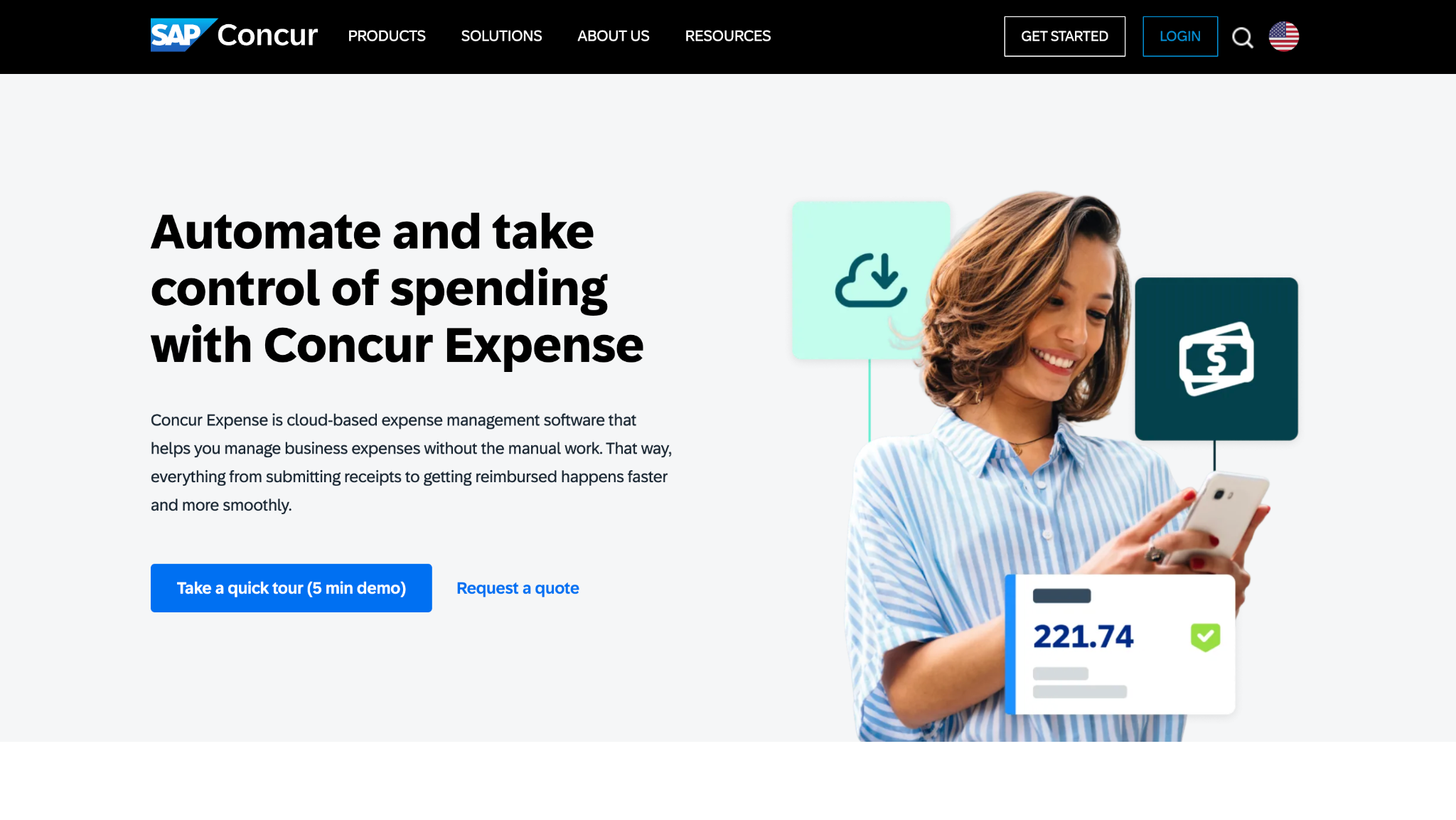
SAP Concur’s Concur Expense is a travel-and-expense suite. Receipts arrive by photo, card feed, or Concur Travel booking, then pass audit and approval before repayment. ExpenseIt reads receipts on Plus, and Joule agents check reports. SAP says Joule draws on 30+ years of T&E data.
Software Pros
- Unlimited users, with billing per submitted report
- Validation Agent guides employees to fix errors before submission
- Deep integration with SAP and other large ERP systems
Software Cons
- Travel, Intelligence and advanced features need the Premium quote
- Joule agents need Joule Base first, then a Premium upgrade
- Large rollouts with custom policies need longer setup
SAP Concur Review
A multinational already on SAP is where Concur Expense pays off most. Approval chains can follow cost centers, entities and spend limits, and audit trails meet the demands of internal auditors. Pricing per report suits companies where many staff rarely claim, since an employee who files nothing costs nothing that month. Joule agents help staff fix errors before reports reach the approver.
Our Verdict
Enterprise Audit and ERP Depth
Spendesk
Quick Overview
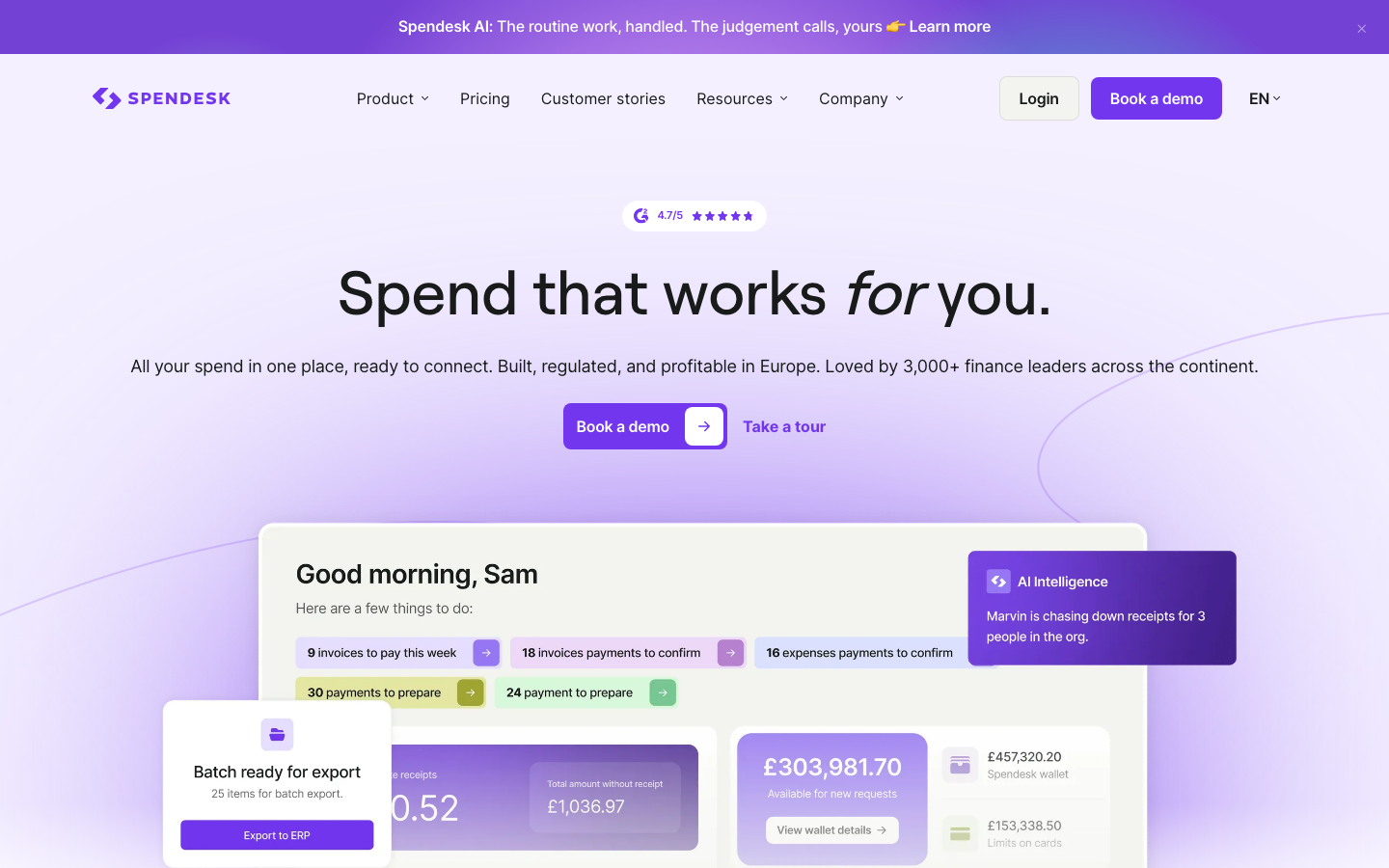
Spendesk is a card and spend platform. Purchases run on its physical and virtual cards, receipts are uploaded in the app, and the platform reimburses other claims. AutoCatML codes spend, and Document Intelligence reads receipts. The company says 3,000+ finance leaders use it.
Software Pros
- Unlimited users, cards and spenders on every paid plan
- AutoCatML predicts expense accounts and VAT fields
- Connects with Sage, Xero, NetSuite, SAP and DATEV
Software Cons
- Spendesk keeps its rates behind a quote request
- Transaction fees come on top of the monthly platform fee
- Built mainly for companies of 50 to 250 employees
Spendesk Review
Spendesk is my first suggestion for a growing European or US startup that wants every employee on a card with a limit from day 1. Because each card payment needs a receipt photo, finance rarely has to chase paperwork. The vendor says most customers go live in 3 to 4 weeks, and AI coding reduces manual work before exporting to the ledger.
Our Verdict
Cards for Every Employee
TravelBank
Quick Overview
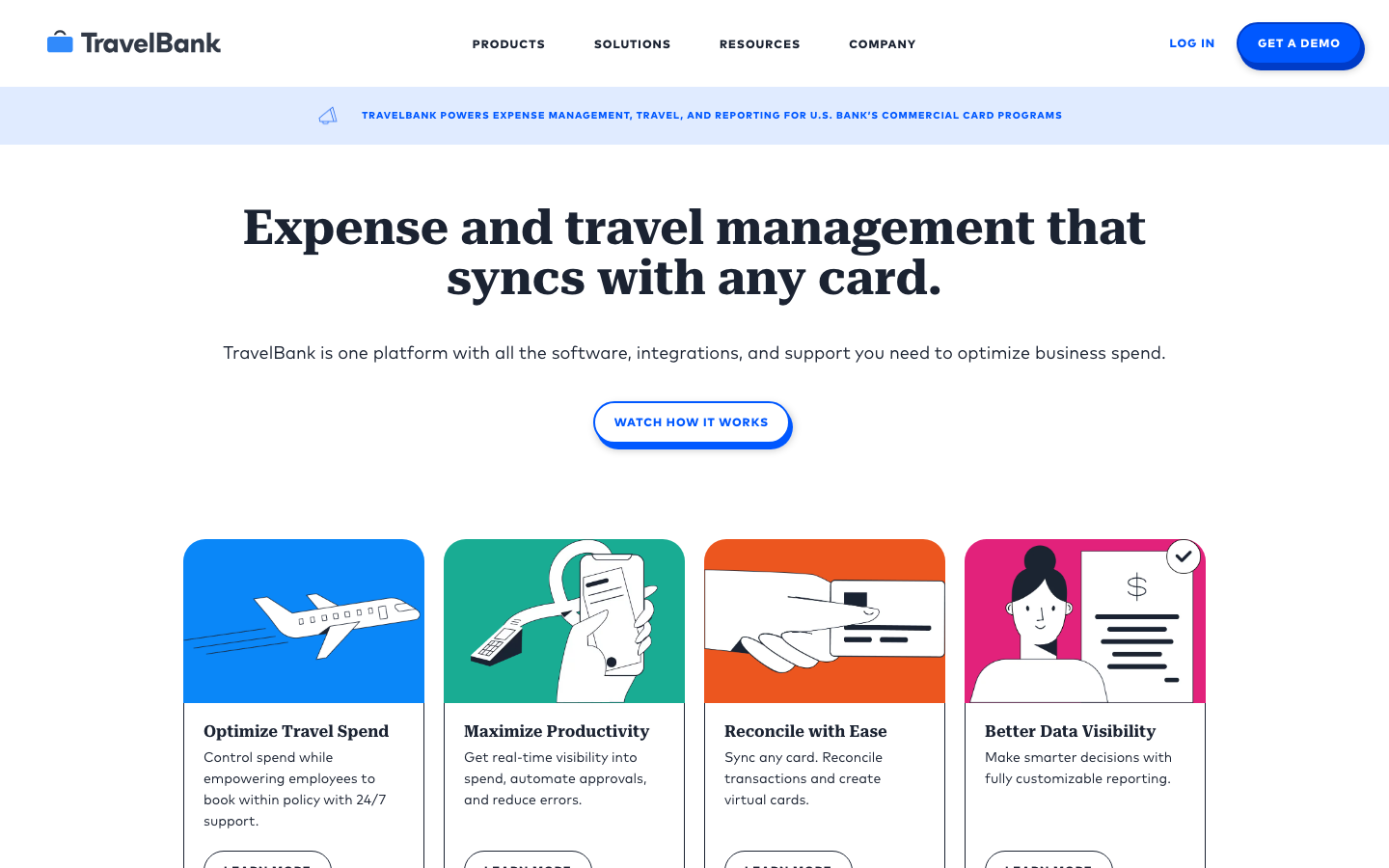
TravelBank is a US travel and expense suite owned by U.S. Bank. App bookings, card feeds, and receipt photos become expense reports, repaid to the employee’s bank account. Its site names no AI feature. The company says 45,000+ companies use it.
Software Pros
- Travel booking and expenses in one mobile app
- Syncs with any corporate card for reconciliation
- QuickBooks Online and NetSuite integrations
Software Cons
- Expense pricing is not published; quotes only
- No named AI feature for coding or receipt review
- Focused on US companies and U.S. Bank card programs
TravelBank Review
TravelBank suits a US company of 20 to 500 people where managers book their own trips and file the costs afterward. The booking already holds the date, place, and price, so the expense report needs only the receipt. Reimbursement goes straight to the employee’s bank account, and a new safeguard blocks claims until that account is on file. QuickBooks Online and NetSuite sync the approved data.
Our Verdict
Booking and Expenses Together
Volopay
Quick Overview
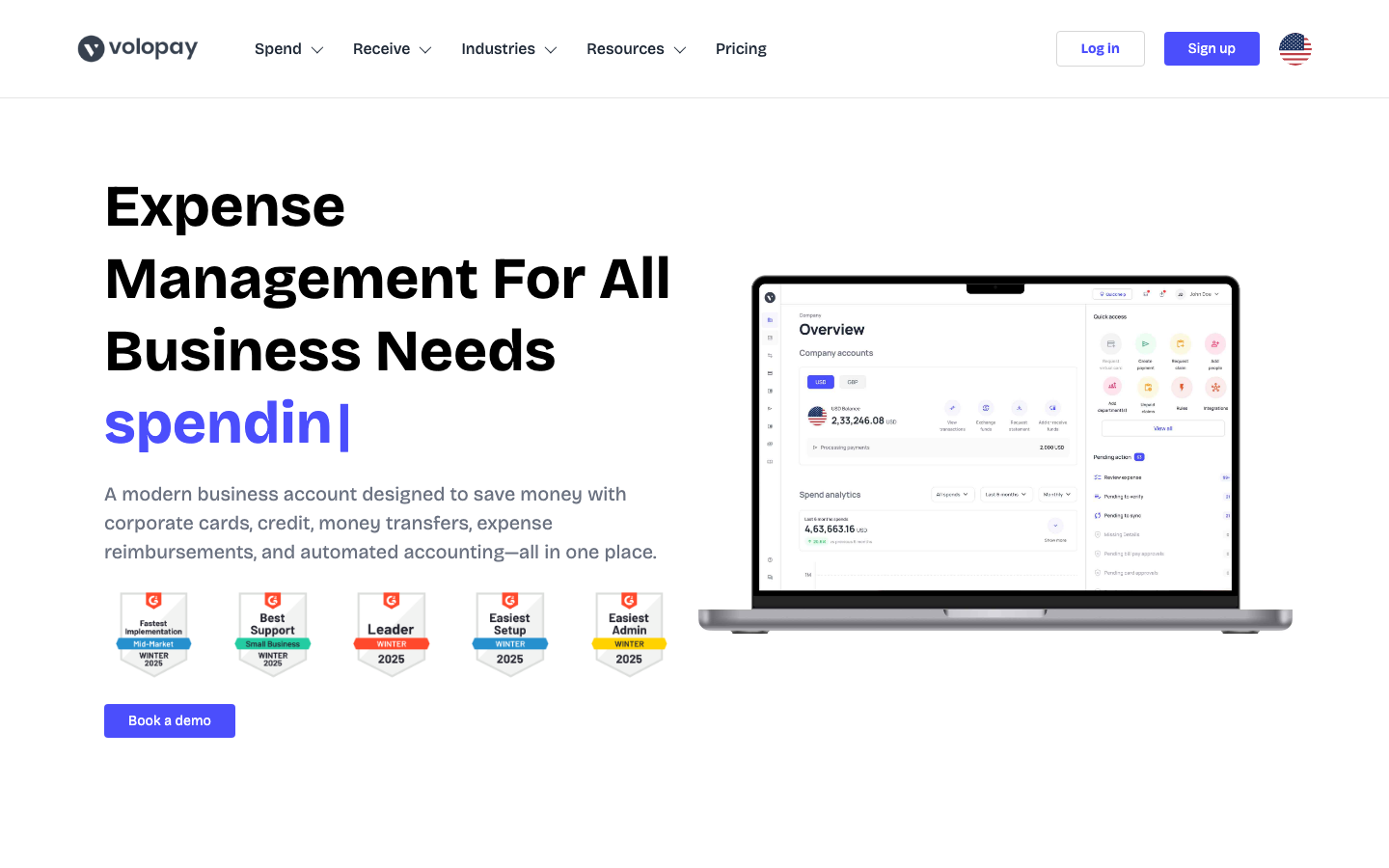
Volopay is a card and spend platform. Spending starts on its physical and virtual cards, receipts are scanned in the app, and cash or mileage claims are repaid after approval. Its expense pages name no AI feature. It sells in Asia Pacific, the UK and North America.
Software Pros
- Unlimited users on every plan
- Cards, reimbursements and bill pay on one dashboard
- Syncs with Xero, QuickBooks, MYOB and Tally
Software Cons
- All plans are quoted, with no public price
- No AI feature named on its expense pages
- Built mainly for Asia Pacific, the UK and North America
Volopay Review
Volopay fits a startup in Singapore or Sydney that pays suppliers and staff in several currencies. Low international transfer fees help with cross-border payouts, and approval rules stop out-of-policy card spend before it happens. MYOB and Tally support matters for teams in Australia and India, where those accounting systems are more common than in the US. Bill pay sits on the same dashboard as cards.
Our Verdict
Multi-Currency Startup Spend
Webexpenses
Quick Overview
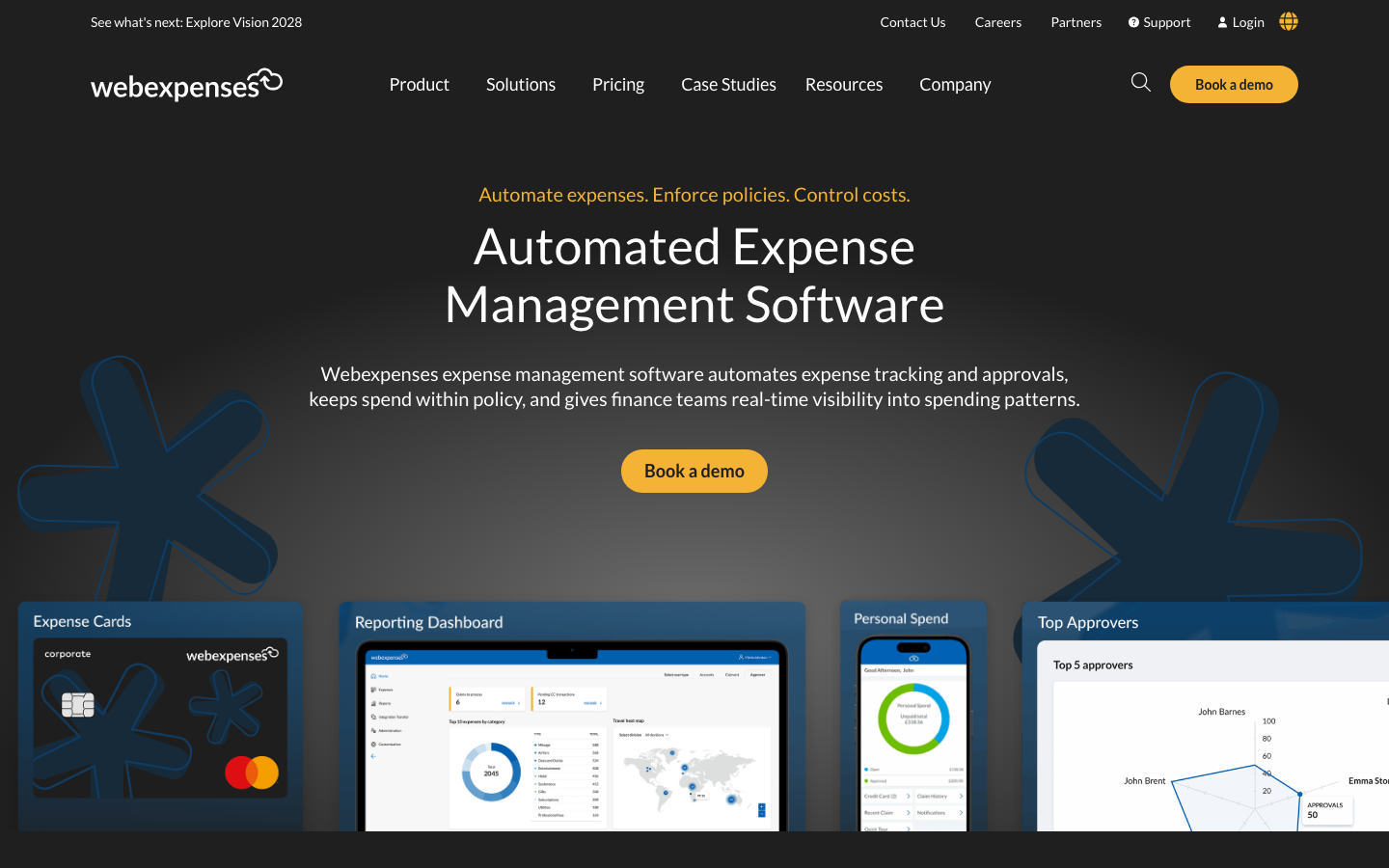
Webexpenses is an expense reporting tool from the UK. Staff snap receipts in the app, card spend arrives through its own cards or a feed, and the Pro plan repays claims directly. It names no AI feature, relying on OCR and duplicate checks. The company says 2,000+ businesses use it.
Software Pros
- Up to 6 approval levels on every plan
- Soft and hard policy rules enforced at submission
- Mileage tracking with carbon offset on all plans
Software Cons
- Corporate card feeds start on Scale, not Essential
- Direct reimbursement needs the Pro plan
- Prices are published in pounds only
Webexpenses Review
Webexpenses is the option I would shortlist for a UK or Australian business of 50 to 1,000 staff with strict claim rules. Up to 6 approval levels and duplicate checks catch errors before any payment leaves the account. QuickBooks and Xero sync on all plans, with NetSuite, Sage Intacct and Business Central on higher tiers. VAT reclaims are tracked on each claim.
Our Verdict
Rules-Based UK Expense Control
Zoho Expense
Quick Overview
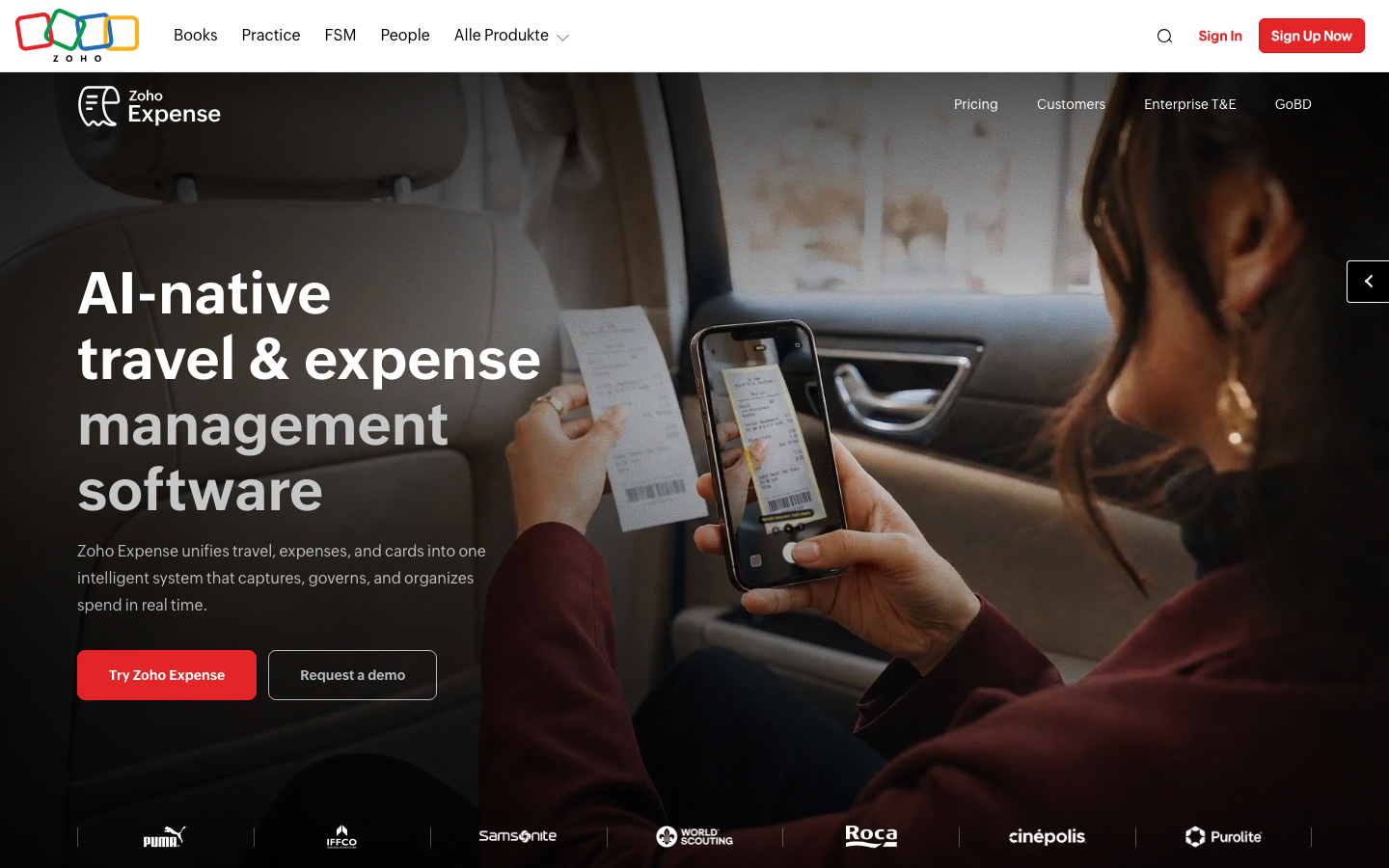
Zoho Expense is an expense reporting tool. OCR reads receipts in 38+ languages, Visa and Mastercard feeds bring in card spend, and claims are repaid by ACH or bank transfer. Ask Zia and an AI expense audit sit on Standard. Teams of 3 or fewer can run it at no cost.
Software Pros
- Free plan with GPS mileage and multi-currency expenses
- Low per-user price on Standard and Premium
- Works natively with Zoho Books and other Zoho apps
Software Cons
- A 4th user means moving to a paid plan
- Travel booking is a paid add-on billed per trip
- ERP and HRMS integrations are an add-on on Standard
Zoho Expense Review
For a small business already on Zoho Books, Zoho Expense is the shortest path to receipts, mileage and approvals in one place. GPS tracking logs drives without manual entry, and the AI audit catches duplicate claims. Accounting integrations come even on the free plan, and multi-entity support on the top plan helps once the business opens a second company. Policies can differ by team or department.
Our Verdict
Low-Cost Option for Zoho Users
FAQs About Expense Management Software
What does expense management software do?
It records the money employees spend on company business and moves each item through the same steps. A receipt is captured by photo or email, checked against the spending policy, routed to an approver and repaid to the employee. The approved data then syncs to the accounting system with its category and cost center. The result is fewer spreadsheets and a clear audit trail for every claim.
Do I need corporate cards to use expense management software?
No. Expense reporting tools work with personal cards and with company cards you already hold, through card feeds or uploaded statements. Card platforms work best with their own cards, because each swipe arrives already matched to a merchant and a limit. If your bank card program works well, keep it and pick a tool that reads its feed. If not, a card platform can replace it.
How does AI help with expense reports?
AI reads the receipt and fills in the amount, date, merchant and tax. It then suggests a category and GL code based on past entries, and flags duplicates, banned items or altered receipts. Some tools also answer policy questions in chat. None of this removes the approver. A finance person still reviews the report, and the better tools show why the AI made each suggestion.
How much does expense management software cost?
It depends on the unit. Many tools charge per active user per month, with published prices from about $3 to $15 in October 2026. SAP Concur charges per expense report, from $7. Card platforms often charge a platform fee plus transaction fees with unlimited users, and quote each customer. Check whether every employee counts as a paid user, or only those who file an expense that month.
Can expense management software reimburse employees in other countries?
Some can and some cannot. Certain tools repay staff in local currency by bank transfer across many countries. Others reimburse only by domestic ACH, or hand the amount to payroll for repayment with the next salary. Before you sign, list every country where you have staff and ask the vendor how, and how fast, each one gets paid. Also check the transfer fees for each currency.
What Is the Best Project Expense Management Software in 2026?
Look for capability rather than a brand. The right tool lets employees tag each expense to a project, client, job or cost center as they submit it. It should block submission when the tag is missing, and export the data so it can be billed to the client or added to job costing. Construction and professional services firms should test these fields during the trial.
How long does it take to set up?
A small team can start in a day: invite users, connect a card and link the accounting system. A company with several entities, an ERP and custom approval chains needs weeks, sometimes longer. Policy rules, GL mapping and card program changes take the most time. Plan a pilot with 1 department before rolling out to everyone, so mistakes stay small.
Is a spreadsheet enough for tracking business expenses?
For a handful of employees with occasional receipts, often yes. It breaks down once several people hold company cards, managers need to approve claims, or mileage and per diem rules apply. Audits expose it too, because a spreadsheet has no record of who changed what. When month-end means chasing receipts by email, it is time for a dedicated tool that keeps a full record.

Helen is Anywherer’s Market Analyst & Content Researcher, with extensive experience in analyzing global employment markets and HR technology trends. She is skilled at turning complex market data into clear, well-researched insights that inform every piece of content. With a strong grasp of the EOR, PEO, and international hiring space, Helen plays a key role in keeping Anywherer’s research accurate, up to date, and genuinely useful for readers.