Time and Attendance Software in 2026: What It Is and Why Teams Use It
Time and attendance software is used to track when employees start work, take breaks, and end their shifts in one centralized system. It lets you monitor hours worked, manage schedules, calculate overtime, and ensure compliance with labor laws. Many tools now work as comprehensive time and attendance systems, with features for scheduling, payroll integration, and real-time reporting that help managers see who’s working where and when.
In 2026, the need for reliable time and attendance solutions is higher than before. Remote and hybrid work models have made traditional punch cards obsolete, while labor shortages push companies toward better scheduling and attendance management. According to the Society for Human Resource Management (SHRM), automated time tracking systems help reduce payroll processing errors and administrative burden. The U.S. Department of Labor emphasizes accurate time recording for Fair Labor Standards Act compliance. At the same time, employees expect flexible scheduling options and transparent tracking through time and attendance apps that let them see their hours and request time off easily.
These time & attendance systems also connect to other tools in the HR and payroll stack. Time data flows directly into payroll software, so wage calculations reflect actual hours worked and overtime rules. In some companies, employee time and attendance systems integrate with employee training software and employee review software, because they all shape how work gets planned and tracked day to day. The goal is simple: make workforce time and attendance software and broader time management easier to run, measure, and improve.
Top 34 Time & Attendance Software for 2026
I’ve reviewed a wide set of time and attendance tools that companies use for employee scheduling, time tracking, compliance management, and payroll integration. These platforms often appear in lists of the best time and attendance software, and many are named in guides to “what are the leading time and attendance systems” for business use. I’m listing all providers in alphabetical order to keep things simple and neutral.

7shifts
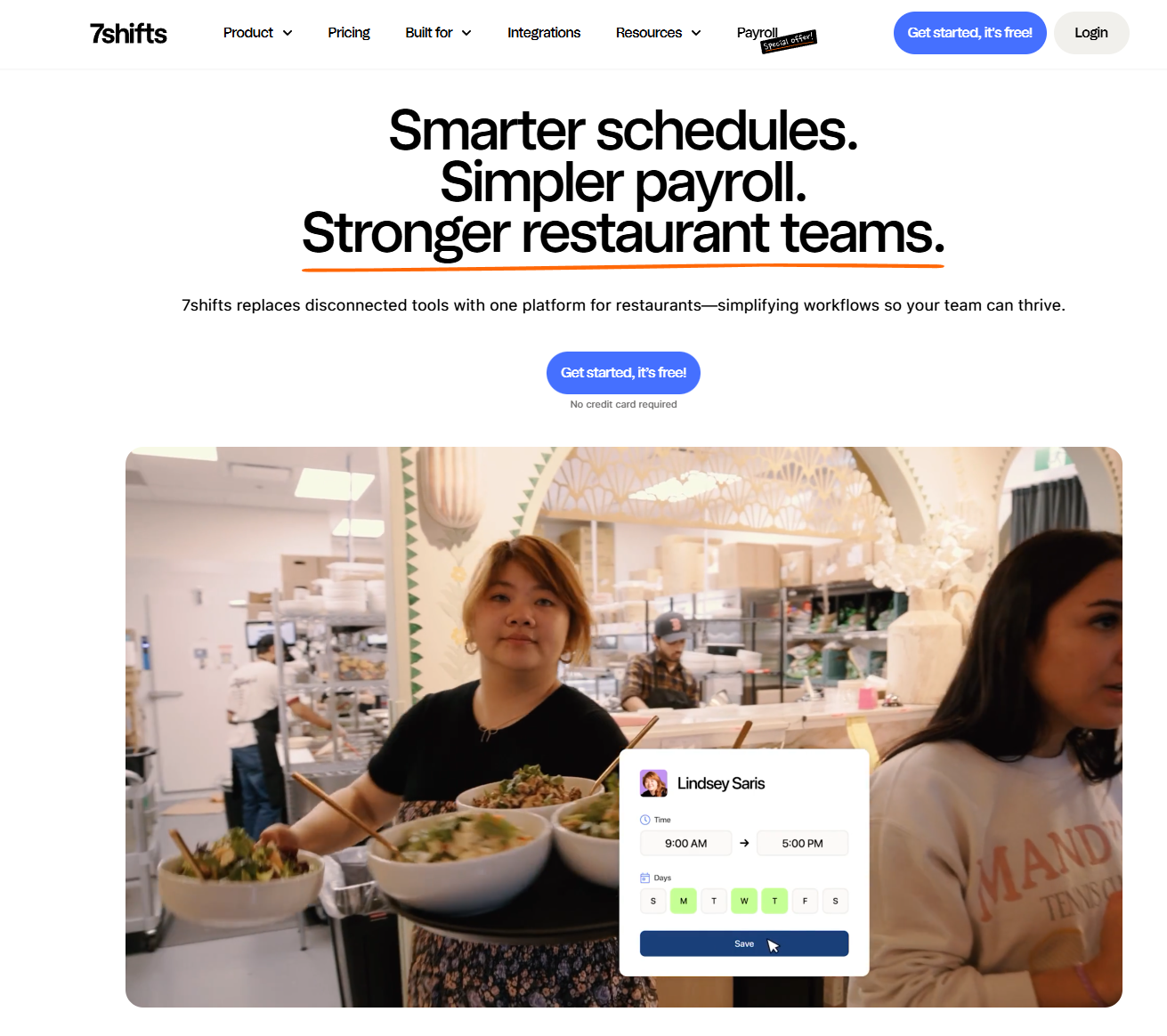
7shifts is a restaurant-focused scheduling and time tracking platform designed for food service teams. It supports shift planning, labor cost management, and real-time communication between managers and staff. Many restaurants and hospitality businesses use it as their primary staff attendance management system for both scheduling and time tracking.
Software Pros:
- Built specifically for restaurant and food service operations
- Strong integration with POS systems and payroll providers
- Real-time labor cost tracking and alerts
Software Cons:
- Limited appeal outside hospitality industry
- May feel too specialized for general business use
7shifts Review:
When I reviewed 7shifts, I focused on how effectively it handles the chaos of restaurant scheduling and labor cost management. The platform clearly leans toward food service operations with features like POS integration and real-time labor alerts built into the experience. From my perspective, it suits restaurants that want scheduling to feel like an active part of operations rather than just administrative work.
Our Verdict
Restaurant-Focused Workforce Management
ADP
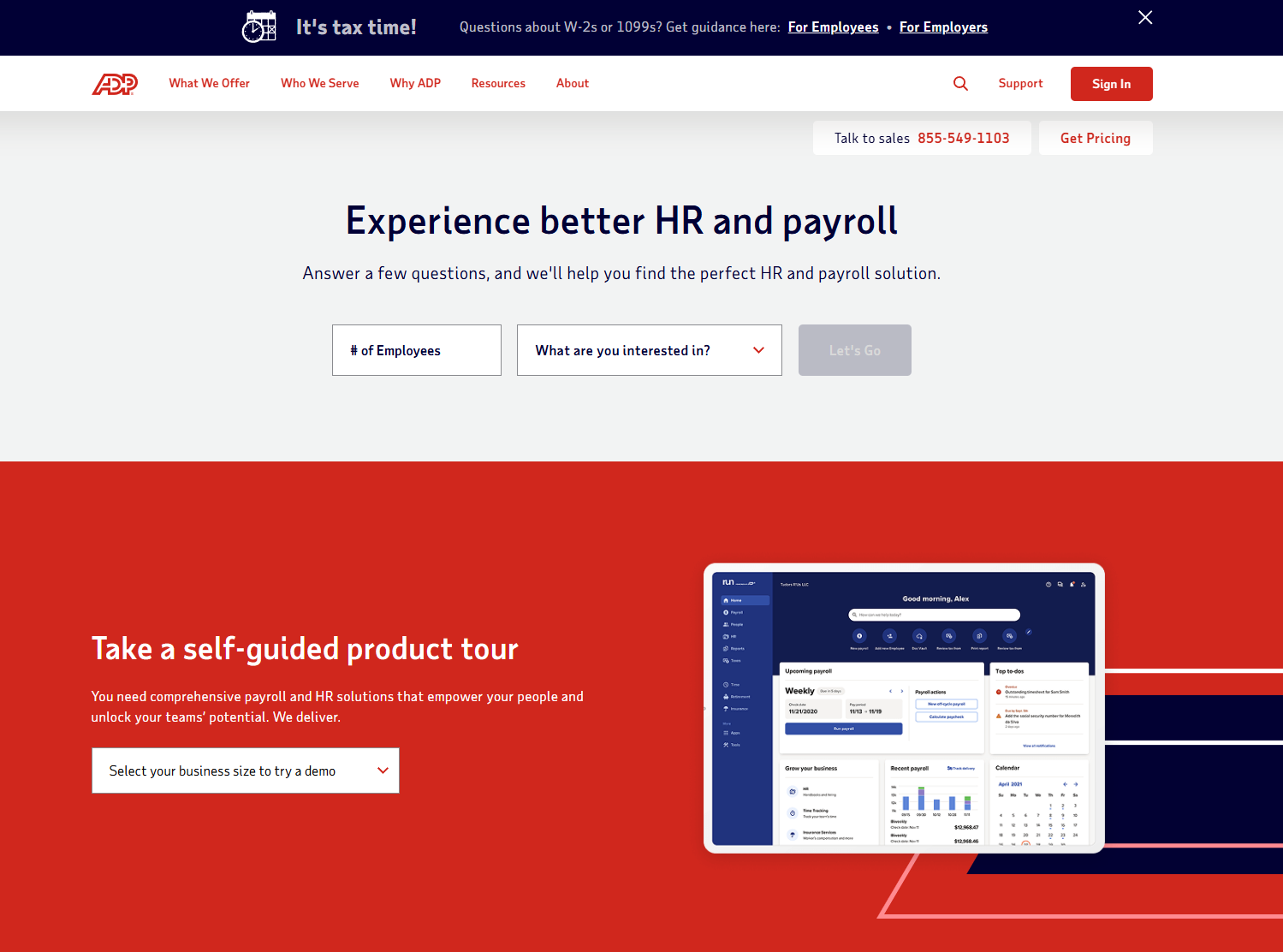
ADP is an established payroll and HR provider that offers comprehensive time and attendance management as part of its workforce management suite. It supports complex scheduling, compliance management, and detailed reporting for mid-size to large organizations. Many companies use ADP when they want employee time attendance software integrated with their existing payroll and benefits administration.
Software Pros:
- Deep integration with ADP’s payroll and HR ecosystem
- Strong compliance features for complex labor laws
- Scalable across different organization sizes
Software Cons:
- Can feel complex for smaller businesses with simple needs
- Best value comes from using multiple ADP modules together
ADP Review:
In my assessment of ADP, I paid attention to how it handles different audiences inside one system. The platform is clearly built to split content by teams, regions, or external groups while keeping reporting consistent. That makes it a good fit for organizations that want one place for most of their structured workforce management solutions.
Our Verdict
Enterprise Payroll Integration
Agendrix
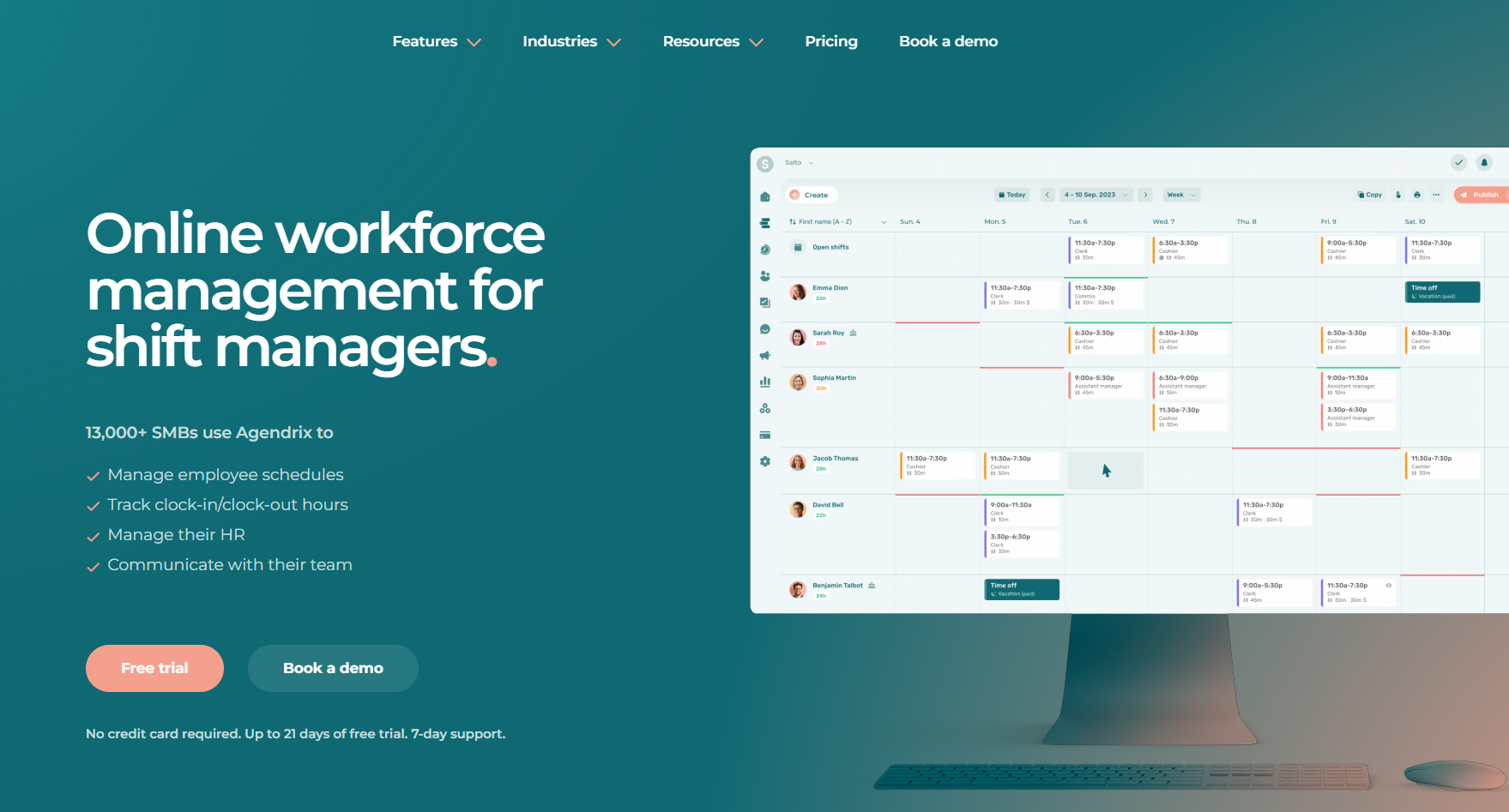
Agendrix is a Canadian-based scheduling and time tracking platform designed for small to mid-size businesses. It offers employee scheduling, time clock functionality, and team communication tools in one interface. Many retailers and service businesses use it to manage hourly workforce scheduling and attendance tracking.
Software Pros:
- Clean, intuitive interface for both managers and employees
- Good mobile app for on-the-go scheduling and time tracking
- Affordable pricing for smaller teams
Software Cons:
- Fewer advanced features compared to enterprise solutions
- Limited integration options with other business systems
Agendrix Review:
When I looked at Agendrix, I focused on how it presents scheduling to managers across different team structures. The interface design clearly prioritizes simplicity and ease of use over complex enterprise features. In my opinion, it makes sense for companies that want straightforward scheduling without overwhelming functionality.
Our Verdict
Simple Scheduling For Small Teams
BambooHR
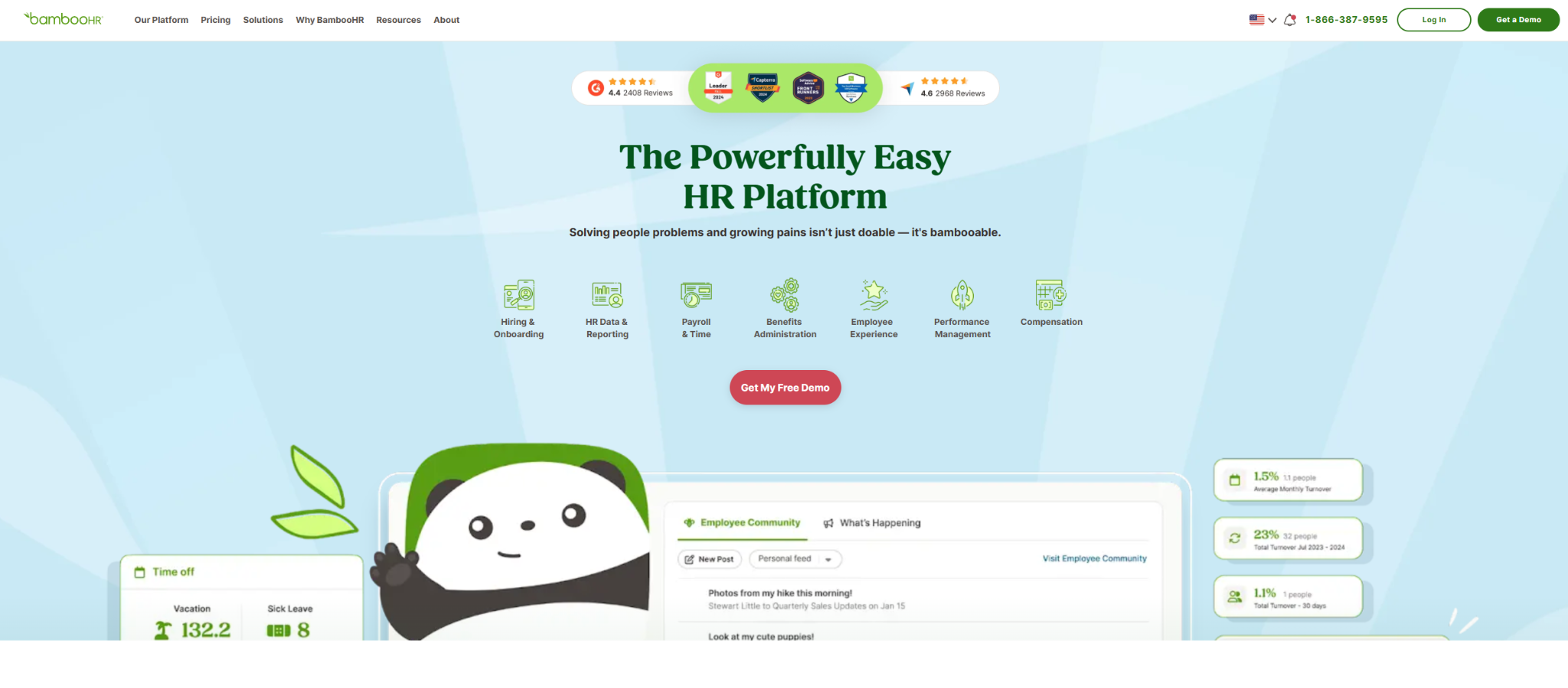
BambooHR is an HR platform that includes time tracking and attendance management as part of its broader employee management suite. It supports time-off requests, schedule management, and integration with payroll systems. Many mid-size companies use BambooHR when they want time and attendance hr software connected to their core HR functions like employee records and performance management.
Software Pros:
- Seamless integration with BambooHR’s HR management features
- User-friendly interface for both employees and managers
- Strong reporting and analytics capabilities
Software Cons:
- Time tracking feels secondary to core HR functions
- May be overkill if you only need basic attendance tracking
BambooHR Review:
In my review of BambooHR, I paid attention to how time tracking integrates with the broader HR ecosystem. The platform excels when time data flows naturally into performance reviews and employee records. That integration is why I see it as valuable for mid-size companies that want unified HR management.
Our Verdict
HR-Integrated Time Management
Buddy Punch
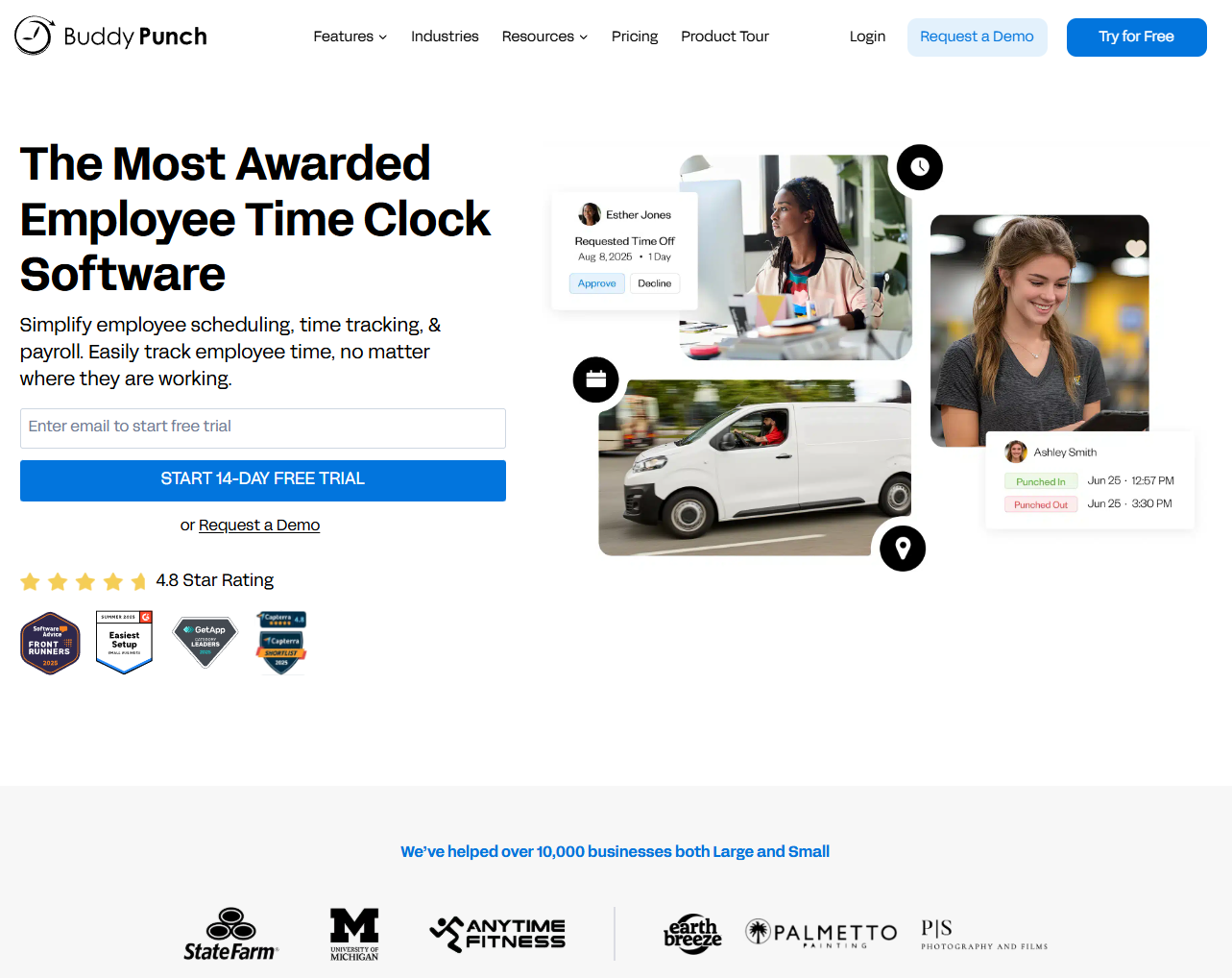
Buddy Punch is a cloud-based time tracking solution designed for businesses that need accurate employee attendance monitoring. It offers GPS tracking, facial recognition, and detailed reporting to prevent time theft and ensure accurate payroll. Many companies with remote or field-based workers use it to maintain accountability and compliance.
Software Pros:
- Strong anti-fraud features like GPS and facial recognition
- Detailed reporting and audit trails
- Good for remote and field workforce management
Software Cons:
- Heavy focus on monitoring may feel intrusive to some employees
- Interface can feel dated compared to newer platforms
Buddy Punch Review:
As I went through Buddy Punch, I focused on how it handles accountability for distributed workforces. The platform makes it clear that preventing time theft is a priority, with multiple verification methods built into the clock-in process. From my perspective, that makes it a strong choice for companies that need strict attendance verification.
Our Verdict
Anti-Fraud Time Tracking
BusyBusy
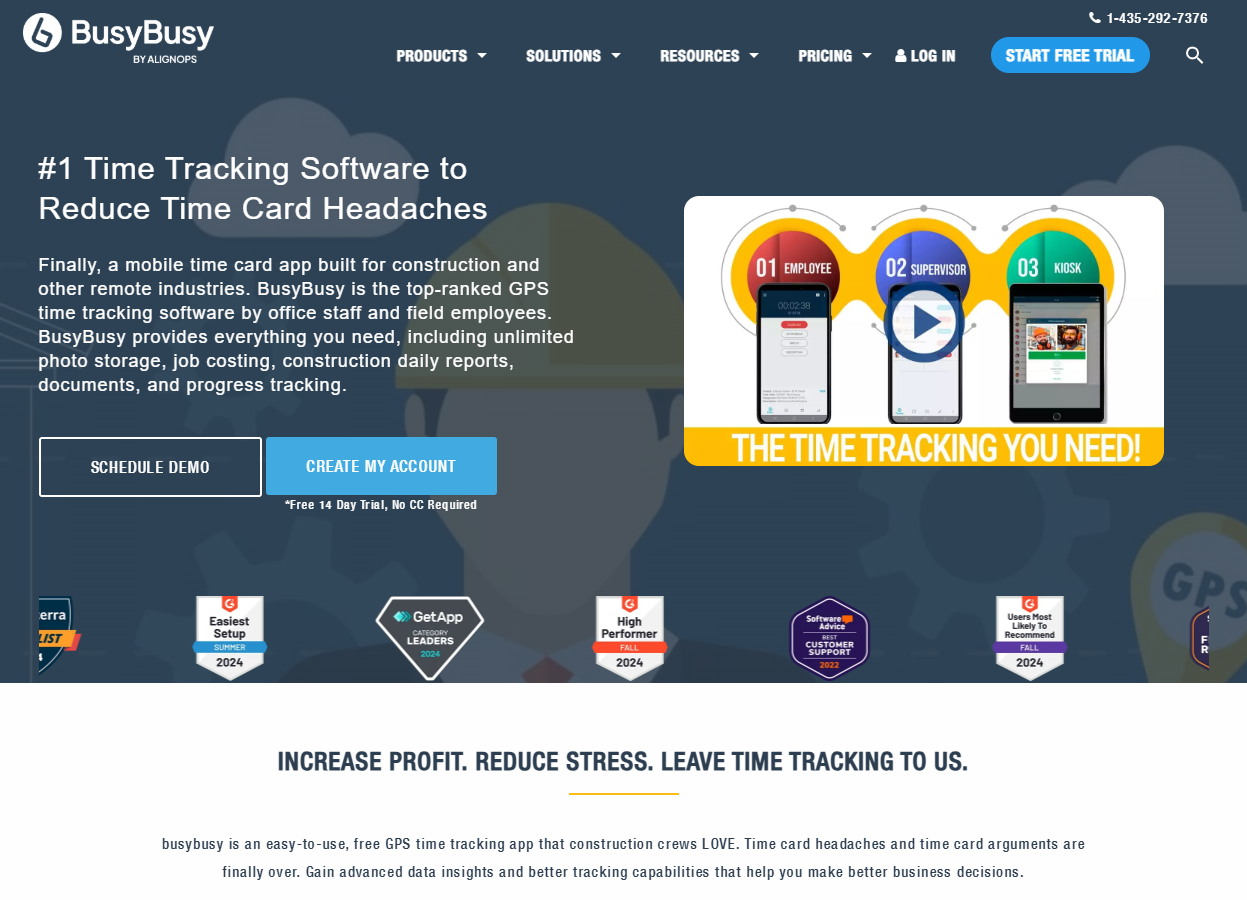
BusyBusy is a time tracking and project management platform designed for field service and construction teams. It offers GPS tracking, job costing, and equipment tracking alongside standard time clock functionality. Many contractors and service companies use it to track both employee hours and project progress in real-time.
Software Pros:
- Strong GPS and location tracking for field workers
- Integration of time tracking with job costing and project management
- Mobile-first design for outdoor and remote work environments
Software Cons:
- Limited appeal for office-based or traditional business environments
- May include more project features than pure time tracking needs require
BusyBusy Review:
When I reviewed BusyBusy, I focused on how it serves field service operations where time and project tracking intersect. The platform clearly understands that construction and service teams need to track both employee hours and job progress simultaneously. That dual focus makes it appealing for companies that manage both labor costs and project profitability.
Our Verdict
Field Service Time And Project Tracking
Clockify
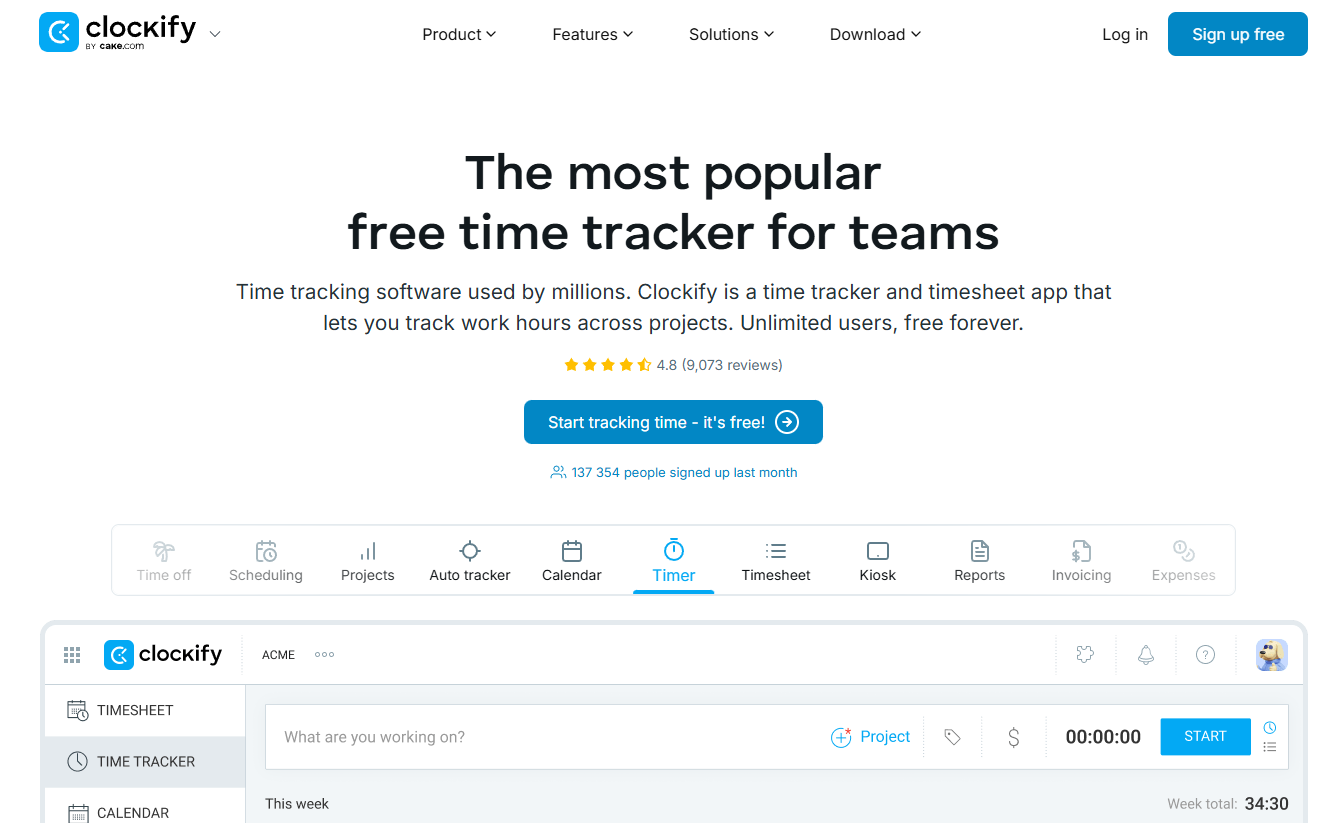
Clockify is a free time tracking tool that offers both manual time entry and automatic tracking for teams and individuals. It supports project time tracking, reporting, and basic team management features. Many small businesses and freelancers use Clockify as their primary time and attendance solution because of its generous free tier and straightforward interface.
Software Pros:
- Generous free plan with unlimited users and projects
- Simple, clean interface that’s easy to adopt
- Good basic reporting and project tracking features
Software Cons:
- Limited advanced features compared to paid alternatives
- Lacks sophisticated scheduling and workforce management tools
Clockify Review:
In my assessment of Clockify, I focused on how much value it provides at the free tier. The platform delivers solid time tracking fundamentals without the complexity of enterprise solutions. From my point of view, it fits organizations that need reliable time tracking without paying for advanced workforce management features they won’t use.
Our Verdict
Free Time Tracking Starter
ClockShark
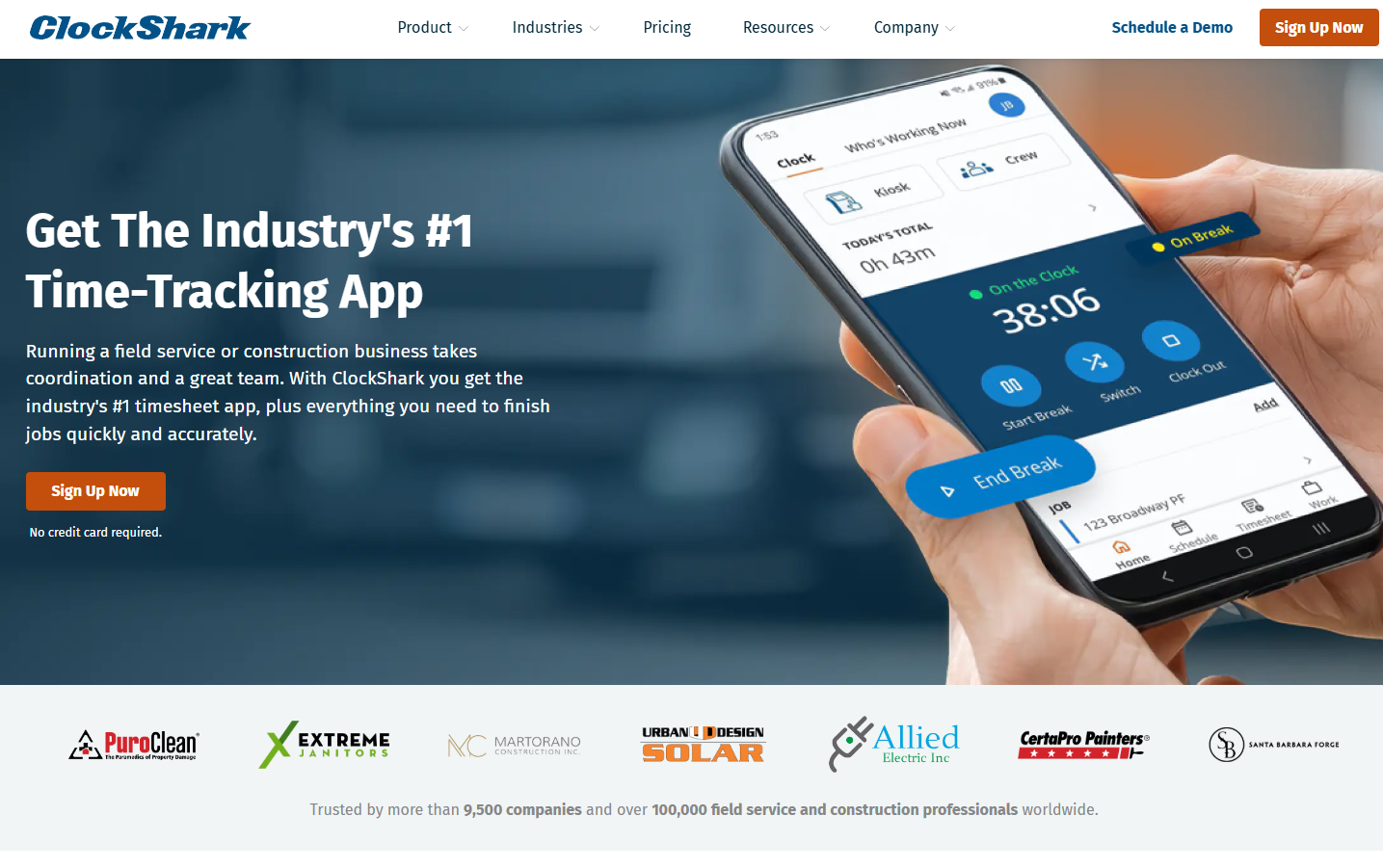
ClockShark is a mobile time tracking and scheduling platform designed for field service and construction companies. It offers GPS tracking, job scheduling, and crew management tools that help contractors track labor costs and project progress. Many construction and service businesses use ClockShark to manage distributed teams and ensure accurate job costing.
Software Pros:
- Strong mobile app designed for field workers
- Integrated job scheduling and crew management
- GPS tracking and geofencing capabilities
Software Cons:
- Primarily focused on field service and construction
- Limited appeal for office-based businesses
ClockShark Review:
When I examined ClockShark, I focused on how it addresses the unique challenges of managing field crews. The platform clearly prioritizes mobile functionality and GPS verification, which makes sense for teams that work across multiple job sites. That specialized focus makes it valuable for contractors who need both time tracking and crew coordination.
Our Verdict
Mobile-First Field Service Management
Connecteam
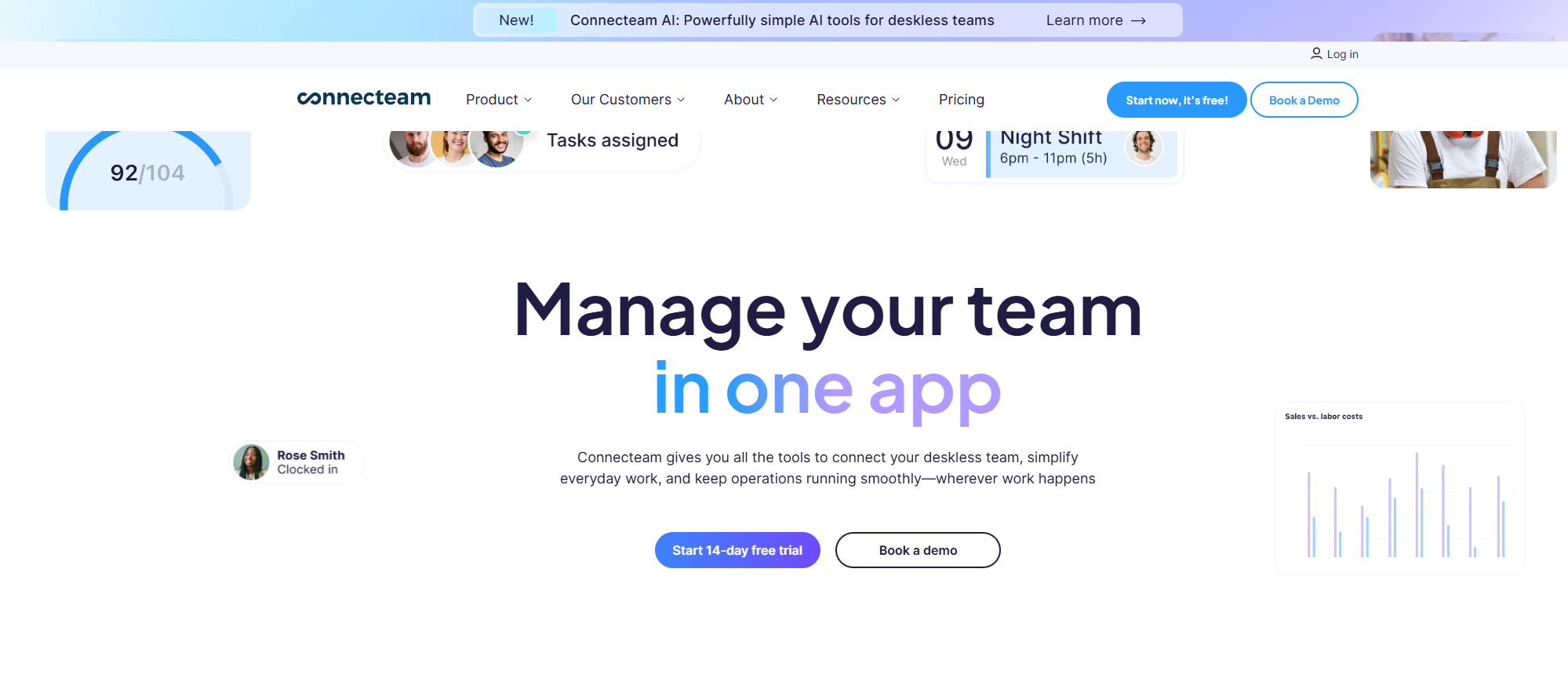
Connecteam is an all-in-one employee management platform that includes time tracking, scheduling, and team communication tools. It’s designed for businesses with frontline and deskless workers who need mobile-friendly workforce management. Many retail, hospitality, and field service companies use Connecteam to manage scheduling, time tracking, and team communication in one app.
Software Pros:
- Comprehensive employee management beyond just time tracking
- Strong mobile app for deskless workers
- Integrated communication and training features
Software Cons:
- Can feel overwhelming if you only need basic time tracking
- Pricing increases as you add more features
Connecteam Review:
As I went through Connecteam, I focused on how it combines time tracking with broader employee engagement tools. The platform treats time and attendance as part of a larger workforce management strategy that includes communication and training. From my perspective, that makes it appealing for companies that want to modernize their entire approach to managing frontline workers.
Our Verdict
All-In-One Frontline Workforce Management
Dayforce
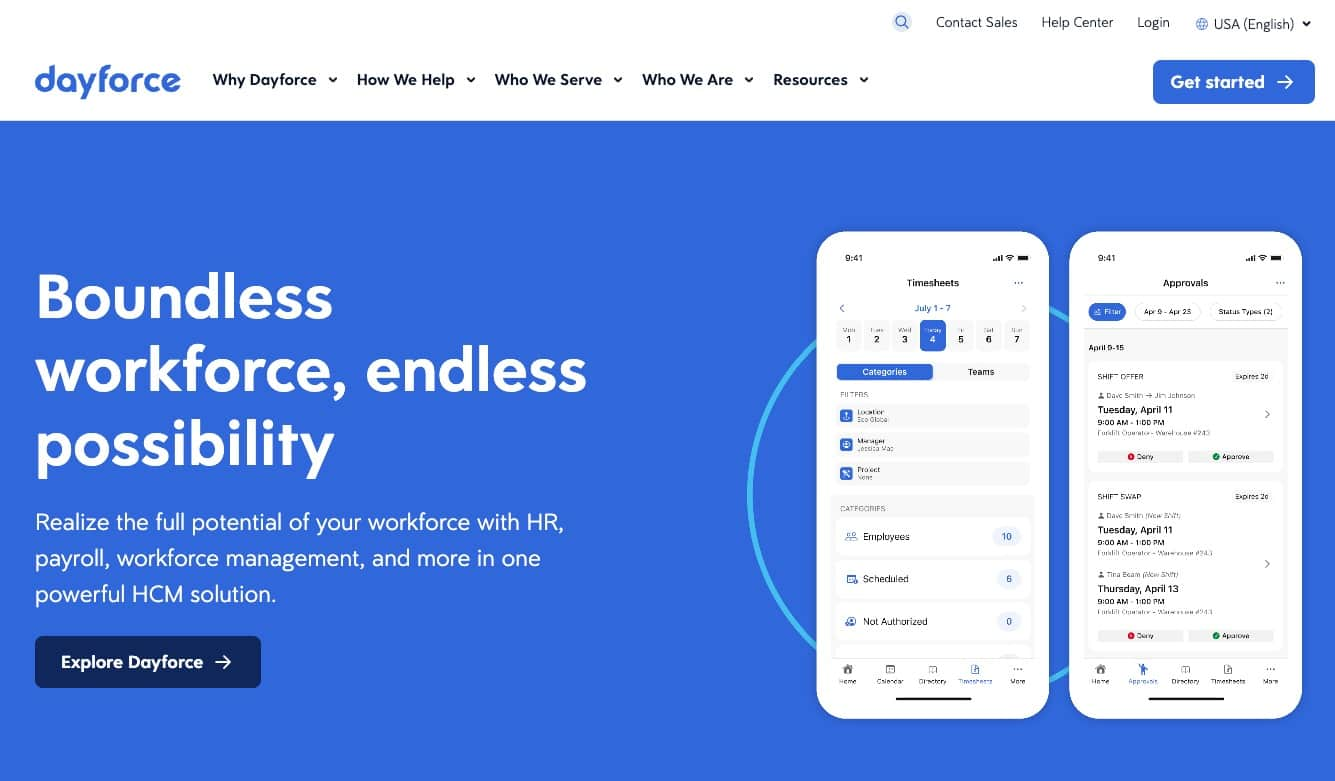
Dayforce is Ceridian’s cloud-based human capital management platform that includes comprehensive time and attendance management. It offers real-time payroll integration, advanced scheduling, and compliance management for large enterprises. Many multinational organizations use Dayforce when they need sophisticated workforce management with real-time payroll calculation.
Software Pros:
- Real-time payroll processing and compliance management
- Advanced scheduling and labor optimization features
- Strong support for complex global organizations
Software Cons:
- Enterprise-level complexity and implementation requirements
- High cost and long setup time for smaller organizations
Dayforce Review:
When I reviewed Dayforce, I focused on its real-time payroll integration capabilities. The platform stands out by calculating pay in real-time as employees clock in and out, which reduces payroll processing delays. That immediate processing makes it valuable for large organizations that want to streamline their entire HR and payroll workflow.
Our Verdict
Real-Time Enterprise HCM
Deputy
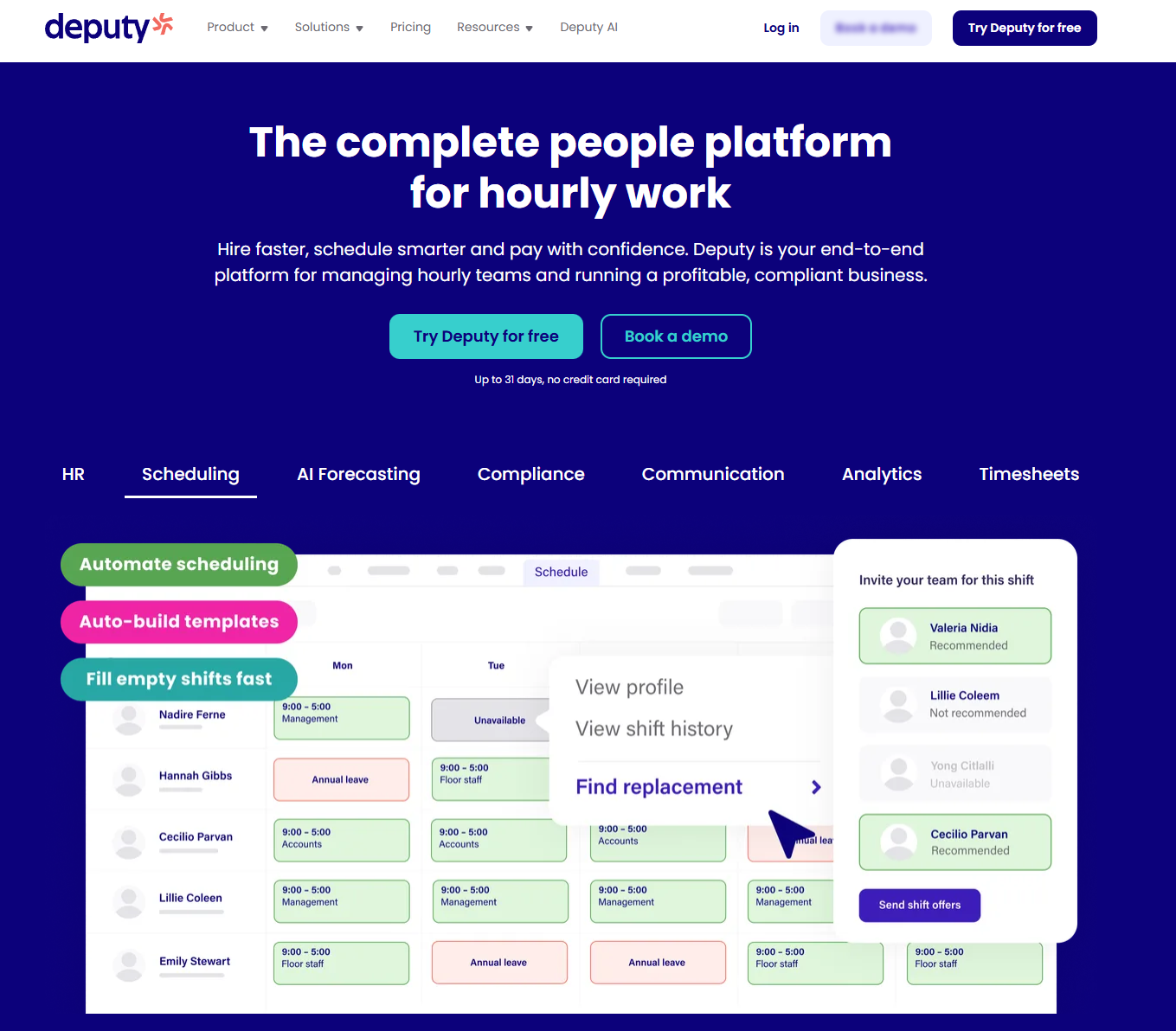
Deputy is a workforce management platform that combines employee scheduling, time tracking, and task management for businesses with hourly workers. It offers shift scheduling, time clock functionality, and basic HR features that help managers coordinate teams and track labor costs. Many retail, hospitality, and healthcare organizations use Deputy to manage shift-based workforces.
Software Pros:
- Strong shift scheduling and workforce management features
- Good integration with payroll and POS systems
- User-friendly interface for both managers and employees
Software Cons:
- Limited advanced features for enterprise organizations
- Can be expensive for very small teams
Deputy Review:
In my assessment of Deputy, I paid attention to how it handles the complexity of shift-based scheduling alongside time tracking. The platform clearly understands that many businesses need to coordinate both when people work and how long they work. That dual focus makes it appealing for retail and hospitality businesses that manage variable schedules.
Our Verdict
Shift-Based Workforce Management
Deltek Replicon
Deltek Replicon is a time tracking and project management platform designed for professional services and project-based organizations. It offers sophisticated project time tracking, resource allocation, and billing integration that helps consultancies and agencies manage both employee time and client billing. Many professional services firms use Replicon when they need detailed project time tracking for client billing.
Software Pros:
- Sophisticated project time tracking and billing integration
- Strong resource allocation and project management features
- Good for professional services and consulting firms
Software Cons:
- Complex setup and configuration requirements
- May be overkill for simple attendance tracking needs
Deltek Replicon Review:
When I looked at Deltek Replicon, I focused on how it serves project-based organizations that need to track time for both payroll and client billing purposes. The platform excels at connecting employee time to specific projects and deliverables. From my perspective, that makes it valuable for consulting firms and agencies that need sophisticated project accounting.
Our Verdict
Project-Based Time And Billing Management
EasyClocking
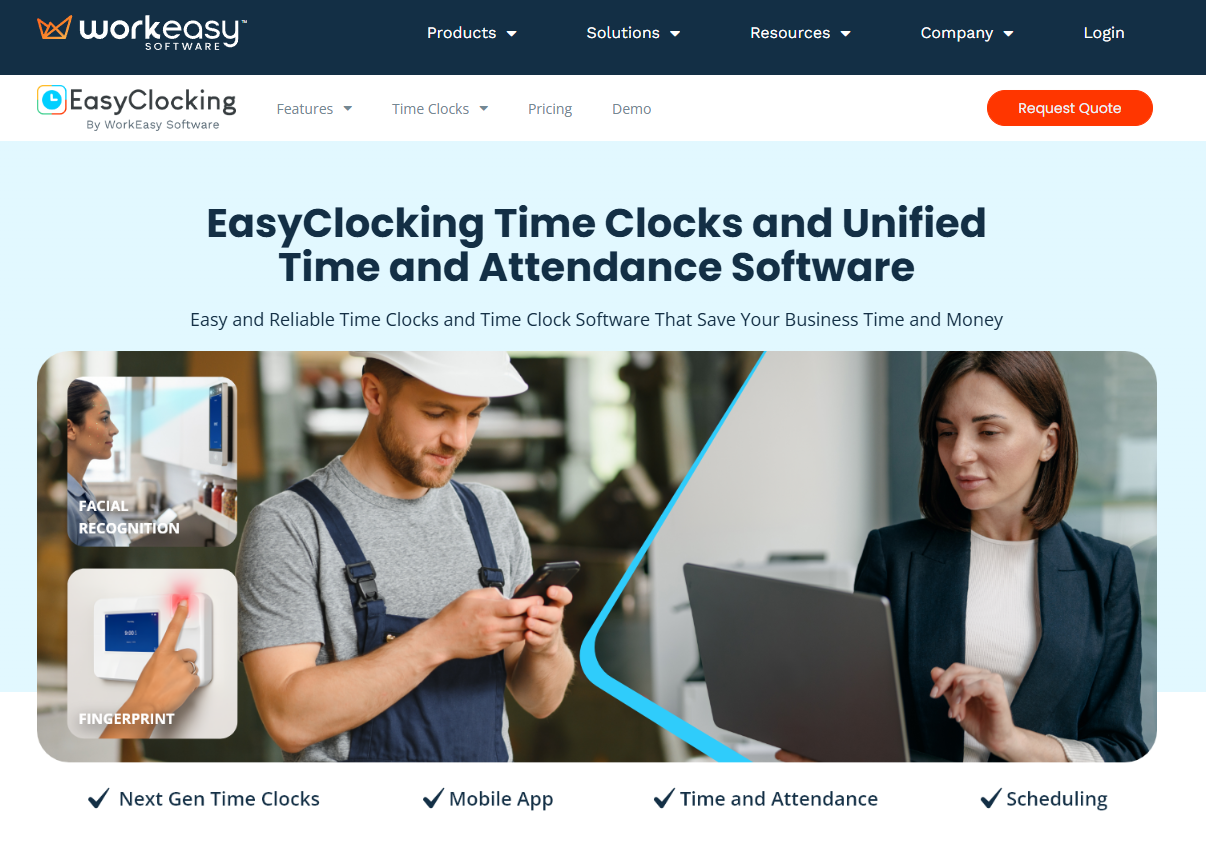
EasyClocking is a time and attendance system that offers both cloud-based and on-premise solutions for businesses that need reliable employee time tracking. It provides biometric time clocks, mobile apps, and integration with payroll systems. Many manufacturers and traditional businesses use EasyClocking when they want proven time clock technology with modern features.
Software Pros:
- Reliable biometric time clock hardware options
- Both cloud and on-premise deployment options
- Strong integration with existing payroll systems
Software Cons:
- Interface can feel dated compared to newer cloud platforms
- Limited advanced scheduling and workforce management features
EasyClocking Review:
As I went through EasyClocking, I focused on how it bridges traditional time clock functionality with modern cloud capabilities. The platform clearly serves businesses that want to upgrade from old punch card systems without completely changing their time tracking approach. That continuity makes it appealing for traditional manufacturers and established businesses.
Our Verdict
Traditional Time Clock Modernization
edays
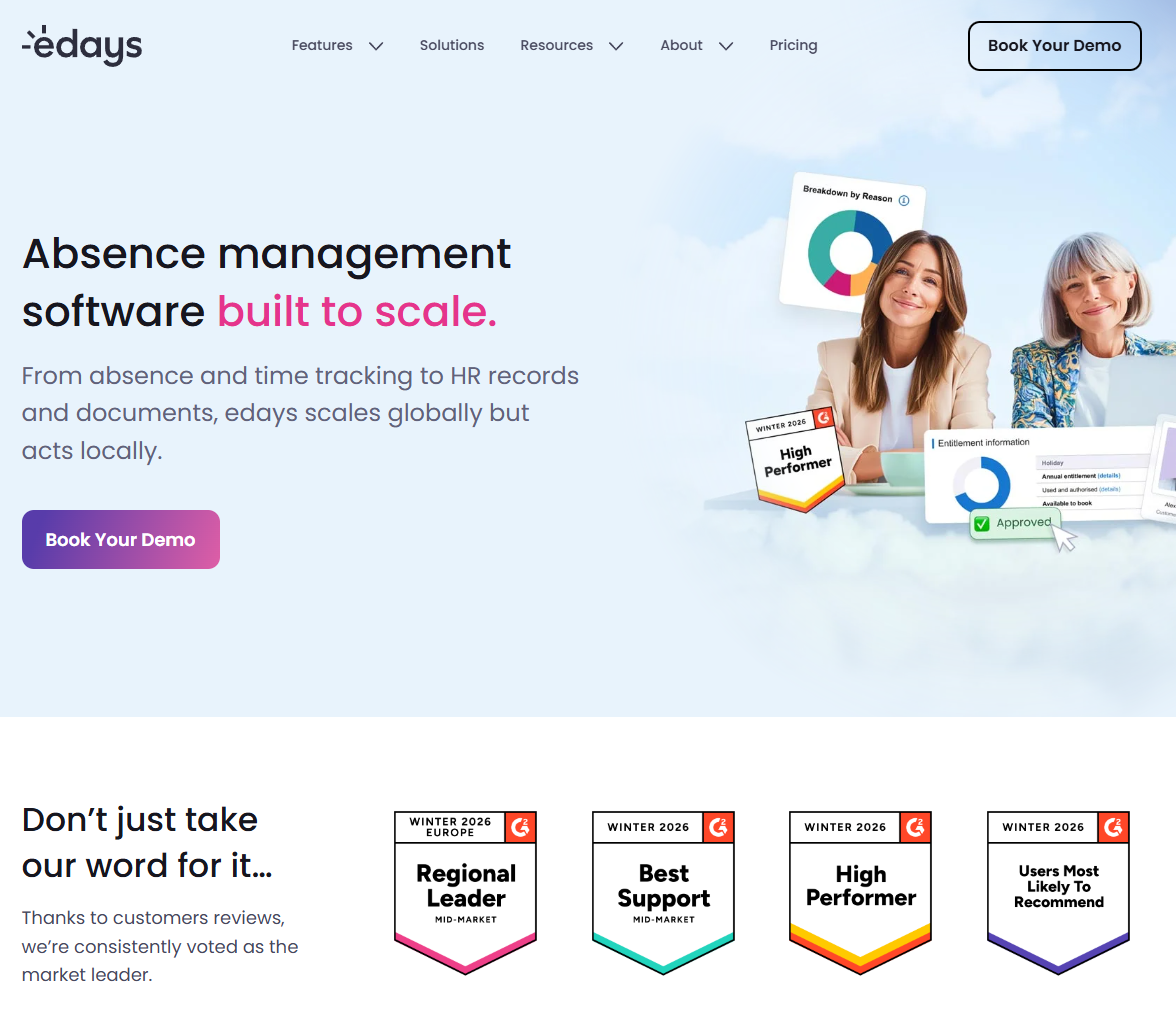
edays is a UK-based absence management and time tracking platform that specializes in leave management and employee scheduling. It offers holiday booking, sickness tracking, and workforce planning tools that help HR teams manage employee availability and absence. Many European organizations use edays when they need sophisticated absence management alongside basic time tracking.
Software Pros:
- Strong focus on absence and leave management
- Good compliance features for European labor laws
- Comprehensive workforce planning and analytics
Software Cons:
- Primarily focused on absence rather than detailed time tracking
- Limited appeal outside of European markets
edays Review:
When I reviewed edays, I focused on how it approaches workforce management from an absence and availability perspective. The platform clearly prioritizes helping managers understand who’s available to work rather than just tracking hours worked. That approach makes it valuable for organizations that need sophisticated leave management and workforce planning.
Our Verdict
Absence-Focused Workforce Planning
Factorial
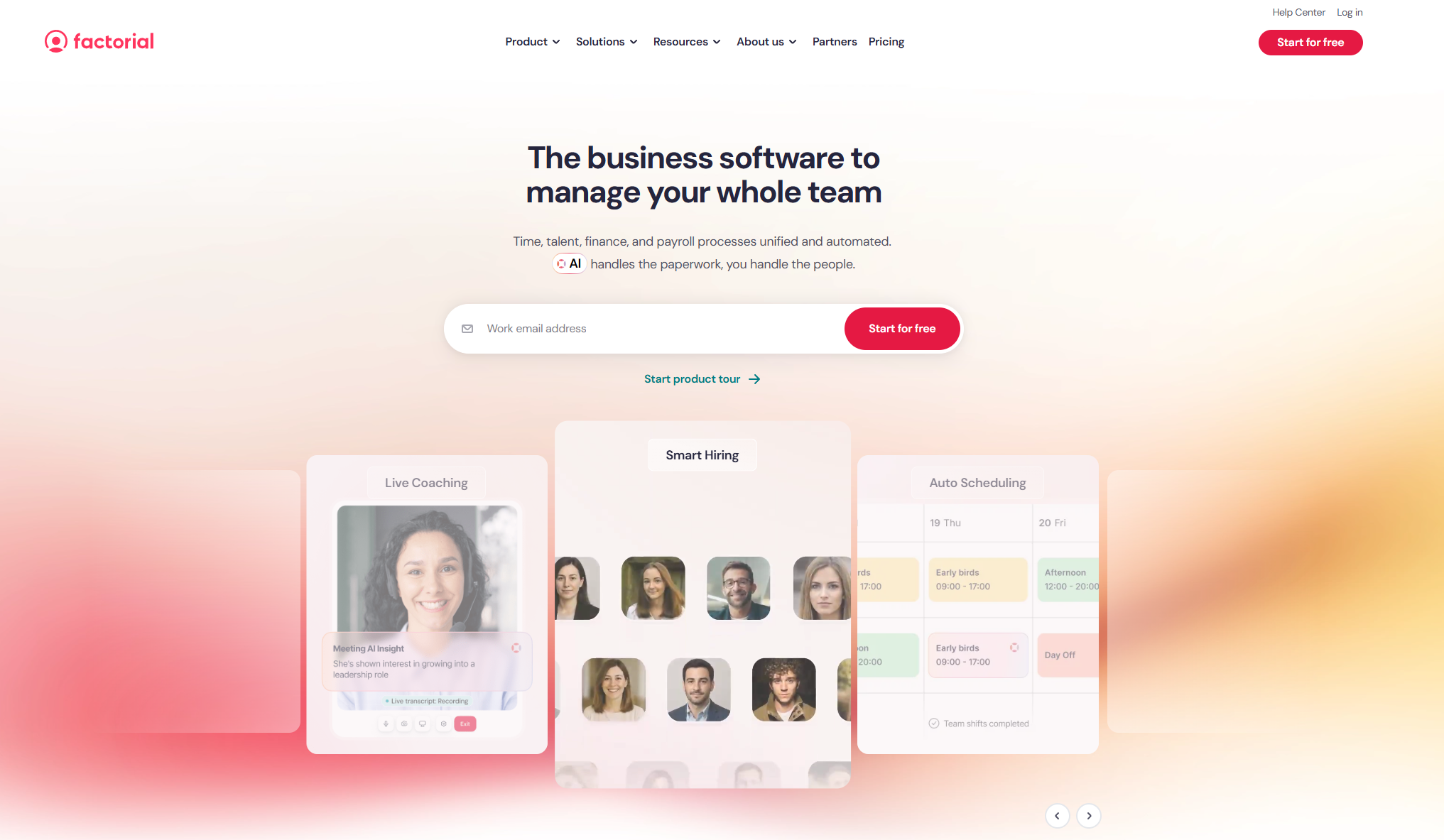
Factorial is a comprehensive HR platform that includes time tracking and attendance management as part of its broader employee management suite. It offers leave management, employee onboarding, and performance tracking alongside time clock functionality. Many European small and medium businesses use Factorial when they want affordable HR management with integrated time tracking.
Software Pros:
- Comprehensive HR management beyond time tracking
- Affordable pricing for small and medium businesses
- Strong focus on European market compliance
Software Cons:
- Time tracking feels secondary to core HR functions
- Limited advanced scheduling features
Factorial Review:
In my assessment of Factorial, I paid attention to how time tracking integrates with the broader HR management platform. The system treats attendance as one component of overall employee management rather than a standalone function. From my point of view, that makes it appealing for SMBs that want to consolidate their HR tools.
Our Verdict
Integrated HR Management For SMBs
Homebase
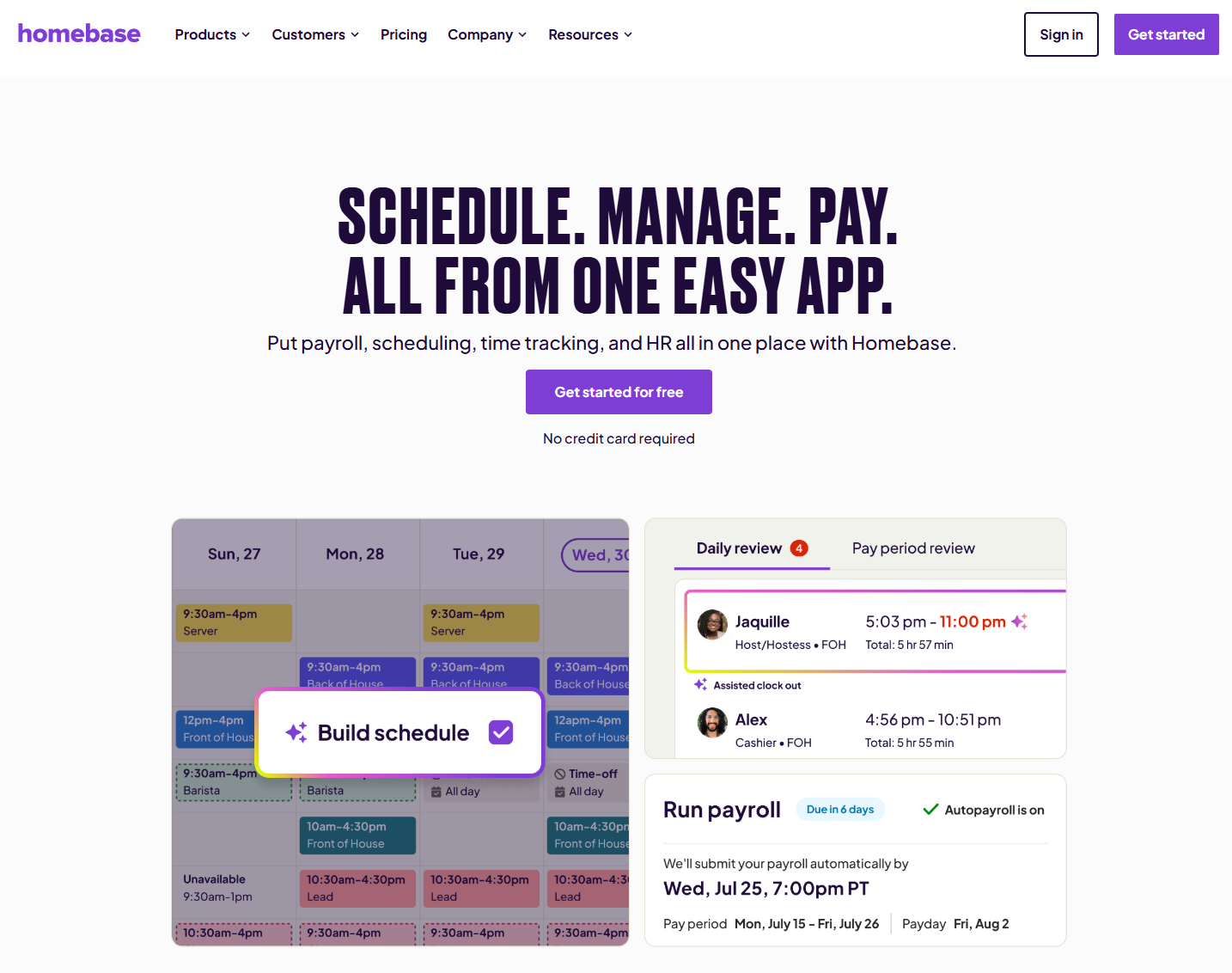
Homebase is a workforce management platform designed specifically for local businesses like restaurants, retailers, and service companies. It offers employee scheduling, time tracking, team messaging, and basic HR tools in one interface. Many small local businesses use Homebase because it combines essential workforce management features at an affordable price point.
Software Pros:
- Designed specifically for local and small businesses
- Comprehensive workforce management at affordable pricing
- Strong mobile app for both managers and employees
Software Cons:
- Limited scalability for larger organizations
- Fewer advanced features compared to enterprise solutions
Homebase Review:
When I examined Homebase, I focused on how it addresses the specific needs of small local businesses that need professional workforce management without enterprise complexity. The platform clearly understands that restaurants and retail shops need scheduling, time tracking, and team communication to work together seamlessly. That integrated approach makes it valuable for local business owners.
Our Verdict
Local Business Workforce Management
Jibble
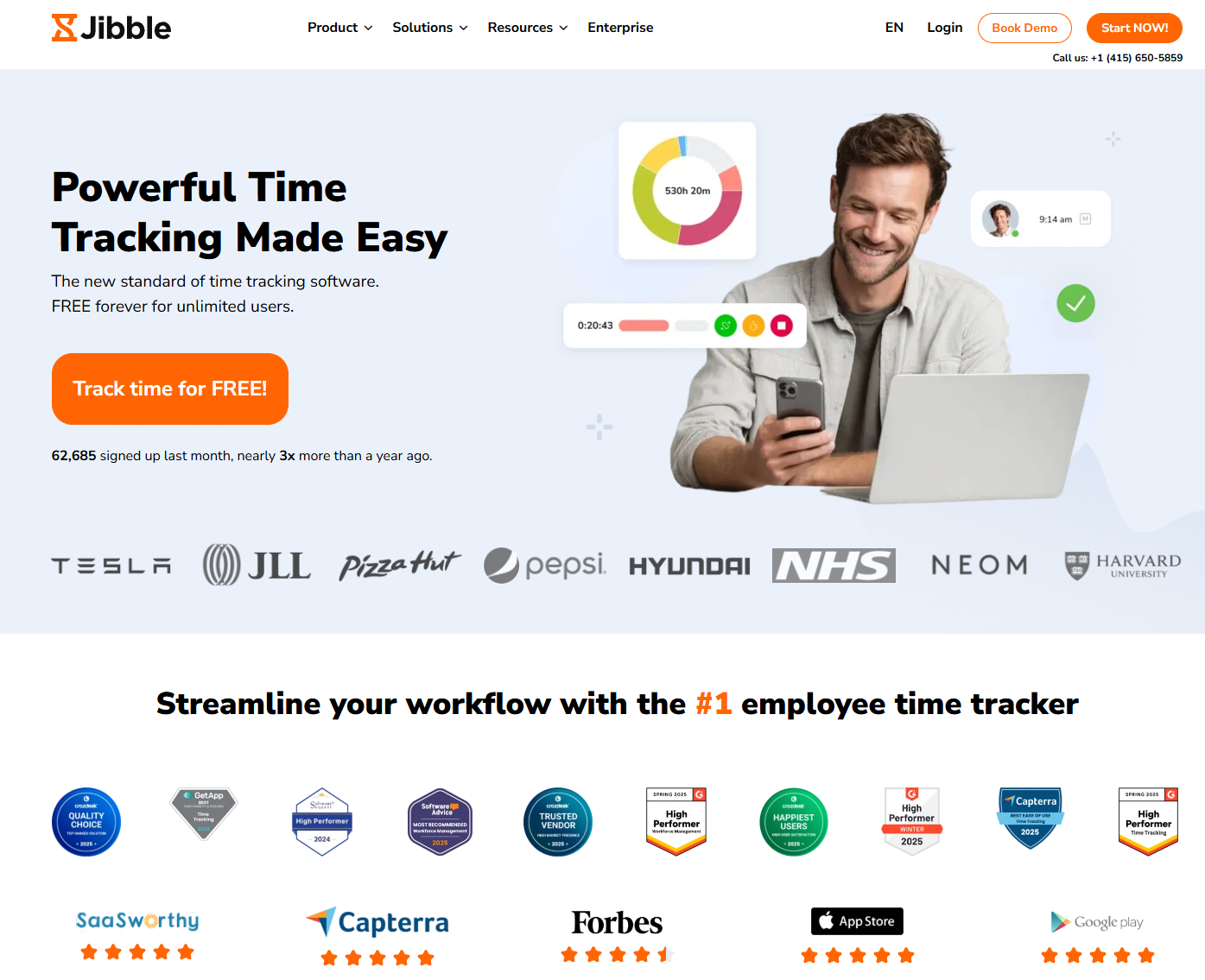
Jibble is a free time tracking and attendance management platform that offers facial recognition, GPS tracking, and basic reporting features for small to medium businesses. It provides mobile time tracking, project time allocation, and simple scheduling tools. Many growing businesses use Jibble as a cost-effective alternative to more expensive time tracking solutions.
Software Pros:
- Generous free plan with advanced features
- Facial recognition and GPS tracking capabilities
- Simple interface that’s easy to implement
Software Cons:
- Limited advanced reporting and analytics
- Fewer integrations compared to paid alternatives
Jibble Review:
As I went through Jibble, I focused on how much functionality it provides at the free tier compared to paid alternatives. The platform delivers sophisticated features like facial recognition and GPS tracking without subscription costs. From my perspective, that makes it attractive for cost-conscious businesses that still need reliable attendance verification.
Our Verdict
Feature-Rich Free Time Tracking
Monitask
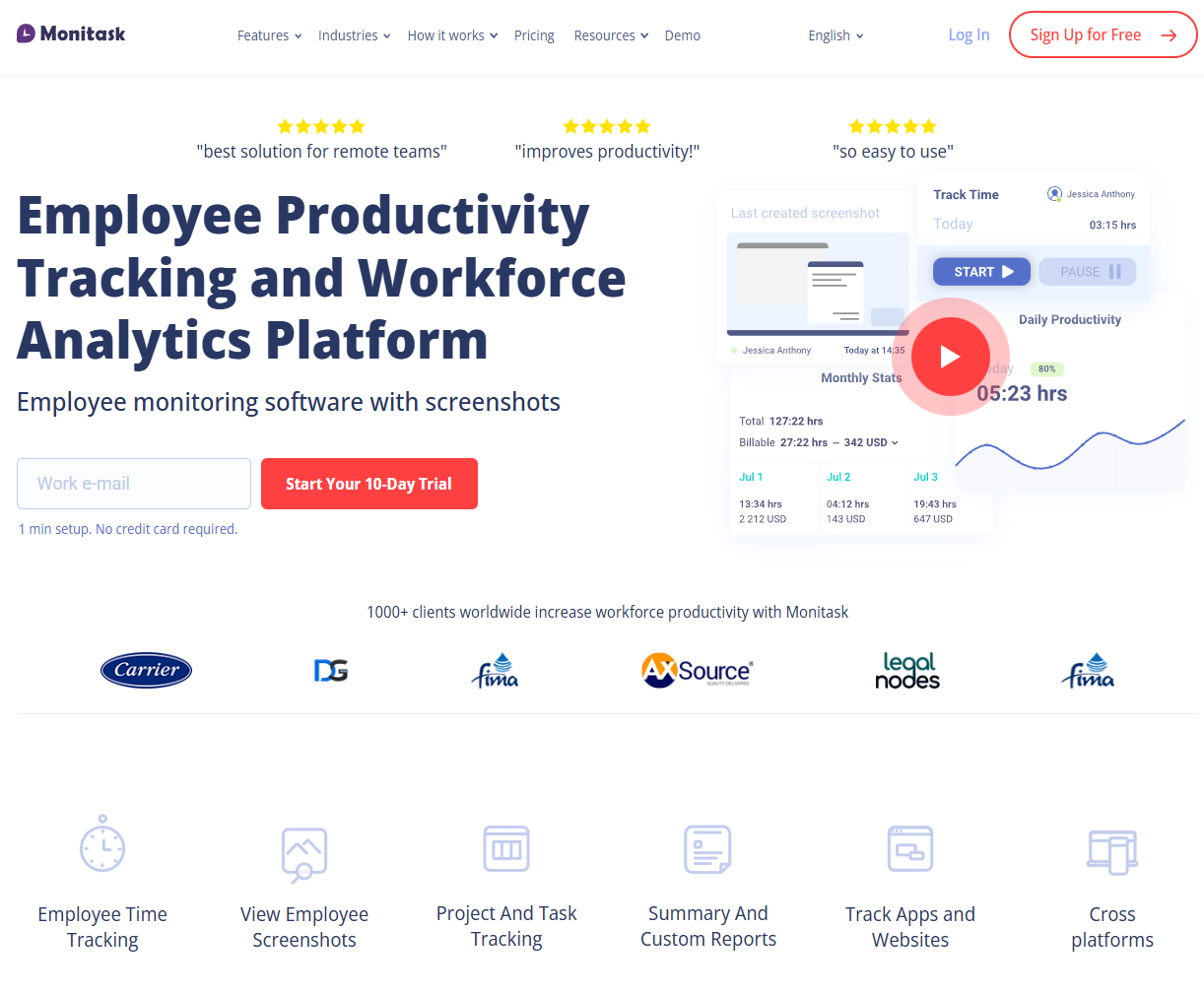
Monitask is a time tracking and employee monitoring platform designed for remote teams and distributed workforces. It offers screenshot monitoring, activity tracking, and detailed productivity reports alongside basic time tracking functionality. Many companies with remote employees use Monitask when they need visibility into how distributed teams spend their work time.
Software Pros:
- Comprehensive monitoring features for remote workers
- Detailed productivity analytics and reporting
- Affordable pricing for monitoring capabilities
Software Cons:
- Heavy focus on monitoring may create trust issues with employees
- Limited scheduling and workforce management features
Monitask Review:
When I reviewed Monitask, I focused on how it serves organizations that need visibility into remote work patterns. The platform clearly prioritizes monitoring and productivity measurement over traditional time clock functionality. That approach makes it valuable for companies that manage remote teams but need assurance about work productivity.
Our Verdict
Remote Team Monitoring And Tracking
OnTheClock
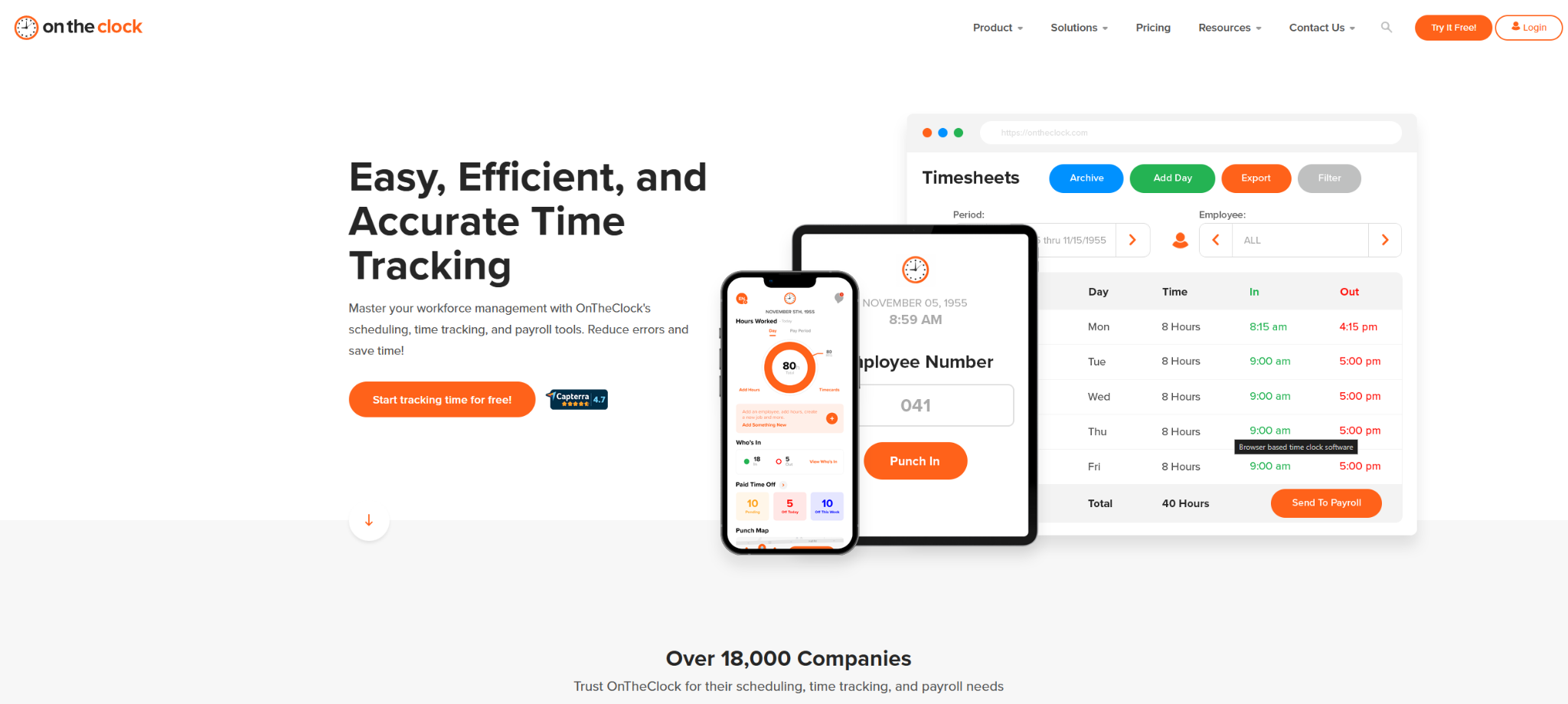
OnTheClock is a cloud-based time tracking solution that focuses on simplicity and ease of use for small to medium businesses. It offers basic time clock functionality, GPS tracking, and payroll integration with straightforward reporting. Many small businesses use OnTheClock when they want reliable time tracking without complex features or high costs.
Software Pros:
- Simple, straightforward time tracking interface
- Affordable pricing for small businesses
- Good basic reporting and payroll integration
Software Cons:
- Limited advanced features and customization options
- Fewer integrations compared to larger platforms
OnTheClock Review:
In my assessment of OnTheClock, I paid attention to how it delivers essential time tracking functionality without unnecessary complexity. The platform clearly prioritizes ease of use and quick implementation over advanced workforce management features. That simplicity makes it appealing for small businesses that just need reliable time tracking.
Our Verdict
Simple And Affordable Time Tracking
PARiM
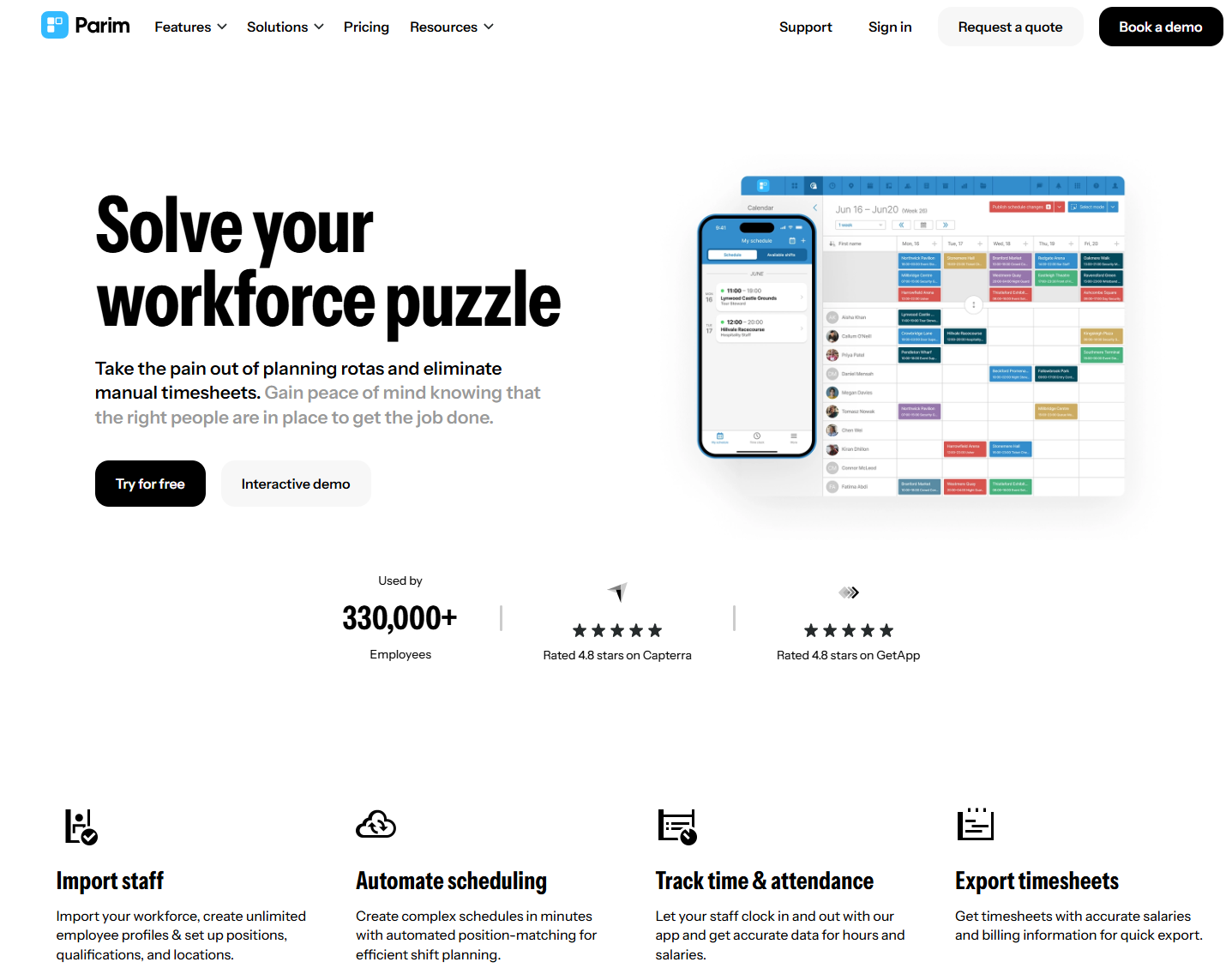
PARiM is a workforce management platform designed for businesses that manage shift workers and temporary staff. It offers advanced scheduling, time tracking, and staff allocation tools that help companies optimize workforce deployment. Many staffing agencies and businesses with variable workforce needs use PARiM to manage complex scheduling requirements.
Software Pros:
- Advanced scheduling and staff allocation features
- Good for managing temporary and shift workers
- Strong workforce optimization and analytics
Software Cons:
- Complex interface may require training to use effectively
- Pricing can be expensive for smaller teams
PARiM Review:
When I looked at PARiM, I focused on how it handles the complexity of managing variable and temporary workforces. The platform excels at optimizing staff allocation and managing complex scheduling scenarios. From my perspective, that makes it valuable for staffing agencies and businesses that need sophisticated workforce planning capabilities.
Our Verdict
Advanced Shift And Temporary Staff Management
Paychex
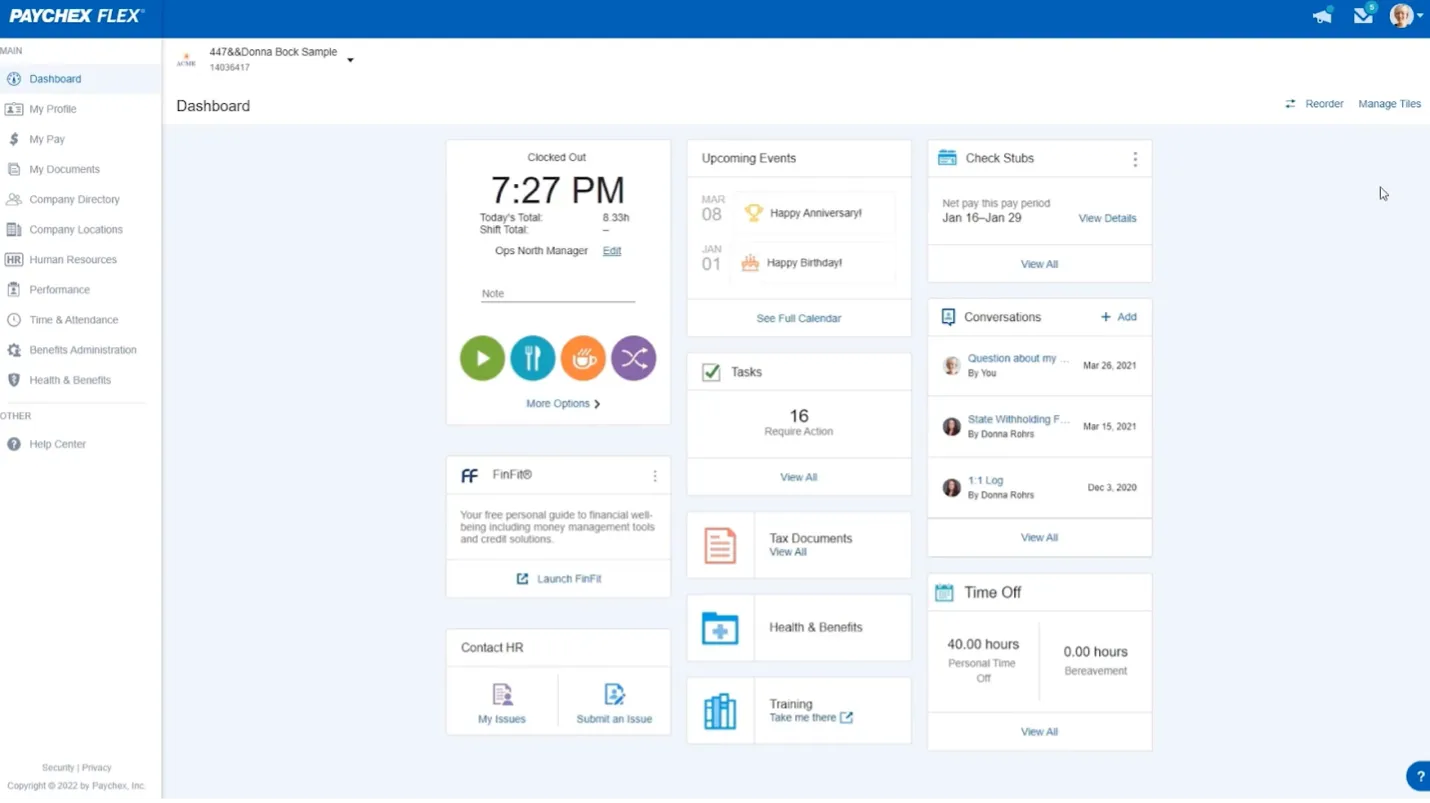
Paychex is an established payroll and HR services provider that offers time and attendance management as part of its comprehensive business services suite. It provides time tracking, scheduling, and compliance management integrated with payroll processing. Many small and medium businesses use Paychex when they want time tracking bundled with payroll services.
Software Pros:
- Comprehensive payroll and HR services integration
- Strong compliance and reporting capabilities
- Established provider with reliable support
Software Cons:
- Best value comes from using multiple Paychex services
- Can be expensive if you only need basic time tracking
Paychex Review:
As I went through Paychex, I focused on how time tracking integrates with their broader payroll and HR services. The platform clearly serves businesses that want to outsource multiple HR functions rather than just manage time tracking internally. That comprehensive approach makes it appealing for SMBs that prefer bundled services.
Our Verdict
Integrated Payroll And HR Services
Paycom
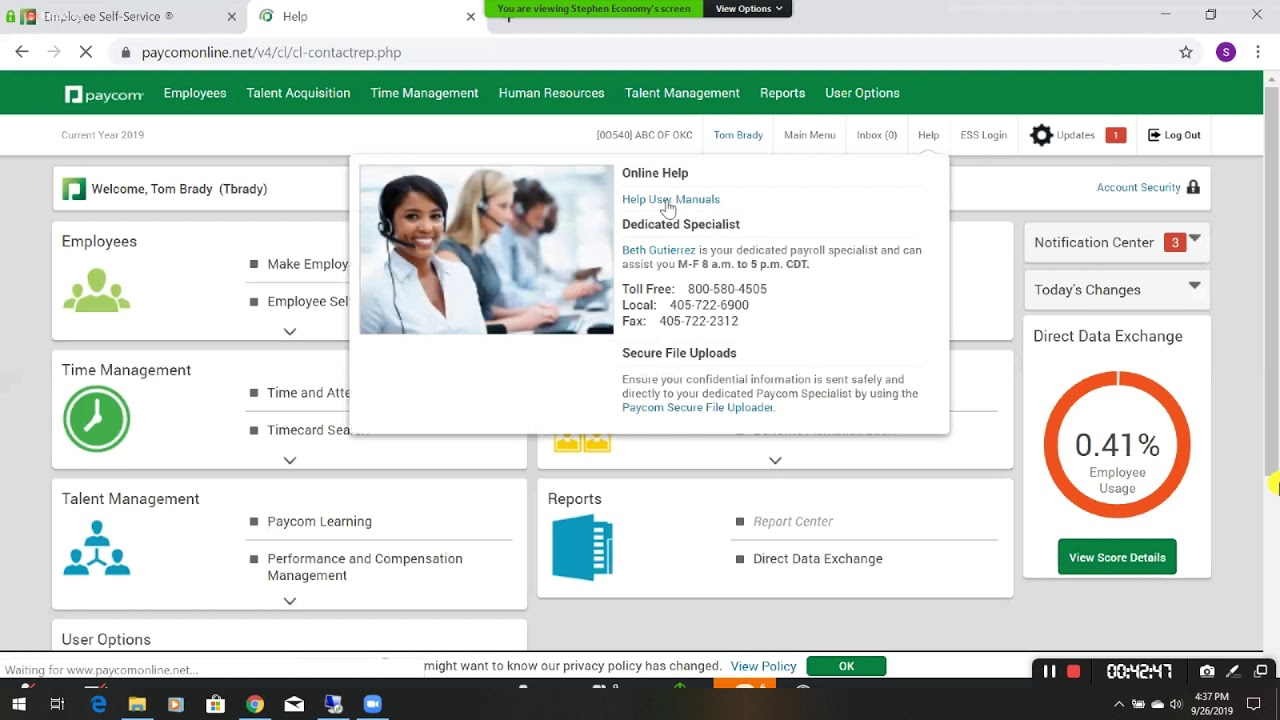
Paycom is a comprehensive human capital management platform that includes advanced time and attendance features integrated with payroll, benefits, and HR management. It offers sophisticated scheduling, compliance tracking, and real-time reporting for mid-size to large organizations. Many growing companies use Paycom when they need enterprise-level HCM with integrated time tracking.
Software Pros:
- Comprehensive HCM platform with integrated time tracking
- Advanced scheduling and workforce management features
- Strong compliance and reporting capabilities
Software Cons:
- Enterprise-level complexity and implementation requirements
- High cost for organizations that only need basic time tracking
Paycom Review:
When I reviewed Paycom, I focused on how it positions time and attendance within a comprehensive HCM strategy. The platform treats time tracking as foundational data that flows into all other HR processes from payroll to performance management. That integration makes it valuable for organizations that want unified workforce management.
Our Verdict
Enterprise HCM With Integrated Time Tracking
Paylocity
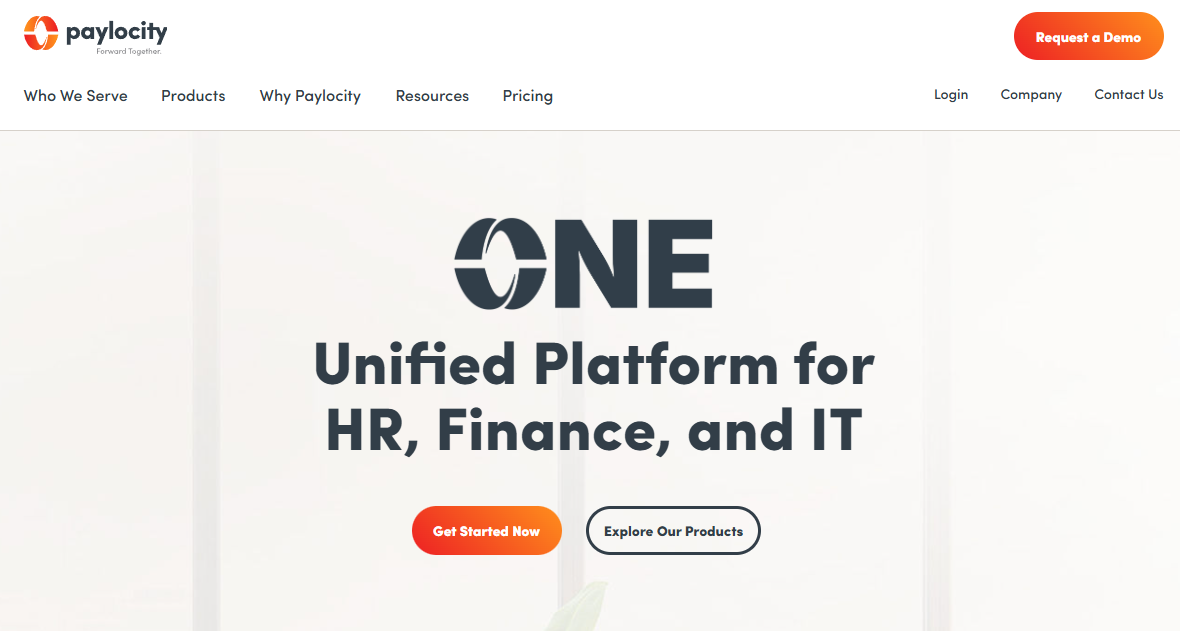
Paylocity is a cloud-based HCM platform that includes time and attendance management alongside payroll, benefits, and HR functions. It offers advanced scheduling, compliance management, and workforce analytics for mid-market organizations. Many growing companies use Paylocity when they need scalable HCM with sophisticated time tracking capabilities.
Software Pros:
- Comprehensive HCM platform with strong time tracking features
- Advanced workforce analytics and reporting
- Good scalability for growing organizations
Software Cons:
- Complex implementation and setup requirements
- Best value requires using multiple platform modules
Paylocity Review:
In my assessment of Paylocity, I paid attention to how time and attendance data integrates with broader workforce analytics and planning. The platform excels at turning time tracking data into actionable workforce insights. From my point of view, that makes it valuable for mid-market companies that want data-driven workforce management.
Our Verdict
Mid-Market HCM With Workforce Analytics
QuickBooks Time
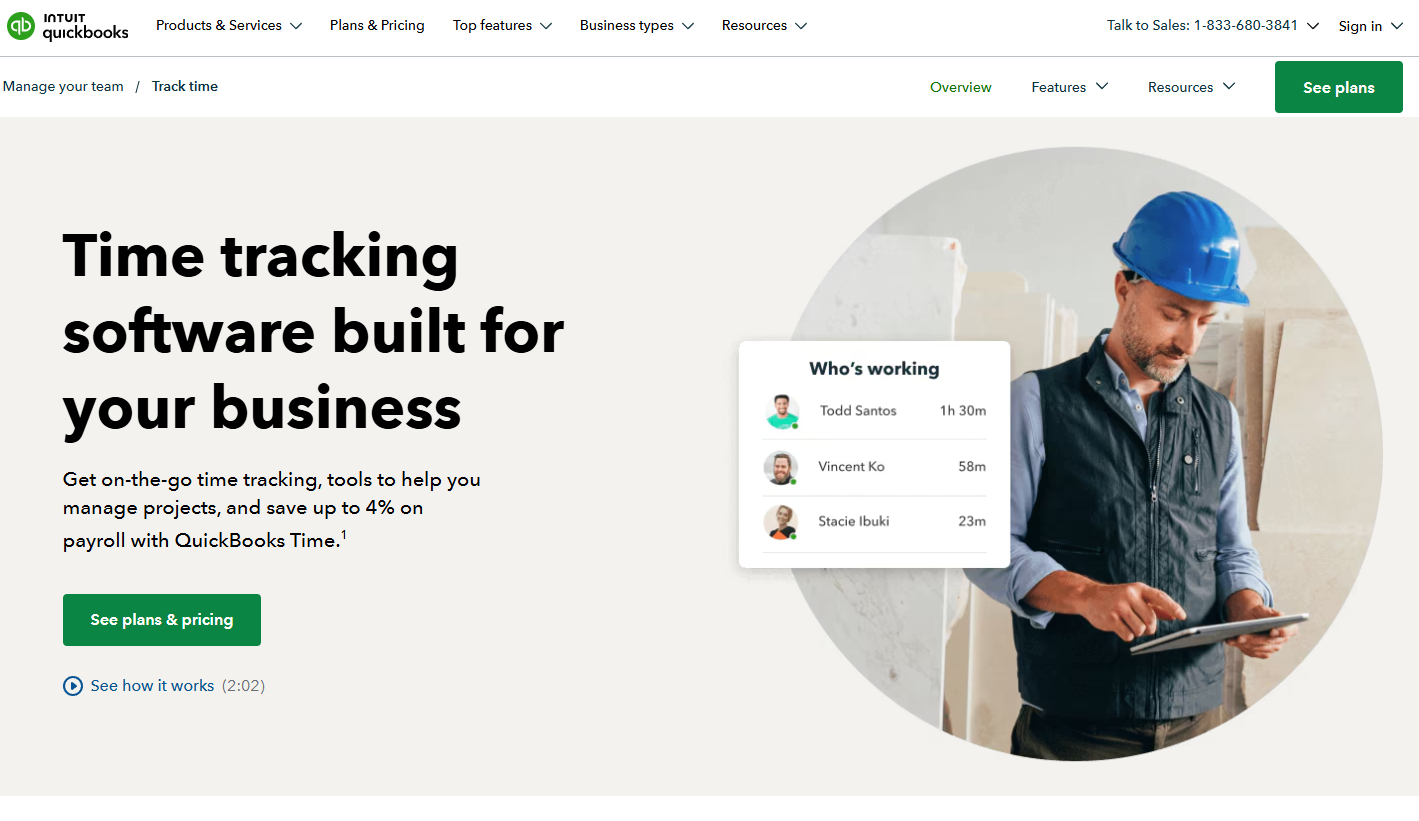
QuickBooks Time is Intuit’s time tracking solution that integrates seamlessly with QuickBooks accounting and payroll systems. It offers mobile time tracking, GPS verification, and project time allocation that flows directly into accounting workflows. Many small businesses already using QuickBooks use QuickBooks Time for integrated time and project tracking.
Software Pros:
- Seamless integration with QuickBooks ecosystem
- Good mobile app with GPS and photo verification
- Project time tracking for client billing
Software Cons:
- Limited advanced scheduling features
- Best value requires existing QuickBooks subscription
QuickBooks Time Review:
When I examined QuickBooks Time, I focused on how it extends QuickBooks functionality into time tracking and project management. The platform clearly serves businesses that want time data to flow directly into their accounting and billing processes. That integration makes it valuable for service businesses and contractors who bill clients for time.
Our Verdict
QuickBooks-Integrated Time And Project Tracking
Rippling
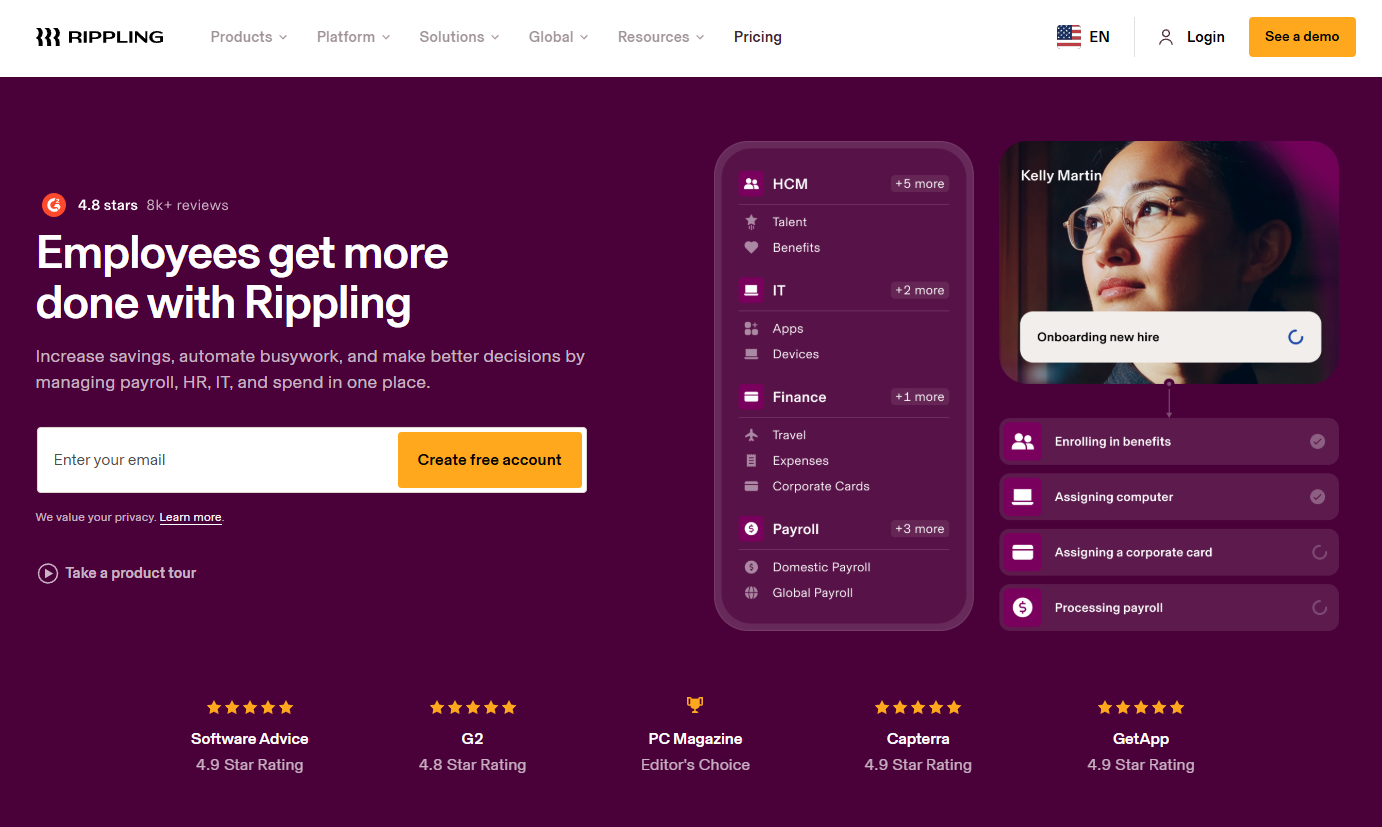
Rippling is a comprehensive workforce management platform that includes time and attendance alongside payroll, benefits, IT management, and HR functions. It offers advanced automation and integration capabilities that connect time tracking to all other business systems. Many fast-growing companies use Rippling when they want unified workforce and IT management.
Software Pros:
- Comprehensive workforce management beyond time tracking
- Advanced automation and integration capabilities
- Modern interface and user experience
Software Cons:
- Complex platform may be overkill for basic time tracking needs
- Higher cost for organizations that don’t need full platform
Rippling Review:
As I went through Rippling, I focused on how it treats time tracking as part of a broader business automation strategy. The platform excels at connecting employee time data to payroll, benefits, IT provisioning, and other business processes. From my perspective, that makes it appealing for companies that want comprehensive business process automation.
Our Verdict
Comprehensive Business Process Automation
Sloneek
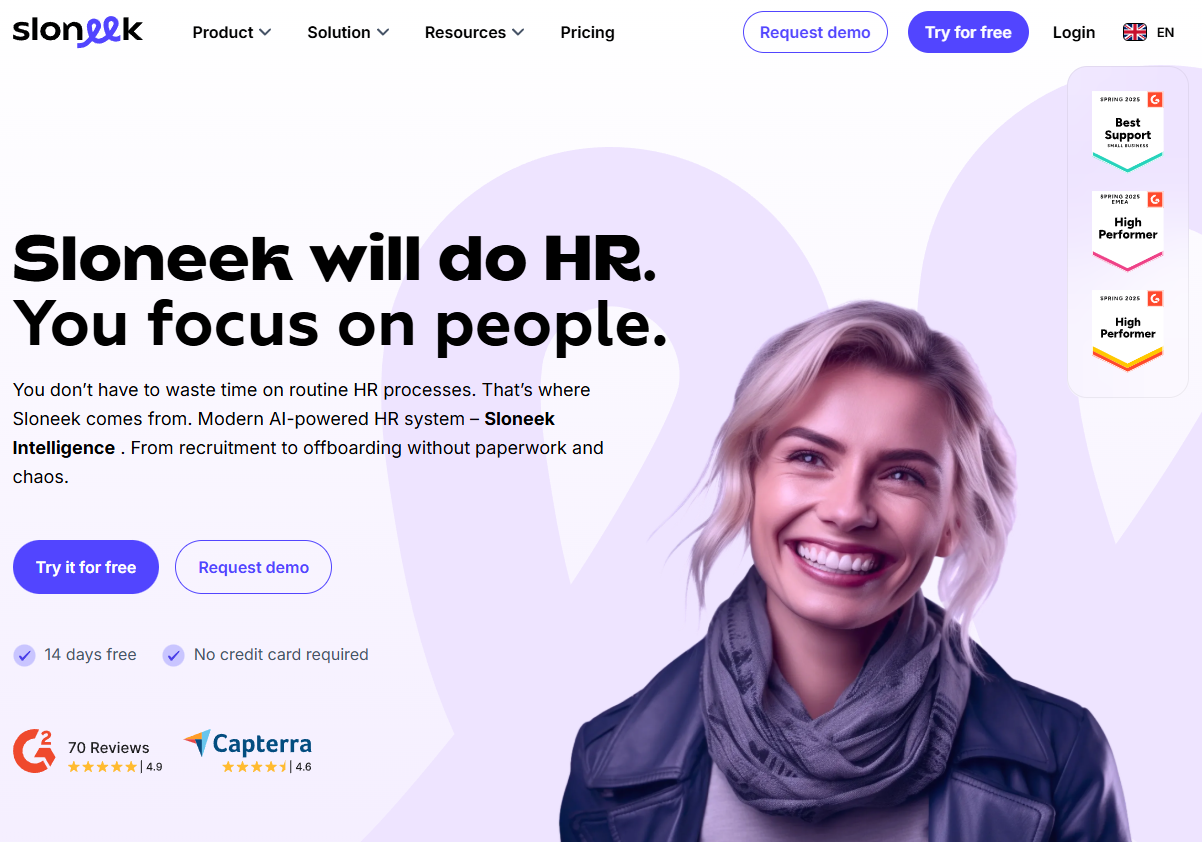
Sloneek is a European HR platform that includes time tracking and attendance management alongside employee management, leave planning, and HR analytics. It’s designed for small to medium European businesses that need GDPR-compliant workforce management. Many European companies use Sloneek when they want localized HR management with integrated time tracking.
Software Pros:
- Strong focus on European market and GDPR compliance
- Comprehensive HR management with integrated time tracking
- Affordable pricing for SMBs
Software Cons:
- Limited presence outside European markets
- Fewer advanced features compared to global platforms
Sloneek Review:
When I looked at Sloneek, I focused on how it serves the specific needs of European businesses that require GDPR-compliant workforce management. The platform clearly understands European labor laws and privacy requirements. That localized approach makes it valuable for European SMBs that want comprehensive HR management with regional compliance.
Our Verdict
European HR Management With Time Tracking
TimeClock Plus
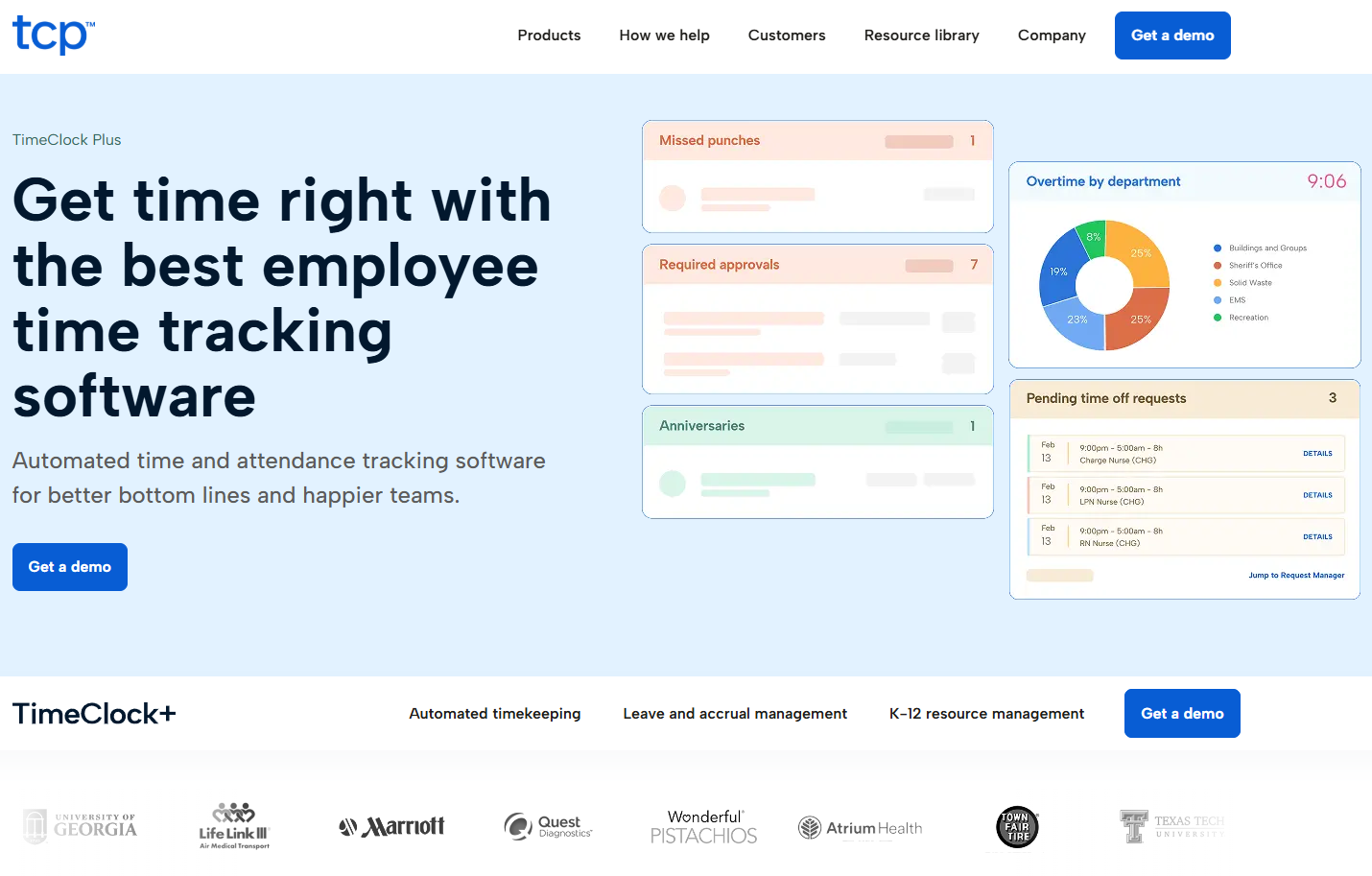
TimeClock Plus is a workforce management platform that combines time and attendance tracking with advanced scheduling and labor analytics. It’s designed for organizations with complex workforce management needs including healthcare, manufacturing, and public sector. Many large organizations use TimeClock Plus when they need sophisticated workforce optimization capabilities.
Software Pros:
- Advanced workforce management and labor optimization
- Strong compliance features for regulated industries
- Comprehensive reporting and analytics capabilities
Software Cons:
- Complex implementation and configuration requirements
- High cost for organizations with simple time tracking needs
TimeClock Plus Review:
In my assessment of TimeClock Plus, I paid attention to how it handles complex workforce scenarios like union rules, multiple pay rates, and regulatory compliance. The platform clearly serves organizations that need sophisticated labor management beyond basic time tracking. That complexity makes it valuable for healthcare systems, manufacturers, and government agencies.
Our Verdict
Enterprise Workforce Management And Optimization
Toggl Track
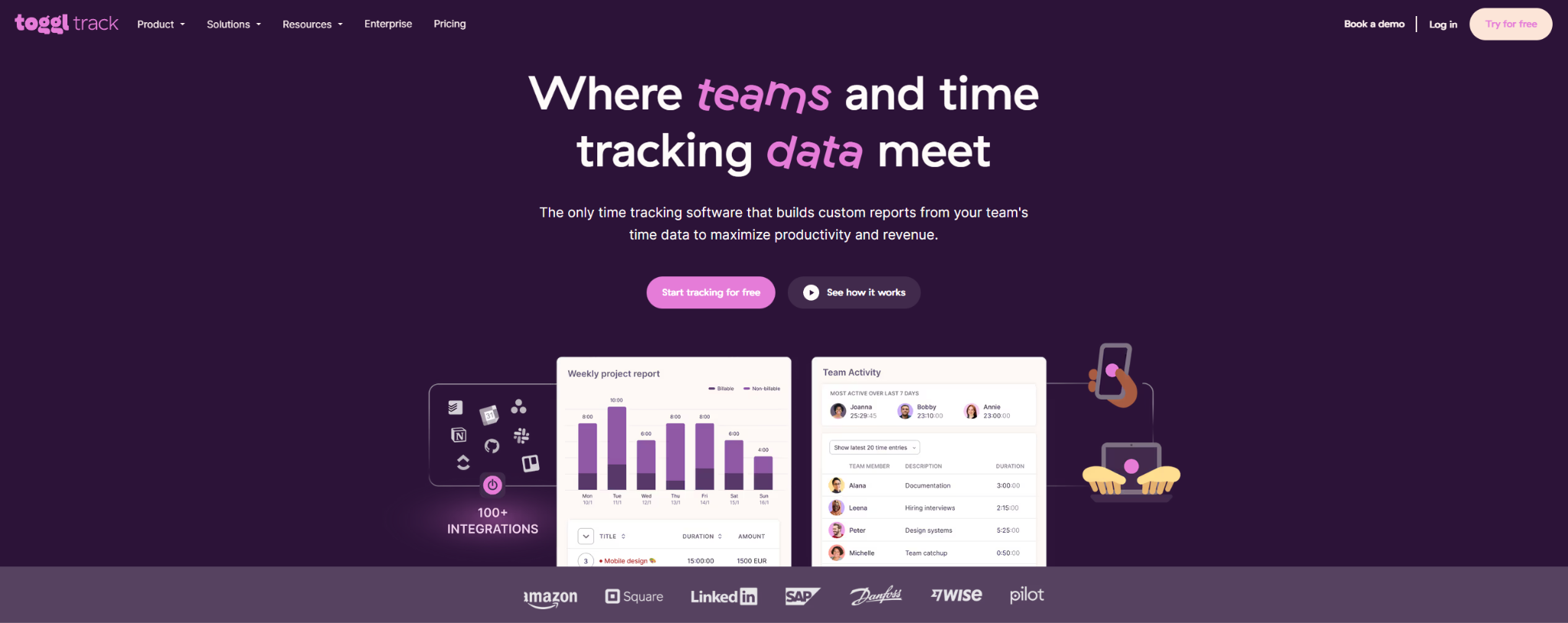
Toggl Track is a popular time tracking tool designed for freelancers, consultants, and teams who need detailed project time tracking and reporting. It offers simple time tracking, project organization, and comprehensive reporting that helps businesses understand how time is spent across different activities. Many creative agencies and consulting firms use Toggl Track when they need accurate project time tracking for client billing.
Software Pros:
- Simple, intuitive time tracking interface
- Excellent project organization and reporting features
- Strong integration with popular business tools
Software Cons:
- Limited workforce management and scheduling features
- Primarily focused on time tracking rather than attendance management
Toggl Track Review:
As I went through Toggl Track, I focused on how it serves project-based organizations that need detailed visibility into time allocation across different clients and activities. The platform excels at making time tracking feel effortless while providing detailed insights into productivity patterns. From my perspective, that makes it valuable for consulting firms and agencies that bill clients based on time spent.
Our Verdict
Project-Focused Time Tracking Excellence
Ubeya
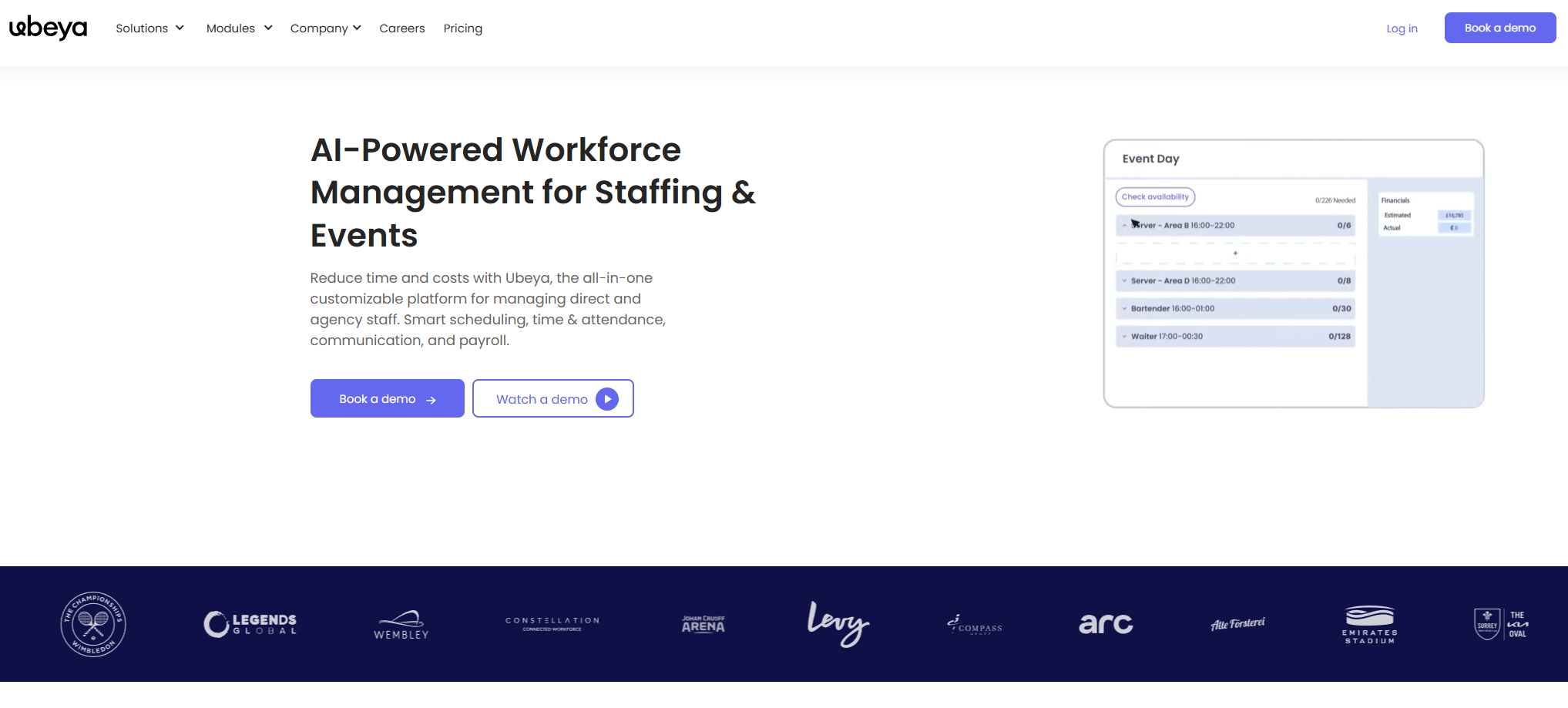
Ubeya is a workforce management platform designed specifically for businesses that manage frontline and deskless workers. It offers shift scheduling, time tracking, task management, and team communication tools optimized for mobile use. Many retail, hospitality, and field service companies use Ubeya to coordinate distributed teams and manage variable schedules.
Software Pros:
- Designed specifically for frontline and deskless workers
- Strong mobile-first interface and functionality
- Comprehensive workforce coordination features
Software Cons:
- Limited appeal for traditional office environments
- Newer platform with fewer integrations
Ubeya Review:
As I went through Ubeya, I focused on how it addresses the unique challenges of managing workers who don’t sit at desks all day. The platform clearly prioritizes mobile functionality and real-time communication over traditional time clock features. From my perspective, that makes it valuable for businesses with distributed, mobile workforces.
Our Verdict
Mobile-First Frontline Workforce Management
UKG
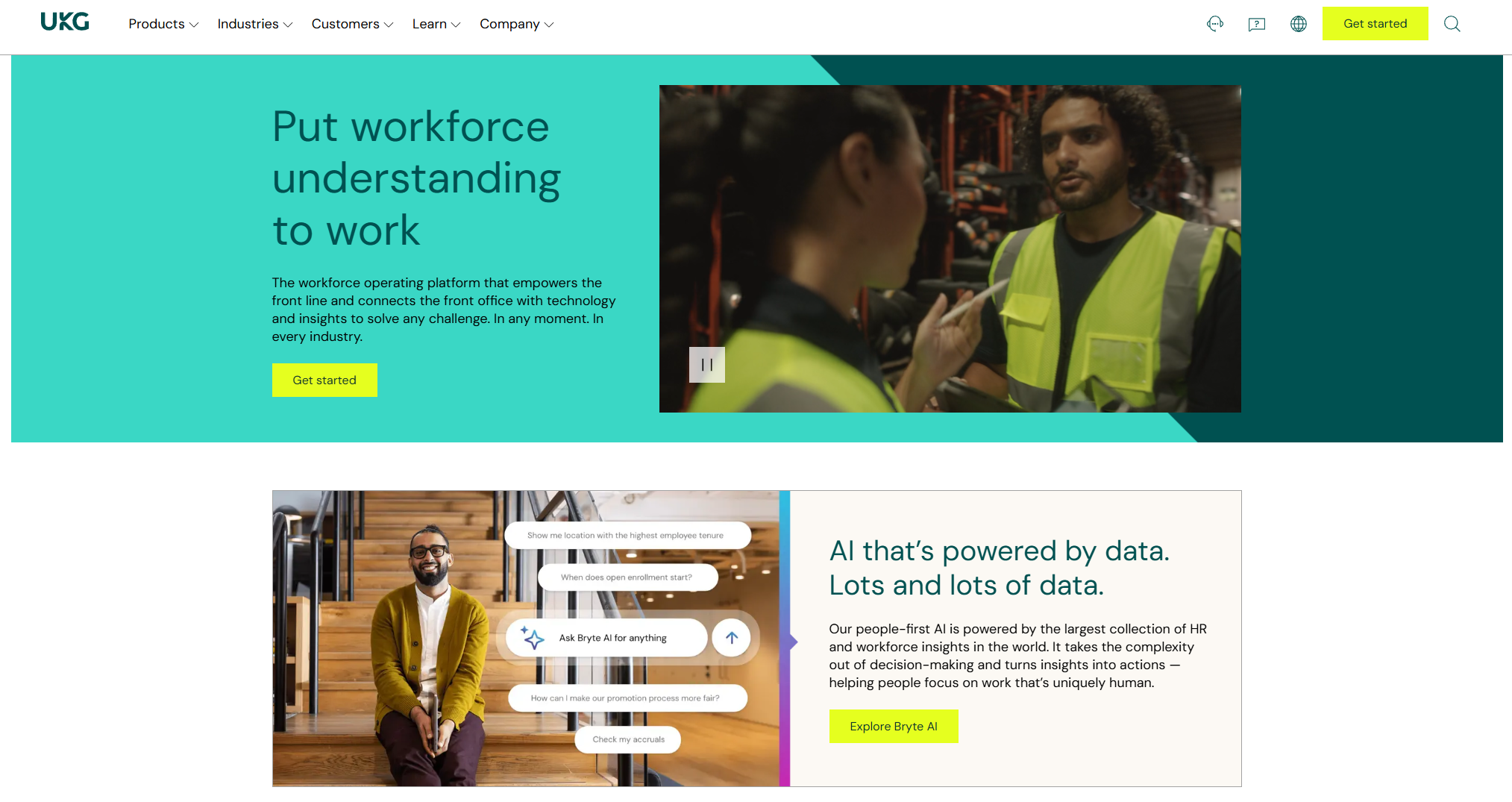
UKG is a comprehensive workforce management platform that combines time and attendance with advanced scheduling, payroll, and HR management for large organizations. It offers sophisticated labor optimization, compliance management, and workforce analytics. Many enterprises and large organizations use UKG when they need comprehensive workforce management at scale.
Software Pros:
- Comprehensive enterprise workforce management capabilities
- Advanced labor optimization and scheduling features
- Strong compliance and reporting for large organizations
Software Cons:
- Enterprise-level complexity and implementation requirements
- High cost and long setup time for smaller organizations
UKG Review:
When I examined UKG, I focused on how it handles the complexity of managing large, diverse workforces across multiple locations and business units. The platform excels at optimizing labor costs while ensuring compliance across different regulatory environments. That enterprise focus makes it valuable for large organizations that need sophisticated workforce management.
Our Verdict
Enterprise Workforce Management At Scale
WebWork Time Tracker
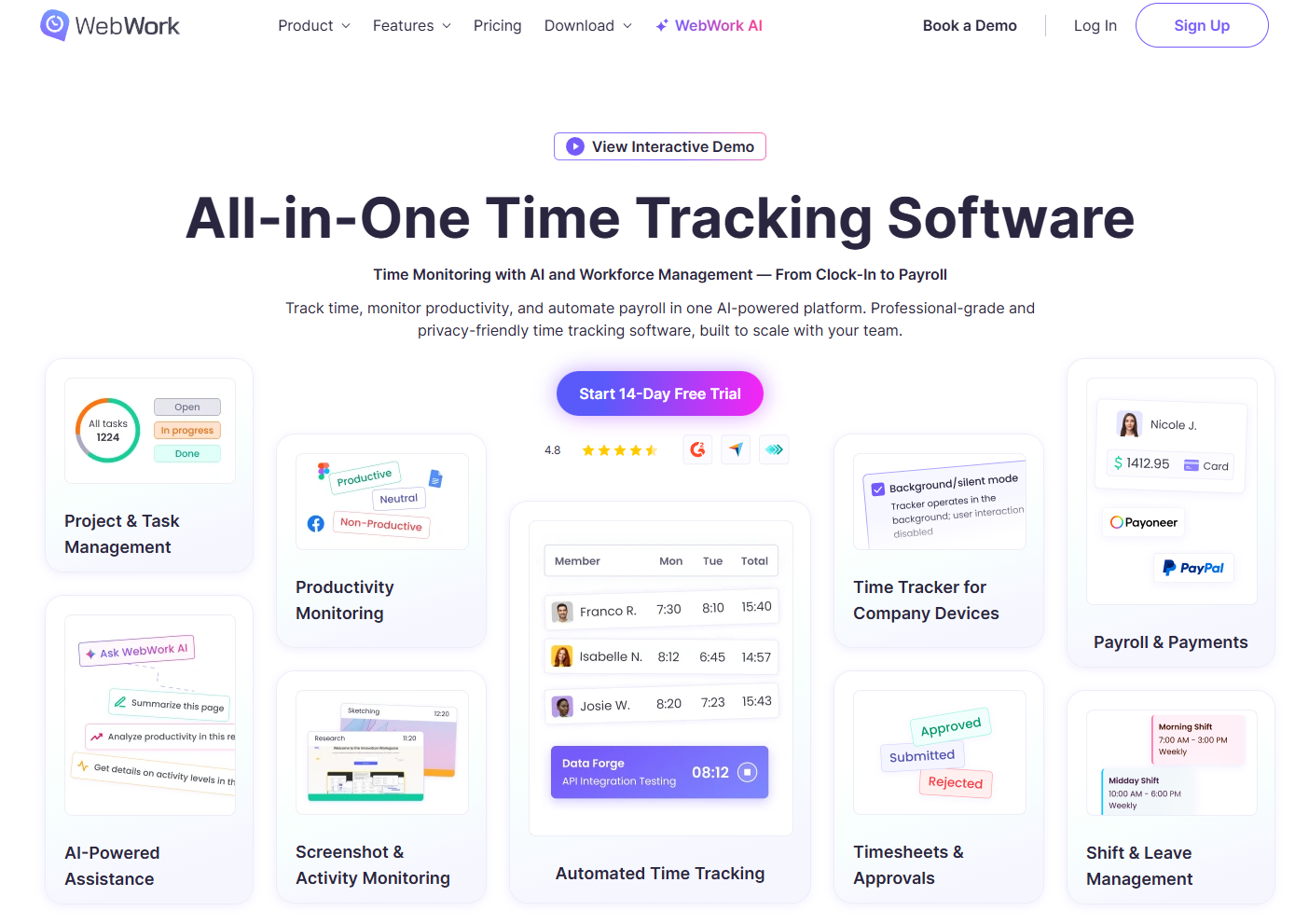
WebWork Time Tracker is a time tracking and employee monitoring platform designed for remote teams and distributed workforces. It offers screenshot monitoring, activity tracking, and project time allocation with detailed productivity analytics. Many companies with remote employees use WebWork when they need comprehensive visibility into distributed team productivity.
Software Pros:
- Comprehensive remote employee monitoring capabilities
- Detailed productivity tracking and analytics
- Project-based time allocation and reporting
Software Cons:
- Heavy monitoring focus may create employee privacy concerns
- Limited traditional scheduling and attendance features
WebWork Time Tracker Review:
In my assessment of WebWork Time Tracker, I paid attention to how it serves organizations that need detailed visibility into remote work patterns and productivity. The platform clearly prioritizes monitoring and measurement over traditional time clock functionality. That approach makes it valuable for companies that manage remote teams but need assurance about work productivity and time utilization.
Our Verdict
Remote Team Productivity Monitoring
When I Work
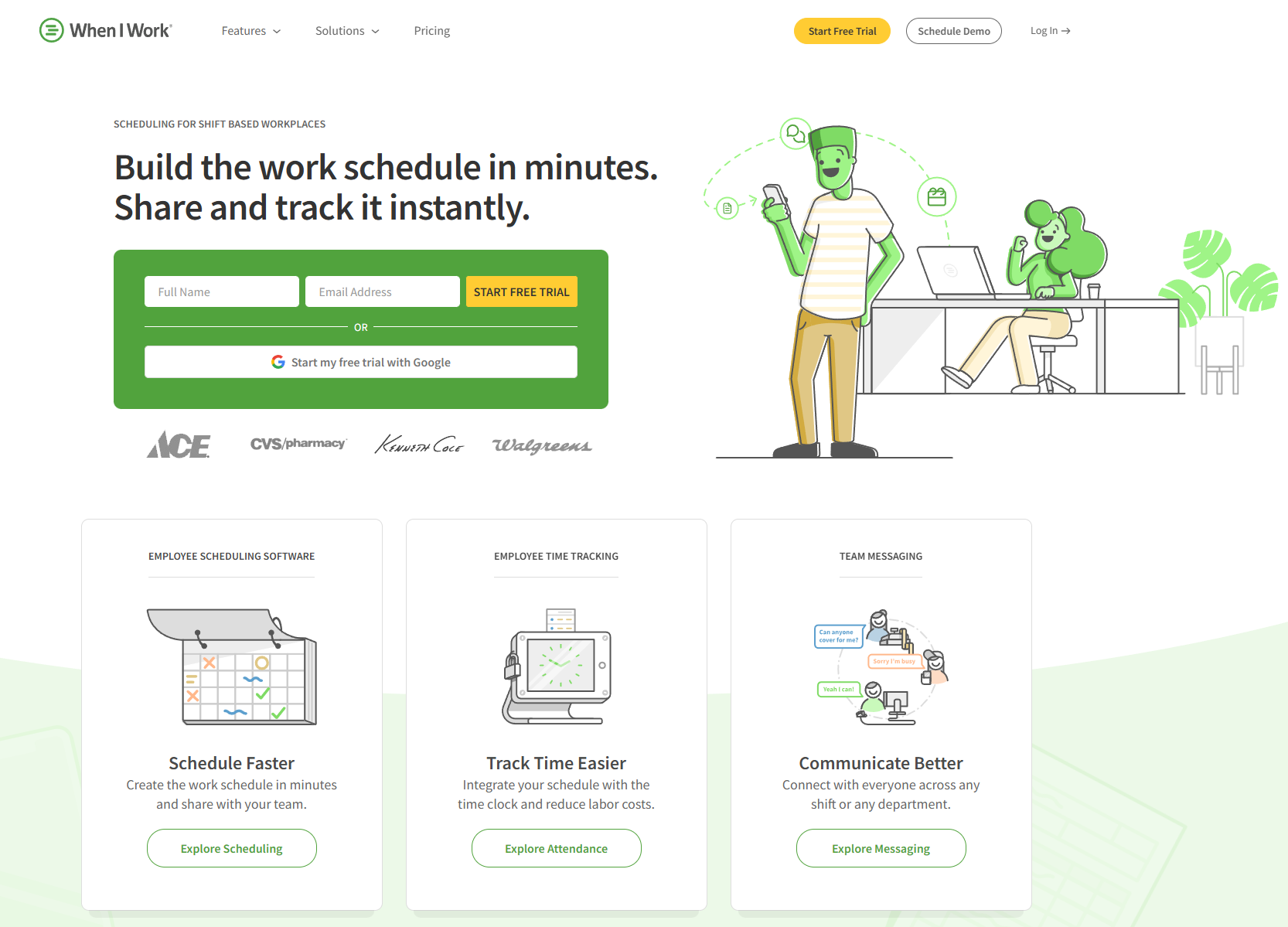
When I Work is a workforce management platform that focuses on employee scheduling, time tracking, and team communication for businesses with hourly workers. It offers shift scheduling, mobile time clocks, and messaging features designed to simplify workforce coordination. Many retail, restaurant, and service businesses use When I Work to manage shift-based employees and reduce scheduling conflicts.
Software Pros:
- Strong focus on shift scheduling and hourly workforce management
- User-friendly interface for both managers and employees
- Good team communication and messaging features
Software Cons:
- Limited advanced features for enterprise organizations
- Primarily designed for shift-based rather than salaried workers
When I Work Review:
When I looked at When I Work, I focused on how it simplifies the complexity of managing shift-based workforces with variable schedules. The platform clearly understands that many businesses need scheduling and time tracking to work together seamlessly with team communication. That integrated approach makes it valuable for businesses that manage hourly workers across multiple shifts.
Our Verdict
Shift-Based Workforce Coordination
Workforce.com
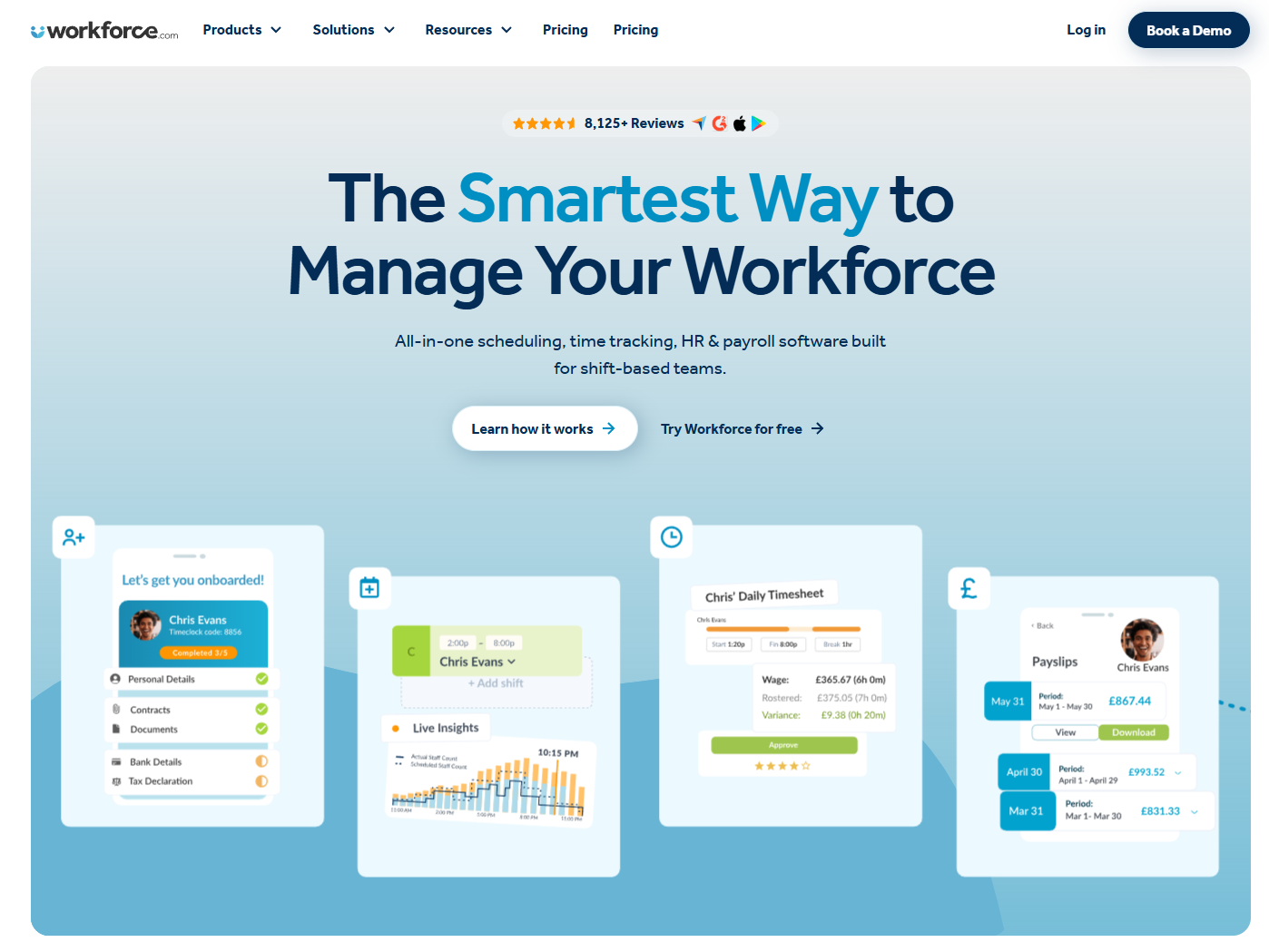
Workforce.com is a comprehensive workforce management platform that combines time and attendance with advanced scheduling, labor optimization, and compliance management. It’s designed for mid-size to large organizations that need sophisticated workforce planning and cost control. Many healthcare, retail, and manufacturing companies use Workforce.com when they need enterprise-level workforce management capabilities.
Software Pros:
- Comprehensive workforce management and labor optimization
- Advanced scheduling and compliance management features
- Strong analytics and workforce planning capabilities
Software Cons:
- Complex platform with steep learning curve
- High cost for organizations with simple time tracking needs
Workforce.com Review:
As I went through Workforce.com, I focused on how it handles sophisticated workforce optimization scenarios like demand forecasting, labor cost management, and compliance across multiple locations. The platform excels at turning workforce data into actionable business insights. From my perspective, that makes it valuable for organizations that treat workforce management as a strategic business function.
Our Verdict
Strategic Workforce Management And Optimization
Workday
Workday is a comprehensive enterprise HCM platform that includes sophisticated time and attendance management alongside payroll, benefits, talent management, and financial management. It offers advanced workforce planning, compliance management, and real-time analytics for large organizations. Many Fortune 500 companies use Workday when they need enterprise-level HCM with integrated workforce management.
Software Pros:
- Comprehensive enterprise HCM platform with advanced time tracking
- Sophisticated workforce planning and analytics capabilities
- Strong integration across all HR and business functions
Software Cons:
- Enterprise-level complexity with extensive implementation requirements
- Very high cost suitable only for large organizations
Workday Review:
When I reviewed Workday, I focused on how it positions time and attendance within a comprehensive enterprise business strategy. The platform treats workforce data as critical business intelligence that connects to financial planning, talent management, and strategic decision-making. That enterprise focus makes it valuable for large organizations that need workforce management integrated with broader business planning.
Our Verdict
Enterprise HCM And Business Intelligence
FAQs About Time and Attendance Solutions
What trends are shaping time and attendance software in 2026?
Time and attendance solutions in 2026 are increasingly focused on AI-powered scheduling optimization, biometric verification for remote workers, and real-time compliance monitoring. In my experience reviewing the category, many businesses now prioritize mobile-first time and attendance apps that support hybrid work models, while predictive analytics help optimize labor costs and reduce scheduling conflicts.
How do modern time and attendance tools handle hybrid and remote workforces?
Modern time and attendance tracking software offers GPS verification, facial recognition, and mobile clock-in capabilities to support workers across multiple locations. Many time & attendance systems now include location-based policies, flexible scheduling options, and integration with communication tools to maintain accountability while supporting work-from-anywhere policies.
What features matter most for companies operating across multiple countries?
Companies with global operations should prioritize time and attendance management software that offers multi-timezone support, local labor law compliance, and flexible holiday calendars. Key features include automated overtime calculations based on regional regulations, multi-language interfaces, and integration with local payroll systems to ensure accurate wage calculations across different jurisdictions.
How do time and attendance systems support labor law and overtime compliance?
Top time and attendance software platforms automatically calculate overtime based on federal, state, and local regulations, track break requirements, and generate compliance reports for labor audits. The Wage and Hour Division provides guidance on recordkeeping requirements that automated time and attendance platform solutions help address, particularly for complex shift patterns and union contracts.
What’s the difference between time tracking tools and full attendance management systems?
Basic time tracking tools focus primarily on recording work hours and project time, while comprehensive time & attendance solutions include scheduling, absence management, compliance reporting, and payroll integration. Full workforce time and attendance software typically offers advanced features like predictive scheduling, labor cost optimization, and employee self-service portals that go beyond simple time clock functionality.

Yaryna is our lead writer with over 8 years of experience in crafting clear, compelling, and insightful content. Specializing in global employment and EOR solutions, she simplifies complex concepts to help businesses expand their remote teams with confidence. With a strong background working alongside diverse product and software teams, Yaryna brings a tech-savvy perspective to her writing, delivering both in-depth analysis and valuable insights.