Publishing the schedule takes an afternoon. Keeping it true for 7 days is the job. Shift management software covers what happens after the schedule goes up. Swap requests, open shifts nobody has claimed, a callout at 05:00, and overtime nobody approved. Operations managers, store and restaurant managers, and nurse managers buy it far more often than HR alone. The person shopping for it is usually the person whose phone rings when somebody does not show up.
The scale of this is easy to underestimate. The US Bureau of Labor Statistics reports that 16 percent of wage and salary workers usually worked a non-daytime schedule in 2017-18. Another 19 percent learned their work schedule less than 1 week in advance. Those 2 numbers describe the same reality from both sides. Managers build schedules they know will change, and staff live with schedules they cannot plan around. A roster that changes 20 times a week is not an admin task. It is the manager’s entire week, spent on the phone instead of on the floor.

INSIGHT: What does an unpredictable schedule cost a business?

The visible cost is overtime. The larger one is turnover among people who cannot plan their week.
- 16 percent of US wage and salary workers usually worked a non-daytime schedule in 2017-18, including 6 percent on evenings and 4 percent on nights, per the Bureau of Labor Statistics American Time Use Survey (released 24 September 2019).
- 19 percent of US wage and salary workers learned their work schedule less than 1 week in advance, against 55 percent who knew it 4 weeks or more ahead, from the same release.
- 60 percent of service-sector workers get less than 2 weeks of notice of their schedules, and 66 percent say they would prefer a more predictable one, per The Shift Project at the Harvard Kennedy School.
- The practical change comes earlier than any analytics: give staff a way to swap shifts among themselves, with approval, and most of the manager’s week comes back.
There is no single answer, and this page says so up front. A hospital filling a night nursing shift and a restaurant group juggling split shifts across 8 sites are different purchases. So is a 5-person shop that wants the schedule on everyone’s phone. That is why the sections below are split by industry rather than by feature count. Schedule instability is a retention problem, not only a staffing one. The Shift Project at the Harvard Kennedy School links unstable scheduling to higher job turnover in the service sector. The best shift management software for you is the one that fixes the part of the week that is actually broken. Below, I’ve reviewed 10 of the leading platforms in A-Z order.
INSIGHT: Swaps, coverage, or credentials?
Shift software gets bought to solve 1 of 3 problems, and the right tool depends on which one is eating your week.
- Swap and availability chaos: Buddy Punch, Connecteam, Deputy, Homebase, and RotaCloud all let employees request a trade or claim an open shift, with the manager approving rather than arranging.
- Coverage and callouts: Celayix and Nowsta are built for the shift that opens at short notice. Celayix documents a Find Replacement tool that returns available, qualified people; Nowsta ranks workers by skills, certifications, and availability.
- Credentials and complex rules: Celayix, QGenda, and Zucchetti model who is actually allowed to work a shift. QGenda handles clinical rotations and credentialing; Zucchetti holds shift rules inside a wider HR suite.
- Most teams recognize themselves in exactly 1 of those 3 lines, which is usually enough to cut a shortlist of 10 down to 3.
Sources:
as of September 2026
The 10 Tools Compared at a Glance
This table is the short version of the whole page. I kept it to the 5 things that separate the best shift management software from a schedule builder. Those are documented industries, whether staff can start a swap themselves, and what happens when a shift opens up. The last 2 are whether a free plan exists and the public score.
| Tool | Industry fit | Shift swaps and open shifts | Coverage tools | Free plan | G2 rating |
|---|---|---|---|---|---|
| Bizimply | Hospitality, retail, care | Employee-initiated with approval | Alerts only | No | 4.6 (218) |
| Buddy Punch | Construction, healthcare, field services | Employee-initiated with approval | Alerts only | Trial only | 4.8 (397) |
| Celayix | Security, home health care, events | Employee-initiated with approval | Automated replacement | No | 4.0 (12) |
| Connecteam | Construction, cleaning, food and beverage, retail | Employee-initiated with approval | Alerts only | Yes, up to 10 users | 4.6 (3,505) |
| Deputy | Retail, hospitality, healthcare | Employee-initiated with approval | Automated replacement | Trial only | 4.6 (666) |
| Homebase | Retail, restaurants, local services | Employee-initiated with approval | Alerts only | Yes, 1 location up to 10 employees | 4.6 (582) |
| Nowsta | Events and venues, hospitality, logistics | Not stated | Automated replacement | No | 4.6 (11) |
| QGenda | Hospitals, health systems, private practices | Employee-initiated with approval | Alerts only | No | 4.6 (164) |
| RotaCloud | Restaurants, hotels, care homes, retail | Employee-initiated with approval | Alerts only | Trial only | 4.0 (4) |
| Zucchetti | Multi-site enterprises, manufacturing, hospitality | Not stated | Manual | No | N/A |
G2 scores were read in September 2026.
Shift Management or Scheduling? What the Difference Actually Is
The 2 terms get used as if they mean the same thing, and in a demo they nearly do. The difference shows up on Tuesday. Building next week’s schedule is a finite task with a clear end. Keeping it accurate through 7 days of swaps, a sick call, a no-show, and early leavers is not. That second job is where the hours go, and it is the job this category exists to take off a manager’s desk.
Scheduling tools are built for the first job. They give you a drag-and-drop grid, templates, repeating shifts, and a publish button that pushes the week to everybody’s phone. If that is the part you are struggling with, our guide to employee scheduling software covers 27 tools and is the better page for you. Plenty of buyers searching for scheduling software for shift work only need a faster way to build the grid. There is no reason to pay for more than that.
Time and attendance answers a third question: what actually happened. Clock-ins, breaks, approved timesheets, and the hours that go to payroll. Our roundup of employee time clock software goes through that category on its own. It matters here because worked hours feed straight back into the shift picture. You cannot see overtime building on Thursday unless something is counting the hours as they happen.
Shift management sits between those 2 and covers the middle. That means swap requests with an approval step, open shift posting and claiming, and detection of a gap before it becomes a no-show. Callout workflows, overtime alerts before the week closes, and advance notice rules complete it. Knowing how many people a shift needs is a separate product category again. No tool on this list is bought for that reason.
Best Shift Management Software by Industry
A hospital and a coffee shop both have shifts and almost nothing else in common. What gates a nursing shift is a license. What gates a restaurant shift is whether somebody will come in on a Friday night. The 4 sections below group the tools by the problem each industry brings, A-Z within each group.
For Healthcare and Nursing Teams
Clinical coverage is a credentials problem before it is a scheduling problem. The question is not who is free at 22:00. It is who is free, licensed, and credentialed for that unit. That is why healthcare shift management software is a separate purchase. Celayix runs a rules engine covering qualifications, union terms, and overtime. Its Find Replacement tool returns available, qualified people when somebody calls out.
Deputy covers hourly clinical support staff and enforces break and overtime rules. QGenda is the specialist, built for provider and nurse rosters, on-call rotations, and credentialing. Its nurse and staff product documents self-scheduling for swaps and split shifts, plus float management across units. Anyone comparing nurse shift time management software should start there.
For Restaurants and Hospitality
Hospitality breaks schedules in a specific way. Split shifts, demand that swings inside a single service, turnover that never stops, and managers running 3 sites at once. Bizimply is built around the operating day, pairing UK and Irish rotas with attendance and a shift log. The evening manager inherits notes instead of guessing. Restaurant shift management software earns its price the first time a Saturday double is covered without a call to head office.
Nowsta suits event catering and venue work. The roster is assembled per event from a pool rather than repeated weekly. RotaCloud is the straightforward British and Irish option, with rota planning, swaps, availability, and holiday in 1 place at published prices. If rota is simply the word your team uses, the best rota management software for shift workers is a real search. RotaCloud and Bizimply are the 2 names built for that market.
For Retail Teams
Retail brings seasonal peaks, part-time availability that changes every term, and staff who have no work email. Shift management software for retail staff has to reach a personal phone, or it reaches nobody. Advance notice rules apply in several jurisdictions. Seattle’s Office of Labor Standards sets out a Secure Scheduling Ordinance for covered retail and food service employers. It requires schedules posted at least 14 days ahead, with premium pay for employer-requested changes.
Bizimply handles the multi-site version, where 1 area manager owns 6 stores. Connecteam reaches deskless staff through an app they already have, posting open shifts for qualified people to claim. Deputy sits in the middle, with swaps, availability, and rule enforcement on 1 screen. None of the 3 makes you compliant on its own, but all 3 record what changed and when.
For Small Teams on a Free Plan
2 tools here have a real free tier rather than a trial, and both draw the line in the same place. Connecteam’s Small Business Plan is free for life for up to 10 users and includes its hubs. Homebase’s Basic plan is $0 per month for 1 location with up to 10 employees. Anyone searching for shift management software free will find those 2 names and very little else.
What stops being free is growth. An 11th hire, or a second site, moves you onto a paid tier at both vendors. That is usually when the numbers get compared properly. Here is the honest test. With 6 people, 1 site, and a schedule that barely changes, a spreadsheet and a group chat still work. Once the swaps start arriving by text at 22:00, they stop working.
Shift Management Software Pricing
This corner of the market publishes prices more openly than most. That makes shift management software free plans and $5 per-user rates easy to compare and easy to misread. 3 things move the real number. The first is the per-user rate multiplied by a headcount that counts every part-timer. The second is feature gating, where swaps or advanced rules sit a tier above the homepage price. The third is per-location fees, which turn a modest figure into a real line item across 6 sites.
| Tool | Pricing model | Free plan and its limit | Published starting price |
|---|---|---|---|
| Bizimply | Quote-based | None | Custom pricing |
| Buddy Punch | Per user per month | 14-day trial only | $4.99 per user per month plus a $19 monthly base fee |
| Celayix | Tiered by headcount | None | $400 to $800 per month for up to 100 employees |
| Connecteam | Tiered, per hub | Yes, free for life for up to 10 users | $29 per month for the first 30 users, billed yearly |
| Deputy | Per user per month | Trial only | $5 per user per month |
| Homebase | Per location per month | Yes, 1 location and up to 10 employees | $24 per location per month, billed annually |
| Nowsta | Quote-based | None | Custom pricing |
| QGenda | Quote-based | None | Custom pricing |
| RotaCloud | Tiered by headcount | 30-day trial only | 10 pounds per month for 1 to 5 employees |
| Zucchetti | Quote-based | None | Custom pricing |
As pricing is subject to change, prices are listed as of September 2026.
INSIGHT: How free is free shift management software?
Free tiers here are real but narrow: usually 1 location and a capped headcount, with the features that save manager time sitting a tier above.
- 2 of the 10 tools publish a genuine free plan. Connecteam’s Small Business Plan is free for life for up to 10 users; Homebase’s Basic plan is $0 per month for 1 location with up to 10 employees. The other 8 offer a trial or a quote.
- Trials are the norm rather than free tiers: Buddy Punch runs 14 days, RotaCloud 30 days, and Deputy up to 31 days, all without a free plan behind them.
- Capability sits above the entry price at every vendor that publishes tiers. Deputy puts advanced scheduling and auto-scheduling in Core at $6.50 per user per month rather than Lite at $5, and RotaCloud charges for time and attendance as an add-on on top of the rota plan.
- The comparison that matters: multiply the per-user rate by every part-timer on the payroll, not by full-time equivalents, because that is how these tools count heads.
How to Choose Shift Management Software
I would start by naming what actually breaks in your week. Swap chaos, uncovered callouts, and overtime creep lead to 3 different products, and buying the wrong one is how these projects stall. Then check whether employees can start a swap and claim an open shift themselves. A manager-only workflow does not remove the work; it just relabels it.
Ask how a callout gets covered at 06:00. The useful answer is that the tool contacts qualified, available people and confirms 1 of them. An alert telling you to start calling is not the same thing. Check credential and qualification rules if a shift legally requires them. A general tool will happily schedule someone who isn’t allowed to work it.
Look hard at what staff sees on a phone, since adoption decides whether any of this works. Check advance notice and change tracking if you operate where predictive scheduling rules apply. Read what the vendor commits to, not what the sales deck implies. Night and rotating shifts also carry a fatigue cost that scheduling alone will not fix. That is where our guide to employee wellness software picks up.
Finally, check payroll export so approved hours are not retyped, and count your part-timers before comparing per-user prices. On most of these plans, a 40-person team with 25 part-timers costs the same as 40 full-timers. That arithmetic is left to you.
Top 10 Shift Management Software Platforms for 2026
I reviewed each vendor’s product, industry, and pricing pages, then wrote down what the tool does once the schedule is live. Claims about customer numbers or savings are marked as the vendor’s own, because none is independently audited.
I’m listing all providers in alphabetical order to keep this comparison neutral.
The mix is wide, from free small-business tools like Homebase to clinical scheduling in QGenda and European suites like Zucchetti.
Bizimply
Quick Overview
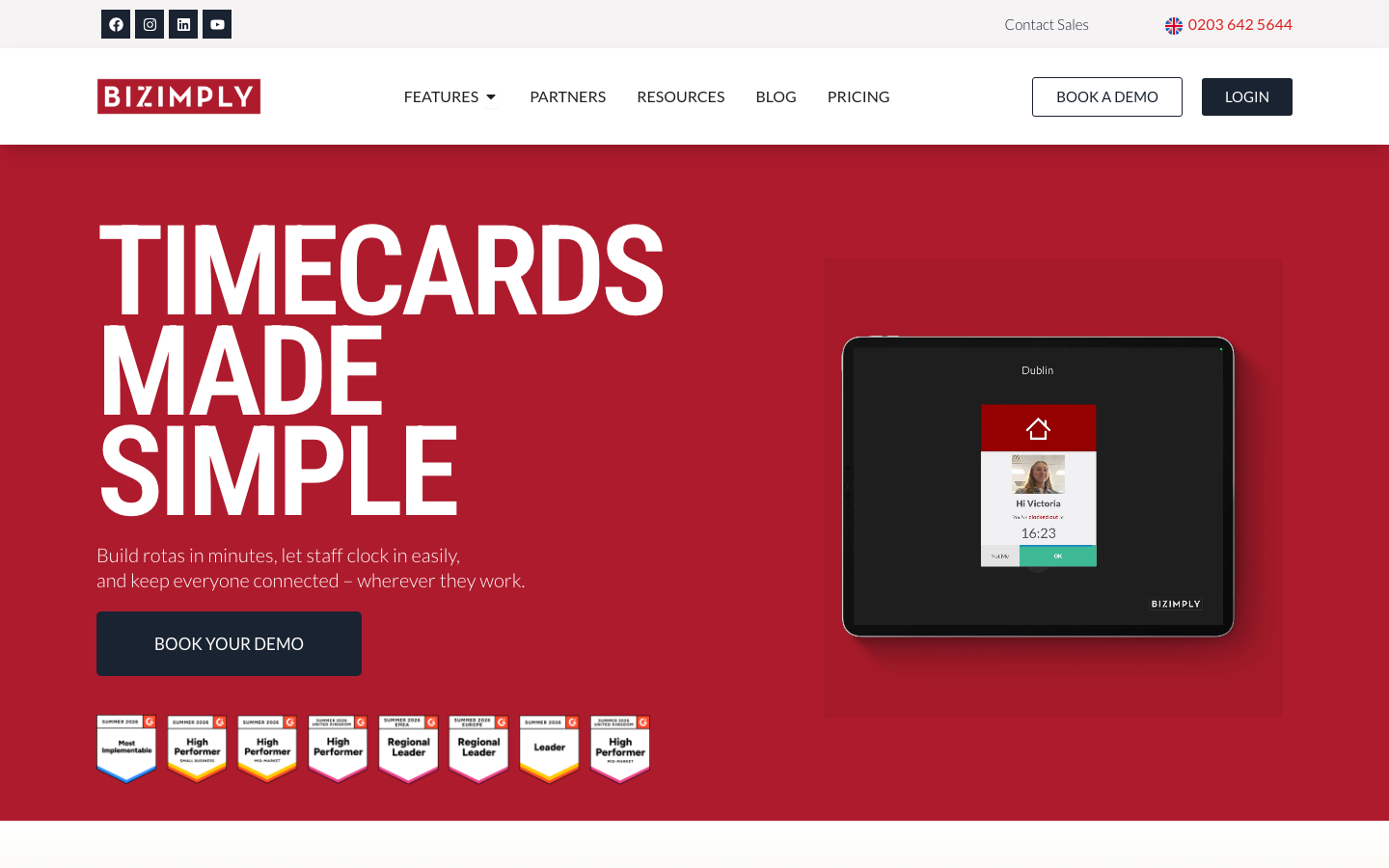
Bizimply is a workforce platform for hospitality, retail, and care operators running several sites, where staff request shift trades in the MyZimply app. Managers get an instant alert to approve or reject, and a shift log carries notes from 1 manager to the next. The vendor states it is trusted by thousands of UK and Irish businesses.
Software Pros
- A shift log that hands the operating day between managers
- Shift trades raised in the staff app, approved by a manager
- Rotas, attendance, and time off on 1 record per site
Software Cons
- Quote-only pricing, with no published number to start from
- Coverage after a callout is an alert, not automated replacement
- Strongest in the UK and Ireland, thinner elsewhere
Bizimply Review
I rate Bizimply for the multi-site operator whose real problem is continuity. The shift log earns its place here, because a handover note is worth more on a Monday than another dashboard. It is a weaker fit for a single site that only wants a rota and a swap button.
Our Verdict
Multi Site Daily Operations
Buddy Punch
Quick Overview
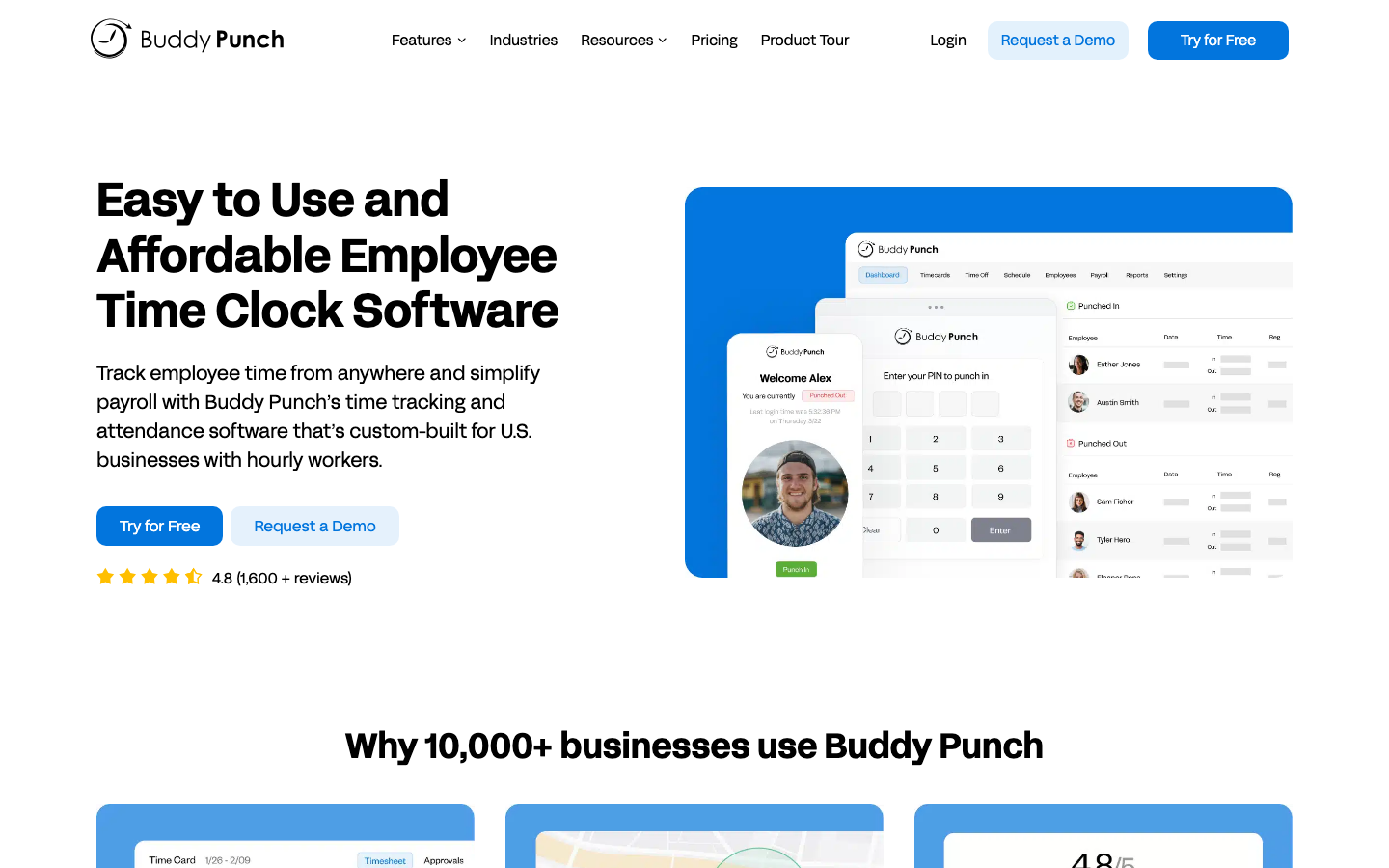
Buddy Punch is a time-tracking tool with scheduling built in, used in construction, healthcare, and field services, and it handles trade and cover requests. Requests go only to the people you specify, and the schedule adjusts when someone accepts. The vendor states more than 10,000 businesses use it.
Software Pros
- Trade and cover requests routed to named people only
- The schedule updates itself the moment a cover is accepted
- Availability blocks that prevent scheduling somebody unavailable
Software Cons
- Time tracking leads, so the shift lifecycle is lighter here
- No automated replacement when a shift opens at short notice
- The $19 monthly base fee makes very small teams expensive
Buddy Punch Review
The buyer I picture for Buddy Punch already needs a clock and would rather not run 2 systems. Covers and trades work properly, and the overtime math is solid. That handles most of what a 30-person team hits in a week. If callouts are the real problem, this isn’t the tool that solves them, and Celayix below is the more relevant option.
Our Verdict
Time Tracking With Scheduling
*As pricing is subject to change, we are listing prices as they stand in September 2026
Celayix
Quick Overview
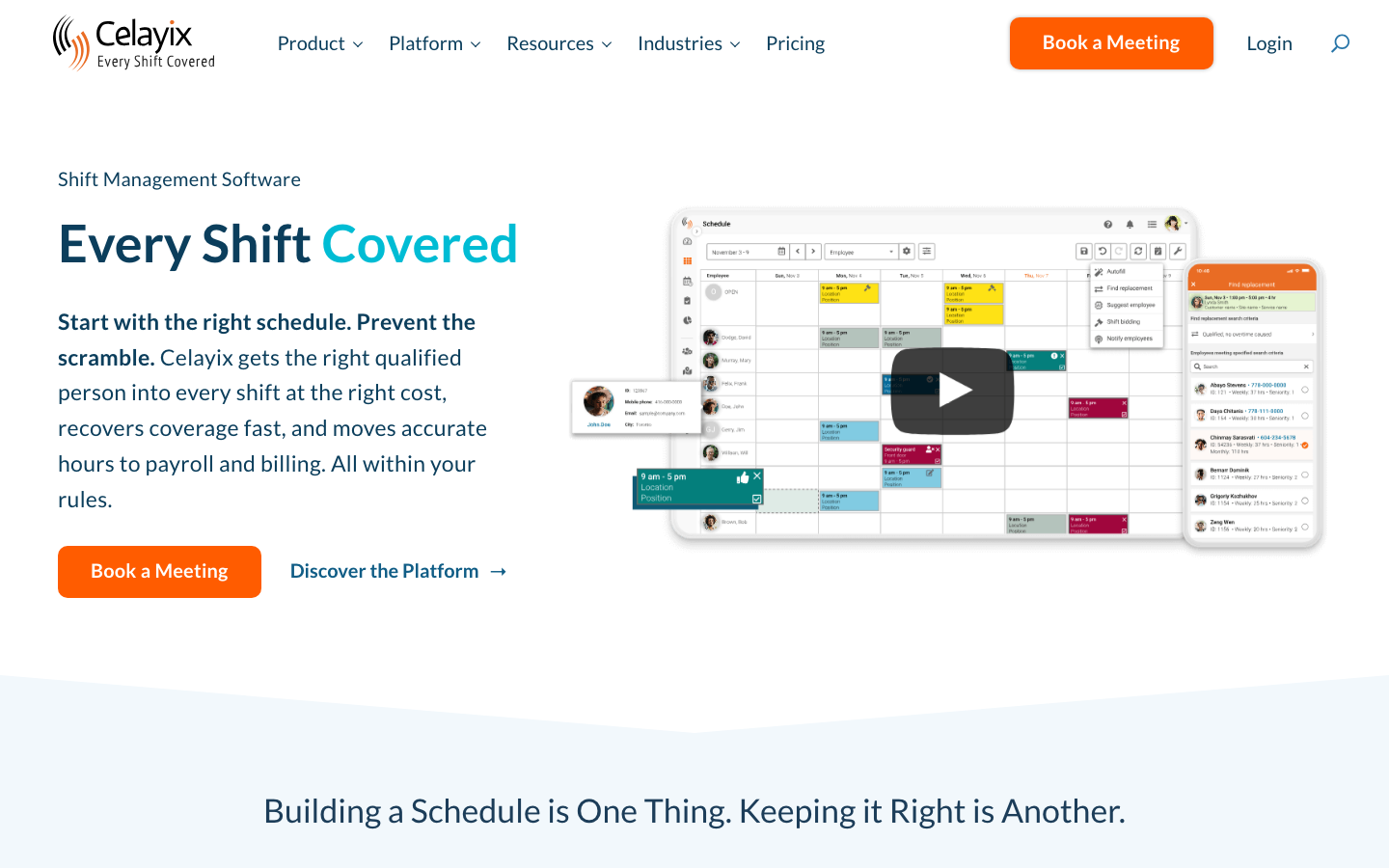
Celayix is built for security, home health care, long-term care, and events, where coverage is contractual. Its Find Replacement tool answers drops, no-shows, and sick calls with a list of available, qualified people to reassign or invite. The vendor states more than 25 years of delivering scheduling for complex requirements.
Software Pros
- Find Replacement turns a callout into a shortlist, not a phone tree
- Rules covering qualifications, union terms, and overtime
- Open shifts published for self-scheduling or bidding
Software Cons
- Heavier than a small retailer or single restaurant needs
- Published pricing starts at $400 a month, above per-user rivals
- 12 G2 reviews, too few to read either way
Celayix Review
What sells me on Celayix is that it answers the question nobody else here answers well. It is 06:00, somebody is sick, and who is allowed to take the shift? For security firms and care operators with qualification rules, that is the whole purchase. For a 12-person cafe, it is far more machinery than the problem deserves, and the price says so.
Our Verdict
Callouts Filled Automatically
*As pricing is subject to change, we are listing prices as they stand in September 2026
Connecteam
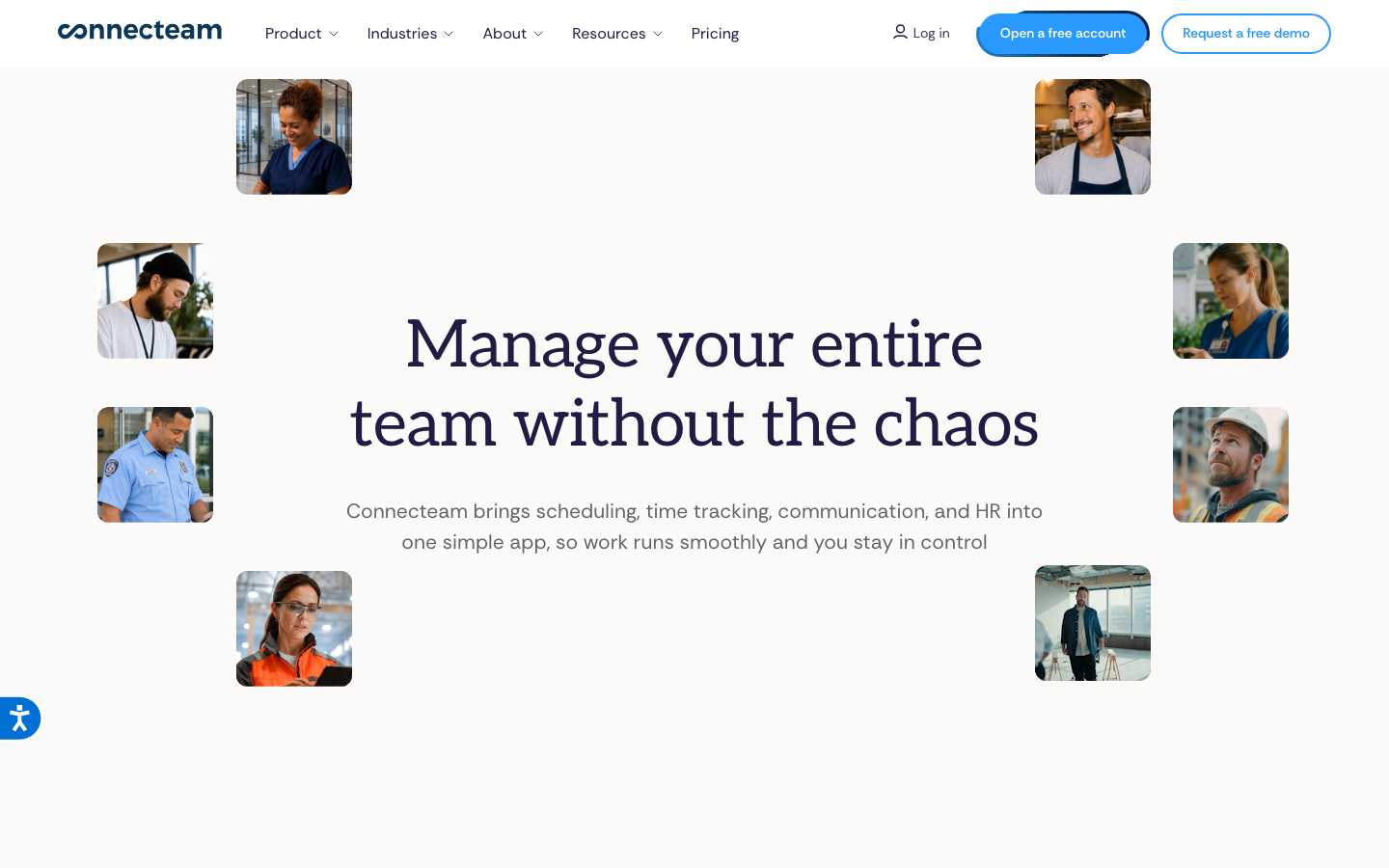
Quick Overview
Connecteam is a frontline app for deskless teams in construction, cleaning, food and beverage, and retail. It posts open shifts for qualified employees to claim, subject to approval. Overtime limits raise alerts before the week closes. The vendor says more than 80,000 businesses use it, with a free-for-life plan for up to 10 users.
Software Pros
- OpenShift claiming limited to qualified employees
- A genuine free tier rather than a time-limited trial
- Schedule changes land in the app staff already use
Software Cons
- Priced per hub, so a full rollout beats the entry figure
- The free tier stops abruptly at the 11th user
- Broad by design, so no area is as deep as a specialist
Connecteam Review
I would put Connecteam in front of any team whose staff have no work email and no company laptop. Getting a schedule change to a cleaner on a bus is a communications problem first. This is the tool built for that, and the free tier lets you try it at no cost. Buyers who want depth in 1 area rather than reach across many will find it spread thin.
Our Verdict
Frontline App, Free Tier
Deputy
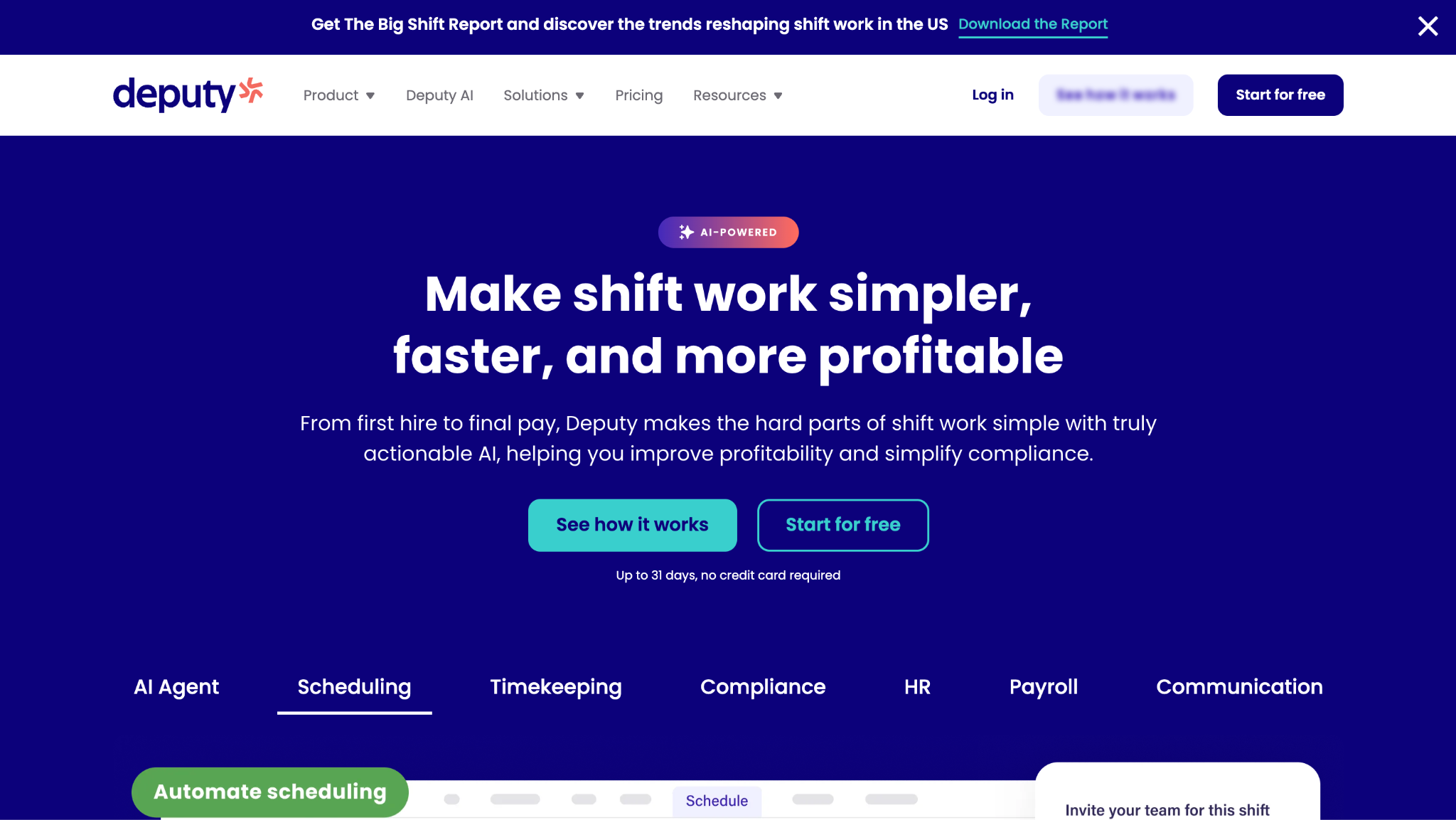
Quick Overview
Deputy serves hourly workforces in retail, hospitality, and healthcare, and puts shift swap and find replacement in its entry plan rather than behind an upgrade. Break and overtime rules are applied as the schedule is built. The vendor states more than 390,000 workplaces use it, the largest published customer claim on this page.
Software Pros
- Shift swap and find replacement from the $5 entry plan
- Break and overtime rules applied as the schedule is built
- Availability and leave handled besides swaps
Software Cons
- No free plan, only a trial, which rules out the smallest teams
- The most demoed features sit in Core at $6.50, not Lite
- Deep enough that a 10-person team uses a fraction of it
Deputy Review
My honest read on Deputy is that it is the safest general answer here. Safe is worth something when 3 industries are in scope at once. Putting swaps and replacement in the cheapest tier is a real decision, not a marketing one. It is the wrong pick if you need credential-aware clinical rostering, and QGenda exists for that reason.
Our Verdict
Swaps And Rules Together
*As pricing is subject to change, we are listing prices as they stand in September 2026
Homebase
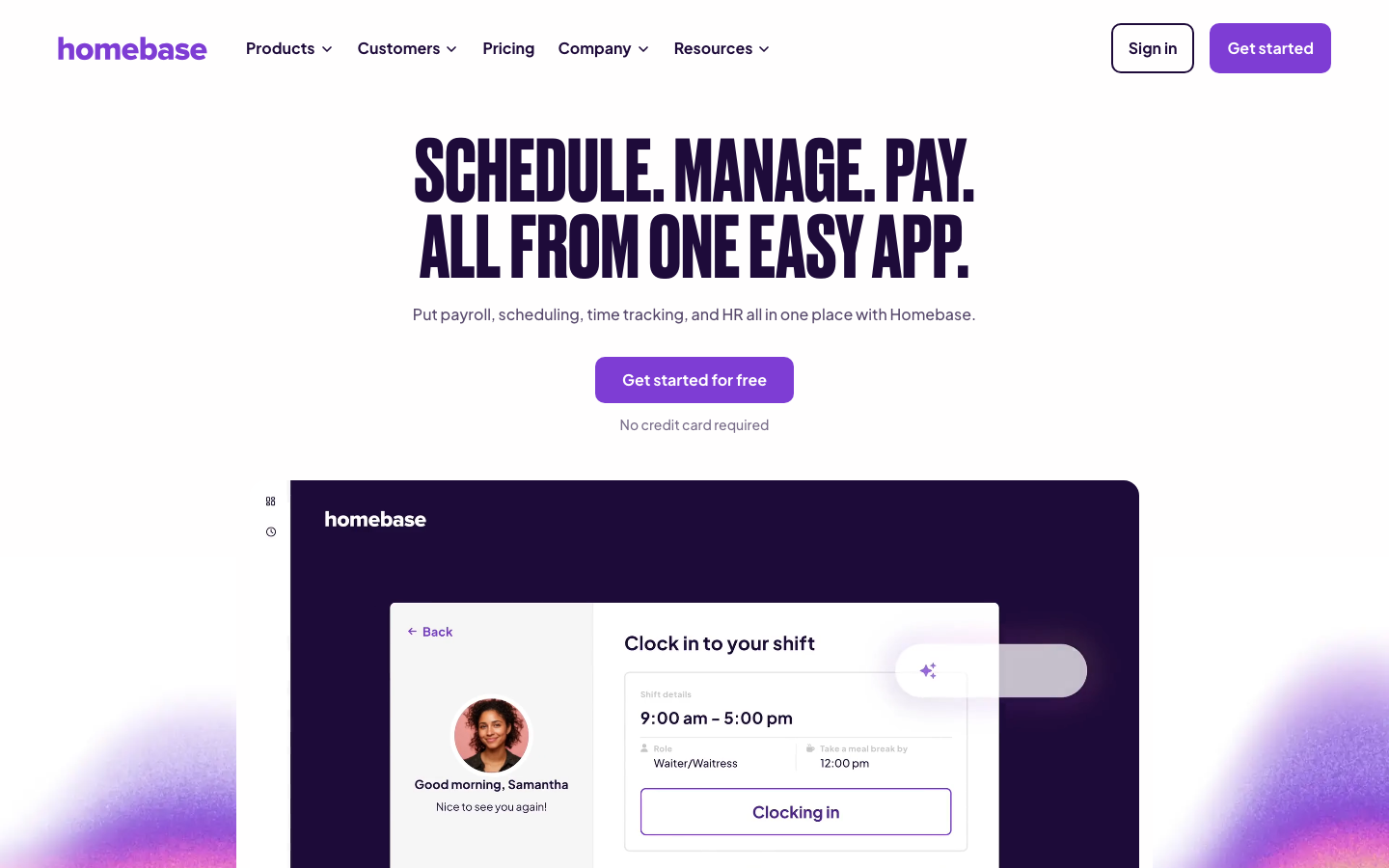
Quick Overview
Homebase targets small businesses in retail, restaurants, and local services and covers shift swaps, open-shift posting, and automatic conflict detection. Staff update availability and request trades from the app, and the schedule flags clashes on approval. The vendor states 150,000+ small businesses use it and that managers save 20 hours a month.
Software Pros
- A free Basic plan covering 1 location with up to 10 employees
- Swaps, open shift posting, and conflict detection in 1 flow
- Overtime alerts tied to hours as they are actually clocked
Software Cons
- Priced per location, so multi-site operators scale up fast
- The free plan ends at a second site, not just a headcount
- Built for small business, so complex rule sets are out of scope
Homebase Review
I rate Homebase for the single-site operator who wants this solved today with no budget. The free tier is usable rather than a demo with a countdown, and swaps work the way staff expects them to. The moment a second location opens, per-location pricing changes the math, and that is the point to compare it against Connecteam over a full year.
Our Verdict
Free For 1 Location
Nowsta
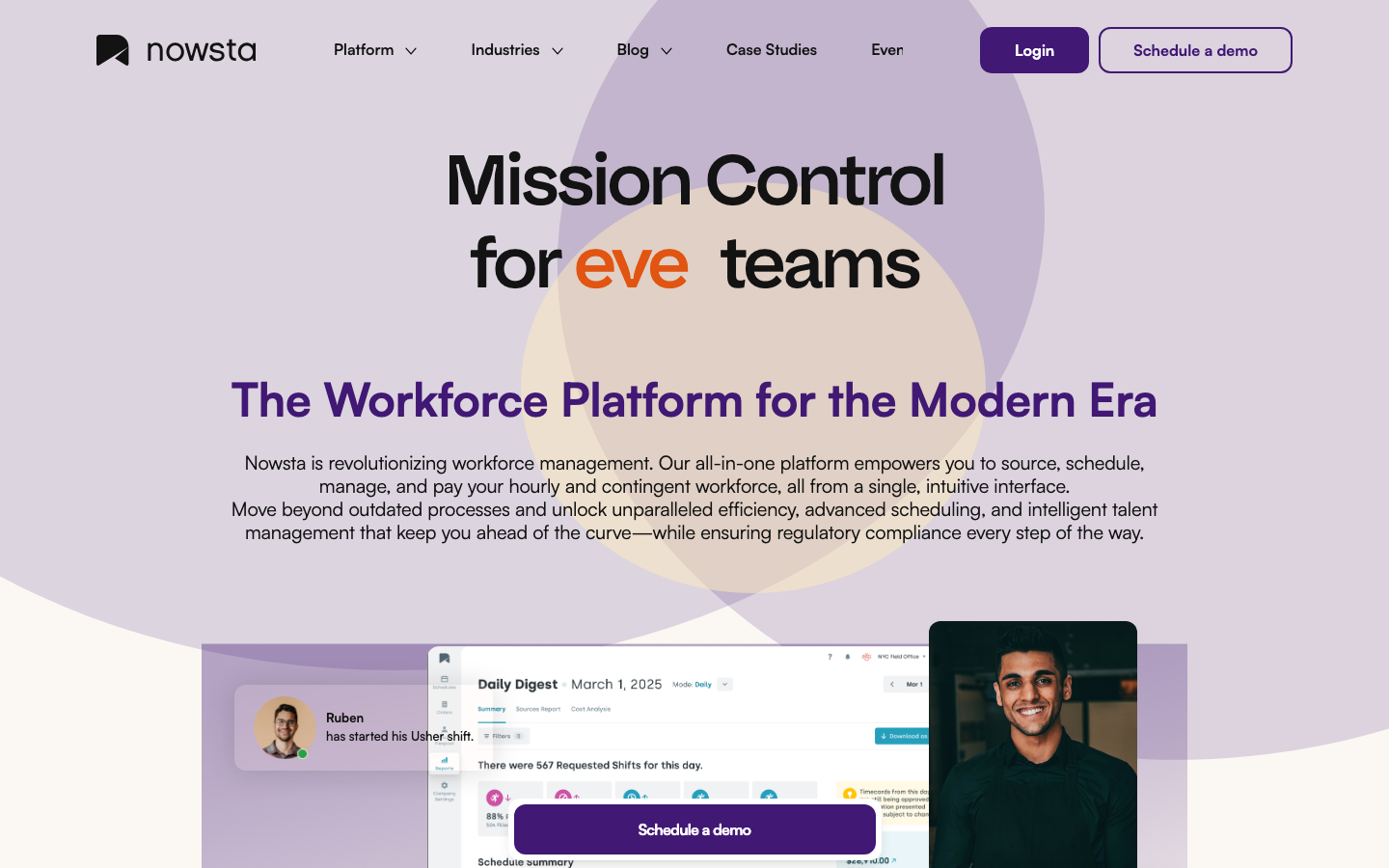
Quick Overview
Nowsta is built for events, venues, hospitality, and logistics, where a roster is assembled per event from a pool. It ranks workers by skills, certifications, availability, and past performance to fill each shift, then pays quickly afterward. The vendor states more than 25,000 teams use the platform.
Software Pros
- Shift filling by ranked matching on skills and certifications
- Same-day access to earned wages, which the vendor ties to coverage
- Agency and direct staff held in the same roster
Software Cons
- No published pricing, so budgeting needs a sales conversation
- Employee-initiated swaps are not documented on its own site
- Its G2 score rests on 11 reviews, which proves nothing
Nowsta Review
The buyer I picture for Nowsta staffs a 400-person event on Saturday and a 60-person one on Sunday, from the same pool. That is a matching problem rather than a scheduling one, and weekly-grid tools handle it badly. Fast payment is a real retention lever with flexible staff. A restaurant with a fixed team of 20 needs none of this.
Our Verdict
Event Staffing And Fast Pay
QGenda
Quick Overview
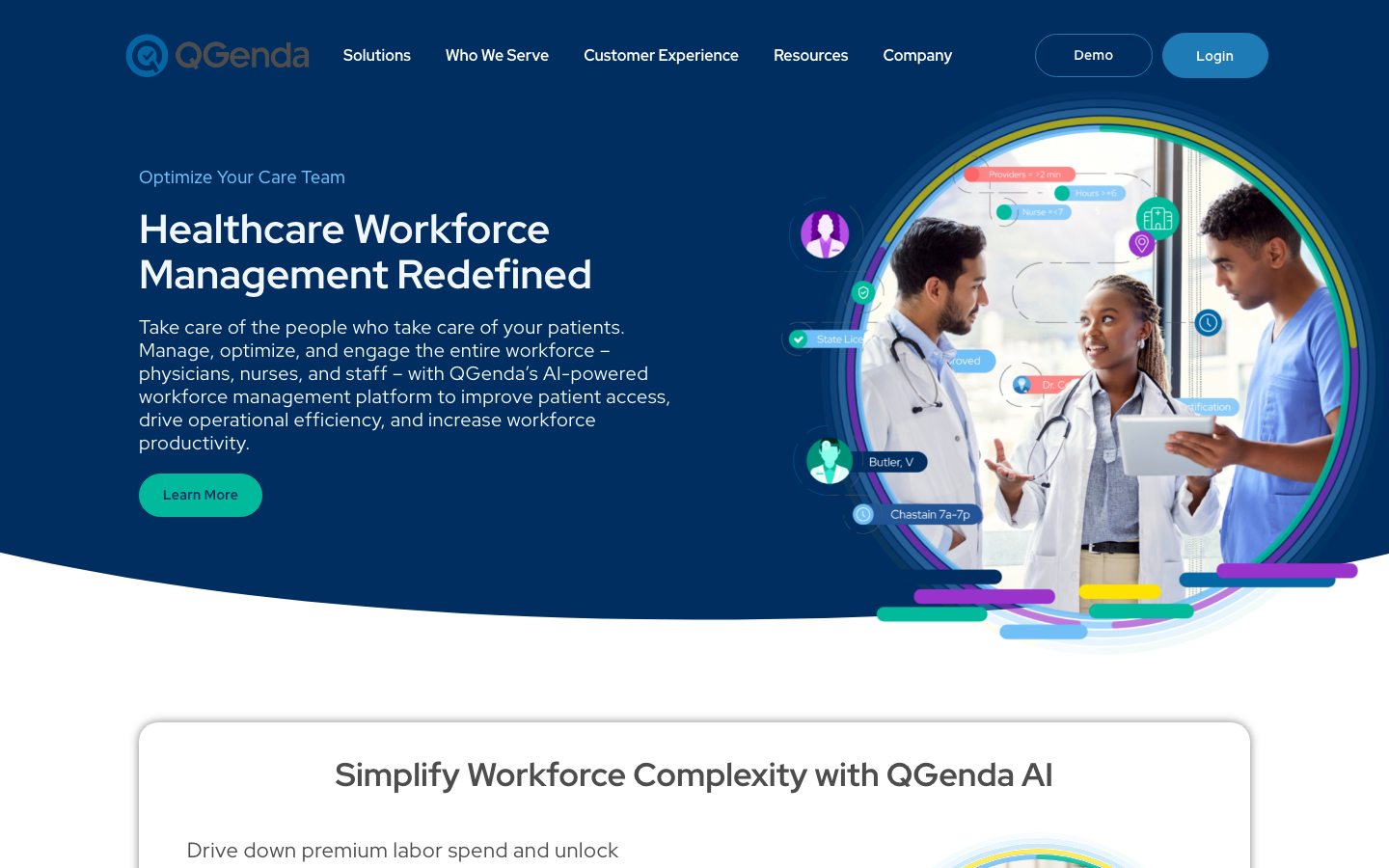
QGenda is healthcare-specific, covering provider and nurse scheduling, on-call rotations, and credentialing for hospitals and health systems. Its nurse and staff product documents self-service swaps, split shifts, and float management across units. The vendor states more than 4,500 customers and 850,000 physicians, nurses, and staff.
Software Pros
- Call schedules and rotation rules are general tools that do not model
- Credentialing held in the same platform as the roster
- Self-scheduling for nurses, including swaps and float requests
Software Cons
- Far heavier than any non-clinical operation needs
- Quote-only pricing with an enterprise sales cycle behind it
- Its G2 listing covers QGenda Advanced Scheduling for Providers only
QGenda Review
What sells me on QGenda is scope discipline. It solves clinical rostering, where a swap must respect a license, a rotation, and a credential expiry date. It does not pretend to serve anybody else. If you run a health system, the alternatives on this page will not model your rules properly. If you run a cafe, this block is not for you.
Our Verdict
Clinical Scheduling, Credential Aware
RotaCloud
Quick Overview
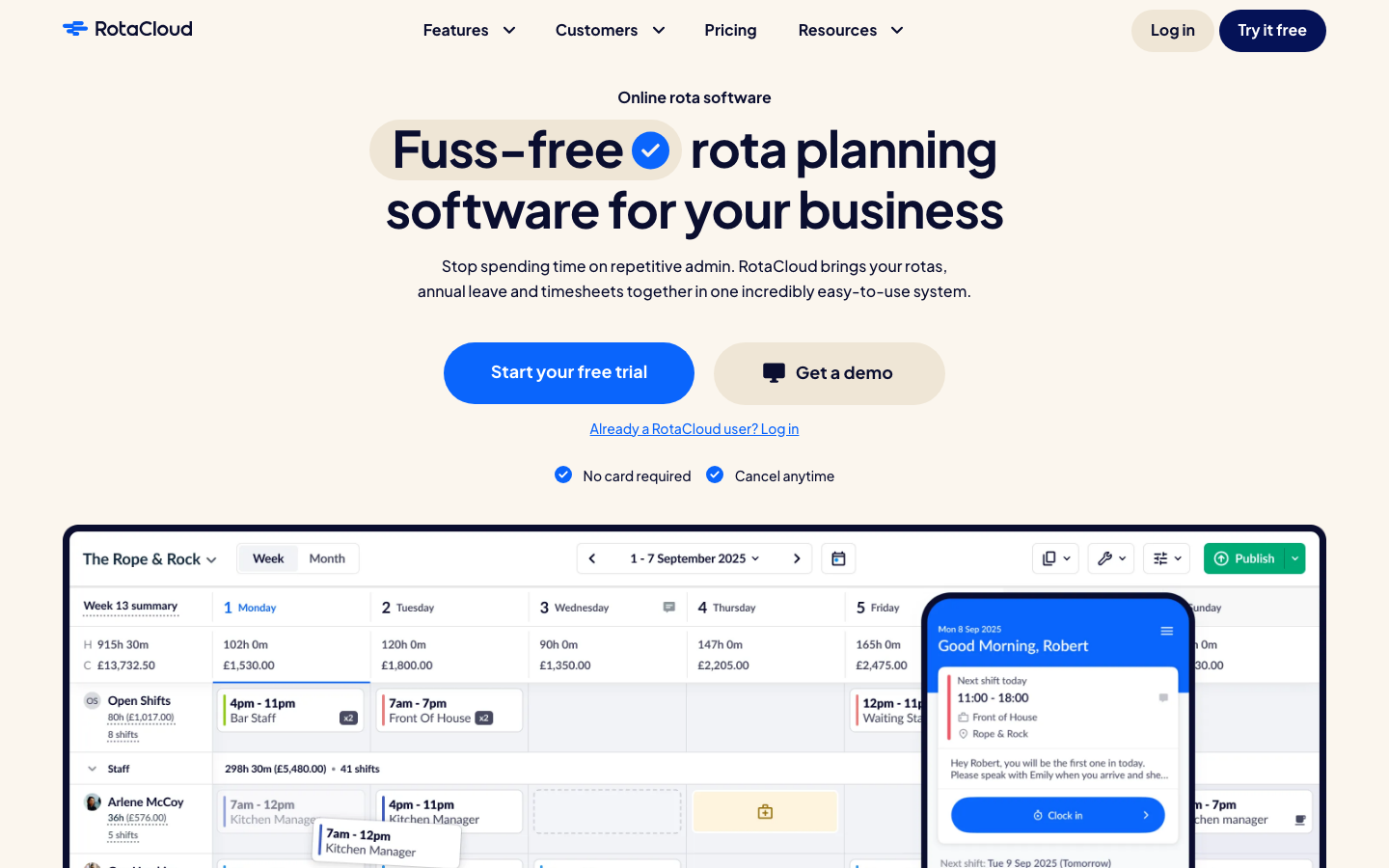
RotaCloud serves British and Irish restaurants, hotels, care homes, and retailers, covering rota planning, shift swapping, availability, and absence. Employees set available and unavailable times in the app, as one-offs or recurring patterns. The vendor says more than 5,000 businesses use it, starting at 10 pounds a month for 1 to 5 employees.
Software Pros
- Shift swapping, availability, and absence on the Standard plan
- Availability set as one-off or recurring patterns by staff
- Published per-headcount pricing, no sales call needed
Software Cons
- Time and attendance is a paid add-on, not part of the plan
- Built around the UK and Irish market, with limited fit elsewhere
- Only 4 public G2 reviews, so treat that score as noise
RotaCloud Review
I would put RotaCloud in front of a British operator with 40 staff across 2 sites who wants this finished this week. It does rotas, swaps, and holidays properly and asks nothing else of you. The add-on structure means the sticker price is not the final price once clocking in matters, so price the pieces you will actually turn on.
Our Verdict
Rota Changes Made Simple
Zucchetti
Quick Overview
Zucchetti is a European software group whose Zucchetti HR line sits within a wider HR platform, aimed at multi-site enterprises. Shift planning and timesheets sit in its HR Cost and Planning module, while attendance and absence sit in the Time module. The vendor states it offers 4 HR platforms, from small companies to multinationals.
Software Pros
- Shift rules held next to payroll and attendance
- Attendance hardware and time clocks from the same vendor
- Self-service through the HR Portal and the ZConnect app
Software Cons
- Shift management is a module in a suite, not a product
- Nothing published on price, and no way to trial it
- The G2 listing shows no aggregate score at all
Zucchetti Review
My honest read on Zucchetti is that nobody buys it for shift management alone. The vendor does not present it that way either. It makes sense when payroll, attendance, and shifts already need to sit in 1 system across several European countries. As a fix for swap chaos in a single restaurant, the smaller tools here are faster and cheaper.
Our Verdict
Shifts Inside An HR Suite
FAQs About Shift Management Software
What does shift management software do?
These tools handle what happens to a schedule after it is published. That means swap requests with an approval step, open shifts staff can claim, and alerts when a gap appears. Callout workflows, overtime warnings, and absence handling complete it, while building the grid is a different job. The distinction matters because the week after publication is when a manager’s hours actually go, not the afternoon before.
Is there free shift management software?
2 tools on this page publish a genuine free plan rather than a trial. Connecteam’s Small Business Plan is free for life for up to 10 users. Homebase’s Basic plan costs $0 per month and covers 1 location with up to 10 employees. Free tiers here almost always stop at a single site, so a second location moves you onto a paid plan.
How do shift swaps work in these tools?
An employee raises a trade or cover request in the app, and it goes only to eligible colleagues. The roster updates automatically once somebody accepts and a manager approves. Better tools check qualifications and overtime limits before showing the shift to anybody. Where swapping is manager-only, nobody saves time: the request still lands on a manager’s phone, and arranging the cover is still a series of calls.
How much does shift management software cost?
Per user per month is the norm, with published entry rates on this page running from $4.99 to $9 as of September 2026. Some vendors charge per location instead, and specialists quote rather than publish. Watch 2 things: the tier that holds the feature you came for, and the headcount you are multiplying by. Every part-timer counts as a user, so a team of 40 with 25 part-timers costs the same as 40 full-timers.
What is predictive scheduling and does the software handle it?
Predictive scheduling laws, also called fair workweek rules, exist in several US cities and states. They generally require schedules posted a set number of days ahead, an estimate of hours at hire, and premium pay for employer-made changes. Software supports that process by tracking notice periods and logging every change made to a posted shift. It does not make an employer compliant, and this is not legal advice.
Can shift management software handle clinical or credentialed staff?
Some can. Credential-aware scheduling checks licenses, certifications, and expiry dates before a person can be assigned or accept a shift, which general tools do not model. On this page, QGenda is built for that, covering provider and nurse rosters, on-call rotations, and credentialing in one platform. Celayix applies qualification and union rules when filling a shift, and Zucchetti holds shift rules alongside payroll data in its HR suite.

Helen is Anywherer’s Market Analyst & Content Researcher, with extensive experience in analyzing global employment markets and HR technology trends. She is skilled at turning complex market data into clear, well-researched insights that inform every piece of content. With a strong grasp of the EOR, PEO, and international hiring space, Helen plays a key role in keeping Anywherer’s research accurate, up to date, and genuinely useful for readers.