Remote Work Tools in 2026: Why Global Teams Need Them
Remote work tools are the apps and platforms that help teams communicate, share information, and do their daily work from different locations. They cover messaging, video calls, files, task tracking, and the remote work management software that keeps everything in sync. For global teams, the right remote work solution is not a “nice to have”, it is the basic system that keeps work moving when people rarely share a room.
Hybrid and remote work are not going away. Gartner forecast estimated that close to 40% of global knowledge workers would be hybrid in this decade, with a further share fully remote. Gallup’s more recent workplace data shows that most people in remote-capable roles now work in hybrid or remote setups and want to keep at least some flexibility. At the same time, reports like Buffer’s State of Remote Work highlight that people value flexibility but still struggle with time zones, collaboration, and loneliness when remote work systems are poor.
Digital collaboration matters for output as well. Analyses of digital workplaces suggest that companies that adopt strong remote work collaboration tools, such as chat, video, shared docs, and project hubs, can see notable productivity gains, sometimes in the 20–30% range for knowledge work, when tools are well matched to how teams work. But tools alone are not enough. Research on global remote teams also shows that time zone gaps and poor meeting habits can drag performance down, even with good software.
So in practice, the best tools for remote work do a few things well:
- Make communication simple across time zones (async plus live calls)
- Keep work visible in shared spaces, not just in people’s heads
- Support secure access from anywhere, which matters for data and compliance
- Fit alongside other systems, like HR, payroll, and talent management companies that global orgs already use for people data and planning
Remote teams also layer in time tracking or monitoring. Some leaders compare collaboration tools with the best remote employee monitoring software to decide how much structure they need around hours, activity, or security. That “stack” ends up defining how remote work feels day to day: clear and calm, or noisy and confusing.
Below is a closer look at 21 remote work software tools I reviewed, all of which can play a central role in remote work management tools for global teams.
21 Best Remote Work Solutions for Global Teams
I’ve checked some well-known platforms that global teams use as remote work tools for communication, collaboration, and day-to-day execution. These are not the only options, but they show the range of remote work solutions on the market in 2026. I’m listing all providers in A–Z order to keep it simple and fair.

Asana
Quick Overview:
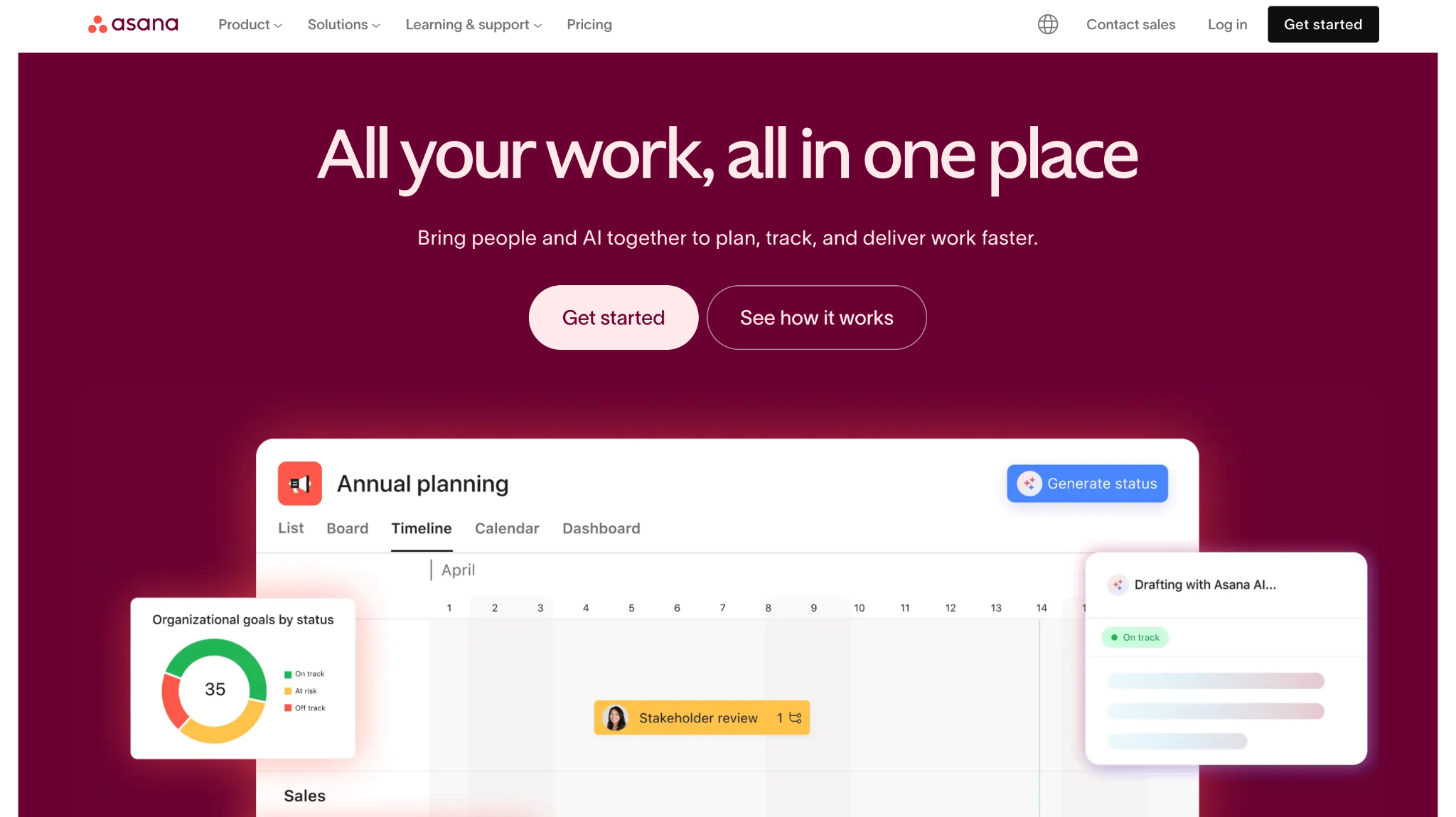
Asana is project and work management software that many teams treat as a core remote work tool. It organizes tasks, projects, and goals in one place, with boards, lists, and timelines. For global teams, it becomes one of the central remote work systems where priorities and ownership stay visible.
Software Pros:
- Clear project and task views
- Good support for cross-team work
- Strong integrations with chat and file tools
Software Cons:
- Can feel heavy for very small teams
- Needs someone to own structure and cleanup
Asana Review:
While reviewing Asana, I checked how it helps teams see what is happening across time zones without long status meetings. I liked how tasks, owners, and due dates give a simple shared picture, even when people rarely overlap. In my opinion, it is one of the best tools for remote work when you need a shared “home” for projects.
Our Verdict
Solid Work Hub For Projects
ClickUp
Quick Overview:
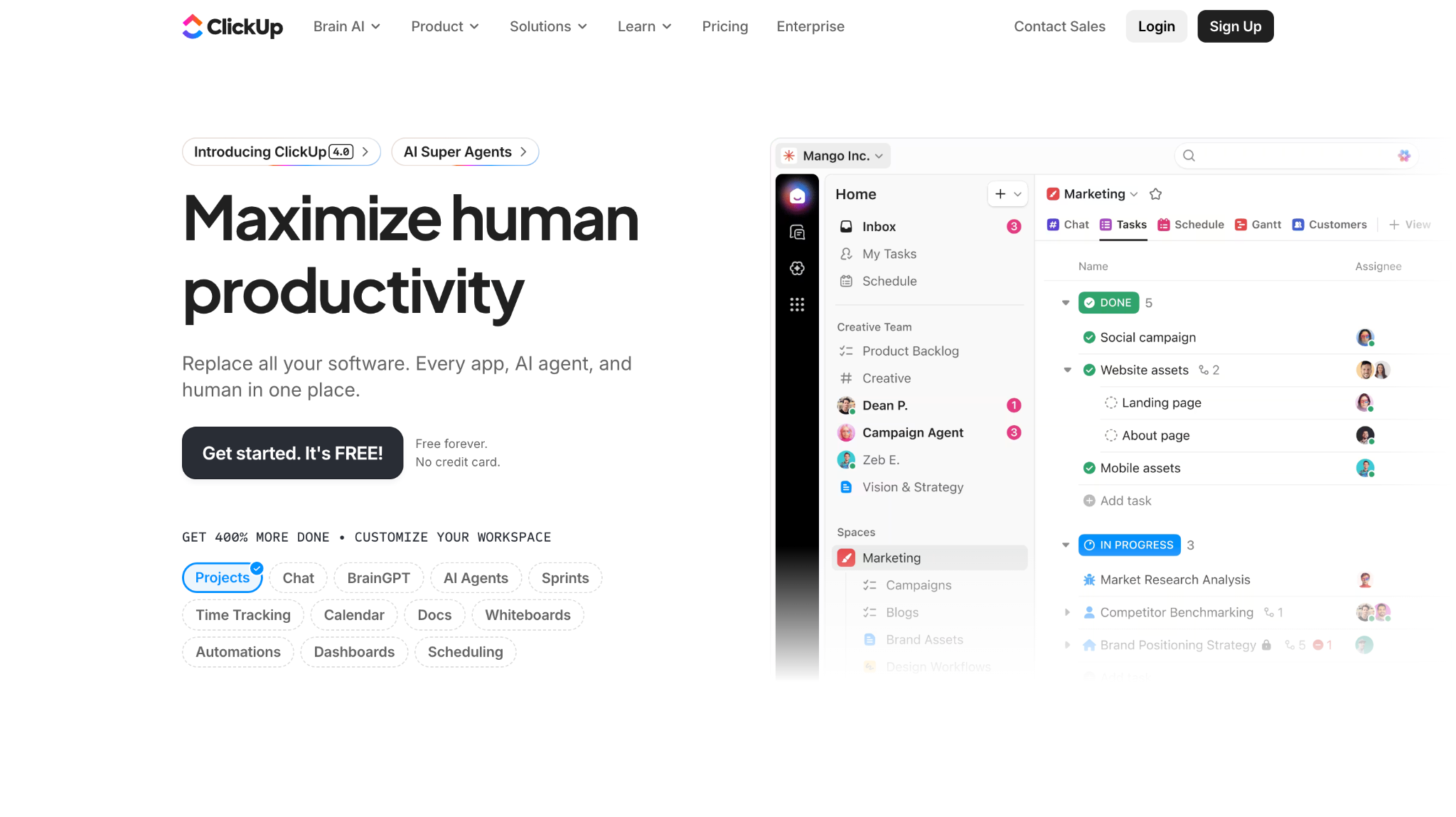
ClickUp is one of the best tools managing remote employees that combines tasks, docs, goals, and dashboards. Global teams use it as remote work software tools to manage sprints, backlogs, documents, and OKRs in a single workspace. Views range from lists and boards to Gantt and workload.
Software Pros:
- Very flexible structure and views
- Built-in docs and whiteboards
- Can support many teams under one roof
Software Cons:
- Interface can feel busy if everything is turned on
- Some advanced features take time to learn
ClickUp Review:
I spent some time exploring how different teams can share a ClickUp space without stepping on each other. The mix of views makes it easier to give everyone what they need, from high-level dashboards to simple task lists. I’d position this as one of the best remote working tools for teams that want to replace several separate apps with one platform.
Our Verdict
All-In-One Remote Work Workspace
Deel
Quick Overview:
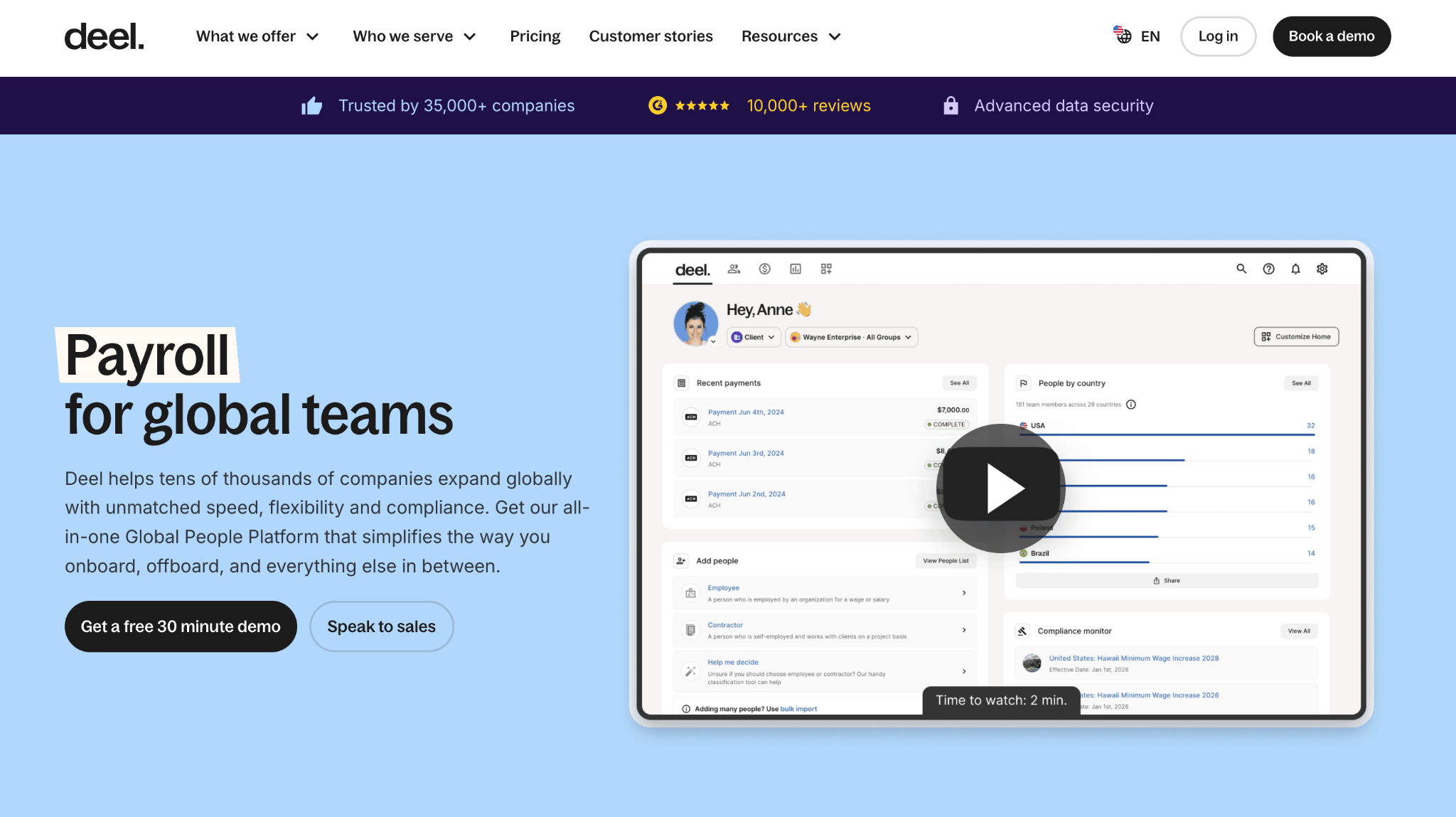
Deel is a global HR and payroll platform that helps companies hire and pay people in many countries. It is not a collaboration app, but it is a key remote work solution for compliance, contracts, and payments. Remote-first companies often use it for contractors, EOR hires, and global benefits.
Software Pros:
- Strong support for multi-country hiring and payroll
- Clear workflows for contracts and documents
- Helpful for compliance across borders
Software Cons:
- Not a day-to-day collaboration tool
- Pricing can feel high for early-stage teams
Deel Review:
While exploring Deel, I paid attention to how it handles hiring and paying people who never come to a central office. It reduces the number of local vendors and lawyers you need to juggle, which matters for small HR teams. I tend to view it as a core remote working solution when you are moving from local hiring to a genuinely global team.
Our Verdict
Global Hiring And Payroll Backbone
Figma

Quick Overview:
Figma is a collaborative design platform used for product design, prototypes, and visual systems. It works in the browser, so remote teams can edit and comment in real time. For distributed design and product groups, it’s one of the most important remote work collaboration tools.
Software Pros:
- True real-time multi-user editing
- Strong commenting and version history
- Works well for design systems and prototypes
Software Cons:
- Mainly focused on design work
- May feel complex for non-designers
Figma Review:
I was curious to see how Figma handles live collaboration when three or four people are working on the same file. It does a good job of keeping comments, design changes, and discussion in one canvas, which reduces long email threads. In my opinion, it’s one of the top remote team tools for design-heavy product teams.
Our Verdict
Real-Time Design For Distributed Teams
GitHub

Quick Overview:
GitHub is a code hosting and version control platform that many engineering teams use as a core remote working tool. It combines repositories, pull requests, issues, and CI integrations. For engineering orgs, it doubles as remote work management tools for code and related tasks.
Software Pros:
- Strong version control and collaboration around code
- Clear review and pull request flows
- Issue tracking and project boards included
Software Cons:
- Built mainly for software teams
- Some features need DevOps knowledge to set up
GitHub Review:
I usually pay attention to how developers review and ship code when they never sit together in a room. GitHub gives a natural place for that work, from small fixes to large features, with comments and checks in one thread. I’d position it as essential remote team software for any distributed engineering team.
Our Verdict
Default Remote Hub For Developers
Google Workspace
Quick Overview:
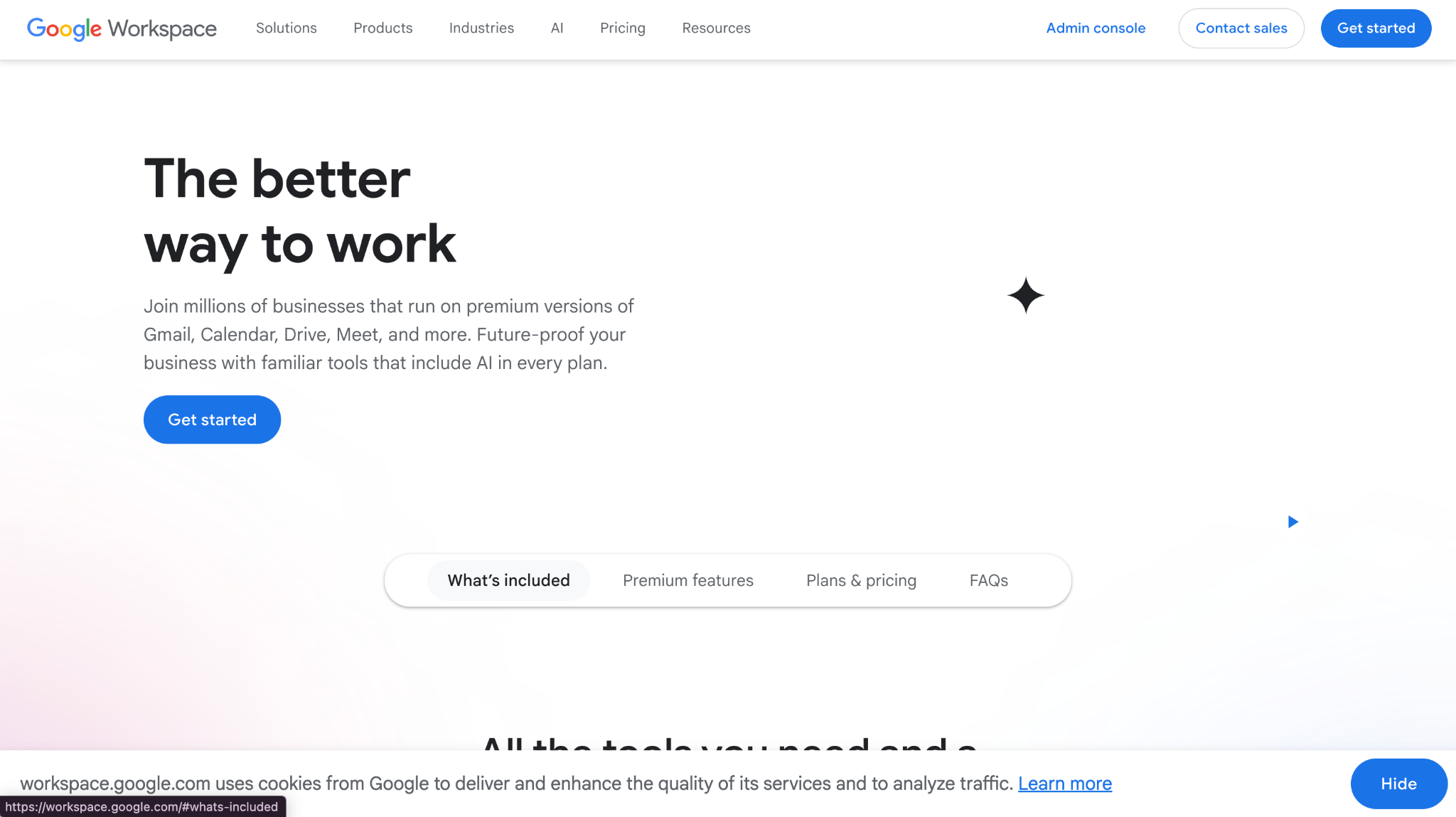
Google Workspace combines Gmail, Calendar, Drive, Docs, Sheets, and Meet. It serves as a broad remote work system that covers email, docs, and video in the browser. Many global teams use it as the base layer of their remote work software.
Software Pros:
- Real-time document and spreadsheet collaboration
- Strong search and sharing controls
- Simple browser-based access from anywhere
Software Cons:
- Admin settings can be complex at scale
- Heavier offline use requires extra setup
Google Workspace Review:
What stood out to me is how much daily work can happen directly in shared docs and sheets when people are spread across time zones. Comments and suggestions keep conversations close to the content instead of stuck in long email threads. In my view, this is one of the best remote work tools for teams that want everything to run in the browser.
Our Verdict
Core Cloud Office For Global Teams
Hubstaff
Quick Overview:
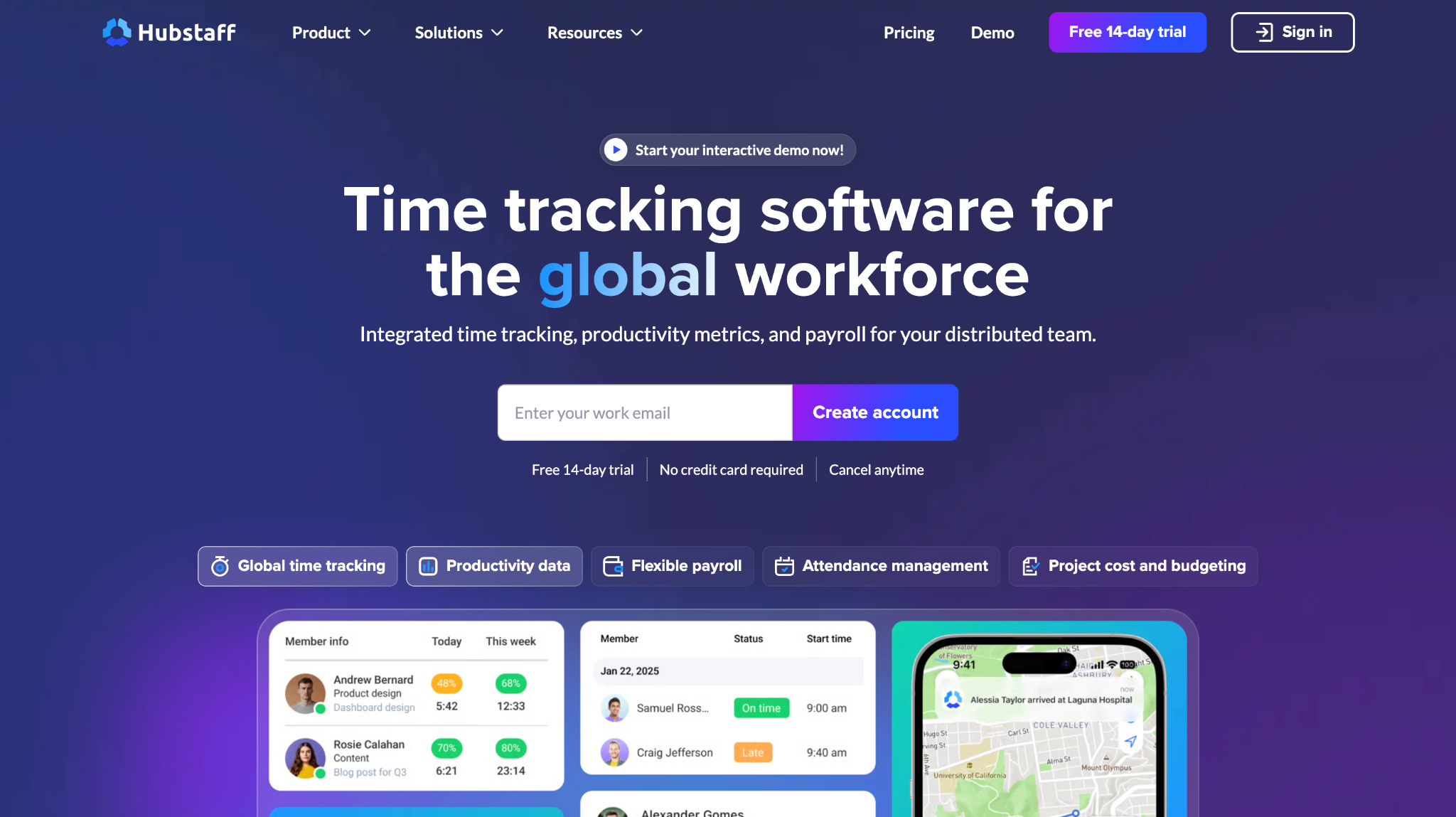
Hubstaff is time tracking and activity software used by remote teams, agencies, and field services. It acts as remote work productivity software, with time logs, optional screenshots, GPS, and reporting.
Software Pros:
- Detailed time and activity tracking
- Options for GPS and job-site tracking
- Integrations with project and payroll tools
Software Cons:
- Monitoring features must be handled carefully for trust
- May be more than needed for high-trust, output-only teams
Hubstaff Review:
I spent time looking at how Hubstaff reports summarize hours, projects, and activity without flooding managers with raw data. It can bring clarity to how time is used, which is useful for client work and field roles. At the same time, I think it works best when teams are very clear about expectations and privacy.
Our Verdict
Detailed Time And Activity Tracker
Jira Software
Quick Overview:
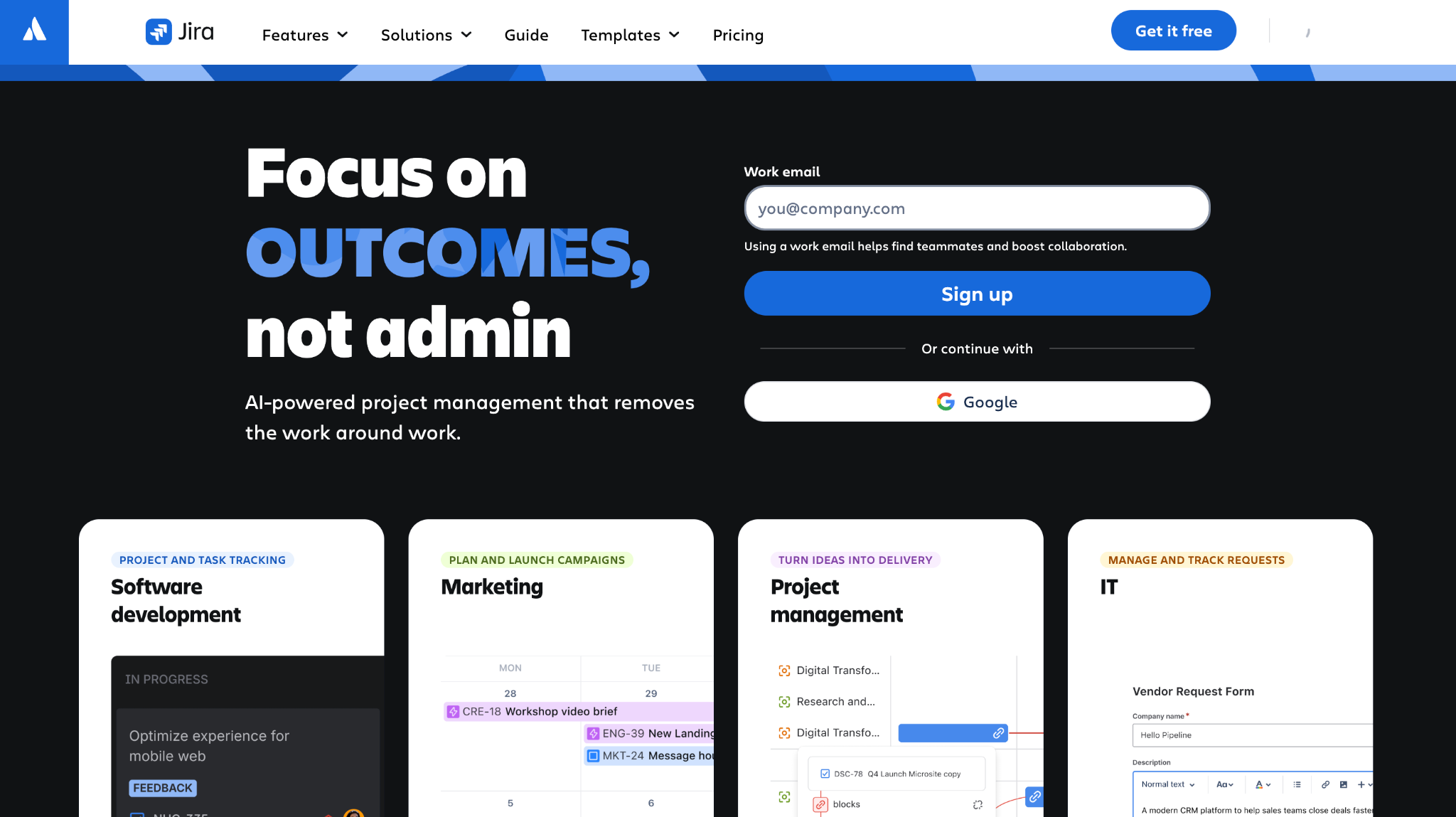
Jira Software is a work tracking tool for software and product teams. It handles backlogs, sprints, bugs, and workflows. For distributed engineering groups, it is one of the core remote work management tools they use daily.
Software Pros:
- Strong support for agile workflows
- Flexible boards and workflows
- Deep ecosystem of integrations
Software Cons:
- Can feel complex for non-technical users
- Needs admin time to keep clean
Jira Software Review:
I found it helpful to see how Jira organizes work into epics, stories, and sprints that can be followed across time zones. When boards are well set up, people can see what is in progress and what is blocked without long sync calls. In my opinion, it is one of the top remote working tools for engineering-heavy teams.
Our Verdict
Agile Engine For Distributed Dev Teams
Loom

Quick Overview:
Loom is a video messaging tool where people record quick screen and camera videos instead of scheduling meetings. It supports async communication, which is key in many remote work solutions. People can watch, comment, and reply in their own time.
Software Pros:
- Great for async explanations and updates
- Easy to share and embed recordings
- Reduces some meetings
Software Cons:
- Can get noisy if overused
- Not a full meeting replacement for all topics
Loom Review:
What I noticed fairly quickly is how much easier it is to explain a complex issue with a short video instead of a long chat thread. Managers can walk through documents, design, or dashboards once, and people in other time zones can catch up later. I tend to view Loom as one of the best remote work apps for replacing “quick call?” meetings.
Our Verdict
Async Video For Clearer Updates
Microsoft Teams

Quick Overview:
Microsoft Teams is a hub for chat, meetings, and files in the Microsoft 365 world. It acts as remote work communication tools plus collaboration, with channels, video meetings, and apps. Many enterprises treat it as their main remote working solution.
Software Pros:
- Deep integration with Microsoft 365
- Chat, meetings, and files in one place
- Strong enterprise security controls
Software Cons:
- Can feel heavy for smaller teams
- Channel sprawl needs active management
Microsoft Teams Review:
I appreciated the way Teams brings documents, calls, and chat into one space when everyone is already using Microsoft 365. Decision threads sit next to files, which helps when people join from different locations. In my opinion, it is one of the best remote working software options for organizations already invested in Microsoft tools.
Our Verdict
Enterprise Chat And Meeting Backbone
Miro

Quick Overview:
Miro is an online whiteboard used for workshops, brainstorming, and planning. It gives remote teams a shared canvas for sticky notes, flows, and diagrams. As remote work collaboration tools go, it covers many of the “room with a whiteboard” use cases.
Software Pros:
- Large, flexible boards for many use cases
- Good templates for workshops and mapping
- Works for both async and live sessions
Software Cons:
- Big boards can become messy without structure
- Heavy boards may lag on weak connections
Miro Review:
I found it especially useful when mapping processes or product ideas with people who will never be in the same room. The visual format keeps everyone engaged and reduces the need for follow-up slides. I’d position Miro as one of the best remote work tools for teams that run a lot of workshops or planning sessions.
Our Verdict
Digital Whiteboard For Global Workshops
Monday.com
Quick Overview:
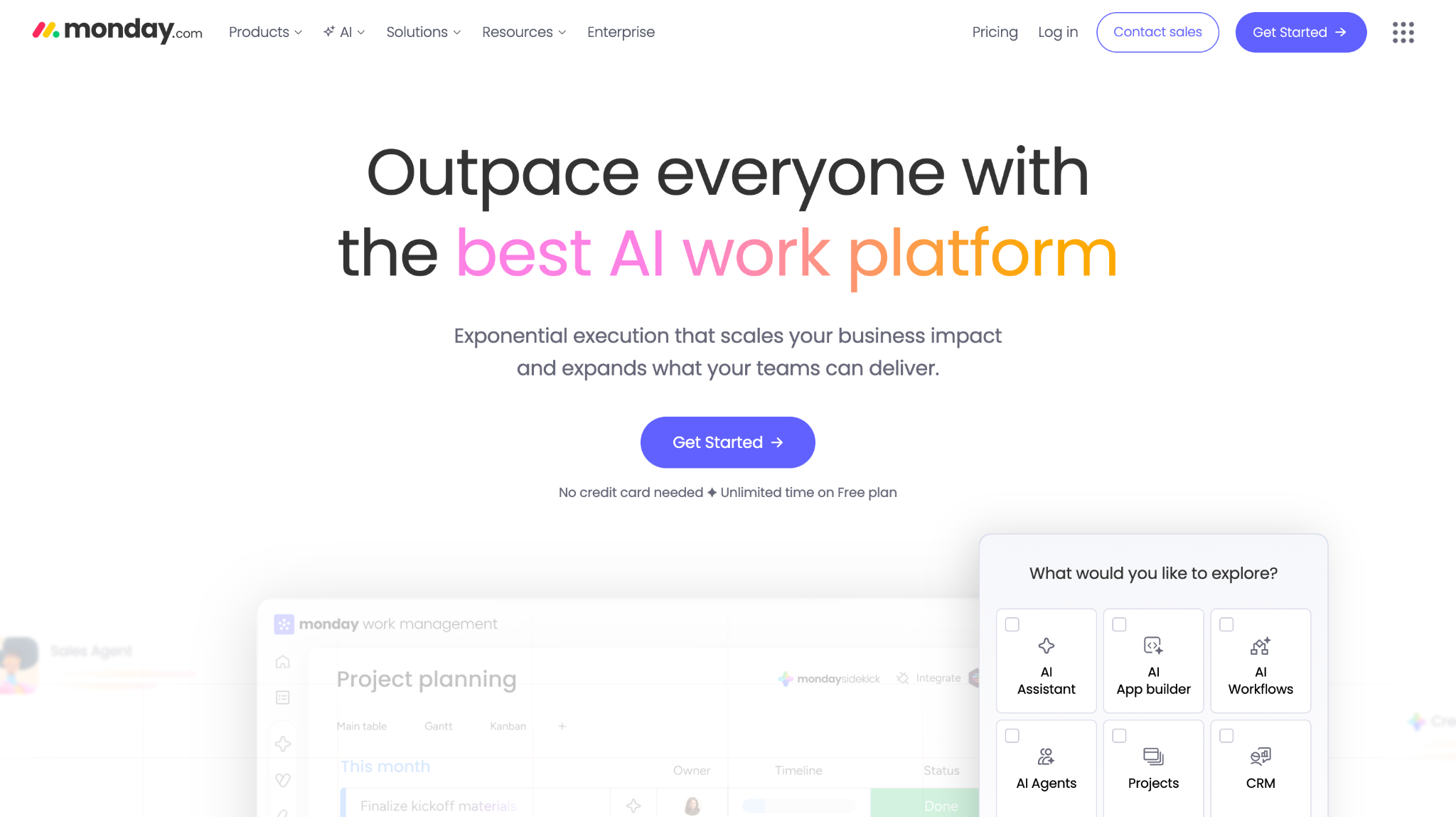
Monday.com is a work platform with boards, automations, and dashboards. Teams use it as remote work management software to track projects, requests, and workflows. It has templates for marketing, operations, and product teams.
Software Pros:
- Visual boards that are easy to scan
- Automation for routine updates
- Flexible enough for many team types
Software Cons:
- Many templates can feel overwhelming at first
- Reporting depth depends on plan and setup
Monday.com Review:
I liked how teams can start with a simple board and then add automations as they learn what they need. Status colors and columns give a quick sense of progress without long reports. For many teams, it becomes one of the best remote work tools to replace spreadsheets and email threads.
Our Verdict
Visual Boards For Remote Ops
Notion
Quick Overview:
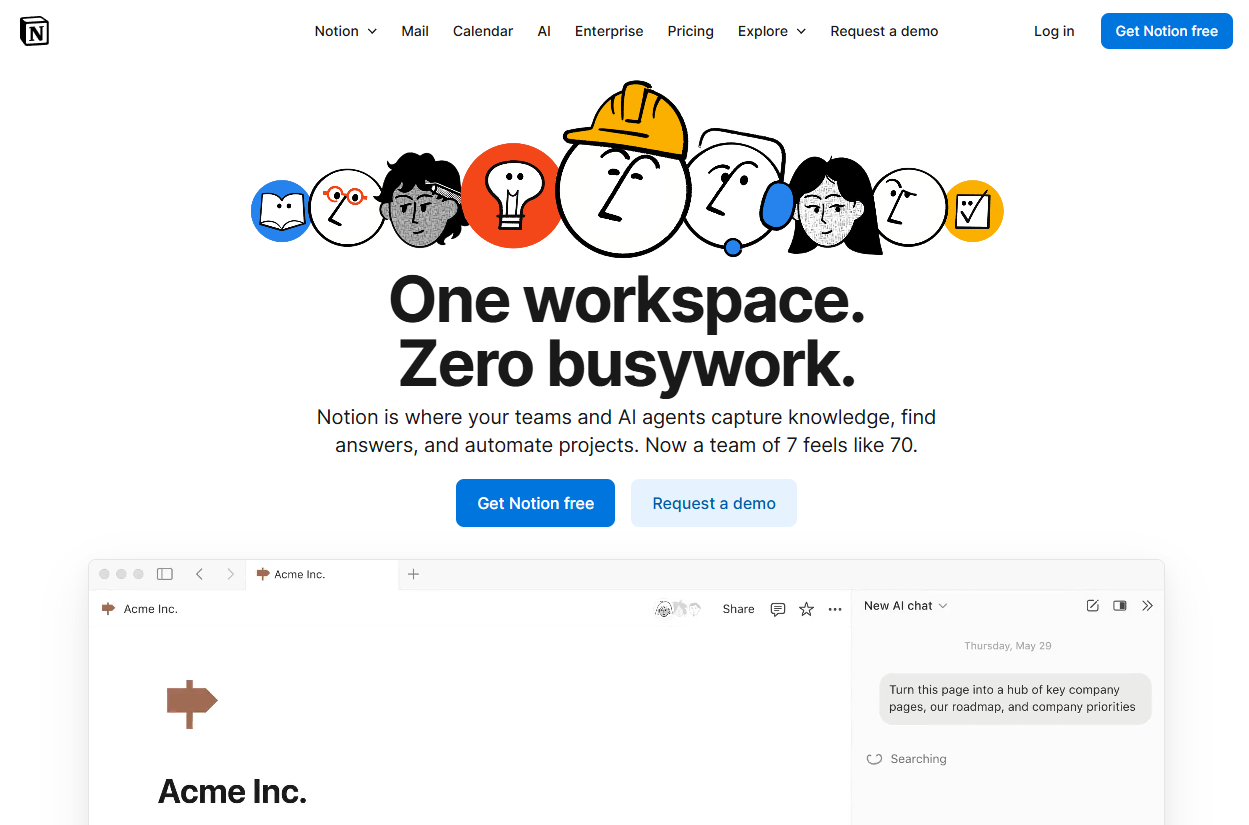
Notion is a flexible workspace for pages, databases, and docs. Remote teams use it as remote work software tools for wikis, notes, and light project tracking. It also pairs well with best knowledge base tools when teams want a home for internal documentation.
Software Pros:
- Highly flexible structure and templates
- Good mix of docs and databases
- Generous free tier for small groups
Software Cons:
- Needs a clear structure to avoid chaos
- Some people prefer more rigid tools
Notion Review:
I spent some time exploring how teams build out a full remote knowledge base in Notion, from onboarding to playbooks. It works well when someone is willing to own naming and navigation. I tend to view it as one of the best remote work tools when you want a shared “second brain” for the company.
Our Verdict
Adaptable Wiki For Distributed Teams
Remote
Quick Overview:
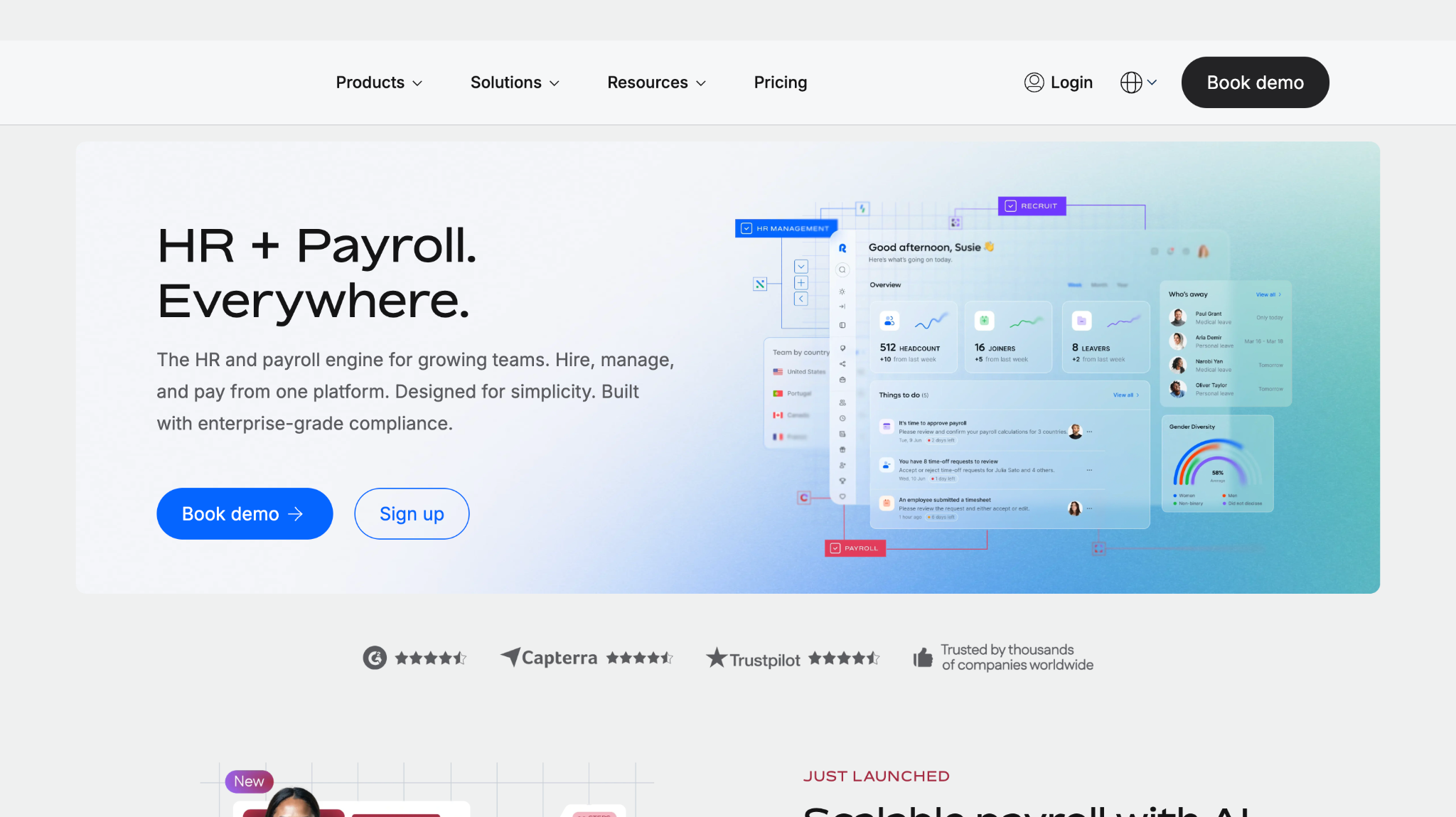
Remote is a global employment platform similar in spirit to Deel. It helps companies hire full-time employees in other countries via EOR arrangements and manage payroll and benefits. It supports remote work systems by handling legal and compliance parts of hiring.
Software Pros:
- Strong focus on compliant global hiring
- Clear employee and employer portals
- Helpful for smaller HR teams going global
Software Cons:
- Not a collaboration tool
- Pricing needs to be weighed against in-house legal and payroll options
Remote Review:
Think of Remote as part of the “invisible” remote working solution: people cannot join your remote team if you cannot legally employ them. It reduces friction when you want to hire in new countries but do not want to set up local entities. For companies scaling international teams, I’d put it in the top remote work tools list on the HR side.
Our Verdict
Compliance Layer For Global Hiring
Slack
Quick Overview:
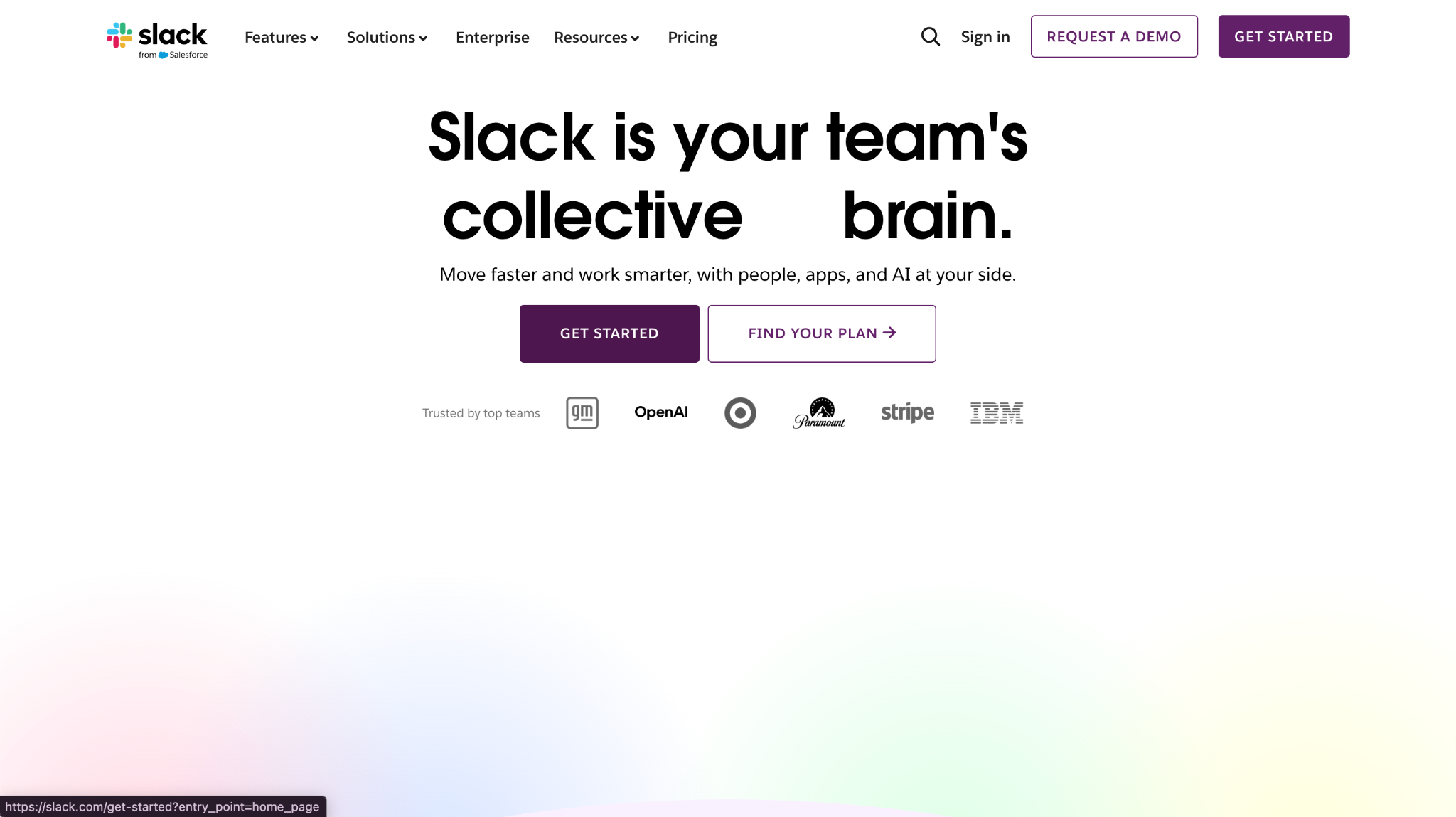
Slack is a chat-based collaboration platform built for teams. It groups conversations into channels, threads, and DMs and integrates with many apps. For many companies, it is the central remote work communication tools layer.
Software Pros:
- Channel-based communication keeps topics organized
- Strong app ecosystem and integrations
- Good search for past conversations
Software Cons:
- Can become noisy without channel rules
- Hard to use as a long-term knowledge base
Slack Review:
While exploring Slack, I paid attention to how channel structure and naming affect clarity. With simple rules, channels become a live map of projects and teams, which helps people who start their day in a different time zone. In my opinion, Slack is one of the best remote work tools for fast, informal collaboration, as long as you pair it with a calmer knowledge base.
Our Verdict
Real-Time Nerve Center For Remote Teams
TeamViewer
Quick Overview:
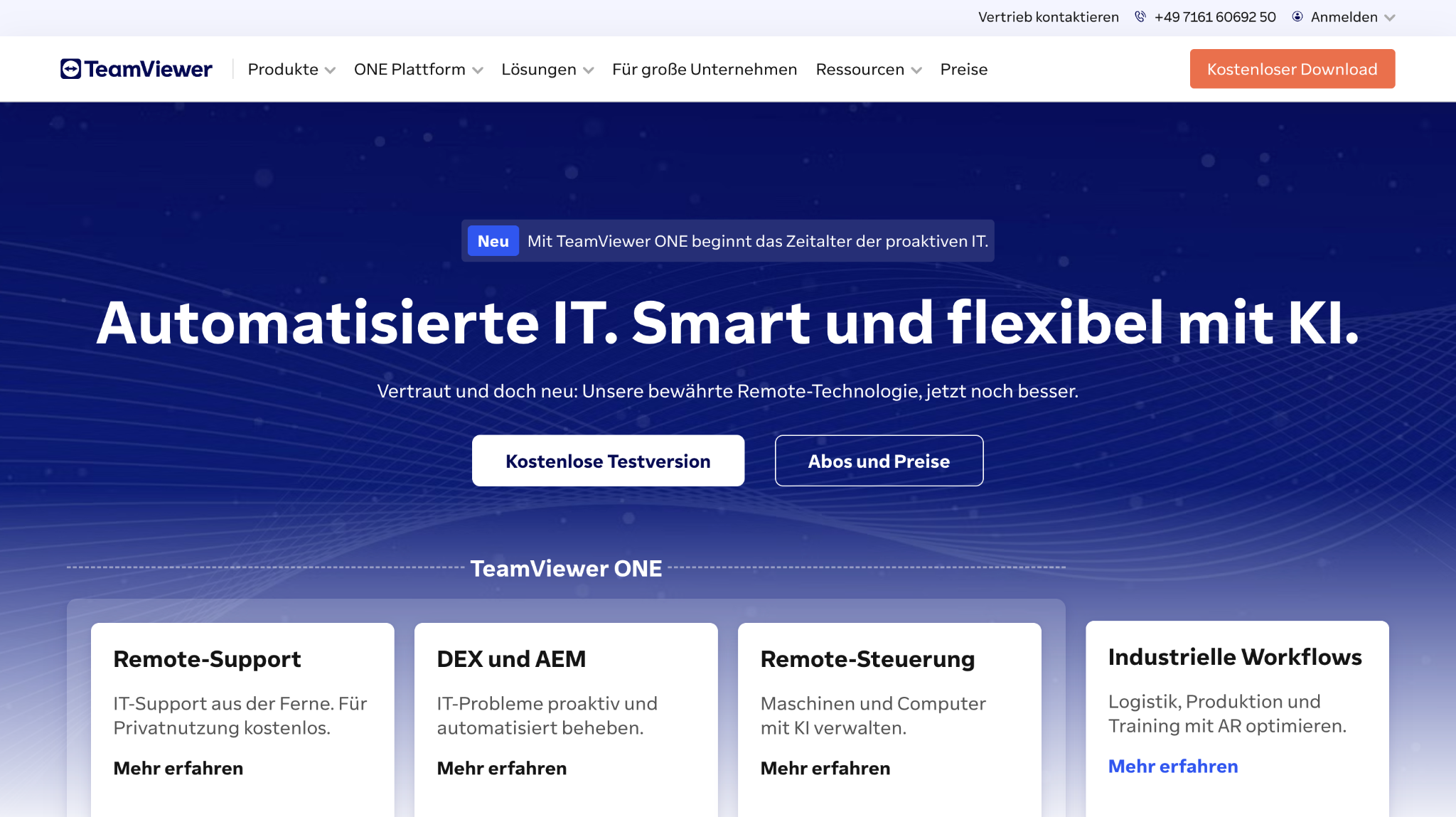
TeamViewer lets people remotely access and control other devices. IT and support teams use it as remote working tools for troubleshooting, training, and admin work on machines in other locations. It is widely used in support centers and distributed IT teams.
Software Pros:
- Cross-platform remote access and support
- Useful for IT helpdesk and training
- Strong security and access controls
Software Cons:
- Narrow focus on device access, not collaboration
- Some features may be overkill for small teams
TeamViewer Review:
I found it genuinely helpful when thinking about how IT supports people working from home or in co-working spaces. Being able to see and control a user’s screen can turn a long email thread into a short fix. I’d position it primarily as a remote work tool for IT teams rather than a general collaboration app.
Our Verdict
Remote Access For Distributed IT
Time Doctor

Quick Overview:
Time Doctor is time tracking and productivity software aimed at remote and hybrid teams. It combines time logs, web and app usage, and optional screenshots. Many companies treat it as remote work productivity software to understand how time is spent.
Software Pros:
- Detailed time and activity breakdowns
- Useful for client billing and cost tracking
- Multiple views for teams and individuals
Software Cons:
- Monitoring features need clear policy and consent
- May not fit high-trust, outcome-only cultures
Time Doctor Review:
I usually pay attention to how tools like this present data to managers: whether it supports coaching or just policing. Time Doctor can surface patterns that are useful, but it works best when leaders focus on outcomes and wellbeing, not only minutes. In my opinion, it belongs in the best remote work software lists mainly for teams that need strict time reporting for clients or compliance.
Our Verdict
Detailed Time And Productivity Lens
Trello
Quick Overview:
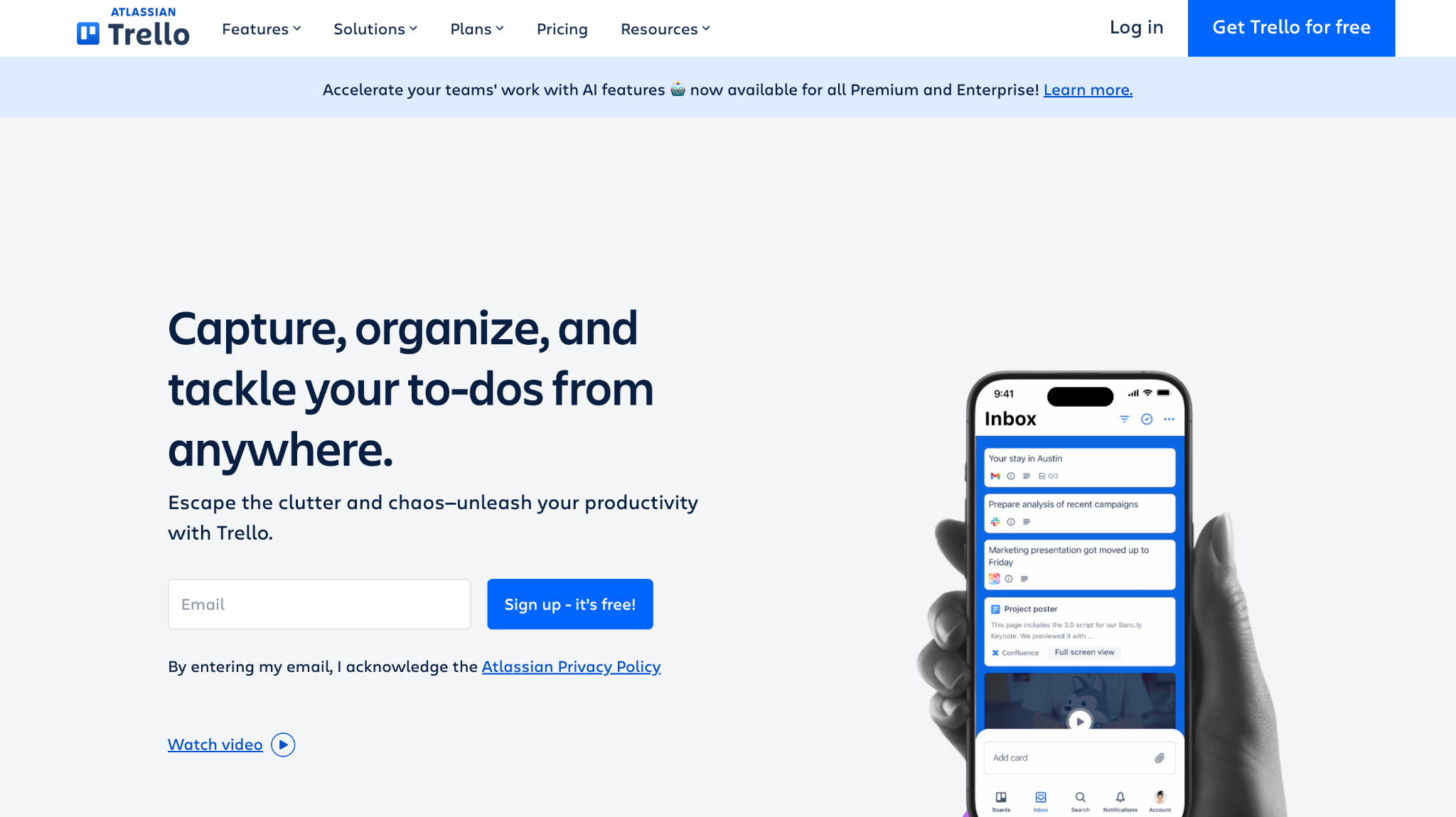
Trello is a simple board-based project tool where cards move across lists. It is one of the classic tools for remote working because it is easy to understand and quick to adopt. Remote teams use it for projects, content calendars, hiring pipelines, and more.
Software Pros:
- Very simple to learn and use
- Flexible boards for many workflows
- Power-ups add automation and integrations
Software Cons:
- Less suited for very complex projects
- Reporting is lighter than in bigger platforms
Trello Review:
I liked how quickly a team can set up a Trello board and start using it without much training. The visual flow of cards moving across lists makes progress easy to see at a glance. For small and mid-size teams looking for best remote work tools that stay simple, Trello still earns its place.
Our Verdict
Lightweight Boards For Everyday Work
Twist
Quick Overview:
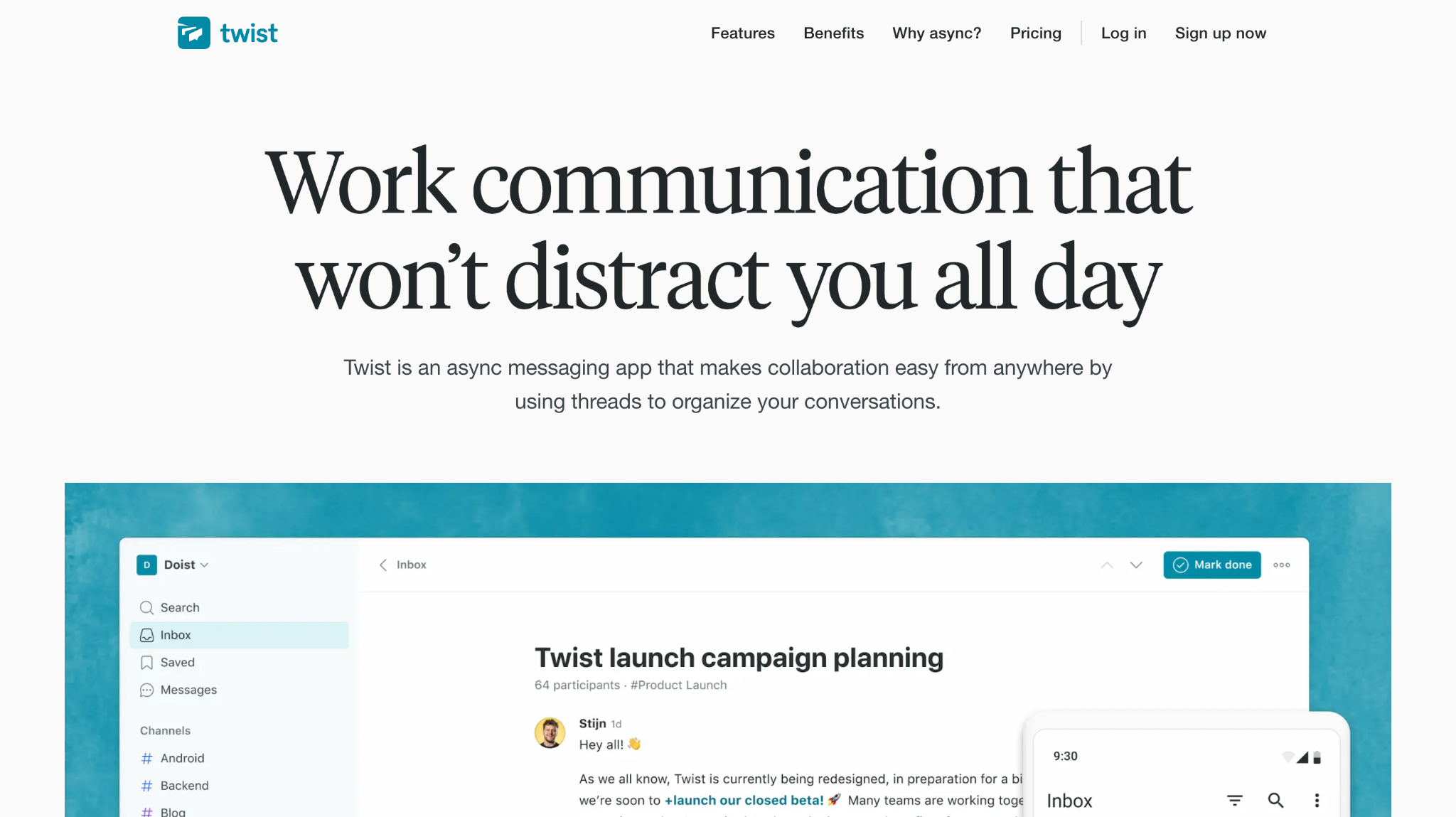
Twist is a team communication app built for async work. Unlike chat tools that focus on live messages, Twist organizes conversations into threads that do not demand instant replies. It aims to be a calmer remote work communication tool for distributed teams.
Software Pros:
- Thread-first model supports async work
- Less noisy than live chat tools
- Good for deep work cultures
Software Cons:
- Smaller ecosystem than Slack or Teams
- Less suited for teams that rely on fast chat
Twist Review:
I found the approach interesting because it treats remote work as inherently async instead of trying to mimic an office chat room. Threads invite more thoughtful replies and make it easier to catch up after time away. For teams that want tools to manage remote employees without constant pings, Twist is worth a close look.
Our Verdict
Calm Communication For Async Teams
Zapier
Quick Overview:
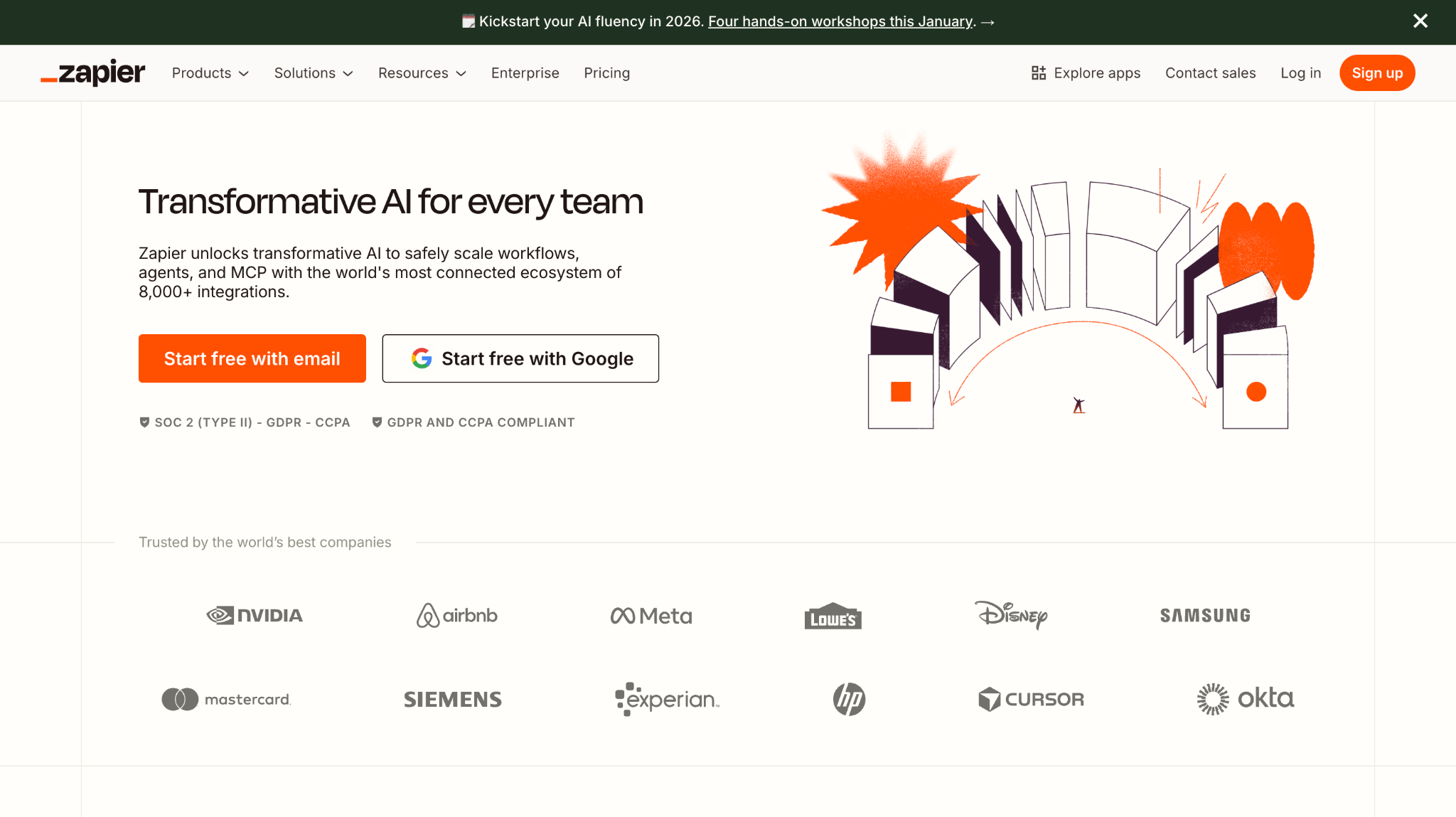
Zapier is an automation platform that connects thousands of apps. It acts as remote work management tools glue: moving data between tools, triggering alerts, and updating records automatically. Many remote teams rely on it to cut manual work between systems.
Software Pros:
- Huge library of app integrations
- No-code automation for common workflows
- Helps connect niche tools into one system
Software Cons:
- Can become complex if over-automated
- Pricing rises with heavy usage
Zapier Review:
I appreciated the way Zapier can turn small manual tasks into quiet background flows, like syncing tasks, sending alerts, or logging form responses. For remote teams, that removes some of the friction of jumping between tools all day. I’d position it as one of the best remote work tools when you want your stack to behave like one connected system.
Our Verdict
Automation Glue For Remote Stacks
Zoom
Quick Overview:
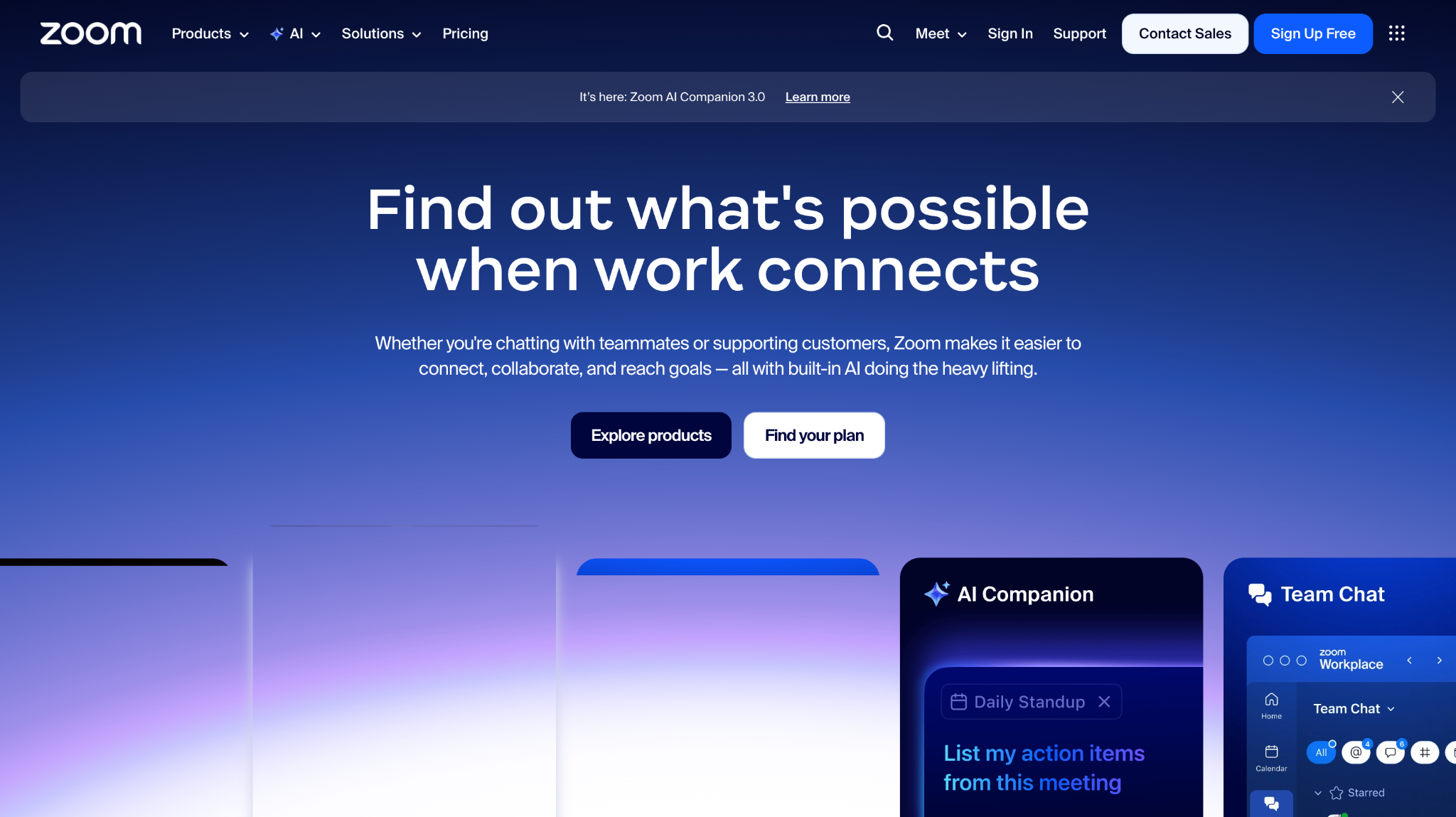
Zoom is a video conferencing platform that became one of the default remote working tools for meetings. It supports calls, webinars, breakout rooms, and recordings. Global teams use it for standups, all-hands, client calls, and more.
Software Pros:
- Stable video and audio at global scale
- Breakout rooms for workshops and training
- Recording and transcript options
Software Cons:
- Reliance on meetings can lead to fatigue
- Needs clear security and host settings
Zoom Review:
I found it easy to see why Zoom remains a top remote work tool: it does the basics of video calls well and keeps friction low for guests. The challenge, in my view, is to use it intentionally so days are not full of back-to-back calls. For planned collaboration and training, though, it is still one of the top remote work tools around.
Our Verdict
Reliable Video Backbone For Global Calls
FAQs About Remote Team Software And Global Work
What types of remote work tools are essential for global teams?
Most global teams rely on a core stack of remote work tools: chat or async messaging, video calls, file sharing, and a place to track work. On top of that, remote team software often includes time-zone friendly calendars, project boards, and HR or payroll systems that support cross-border hiring. In practice, that means picking a mix of remote work software tools that each solve a real need instead of adding tools “just in case.”
How do remote work tools support collaboration across time zones?
Remote work systems support time zones in two main ways: by making async work easy and by making live sessions rare but high-quality. Good remote work collaboration tools let people leave clear updates, comments, and documents that others can pick up later. They also help schedule meetings in fair slots and record them, so no one has to join every call live to stay informed.
How should companies choose remote work tools for global teams?
I’d start with your main workflows and ask “what are the best tools for remote work for this kind of task?” rather than chasing trends. Look at how people communicate, how work is tracked, and how you onboard new hires. Then shortlist a small set of remote work solutions that integrate well and do not duplicate each other.
What challenges do global teams face without the right remote work tools?
Without good tools for remote working, simple problems grow fast: confusion over priorities, lost context, and uneven access to information. People in some time zones may always be behind on updates, and new hires can struggle to learn how things are done. Over time, that hurts trust and performance, even if individuals work hard. Remote work management tools help reduce those gaps by keeping decisions, tasks, and updates in shared spaces.
How do remote work tools help with data security and compliance?
Modern remote team tools usually include access controls, audit logs, device rules, and options like SSO. For global teams, this is important because people log in from many networks and devices. Strong remote work solutions let admins control who sees what, while still keeping day-to-day work smooth. For sensitive roles, companies may combine these tools with VPNs, device management, and policies that sit alongside their best remote working software stack.

Yaryna is our lead writer with over 8 years of experience in crafting clear, compelling, and insightful content. Specializing in global employment and EOR solutions, she simplifies complex concepts to help businesses expand their remote teams with confidence. With a strong background working alongside diverse product and software teams, Yaryna brings a tech-savvy perspective to her writing, delivering both in-depth analysis and valuable insights.