Payroll software calculates what each worker is owed, transfers the funds via direct deposit, and files the federal, state, and local payroll taxes for each pay run. It also produces year-end W-2 and 1099 forms and gives staff a self-service portal for pay stubs. Choosing the best payroll software for small businesses starts with the same job description, because owners, office managers, and bookkeepers usually handle payroll without a dedicated specialist. Modern cloud tools have made it far less daunting than it once was.
Choosing Payroll Software for Your Small Business in 2026
Getting it wrong is expensive. The IRS routinely penalizes employers for late or miscalculated payroll tax deposits, and the smallest firms tend to absorb those hits hardest because a single missed deadline can wipe out a month of margin. That risk is why so many teams have moved off spreadsheets and onto automated payroll processing software for small businesses. Many owners also run pay beside cloud HR software for small businesses so that employee records and pay stay in one place.
The tools below fall into three loose camps: all-in-one payroll platforms, accounting-and-payroll systems that keep the books and pay in sync, and budget options for micro-teams. A fourth route skips software entirely: businesses that would rather hand the whole function off often use PEO companies that run payroll and taxes under a co-employment model. To find the top payroll software for small businesses, I reviewed 13 of the leading platforms in alphabetical order below, one pick for nearly every budget and workflow.
Top 13 Payroll Software Platforms for Small Businesses in 2026
I spent time in each of these products, running sample pay cycles and reading the fine print on tax filing, direct deposit, and accounting sync. I am listing all providers in alphabetical order to keep this comparison neutral, so nothing here is ranked first or last. The field runs from all-in-one payroll like Gusto to accounting-and-payroll tools like QuickBooks Payroll and budget options like Wave, with a couple of ecosystem-specific picks in between. Read each verdict against your own pay schedule, headcount, and whether you already keep books in a particular app, because the best payroll software for small business 2026 buyers pick usually comes down to fit rather than feature count.

ADP RUN
Quick Overview
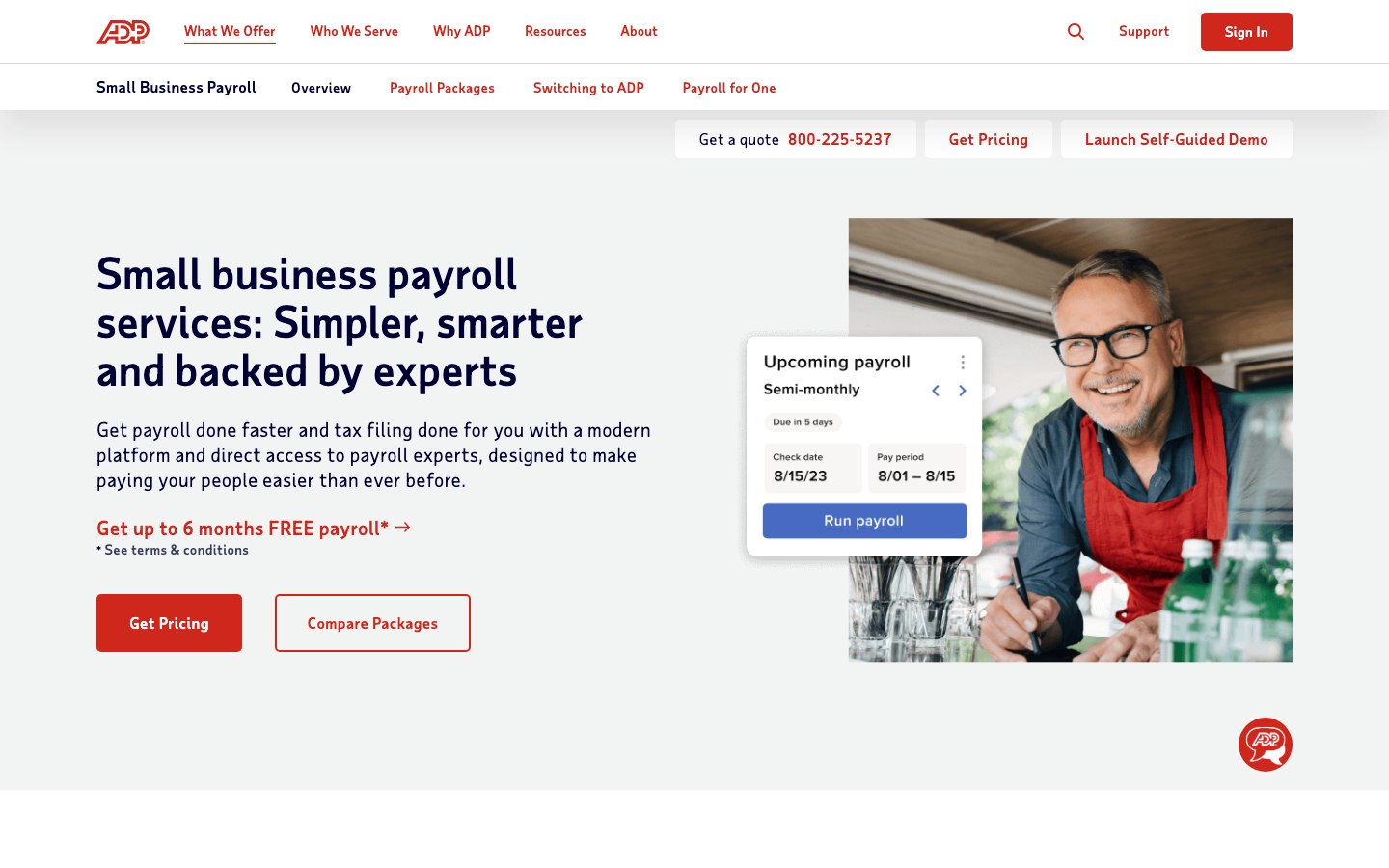
ADP RUN is ADP’s payroll-first product for firms with one to 49 staff, automating pay runs and filing taxes in all 50 states. The payroll system leans on decades of compliance work and offers HR add-ons a business can switch on as it grows.
Software Pros
- Tax filing across all 50 states
- Automated multi-state pay runs
- HR and benefits add-ons available
- Established compliance track record
Software Cons
- Pricing is not published upfront
- Add-ons push the cost up
- Interface feels dated in places
ADP RUN Review
During my evaluation, ADP RUN felt built for an owner who wants online payroll software for a small business that simply keeps working as headcount climbs. Pay runs and tax deposits ran without fuss across states, and the option to bolt on HR later means a growing team is not forced to migrate. The trade is opacity: I could not price it without a sales call, and simpler shops may find it heavier than they need.
Our Verdict
Scalable SMB Payroll Engine
Deel
Quick Overview
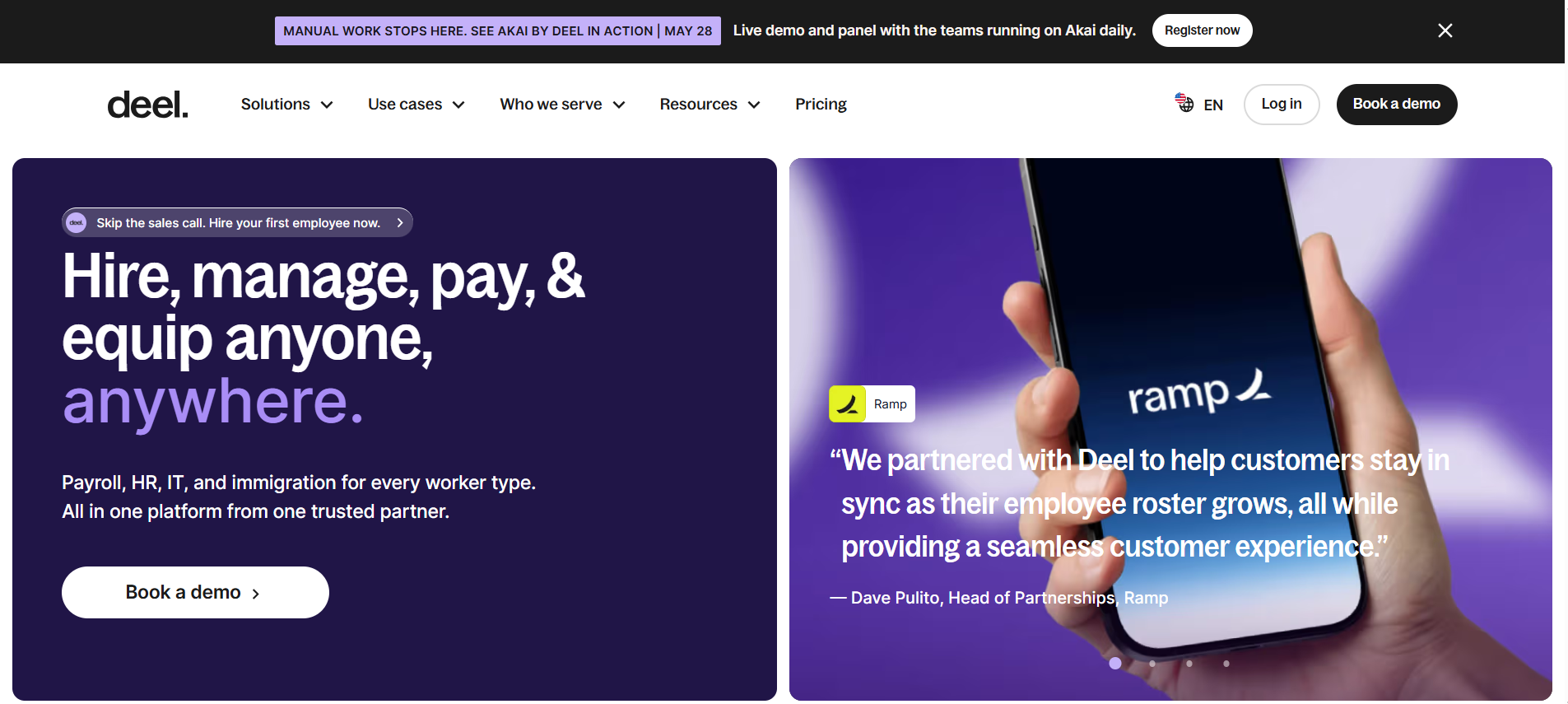
Deel is a global payroll and contractor payment platform that delivers compliant pay for employees and contractors across 150-plus countries. For a small business paying people abroad, the payroll solution handles local tax and currency rules that domestic tools ignore.
Software Pros
- Compliant payroll in 150-plus countries
- Contractor and EOR options included
- Handles local tax and currency
- Good fit for startups hiring globally
Software Cons
- Overkill for US-only micro teams
- Per-worker cost adds up abroad
- The domestic US payroll is not its focus
Deel Review
What stood out to me is how narrowly useful Deel is: for a US-only shop, it is more than needed, but for the best small business payroll software for startups hiring across borders, it is hard to beat. I paid a test contractor in another currency, and the compliance and withholding were handled for me. Owners with staff only in a single US state should consider Gusto or OnPay instead.
Our Verdict
Global Payroll For Startups
Gusto
Quick Overview
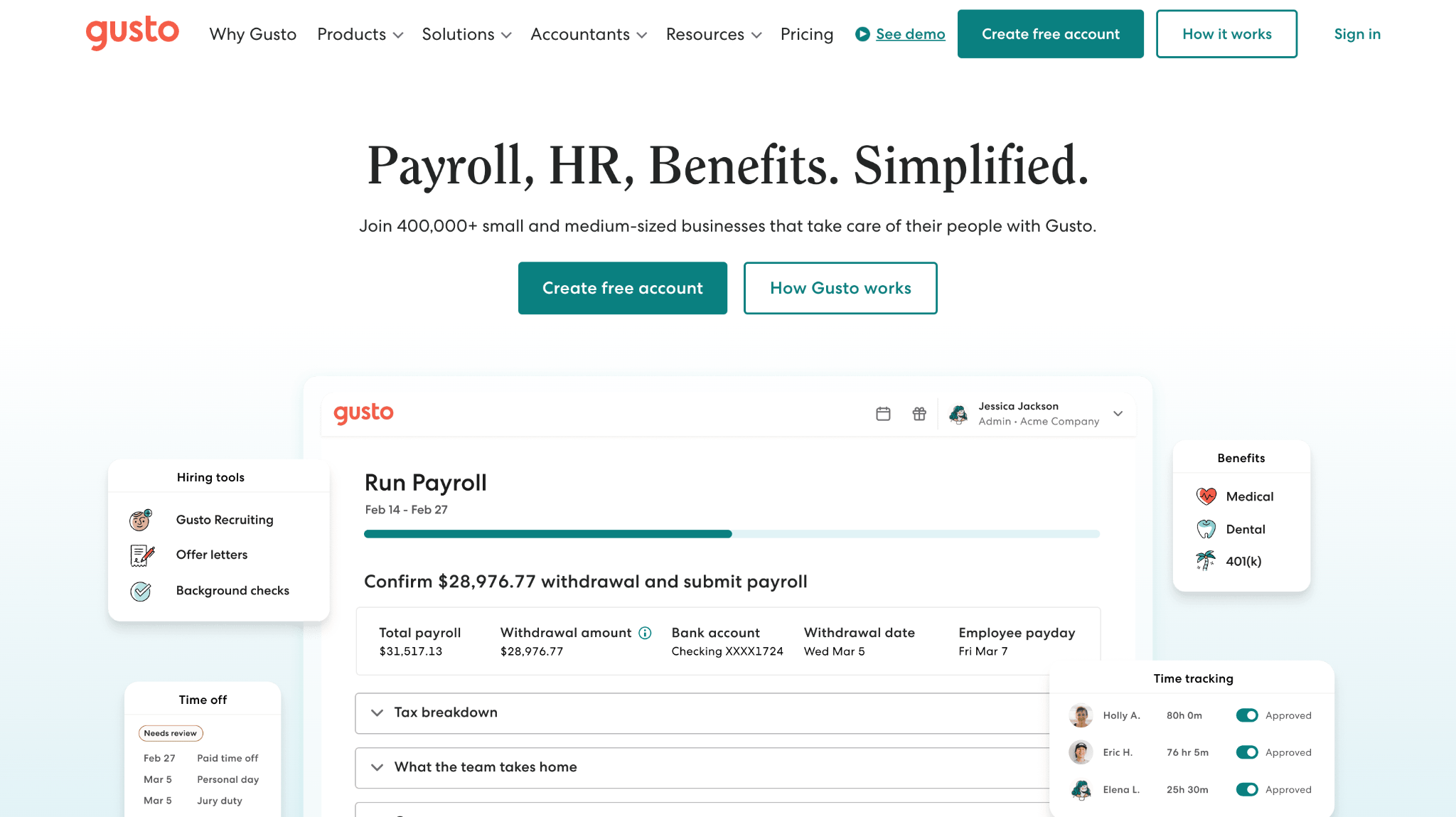
Gusto is full-service payroll for US small businesses, automating pay runs, filing federal, state, and local taxes, sending direct deposits, and syncing with QuickBooks or Xero. The payroll platform is widely rated the easiest to set up for a first-time payroll admin.
Software Pros
- Automated federal, state, and local filing
- Clean, beginner-friendly setup
- QuickBooks and Xero integrations
- Unlimited pay runs on all plans
Software Cons
- Per-employee fees add up at scale
- Phone support can be slow
- Advanced HR needs a higher tier
Gusto Review
In my assessment of Gusto, the appeal is how few clicks a run takes. I entered hours, previewed taxes, and approved pay in a couple of minutes, with the filings handled behind the scenes. It is arguably the easiest payroll software for small business teams new to running pay, though larger outfits will feel the per-head pricing.
Our Verdict
Easy All-In-One Payroll
Helpside
Quick Overview
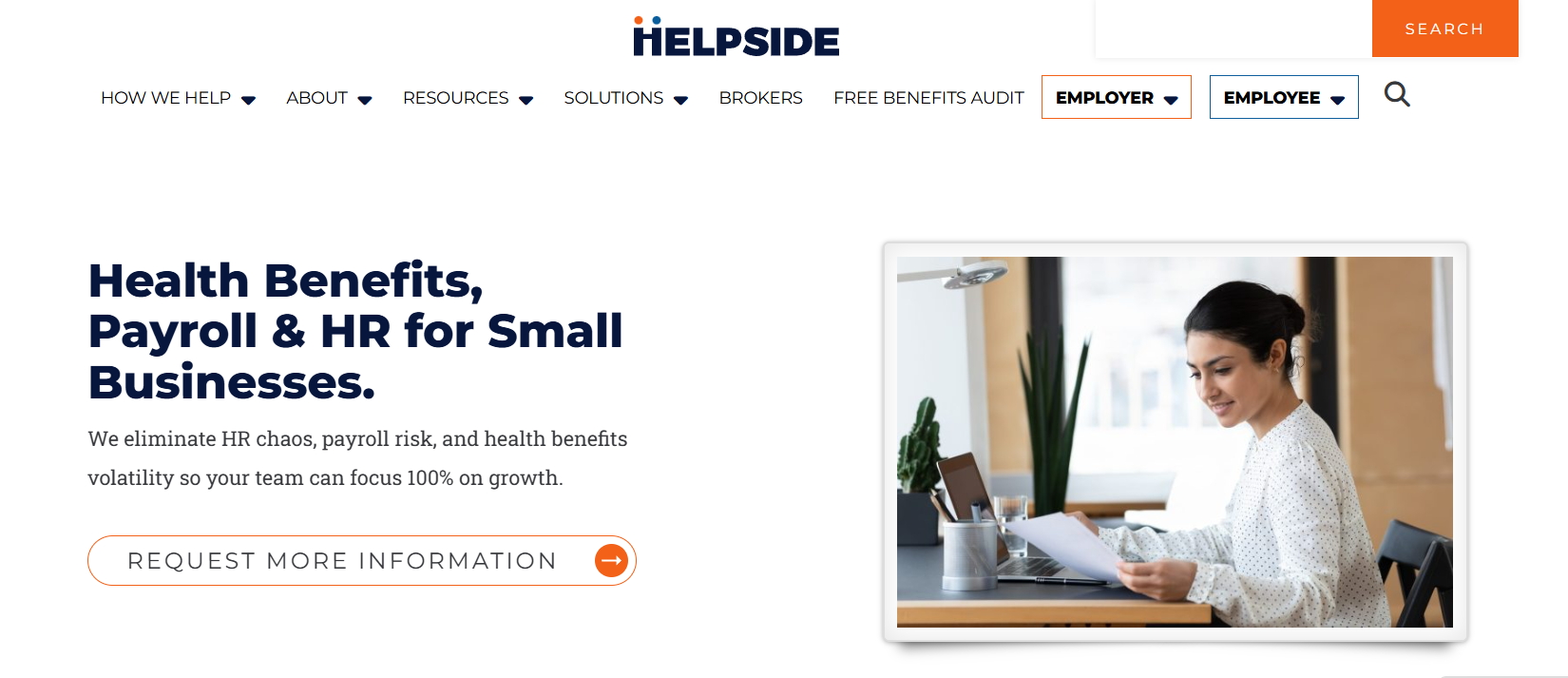
Helpside is a PEO that takes payroll off the owner’s desk entirely: it processes pay, files federal and state payroll taxes, and issues W-2s under a co-employment arrangement for small businesses in Utah, Arizona, Idaho, and Wyoming. Onboarding, time tracking, and benefits deductions feed the same system, so nothing gets exported between tools before a pay run.
Software Pros
- Payroll, tax filing, and W-2s handled for you
- Time tracking and benefits deductions feed pay directly
- One local team answers payroll questions
- No long-term contracts or hidden fees
Software Cons
- Coverage limited to four states
- A service rather than software you run
- Pricing requires a quote
Helpside Review
In my assessment of Helpside, this is the option for an owner who would rather not log in to payroll software at all: you send the hours, and a team that processes more than 28,000 pay cycles a year handles the run, tax deposits, and the filings that cause most small-business penalties. The integration is the practical part, since a benefits change or a new hire flows into the pay cycle without anyone having to re-enter data. The model targets businesses of roughly 20 to 150 employees, so a five-person shop sits below that range and would be better served by flat-rate software. The other constraint is geography, since coverage runs across Utah, Arizona, Idaho, and Wyoming.
Our Verdict
Regional PEO Payroll Service
Homebase
Quick Overview
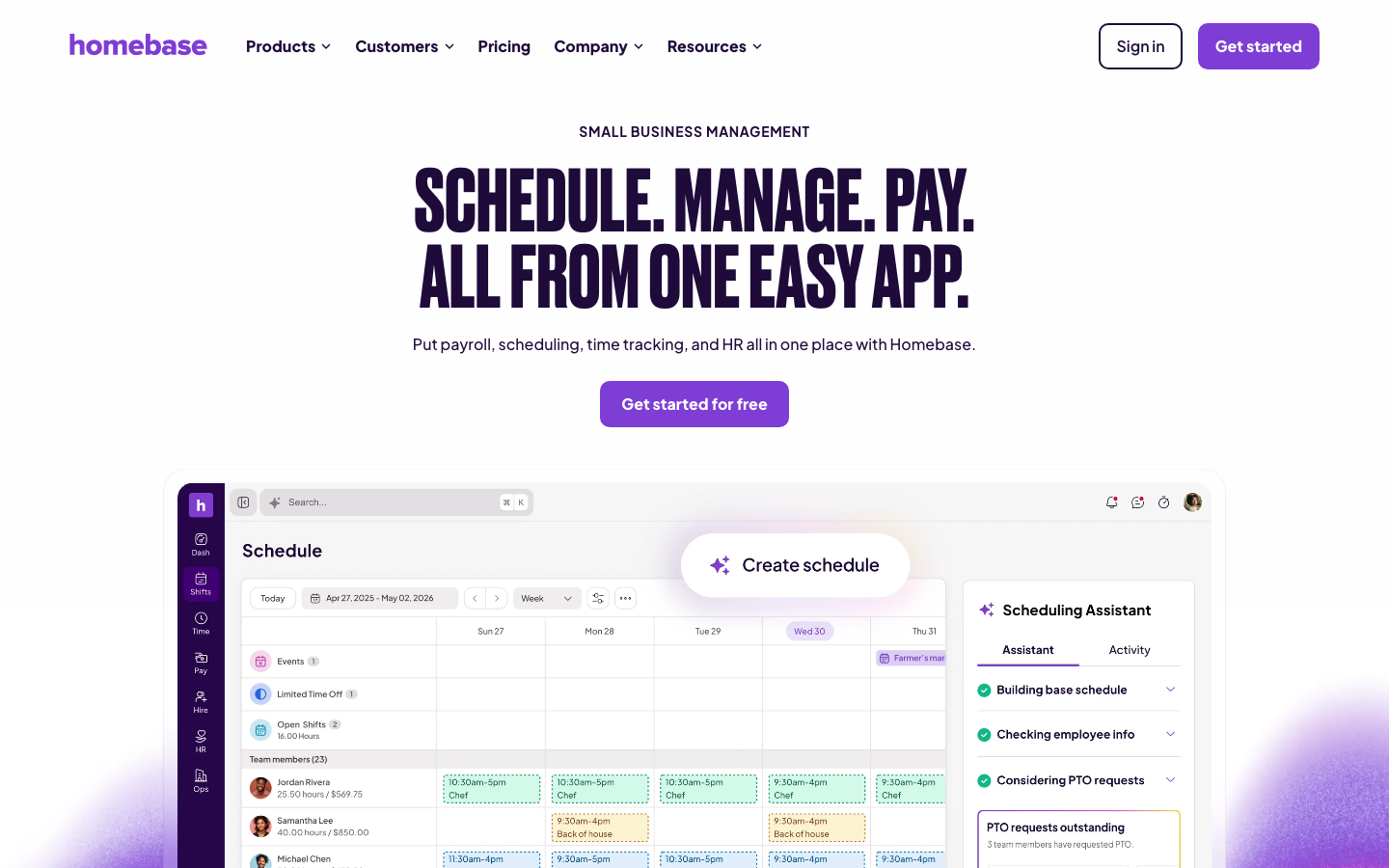
Homebase builds payroll into a scheduling and time-tracking platform made for hourly teams, so approved timesheets flow straight into a pay run. The payroll system is aimed at shops where hours, not salaries, drive the numbers.
Software Pros
- Timesheets feed pay runs directly
- Built for hourly and shift work
- Tax filing is included on paid plans
- Scheduling and payroll in one app
Software Cons
- Payroll is a paid upgrade
- Weaker fit for salaried offices
- Fewer accounting integrations
Homebase Review
While reviewing Homebase, I liked that the clock and the pay run are the same system, which removes the usual export-and-import dance for hourly staff. Approved shifts were processed as gross pay without re-keying, and taxes were filed on the paid tier. For a restaurant or retail floor, it is a natural fit, but a salaried professional office would not make full use of most of what it offers.
Our Verdict
Payroll For Hourly Teams
OnPay
Quick Overview
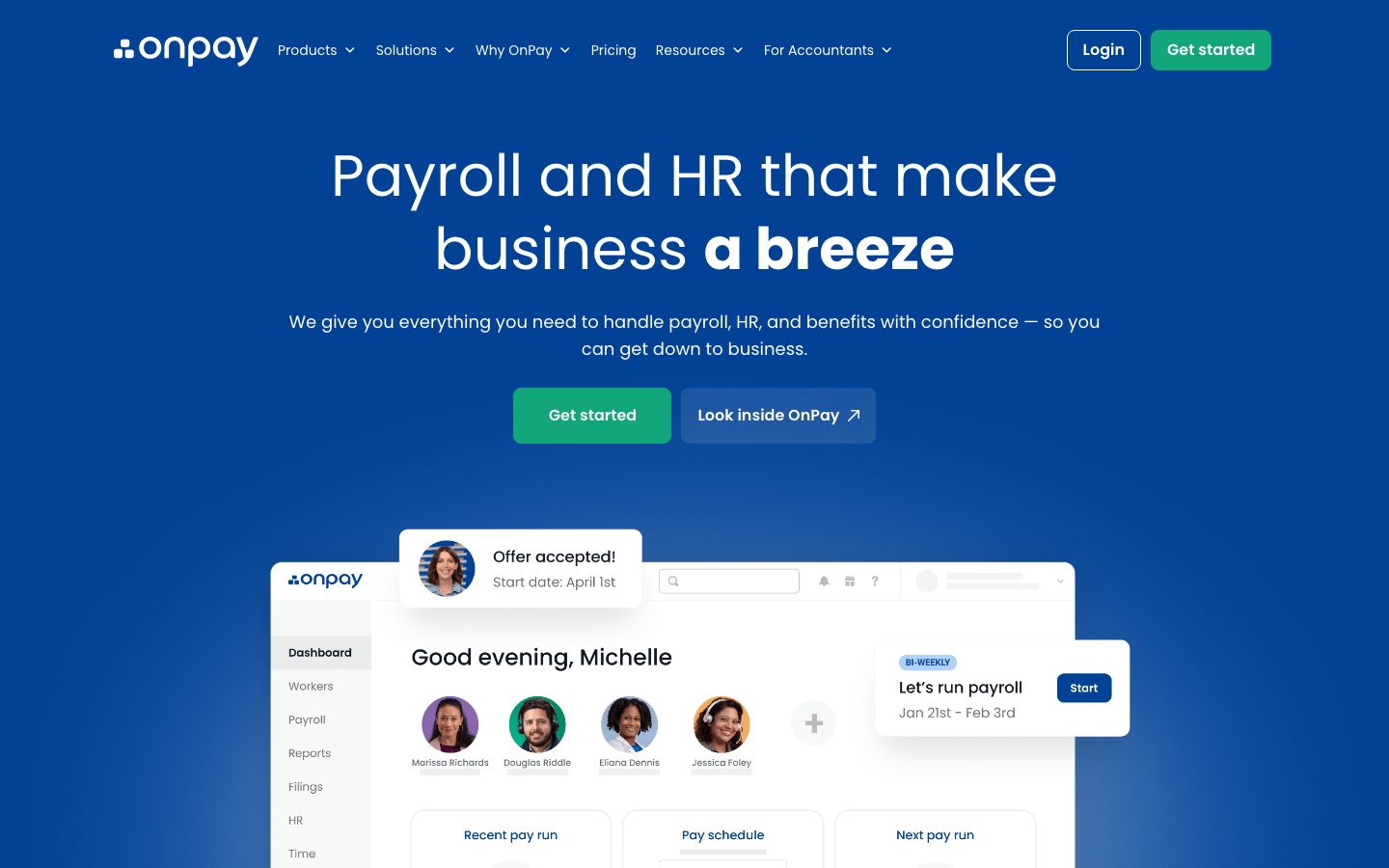
OnPay is flat-priced full-service payroll with unlimited pay runs, multi-state tax filing, and no hidden add-on fees. The payroll solution integrates with common accounting tools so the numbers reconcile cleanly.
Software Pros
- One flat, transparent price
- Unlimited multi-state pay runs
- Accounting integrations included
- Handles niche industries like farms
Software Cons
- No same-day direct deposit
- Fewer native HR features
- The mobile app is limited
OnPay Review
What stood out to me about OnPay is the honesty of the pricing: one base fee plus a per-person charge, with tax filing and multi-state runs bundled in. That makes it simple payroll software for small business owners who dislike surprise line items. I ran multi-state pay without an upcharge, and the accounting sync kept the ledger tidy. The main gap is speed, since it lacks same-day deposit.
Our Verdict
Flat-Rate Full-Service Payroll
Patriot Software
Quick Overview
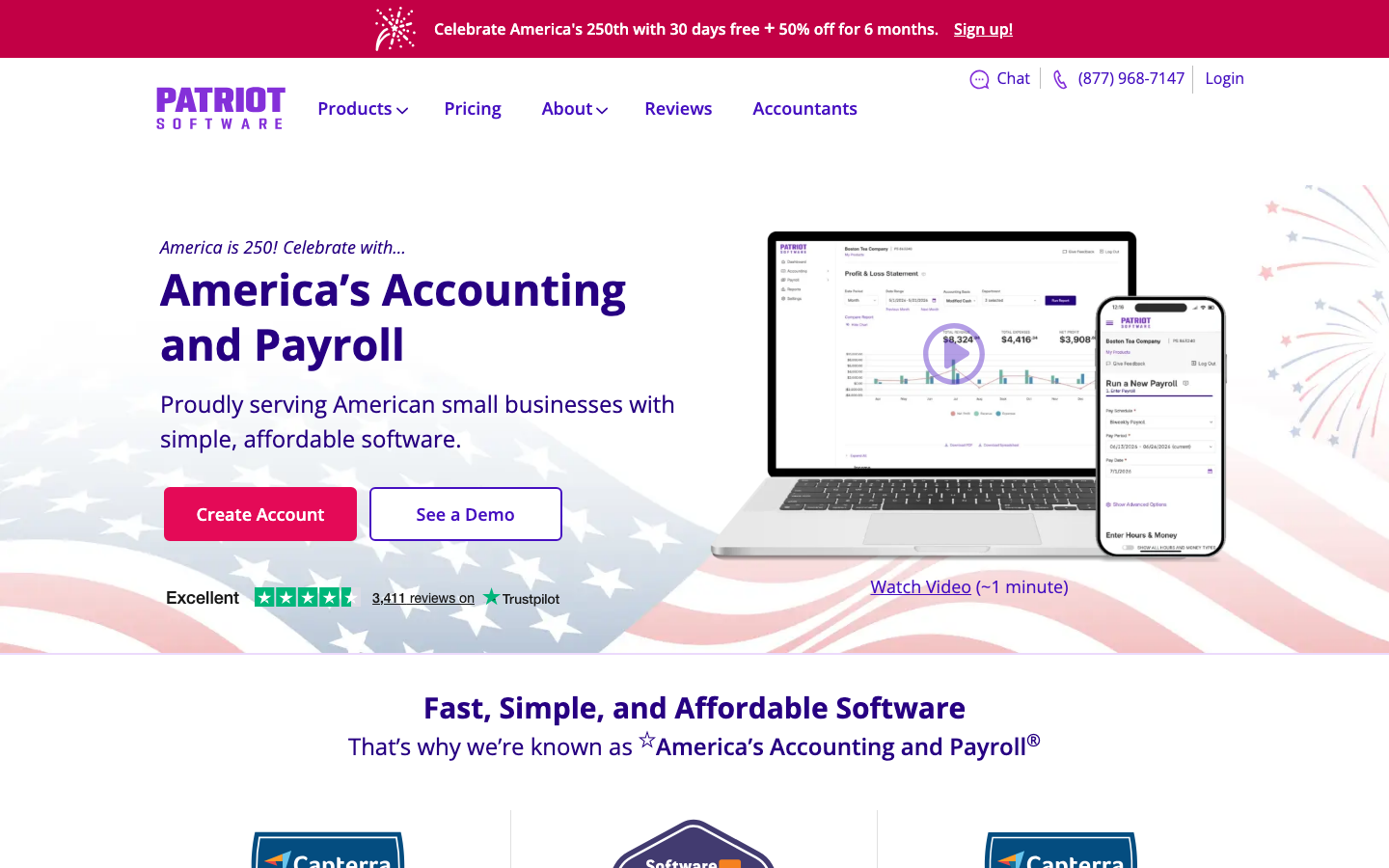
Patriot Software offers low-cost payroll in DIY or full-service form and pairs with Patriot’s own small-business accounting product. That combination makes it a genuine payroll and accounting software for small businesses under one login.
Software Pros
- Among the lowest-priced options
- DIY or full-service tax filing
- Native accounting add-on
- Free US-based support
Software Cons
- The interface looks utilitarian
- Fewer benefits features
- Reporting is basic
Patriot Software Review
During my evaluation, Patriot proved that accounting payroll software for small businesses does not have to be expensive. I ran a full-service payroll for a couple of dollars per head on top of a low base fee, then saw it post straight into Patriot’s books. It is plain to look at and light on benefits, but for a micro-team that wants affordable payroll accounting software for small businesses, the value is hard to argue with.
Our Verdict
Budget Payroll Plus Accounting
Paychex Flex
Quick Overview
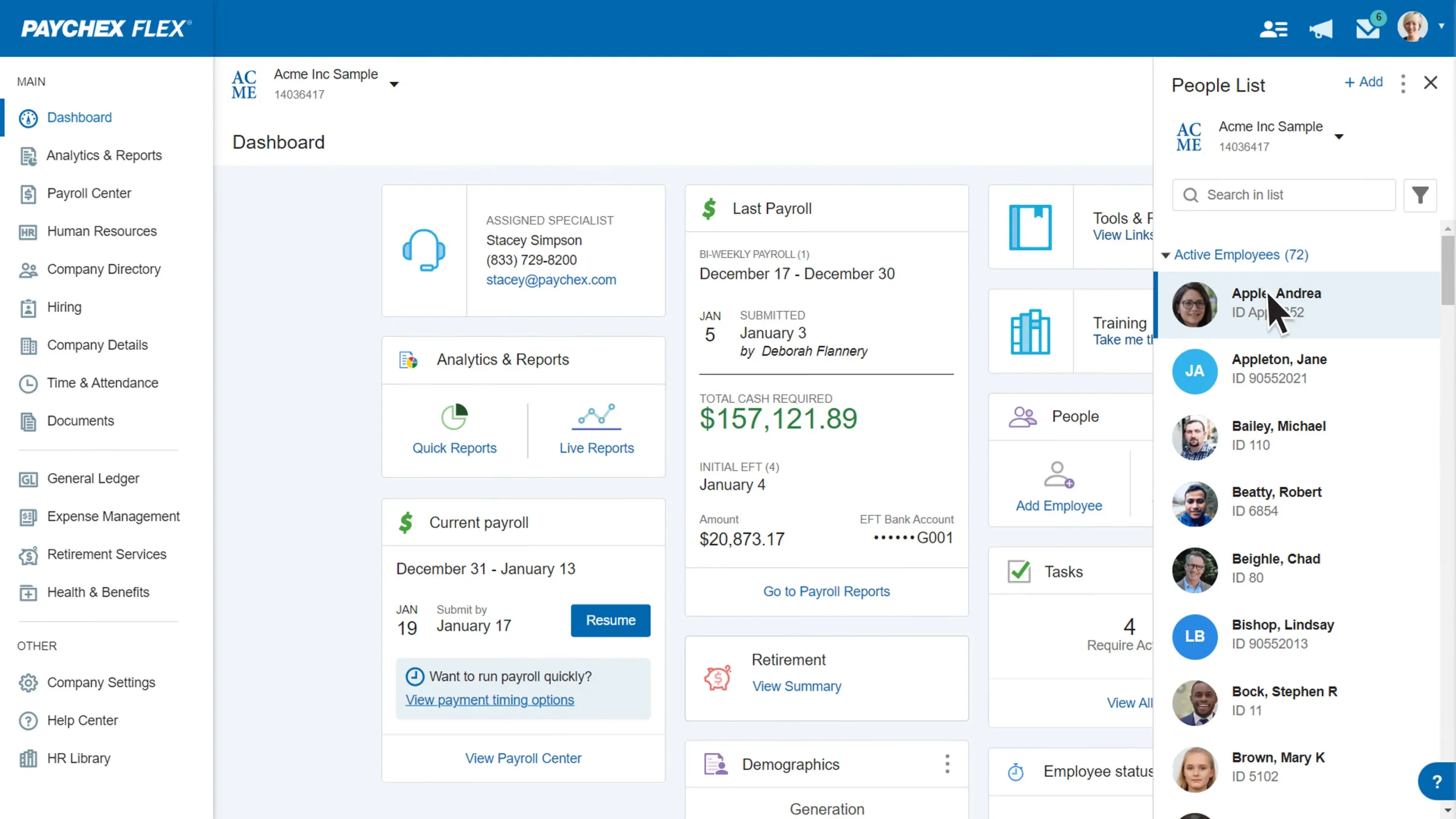
Paychex Flex is scalable payroll with automated tax filing, a named payroll specialist, and round-the-clock support. The payroll platform is pitched at owners who want a person to call, not just a help article.
Software Pros
- Dedicated payroll specialist
- 24/7 phone and chat support
- Automated tax filing
- Scales into mid-market HR
Software Cons
- Pricing requires a quote
- Add-ons raise the total quickly
- Can feel complex for tiny teams
Paychex Flex Review
In my assessment of Paychex Flex, the draw is human support: this is payroll management software for small business owners who would rather ask a specialist than dig through documentation. My test questions reached a real person quickly, and the tax filing ran on schedule. The flip side is cost and complexity, since a two-person shop pays for depth it may never use.
Our Verdict
Support-Heavy Managed Payroll
QuickBooks Payroll
Quick Overview
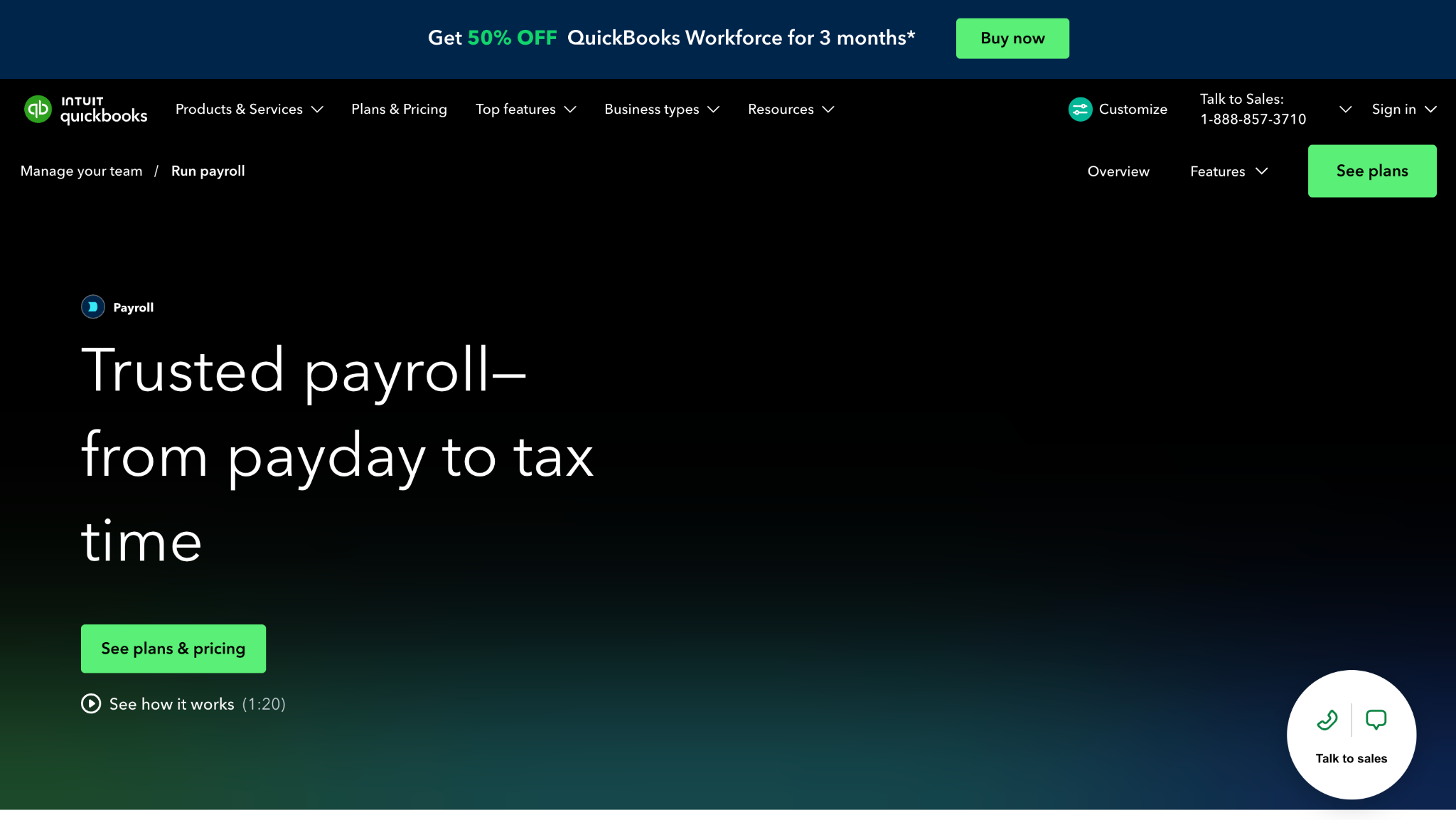
QuickBooks Payroll is payroll built directly into QuickBooks Online, so pay runs and payroll taxes post straight into the books, with same-day direct deposit on higher tiers. It is accounting software for small business with payroll attached rather than a standalone tool.
Software Pros
- Pay posts straight into QuickBooks
- Native payroll tax filing
- Same-day direct deposit available
- One login for books and pay
Software Cons
- Best value only inside QuickBooks
- Higher tiers get pricey
- Standalone use is awkward
QuickBooks Payroll Review
While reviewing QuickBooks Payroll, the headline is the sync: for anyone already keeping books in QuickBooks, this is accounting software with payroll for small businesses that removes the export step entirely. My test pay run reconciled itself against the ledger without a manual journal entry. The catch is dependence: the value diminishes if you do not use QuickBooks for accounting, and the top tiers cost more.
Our Verdict
Payroll Inside QuickBooks
Rippling
Quick Overview
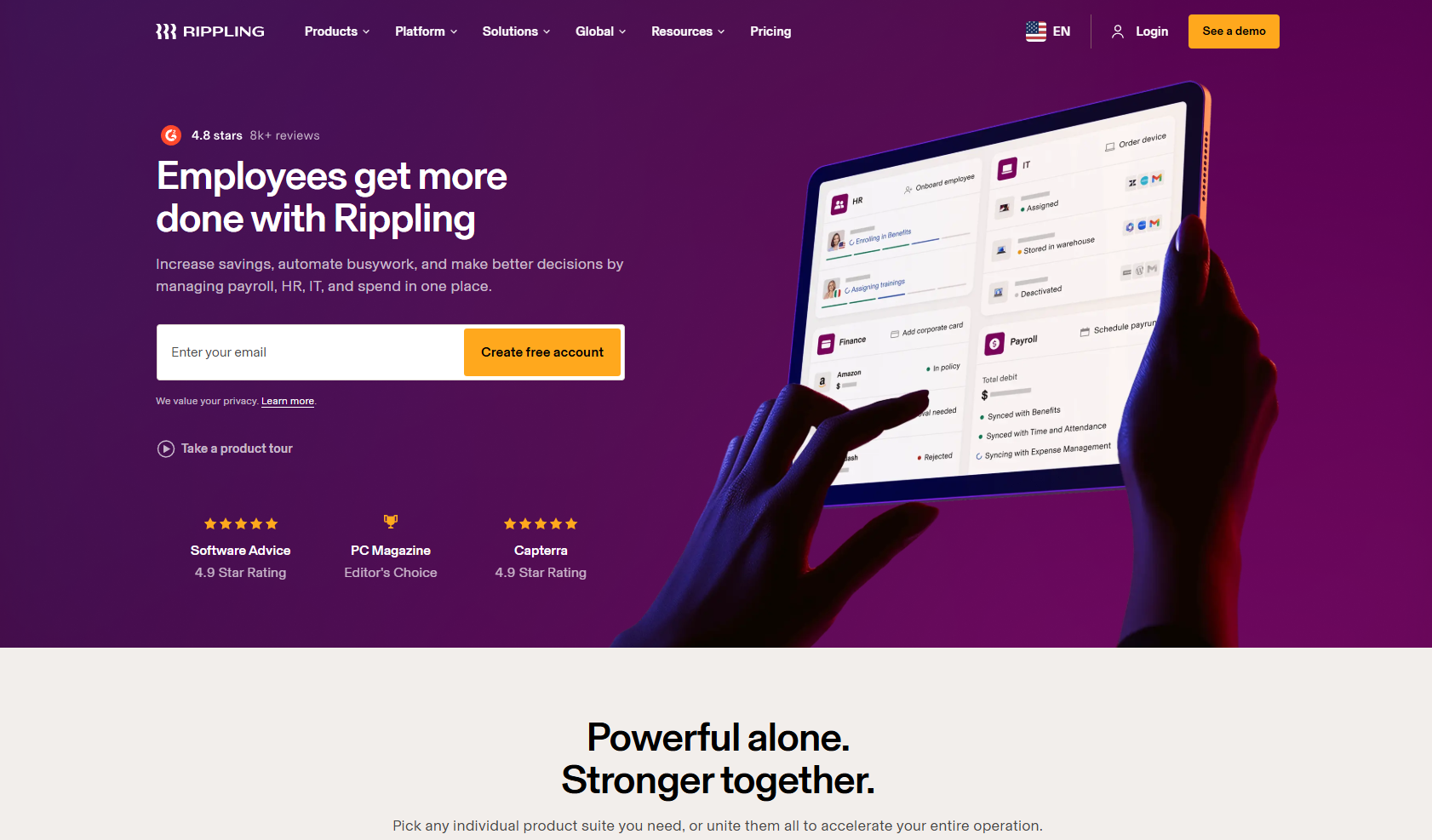
Rippling ties its payroll engine to a single employee record, automating tax filing and connecting pay with benefits, time, and even device management. The payroll system suits teams that want more than pay from one platform.
Software Pros
- Payroll tied to one employee record
- Automated multi-state tax filing
- Deep HR, benefits, and IT modules
- Strong automation and workflows
Software Cons
- Modular pricing gets expensive
- More than a micro-team needs
- Setup takes real effort
Rippling Review
During my evaluation, Rippling read less like payroll and more like an operating system for a workforce, which makes it the best small business payroll software for startups planning to scale. A new hire’s payroll, benefits, and laptop provisioning all flowed from one record. That power is also the catch: pricing stacks up by module, and a five-person shop that only needs pay will overbuy.
Our Verdict
Payroll Plus HR And IT
Square Payroll
Quick Overview
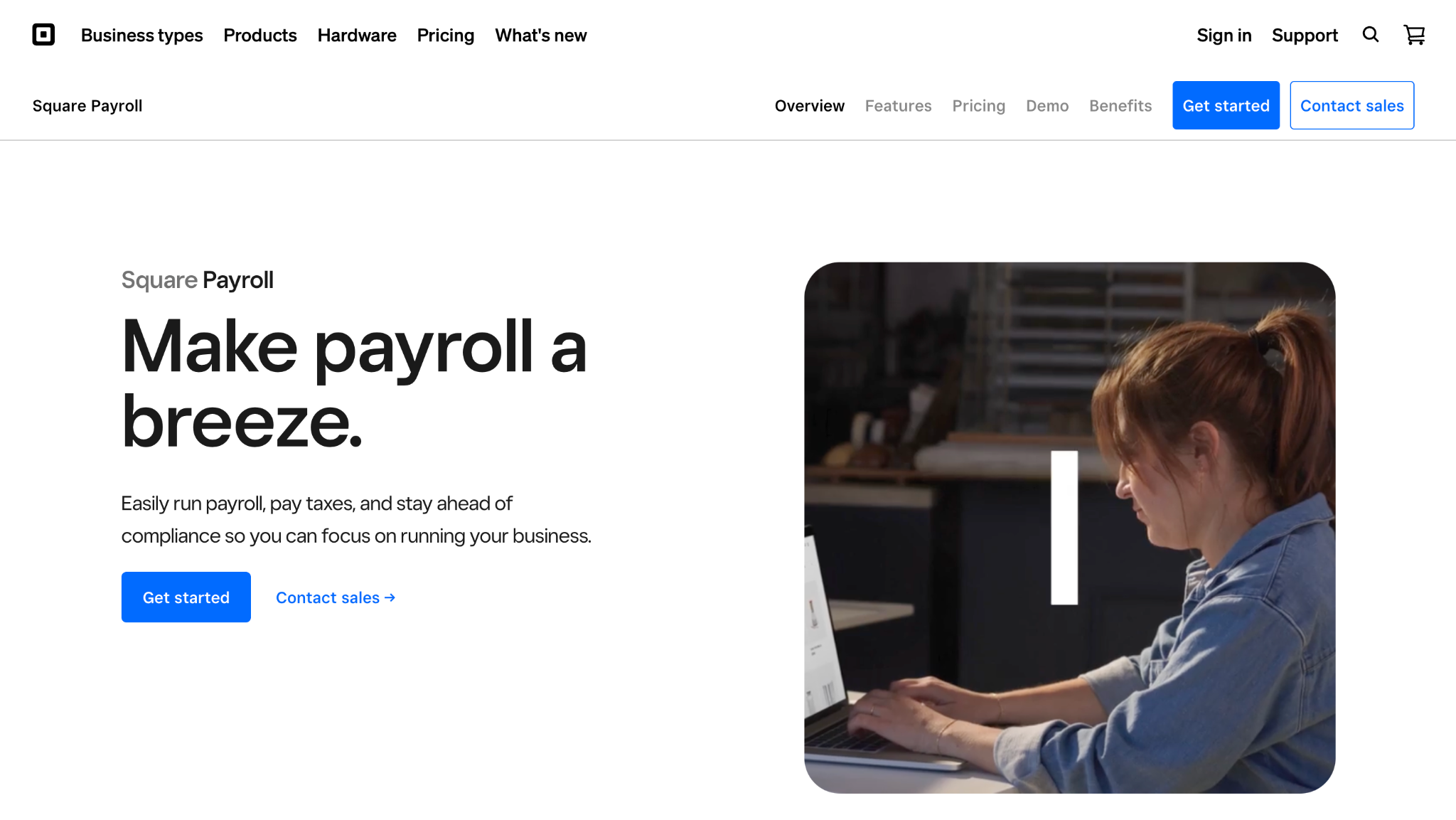
Square Payroll is a payroll service that syncs with Square POS and timecards, handling tax filing, tips, and a very cheap, contractor-only run. The payroll solution is strongest inside the Square ecosystem and for tipped, hourly staff.
Software Pros
- Syncs with Square POS and tips
- Cheap contractor-only plan
- Tax filing included
- Good for hourly and tipped teams
Software Cons
- Best only inside Square
- Thin fit for salaried offices
- Limited HR features
Square Payroll Review
What stood out to me is how Square Payroll turns POS data into pay, so a cafe’s tips and hours become a compliant run without re-entry. The contractor-only plan is close to the cheapest way to pay 1099 workers I found. It is simple payroll software for small businesses built around the counter, though a salaried-heavy office gains little from the Square tie-in.
Our Verdict
Payroll For Square Users
Wave Payroll
Quick Overview
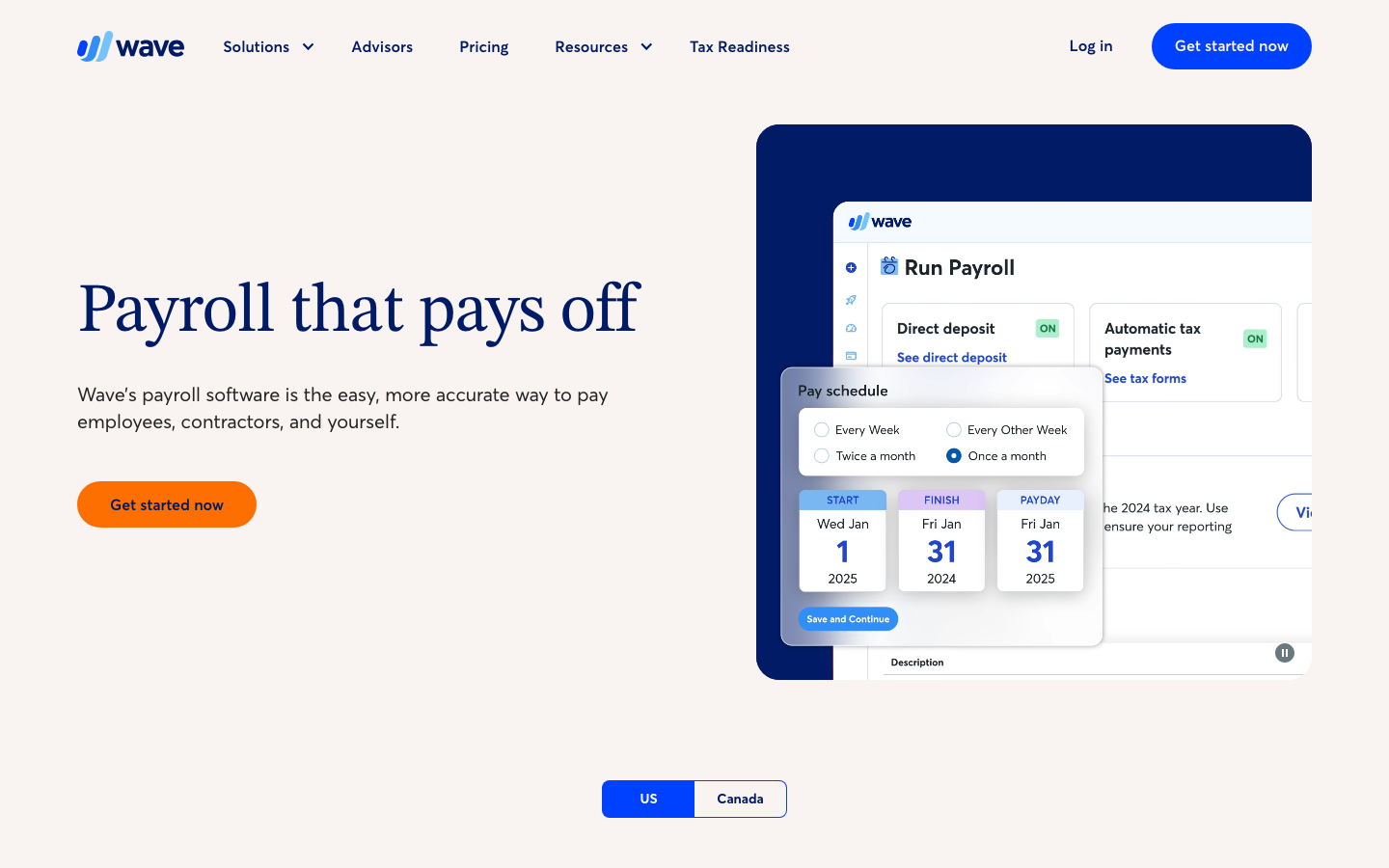
Wave Payroll is a budget-friendly payroll that plugs into Wave’s free accounting software, with tax-service filing in a subset of US states and self-service filing elsewhere. It is online accounting and payroll software for small businesses at the low end of the market.
Software Pros
- Plugs into free Wave accounting
- Low monthly cost
- Auto-filing in supported states
- Good for freelancers and micro-teams
Software Cons
- Auto-filing not available everywhere
- You self-file in some states
- Sparse HR and support
Wave Payroll Review
In my assessment of Wave Payroll, the pull is price: paired with Wave’s free books, it is among the cheapest payroll and accounting software for small businesses and freelancers can run. My test run reconciled neatly against Wave’s ledger. The honest caveat is coverage, because auto-filing exists only in some states, so elsewhere you remit the taxes yourself, which not every owner wants to manage.
Our Verdict
Budget Payroll On Wave
Xero
Quick Overview
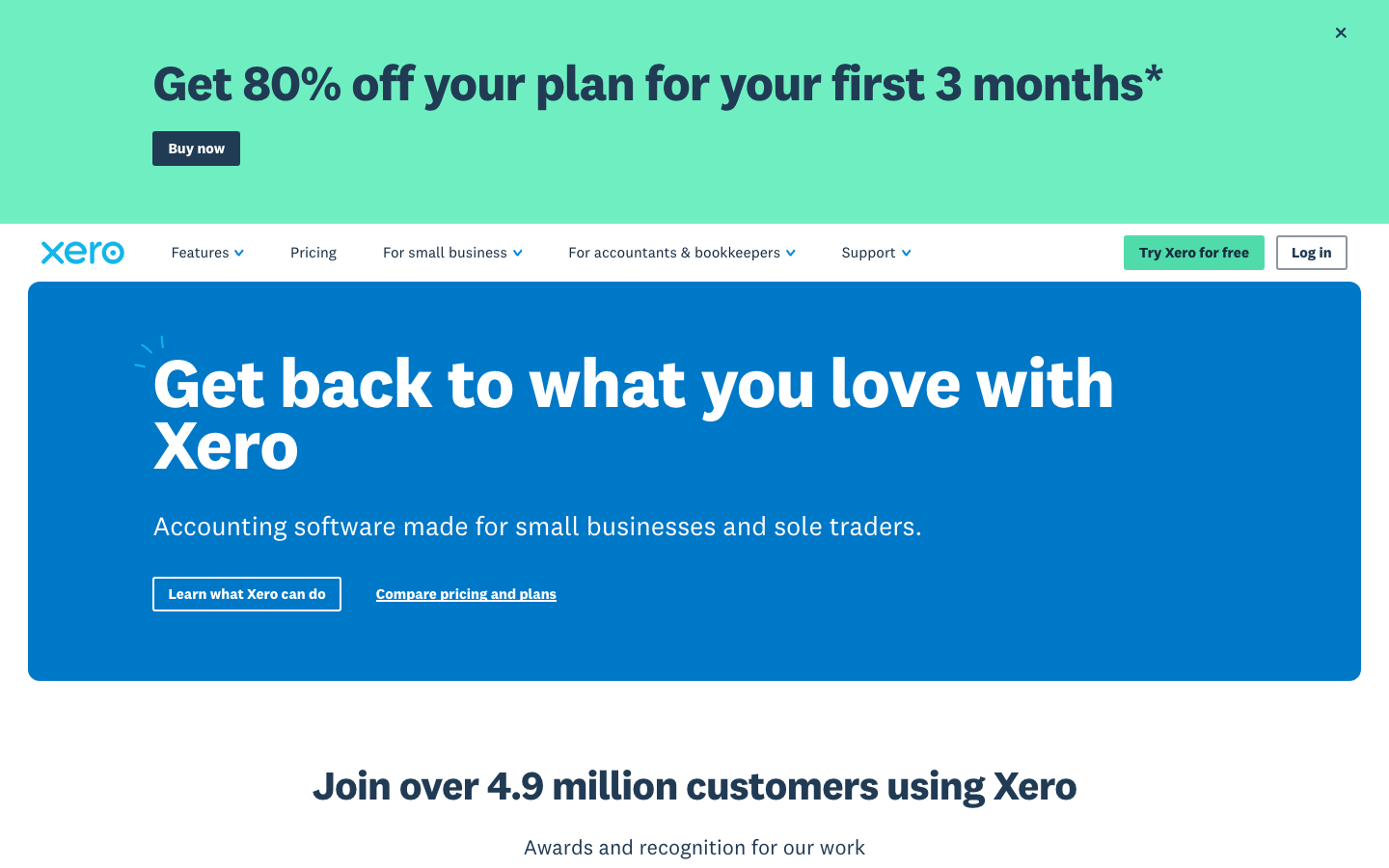
Xero is a cloud accounting platform where US businesses run payroll through the built-in Gusto integration, keeping books and pay aligned. Treat it as accounting software for small business with payroll delivered through a partner rather than natively.
Software Pros
- Strong cloud accounting core
- Payroll via built-in Gusto
- Clean bank reconciliation
- Good for accounting-first teams
Software Cons
- US payroll is not native
- Means paying for two tools
- Gusto dependency for pay runs
Xero Review
While reviewing Xero, I want to be clear: US payroll is not native, so pay runs are processed through the embedded Gusto integration, while Xero remains the accounting layer. For an accounting-first team that already loves Xero’s books, that pairing keeps everything in sync. It is genuine online accounting and payroll software for small businesses, but you are effectively buying and learning two products, not one.
Our Verdict
Accounting-First With Payroll
FAQs About Payroll Software for Small Businesses
What is the best payroll software for a small business?
There is no single winner, because the right pick tracks your needs. All-in-one tools like Gusto and OnPay suit owners who want pay and taxes handled with little fuss. QuickBooks Payroll fits teams already on QuickBooks accounting. Patriot and Wave win on price for micro-teams, while ADP RUN and Paychex Flex appeal to buyers who value hands-on support and room to scale.
What is the difference between DIY and full-service payroll software?
With DIY payroll, the software calculates pay and taxes, but you file the returns and remit the money yourself. Full-service payroll goes further: the provider calculates, deposits, and files your federal, state, and local payroll taxes and issues year-end W-2 and 1099 forms. Most owners choose full-service to avoid missed deadlines, though DIY can be cheaper for a confident bookkeeper.
What is the best accounting and payroll software for a small business?
If you want the books and pay in one place, QuickBooks Payroll, Patriot, and Wave all run payroll natively alongside their bookkeeping. Xero adds it through the built-in Gusto integration rather than natively. The best accounting and payroll software for small businesses is usually the tool that already holds your ledger, so the best payroll and accounting software for small businesses is the one that keeps books and pay in a single source of truth.
What is the simplest or easiest payroll software for a small business?
For quick setup and few-click pay runs, OnPay, Gusto, Patriot, and Square are the names owners cite most. Each lets you approve a run in minutes once staff is added, which is what most people mean by the easiest payroll software for small businesses. Square is simplest inside its own ecosystem, while Gusto and OnPay are the most broadly beginner-friendly.
Is there free payroll software for small businesses?
Truly free full-service payroll is rare because tax filing and direct deposit cost the provider money. A few tools offer free calculators or trials, but they usually charge once you need to file or make deposits. Budget options such as Patriot and Wave are inexpensive rather than free, and for most owners, that small monthly fee is worth it to avoid a penalty.
How much does payroll software cost for a small business?
Most tools charge a monthly base fee of roughly $17 to $40 plus a per-employee fee of about $4 to $15 per person. Flat-rate providers bundle multi-state filing into a single price, while others add charges for benefits, faster deposits, or additional states. Get a quote before committing, since support-heavy platforms like ADP RUN and Paychex Flex price based on a custom quote.
Does payroll software handle payroll taxes?
Full-service payroll and tax software for small businesses does exactly that. It calculates, deposits, and files your federal, state, and local payroll taxes on schedule, then generates year-end W-2 forms for employees and 1099 forms for contractors. DIY tiers stop at the calculation and leave filing to you, so confirm which model a plan uses before you rely on it.

Yaryna is our lead writer with over 8 years of experience in crafting clear, compelling, and insightful content. Specializing in global employment and EOR solutions, she simplifies complex concepts to help businesses expand their remote teams with confidence. With a strong background working alongside diverse product and software teams, Yaryna brings a tech-savvy perspective to her writing, delivering both in-depth analysis and valuable insights.