Organizational chart software turns a company’s structure into a live, visual map. Instead of static slides or one-off diagrams, these tools show reporting lines, roles, departments, and often locations or skills in one place. Many modern platforms sync directly with HRIS systems, so org charts update automatically when people join, move, or leave, making them far more reliable than manual diagrams.
This matters because organizational change has accelerated. Distributed teams, frequent restructures, and cross-functional work make it harder to answer basic questions like “who reports to whom” without a dynamic tool. That’s also why more HR leaders and operators are asking a practical question: what is the best org chart software for keeping structures accurate without constant manual updates. The global organizational chart software market is growing rapidly, with some industry forecasts projecting it will expand at around a 10%+ compound annual growth rate through the early 2030s as companies adopt these tools to improve transparency and workforce planning.
Org chart software is also part of a broader trend toward intelligent HR technology. The overall HR technology market, which includes HRIS, talent management, analytics, and workforce tools that org charts often integrate with, is expected to continue strong growth, with projections suggesting the global HR tech market could reach tens of billions of dollars by the early 2030s.
In product reviews and buyer guides from 2025 onward, core features like real-time updates, HRIS integration, role-based access, and cloud-based collaboration are no longer just “nice-to-haves” but often listed as basic requirements. These capabilities help HR and leadership get a snapshot of team structure today, plan for change tomorrow, and make decisions with data instead of outdated static slides.
Org chart tools now sit alongside other people systems such as the best cloud-based HR software, performance platforms, and workforce planning tools. Together, they help organizations understand how teams are structured, where skill gaps exist, and how work actually flows across functions, especially in hybrid and remote contexts. As a result, what once was a “pretty org chart” for presentations has increasingly become a key part of operational and strategic workforce planning.
25 Best Org Chart Software Tools in 2026
I’ve found and analyzed some of the most notable org chart tools that help HR, operations, and managers map their structures, keep org data in sync, and plan changes.
The list is in alphabetical order to keep things simple and neutral.

BambooHR
Quick Overview:
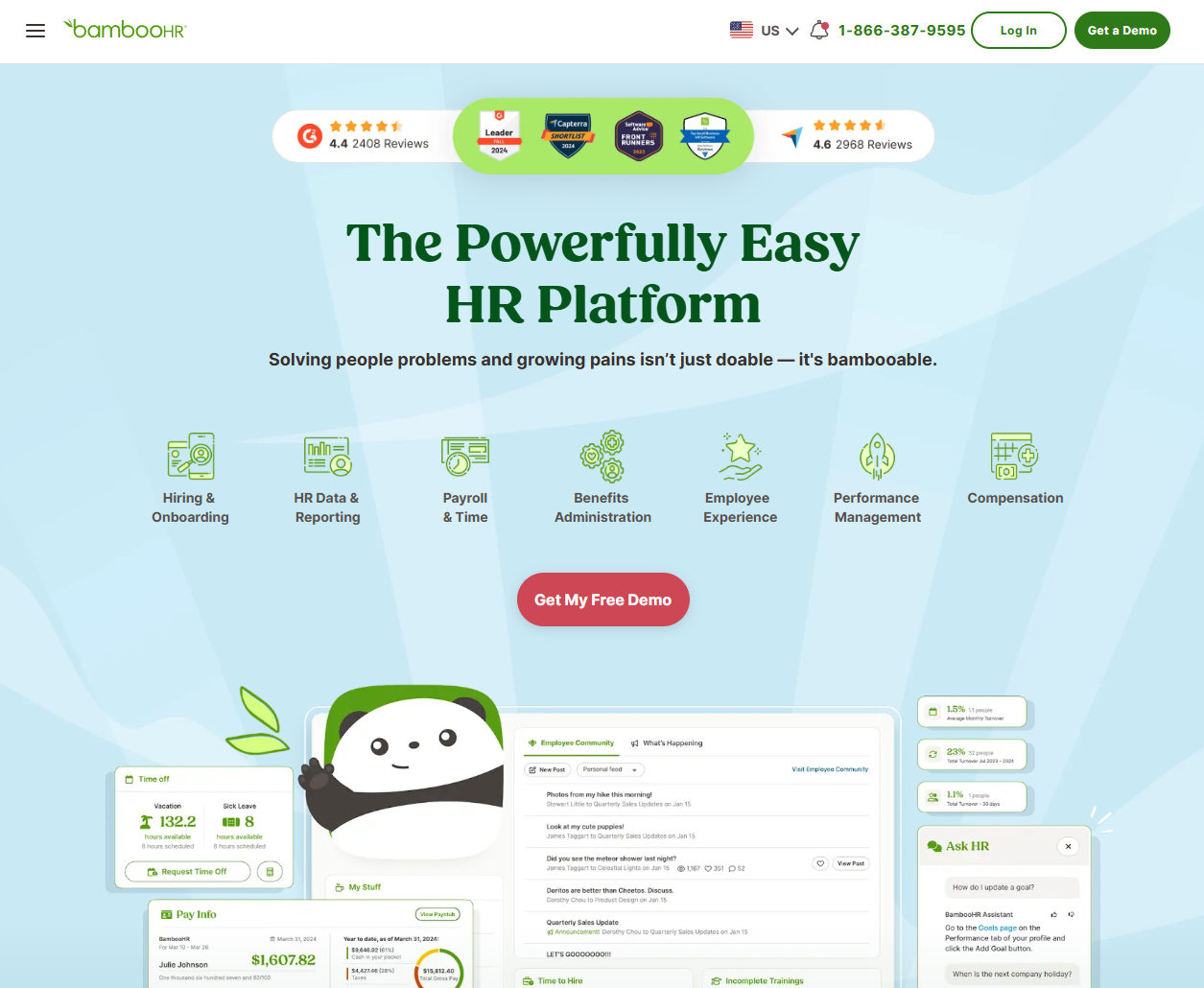
BambooHR includes organizational chart software as part of its HR platform. It pulls from employee records to build basic org charts that show reporting lines and departments. For many small and mid-sized companies, it becomes the default org chart app once HR data moves into BambooHR.
Software Pros:
- Org chart tied to live HR records
- Simple view for managers and employees
- Fits into a broader HR workflow
Software Cons:
- Not a deep org design tool
- Limited advanced visualization options
BambooHR Review:
While exploring this tool, I paid attention to how little setup is needed. Once people data is in place, the org chart view “just exists” as part of the employee directory, which is convenient for small teams. I’d position this primarily as a practical organizational chart program for companies already using BambooHR.
Our Verdict
HR-Centered Org Chart View
Canva
Quick Overview:
Canva is not dedicated organizational chart software, but it offers many org chart templates inside its design suite. Teams use it as a best free org chart software option when they want clean visuals for slides, docs, or simple shareable charts.
Software Pros:
- Large library of org chart templates
- Drag-and-drop editing
- Easy export for presentations
Software Cons:
- No automatic data sync
- Charts can go out of date quickly
Canva Review:
I spent some time exploring the org chart templates and was impressed by how quickly you can create a polished diagram. In my opinion, Canva shines when you need a one-off visual or a “brand-friendly” org chart for external use. I tend to view it as the best organization chart software when design matters more than automation.
Our Verdict
Design-First Org Chart Maker
ChartHop
Quick Overview:
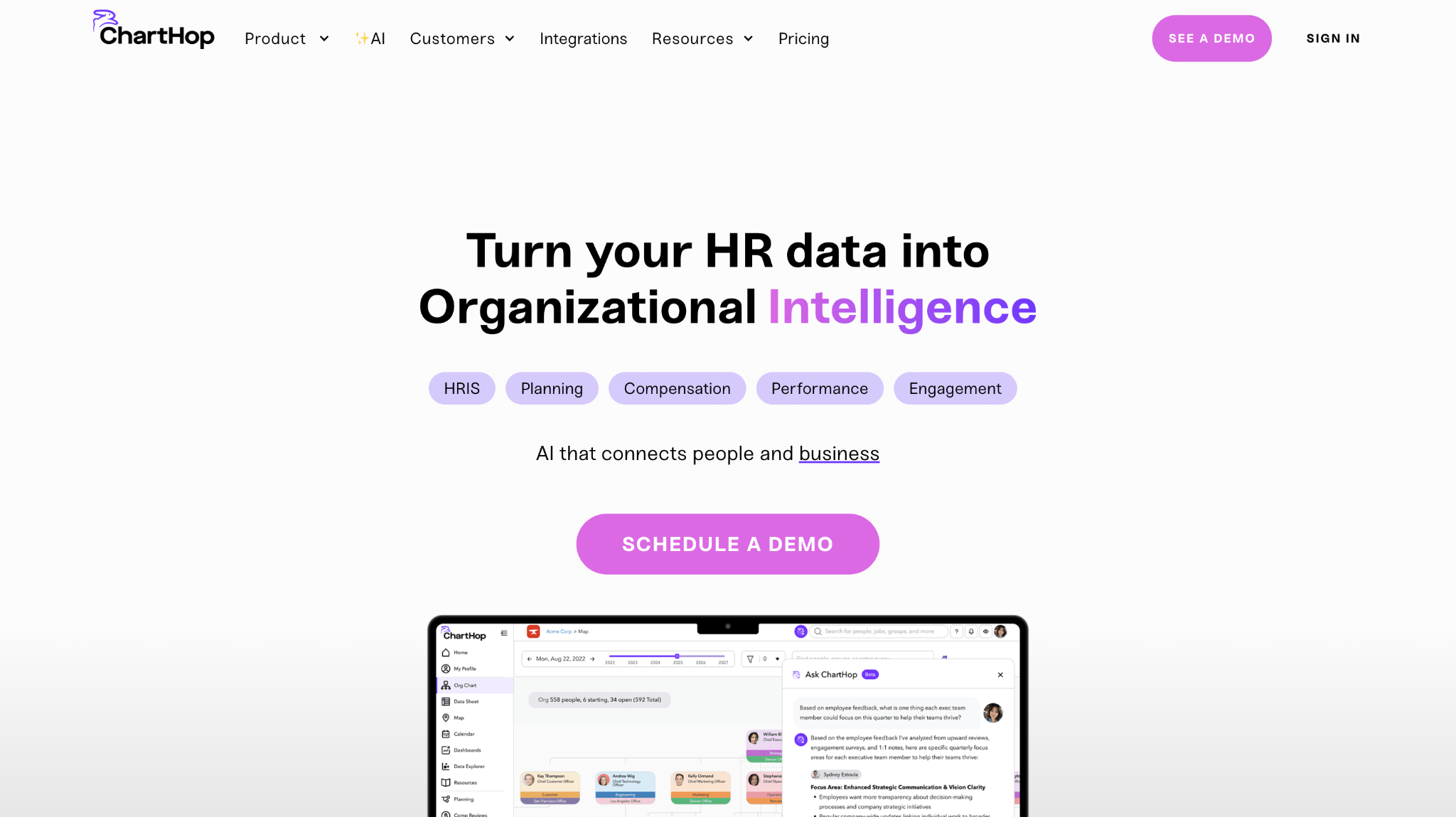
ChartHop is an employee data and organizational mapping tool built around dynamic org charts. It connects to HR systems, shows current structure, and lets teams model future scenarios, making it one of the top org chart platforms for people analytics.
Software Pros:
- Live org chart with rich filters
- Strong people analytics and planning views
- Good support for org design scenarios
Software Cons:
- Can feel heavy for very small teams
- Needs clean HR data to get the most value
ChartHop Review:
What stood out to me is how the org chart is just one view in a wider people data layer. I liked how naturally it fits into headcount planning and budgeting conversations. For teams that want both structure and analytics, this is one of the best organizational chart software platforms to consider.
Our Verdict
Data-Driven Org Design Platform
ClickUp
Quick Overview:
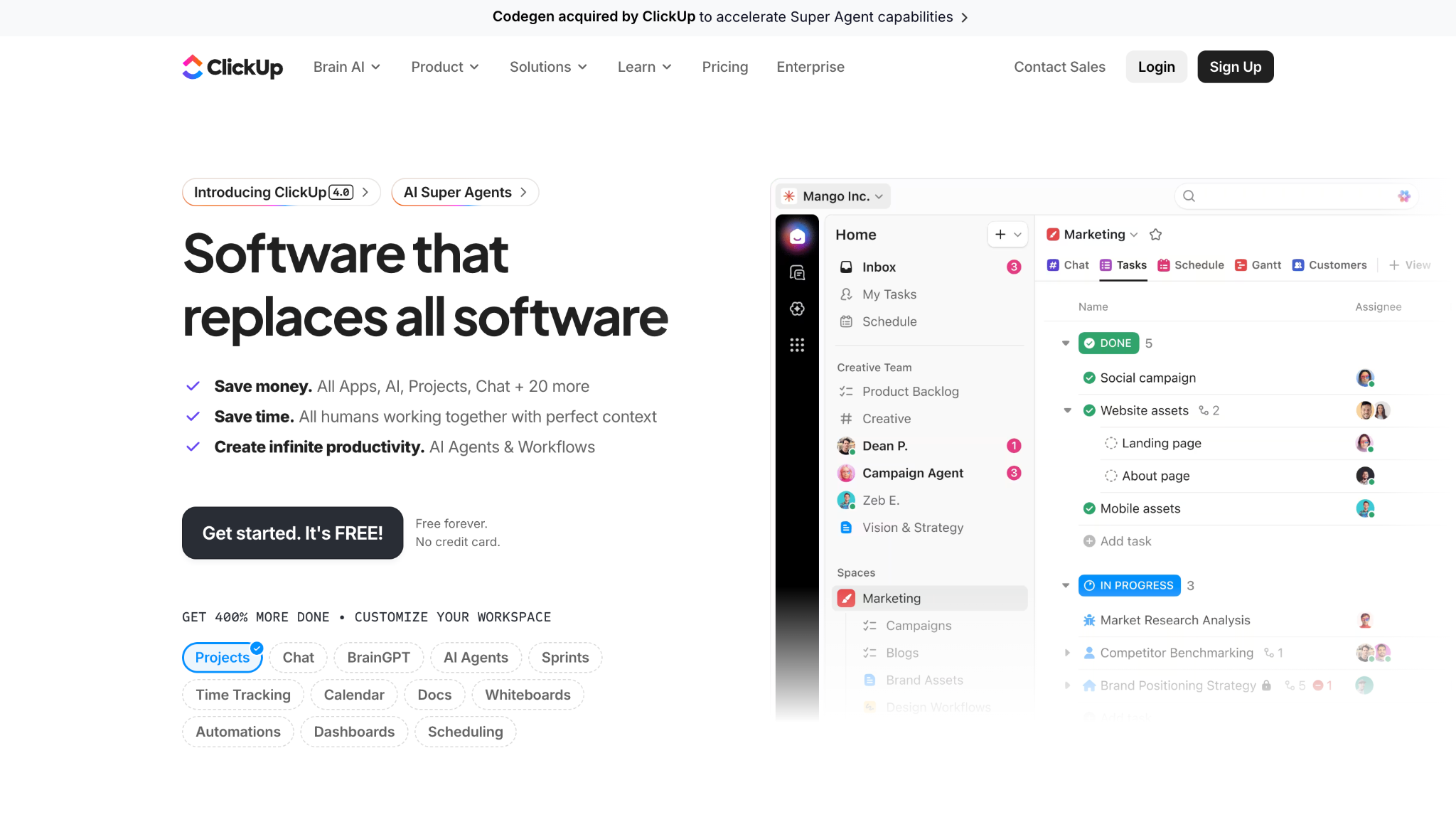
ClickUp is a work management platform that can double as organization chart software through its hierarchy and mind map views. Teams sometimes use it as the best tool for org charts when they already run projects and tasks inside ClickUp.
Software Pros:
- Multiple views for hierarchy and teams
- Connects org structure to actual work
- Flexible permissions and spaces
Software Cons:
- Not a dedicated org chart builder
- Charts need manual updates as people move
ClickUp Review:
I was curious to see how far you can push ClickUp as an organizational mapping tool. It works best when you want structure, projects, and goals in one system instead of separate org chart apps. I’d position it as a “good enough” org chart solution for teams already deep into ClickUp.
Our Verdict
Project-Driven Org Visualization
Connecteam
Quick Overview:
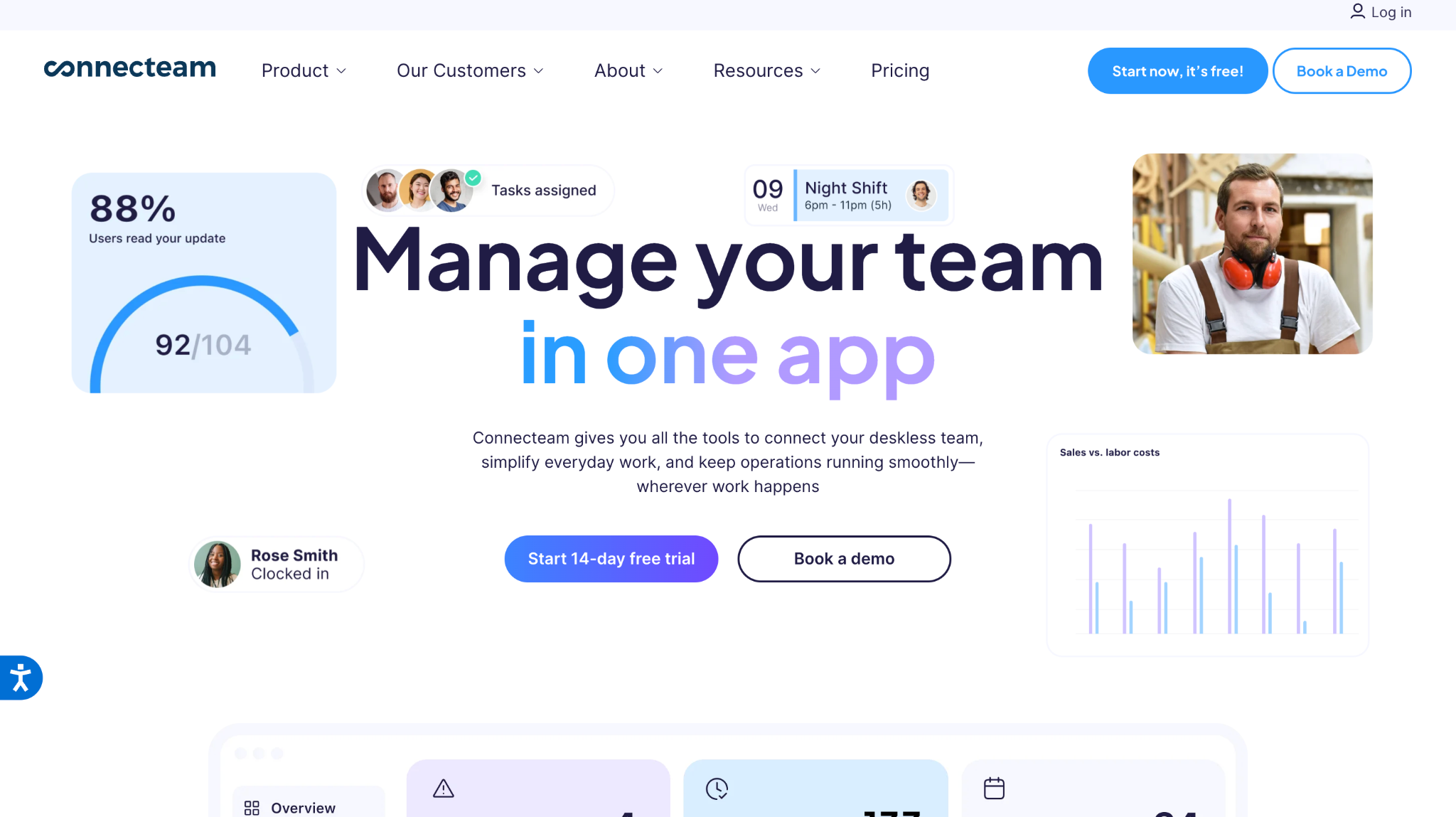
Connecteam is an all-in-one workforce platform for deskless teams that includes an organizational chart feature. It helps managers see reporting lines, locations, and roles alongside scheduling and communication tools.
Software Pros:
- Org chart tied to frontline workforce data
- Mobile-friendly org chart apps
- Extra tools for communication and tasks
Software Cons:
- Org chart is not the core module
- Less suited to very complex structures
Connecteam Review:
While exploring this tool, I liked how the org chart sits next to daily operations features like scheduling and chat. For frontline-heavy companies, having an org chart app built into the same place where people clock in and receive updates can be genuinely helpful. I’d position it as one of the best org chart tools for operational teams.
Our Verdict
Org Charts For Frontline Teams
Creately
Quick Overview:
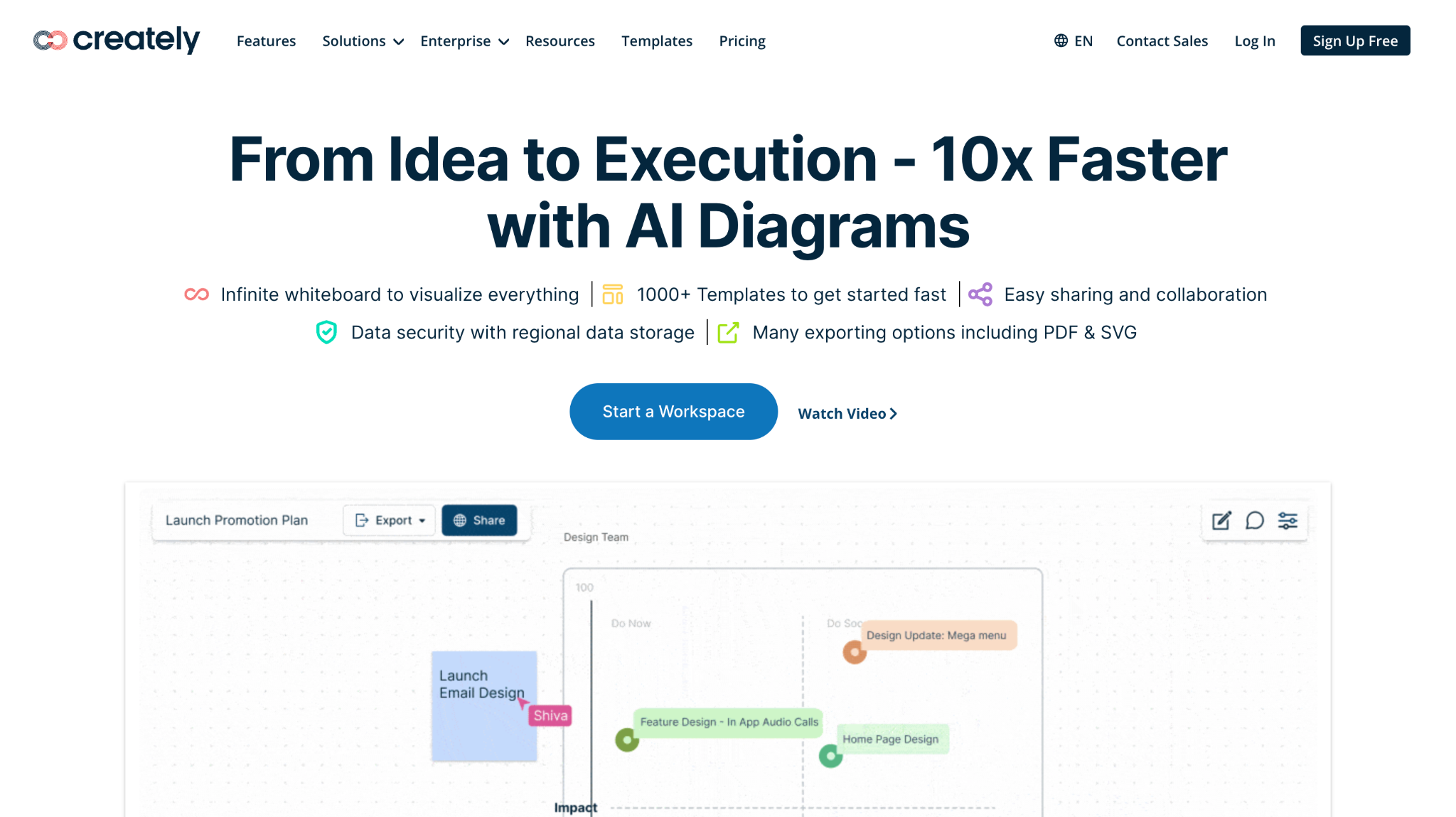
Creately is a diagramming and org design tool that supports org charts, process diagrams, and collaboration. It’s often named among the best org chart tools because it mixes templates with flexible, free-form mapping.
Software Pros:
- Wide template library for org charts
- Real-time collaboration
- Can also map processes and systems
Software Cons:
- Org charts are not auto-synced by default
- Takes some time to set standards
Creately Review:
I spent some time exploring Creately as an organizational mapping tool, not just as a diagramming app. What I liked most is the way you can layer structure, responsibilities, and notes onto the same diagram. In my opinion, it’s a strong fit when you need both org charts and broader org design tools in one place.
Our Verdict
Flexible Org Design Workspace
EdrawMax
Quick Overview:
EdrawMax is a multi-purpose diagramming tool that supports org charts, flowcharts, and many other diagram types. For some teams it acts as a best organizational chart maker when they want full control over layout and style.
Software Pros:
- Many organizational chart programs and templates
- Strong export options
- Works across platforms
Software Cons:
- Less focused on HR integrations
- Interface can feel busy at first
EdrawMax Review:
I found it easy to create detailed hierarchical charts with custom shapes and styles. It feels closer to a design studio than a simple org chart app, which is useful for companies that need many types of diagrams. I tend to view it as the best software to create org chart visuals when precision matters.
Our Verdict
Diagram-Rich Org Chart Builder
Freshworks
Quick Overview:
Freshworks is HR software for growing companies that includes an org chart feature. It uses employee records to generate organizational charts and show reporting lines, which helps new hires navigate the company faster.
Software Pros:
- Org chart integrated with HR data
- Simple visual view for staff
- Good fit for small and mid-sized businesses
Software Cons:
- Limited advanced org design features
- Less ideal for very large enterprises
Freshworks Review:
What I noticed fairly quickly is how the org chart helps make the rest of the HR system easier to understand. It becomes a visual index for people data. For teams that want cloud based HR plus a basic organizational structure software in one, Freshworks is a sensible pick.
Our Verdict
HR Suite With Built-In Org Chart
Functionly
Quick Overview:
Functionly is an org design tool focused on roles, responsibilities, and accountability maps. It acts as an organizational mapping tool first, with org charts as one of several views used for planning.
Software Pros:
- Deep focus on roles and accountability
- Scenario planning and org design tools
- Good for leadership and operations teams
Software Cons:
- More complex than basic org chart apps
- May be more than small teams need
Functionly Review:
I found the approach interesting because it starts from work and responsibilities, and then shows how people fit into that picture. This makes it useful for restructures and operating model changes, not just static diagrams. I’d position it as one of the best org chart tools when you’re reshaping teams, not just documenting them.
Our Verdict
Strategy-Focused Org Design Tool
Gliffy
Quick Overview:
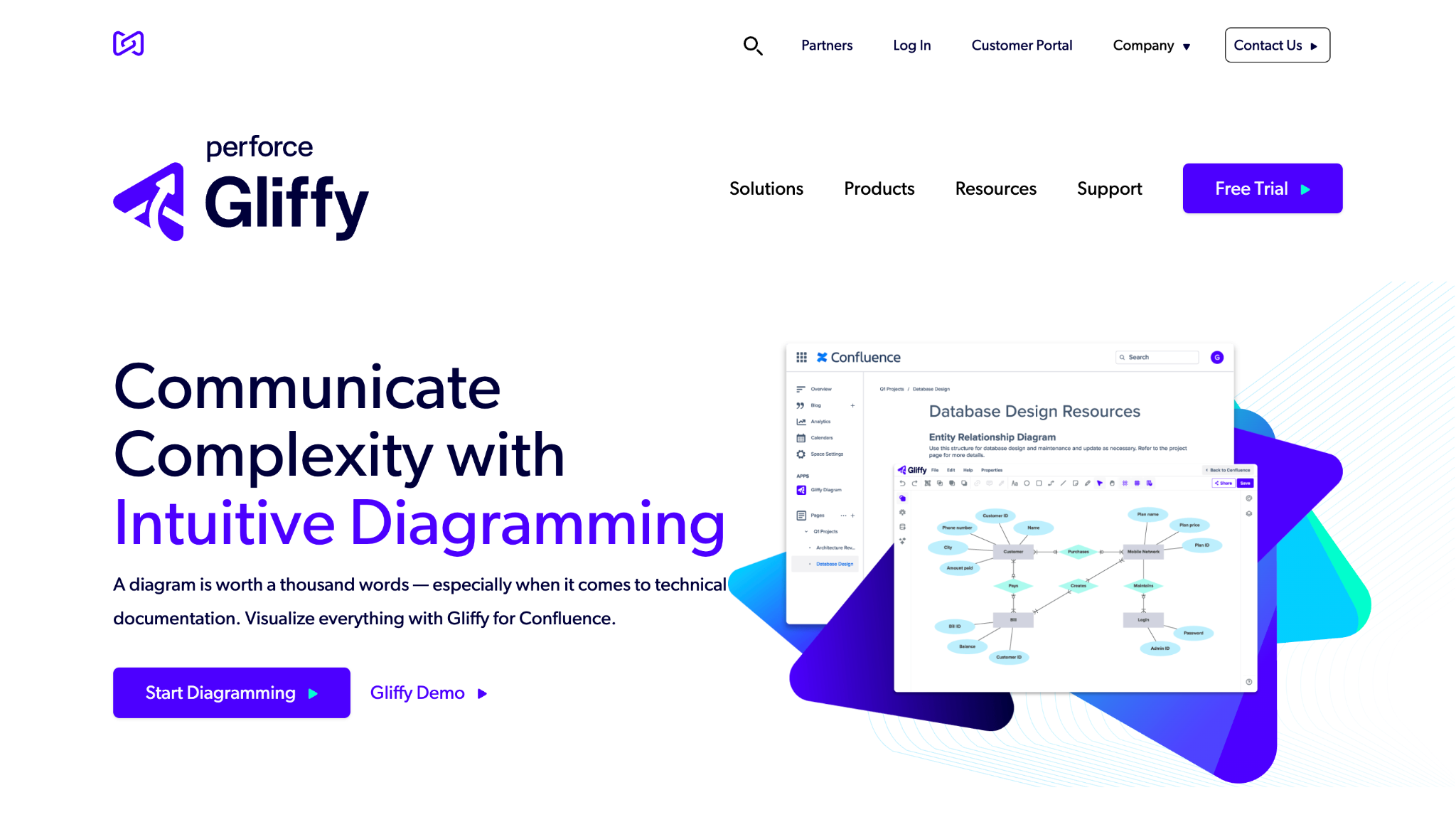
Gliffy is a browser-based diagramming tool that supports org charts, flowcharts, and more. It’s often used as a simple org chart app inside Confluence or other Atlassian environments.
Software Pros:
- Easy, drag-and-drop org chart builder
- Works well with Atlassian tools
- Lightweight and browser-based
Software Cons:
- No automatic HR data sync
- Fewer HR-specific features
Gliffy Review:
I like how low-friction Gliffy feels for quick organization chart software needs, especially when you work in Confluence all day. It’s not a full org management platform, but it works well for visual documentation. In my opinion, it’s a handy best program to create an org chart when you just need a simple diagram.
Our Verdict
Simple Org Charts For Atlassian Teams
Ingentis org.manager
Quick Overview:
Ingentis org.manager is professional background visualization and org design software. It connects to HR systems to generate rich, data-heavy org charts and dashboards.
Software Pros:
- Deep integration with HR data
- Advanced views and analytics
- Suited for complex enterprises
Software Cons:
- Implementation can take time
- Overkill for very small teams
Ingentis org.manager Review:
I usually pay attention to how well org chart tools handle scale and data complexity. org.manager stands out for its ability to surface metrics alongside structure. I tend to view it as a strong organizational chart software option for large organizations that need more than boxes and lines.
Our Verdict
Enterprise-Grade Org Visualization
Lucidchart
Quick Overview:
Lucidchart is a collaborative diagramming platform often named among the best org chart software options. It offers org chart templates, data imports, and real-time editing, and is widely used for many diagram types.
Software Pros:
- Strong org chart templates and shapes
- Data import from spreadsheets and apps
- Real-time collaboration and comments
Software Cons:
- Needs setup for automated updates
- Can feel like “too much tool” for quick charts
Lucidchart Review:
What stood out to me is how easy it is to move from a basic org chart into more complex diagrams, like process maps and system layouts. For teams that use visuals to explain almost everything, Lucidchart can become the best organizational chart software and more. I’d position it as a versatile org chart builder for cross-functional teams.
Our Verdict
Versatile Diagram And Org Tool
Microsoft Visio
Quick Overview:
Microsoft Visio is classic diagram software with long-standing support for org charts. Many companies still treat it as the best program for org charts when they live in the Microsoft 365 ecosystem.
Software Pros:
- Familiar for Microsoft-centric teams
- Strong template support for organizational chart programs
- Integrates with other Microsoft tools
Software Cons:
- Licensing can be confusing
- Collaboration feels less modern than some cloud tools
Microsoft Visio Review:
I approached this tool expecting a traditional feel, and that’s mostly what you get. For detailed, controlled diagrams, Visio still does the job very well. In my opinion, it’s the best org chart tool for organizations that already standardize on Microsoft.
Our Verdict
Classic Enterprise Org Chart Program
Miro
Quick Overview:
Miro is an online whiteboard used for collaboration, with templates for org charts and org design. Teams use it as an organizational mapping tool during workshops, planning sessions, and design sprints.
Software Pros:
- Infinite canvas for org mapping
- Real-time collaboration and workshops
- Connects org charts to other planning boards
Software Cons:
- Org charts are mostly manual
- Can get messy without standards
Miro Review:
I found it genuinely helpful when mapping structures during live sessions, where people can move boxes and discuss scenarios in real time. For many teams, this is the best app for org charts during planning, even if they later move the “final” structure into a more rigid tool. I’d position it as a flexible org design whiteboard rather than a strict org chart system.
Our Verdict
Collaborative Org Mapping Whiteboard
Monday.com
Quick Overview:
Monday.com is a work management platform that supports visual hierarchies and teams. While not pure organizational chart software, many teams use it for simple org views connected to projects and goals.
Software Pros:
- Visual boards that reflect team structure
- Good for linking org structure with work
- Flexible automation
Software Cons:
- No dedicated org chart builder view
- Needs configuration to show hierarchy clearly
Monday.com Review:
I was curious to see how far Monday.com can go as organizational structure software. It works best when you use boards to represent departments, owners, and goals, and combine it with goal setting tools or OKR boards. For teams already running work here, it can act as a light org chart platform.
Our Verdict
Work Management With Structural Views
Organimi
Quick Overview:
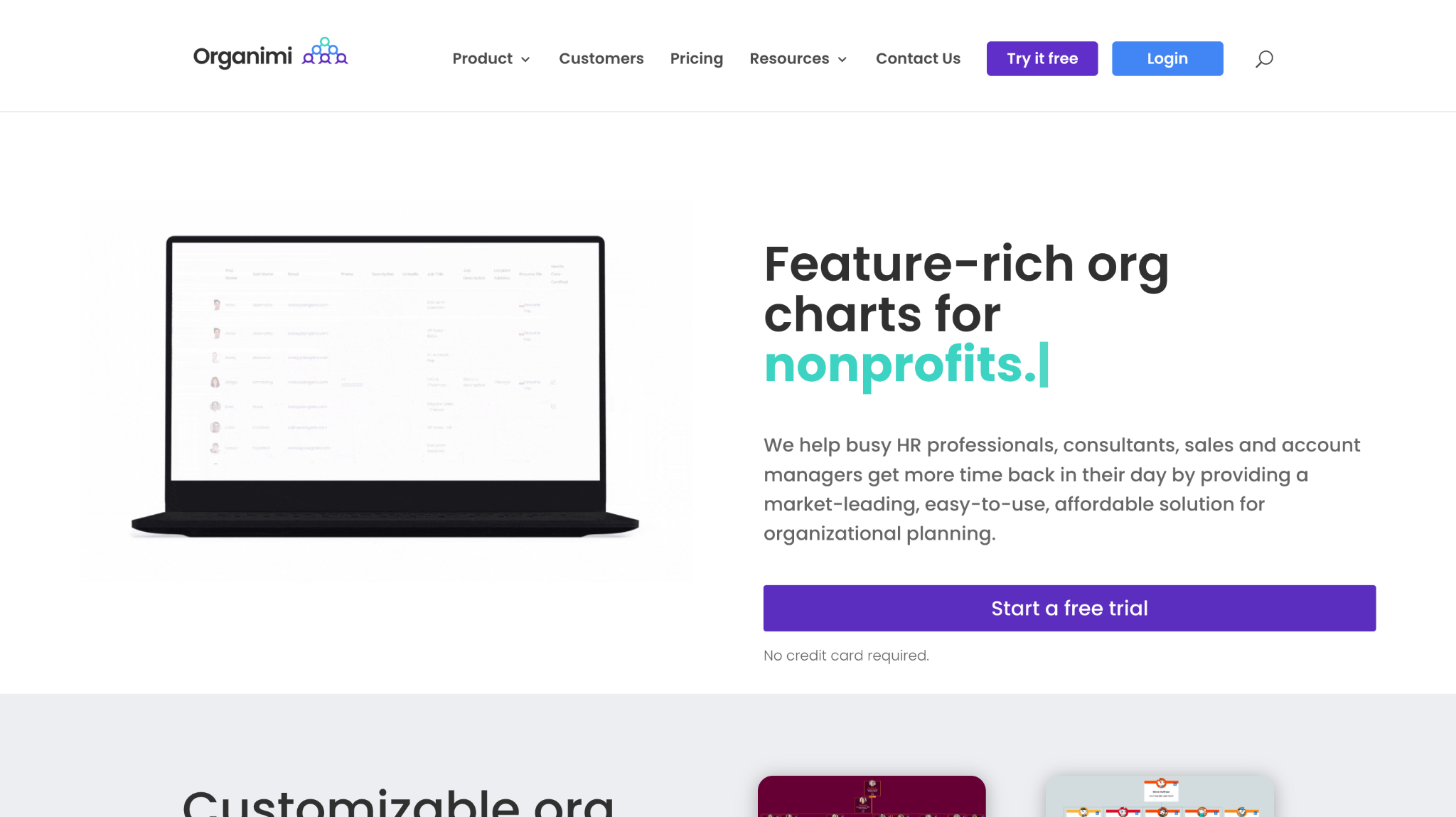
Organimi is dedicated org chart software built for easy org chart creation, sharing, and updating. It supports drag-and-drop edits, photo-based charts, and links to HR systems, and is often listed among the top knowledge-base-style org chart platforms.
Software Pros:
- Purpose-built org chart builder
- Photo-rich employee profiles
- Good sharing options
Software Cons:
- Less focus on advanced analytics
- May require imports for some data
Organimi Review:
While exploring this tool, I liked how fast you can move from a CSV or HR export to a polished org chart. The focus on clarity and photos makes it easy for new hires to find people. I tend to view it as one of the best org chart software options for teams that want a dedicated, easy-to-manage org chart app.
Our Verdict
User-Friendly Dedicated Org Chart Tool
OrgChart
Quick Overview:
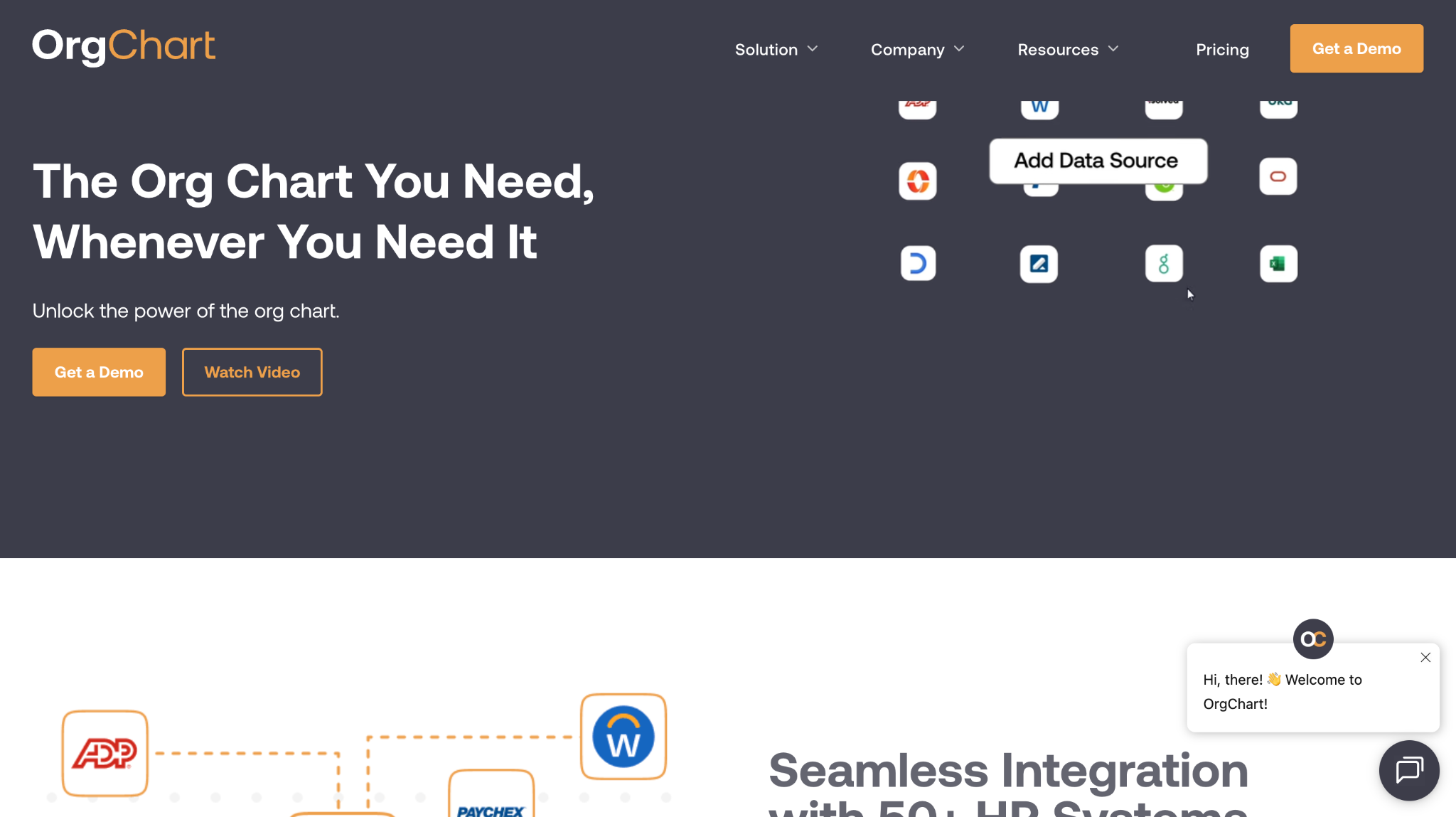
OrgChart is professional org chart and workforce planning software that connects to more than 50 HR systems. It automates org chart creation and includes analytics, exports, and modeling features.
Software Pros:
- Strong HRIS integrations
- Automated, always-current org charts
- Planning and export features
Software Cons:
- Enterprise-style implementation
- Interface can feel dense at first
OrgChart Review:
I appreciated the way OrgChart moves beyond simple diagrams and into planning. It’s especially useful when you need different views for HR, finance, and leadership, all based on the same underlying data. In my opinion, this is the best org chart builder for teams that take workforce planning seriously.
Our Verdict
Automated Org Charts For Planning
OrgPlus
Quick Overview:
OrgPlus is a long-standing organization chart software tool that supports advanced charts and data fields. Many companies still use it as a desktop-like best program to create an org chart with rich attributes.
Software Pros:
- Detailed chart customization
- Many data fields and layers
- Good printing and export options
Software Cons:
- Feels more traditional than cloud apps
- Collaboration is less fluid
OrgPlus Review:
I approached this tool expecting an old-school org chart experience, and that’s mostly true in the interface, but the feature set is still deep. For teams that like having detailed control over fields and formatting, OrgPlus remains a solid organizational chart software solution.
Our Verdict
Detailed Traditional Org Chart Program
Personio
Quick Overview:
Personio is HR software popular with European SMEs, and it includes a basic org chart view driven by employee data. It works as a simple org chart app inside a broader people system.
Software Pros:
- Org chart auto-generated from HR records
- Clear view for small and mid-sized companies
- Fits well with HR workflows
Software Cons:
- Limited advanced org design features
- Not ideal for very complex structures
Personio Review:
I found it easy to navigate from the org chart into employee profiles and back again. For small businesses that want best goal setting software plus simple organizational chart programs, Personio covers both with minimal setup. I’d position it as a practical, integrated org view rather than a standalone org design tool.
Our Verdict
Simple Org Chart Inside HR Suite
Pingboard
Quick Overview:
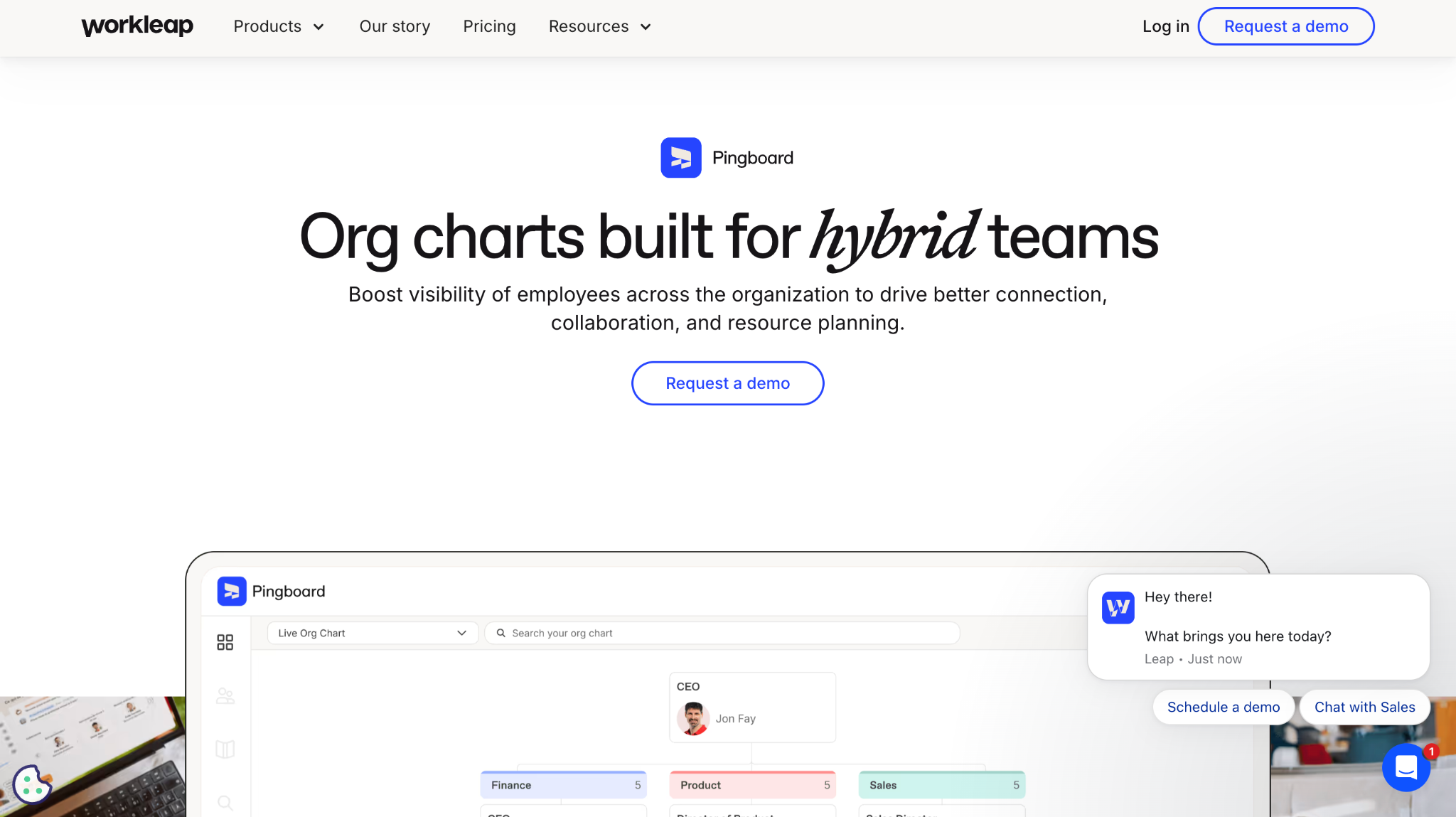
Pingboard is real-time organizational chart software that focuses on clarity and employee connection. It builds org charts from HR data, offers rich profiles, and is often mentioned among the top org chart software for small and mid-sized teams.
Software Pros:
- Live org chart with real-time updates
- Strong people directory and profiles
- Mobile-friendly org chart apps
Software Cons:
- Pricing can feel high for very small teams
- Less focused on heavy analytics
Pingboard Review:
What I noticed fairly quickly is how employee-friendly the experience feels. It’s not just an org chart tool for HR; it’s a directory that people actually use day to day. In my opinion, it’s one of the best org chart tools when culture and connection are as important as structure.
Our Verdict
People-Centric Real-Time Org Chart
Rippling
Quick Overview:
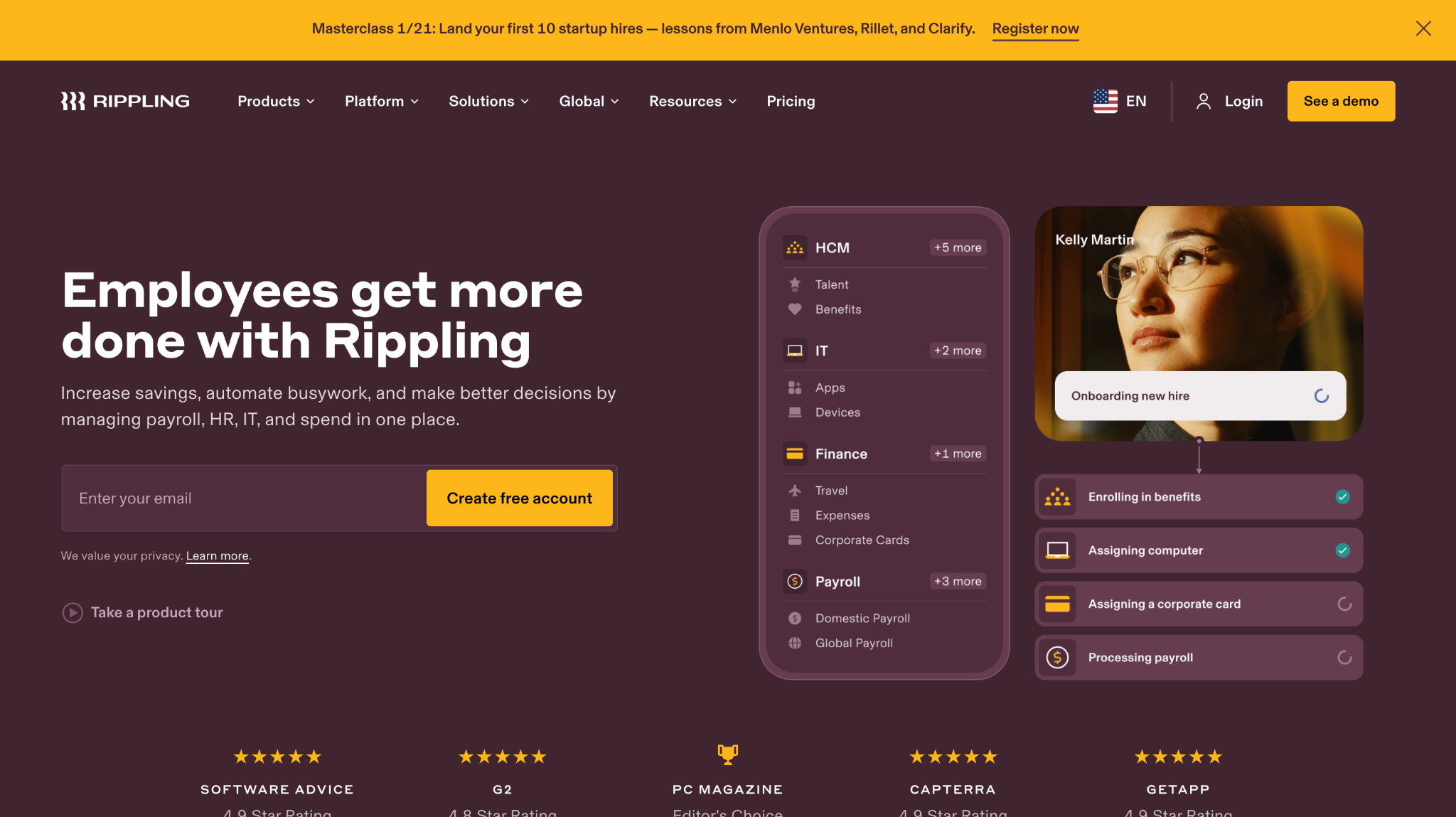
Rippling is a workforce platform that combines HR, IT, and finance, with an org chart view built on top of core employee data. Teams use it as organizational structure software and as a central system of record.
Software Pros:
- Org chart auto-built from HR and payroll data
- Deep integrations across HR and IT
- Good visibility for managers and finance
Software Cons:
- Broad platform, not org-chart-only
- More complex than small teams may need
Rippling Review:
I liked how naturally the org chart fits into workflows like approvals, device management, and access control. It makes structure feel like part of daily operations instead of a separate diagram. I’d position it as one of the best org chart software options if you also want integrated HR and IT.
Our Verdict
Org Charts Embedded In Workforce Platform
Sift
Quick Overview:
Sift is an org chart and employee directory platform designed for up-to-date, searchable people data. It ties roles, locations, skills, and reporting lines together into a dynamic org chart.
Software Pros:
- Powerful search across org data
- Live org chart with filters
- Good fit for large or distributed teams
Software Cons:
- Needs solid HR data sources
- May feel advanced for very small orgs
Sift Review:
I liked how quickly you can move from a high-level org chart to specific people based on skills, location, or function. It feels more like a people intelligence layer than a static chart. For larger organizations, I tend to view it as one of the best organizational chart software tools for discovery and connection.
Our Verdict
Searchable People And Org Map
SmartDraw
Quick Overview:
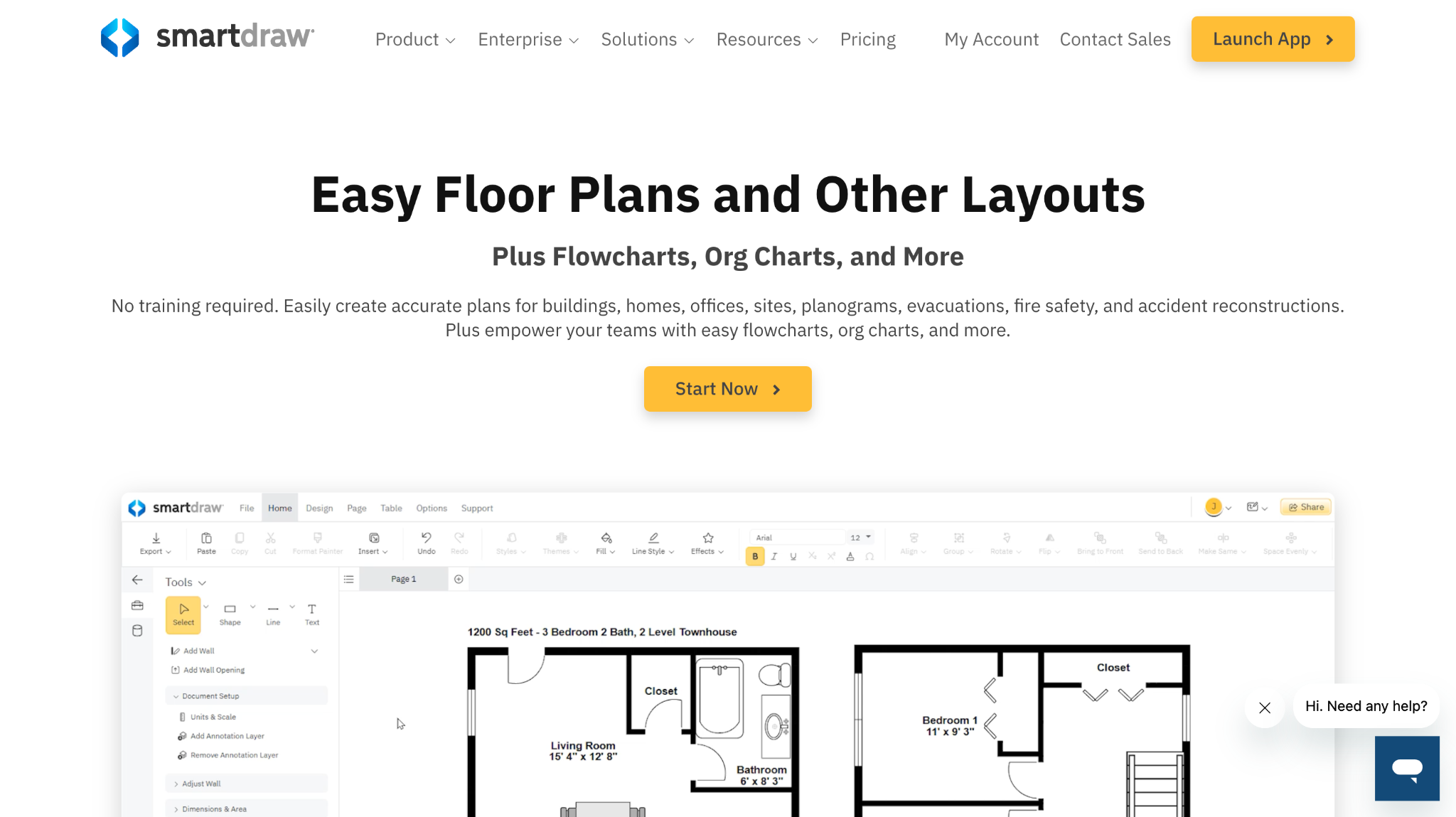
SmartDraw is diagramming software with strong support for org charts and enterprise diagrams. It integrates with Microsoft tools and is often used as a best org chart tool for detailed, professional diagrams.
Software Pros:
- Many org chart templates and layouts
- Robust enterprise export options
- Integrates with Microsoft and other tools
Software Cons:
- Less HR-specific functionality
- Takes some learning to master fully
SmartDraw Review:
I appreciated the way SmartDraw standardizes layout and formatting, which keeps org charts readable even as they grow. It’s well suited to teams that treat diagrams as formal documents. In my opinion, it’s a strong best organizational chart software option for more traditional corporate environments.
Our Verdict
Professional-Grade Org Chart Diagrams
Smartsheet
Quick Overview:
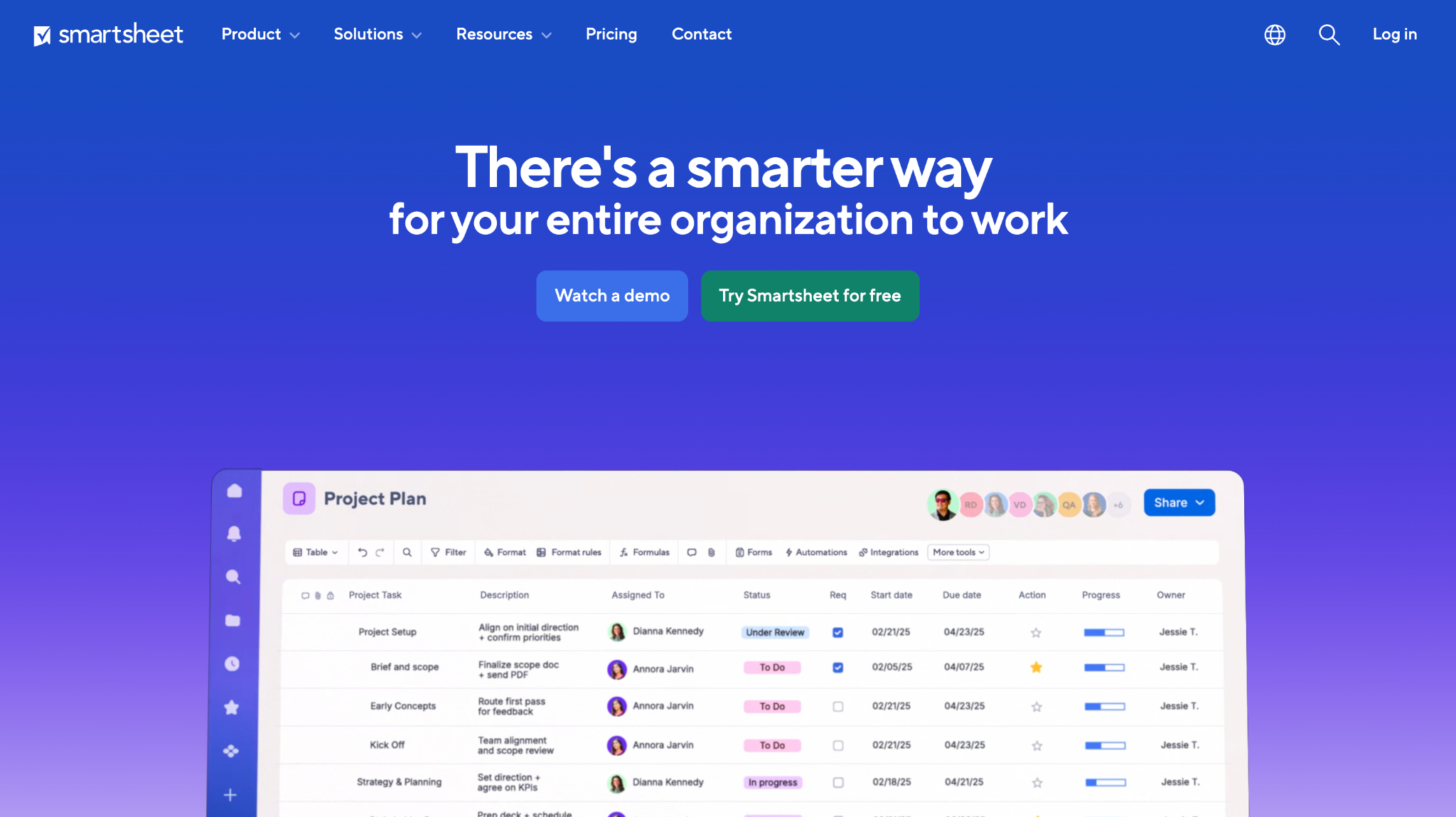
Smartsheet is a work management platform that can represent hierarchy and structure through sheets and reports. While not a pure org chart app, some teams use it as an organizational mapping tool linked to headcount and projects.
Software Pros:
- Strong link between structure and work plans
- Good reporting and dashboards
- Flexible enough for many use cases
Software Cons:
- No dedicated org chart view
- Requires setup and standards to reflect hierarchy
Smartsheet Review:
I found it especially useful when headcount planning, budgeting, and project ownership all live in the same system. Instead of a separate org chart platform, Smartsheet acts as a single place to manage structure and work. I’d position it as a good option for operations teams who prefer grids and dashboards.
Our Verdict
Work-Linked Structural Planning Tool
Zoho People
Quick Overview:
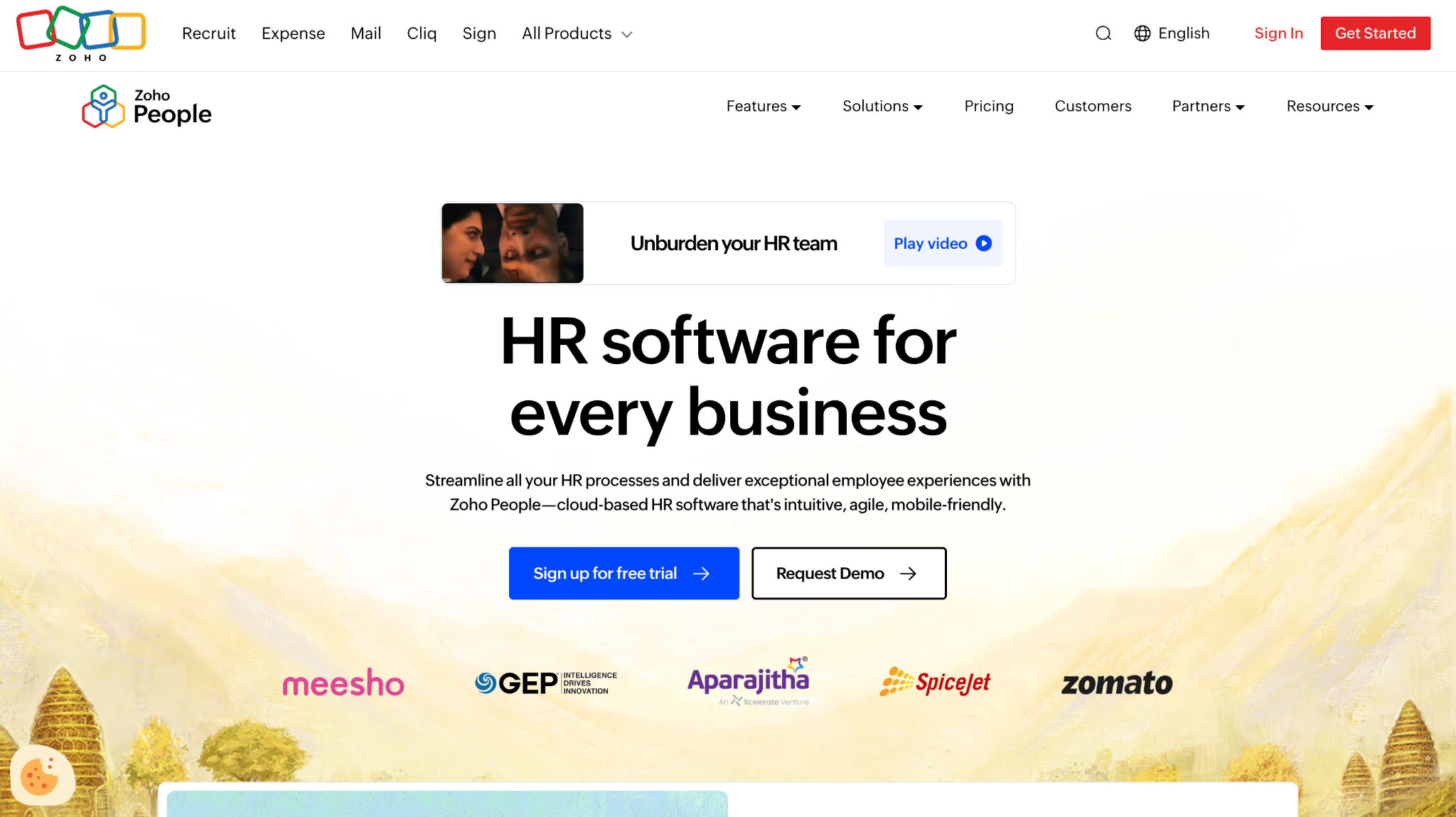
Zoho People is HR software with built-in org charts pulled from employee records. For many small organizations, it doubles as both HR system and best org chart software for basic structure.
Software Pros:
- Org chart view tied to HR data
- Good value for growing teams
- Part of wider Zoho suite
Software Cons:
- Less advanced org design features
- Charts may feel simple for very large orgs
Zoho People Review:
I found it easy to use the org chart as a starting point for exploring employee profiles, leave, and performance. For teams already adopting Zoho apps, this is a practical way to get organization chart software without adding another vendor. I’d position it as a cost-effective basic org chart builder for small and mid-sized teams.
Our Verdict
Value-Friendly Org Chart Inside HR
FAQs About Organization Chart Software
How does org chart software help organizations visualize team structures?
Organization chart software turns employee data into visual maps of reporting lines, teams, and departments. Instead of updating slides or spreadsheets by hand, HR and managers can rely on live org chart tools that update when people move or roles change.
What types of teams benefit most from using org chart software?
Fast-growing companies, distributed teams, and organizations going through frequent changes benefit most. For them, org chart platforms act as a source of truth about structure, especially when used alongside best cloud based hr software and planning tools.
How is org chart software different from general diagramming tools?
General diagram tools can draw org charts, but they usually don’t connect to HR systems. Dedicated organization chart software often includes data sync, permissions, search, and views tailored to HR, which makes it easier to keep charts current and secure.
What features should org chart software include in 2026?
In 2026, I’d look for data imports or HRIS integrations, support for large structures, search, filters, and role-based access. Many of the best org chart tools also add planning features, letting you test changes before you commit.
Can org chart software handle complex or matrix team structures?
Yes. Many modern org design tools can show dotted-line relationships, multiple roles, and project-based reporting. Some platforms even let you switch between different views (official hierarchy, project teams, locations) from the same underlying data.
Is org chart software suitable for small businesses and startups?
It can be. Small teams often start with simple or best free org chart software, or with org views inside their HR tools. As they grow, moving to more capable org chart software makes it easier to onboard new hires and explain how the organization fits together.

Yaryna is our lead writer with over 8 years of experience in crafting clear, compelling, and insightful content. Specializing in global employment and EOR solutions, she simplifies complex concepts to help businesses expand their remote teams with confidence. With a strong background working alongside diverse product and software teams, Yaryna brings a tech-savvy perspective to her writing, delivering both in-depth analysis and valuable insights.