Remote Employee Monitoring Tools: What They Are and How Teams Use Them
Remote employee monitoring software is a broad category that includes everything from time tracking to security-focused user activity monitoring. In practice, I see companies use software for monitoring remote employees to get clearer workload visibility, support employee performance tracking software workflows, and reduce operational blind spots in distributed teams.
When evaluating the best remote work employee monitoring software and best software for remote employee monitoring 2025 options, two things matter as much as features: purpose (productivity coaching vs. compliance/security) and trust (clear policies, role-based monitoring, and data minimization). If you operate in the EU, it’s also worth aligning your remote work monitoring system software with GDPR principles around transparency and proportionality.
If you’re building a wider HR stack, it can help to connect monitoring insights with best employee onboarding software and talent management tools, so the data supports coaching and development – not just oversight.
Top 30 Employee Monitoring Software for Remote Teams
I’m listing these best employee monitoring tools for remote teams providers in alphabetical order to keep the comparison neutral. Each block includes a homepage link, a homepage screenshot, key strengths/limits, and my editorial take. Below is my alphabetical review of 30 remote team monitoring tools and platforms, from light-touch time tracking to more security-heavy remote employee computer monitoring software.

ActivTrak
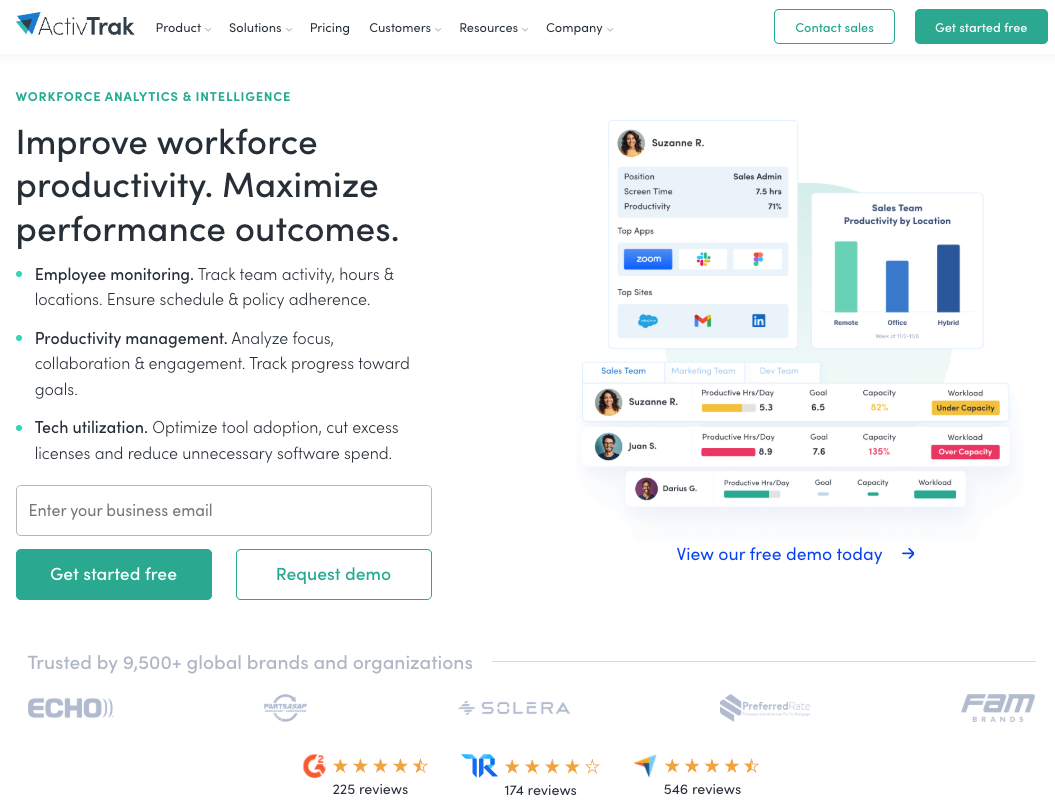
Quick Overview
ActivTrak is a remote employee monitoring platform centered on productivity analytics and work pattern insights.
Software Pros
- Strong productivity analytics
- Flexible activity categorization
- Useful dashboards for trends
Software Cons
- Setup/tuning takes time
- Can raise concerns if rolled out without context
ActivTrak Review
What stood out to me is how “analytics-first” it feels versus pure surveillance. I’d use it when you want coaching signals and team-level patterns more than granular inspection. Over time, this approach makes it easier to spot sustainable work patterns rather than short-term activity spikes. I especially see value in how it supports ongoing conversations around focus and workload balance.
Our Verdict
Productivity Analytics Focus
Apploye
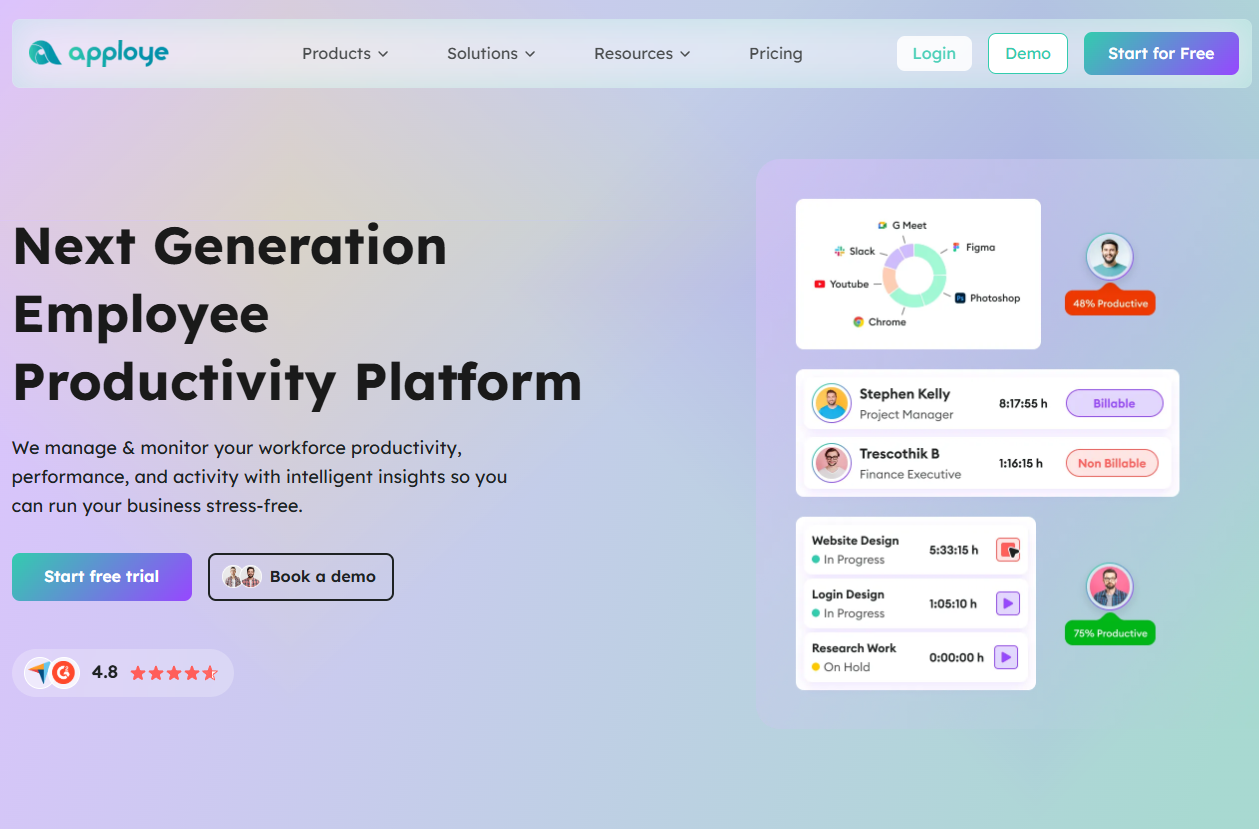
Quick Overview
Apploye combines time tracking with monitoring options aimed at remote teams and freelancers.
Software Pros
- Practical time tracking
- Project-oriented organization
- Monitoring options that can be configured
Software Cons
- Monitoring features need careful policy design
- Reporting may feel basic for complex orgs
Apploye Review
I’d position this as a straightforward remote employee tracking software choice for smaller teams that want one tool for time + visibility, without going fully enterprise. For smaller or growing teams, that simplicity often translates into faster adoption. It’s a practical way to bring structure to remote work without introducing unnecessary complexity.
Our Verdict
Small Team Monitoring Pick
CleverControl
Quick Overview
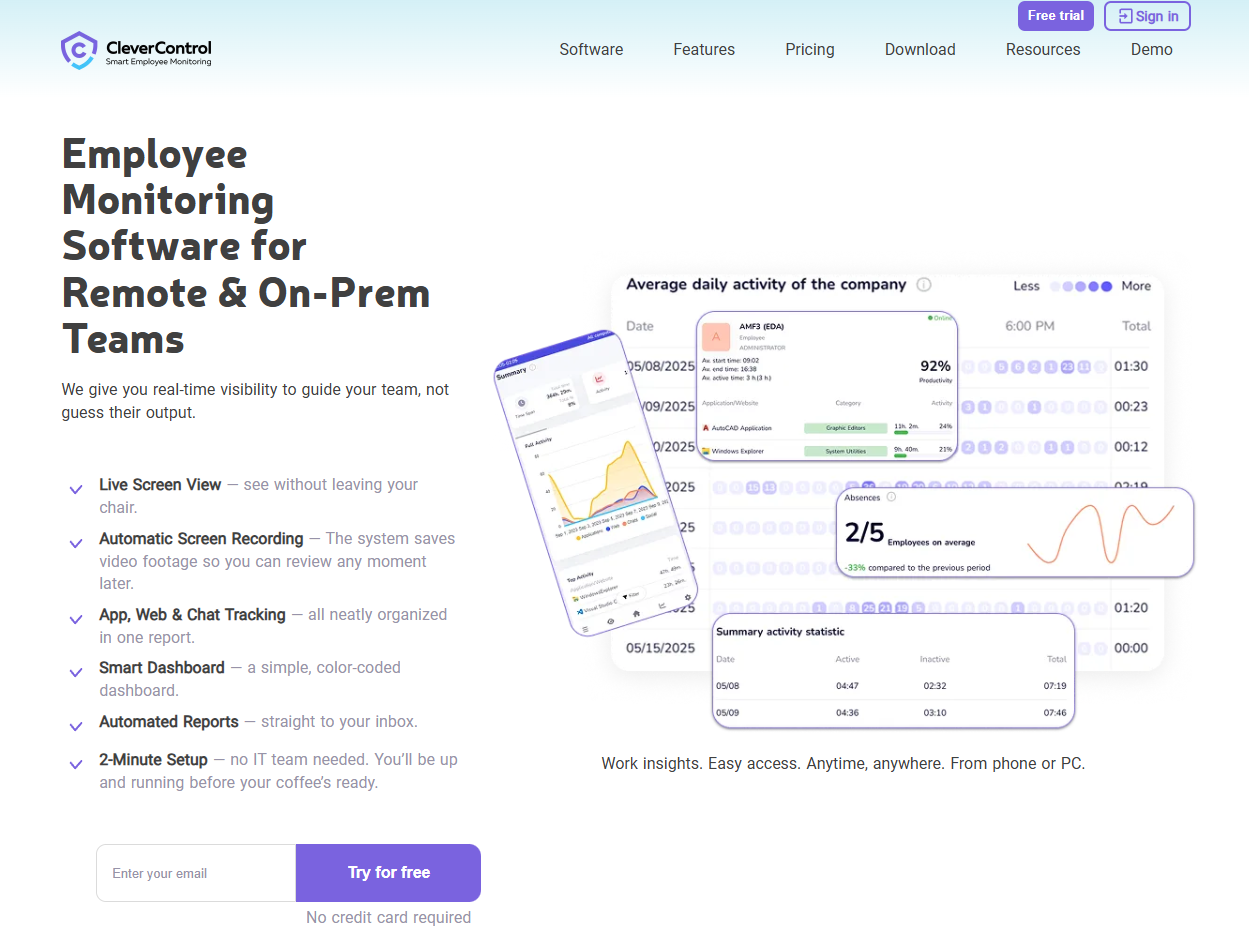
CleverControl sits on the “deeper monitoring” end of remote employee desktop monitoring software.
Software Pros
- Detailed activity capture
- Real-time visibility options
- Broad oversight controls
Software Cons
- High trust impact if misused
- Not ideal for teams preferring light-touch monitoring
CleverControl Review
I see it fitting for security-sensitive orgs that truly need depth. When used intentionally, the depth it offers can bring real clarity in environments where visibility is genuinely required. It’s a tool that delivers precision when the use case is well defined.
Our Verdict
Deep Desktop Monitoring
Clockify

Quick Overview
Clockify is time tracking that works well as a lightweight employee monitoring system for remote workers (time-first).
Software Pros
- Clean time tracking
- Strong reporting
- Works across teams and projects
Software Cons
- Limited “monitoring” depth
- Depends on consistent tracking habits
Clockify Review
I like it when the goal is visibility into time and projects rather than remote employee activity tracking software features. That clarity makes it easy to build consistent reporting habits across teams. It fits naturally into workflows where transparency matters more than behavioral analysis.
Our Verdict
Time Tracking Foundation
Connecteam
Quick Overview
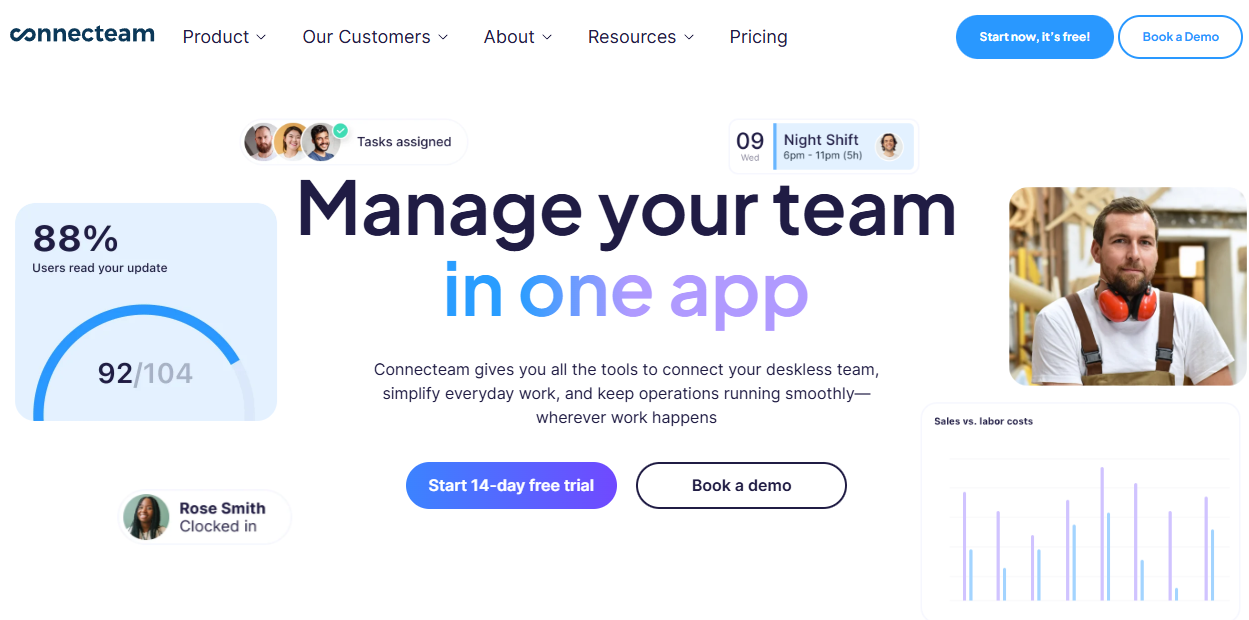
Connecteam is workforce management with strong mobile workflows (useful for hybrid and frontline-heavy teams).
Software Pros
- Mobile-friendly ops
- Scheduling + coordination
- Broad team management toolkit
Software Cons
- Not a pure desktop monitoring tool
- Can be more than you need for simple monitoring
Connecteam Review
I’d pick this when “workforce ops” is the main need and monitoring is supportive, not central. Its strength is how naturally monitoring fits into broader day-to-day operations. Teams often benefit from having scheduling, communication, and visibility in one place.
Our Verdict
Productivity Analytics Focus
Controlio
Quick Overview
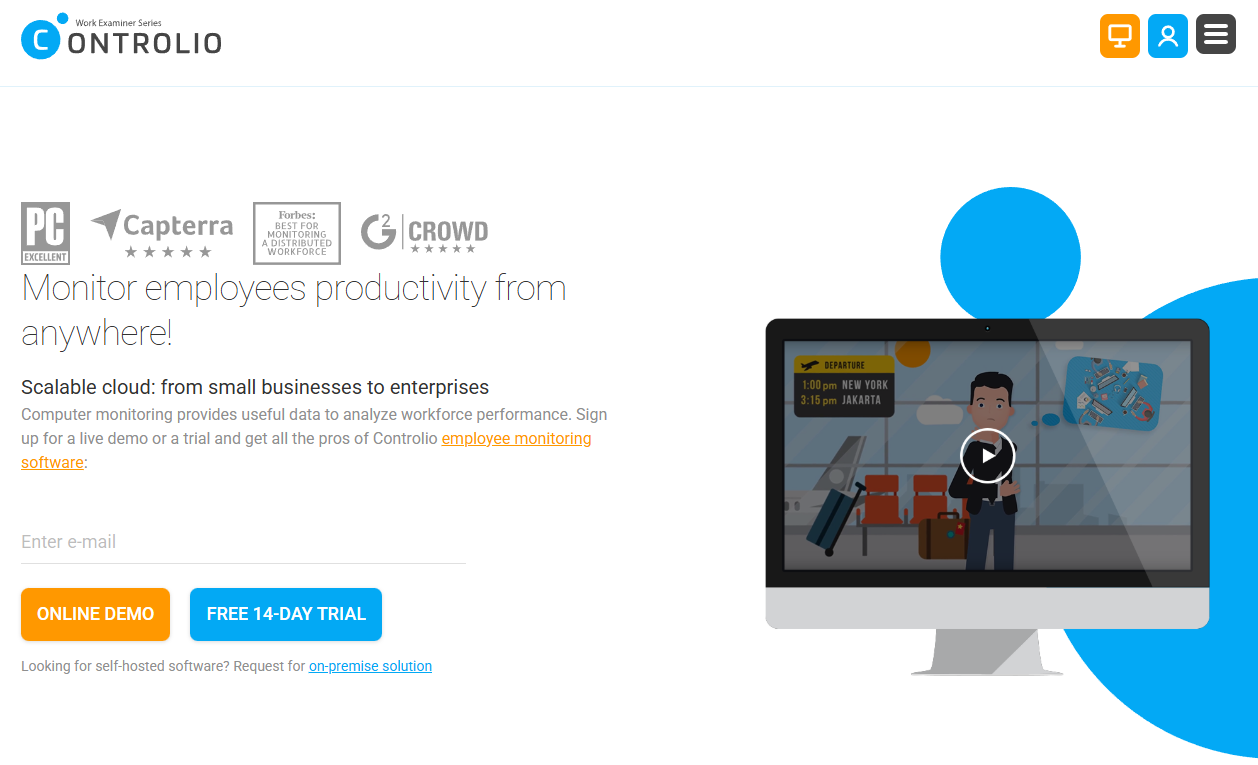
Controlio is positioned as remote work employee monitoring software with strong activity visibility.
Software Pros
- Broad monitoring coverage
- Manager controls and reporting
- Useful for policy enforcement
Software Cons
- Needs careful rollout to avoid morale issues
- Overkill for trust-based cultures
Controlio Review
When I look at tools like this, I treat them as “policy systems” first: success depends on transparency and boundaries more than features. As employee remote work monitoring software, it requires careful implementation. In structured environments, this level of visibility can help reinforce consistent standards across teams. It’s especially effective when monitoring is positioned as part of clear operational policy.
Our Verdict
High-Visibility Monitoring
CurrentWare

Quick Overview
CurrentWare leans toward control + security, useful as a remote employee monitoring system for regulated environments.
Software Pros
- Policy controls
- Useful security posture
- Good for governance-minded teams
Software Cons
- Setup can be involved
- Can feel restrictive if used too broadly
CurrentWare Review
I’d use it when compliance and data protection are primary, and productivity tracking is a secondary benefit. For organizations that prioritize governance, this focus can bring peace of mind. It supports a more disciplined approach to managing distributed environments.
Our Verdict
Security-Leaning Control Suite
DeskTime
Quick Overview
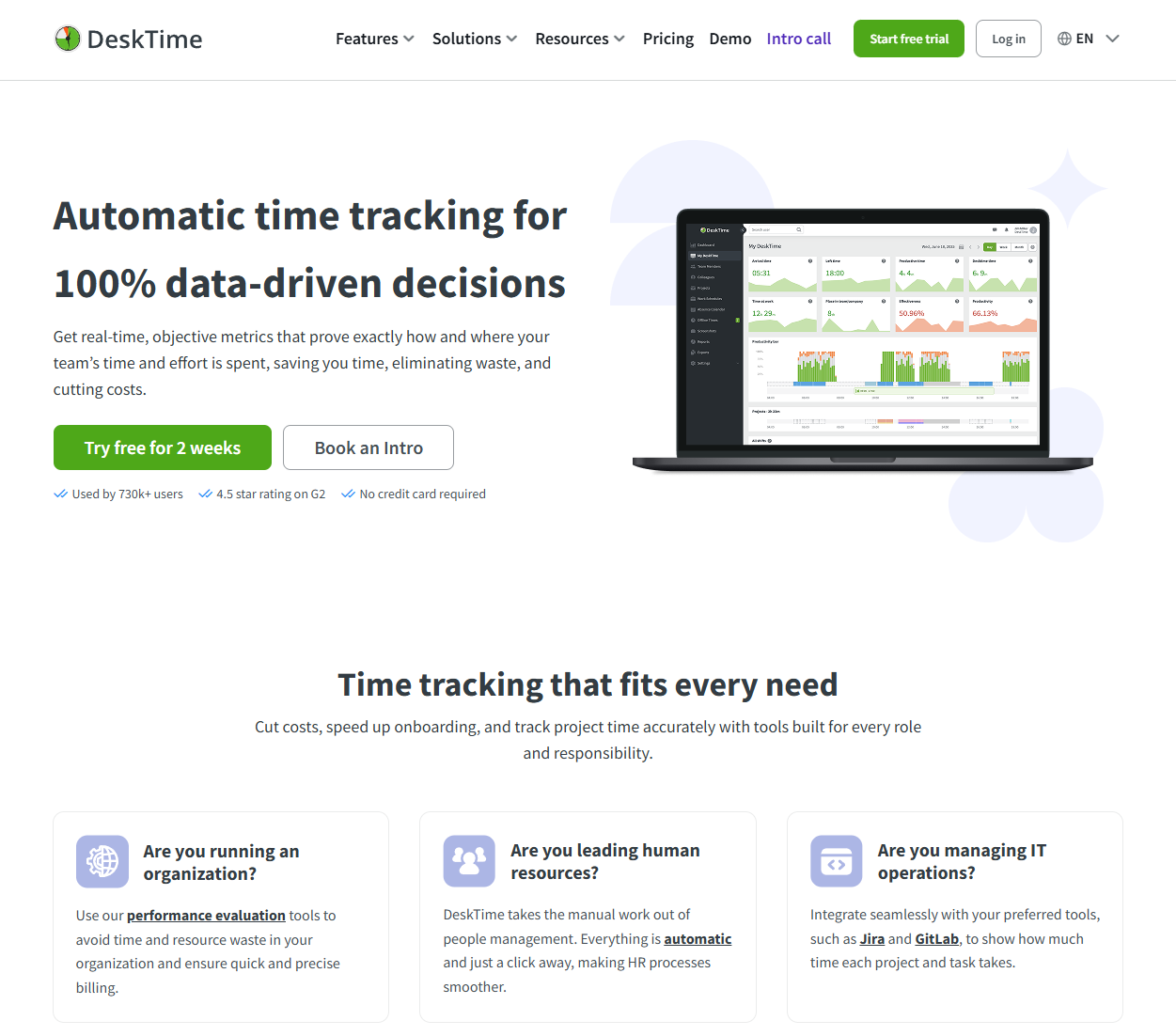
DeskTime is remote employee productivity monitoring software with automatic time capture and simple categorization.
Software Pros
- Automatic tracking
- Easy-to-read productivity views
- Friendly learning curve
Software Cons
- Categorization needs tuning
- Limited security/compliance depth
DeskTime Review
I like this for teams that want a practical baseline without turning monitoring into a complex program. Among the best employee monitoring tools available, it strikes a good balance. That balance makes it approachable for teams new to productivity tracking. It’s often a good first step before moving into more advanced analytics.
Our Verdict
Simple Productivity Tracking
EmpMonitor
Quick Overview
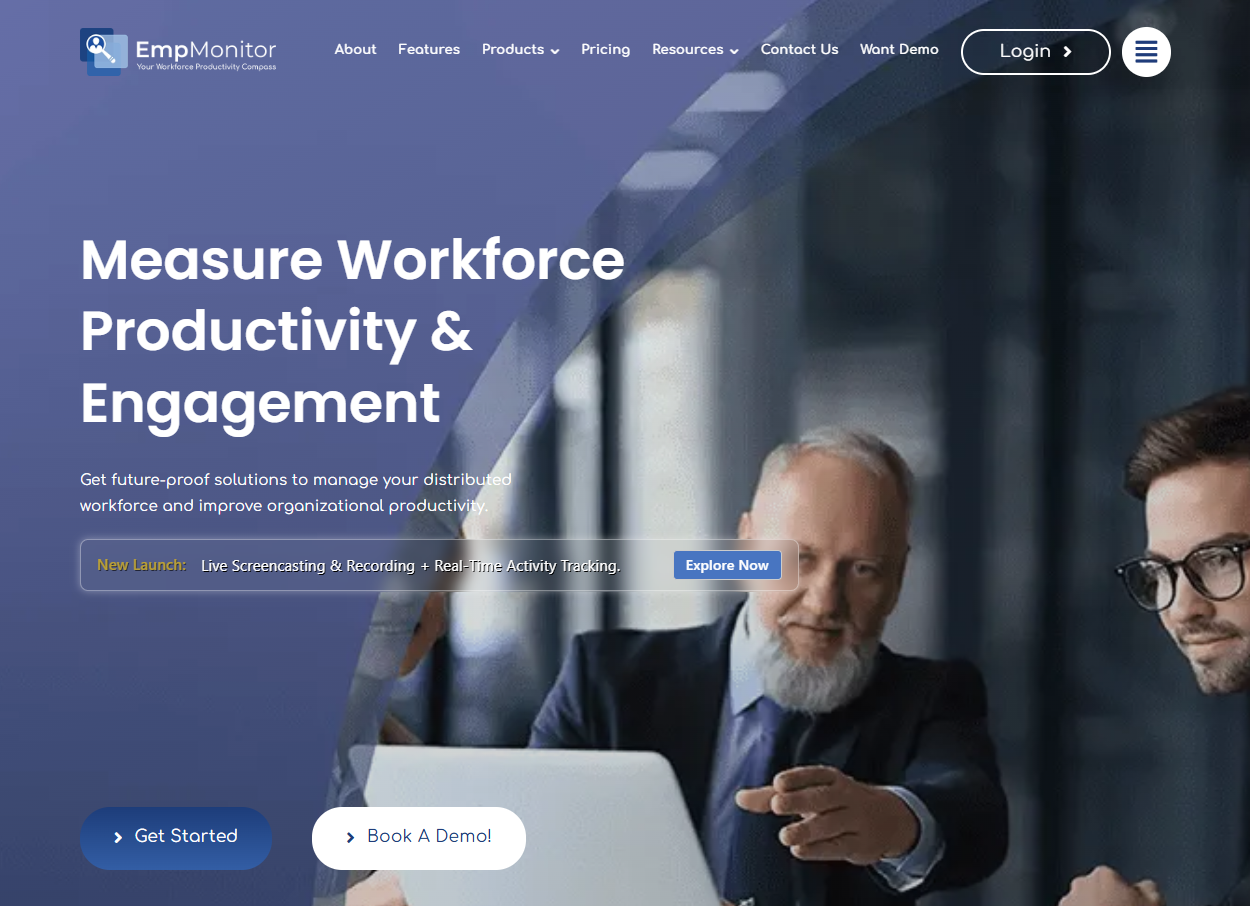
EmpMonitor mixes time tracking and monitoring for employee monitoring software for work-from-home employees.
Software Pros
- Time + activity visibility
- Team management basics
- Useful for distributed ops
Software Cons
- Ruieqres clear privacy settings
- May feel too “monitoring-forward” for some cultures
EmpMonitor Review
I’d consider it when you want one vendor as a remote employee monitoring solution provider, especially for SMBs. Its all-in-one nature can simplify oversight for distributed teams. I see it working well where managers want a single view without juggling multiple tools.
Our Verdict
SMB All-In-One Visibility
Hubstaff
Quick Overview
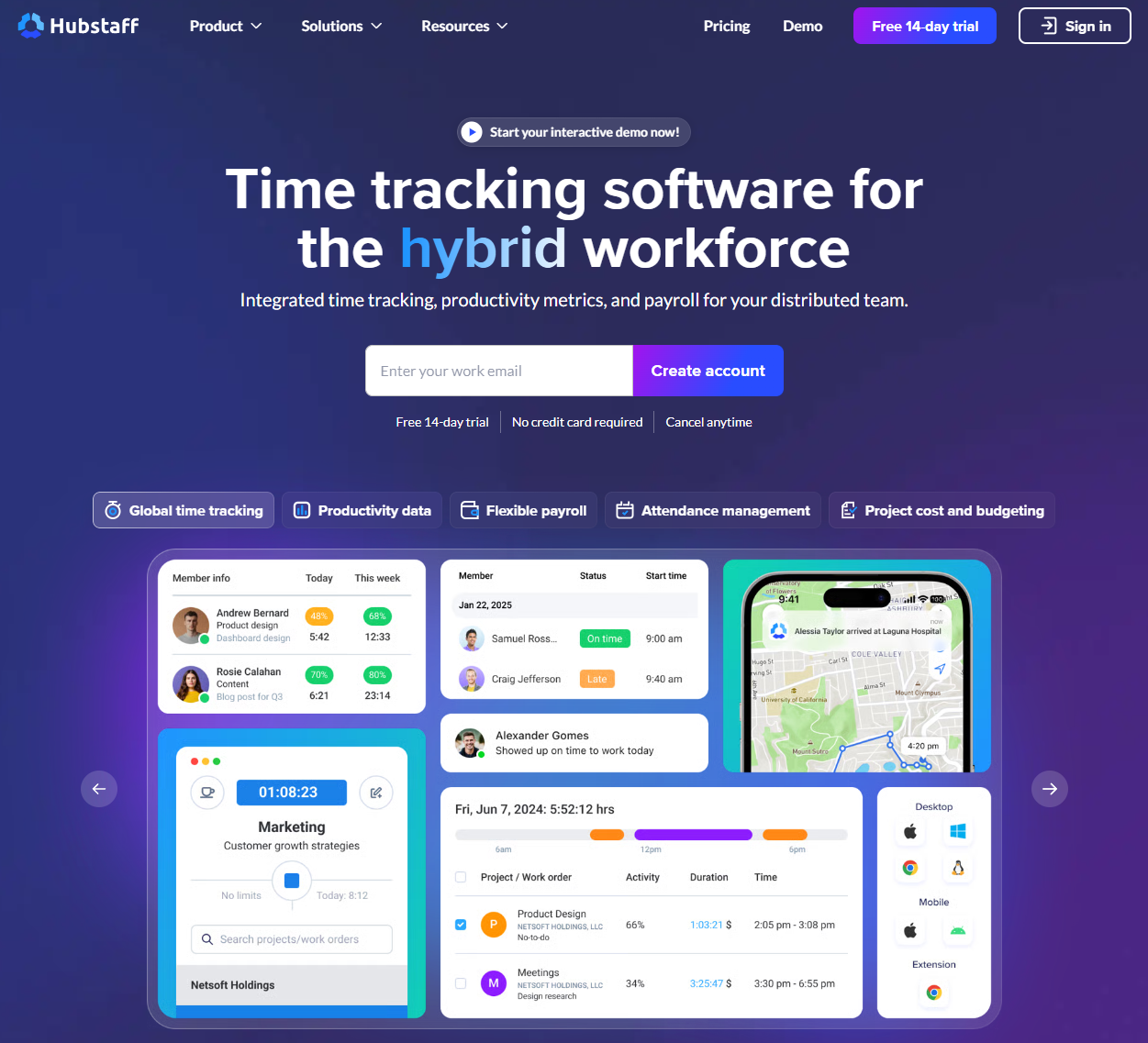
Hubstaff is a popular remote employee monitoring tool centered on time tracking and productivity signals.
Software Pros
- Time tracking at scale
- Integrations
- Useful operational reporting
Software Cons
- Monitoring options require buy-in
- Pricing depends on feature tier
Hubstaff Review
I usually recommend it when leadership wants structure (time + deliverables) more than investigative monitoring. Among the best employee monitoring tools available, it provides solid operational visibility. It shines in environments where consistency and repeatable reporting matter. The platform often becomes a dependable operational backbone rather than a point solution.
Our Verdict
Time + Ops Visibility
Insightful
Quick Overview
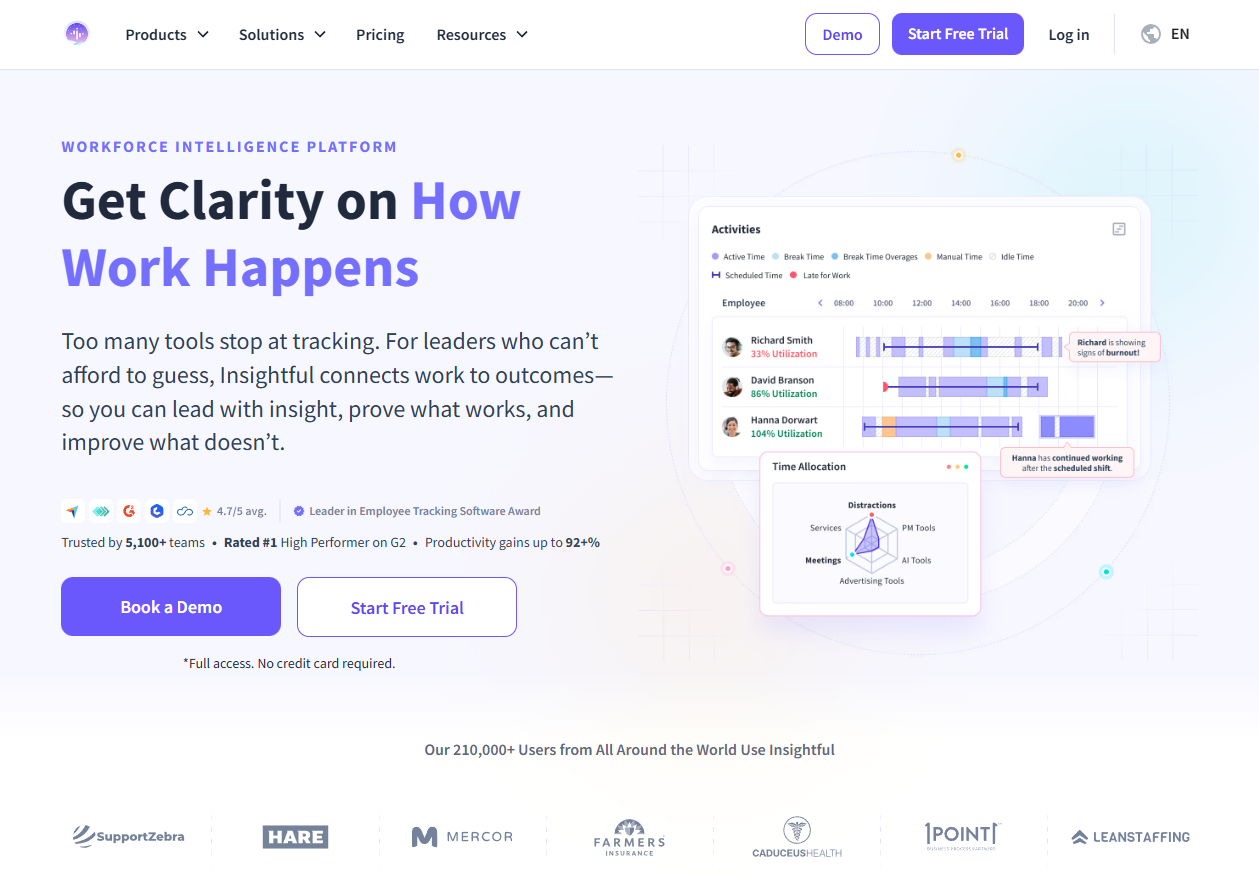
Insightful positions itself as analytics-heavy employee monitoring for remote teams.
Software Pros
- Deep analytics
- Team segmentation
- Strong reporting story
Software Cons
- Setup/training time
- Too complex for basic needs
Insightful Review
I’d choose it when you’re serious about measurement and coaching loops, not when you just need a timer. When fully utilized, the analytics can support thoughtful coaching and long-term optimization. It’s particularly strong for teams that value data-driven decision-making.
Our Verdict
Analytics-First Monitoring
InterGuard
Quick Overview
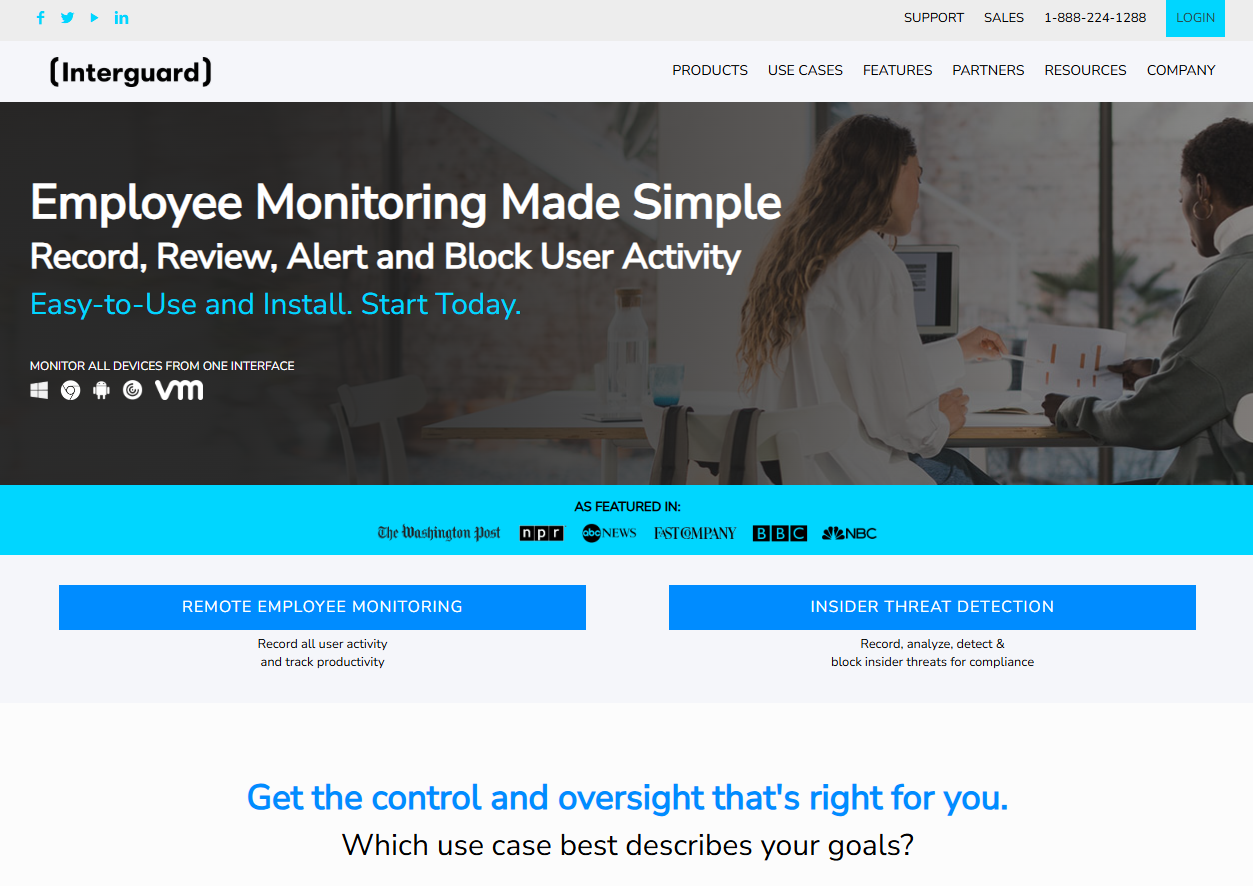
InterGuard sits closer to security + monitoring than pure time tracking.
Software Pros
- Security-oriented controls
- Detailed oversight options
- Useful for investigations
Software Cons
- Can feel heavy
- Governance and comms are mandatory
InterGuard Review
I treat tools in this category as part of an insider-risk posture, not a general productivity “nudge.” In the right context, it adds a strong layer of confidence around visibility and control. I see it fitting well within organizations that already think in terms of risk management.
Our Verdict
Security-Driven Monitoring
Jibble
Quick Overview
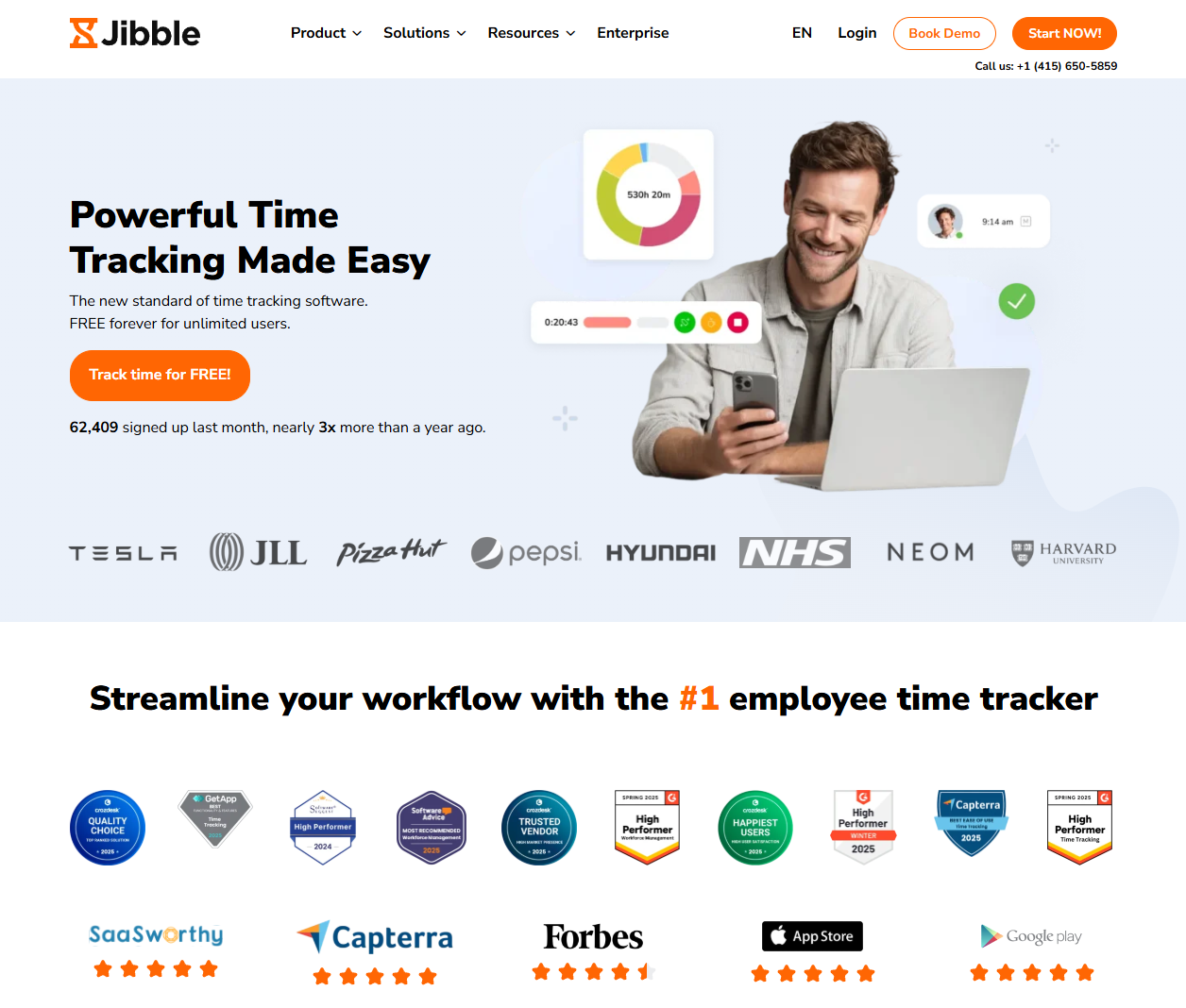
Jibble is a time-and-attendance-first option that can support remote workforce monitoring tools needs.
Software Pros
- Strong attendance workflows
- Simple adoption
- Good for shift-based teams too
Software Cons
- Limited deep monitoring
- Less suited for compliance-heavy scenarios
Jibble Review
If your “monitoring” is really time/attendance hygiene, this is a clean place to start. Its strength is how naturally it fits into day-to-day routines without creating friction. For teams focused on attendance accuracy, it keeps things clean and predictable.
Our Verdict
Attendance + Time Tracking
Kickidler
Quick Overview
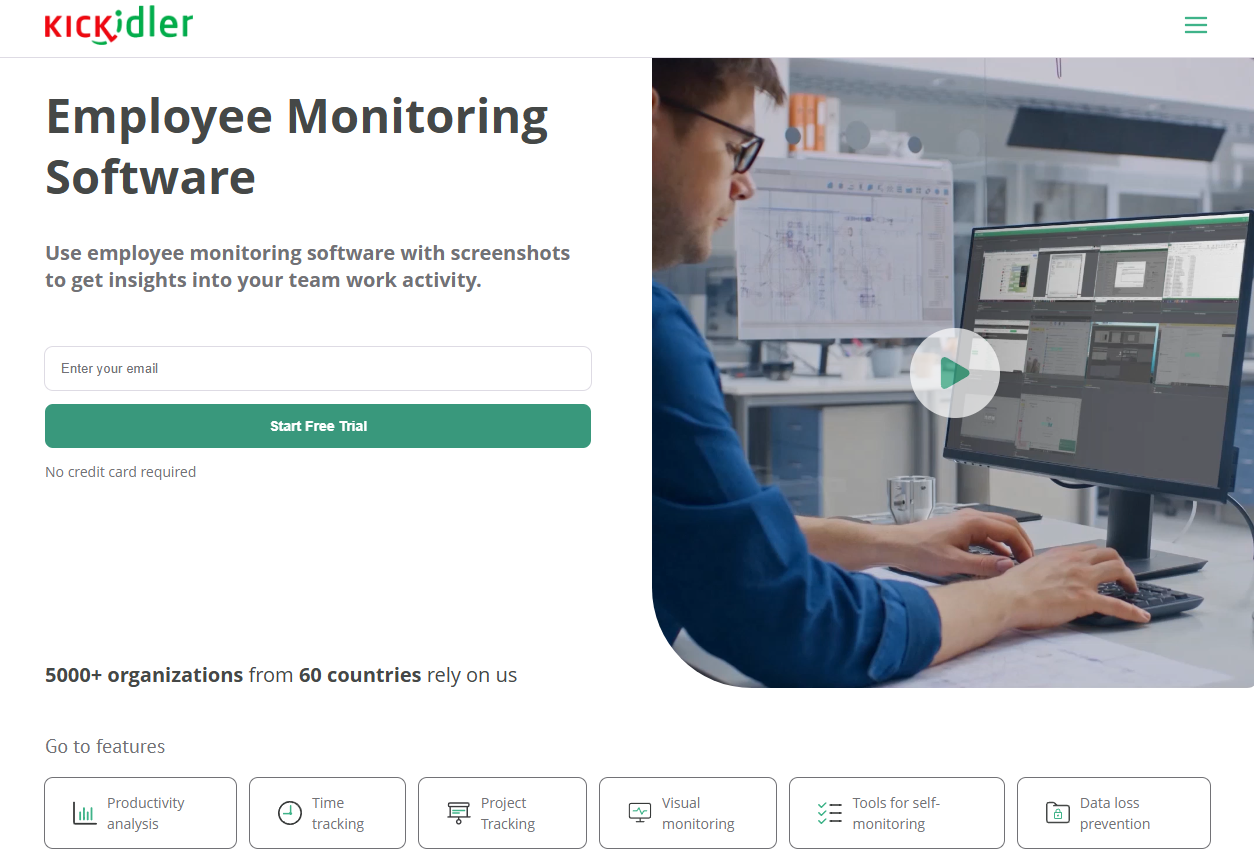
Kickidler is a more intensive remote employee computer monitoring software with live screen features.
Software Pros
- High visibility
- Real-time oversight options
- Detailed activity records
Software Cons
- Intrusiveness risk
- Needs strict, role-based scope
Kickidler Review
I’d reserve this level of monitoring for clearly justified cases (security/compliance), with explicit employee communication. In clearly defined scenarios, this level of visibility can remove uncertainty and speed up issue resolution. It works best when monitoring is framed around accountability rather than control.
Our Verdict
Real-Time Screen Oversight
Monitask
Quick Overview
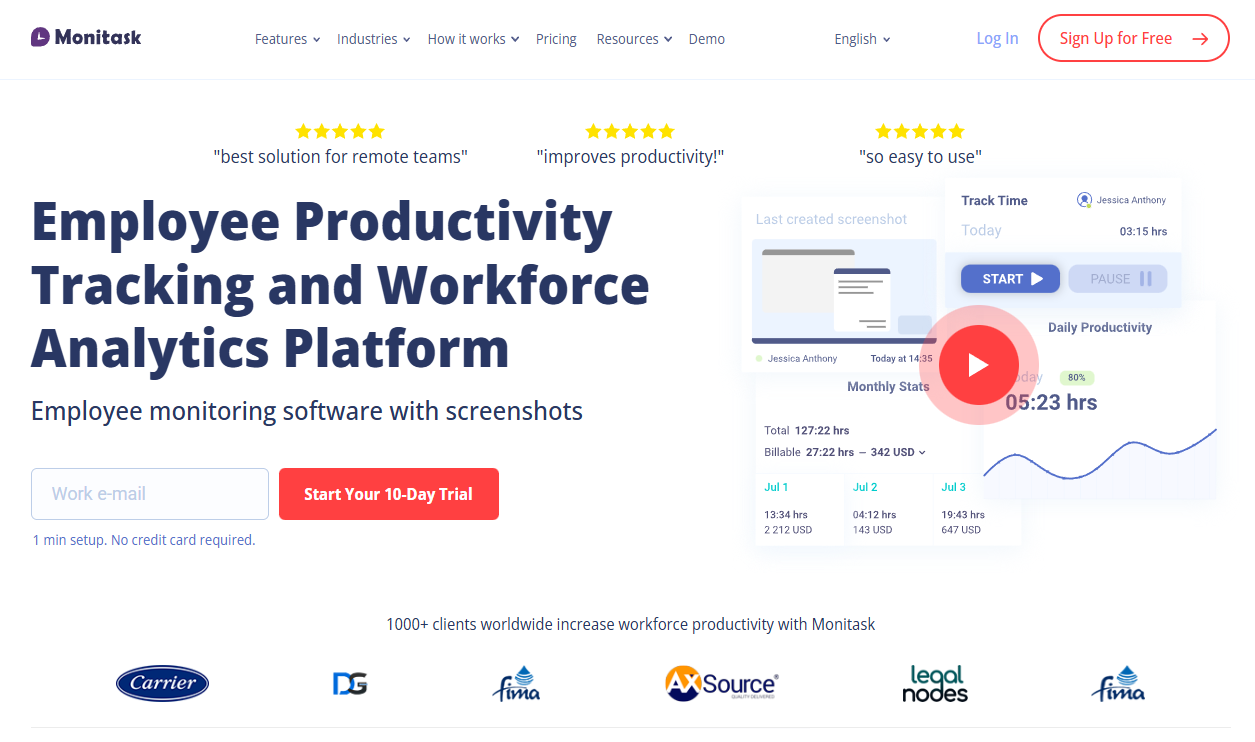
Monitask combines time tracking with monitoring options, common in work from home employee monitoring software stacks.
Software Pros
- Simple rollout
- Clear time visibility
- Useful for project-based teams
Software Cons
- Monitoring needs careful guardrails
- May be too “tracking-forward” for some teams
Monitask Review
I like it when teams need basic structure and accountability, but still want to avoid enterprise complexity. The simplicity makes it easy to introduce without overwhelming teams. I see it working well where managers want structure but still value straightforward workflows.
Our Verdict
Straightforward Team Tracking
ProHance
Quick Overview
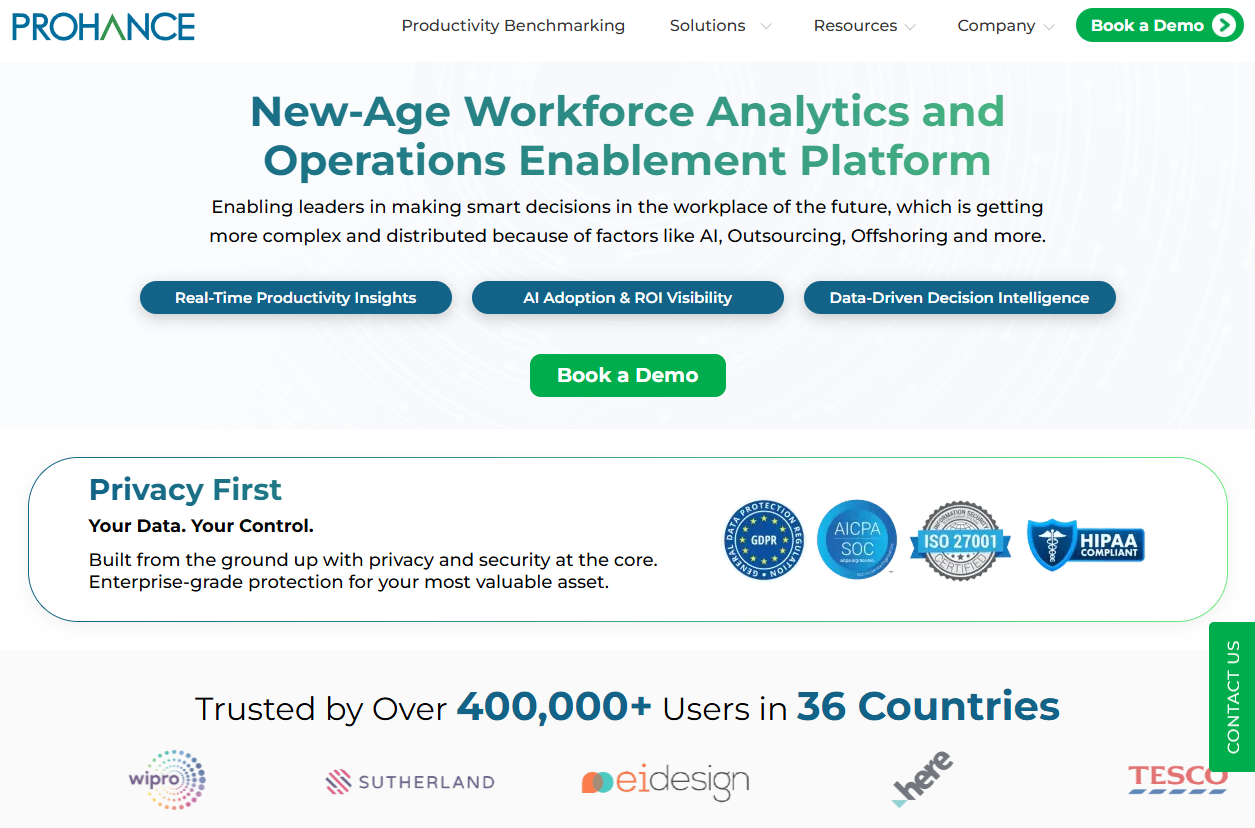
ProHance is positioned as enterprise workforce analytics and remote employee monitoring system tooling.
Software Pros
- Enterprise analytics depth
- Process optimization angle
- Strong governance potential
Software Cons
- Implementation effort
- Likely too much for small teams
ProHance Review
I’d evaluate it when leadership wants operational analytics at scale, not just individual activity logs. Its real advantage comes from connecting individual activity to broader operational insights. For large organizations, that perspective can support more informed workforce planning.
Our Verdict
Enterprise Workforce Analytics
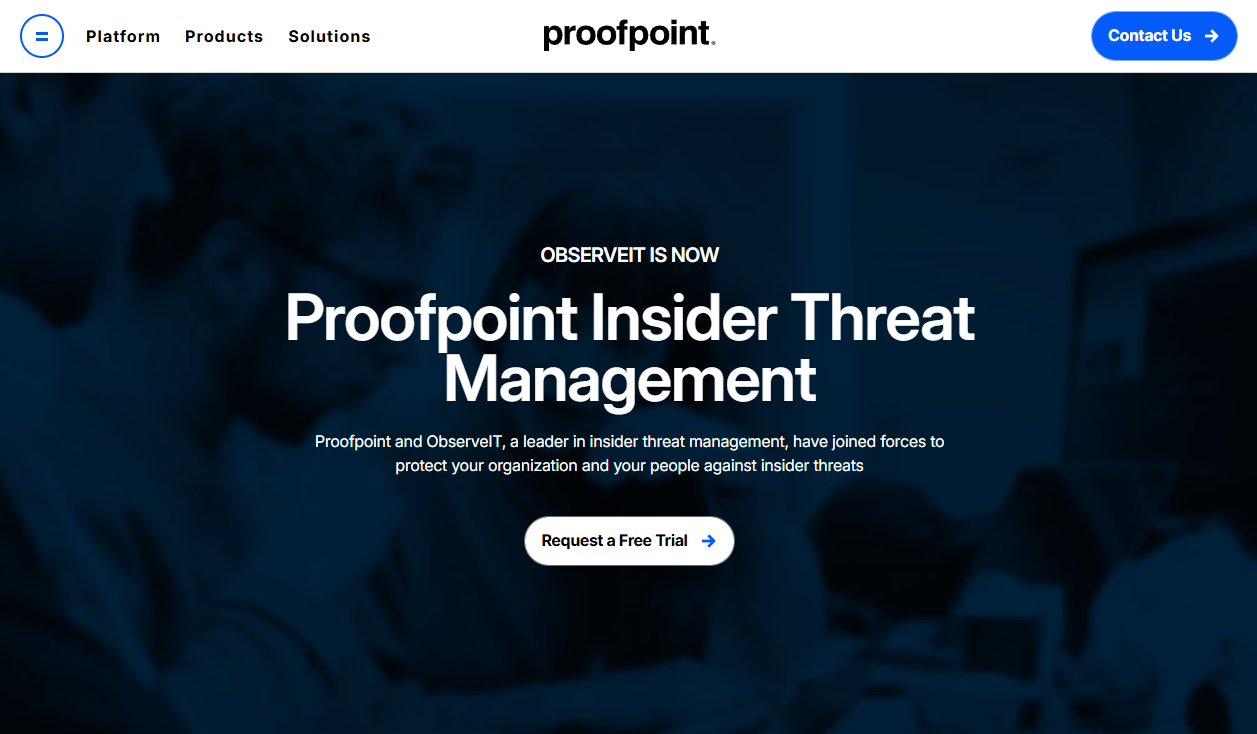
Proofpoint ObserveIT
Quick Overview
Proofpoint ObserveIT is user-activity monitoring aimed at insider-risk and compliance.
Software Pros
- Security-first monitoring
- Investigation support
- Compliance alignment
Software Cons
- Not a “general productivity” tool
- Heavyweight for everyday teams
Proofpoint ObserveIT Review
I’d only shortlist this if security/compliance is the driver. For most teams, a lighter remote work productivity tracking software is a better fit. Within security-led environments, it provides clarity that’s hard to achieve with lighter tools. The depth of visibility supports confident decision-making when risks need to be understood quickly.
Our Verdict
Insider-Risk Monitoring Suite
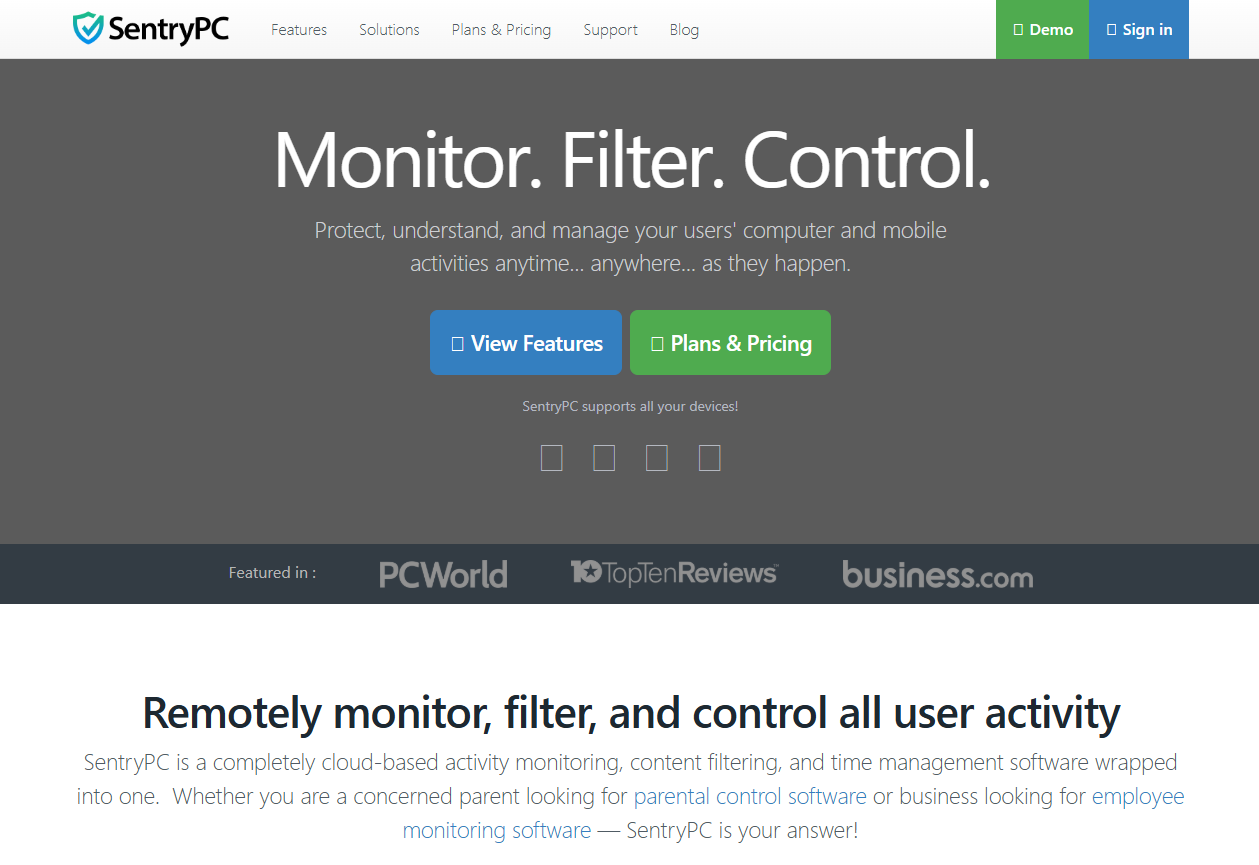
SentryPC
Quick Overview
SentryPC offers monitoring plus filtering controls for remote employee monitoring methods and governance.
Software Pros
- Website/app control
- Activity logging
- Useful for policy enforcement
Software Cons
- Can feel restrictive
- UI may feel less modern than newer tools
SentryPC Review
I see it working best when “control + policy” matters as much as productivity insight. The combination of monitoring and control can help standardize behavior across teams. It’s especially useful where consistent policy application is a priority.
Our Verdict
Control + Monitoring Combo
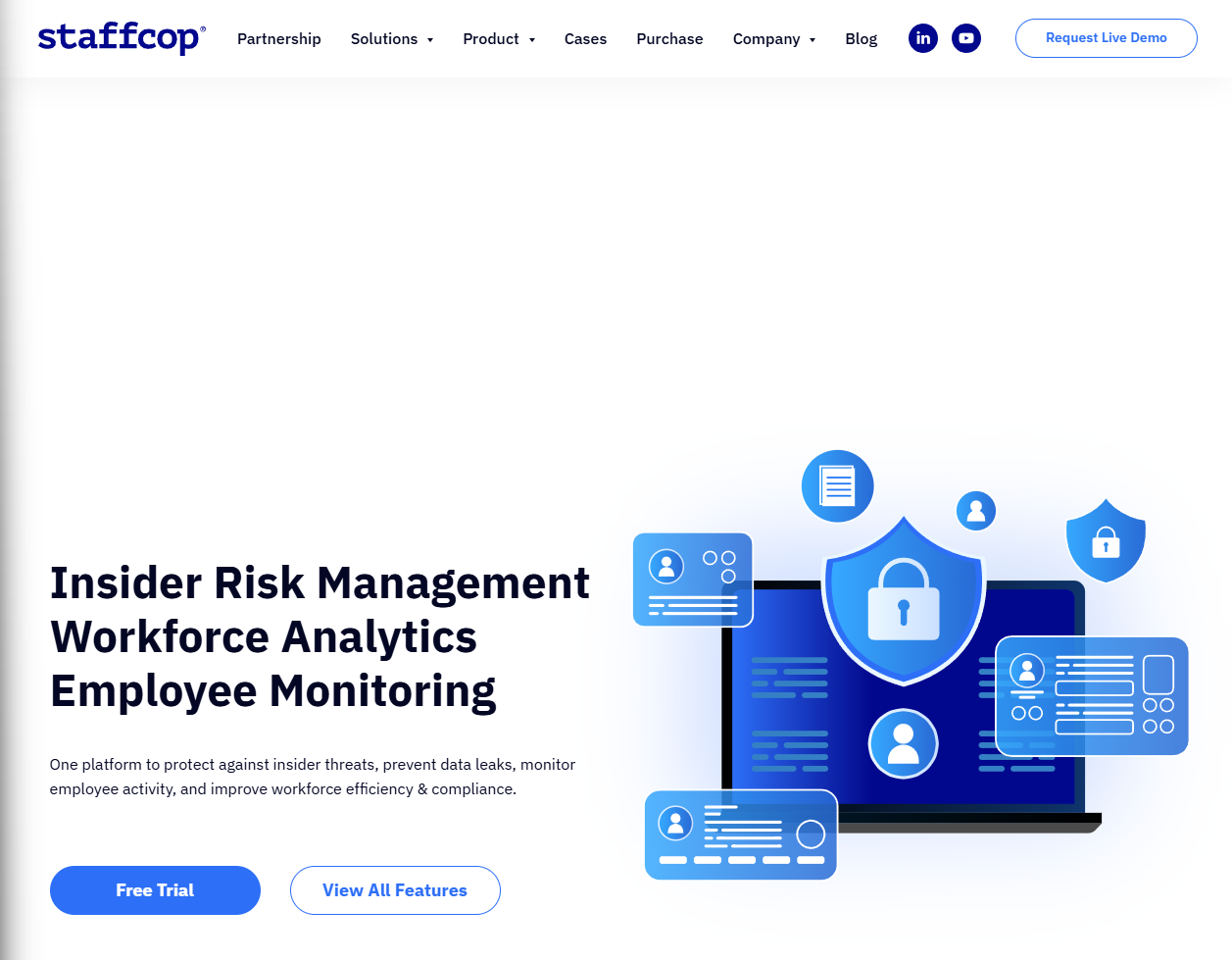
StaffCop
Quick Overview
StaffCop targets insider-risk management with employee monitoring and data protection features.
Software Pros
- Security + monitoring blend
- Useful for investigations
- Compliance-oriented
Software Cons
- Requires governance maturity
- Too heavy for basic tracking needs
StaffCop Review
I’d treat it as part of a broader security program rather than a day-to-day manager dashboard. When embedded into a wider security strategy, it adds a strong layer of operational assurance. I see it as supporting teams that need structured, well-documented oversight.
Our Verdict
Security & Compliance Monitoring
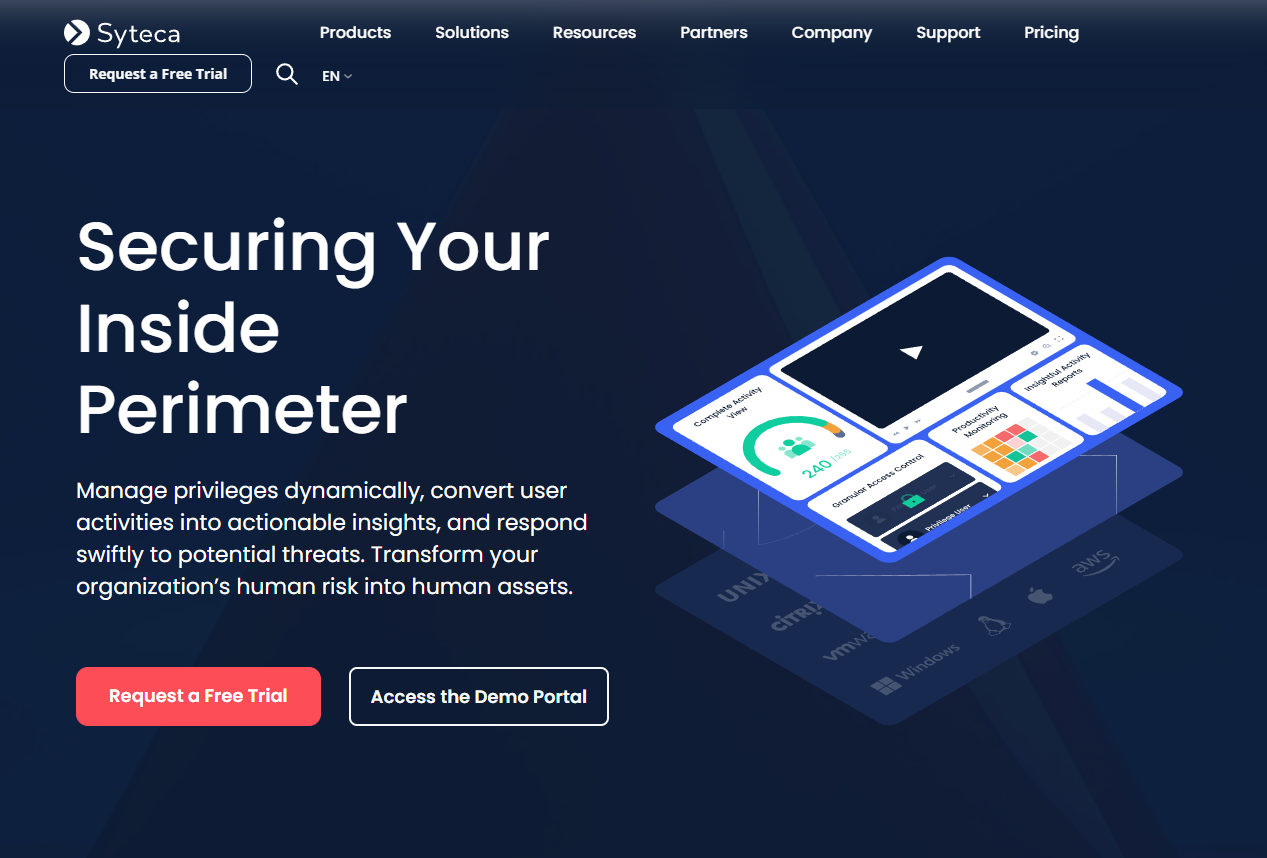
Syteca
Quick Overview
Syteca is positioned around session monitoring and insider-risk use cases.
Software Pros
- Strong audit trail
- Security-oriented monitoring
- Good for regulated environments
Software Cons
- Implementation effort
- Not needed for basic SMB monitoring
Syteca Review
I’d shortlist this when auditability is the priority and the organization can support the operational overhead. Its strength lies in traceability and reliability. For regulated environments, that audit-ready mindset can be a major advantage.
Our Verdict
Audit-Ready Session Monitoring
Teramind
Quick Overview
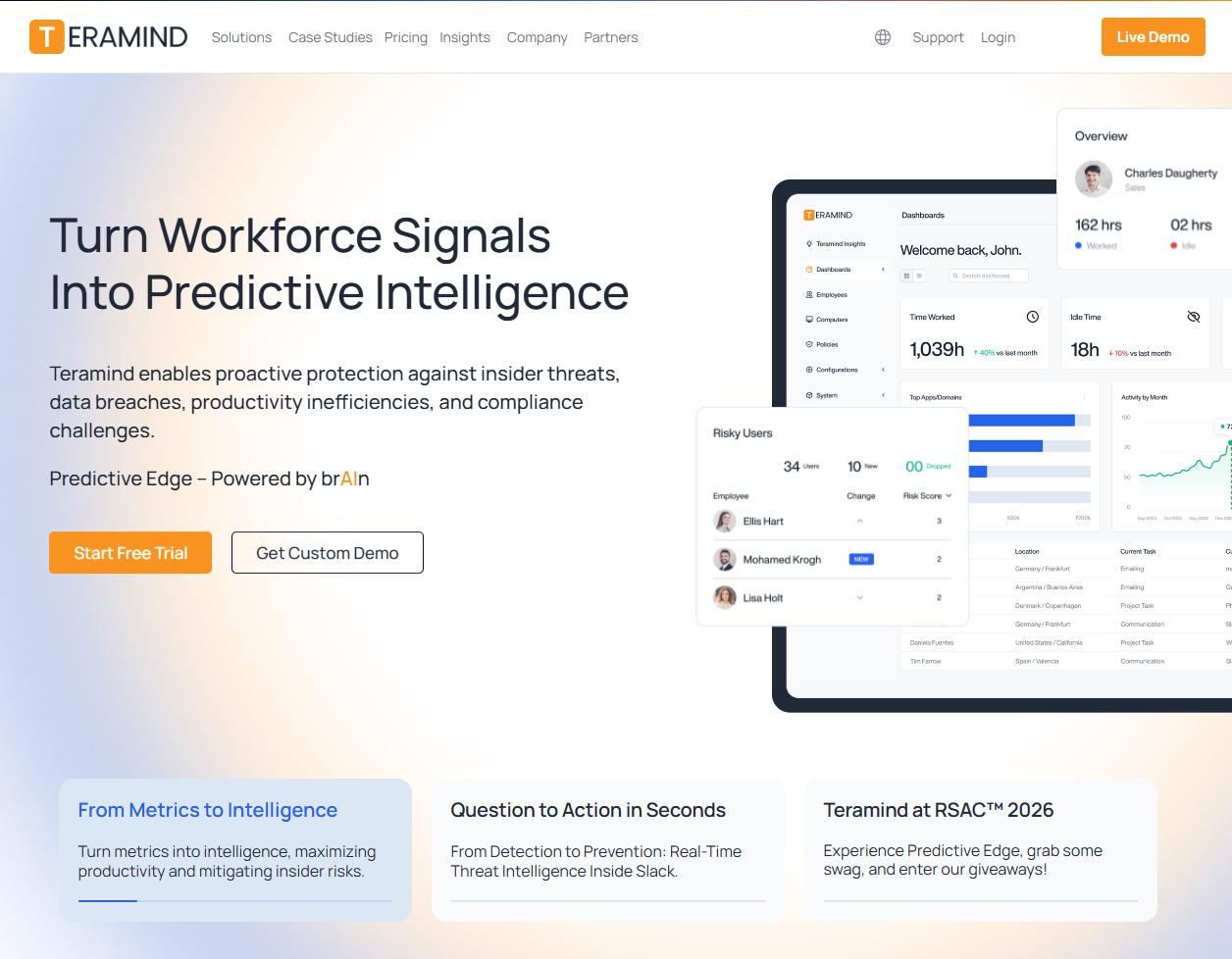
Teramind is a full-featured remote employee monitoring system with strong security posture.
Software Pros
- Powerful controls
- Policy + risk angle
- Strong for investigations
Software Cons
- Complexity
- Needs careful employee communication
Teramind Review
If you need “security monitoring with productivity visibility,” this is a serious contender – just don’t roll it out casually. Used thoughtfully, it offers a rare balance between visibility and risk awareness. It’s well suited to organizations that need comprehensive insight across both productivity and security.
Our Verdict
Full-Scope Security Monitoring
Time Doctor
Quick Overview
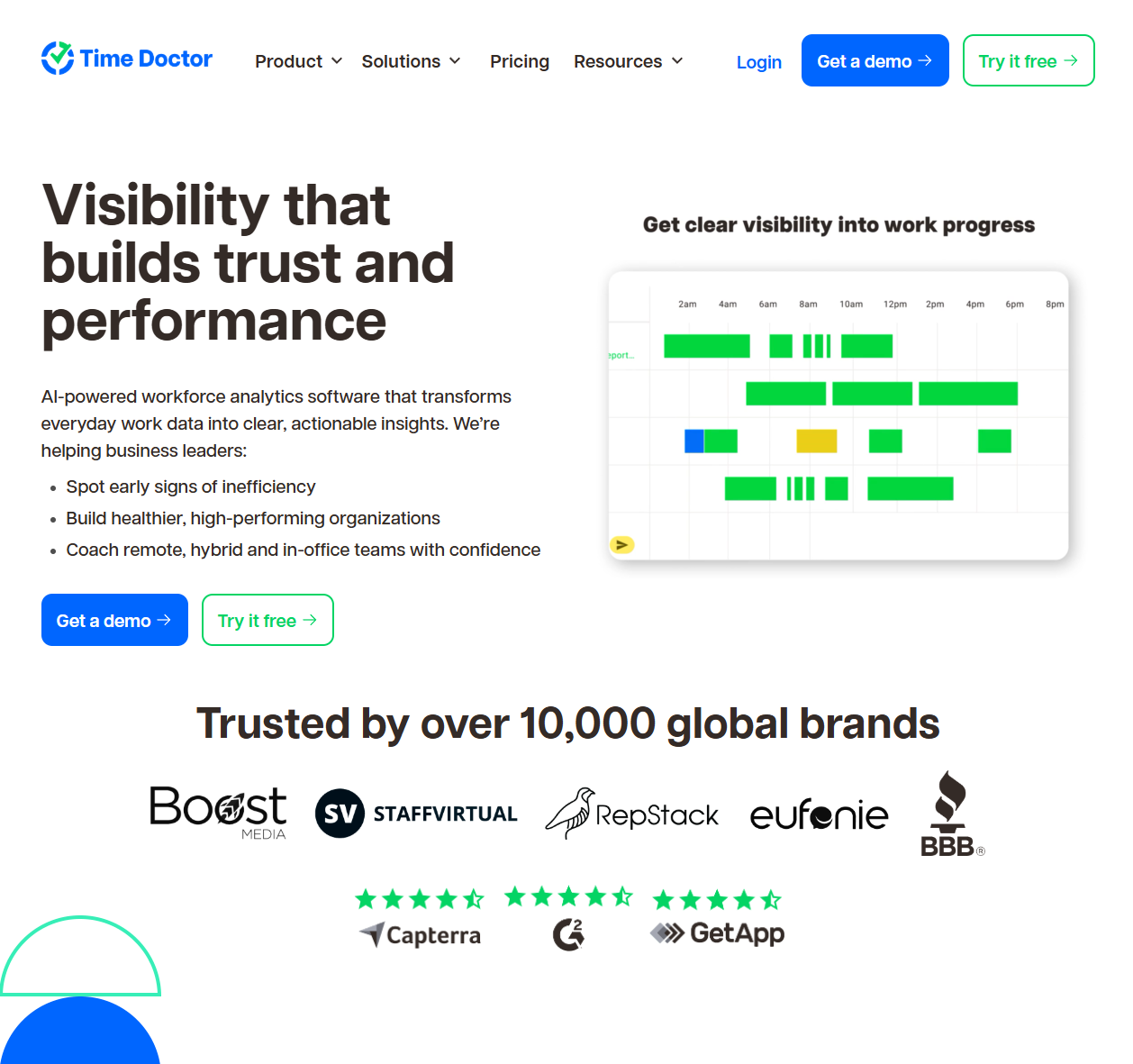
Time Doctor is best hr tools for remote employee monitoring adjacent – time tracking plus productivity signals.
Software Pros
- Strong time visibility
- Useful reports
- Works well for distributed teams
Software Cons
- Monitoring settings require clear boundaries
- Not ideal for “no tracking” cultures
Time Doctor Review
I’d use it when you need consistent time accountability and a practical top remote employee monitoring tool – not when you need security investigations. It brings consistency to time and productivity conversations across distributed teams. The reporting often becomes a helpful reference point rather than a control mechanism.
Our Verdict
Time + Productivity Insights
Timely
Quick Overview
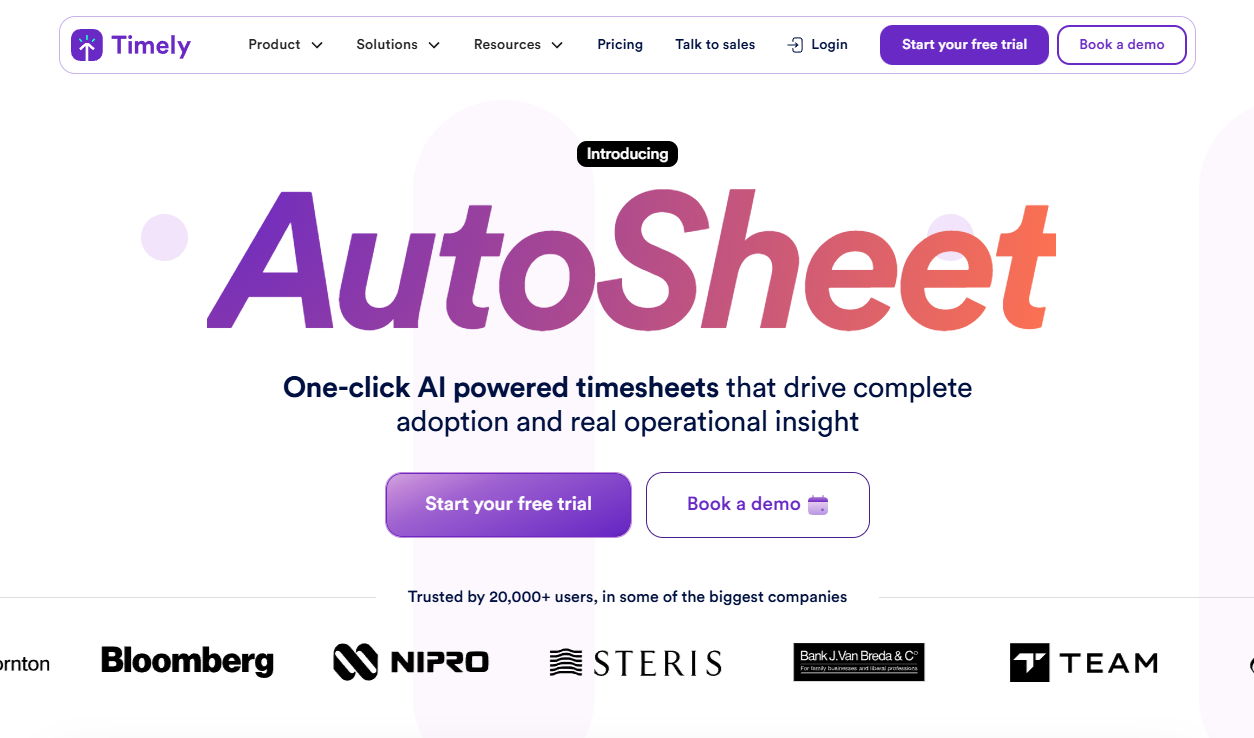
Timely focuses on automatic time tracking, useful for remote work productivity tracking software needs.
Software Pros
- Automatic capture
- Good for planning/billing
- Less “surveillance” framing
Software Cons
- Not deep monitoring
- Best for knowledge work workflows
Timely Review
I like it when teams want accuracy in time without turning it into constant oversight. The automatic tracking model helps reduce manual effort and guesswork. It’s especially effective for teams that want accurate data without constant interaction.
Our Verdict
Automatic Time Tracking
Toggl Track
Quick Overview
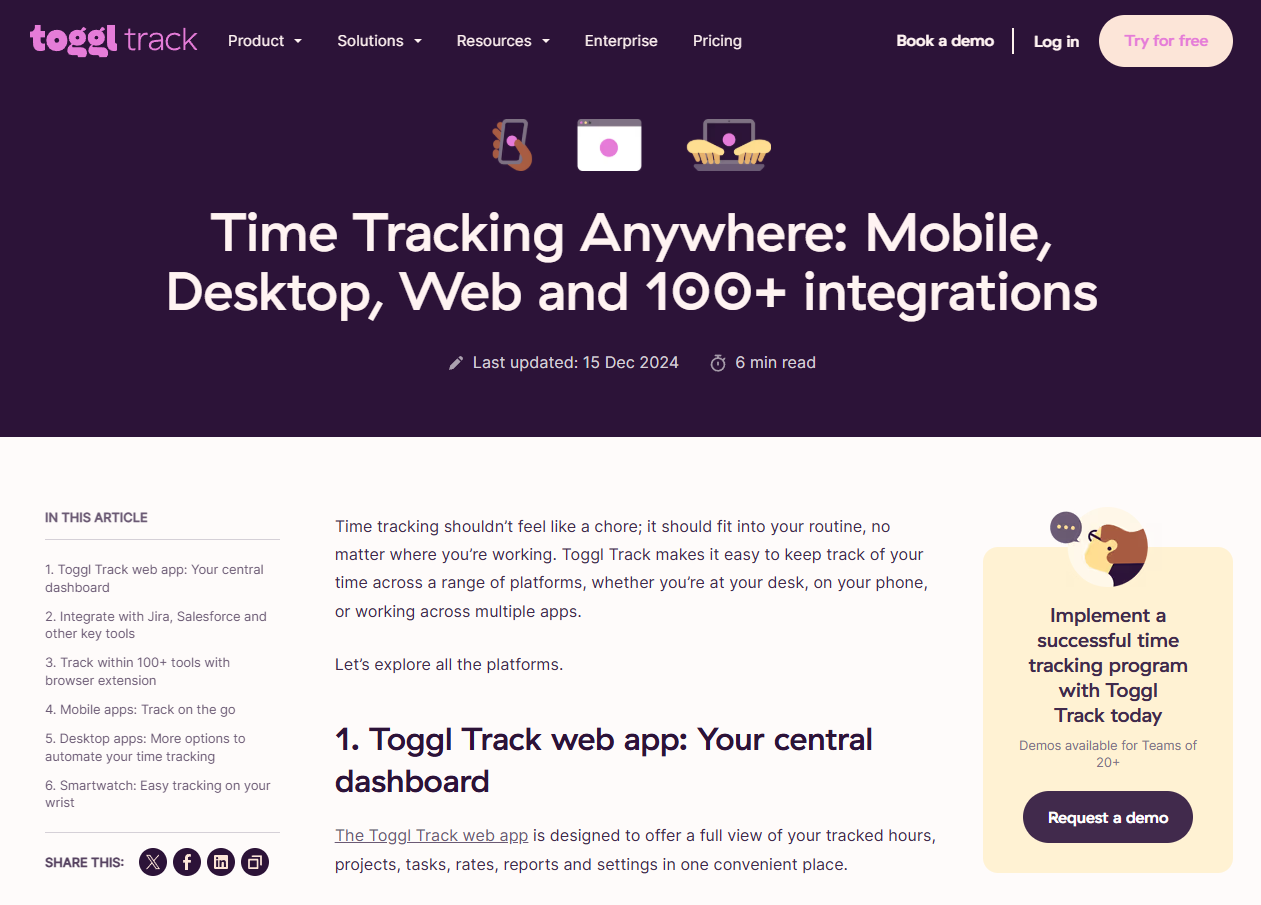
Toggl Track is time tracking that can complement employee monitoring software for remote workers without heavy surveillance.
Software Pros
- Easy adoption
- Strong reports
- Excellent for project visibility
Software Cons
- Minimal monitoring
- Needs disciplined usage
Toggl Track Review
I reach for Toggl when the goal is billing and project clarity – an intentionally light approach. Its ease of use encourages steady adoption over time. I find it works best when teams value transparency and self-reporting.
Our Verdict
Lightweight Project Visibility
Traqq
Quick Overview
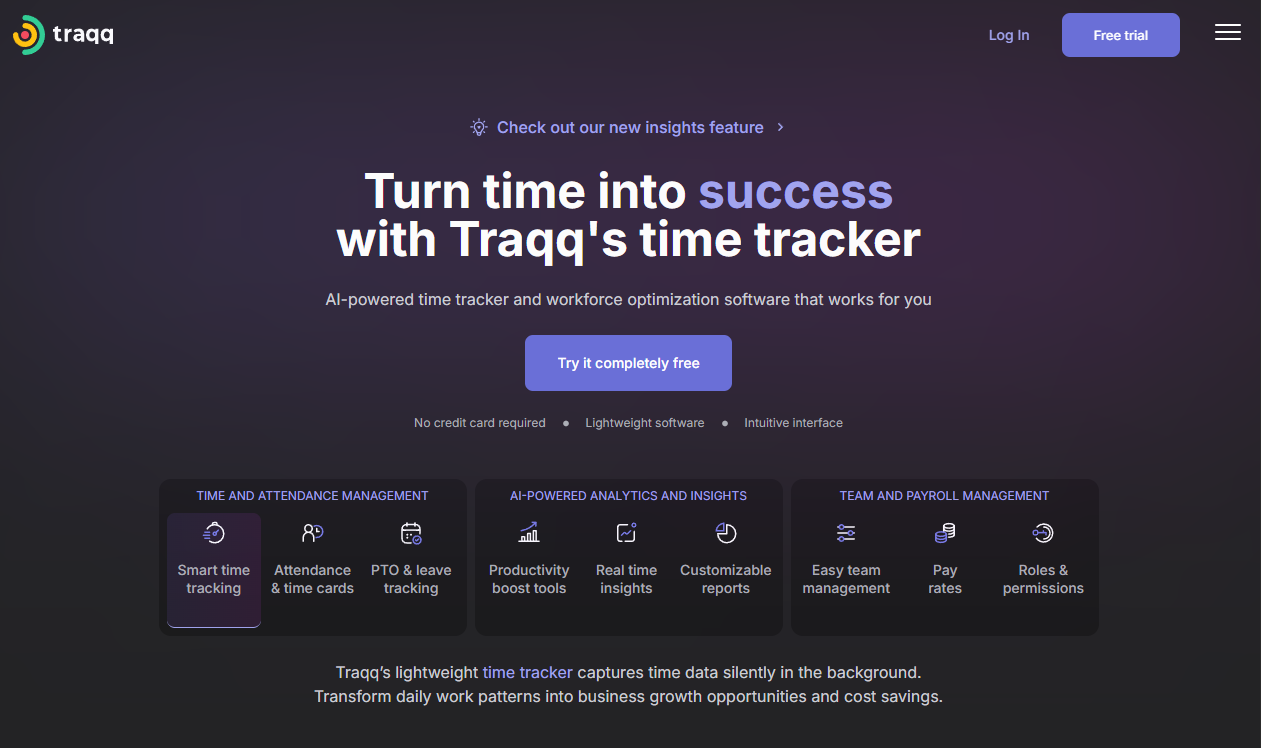
Traqq combines time tracking with activity monitoring – common in remote employee activity tracking software stacks.
Software Pros
- Time + activity signals
- Useful for payroll workflows
- Practical SMB fit
Software Cons
- Less enterprise depth
- Requires clear expectations for employees
Traqq Review
I’d call it a balanced middle ground: more than a timer, less than an investigation suite. That balance makes it approachable for teams transitioning from basic time tracking. It provides enough context to support conversations without overcomplicating oversight.
Our Verdict
Balanced Time + Activity
Veriato
Quick Overview
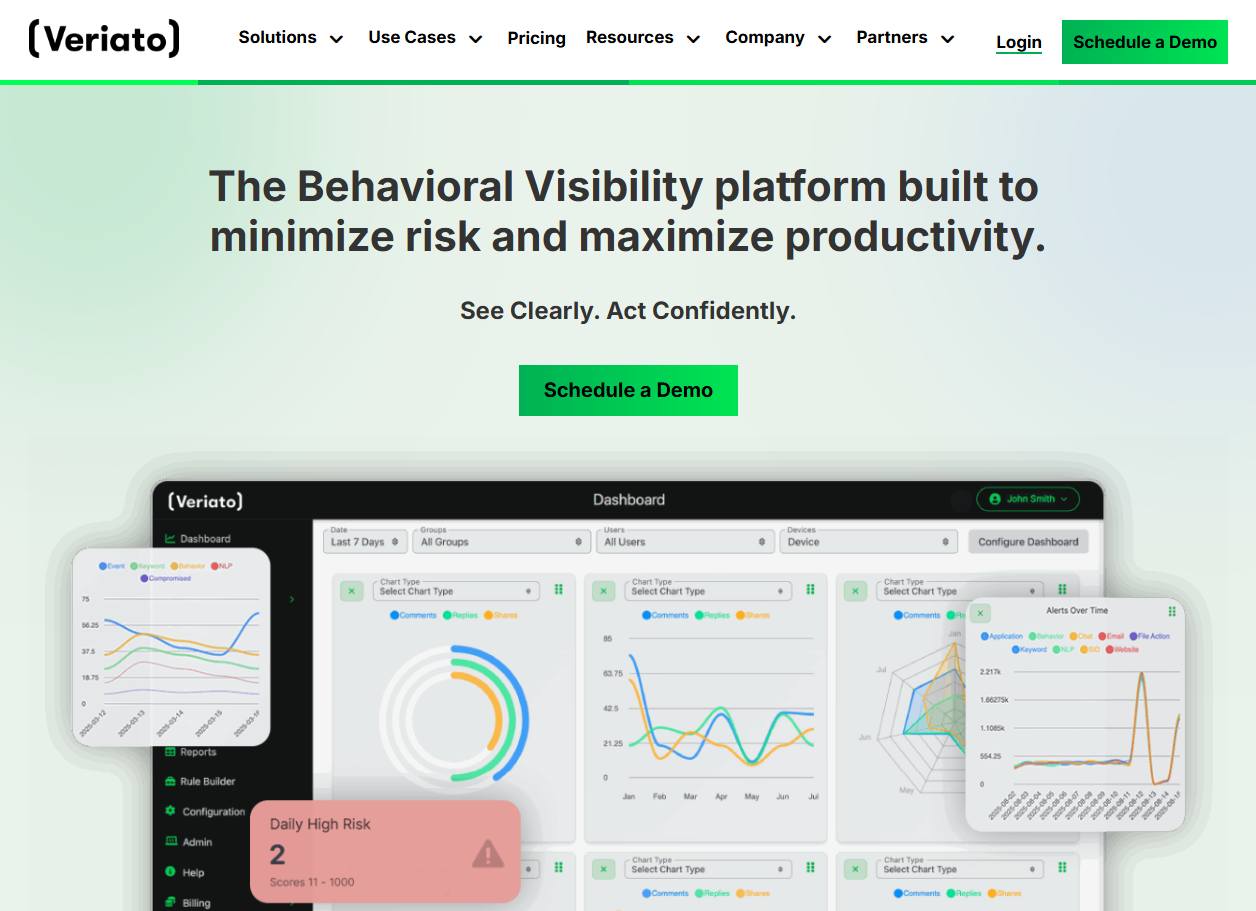
Veriato focuses on user behavior analytics for insider-risk and compliance contexts.
Software Pros
- Risk/behavior analytics
- Investigation support
- Strong security framing
Software Cons
- Governance-heavy
- Not needed for basic monitoring
Veriato Review
I’d shortlist it for security teams first; for general remote employee monitoring tools, it’s usually more than you need. For security-focused organizations, the behavioral insights can be genuinely valuable. It supports a more proactive approach to understanding user activity.
Our Verdict
Insider-Risk Behavior Analytics
WebWork

Quick Overview
WebWork is time tracking plus productivity monitoring and workforce ops features.
Software Pros
- Time + productivity
- Payroll/ops angle
- Suits remote workforce monitoring tools use cases
Software Cons
- Feature-rich (can overwhelm)
- Needs setup to match your workflows
WebWork Review
I like it when teams want one platform that connects time, productivity, and operations in a single view. The breadth of features makes it easier to connect daily work with payroll and operations. I see it fitting teams that want fewer tools and clearer oversight.
Our Verdict
All-In-One Workforce Tracking
WorkExaminer
Quick Overview
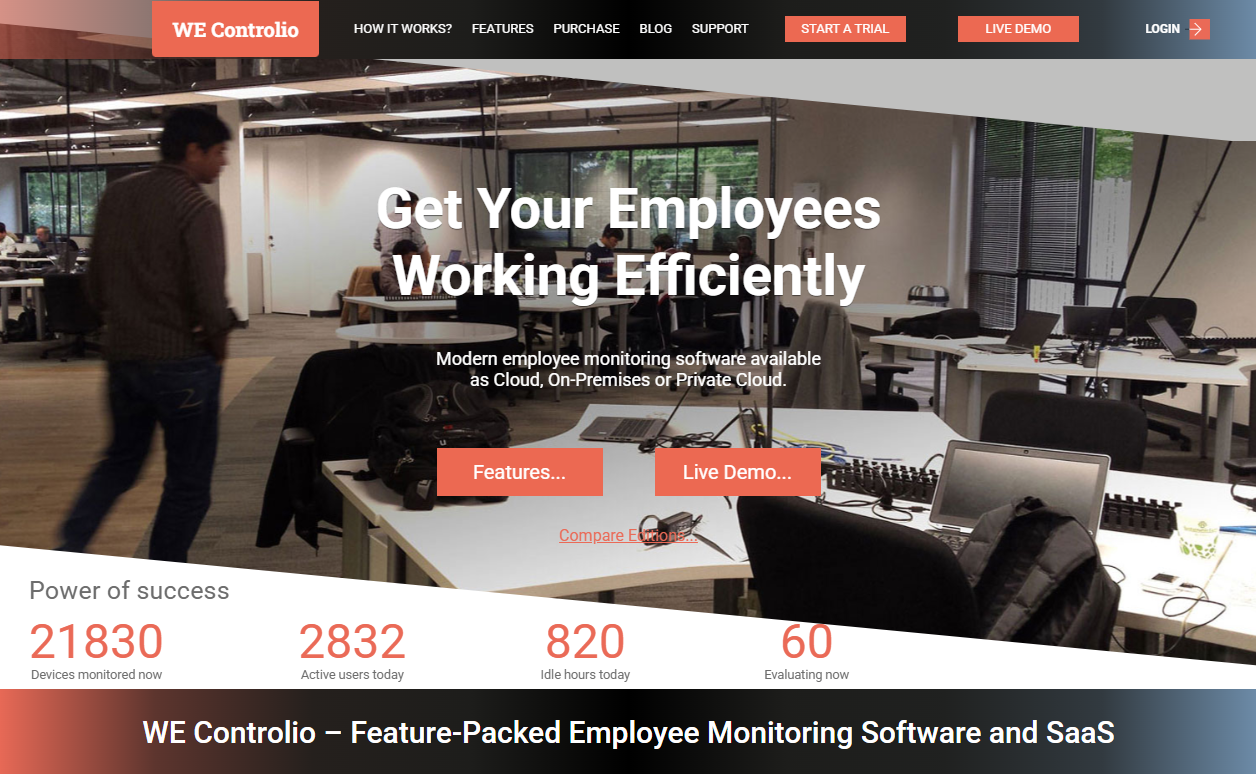
WorkExaminer is classic remote employee desktop monitoring software with strong activity oversight.
Software Pros
- Solid monitoring basics
- Useful for policy enforcement
- Practical reporting
Software Cons
- UI may feel dated
- Can be perceived as restrictive if over-applied
WorkExaminer Review
I see it working best when the company’s priority is consistent policy oversight rather than “coach-style” analytics. Its straightforward approach makes expectations easy to understand. When applied consistently, it supports steady and predictable monitoring practices.
Our Verdict
Traditional Desktop Monitoring
Workstatus
Quick Overview
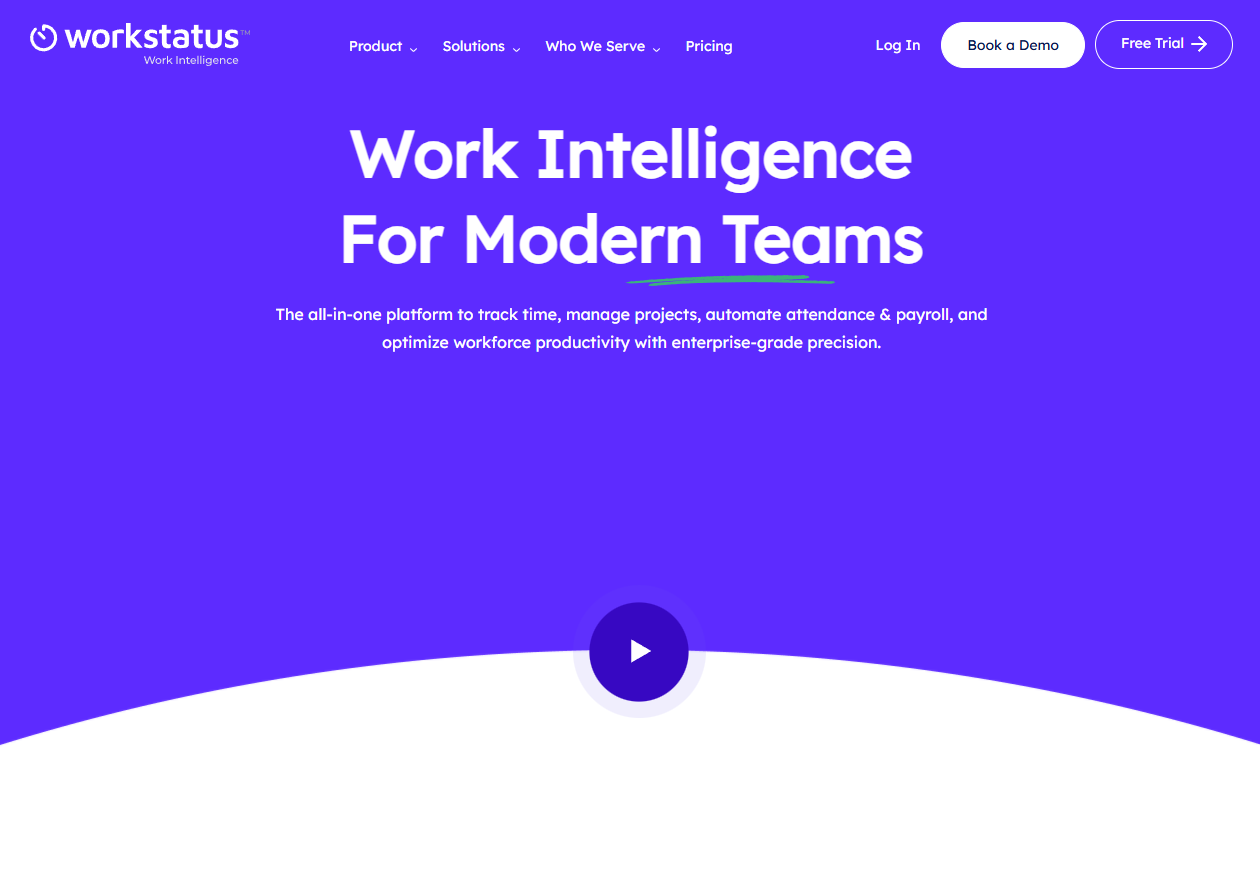
Workstatus connects time, productivity, tasks, and delivery signals – useful remote employee monitoring system software for ops teams.
Software Pros
- Work intelligence dashboards
- Time + task visibility
- Fits project delivery use cases
Software Cons
- Broader than “monitoring only”
- Setup required for clean reporting
Workstatus Review
I like the “delivery view” here – useful when leaders want outcomes and capacity signals, not micro-observation. The emphasis on delivery signals helps shift focus toward outcomes. That perspective can be especially useful for project-driven teams.
Our Verdict
Delivery-Focused Work Intelligence
WorkTime
Quick Overview
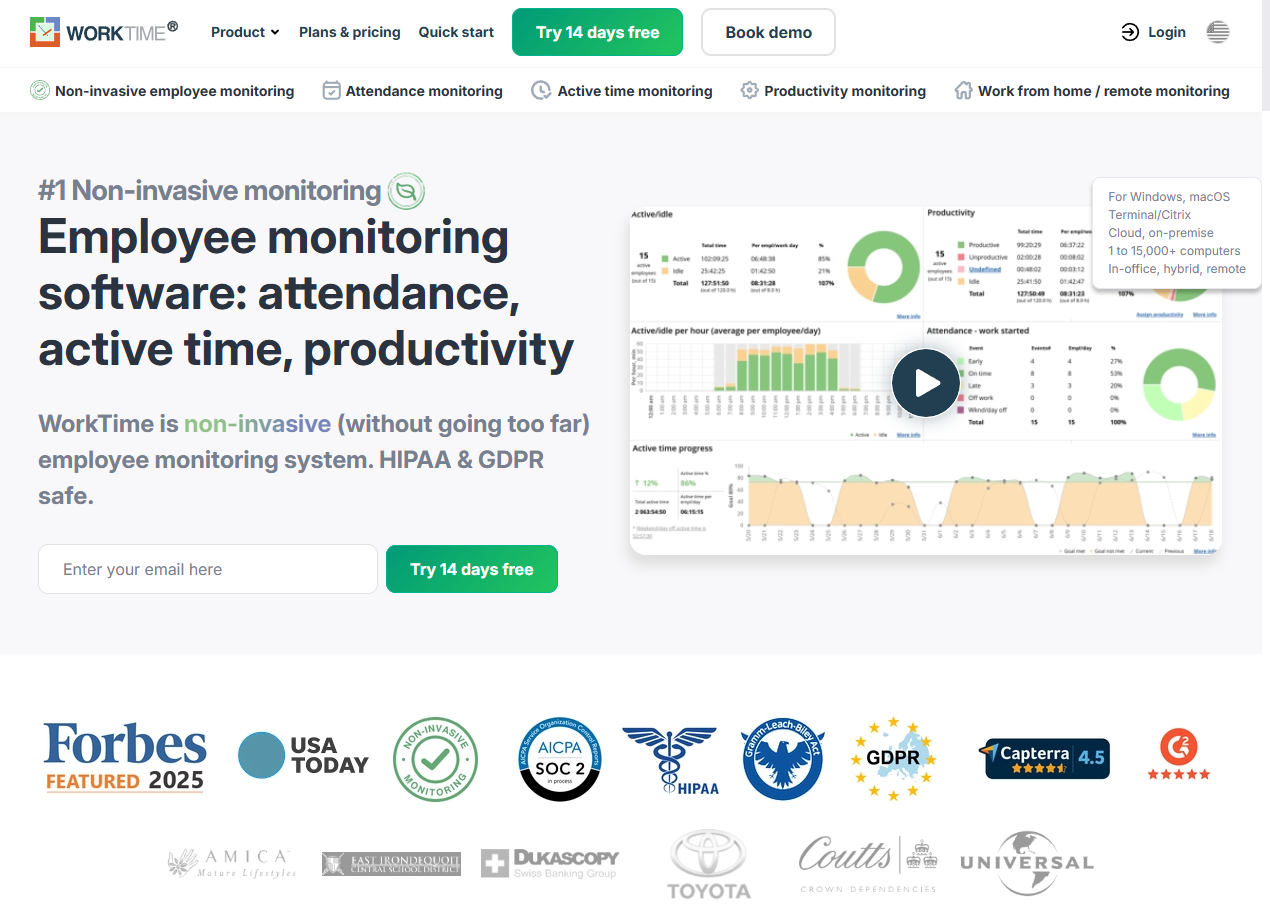
WorkTime positions itself around ethical monitoring and performance visibility for remote teams.
Software Pros
- Clear productivity views
- Remote-friendly monitoring options
- Useful for trends and attendance
Software Cons
- Feature depth depends on configuration
- Not a security investigation suite
WorkTime Review
I’d recommend it when you want a “most reliable remote employee monitoring software” feel for everyday management, without going fully security-heavy. The ethical framing often resonates with remote-first teams. It supports ongoing performance visibility without making monitoring feel intrusive.
Our Verdict
Ethical Everyday Monitoring
FAQs About Employee Monitoring Software for Remote Teams
What is remote employee monitoring software?
Remote employee monitoring software is a set of tools that helps organizations understand work patterns in distributed teams – ranging from time tracking to remote employee monitoring systems focused on security and compliance.
Why do companies use remote employee monitoring tools?
Common reasons include productivity visibility, accurate time tracking, workload balancing, support for compliance/security, and clearer operational reporting across remote and hybrid teams.
How do monitoring tools handle employee privacy?
In my view, the best remote employee monitoring solutions make privacy a design constraint: role-based settings, transparency, and collecting only what’s necessary. If you operate in the EU, GDPR is a good baseline reference for proportionality and transparency expectations.
What types of teams benefit most from employee monitoring software?
Project-based teams, client-service orgs, and regulated industries often benefit most – especially when monitoring supports planning, coaching, and security rather than micromanagement.
Can employee monitoring software integrate with other HR tools?
Yes. Many platforms connect with HRIS, project management, and payroll, and they can complement best HR tools for remote employee monitoring – especially when combined with onboarding and talent processes.

Yaryna is our lead writer with over 8 years of experience in crafting clear, compelling, and insightful content. Specializing in global employment and EOR solutions, she simplifies complex concepts to help businesses expand their remote teams with confidence. With a strong background working alongside diverse product and software teams, Yaryna brings a tech-savvy perspective to her writing, delivering both in-depth analysis and valuable insights.