Workforce planning software answers 4 questions that no HRIS answers on its own. Where are the capability gaps? What does the organization look like in 24 months under 3 different growth assumptions? What does a restructure cost against the cost of hiring? Do the hiring plan and the budget actually agree?
Workforce planning tools answer those 4 by connecting headcount, skills, cost, and attrition data to a business strategy. Then they track the plan as the year moves away from it.
The buyers are rarely a single team. HR owns the people data, people analytics owns the models, and finance owns the number that eventually reaches the board. Any product sold into that triangle must satisfy 3 audiences, each with a different definition of a good answer.
The pressure behind that question has changed shape. The World Economic Forum’s Future of Jobs Report 2025 was published on 7 January 2025 and draws on a survey of more than 1,000 global employers. It reports that 63% of employers name skill gaps as the single biggest barrier to business transformation through 2030. It also finds that 39% of a typical worker’s existing skill set will be transformed or outdated over the same period. A plan built on job titles alone cannot see either of those numbers. Meanwhile, the plan itself usually lives in a spreadsheet. It is rebuilt once a year and reconciled by hand against a budget that moved 3 weeks after signing.

INSIGHT: How do most companies actually plan their workforce?

In a spreadsheet, once a year, reconciled by hand against a budget that has already changed.
- Deloitte’s 2026 Global Human Capital Trends survey covered more than 9,000 leaders across 89 countries. It reports that 7 in 10 business leaders name speed and nimbleness as their primary competitive strategy for the next 3 years. Only 27% say their organizations manage change well.
- The World Economic Forum puts the reskilling arithmetic plainly: if the world’s workforce were 100 people, 59 would need training by 2030.
- The variable that actually moves the needle is cadence rather than polish. A plan revisited every quarter beats a prettier plan built once a year.
Sources:
both read September 2026
So the honest answer to the heading is that no single platform wins. 2 facts about your organization set the shortlist before any feature comparison begins. The horizon you genuinely plan on, and whether HR or finance owns the plan. The 12 platforms below fall into 4 families. Enterprise planning platforms model headcount inside the wider business plan. People analytics platforms start from what the data says and add planning on top. Skills-based platforms plan capability instead of headcount. Org design and market data tools each solve 1 specific piece well. Deloitte’s 2026 Global Human Capital Trends report was released on 4 March 2026. It found that 85% of leaders call adaptability critical while 7% say they lead at it. That gap is what the best workforce planning software is sold into. Below, I’ve reviewed 12 of the leading platforms in A-Z order.
INSIGHT: Planning platform, analytics, skills, or market data?
The 12 platforms here answer the workforce question from 4 different starting points. The right one depends on which part of your plan is guesswork today.
- Enterprise planning platforms (Anaplan, HiBob Finance Suite, Pigment, Planful) model headcount and cost inside the wider business plan, usually with finance at the table.
- People analytics platforms (One Model, Visier) start from what the data says about attrition, movement, and gaps. A planning layer sits over the top.
- Skills-based platforms (Beamery, Fuel50, Gloat) plan capability and internal mobility rather than headcount numbers.
- Org design and market data (ChartHop, Orgvue, TalentNeuron) cover structure, scenarios, and the outside-in view of whether the talent you plan for exists.
Workforce Planning Software Comparison
One row per platform, in the same A-Z order used below. Reading across, most workforce planning software solutions differ less in features than in where their numbers come from and how far ahead they look.
| Tool | Family | Planning horizon | Scenario modeling | Primary data source | G2 rating |
|---|---|---|---|---|---|
| Anaplan | Planning platform | Multi-year capability | Full multi-scenario | Finance systems | 4.6(470) |
| Beamery | Skills-based | Multi-year capability | Basic what-if | Skills model | 4.1(158) |
| ChartHop | Org design and market data | Quarterly headcount | Basic what-if | HRIS and payroll | 4.3(171) |
| Fuel50 | Skills-based | Multi-year capability | Not stated | Skills model | 4.4(25) |
| Gloat | Skills-based | Multi-year capability | Basic what-if | Skills model | 4.4(34) |
| HiBob Finance Suite | Planning platform | Annual budget | Full multi-scenario | HRIS and payroll | 4.5(2635) |
| One Model | People analytics | Annual budget | Basic what-if | HRIS and payroll | 4.8(12) |
| Orgvue | Org design and market data | Multi-year capability | Full multi-scenario | HRIS and payroll | 4.4(16) |
| Pigment | Planning platform | Annual budget | Full multi-scenario | Finance systems | 4.6(114) |
| Planful | Planning platform | Annual budget | Full multi-scenario | Finance systems | 4.3(509) |
| TalentNeuron | Org design and market data | Multi-year capability | Full multi-scenario | External labor market | N/A |
| Visier | People analytics | Annual budget | Full multi-scenario | HRIS and payroll | 4.6(223) |
Ratings were read from G2 product profiles in September 2026.
Strategic Workforce Planning and Where It Differs From Workforce Management
Strategic workforce planning works on a 12- to 36-month horizon and asks capability questions rather than coverage questions. A headcount plan is the agreed list of roles a business intends to hold or add over that period. Capacity is how much work the resulting group can absorb. Strategic workforce planning software builds both from role families rather than individual names. At a 3-year distance, individuals are unknowable, but the shapes are not. The output is a target organization: how many people, in which capabilities, at what cost, in which locations.
Operational workforce management sits at the other end of the telescope. It covers rosters, attendance, and the daily coverage rules that keep a site running. We cover that market separately in our guide to workforce management software. The distinction matters commercially, because the 2 categories are sold to different buyers with overlapping vocabulary. Strategic workforce planning tools will not tell you who covers Tuesday. An operational system will not tell you what capability you are missing in 2028. Teams that buy one expecting the other are the most common unhappy customers here.
Then comes the constraint nobody warns you about: data. A plan needs headcount and cost from the HRIS and payroll, plus budget structure from finance. It also needs an attrition forecast, meaning a modeled estimate of who leaves and when. Increasingly, it needs external labor market data too, on whether the people you plan to hire exist where you plan to hire them. Most organizations discover their own definitions disagree before they discover anything about the future. The best analytics tools for workforce planning make those disagreements visible instead of averaging them away. Getting the underlying reporting layer right first is why our roundup of HR reporting and analytics tools is worth reading alongside this one.
The last question decides the shortlist faster than any feature grid. If finance owns the plan, the company buys a planning platform. The workforce model has to live beside revenue and cost models and reconcile to the general ledger. If HR owns it, the company buys an analytics or skills platform. The argument is about capability and attrition, not the budget line. Where ownership is genuinely shared, the tool that wins is usually the one the finance team can audit. That is the version that reaches the board. The best optimization tools for workforce planning are worthless if the owner of the plan cannot defend the numbers in it.
AI Workforce Planning Software: What the AI Actually Does
4 things in this category are genuinely model-driven. Attrition prediction scores the probability that a given group leaves within a window. Skills inference reads job history, project records, and internal text to guess at capabilities nobody ever typed into a form. Matching engines match people to open capacity by capability rather than job title. Scenario generation proposes plan variants instead of waiting for an analyst to build each one. Visier, One Model, Beamery, Fuel50, and Gloat all document model-driven skills or attrition work on their own product pages. Anaplan, Orgvue, and Pigment document AI agents that build or interrogate the model itself.
Much of what carries the label is not that. Threshold alerts, templated narrative reports, and dashboards that always existed are frequently rebadged. The honest reading of AI workforce planning software marketing is that the phrase covers both categories without separating them.
When you evaluate the best AI tools for workforce planning, 1 test does most of the work. Ask whether the vendor will name the inputs, the training window, and what happens when the model is wrong. Anything that cannot answer those 3 questions is a rules engine with better copywriting.
There is also a limit worth stating out loud, because AI-driven workforce planning tools rarely mention it. A model trained on the last 3 years of one company’s data predicts a continuation of the last 3 years. That is precisely the assumption a scenario plan exists to interrogate, so the model is most confident exactly where you most need doubt. Treat any forecast that never surprises anybody as a description of the past wearing a future tense.
One category-level note before the reviews. The AI-powered HR software with workforce planning modules built into the large HCM suites will appear on every competitor list you read. We reference those modules at the category level only. A planning module bundled with a payroll system is a different purchase from a planning platform.
Best Workforce Planning Tools by Team Type
The same platform can be an obvious choice for one company and a poor fit for the one next door. Team shape explains most of that. What follows groups the 12 by the situation they suit rather than by score. Platforms inside each group are listed alphabetically, and appearing in more than one group signals breadth, not rank.
For Enterprise Planning
Anaplan, Orgvue, and Pigment are built for organizations where the plan crosses many business units. It also has to reconcile with revenue, cost, and supply models held elsewhere. Enterprise workforce planning software at this end assumes governance: approval chains, versioned plans, delegated budget owners, and an audit trail that survives a board question. It also assumes an implementation measured in months rather than weeks, because the model has to be built before it can be used. Restructuring work in particular tends to land here. Only these platforms hold enough structure to compare 2 org designs at once on cost, capability, and span of control. That last term means how many people report to each manager. The planning modules bundled inside the large HCM suites compete for exactly this budget. They are treated at category level here rather than reviewed individually.
For Mid-Market Teams
ChartHop, HiBob Finance Suite, and Planful suit the far more common setup. That means 1 HR leader, 1 finance business partner, and a hiring plan that changes every quarter because the company does. What matters here is time to first useful plan. None of these 3 needs a consulting engagement to produce something a leadership team can argue with. All 3 connect to an HRIS without custom integration work. The trade is depth. A mid-market platform models hiring, cost, and a handful of variants competently. It runs out of room if you want to test 8 futures across 40 business units. For most companies below 2,000 employees, that ceiling is theoretical.
For Skills-Based Planning
Beamery, Fuel50, and Gloat answer a different question from the rest of this list. Instead of asking how many people, a skills based workforce planning tool asks which capabilities the organization has and which it will need. Internal movement then becomes an alternative to hiring. That rests on a skills taxonomy, meaning a structured vocabulary of capabilities. Skills inference populates it without asking 30,000 people to fill in a form.
Skills based workforce planning software is harder to implement than headcount planning, because the taxonomy has to be argued over before it becomes useful. It also produces the answer most likely to change a decision. Retraining an existing group is usually cheaper and faster than hiring a new one.
For International and Distributed Teams
Anaplan, TalentNeuron, and Visier are the ones I reach for when a plan spans countries. 3 problems arrive together. Talent availability differs by market, cost per role differs by more than most models assume, and entity structure quietly decides what is possible. TalentNeuron supplies the outside view of supply and wage levels, Visier holds the internal picture across entities, and Anaplan carries the multi-currency model.
The best tools for international workforce planning still stop at one line no software crosses. A plan to hire 12 engineers where you hold no legal entity stays a wish until you decide how to employ them there. That is why the shortlist for a new market usually runs alongside a shortlist of employer of record companies rather than after it.
For Scenario and Real-Time Planning
Anaplan, Pigment, and Visier are the 3 I would test if modeling several futures at once is the actual requirement. Software for scenario-based workforce planning earns its price when a plan is a set of live variants rather than a single agreed number. Base case, slow case, acquisition case, each carrying its own cost and hiring profile, each refreshed as the quarter turns.
The related discipline is plan versus actuals, meaning the running comparison between what was approved and what has actually happened. The best tools for real-time workforce planning treat that comparison as the product, not a monthly report. That is what makes quarterly replanning realistic instead of aspirational.
Workforce Planning Software Pricing
This is a quote-only category. The honest headline is that 1 of the 12 platforms here publishes a rate anybody can read without a sales call. Buyers underestimate the implementation, not the license. On enterprise platforms, the first-year services bill frequently approaches the first-year license. The model has to be built and the data cleaned before a single scenario can run. The drivers vendors document are consistent. Employee count, which modules you take, how many planning users need write access, and whether delivery is vendor-led or partner-led. On free workforce planning tools, be clear-eyed. What exists at zero cost is spreadsheet templates and headcount calculators, and teams are trying to leave spreadsheets behind.
| Tool | Pricing model | Free trial or demo | Published starting price |
|---|---|---|---|
| Anaplan | Platform license | Demo | Custom pricing |
| Beamery | Quote-based | Demo | Custom pricing |
| ChartHop | Per employee | Demo | $5 per employee per month for Core, plus $4 for Headcount Planning |
| Fuel50 | Platform license | Demo | Custom pricing |
| Gloat | Quote-based | Demo | Custom pricing |
| HiBob Finance Suite | Per employee | Demo | Custom pricing |
| One Model | Platform license | Demo | Custom pricing |
| Orgvue | Platform license | Demo | Custom pricing |
| Pigment | Platform license | Demo | Custom pricing |
| Planful | Platform license | Demo | Custom pricing |
| TalentNeuron | Quote-based | Demo | Custom pricing |
| Visier | Per planning user | Free trial and demo | Custom pricing |
As pricing is subject to change, prices are listed as of September 2026.
INSIGHT: Why does implementation cost as much as the software?
Because the platform arrives empty: somebody has to build the model and clean the data before a single scenario can run.
- 1 of the 12 platforms reviewed here publishes a price openly. ChartHop lists $5 per employee per month for its Core product and $4 per employee per month for the Headcount Planning module, billed annually. The other 11 route every inquiry through a demo or a quote.
- The documented cost drivers are employee count and module mix (ChartHop), bundle tier by capability (Fuel50), and platform license with partner-led delivery elsewhere.
- The timeline nobody budgets is the data work. Reconciling headcount, cost, and role definitions across HRIS, payroll, and finance is usually the longest phase. It is also the one least often written into the business case.
Sources:
provider pricing and documentation pages, as of September 2026
How to Choose Workforce Planning Software
Settle the ownership question before anybody sits through a demo. If finance owns the plan, the shortlist is planning platforms; if HR owns it, the shortlist is analytics and skills platforms. That 1 fact eliminates more options than any feature comparison will. Next, name the horizon you actually plan on rather than the one in the strategy deck. Quarterly headcount and 3 year capability are different products. Then look hard at your own data. No tool repairs disagreeing definitions of a role, a cost, or a leaver; it only surfaces them faster.
Decide whether you are planning headcount or capability, which is the skills question and the one that changes the answer most. Check scenario depth against how many futures you genuinely model, not how many the demo shows. Check integration with both the HRIS and the finance system in both directions, since a plan that cannot write back is a report. Ask whether external labor market data matters for your locations, and price it separately if it does. On the question of how to use a planning tool for workforce planning day-to-day, the practical test is who maintains the model after go-live. A plan nobody updates becomes a document within 2 quarters. It’s also worth settling early where the cost assumptions come from, and our guide to salary benchmarking software covers that input.
Finally, implement budget alongside licensing rather than after. Any shortlist of tools for workforce planning that leaves services cost out of the comparison is incomplete. The gap usually shows up at the worst moment: after signature.
Top 12 Workforce Planning Tools and Platforms for 2026
I spent this round the way I do every round: on vendor product pages rather than other people’s rankings. That matters more than usual here, because 2 of the companies below publish competing lists. I confirmed every family, data source, planning horizon, and price in this article on the platform’s own site in September 2026. The 12 range from enterprise planning platforms like Anaplan and Pigment to people analytics in Visier and skills-based platforms like Gloat. A straight ranking of workforce planning tools would mislead more than it would help.
Read the family column before you read the review. What follows is really the best workforce planning tools for 12 different situations.
Nothing here is offered as the single best workforce planning software 2026 has produced. That title would belong to a different platform depending on who asked for it.
I’m listing all providers alphabetically to keep this comparison neutral.
Anaplan
Quick Overview
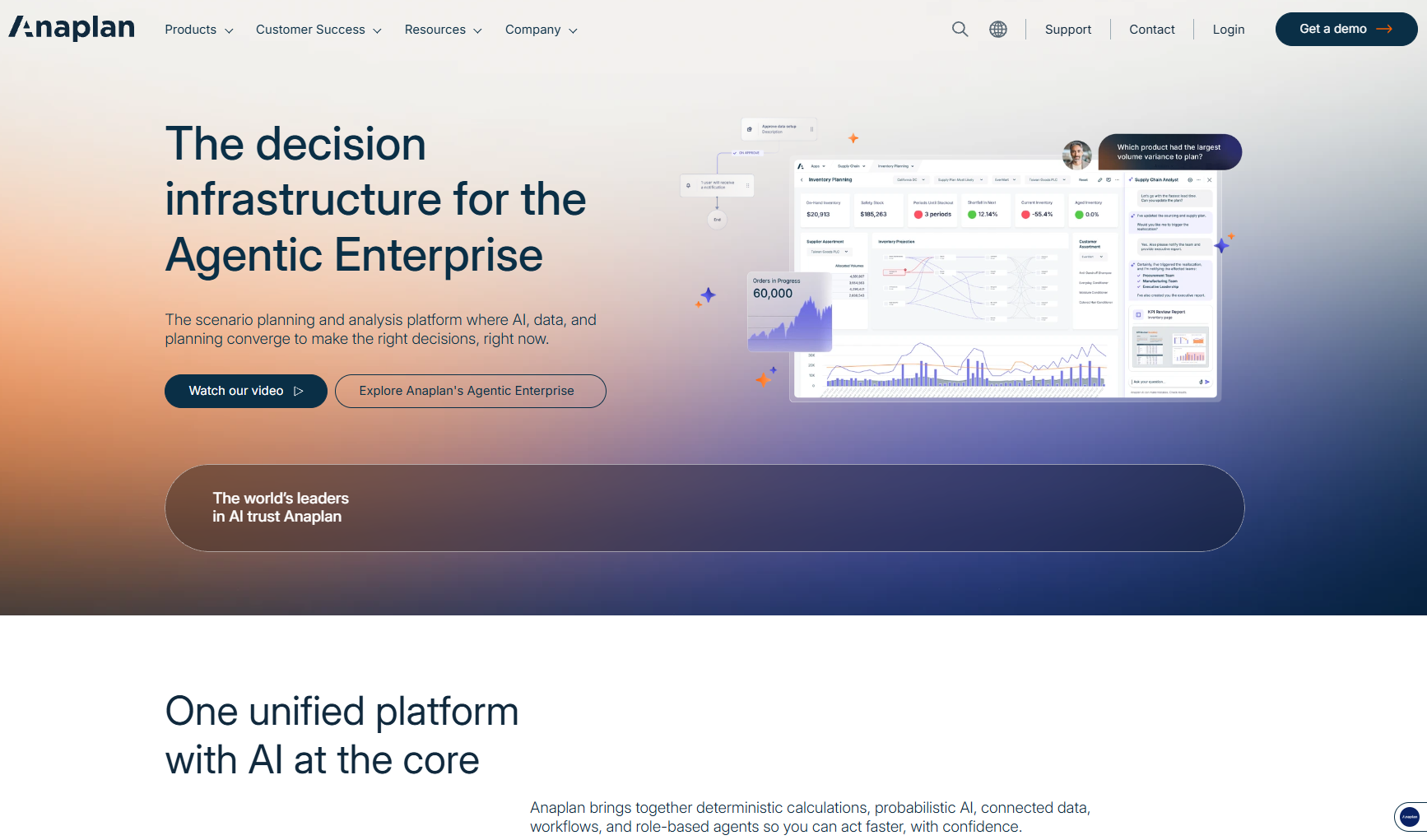
Anaplan is an enterprise planning platform whose workforce model draws primarily on finance systems. It supports multi-year capability planning alongside revenue, cost, and supply chain models in one environment. Ownership is usually shared between HR and finance, which is both an advantage and a barrier to entry. The company states on its site that 48% of the Fortune 50 are Anaplan customers. Its HR pages document what-if scenario modeling, capacity planning, and driver-based staffing. That last term means plans built from business drivers such as revenue rather than from last year’s headcount.
Software Pros
- Scenario modeling runs across workforce, finance, and operational models at once, so a hiring change shows its cost consequence immediately
- Driver-based staffing and capacity optimization are documented as distinct applications, not as a single generic planning screen
- Multi-currency and multi-entity structures are handled natively, which matters the moment a plan crosses borders
Software Cons
- The interface and the mental model come from finance, and HR users typically need training before they are productive
- Implementation is a project measured in months, with a partner in most cases
- Pricing is quote-only, so budgeting requires a sales conversation before you can size anything
Anaplan Review
The planning problem this solves is when the workforce plan has to agree with the financial plan line by line. That happens in organizations big enough for different teams to maintain each. Anaplan answers that thoroughly, and few platforms answer it at all. It is also the wrong tool for a 300-person company that wants a hiring plan by Friday. The cost of the model build makes that mismatch expensive.
Our Verdict
Enterprise Modeling At Full Depth
Beamery
Quick Overview
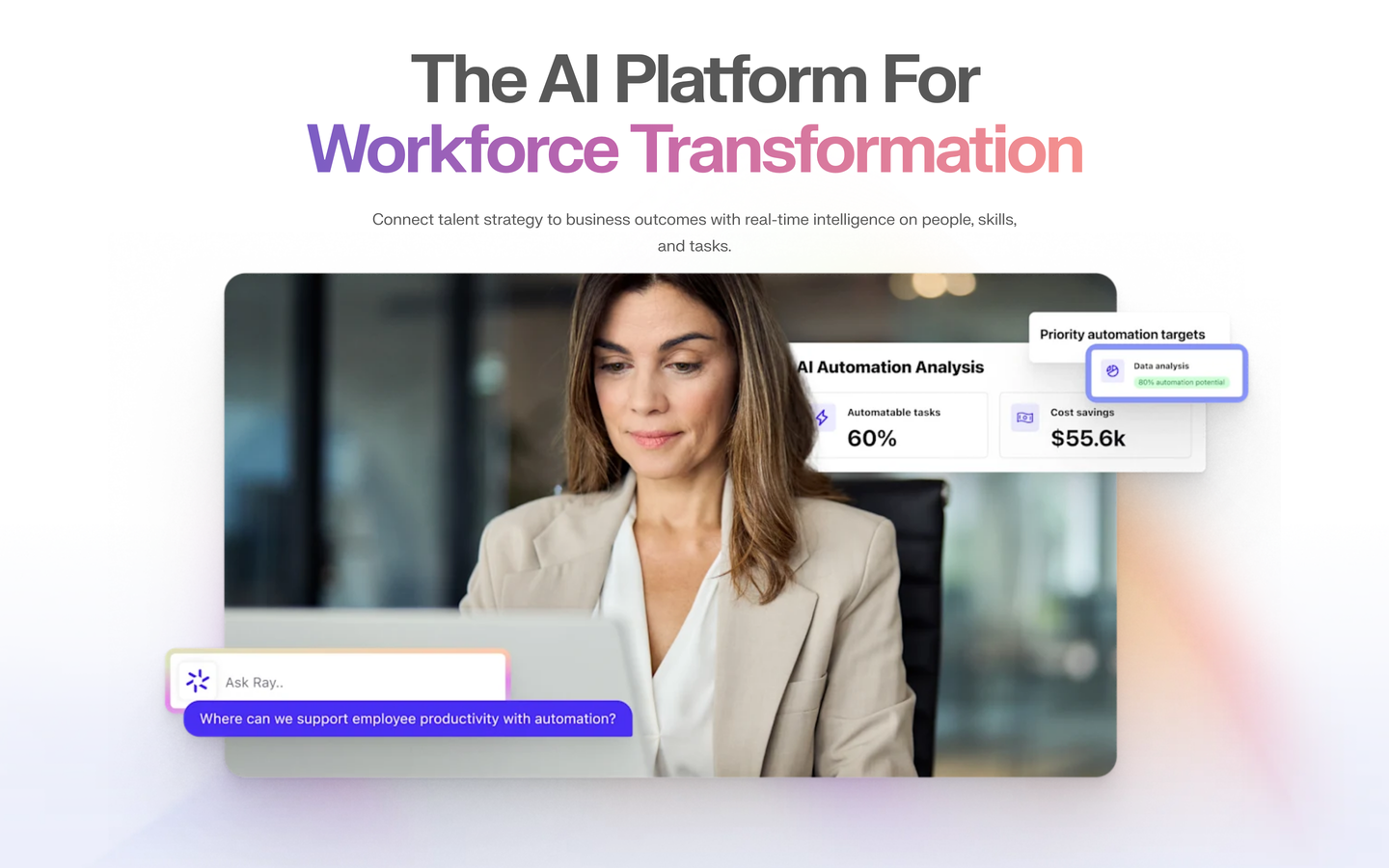
Beamery is a skills-based platform whose planning view is built on an inferred skills model rather than on headcount records. It aims at multi-year capability planning across hiring, internal mobility, and workforce transformation. Its site describes the platform as connecting fragmented data on skills, roles, people, and the external market into a single view. The published Hilti case study says the company plans to save $260 million by finding the right talent faster. That is Beamery’s own customer figure rather than an independent one, and its integrations lean heavily on the large HCM suites.
Software Pros
- Skills inference works from job descriptions and existing records, so the taxonomy fills without a company-wide data entry exercise
- Planning, hiring, and internal mobility read from the same skills data instead of 3 disconnected systems
- Built for enterprise scale, with documented integrations into the HCM systems that already hold the employee record
Software Cons
- Capability planning is the strength; headcount and cost modeling are thinner than on a planning platform
- The skills model needs curation and ongoing ownership, which is a role most teams have not staffed
- No published pricing, and the buying process assumes an enterprise-scale commitment
Beamery Review
This platform earns its keep in organizations that already accept the skills argument and now need the data underneath it. If the recurring question in your planning meetings is which capabilities are thin, Beamery answers what you are actually asking. Companies still planning in headcount terms will find most of the platform aimed at somewhere they haven’t decided to go.
Our Verdict
Skills Data Feeding Hiring
ChartHop
Quick Overview
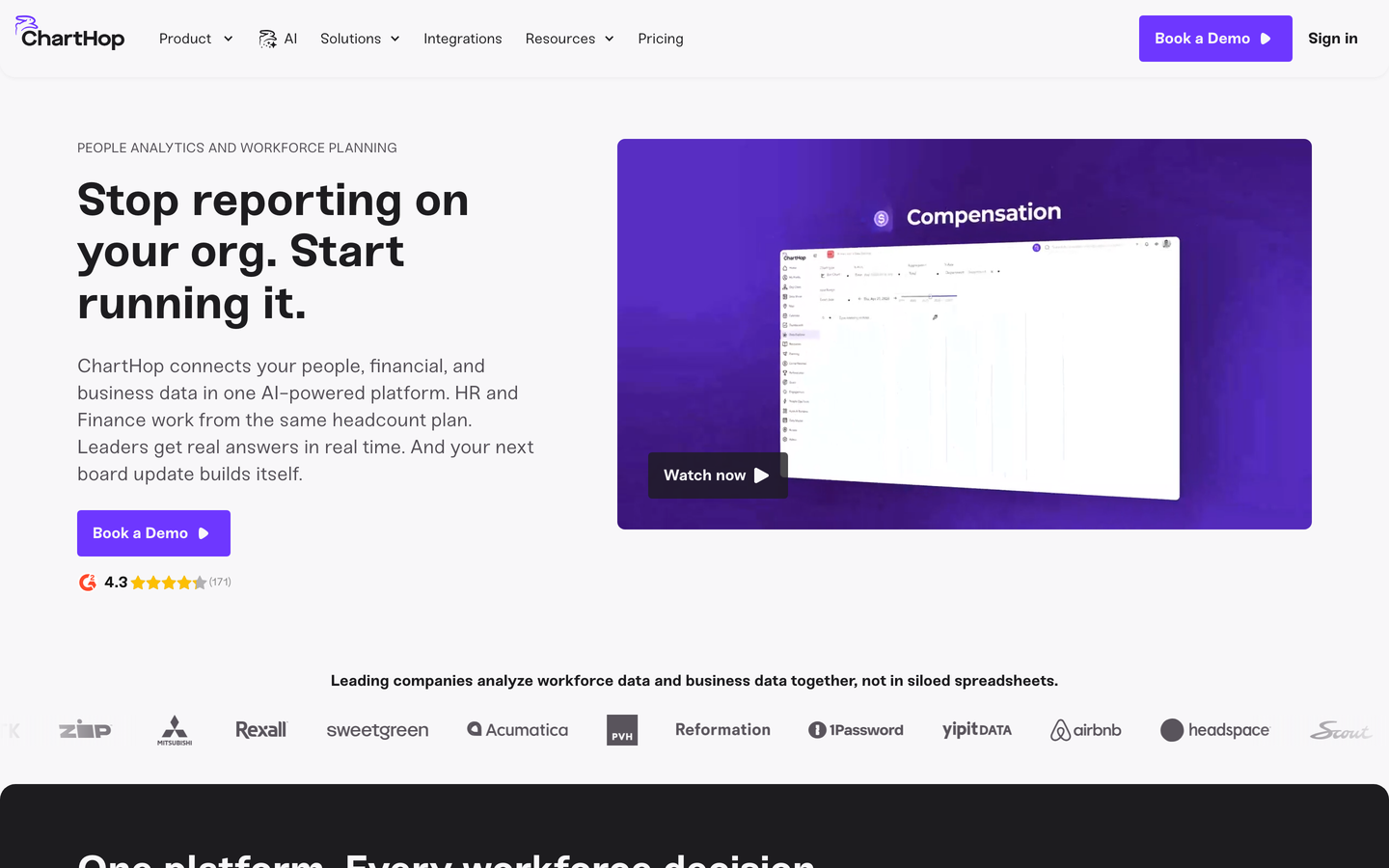
ChartHop sits in the org design group, and planning happens on a live org chart fed by HRIS and payroll data. The horizon is quarterly headcount rather than multi-year. Teams open roles, move teams, and watch budget impact update as they go. Its Headcount Planning module documents visual scenario modeling, configurable approvals across HR, finance, and leadership, and real-time budget dashboards. It is also the only platform in this article with a public rate card. That is $5 per employee per month for Core and $4 per employee per month for Headcount Planning, billed annually.
Software Pros
- The org chart is the planning interface, which makes scenarios legible to managers who will never open a modeling tool
- Approval workflows across HR, finance, and leadership are configurable rather than fixed
- Pricing is published, so a shortlist can be costed before anybody books a call
Software Cons
- The horizon is quarterly headcount, so a 3 year capability plan is out of scope
- Scenario work is what-if rather than full multi-scenario comparison at enterprise depth
- Per-employee pricing scales with the company, which changes the arithmetic above a few thousand people
ChartHop Review
I would shortlist this when the planning problem is visibility rather than modeling depth. Growing companies usually lose control of headcount because nobody can see the current shape clearly, not because their math is wrong. An org chart that updates with the budget fixes exactly that. Ask for the enterprise conversation early if you are past a few thousand employees, since the published rates are aimed below that.
Our Verdict
Visual Planning Without Consultants
Fuel50
Quick Overview
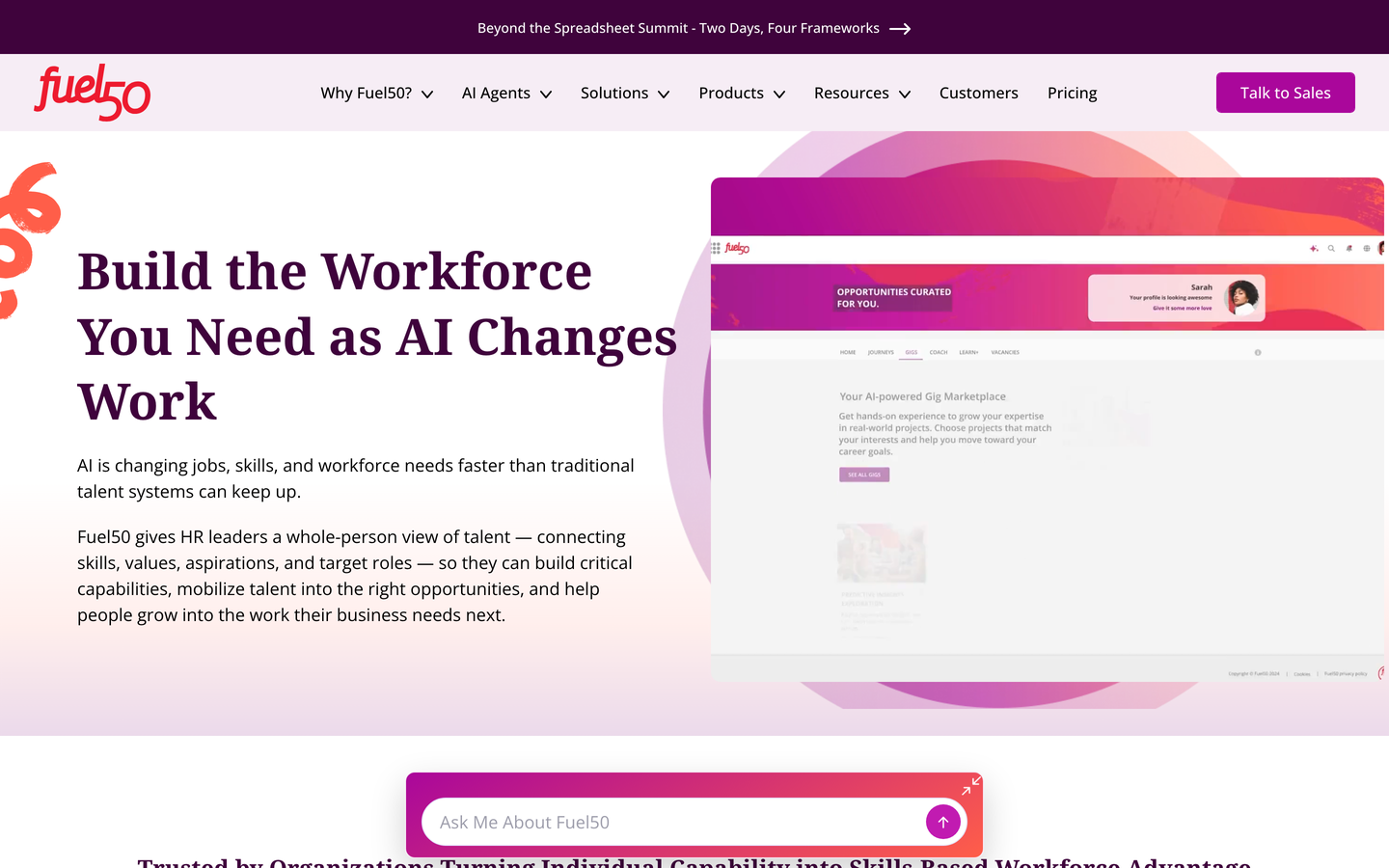
Fuel50 is a skills-based platform built around a curated skills ontology. It draws on an internal skills model rather than payroll data, on a multi-year capability horizon. The product line separates a Skills Intelligence bundle from a Talent Marketplace bundle. Its pricing page documents 3 tiers by capability rather than by employee band. Every plan includes the skills ontology, analytics, and profiles. The company describes its AI as independently audited. That is an unusual claim to make in writing and a fair thing to ask about in a demo.
Software Pros
- The skills ontology is expert-curated and company-specific, rather than a generic library bolted on
- Skills inventory and gap analysis are packaged as a foundation you can buy before committing to the marketplace
- Bundle structure makes it possible to start narrow and widen without replacing the platform
Software Cons
- Scenario modeling is not stated as a capability, so headcount scenario work belongs elsewhere
- Value depends on adoption by employees and managers, which is a change program, not a configuration task
- Bundle tiers are published, but the underlying prices are not
Fuel50 Review
My reading is that Fuel50 is a capability system that supports planning, rather than a planning system that reads capability. That distinction decides whether you will be happy with it. Organizations building a skills-based operating model will find the ontology work genuinely useful and reusable. Teams whose immediate need is a defensible headcount number for next year should look at the planning platforms first.
Our Verdict
Capability Mapping For Mobility
Gloat
Quick Overview
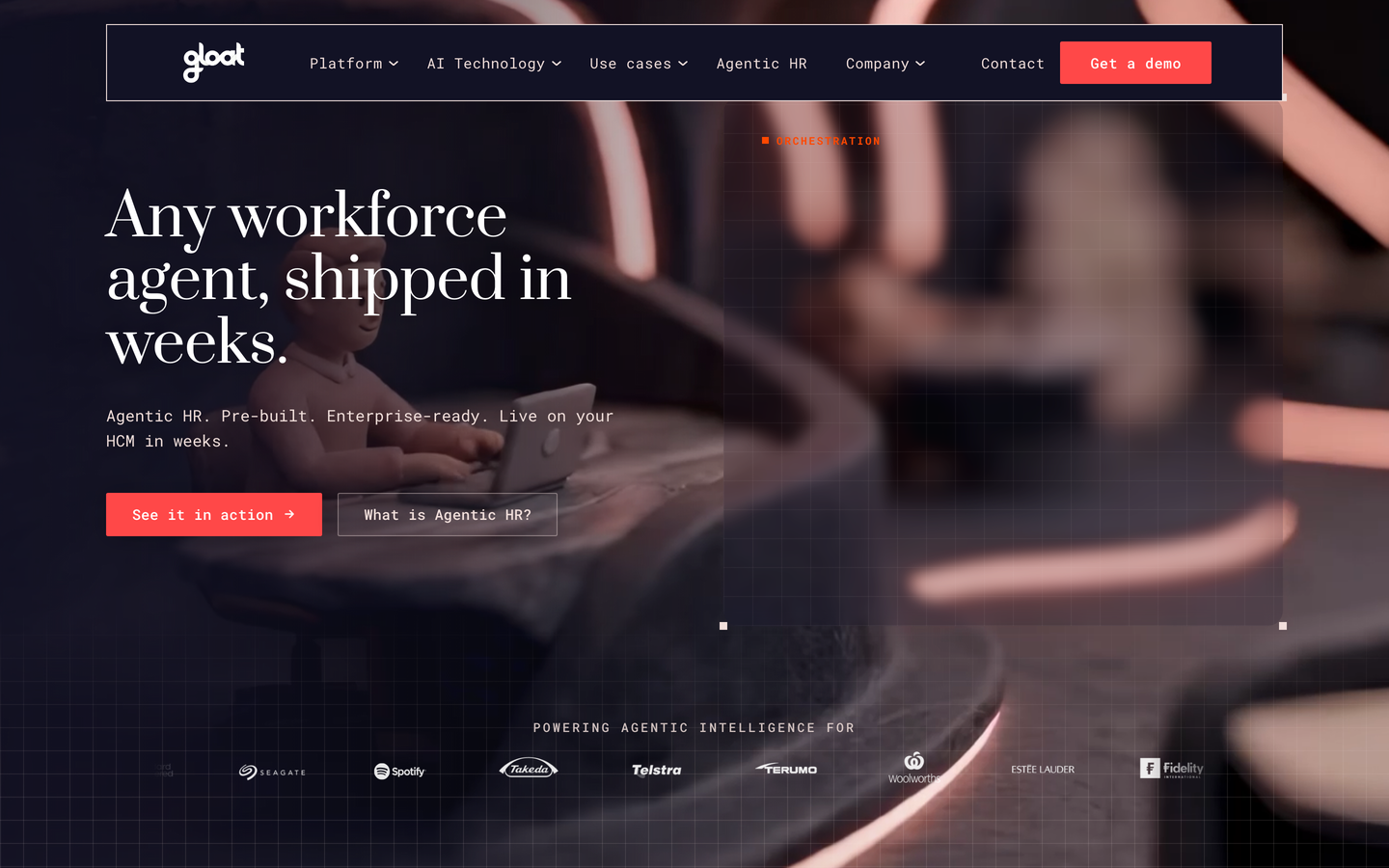
Gloat is a skills-based platform whose planning work runs off a workforce knowledge graph connecting people, jobs, and skills. It targets multi-year capability questions rather than budget cycles. The company’s current positioning is agentic HR, and its site documents pre-built agents for skills inventory, gap analysis, succession, and workforce planning. A governance engine applies business rules to what those agents may do. Gloat states the agents deploy on an existing HCM in weeks, and documents integrations with the major suites.
Software Pros
- The skills graph supports redeployment decisions, so internal supply becomes a real alternative to a requisition
- Agent templates cover skill gap analysis and succession without a custom build for each use case
- A governance engine sets explicit rules for what the AI is permitted to act on
Software Cons
- Cost and budget modeling are not the point here, so finance will still plan elsewhere
- The talent marketplace only pays back at scale, which puts smaller organizations outside the fit
- No published rate, and the buying cycle is long
Gloat Review
This deserves a demo if your planning conversation keeps ending in a hiring requisition that somebody suspects is unnecessary. Gloat is built to answer whether the capability already exists inside the building, and it answers it with more evidence than a manager’s memory. The platform will not produce the cost side of your plan, and pretending otherwise is how buyers end up disappointed with a product that worked.
Our Verdict
Redeployment Before Recruitment
HiBob Finance Suite
Quick Overview
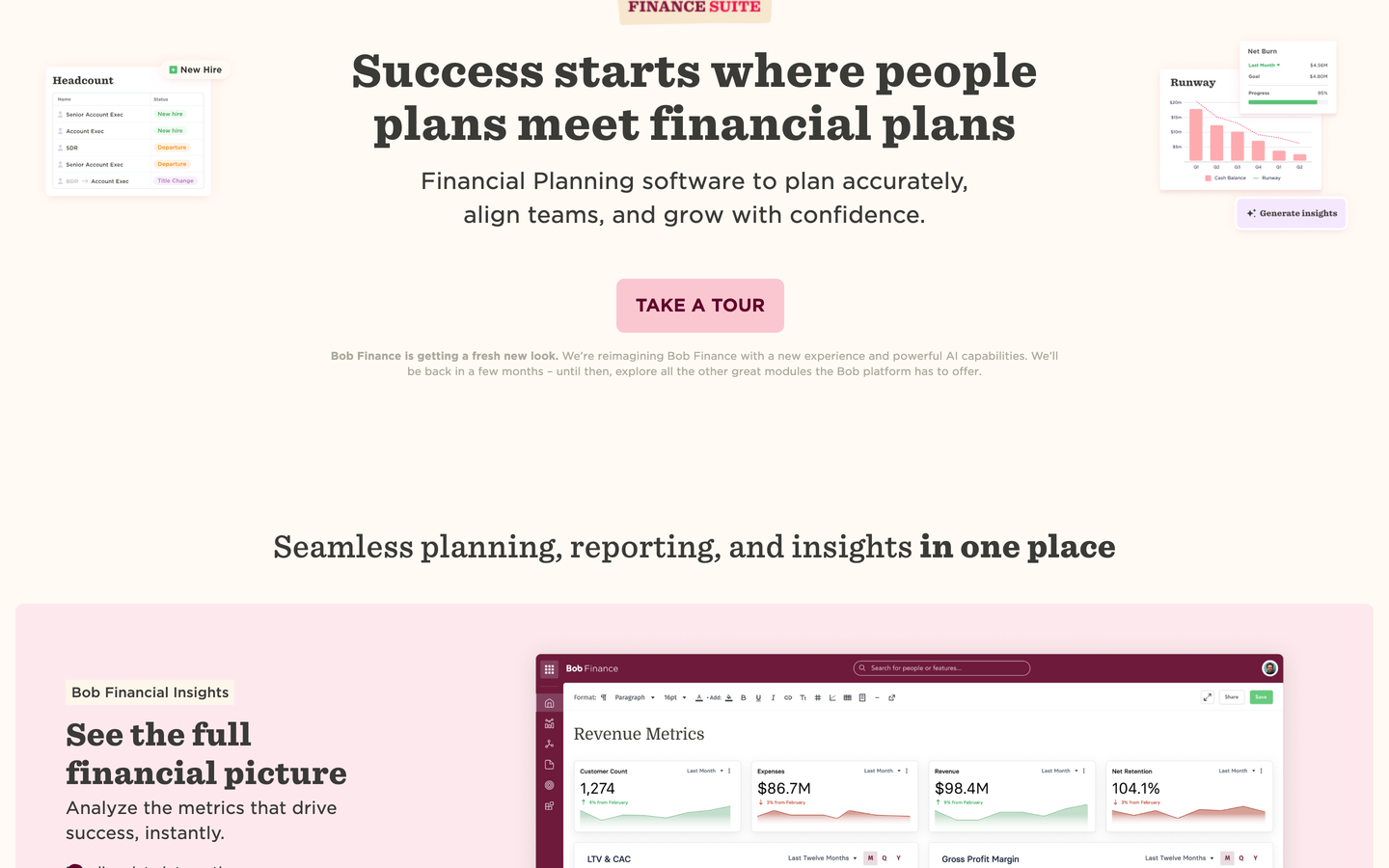
The HiBob Finance Suite is a planning platform for the mid-market. It reads headcount and cost directly from the Bob HRIS, on an annual budget horizon with unlimited scenarios. It reached this list as Mosaic, whose site now resolves to this product, so the entry reflects the product as it stands today. The vendor’s FAQ states that 60-70% of its customers switch from spreadsheets. The page documents headcount forecasting, compensation modeling, and formula-free scenario building.
Software Pros
- Headcount data comes from the HR system natively, which removes the reconciliation step that usually starts these projects
- Scenario building is unlimited and formula-free, so budget owners can model without an analyst
- HR and finance work in one place, which is the collaboration problem most mid-market plans actually fail on
Software Cons
- The tight HRIS coupling is the whole design, so the value drops sharply if you run a different HR system
- Annual budget planning is the sweet spot, not 3 year capability modeling
- Pricing is demo-gated with no published rate
HiBob Finance Suite Review
The candid case for this is narrow and strong. If your people data already sits in Bob and your plan lives in a shared spreadsheet, this closes the gap cheaply and quickly. If your HRIS is something else, you can get the same features elsewhere without the dependency. I would evaluate it on that basis rather than treating it as a standalone planning purchase.
Our Verdict
Headcount Planning Inside HR
One Model
Quick Overview
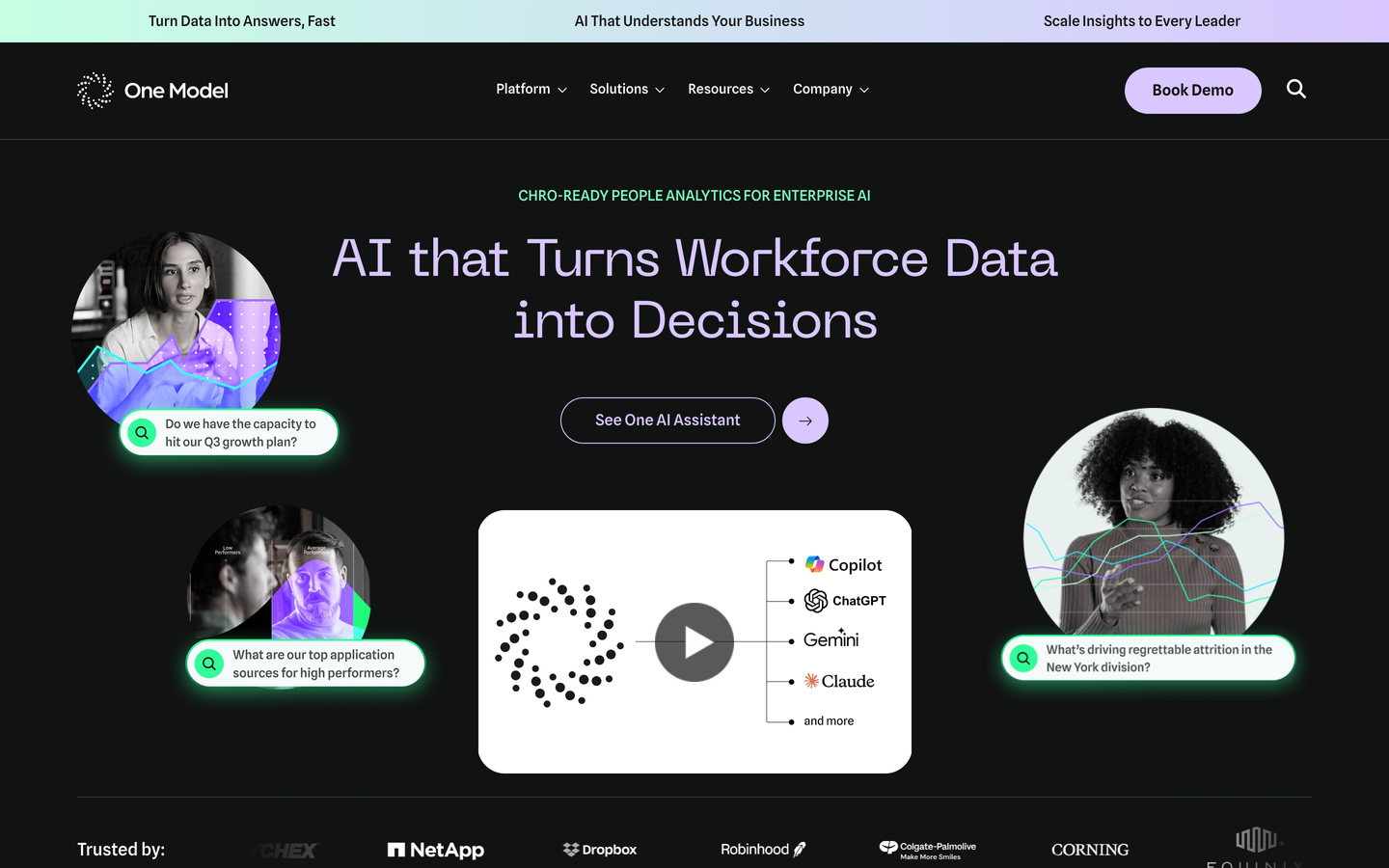
One Model is a people analytics platform with an open data architecture. It draws on HRIS, ATS, payroll, engagement, performance, and finance data. Forecasting and planning sit over that foundation, on an annual horizon. The pitch is explicitly against templated products. The company describes itself as HR analytics software that fits your own data set rather than a fixed model. Documented integrations reach the major HCM suites plus Qualtrics, Greenhouse, and Databricks. Customers quoted on its site include Paramount, JLL, and Instacart.
Software Pros
- The data model is yours to shape, so planning logic can reflect how your business actually works
- Data from HR, recruiting, finance, and engagement lands in one governed model rather than in 4 extracts
- Enterprise data connections mean the analytics team can work in the tools it already uses
Software Cons
- This is an analytics platform first, and the planning layer is lighter than a dedicated planning tool
- The openness assumes a real analytics function; without one, the flexibility becomes overhead
- No published pricing, and scoping is tied to employee count bands
One Model Review
The planning problem this solves is a governance problem in disguise. Where several teams each hold a version of the truth, One Model gives you 1 place to settle definitions before anybody argues about the forecast. That is worth a great deal to organizations with analysts to spend on it. Teams without that capacity should buy an opinionated planning tool and accept somebody else’s model.
Our Verdict
Your Model, Your Logic
Orgvue
Quick Overview
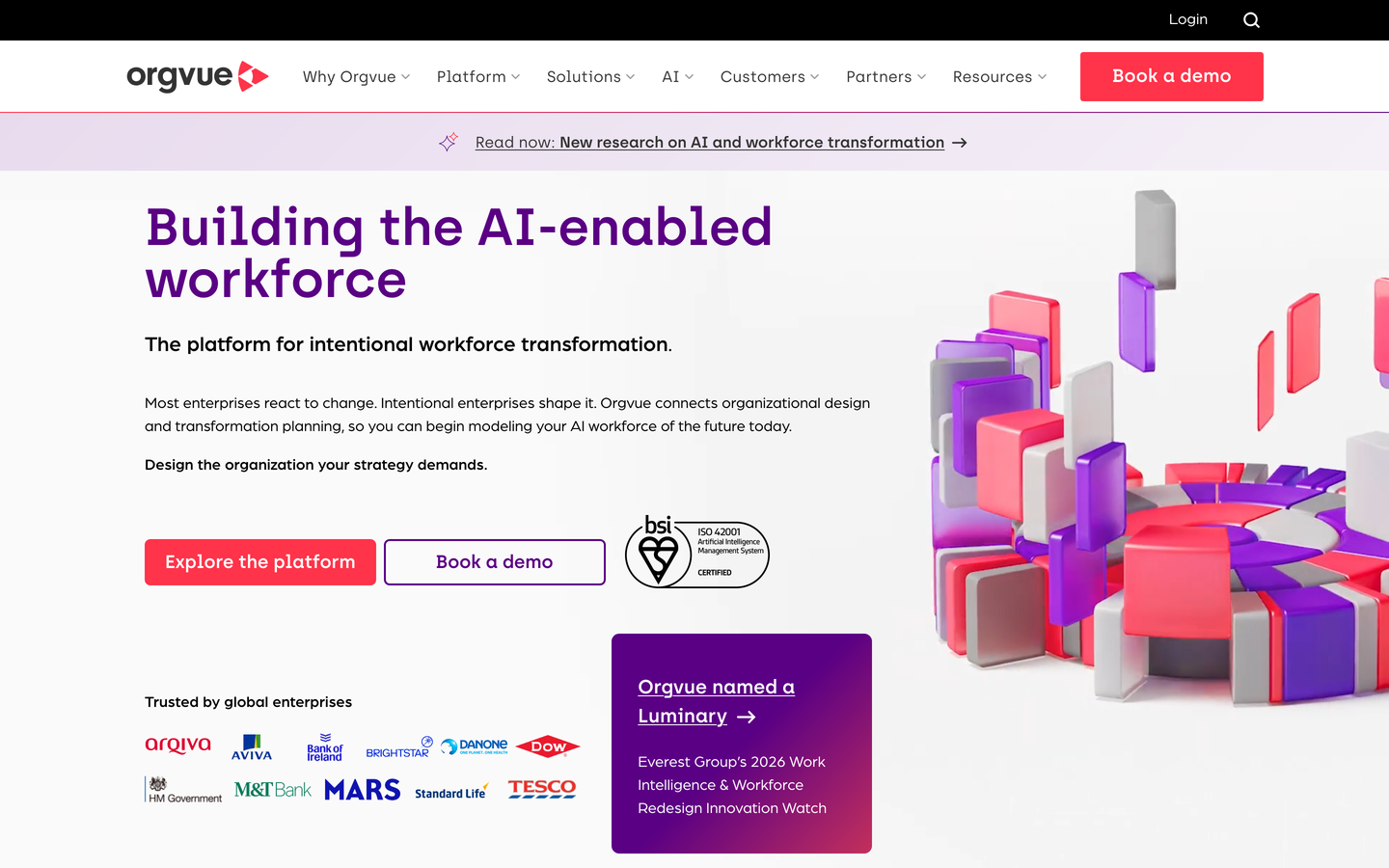
Orgvue is an organizational design and planning platform. It reads HRIS, cost, payroll, and finance data into a single planning baseline, built for multi-year structural work. Its workforce planning pages describe building role architecture with an AI role-matching layer, then modeling supply against demand over time. The company states that effective workforce planning can double productivity. That is a claim it makes on its own site and one worth testing rather than repeating. Orgvue also publishes its own competing list in this category.
Software Pros
- Role architecture and job families are built as part of the platform, not assumed to exist already
- Supply and demand gaps are visible over time rather than as a single snapshot
- Restructuring and transformation work is a first-class use case, with documented scenario comparison
Software Cons
- Delivery is frequently consultant-led, which adds cost and calendar to the first plan
- The transformation orientation is heavy for a company that simply wants an annual headcount plan
- Nothing published on cost, with services quoted separately
Orgvue Review
This platform earns its keep in the restructure, the merger, and the operating model change. That is exactly when spreadsheets stop being inefficient and start being wrong. Orgvue holds enough structure to compare 2 org designs honestly. Outside that work, the platform is more machine than most companies need, and the services attached to it make an over-purchase costly rather than harmless.
Our Verdict
Restructuring Work Done Properly
Pigment
Quick Overview
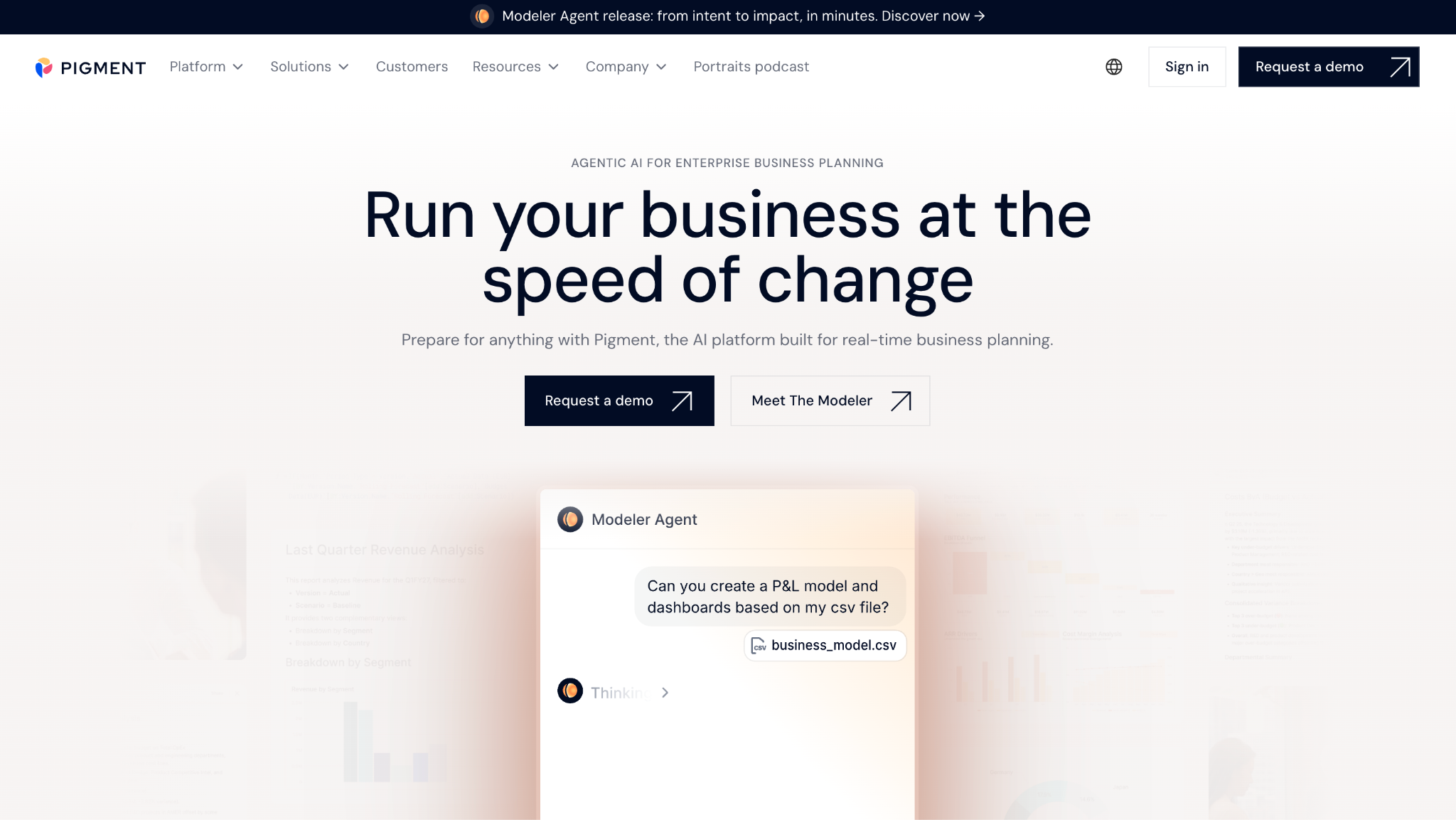
Pigment is a planning platform built for collaborative forecasting across HR, finance, and operations. It draws on finance systems with HRIS and ATS feeds, on an annual budget horizon. Its HR and workforce pages document what-if scenarios, org chart functionality, and permissions that restrict budget owners to their own departments. Pigment cites a Forrester Total Economic Impact study reporting an average total return on investment of 306% over 3 years. That is vendor-commissioned research and should be read as such.
Software Pros
- Scenario comparison is fast enough that modeling several futures is a normal working habit rather than an event
- Department-level permissions let budget owners contribute without exposing everyone’s compensation data
- The interface is markedly more approachable than the older enterprise planning tools it competes with
Software Cons
- The center of gravity is still finance, so HR-specific workflows may need building rather than configuring
- Real value depends on connecting HRIS and ATS data properly, which is project work
- Quote-only pricing, sized by modules and users
Pigment Review
I would shortlist this when finance has outgrown spreadsheets but nobody wants the implementation weight of a legacy planning suite. Pigment is the modern answer to that specific trade, and buyers underrate its collaboration features. It is still a finance-first platform, so an HR team buying it alone should expect to build its own workflows rather than find them waiting.
Our Verdict
Modern Modeling For Finance
Planful
Quick Overview
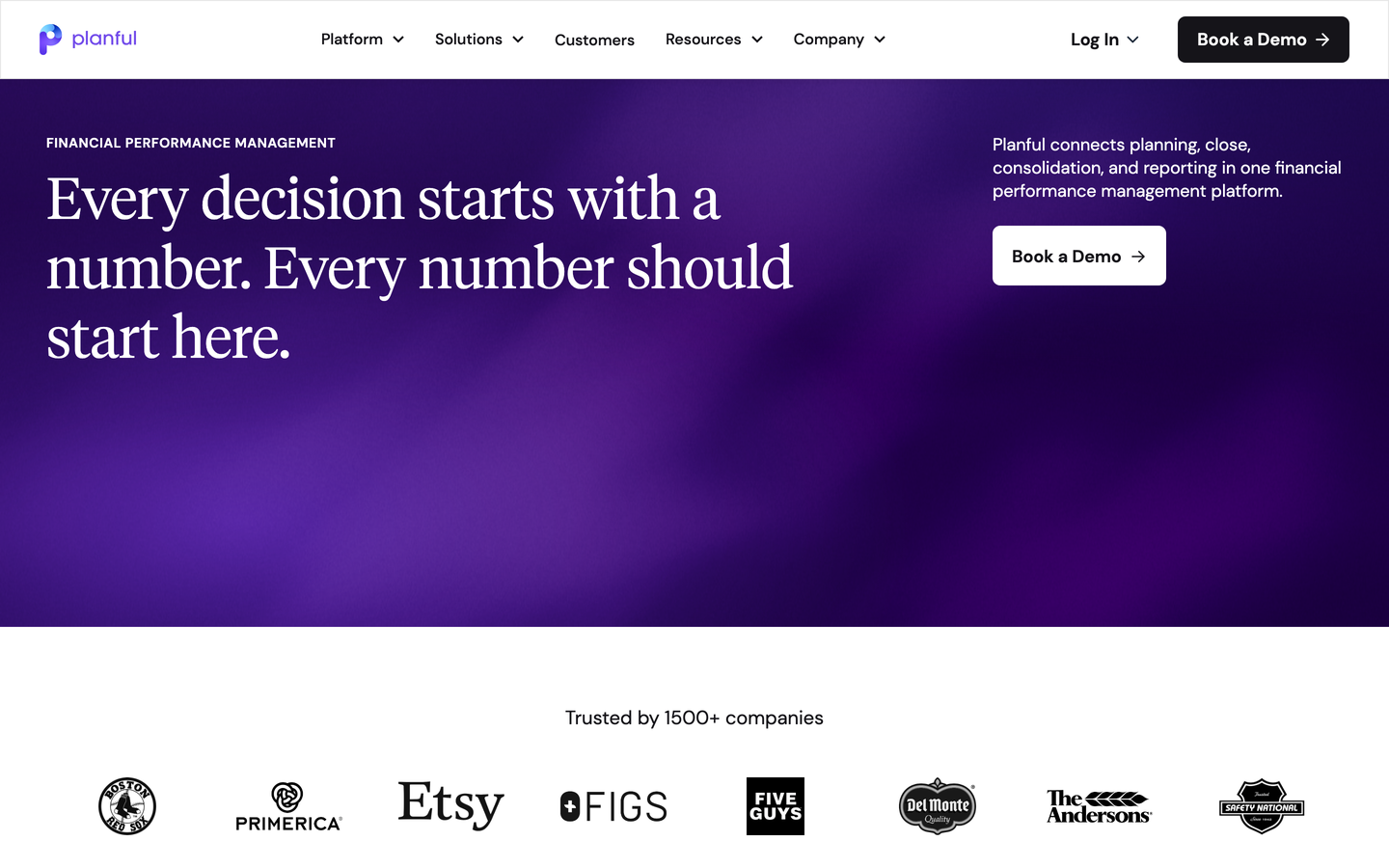
Planful is a financial planning platform whose workforce module runs on finance system data, with HRIS, payroll, recruitment, and ERP feeds. The horizon is the annual budget, and the buyer is an organization where FP&A owns the headcount plan. The company states that more than 1,500 customers use the platform. Its HR solution pages document headcount tracking from plan to hire and compensation modeling, including bonuses and equity. The platform supports new entities and currencies as the business grows.
Software Pros
- Headcount and budget stay in 1 model, so variance analysis does not require reconciling 2 systems
- Compensation structures are modeled the way companies actually pay, including bonus and equity
- Pre-built models shorten the path to a first usable plan compared with a blank modeling canvas
Software Cons
- This is finance software, and the interface will feel foreign to an HR team using it daily
- Skills and capability planning are absent, so the capability question needs another tool
- No published pricing, and scoping depends on modules and user counts
Planful Review
My reading is that Planful is the safe answer when the CFO owns the plan and the argument is about cost. It does headcount budgeting properly and connects it to everything else finance runs. The reservation is straightforward. If your planning question is which skills you will need in 2029, this platform is not built to answer it.
Our Verdict
Finance-Owned Headcount Budgeting
TalentNeuron
Quick Overview
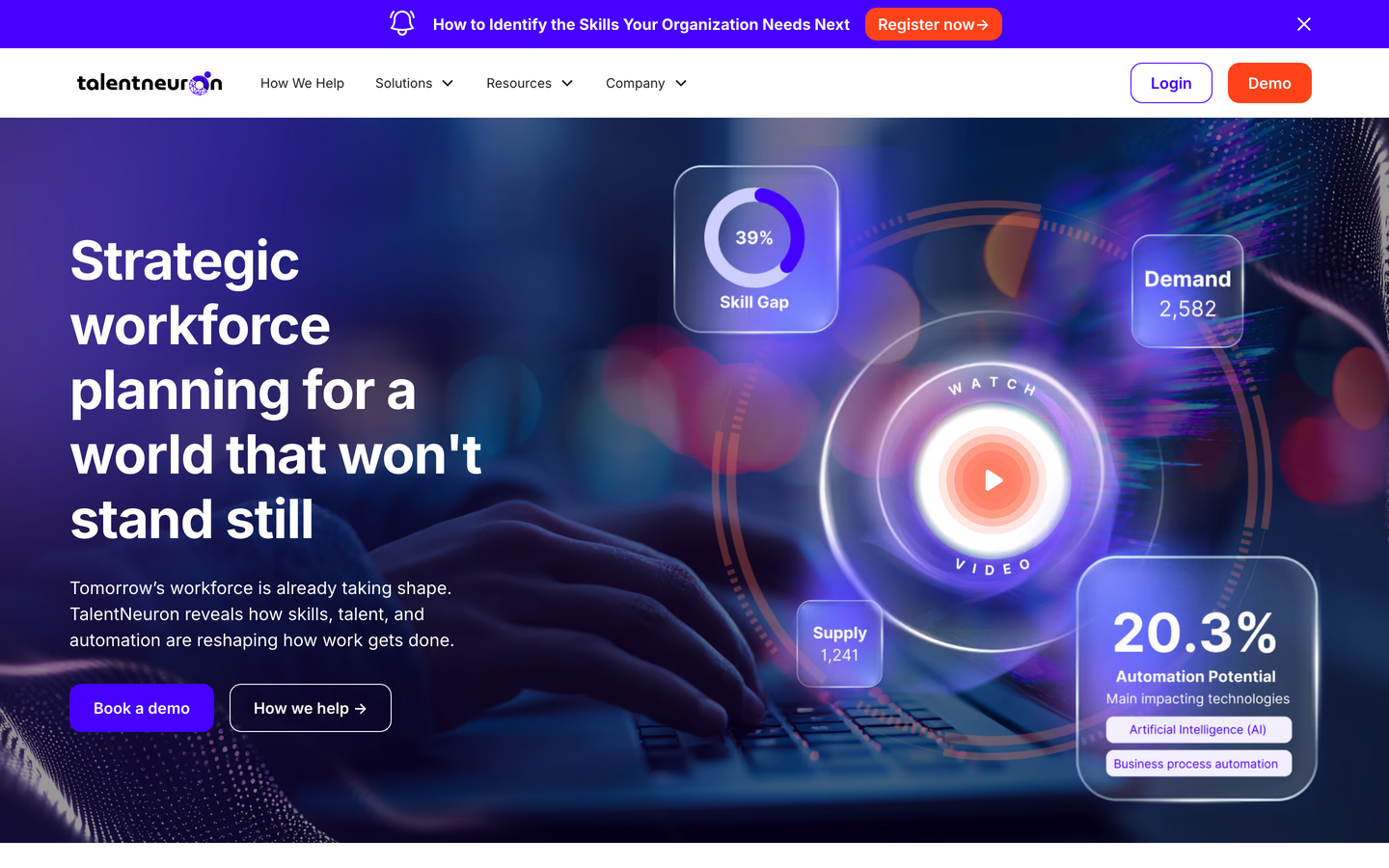
TalentNeuron is not a planning platform, and saying so plainly is the most useful thing this entry can do. It is external labor market intelligence: the outside-in input to a plan built elsewhere, on a multi-year horizon. Its solutions pages state that the data draws on more than 40,000 sources across 200 or more markets. The company reports over 40 terabytes of normalized data gathered across 25 years, covering supply, competitor hiring, skills demand, and location economics. Strategic consulting is offered alongside the data.
Software Pros
- Answers the question no internal system can: whether the talent you plan to hire actually exists in that market
- Location economics and competitor hiring data make build-versus-buy and site-selection arguments evidential
- Data as a service means the feed can sit inside the planning tool you already own
Software Cons
- It does not produce a plan, so it is a second purchase rather than a first one
- Value depends on the specificity of your locations and roles; broad questions get broad answers
- Quote-only pricing, and consulting engagements are priced separately
TalentNeuron Review
This deserves a demo if your plans keep failing at the hiring stage rather than at the modeling stage. Teams routinely approve plans for roles the local market cannot supply at the assumed cost, then call the shortfall a recruiting failure. External data catches that before approval. Buy it as an input to a planning platform, and be clear internally that it is not the platform itself.
Our Verdict
The Outside View Supplied
Visier
Quick Overview
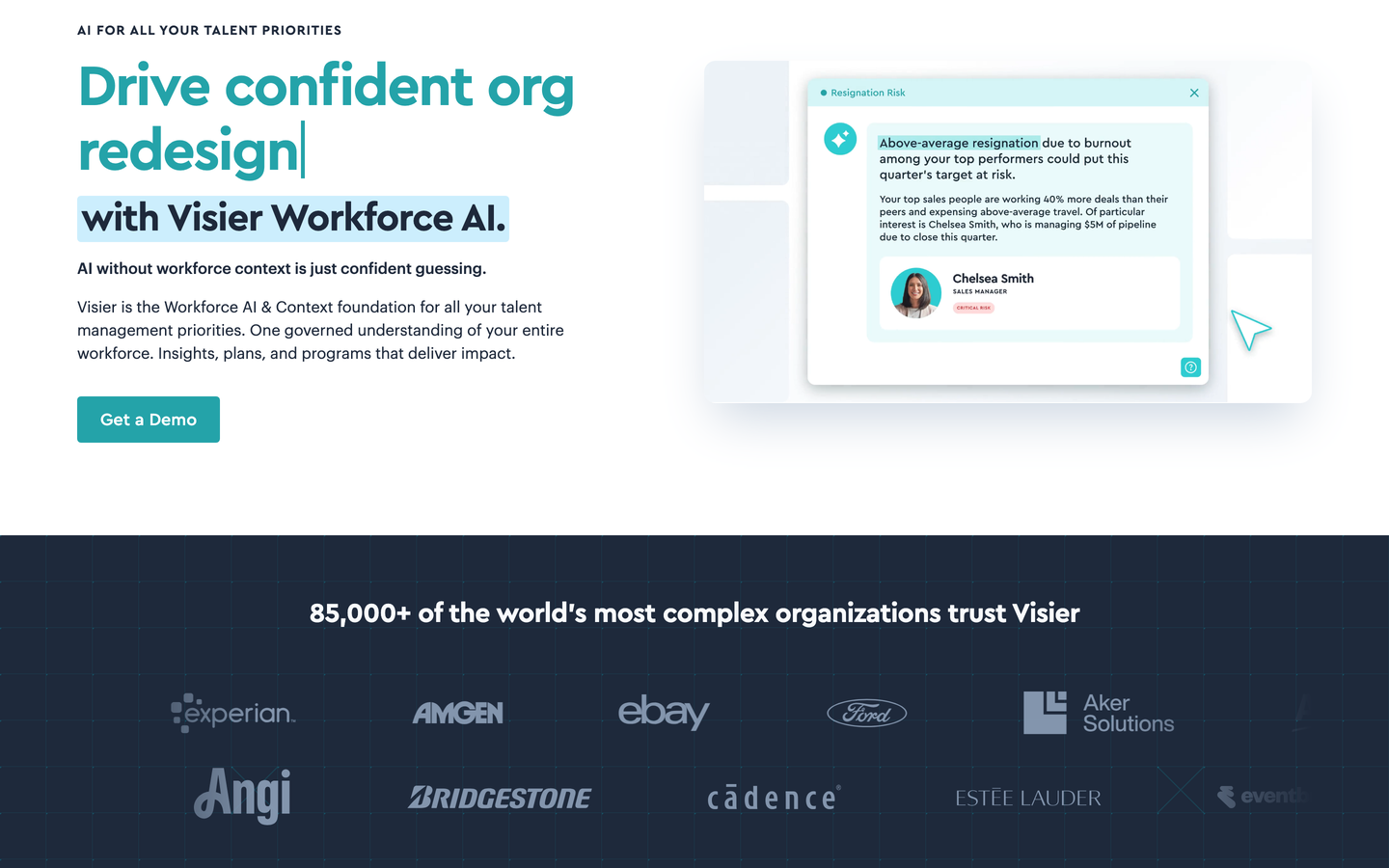
Visier is a people analytics platform with planning built on top. It reads HRIS, payroll, and financial planning system data on an annual horizon. Its workforce planning pages document collaborative plans delegated to stakeholders, track plans against actuals, and forecast the future workforce. The company states that more than 85,000 organizations use its platform. Visier leads with analytics depth, and the planning layer is a companion to it rather than the original product.
Software Pros
- Attrition and movement forecasts are predictive rather than descriptive, so plans start from evidence
- Plan versus actuals tracking is continuous, which makes quarterly replanning practical
- Plans can be delegated to line stakeholders while HR keeps the consolidated view
Software Cons
- Analytics is the lead product, so scenario modeling is lighter than on a dedicated planning platform
- Full value assumes clean data across several systems, which is where most of the implementation time goes
- Cost is quoted, and it rises with the number of planning users
Visier Review
The candid case for this is that Visier gives you the best evidence base on this list and a competent planning layer, in that order. If your plans keep getting challenged on their assumptions, the analytics will settle those arguments faster than more modeling would. If the challenge is that you cannot model enough futures fast enough, a planning platform is the better purchase, and the analytics can feed it.
Our Verdict
Evidence Before The Plan
FAQs About Workforce Planning Software
What is workforce planning software?
It is the system a business uses to decide how many people it needs, with which capabilities and at what cost, over 3 years. It pulls headcount, pay, attrition, and role data together, then lets teams test that shape against different growth assumptions. The output is a target organization plus the cost of getting there. It also tracks how far reality has drifted from that target as the year runs.
What is the difference between workforce planning and workforce management?
Horizon and question. Management answers who works on Tuesday, covering rosters, attendance, coverage rules, and the daily mechanics of running a site. Planning answers how many people the business needs next year, in which capabilities, and at what cost. The 2 markets sound alike, are bought by different people, and buying one while expecting the other is a common and expensive mistake.
What AI tools are useful for workforce planning?
4 things here are genuinely model-driven and worth paying for. Predicting who leaves and when, inferring capabilities from job history, matching people to open capacity, and generating plan variants without an analyst. Threshold alerts, templated narrative reports, and dashboards that always existed are frequently relabeled and are not. The test that separates them is whether a vendor will name the inputs, the training window, and what happens when the model turns out wrong.
How much does workforce planning software cost?
Almost nobody publishes a rate, and of the 12 platforms reviewed above, exactly 1 lists a price openly. That is $5 per employee per month for its core product, with headcount planning adding $4, billed annually and accurate in September 2026. Everything else runs through a quote shaped by employee count, module mix, and how many people need write access. Budget the implementation alongside the license, because at the enterprise end the 2 are often comparable.
When is a company big enough to need it?
Complexity matters more than a headcount threshold. A 400-person company across 6 countries and 3 legal entities has a harder planning problem than a 2,000-person company on 1 site. The practical signal is that nobody can answer a planning question in a meeting without going away to rebuild a spreadsheet. Rapid growth, restructuring, or a merger all move the need forward regardless of size.
What data do you need before you can plan?
4 things at minimum: current headcount with cost, historical attrition, role or skills data, and an agreed budget structure to plan against. The catch is that these usually live in 3 or 4 systems that disagree about what a role is and who counts as a leaver. Reconciling those definitions is usually the longest phase of any implementation, and the phase least often written into the business case.
What is skills-based workforce planning?
It plans capability rather than headcount, asking which abilities the organization holds and which it will need instead of how many people to add. A structured vocabulary of capabilities gets populated by inference from job history and internal records, rather than by asking everyone to fill in a form. It is harder to set up, because the vocabulary has to be argued over first. It is more useful, because retraining beats recruiting on cost and speed.
Can workforce planning software handle multiple countries and entities?
At the enterprise end, yes. Expect multi-currency modeling, separate legal entities as first-class structures, and cost assumptions that vary by market rather than by a single global average. Mid-market products handle all of this far less completely, and the gap widens with every extra entity. The limit worth naming is legal: a plan becomes real once you decide how to lawfully employ somebody there.

Helen is Anywherer’s Market Analyst & Content Researcher, with extensive experience in analyzing global employment markets and HR technology trends. She is skilled at turning complex market data into clear, well-researched insights that inform every piece of content. With a strong grasp of the EOR, PEO, and international hiring space, Helen plays a key role in keeping Anywherer’s research accurate, up to date, and genuinely useful for readers.