This content was reviewed and updated in July 2026 to ensure all information remains accurate and up to date.
Seventeen tools, sorted by what they are actually built to do. The table below separates standalone policy platforms from GRC suites and document systems, which determines whether the purchase works out.
What Is the Best Policy Management Software in 2026?
Policy management software is what you use to write policies, get them approved, and push them to the right people. Then it proves afterward that the right people read the right version. Organizations buy these tools for that proof. To an auditor, a policy you cannot evidence is a policy that was never written.
The workload behind that is real. In the 2023 Thomson Reuters Risk and Compliance Survey Report, monitoring compliance was among the tasks respondents named most often as time-consuming, at 52 percent. Modern policy management platforms take a share of that work off people and hand it to a system that never forgets a review date.
These tools rarely sit alone. Policy records feed performance conversations and onboarding, and the same buyer often ends up comparing them against AI-assisted HR platforms that automate adjacent admin. They are different purchases, but they compete for the same budget line and often the same internal owner.
The closest neighboring category is compliance tooling proper. This page covers policy management solutions built around documents and attestations. Our roundup of HR compliance platforms covers the tools tracking the obligations those policies exist to satisfy. Plenty of teams need one of each.

INSIGHT: Do you need a policy tool, a GRC suite, or a document system?

Three families live on this page, and picking from the wrong one is where budgets get wasted in this category.
- Standalone policy platforms, for example ComplianceBridge, DocTract, PowerDMS and Xoralia: built around the policy lifecycle and the attestation evidence an audit asks for.
- GRC suites with a policy module, for example LogicGate, NAVEX One, SAI360 and TeamMate: policies connected to risks, controls and audit evidence, at enterprise scope and enterprise price.
- Document management systems doing policy duty, for example Document Locator and EisenVault: strong version control and security, lighter on policy-specific workflow.
- Industry specialists sit across those lines. MedTrainer builds for healthcare accreditation and PowerDMS for public safety, which is worth more than a general tool if you are in either.
Sources:
Which brings us to the heading itself. No single tool wins, because these seventeen split into three distinct families. Some are purpose-built policy software with attestation at the center. Some are GRC suites where policy is one module among risk and audit. Some are document management systems doing policy duty. The right choice follows from what you have to evidence and to whom.
That is the question I would settle before booking a single demo. An auditor asking for attestation records and an insurer reviewing controls want different artifacts. The best policy management systems for one are frequently mediocre at the other.
How the 17 Tools Compare
All seventeen, side by side. Any useful policy management software comparison starts with the category column. It tells you which of the three families a tool belongs to before you look at anything else.
Deployment matters more here than on most pages: several run inside SharePoint, one is on-premises, and the rest are cloud-only. The rating column separates the best policy management tools by peer evidence, though read the review counts alongside the scores, because some are very small.
| Tool | Category | Best for | Deployment | Rating |
|---|---|---|---|---|
| ComplianceBridge | Standalone policy platform | Workflow-heavy approvals | Cloud | 4.3 (12) |
| ConvergePoint | Microsoft 365 native | SharePoint environments | SharePoint-based | N/A |
| Copla | GRC suite with policy module | DORA, NIS2 and ISO 27001 programs | Cloud | 4.9 (95) |
| Dayspring Software | Standalone policy platform | SMBs facing audits | Cloud | N/A |
| DocTract | Standalone policy platform | Teams wanting AI assistance | Cloud | 4.6 (6) |
| Document Locator | Document management system | Windows-centric offices | Cloud and on-premises | 4.4 (10) |
| EisenVault | Document management system | Data sovereignty requirements | Cloud and on-premises | 4.0 (2) |
| LogicGate | GRC suite with policy module | Custom risk workflows | Cloud | 4.6 (191) |
| MedTrainer | Industry specialist | Healthcare and accreditation | Cloud | 4.4 (86) |
| Mitratech PolicyHub | Standalone policy platform | Enterprise legal teams | Cloud | 4.3 (6) |
| NAVEX One | GRC suite with policy module | Ethics and compliance programs | Cloud | 3.7 (84) |
| Onspring | GRC suite with policy module | Teams building their own workflows | Cloud | 4.7 (80) |
| PowerDMS | Industry specialist | Public safety and government | Cloud | 4.7 (110) |
| SAI360 | GRC suite with policy module | Enterprise GRC programs | Cloud | 4.2 (124) |
| Scrut Automation | GRC suite with policy module | Continuous audit readiness | Cloud | 4.9 (1,313) |
| TeamMate by Wolters Kluwer | GRC suite with policy module | Internal audit functions | Cloud | 4.3 (597) |
| Xoralia | Microsoft 365 native | Microsoft-centric teams | SharePoint-based | 4.6 (40) |
Quick Picks by Organization Type
If the table is more than you need, find the line that describes your situation. These are the best policy management solutions for each case, listed alphabetically with no order of merit implied.
- SMBs that need audit-ready evidence: Dayspring Software, DocTract, Xoralia
- Microsoft 365 and SharePoint environments: ConvergePoint, Xoralia
- Healthcare and accreditation-driven organizations, where the best compliance policy management software is usually industry-specific: MedTrainer, PowerDMS
- Public safety and government: PowerDMS, with ComplianceBridge for civilian departments
- Enterprise programs where the best policy compliance management tools are a GRC module: LogicGate, NAVEX One, SAI360, TeamMate
- Teams tracking regulatory change and continuous evidence: Copla, Onspring, Scrut Automation
Smaller companies often discover the real requirement is a staff handbook rather than a governance platform. If that describes you, our guide to employee handbook tools covers a lighter and considerably cheaper set of options.
Policy Management Software Pricing
This is the least transparent category I have covered. I opened the pricing page of all seventeen tools, and not one publishes a platform rate. Anyone searching for free policy management software should know the honest answer up front: trials and demos are normal here, permanently free plans are not. Open-source document tools exist, but they hand the compliance work back to your team rather than removing it.
INSIGHT: What does poor policy management actually cost?
The risk is rarely that a policy does not exist. It is that nobody can prove the current version reached the right people.
- In the 2023 Thomson Reuters Risk and Compliance Survey Report, 52 percent of respondents named monitoring compliance among their most time-consuming tasks, ahead of implementing controls and designing policies.
- The same survey puts identifying and assessing risk at the top of that list, at 56 percent, which is the work policy evidence is supposed to support rather than compete with.
- What attestation tracking changes in practice is the question being asked. It stops being ‘do we have a policy on this’ and becomes ‘can you show who read which version, and when’. Only one of those can be answered from a shared drive.
Three things drive the quote: how many named seats you need, which modules you switch on, and how much implementation help the vendor provides. ComplianceBridge publishes the most detailed page in this set, and it still ends with a custom quote. Onspring runs a configurator. MedTrainer asks you to request a quote. A demo comes before any figure, and that first figure is rarely final.
INSIGHT: Why is policy management software pricing so hard to find?
Most vendors in this category quote per organization, so the published number you are looking for usually does not exist.
- Not one of these seventeen puts a platform rate in public. ComplianceBridge, MedTrainer and Onspring have pricing pages, and all three end at a quote request rather than a figure.
- Seat count, module selection and implementation support are what move the number. A GRC suite where policy is one module of six will not price like a standalone policy tool, even for the same headcount.
- What is genuinely free here is evaluation, not the software. Dayspring and Xoralia advertise free trials, and every other vendor offers a demo. Permanent free tiers do not exist in this set.
- Watch for the costs that sit outside the license: migrating existing documents, configuring approval chains, and the internal owner who has to run the review calendar afterward.
Sources:
How to Choose the Right Platform
Start from what you have to prove and to whom. An auditor, a regulator, and an insurer each ask for different evidence. That answer decides whether you need a policy tool or a GRC suite. The best tools for policy lifecycle management produce your specific artifact without a consultant.
Then walk the whole lifecycle rather than reading the feature list. Draft, review, approve, publish, attest, archive, retrieve. Most tools here handle the first four well and differ sharply on the last three. That second half is what matters when someone asks for a document from three versions ago.
Check attestation and evidence export specifically. Can you produce a time-stamped record showing who acknowledged which version, and get it out as a file without raising a support ticket? Where attestation shades into training and quizzing, dedicated training platforms do that job properly, and most policy tools only approximate it.
Look at where your documents already live. If everything sits in SharePoint, a Microsoft-native tool removes a migration and a second login. If your problem is really findability rather than governance, knowledge management tools solve that more directly and cost less.
Check how approval chains are built, because that is where implementations stall. Multi-department sign-off needs the tool to know your reporting lines. Keeping those accurate is easier when they already exist in org chart software you can sync from.
Finally, settle who owns the review calendar before you buy. A policy library with no named owner drifts out of date within a year, no matter what the software does. And read recent policy and procedure management software reviews on G2 or Capterra before shortlisting. Note how many reviews sit behind a score, not just the score.
Top 17 Policy Management Tools for 2026
Now the detail. Every block below uses identical fields, which makes them scannable in sequence. Anyone comparing the best policy management software tools 2026 has to offer will find the family named in every block. That is the distinction marketing copy tends to blur.
I’m listing all providers in alphabetical order.
ComplianceBridge
Quick Overview:
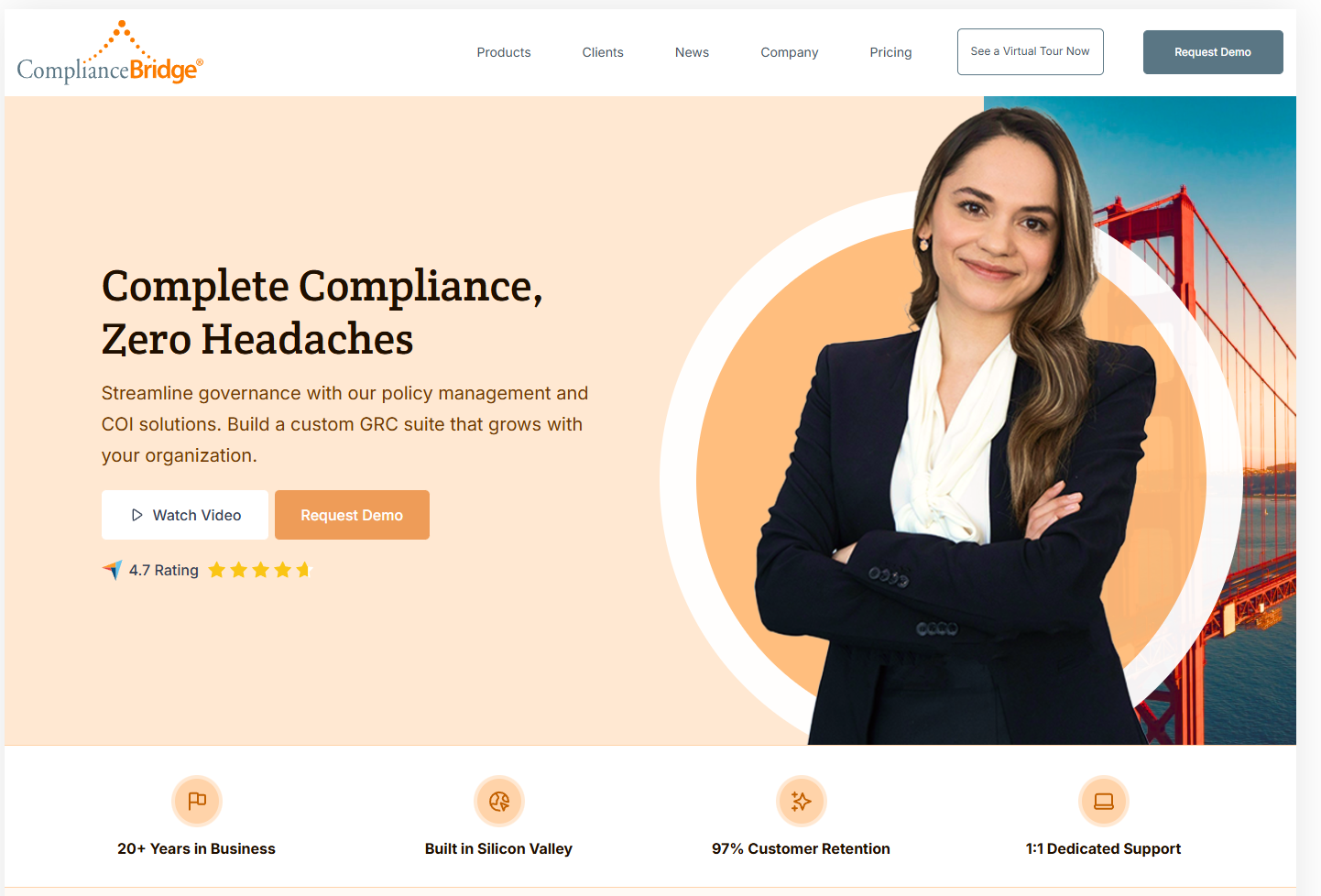
ComplianceBridge is a policy management solution built around approval workflows and distribution control, pairing policy lifecycle handling with risk assessment in one system.
Software Pros:
- Customizable approval workflows that follow organizational reporting lines
- Compliance dashboard showing acknowledgment status in real time
- Targeted distribution to specific employee groups
- Collaboration tools for multi-department policy review
Software Cons:
- Interface prioritizes function over design
- Limited native Microsoft 365 integration
- Twelve public G2 reviews, a small evidence base
ComplianceBridge Review:
Workflow automation earns its place: routing a policy through four departments without chasing anyone by email removes real administrative work. Reporting is the other strength, since audit-ready means being able to answer questions on the day they are asked. Teams living inside Microsoft 365 will find the integration shallower than the SharePoint-native options here.
Our Verdict
Workflow-Led Policy Distribution
ConvergePoint
Quick Overview:
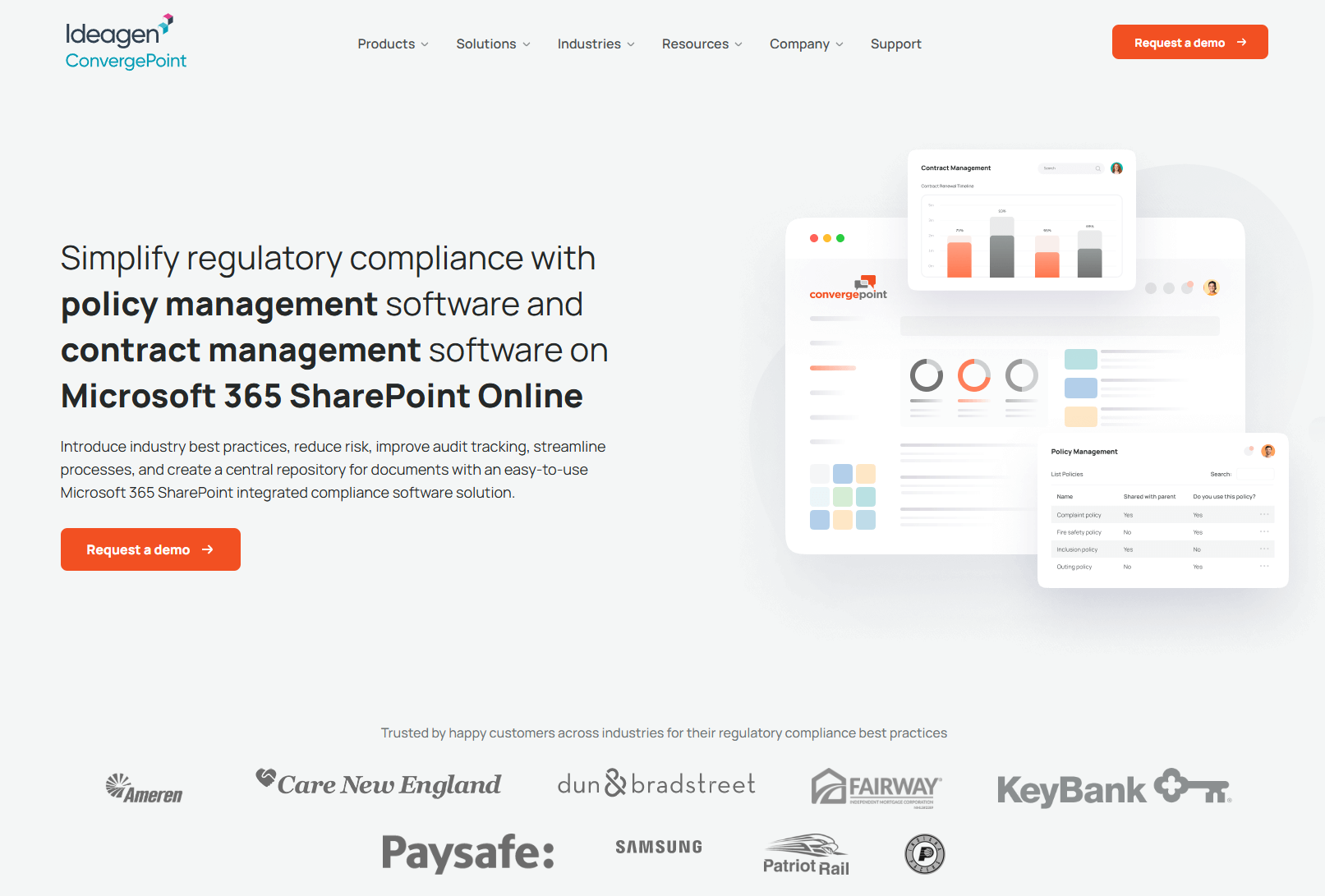
ConvergePoint is SharePoint-based policy and procedure software built for organizations already committed to Microsoft 365, handling creation, review, distribution, and acknowledgment inside the environment staff already use.
Software Pros:
- Native SharePoint and Microsoft 365 integration
- Inherits Microsoft security and authentication
- Configurable to match existing internal workflows
- Uses your existing Microsoft permissions and groups
Software Cons:
- Needs SharePoint expertise to implement well
- Little value outside the Microsoft ecosystem
- No public G2 profile, so peer evidence is unavailable
ConvergePoint Review:
Running policy management inside SharePoint means staff never learn a new system, which removes the adoption problem that kills most rollouts. It is arguably the best policy and procedure management software for a Microsoft-committed organization, provided you have someone who knows SharePoint. Without that, the configuration becomes the project.
Our Verdict
SharePoint-Native Policy Management
Copla
Quick Overview:
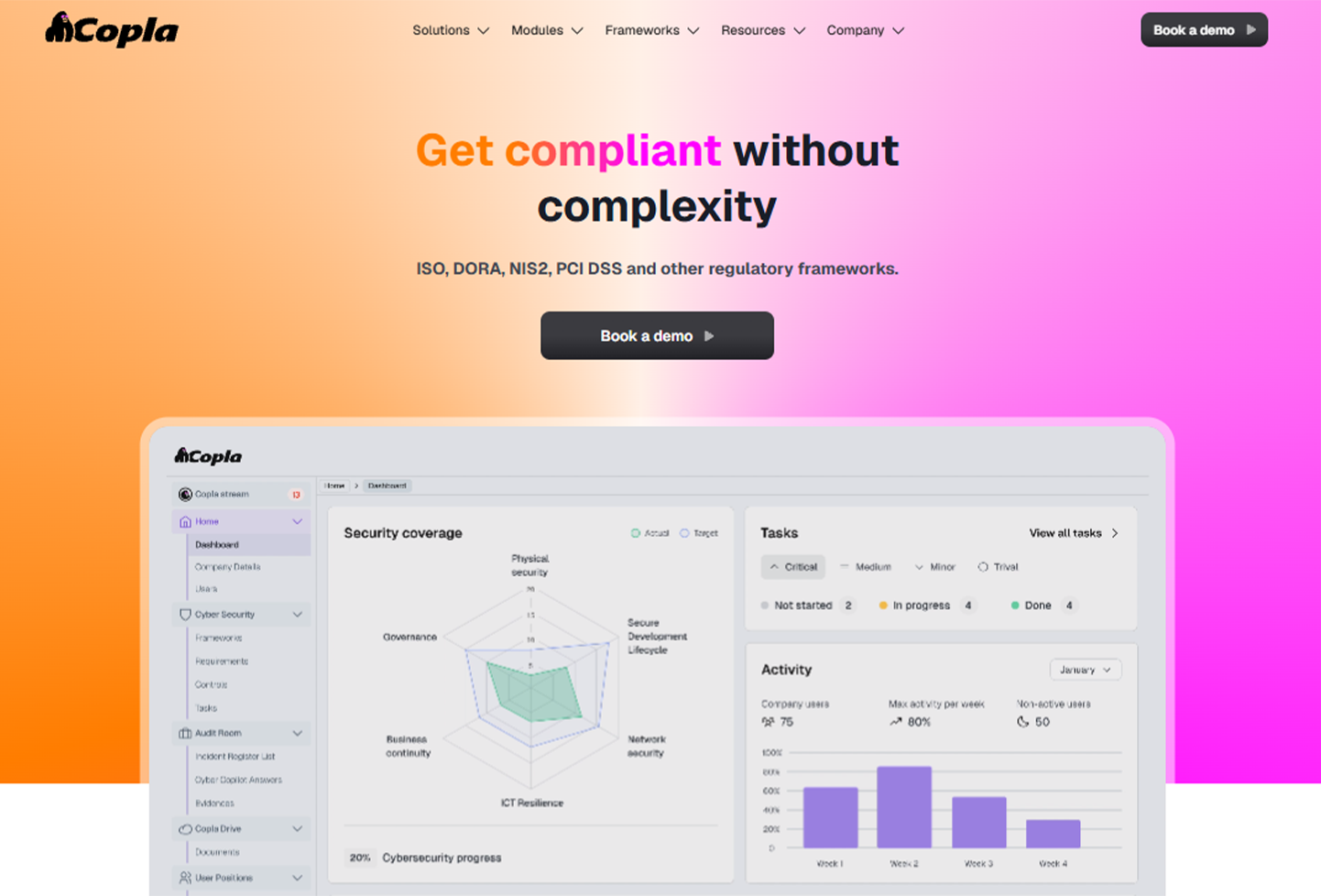
Copla is a compliance automation software that combines automated compliance workflows with policy management, continuous control monitoring, evidence collection, and expert CISO support. The platform helps organizations manage regulatory requirements and frameworks such as ISO 27001, DORA, and NIS2 while reducing manual compliance work.
Software Pros:
- Automated evidence collection and continuous control monitoring
- Policy generation and compliance documentation capabilities
- Cross-mapping between multiple regulatory frameworks
- Dedicated CISO guidance for complex compliance requirements
Software Cons:
- Broader cybersecurity compliance focus may be more than organizations need for basic policy management
- Best suited to companies with significant security and regulatory requirements
- Organizations looking only for document-based policy management may prefer a more specialized solution
Copla Review:
When reviewing Copla, what stands out is its combination of compliance automation and hands-on cybersecurity expertise. Rather than functioning only as a place to store and distribute policies, the platform connects policy documentation with evidence collection, control monitoring, and regulatory frameworks. This makes Copla particularly relevant for fintech, technology, and other regulated organizations that want policy management to form part of a broader compliance program.
Our Verdict
Cybersecurity-Focused Compliance Automation Platform
Dayspring Software
Quick Overview:
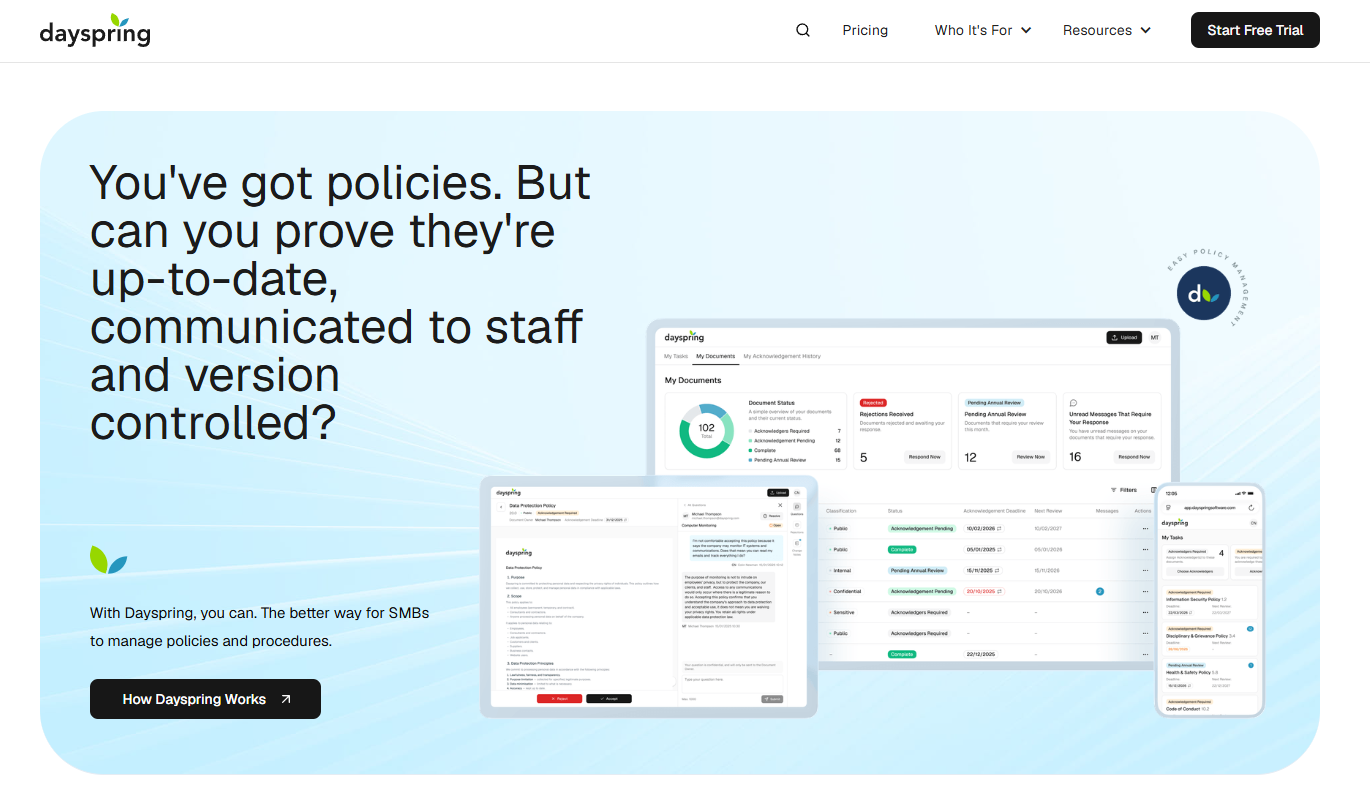
Dayspring Software is a policy management platform built for small and mid-sized businesses that face regular audits, inspections, and client due diligence. This policy management software centralizes policies and procedures, tracks version-specific acknowledgments, and produces exportable records that show a policy is current, owned, reviewed on schedule, and acknowledged by staff.
Software Pros:
- Version-specific, time-stamped acknowledgment reports covering staff, contractors, and suppliers
- AI-driven policy comparison with change notes recording what changed, why, and when
- Automated version control with archiving of superseded copies and rollback to any earlier version
- Scheduled annual review cycles with automated reminder emails to named reviewers
Software Cons:
- Scoped to policy and document governance rather than full GRC, risk, and audit modules
- Sized for SMB teams, so large multi-entity organizations may outgrow the structure
- Workspaces require a minimum of three full seats, which adds cost for very small teams
Dayspring Software Review:
When I looked at Dayspring Software, I focused on how well it answers the questions auditors actually ask: is this the current version, who owns it, what changed since last time, and can you prove staff read it. The platform is organized around exactly that evidence trail, with acknowledgment reports and version history exportable as PDF or CSV. Separate guest seats for suppliers and external reviewers are a practical touch for companies that have to evidence policy communication beyond their own payroll. The platform itself is ISO 27001-certified, which matters to the ISO 9001 and ISO 27001 audiences it targets.
Our Verdict
Audit-Ready SMB Policy Platform
DocTract
Quick Overview:
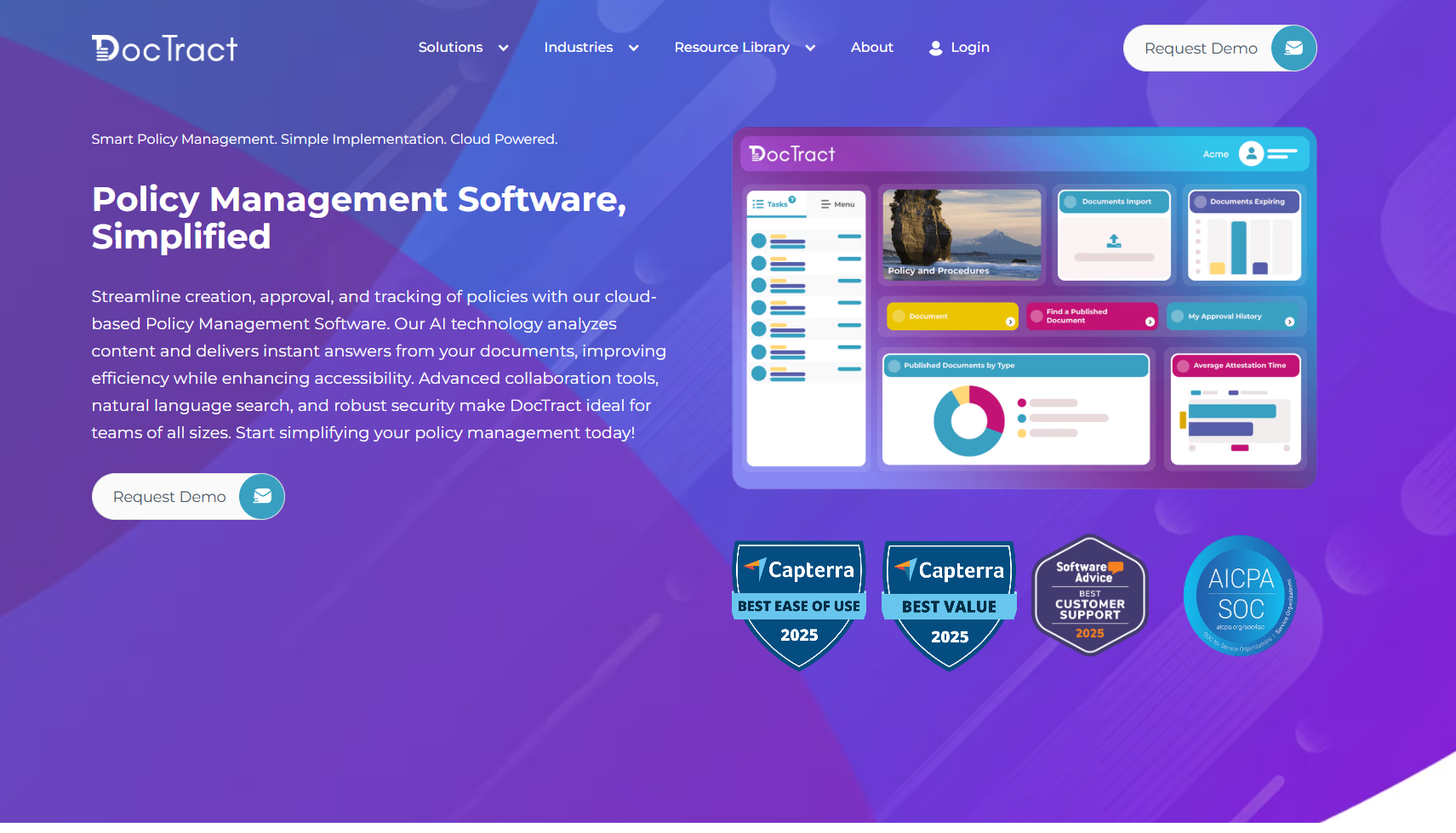
DocTract is a cloud policy management tool that layers AI assistance over document creation and distribution, aiming to cut the manual work in routine policy tasks.
Software Pros:
- AI-assisted policy gap analysis and suggestions
- Modern interface that needs little training
- Automated compliance monitoring across the library
Software Cons:
- AI features take some getting used to
- Fewer customization options than enterprise platforms
- Judging it means going on six G2 reviews
DocTract Review:
What DocTract does well is remove the drudgery from the parts of policy work nobody wants: spotting missing coverage and flagging what needs review. The interface is genuinely current, which isn’t common in this category. Organizations needing deep configuration will find its flexibility limited compared with the enterprise names.
Our Verdict
AI-Assisted Policy Administration
Document Locator
Quick Overview:
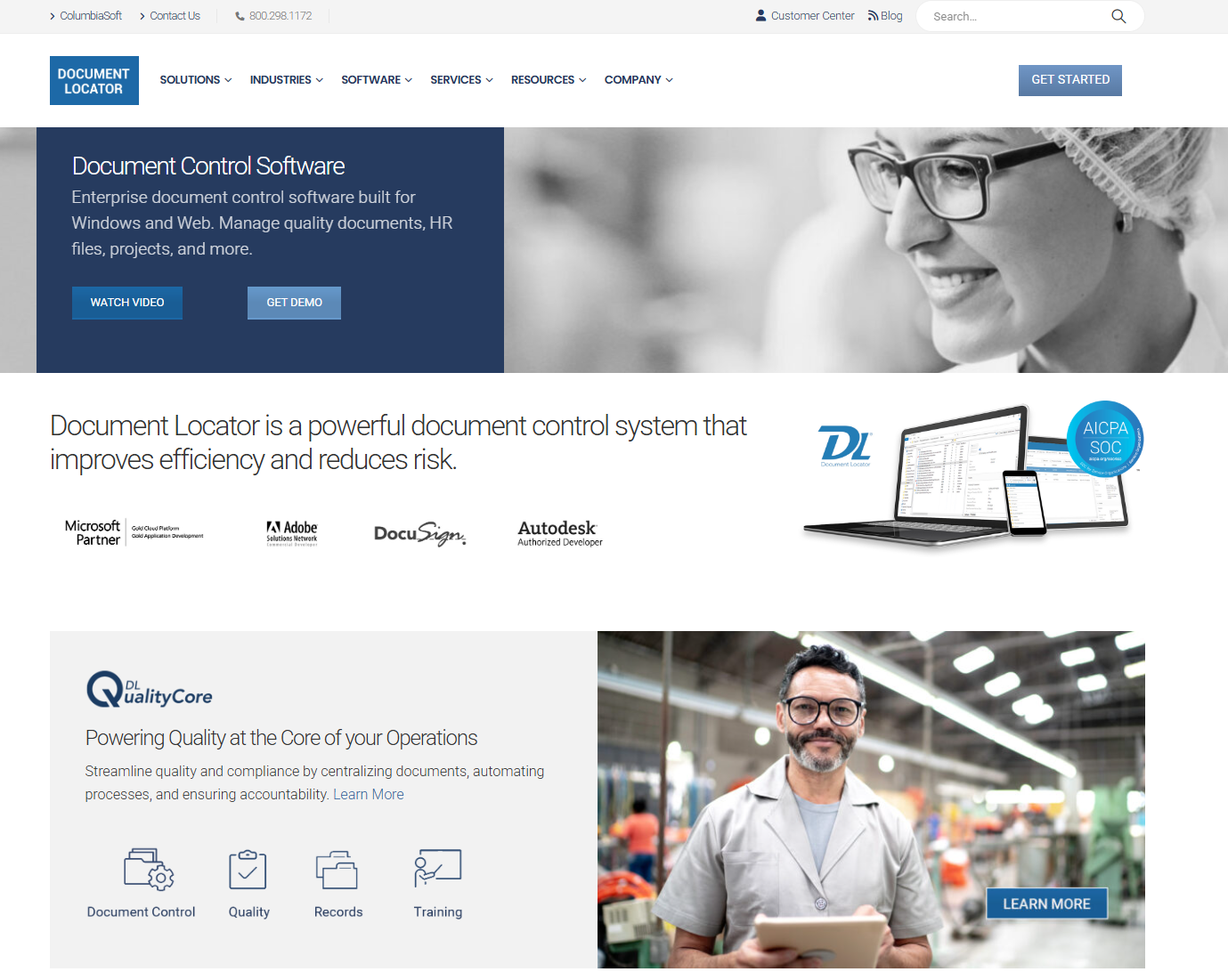
Document Locator is an enterprise document management system that doubles as a policy platform, built on tight Windows and Office integration with strong version control.
Software Pros:
- Native Windows integration that users already understand
- Version control and document security done thoroughly
- Full audit trail and compliance reporting
Software Cons:
- Built for document management first, policy workflow second
- Windows-centric approach limits cross-platform access
- Needs significant configuration to work as a policy tool
Document Locator Review:
If your organization runs on Windows file management and wants policy control without asking anyone to learn new software, this fits. Version control and security are its real strengths. What you give up is policy-specific workflow, which you will end up configuring yourself rather than switching on.
Our Verdict
Windows-Based Document Control
EisenVault
Quick Overview:
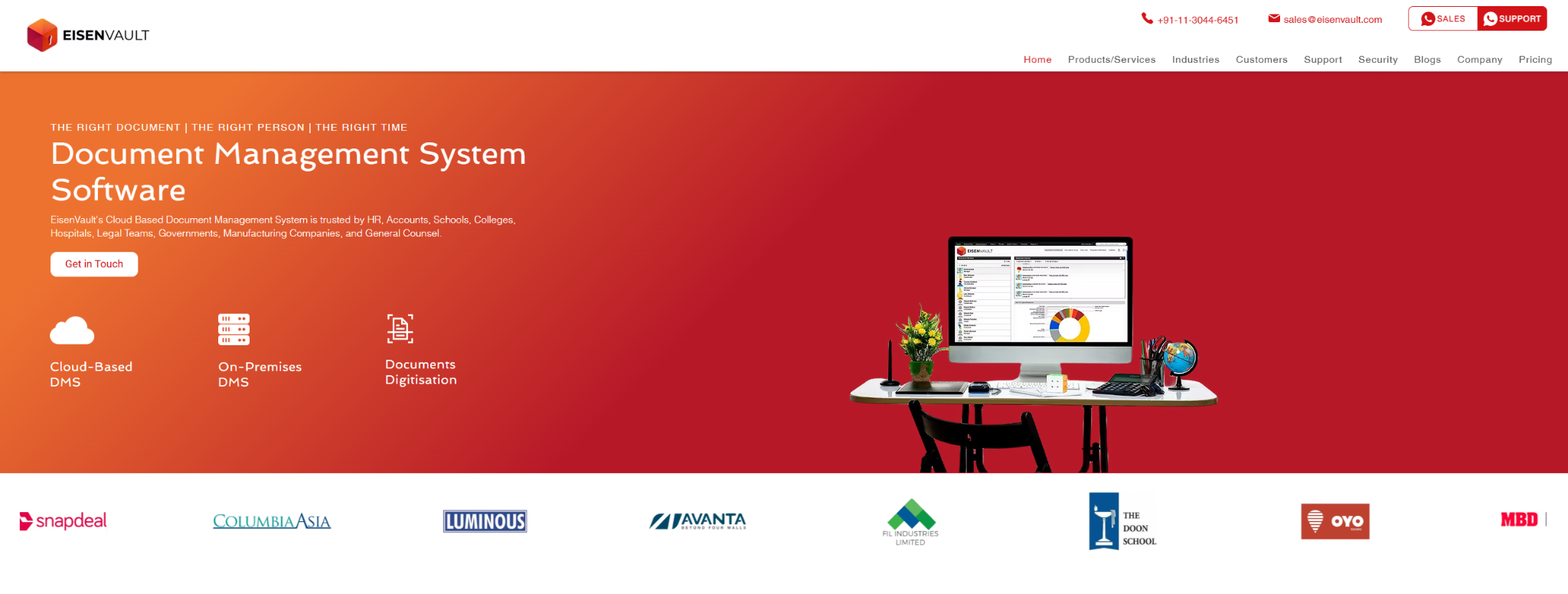
EisenVault offers document and policy management across cloud and on-premises deployments, aimed at organizations with data residency or infrastructure constraints.
Software Pros:
- Deployment choice across cloud and on-premises
- Security features suited to regulated industries
- Document lifecycle management with retention rules
Software Cons:
- Interface complexity means real training time
- Enterprise implementations take a while
- Only two public G2 reviews to judge from
EisenVault Review:
The deployment flexibility is the reason to look here. Organizations that cannot put policy documents in someone else’s cloud have a short list, and EisenVault is on it. Outside that constraint, the policy-specific tooling is lighter than what the purpose-built platforms offer.
Our Verdict
Flexible Deployment Document Platform
LogicGate
Quick Overview:
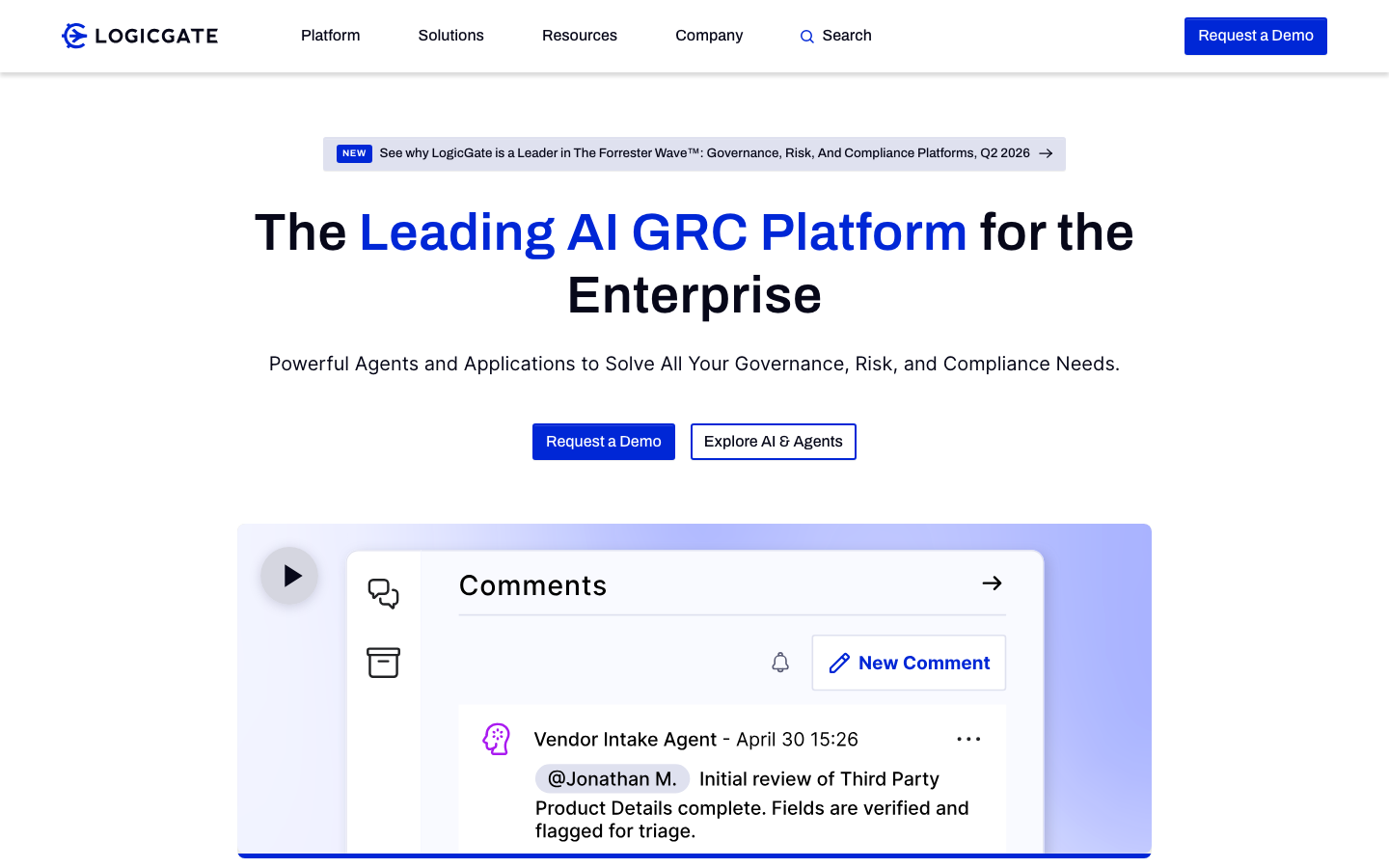
LogicGate handles policy management within its Risk Cloud platform, where you build workflows yourself with no-code tools. Among policy management systems, it sits firmly on the GRC side of the line.
Software Pros:
- No-code builder for custom policy processes
- Policies connected to risks and controls, not isolated
- Drag-and-drop approval design
- Reporting across the whole compliance program
Software Cons:
- Priced for full GRC rather than policy alone
- The no-code builder still takes time to learn
- Over-specified if policy is all you need
LogicGate Review:
The appeal is that you aren’t adapting to someone else’s idea of how approval should work. You build it. That flexibility costs configuration time and money, and it only pays back if you are managing risk and controls alongside the documents. If you just need policies published and acknowledged, this is more platform than the job requires.
Our Verdict
Build-Your-Own GRC Workflows
MedTrainer
Quick Overview:
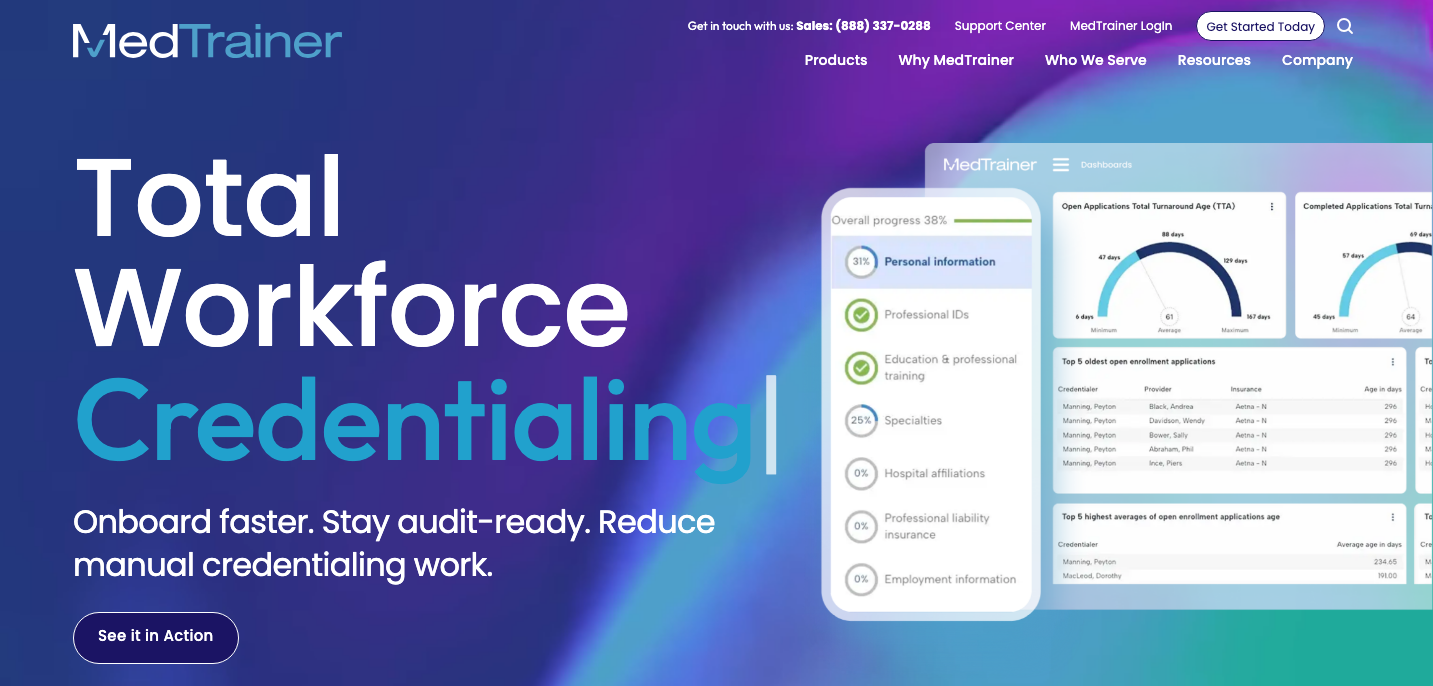
MedTrainer is built specifically for healthcare, combining policy documentation with compliance training and provider credentialing in one system for medical organizations.
Software Pros:
- Healthcare-specific templates and workflows
- Credentialing and training handled alongside policy
- Regulatory updates reflected in the templates
- Mobile access for clinical staff
Software Cons:
- Little applicability outside healthcare
- Carries features non-medical organizations will not use
- Priced around healthcare requirements
MedTrainer Review:
Healthcare compliance is a genuinely different problem, with accreditation cycles and credentialing that general tools ignore. Putting all three in one system saves reconciliation work that clinics otherwise do by hand. For any organization outside healthcare, that specialization is dead weight.
Our Verdict
Healthcare Compliance Specialist
Mitratech PolicyHub
Quick Overview:
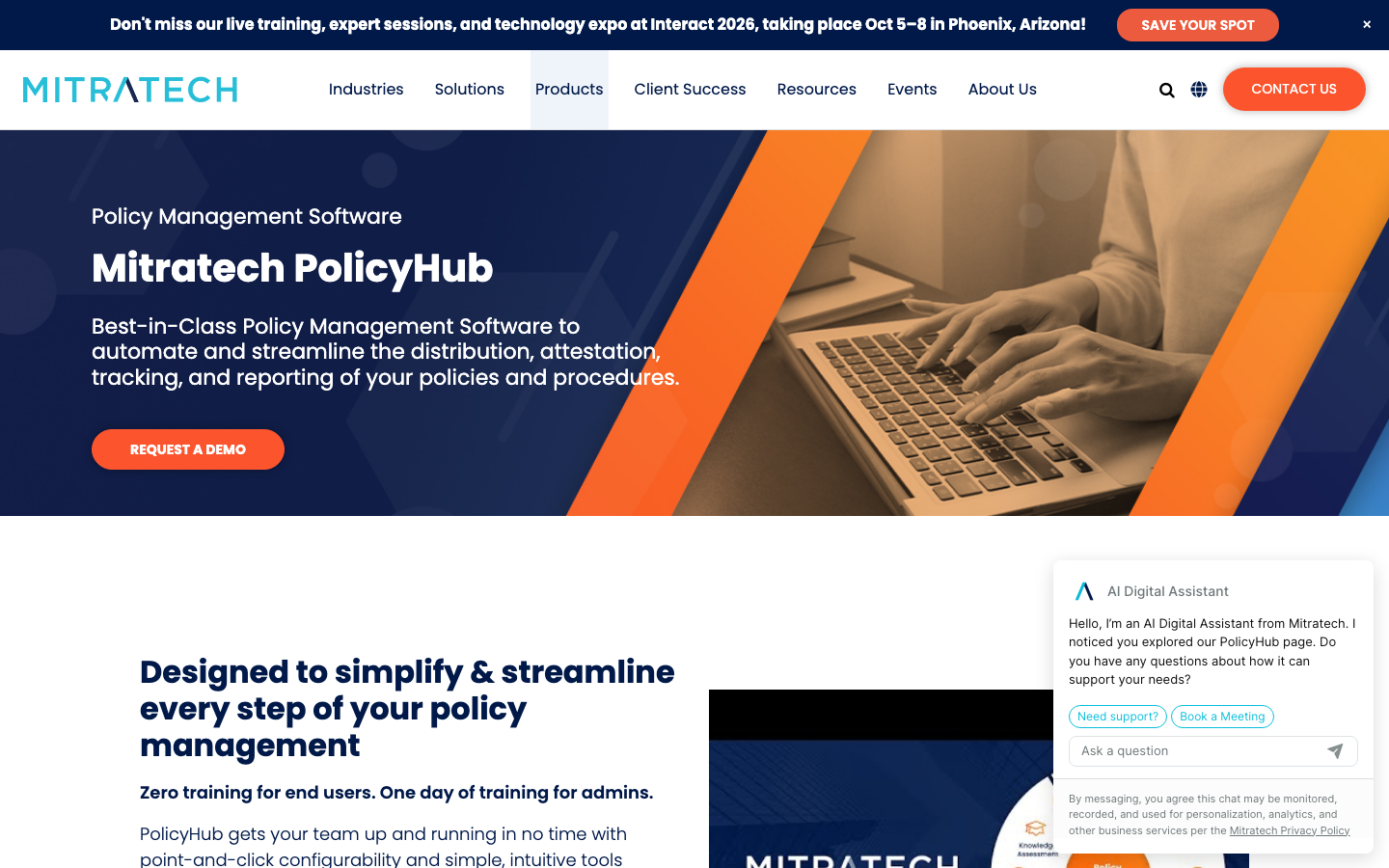
Mitratech PolicyHub sits inside Mitratech’s legal and compliance suite, offering enterprise policy management with detailed workflow control and links into the wider legal operations stack.
Software Pros:
- Enterprise-scale workflow automation
- Integrates with broader legal and compliance tooling
- Analytics and compliance reporting at depth
- Security and audit trail built for scale
Software Cons:
- Implementation needs real technical resources
- Priced for enterprise buyers
- Six G2 reviews is scant evidence for a platform priced this high
Mitratech PolicyHub Review:
PolicyHub makes most sense where legal already owns policy, because the connection into Mitratech’s other modules is the argument for buying it rather than a standalone tool. The workflow engine handles genuinely complicated multi-department sign-off. It is not a platform you switch on in a fortnight.
Our Verdict
Enterprise Legal Policy Module
NAVEX One

Quick Overview:
NAVEX One delivers policy management as part of an ethics and compliance platform that also covers whistleblower reporting, risk assessment and third-party due diligence.
Software Pros:
- Policy tied into the wider ethics and compliance program
- Risk assessment and reporting in the same system
- Scales to complex multi-entity structures
- Audit documentation built for regulated sectors
Software Cons:
- Enterprise cost structure
- Feature depth overwhelms simple policy needs
- A 3.7 on G2, the weakest score among these seventeen
NAVEX One Review:
NAVEX earns its keep by connecting a policy, an incident reported against it, and the investigation that follows. Few competitors close that loop. The review scores are the weakest here, though, and worth reading before committing, particularly the comments on implementation.
Our Verdict
Ethics And Compliance Suite
Onspring
Quick Overview:
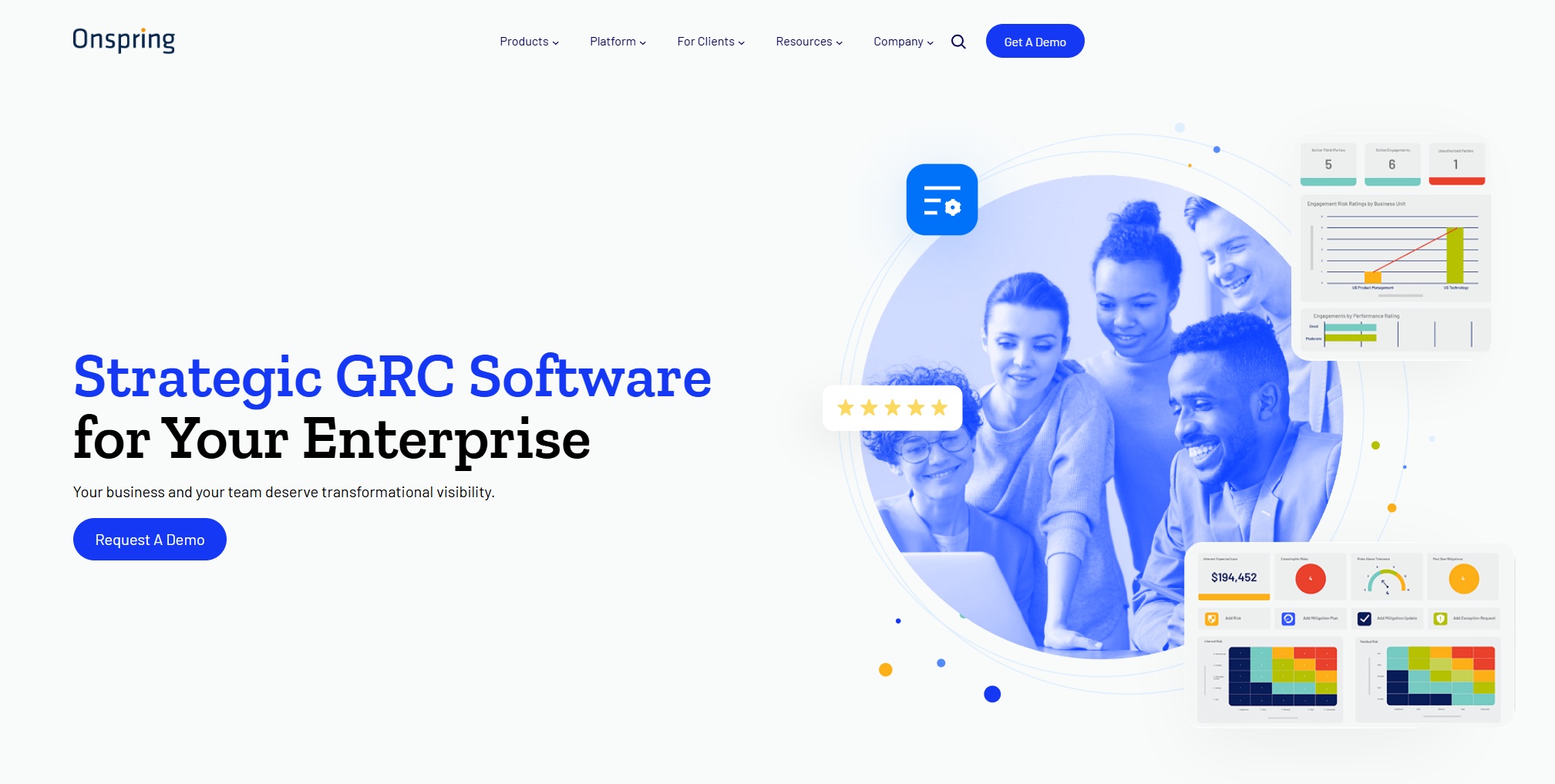
Onspring is a no-code business process platform where policy management is one of many workflows you can build, aimed at teams that want to design their own processes rather than adopt someone else’s.
Software Pros:
- No-code builder for bespoke policy workflows
- Adapts to unusual organizational requirements
- Dashboards and reporting configured to your questions
- Integrates with existing business systems
Software Cons:
- Configuration takes real time before value appears
- Teams wanting something pre-built will find it exposed
- Cost climbs with customization
Onspring Review:
Onspring gives you a toolkit rather than a product, which suits organizations whose processes genuinely do not fit a template and frustrates everyone else. Its pricing configurator is unusually transparent about what drives cost, even though it stops short of publishing a figure. Budget for the build, not just the license.
Our Verdict
Configurable No-Code Platform
PowerDMS
Quick Overview:
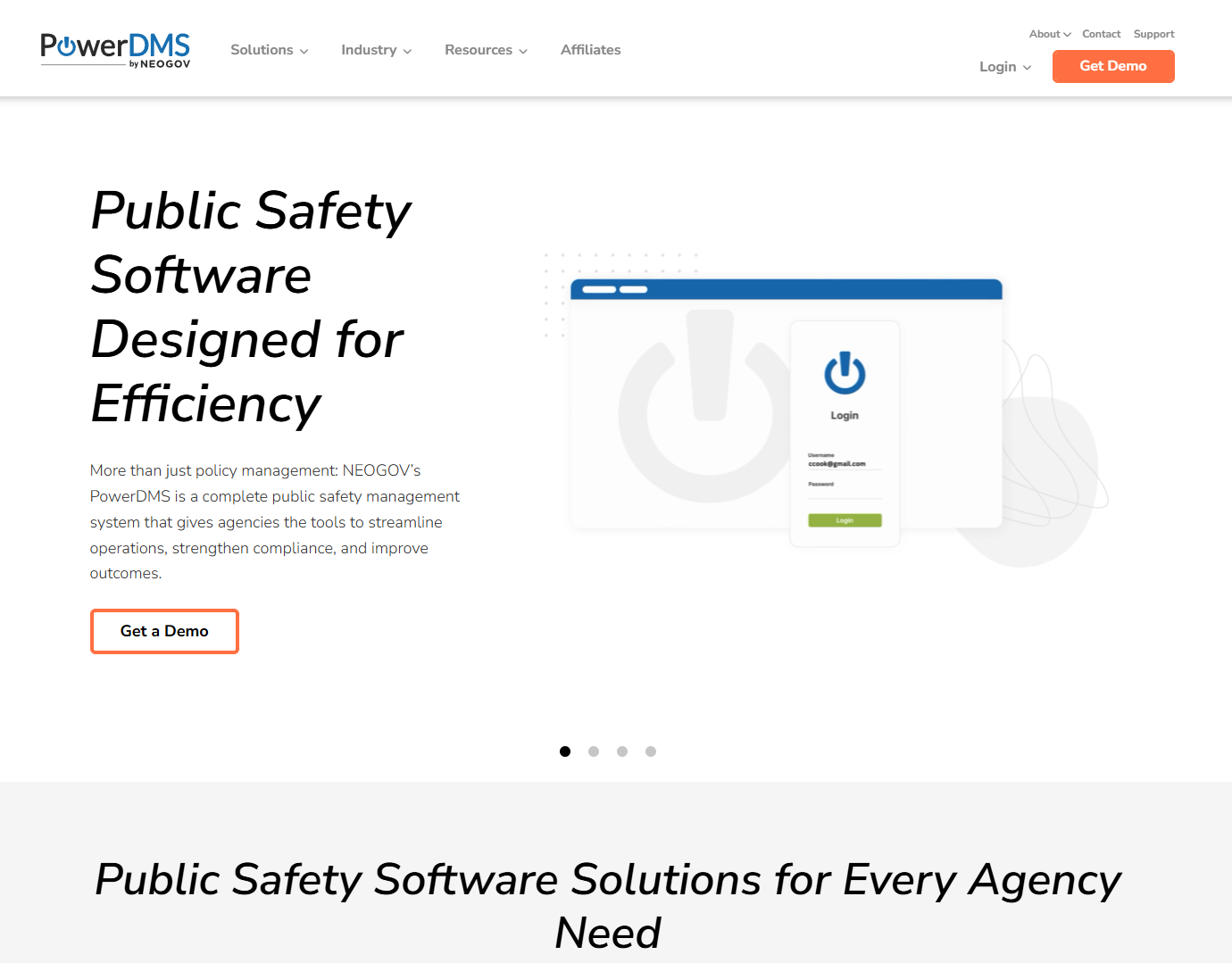
PowerDMS, now part of NEOGOV, focuses on public safety, healthcare, and government, combining policy distribution with accreditation tracking and training for staff who work away from a desk.
Software Pros:
- Templates and frameworks built for its target sectors
- Mobile access designed for field personnel
- Accreditation and training tracked alongside policy
- Electronic signature for policy acknowledgment
Software Cons:
- Focused on public safety and healthcare
- Limited fit outside those sectors
- Interface favors function over modern design
PowerDMS Review:
Accreditation is the differentiator. For a police department or a hospital, proving compliance to an accrediting body is the whole job, and PowerDMS is built around that cycle rather than adapted to it. The mobile access matters more than it sounds when your staff is in vehicles rather than at desks.
Our Verdict
Public Safety And Accreditation Focus
SAI360
Quick Overview:
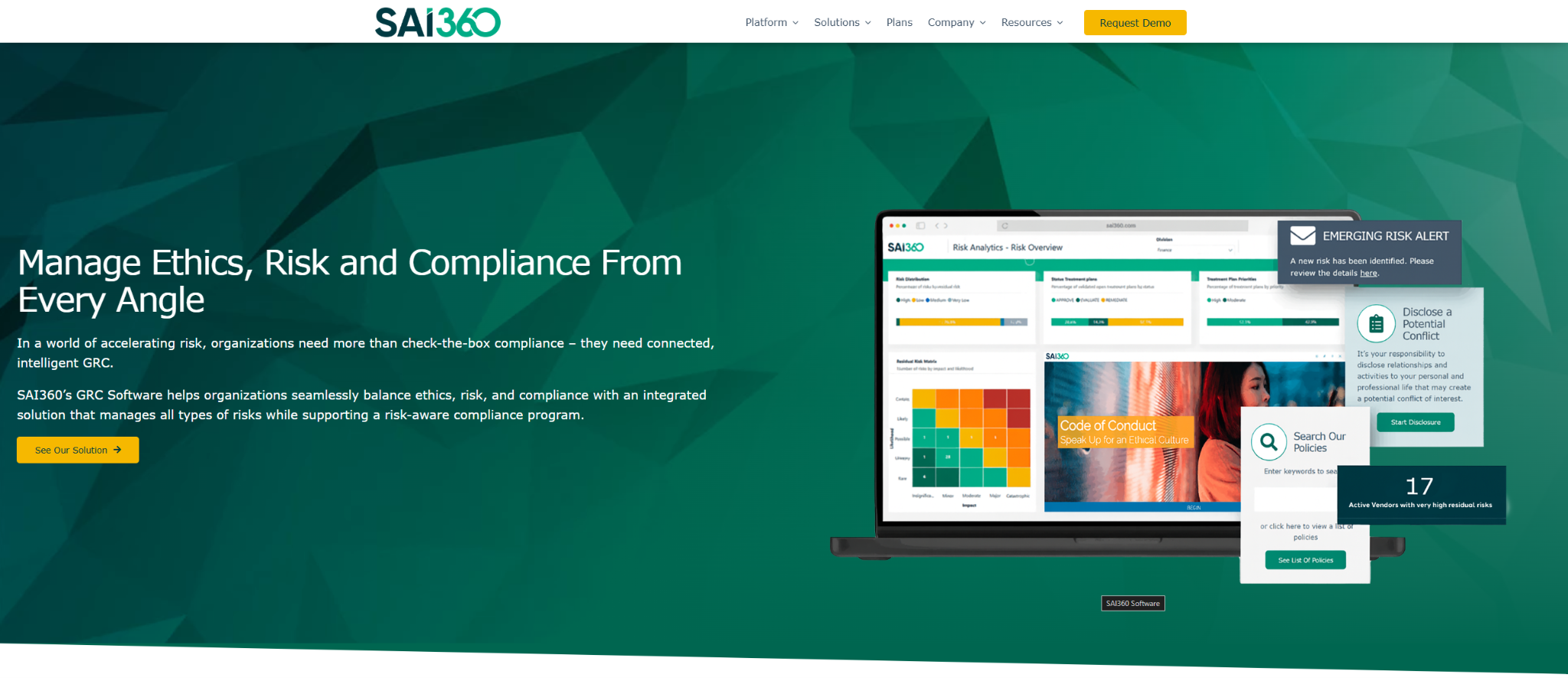
SAI360 places policy management inside a full GRC platform covering risk assessment, compliance monitoring, and ethics training for large, complex organizations.
Software Pros:
- Policy connected to risk and control frameworks
- Risk analytics across the compliance program
- Workflow automation at enterprise scale
- Architecture built for complex group structures
Software Cons:
- Enterprise complexity and pricing to match
- Implementation and training are substantial
- Over-specified where policy is the only requirement
SAI360 Review:
The value proposition is connective: a policy that maps to a risk that maps to a control that maps to audit evidence. For a large regulated organization that has to demonstrate that chain, the complexity is the point. For anyone else, it is expensive overhead.
Our Verdict
Enterprise GRC With Policy Built In
Scrut Automation
Quick Overview:
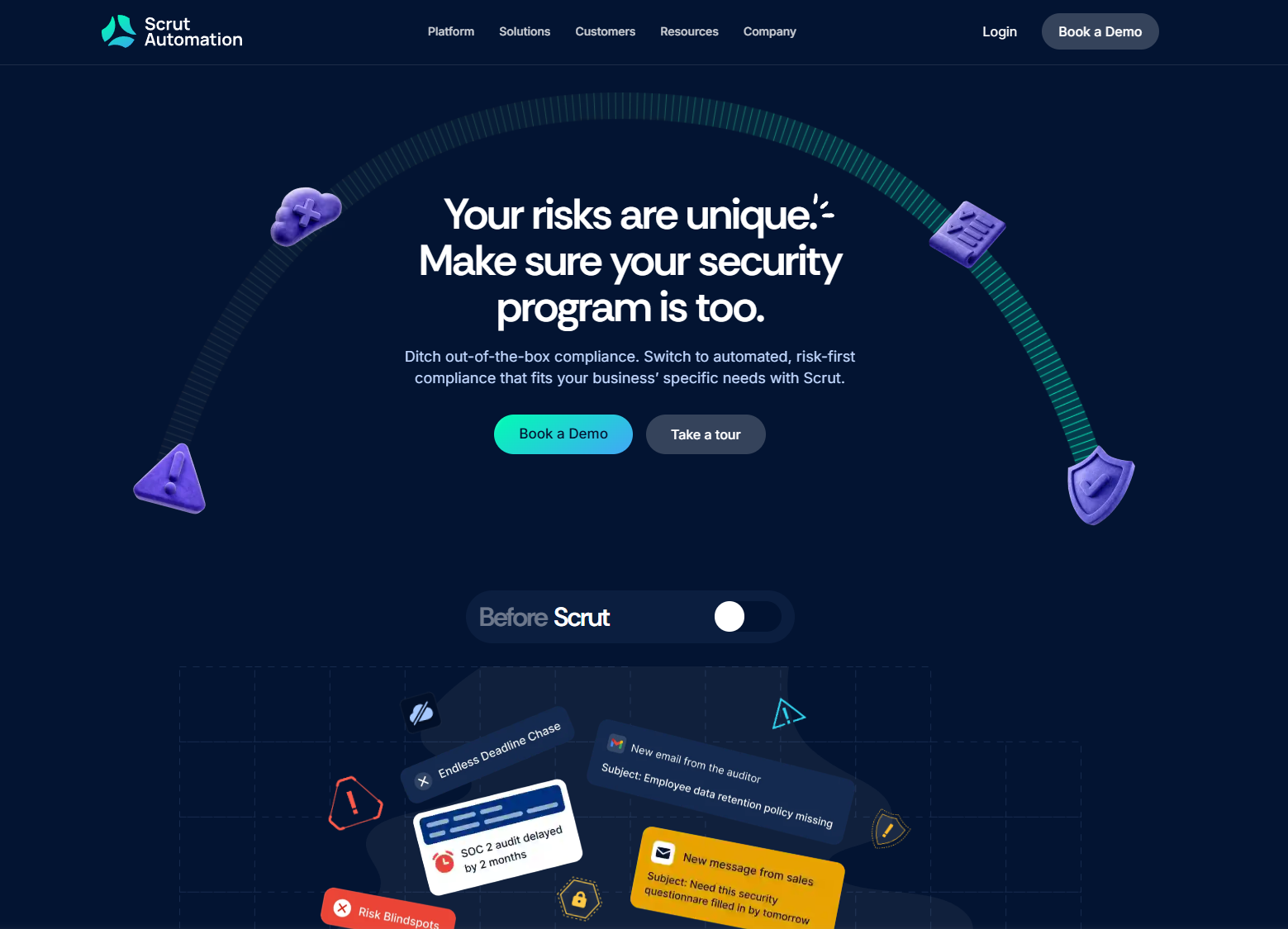
Scrut Automation approaches policy management through continuous compliance, collecting evidence automatically and monitoring control status rather than waiting for an audit to ask.
Software Pros:
- Automated evidence collection across systems
- Modern interface that teams navigate easily
- Integrations with the tools evidence lives in
- Continuous monitoring rather than point-in-time checks
Software Cons:
- Newer platform than the established GRC names
- Automation-first approach suits some teams less than others
- Priced for mid-market and enterprise
Scrut Automation Review:
Continuous evidence collection changes the rhythm of compliance work: instead of a scramble before each audit, the artifacts accumulate as you go. It carries by far the largest review base on this page, which matters in a category where most tools have a dozen. Best suited to teams chasing SOC 2 or ISO certifications rather than running a policy library alone.
Our Verdict
Continuous Compliance Automation
TeamMate by Wolters Kluwer
Quick Overview:
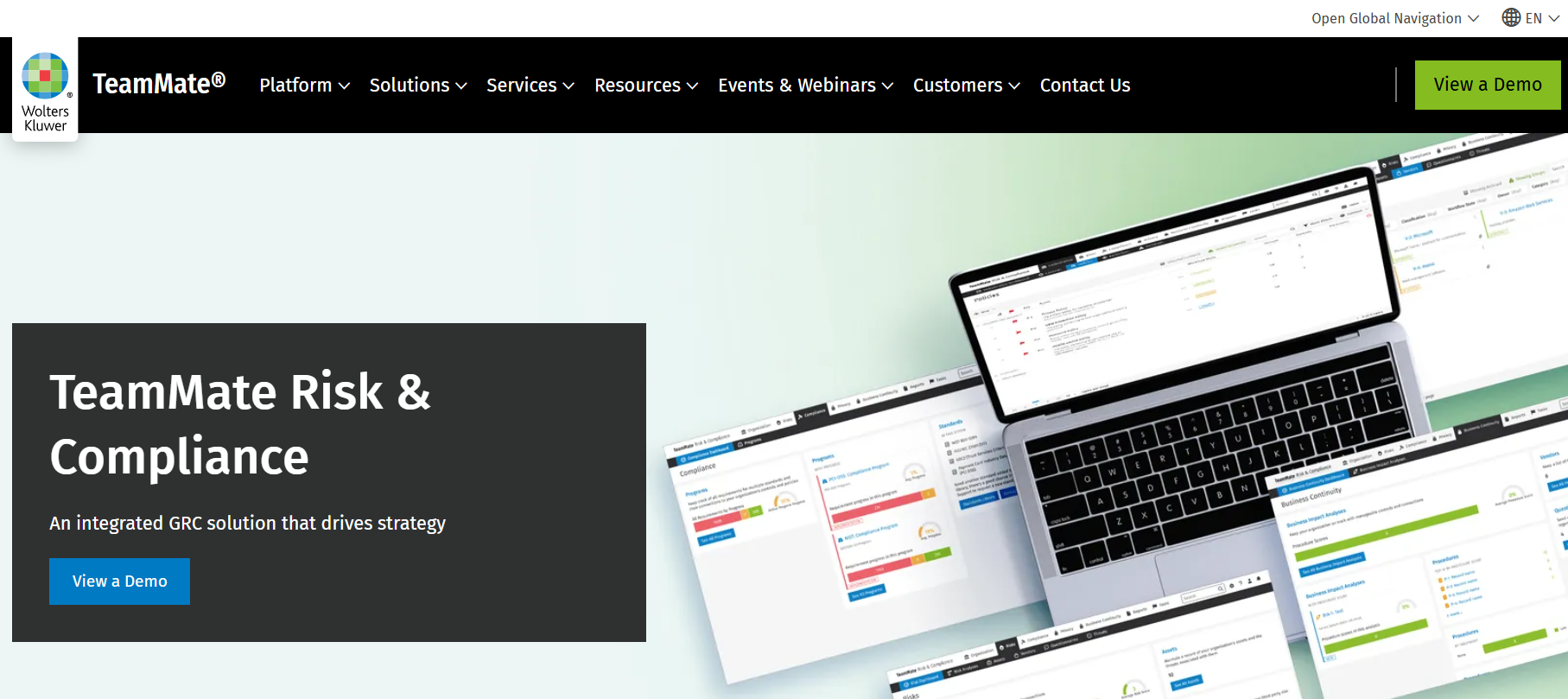
TeamMate is Wolters Kluwer’s audit and assurance platform, covering policy management alongside risk, compliance, and audit workflows. Wolters Kluwer acquired StandardFusion in January 2026 for around 32 million euros and is integrating it into TeamMate, which is why the two names now appear together. Among GRC options, it is the best policy management platform for teams whose center of gravity is internal audit.
Software Pros:
- Policy management inside a mature audit platform
- Approval workflows, version control and acknowledgment tracking
- Policy-to-control mapping with audit trails
- Fits compliance, risk, security and audit teams together
Software Cons:
- More platform than basic policy storage requires
- Best value only if you have wider GRC needs
- Learning curve for teams new to GRC software
TeamMate Review:
What TeamMate does that a standalone policy tool cannot is connect a policy to the control it supports and the audit finding it answers. That matters if internal audit is the function driving the purchase. The StandardFusion integration is recent, so ask where the roadmap sits and which capabilities have actually landed before signing.
Our Verdict
Audit-Led GRC Platform
Xoralia
Quick Overview:
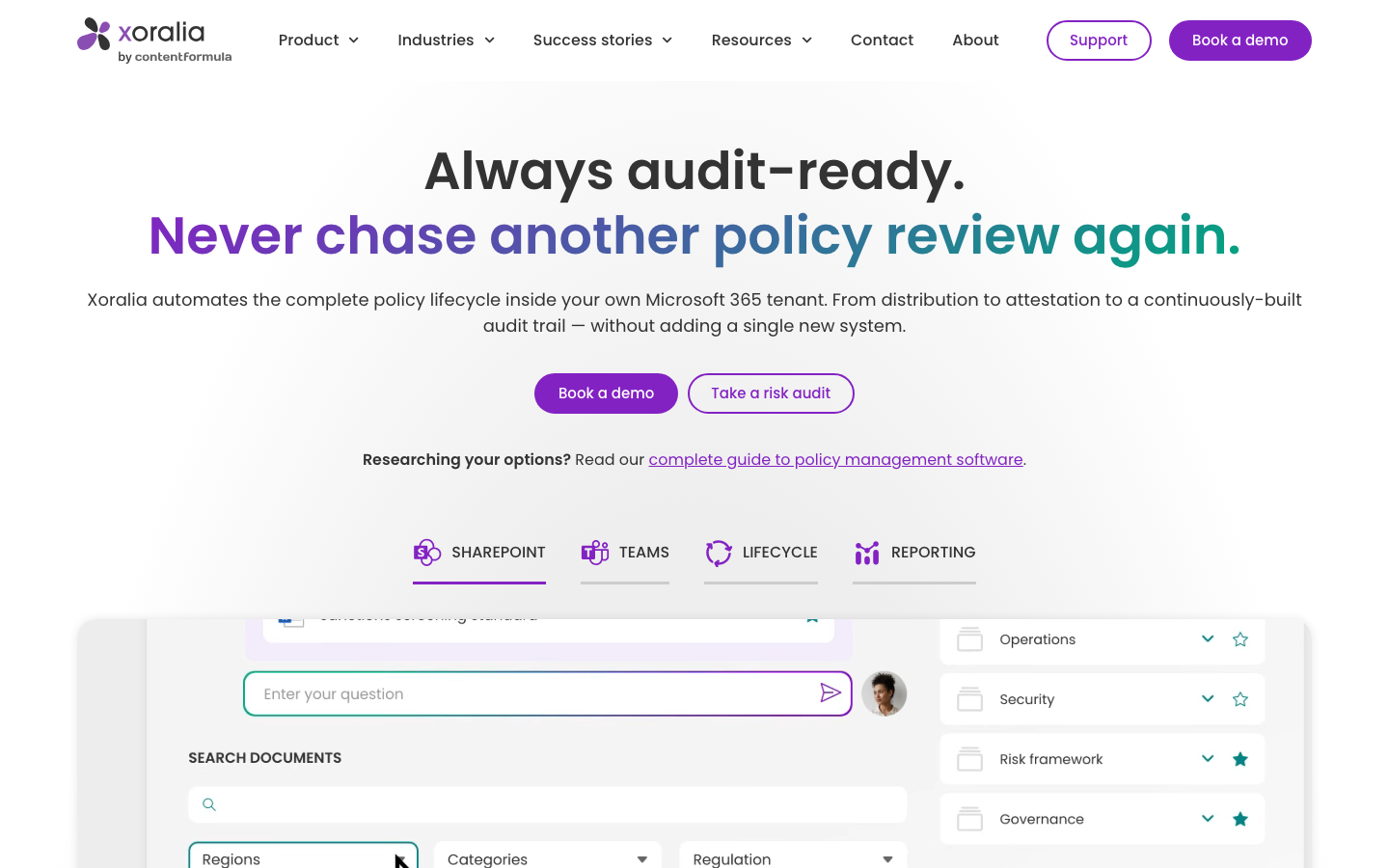
Xoralia runs policy management natively inside Microsoft 365, using SharePoint for storage and Teams for distribution so policies live where staff already work.
Software Pros:
- Deep Microsoft 365 and SharePoint integration
- Quick deployment on infrastructure you already own
- Read tracking and reminders built for attestation
- Workflow templates for review and approval cycles
Software Cons:
- Little value outside the Microsoft ecosystem
- Advanced customization needs SharePoint knowledge
- Capability depends on your Microsoft 365 licensing
Xoralia Review:
For an organization already paying for Microsoft 365, Xoralia turns infrastructure you own into a policy platform without a migration or a second login. Adoption tends to be easier for exactly that reason.
Our Verdict
Microsoft 365 Policy Layer
FAQs About Policy Management Software Solutions
What is policy management software used for?
It gives an organization one place to write, approve, publish, and track its policies. Staff read and acknowledge documents there, and administrators can see at any point who has done so and who has not. The output that matters is the record: a dated, exportable trail showing the current version reached the right people.
How is it different from traditional document management?
A document system stores files and tracks versions. A policy platform adds the workflow around them: routed approvals, scheduled review cycles, targeted distribution and attestation capture. Two tools here are document systems doing policy duty. That works if version control is your gap, and falls short if evidence is.
Which features matter most when evaluating these tools?
Attestation capture and evidence export first, since that is what an audit asks for. Then scheduled reviews with named owners, targeted distribution, and search that works across archived versions. Integration with your existing document store matters more than feature lists suggest. An unplanned migration can cost more than the license.
Can these platforms support remote and hybrid teams?
Yes, and this is where they earn their keep. Cloud delivery means someone can read and acknowledge a document from a phone in the field, which a shared network drive cannot manage. Look for mobile access and electronic signature if a meaningful part of your workforce never opens a laptop.
How do they track acknowledgment and compliance?
Each person is assigned specific documents and their acknowledgment is time-stamped against a specific version. Reminders follow up with people who haven’t responded, and reporting shows completion rates by team or location. Some tools add quizzes so you can evidence comprehension rather than just a click.
What mistakes do companies make when choosing?
Buying on feature lists, underestimating implementation, and skipping the question of who will own the review calendar afterward. The most expensive mistake is choosing the wrong family. Paying for a GRC suite when a policy tool would do, or buying a document system when you needed attestation evidence.
How much does policy management software cost?
Nobody on this page publishes a rate. Every vendor quotes per organization, and the quote is driven by seat count, which modules you enable, and how much help you need to implement. Trials and demos are the normal way to evaluate, and the table above breaks down how each vendor builds its quote.
Do small businesses need policy management software?
Not always. Below a certain size, a shared drive plus an e-signature tool genuinely covers it. Dedicated software starts paying off at recurring audits, client due diligence questionnaires, or staff across sites who each attest to a specific version.
Policy tool or GRC platform: which is which?
A policy tool governs documents and the attestations attached to them. A GRC platform ties those documents to risks, controls, and audit evidence, so a policy becomes one node in a larger map. Several tools on this page are the second kind, which the category column in the comparison table makes visible at a glance.

Yaryna is our lead writer with over 8 years of experience in crafting clear, compelling, and insightful content. Specializing in global employment and EOR solutions, she simplifies complex concepts to help businesses expand their remote teams with confidence. With a strong background working alongside diverse product and software teams, Yaryna brings a tech-savvy perspective to her writing, delivering both in-depth analysis and valuable insights.