Headcount planning software is where a company proposes, models, budgets, and approves roles, then sees the org structure those roles create. Its point is that Finance and HR work from one set of numbers rather than two clashing spreadsheets. That makes the best headcount planning software a shared planning layer, not a records system like an HRIS or a scheduling tool like workforce management. The people who live in it are finance and FP&A leaders, alongside HR and People partners, and picking the right platform starts with whose questions it must answer.
The need is sharper in 2026 because most organizations still plan people loosely. Gartner research on strategic workforce planning finds that many companies stop at basic forecasting and never model the scenarios a downturn or a growth spurt demands. Live scenario modeling, dynamic org charts, and AI that drafts plans have since moved into the category. The same shift reshaping AI HR software now proposes headcount scenarios and flags their budget impact, which is why buyers increasingly want headcount and workforce planning software rather than a static template.
Choosing Headcount Planning Software in 2026
The tools here fall into three camps: people-ops platforms built around the org chart, FP&A-led planning suites, and modules embedded in an HRIS. A plan is only as sound as its source data, so the strongest options pull live records from cloud HR software rather than a stale export. To sort the best headcount planning software 2026 has produced, I reviewed 13 of the leading platforms in alphabetical order below.
Top 13 Headcount Planning Software Platforms for 2026
I spent time in each of these platforms, building sample plans, running growth and cut scenarios, and watching how quickly a change rippled through the budget and org chart. I am listing all providers in alphabetical order to keep this comparison neutral, so nothing here is ranked first. The field runs from people-ops tools like ChartHop to FP&A suites like Anaplan and Workday Adaptive Planning, with dedicated newcomers in between.
Several of the best headcount planning software vendors on this list carry real analyst recognition and long track records, while others are younger and more focused. Read each verdict as a fit test against your size, your finance stack, and how much modeling depth you actually need. The best software for headcount planning is rarely the one with the most features; it is the one your Finance and HR teams will both open on a Monday and trust by Friday.

Anaplan
Quick Overview
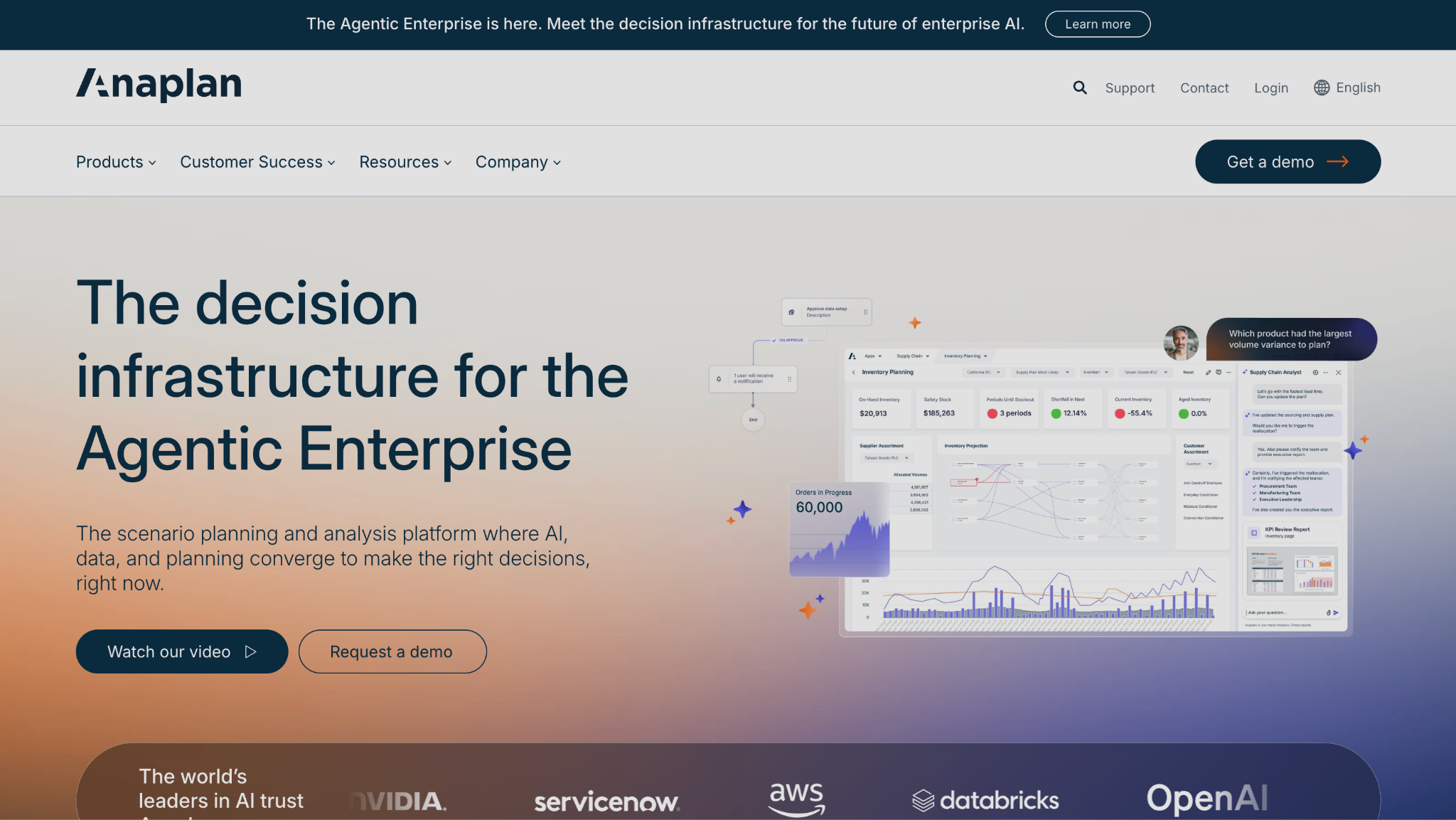
Anaplan is a connected planning platform that links workforce and headcount models directly to financial and operational plans for enterprise scenario planning. It sits among the more reputable vendors for headcount planning software when the plan must integrate with broader FP&A.
Software Pros
- Connects headcount to full FP&A
- Powerful multi-dimensional modeling
- Enterprise-grade scenario planning
- Strong analyst recognition
Software Cons
- Heavy, consultant-led setup
- Steep learning curve
- Overkill for simple headcount plans
Anaplan Review
In my assessment of Anaplan, its strength is connection: a change in a hiring plan flowed through to revenue and cost models in the same system, which a standalone org tool cannot match. I built a driver-based headcount model and linked it to a budget without exporting anything. The trade is weight, since it needs modelers and time to implement, so smaller teams often find it more engine than they need.
Our Verdict
Enterprise Connected Planning
ChartHop
Quick Overview
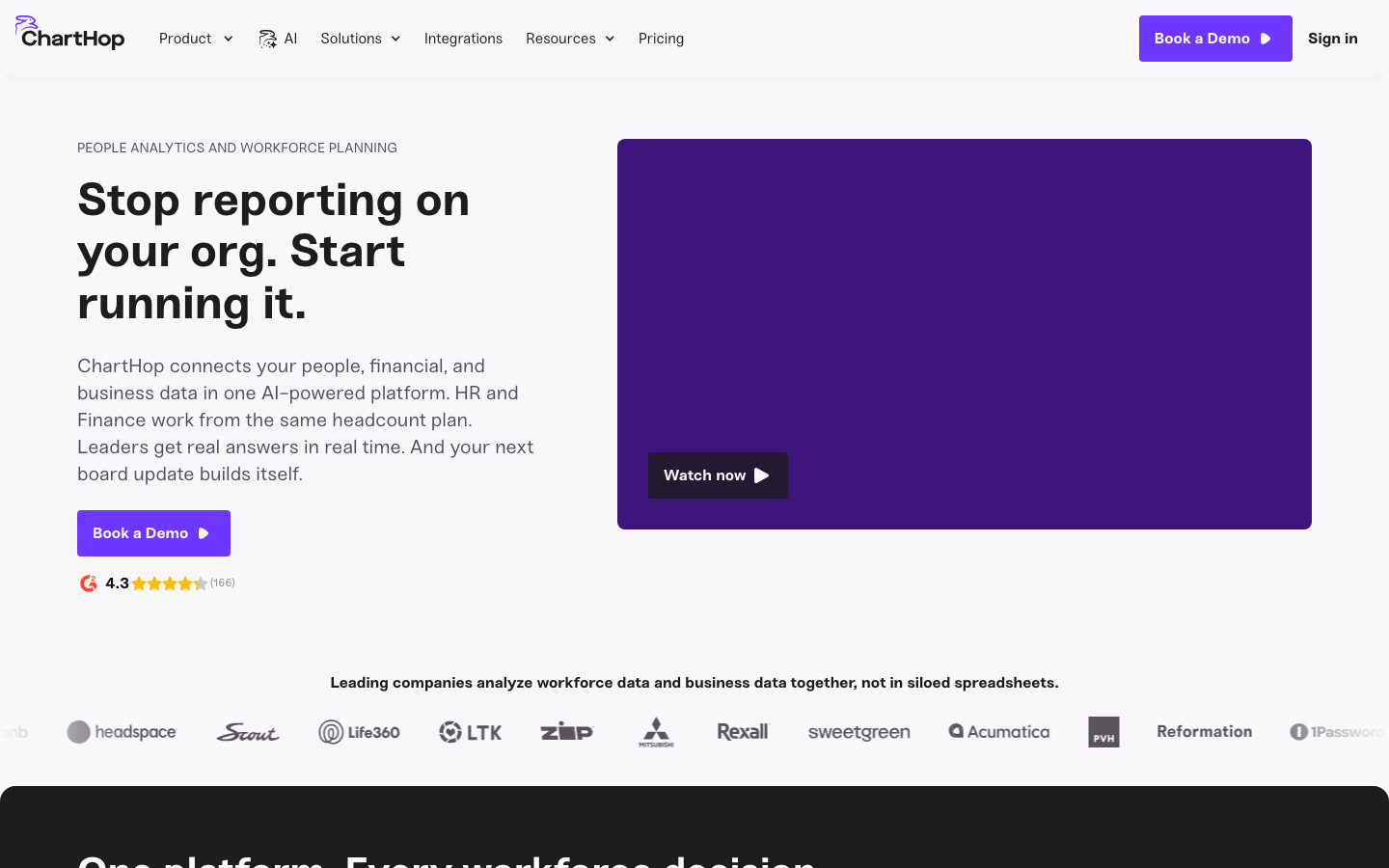
ChartHop is a people-ops platform for visual planning that pairs scenario modeling with dynamic org charts, real-time budget impact, and HRIS and ATS sync. The headcount planning platform is built to put HR and Finance on one shared view.
Software Pros
- Interactive, dynamic org charts
- Scenario modeling with budget impact
- HRIS and ATS integrations
- Approachable for HR and Finance
Software Cons
- Can get pricey as you scale
- Lighter on deep FP&A modeling
- Setup needs clean source data
ChartHop Review
What stood out to me about ChartHop is that it makes headcount planning software dynamic org charts genuinely usable: I dragged an open role into a team and watched cost and structure updates in real time. For a growing company that wants HR and Finance arguing over the same picture, it is a strong fit. It is less of a full FP&A engine than Anaplan, so finance-heavy modeling may want a partner tool. Still, for keeping a hiring plan and its cost visible to everyone at once, it is one of the cleaner options I tried.
Our Verdict
Visual Headcount Planning Leader
Cube
Quick Overview
Cube is a spreadsheet-native FP&A platform whose headcount planning connects HR and payroll data to budgets inside Excel and Google Sheets. The headcount planning tool keeps finance teams in the grid they already know.
Software Pros
- Works inside Excel and Sheets
- Connects HR and payroll data
- Fast for finance-led planning
- Lighter lift than big suites
Software Cons
- Spreadsheet-first, not org-chart-first
- Less visual org modeling
- Best for finance, not HR ops
Cube Review
While reviewing Cube, the appeal was familiarity: my headcount model lived in a spreadsheet but pulled live actuals underneath, so I planned cost without leaving the grid. For a finance team that thinks in cells, that removes a lot of friction. The flip side is that it is not built for interactive org charts, so teams wanting a visual structure view will look to ChartHop or Dayforce instead.
Our Verdict
Spreadsheet-Native Headcount FP&A
Dayforce
Quick Overview
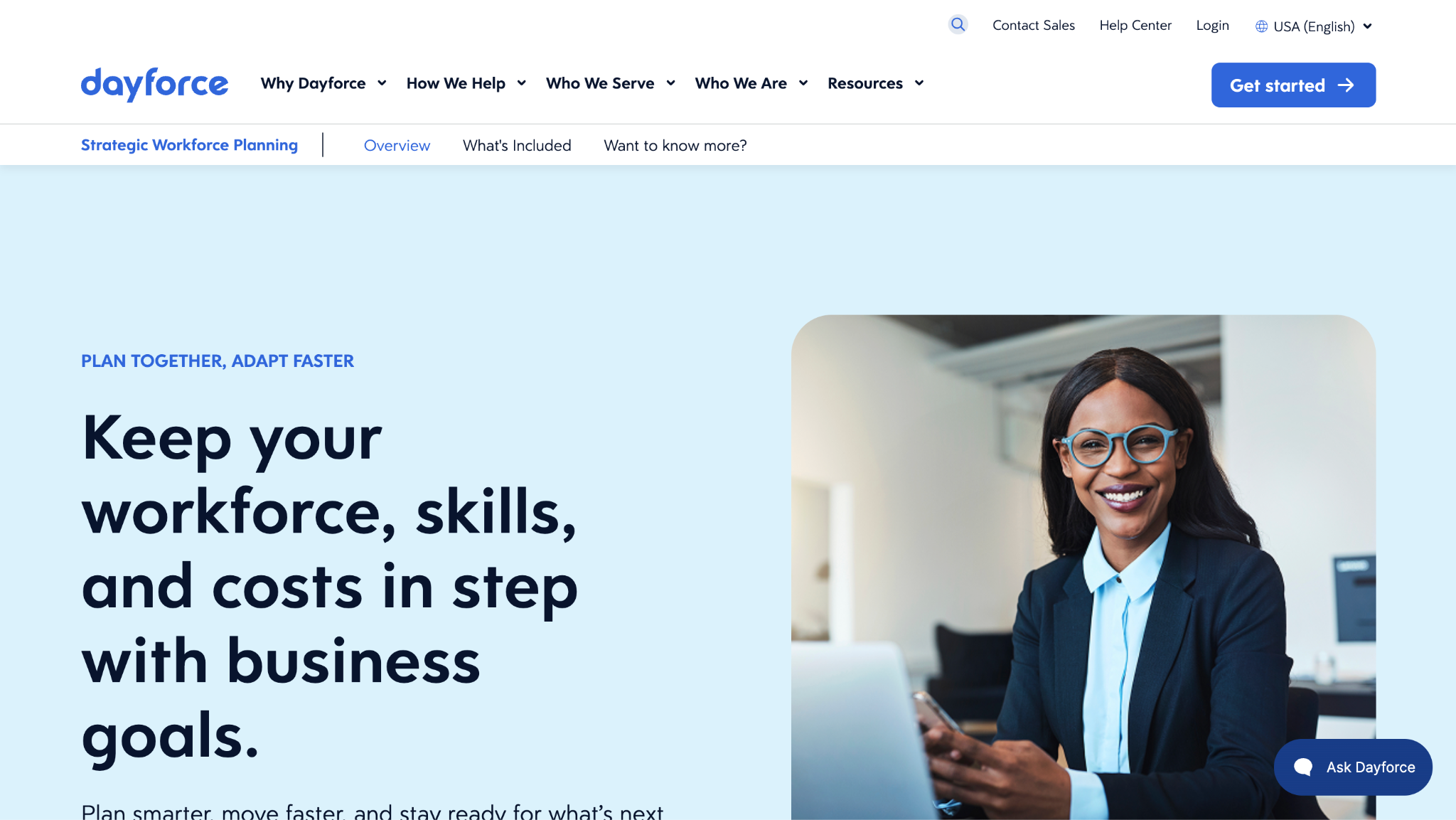
Dayforce is an AI-native org design and planning platform that models scenarios directly on org charts of up to 500,000 employees, adding skills mapping and live budget impact. The headcount planning solution is built for large-scale reorganization.
Software Pros
- Handles very large org charts
- AI-assisted scenario modeling
- Skills mapping alongside cost
- Live budget impact on changes
Software Cons
- Aimed at big, complex orgs
- Less suited to tiny teams
- Newer name than the incumbents
Dayforce Review
During my evaluation, Dayforce felt purpose-built for restructuring at scale, where dragging a team onto a new branch instantly recalculated cost and span of control. I modeled a large reorganization, and the chart kept pace without lag. Its depth of skills and structure is a real asset for an enterprise redesign, though a fifty-person startup would use only a fraction of what it offers. Where a genuine redesign is on the table, seeing cost and span of control move together is a real advantage, and the AI suggestions gave me a sensible starting structure to react to.
Our Verdict
AI Org Design At Scale
Deel
Quick Overview
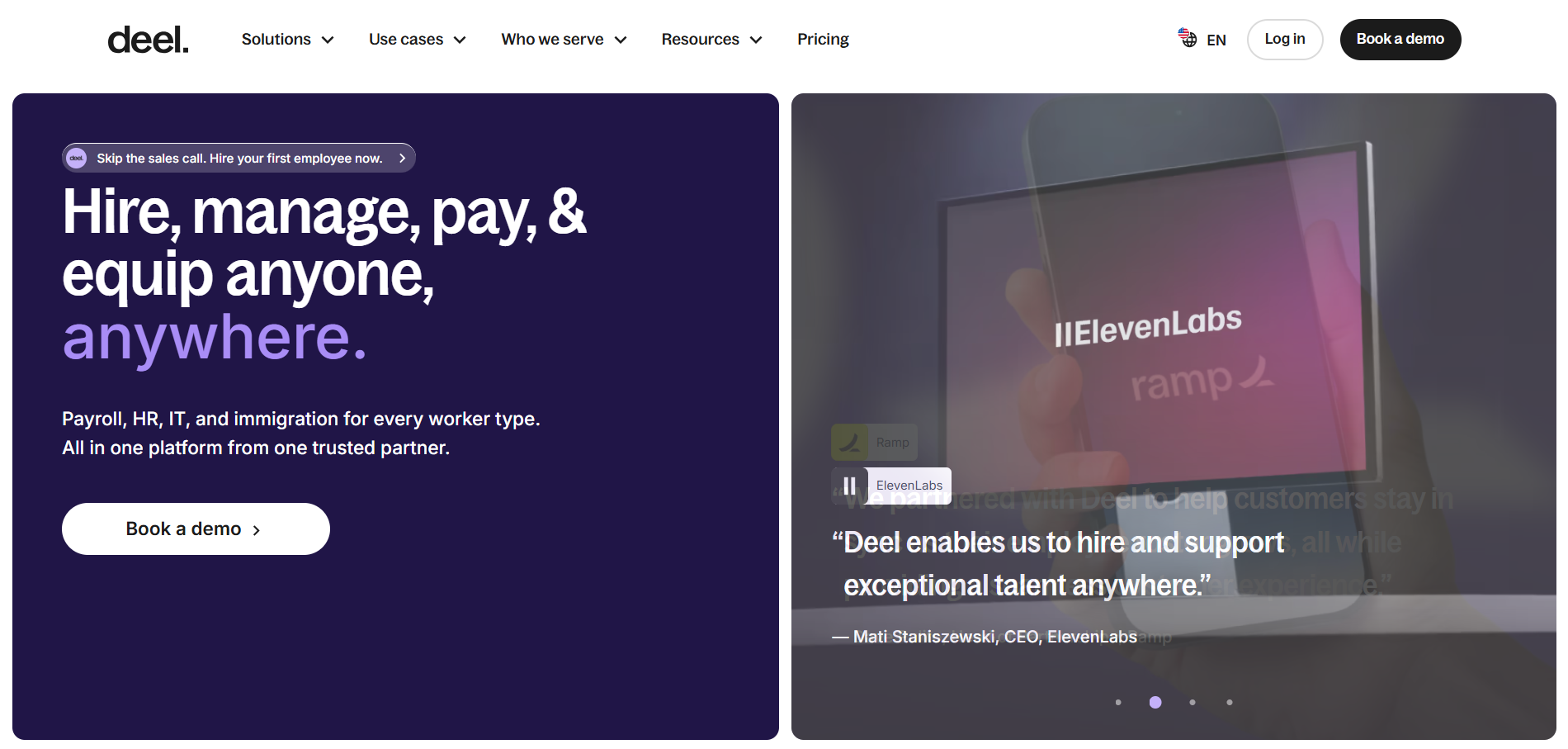
Deel, through its Workforce Planning module, lets global teams build headcount scenarios by department and region, visualize them on the org chart, and route approvals. The planning tool sits inside Deel’s wider global HR platform.
Software Pros
- Plans across countries and regions
- Org-chart scenario visualization
- Approval routing built in
- Compliance context from the platform
Software Cons
- The planning module is newer
- Not a standalone FP&A suite
- Best value inside Deel
Deel Review
In my assessment of Deel’s Workforce Planning, the differentiator is geography: I modeled hiring across several countries, and the plan carried regional and compliance context that a domestic tool ignores. For a distributed company already on Deel, that is a natural extension. It is not a deep finance-modeling suite, so an FP&A team wanting driver-based budgets may still pair it with something heavier.
Our Verdict
Global Headcount Scenario Planning
HST Pathways
Quick Overview
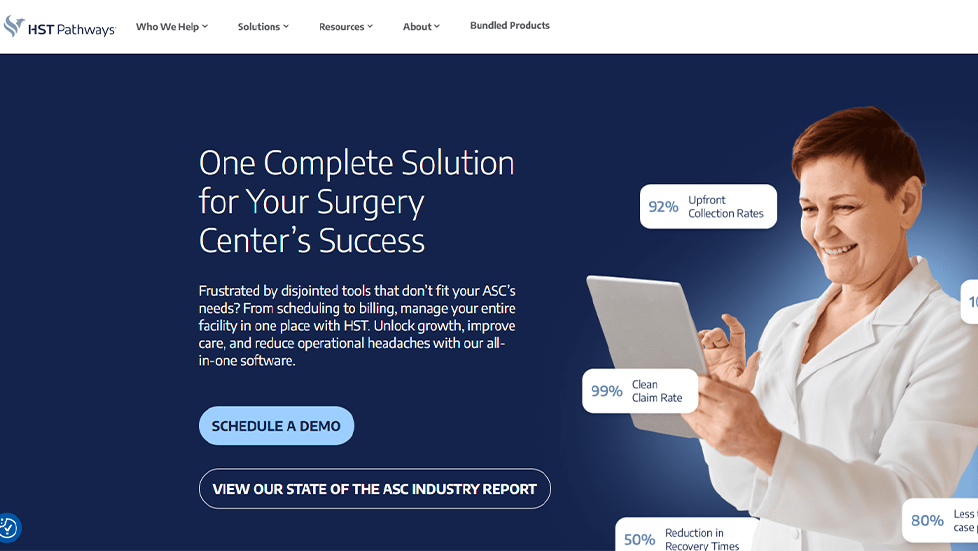
HST Pathways is an ambulatory surgery center platform whose forecasting and analytics products ground staffing and capacity decisions in projected case volume, case-level cost, and OR utilization data. As a headcount planning solution for the ASC market, it ties hiring decisions to the numbers that actually drive a surgery center’s economics.
Software Pros
- Case cost forecasting shows the financial impact before capacity is added
- OR utilization and staff-time data reveal where existing capacity is under- or over-used
- Benchmarks from nearly 4.8 million cases put staffing ratios in industry context
- One data platform shared by administrators, clinical leads, and finance
Software Cons
- Purpose-built for surgery centers, not a general FP&A or org-chart suite
- Deepest value when adopted alongside the broader HST platform
- Focused on the US healthcare market
HST Pathways Review
In my assessment, HST Pathways answers the headcount question the way a surgery center actually asks it: not “how many roles fit the budget” but “what does our projected case volume require, and what will it earn.” What stood out to me is the forecasting side, since HST Profit Forecast models case-level cost and margin, so a center can see whether adding staff and block time for a new specialty pays for itself before committing. The analytics layer grounds those calls in real utilization and staff-time data rather than gut feel, and benchmarks drawn from nearly 4.8 million cases show how a center’s staffing compares to its peers. For ASCs and management groups planning capacity across one center or dozens, it turns staffing growth into a data-backed decision.
Our Verdict
Surgery Center Capacity Planning
OrgVue
Quick Overview
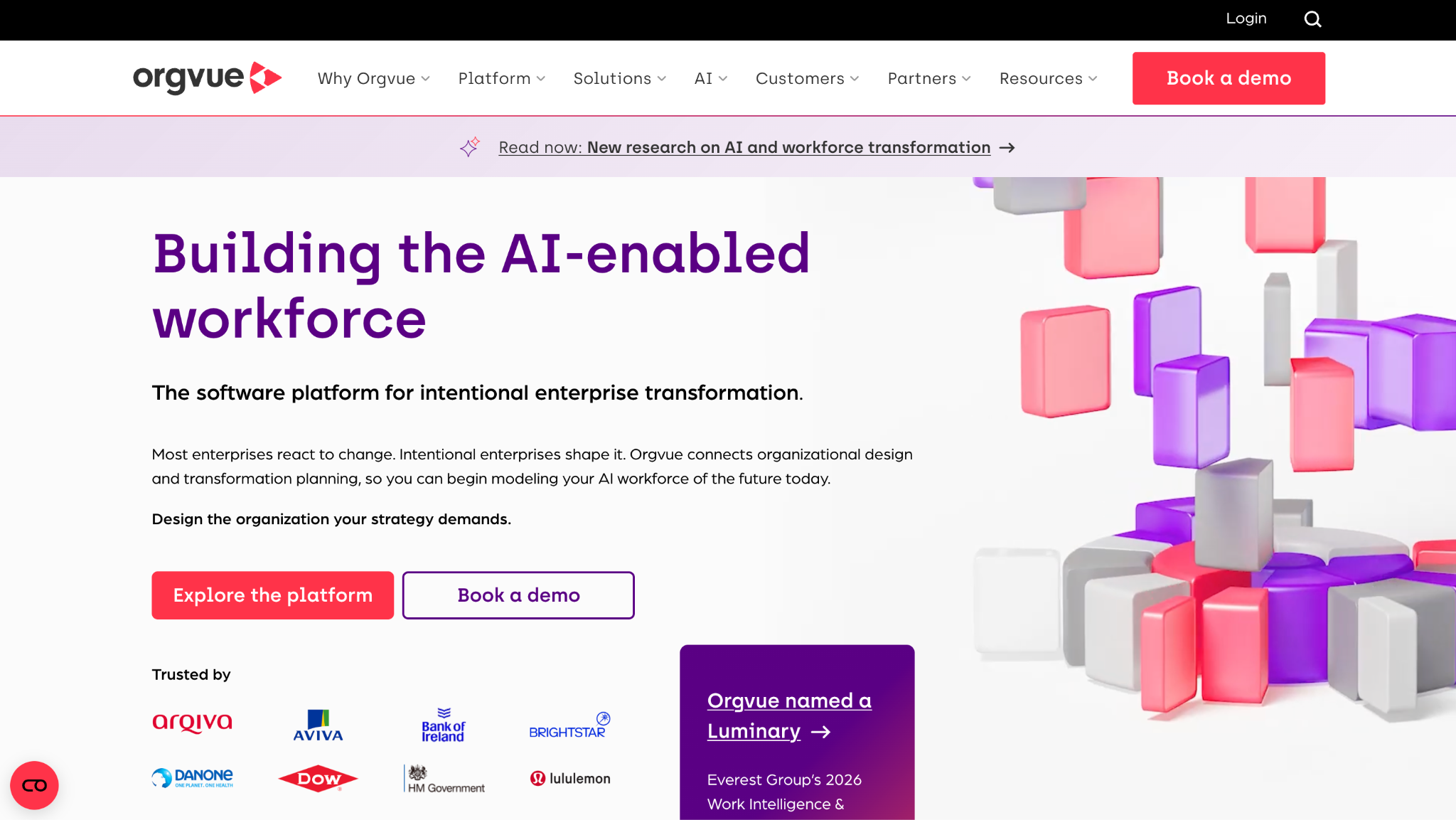
OrgVue is an organizational design and strategic workforce planning platform for modeling structures, headcount, and workforce-cost scenarios with deep analytics. It is genuine headcount and workforce planning software for large redesigns.
Software Pros
- Deep org-design analytics
- Structure and cost scenario modeling
- Handles complex enterprise data
- Strong workforce-planning depth
Software Cons
- Enterprise implementation effort
- Analyst skills help a lot
- Priced for large organizations
OrgVue Review
During my evaluation, OrgVue read as a design studio for the organization itself, letting me test spans, layers, and cost across a large structure with real analytical rigor. For an enterprise running a restructuring, that depth is the draw. It expects data fluency and a proper implementation, though, so a small team wanting a quick plan would find it heavier than the job requires.
Our Verdict
Enterprise Org-Design Planning
Pigment
Quick Overview
Pigment is a modern business-planning platform with strong workforce and headcount planning, real-time scenario modeling, and finance-HR collaboration. The headcount planning platform is designed for fast-scaling companies that want modern FP&A.
Software Pros
- Fast, real-time scenario modeling
- Modern, collaborative interface
- Workforce plus financial planning
- Good finance-HR collaboration
Software Cons
- Still building enterprise depth
- Implementation takes planning
- Pricing suits funded scale-ups
Pigment Review
What stood out to me about Pigment is speed with polish: I flexed a hiring scenario and saw the financial knock-on almost immediately, in an interface far friendlier than legacy suites. For a fast-scaling company that wants modern planning without a year-long rollout, it fits well. It is younger than Anaplan in the deepest enterprise cases, so the very largest orgs should test it against their complexity. For a Series B or C company outgrowing spreadsheets, though, the balance of speed and rigor is hard to beat.
Our Verdict
Modern FP&A Headcount Planning
Planful
Quick Overview
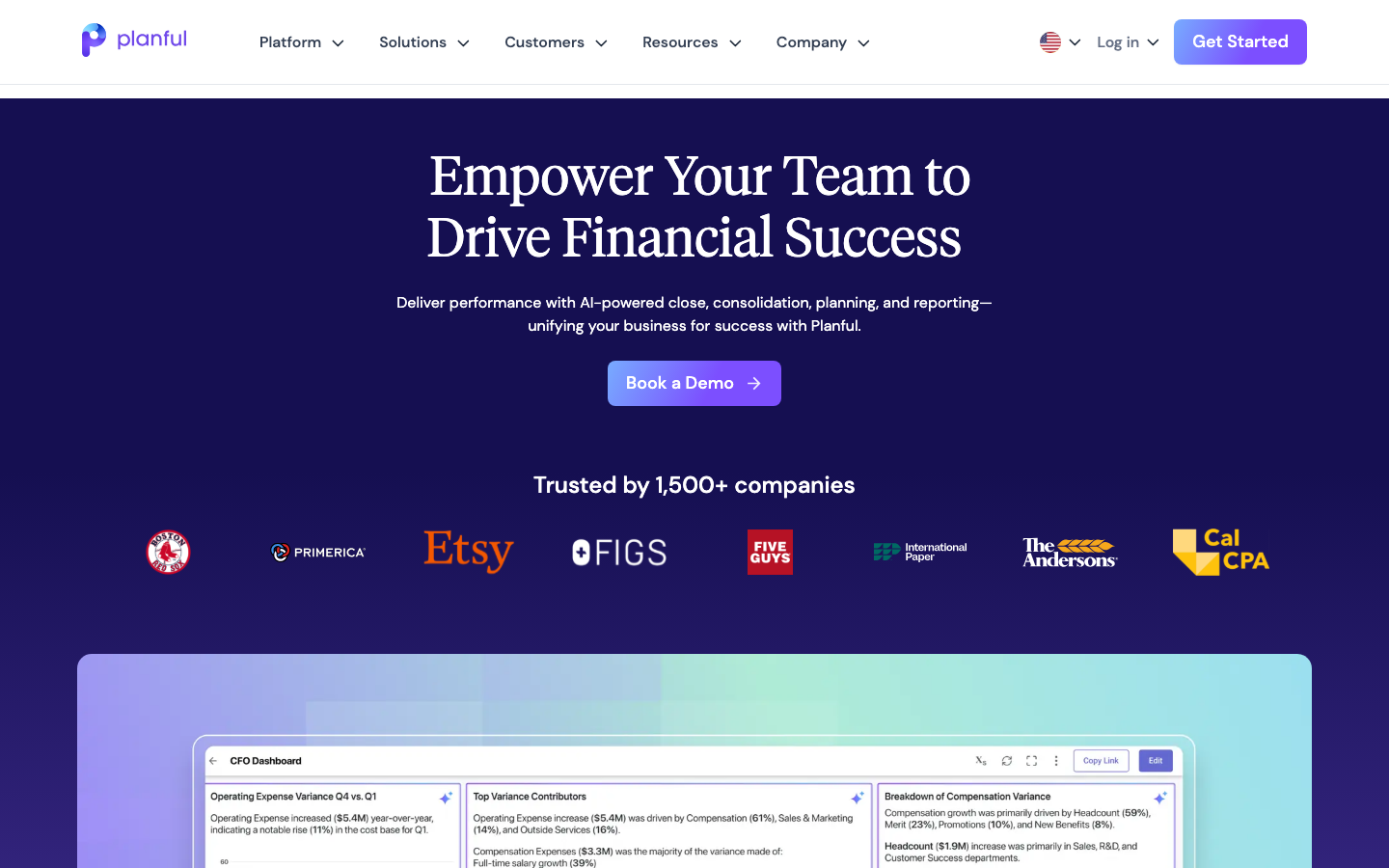
Planful is an FP&A platform with dedicated workforce planning for headcount forecasting, compensation modeling, and confidential access controls. The headcount planning solution is designed for finance teams that need to scale their forecasting.
Software Pros
- Dedicated workforce planning module
- Headcount and compensation forecasting
- Confidential access controls
- Solid finance reporting
Software Cons
- Finance-led, lighter on org charts
- Setup benefits from support
- Less visual than people-ops tools
Planful Review
In my assessment of Planful, the standout was governance: sensitive compensation data was behind proper access controls, while finance still modeled headcount costs freely. I forecast a hiring plan, and the reporting was clean and audit-friendly. It leans toward finance rather than an org-chart visual, so HR teams wanting a live structure view may want to pair it with a people-ops tool.
Our Verdict
Finance-Led Headcount Forecasting
Rippling
Quick Overview
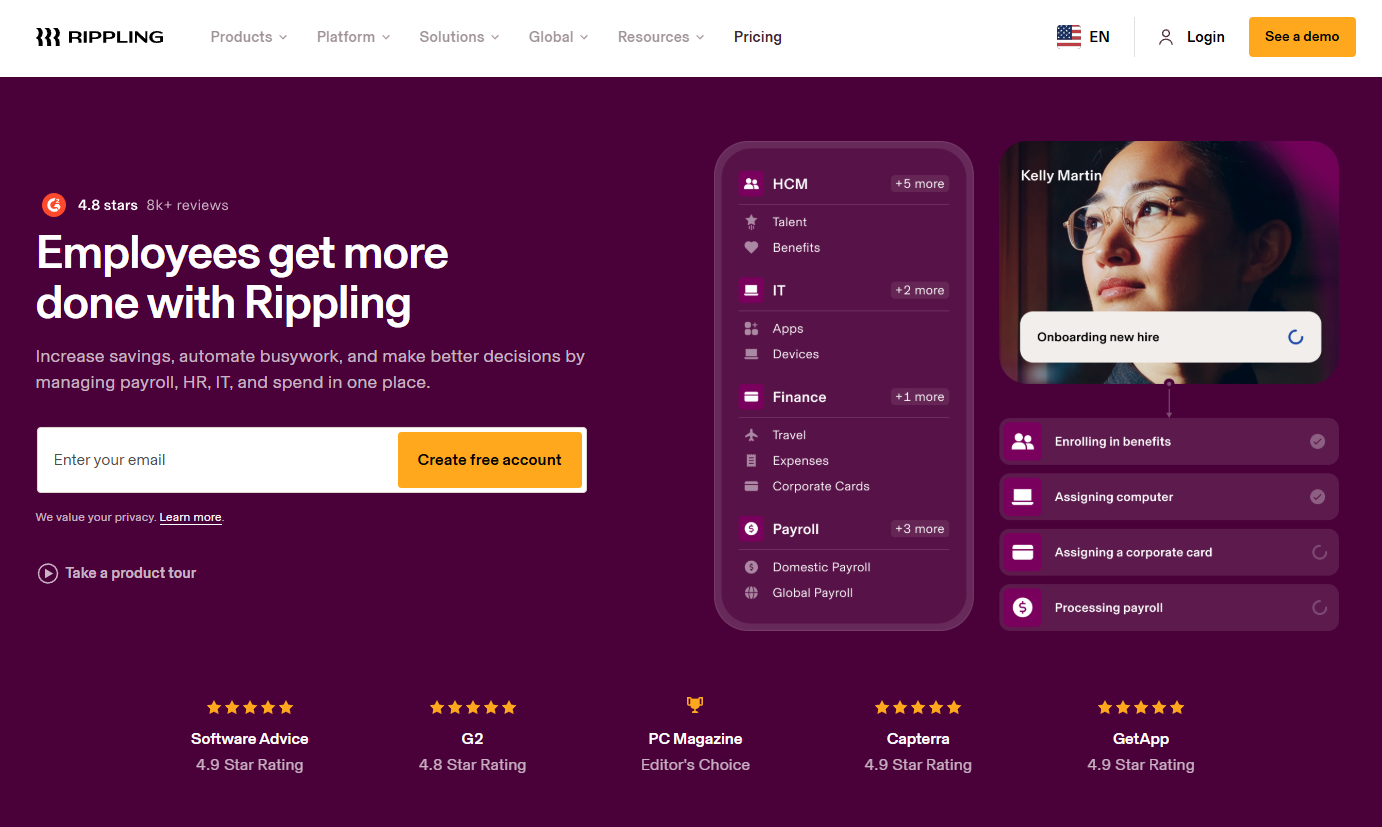
Rippling embeds headcount planning inside its unified HR, IT, and Finance platform, tying an approved plan to the same record that runs recruiting and payroll. The headcount planning tool suits companies already living on Rippling.
Software Pros
- Planning tied to one record
- Approved plans feed recruiting
- Unified HR, IT, and Finance
- Strong workflow automation
Software Cons
- Best value only inside Rippling
- Planning is one module of many
- Less specialized than pure tools
Rippling Review
While reviewing Rippling, the advantage was continuity: an approved role did not sit in a separate file but flowed into recruiting and, later, payroll from the same record. For a company already standardized on Rippling, that closed loop is genuinely useful. As a dedicated planning engine, it is less specialized than OrgVue or Anaplan, so modeling-heavy teams may find it lighter than they expect.
Our Verdict
Headcount Planning Inside HRIS
TeamOhana
Quick Overview
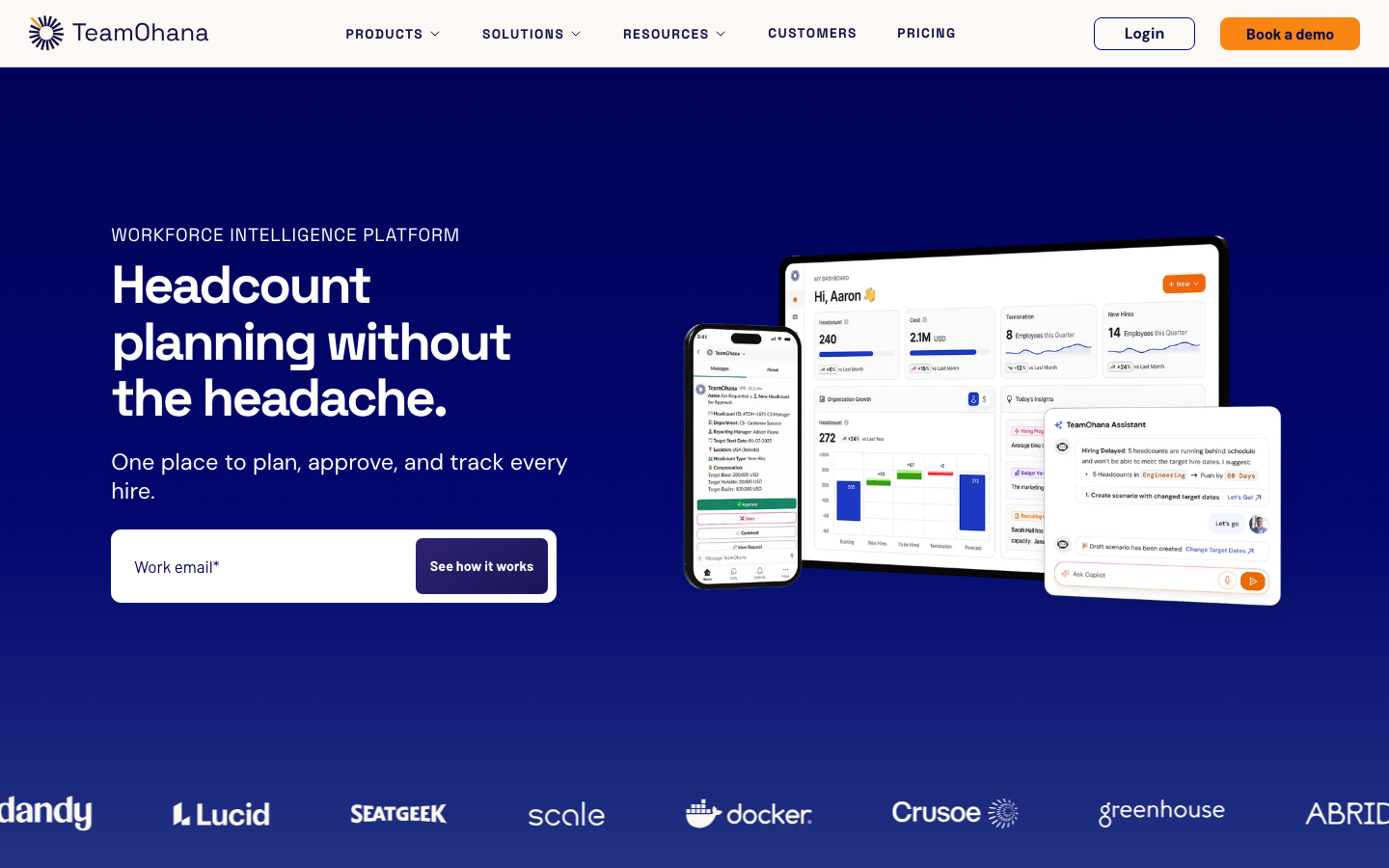
TeamOhana is dedicated to headcount planning that connects HRIS, ATS, and finance so Finance and HR share one real-time source of truth for planned and approved roles. It ranks among the best headcount planning software for growth when spreadsheets finally stop scaling.
Software Pros
- Single source for planned roles
- Connects HRIS, ATS, and finance
- Governed approval workflows
- Real-time plan-versus-actual
Software Cons
- Focused, not a full FP&A suite
- Newer, smaller vendor
- Best for scaling, not micro teams
TeamOhana Review
What stood out to me about TeamOhana is that it treats the approved headcount as a governed asset, not a spreadsheet tab, reconciling planned against actual hires in real time. For a scaling company drowning in versioned spreadsheets, that control is the point. It is deliberately narrow, so a finance team wanting full budget modeling will still lean on a broader FP&A platform beside it. For keeping the approved plan honest against actual hiring, however, few tools are as focused.
Our Verdict
Dedicated Headcount Governance
Vena
Quick Overview
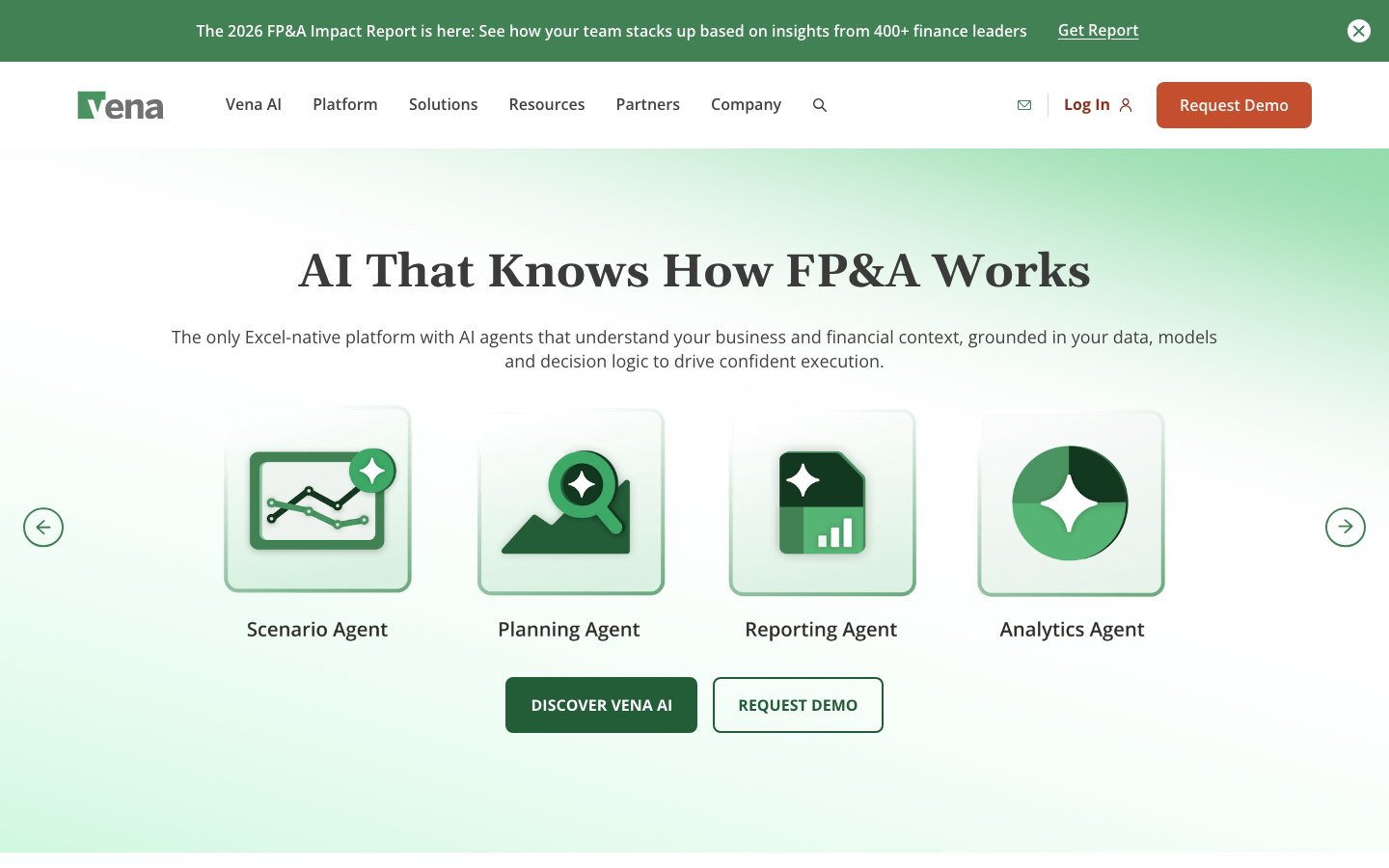
Vena is an Excel-native CPM platform whose headcount planning includes position tracking, compensation modeling, and org chart visualization tied to financial forecasts. The headcount planning platform keeps finance in a familiar spreadsheet.
Software Pros
- Native Excel modeling
- Position and compensation tracking
- Org-chart visualization included
- Ties to financial forecasts
Software Cons
- Excel-centric by design
- Less modern than newer suites
- Setup can be involved
Vena Review
During my evaluation, Vena suited a finance team that refuses to leave Excel, layering real planning structure and controls on top of familiar workbooks. I tracked positions and comp against a forecast without abandoning the grid. Its Excel-first nature is both a strength and a limitation, since teams seeking a sleek, browser-native experience may prefer Pigment or ChartHop instead.
Our Verdict
Excel-Native Position Planning
Workday Adaptive Planning
Quick Overview
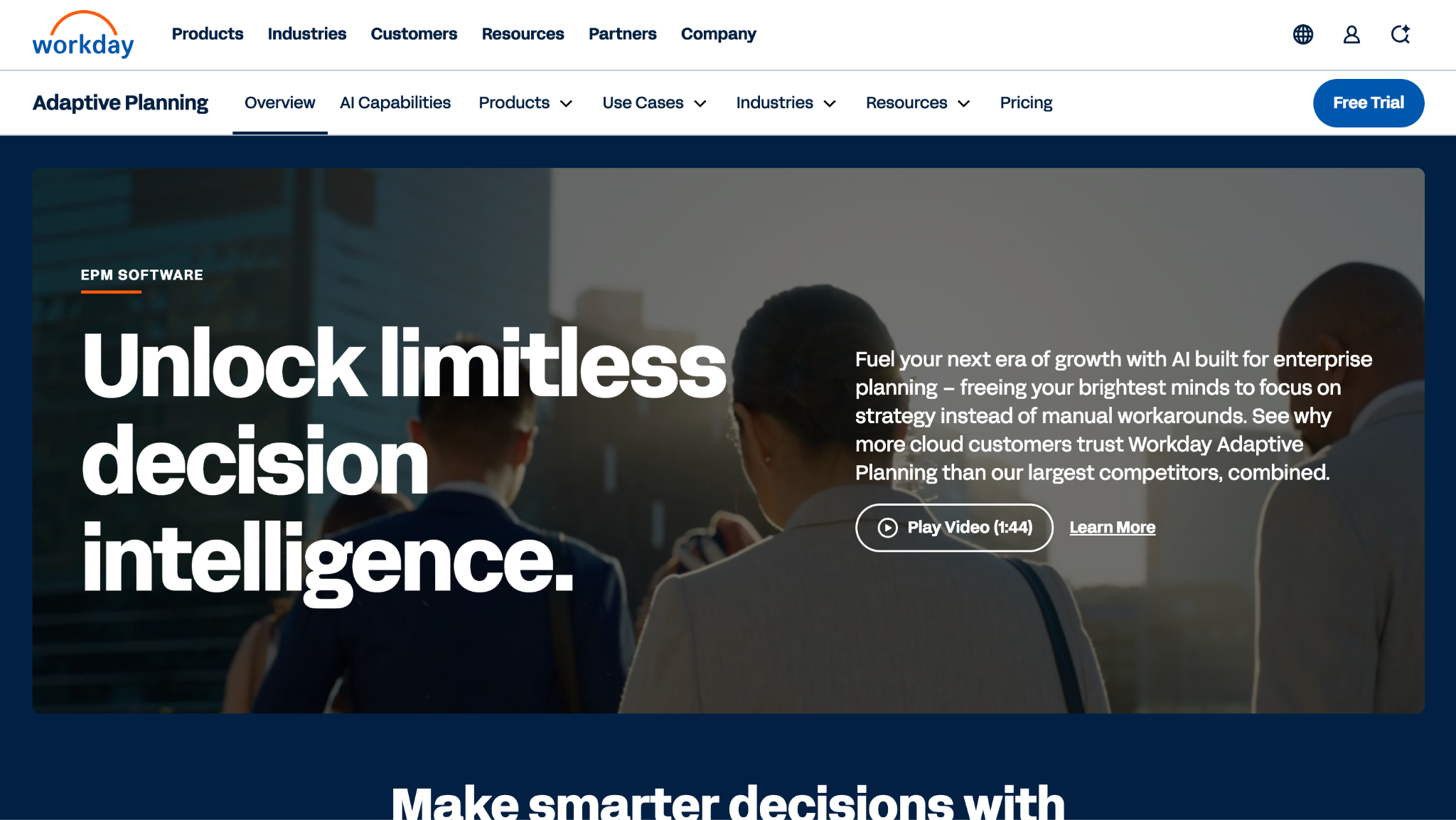
Workday Adaptive Planning is cloud FP&A with workforce and headcount planning, driver-based forecasting, and tight integration across the Workday ecosystem. It is established headcount and workforce planning software for organizations already on Workday.
Software Pros
- Driver-based headcount forecasting
- Deep Workday integration
- Enterprise-grade planning
- Strong finance modeling
Software Cons
- Best value inside Workday
- Implementation is a project
- Heavier than lightweight tools
Workday Adaptive Planning Review
In my assessment of Workday Adaptive Planning, the pull is integration: for a Workday shop, headcount plans drew on live HR and finance data without a bridge, and driver-based forecasts held up under scrutiny. I built a workforce plan that reconciled cleanly against actuals. Outside the Workday world, its advantage narrows, and the rollout is a proper project rather than a quick switch-on.
Our Verdict
Workday-Native Workforce Planning
FAQs About Headcount Planning Software
What is the best headcount planning software?
There is no single answer, since the right choice tracks your team and stack. ChartHop leads on visual planning and org charts; Anaplan, Workday Adaptive Planning, and Pigment win when headcount must connect to full FP&A, and TeamOhana suits teams that want dedicated, governed planning. Deciding what is the best headcount planning tool really means asking whether Finance or HR drives the process.
For a smaller or faster-moving company, the answer to what is the best tool for headcount planning often lands on a focused option like ChartHop or TeamOhana rather than a heavy enterprise suite, because usability and clean integrations matter more than raw modeling depth.
What is the difference between headcount planning and workforce planning software?
Headcount planning focuses on roles, positions, and budget: who to hire, when, and at what cost. Workforce planning is broader, covering skills, capability, and long-term capacity. In practice, the line blurs, and several platforms do both, so full headcount and workforce planning software like Anaplan, Workday Adaptive Planning, OrgVue, and Pigment can model near-term hiring and long-range capability in one place.
Which headcount planning software has dynamic org charts?
If interactive structure modeling matters, look at ChartHop, Dayforce, OrgVue, Deel, and TeamOhana. Each lets you drag roles around a live chart and see the effect on cost and reporting lines. ChartHop and Dayforce are the most visual, OrgVue the most analytical, and Deel the strongest for charting a distributed, multi-country organization as scenarios change.
Who are the most reputable headcount planning software vendors?
Among the more reputable vendors for headcount planning software, buyers most often name Anaplan, Workday Adaptive Planning, ChartHop, Pigment, Planful, and OrgVue. Several carry analyst recognition and years of enterprise deployments. Track record matters here because a planning platform holds sensitive compensation data and must integrate reliably with your HRIS and finance systems.
What is the best headcount planning software for growth or scaling companies?
For fast-scaling teams, the best headcount planning software for growth is usually one that keeps plans and approvals governed as hiring accelerates. ChartHop, TeamOhana, Pigment, Deel, and Cube all fit that profile, blending quick setup with real budget control. The goal is to replace sprawling spreadsheets before they break, without committing to a year-long enterprise rollout.
How does headcount planning software integrate with HRIS and finance systems?
Integration is what separates a live plan from a stale one. Good platforms sync with your HRIS and ATS for current roles and hiring, and with your ERP or finance system for actual cost. That keeps plans reconciled against reality rather than a month-old export. Weak integrations recreate the spreadsheet problem, so confirm the connectors you need before buying.
How much does headcount planning software cost?
Pricing varies by model. People-ops and org-chart tools often charge per employee per month, sometimes only a few dollars per head, while enterprise FP&A suites are custom-quoted based on scope and modules. Implementation adds to the first-year total, especially for Anaplan, OrgVue, or Workday Adaptive Planning. Get a quote that includes setup, not just the license, before you compare, since implementation can rival the annual subscription for the heaviest suites.

Yaryna is our lead writer with over 8 years of experience in crafting clear, compelling, and insightful content. Specializing in global employment and EOR solutions, she simplifies complex concepts to help businesses expand their remote teams with confidence. With a strong background working alongside diverse product and software teams, Yaryna brings a tech-savvy perspective to her writing, delivering both in-depth analysis and valuable insights.