Employee Training Software in 2026: What It Is and Why Teams Use It
Employee training software is used to create, deliver, and track learning for staff. It lets you upload or build courses, assign them to people or teams, track completions, and see which skills are growing over time. Many tools now work as full employee training platforms, with portals where staff can log in, watch content, complete quizzes, and see what comes next in their development.
In 2026, the need for simple, effective employee training solutions is higher than before. LinkedIn’s 2024 Workplace Learning Report notes that learning and career development are now seen as one of the top levers for retention, with L&D getting more attention at the executive level. Other reports show that most employees prefer to learn at work and see training as a way to improve their performance and stay employable. At the same time, organizations are under pressure to reskill people for AI, automation, and new tools, which pushes them toward scalable online training platforms for employees rather than ad-hoc sessions.
These systems also connect to other tools in the HR stack. Training data may sit next to employee evaluation software, so performance reviews reflect skills gained and certifications completed. In some companies, learning platforms are reviewed alongside time clock solutions and core HR tools, because they all shape how people work day to day. The goal is simple: make software training for staff and broader development easier to run, measure, and improve.
Top 33 Employee Training Tools for 2026
I’ve reviewed a wide set of employee training tools that companies use for onboarding, compliance, skills development, and continuous learning. These platforms often appear in lists of the best employee training software 2025, and many are named in guides to “what are the leading employee training platforms” for corporate use. I’m listing all providers in alphabetical order to keep things simple and neutral.

360Learning
Quick Overview:
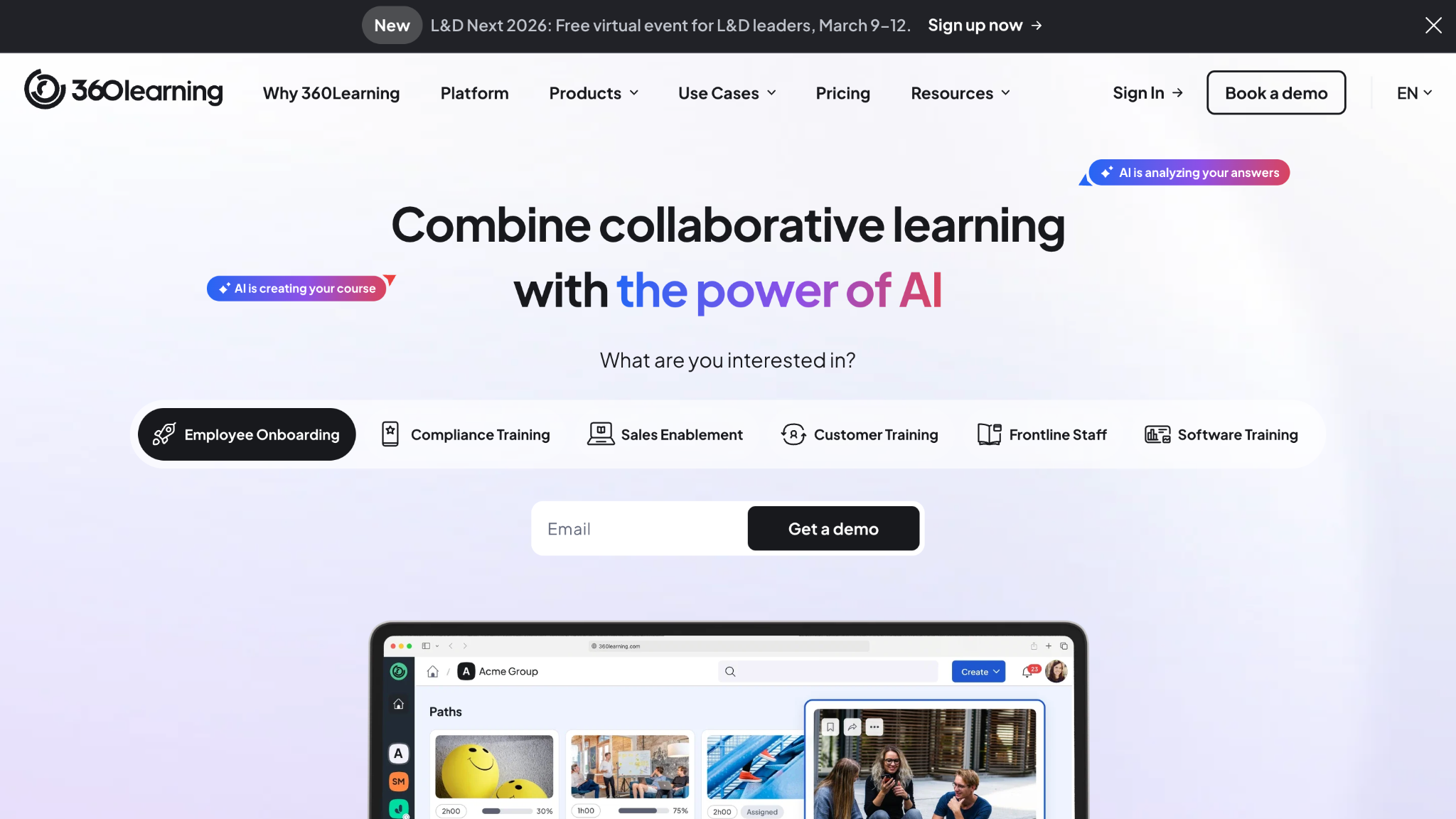
360Learning is a collaborative employee training platform that lets teams create courses together and share knowledge across the company. It focuses on peer learning, feedback, and quick course creation instead of only top-down training. Many organizations use it as one of their main online employee training platforms for skills and product training.
Software Pros:
- Strong focus on collaborative learning and peer input
- Built-in tools for course creation by subject-matter experts
- Good engagement features (comments, reactions, social elements)
Software Cons:
- May feel complex for very small teams
- Works best if employees are ready to contribute content
360Learning Review:
When I reviewed 360Learning, I focused on how easy it is for experts inside the company to build and share courses. The platform clearly leans toward peer-driven learning with comments, questions, and quick edits built into the experience. From my perspective, it suits teams that want learning to feel like an active, social process rather than a one-way broadcast.
Our Verdict
Collaborative Learning At Scale
Absorb LMS
Quick Overview:
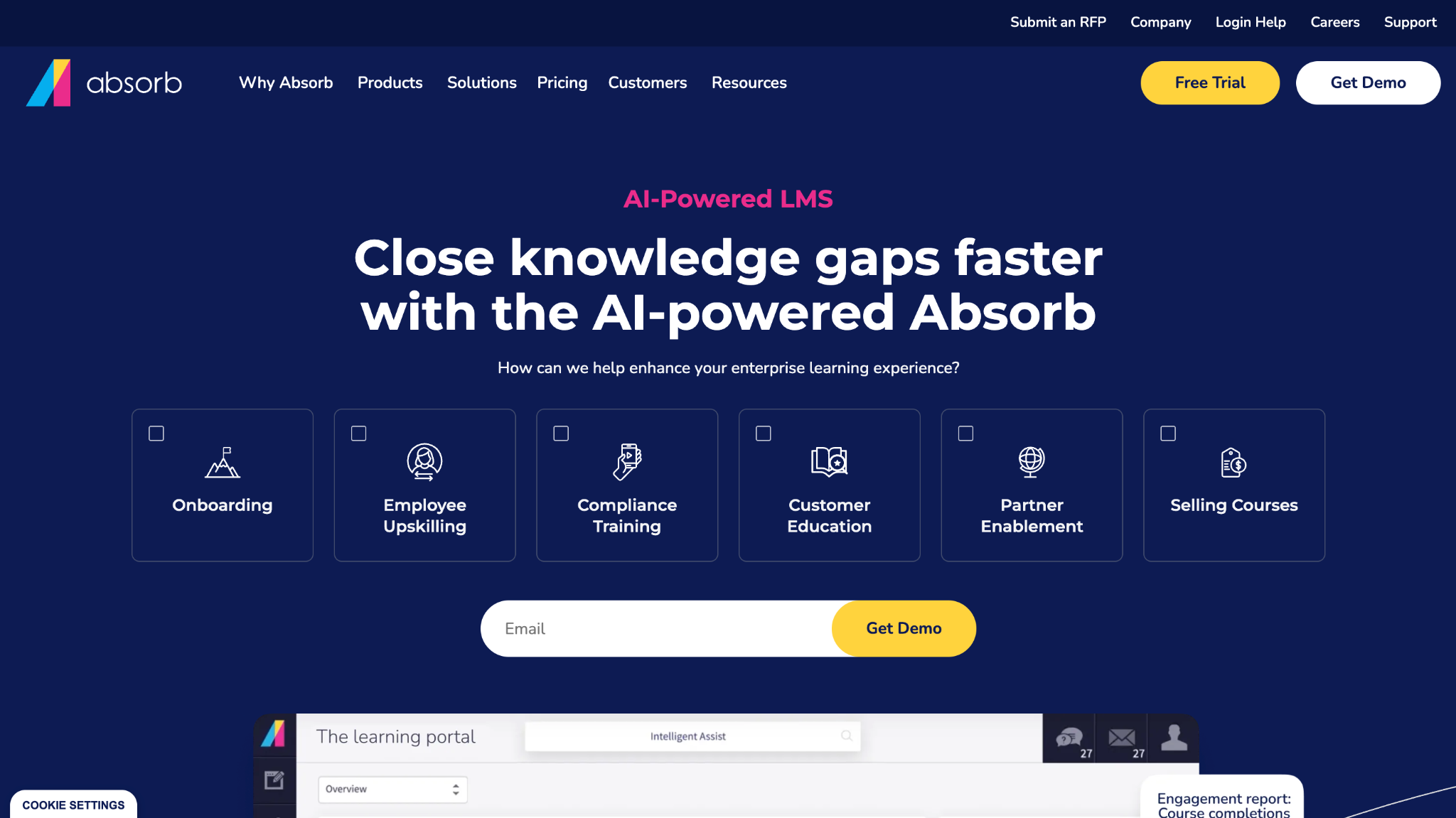
Absorb LMS is a cloud-based LMS used as employee training software for mid-size and large organizations. It supports course hosting, compliance tracking, e-commerce, and external training for partners or customers. Many companies use it as a central staff training platform for both internal and external audiences.
Software Pros:
- Supports complex organizational structures and audiences
- Strong reporting and compliance features
- Modern interface for learners and admins
Software Cons:
- Setup and configuration can take time
- May feel heavy for very small businesses
Absorb LMS Review:
In my assessment of Absorb, I paid attention to how it handles different audiences inside one system. The platform is clearly built to split content by teams, regions, or external groups while keeping reporting consistent. That makes it a good fit for organizations that want one place for most of their structured staff training solutions.
Our Verdict
Robust LMS For Growing Orgs
Adobe Learning Manager
Quick Overview:
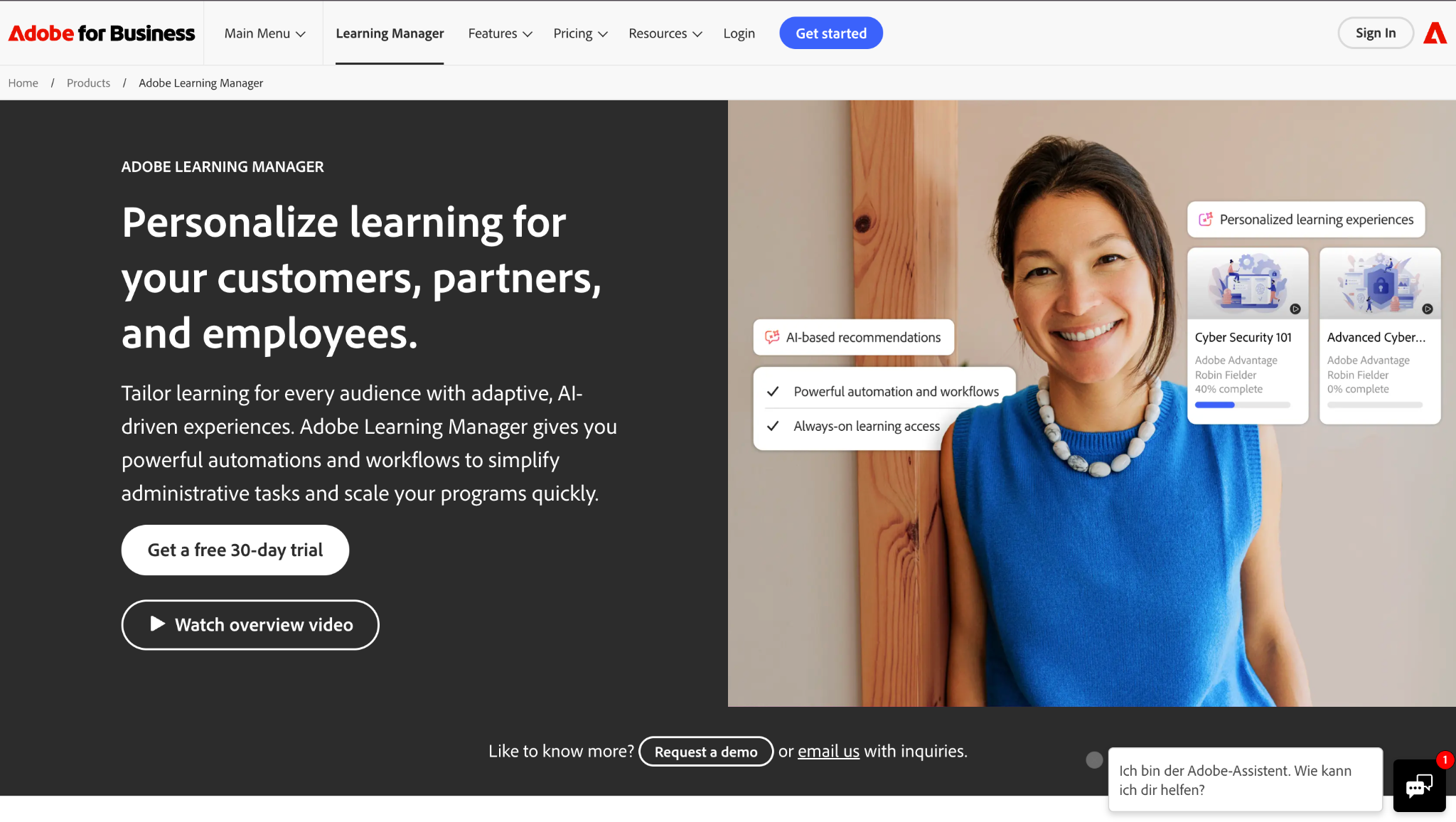
Adobe Learning Manager is employee training software for enterprises that want strong content delivery and branding. It supports blended learning, certifications, and AI-assisted recommendations. Many companies use it for compliance, product training, and continuous learning.
Software Pros:
- Wide support for content formats and SCORM
- Strong branding and experience control
- Recommendations and learning paths
Software Cons:
- Enterprise-focused pricing and setup
- Interface can feel dense to new admins
Adobe Learning Manager Review:
When I looked at Adobe Learning Manager, I focused on how it presents content to learners across different programs. The structure around learning paths, skills, and branded experiences feels designed for large organizations that want a polished portal. In my opinion, it makes sense for companies that already invest in rich content and want a controlled delivery environment.
Our Verdict
Branded Enterprise Learning Hub
BizLibrary
Quick Overview:
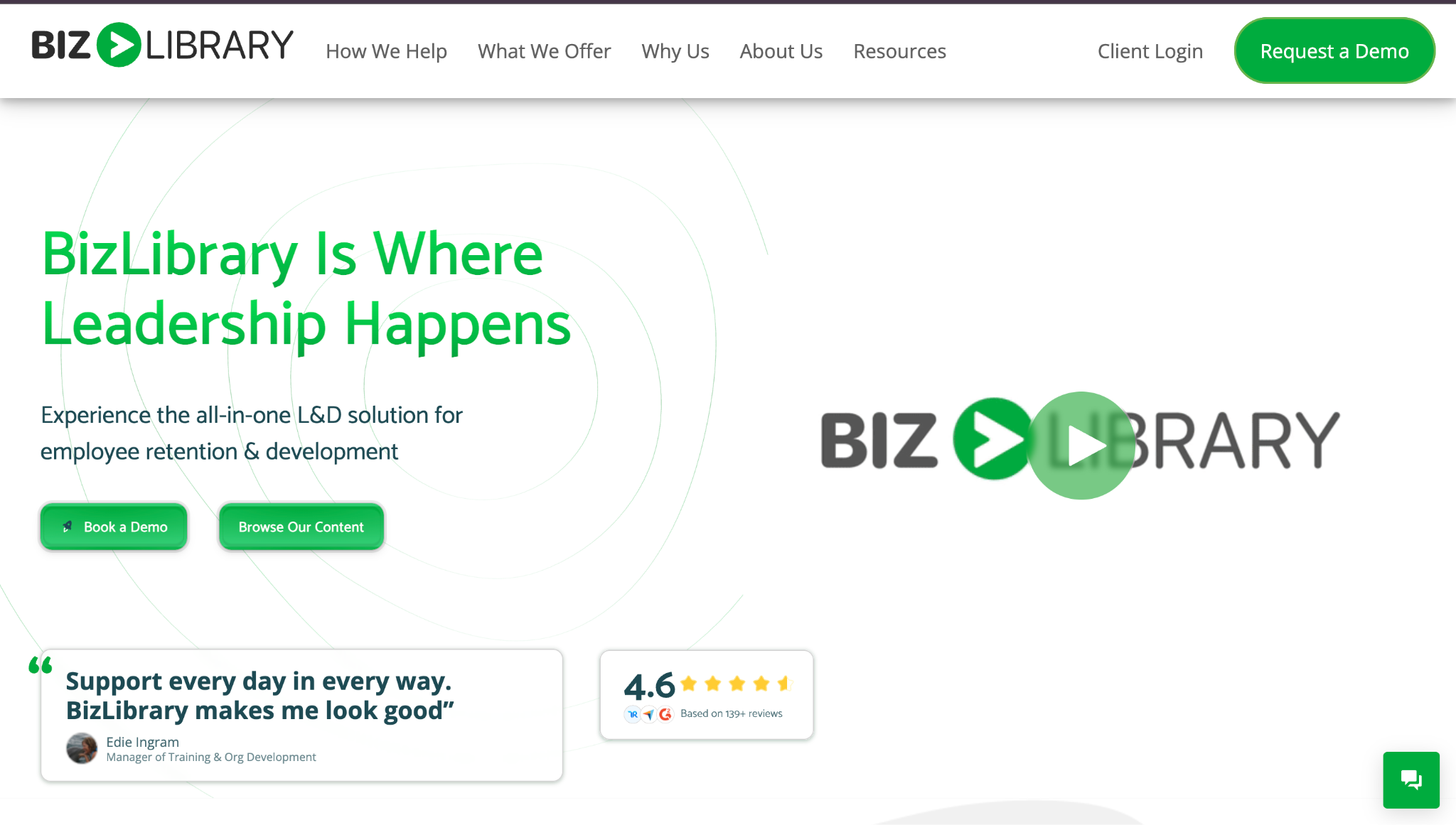
BizLibrary combines employee training tools with a large library of ready-made courses. It offers content on soft skills, compliance, management, and more, plus an LMS to deliver it. Many organizations choose BizLibrary when they want training content plus a platform in one contract.
Software Pros:
- Large catalog of short video courses
- LMS and content available together
- Good option for quick program launches
Software Cons:
- Library focus may limit custom course design
- Best value if you use a lot of their content
BizLibrary Review:
In my review of BizLibrary, I paid attention to how much can be done with the built-in content alone. The short, targeted videos make it easier to roll out training without building everything from scratch. That mix of platform plus library is why I see it as one of the best employee training tools for teams that want to move fast.
Our Verdict
Content-First Training Bundle
Bridge
Quick Overview:
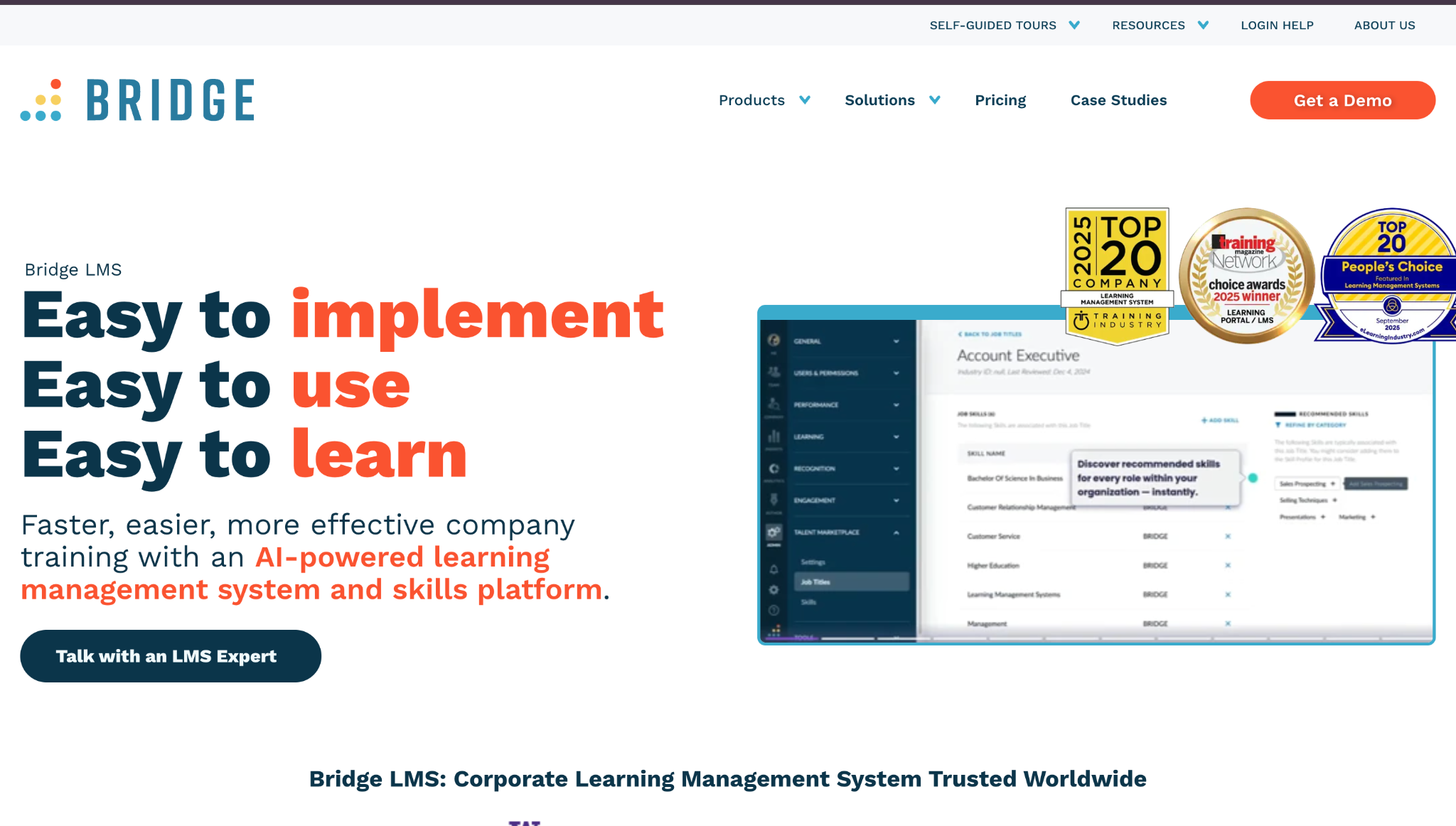
Bridge is an employee training platform that combines learning with performance and engagement tools. It supports course delivery, skills tracking, and manager-employee check-ins. Companies often use it to tie development plans to actual training activity.
Software Pros:
- Links learning with performance and goals
- Clean learner experience
- Useful for tracking skills over time
Software Cons:
- Less focused on huge external audiences
- Requires clear internal ownership to set up
Bridge Review:
As I went through Bridge, I focused on how training connects to performance conversations. The platform makes it natural to pair courses with development plans and check-ins, instead of treating learning as a separate system. From my perspective, that makes it a strong choice for teams that want training to show up in day-to-day management, not just in a separate employee training portal.
Our Verdict
Learning Tied To Performance
Continu
Quick Overview:
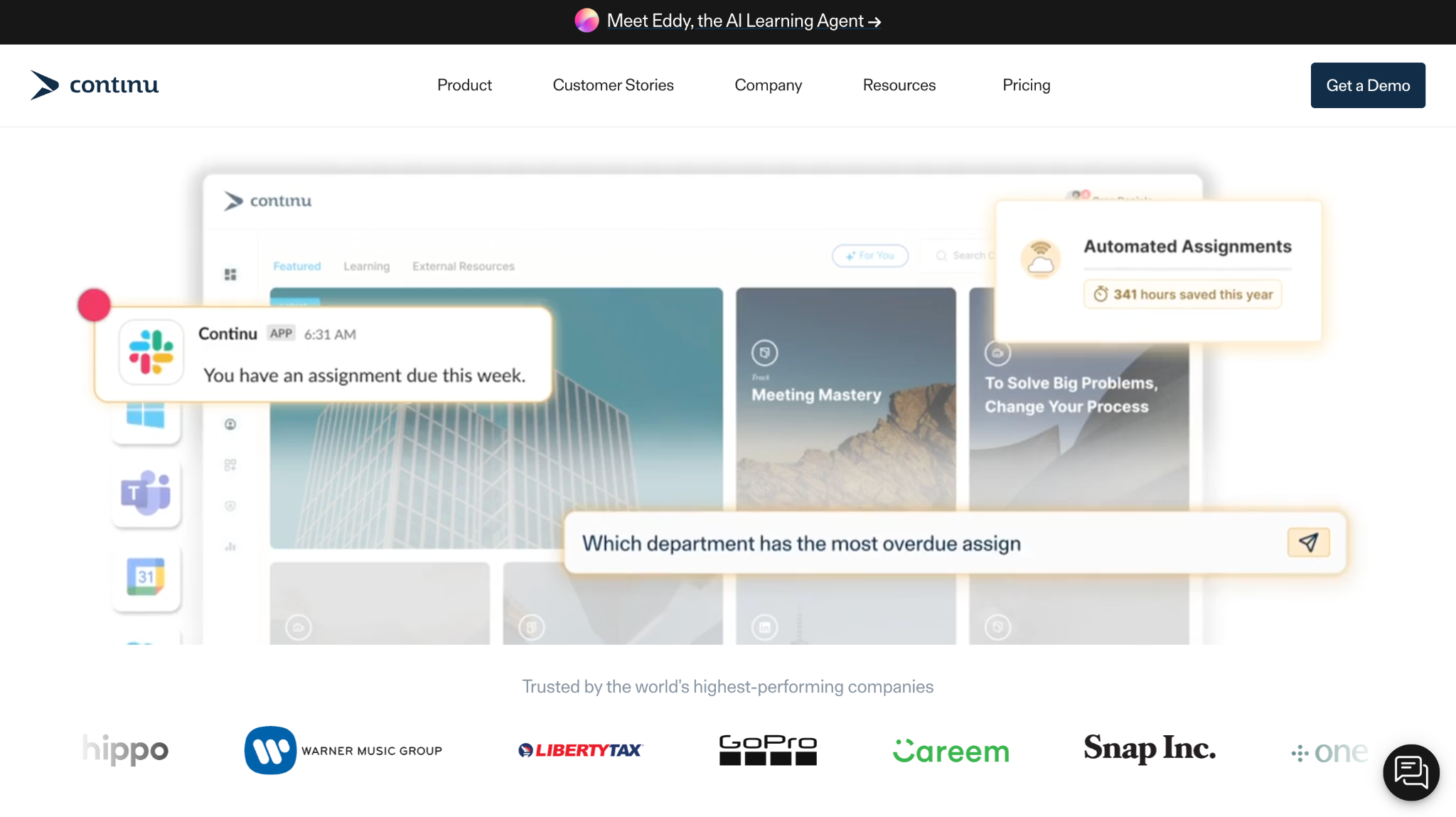
Continu is modern employee training software built for continuous learning across teams. It blends courses, microlearning, and coaching content in one interface. Many companies use it as one of their main employee training software solutions for both onboarding and ongoing development.
Software Pros:
- Clean, modern learner experience
- Good support for continuous learning flows
- Flexible enough for different content types
Software Cons:
- Less focused on large external customer training
- Needs some upfront design to get the best from it
Continu Review:
When I reviewed Continu, I focused on how often it brings learners back into the platform. The design leans toward shorter, ongoing touchpoints instead of only big, one-off courses. That approach suits teams that want learning to feel like part of everyday work rather than a separate event.
Our Verdict
Continuous Learning Made Practical
Cornerstone Learning
Quick Overview:
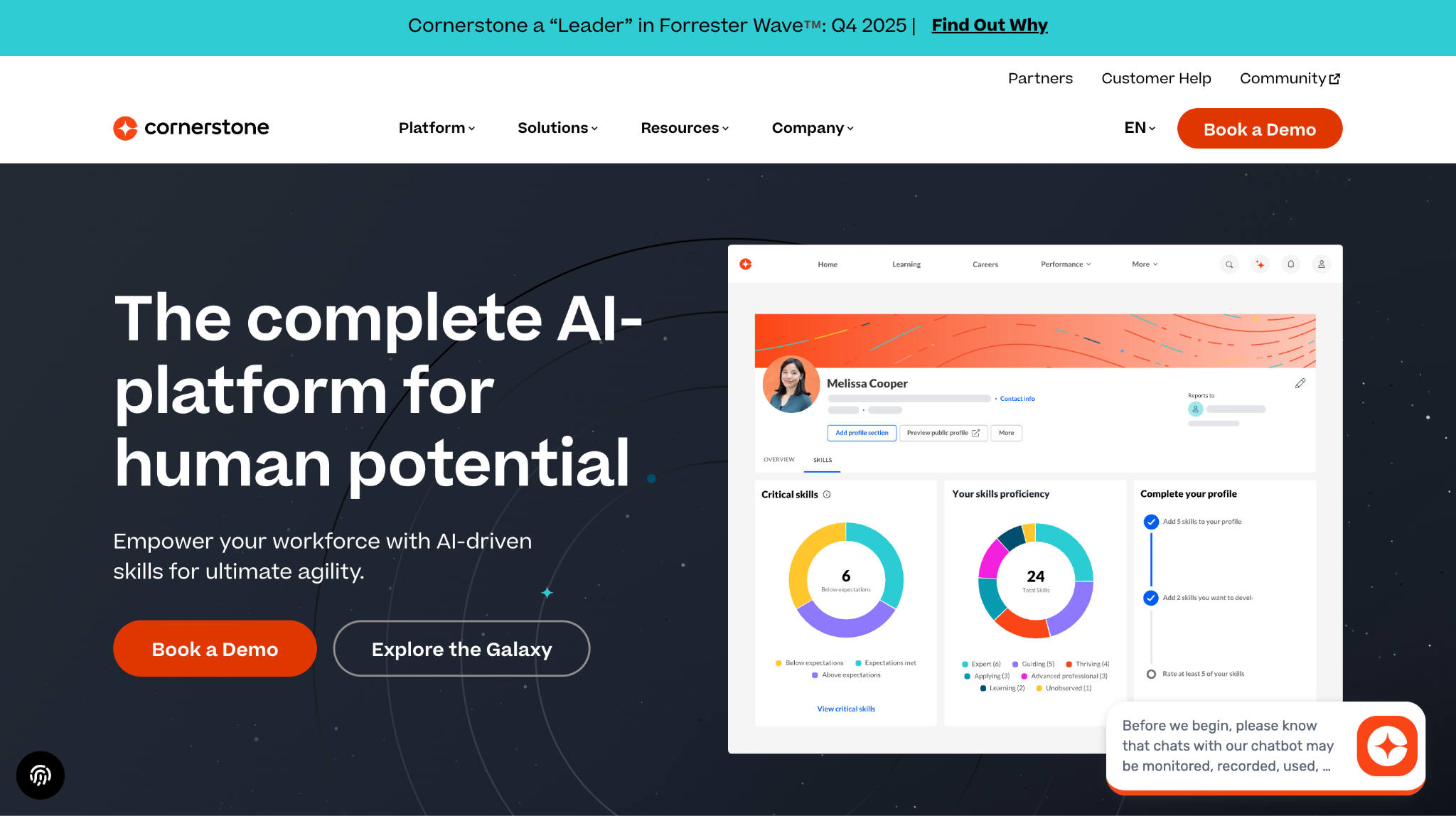
Cornerstone Learning is the learning part of the wider Cornerstone talent suite. It offers employee training solutions for enterprises with complex compliance, skills, and career path needs. Many large companies use it as their core staff training platform.
Software Pros:
- Deep features for compliance and skills frameworks
- Strong support for large, global organizations
- Tight ties to performance and talent modules
Software Cons:
- Enterprise complexity and implementation effort
- Interface can feel heavy without training
Cornerstone Learning Review:
In my assessment of Cornerstone Learning, I focused on how it handles structured programs across many regions and roles. The platform is clearly built to keep training, skills, and compliance aligned at scale. From my point of view, it fits organizations that need more than simple training tools for employees and want one backbone for learning and talent.
Our Verdict
Enterprise Learning And Talent Core
Coursera for Business
Quick Overview:
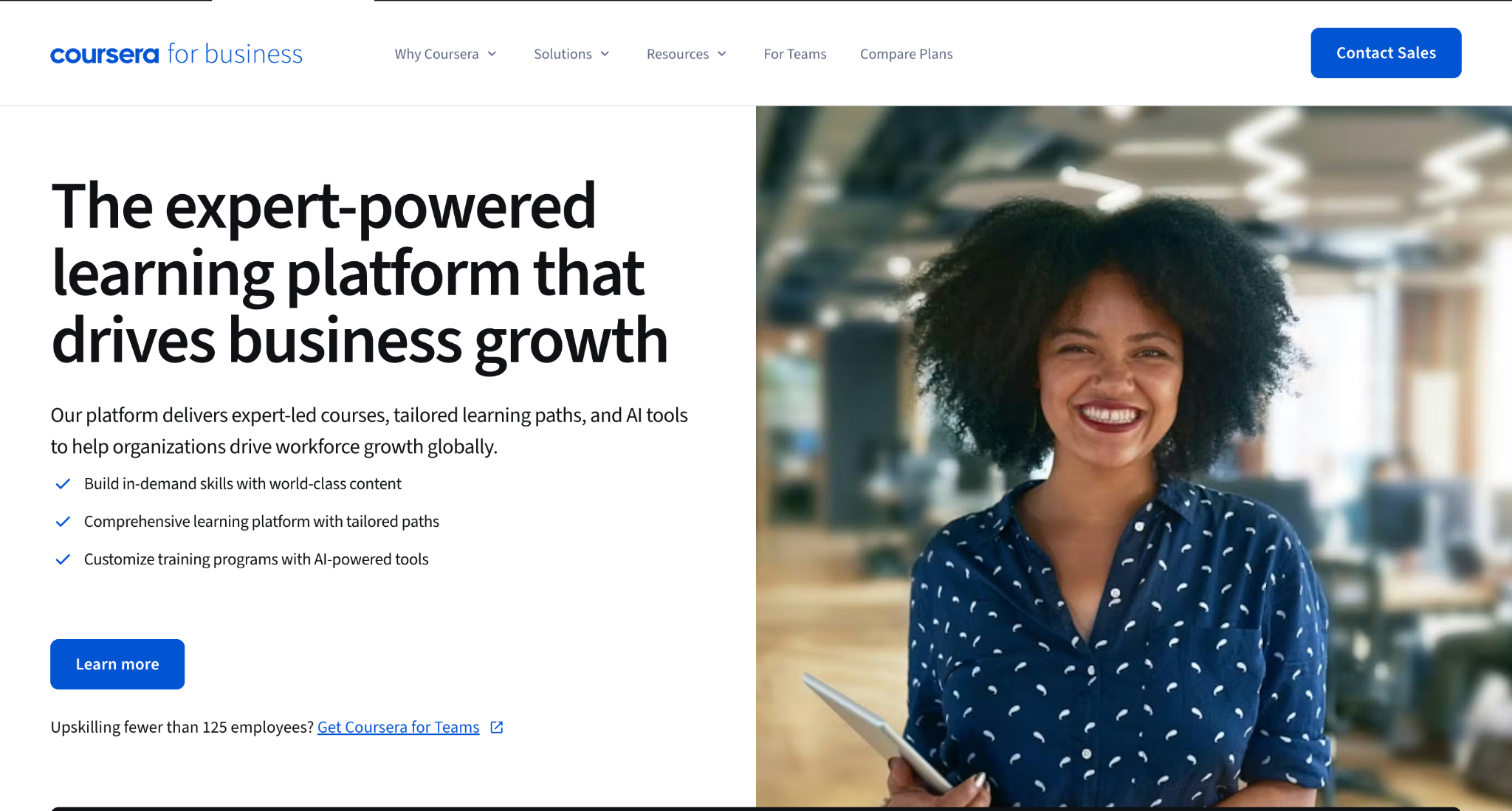
Coursera for Business brings university and industry content into corporate learning programs. It works as an online training platform for employees with courses, specializations, and certifications from universities and tech companies. Many organizations use it for upskilling in AI, data, and other in-demand topics.
Software Pros:
- Access to university-level and vendor content
- Recognized certificates in key skill areas
- Broad catalog across many domains
Software Cons:
- Less control over course design
- Not a full LMS for internal content and workflows
Coursera for Business Review:
When I looked at Coursera for Business, I focused on how it fits into corporate development plans. It does a strong job providing depth in technical and professional topics that would be hard to build internally. That is why I see it as a good complement to an internal LMS rather than a standalone solution for all training needs.
Our Verdict
External Content For Deep Skills
CYPHER Learning
Quick Overview:
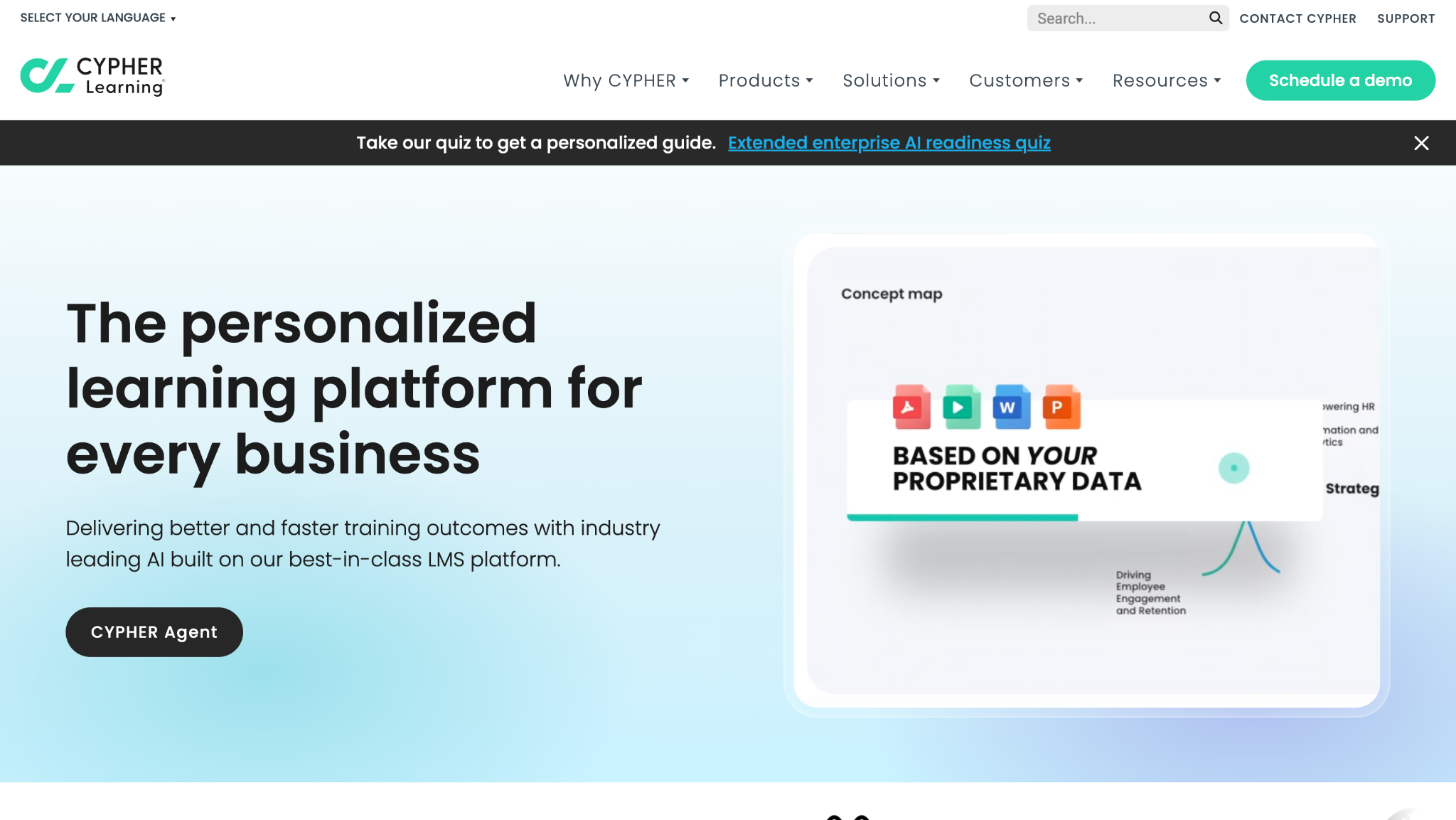
CYPHER Learning offers LMS platforms for business, education, and entrepreneurs. The business version is used as employee training software for mid-size companies that want automation and modern design. It supports compliance programs, skills, and blended learning.
Software Pros:
- Automation for enrollments and reminders
- Modern, mobile-friendly experience
- Good support for blended and online programs
Software Cons:
- Interface has many options and menus
- Needs careful setup to match complex structures
CYPHER Learning Review:
When I reviewed CYPHER Learning, I focused on how much of the admin work can be automated. The platform supports rules for enrollments, due dates, and notifications that reduce manual chasing. That makes it a strong candidate for teams that want their staff training solutions to run on clear, repeatable workflows.
Our Verdict
Automation-Friendly LMS For Business
D2L Brightspace for Business
Quick Overview:
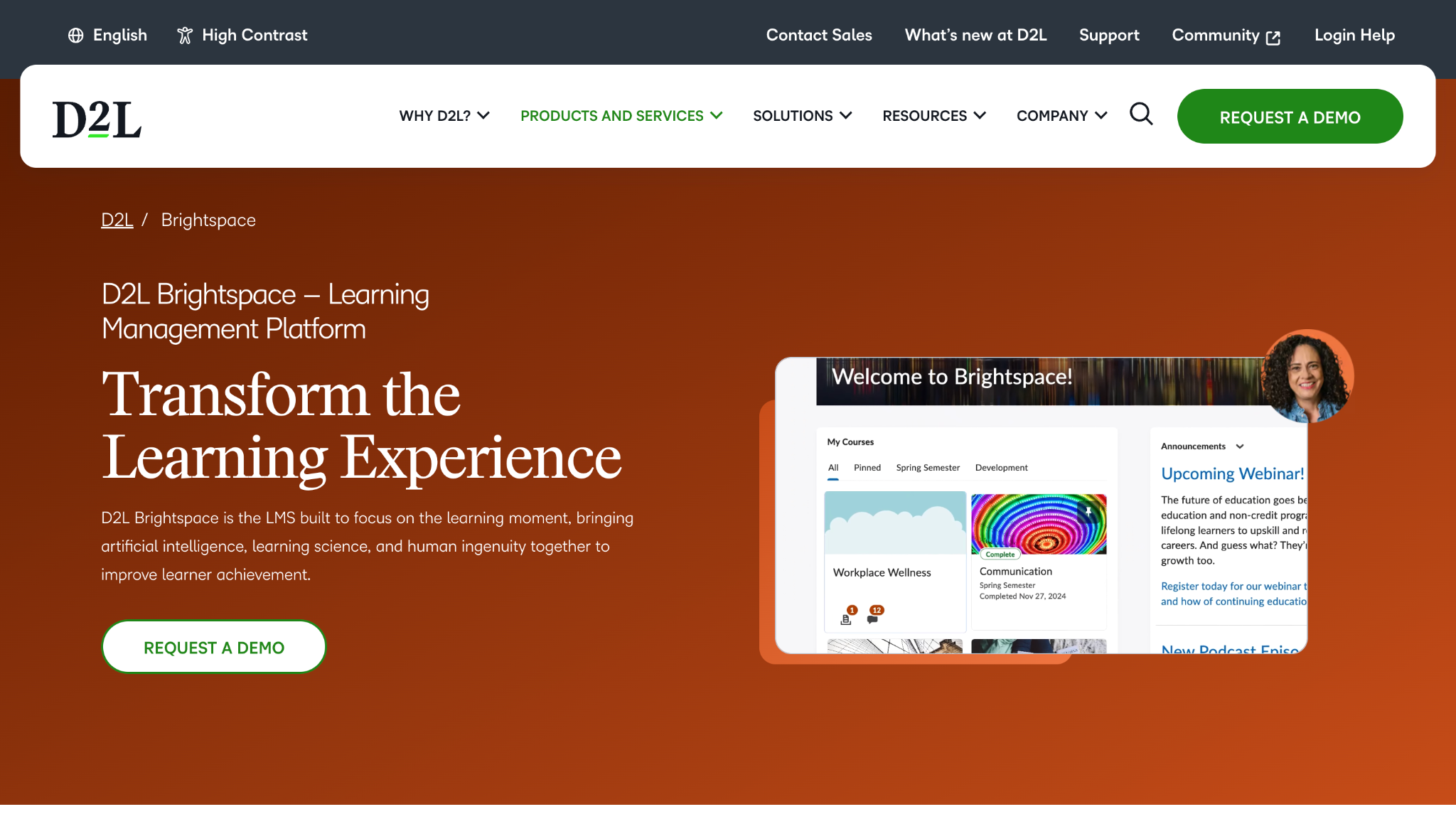
D2L Brightspace is an LMS often used as employee training software for companies that need flexibility in design and delivery. It supports blended learning, competencies, and detailed reporting. Many organizations use it for both compliance and skills development.
Software Pros:
- Strong support for competency-based learning
- Flexible course and program structures
- Good analytics and reporting options
Software Cons:
- Setup can feel complex at first
- Best value when used for serious, long-term programs
D2L Brightspace Review:
As I went through Brightspace for Business, I focused on how it supports structured programs with real learning paths. The platform is clearly designed for thoughtful, long-term staff development rather than quick one-off modules. From my perspective, it suits teams that want to align training programs with skills and role expectations in detail.
Our Verdict
Structured Programs And Competencies
Docebo
Quick Overview:
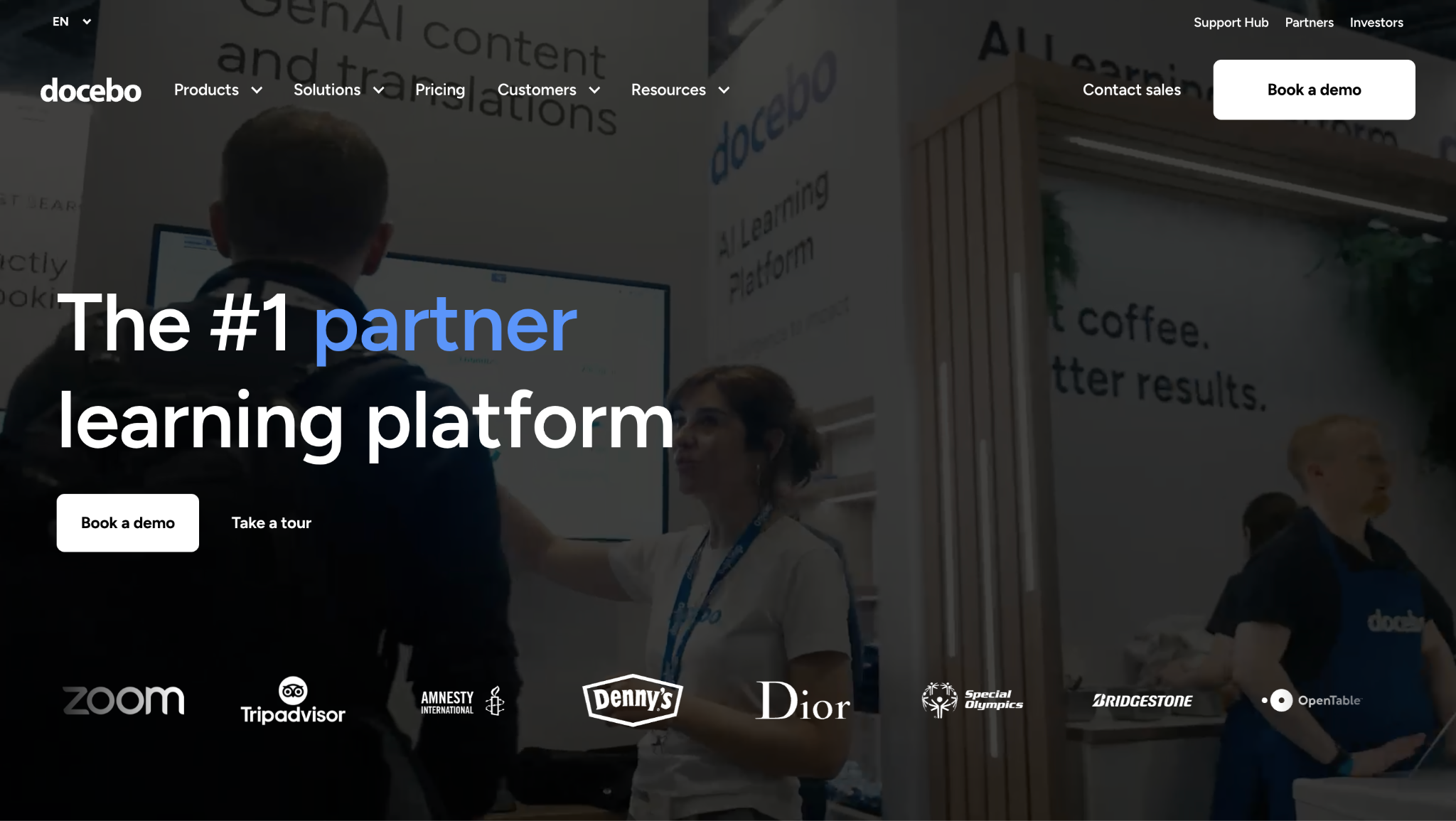
Docebo is an AI-enhanced LMS and employee training platform built for scale. It supports internal training, customer education, and partner learning in one system. Many companies see it listed among top-rated employee training software 2025 because of its automation and AI features.
Software Pros:
- Strong support for multiple audiences
- AI-driven recommendations and automation
- Broad integration options
Software Cons:
- Interface can feel complex for new admins
- Pricing and configuration lean toward mid-size and enterprise
Docebo Review:
When I reviewed Docebo, I focused on how it handles more than one audience at once. The platform can serve employees, partners, and customers with different experiences while keeping reporting together. That flexibility is why it often appears in lists of the best employee training software for complex organizations.
Our Verdict
Multi-Audience, AI-Driven LMS
EdApp
Quick Overview:
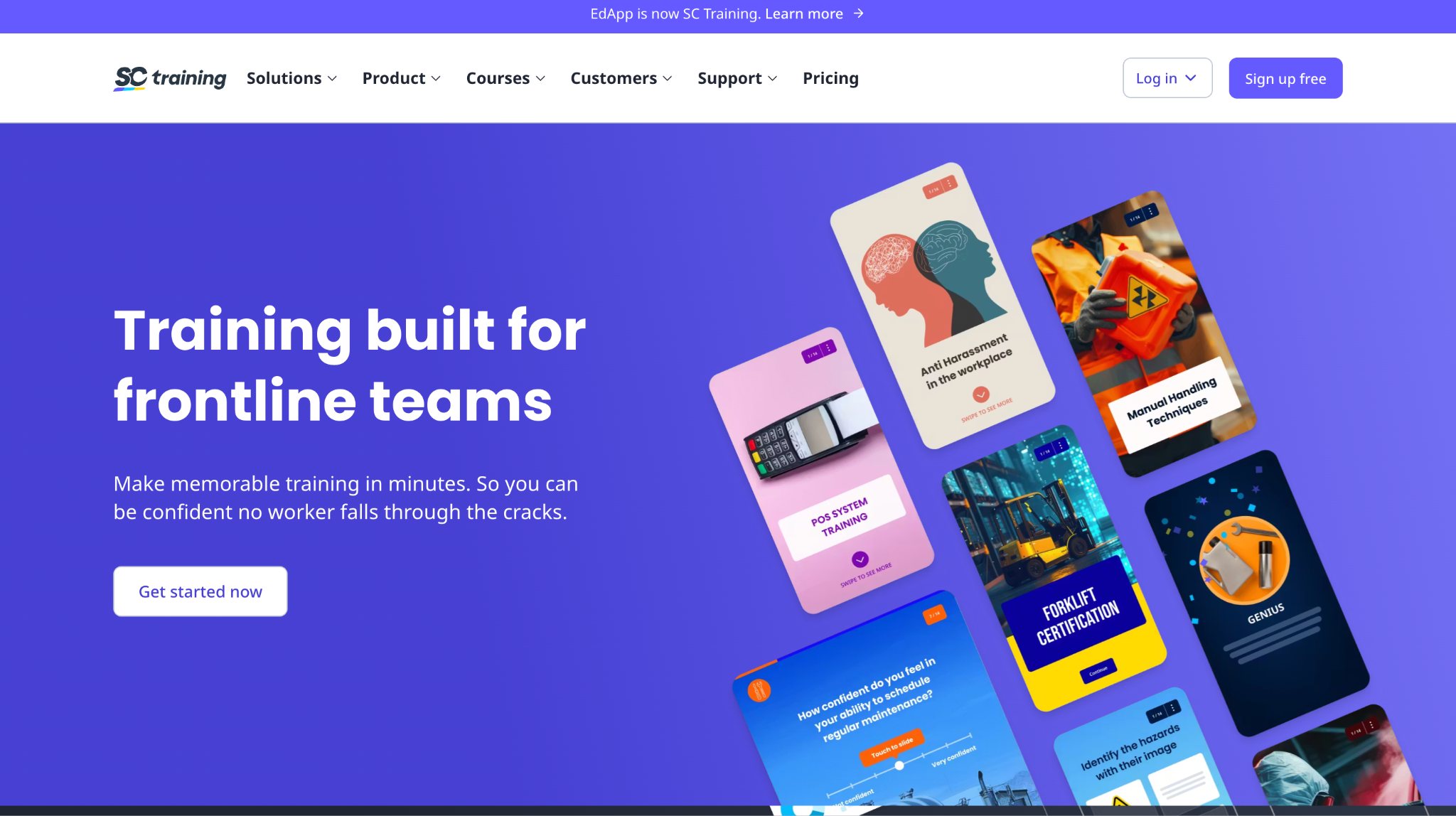
EdApp is a mobile-first employee training app that supports microlearning, spaced repetition, and gamification. It is often used as a staff training platform for frontline and deskless workers who learn on their phones. Many companies also use it as one of their core apps for training employees in short bursts.
Software Pros:
- Strong mobile experience and microlearning format
- Built-in templates and gamified elements
- Good fit for frontline or fast-paced environments
Software Cons:
- Less suited for long, complex programs
- Limited appeal if most staff work at desktops
EdApp Review:
While reviewing EdApp, I focused on how it breaks training into small, phone-friendly chunks. The lessons feel like quick tasks people can complete between other work rather than long sessions. That makes it a good option when you need employee training apps that fit naturally into busy schedules.
Our Verdict
Mobile Microlearning For Frontline Teams
Go1
Quick Overview:
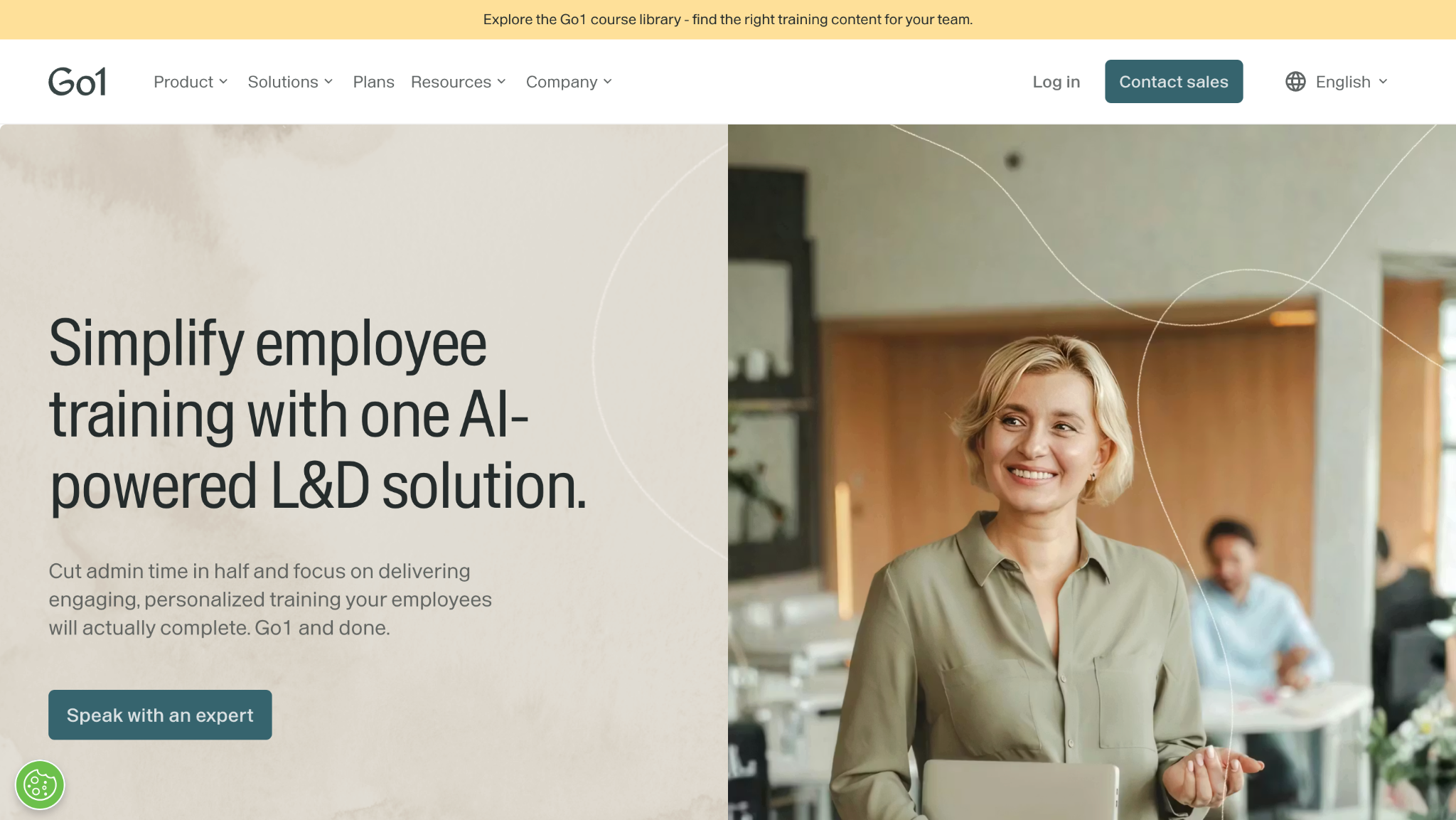
Go1 is an aggregation-style employee training solution that brings content from many providers into one catalog. It integrates with existing employee training platforms and HR tools. Companies use it to expand course choices without buying and loading content from each publisher one by one.
Software Pros:
- Access to a large multi-provider content catalog
- Integrations with many LMS and HR systems
- Good for filling content gaps quickly
Software Cons:
- Relies on external content quality and curation
- Not a full LMS for program design
Go1 Review:
When I looked at Go1, I focused on how it connects into systems teams already have. The value comes from making it easy to add a broad range of courses without rebuilding the whole learning stack. That is why I see it as a strong add-on rather than a replacement for a core LMS.
Our Verdict
Content Layer For Existing LMS
iSpring Learn
Quick Overview:
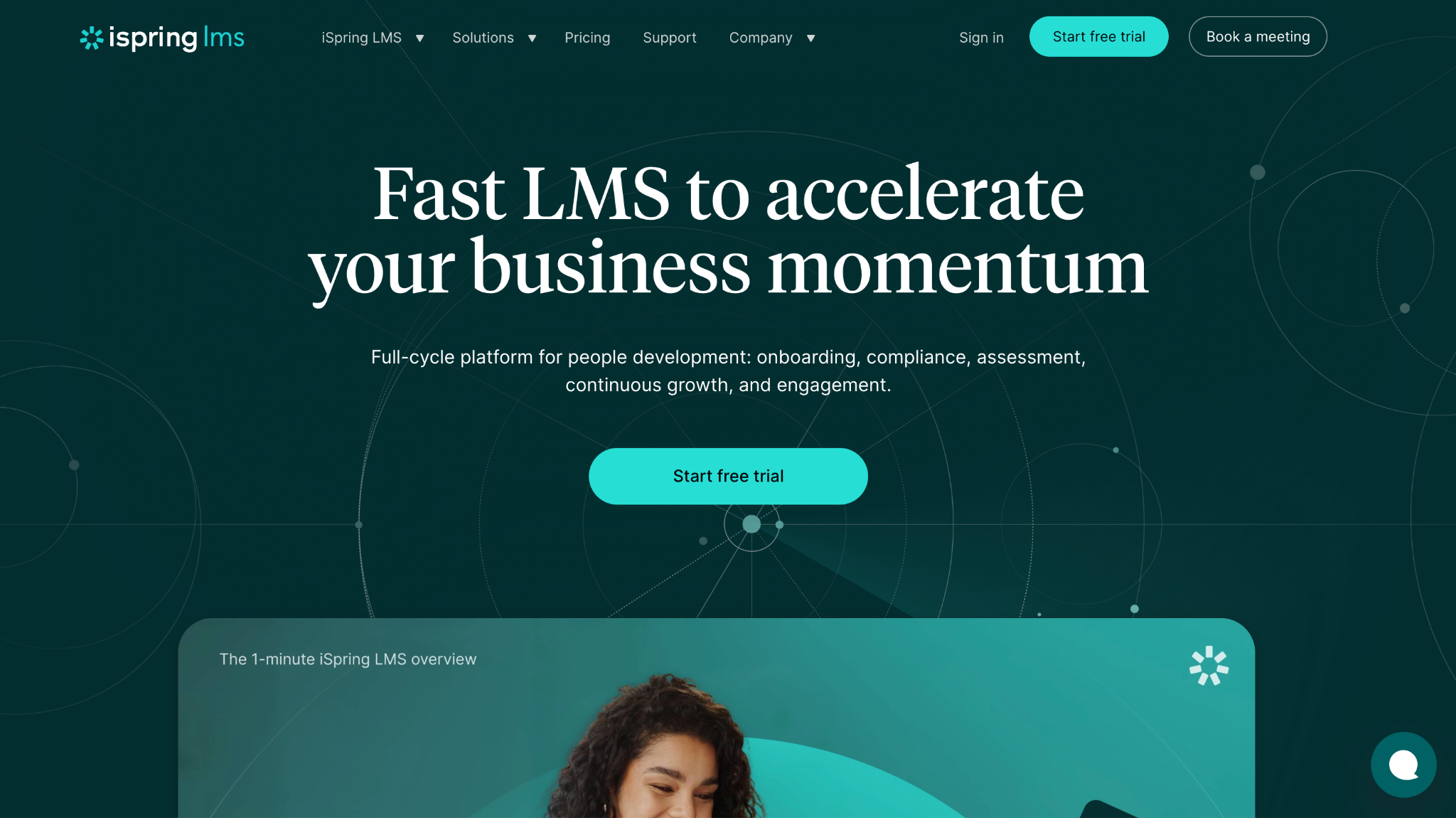
iSpring Learn is employee training software that pairs tightly with iSpring Suite, its course authoring tool. It supports SCORM courses, quizzes, learning paths, and certificates. Many companies use it when they want to build their own content quickly.
Software Pros:
- Strong pairing with an authoring tool
- Clear learning paths and reporting
- Good for teams building many custom courses
Software Cons:
- Less focused on huge external audiences
- Interface is more functional than “flashy”
iSpring Learn Review:
When I reviewed iSpring Learn, I focused on how quickly course creators can go from idea to published module. The tight link to iSpring Suite makes that process straightforward if you already work in PowerPoint-style tools. That combination is why I see it as one of the best employee training tools for teams that want to own their content.
Our Verdict
Fast Path From Authoring To LMS
Learn Amp
Quick Overview:
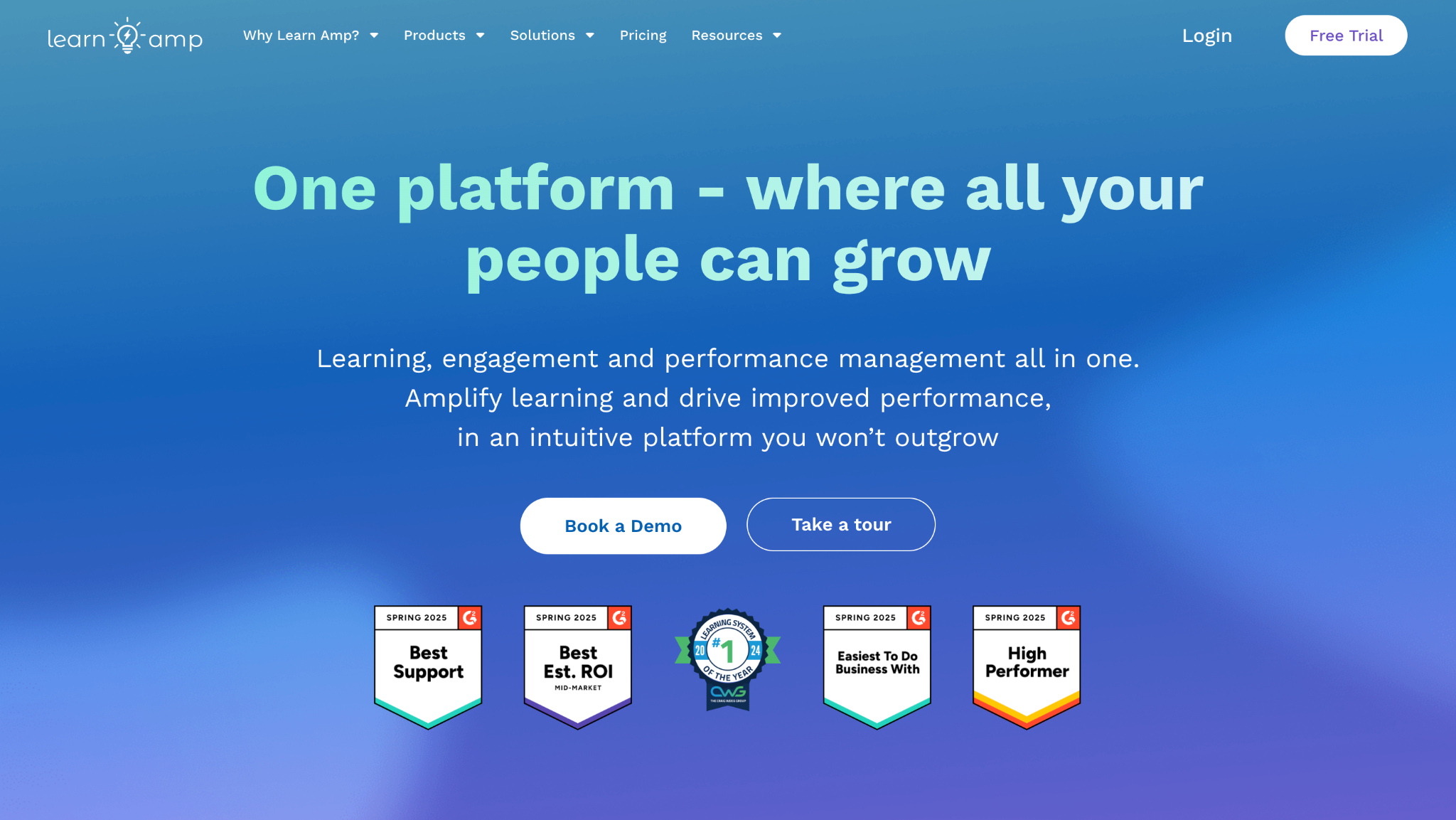
Learn Amp is an all-in-one learning and engagement platform. It combines employee training tools with community, feedback, and resource libraries. Many organizations use it when they want learning and knowledge sharing in one place.
Software Pros:
- Mix of formal and informal learning
- Community and social features
- Focus on engagement, not just completion rates
Software Cons:
- May feel broad if you only need a simple LMS
- Works best when staff are active in the platform
Learn Amp Review:
When I examined Learn Amp, I focused on how it blends structured courses with informal resources and discussions. The platform encourages people to share materials and comment, not just “take training.” That makes it appealing if you want a wider staff training solution where learning and knowledge sharing sit together.
Our Verdict
Blended Learning And Knowledge Hub
LearnUpon
Quick Overview:
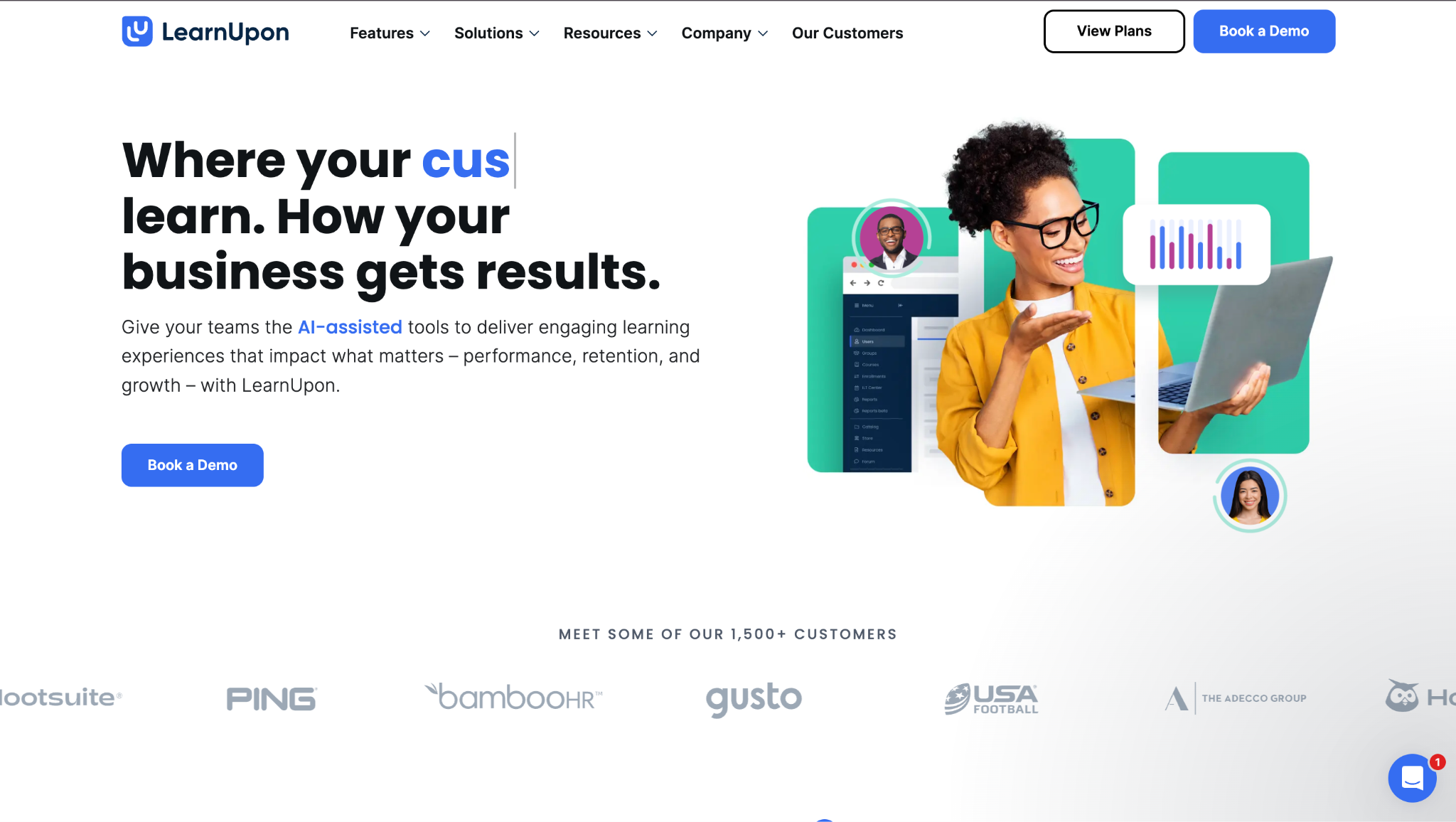
LearnUpon is a cloud LMS used as employee training software for mid-size and enterprise teams. It supports employee, customer, and partner training in separate portals. Many companies use it as a single employee training portal for multiple audiences.
Software Pros:
- Multi-portal support for different learner groups
- Clean admin and learner experience
- Good integrations with HR and CRM tools
Software Cons:
- Needs some design work to build strong programs
- Pricing best suits growing or larger teams
LearnUpon Review:
In my review of LearnUpon, I focused on how it separates audiences while keeping admin work manageable. The structure makes it easier to serve employees and external learners from one platform. That design is why it fits organizations that see training as more than a purely internal function.
Our Verdict
Multi-Audience Training Platform
LearnWorlds
Quick Overview:
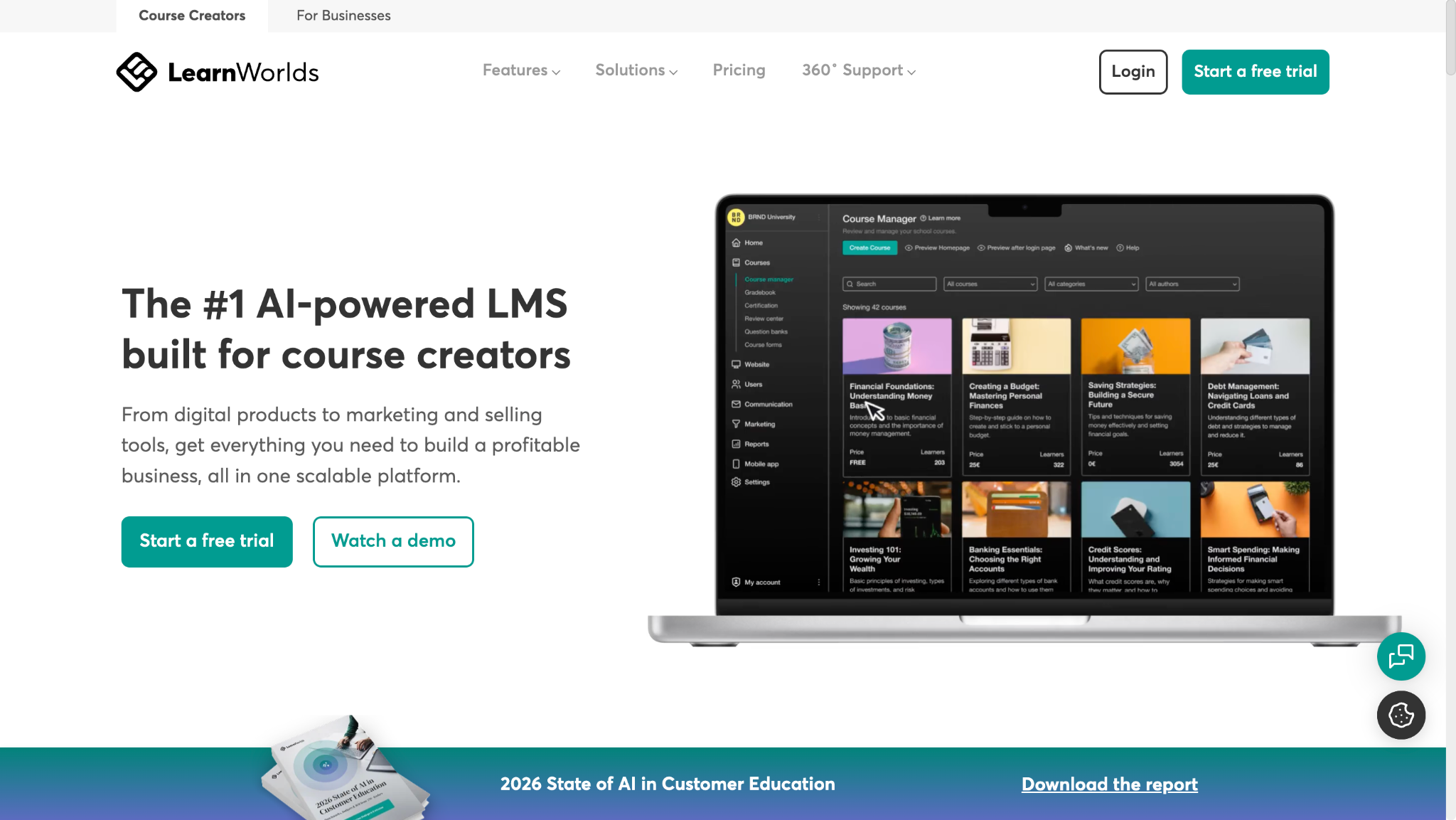
LearnWorlds is often used for external training but can also work as employee training software, especially in smaller firms. It supports interactive video, tests, and branded portals. Some companies use it as employee training software for small business teams that also train clients.
Software Pros:
- Strong tools for interactive video content
- Good site and portal branding options
- Flexible for selling or sharing courses externally
Software Cons:
- Less focused on complex HR integrations
- Not designed purely for internal compliance training
LearnWorlds Review:
When I looked at LearnWorlds, I paid attention to how courses are presented as full learning sites. The platform leans toward a polished, branded experience that looks more like a product than an internal system. That makes it a good option for small businesses that blur the line between staff training platform and external education.
Our Verdict
Branded Learning Sites For Small Teams
Litmos
Quick Overview:
Litmos is a long-standing LMS and employee training software used for compliance, product training, and partner education. It offers courses, assessments, and dashboards in a cloud setup. Many companies pick it for straightforward LMS needs with a known vendor.
Software Pros:
- Established platform with a long track record
- Covers core LMS features reliably
- Supports internal and external learners
Software Cons:
- Interface can feel dated compared to newer tools
- Heavy customization may require more effort
Litmos Review:
When I reviewed Litmos, I focused on how it handles the basics of course delivery, tracking, and reporting. The platform does not try to be everything, but it covers core LMS functions in a stable way. From my perspective, it suits organizations that want a familiar, LMS-first approach without too many extras.
Our Verdict
Reliable Classic LMS Option
Moodle Workplace
Quick Overview:
Moodle Workplace takes the open-source Moodle core and adds features for business use. It works as employee training software for organizations that need flexibility and control. It supports multi-tenancy, custom workflows, and strong configuration options.
Software Pros:
- Highly flexible and customizable
- Multi-tenant support for different teams or divisions
- Strong community and plugin ecosystem
Software Cons:
- Setup and maintenance can require technical skills
- Interface depends on how it is configured
Moodle Workplace Review:
When I examined Moodle Workplace, I focused on how much control organizations can have over structure and design. The platform is clearly aimed at teams that want to tune workflows and layout to their own model. That level of control is why it works best for organizations with the patience and capacity to configure it.
Our Verdict
Flexible LMS For Custom Setups
Pluralsight Skills
Quick Overview:
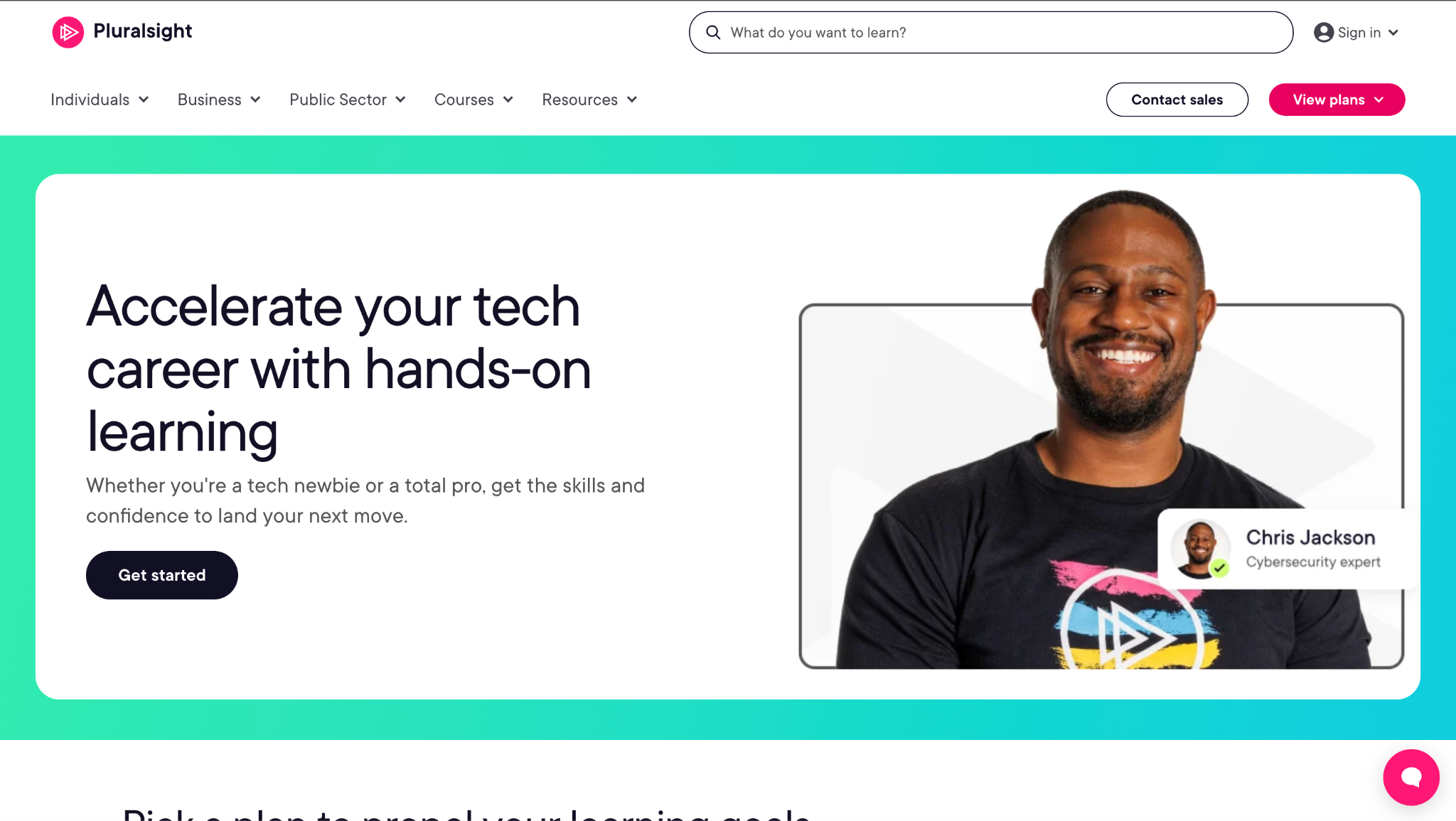
Pluralsight Skills is a skill-focused employee training platform for technology teams. It offers paths, assessments, labs, and analytics around technical skills. Many companies use it as one of their online training platforms for employees in engineering and IT.
Software Pros:
- Deep catalog of tech and developer content
- Skill assessments and role-based paths
- Strong analytics on skill gaps
Software Cons:
- Focused mainly on technical topics
- Not a general-purpose LMS for all staff
Pluralsight Skills Review:
When I reviewed Pluralsight Skills, I focused on how it maps content to specific tech roles and skill levels. The structure helps managers see where teams need more practice or new skills. That makes it useful as a focused layer on top of broader employee training software solutions.
Our Verdict
Targeted Skills Platform For Tech Teams
ProProfs Training Maker
Quick Overview:
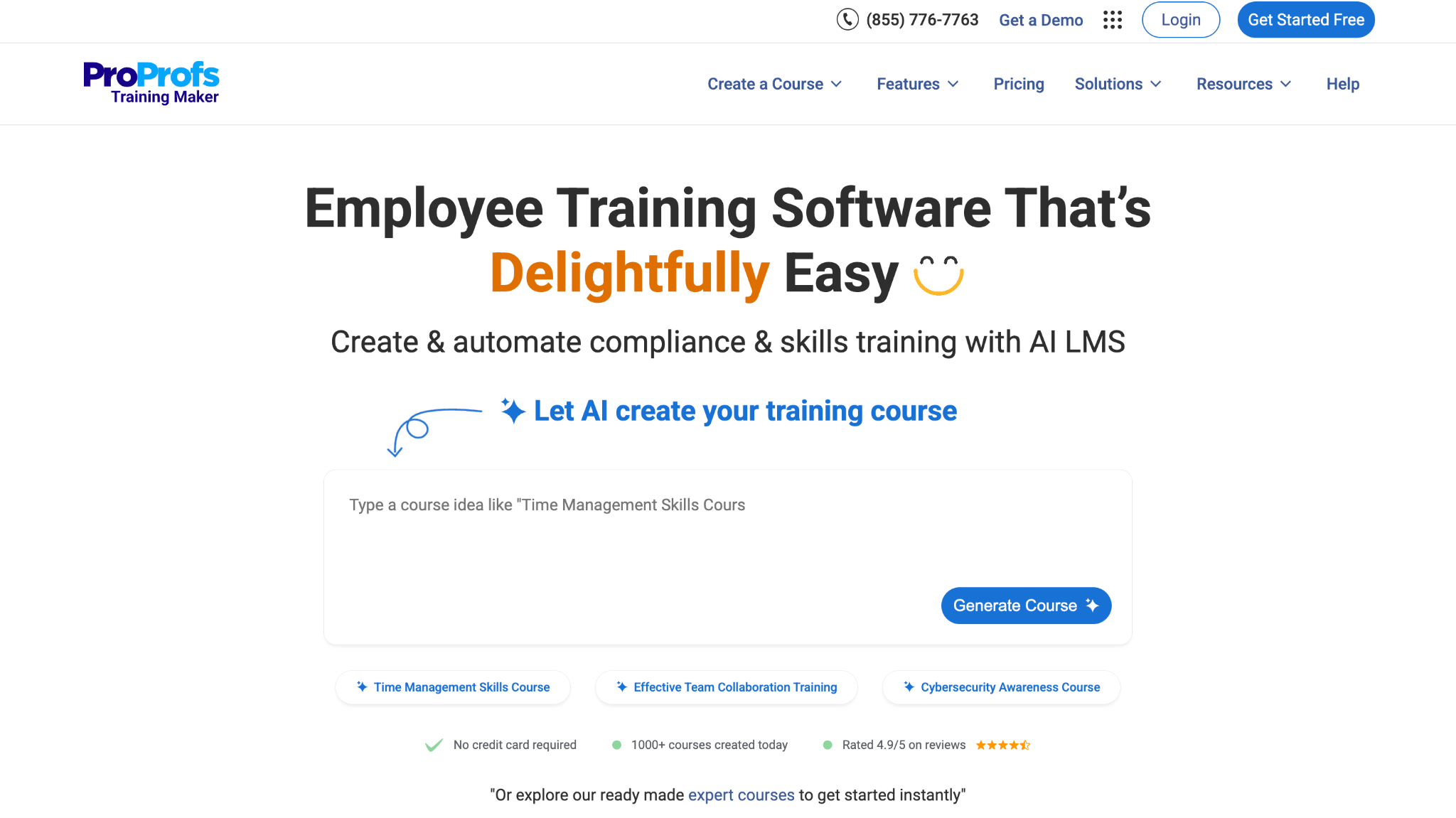
ProProfs Training Maker is employee training software that targets small and mid-size businesses with simple course creation tools. It supports quizzes, certificates, and online course catalogs. Many lists of free or low-cost online employee training platforms mention it as a starting point.
Software Pros:
- Easy course creation with templates
- Simple learner experience
- Free and low-cost options for small groups
Software Cons:
- Less suited to very complex enterprise setups
- Reporting is more basic than high-end LMS tools
ProProfs Training Maker Review:
When I reviewed ProProfs, I focused on how a small business could launch training without a big team behind it. The templates and simple workflows keep the learning curve low for both admins and learners. That makes it a good option when you first move from informal training to structured programs.
Our Verdict
SMB-Friendly Training Starter
SAP SuccessFactors Learning
Quick Overview:
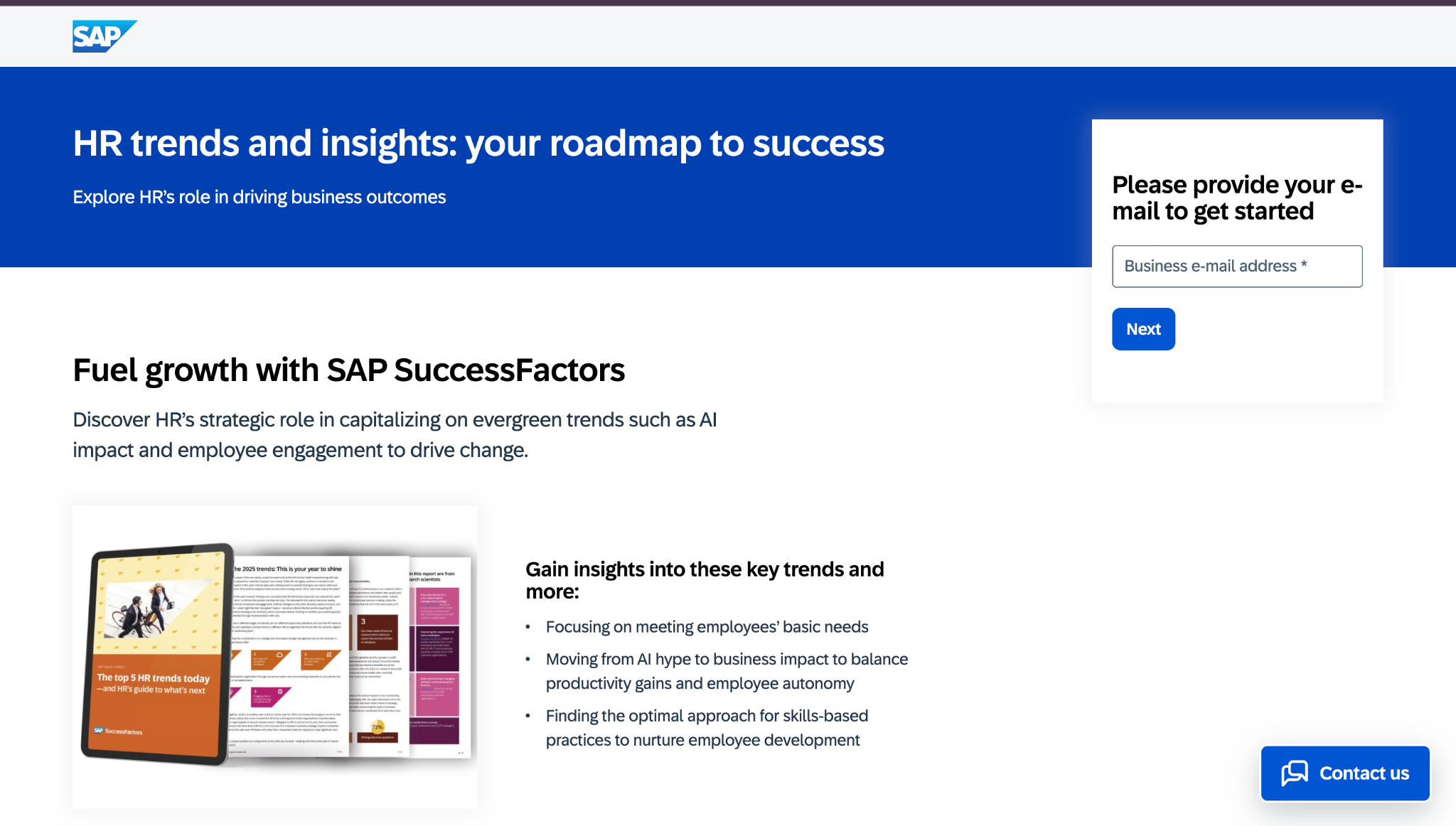
SAP SuccessFactors Learning is part of SAP’s HCM suite and is used as enterprise employee training software. It supports compliance, talent development, and large-scale programs across many regions. Global organizations use it as a central learning backbone.
Software Pros:
- Deep integration with SAP HR data
- Strong compliance and certification tracking
- Scales across complex organizations
Software Cons:
- Implementation and upkeep can be demanding
- Interface can feel heavy without training
SAP SuccessFactors Learning Review:
As I went through SuccessFactors Learning, I focused on how it supports regulated, multi-country environments. The system is clearly designed to manage training obligations at scale with a lot of control. From my perspective, it fits organizations where learning is tightly tied to HR, compliance, and career frameworks.
Our Verdict
Enterprise Learning For SAP Environments
Schoox
Quick Overview:
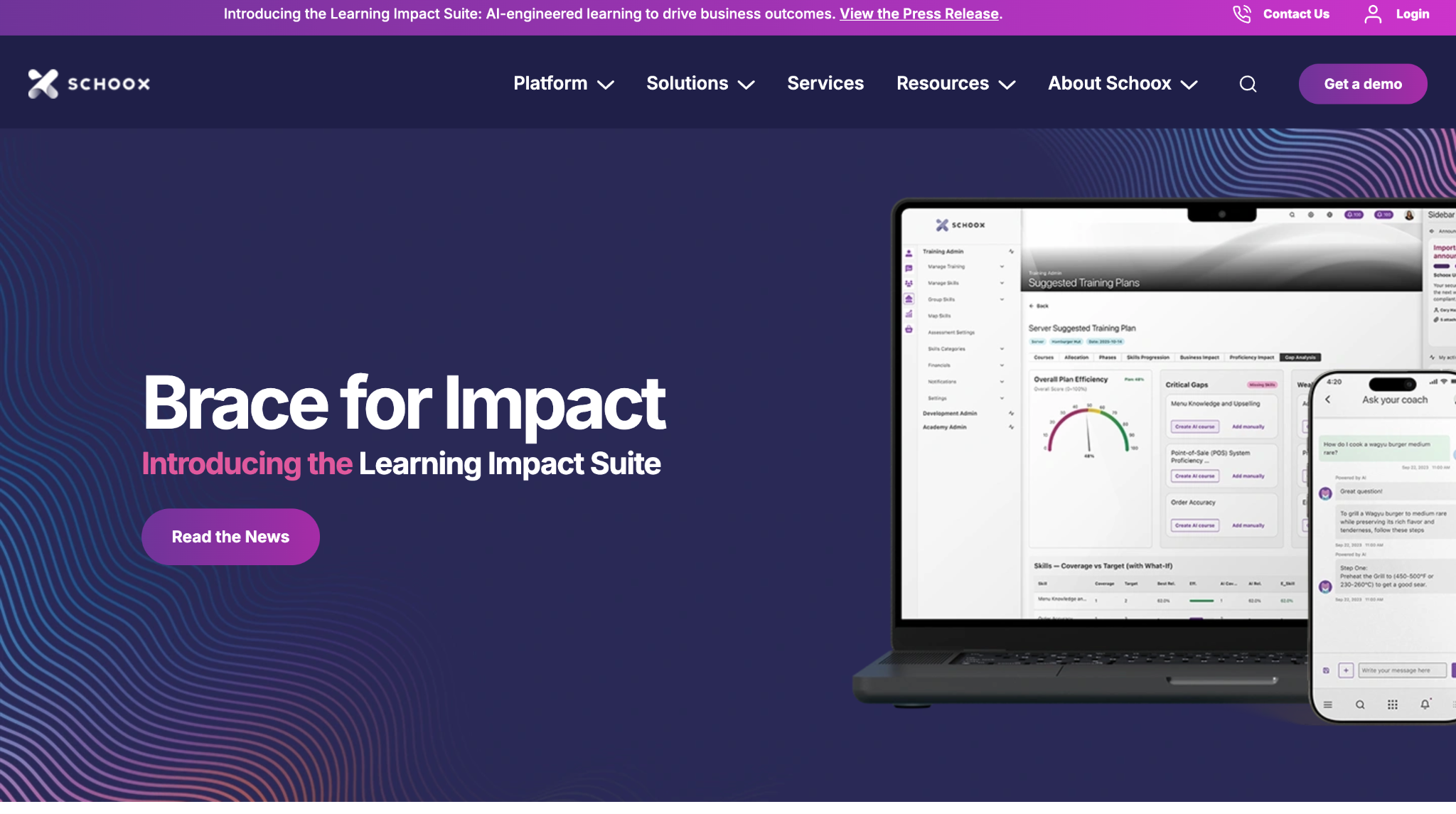
Schoox is a cloud employee training platform designed for frontline and distributed teams. It supports learning, career paths, and performance elements in one system. Many companies use it as a combined learning and development environment.
Software Pros:
- Focus on frontline and deskless workers
- Combines learning with development paths
- Supports multi-location structures
Software Cons:
- Interface may feel different from classic LMS tools
- Works best with clear role structures
Schoox Review:
When I looked at Schoox, I focused on how it handles large frontline populations across many sites. The blend of training, roles, and development makes it easier to see where people can move next. That design makes sense for organizations that want their staff training solutions to sit close to career growth.
Our Verdict
Frontline Training With Growth Paths
Seismic Learning
Quick Overview:
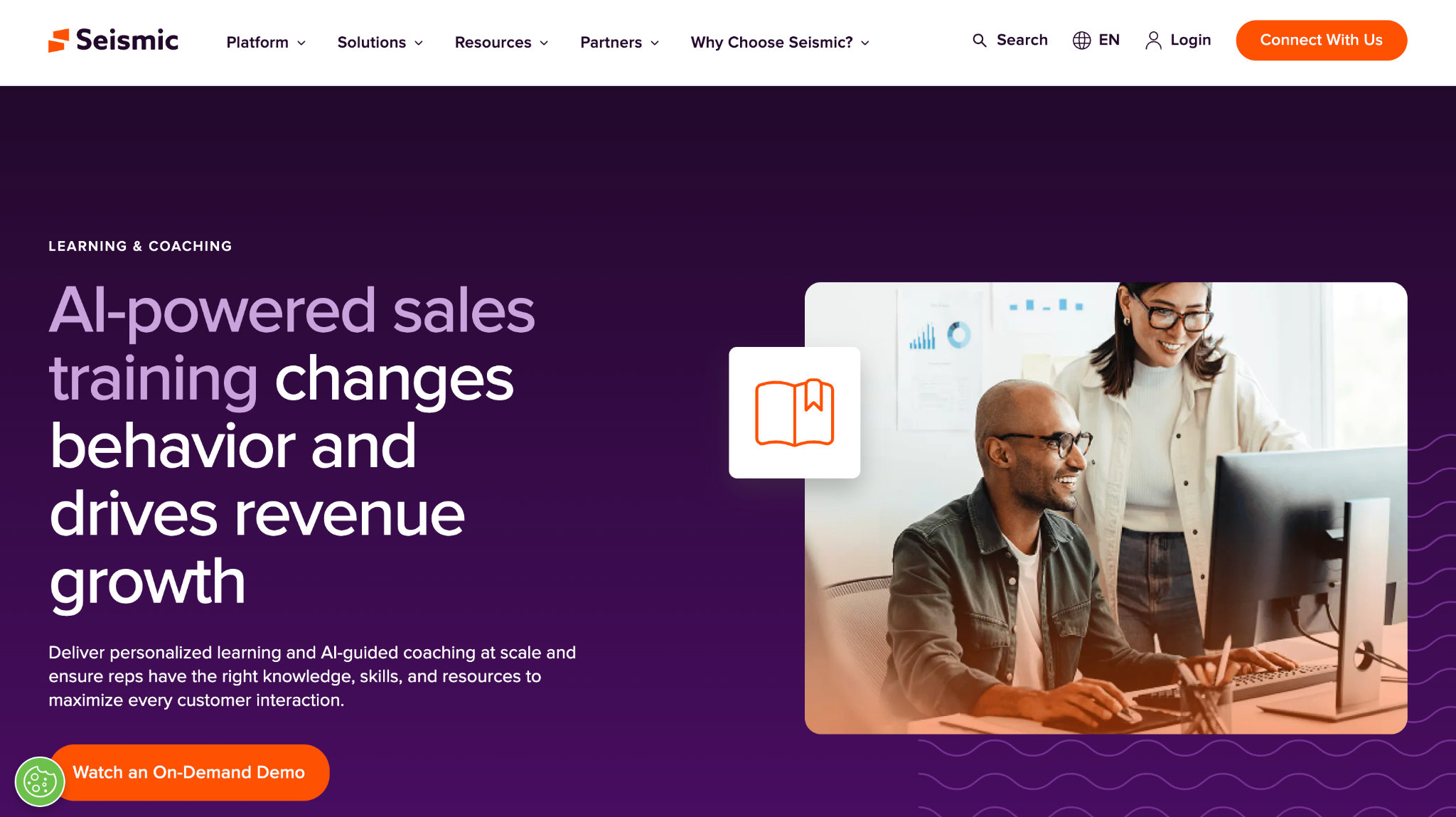
Seismic Learning is employee training software focused on enablement and practice. It supports lessons, practice scenarios, and coaching for sales and customer-facing teams. Many companies treat it as their software training for staff who interact with clients.
Software Pros:
- Strong practice and coaching features
- Good for sales and support use cases
- Simple learner experience
Software Cons:
- Not a broad LMS for every department
- Best fit is enablement rather than compliance at scale
Seismic Learning Review:
When I reviewed Seismic Learning, I focused on how it supports practice, not just content. The ability to rehearse and receive feedback makes it well suited to sales calls, demos, and support conversations. That is why I see it as a good complement to a classic LMS in customer-facing teams.
Our Verdict
Practice-Focused Training For Enablement
Skill Lake
Quick Overview:
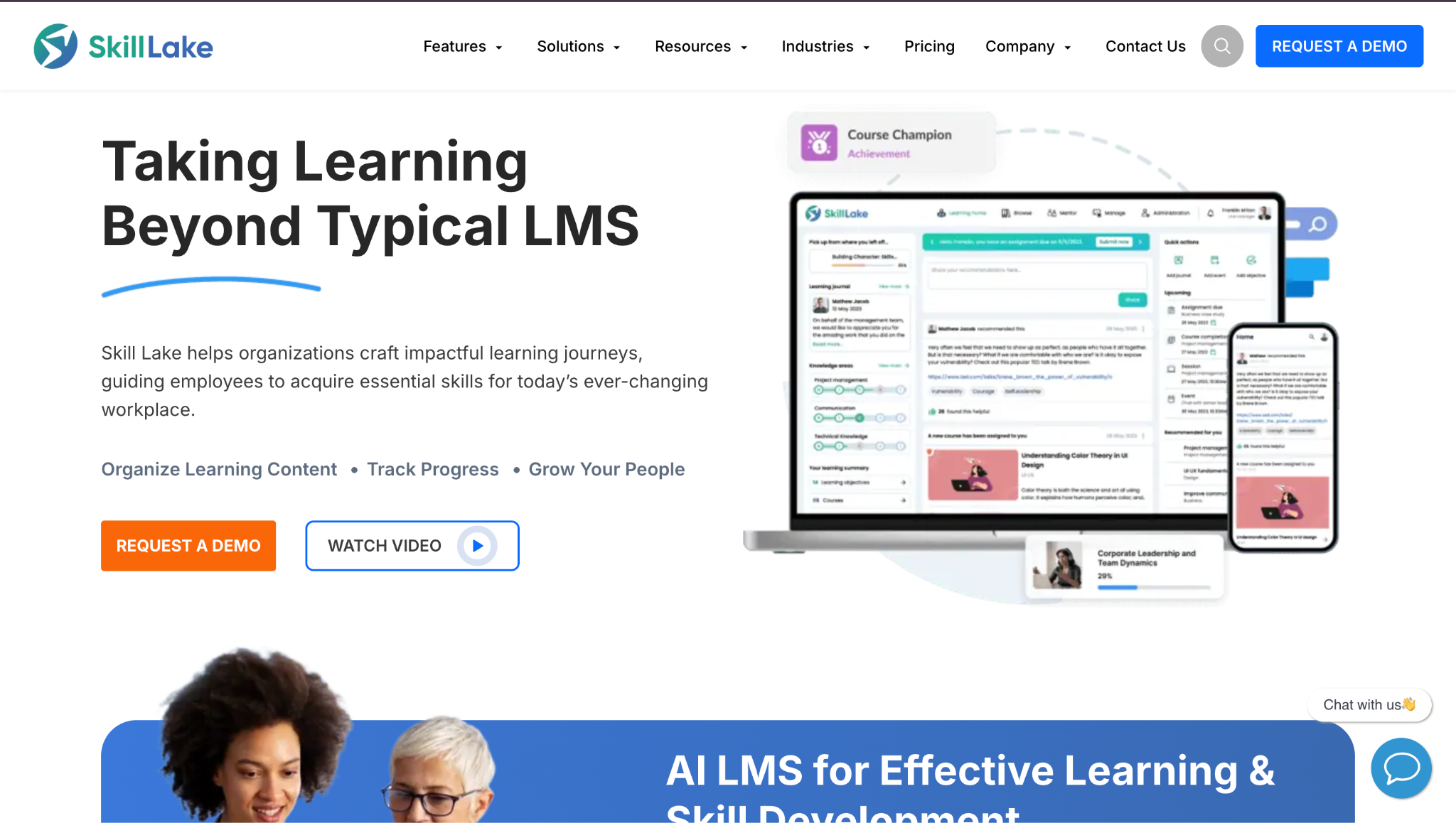
Skill Lake is an LMS and staff training platform aimed at mid-size companies. It supports courses, skills, and compliance tracking, with an emphasis on user-friendly design. Many organizations use it to modernize their staff training solutions with a cloud-based tool.
Software Pros:
- Clear structure for courses and skills
- Designed for mid-size corporate training
- Supports compliance and development programs
Software Cons:
- Less focused on external customer education
- May require some onboarding for admins
Skill Lake Review:
When I examined Skill Lake, I focused on how it supports both skills and compliance in one environment. The platform feels tuned to mid-size needs, not just very small or very large companies. That focus makes it attractive if you want to move from basic tools to something more structured without going full enterprise.
Our Verdict
Mid-Size LMS With Skills Focus
Skillsoft Percipio
Quick Overview:
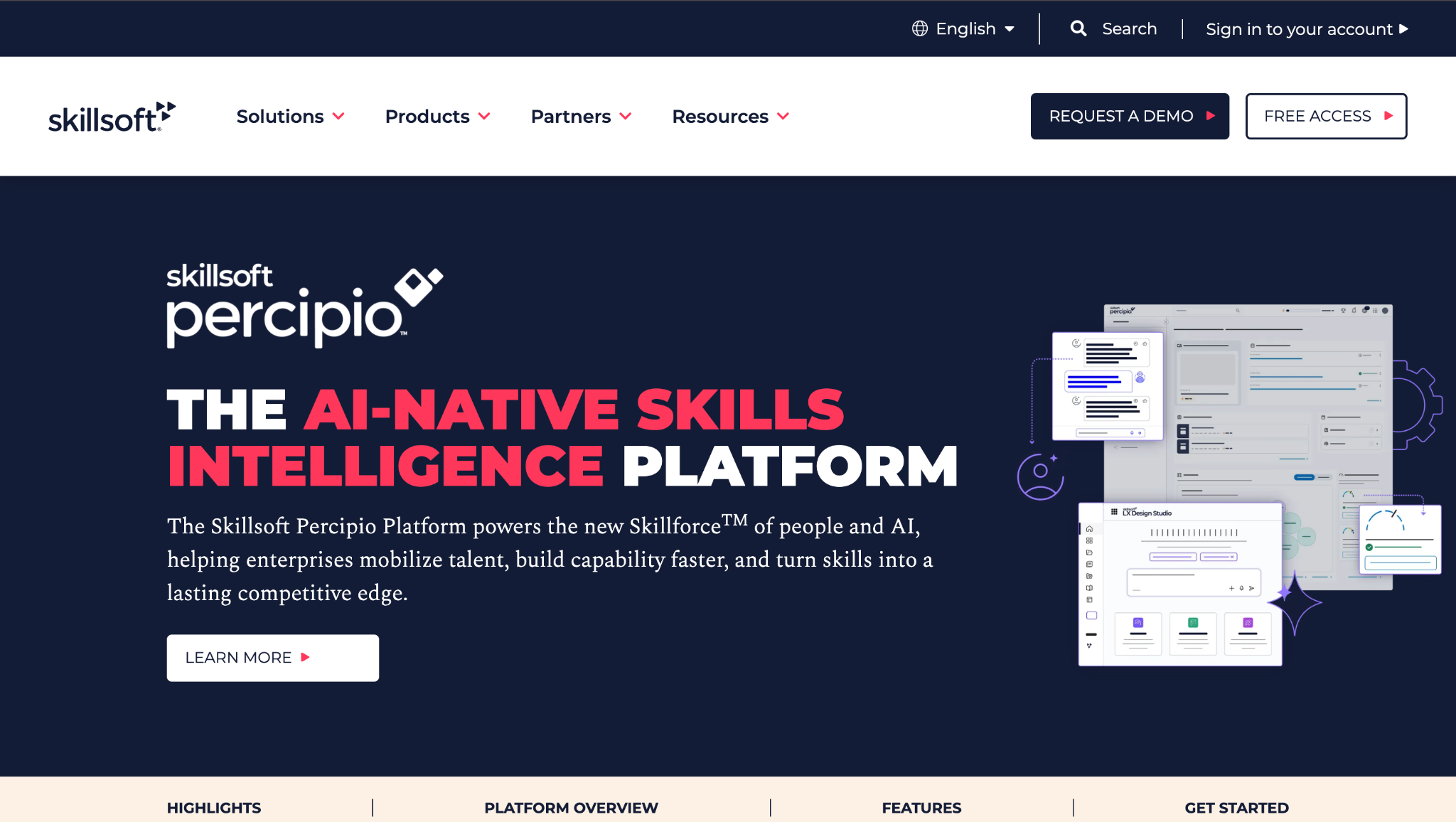
Skillsoft Percipio is an employee training platform combined with a large content library. It offers channels, journeys, and playlists on leadership, tech, and compliance. Many companies use it as a staff development layer on top of their HR stack.
Software Pros:
- Large library of structured learning content
- Channels and journeys aligned to roles and topics
- Good support for leadership and business skills
Software Cons:
- Heavy focus on library content
- May overlap with other content providers if not planned
Skillsoft Percipio Review:
When I reviewed Percipio, I focused on how curated channels guide learners through topics. The mix of videos, books, and assessments helps keep development moving without needing to build everything in-house. That makes it useful as one of the best employee training software options if you need content plus platform in one place.
Our Verdict
Content-Rich Learning Environment
TalentCards
Quick Overview:
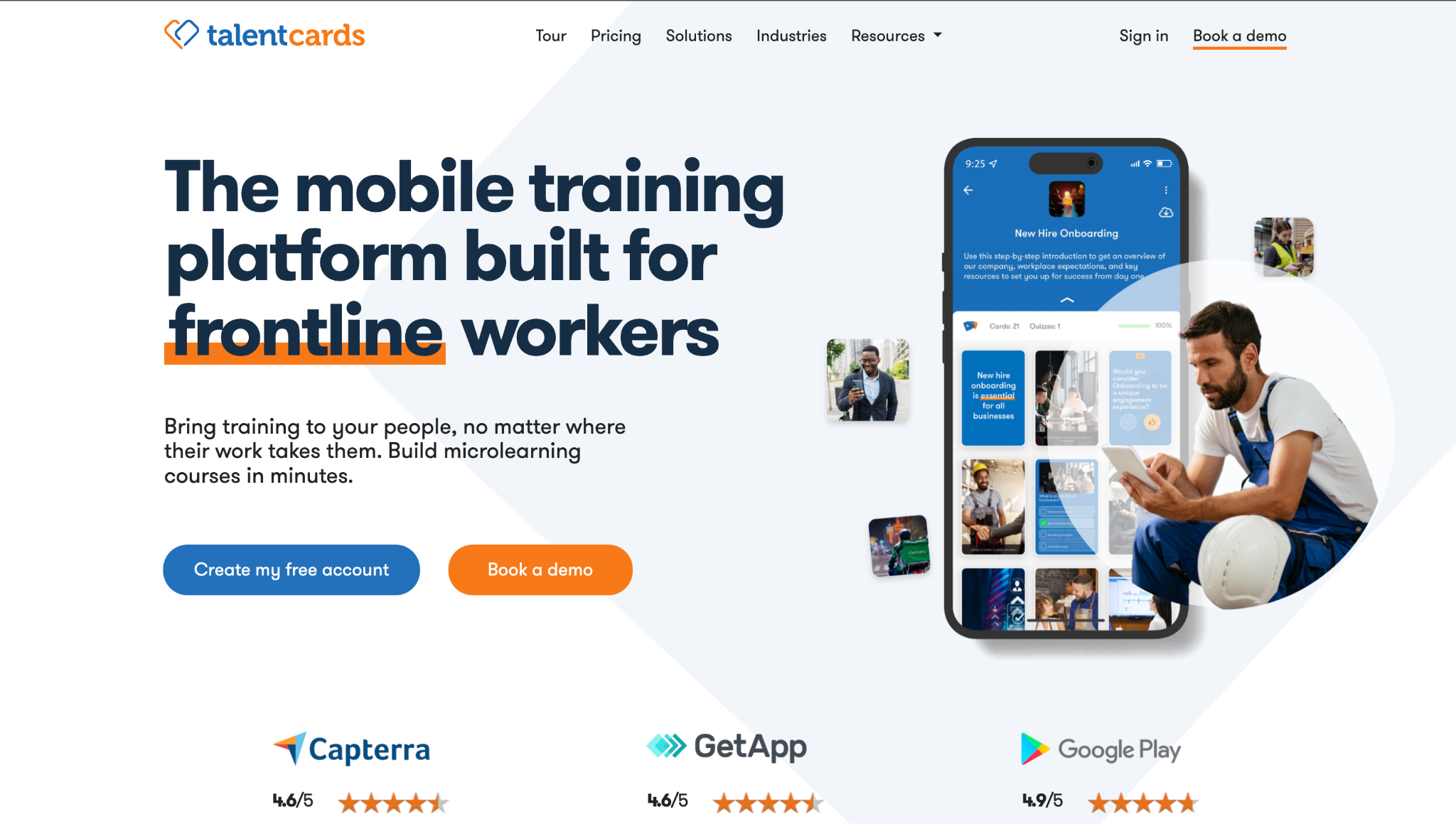
TalentCards is a card-based employee training app aimed at microlearning. It delivers training in bite-sized cards that staff can flip through on mobile devices. Many teams use it as one of their apps for training employees on short, focused topics.
Software Pros:
- Very mobile-friendly and lightweight
- Card format suits quick learning moments
- Good for refreshers and simple procedures
Software Cons:
- Not suitable for long or complex courses
- Limited as a stand-alone replacement for a full LMS
TalentCards Review:
When I looked at TalentCards, I focused on how the card format changes the feel of training. Content comes in short bursts that are easy to repeat, which suits reminders and frontline updates. That makes it a good add-on when you want lightweight training tools for employees, especially in the field.
Our Verdict
Card-Based Microlearning App
TalentLMS
Quick Overview:
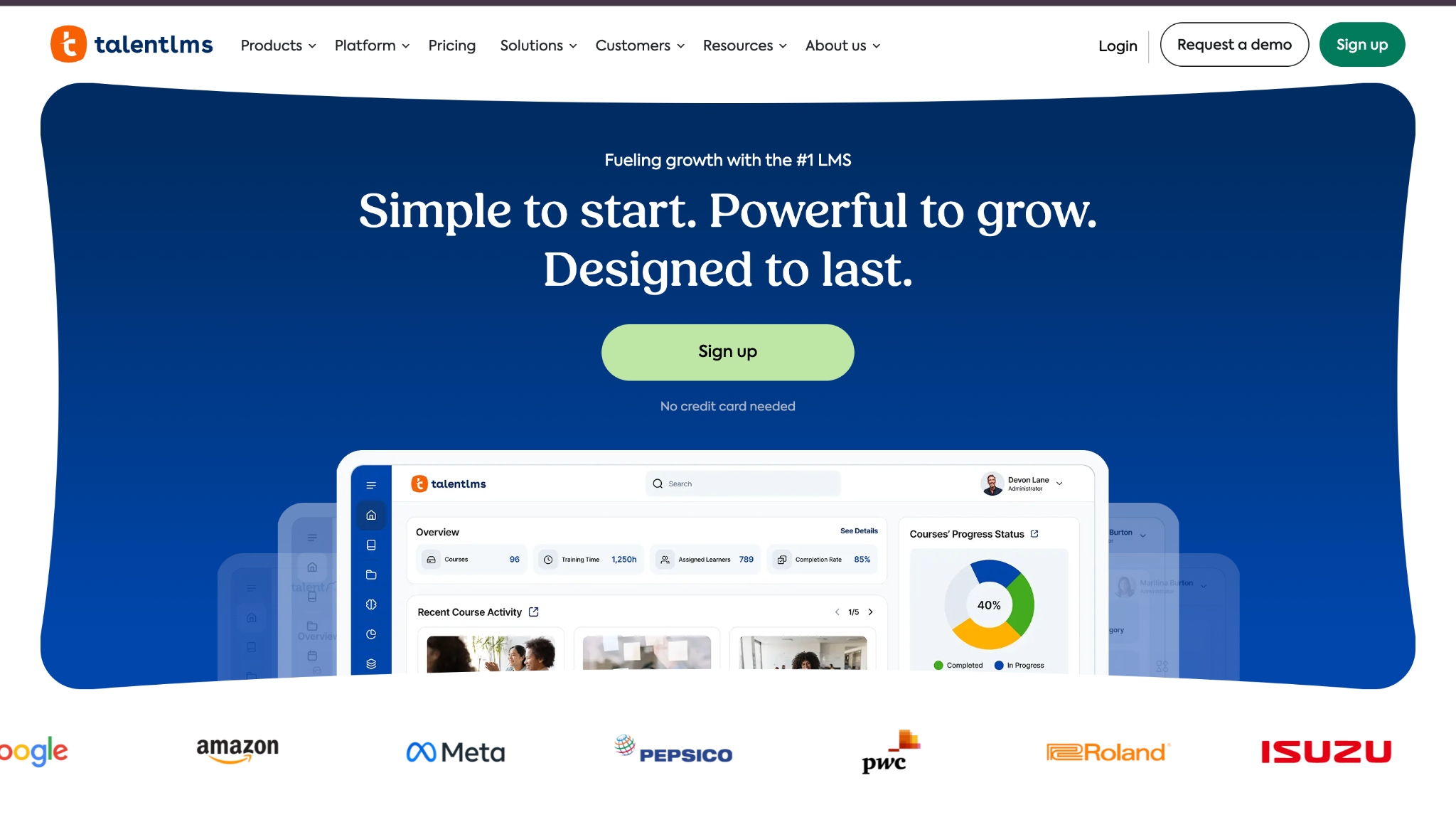
TalentLMS is a popular cloud LMS and employee training software for small and mid-size businesses. It supports courses, quizzes, certificates, and basic gamification. Many buyers see it listed among top-rated employee training software 2025 because of its simplicity and pricing.
Software Pros:
- Simple setup and admin experience
- Affordable plans for smaller teams
- Supports internal and external learners
Software Cons:
- Reporting is more basic than high-end LMS tools
- Limited advanced workflow automation
TalentLMS Review:
When I reviewed TalentLMS, I focused on how quickly a small team could launch training. The structure feels straightforward for both admins and learners, without extra complexity. That is why I often see it as one of the best employee training software for small business environments.
Our Verdict
Simple, Affordable LMS For SMBs
Tovuti LMS
Quick Overview:
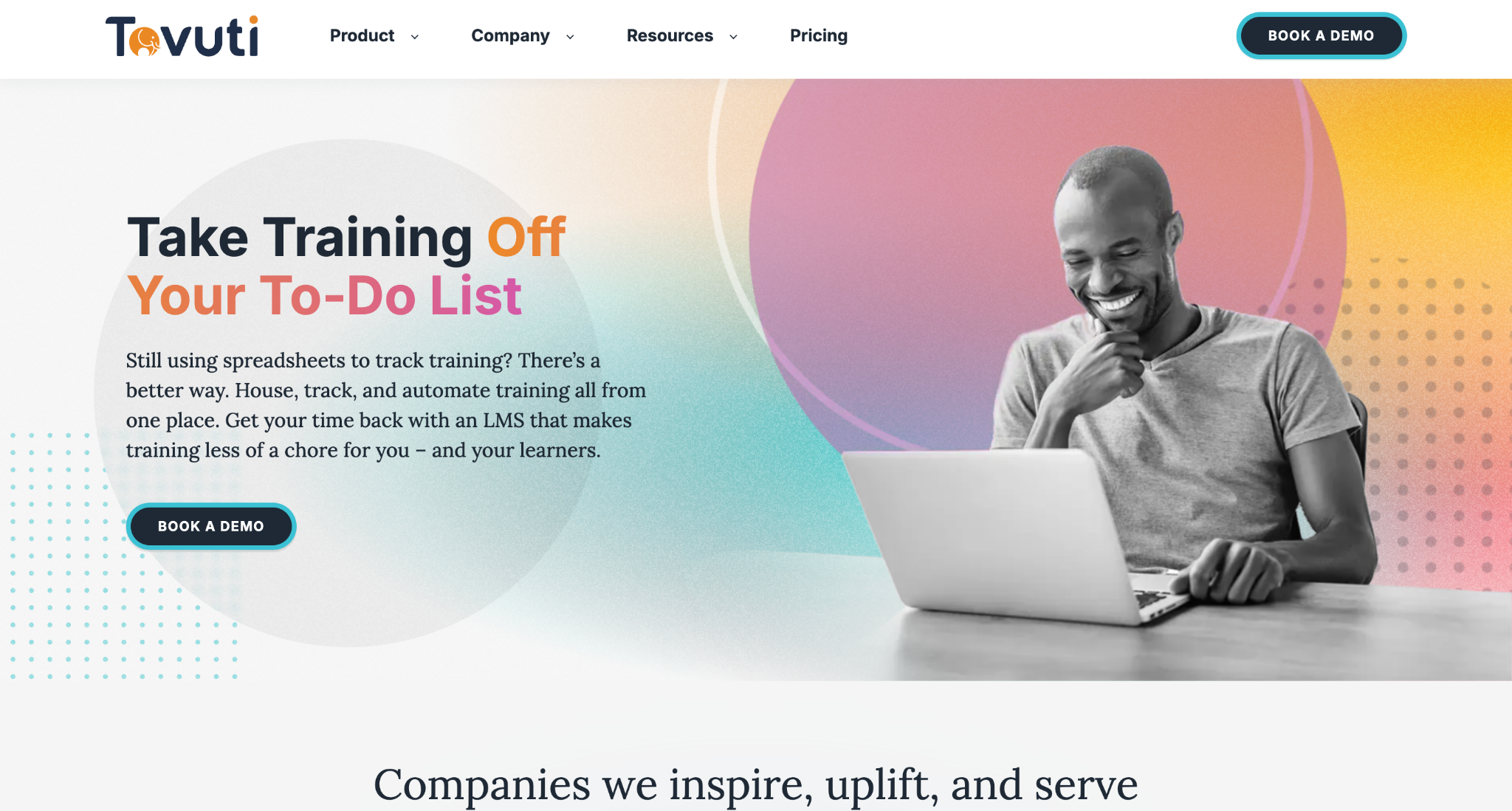
Tovuti LMS is a feature-rich LMS used as employee training software and external training platform. It supports courses, events, communities, and gamification in one system. Many companies use it when they want training plus engagement tools together.
Software Pros:
- Many built-in engagement features
- Supports internal and external learners
- Highly configurable layouts and modules
Software Cons:
- Interface can feel busy with many options
- Configuration takes some time to get right
Tovuti LMS Review:
When I examined Tovuti, I focused on how much it offers beyond basic course delivery. The mix of events, communities, and gamified elements can help keep learners active if used carefully. That breadth makes it interesting when you want an LMS that doubles as an engagement hub.
Our Verdict
Feature-Rich LMS With Community
Trainual
Quick Overview:
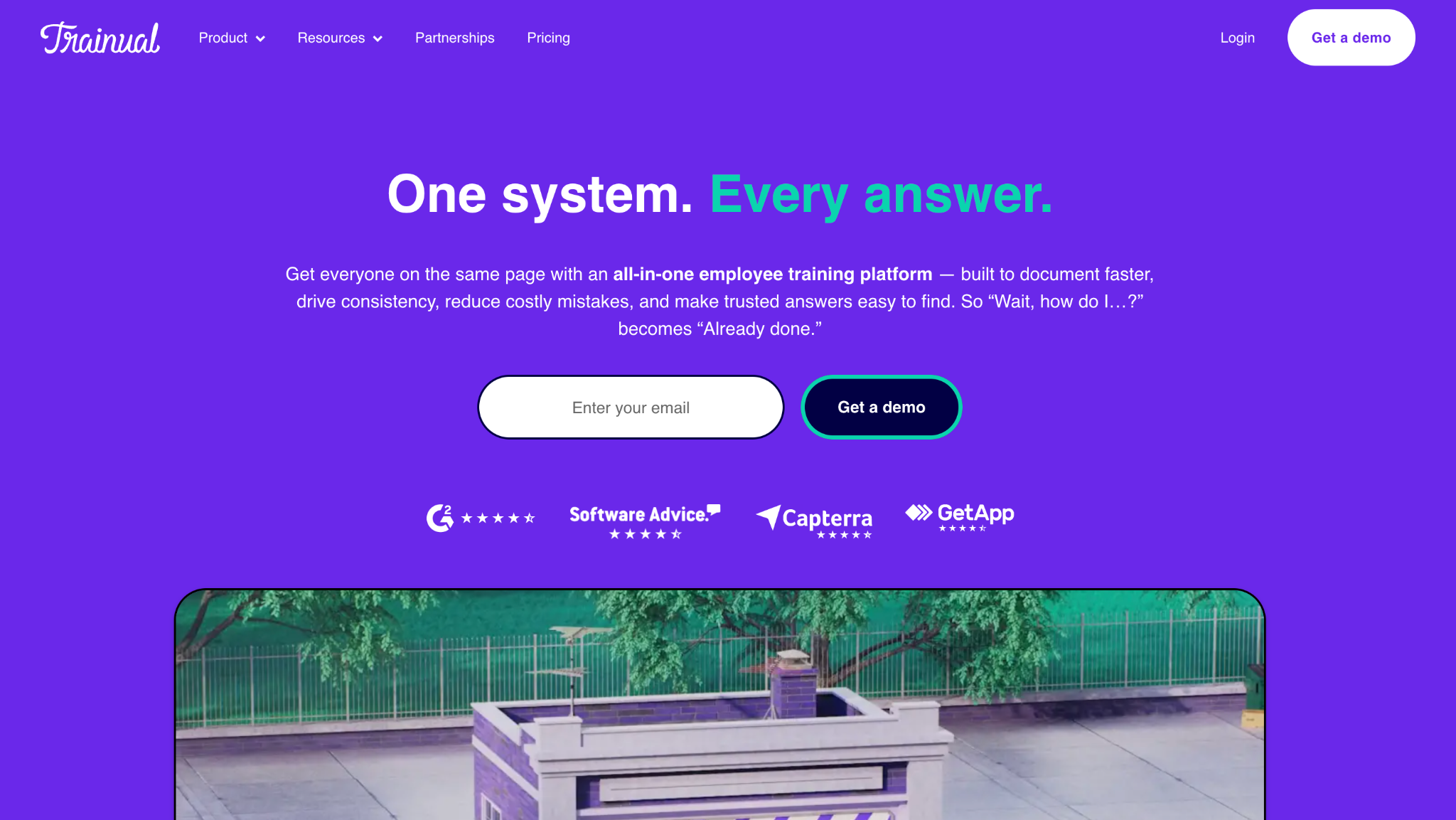
Trainual is employee training software focused on documenting processes and standard operating procedures. It works like a combined playbook and training tool, especially for growing businesses. Many teams use it to centralize “how we do things here” in one place.
Software Pros:
- Strong focus on process and SOP documentation
- Easy for non-HR managers to add content
- Good fit for onboarding and role handovers
Software Cons:
- Less suited to complex compliance training
- Limited advanced testing and analytics
Trainual Review:
When I reviewed Trainual, I focused on how it turns everyday processes into structured content. The platform makes it easy to connect steps, videos, and checks in a way that feels natural to managers. That makes it a practical option when your main goal is to capture and share how work is done.
Our Verdict
Playbook-Style Training For Growing Teams
Udemy Business
Quick Overview:
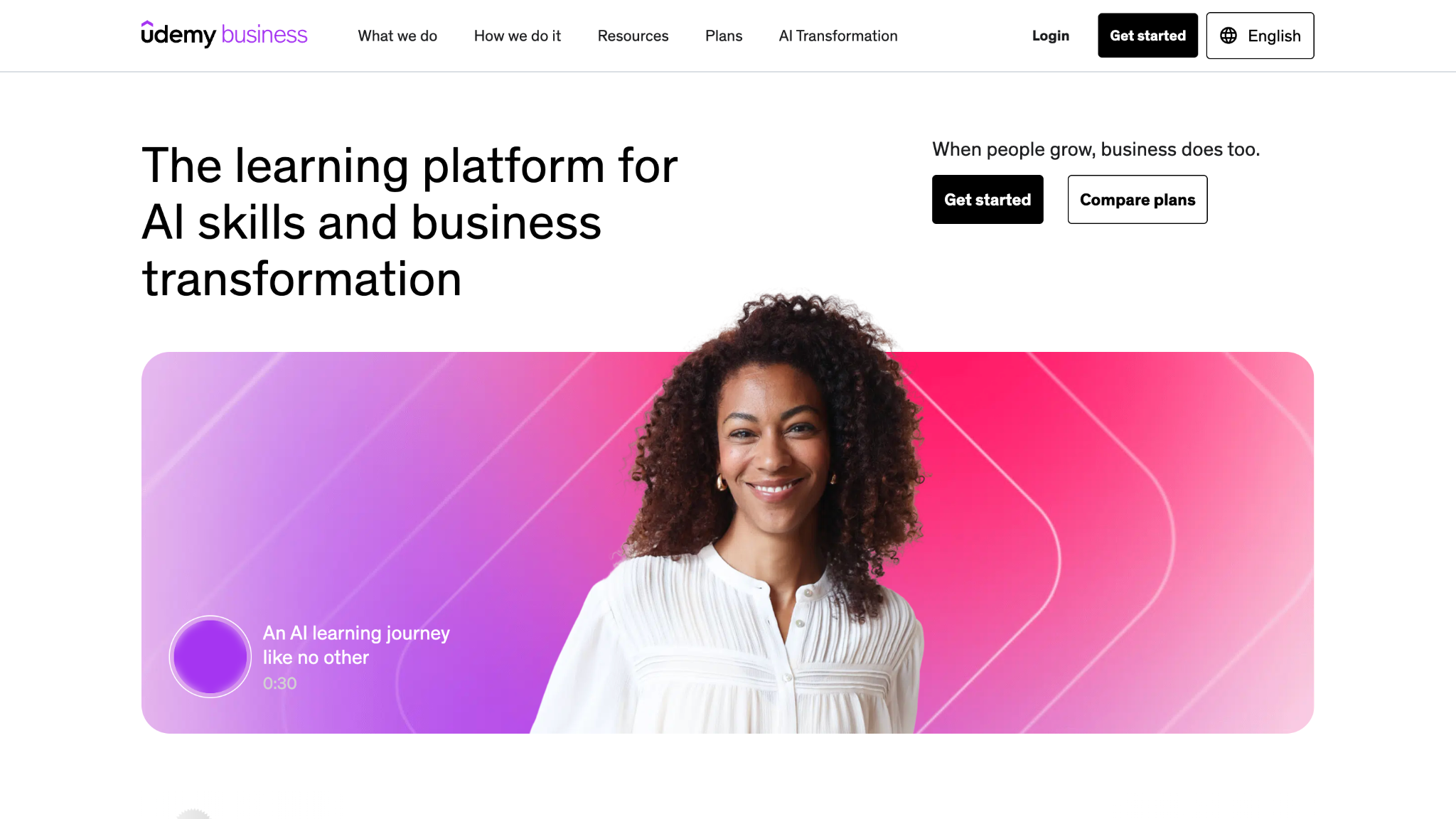
Udemy Business is a subscription-based employee training platform that offers thousands of courses from independent instructors. It covers technical, business, and personal skills. Many companies use it as one of their online training platforms for employees to fill gaps in internal content.
Software Pros:
- Very large and varied course catalog
- Fresh content across many topics
- Easy to roll out to large groups
Software Cons:
- Content quality can vary by instructor
- Not a classic LMS for internal workflows
Udemy Business Review:
When I looked at Udemy Business, I focused on the variety and freshness of its catalog. The breadth makes it easier to let employees explore topics that may not be covered by internal courses. That is why it often appears in discussions about what are the leading employee training platforms for broad skills.
Our Verdict
Wide Catalog For Self-Directed Learning
Workday Learning
Quick Overview:
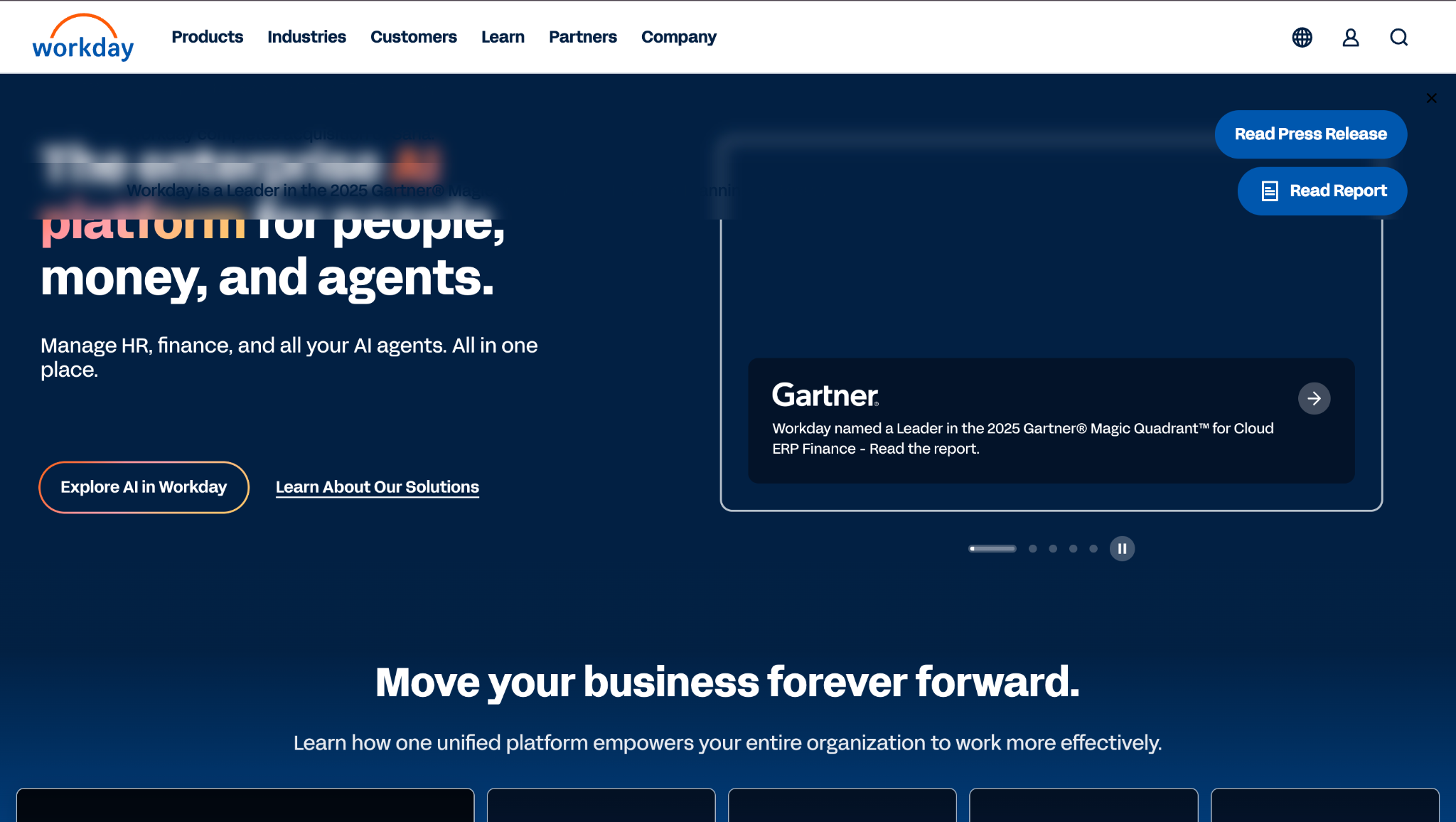
Workday Learning is integrated employee training software within the wider Workday HCM suite. It supports learning campaigns, compliance, and video-based content. Large organizations use it when they want learning to sit close to HR and talent data.
Software Pros:
- Tight integration with Workday HR and talent modules
- Supports campaigns and social learning elements
- Good fit for organizations already on Workday
Software Cons:
- Implementation depends on broader Workday rollout
- Best value when you use multiple Workday modules
Workday Learning Review:
When I reviewed Workday Learning, I focused on how it uses existing HR and org data to target training. The fact that roles, managers, and structures are already in the system makes it easier to push learning to the right people. That connection explains why it makes sense for companies that have already chosen Workday as their HR core.
Our Verdict
Integrated Learning For Workday Users
Zoho Learn
Quick Overview:
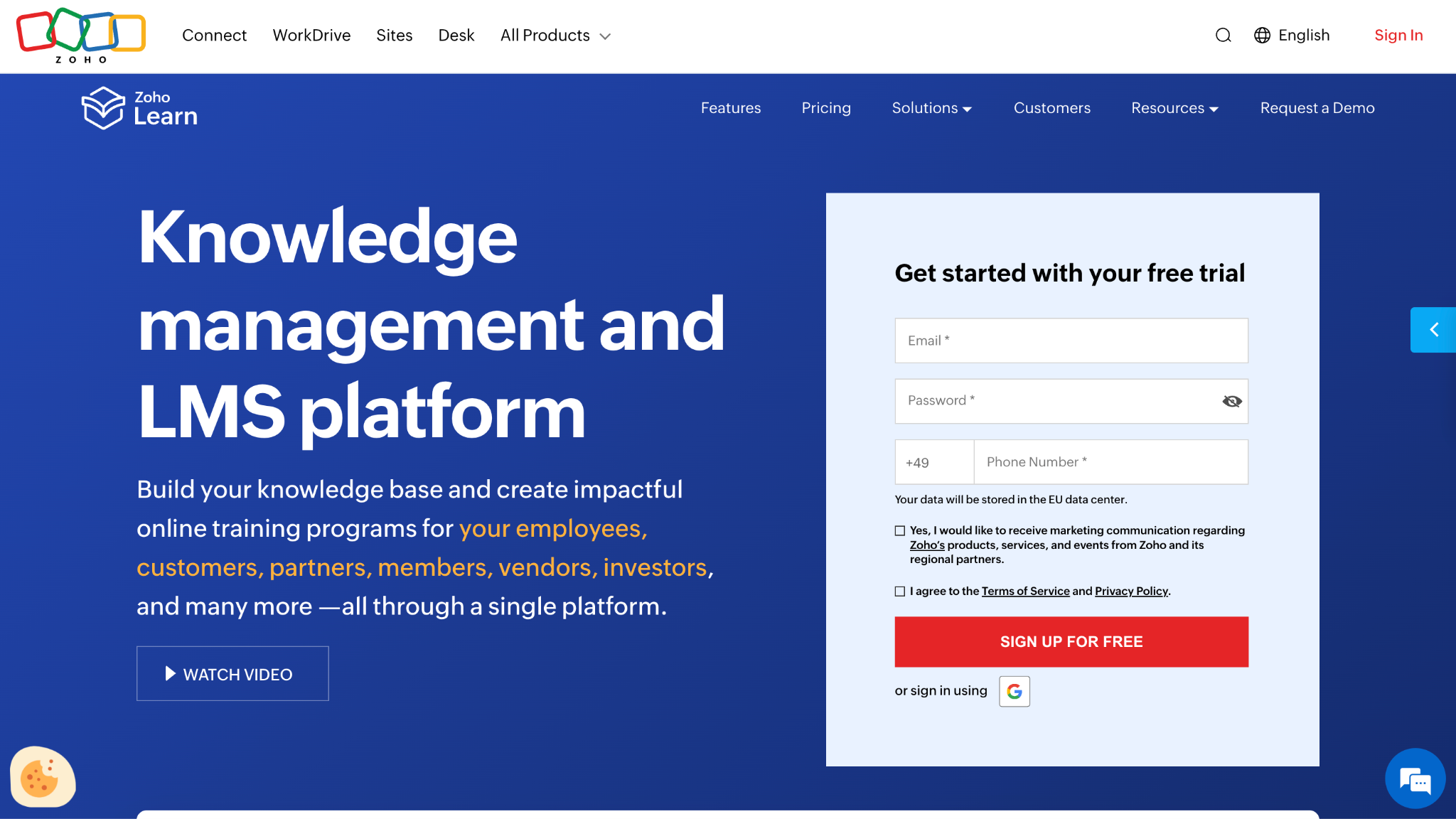
Zoho Learn is a knowledge management and employee training software tool within the Zoho ecosystem. It combines manuals, courses, and assessments in one interface. Many smaller teams use it as part of a wider Zoho-based stack.
Software Pros:
- Fits naturally into other Zoho products
- Combines knowledge base and learning
- Simple structure for small and mid-size teams
Software Cons:
- Less suited to very complex training programs
- Reporting is more basic than dedicated enterprise LMS tools
Zoho Learn Review:
When I looked at Zoho Learn, I focused on how it turns internal knowledge into structured lessons. The platform feels most comfortable for teams already using Zoho for other work, since data and users are already there. That makes it a practical employee training software for small business teams that want learning built into tools they already know.
Our Verdict
Lightweight Learning Inside Zoho
FAQs About Employee Training Solutions
What is employee training software used for in modern organizations?
Employee training software is used to create, deliver, and track learning for staff in one place. It supports onboarding, compliance, and skills growth as part of wider employee training solutions.
How is employee training software different from a traditional LMS?
A classic LMS mainly hosts courses and tracks completions. Modern employee training software solutions add skills, social learning, coaching, and integrations so employee training platforms cover the whole learning experience, not just files and grades.
Which features matter most when evaluating employee training software in 2026?
Key points are good content authoring, mobile access, strong reporting, and clean integrations. Many buyers also scan lists of the best employee training software 2025 or top-rated employee training software 2025, but real value depends on how it fits your people and workflows as your online training platform for employees.
Can employee training software support remote and hybrid teams?
Yes. Cloud-based employee training tools let people learn from any device and location, which helps keep staff training solutions and online employee training platforms consistent across office, home, and field roles.
How do training platforms track employee progress and skill development?
They track completions, quiz scores, activity, and sometimes mapped skills or competencies. In many tools, software training for staff also includes paths, certificates, and simple analytics so managers see where people are improving and where gaps remain.
What are common mistakes companies make when choosing training software?
Common mistakes are choosing only by content library, ignoring admin effort, or skipping integrations with HR or SSO. Another issue is buying strong tools but not matching training tools for employees to different groups like frontline staff, managers, and office roles.

Yaryna is our lead writer with over 8 years of experience in crafting clear, compelling, and insightful content. Specializing in global employment and EOR solutions, she simplifies complex concepts to help businesses expand their remote teams with confidence. With a strong background working alongside diverse product and software teams, Yaryna brings a tech-savvy perspective to her writing, delivering both in-depth analysis and valuable insights.