Understanding the Best Employee Scheduling Software for Modern Teams
Employee scheduling is no longer just about filling shifts. For modern teams, it’s about balancing availability, avoiding conflicts, staying compliant, and keeping work predictable for employees. That’s where employee scheduling software comes in, helping teams plan schedules more efficiently while reducing last-minute changes and manual work.
As businesses grow more distributed and flexible work models become the norm, the impact of scheduling on both productivity and employee wellbeing has become harder to ignore. Poorly managed schedules can lead to fatigue, disengagement, and operational friction, while structured scheduling processes help teams stay organized and supported.
This is why many organizations are moving away from spreadsheets and manual planning toward dedicated scheduling tools. Best staff scheduling software 2025 often combines shift planning with features like time tracking, payroll integrations, mobile access, and compliance support, making scheduling easier for managers and more transparent for employees.
Best Staff Scheduling Software: My Take
I’ve analyzed some of the most notable platforms that help organizations streamline their workforce scheduling processes and improve operational efficiency. The tools below are listed in alphabetical order to give you a clear, unbiased overview of the available options.

7shifts

Quick Overview
7shifts specializes in restaurant scheduling and workforce management, offering shift planning, labor cost tracking, and team communication tools designed specifically for food service operations.
Software Pros
- Restaurant industry-specific features and workflows
- Labor cost management and forecasting
- Strong mobile app for staff and managers
- Integration with POS and payroll systems
Software Cons
- Primarily designed for restaurant industry
- May lack features for other business types
- Learning curve for complex labor forecasting
7shifts Review
What stood out to me is how clearly 7shifts is built around real restaurant workflows, not generic scheduling logic. I liked how labor forecasting and role-based scheduling reflect the pace and variability of food service teams. I’d see this software for employee scheduling fitting best for managers who want staffing decisions to feel practical and data-supported without unnecessary complexity.
My Verdict
Restaurant-Focused Scheduling
Buddy Punch
Quick Overview
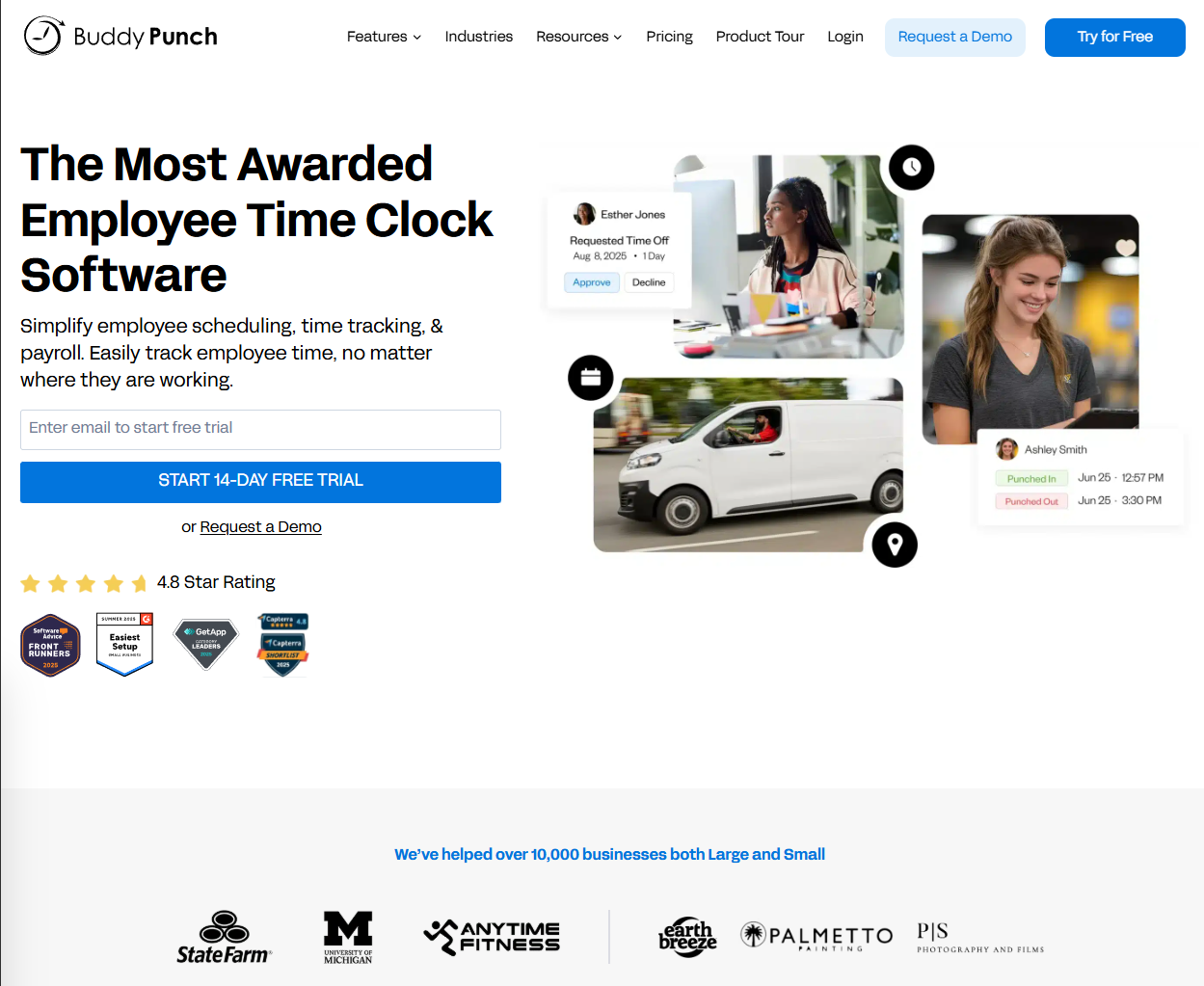
Buddy Punch combines time tracking with scheduling capabilities, offering employee scheduling, time clock functionality, and payroll integration for small to mid-sized businesses.
Software Pros
- Combined time tracking and scheduling features
- GPS and facial recognition time tracking
- Payroll system integrations
- User-friendly interface design
Software Cons
- May be feature-heavy for simple scheduling needs
- Time tracking focus may not suit all scheduling scenarios
- Learning curve for advanced features
Buddy Punch Review
I approached Buddy Punch expecting a time-tracking tool with scheduling added on, and that assumption held true in a good way. I found this genuinely useful how scheduling, GPS verification, and clock-ins sit in one consistent flow. I tend to view this as a strong option of online employee scheduling software for teams that care about accountability just as much as planning shifts.
My Verdict
Time Tracking Scheduling Combo
ClockShark
Quick Overview
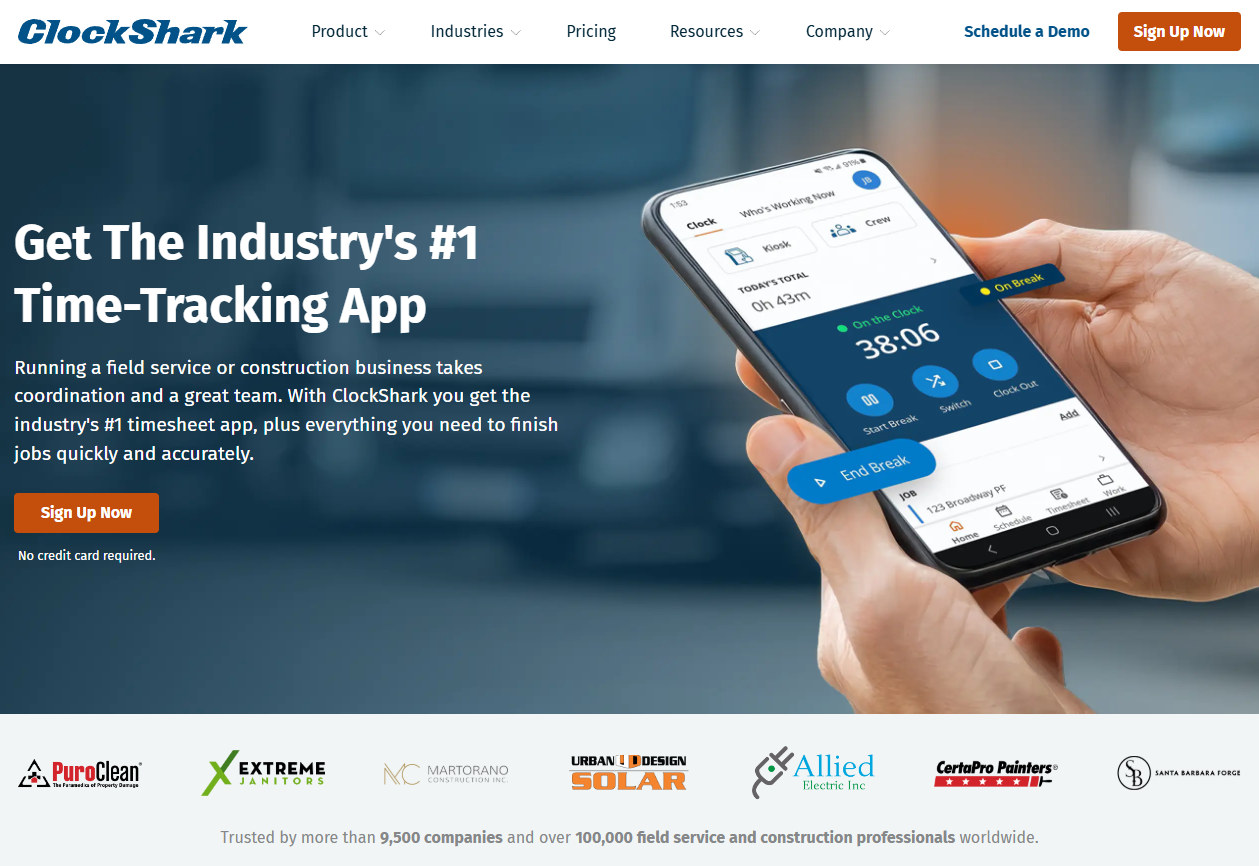
ClockShark focuses on field service and construction scheduling, providing mobile-first workforce management with GPS tracking, job scheduling, and crew management capabilities.
Software Pros
- Strong field service and construction industry focus
- Mobile-first design for remote workers
- GPS tracking and job site management
- Integration with accounting and payroll systems
Software Cons
- Primarily designed for field service operations
- May lack features for office-based scheduling
- Industry-specific interface may not suit all businesses
ClockShark Review
What I noticed fairly quickly is how naturally ClockShark fits field-based work rather than office scheduling. I liked how job sites, crews, and locations are central to the experience instead of feeling bolted on. I’d position this primarily as a free employee scheduling software that makes sense for mobile teams who rarely work from the same place twice.
My Verdict
Field Service Scheduling Specialist
Connecteam
Quick Overview
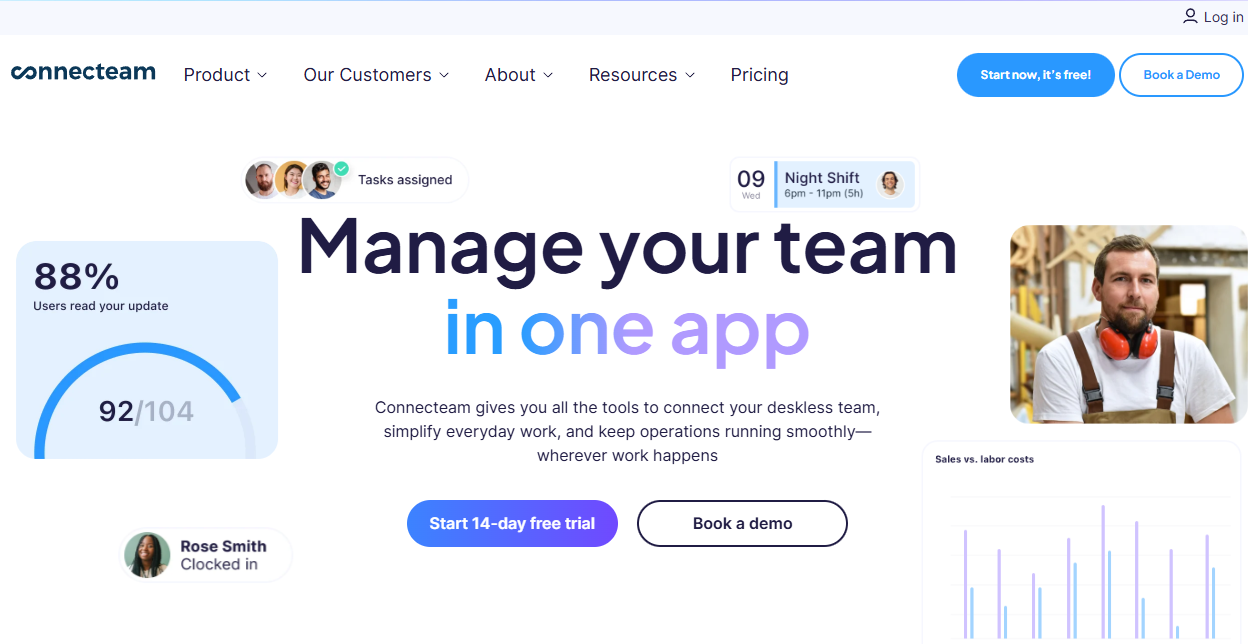
Connecteam provides all-in-one workforce management combining scheduling, time tracking, team communication, and training tools designed for frontline and mobile workforces.
Software Pros
- Comprehensive workforce management features
- Strong mobile app for frontline workers
- Team communication and collaboration tools
- Employee training and onboarding capabilities
Software Cons
- May be feature-heavy for scheduling-only needs
- Learning curve for full platform utilization
- Pricing can increase with additional features
Connecteam Review
While exploring Connecteam, I was struck by how much it tries to solve beyond scheduling alone. I appreciated how communication and training tools sit alongside shift planning without feeling overwhelming. I’d evaluate this tool as one of the top employee scheduling payroll software that works particularly well for frontline teams that need one place for schedules, updates, and daily coordination.
My Verdict
All-In-One Mobile Workforce
Deputy
Quick Overview
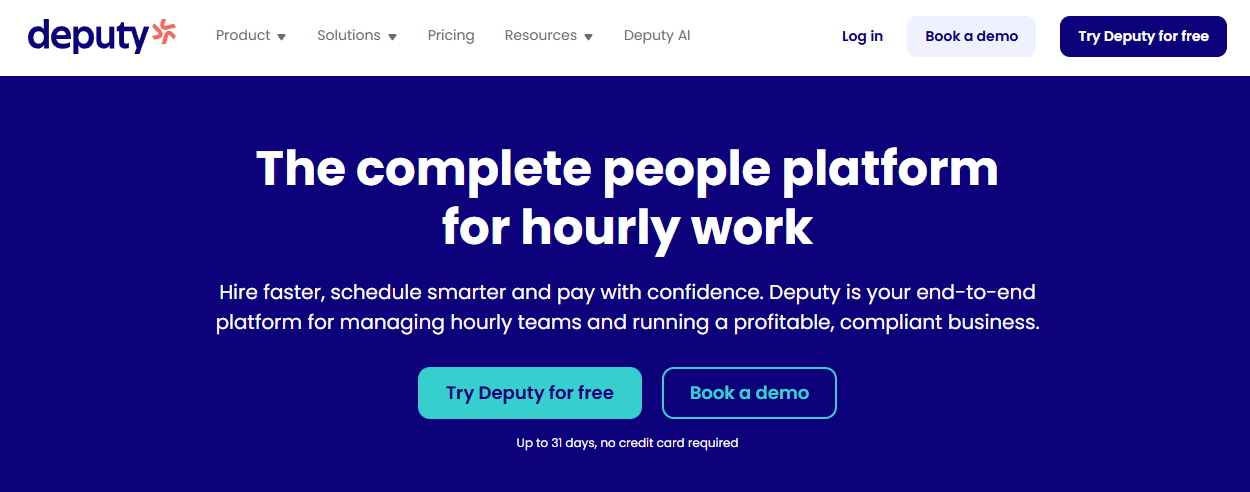
Deputy offers comprehensive workforce management with scheduling, time tracking, and labor compliance features designed for retail, hospitality, and service industries.
Software Pros
- Strong retail and hospitality industry features
- Comprehensive labor compliance tools
- Automatic shift filling and availability matching
- Integration with payroll and POS systems
Software Cons
- Can be complex for small business needs
- Higher cost for full feature access
- Learning curve for advanced compliance features
Deputy Review
What stood out to me is how tightly Deputy connects scheduling with labor compliance. Break rules and availability matching are handled automatically, which removes a lot of manual checks. This works especially well for retail and hospitality teams operating under strict regulations.
My Verdict
Comprehensive Workforce Management
Findmyshift
Quick Overview
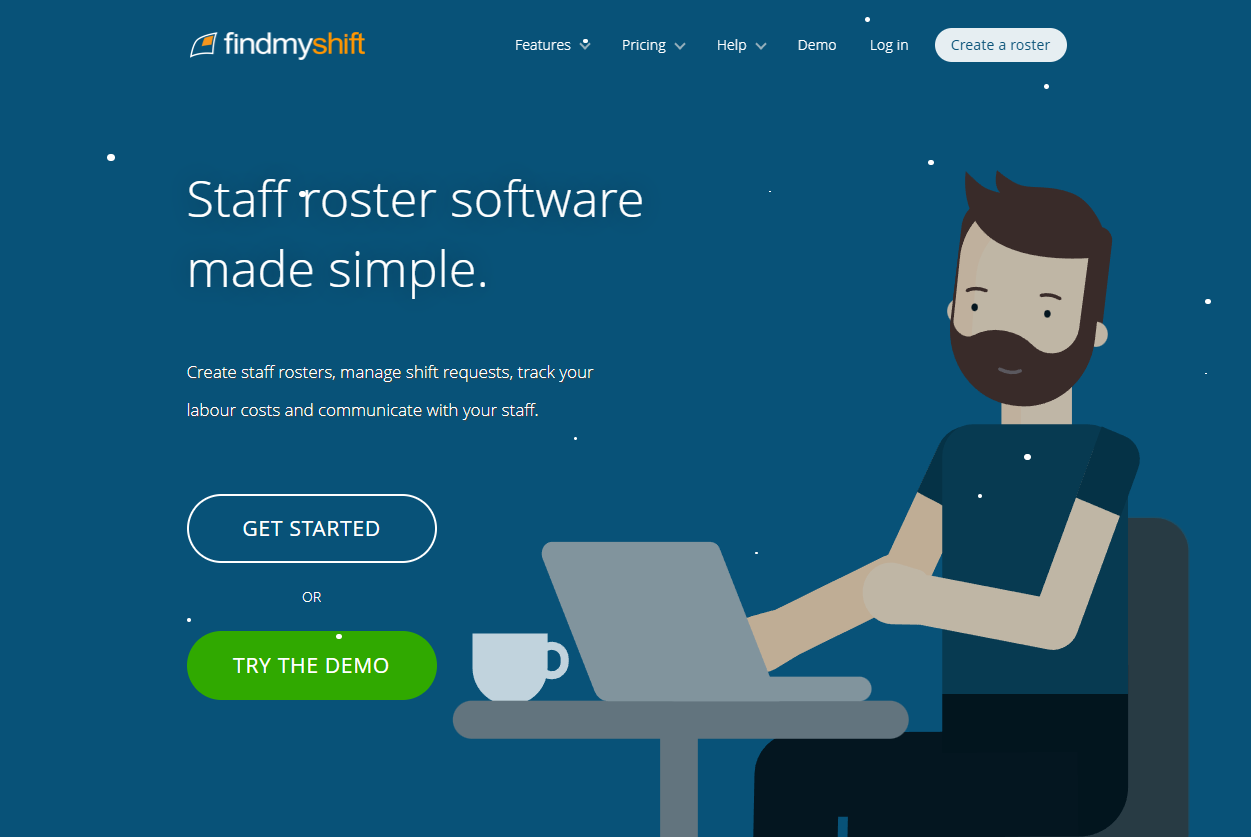
Findmyshift provides straightforward employee scheduling with shift planning, availability management, and team communication features designed for simplicity and ease of use.
Software Pros
- Simple, intuitive interface design
- Easy setup and quick adoption
- Good basic scheduling functionality
- Affordable pricing for small businesses
Software Cons
- Limited advanced features compared to comprehensive platforms
- May lack integration options
- Basic reporting and analytics capabilities
Findmyshift Review
Findmyshift keeps scheduling intentionally uncomplicated. I found the interface easy to move through, with no real setup friction. I’d position this tool as one of the top employee scheduling software for small business that suits teams that want predictable scheduling without investing in broader workforce systems.
My Verdict
Simple Scheduling Solution
Homebase
Quick Overview
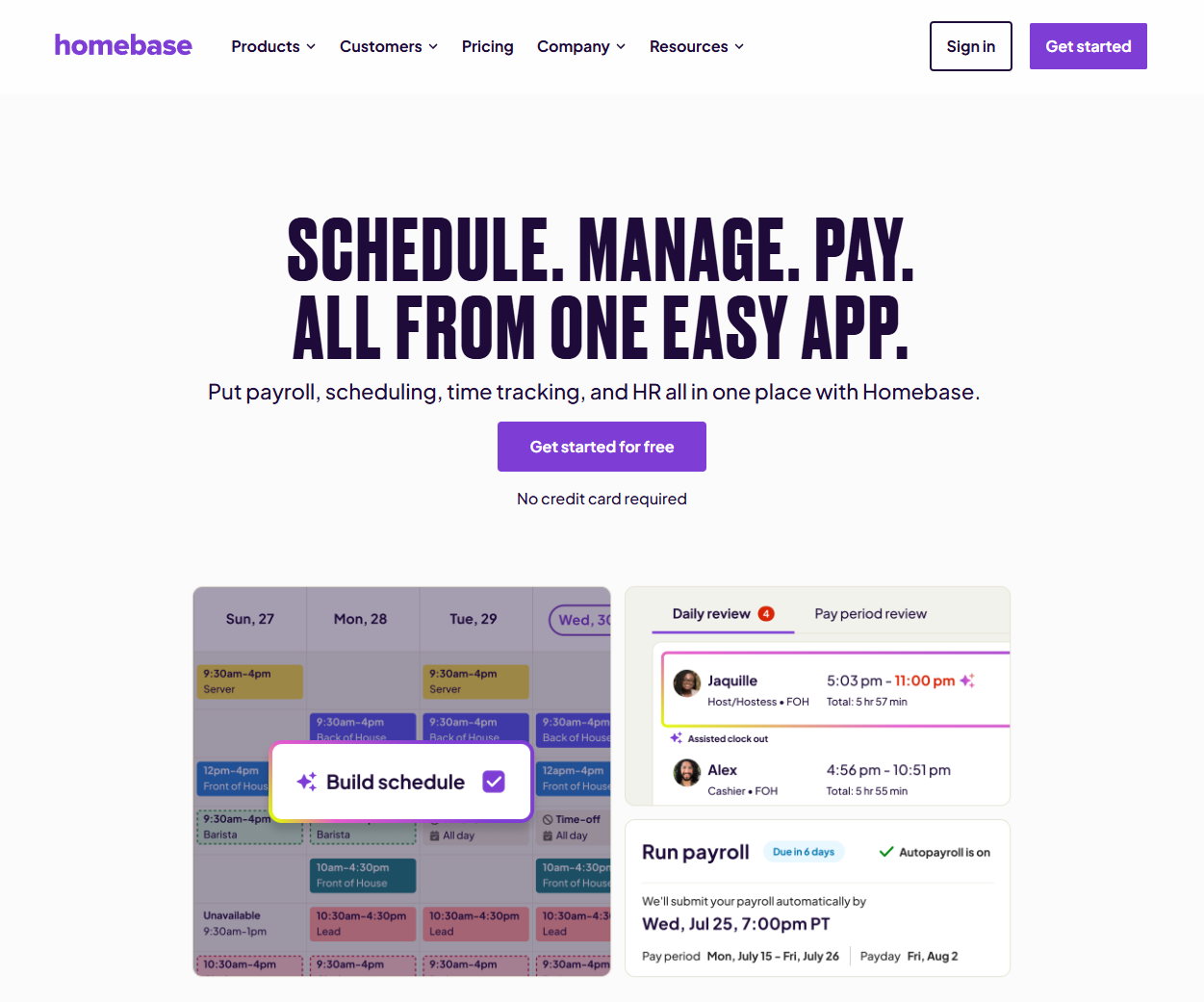
As one of the free employee scheduling tools, Homebase combines free scheduling with time tracking, team messaging, and hiring tools designed specifically for small businesses and hourly workforces.
Software Pros
- Free tier with essential scheduling features
- Integrated hiring and onboarding tools
- Team messaging and communication features
- Small business-focused design and pricing
Software Cons
- Limited features in free version
- May lack enterprise-level capabilities
- Advanced features require paid plans
Homebase Review
Homebase feels designed for small businesses finding their footing. I liked how scheduling, hiring, and team communication live in one place without feeling bloated. The free tier makes it practical for teams not ready to commit to paid tools. I’d definitely think of it as one of the best-rated employee scheduling software.
My Verdict
Free Small Business Scheduling
HotSchedules
Quick Overview
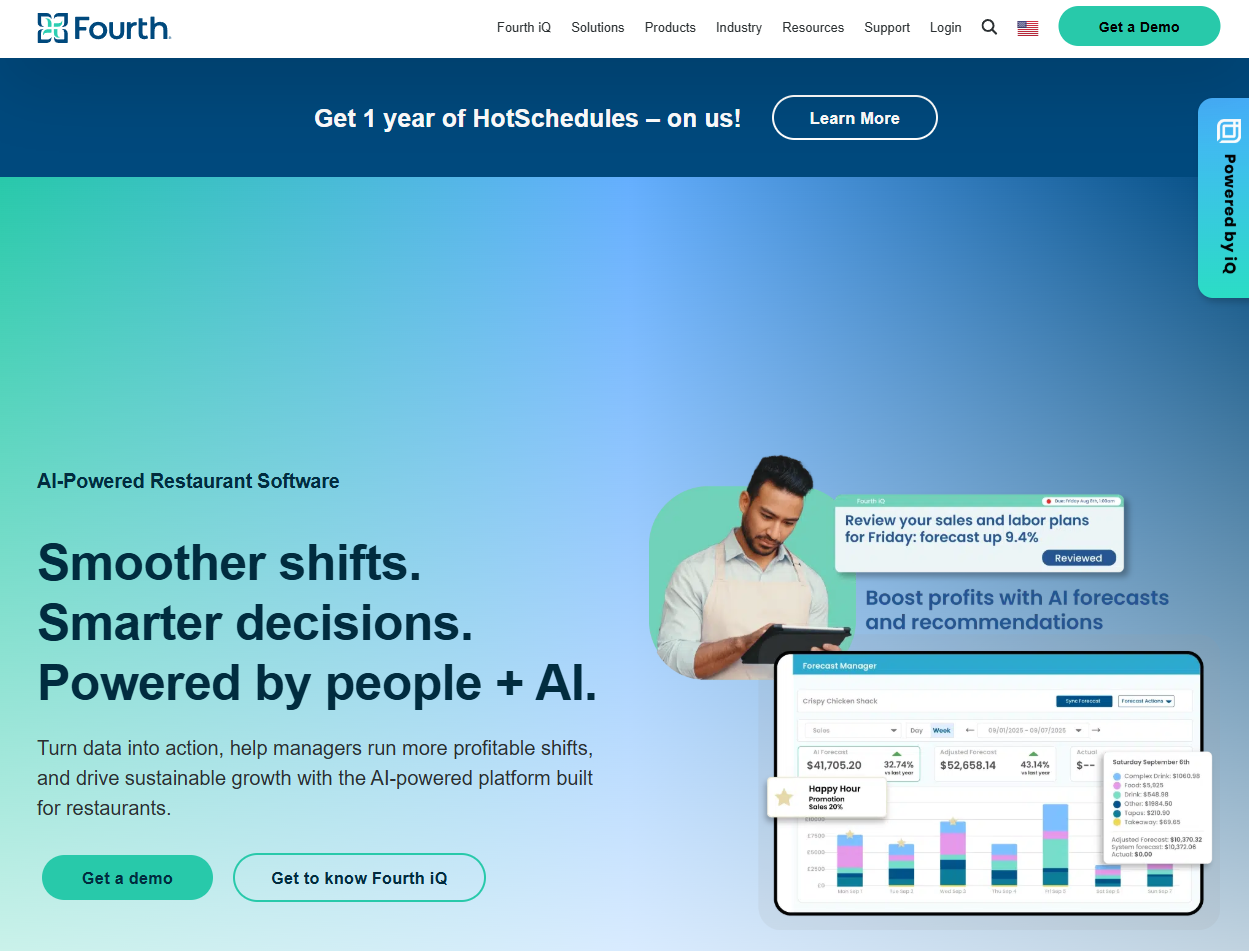
HotSchedules specializes in restaurant and hospitality scheduling with industry-specific features for shift management, labor forecasting, and operational efficiency.
Software Pros
- Deep restaurant and hospitality industry expertise
- Advanced labor forecasting and cost management
- Integration with POS and back-office systems
- Comprehensive reporting and analytics
Software Cons
- Primarily focused on restaurant industry
- Higher cost for comprehensive features
- Complex setup for smaller operations
HotSchedules Review
Among workforce scheduling tools, this is a platform built for scale. While exploring HotSchedules, it became clear that forecasting and reporting play just as big a role as shift creation. It fits established restaurant operations where scheduling decisions impact margins.
My Verdict
Restaurant Industry Leader
Humanity
Quick Overview
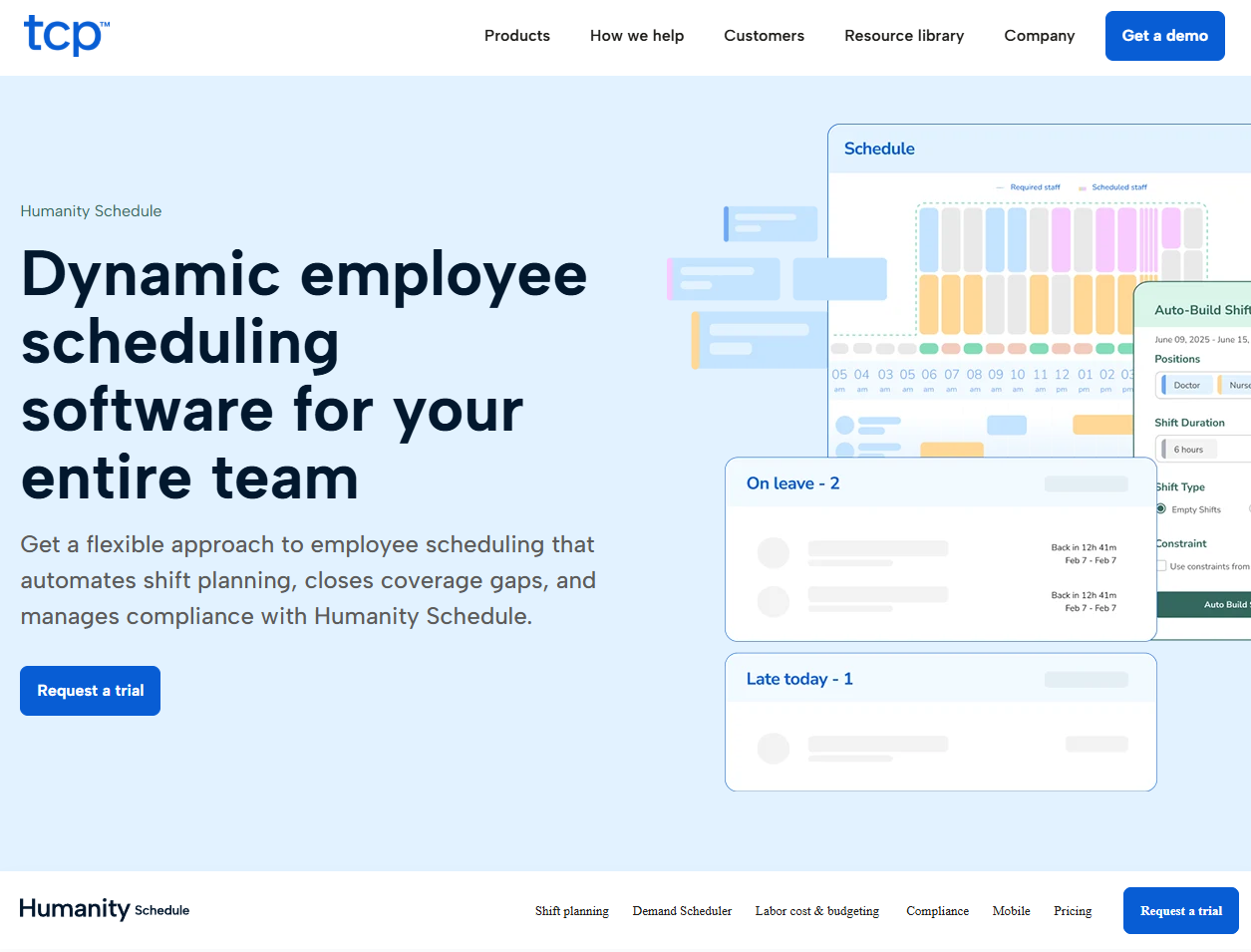
Humanity provides workforce scheduling and management with shift planning, availability tracking, and labor optimization tools designed for medium to large organizations.
Software Pros
- Comprehensive scheduling and workforce management
- Advanced availability and preference management
- Labor optimization and forecasting capabilities
- Good reporting and analytics features
Software Cons
- May be complex for smaller organizations
- Learning curve for full feature utilization
- Higher cost for advanced features
Humanity Review
Among the best employee scheduling tools 2025, Humanity handles complexity in a structured way. I noticed that employee preferences, forecasting, and optimization are treated as core features rather than extras. This makes it suitable for organizations managing multiple teams or locations.
My Verdict
Comprehensive Workforce Optimization
Microsoft Shifts
Quick Overview
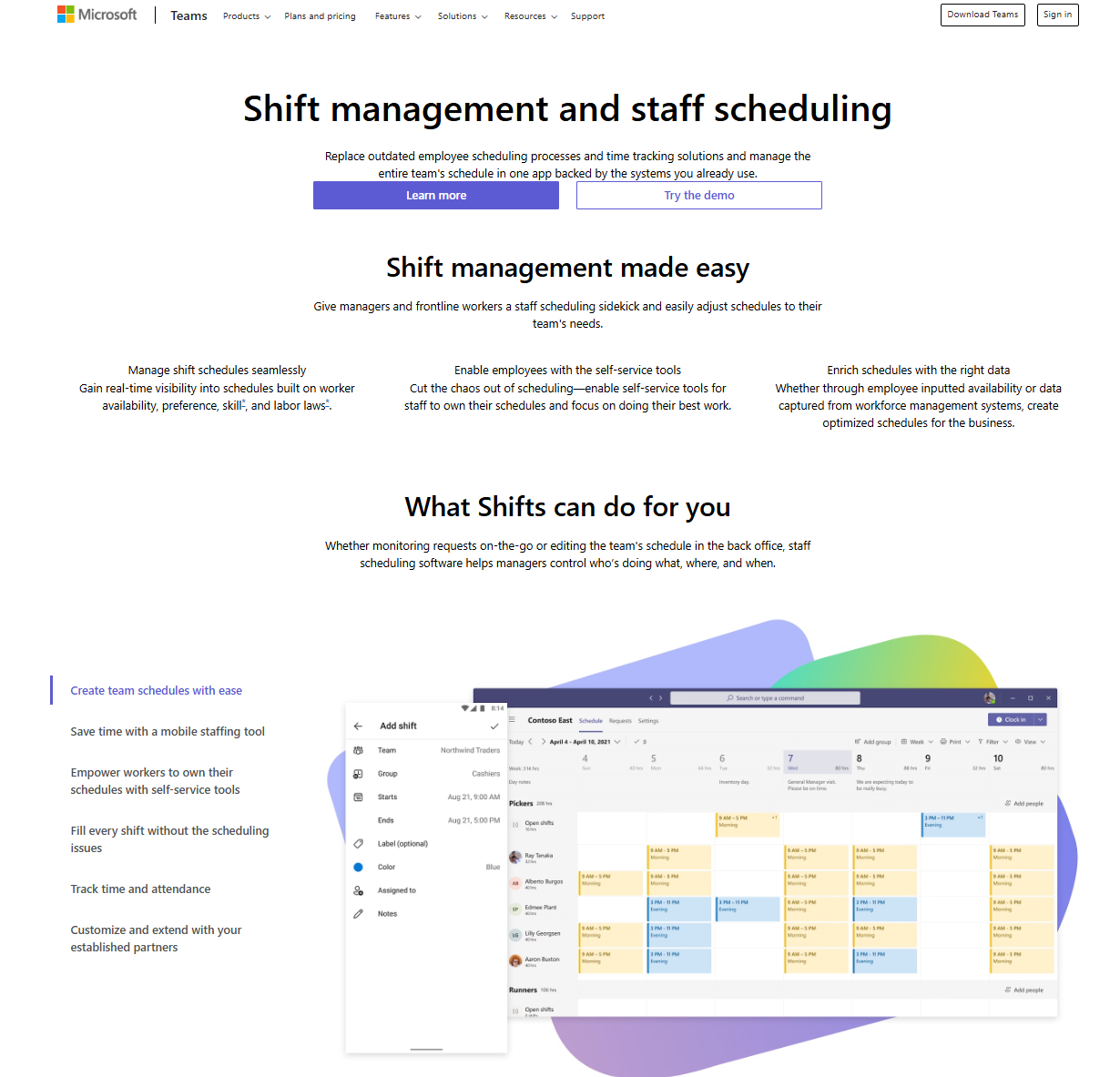
Microsoft Shifts integrates scheduling functionality within Microsoft Teams, providing shift management, time tracking, and team communication in a familiar Microsoft ecosystem.
Software Pros
- Seamless integration with Microsoft Teams and Office 365
- Familiar interface for Microsoft users
- Good collaboration and communication features
- Enterprise security and compliance
Software Cons
- Limited standalone scheduling features
- Best suited for organizations using Microsoft ecosystem
- May lack specialized scheduling industry features
Microsoft Shifts Review
Microsoft Shifts works best when Teams is already central to daily work. I appreciated not having to introduce a separate scheduling tool into an existing workflow. The value here comes from integration rather than depth of scheduling features. I’d definitely evaluate this as one of the top employee scheduling apps.
My Verdict
Microsoft Ecosystem Integration
Papershift
Quick Overview
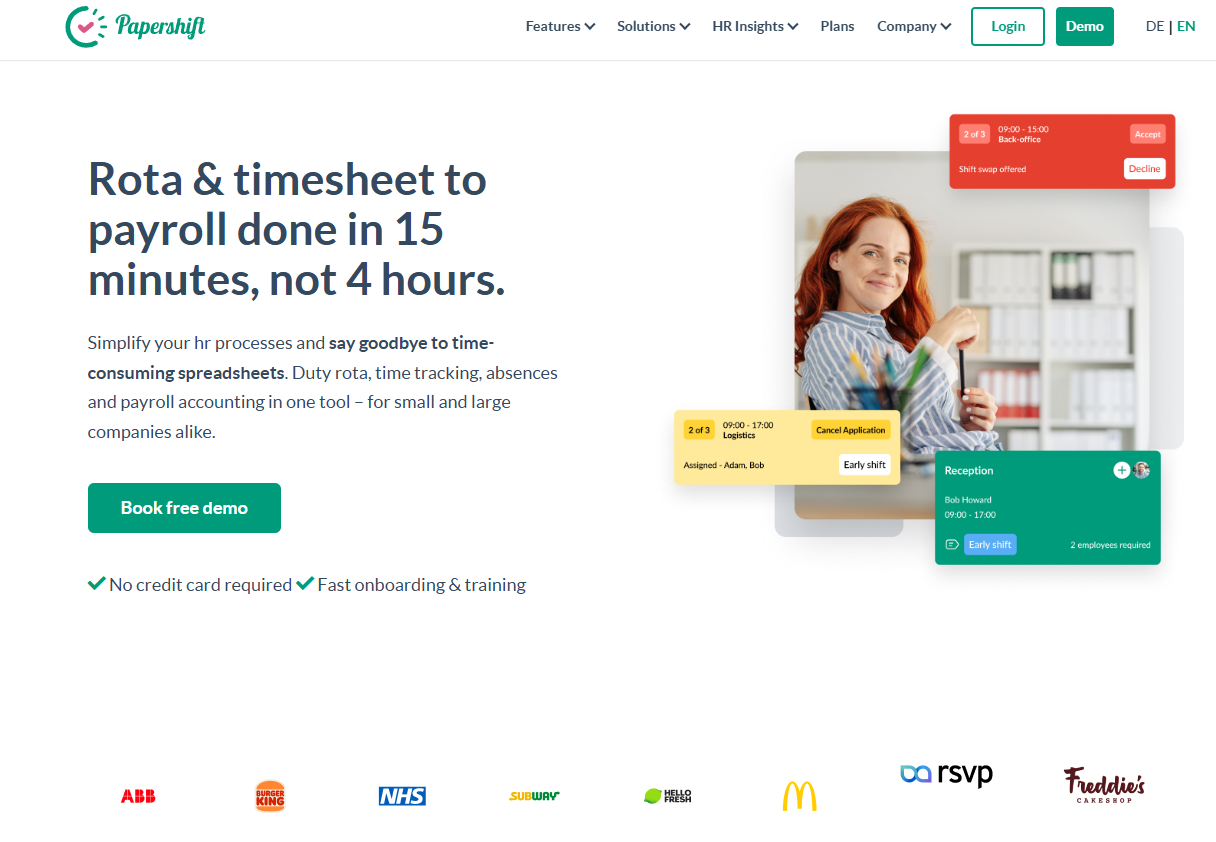
Papershift offers European-focused employee scheduling with shift planning, time tracking, and workforce management features designed for compliance with European labor regulations.
Software Pros
- Strong European labor law compliance features
- Multi-language support and localization
- Comprehensive scheduling and time tracking
- Good mobile accessibility for employees
Software Cons
- Primarily focused on European markets
- May lack features for non-European businesses
- Limited integration with non-European systems
Papershift Review
Papershift is clearly shaped by European labor requirements. I found its compliance-driven approach helpful for teams dealing with country-specific working time rules. Localization feels intentional rather than secondary. Definitely one of the most recommended best staff scheduling tools 2025.
My Verdict
European Compliance Focused
Planday
Quick Overview
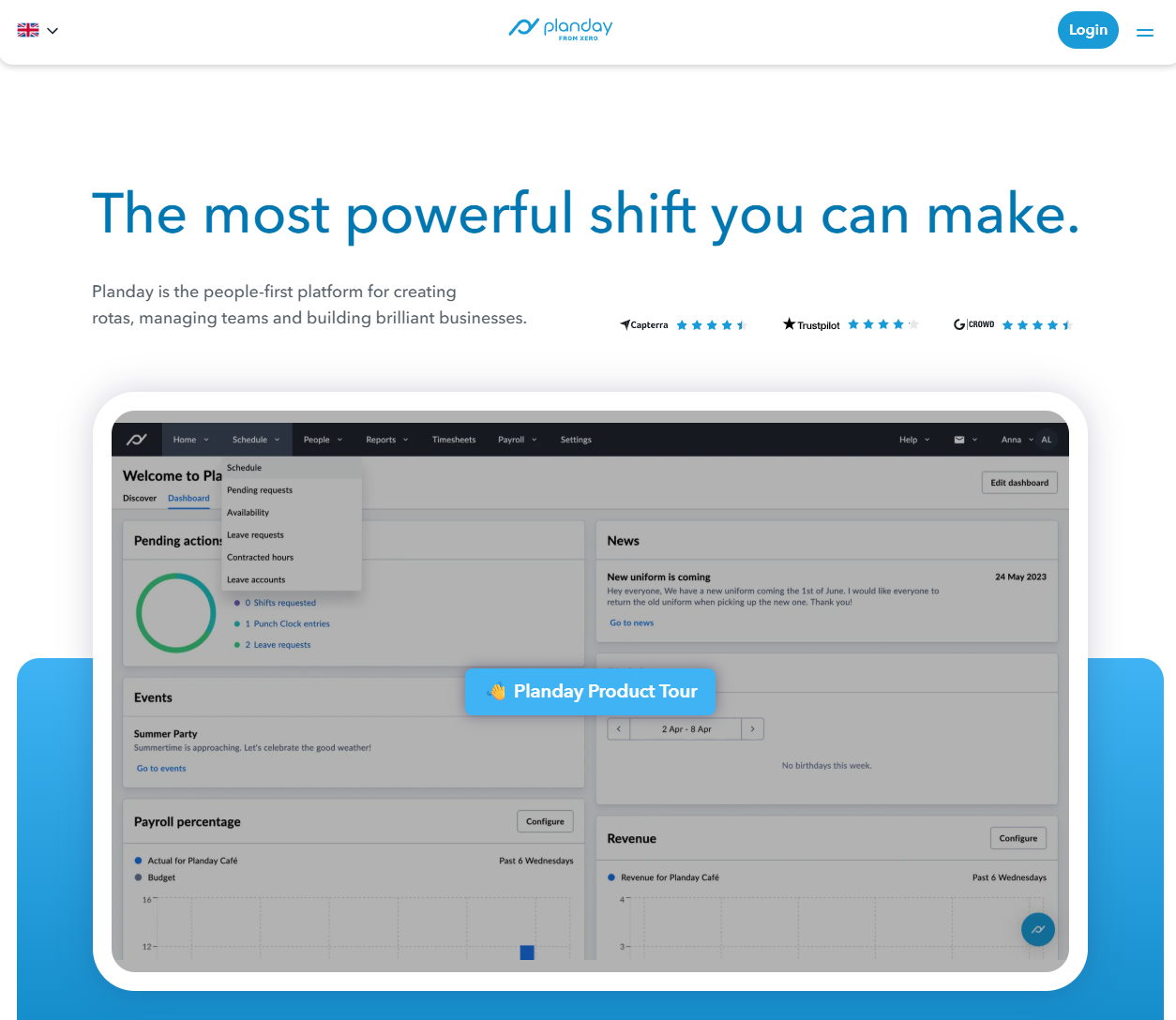
Among staff scheduling apps, Planday provides workforce management with scheduling, time tracking, payroll integration, and employee engagement features designed for retail, hospitality, and service industries.
Software Pros
- Strong retail and hospitality industry features
- Comprehensive payroll and HR integrations
- Employee engagement and communication tools
- Good mobile app for staff and managers
Software Cons
- May be complex for basic scheduling needs
- Higher cost for full feature access
- Learning curve for advanced workforce management
Planday Review
Planday approaches scheduling as part of broader workforce coordination. What I found interesting is how engagement and payroll-related workflows sit naturally alongside shift planning. These best employee scheduling apps make it relevant for service-based teams with higher turnover.
My Verdict
Service Industry Workforce Management
RotaCloud
Quick Overview
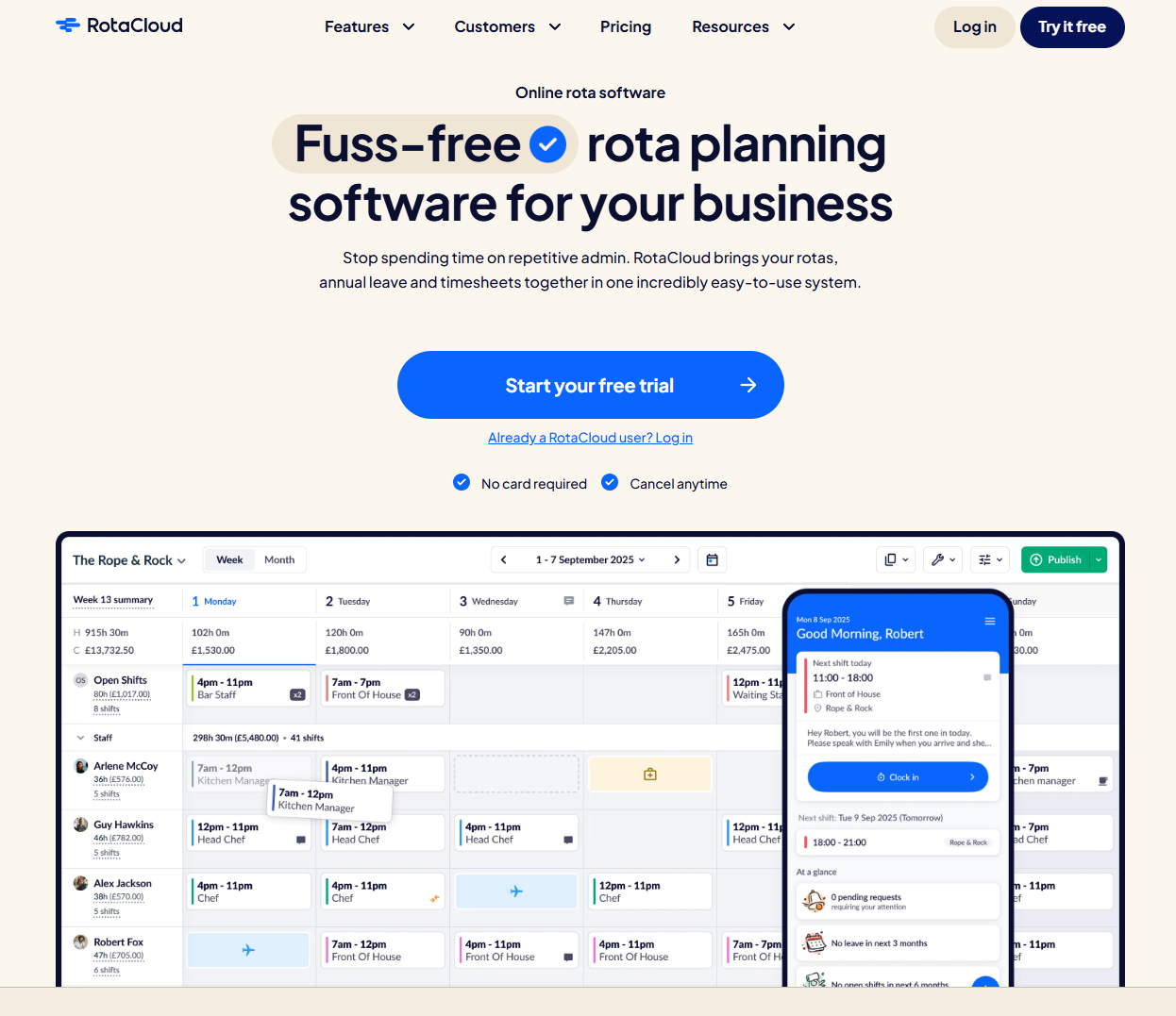
RotaCloud offers cloud-based employee scheduling with shift planning, availability management, and team communication designed for simplicity and accessibility across various industries.
Software Pros
- Simple, user-friendly interface
- Good basic scheduling functionality
- Affordable pricing for small to medium businesses
- Cloud-based accessibility from anywhere
Software Cons
- Limited advanced features compared to enterprise platforms
- May lack specialized industry features
- Basic integration options
RotaCloud Review
RotaCloud focuses on clarity and ease of use rather than advanced configuration. I found it easy to get schedules running without spending time on setup or fine-tuning rules. The platform feels dependable for day-to-day planning, especially when schedules don’t change dramatically. It fits teams that value consistency over optimization.
My Verdict
Cloud-Based Simple Scheduling
Rotageek
Quick Overview
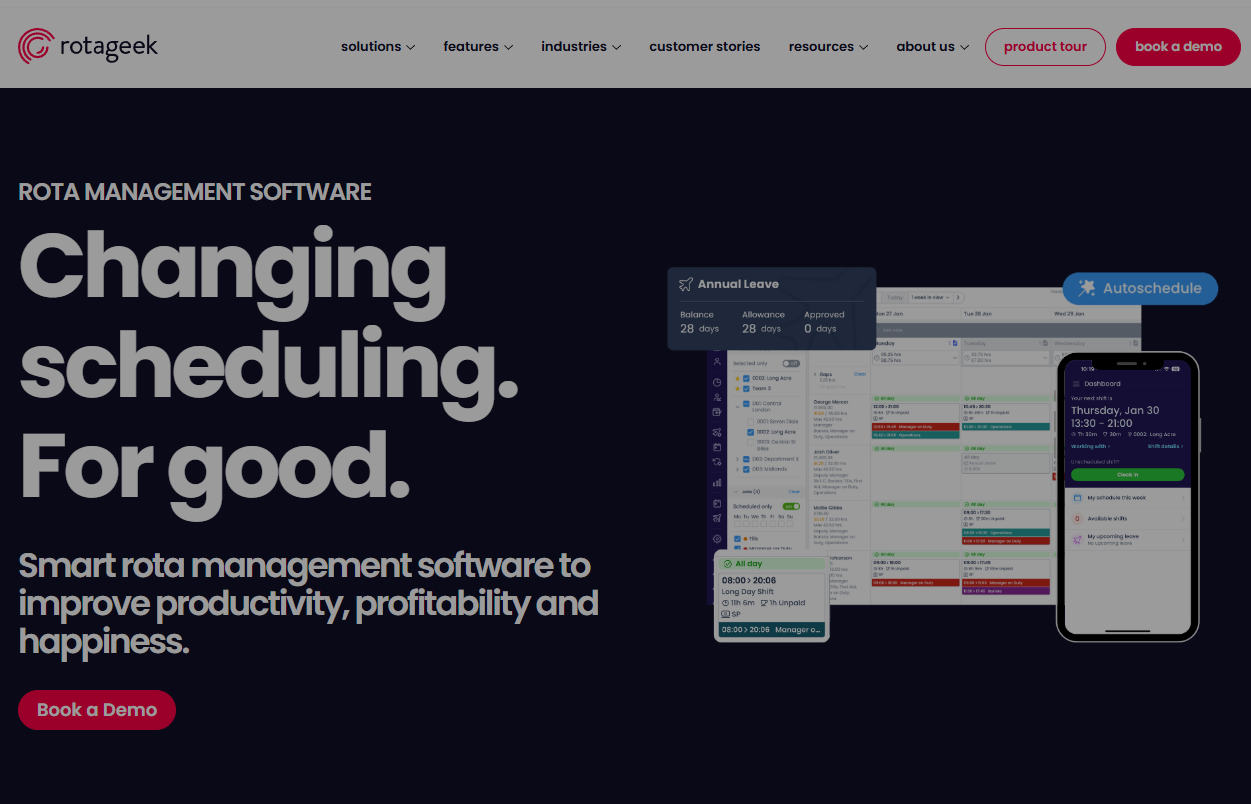
Rotageek uses artificial intelligence for workforce optimization, providing smart scheduling, demand forecasting, and labor optimization designed for large retailers and service organizations.
Software Pros
- AI-driven scheduling optimization
- Advanced demand forecasting capabilities
- Strong retail and service industry focus
- Comprehensive labor analytics and reporting
Software Cons
- Complex setup and implementation
- Higher cost for AI-powered features
- May be overwhelming for smaller organizations
Rotageek Review
Rotageek approaches scheduling as a forecasting and optimization problem rather than a manual task. I was particularly interested in how demand patterns drive staffing decisions through AI models. This makes the tool feel more strategic than operational. I believe it’s best suited for larger organizations where staffing accuracy directly affects performance.
My Verdict
AI-Powered Scheduling Optimization
ScheduleAnywhere
Quick Overview
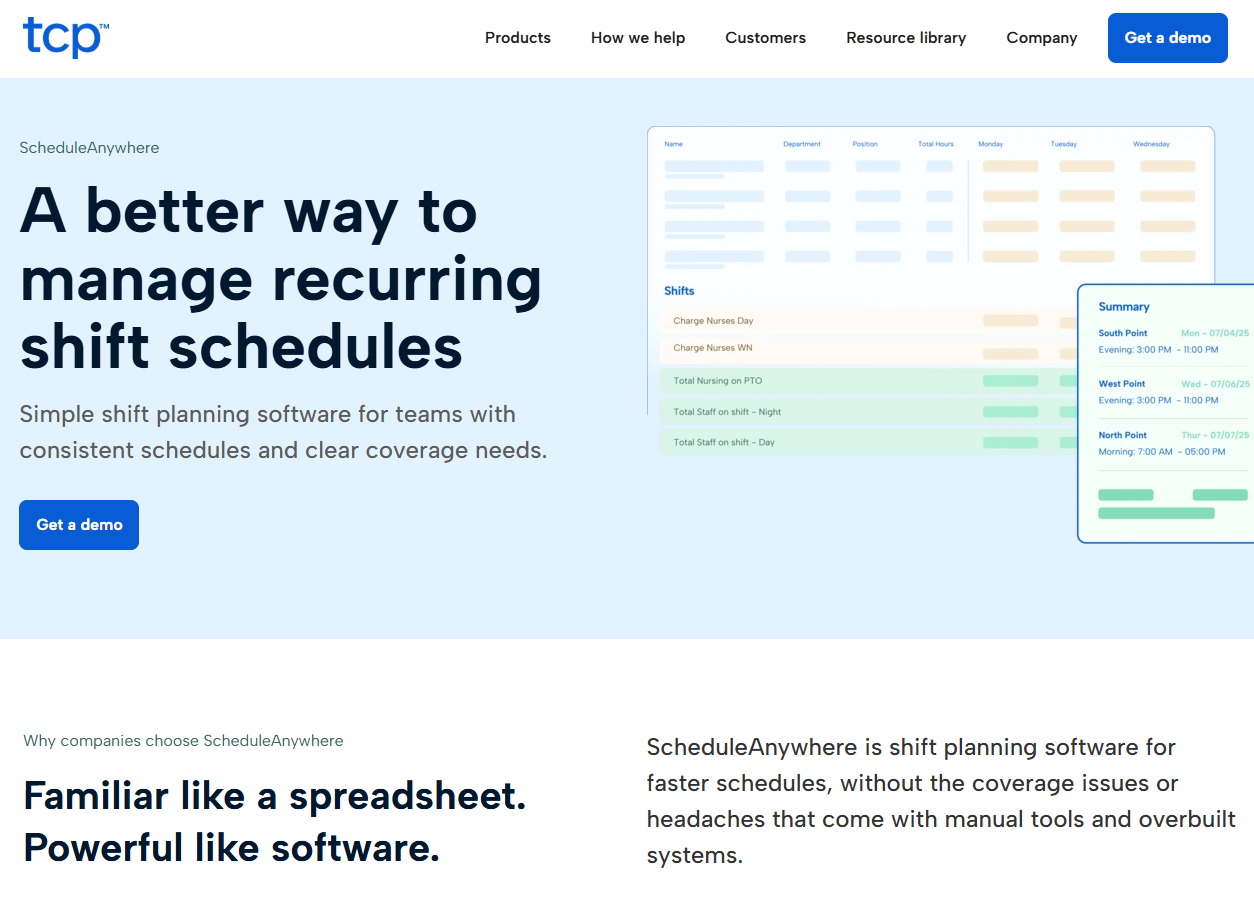
ScheduleAnywhere provides web-based employee scheduling with shift management, availability tracking, and communication tools designed for various industries and organization sizes.
Software Pros
- Web-based accessibility from any device
- Good basic scheduling and availability management
- Multi-industry applicability
- Reasonable pricing for mid-sized organizations
Software Cons
- Interface may feel dated compared to newer platforms
- Limited advanced features
- Basic mobile app functionality
ScheduleAnywhere Review
ScheduleAnywhere emphasizes stability over modern design. While exploring it, I noticed the focus is on delivering core scheduling functions without unnecessary layers. The platform feels mature and predictable, which can be valuable in long-standing operational environments. In my opinion, it suits teams that prefer proven workflows over frequent interface changes.
My Verdict
Web-Based Scheduling Reliability
Shiftbase
Quick Overview
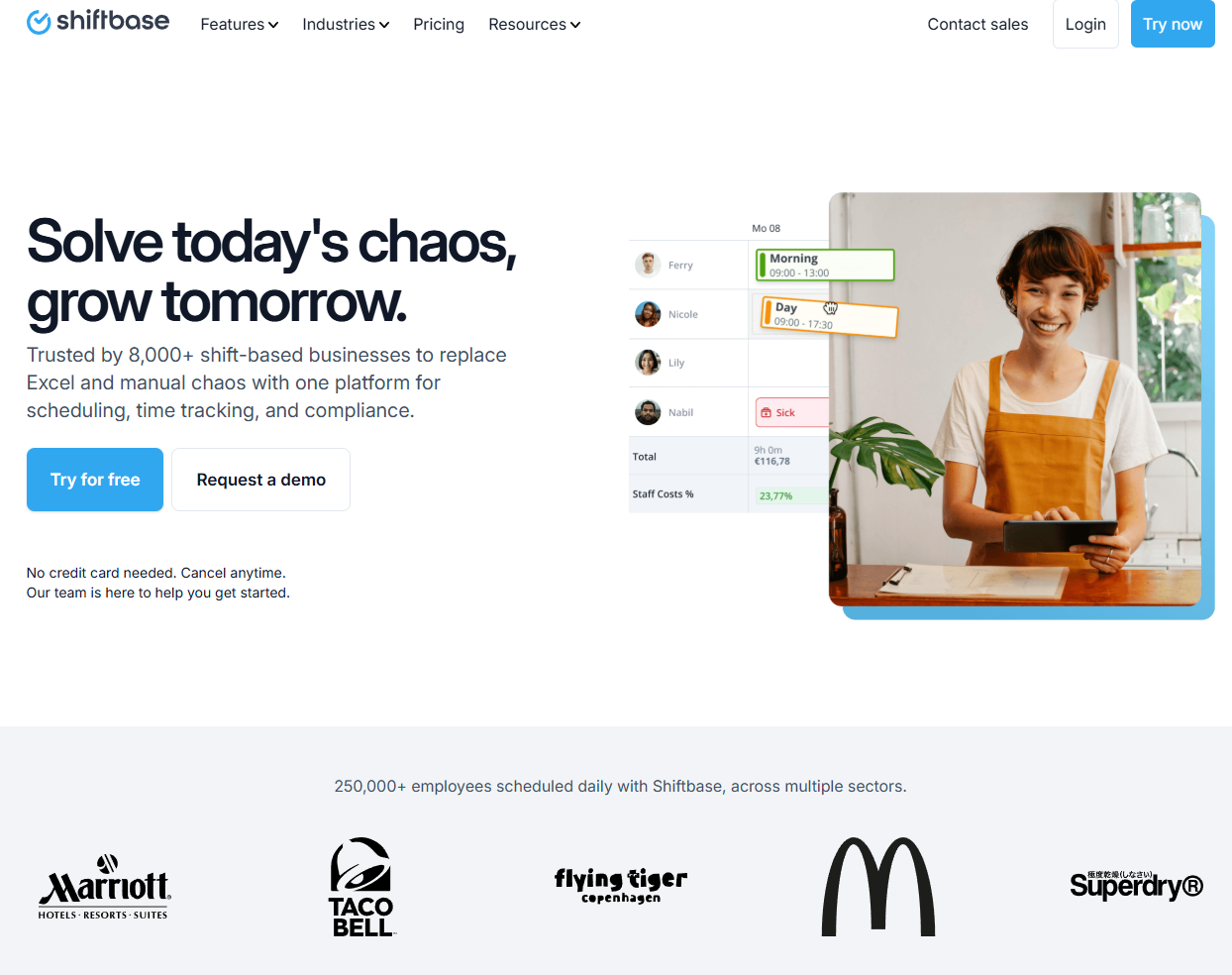
Shiftbase combines employee scheduling with time tracking, HR management, and payroll features designed for European businesses seeking comprehensive workforce management solutions.
Software Pros
- Comprehensive HR and payroll integration
- Strong European labor compliance features
- All-in-one workforce management approach
- Good mobile app for employees and managers
Software Cons
- Primarily focused on European markets
- May be complex for basic scheduling needs
- Higher cost for comprehensive features
Shiftbase Review
Shiftbase connects scheduling with HR and payroll in a single system. I appreciated how compliance considerations are part of everyday workflows rather than separate checks. This reduces administrative effort for European teams managing multiple obligations. The platform works well for businesses aiming to centralize workforce processes.
My Verdict
European Workforce Integration
Shiftboard
Quick Overview
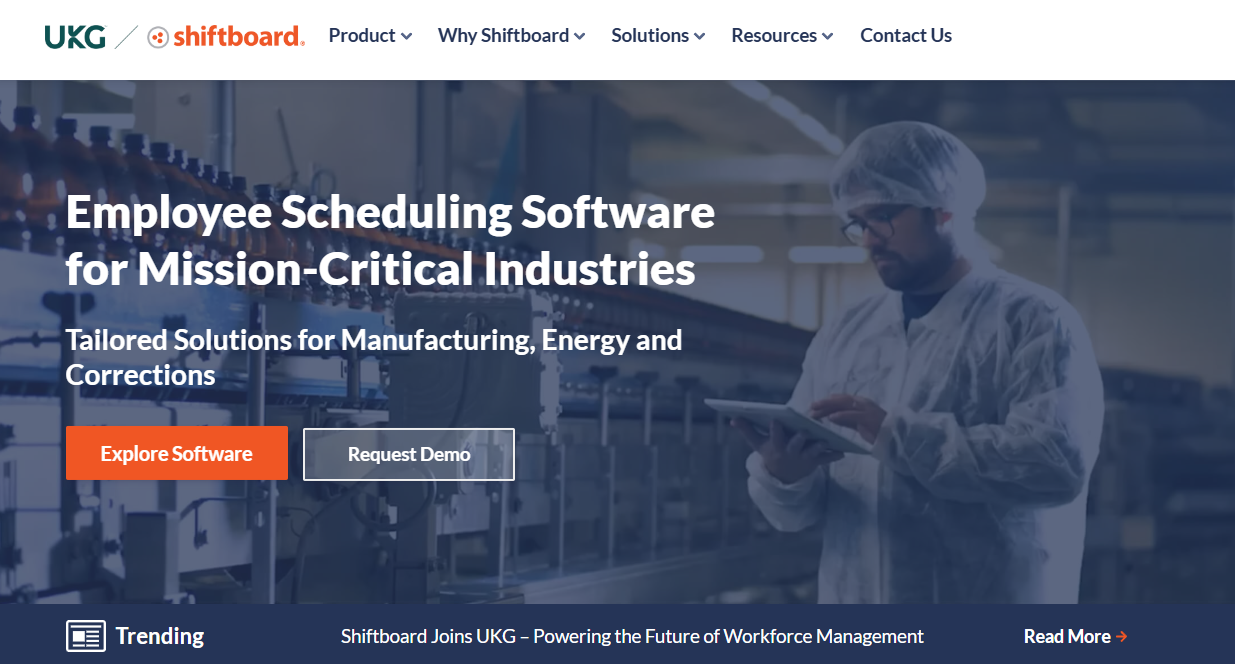
Shiftboard provides enterprise-scale workforce scheduling with advanced optimization, compliance management, and analytics designed for large organizations with complex scheduling requirements.
Software Pros
- Enterprise-scale scheduling capabilities
- Advanced optimization and analytics
- Strong compliance and reporting features
- Customizable workflows and processes
Software Cons
- Complex setup and implementation
- Higher cost for enterprise features
- May be overwhelming for smaller organizations
Shiftboard Review
Shiftboard is clearly built for complex scheduling scenarios. I found its strength lies in handling large workforces, detailed rules, and customized workflows. Optimization and reporting play a bigger role here than simplicity. This is a strong match for enterprises where scheduling decisions are tightly controlled.
My Verdict
Enterprise Scheduling Optimization
Sling
Quick Overview
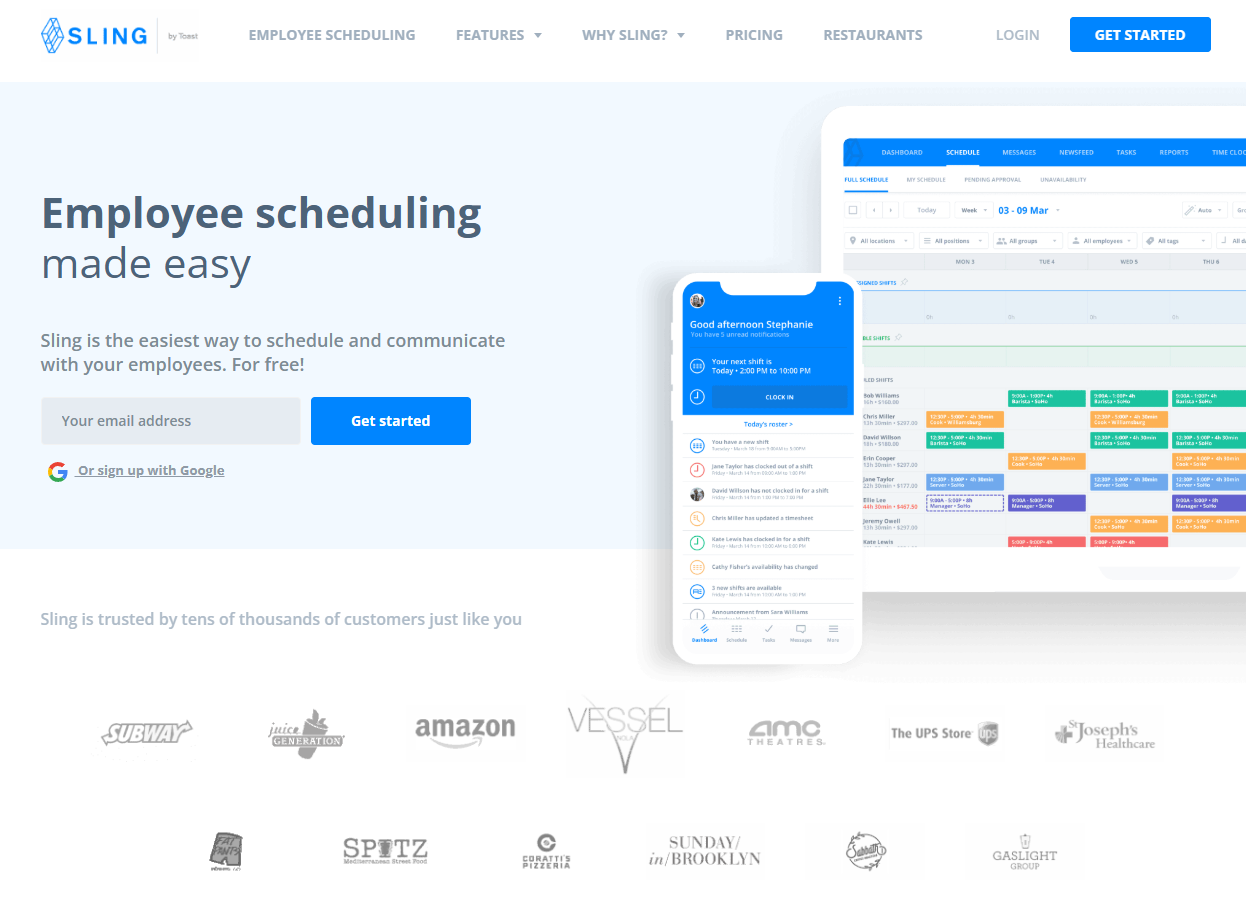
Sling offers free employee scheduling with shift planning, team messaging, time tracking, and task management designed for small to medium businesses across various industries. I’d consider it as one of the most effective free workforce scheduling software.
Software Pros
- Free version with essential scheduling features
- Team messaging and communication tools
- Task management integration
- User-friendly interface design
Software Cons
- Limited features in free version
- Advanced features require paid upgrades
- May lack enterprise-level capabilities
Sling Review
Sling blends scheduling with communication and task management. I liked how the platform supports growing teams without forcing an immediate move to paid plans. Daily coordination feels easier when schedules and messages live in the same place. I see that it works well for small teams that need flexibility as they scale.
My Verdict
Free Comprehensive Scheduling
Square Shifts
Quick Overview
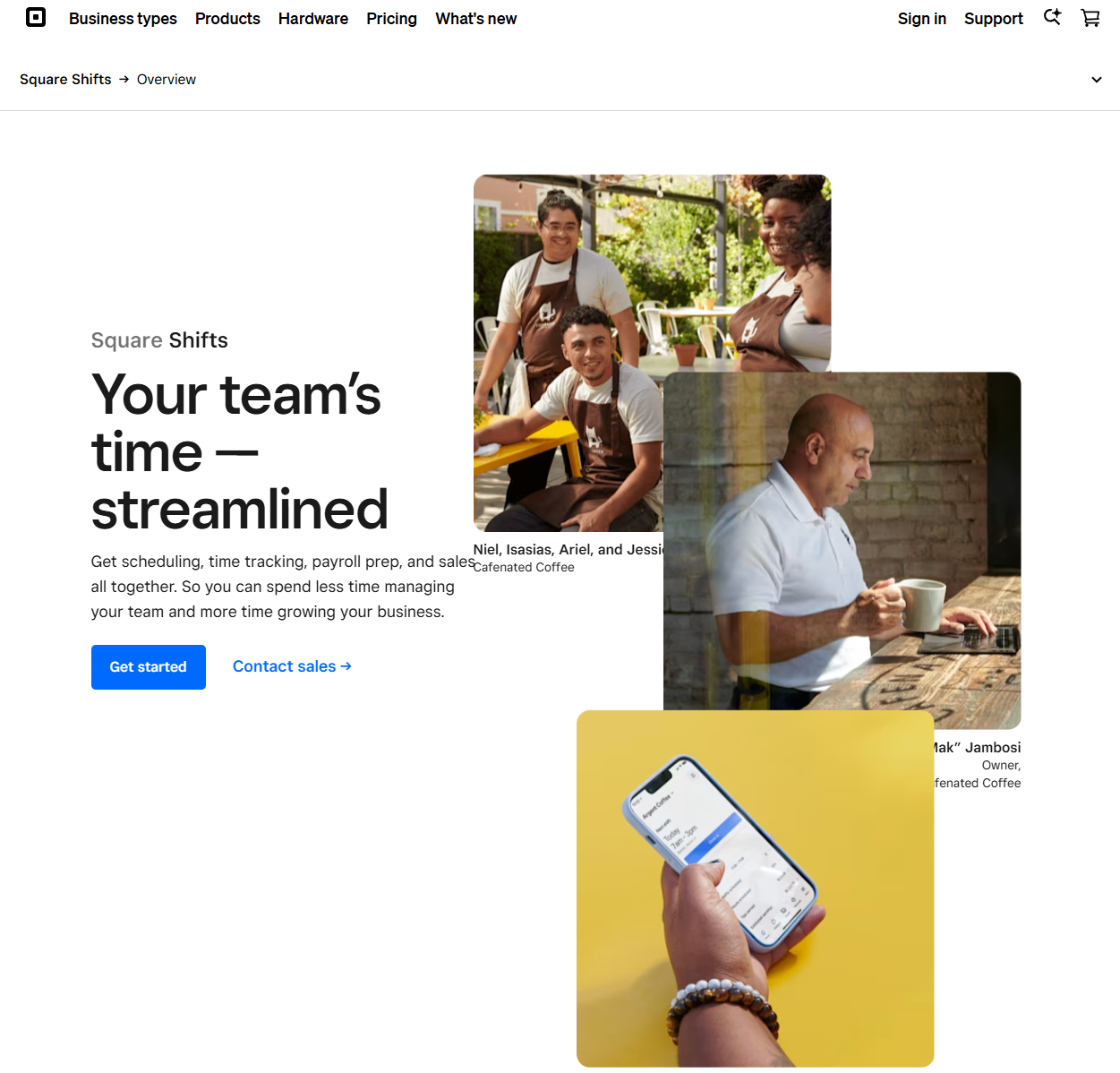
Square Shifts integrates scheduling with Square’s point-of-sale and payment ecosystem, providing shift management, labor tracking, and payroll features for retail and service businesses.
Software Pros
- Seamless integration with Square POS and payment systems
- Labor cost tracking tied to sales data
- Good mobile app for scheduling and communication
- Competitive pricing for Square ecosystem users
Software Cons
- Best suited for businesses using Square ecosystem
- Limited features outside Square platform
- May lack advanced scheduling capabilities
Square Shifts Review
Square Shifts feels most effective when used as part of the Square ecosystem. I noticed how scheduling ties directly into sales and labor data, making staffing decisions more grounded. This reduces manual tracking and improves visibility. In my view, it’s particularly useful for retail and service businesses already using Square tools. Definitely one of the best payroll software for scheduling staff 2025.
My Verdict
Square Ecosystem Integration
TimeClock Plus
Quick Overview
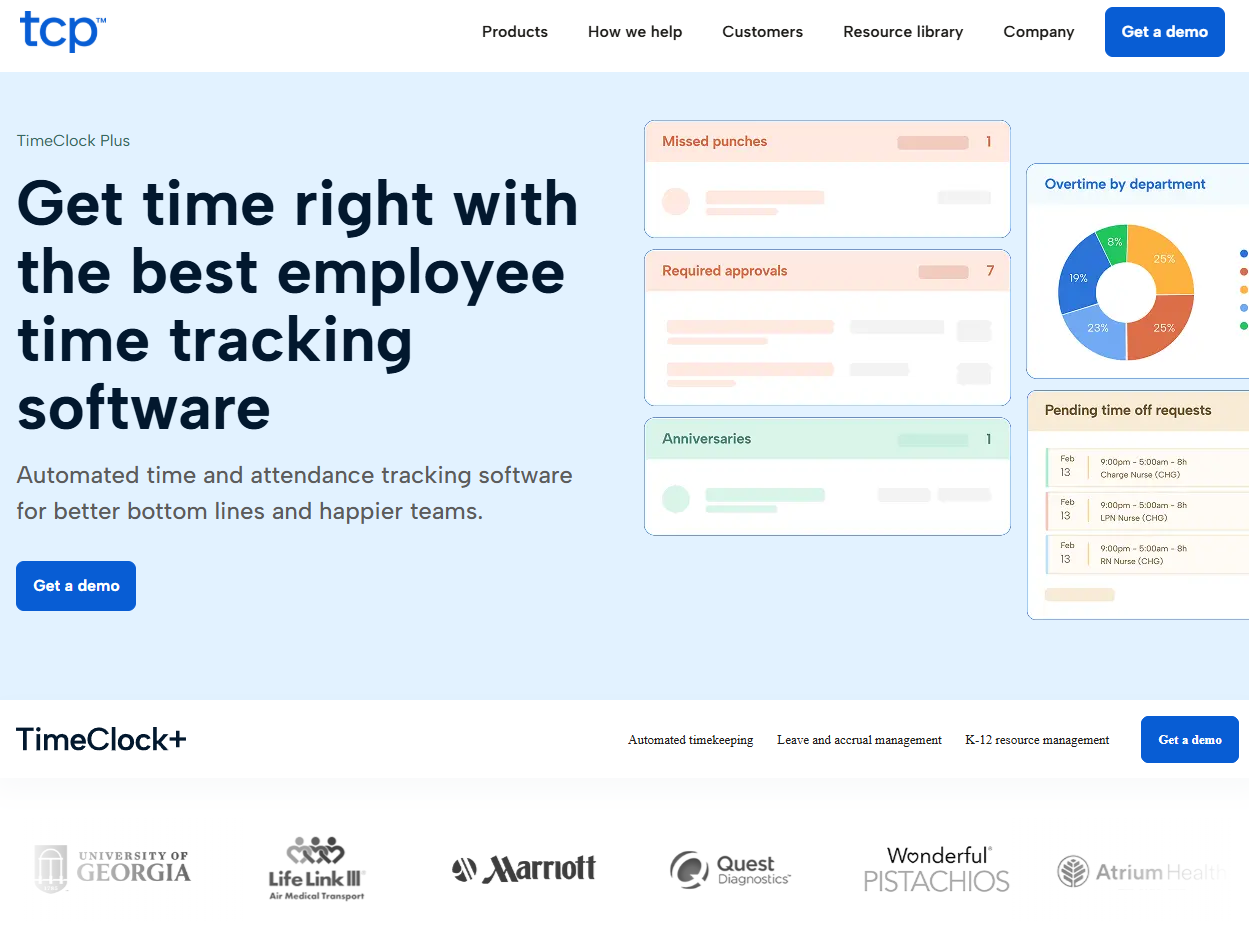
TimeClock Plus combines time and attendance tracking with scheduling capabilities, providing workforce management, labor analytics, and compliance features for medium to large organizations.
Software Pros
- Comprehensive time and attendance integration
- Strong labor analytics and reporting
- Good compliance management features
- Scalable for growing organizations
Software Cons
- Time tracking focus may not suit all scheduling scenarios
- Complex setup for smaller organizations
- Higher cost for comprehensive features
TimeClock Plus Review
TimeClock Plus leans heavily toward labor tracking and compliance. Scheduling feels closely connected to reporting and attendance data rather than standalone planning. I found this useful for organizations that need visibility into hours, overtime, and trends. It suits teams where workforce data drives operational decisions.
My Verdict
Time Tracking Scheduling Integration
Toggl Plan
Quick Overview
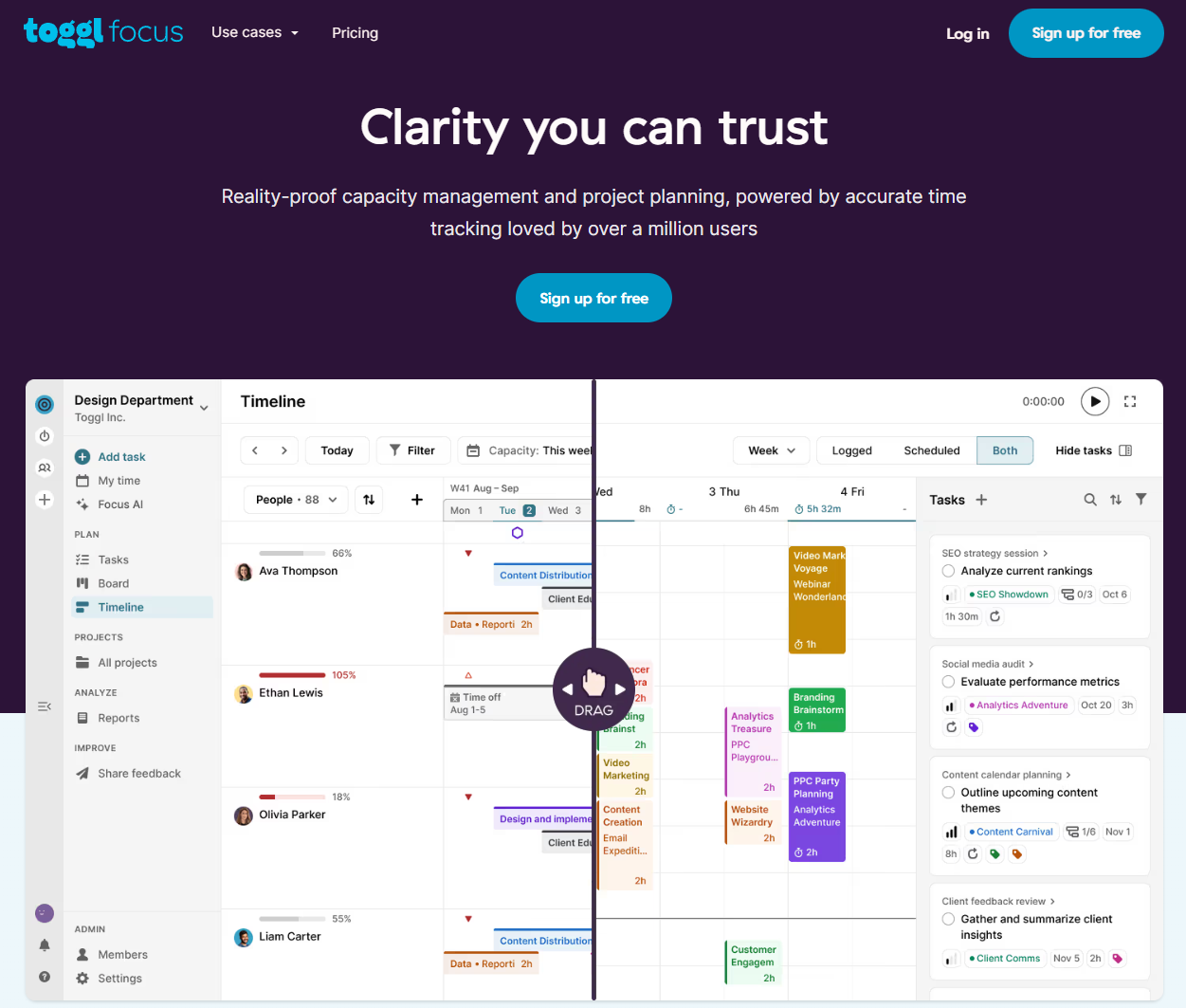
Toggl Plan provides visual project and team scheduling with timeline management, resource allocation, and collaboration tools designed for project-based teams and creative organizations.
Software Pros
- Visual timeline and project scheduling approach
- Good for project-based team management
- Simple, intuitive interface design
- Integration with Toggl time tracking ecosystem
Software Cons
- More suited for project scheduling than shift management
- Limited traditional employee scheduling features
- May not suit operational shift-based businesses
Toggl Plan Review
Toggl Plan takes a visual approach to scheduling. I liked how timelines and resource views make workloads easy to understand at a glance. This works better for project-based teams than shift-driven operations. It’s a good fit for creative or delivery-focused environments.
My Verdict
Project-Based Team Scheduling
When I Work
Quick Overview
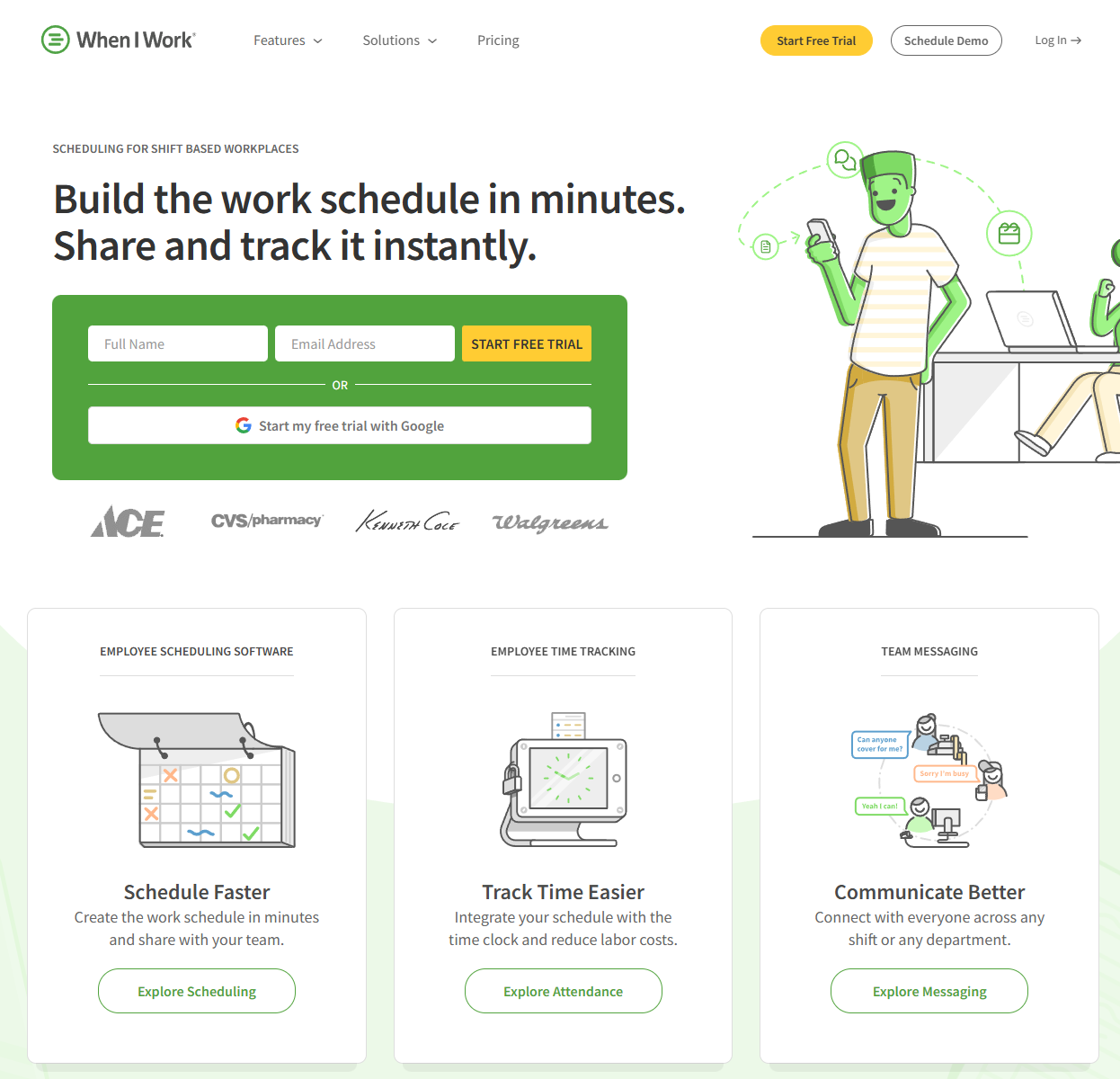
When I Work offers employee scheduling with shift management, time tracking, team messaging, and availability coordination designed for hourly workforces across various industries.
Software Pros
- Strong focus on hourly workforce scheduling
- Good mobile app for employees and managers
- Team messaging and communication features
- Simple setup and user-friendly interface
Software Cons
- Limited advanced features for complex operations
- May lack enterprise-level capabilities
- Basic reporting and analytics functionality
When I Work Review
When I Work is designed around the needs of hourly teams. I found the mobile experience straightforward for both managers and staff. Communication and availability updates support fast-changing schedules. It fits businesses that prioritize speed and clarity over advanced analytics.
My Verdict
Hourly Workforce Scheduling
WorkForce Software Scheduling
Quick Overview
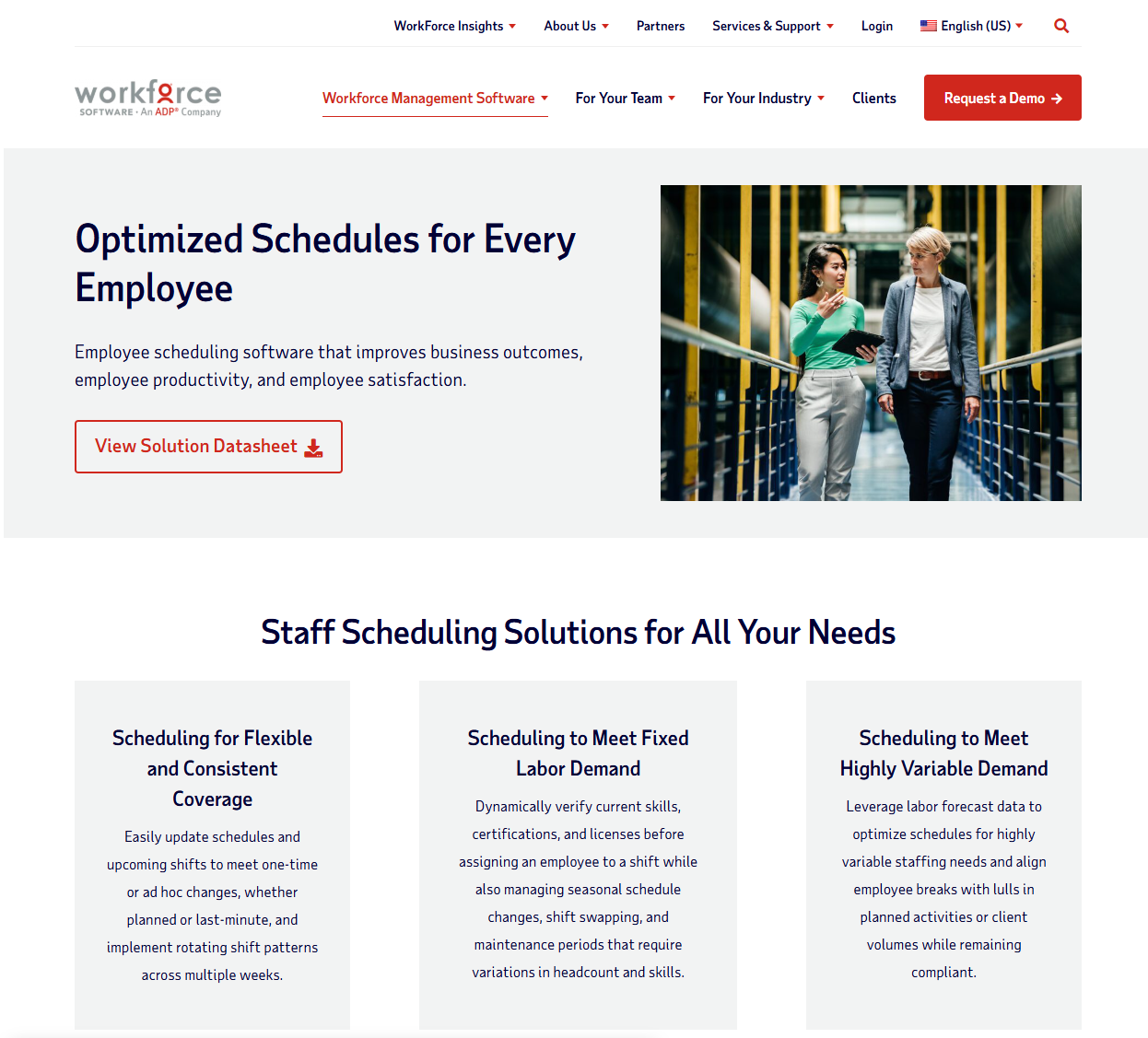
WorkForce Software Scheduling provides enterprise workforce management with advanced scheduling optimization, labor forecasting, and compliance management designed for large organizations with complex requirements.
Software Pros
- Enterprise-scale scheduling and optimization
- Advanced labor forecasting and analytics
- Comprehensive compliance management
- Extensive customization and integration options
Software Cons
- Complex implementation and configuration
- High cost for enterprise features
- Requires dedicated implementation resources
WorkForce Software Scheduling Review
This platform focuses on enterprise workforce planning. I approached it expecting complexity, and that complexity is clearly intentional. Forecasting, compliance, and optimization are treated as long-term strategic tools. It’s best suited for large organizations managing scale and regulation.
My Verdict
Enterprise Workforce Optimization
Workforce.com
Quick Overview
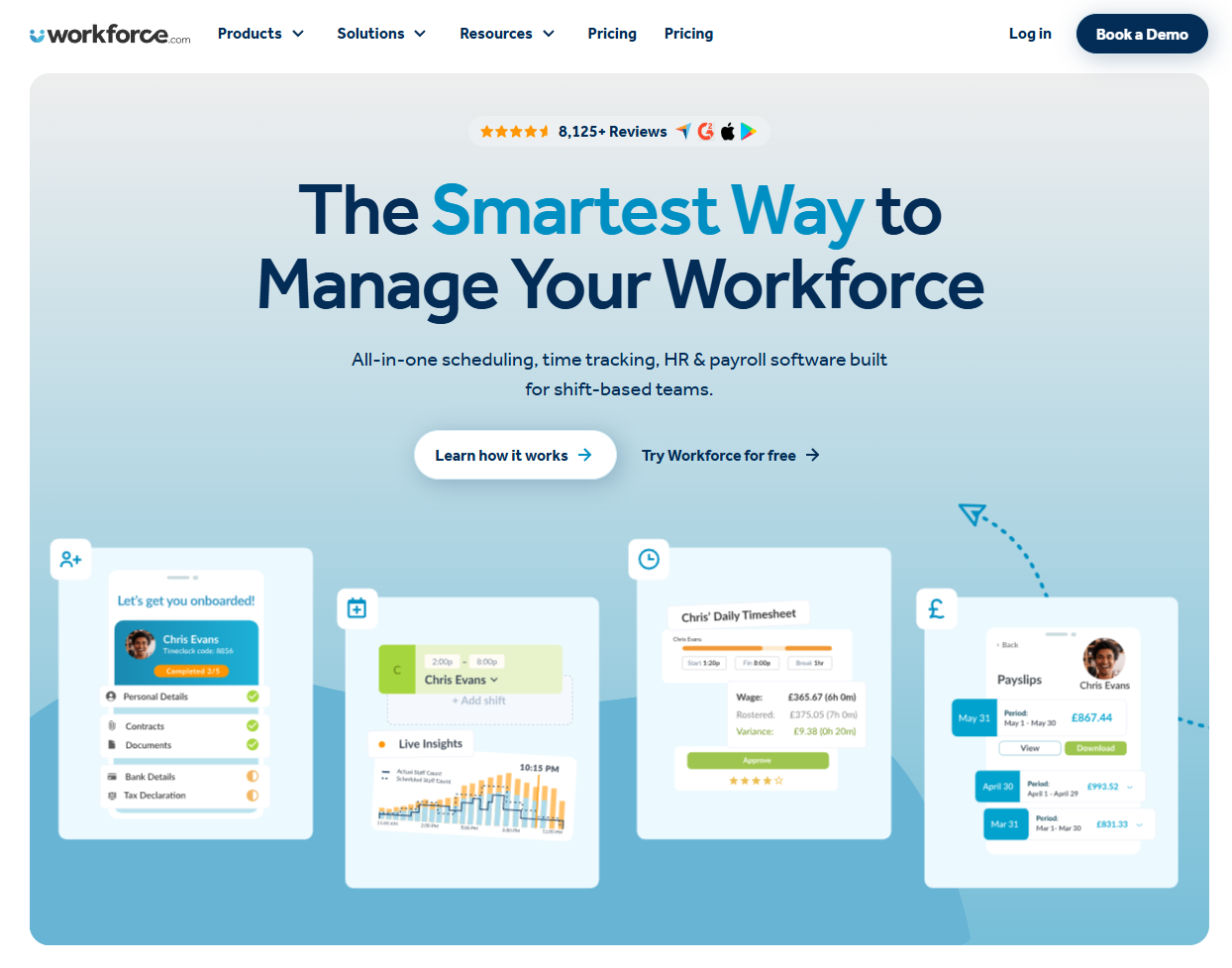
Workforce.com combines employee scheduling with time tracking, payroll processing, and HR management features designed for small to medium businesses seeking integrated workforce solutions.
Software Pros
- Integrated scheduling, time tracking, and payroll
- Good small to medium business focus
- Comprehensive workforce management features
- Reasonable pricing for integrated solution
Software Cons
- May be complex for basic scheduling needs
- Learning curve for full platform utilization
- Limited customization for specific industries
Workforce.com Review
Workforce.com brings scheduling, time tracking, and payroll together in one system. I found this particularly helpful for growing businesses trying to reduce tool sprawl. The platform adds structure without feeling overwhelming. It suits SMBs moving toward more formal workforce management.
My Verdict
Integrated SMB Workforce Solution
ZoomShift
Quick Overview
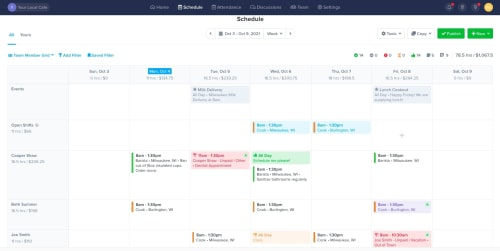
ZoomShift provides employee scheduling with shift planning, time tracking, payroll integration, and team communication designed for restaurants, retail, and service businesses.
Software Pros
- Strong restaurant and retail industry features
- Good payroll and time tracking integration
- User-friendly interface and setup
- Competitive pricing for small to medium businesses
Software Cons
- May lack advanced features for complex operations
- Limited customization options
- Basic reporting and analytics capabilities
ZoomShift Review
ZoomShift centers on practical scheduling for service teams. Setup feels quick, and core features are easy to access. I liked how the platform avoids unnecessary complexity while covering essential needs. It fits restaurants and retail businesses looking for straightforward scheduling.
My Verdict
Service Business Scheduling
Frequently Asked Questions About Workforce Scheduling Software
How do companies typically use employee scheduling software day to day?
Organizations use these platforms to create weekly schedules, manage shift coverage, handle time-off requests, and communicate schedule changes with employees. Teams rely on mobile apps for shift swapping, availability updates, and real-time notifications. Many companies integrate these tools with hr automation software and payroll systems for streamlined workforce management operations.
What types of teams rely on scheduling tools most often?
Retail stores, restaurants, healthcare facilities, call centers, and field service organizations benefit most from scheduling platforms. Any business with hourly workers, rotating shifts, or variable staffing needs typically sees significant value from automated scheduling tools that help manage complex availability and compliance requirements.
When does it make sense to move from spreadsheets to scheduling software?
Organizations should consider scheduling platforms when managing more than 10-15 employees, dealing with frequent schedule changes, struggling with shift coverage gaps, or needing better labor cost visibility. The transition becomes valuable when manual scheduling creates administrative burden or compliance risks.
Can scheduling platforms adapt to rotating shifts and variable hours?
Most modern platforms support rotating schedules, split shifts, and variable hour requirements through configurable shift templates and rules. Advanced systems can automatically generate rotating patterns, manage different shift lengths, and accommodate complex scheduling requirements including overtime regulations and break management.
How do scheduling tools handle last-minute changes or absences?
These platforms typically provide shift swapping features, automated coverage requests, and notification systems for schedule changes. Many tools include absence management, automatic replacement finding, and real-time communication capabilities. Some platforms integrate with hr reporting tools to track attendance patterns and support workforce planning decisions.

Yaryna is our lead writer with over 8 years of experience in crafting clear, compelling, and insightful content. Specializing in global employment and EOR solutions, she simplifies complex concepts to help businesses expand their remote teams with confidence. With a strong background working alongside diverse product and software teams, Yaryna brings a tech-savvy perspective to her writing, delivering both in-depth analysis and valuable insights.