Best Knowledge Base Software in 2026: What It Is and Why It Matters
Knowledge base software helps you store answers, guides, and how-tos in one place so people do not have to ask the same questions again and again. At a basic level, it is an online library for your company. It can be public for customers, internal for staff, or both. Many tools now offer AI search, templates, and workflows, so teams can create and update content faster.
Most companies use a mix of internal and external knowledge bases. Internal spaces cover HR policies, IT how-tos, product specs, and process docs. External help centers focus on FAQs, “how to” guides, and troubleshooting steps for customers. Zendesk and Atlassian both talk about how a good knowledge base can deflect support tickets and help customers self-serve instead of waiting for an agent.
This is also linked to employee experience software and performance management solutions. When people can find clear answers on their own, onboarding is smoother, reviews are easier to run, and everyday work slows down less. HR teams often build an HR knowledge base so managers and staff do not need to email HR for every small question. Support teams use online knowledge base software to document fixes and share them as public articles.
In 2026, many buyers will also look at AI-driven knowledge base tools that can suggest articles, draft content from tickets, or act as a front-line assistant. At the same time, open-source and free knowledge base software still plays a role for teams that want control and low cost.
If you look at any best knowledge base software 2026 comparison, you will see the same pattern: the best knowledge base platforms are the ones that match your setup, not just the ones with the longest feature list. Below I’ve collected 30 of the best knowledge base tools, with a focus on how they actually feel to work with day to day.
30 Best Knowledge Base Tools for 2026
I’ve reviewed some of the most popular tools used as internal wikis, public help centers, or both. This list covers the top knowledge-base software platforms 2026 for support teams and internal use.
All providers are listed in alphabetical order to keep things simple and neutral.

Atlassian Confluence
Quick Overview:
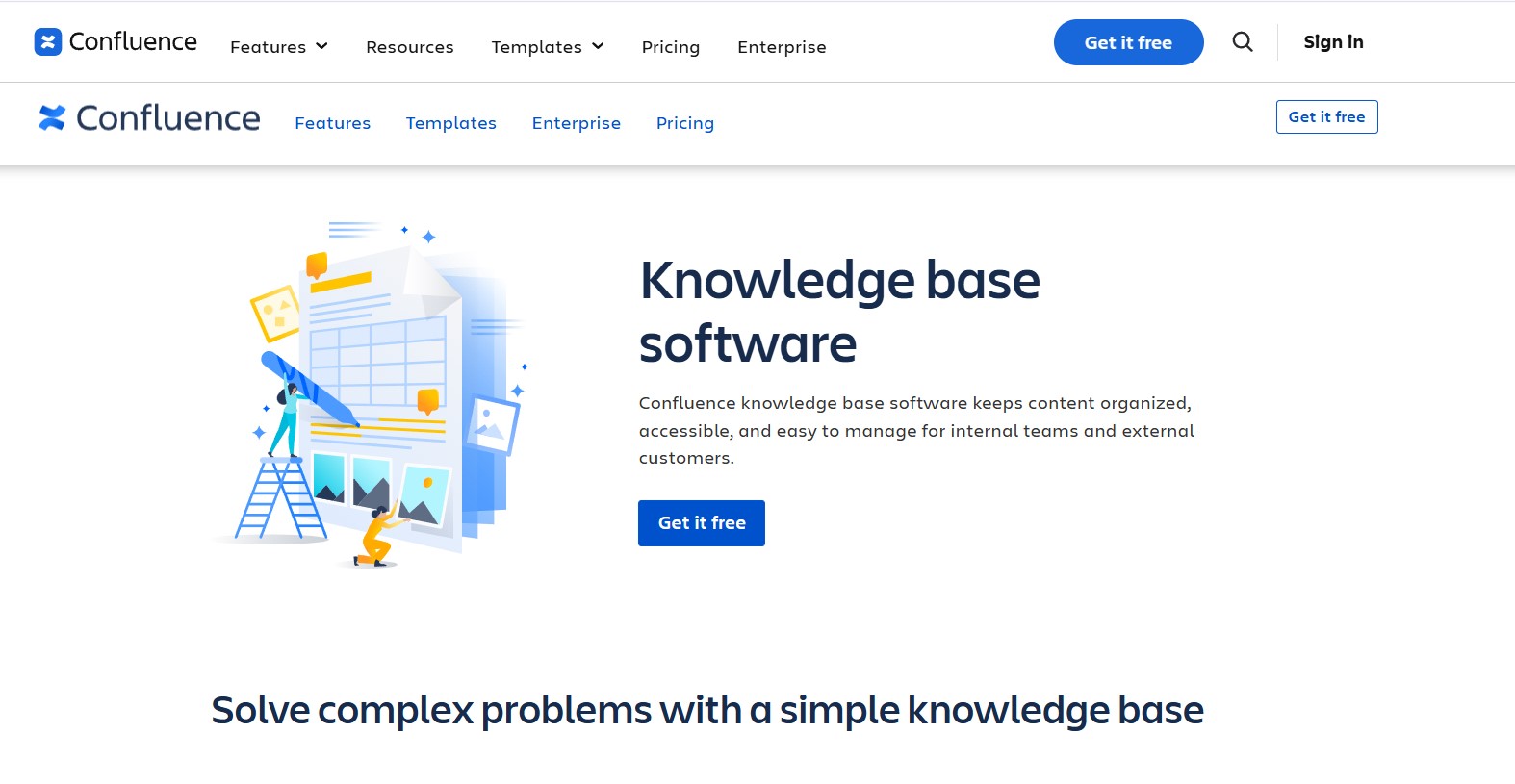
Atlassian Confluence is a flexible knowledge base and wiki used by many IT and product teams. It supports structured spaces, page templates, and strong integration with Jira and other Atlassian tools. It works well as online knowledge base software for internal documentation and can also back a public help center.
Software Pros:
- Deep integration with Jira and other Atlassian tools
- Strong page templates and structure
- Good for technical teams and IT docs
Software Cons:
- Can feel heavy for very small teams
- Needs some care to keep spaces organized
Confluence Review:
What stood out to me is how Confluence supports long-term, structured documentation. I like how you can turn it into a single source of truth for product and process knowledge. In my opinion, it is one of the best knowledge base software options for IT companies and engineering-heavy teams.
Our Verdict
Structured Wiki For Growing Teams
Bloomfire

Quick Overview:
Bloomfire is an employee knowledge sharing and search platform. It combines Q&A, articles, and rich media in one place, with strong search and analytics. Many companies use it as a central hub for sales enablement and internal FAQs.
Software Pros:
- Strong search and content discovery
- Good analytics on what people read
- Supports video and other rich content
Software Cons:
- Focused more on internal than external use
- Pricing may be high for very small teams
Bloomfire Review:
I usually pay attention to how easy it is to find content once a knowledge base grows. Bloomfire does a good job of surfacing popular answers and tracking gaps. I tend to view it as one of the top-rated tools for knowledge base management when your main focus is internal knowledge sharing.
Our Verdict
Search-First Internal Knowledge Hub
BookStack
Quick Overview:
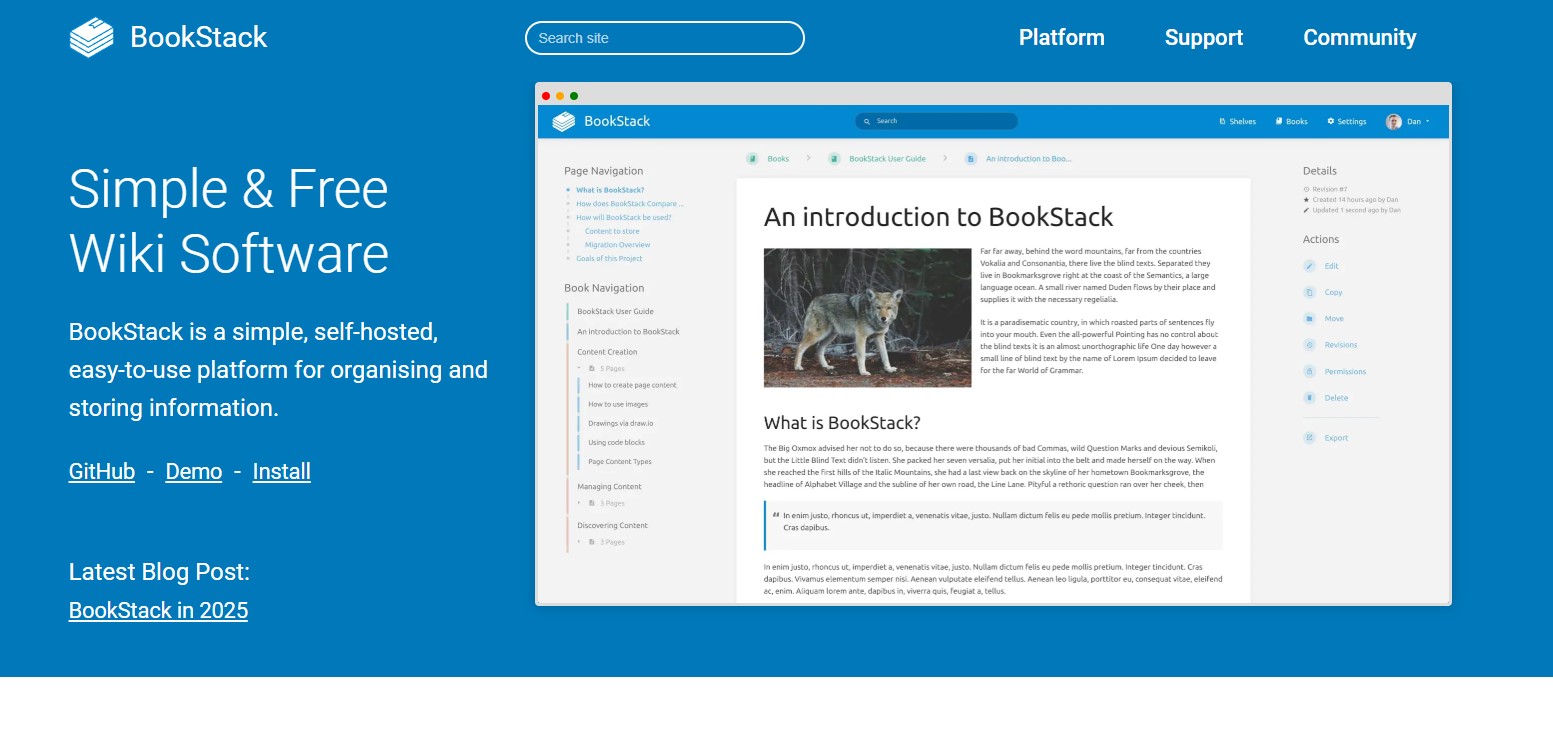
BookStack is free, open-source documentation software you can host yourself. It groups content into books, chapters, and pages, and aims to stay simple to use even for non-technical teams.
Software Pros:
- Free knowledge base software (MIT licensed)
- Simple, book-style structure
- Good fit for teams that want to self-host
Software Cons:
- Requires hosting and upkeep
- Fewer built-in integrations than SaaS tools
BookStack Review:
I found it genuinely helpful to think of BookStack as a “no-frills” wiki that you own. I like how quickly you can add pages without worrying about complex layouts. For teams that want the best free knowledge base software and full control over their data, BookStack stands out.
Our Verdict
Open-Source Wiki You Control
ClickUp Docs & Wikis
Quick Overview:
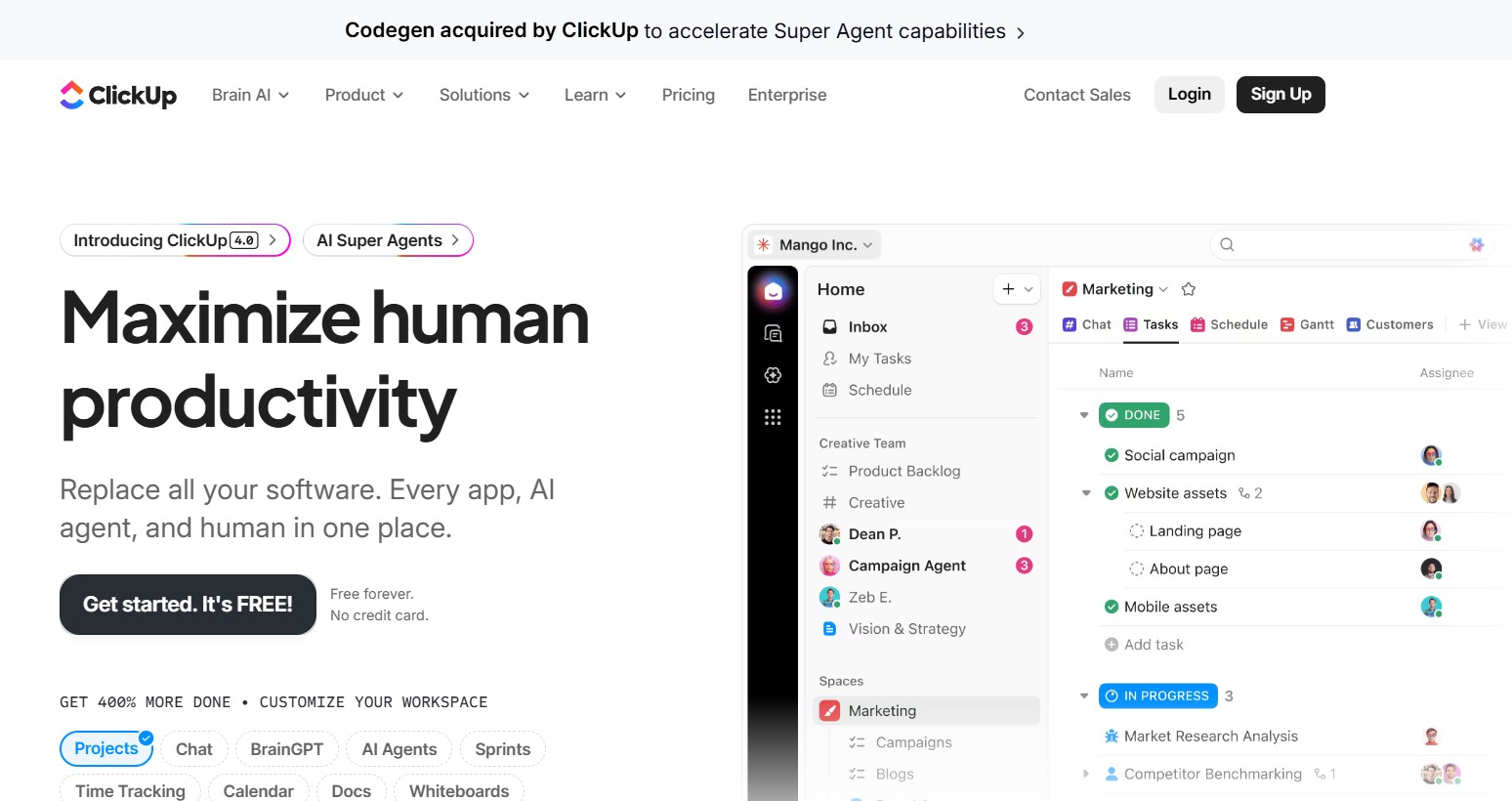
ClickUp includes docs and wiki features alongside tasks and projects. Teams use it to store process docs, runbooks, and internal guides next to their daily work.
Software Pros:
- Docs tied to tasks and projects
- Flexible hierarchy and views
- Good free tier for small teams
Software Cons:
- Not a dedicated knowledge base only
- Can feel busy if you only want documentation
ClickUp Docs Review:
While exploring ClickUp’s docs, I paid attention to how knowledge sits next to work. I like how you can link docs to tasks so instructions are close to the work itself. In my opinion, it makes sense for teams that want knowledge base apps built into their wider work management system.
Our Verdict
Documentation Inside Work Management
Desk365
Quick Overview:
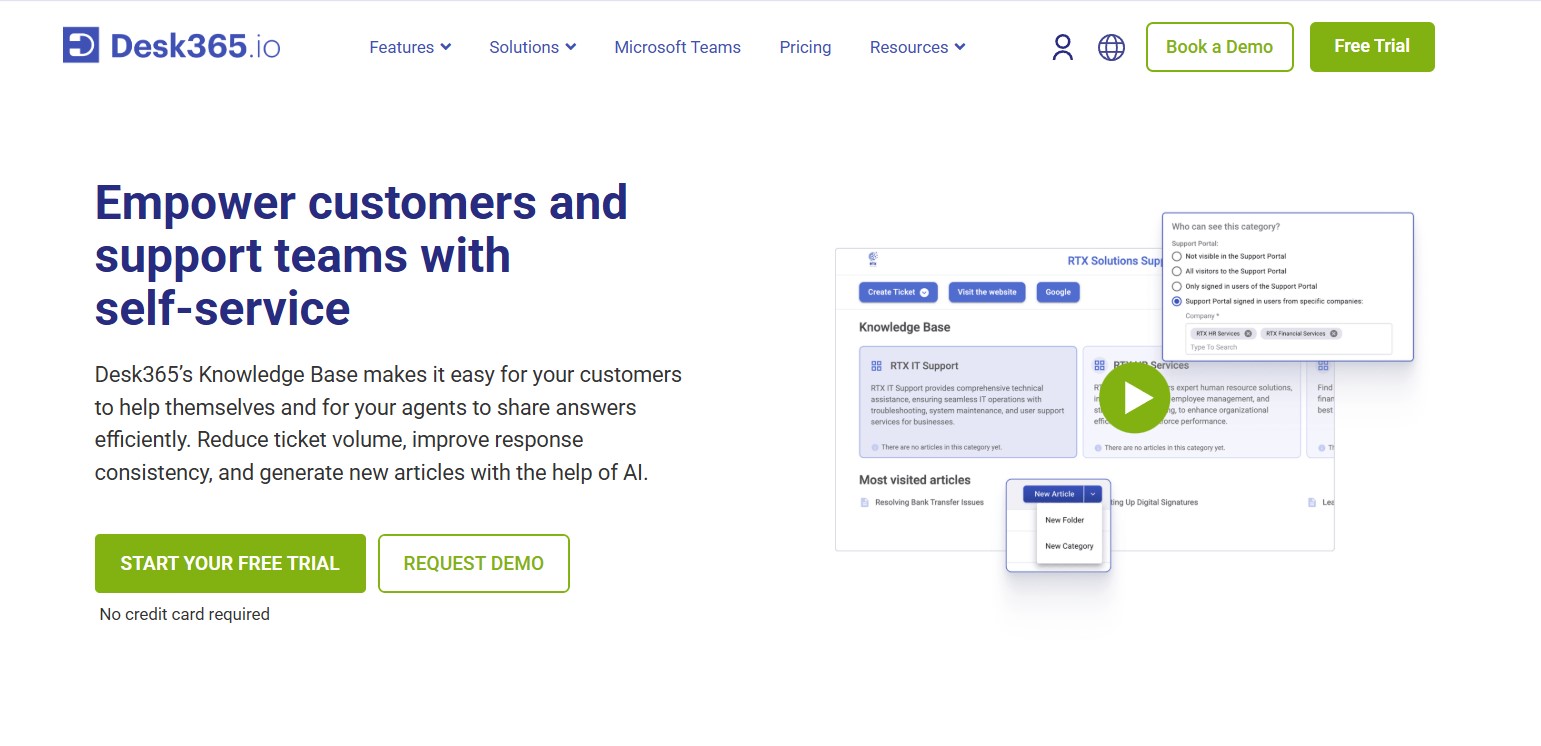
Desk365 is a helpdesk with a built-in knowledge base. It focuses on self-service, with clear portals, FAQ sections, and AI support for creating articles.
Software Pros:
- Helpdesk and knowledge base in one
- Strong self-service focus
- Role-based access and permissions
Software Cons:
- Best fit for support teams, not pure internal docs
- Requires some setup to match your brand
Desk365 Review:
I liked how naturally the knowledge base fits into the support flow, from ticket deflection to step-by-step guides. I found this especially useful when you want the best knowledge base software for support teams that handle repeat questions all day. It also shows up often in best knowledge base platforms comparison pieces for customer support.
Our Verdict
Self-Service Layer For Helpdesks
Document360
Quick Overview:
Document360 is a standalone knowledge base platform with strong categorization, markdown editing, workflows, and version control. It can power both internal and external knowledge bases and supports AI-based suggestions.
Software Pros:
- Rich editor with versioning
- Good category and navigation structure
- AI features and workflow automation
Software Cons:
- More “documentation-heavy” than simple note tools
- Pricing may feel high for very small teams
Document360 Review:
I appreciated the way Document360 treats documentation as a full product, not just a side feature. What stood out to me is how clean the structure stays even as you add many articles. For teams comparing top knowledge base platforms with analytics and workflow controls, this belongs on the shortlist.
Our Verdict
Full-Featured Docs-First Platform
Featurebase

Quick Overview:
Featurebase is one of the best AI-powered knowledge base platforms, built as an all-in-one help center. It focuses on product docs, in-app widgets, and an AI agent that can answer common questions directly.
Software Pros:
- Built-in AI support agent
- In-app widgets for product docs
- Free plan for smaller teams
Software Cons:
- Geared mainly to product and support teams
- Newer tool compared to some legacy platforms
Featurebase Review:
I found the approach interesting because the knowledge base is tightly linked with AI and in-product help. I liked how naturally it fits into a self-serve support model where customers get answers without leaving your app. In my opinion, it is one of the best AI-driven knowledge base software options right now.
Our Verdict
Modern AI-Powered Help Center
Freshdesk Knowledge Base
Quick Overview:
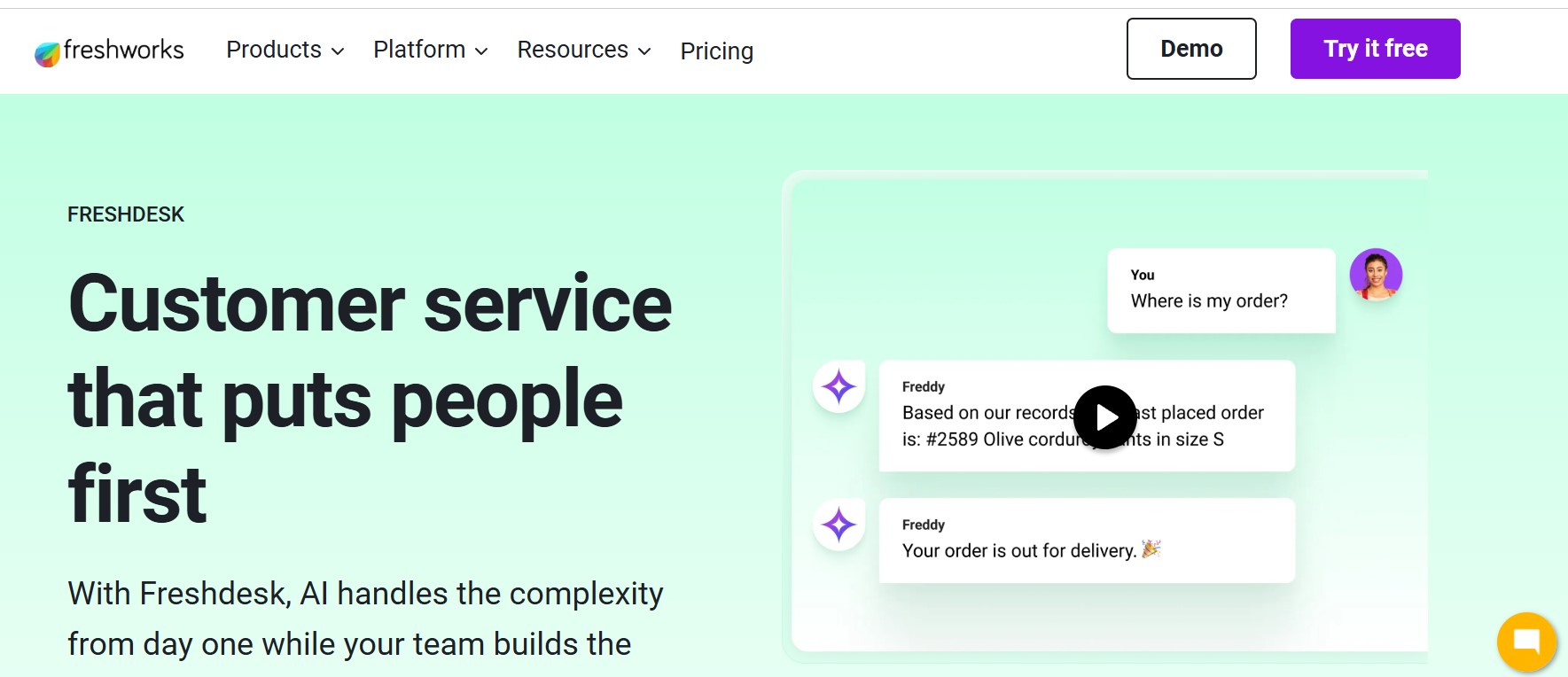
Freshdesk by Freshworks offers a helpdesk with a built-in knowledge base, forums, and chatbot tools. Teams use it to run support, ticketing, and self-service from one place.
Software Pros:
- Helpdesk + knowledge base in one
- Multi-brand and multilingual options
- Good fit for support teams of many sizes
Software Cons:
- Less focused on deep internal docs
- Best features on higher-tier plans
Freshdesk Review:
When reviewing Freshdesk, I focused on how easy it is for agents to turn solved tickets into articles. I like that this helps the knowledge base grow naturally as the support team works. I’d position it as one of the best knowledge base software options for support teams that want to track ticket volume and reduce repeat questions.
Our Verdict
Support-Centric Knowledge Hub
GitBook
Quick Overview:
GitBook is a documentation platform popular with SaaS and developer teams. It supports markdown, version control, and Git integration, making it a good fit for technical docs and API guides.
Software Pros:
- Clean layout for technical content
- Git integration and versioning
- Good for public product and API docs
Software Cons:
- Less suited to HR or policy content
- Not aimed at classic helpdesk setups
GitBook Review:
I appreciated how GitBook keeps technical documentation readable without hiding the underlying structure. I’ve noticed that it works particularly well when engineering and product teams own the docs. For many software companies, it sits near the top of the best knowledge base software for IT companies.
Our Verdict
Developer-Friendly Docs Platform
Guru
Quick Overview:
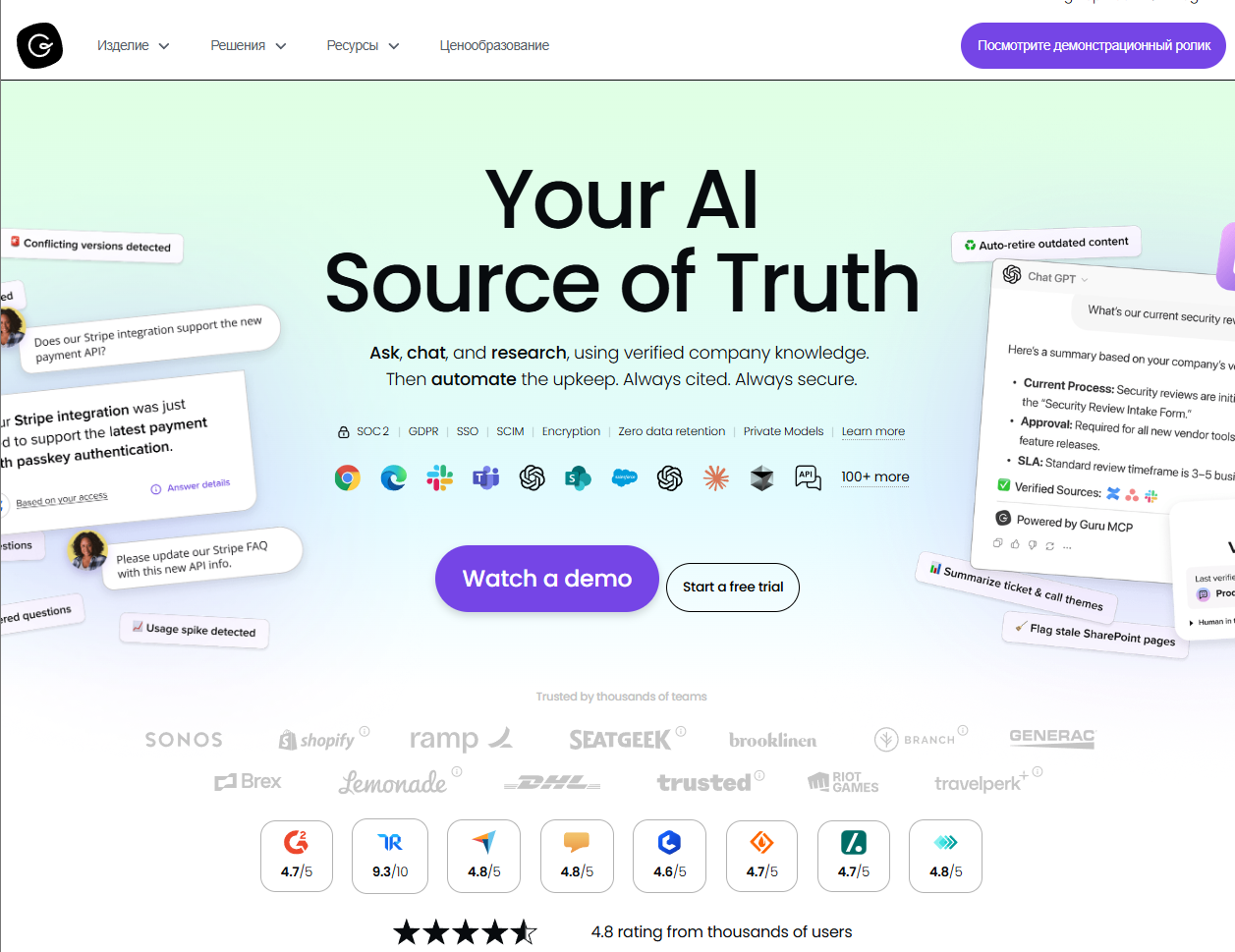
Guru is a knowledge base and “knowledge cards” tool that brings answers into tools like Slack, Teams, and browsers. It focuses on capturing answers where work happens and keeping them up to date with verification workflows.
Software Pros:
- Browser extension and in-app suggestions
- Verification system to keep content fresh
- Strong fit for sales and support enablement
Software Cons:
- Card model can feel different at first
- Not a classic long-form wiki
Guru Review:
What I noticed fairly quickly is how Guru tries to meet you inside your existing tools instead of forcing you into a separate portal. I like how experts can “own” and verify content so people trust what they see. In my opinion, it’s one of the best knowledge base tools when you want just-in-time answers during daily work.
Our Verdict
Embedded Knowledge For Daily Work
HelpDocs
Quick Overview:
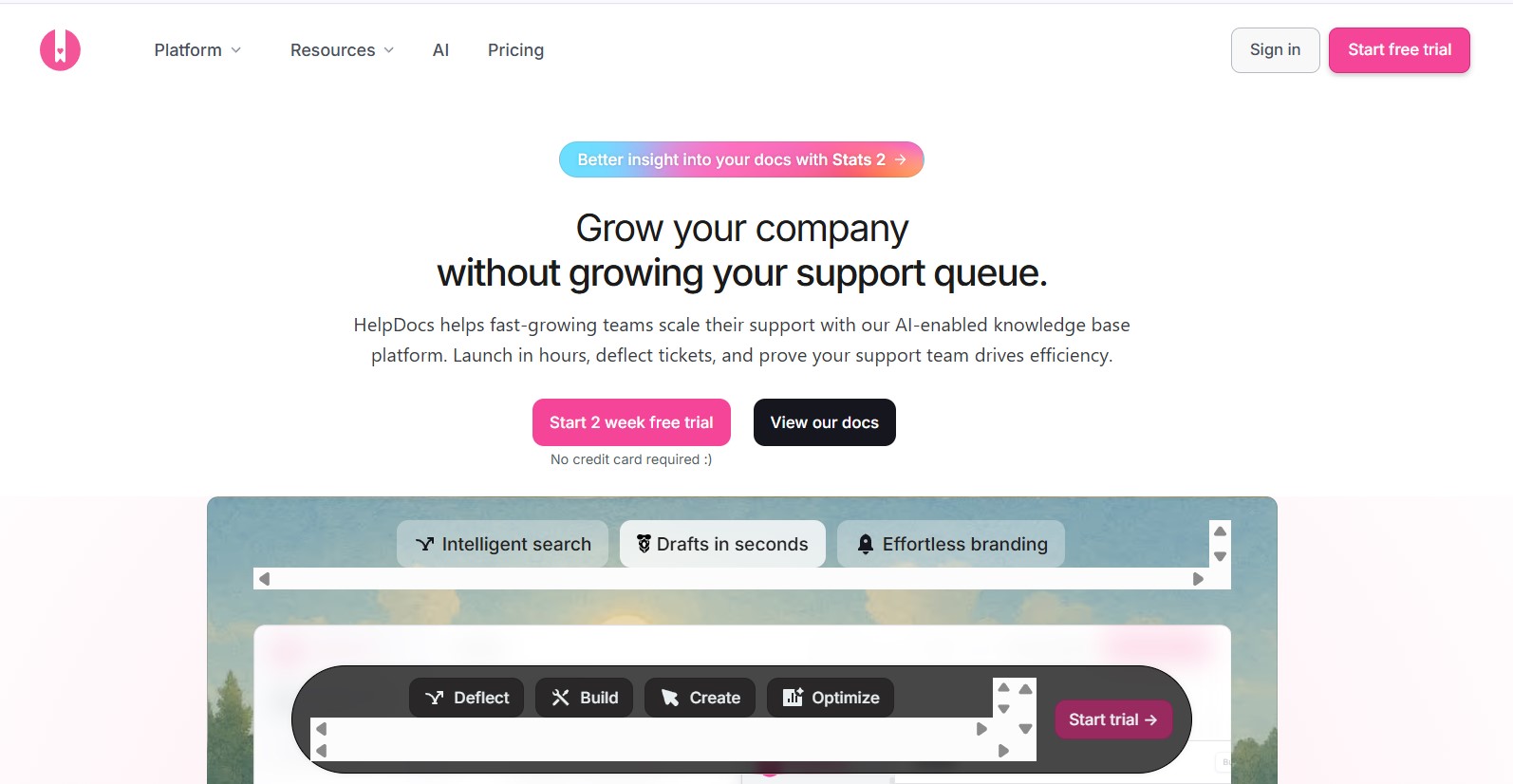
HelpDocs is a simple, hosted knowledge base platform focused on clean design and ease of use. It is aimed at product and support teams that want to publish a branded help center quickly.
Software Pros:
- Clean, simple front-end
- Easy theming and branding
- Good for public help centers
Software Cons:
- Limited internal collaboration features
- Fewer deep analytics than some rivals
HelpDocs Review:
I found it easy to imagine a small team spinning up a full help center in a short time here. I appreciated the way basic tasks like organizing categories and tweaking the layout stay straightforward. For teams that want online knowledge base software without a steep learning curve, HelpDocs is a good fit.
Our Verdict
Quick-Launch Public Help Center
Helpjuice
Quick Overview:
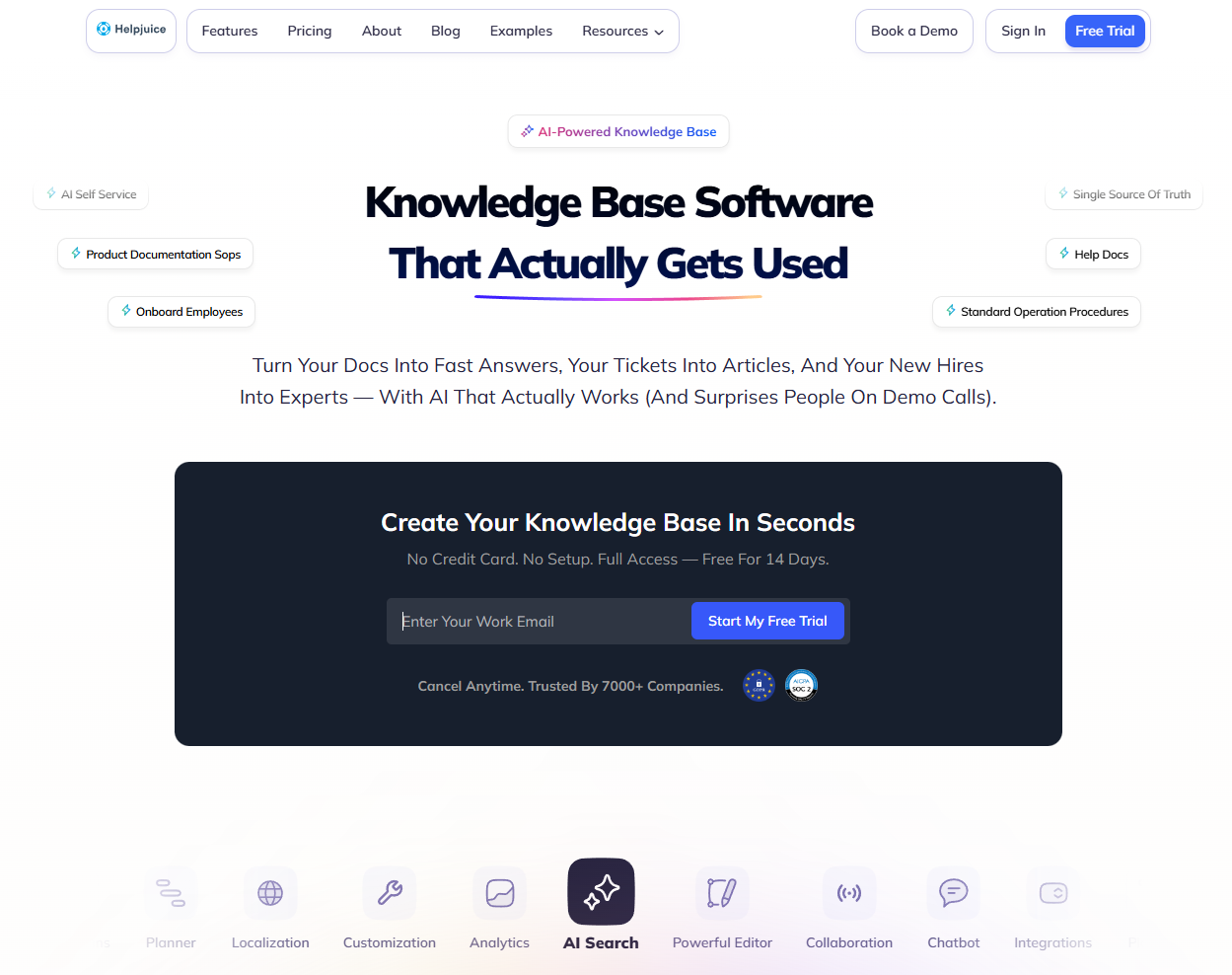
Helpjuice is a dedicated knowledge base platform that focuses on design, search, and analytics. It helps teams create internal or external knowledge bases with custom layouts and detailed reporting.
Software Pros:
- Strong search and relevancy
- Flexible design and branding
- Detailed usage analytics
Software Cons:
- Pricing aimed at growing teams
- Less focus on broader ticketing
Helpjuice Review:
I liked how Helpjuice treats search as a central part of the product. I spent some time exploring how articles can be styled while still staying consistent. For many companies, especially those doing a knowledge base platforms comparison with analytics as a key requirement, Helpjuice earns a spot.
Our Verdict
Search-Focused, Analytics-Rich Platform
Help Scout Docs
Quick Overview:
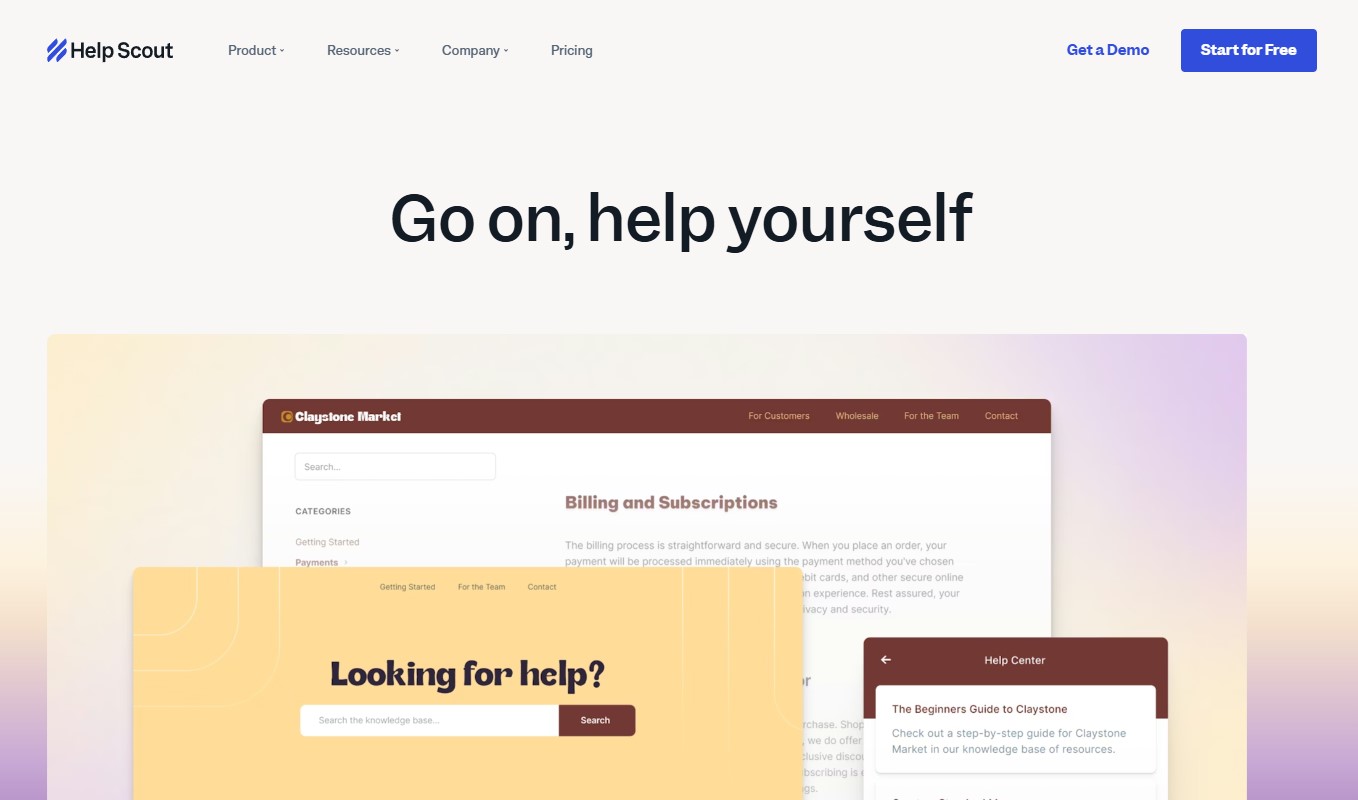
Help Scout Docs is the knowledge base part of the Help Scout support platform. It provides branded docs sites, article organization, and beacon widgets that show help content inside your app or site.
Software Pros:
- Tight integration with Help Scout mailbox
- Simple editor and organization
- Beacon widget for in-app help
Software Cons:
- Best if you already use Help Scout
- Limited standalone internal features
Help Scout Docs Review:
I found it genuinely helpful that Docs and email support share the same ecosystem. I liked how agents can link to or insert articles directly into replies. If you already use Help Scout, this is one of the best knowledge base tools to add self-service without extra vendors.
Our Verdict
Clean Knowledge Base For Help Scout Users
HubSpot Knowledge Base (Service Hub)
Quick Overview:
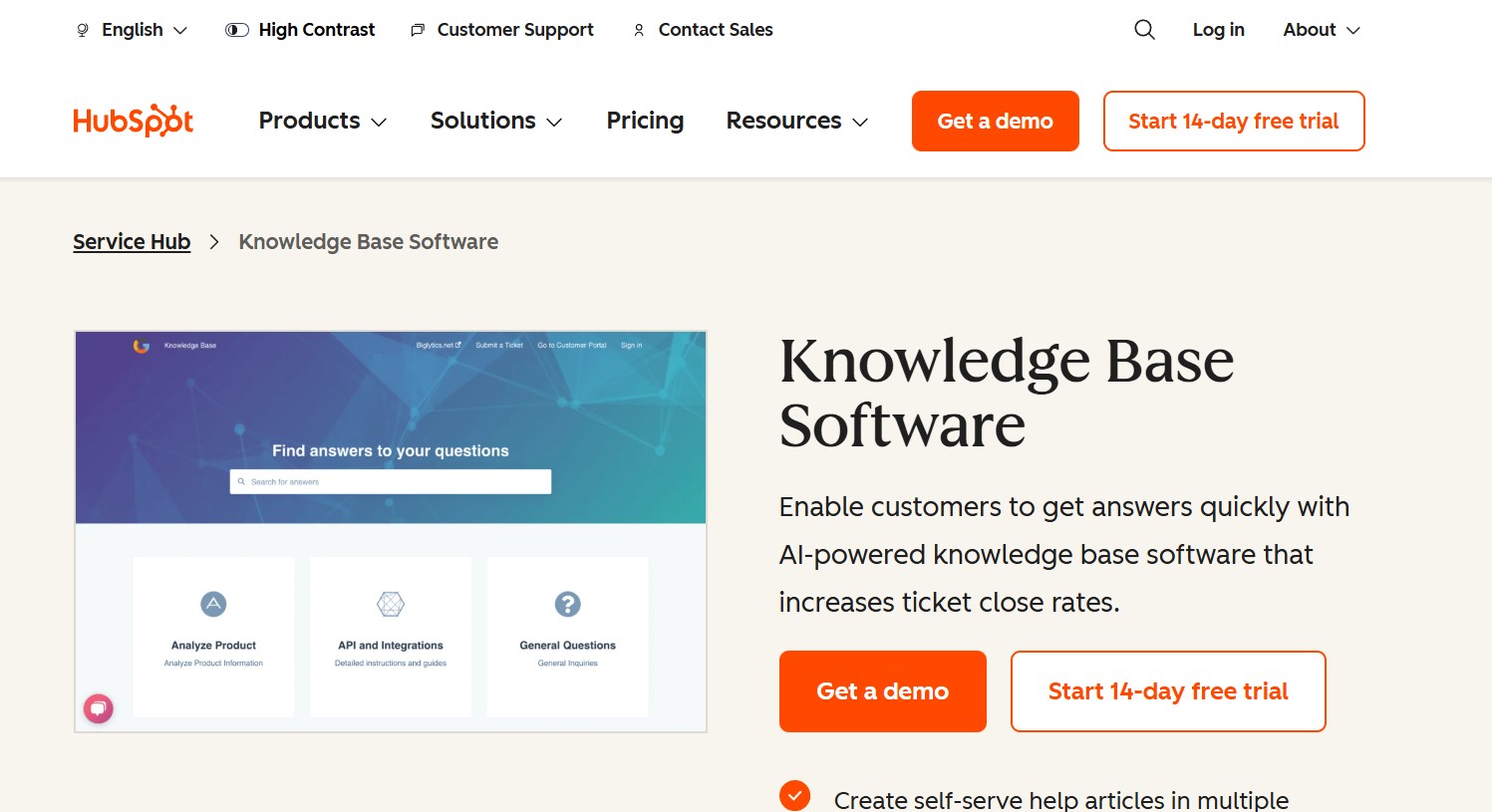
HubSpot Service Hub includes a knowledge base feature that links to CRM, tickets, and chat. It helps teams publish help articles and see which ones reduce ticket volume.
Software Pros:
- Tied to CRM and ticket history
- Good analytics on article performance
- Simple authoring experience
Software Cons:
- Best for teams already in HubSpot
- More focused on external support than deep internal docs
HubSpot Knowledge Base Review:
I spent some time exploring how HubSpot shows which articles drive the most self-service. I appreciated this connection between documentation and real support outcomes. For support and success teams in the HubSpot ecosystem, it is one of the best knowledge base software platforms to consider.
Our Verdict
CRM-Connected Support Knowledge Base
Intercom Articles
Quick Overview:
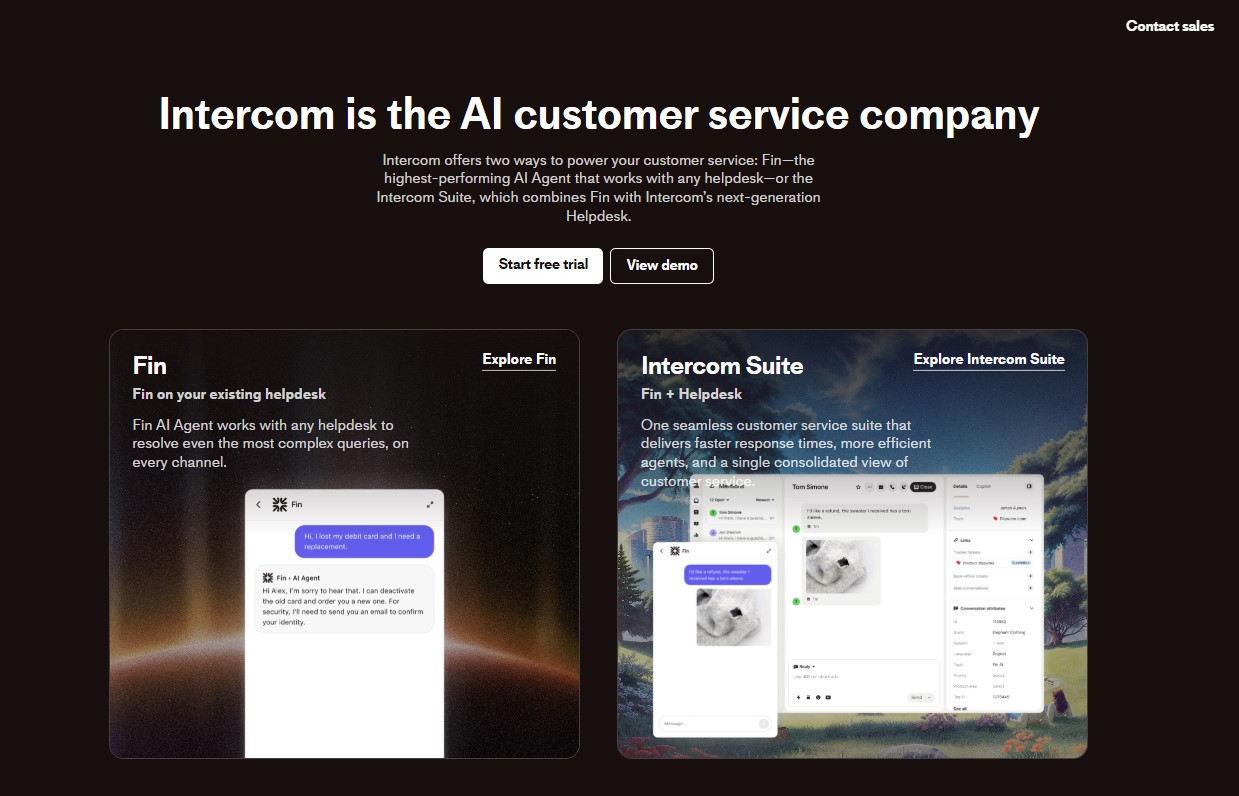
Intercom offers Articles as part of its customer service suite. It supports a public help center plus in-product help via a messenger widget and bots.
Software Pros:
- Strong in-app help and messenger links
- Easy article targeting inside the product
- Good for SaaS and product teams
Software Cons:
- Best used with Intercom messaging
- Pricing linked to wider Intercom stack
Intercom Articles Review:
While exploring this tool, I liked how easily you can surface specific articles based on user behavior. I found this especially useful when you want to guide users through new features without manual emails. In my opinion, Intercom sits among the best AI-powered knowledge base platforms for product-led support.
Our Verdict
In-App Help For Modern SaaS
IT Glue
Quick Overview:
IT Glue is an IT documentation and knowledge base platform aimed at MSPs and internal IT teams. It stores network details, passwords, SOPs, and other technical knowledge.
Software Pros:
- Structured IT documentation
- Asset and password management
- Good fit for MSPs and IT departments
Software Cons:
- Very IT-focused, less general HR use
- Pricing and features tuned to MSP needs
IT Glue Review:
I approached IT Glue as a specialist tool rather than a general help center. What stood out to me is how it turns scattered IT notes into a proper system of record. For IT teams that want the best tools for HR knowledge base management plus technical infrastructure docs, IT Glue is an important option.
Our Verdict
Specialist Platform For IT Documentation
KnowledgeOwl

Quick Overview:
KnowledgeOwl is a documentation and knowledge base tool aimed at technical writers, product teams, and support teams. It supports internal and external sites with flexible layouts.
Software Pros:
- Strong focus on structured content
- Good permission and access controls
- Works for both internal and external docs
Software Cons:
- UI feels more functional than flashy
- Setup can take time for complex sites
KnowledgeOwl Review:
I liked how KnowledgeOwl leans into structure and content models, which helps as you scale. I found it easy to imagine it supporting the best knowledge base software for IT companies, product teams, and support teams at the same time. It’s a good fit when you care about content structure and permissions.
Our Verdict
Flexible Docs For Mixed Audiences
LiveAgent Knowledge Base

Quick Overview:
LiveAgent is a helpdesk that includes a knowledge base, forums, and ticketing. The knowledge base lets you create public help centers and internal FAQs for agents.
Software Pros:
- Helpdesk and knowledge base in one
- Multi-brand and multilingual options
- Affordable plans for smaller teams
Software Cons:
- UI feels more classic than modern
- Less suited for deep internal documentation
LiveAgent Review:
I appreciated the way LiveAgent keeps the knowledge base close to email and chat support. I’ve found that this style works well for teams that want free knowledge base tools or low-cost options bundled with support. It’s a sensible pick for small support teams that want to keep everything in one system.
Our Verdict
Budget-Friendly Helpdesk Knowledge Base
Notion
Quick Overview:
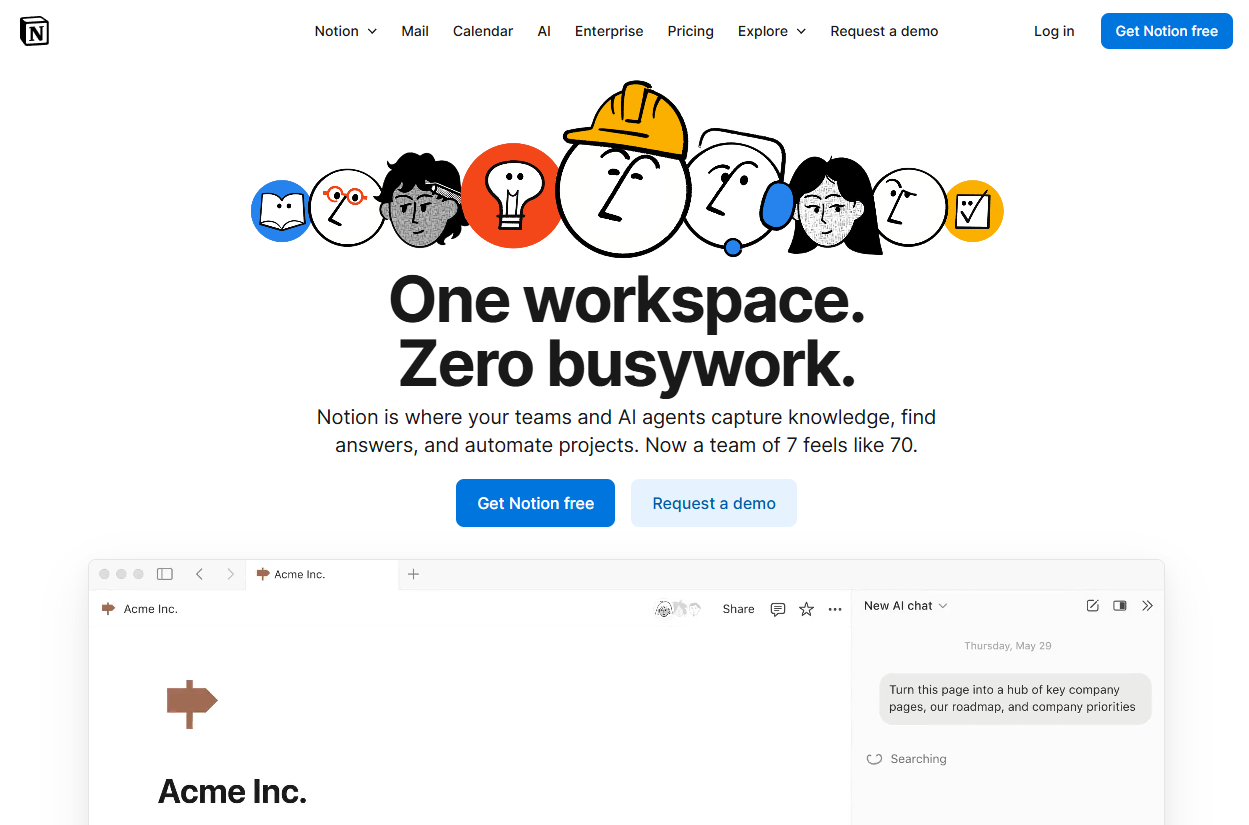
Notion is a flexible workspace tool that many teams use as an internal knowledge base. It supports pages, databases, and templates, with a generous free tier and many community setups.
Software Pros:
- Very flexible page and database model
- Strong templates and community examples
- Robust free plan for small teams
Software Cons:
- Not a dedicated KB tool, so governance can be hard
- Search and structure need discipline as spaces grow
Notion Review:
I like how easy it is to start a wiki in Notion without any training. What I noticed fairly quickly, though, is that you need naming rules and owners to keep it tidy. In many “best free knowledge base software” lists, Notion appears for good reason, but I still see it as a general workspace rather than a pure knowledge base.
Our Verdict
Flexible Workspace With Wiki Superpowers
PHPKB
Quick Overview:
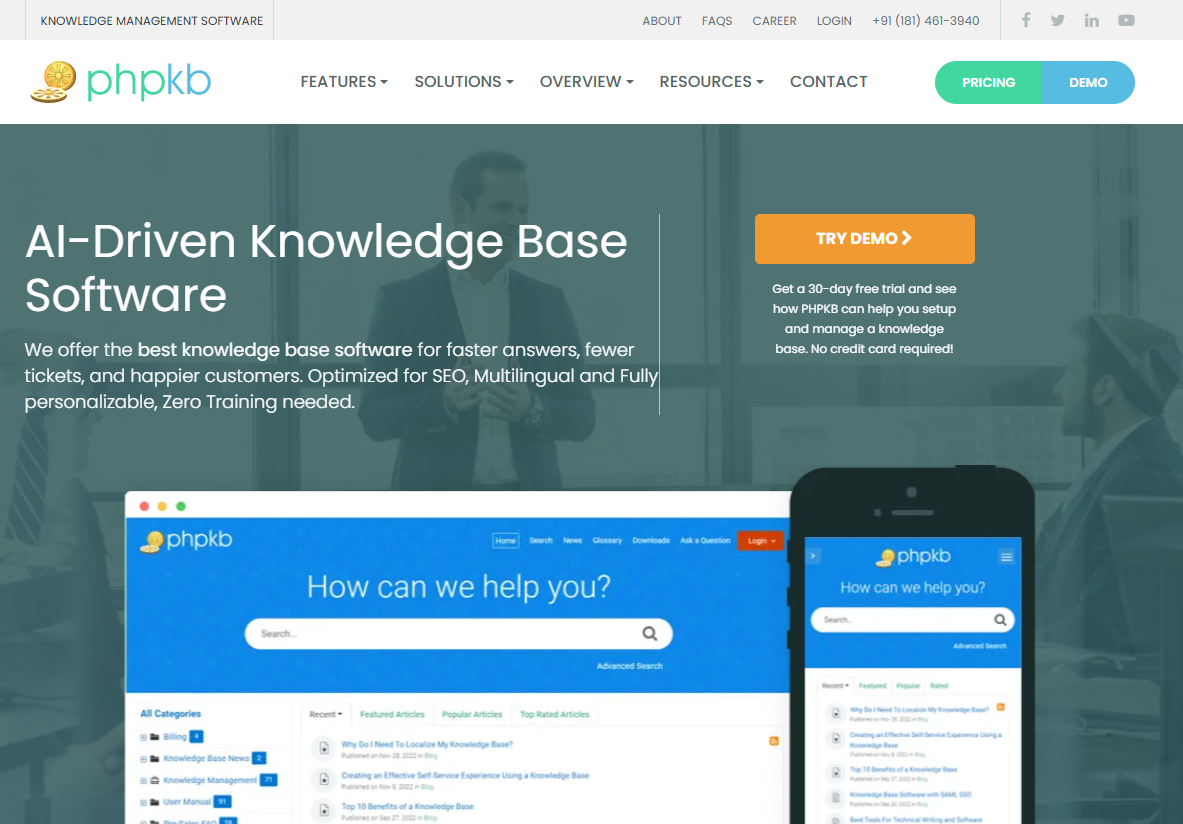
PHPKB is a powerful knowledge base software solution for businesses that want to run public help centers, private internal knowledge bases, or both. It offers self-hosted and SaaS deployment options and combines AI-powered features with advanced search, role-based access control (RBAC), SSO, APIs, and webhooks.
Software Pros:
- Self-hosted and SaaS deployment options
- AI-powered features built into the knowledge base
- Advanced search across article text and attached files
- Role-based access control (RBAC) and SSO for secure access
- APIs and webhooks for connecting other business tools
Software Cons:
- API access and some advanced features require an Enterprise edition
- Self-hosted licenses need a server that meets PHPKB’s system requirements
PHPKB Review:
What stood out to me is the deployment choice: you can install PHPKB on your own server or run it as a hosted SaaS knowledge base. I like how search covers full article text and even attached documents, which keeps answers easy to find as content grows. With RBAC, SSO, APIs, and webhooks on top of AI-powered features, it’s one of the best knowledge base software options for businesses that want both control and security.
Our Verdict
Self-Hosted Or SaaS Knowledge Base With AI
Plain
Quick Overview:
Plain is a modern support platform that includes a knowledge base and strong APIs. It focuses on fast performance, AI features, and deep integration into B2B support workflows.
Software Pros:
- AI-assisted support and docs
- Fast, developer-friendly platform
- Strong API for custom flows
Software Cons:
- Aimed at product and support teams
- May be more than needed for simple FAQs
Plain Review:
I found it interesting that Plain treats documentation and conversations as two sides of the same support experience. I liked how you can keep docs and tickets tightly linked. For teams looking at top knowledge base platforms 2026 that are also modern support tools, Plain is one to watch.
Our Verdict
AI-Ready Platform For B2B Support
ProProfs Knowledge Base
Quick Overview:
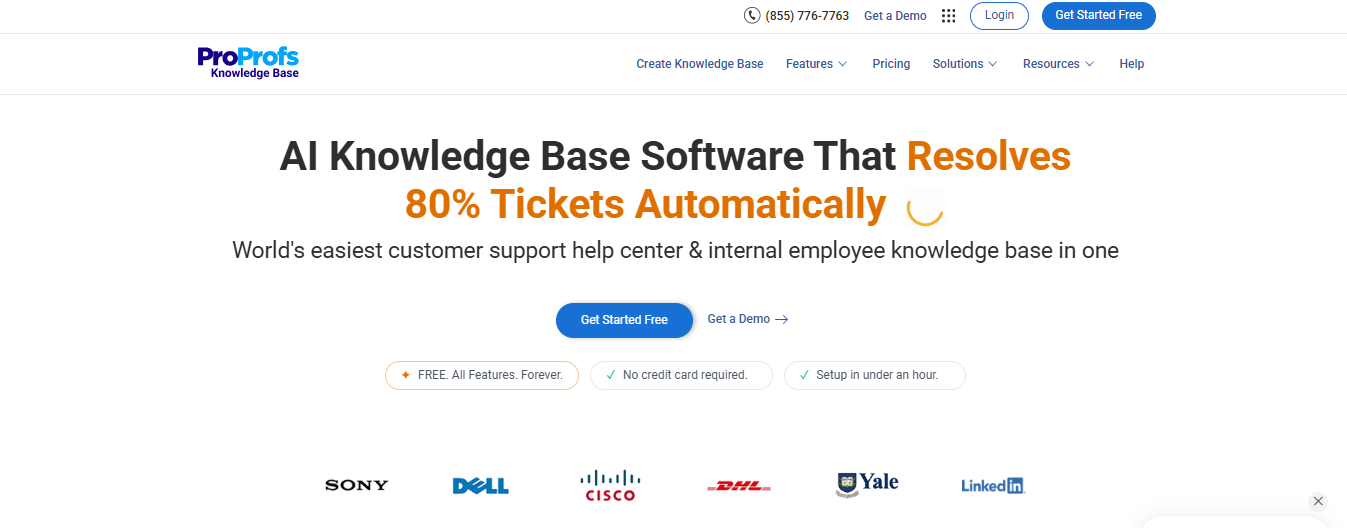
ProProfs Knowledge Base is the easiest customer support help center and internal employee knowledge base in one. It combines AI-assisted article writing, smart search, strong security controls, and built-in reporting, so both support teams and internal teams can manage documentation without needing a developer or a second tool.
Software Pros:
- AI helps write and update articles automatically
- AI-powered search finds the right answer even if you don’t use the exact words in the article
- Role-based permissions and single sign-on keep content secure
- Works as both a public help center and a private internal wiki
- Reports show which articles need fixing or updating
Software Cons:
- No on-premise deployment option
- No dark mode
ProProfs Knowledge Base Review:
What stood out to me is how little setup it takes to get a help center and an internal wiki running side by side. Uploading existing docs is straightforward, and AI takes over from there, drafting articles, then continuing to flag stale content and searches that turned up nothing so nothing slips through unnoticed. Security is solid too, with proper role-based access controls. For teams that want one platform without a steep learning curve, it’s a strong pick.
Our Verdict
AI-Powered Help Center And Internal Wiki In One
ServiceNow Knowledge Management

Quick Overview:
ServiceNow includes knowledge management as part of its IT service and employee experience suites. It helps large organizations store solutions, run internal help centers, and connect knowledge with tickets and requests.
Software Pros:
- Deep integration with ITSM and HR workflows
- Strong permissions and governance
- Good fit for large enterprises
Software Cons:
- Heavy platform for small companies
- Requires clear ownership and admin skills
ServiceNow Knowledge Review:
I approached ServiceNow as an enterprise platform first, knowledge base second. I liked how knowledge articles plug directly into service portals so staff can self-serve before opening tickets.
Our Verdict
Enterprise Knowledge For Service Portals
Slab
Quick Overview:
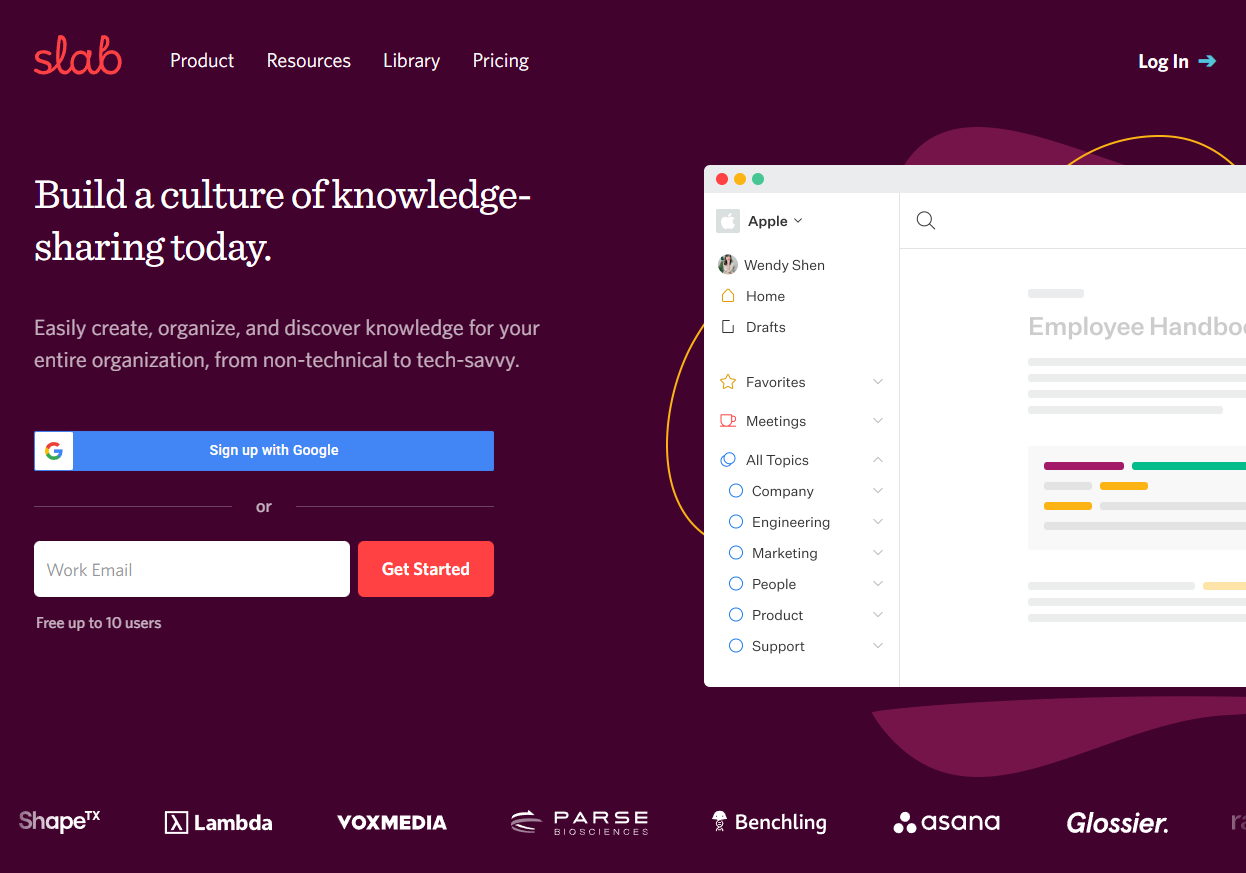
Slab is an internal knowledge base tool aimed at modern teams. It supports rich editing, topics, and integrations with tools like GitHub, Slack, and Google Drive.
Software Pros:
- Clean, opinionated design
- Good search and topic system
- Integrates well with common tools
Software Cons:
- Focuses on internal, not external KBs
- Needs some setup to match your structure
Slab Review:
I liked how Slab gently pushes you toward good documentation habits with topics and suggestions. I found it easy to keep content clean and readable. For many teams, it is one of the best knowledge base platforms with analytics and a strong candidate when you want best tools for HR knowledge base management and team docs.
Our Verdict
Opinionated, Clean Internal Wiki
Slite
Quick Overview:
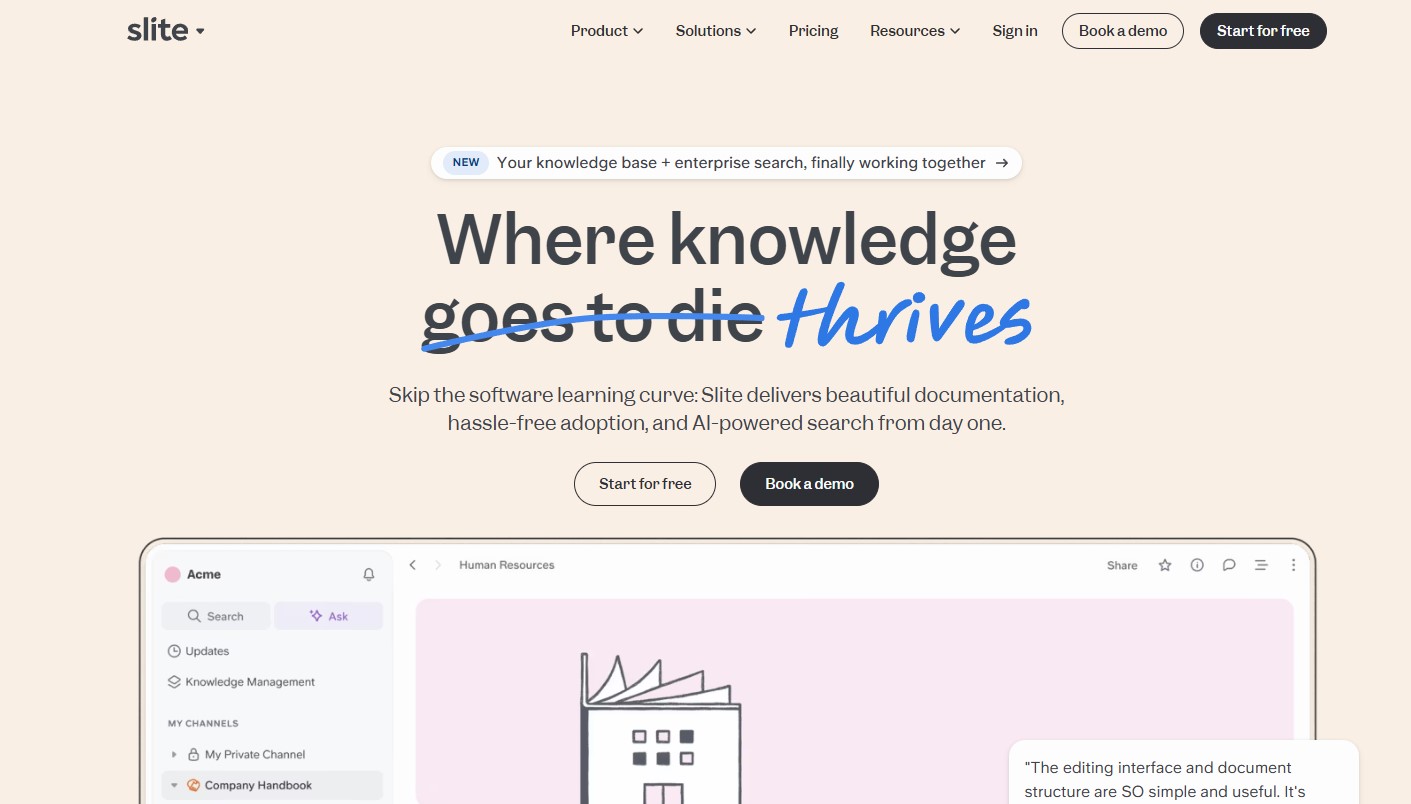
Slite is a knowledge base and note tool for distributed teams. It focuses on simple pages, team channels, and meeting notes, and is often used as a light internal wiki.
Software Pros:
- Simple, uncluttered interface
- Good for remote collaboration
- Templates for recurring docs
Software Cons:
- Less depth for complex help centers
- Limited external publishing options
Slite Review:
What stood out to me is how Slite keeps things light for remote teams that just need a shared brain. I liked how channels group docs by squad or topic. For small to mid-size remote teams, it’s a good example of best knowledge base software for support teams and general collaboration.
Our Verdict
Lightweight Wiki For Remote Teams
Tettra
Quick Overview:
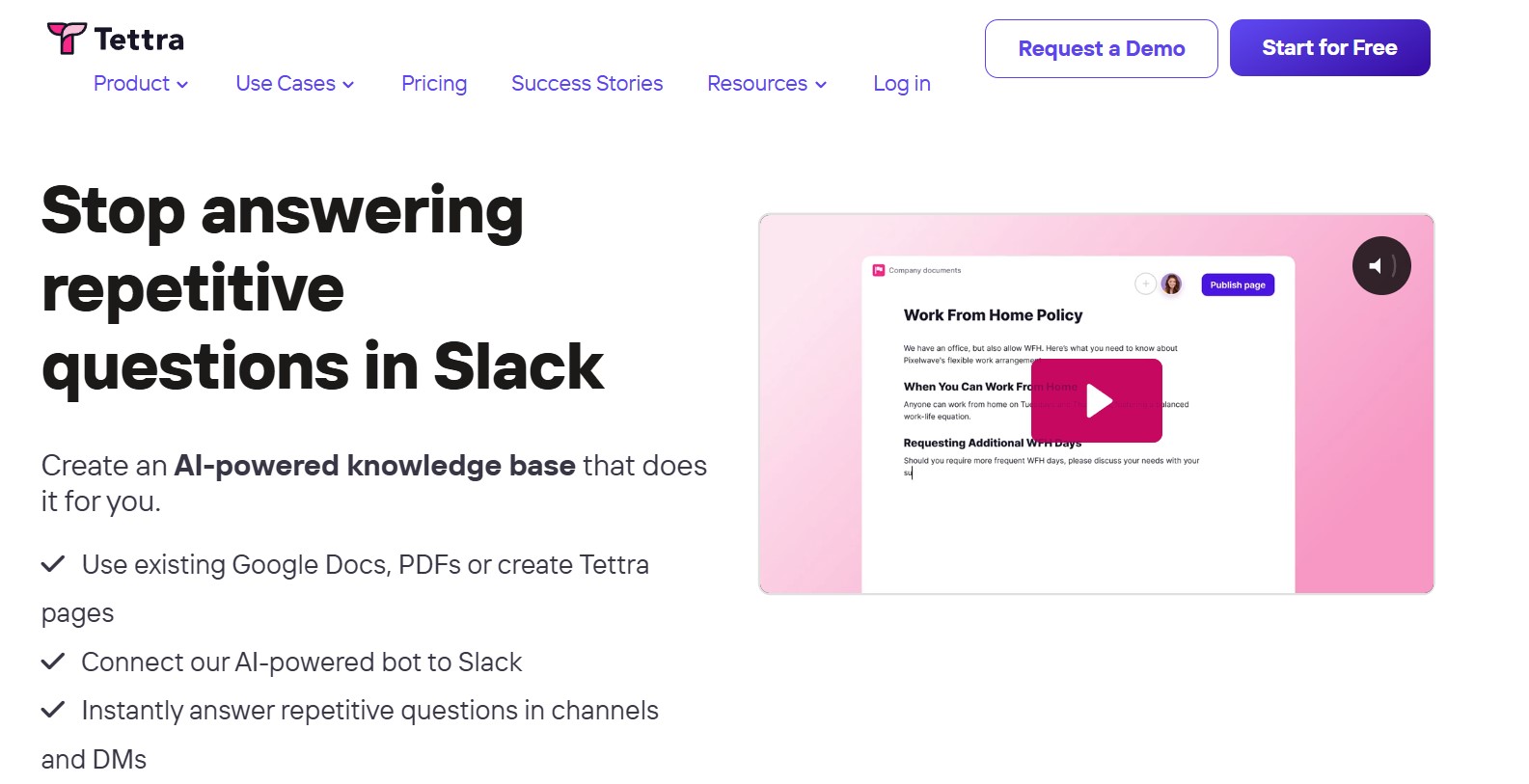
Tettra is an internal knowledge base built for growing teams that use Slack and Microsoft Teams. It offers Q&A, page templates, and suggestions from within chat.
Software Pros:
- Deep Slack and Teams integration
- Q&A flow to capture answers
- Simple, structured pages
Software Cons:
- Focused on internal, not public docs
- Less suited for complex multi-brand help centers
Tettra Review:
I found it genuinely helpful that Tettra supports both pages and quick Q&A. I liked how naturally it fits into chat-first workflows where people are already asking questions. In my opinion, it sits among the best knowledge base tools for small and mid-size teams that live in Slack.
Our Verdict
Chat-Friendly Internal Knowledge Base
Zendesk Guide
Quick Overview:
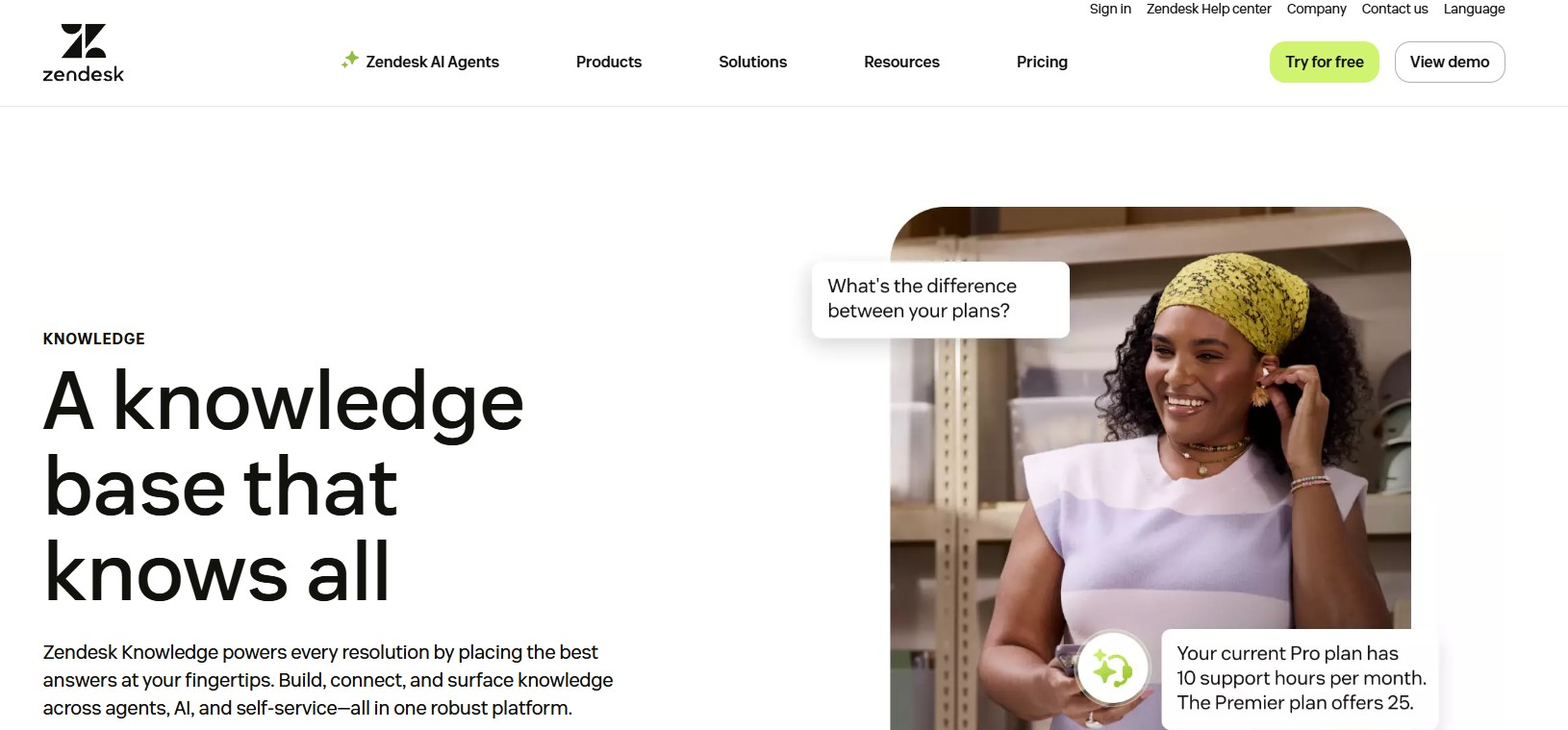
Zendesk Guide is Zendesk’s AI-powered knowledge base. It connects to tickets, chat, and AI agents to help teams create, manage, and surface help articles for customers and employees.
Software Pros:
- Tight integration with Zendesk support
- AI tools for content and suggestions
- Multi-brand, multi-language support
Software Cons:
- Best value with the full Zendesk suite
- Admin screens can feel dense at first
Zendesk Guide Review:
I appreciated the way Zendesk turns resolved tickets into article ideas and uses AI to suggest content. I’ve noticed that this makes it easier to keep help centers fresh without extra meetings. For many support organizations, it’s one of the top knowledge base platforms in 2026, especially when AI is a key requirement.
Our Verdict
AI-Enhanced Help Center For Support Teams
Zoho Desk Knowledge Base
Quick Overview:
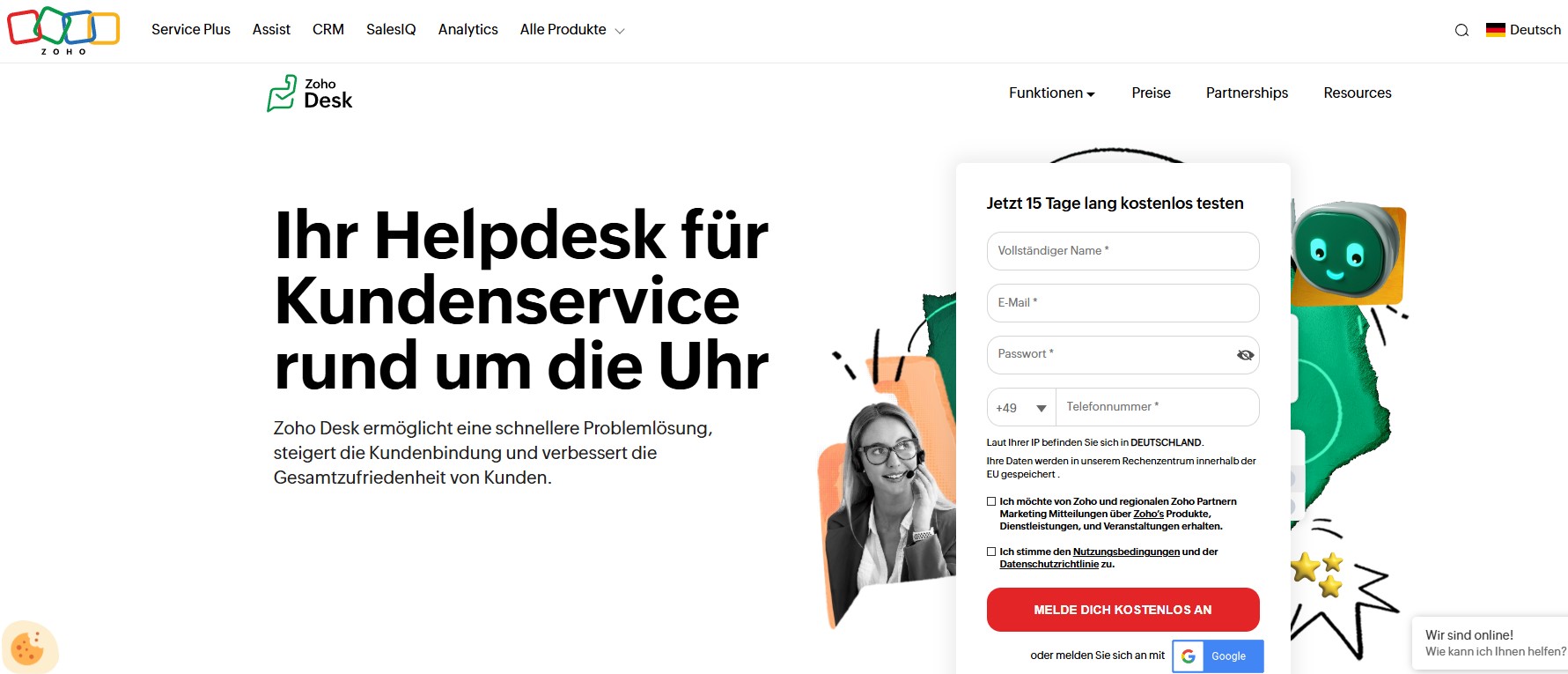
Zoho Desk includes a knowledge base that can power self-service portals and internal FAQs. It links directly to tickets, community forums, and multi-brand support.
Software Pros:
- Integrated with Zoho Desk tickets
- Multi-brand portals
- Affordable pricing
Software Cons:
- UI feels busier than some modern tools
- Best if you already use Zoho Desk
Zoho Desk KB Review:
I liked how Zoho Desk lets you reuse the same article across portals and channels. I found it easy to see which articles actually reduce ticket volumes. For small and mid-size support teams, it is often mentioned in top-rated tools for knowledge base management alongside other Zoho tools.
Our Verdict
Cost-Effective Knowledge Base For Zoho Users
Zoho Learn
Quick Overview:
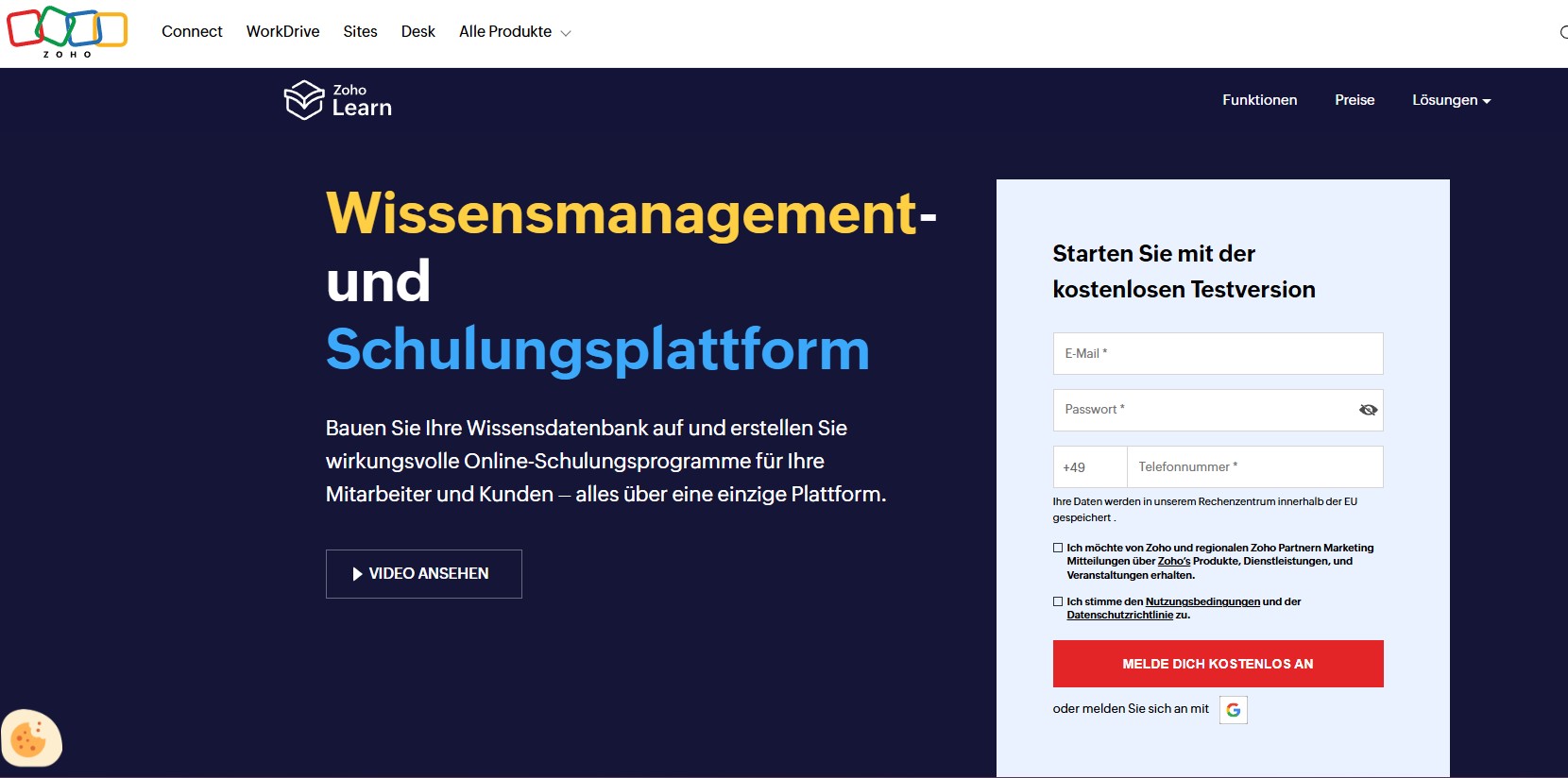
Zoho Learn is a knowledge management and training tool that combines manuals, courses, and spaces. It helps teams build internal knowledge hubs and learning paths.
Software Pros:
- Manuals plus training in one tool
- Spaces for teams and topics
- Fits well in the broader Zoho ecosystem
Software Cons:
- Not a classic customer help center
- Some advanced features need setup
Zoho Learn Review:
I was curious to see how Zoho Learn blends documentation and training. I like how you can turn knowledge base articles into structured learning content for new hires. For HR and L&D teams that want employee training apps and knowledge in one place, it is an interesting option.
Our Verdict
Knowledge And Training Under One Roof
Zoho Wiki
Quick Overview:
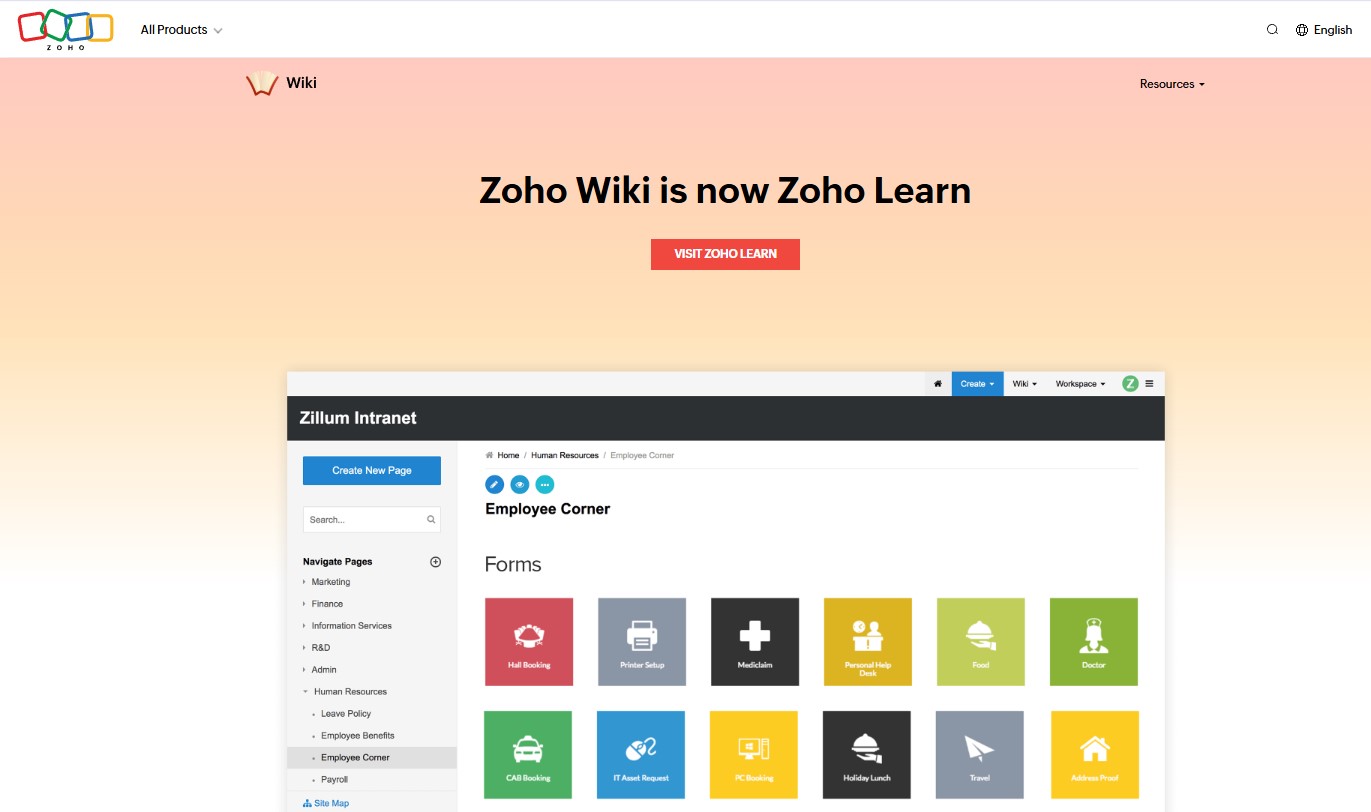
Zoho Wiki (in regions where it’s still available) is a simple wiki-style knowledge base for small teams. It supports workspaces, pages, and basic permissions.
Software Pros:
- Simple, wiki-style structure
- Fits smaller teams and departments
- Integrates with other Zoho tools
Software Cons:
- Interface looks more dated than newer platforms
- Less suitable for large public help centers
Zoho Wiki Review:
I tend to view Zoho Wiki as an easy way to start internal documentation if you already use Zoho. I liked that teams can spin up workspaces without a long project. For very small teams looking for free knowledge base software or low-cost internal wikis, it can still be a practical choice.
Our Verdict
Basic Wiki For Small Teams
FAQs About the Best Knowledge Base Platforms
What is knowledge base software?
Knowledge base software is a tool that lets you create, organize, and search articles, FAQs, and guides in one place. It replaces scattered docs and emails with a central hub where staff or customers can find answers themselves. The best knowledge base software supports both internal and external use, and often includes analytics to show what people search for most.
What types of knowledge bases do organizations use today?
Most organizations use at least two types: an internal knowledge base for employees (HR policies, IT instructions, process docs) and an external one for customers (FAQs, troubleshooting, product guides). Some also add a partner or reseller portal, or a staff training platform that reuses knowledge base content as courses and checklists.
How does knowledge base software support internal teams?
Internal knowledge bases reduce repetitive questions to HR, IT, and operations. They also support onboarding, change management, and performance reviews by making processes easy to follow.
How is knowledge base software different from document management systems?
Document management systems focus on storing files (PDFs, Word docs, contracts) with version control and formal approval. Knowledge base platforms focus on readable articles, search, and linking. In practice, many teams use both: a document system for formal records and the best knowledge base platforms for day-to-day answers.
What features are considered essential in knowledge base software in 2026?
In 2026, I’d look for:
- Fast, relevant search (ideally with AI suggestions)
- Easy authoring and review workflows
- Good structure (categories, tags, and navigation)
- Analytics on views, searches, and gaps
- Permissions for internal vs public content
- Integrations with chat, helpdesk, and SSO
For many teams, AI-powered suggestions and analytics are now standard when comparing top knowledge base platforms.
Who typically owns and manages a company knowledge base?
Ownership depends on the use case. Support teams often own customer-facing knowledge bases. HR or operations may own internal policies, sometimes with HR knowledge base managers in bigger firms. IT or product teams manage technical and product documentation. In all cases, the best knowledge base tools work best when there is a clear owner and a few editors, not “everyone and no one.”

Yaryna is our lead writer with over 8 years of experience in crafting clear, compelling, and insightful content. Specializing in global employment and EOR solutions, she simplifies complex concepts to help businesses expand their remote teams with confidence. With a strong background working alongside diverse product and software teams, Yaryna brings a tech-savvy perspective to her writing, delivering both in-depth analysis and valuable insights.