This content was reviewed and updated in August 2026 to ensure all information remains accurate and up to date.
Twenty platforms, compared on what each one is actually built to do. The table below sorts them into full LMS platforms, authoring tools, content libraries, and HR-suite modules. Buying the wrong type is the mistake I see most often in this category.
Best Training Management Software in 2026: What It Is and Why Companies Use It
Training management software is what you use to assign courses, deliver them, track who finished, and prove it later. That last part is the reason most companies buy one. A course nobody can evidence is a course that didn’t happen, as far as an auditor or regulator is concerned.
A note on naming, because it decides whether this page is useful to you. In the wider market, a training management system usually means scheduling-first software: booking instructors, rooms, sessions and equipment for in-person training. A learning management system delivers and tracks digital courses. The twenty tools here are learning management systems. If what you need is instructor and venue logistics rather than online training management software, this is not your list.
This page covers the administration side: assigning training, tracking completion and compliance, and reporting on outcomes. If you want the wider category of employee training management software, our guide to employee training software runs broader and lighter on administration.
Two sibling pages sit close by and do different jobs. Our roundup of corporate learning management systems goes deeper on enterprise deployments and integration architecture. This page stays focused on running a training program day to day. Buyers shopping specifically for HR training management software that plugs into an existing HR stack will find more of that comparison there.

INSIGHT: LMS, authoring tool, or content library?

The 20 tools here do three different jobs, and buying the wrong one is the most common mistake in this category.
- Full LMS platforms, for example Docebo, LearnUpon, TalentLMS and Tovuti: assign, deliver, track and report, using your content or a library you buy.
- Authoring and content creation tools, for example Articulate Rise 360 and Thinkific Plus: built for making courses, lighter on program administration.
- Content libraries, for example Coursera for Business and Skillsoft Percipio: the courses are the product and administration is secondary.
- Learning modules inside an HR suite, for example Cornerstone, SAP SuccessFactors Learning and Workday Learning: training records sit next to performance and career data, at enterprise scope and price.
Sources:
How the 20 Tools Compare
This table is the fastest way to narrow twenty down to three. Platform type tells you what the tool is built to do. Audience tells you whether it can train customers and partners as well as staff, and the rating column gives peer evidence rather than my opinion. Picking the best training management software starts with ruling out the wrong category.
| Tool | Platform type | Best for | Audience | G2 rating |
|---|---|---|---|---|
| Adobe Learning Manager | Full LMS | Large enterprise rollouts | Employees, customers, partners | 4.0 (318) |
| Articulate Rise 360 | Authoring tool | Internal content creators | Employees | 4.7 (788)* |
| Bridge LMS | Full LMS | People-development focused teams | Employees | 4.2 (392) |
| Cornerstone OnDemand | HR-suite learning module | Enterprise talent programs | Employees | 4.1 (530) |
| Coursera for Business | Content library | Buying ready-made expertise | Employees | 4.5 (489) |
| D2L Brightspace | Full LMS | Competency and skills programs | Employees | 4.4 (708) |
| Docebo | Full LMS | Multi-audience training at scale | Employees, customers, partners | 4.3 (748) |
| Gyrus Systems | Full LMS | Regulated industries | Employees | N/A |
| iSpring Learn | Full LMS | Teams authoring in PowerPoint | Employees | 4.6 (168) |
| LearnUpon | Full LMS | Mid-market multi-portal training | Employees, customers, partners | 4.5 (254) |
| Litmos | Full LMS | Fast launch with bought content | Employees, customers, partners | 4.3 (698) |
| Moodle Workplace | Open-source LMS | Teams wanting full control | Employees | 4.1 (448) |
| Paradiso LMS | Full LMS | Highly branded, gamified training | Employees, customers, partners | 4.1 (13) |
| ProProfs Training Maker | Full LMS | Small teams needing courses fast | Employees | N/A |
| SAP SuccessFactors Learning | HR-suite learning module | SAP-based enterprises | Employees | 4.1 (1,655) |
| Skillsoft Percipio | Content library | Broad professional development | Employees | 4.1 (107) |
| TalentLMS | Full LMS | Small teams on a budget | Employees | 4.6 (806) |
| Thinkific Plus | Authoring tool | Polished branded course delivery | Employees, customers, partners | 4.5 (405) |
| Tovuti LMS | Full LMS | Blended and virtual classroom training | Employees, customers, partners | 4.6 (296) |
| Workday Learning | HR-suite learning module | Workday HCM customers | Employees | 4.1 (31) |
Every score above was read from the tool’s own G2 profile in August 2026, with the review count in brackets. *Articulate lists the Articulate 360 suite rather than Rise 360 alone.
Quick Picks by Training Need
If the table is still too much, start here. Each line names the tools I would actually shortlist, alphabetically and without ranking. Any one of them is a reasonable training management solution for the job described.
- Compliance and regulated industries: Cornerstone OnDemand, Gyrus Systems, SAP SuccessFactors Learning
- Small teams and tight budgets: ProProfs Training Maker, TalentLMS
- Creating training content in-house: Articulate Rise 360, iSpring Learn, Thinkific Plus
- Buying ready-made content instead of building it: Coursera for Business, Litmos, Skillsoft Percipio
- Training customers and partners as well as employees: Docebo, LearnUpon, Paradiso LMS, Tovuti LMS
- Learning inside an existing HR suite: Cornerstone OnDemand, SAP SuccessFactors Learning, Workday Learning
Companies under about fifty staff often find these platforms heavier than they need. Our shortlist of lighter options built for small businesses covers that end of the market properly. Those tools are priced and scoped for teams without a dedicated learning function.
Training Management Software Pricing
Four models are in play here. Per active user means you pay only for people who logged in that month. Per registered user means you pay for everyone in the system whether they open it or not. The gap between those definitions is where most quote surprises come from. Content libraries usually charge per seat for access, and HR-suite modules are licensed inside a bigger contract. Employee training management software vendors are also inconsistent about which model they name in a proposal, so ask directly.
Twenty official pricing pages, opened one at a time. Five publish a starting figure for the product reviewed here; the other fifteen quote privately. That is normal once you pass a few hundred learners. The table below therefore carries more Custom pricing entries than published numbers, which is the honest picture rather than a gap in the research.
| Tool | Pricing model | Free plan or trial | Starting price |
|---|---|---|---|
| Adobe Learning Manager | Per registered user, enterprise license | Demo only | Custom pricing |
| Articulate Rise 360 | Per user per year, suite license | Free trial | $1,749 USD per user/year |
| Bridge LMS | Per user, tiered | Demo only | Custom pricing |
| Cornerstone OnDemand | Enterprise license by module | Demo only | Custom pricing |
| Coursera for Business | Per seat, content subscription | Demo only | Custom pricing |
| D2L Brightspace | Per user, tiered | Demo only | Custom pricing |
| Docebo | Per active user, tiered | Demo only | Custom pricing |
| Gyrus Systems | Per user, tiered | Demo only | Custom pricing |
| iSpring Learn | Per user per month, volume tiers | 30-day free trial | $6.91 USD per user/month at 100 users |
| LearnUpon | Per user, by portal and features | Demo only | Custom pricing |
| Litmos | Per user, content tiers | Demo only | Custom pricing |
| Moodle Workplace | Open-source license, paid hosting and partners | Free core | Custom pricing |
| Paradiso LMS | Per user, quoted by team size | Demo only | Custom pricing |
| ProProfs Training Maker | Per learner, suite tiers | Free plan | $499 USD per month |
| SAP SuccessFactors Learning | Module inside HCM license | Demo only | Custom pricing |
| Skillsoft Percipio | Per seat, content subscription | Demo only | Custom pricing |
| TalentLMS | Per user band, billed yearly | Free plan | $119 USD per month, 1 to 40 users |
| Thinkific Plus | Quoted enterprise plan | Free trial on core plans | Custom pricing |
| Tovuti LMS | Per annual learner | Demo only | $7,500 USD per year, 100 learners |
| Workday Learning | Module inside Workday HCM license | Demo only | Custom pricing |
As pricing is subject to change, prices are listed as of August 2026. Every figure above was read from the vendor’s own pricing page on the day of publication. Articulate’s price covers the Articulate 360 suite, including Rise 360, and Thinkific publishes prices for its core plans, while Plus is quoted separately.
INSIGHT: Why do two LMS quotes for the same team differ so much?
Usually because one is priced per registered user and the other per active user. Content may or may not be included in the number you are shown.
- Five of the twenty tools publish a starting price for the product reviewed here: Articulate, iSpring, ProProfs, TalentLMS and Tovuti. The remaining fifteen quote privately, so comparing them means running five sales conversations.
- Content changes the arithmetic. Coursera and Skillsoft sell the courses themselves, and Litmos and ProProfs bundle libraries, while most other platforms expect you to bring or build your own.
- Actually free at the small end: TalentLMS runs a free plan with no card required, and ProProfs offers a free starting tier.
- Moodle removes the license fee rather than the cost. The software is open source, but hosting, configuration, and a partner to maintain it are not.
How to Choose the Right Platform
Begin with the question the category name papers over. Are you trying to deliver courses, or administer a program? Most training management tools on this list do delivery well. Administration means schedules, approvals, renewals and evidence, and it is where the thinner platforms run out of road in month three.
Then work out whether you are buying content, a place to put your own content, or both. It sounds obvious, and it is the most expensive thing to get wrong. A content library with no authoring tools cannot host your compliance module, and an authoring tool with no library leaves you writing everything yourself.
Ask how completion and compliance are evidenced, not just tracked. Auditors want dated records, version history, and proof of who signed off. Any employee training management system worth buying can export that without a support ticket. If measuring impact matters to you, pairing training records with employee evaluation tools is how most teams connect learning to performance.
INSIGHT: Does structured training actually change retention?
The claim is repeated constantly and sourced properly almost never, which is exactly the habit this update is fixing. Here is what a named report actually says.
- The 2025 LinkedIn Workplace Learning Report, The Rise of Career Champions, states that 88 percent of organizations are concerned about employee retention, and that providing learning opportunities is respondents’ number one retention strategy.
- The same report says 91 percent of learning and development professionals agree continuous learning is more important than ever for career success.
- Read those carefully. Neither claims that training causes a specific percentage lift in retention. Employers believe learning helps them keep people, which is a different and more honest statement than the round numbers usually quoted.
- What does change in practice: assigning, tracking, and reporting in one system turns training from a series of events into a program you can measure and defend.
Sources:
Check the pricing model before headcount grows. Per-registered-user pricing looks cheap at fifty people and painful at five hundred. That bites hardest when seasonal or frontline staff sit in the system unused.
Check the HRIS integration, because training records that live in isolation stop being useful the moment someone changes role. New-hire training is the obvious case. If that is your priority, dedicated onboarding platforms handle the wider first-90-days workflow that a learning tool only partly covers.
Finally, look at what a line manager sees. Most demos show the administrator view, which isn’t the screen that drives adoption. An employee training management platform succeeds or fails on one thing: whether a manager can see who is overdue, in one click, without asking HR.
Top 20 Training Management Solutions for 2026
Here are all twenty in full. Each block carries the same fields, and I have kept the cons specific rather than polite. A list where every employee training management tool sounds equally good helps nobody choose.
I’m listing all companies in A-Z order to keep things unbiased.
Adobe Learning Manager
Quick Overview:
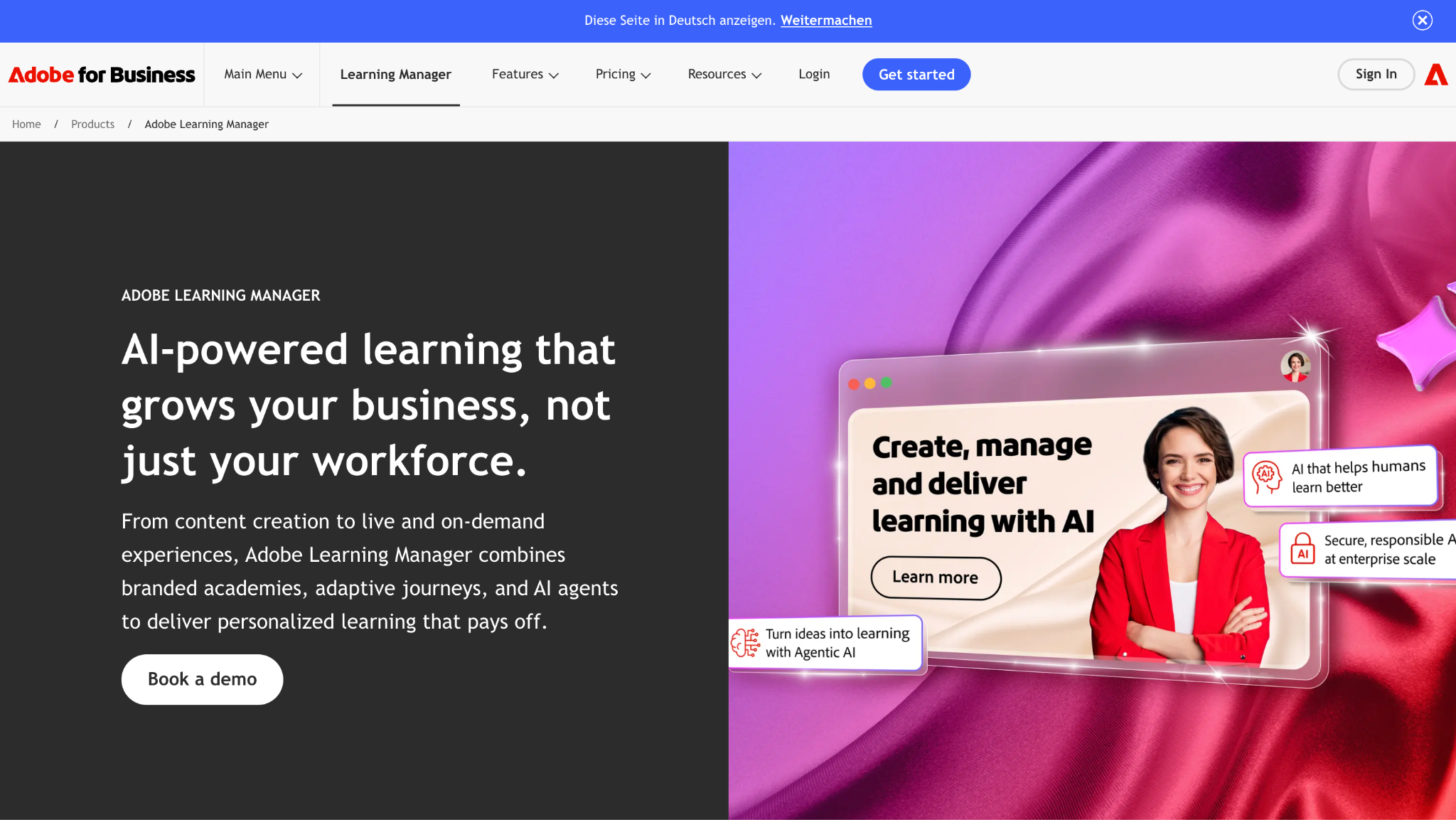
Adobe Learning Manager is an enterprise LMS, formerly sold as Adobe Captivate Prime, built around AI-driven content recommendations, authoring that connects to the rest of Adobe’s tooling, and the reporting depth large organizations need for compliance. It offers the best training management system capabilities for employees, customers, and partners alike.
Software Pros:
- AI recommendations that build individual learning paths
- Authoring and delivery from inside one Adobe environment
- Reporting and compliance tracking built for enterprise scale
Software Cons:
- Priced for enterprises, which puts it out of reach for smaller teams
- Setup and configuration take real project time
- The lowest G2 score of the twenty tools reviewed here, at 4.0
Adobe Learning Manager Review:
The recommendation engine earns its keep, building paths that differ meaningfully by person rather than shuffling the same catalog. If your organization already runs Adobe tooling for content, the authoring handoff removes a step that usually involves exporting and re-uploading. It won’t suit a company that wants training running by the end of the month.
Our Verdict
AI-driven enterprise learning at Adobe scale
Articulate Rise 360
Quick Overview:
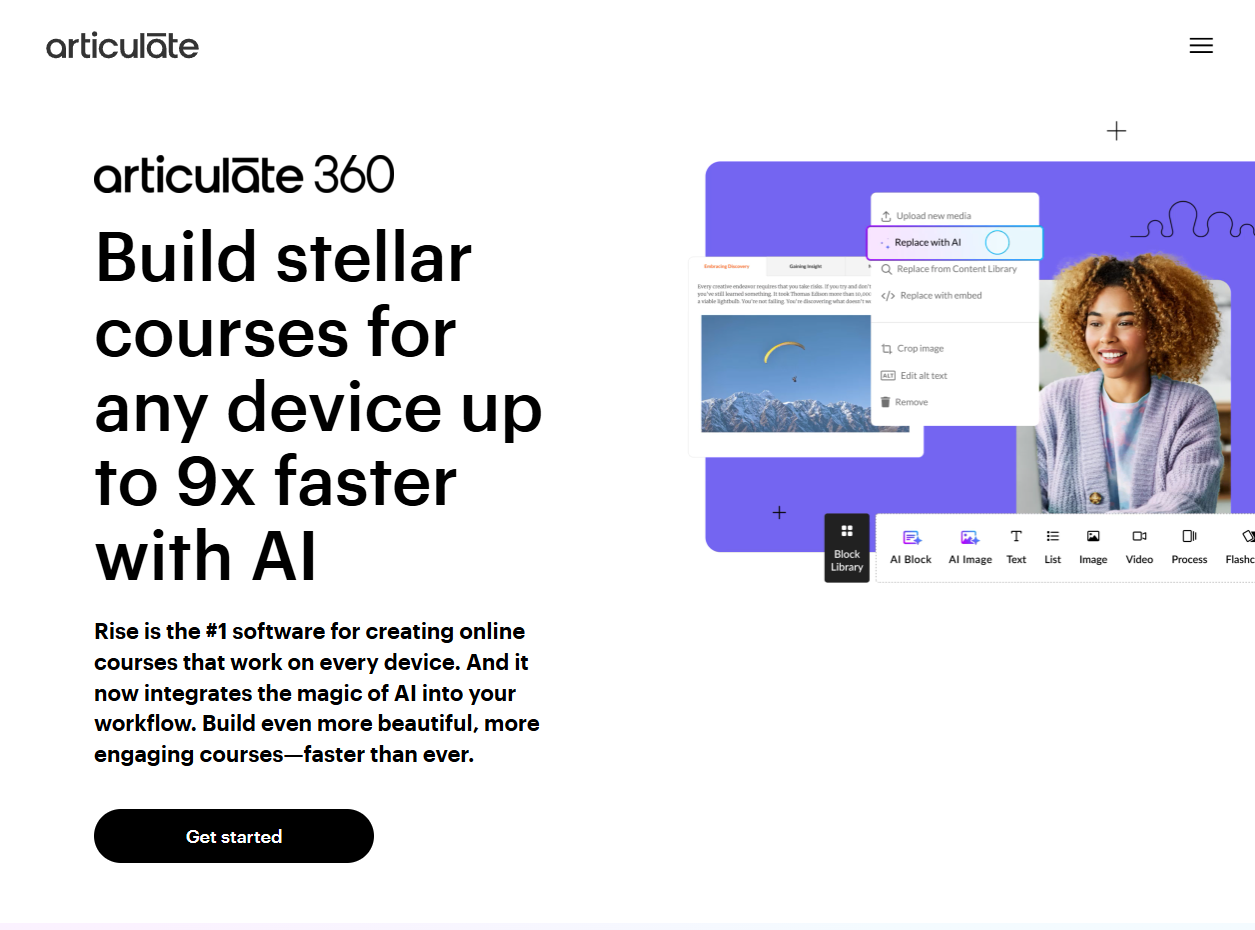
Articulate Rise 360 is a course authoring tool, sold inside the Articulate 360 suite. It builds responsive courses that work on any screen, then hands them to whatever LMS you already run.
Software Pros:
- Course building that produces output people want to read
- Responsive by default, so nothing breaks on a phone
- Exports cleanly into most LMS platforms
Software Cons:
- Not a training management tool: no assignment, approval, or compliance workflow
- You still need an LMS underneath it, which is a second subscription
- Reporting stops at the course, so program-level analytics live elsewhere
Articulate Rise 360 Review:
Rise is the best authoring experience on this list and the least useful as an administration system, which is not a contradiction so much as a category difference. Teams that write their own training reach for it because a course takes hours. Just budget for the platform that will host and track the output.
Our Verdict
Best-in-class authoring, not a management platform
Bridge LMS
Quick Overview:
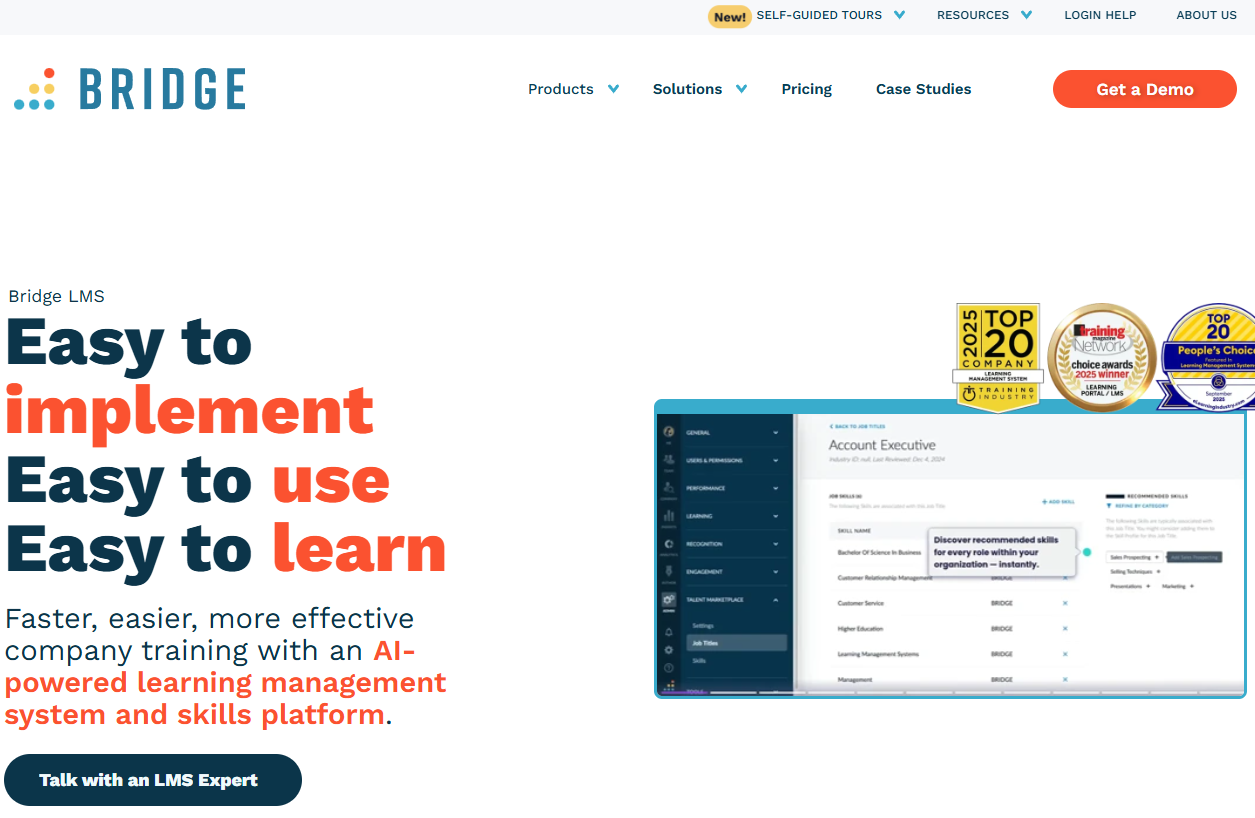
Bridge is a learning platform that sits deliberately close to performance and career development, pairing course delivery with skills tracking, manager conversations, and social learning features.
Software Pros:
- Interface that employees navigate without training on the tool itself
- Learning connected to skills and performance rather than isolated
- Mobile-first design that holds up on a phone
Software Cons:
- Compliance and audit features are thinner than the enterprise platforms offer
- Integration catalog is still growing
- Skills framework needs curating before the tracking means anything
Bridge LMS Review:
Bridge treats training as part of how someone develops rather than a box they tick, and the manager conversation tooling is the clearest expression of that. It works best in companies where learning already reports into people development. Where the driver is regulatory evidence, the platforms further down this list do more of that work for you.
Our Verdict
Learning tied to development, not compliance
Cornerstone OnDemand
Quick Overview:
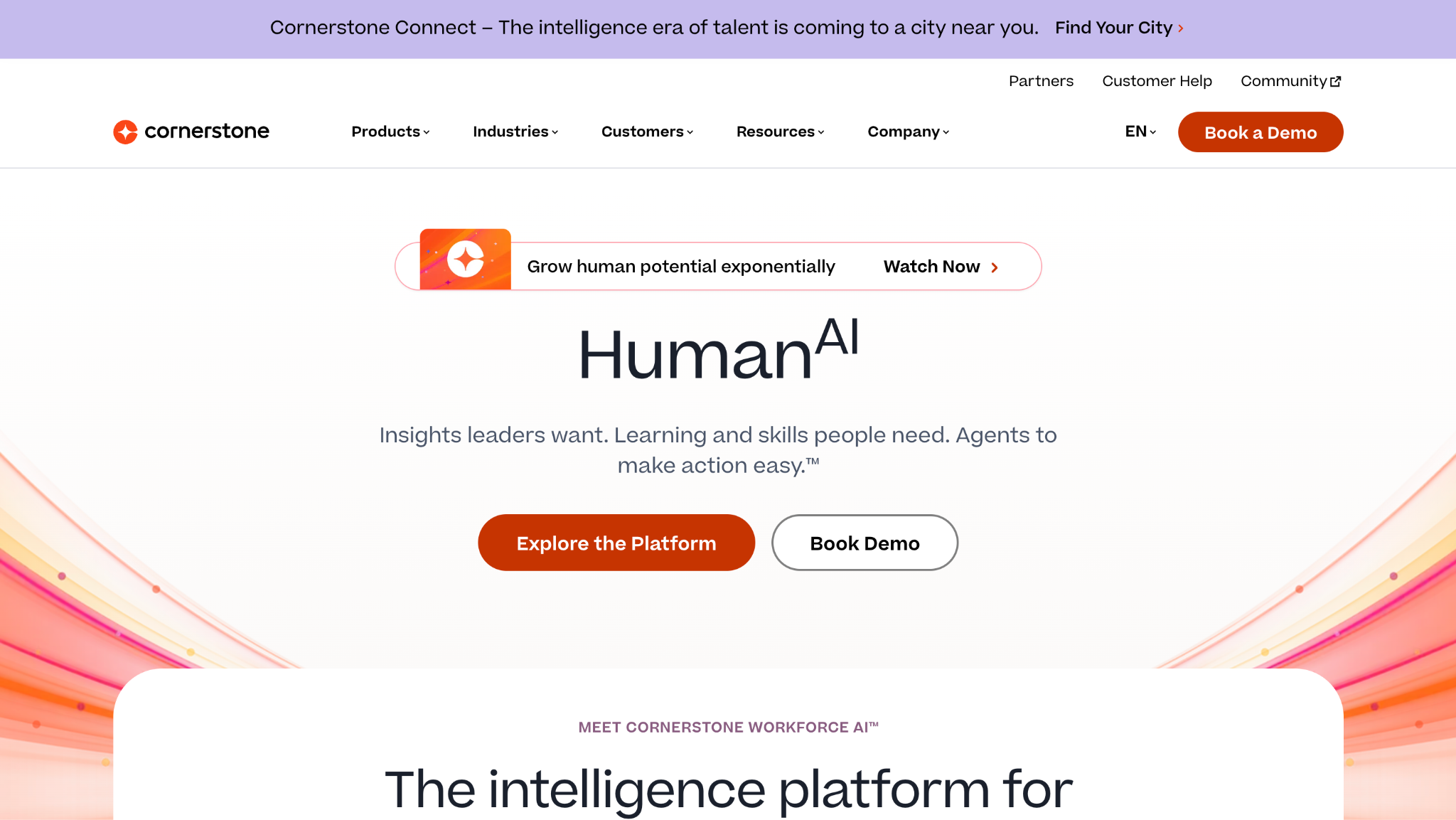
Cornerstone OnDemand is a talent management suite whose learning module sits alongside recruiting, performance and succession planning, so training records live next to everything else known about an employee.
Software Pros:
- Learning, performance and succession data in one place
- Compliance and reporting built for regulated enterprises
- AI curation that surfaces content people would not have searched for
Software Cons:
- Expensive if learning is the only module you need
- Implementation is a program of work, not a setup task
- Extensive configuration required before it behaves the way you want
Cornerstone OnDemand Review:
The case for Cornerstone is what happens after the course. Completion feeds a skills profile, which feeds succession planning, which is a loop standalone platforms cannot close. That only pays off if you buy the wider suite. Companies wanting learning alone will find the price hard to justify against the dedicated platforms here.
Our Verdict
Enterprise talent suite where learning is one part
Coursera for Business
Quick Overview:
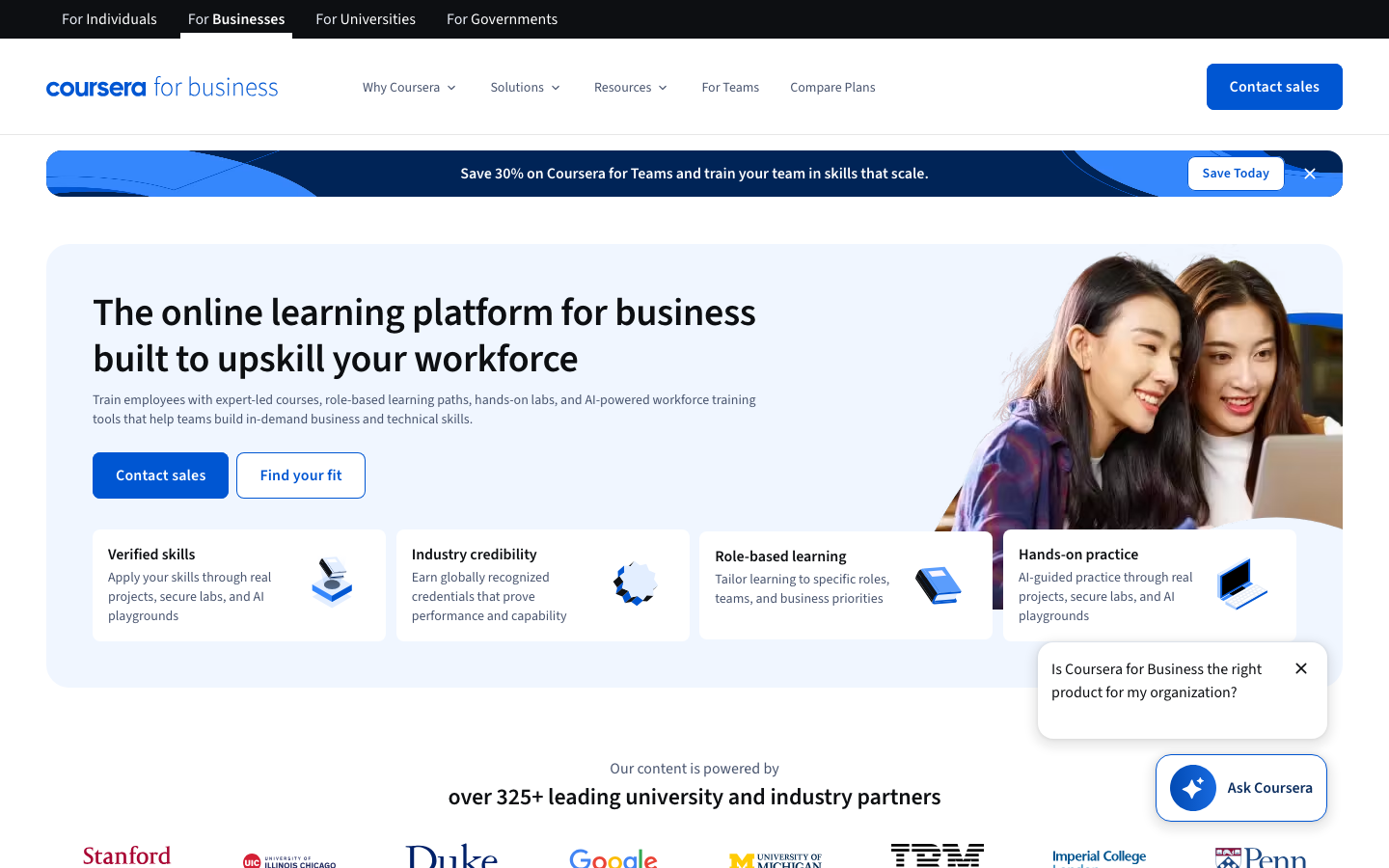
Coursera for Business is a content library rather than an administration platform, giving staff access to university and industry courses with recognized certificates, plus enough tracking to see who is using it.
Software Pros:
- Course quality that internal teams cannot realistically match
- University and industry credentials employees actually value
- Usage and progress analytics across the workforce
Software Cons:
- The content is the product, so administration features stay basic
- No way to host your own compliance or process training
- You cannot edit or update the courses you are paying for
Coursera for Business Review:
This is a subscription to expertise, not a system for running a training program. For professional development and technical upskilling, it removes a year of content production. For anything specific to how your company works, you will still need a platform to build and assign it, and Coursera does not pretend otherwise.
Our Verdict
Buy-in expertise, not a place to build training
D2L Brightspace
Quick Overview:
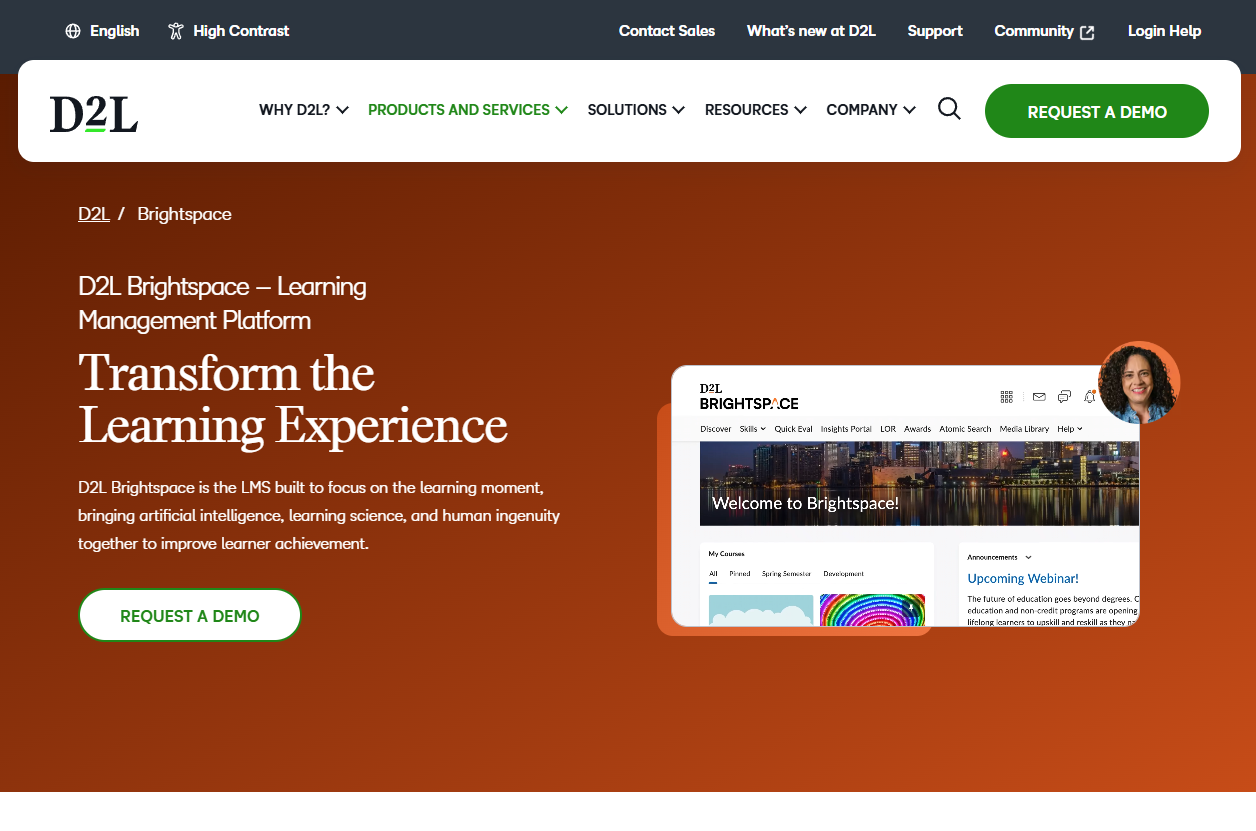
D2L Brightspace is a learning platform with academic roots, built around competency-based progression so learners advance when they demonstrate a skill rather than when they finish a video.
Software Pros:
- Competency frameworks that track skills, not just completions
- Analytics detailed enough to show where learners stall
- Strong accessibility and mobile support
Software Cons:
- Academic heritage shows in places corporate buyers find unfamiliar
- Competency frameworks take planning before they produce anything useful
- Pricing structure is more complicated than a simple training need warrants
D2L Brightspace Review:
The competency model is the reason to look at Brightspace, and the reason it is not for everyone. Defining what mastery looks like for each role is real work, and the platform assumes you have done it. Companies with a proper skills matrix get more from this than from any completion-tracking tool.
Our Verdict
Skills-based progression for structured programs
Docebo
Quick Overview:
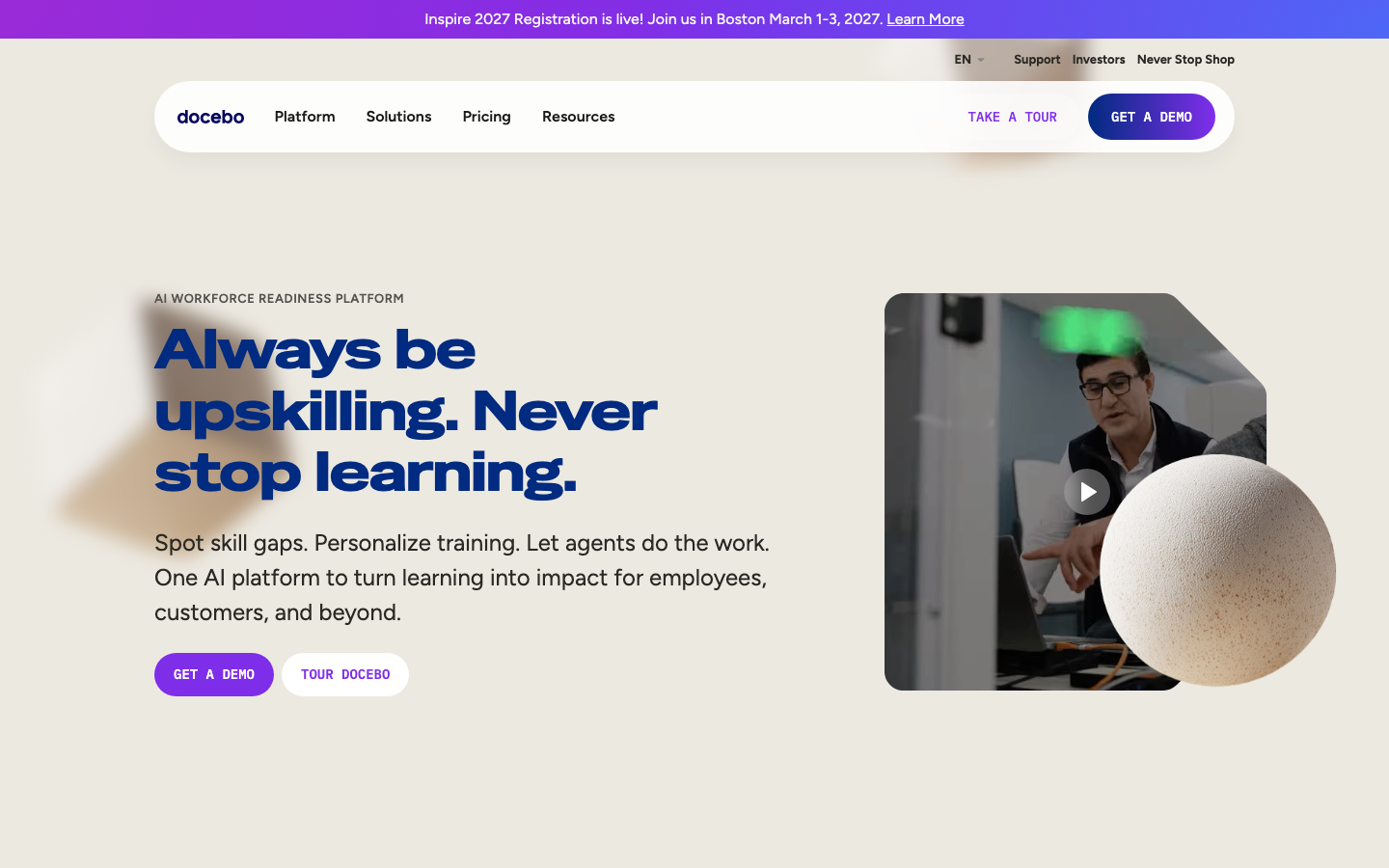
Docebo is a full LMS built for organizations training three audiences at once, keeping employee, customer and partner learning in separate experiences under one administration layer. Its automation is the strongest reason to look at it among employee training management systems at this scale.
Software Pros:
- Separate learning experiences for staff, customers and partners
- Automation that removes a lot of manual enrollment work
- Reporting depth that stands up to executive questions
Software Cons:
- AI features need usage data before the recommendations are worth much
- Pricing has enough tiers and modules to make comparison hard
- More platform than a company running one annual compliance course needs
Docebo Review:
Multi-audience training is where Docebo separates itself. Running partner certification and staff onboarding in one system, without partners seeing internal material, is harder than vendors make it sound, and Docebo does it properly. The automation matters at volume: rules assign the right course to the right person without an administrator touching it.
Our Verdict
The multi-audience choice at enterprise scale
Gyrus Systems
Quick Overview:
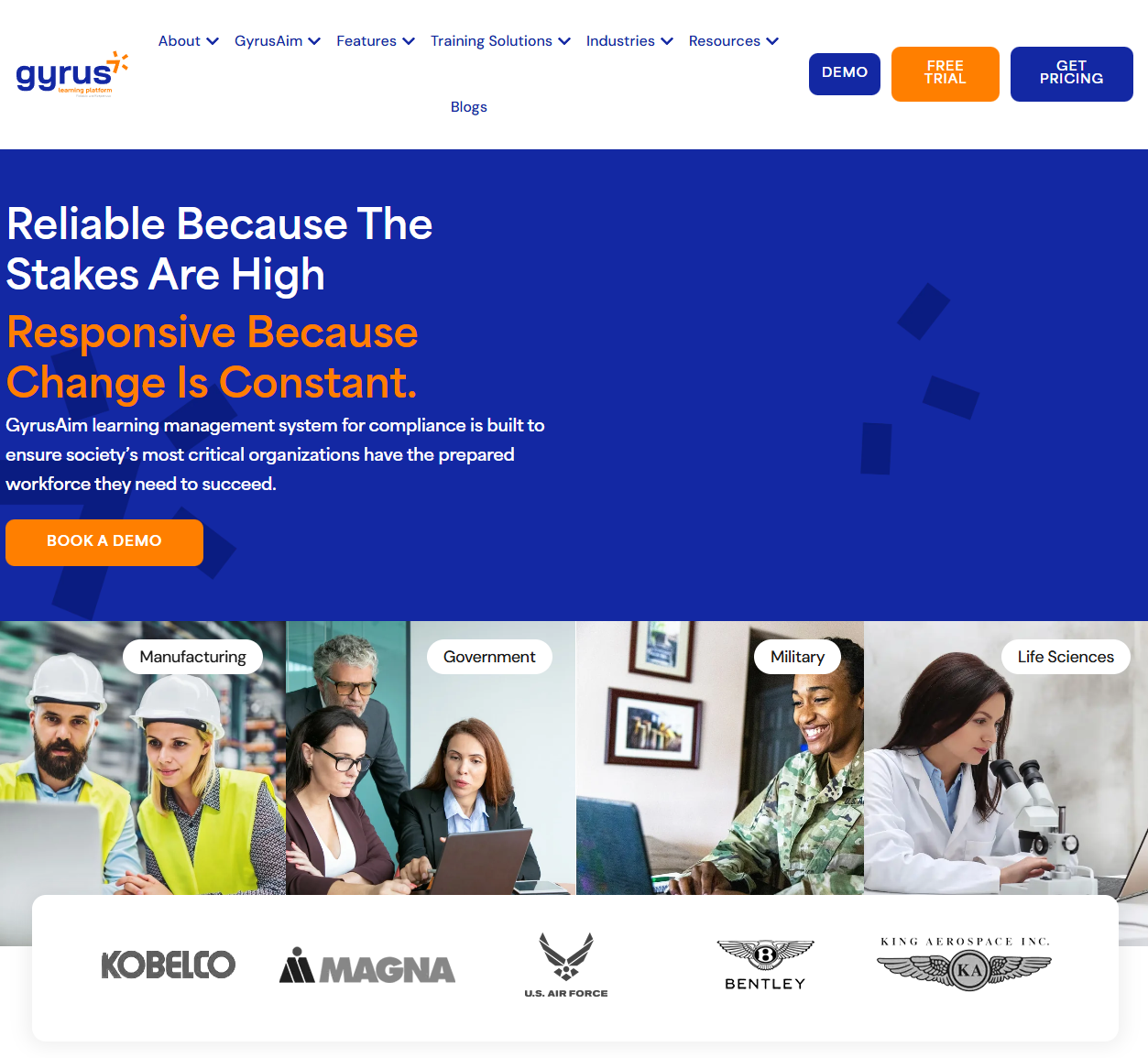
Gyrus Systems is a learning platform aimed squarely at regulated employers, with competency management, audit trails, and certification tracking as the core of the product rather than add-ons. It is an employee training management company with decades in compliance-heavy sectors.
Software Pros:
- Audit trails and documentation built for inspection
- Competency management that goes past course completion
- Certification and recertification tracking with expiry handling
Software Cons:
- Interface feels dated next to newer platforms
- More system than a company with simple training needs requires
- No published G2 score, so independent peer evidence is limited
Gyrus Systems Review:
Gyrus is what you buy when someone external will eventually ask for proof. Recertification deadlines, expiring qualifications, and signed acknowledgments are handled as first-class features, which is unusual. The trade is a product that prioritizes evidence over polish, and in regulated environments that is the correct priority.
Our Verdict
Built for auditors before it was built for learners
iSpring Learn
Quick Overview:
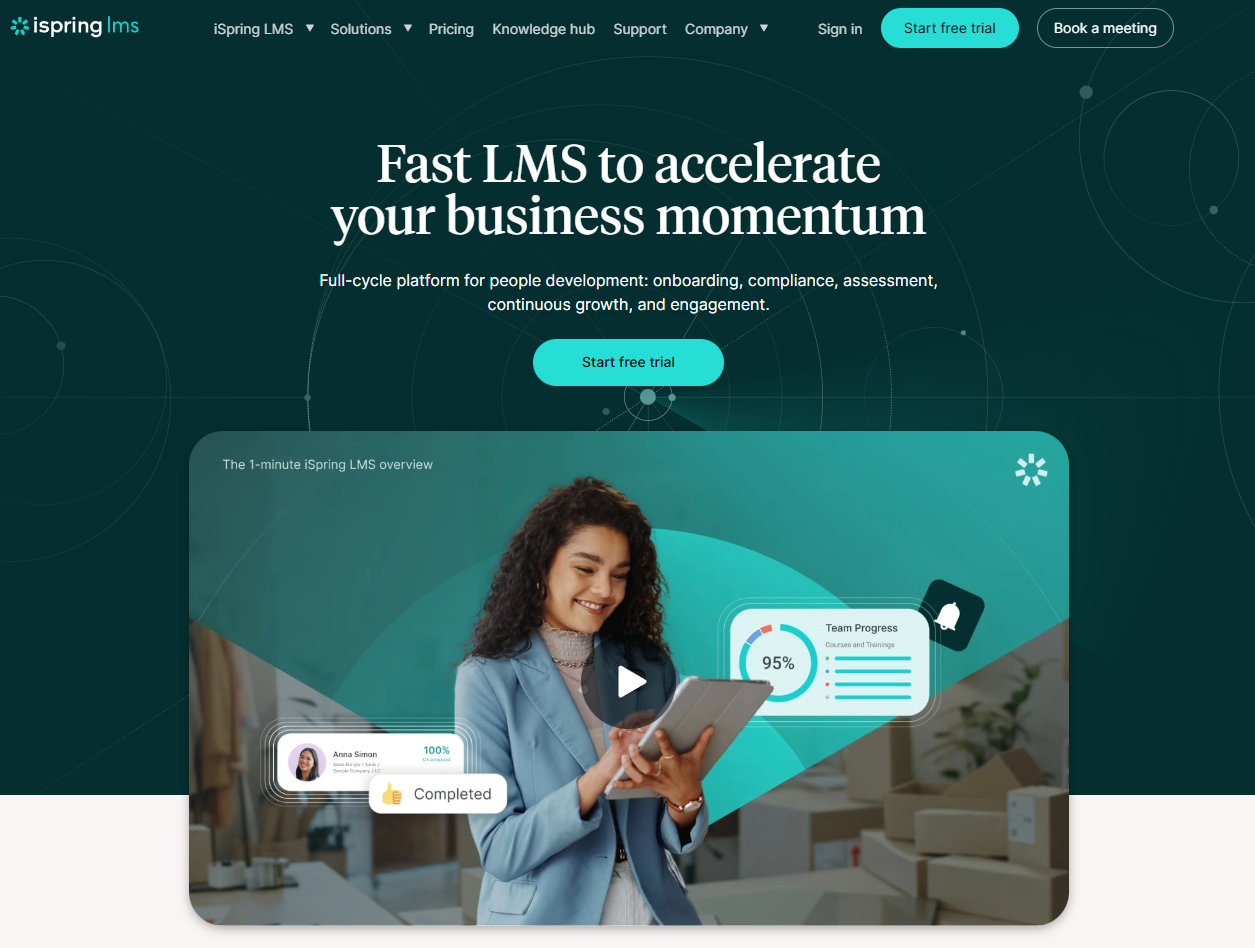
iSpring Learn, now branded iSpring LMS, pairs a straightforward platform with authoring tools that run inside PowerPoint, letting subject-matter experts turn a deck into a tracked course. As an employee training management provider, it is unusually accessible to non-specialists.
Software Pros:
- PowerPoint-based authoring that anyone in the business can use
- Published per-user pricing, which most competitors will not show
- Offline mobile access for staff without reliable connectivity
Software Cons:
- The authoring conversion still needs a little instructional design sense
- Enterprise features are lighter than the large platforms offer
- Integration options narrow once your stack gets complicated
iSpring Learn Review:
The PowerPoint angle is the whole point, and it solves a real bottleneck: the person who knows the process is rarely the person who can build a course. iSpring collapses that gap. Its pricing transparency deserves mention too, since it is one of only five tools here that publishes a number at all.
Our Verdict
Turns your experts into course authors
LearnUpon
Quick Overview:
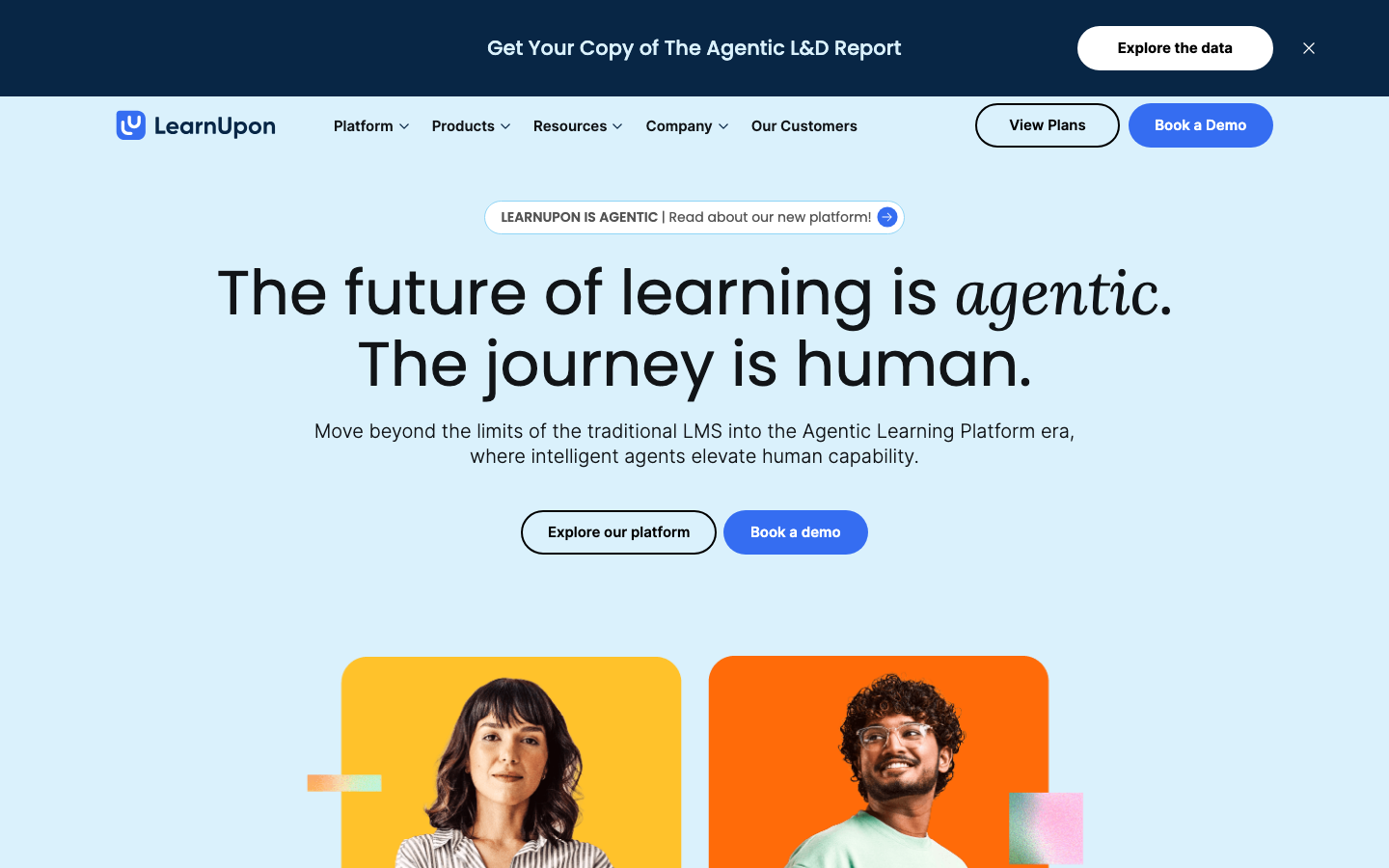
LearnUpon is a cloud LMS whose multi-portal architecture lets one account run separate branded training environments for staff, customers, and partners without maintaining several systems.
Software Pros:
- Multi-portal setup that keeps audiences properly separated
- One of the shorter implementation timelines in this list
- Support and onboarding assistance customers rate highly
Software Cons:
- Feature depth trails the enterprise platforms
- Customization has limits once requirements get unusual
- Advanced analytics are still catching up with the competition
LearnUpon Review:
LearnUpon occupies a sensible middle ground: more capable than the small-team tools, less demanding than the enterprise suites. The multi-portal design is the standout, and it’s why companies with a partner network end up here.
Our Verdict
Mid-market multi-portal training, quick to launch
Litmos
Quick Overview:
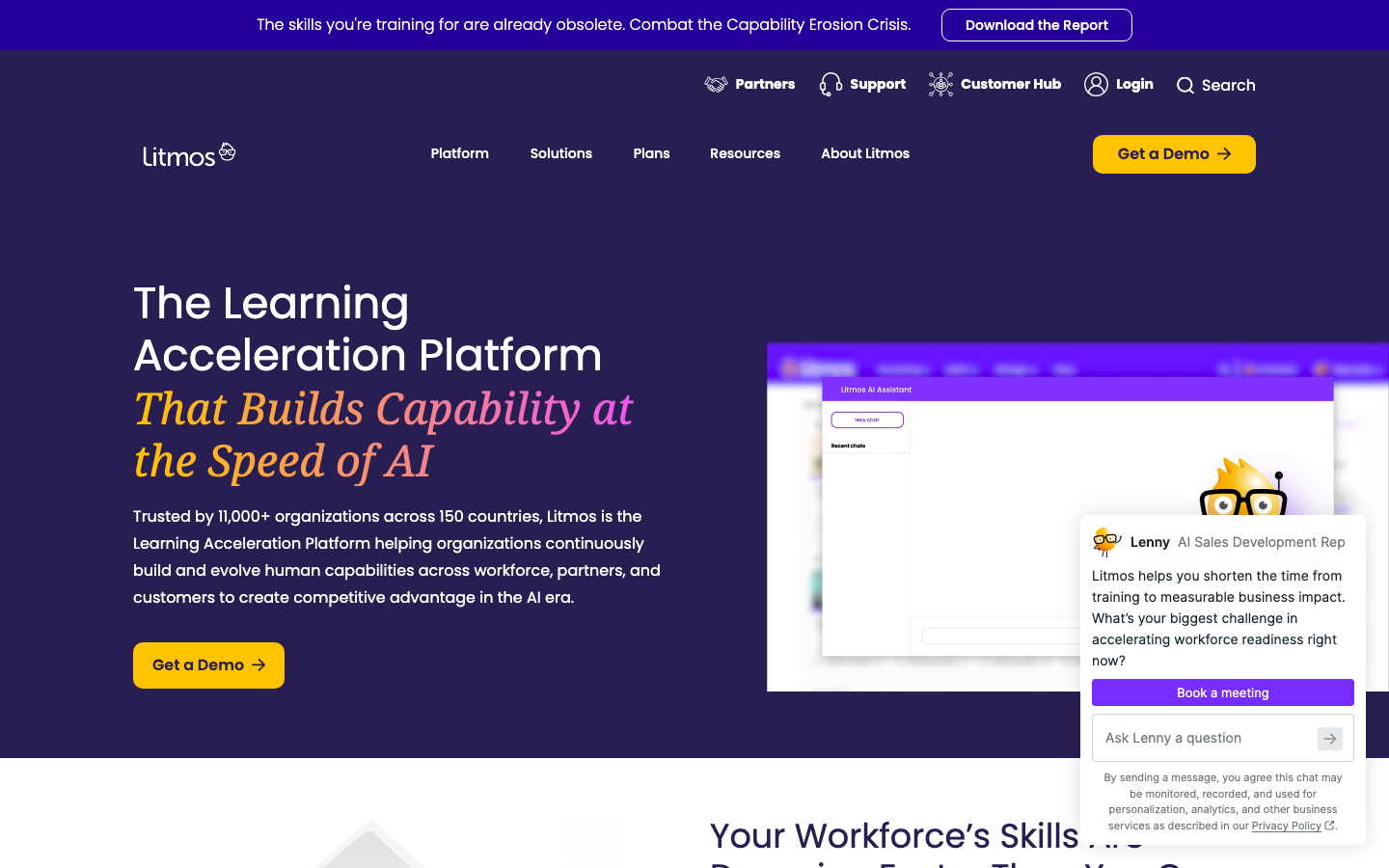
Litmos is a cloud LMS that ships with a large ready-made course library, so a training program can go live before anyone writes a word. Once part of SAP, it has operated independently since December 2022.
Software Pros:
- Extensive course library included rather than sold separately
- Integrates well with existing business systems
- Scales without re-platforming as headcount grows
Software Cons:
- The library can discourage building the training only you can write
- Interface design is showing its age
- Deeper customization needs technical help
Litmos Review:
Litmos answers the cold-start problem better than most: buy it on Monday, assign compliance courses on Tuesday. The risk is that the convenience becomes the ceiling, and companies stop producing the role-specific material that generic libraries never cover. Used as a floor rather than a whole program, it works well.
Our Verdict
Fastest route from purchase to first assigned course
Moodle Workplace
Quick Overview:
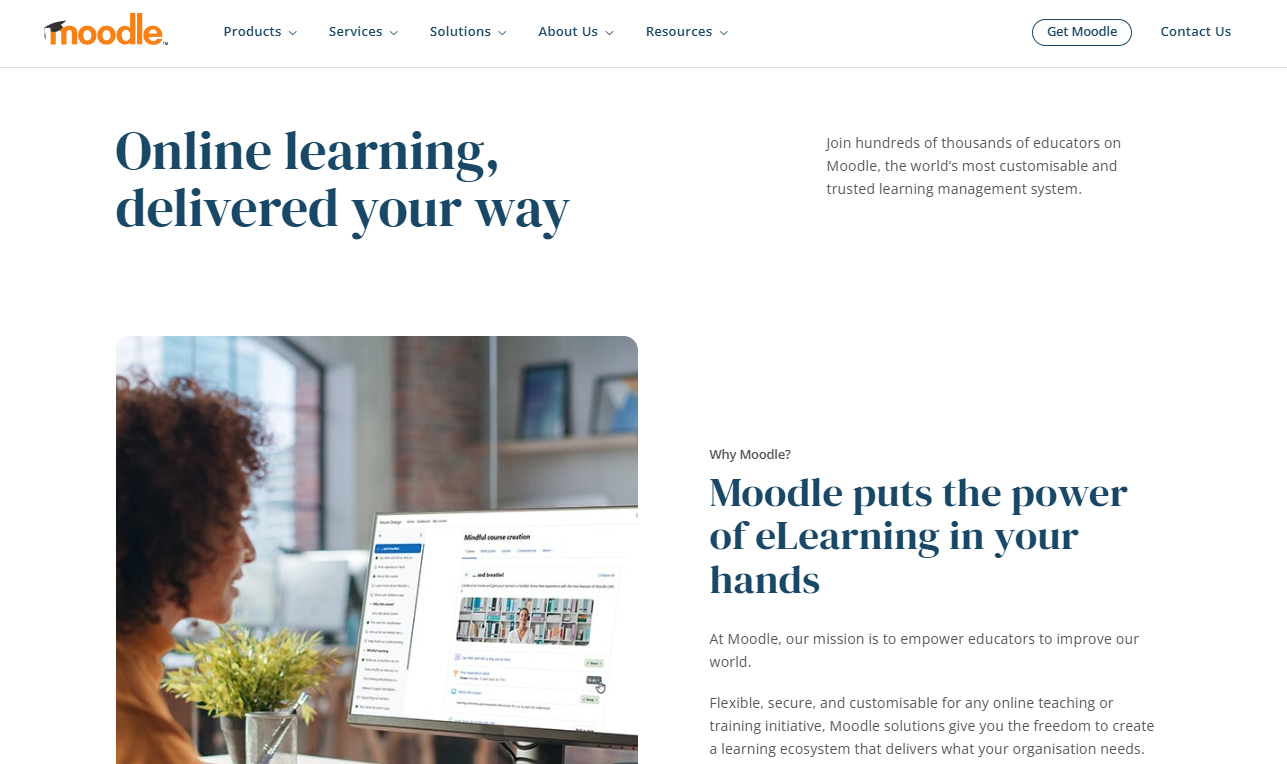
Moodle Workplace is the corporate edition of the open-source Moodle project, adding multi-tenancy, org charts, and workplace reporting to a platform you can modify without asking permission. Among employee training management solutions, it offers the most control and demands the most in return.
Software Pros:
- Open-source foundation you can extend or fork
- Multi-tenancy that handles complicated group structures
- Large community and a deep plugin library
Software Cons:
- Real customization needs developers, not just administrators
- Hosting, upgrades, and maintenance become your responsibility
- Out-of-the-box interface needs work before it feels current
Moodle Workplace Review:
A free license does not mean a free platform, and that is the honest framing. What you avoid in subscription cost reappears as hosting, configuration, and someone competent to maintain it. For organizations with in-house technical capacity and requirements no vendor will build, the trade is worth it. For everyone else, it rarely is.
Our Verdict
Maximum control, at the cost of maintaining it
Paradiso LMS
Quick Overview:
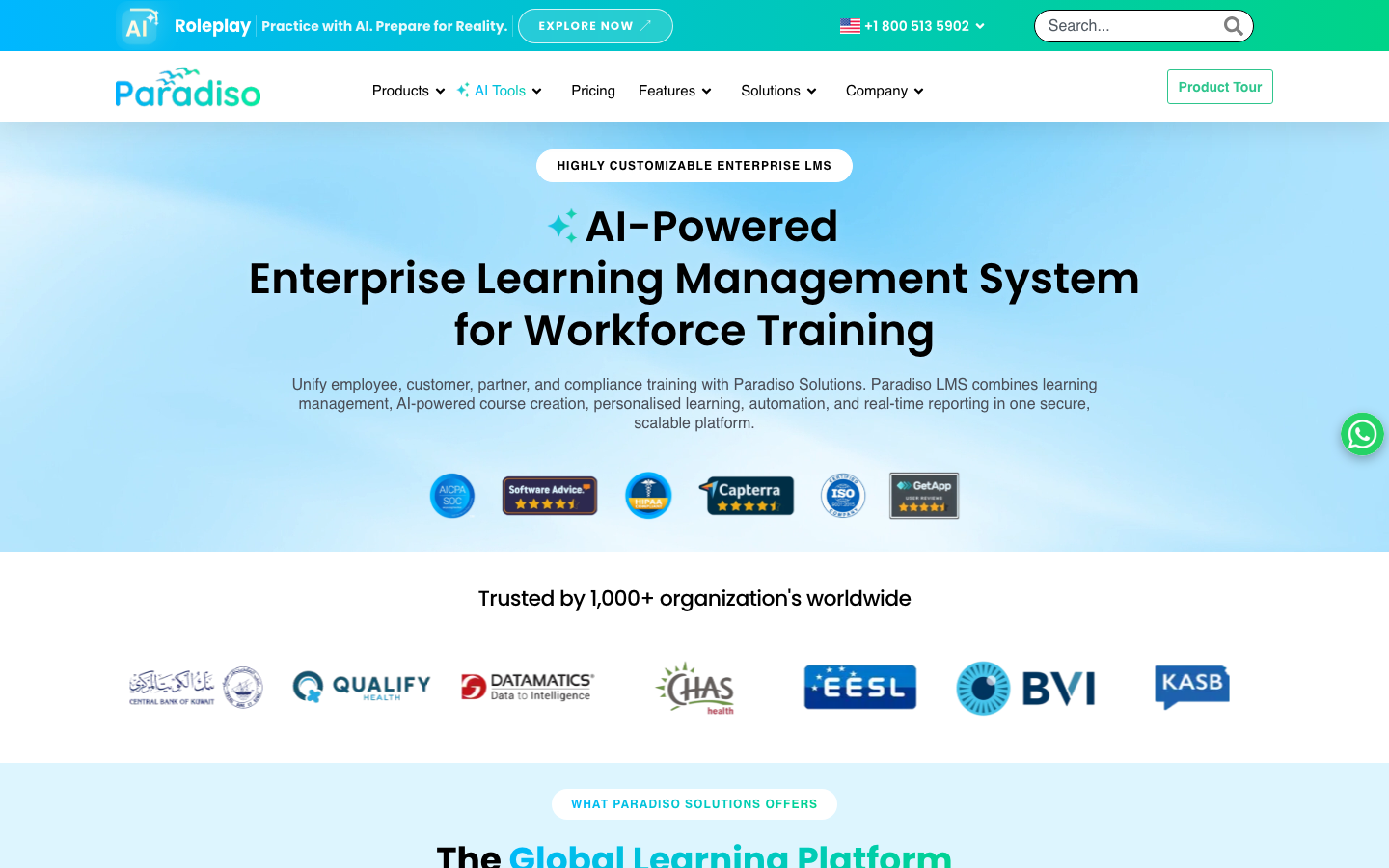
Paradiso LMS is a full learning platform leaning on gamification, social learning, and heavy branding options, aimed at organizations that care how the training looks as much as what it contains.
Software Pros:
- Gamification that measurably lifts completion rates
- Branding and white-label options down to the detail
- Multi-language support for distributed workforces
Software Cons:
- Configuration depth means technical resources during setup
- Feature count overwhelms teams with simple requirements
- Peer evidence is scarce, with 13 public G2 reviews to go on
Paradiso LMS Review:
Gamification is easy to dismiss until you watch completion rates on non-mandatory training. Paradiso builds it in properly rather than bolting on a badge. The branding control is the other draw, particularly for customer-facing academies where the training is part of the product experience.
Our Verdict
Engagement-first platform with deep branding
ProProfs Training Maker
Quick Overview:
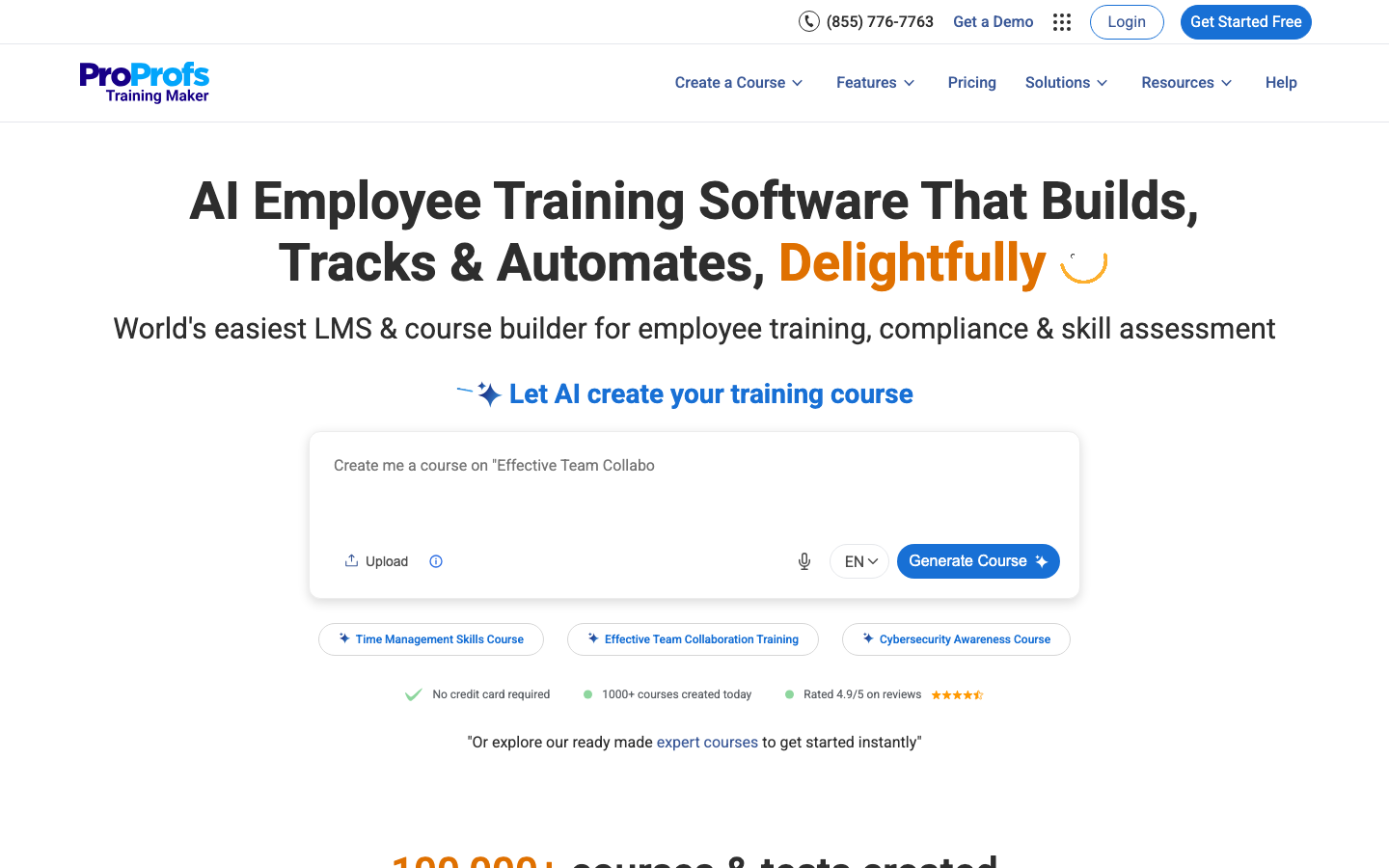
ProProfs Training Maker is an easy-to-use AI-powered training management platform designed to help organizations replace time-consuming course development and manual training administration with a faster, centralized system for building, delivering, and measuring workforce learning.
Software Pros:
- Complete course creation from a single AI prompt
- 500+ ready-made courses for workplace training
- Assessments, certifications, and detailed learner reports
Software Cons:
- No downloadable or on-premise setup
- No dark mode for low-light use
- Advanced enterprise capabilities require higher-tier plans
ProProfs Training Maker Review:
I was impressed by how much of the training workflow ProProfs Training Maker brings into one place. The AI can turn a simple prompt into a complete course, while 500+ ready-made courses, assessments, certifications, and learner reporting help teams move from content creation to measurable training without juggling separate tools. For me, its biggest advantage is making comprehensive employee training feel surprisingly easy to set up and manage.
Our Verdict
Easy-to-use AI training and course creation platform
SAP SuccessFactors Learning
Quick Overview:
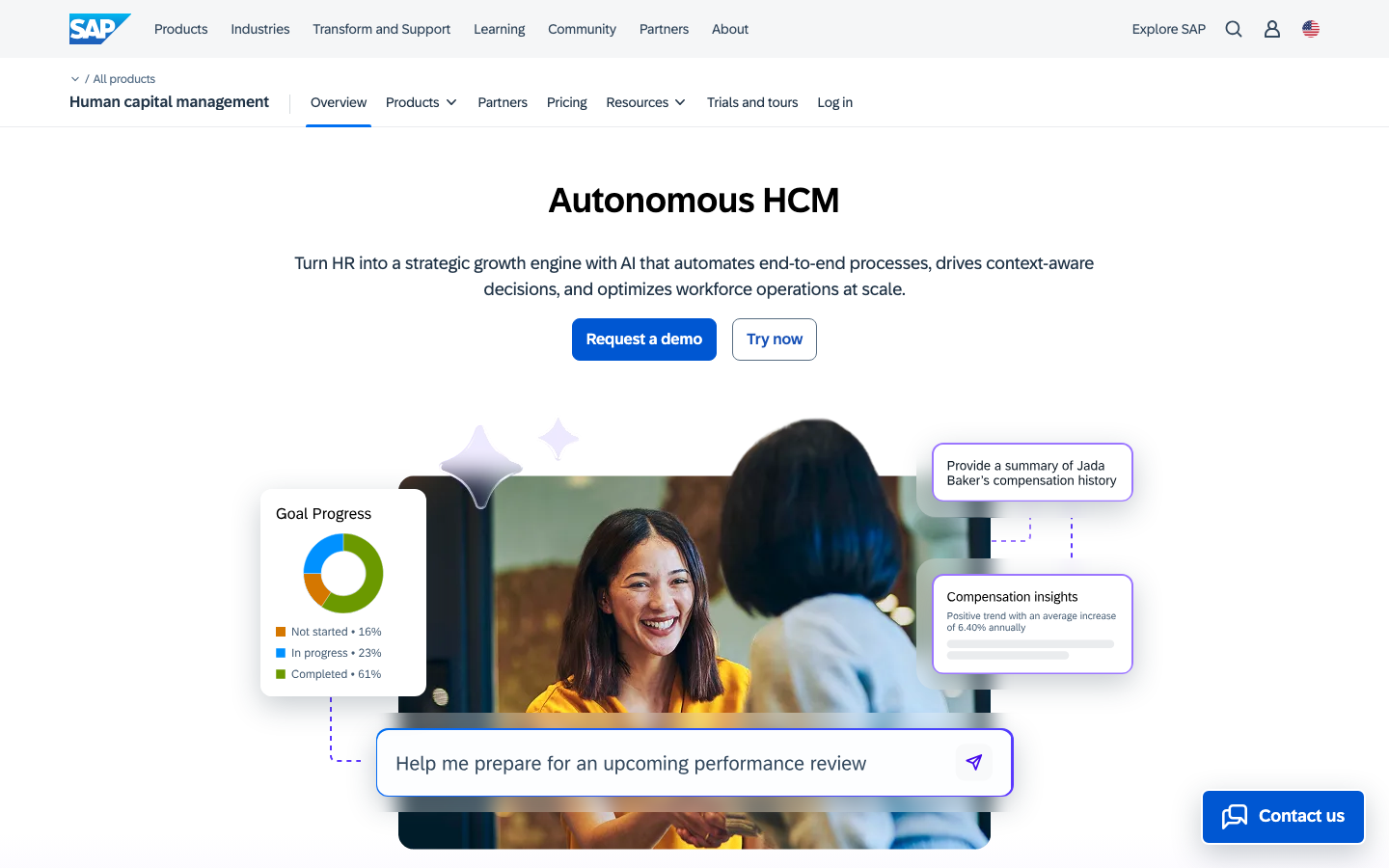
SAP SuccessFactors Learning is the learning module inside SAP’s HR suite, built for enterprises already running SAP where training data has to move between learning, performance, and core HR without an integration project.
Software Pros:
- Learning data flows into SAP HR without middleware
- Compliance and audit capability at genuine enterprise grade
- Analytics that connect training to wider talent decisions
Software Cons:
- Only makes sense if you are already an SAP organization
- Implementation and licensing costs are substantial
- Configuration and upkeep need SAP-specific expertise
SAP SuccessFactors Learning Review:
This is not a platform anyone chooses on its own merits; it is chosen because the rest of the estate is SAP. On that basis, it does the job well, and the integration removes the reconciliation work that plagues bolt-on learning tools. SAP no longer publishes a standalone page for the module, so the link below goes to the HCM suite.
Our Verdict
The right answer if your HR runs on SAP
Skillsoft Percipio
Quick Overview:
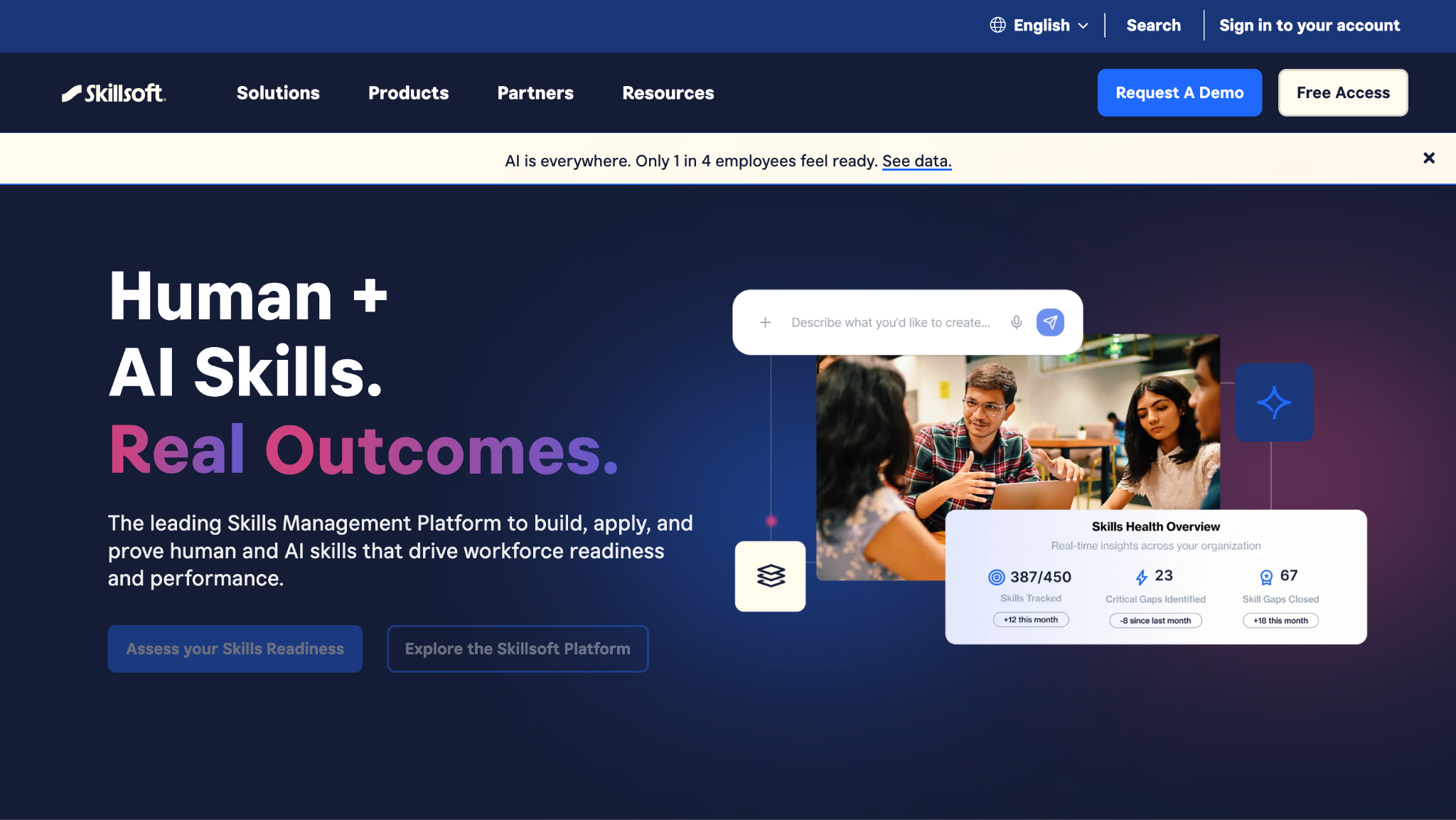
Skillsoft Percipio is a content library with a delivery platform attached, offering a large catalog across technical and leadership subjects with AI personalization steering people toward what fits their role.
Software Pros:
- Very large professional development catalog
- Personalization that adapts to how someone actually learns
- Skill paths that build toward a defined capability
Software Cons:
- Administration features are secondary to the content
- Subscription cost scales with the breadth of access you buy
- Personalization needs months of usage data to be useful
Skillsoft Percipio Review:
Percipio is a good answer to the question of what your people should learn, and a weaker one to the question of how you run mandatory training. The catalog quality holds up across subjects, which is rarer than it sounds. Treat it as a development subscription that sits beside your compliance platform rather than replacing it.
Our Verdict
Broad development content with light administration
TalentLMS
Quick Overview:
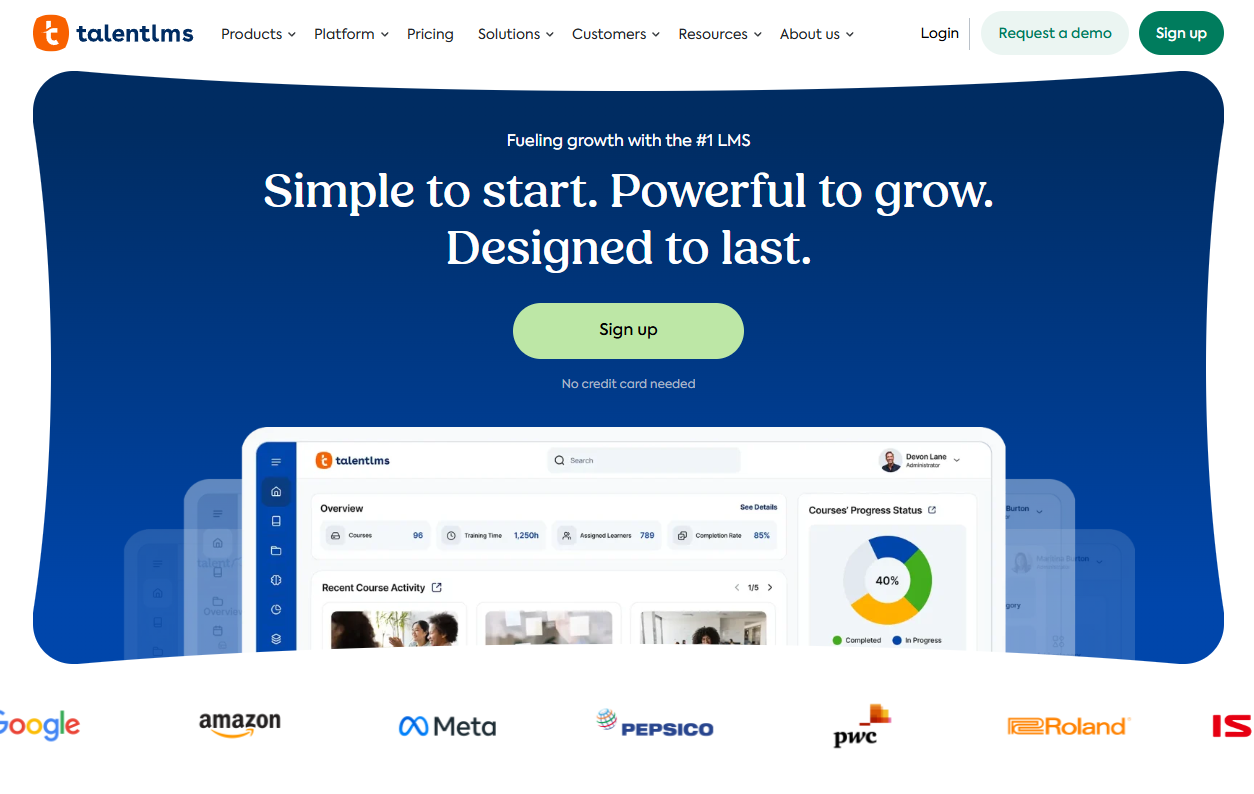
TalentLMS is a cloud LMS built for teams without a dedicated learning function, with an administration interface simple enough that setting up a course does not require training in the platform first.
Software Pros:
- Setup that a non-technical administrator can complete alone
- A real free plan, with no card required to start
- Published pricing tiers rather than a sales conversation
Software Cons:
- Enterprise features thin out as requirements grow
- Customization has clear limits
- Integration options lag the larger platforms
TalentLMS Review:
TalentLMS earns its reputation on the first hour of use. Where most platforms need a specialist to get anything live, this one gets a course assigned before lunch. The free plan is real, not a trial in disguise, which makes it the obvious starting point for a small company testing whether it needs any of this at all.
Our Verdict
Where small teams should start
Thinkific Plus
Quick Overview:
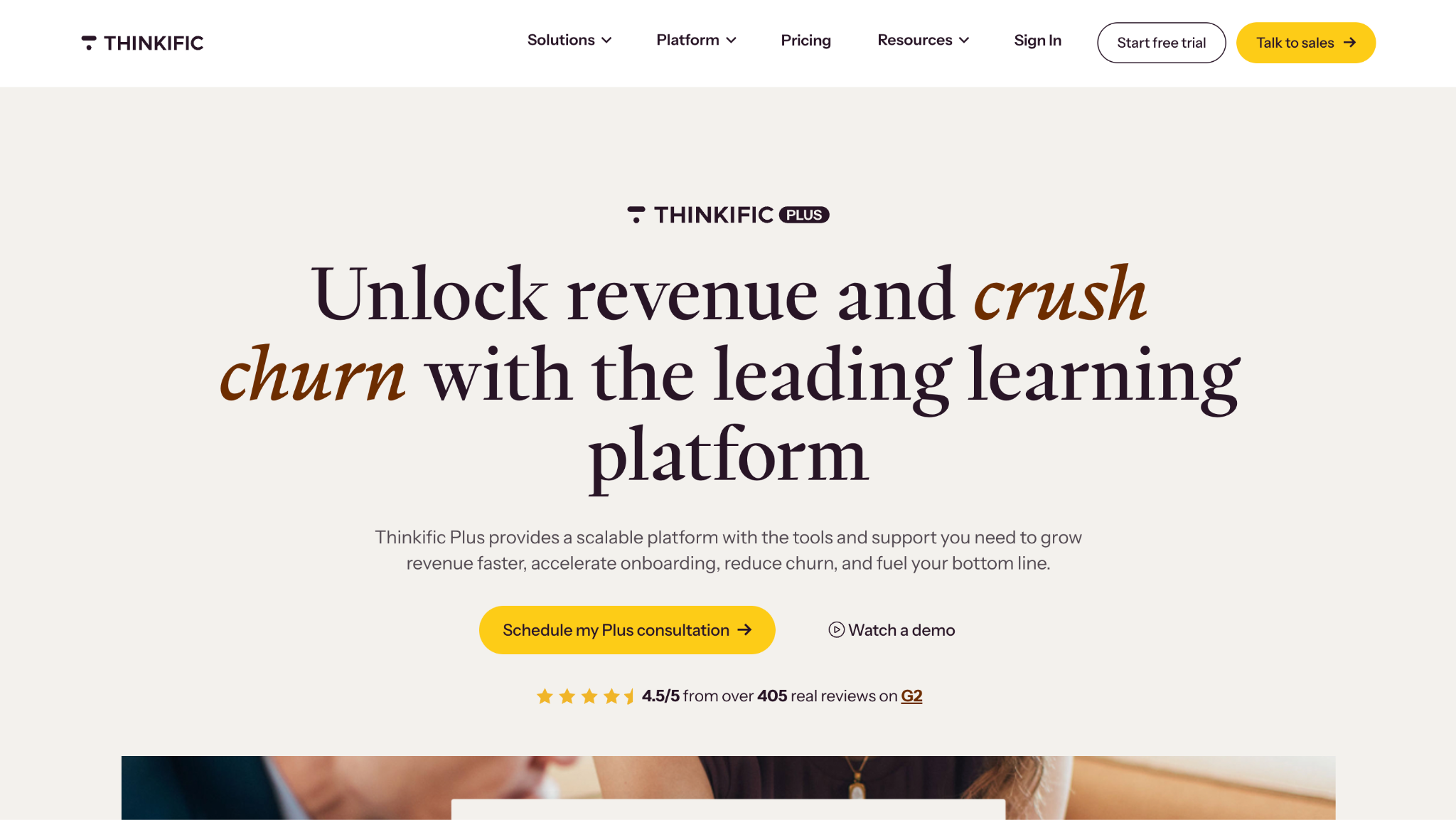
Thinkific Plus is the enterprise tier of a course-selling platform, adapted for corporate use with white-labeling and analytics. Companies that value polish over administrative depth sometimes rate it the best employee training management software for their case.
Software Pros:
- Course creation tools that produce polished output
- White-labeling that makes training feel like your own product
- Solid analytics on learner progress
Software Cons:
- Designed originally for selling courses externally, not internal compliance
- Missing some conventional enterprise LMS features
- HR system integration may need development work
Thinkific Plus Review:
The heritage matters. Thinkific was built so creators could sell courses to strangers, which makes the learner experience unusually good and the administration side unusually thin. Customer academies and partner training are where it shines. Mandatory annual compliance is where it does not.
Our Verdict
Course-selling polish adapted for business use
Tovuti LMS
Quick Overview:
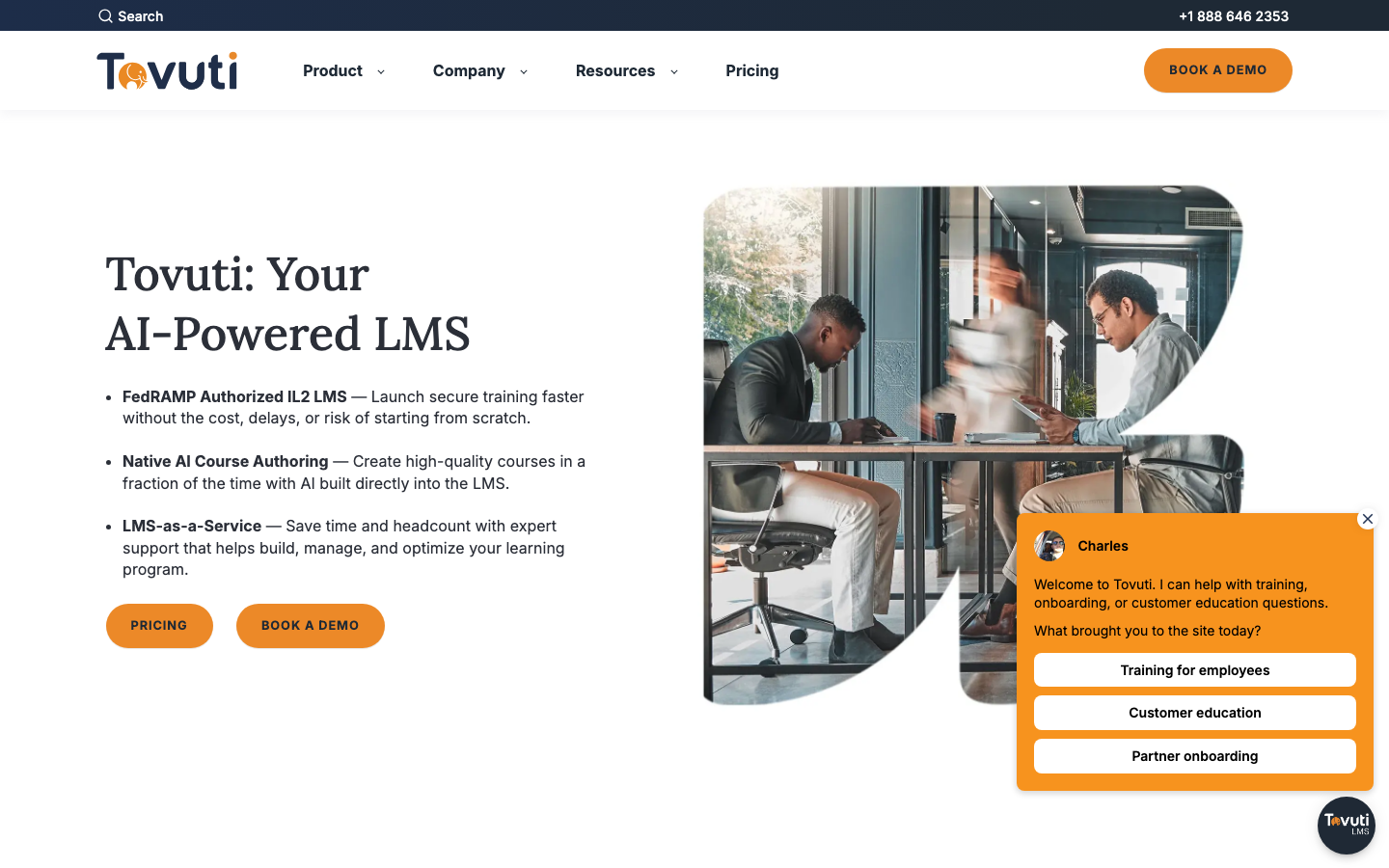
Tovuti LMS is an all-in-one learning platform combining course delivery with virtual classrooms, gamification, and interactive content, so blended programs run in one place.
Software Pros:
- Virtual classrooms built in rather than integrated
- Interactive content types beyond video and quizzes
- Published pricing, which most competitors avoid
Software Cons:
- Feature breadth adds complexity for simple training needs
- Configuration takes time before everything is switched on
- Cost reflects the full feature set whether you use it or not
Tovuti LMS Review:
Blended training is Tovuti’s argument. Running a live session and the self-paced material around it in one system removes the scheduling mess of stitching a webinar tool to an LMS. Worth flagging for anyone auditing their own links: the domain this company used to occupy is now listed for sale by a broker, and it is not them.
Our Verdict
One platform for live and self-paced training
Workday Learning
Quick Overview:
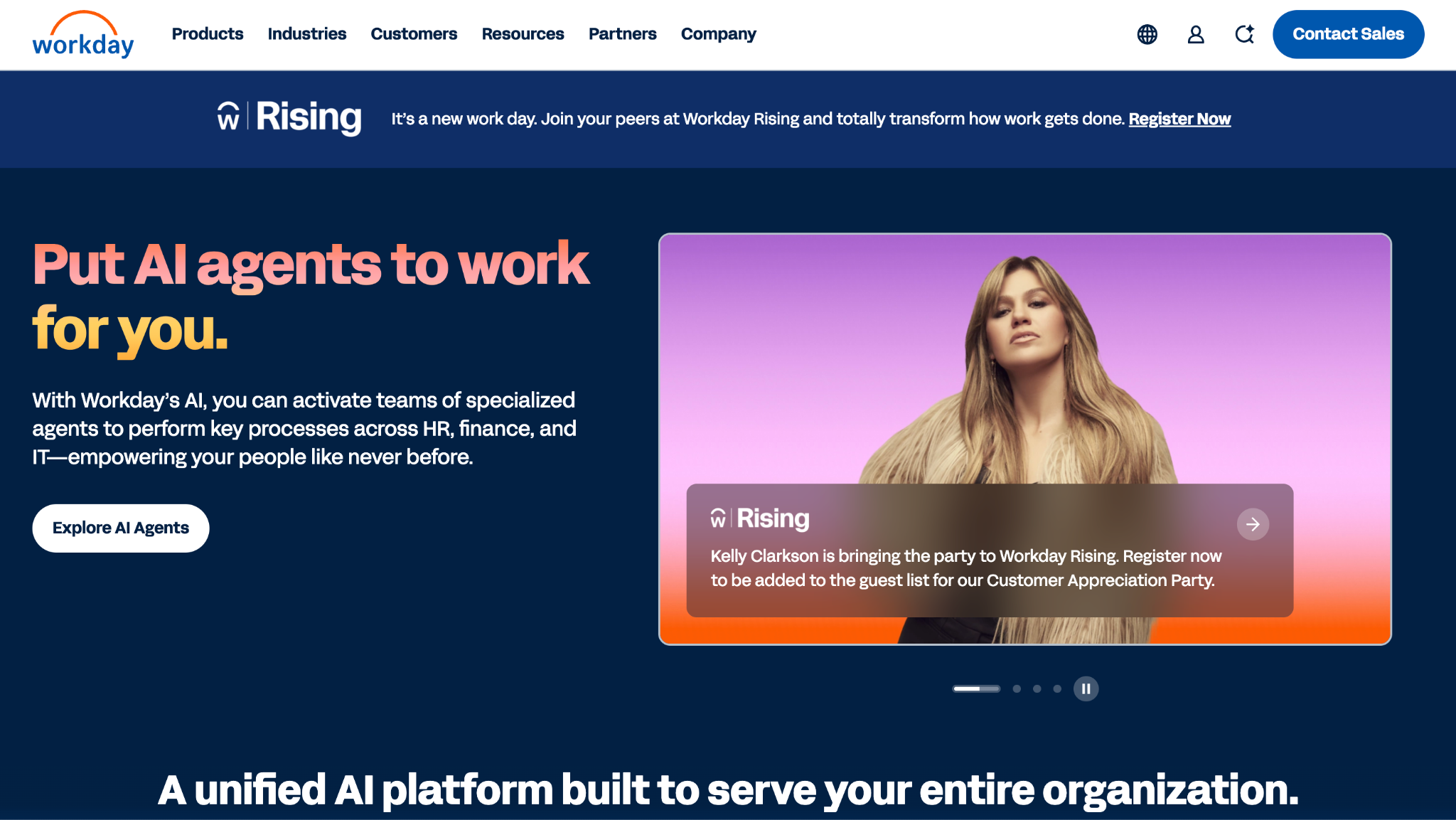
Workday Learning is the learning module inside Workday HCM, where training sits alongside skills, performance and career data for organizations already running Workday as their system of record. Unlike most employee training management vendors, it is never sold on its own.
Software Pros:
- Learning, skills and career data in a single record
- Skills-based paths that feed succession planning
- One employee experience across every HR function
Software Cons:
- Requires Workday HCM, so it is never a standalone purchase
- Setup and configuration are enterprise-scale undertakings
- A public review base of 31, unusually thin for a platform this size
Workday Learning Review:
Like the SAP module, this is a decision made upstream. If Workday is your HR system, the connection between a completed course and a skills profile that feeds succession planning is worth more than any standalone platform’s feature list. If it is not, there is nothing here to evaluate.
Our Verdict
For Workday customers, and nobody else
FAQs About Employee Training Management Software
What features are most important when evaluating training management software?
Assignment and approval workflows, completion evidence you can export, reporting a line manager can read without help, and integration with your HR system. Content authoring matters if you build your own material and is irrelevant if you buy it. I would weight evidence and reporting highest, since those are what someone external eventually asks to see.
Can training management tools integrate with HRIS, LMS, and performance systems?
Nearly all of them do, though the depth varies more than the marketing suggests. Most connect to the major HR systems so joiners, movers, and leavers sync automatically. Check whether the connector is native or needs middleware, because that difference decides whether integration is a setting or a project.
What trends are shaping training management software beyond 2026?
AI-generated course drafts, skills-based paths replacing fixed catalogs, and reporting that ties learning to business measures rather than completion counts. Microlearning in the flow of work belongs on that list too. The shift worth watching is from tracking who finished to evidencing what changed, which is a harder question and a more useful one.
How should companies evaluate long-term value and ROI when choosing a platform?
Count the whole cost, not the license: implementation, content production, admin time, and the internal owner nobody budgets for. Then run a pilot on one real program rather than a demo dataset. If a platform cannot handle your messiest annual requirement in a pilot, it will not handle it at scale either.
How much does training management software cost?
Only five of the twenty tools reviewed here publish a starting figure. They range from $119 a month for a small team up to $1,749 per user per year for a suite that includes authoring. Everything else is quoted after a demo. The biggest variable is registered users versus active users. The pricing table above sets out what each vendor publishes.
What is the difference between training management software and an LMS?
An LMS delivers and tracks courses. A training management system, in the strict sense, administers the program around them: scheduling sessions, booking instructors and rooms, managing waitlists and resources. Most tools on this page do both to some degree. That is why the comparison table names a platform type for each one instead of calling them all the same thing.
Is there free training management software?
Yes, at the small-team end. TalentLMS runs a free plan that needs no card, and ProProfs offers a free starting tier, both verified at the time of writing. Moodle is open source, so the license costs nothing. Hosting, configuration, and someone to maintain it are real expenses a subscription would otherwise cover.

Yaryna is our lead writer with over 8 years of experience in crafting clear, compelling, and insightful content. Specializing in global employment and EOR solutions, she simplifies complex concepts to help businesses expand their remote teams with confidence. With a strong background working alongside diverse product and software teams, Yaryna brings a tech-savvy perspective to her writing, delivering both in-depth analysis and valuable insights.