Time Clock Solutions in 2026: How Teams Track and Communicate
Employee time clock software is used to record when people start and finish work, including breaks and overtime. Modern time clock solutions replace paper timesheets and spreadsheets with digital records that are easier to review, approve, and audit. Employees clock in through mobile apps, browsers, or shared devices, while managers see hours in real time and send data straight to payroll.
This matters more in 2026 because work is less tied to one office or one fixed schedule. Surveys show that a large share of remote-capable employees now work in hybrid or fully remote setups, and many prefer flexible arrangements over strict on-site work. When people work from different locations and follow different shifts, manual tracking creates mistakes, missed hours, and avoidable disputes. Digital employee time and attendance software helps reduce human error, enforces overtime and break rules, and creates a reliable record for payroll and audits.
Time tracking also links to communication and wellbeing. Many teams pair time tracking with employee communication software so schedule changes, shift swaps, and updates reach everyone quickly instead of getting lost across chats and emails. Others review time reports together with data from employee wellbeing software to spot patterns like long runs of late shifts, too much overtime, or constant weekend work that may point to burnout risks. In a simple stack, time tracking sits next to scheduling, payroll, communication, and wellbeing tools, and each one supports the others.
Top 29 Employee Time Clock Software Tools
I’ve reviewed some of the most widely used employee time clock software platforms in 2026. These tools often appear in roundups of best employee time clock apps 2026. All providers are listed in alphabetical order.

7shifts
Quick Overview:
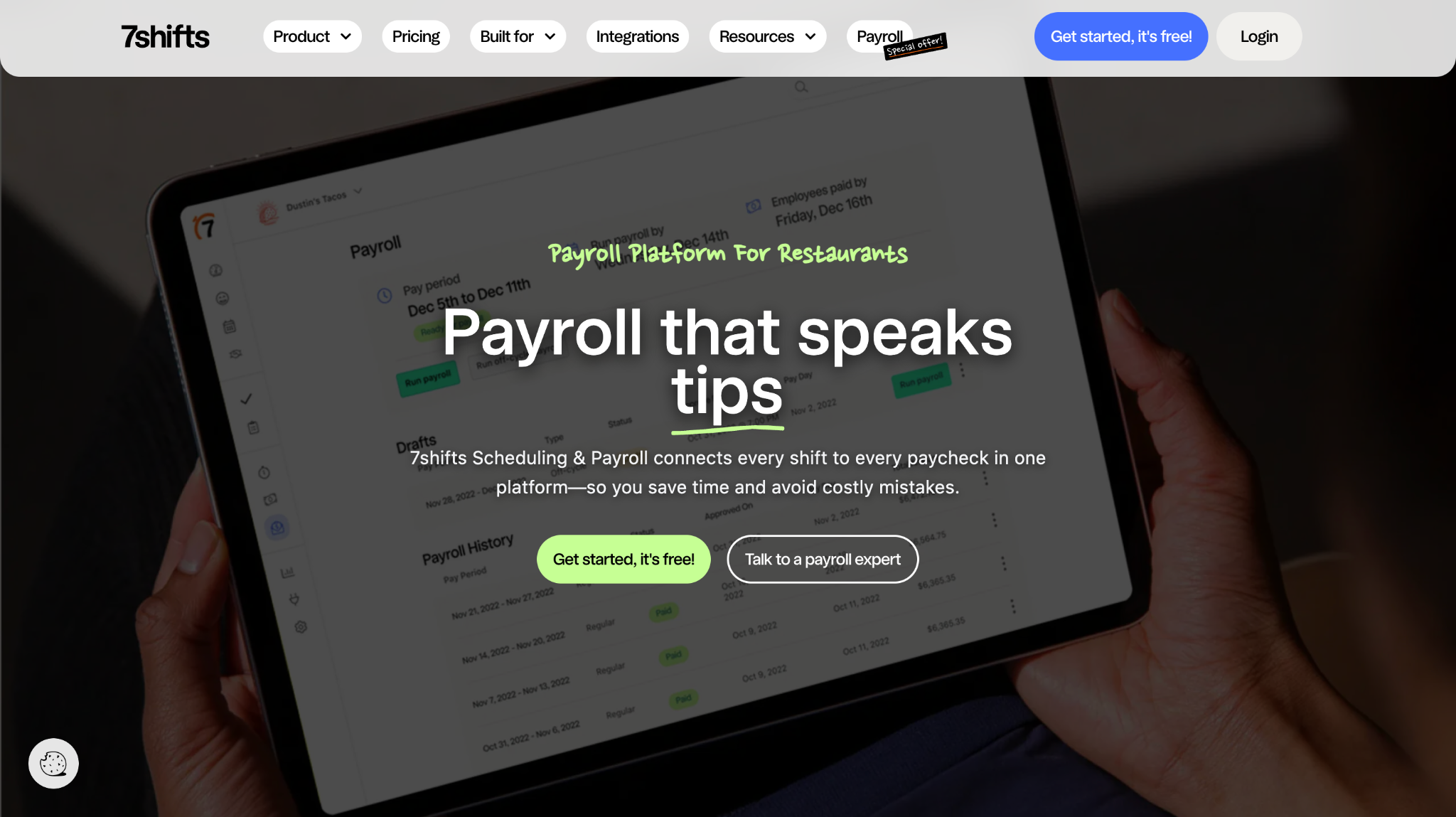
7shifts is employee scheduling and time clock software built for restaurants and other shift-based teams. It combines schedules, clock-ins, breaks, and labor reporting in one place. Many hospitality businesses use it as employee scheduling and time clock software to keep shifts and hours aligned.
Software Pros:
- Strong schedule builder with templates
- Mobile clock-ins for frontline employees
- Labor cost and forecast reports
Software Cons:
- Focused mainly on hospitality and retail
- May feel heavy for very small teams
7shifts Review:
After spending time reviewing 7shifts, I noticed how closely schedules and time tracking work together day to day. Managers see who is scheduled, who actually clocked in, and where gaps appear, all in one screen. That tight link is why I see it as one of the best time clock software for employee scheduling in shift-driven environments.
Our Verdict
Shift Scheduling Powerhouse
ADP Time & Attendance
Quick Overview:
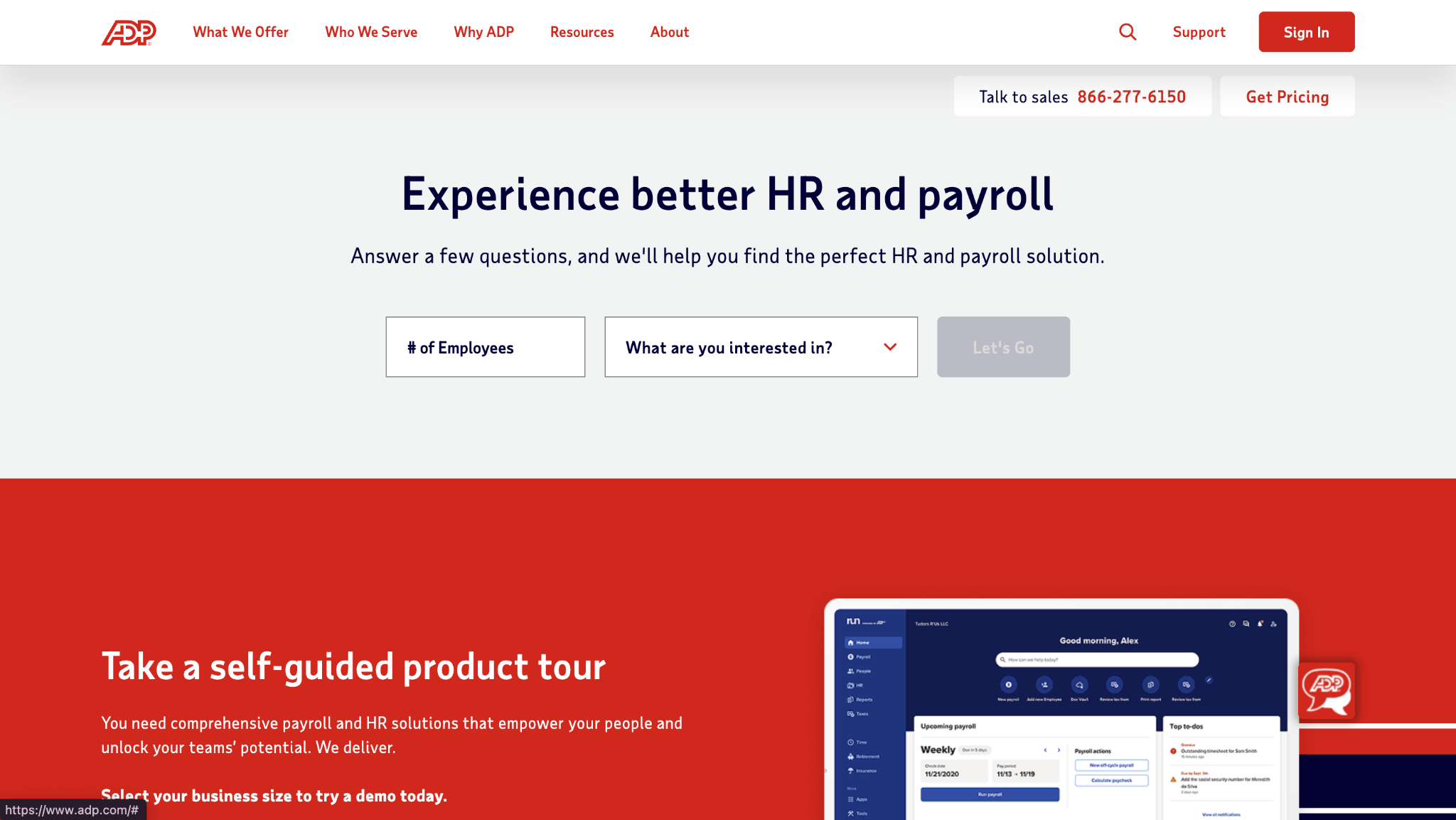
ADP Time & Attendance is part of ADP’s wider HR and payroll suite and is used as time clock employee software for large and mid-size organizations. It supports digital clock-ins, overtime rules, approvals, and direct payroll sync. Many companies pick ADP when they want employee time clock solutions tied closely to pay and compliance.
Software Pros:
- Deep payroll and tax integration
- Built-in compliance rules for overtime and breaks
- Strong support and implementation options
Software Cons:
- Setup and configuration take time
- Interface can feel rigid compared to newer apps
ADP Time & Attendance Review:
While exploring ADP’s time tools, I focused on how rules flow into payroll. Once configured, the system applies schedules, overtime, and premiums without extra spreadsheets on the side. That level of control is why I see it as a stable choice for teams that care most about compliance and accurate payroll.
Our Verdict
Compliance-Focused Enterprise Suite
BambooHR Time Tracking
Quick Overview:
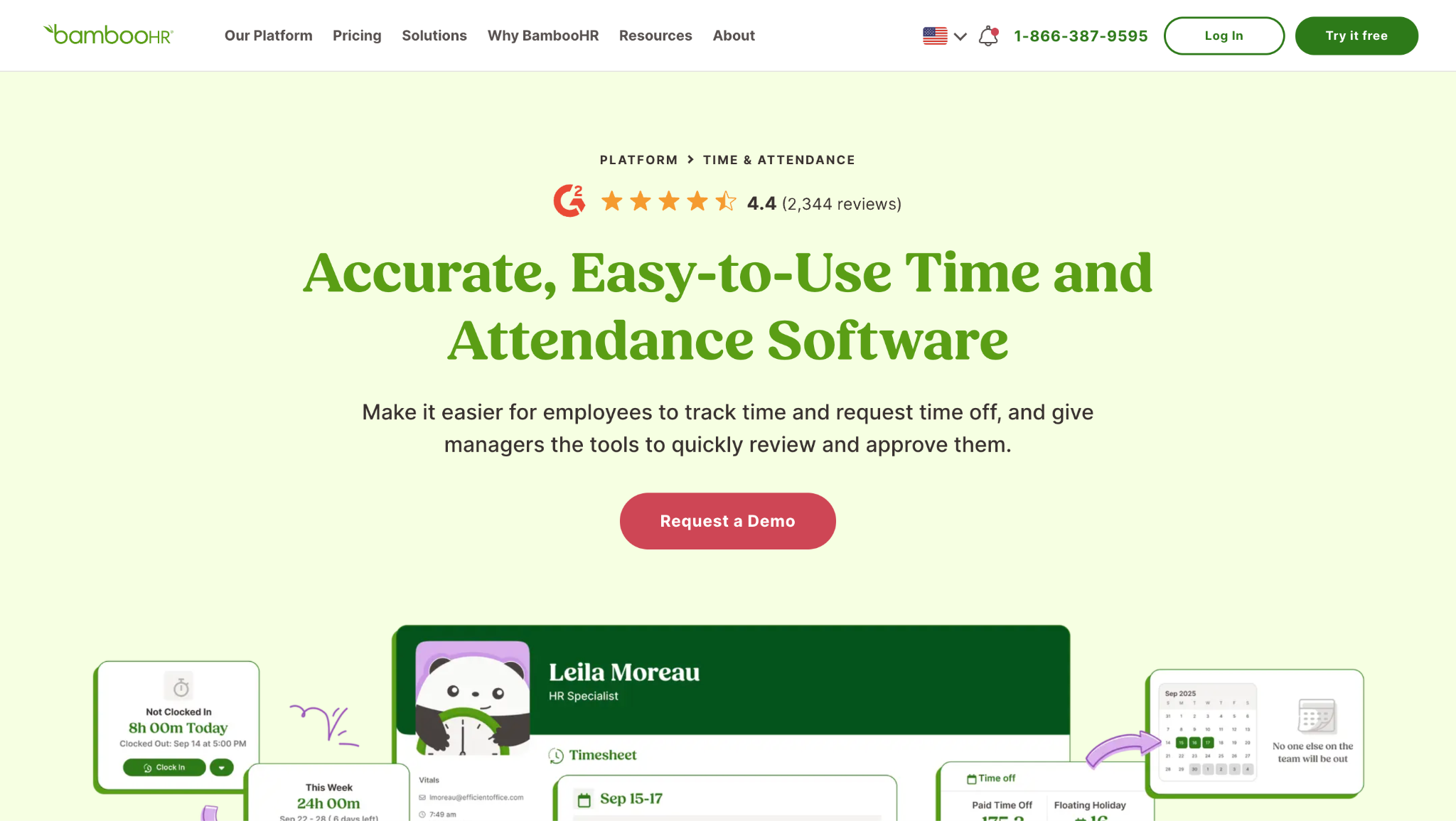
BambooHR includes employee time clock software inside its HR platform for small and mid-size businesses. Employees clock in and out, submit hours, and request time off from the same system used for their HR records. It is often used as simple employee time and attendance software where teams do not want separate tools for each task.
Software Pros:
- Clean, simple interface for employees
- Time approvals live next to HR data
- Easy for new managers to learn
Software Cons:
- Reporting is more basic than specialist tools
- Limited support for complex shift patterns
BambooHR Review:
While testing BambooHR time tracking, I paid attention to how quickly a manager can review and approve hours. The process is straightforward and sits in the same place as leave requests and basic HR tasks. That simplicity makes it a strong fit for teams that want fewer tools and a low learning curve.
Our Verdict
Straightforward HR Time Tracking
Buddy Punch
Quick Overview:
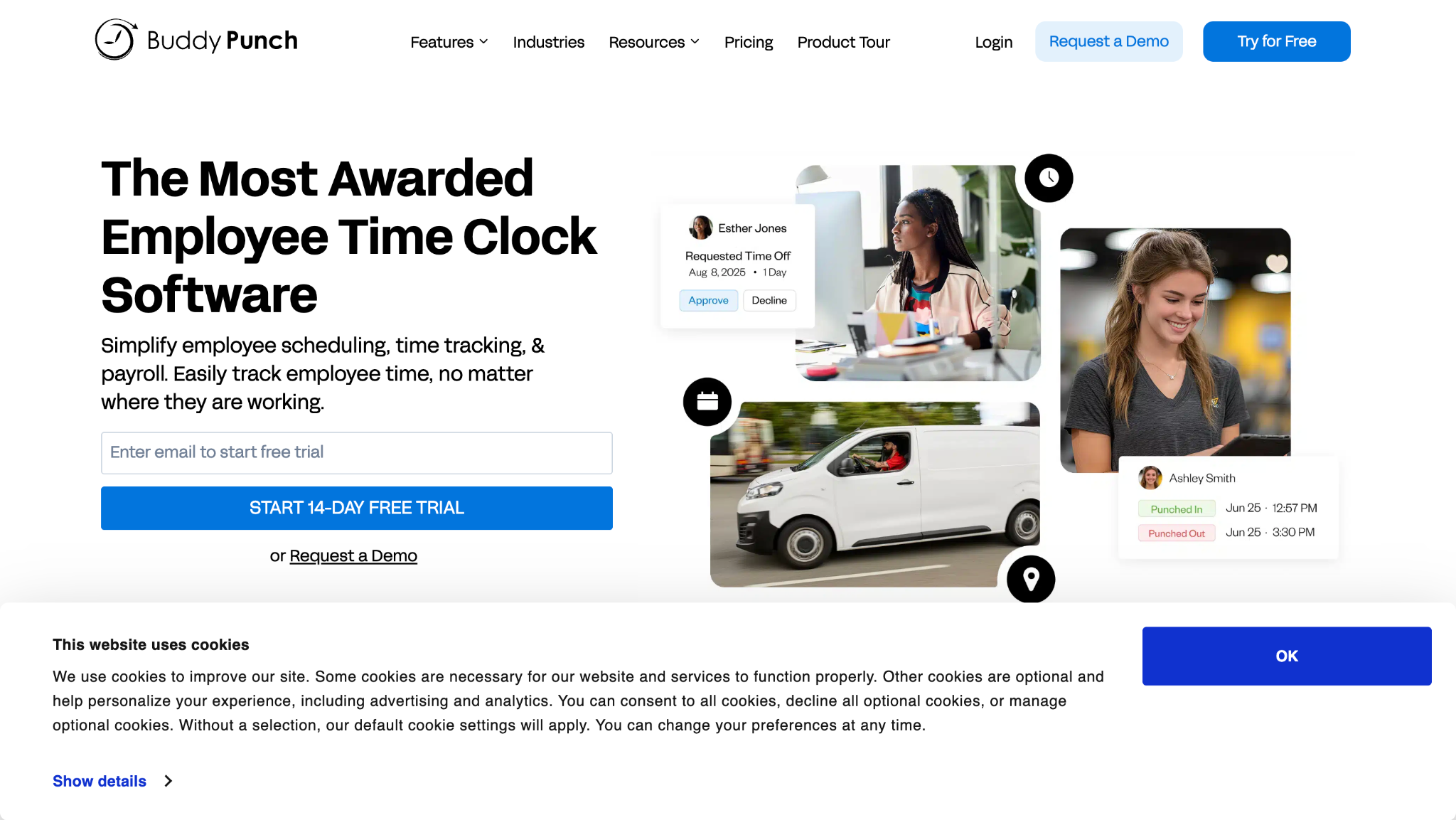
Buddy Punch is employee timeclock software that focuses on accurate clock-ins and preventing buddy punching. It offers GPS, webcam, and device controls so managers can verify who is on site. Many companies use it as a control layer over simple time tracking.
Software Pros:
- GPS and photo verification options
- Web and mobile clock-ins
- Clear time and attendance reports
Software Cons:
- Limited built-in scheduling tools
- Not a full HR or payroll system on its own
Buddy Punch Review:
When I explored Buddy Punch, I focused on the verification features. Location and photo checks make it harder for employees to clock in for each other or from the wrong place. That focus on accuracy is why I see it as a strong option for teams that want tighter control without a huge platform.
Our Verdict
Accuracy-First Time Tracking
Clockify
Quick Overview:
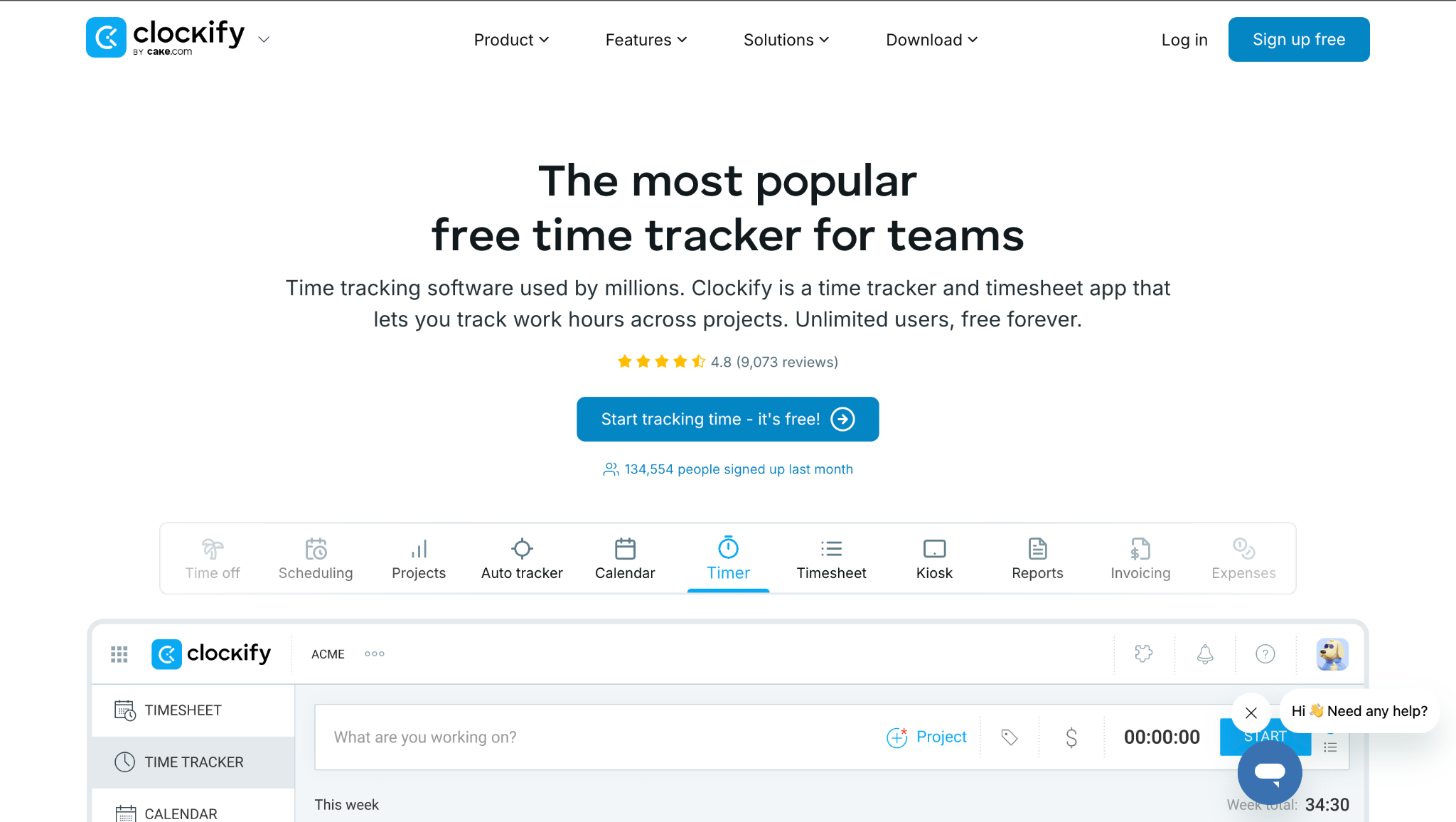
Clockify is a popular employee time clock software free at the entry level. It offers timers, timesheets, projects, and reports in a clean interface. Many small teams and freelancers start with Clockify as free employee time clock software before upgrading to paid plans.
Software Pros:
- Free plan with core features
- Simple interface across web and mobile
- Project and client-based reporting
Software Cons:
- Limited scheduling and shift tools
- More focused on project work than clock-style shifts
Clockify Review:
While reviewing Clockify, I focused on how quickly a team can start tracking time without setup overhead. The platform allows projects, timers, and basic reports to be configured within minutes, based on its structure and onboarding flow. That low barrier to entry makes it a common starting point for small teams moving away from manual tracking.
Our Verdict
Accessible Free Time Tracker
ClockShark
Quick Overview:
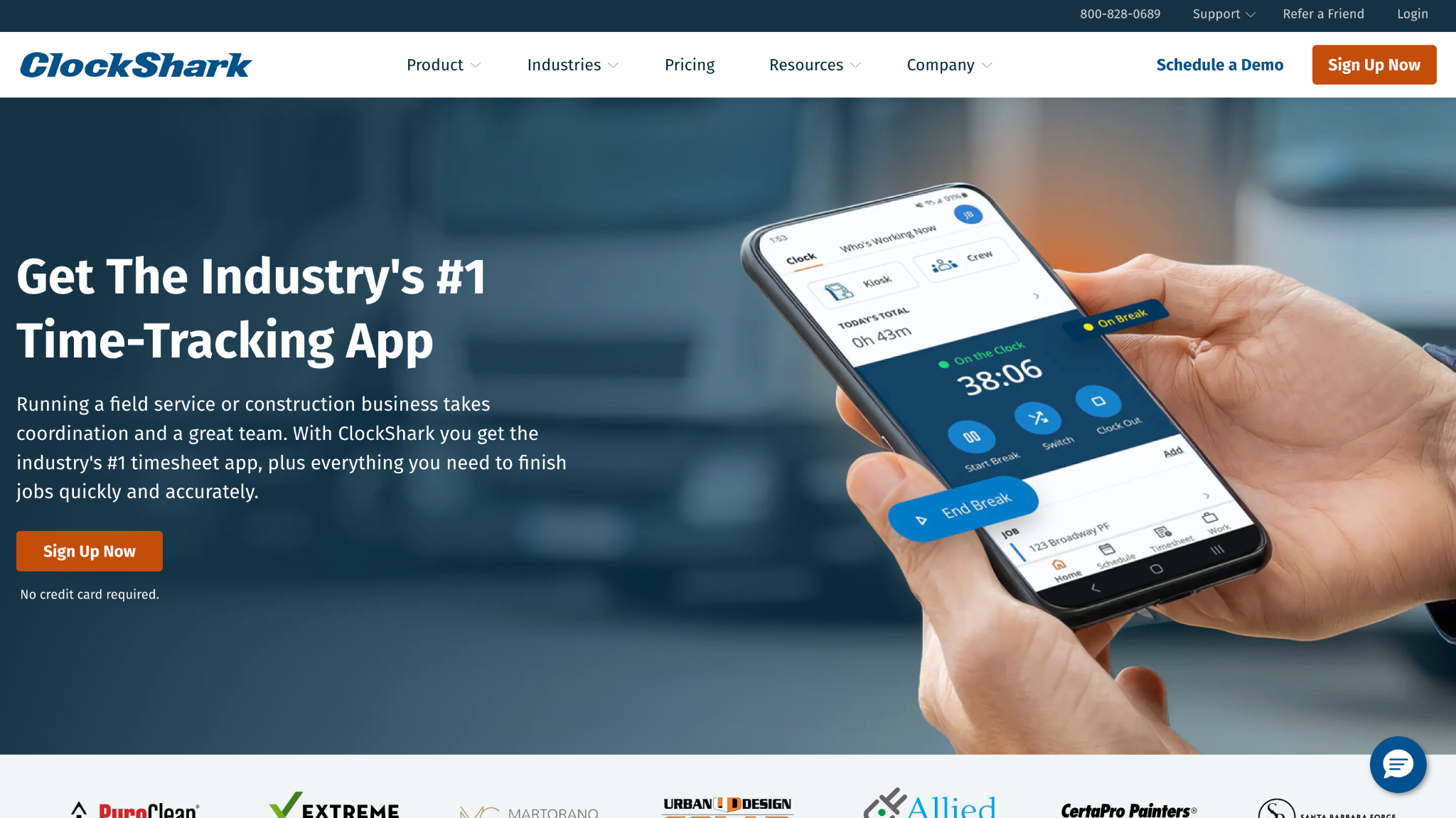
ClockShark is employee time clock software built for field and trades teams. It supports GPS clock-ins, job codes, and project-based time tracking for crews on the move. Construction, maintenance, and service businesses often use it to understand how much time work in the field really takes.
Software Pros:
- GPS and geofenced clock-ins
- Job and project tagging for hours
- Mobile experience built for field staff
Software Cons:
- Less relevant for office-only teams
- Advanced use may require training for managers
ClockShark Review:
When I evaluated ClockShark, I focused on how it supports field staff logging time on job sites. The mix of GPS, job codes, and mobile clock-ins makes it easy to connect recorded hours to specific locations and tasks. That field-first design is the main reason it stands out in this list.
Our Verdict
Field and Jobsite Specialist
Connecteam
Quick Overview:
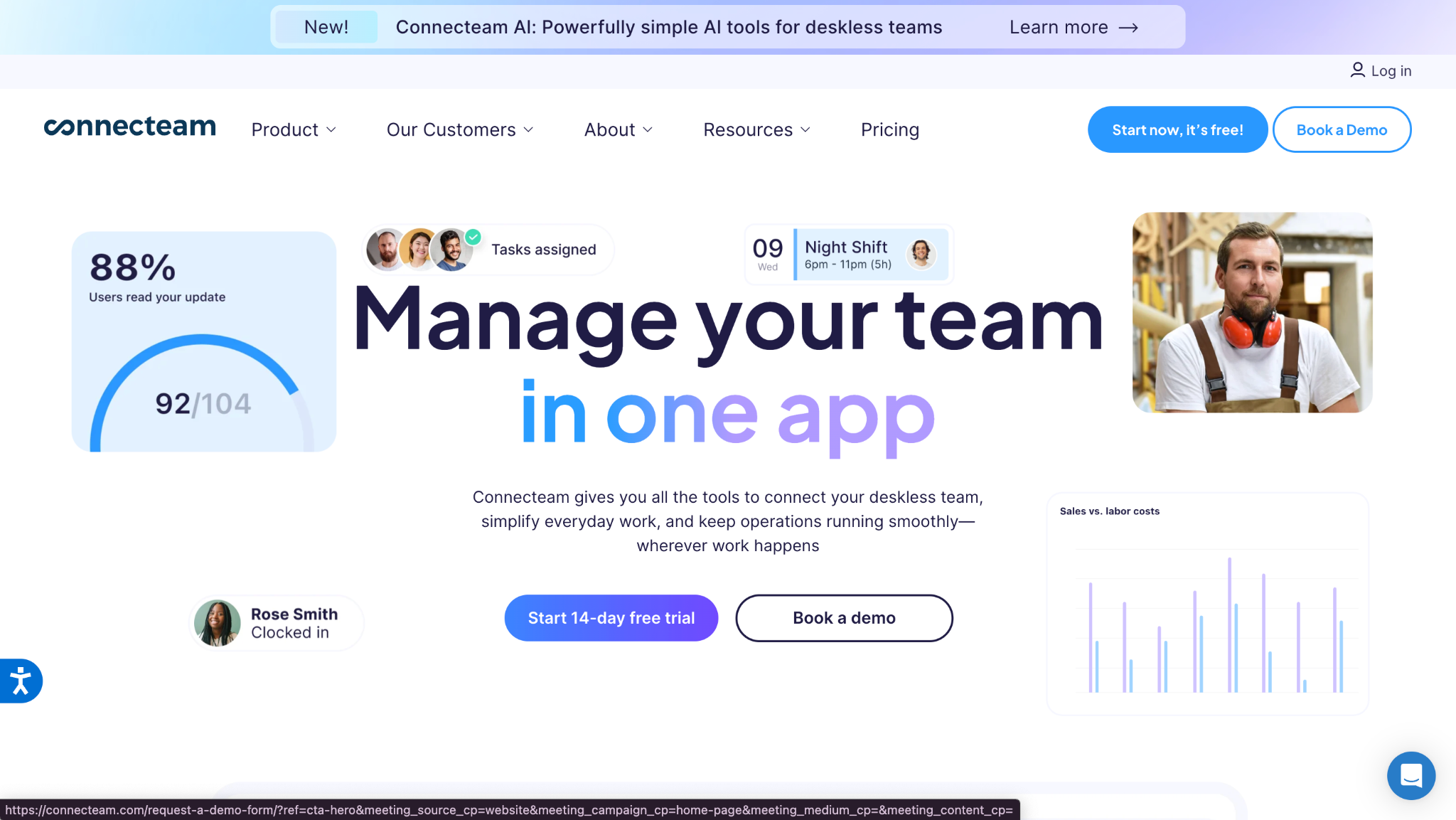
Connecteam is employee time clock software combined with scheduling, task management, and communication for deskless teams. Employees clock in from their phones, and managers can apply GPS and geofencing rules. It is often mentioned among the top rated employee time clock apps for mobile-first workforces.
Software Pros:
- Strong mobile app for frontline staff
- Built-in scheduling and shift management
- GPS and geofencing for location control
Software Cons:
- Best suited to mobile, not office-only teams
- Setup and configuration take some time
Connecteam Review:
I picked Connecteam because its automated time tracking fits naturally into daily work for frontline employees. People clock in from their phones, while GPS and geofencing keep punches tied to approved locations. I also like that scheduling and time tracking live together, which cuts down on confusion between planned and actual hours.
Our Verdict
Mobile-First Time and Scheduling
Dayforce Time Tracking
Quick Overview:
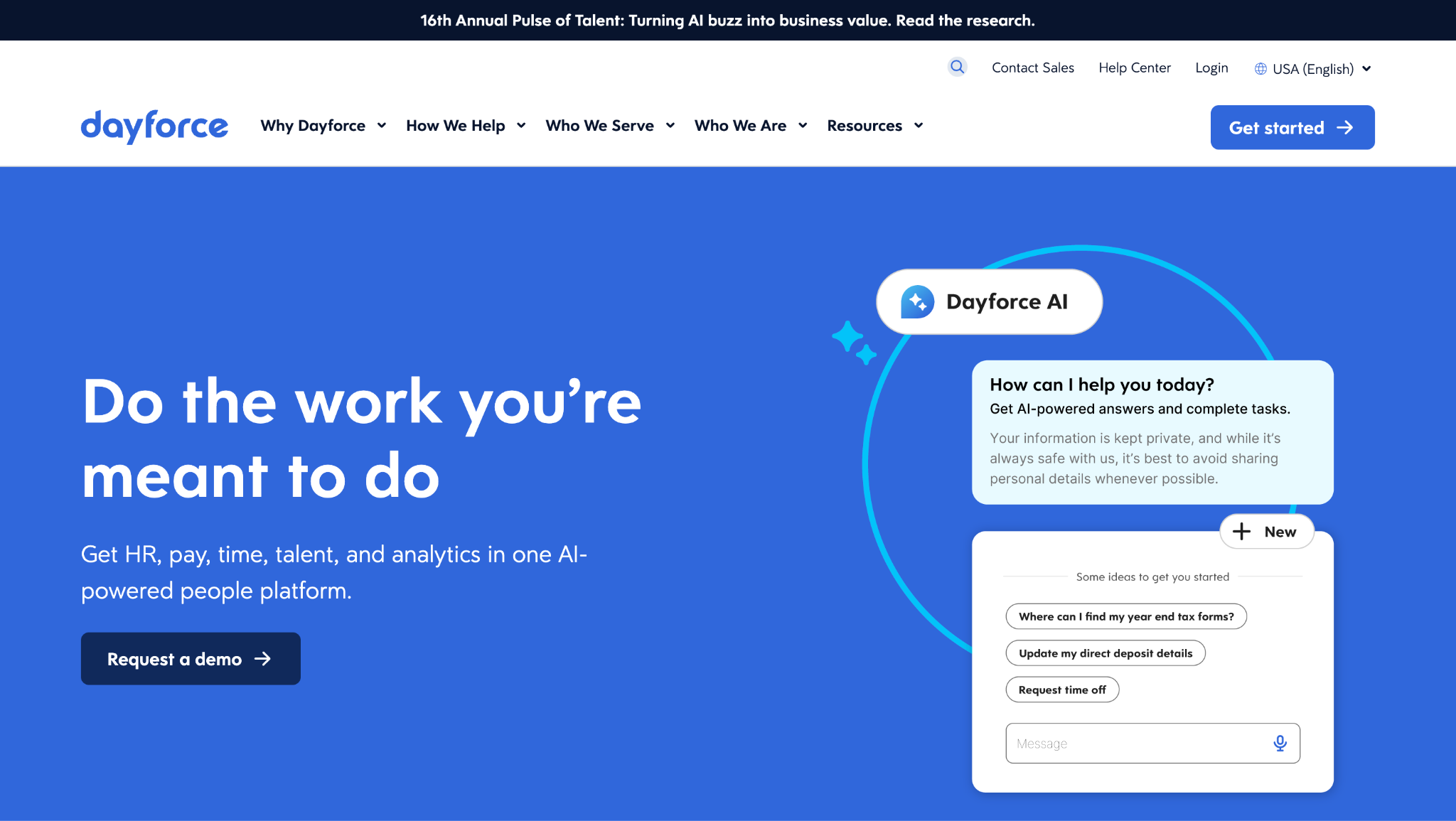
Dayforce offers employee time and attendance software as part of its HCM platform. It handles clock-ins, shift rules, overtime, and payroll in one system. Large employers use it when they need strict rule enforcement and global coverage.
Software Pros:
- Strong support for complex labor rules
- Tight link with payroll and HR data
- Scales across large, multi-site organizations
Software Cons:
- Implementation can be long and detailed
- Interface feels more “enterprise” than app-like
Dayforce Review:
When I looked at Dayforce, I focused on how time rules move through the system. Schedules, overtime, and premiums are applied in ways that clearly connect back to regulations and company policy. That structure is why it suits teams that need a serious level of control.
Our Verdict
Enterprise-Grade Time Rules
Deputy
Quick Overview:
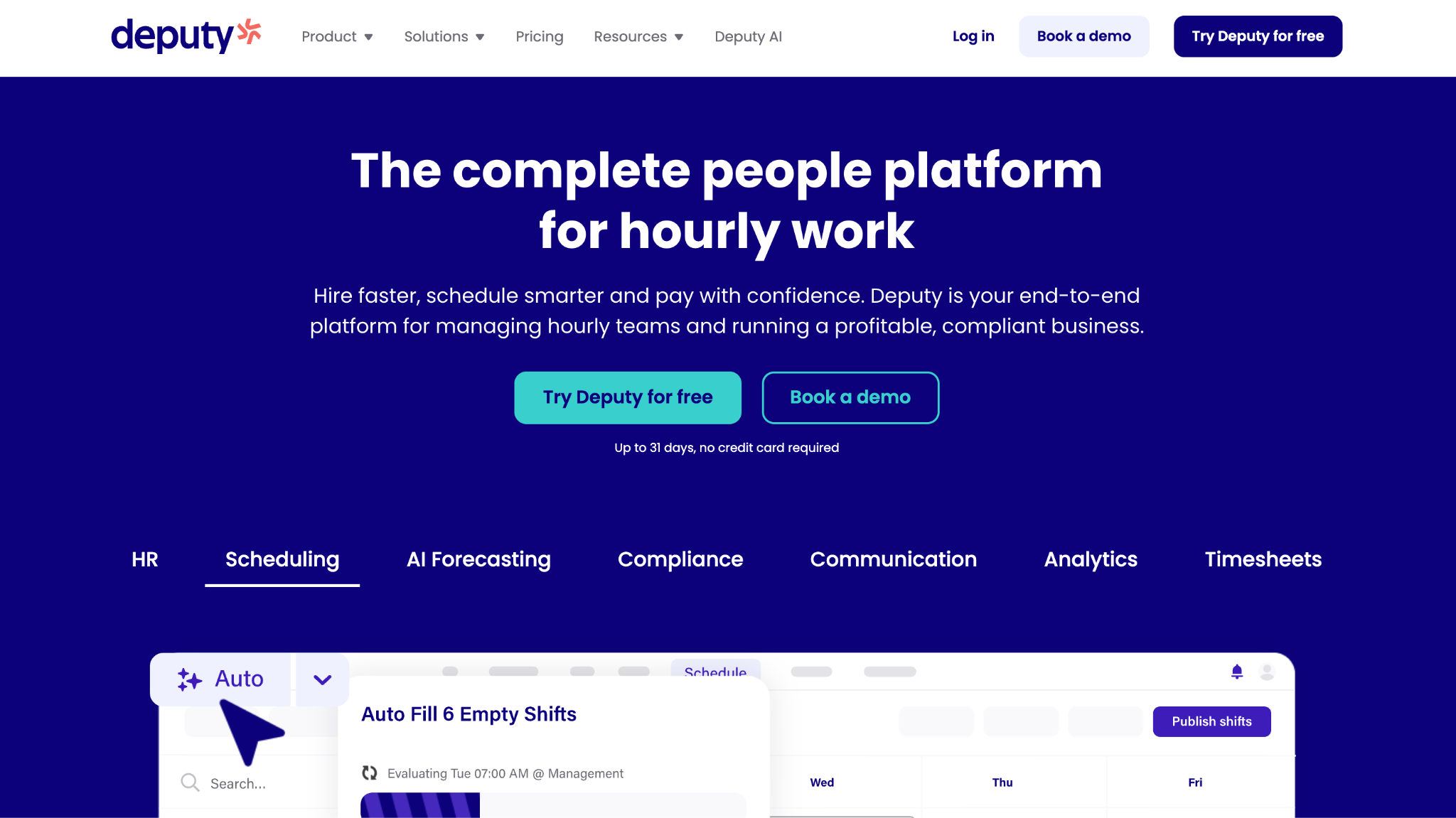
Deputy is employee scheduling and time clock software used widely in retail, hospitality, and healthcare. It helps managers build schedules, track attendance, and apply break and overtime rules. Many shift-heavy businesses use Deputy as their core scheduling and time tracking hub.
Software Pros:
- Strong schedule builder with templates and shift swaps
- Time tracking tied directly to scheduled shifts
- Compliance features for breaks and overtime
Software Cons:
- Setup and rule tuning take some time
- Smaller teams may not use all features
Deputy Review:
After spending time checking Deputy’s capabilities, what stood out to me was how schedules, attendance, and compliance all sit in one workflow. Managers do not have to move between different tools to fix shifts, approve time, and check overtime. That joined-up design makes it a solid choice for busy shift-based operations.
Our Verdict
Scheduling-Driven Time Platform
DeskTime
Quick Overview:
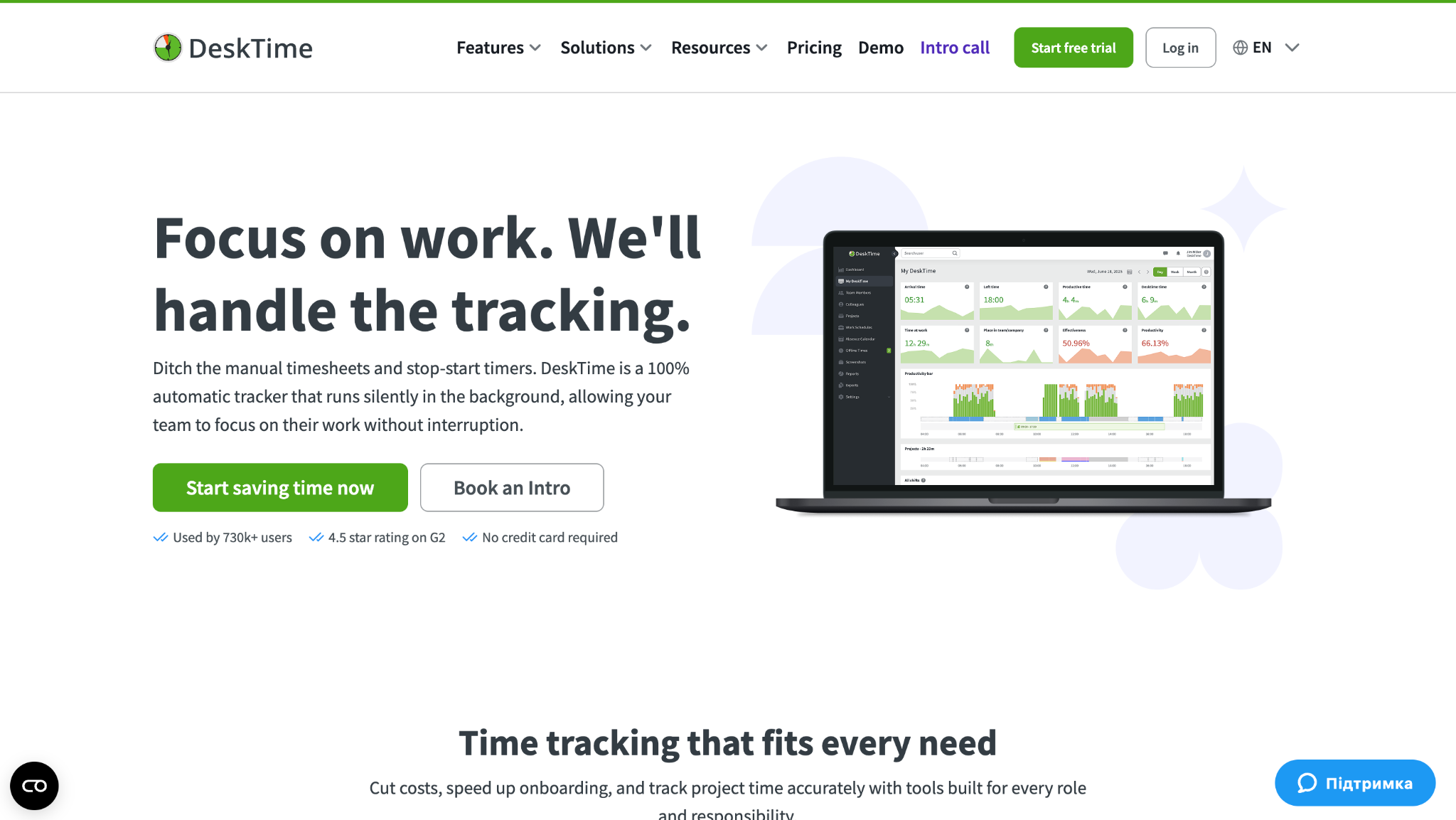
DeskTime is automatic employee time clock software aimed at office and remote teams. It tracks time based on app and website activity rather than manual punches. Teams use it when they want insight into work patterns across the day.
Software Pros:
- Automatic tracking with little manual input
- Productivity and usage reports
- Works for both office and remote setups
Software Cons:
- Not built for shift scheduling
- Monitoring style requires clear internal policies
DeskTime Review:
While exploring DeskTime, I focused on how much tracking happens without employee effort. Time is recorded in the background, and managers can review patterns later instead of chasing timesheets. That automatic approach is what makes it different from more traditional clock-in tools.
Our Verdict
Automatic Desktop Tracking
Factorial Time Tracking
Quick Overview:
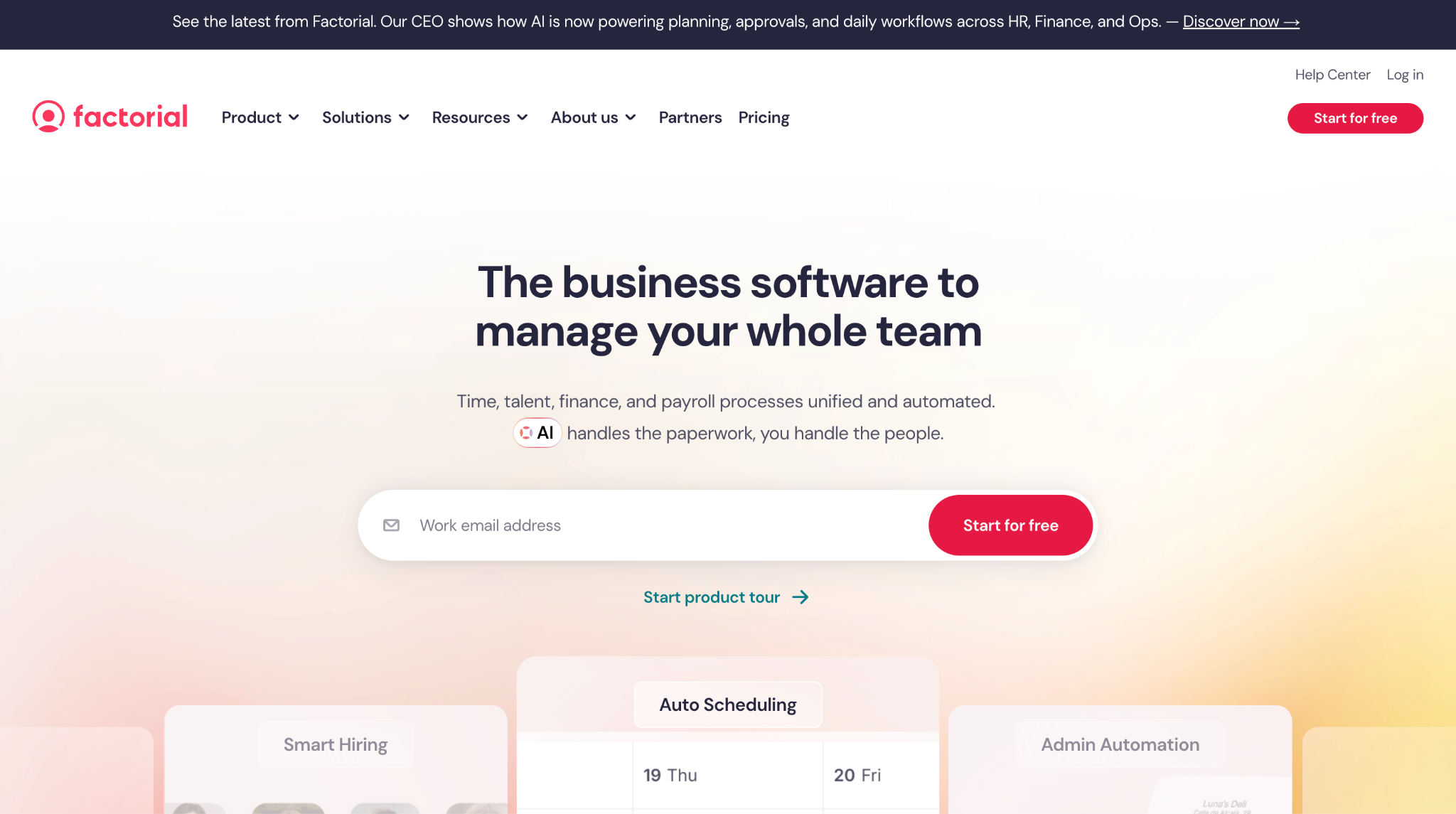
Factorial includes time tracking as part of its HR platform for small and growing teams. Employees clock in, log hours, and request leave alongside their HR data. Many companies use it as employee time clock software for small business environments that need structure but not a heavy enterprise suite.
Software Pros:
- Simple interface for employees and managers
- Time and HR records in one system
- Clear approval flows
Software Cons:
- Reporting is more basic than specialist tools
- Limited support for very complex shifts
Factorial Time Tracking Review:
When I reviewed Factorial, I watched how managers move from timesheets to basic HR tasks. Having hours, leave, and employee details together reduces the back-and-forth between different systems. That “all in one place” feeling is its main strength for smaller teams.
Our Verdict
Practical SMB Time Tracking
Harvest
Quick Overview:
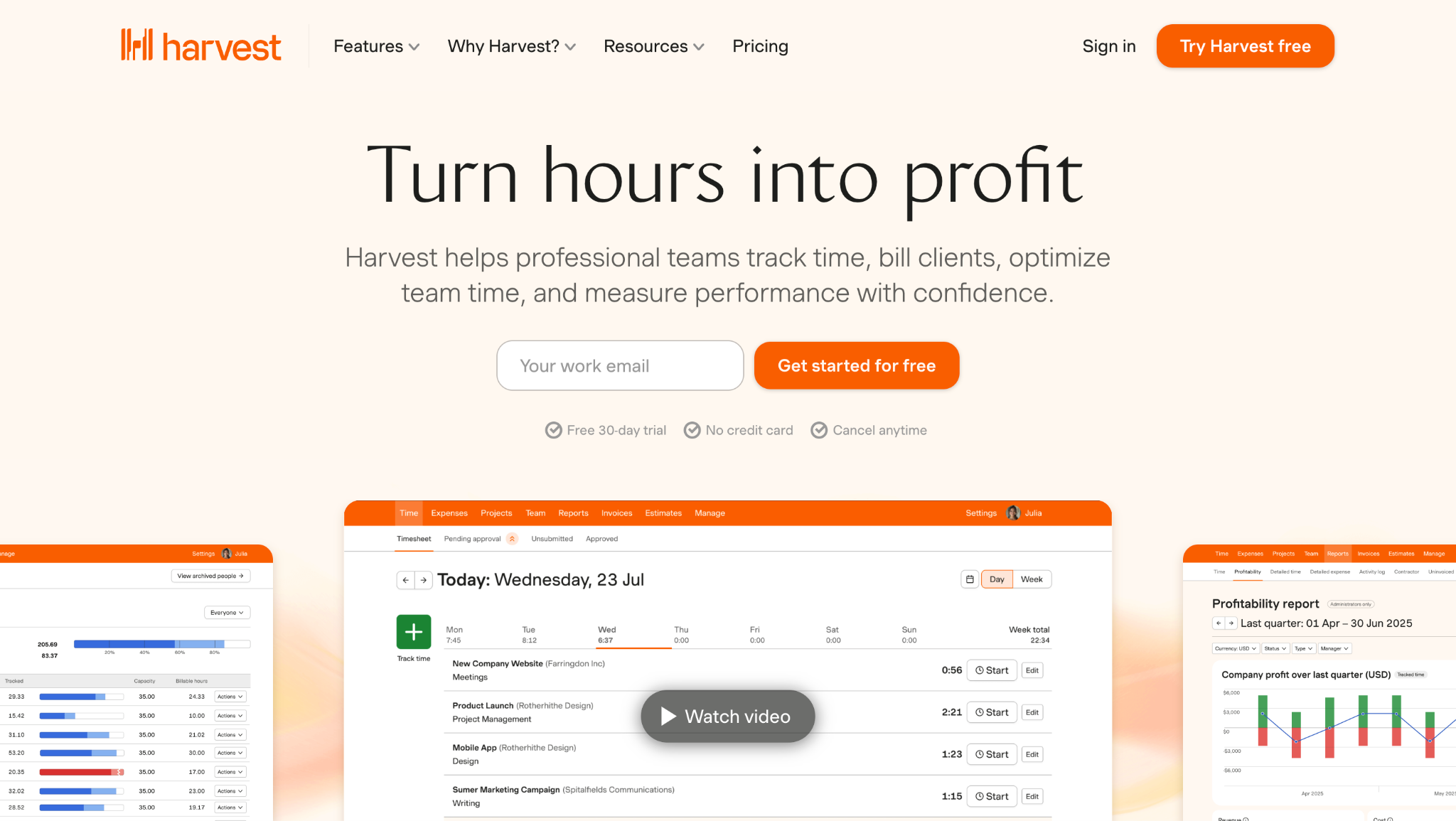
Harvest is time tracking software focused on projects and billable work. Teams log hours against clients and tasks, then turn that data into internal reports or invoices. Agencies, consultants, and professional services firms often use it instead of a traditional punch clock.
Software Pros:
- Clear project and client tracking
- Strong reporting around billable hours
- Simple invoicing link
Software Cons:
- Not designed for shift-based attendance
- Limited native scheduling features
Harvest Review:
In my review of Harvest, I focused on how project hours are presented back to managers. The reports make it easy to see where time is going and which clients consume the most capacity. That level of clarity is why I see it as a good fit for teams that bill time rather than just track attendance.
Our Verdict
Project and Billable Time Focus
Homebase
Quick Overview:
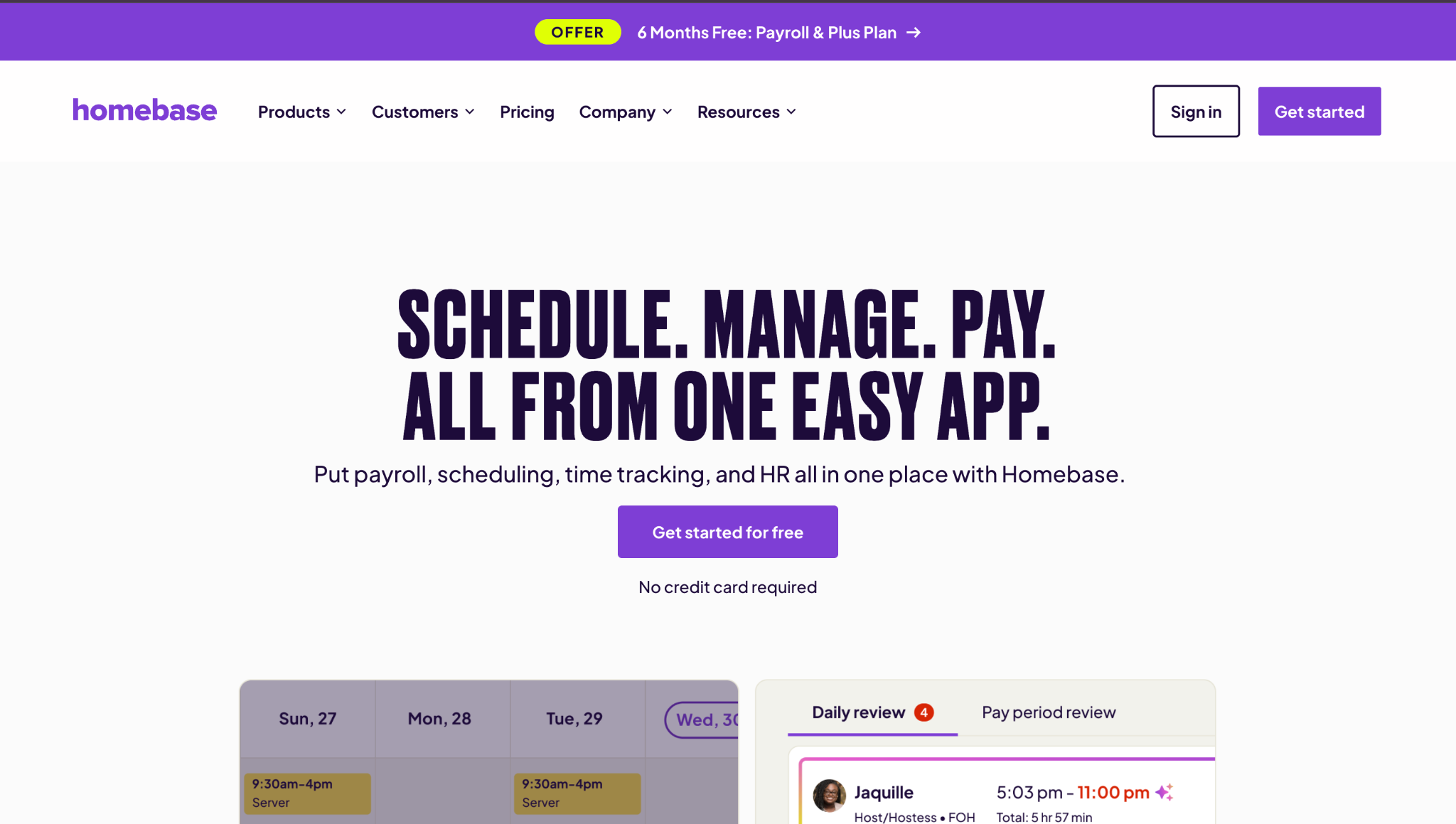
Homebase is employee time clock software for small business teams, especially in retail, hospitality, and local services. It combines scheduling, time clocks, and basic messaging. Many small businesses also see it recommended in lists of the best time and attendance software for shops and cafes.
Software Pros:
- Free tier for small locations
- Scheduling and time tracking in one app
- Simple mobile and browser clock-ins
Software Cons:
- Reporting is more limited than enterprise tools
- Less suited to very large organizations
Homebase Review:
While exploring Homebase, I looked at how a small business owner would actually use it on a busy day. Shifts, hours, and basic team communication sit close together, so managers are not digging through menus. That ease of use is why it often comes up when people ask about employee time clocks for small business needs.
Our Verdict
Friendly Tool For Local Teams
Hubstaff
Quick Overview:
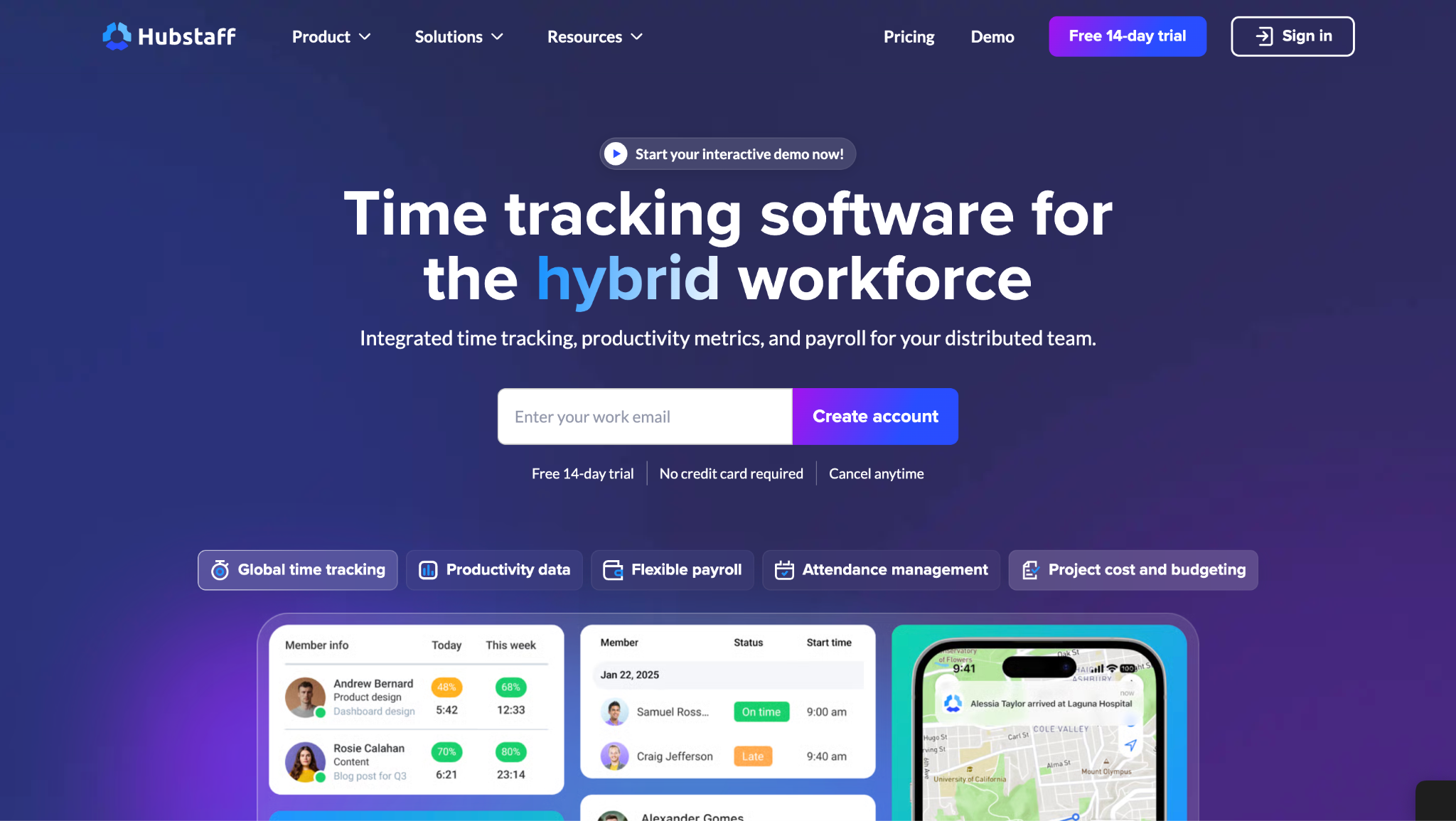
Hubstaff is employee time and attendance software built with remote and field teams in mind. It offers time tracking, activity levels, optional screenshots, and location features. Many teams use it when they want more visibility into how distributed work happens.
Software Pros:
- Detailed time and activity data
- GPS and job tracking options
- Integrations with payroll and project tools
Software Cons:
- Monitoring features need clear communication to staff
- Less focused on classic shift scheduling
Hubstaff Review:
When I assessed Hubstaff, I paid attention to how it handles remote work. Time, activity, and location data come together in reports that highlight patterns over longer periods, not just a single day. That long-view visibility is what makes it especially useful for distributed teams.
Our Verdict
Visibility For Distributed Teams
Jibble
Quick Overview:
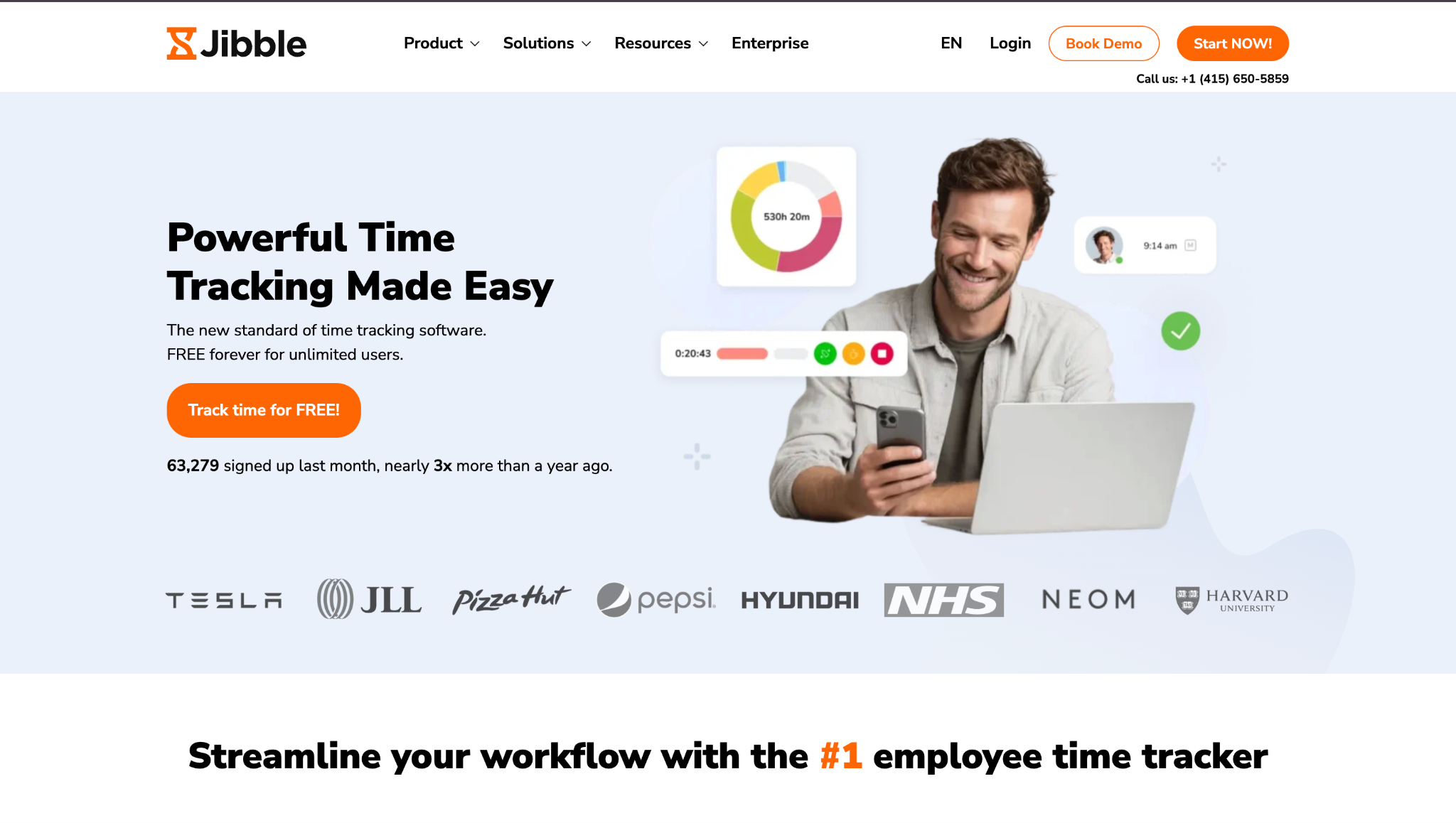
Jibble is cloud-based employee time clock software with a generous free plan. It supports mobile, web, and kiosk clock-ins, plus options like face recognition. Many small teams look at Jibble when they want apps for employee time clock tracking without big upfront costs.
Software Pros:
- Free tier with core features
- Multiple clock-in methods, including biometrics
- Simple mobile setup
Software Cons:
- Advanced reporting is in paid plans
- Limited deep scheduling logic
Jibble Review:
While exploring Jibble, I focused on how fast a new team can start tracking time. The free plan, simple setup, and clear mobile app make it easy to try without risk. That low barrier is why it often appears in discussions about free employee time clock software.
Our Verdict
Low-Barrier Time Tracking
Joblogic
Quick Overview:
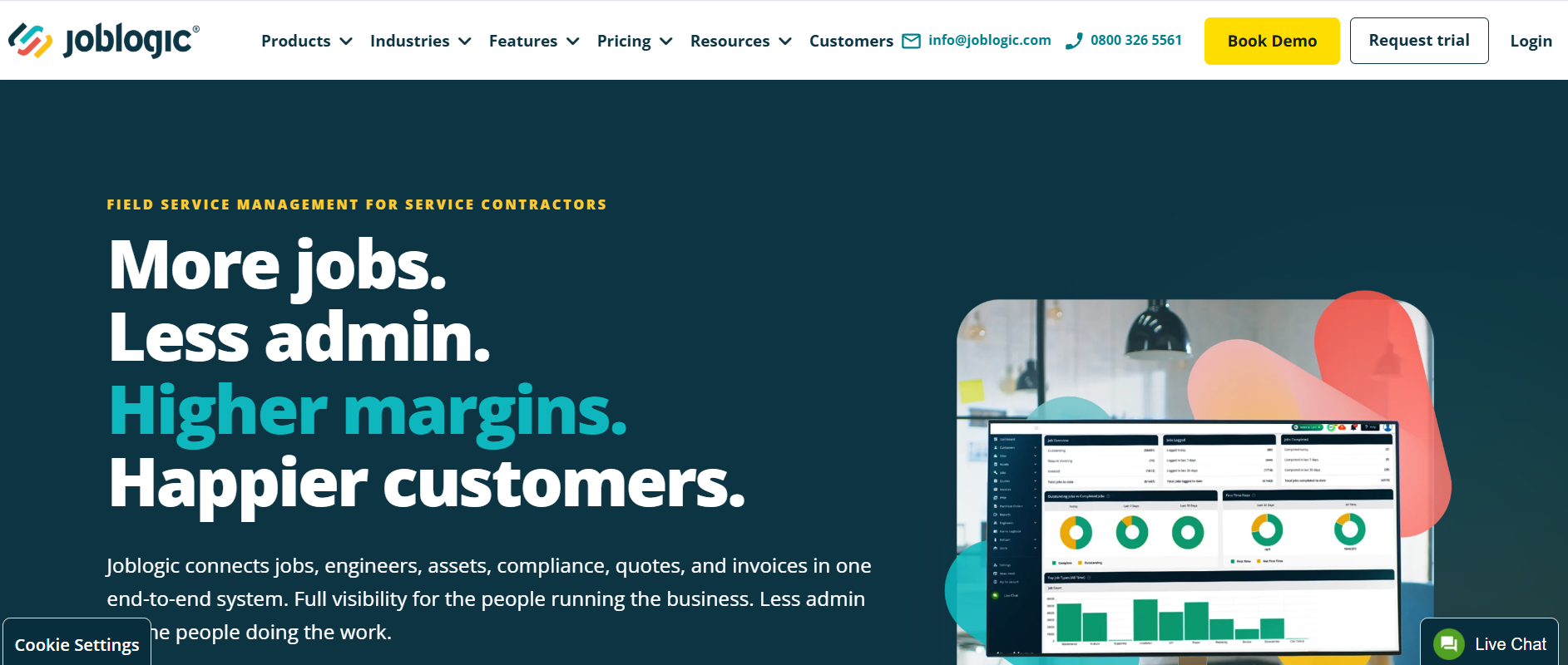
Joblogic is field service management software used by UK service and maintenance businesses across HVAC, plumbing and heating, electrical, and facilities management. Engineer hours are captured through the mobile app as part of the job itself, alongside drag-and-drop scheduling, mobile forms, PPM contracts, and a customer portal. Contractors and estate managers pick it when time on a job needs to sit inside the wider workflow rather than in a separate punch clock.
Software Pros:
- Engineer time captured in the mobile app against live jobs and assets
- Drag-and-drop scheduling, PPM contracts, and customer portal in one platform
- Used by 3,000+ customers managing 45,000 engineers, including NG Bailey and Linaker
Software Cons:
- Built for field service operations, not office-only or shift-retail teams
- Broader than teams looking for a standalone time clock
Joblogic Review:
When I looked at Joblogic, I focused on how engineer hours connect to the rest of the job. Time on site is recorded through the mobile app against the specific job, asset, and PPM contract, then flows into completion, compliance, and invoicing without a separate timesheet step. That end-to-end coverage is why it suits service and maintenance operations rather than sitting next to them.
Our Verdict
Field Service Platform With Engineer Time Built In
Paycor Time
Quick Overview:
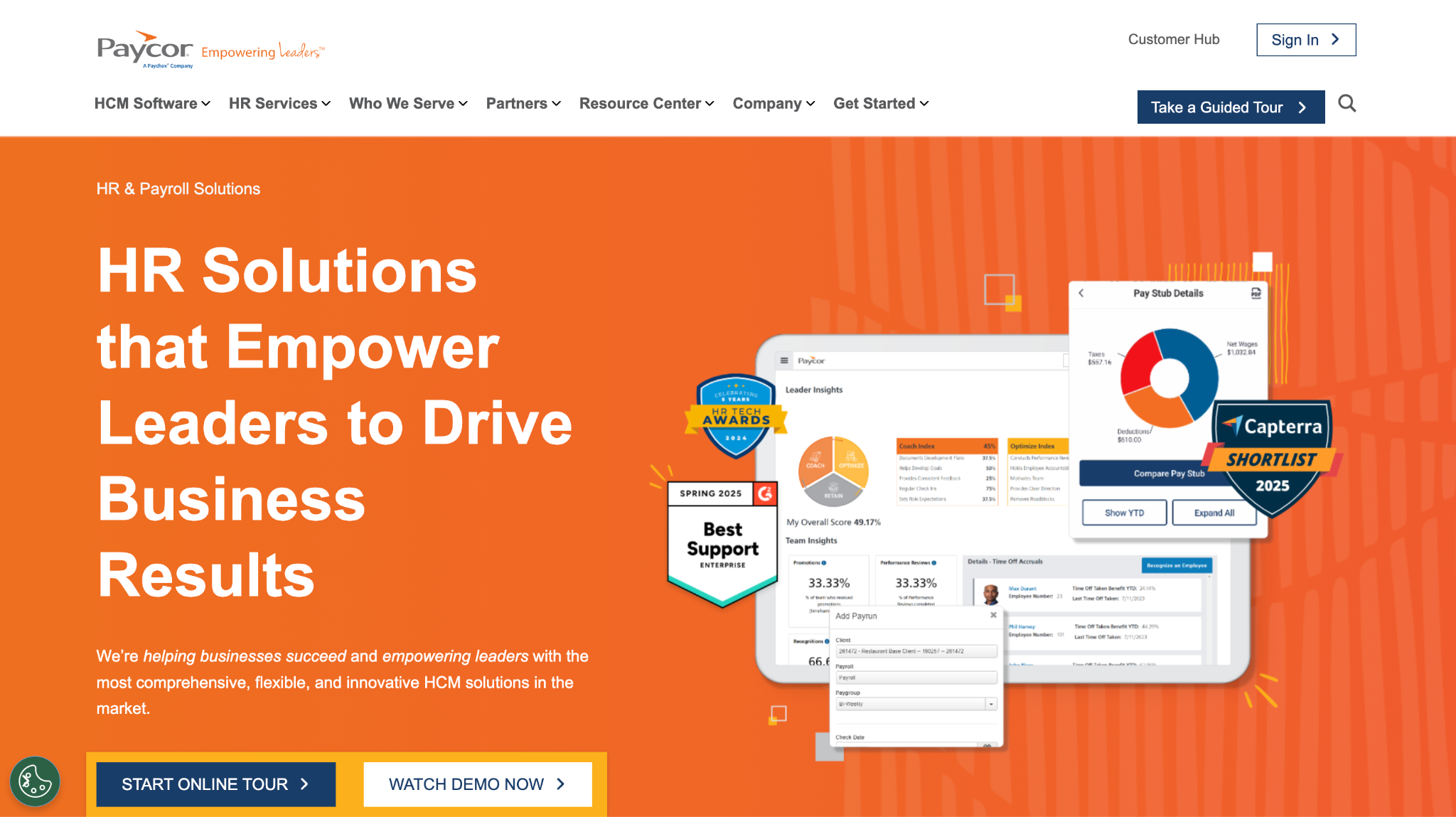
Paycor Time is part of Paycor’s HR and payroll suite and works as time clock employee software for small and mid-size employers. It handles clock-ins, approvals, and overtime rules, then feeds data straight into payroll. HR teams often choose it for a single system across time, HR, and pay.
Software Pros:
- Direct link between time and payroll
- Centralized employee records
- Clear approval flows
Software Cons:
- Best value when you already use Paycor HR
- Less flexible for standalone time tracking only
Paycor Time Review:
When I looked at Paycor, I focused on how time data moves into payroll. Approved hours flow through without manual re-entry, which cuts down on small errors that add up over time. That clean pipeline is what makes it appealing for HR-led teams.
Our Verdict
HR-Led Time And Pay
Paylocity Time & Attendance
Quick Overview:
Paylocity offers employee time clock software inside its broader HR platform. It supports digital punches, schedules, and compliance rules, plus payroll integration. Many mid-size employers use it when they want one system from hire to pay.
Software Pros:
- Integrated HR, time, and payroll
- Rules and policies applied consistently
- Reporting that covers multiple locations
Software Cons:
- Setup and training can take time
- Less attractive as a stand-alone time tracking tool
Paylocity Time & Attendance Review:
While exploring Paylocity’s time tools, I watched how time entries go through approvals. The same rules that guide HR and payroll apply to time, which helps keep records aligned. That standardization is the main reason it suits mid-size organizations with formal processes.
Our Verdict
Standardized Time And HR
QuickBooks Time
Quick Overview:
QuickBooks Time (formerly TSheets) is cloud employee time clock software designed to work closely with QuickBooks payroll and accounting. It supports mobile and web clock-ins, GPS time tracking, and job codes. Many small and mid-size businesses use it to keep hours and payroll in sync.
Software Pros:
- Strong integration with QuickBooks
- GPS and job tracking for field teams
- Clear timesheet and overtime reporting
Software Cons:
- Best value when paired with QuickBooks
- Pricing can feel high for very small teams
QuickBooks Time Review:
When I evaluated QuickBooks Time, I focused on how timesheets connect directly to payroll. Approved hours flow straight into pay runs, which removes a lot of manual copying and reduces small errors. That tight link is why it often appears in discussions about the best employee time clock software 2026 for finance-driven teams.
Our Verdict
Time Tracking For QuickBooks Users
Rippling Time Tracking
Quick Overview:
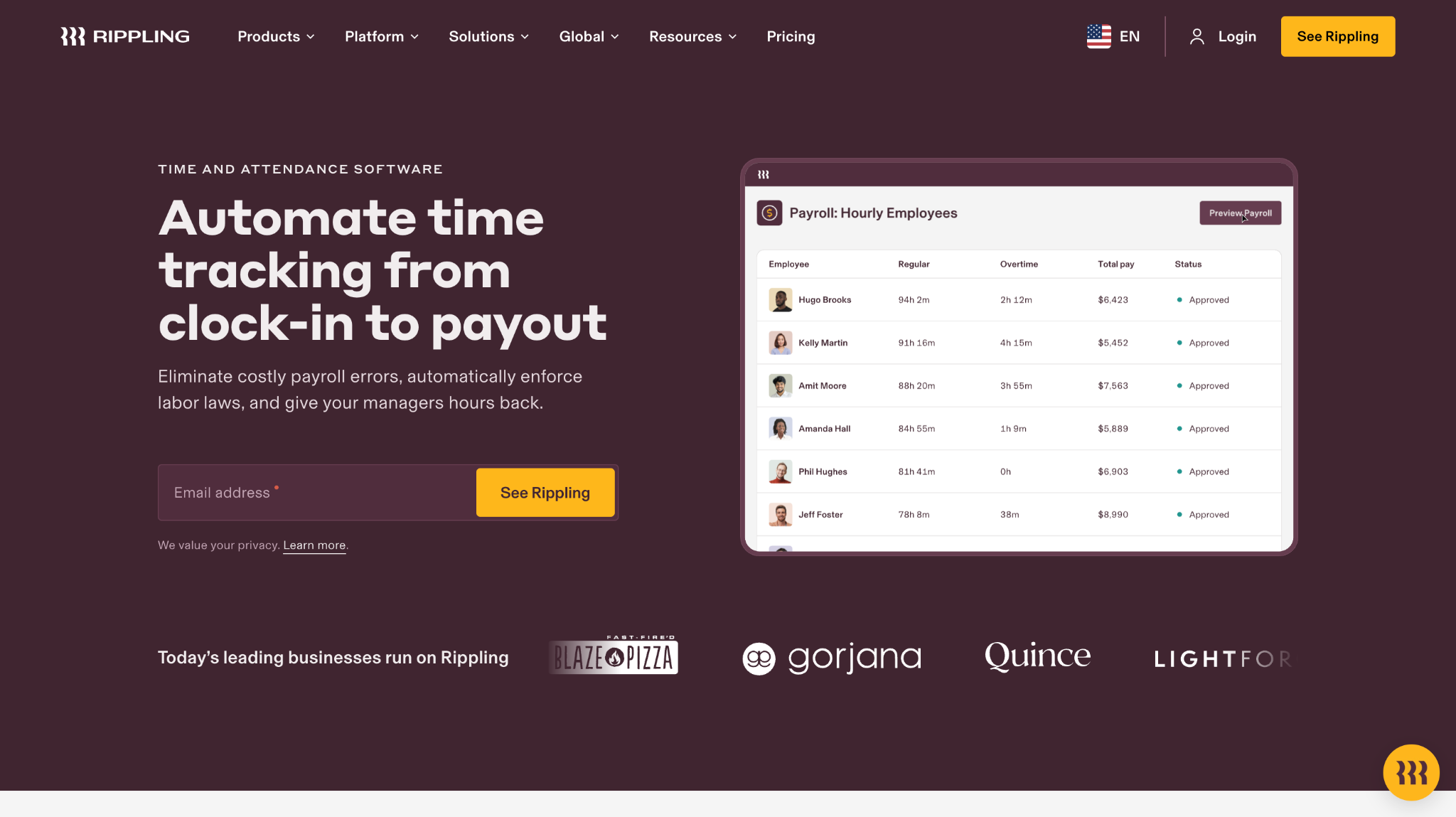
Rippling provides employee timeclock software inside a wider workforce platform that covers HR, IT, and payroll. It supports digital clock-ins, schedules, and policy rules, with strong automation. Tech-friendly companies often choose Rippling when they want time and HR in one system.
Software Pros:
- Automation across HR, IT, and payroll
- Modern interface for admins and employees
- Strong integration and workflow options
Software Cons:
- Works best when you adopt multiple Rippling modules
- More platform complexity than a stand-alone time clock
Rippling Time Tracking Review:
While exploring Rippling, I looked at how much work could be automated. Time data flows into payroll and other parts of the platform with very few manual steps. That automation is the main reason it appeals to teams that already think in terms of integrated systems.
Our Verdict
Automation-Friendly Time Tracking
TimeCamp
Quick Overview:
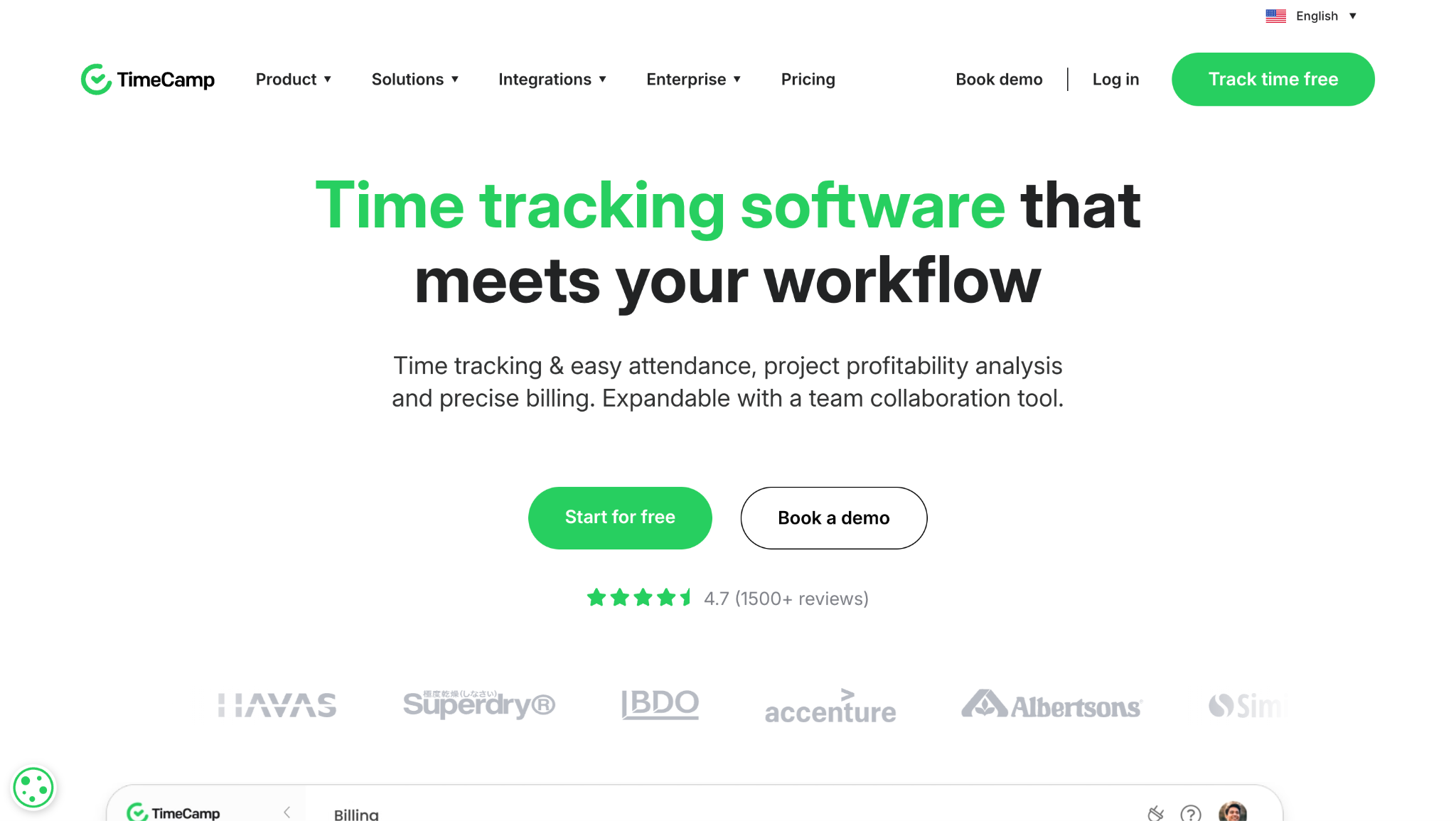
TimeCamp is employee time clock software and project time tracker for teams that bill or report on projects. It offers timers, manual entries, and automatic tracking options. Many teams use it to combine attendance ideas with project cost tracking.
Software Pros:
- Project and task-level time tracking
- Multiple tracking modes (manual and automatic)
- Good integrations with project tools
Software Cons:
- Not focused on shift-style scheduling
- Some features take time to configure
TimeCamp Review:
When I reviewed TimeCamp, I focused on how it handles project and task time. The reports make it easy to move from “who worked” to “what they worked on” in a clear way. That blend makes it a strong option when you need both attendance tracking and project visibility.
Our Verdict
Project-Aware Time Tracker
Time Doctor
Quick Overview:
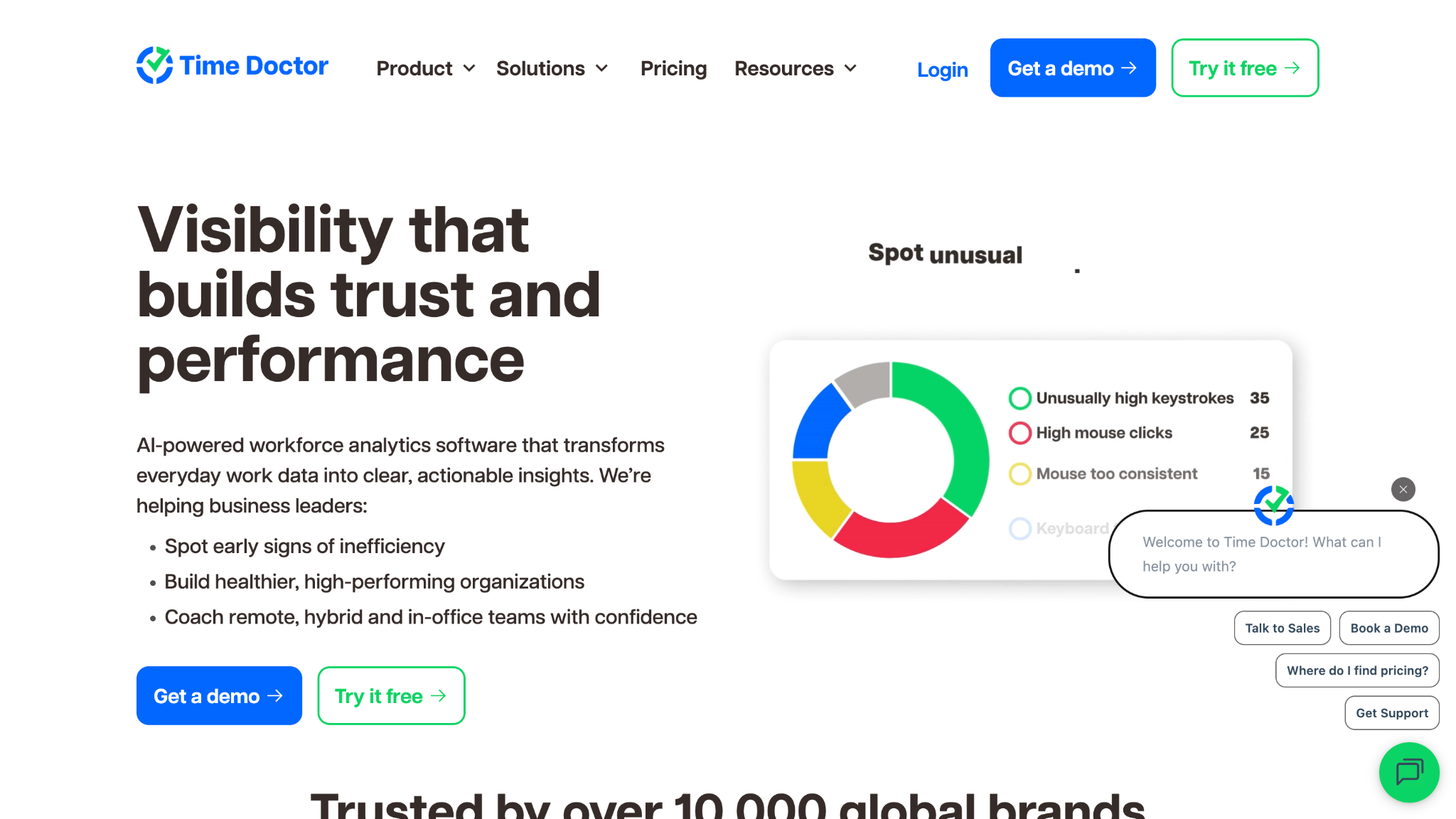
Time Doctor is employee time and attendance software with a strong focus on productivity and remote work. It tracks time, app usage, and optional screenshots. Many remote-first teams use it to understand how work time is spent.
Software Pros:
- Detailed time and activity tracking
- Support for remote and hybrid teams
- Reporting across clients and projects
Software Cons:
- Monitoring can feel strict if not explained well
- Not designed for detailed shift scheduling
Time Doctor Review:
While exploring Time Doctor, I focused on how it treats remote work. Managers can see both hours and high-level activity, which helps guide coaching and workload talks. That mix of time and productivity data explains why it is often shortlisted for distributed teams.
Our Verdict
Productivity-Focused Remote Tracking
Toggl Track
Quick Overview:
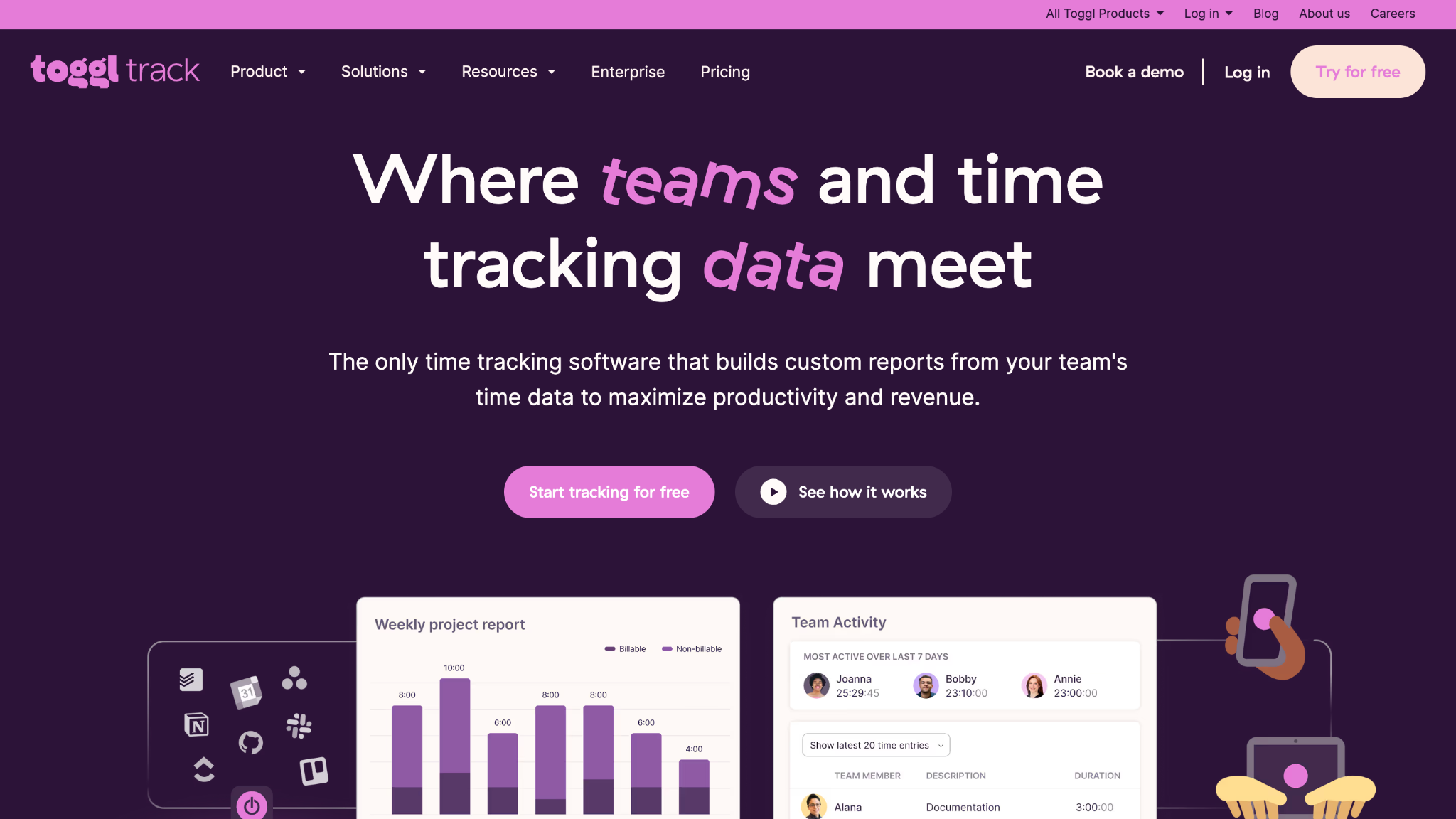
Toggl Track is a simple, popular time tracking app used as time clock employee software for knowledge workers. It supports timers, manual entries, tags, and reports in a clean interface. Many teams choose it as one of the best time clock apps for flexible, non-shift work.
Software Pros:
- Very clean and easy interface
- Flexible tags and projects
- Strong adoption among knowledge workers
Software Cons:
- Not focused on classic shift attendance
- Limited scheduling features
Toggl Track Review:
When I reviewed Toggl Track, I paid attention to how quickly people can start and stop tracking without extra training. Timers and tags make it simple to log time in a way that still produces useful reports. That ease of adoption is why it shows up so often in small-business and team tool lists.
Our Verdict
Lightweight Time Tracker for Teams
Traqq
Quick Overview:
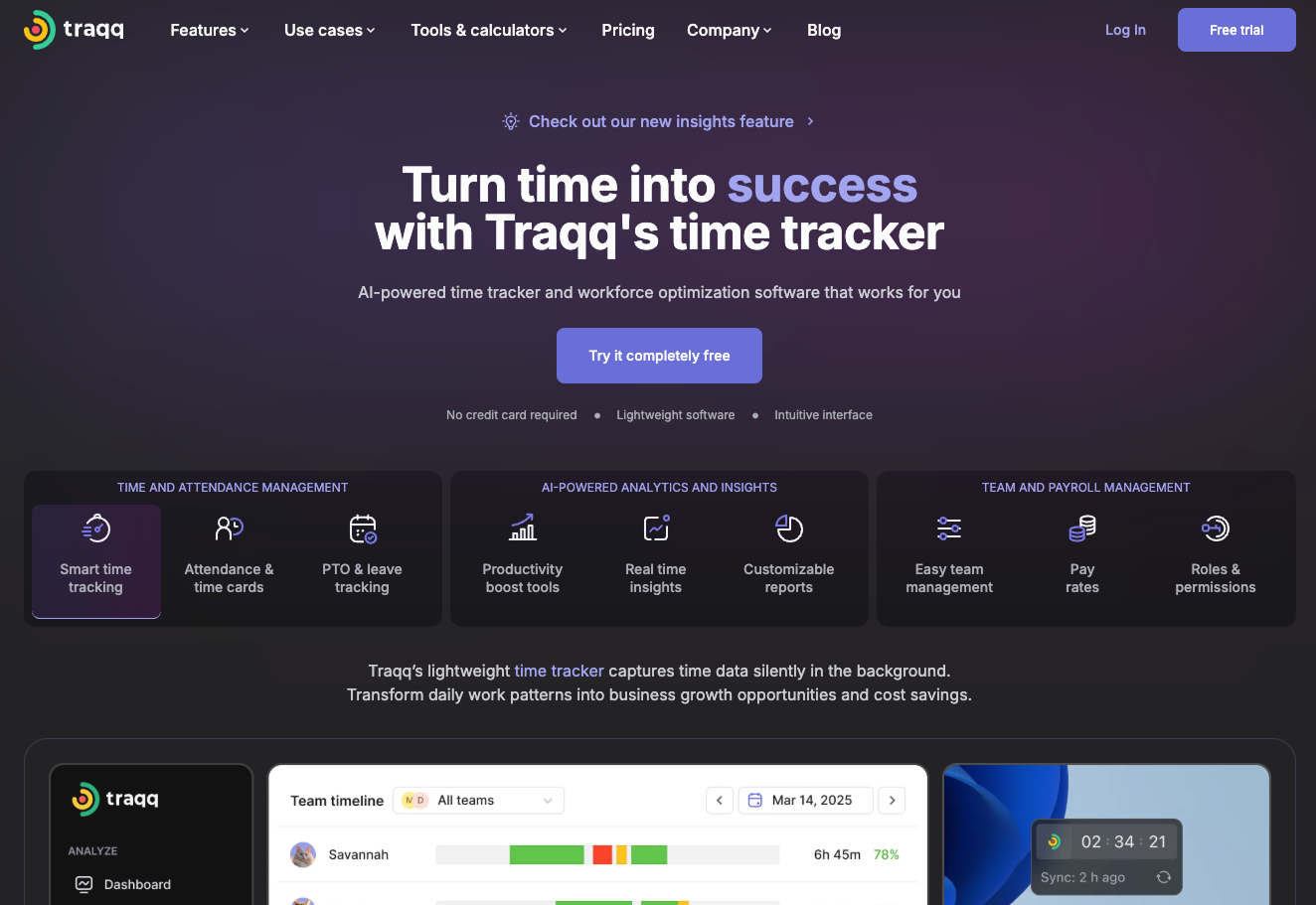
Traqq is an automatic time tracker for remote and on-site teams. It tracks time, activity, idle time, breaks, and apps and websites. Businesses use it when they want an ethical approach to time tracking as the app doesn’t capture personal data and doesn’t take screenshots.
Software Pros:
- Time tracking, attendance, and leave management in one app
- AI-powered productivity analytics
- Role-based access levels to data
Software Cons:
- No mobile app
- Doesn’t offer integrations with other tools
Toggl Track Review:
When I reviewed Traqq, I looked at how productivity could be evaluated ethically. Traqq collects time and activity data automatically and uses AI to highlight productivity trends. Since no personal data or screenshots are collected, it provides a balanced approach and works well for teams that care about both productivity and privacy.
Our Verdict
Privacy-Focused Time Tracking
UKG Pro
Quick Overview:
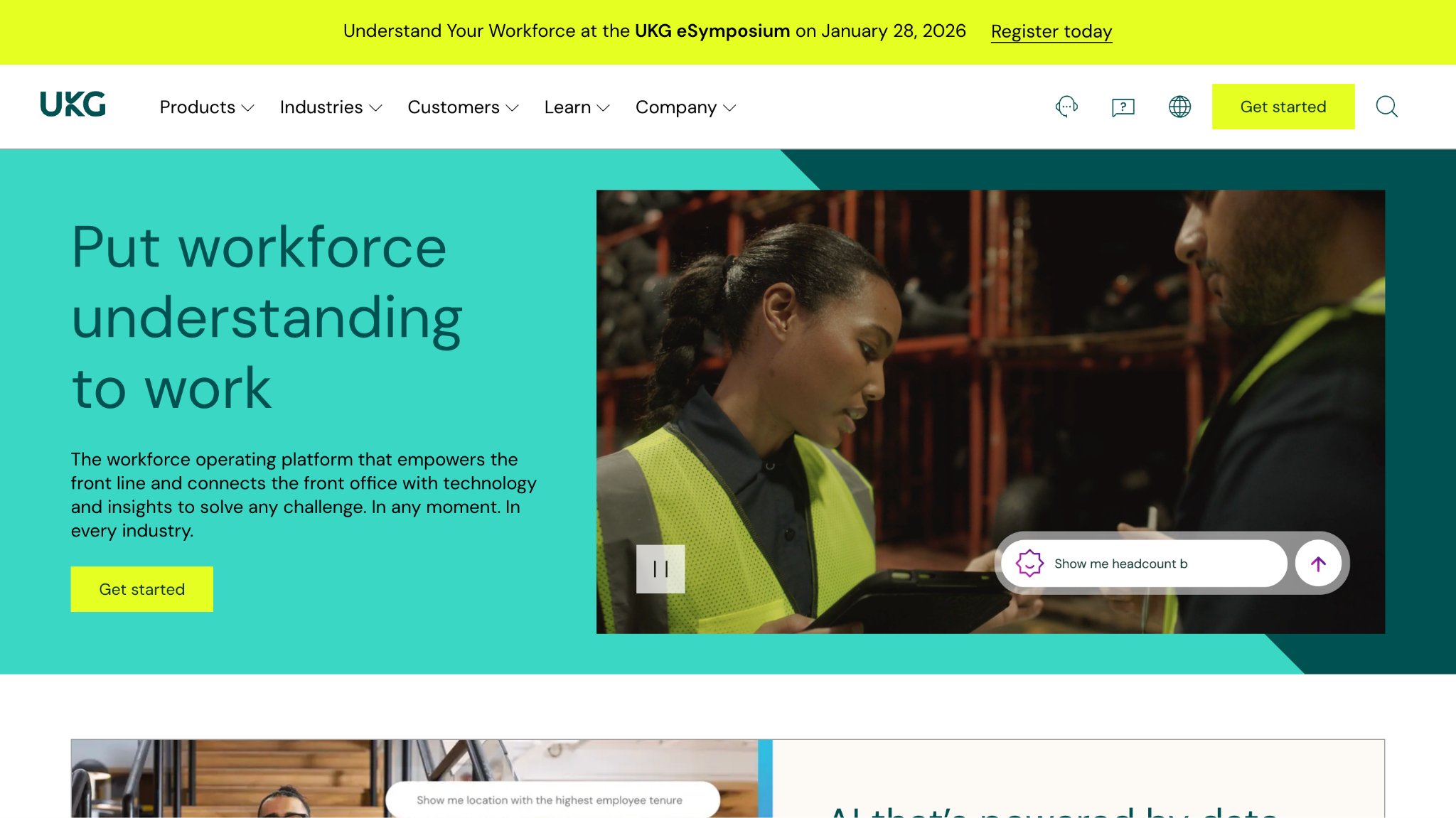
UKG Pro is an enterprise HCM platform that includes employee time and attendance software for complex organizations. It supports global labor rules, scheduling, time clocks, and payroll. Large companies use it when they need deep governance over time and attendance.
Software Pros:
- Advanced support for labor laws and rules
- Integrated HR, time, and payroll data
- Scales across large and global teams
Software Cons:
- Implementation is long and detailed
- Not aimed at very small businesses
UKG Pro Review:
When I looked at UKG Pro, I focused on how it manages complex rules for different locations and roles. Time data flows into HR and payroll with guardrails that reflect those rules. That level of depth is why it fits organizations with strict compliance needs.
Our Verdict
Deep Control For Large Employers
When I Work
Quick Overview:
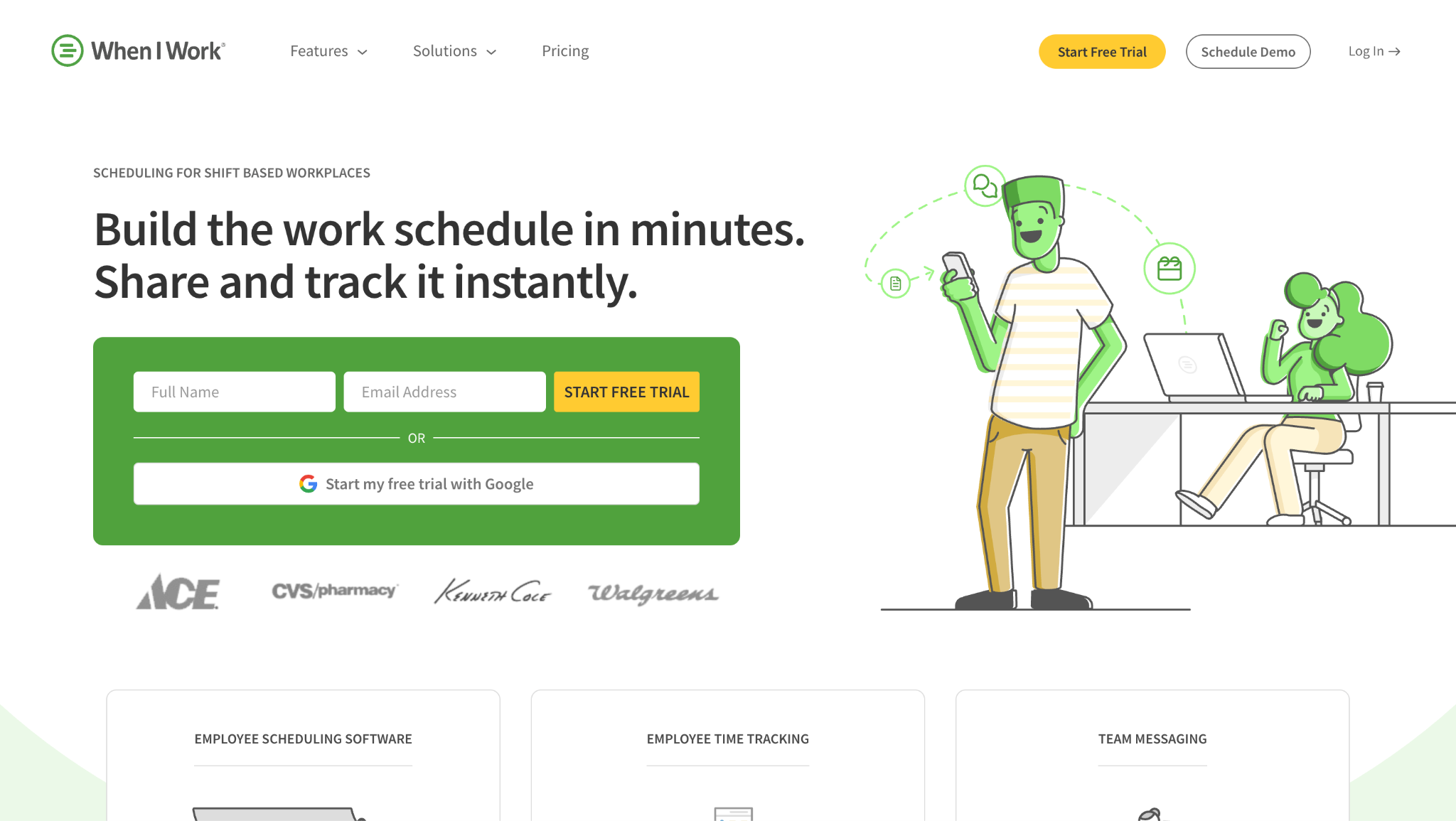
When I Work is employee scheduling and time clock software focused on simple shift-based work. It lets managers build schedules, send updates, and track hours from the same interface. Many teams see it as some of the best employee time clock software for flexible hourly work.
Software Pros:
- Easy-to-learn scheduling tools
- Mobile time clock apps for employees
- Shift swaps and availability features
Software Cons:
- Reporting is simpler than some enterprise tools
- Less suited for large multi-country setups
When I Work Review:
In my review of When I Work, I focused on the day-to-day experience for managers and staff. Schedules, availability, and time punches sit together in a clear, app-friendly layout that is easy to scan. That straightforward design is what makes it especially attractive to busy shift-based teams.
Our Verdict
Straightforward Shift And Time App
Workday Time Tracking
Quick Overview:
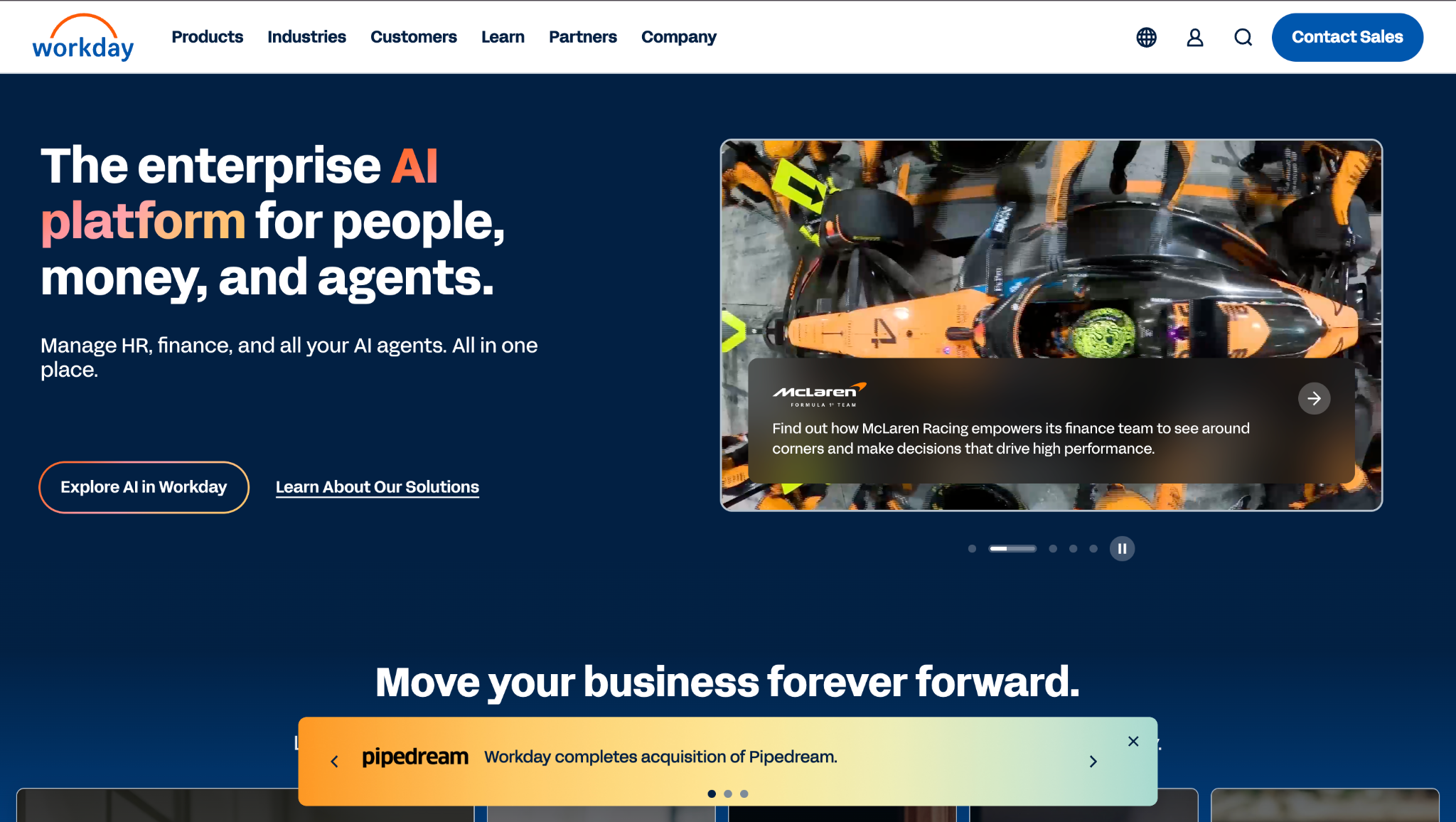
Workday Time Tracking is part of Workday’s enterprise HCM suite and offers global employee time clock solutions for large organizations. It supports complex time rules, approvals, and integration with payroll and financials. Many enterprises adopt it to handle multiple countries and labor regimes in one system.
Software Pros:
- Strong rule engine for global time policies
- Unified data with HR, finance, and payroll
- Designed for complex, multi-entity structures
Software Cons:
- Implementation is intensive
- Requires dedicated internal owners
Workday Time Tracking Review:
When I reviewed Workday Time Tracking, I looked at how time data travels across HR and finance. Once set up, time entries support payroll, project costing, and compliance reporting without separate tools. That end-to-end coverage is the main reason it appeals to large enterprises.
Our Verdict
End-To-End Enterprise Time
Workyard
Quick Overview:
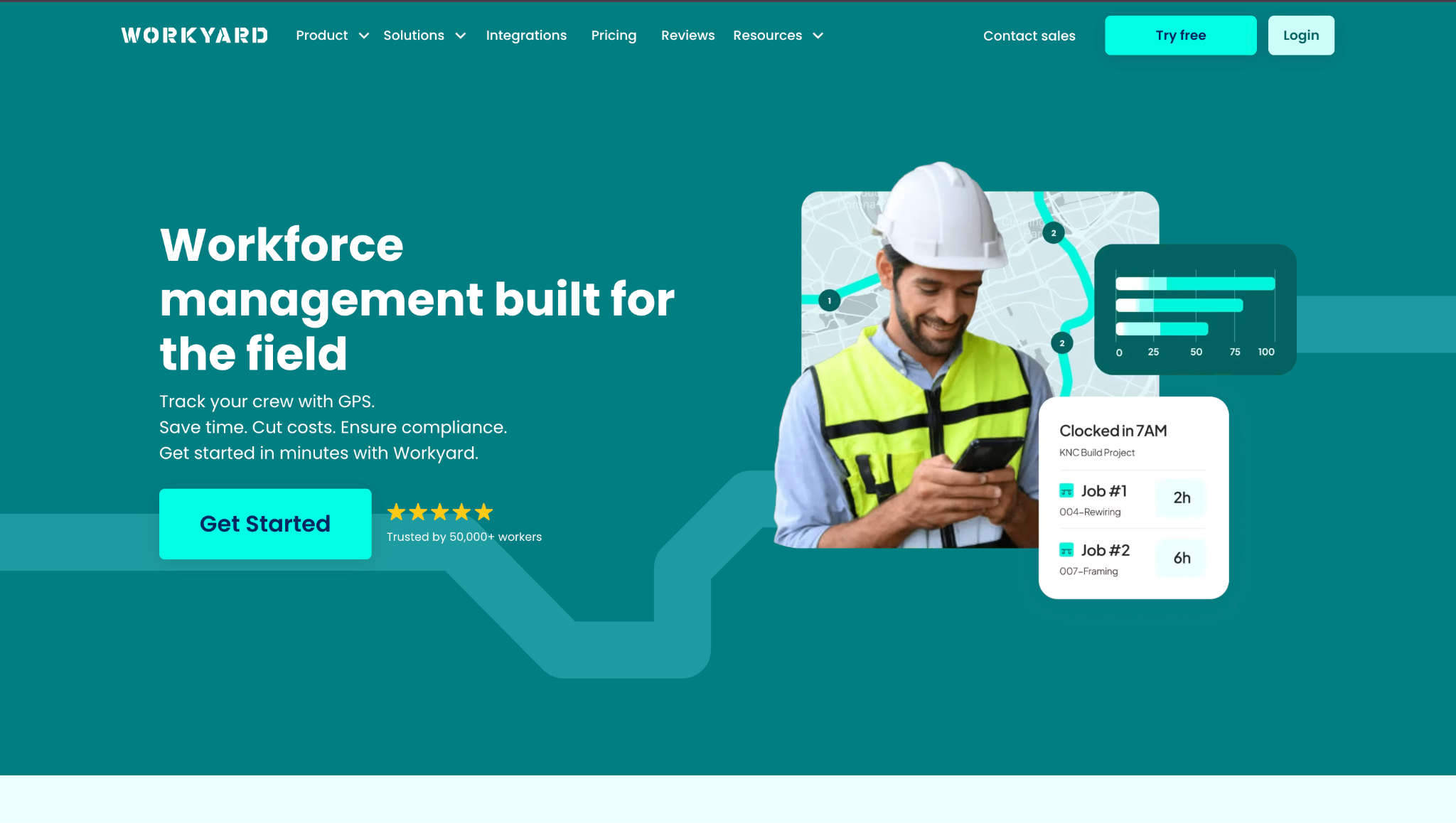
Workyard is employee time clock software with GPS-powered time tracking and jobsite verification, built especially for construction, contracting, and field service teams. It captures clock-ins and clock-outs with precise location data, tracks travel time and mileage, and tags hours to specific jobs or cost codes.
Software Pros:
- Very accurate GPS tracking for crew locations and jobsite hours
- Job and project tagging with cost code support
- Offline mode ensures time is recorded even without signal
Software Cons:
- Feature set may be more than some small teams need
- Scheduling and reports take time to configure
Workyard Review:
While exploring Workyard, I noticed how precise the GPS time clock captures arrival and departure times even on active job sites. Crew members can clock in through mobile or kiosk apps, and the system ties every hour to a specific task and location. The way it combines location-verified hours with payroll syncing and project cost tags is the main reason it stood out to me.
Our Verdict
GPS-Verified Field Time Tracking
Zoho People Time Tracking
Quick Overview:
Zoho People includes employee time clock software alongside HR, leave, and performance tools. It supports timesheets, approvals, and basic scheduling. Many cost-sensitive teams use it when they want HR and time tracking under one roof.
Software Pros:
- Competitive pricing for growing teams
- Flexible configuration for different roles
- Integrates with other Zoho apps
Software Cons:
- Interface can feel busy
- Some reporting setups take effort
Zoho People Time Tracking Review:
While working with Zoho People, I focused on how time tracking fits into the wider Zoho ecosystem. Teams that already use Zoho for CRM or projects can keep more of their work in one family of tools. That ecosystem effect is why it often appears on shortlists for budget-aware companies.
Our Verdict
Flexible Time In Zoho Stack
FAQs About the Best Time and Attendance Software
What is employee time clock software and how does it work?
Employee time clock software records when people start and finish work, and often tracks breaks and overtime too. Staff clock in and out through a browser, terminal, or employee time clock apps, and the system turns those punches into digital timesheets for managers to review and approve. In simple terms, it replaces manual timesheets with a more reliable and auditable process.
What is the best employee time clock software?
The best employee time clock software is one that accurately tracks work hours, is easy for employees to use, and integrates well with payroll or HR systems. The right choice depends on your team size, work setup (onsite, remote, or hybrid), and reporting or compliance needs.
Why are digital time clocks replacing manual time tracking?
Digital time tracking reduces errors, speeds up payroll, and makes records more fair. Paper sheets and spreadsheets are easy to lose, change, or fill in late, while online time clock solutions capture clock-ins automatically and can use GPS or biometrics to prevent buddy punching. For many companies, this is part of moving to the best time and attendance software stack, where time, scheduling, and payroll are all connected.
Which businesses benefit most from employee time clock software?
Any business that pays hourly workers or runs shifts benefits from employee time clock software. Restaurants, retail, construction, healthcare, field services, and remote or hybrid teams all need accurate hours for compliance and margins. Very small teams might start with simple apps for employee time clock use, but most growing companies move to more structured tools over time.
What features define modern time clock software in 2026?
Modern time clock tools usually include mobile clock-ins, GPS or geofencing, clear overtime and break rules, and direct payroll integrations. Many platforms also combine employee scheduling and time clock software so managers handle shifts and attendance in one workflow. More advanced setups add audit trails, alerts, multi-location support, and basic analytics to spot overtime or long-shift patterns.
How do time clock tools support remote and hybrid teams?
Time clock tools support remote and hybrid teams by allowing people to track time from approved devices and locations. Employees clock in on laptops or phones, and some systems record time automatically based on activity instead of manual punches. GPS, IP, or geofencing rules keep records trustworthy, while a single dashboard shows who is working, who is off, and how hours are spread across teams.
Can employee time clock software track breaks and overtime automatically?
Yes. Most modern employee time clock solutions can apply break and overtime rules automatically once they are set up. Managers define the rules, and the system flags missed breaks or overtime as people clock in and out, which reduces human error and supports fair, consistent pay.

Yaryna is our lead writer with over 8 years of experience in crafting clear, compelling, and insightful content. Specializing in global employment and EOR solutions, she simplifies complex concepts to help businesses expand their remote teams with confidence. With a strong background working alongside diverse product and software teams, Yaryna brings a tech-savvy perspective to her writing, delivering both in-depth analysis and valuable insights.