QuickBooks Payroll is Intuit’s payroll add-on for QuickBooks accounting, sold in 3 tiers and renamed QuickBooks Workforce in May 2026. Buyers look at alternatives to QuickBooks Payroll for 2 reasons. Per-employee fees rose for new subscriptions on July 1, 2026. Separately, QuickBooks Desktop 2023 lost service after May 31, 2026, and its payroll stopped calculating taxes. My picks: Gusto for the best all-round fit, Patriot Payroll for the lowest published cost, and Xero for replacing books and payroll together.
I ranked each option against QuickBooks Payroll, noting what it does better and where Intuit still comes out ahead. The page answers 2 separate questions. The first is which payroll alternatives to QuickBooks let you keep your books where they are. The second is what to buy when the accounting moves as well. Groups A to C cover the first question, and Group D covers the second.
Before the list, a fair concession. QuickBooks Payroll writes every pay run straight into the ledger, because payroll and accounting are 1 product. Its tiers and prices are published, and several providers here only quote. The best alternatives to QuickBooks Payroll have to beat that convenience on price, service, or fit. The table below shows where each one does.

INSIGHT: What stopped working on QuickBooks Desktop in 2026?

For 1 Desktop version, payroll tax calculation and filing ended on a fixed date. The software still opens, but the services that connect to Intuit do not.
- Intuit’s policy page (updated August 5, 2026) says Desktop 2023 lost service after May 31, 2026. Assisted Payroll no longer calculates taxes, provides forms, or files on your behalf, and the subscription is deactivated. Basic and Enhanced Payroll stop calculating taxes and providing forms, and Intuit warns that “paychecks may show inaccuracies.”
- The retirement is phased. Desktop Plus 2024 and Enterprise 24.0 were Intuit’s last annual releases and now receive continuous updates for existing subscribers. New US sales of Pro Plus, Premier Plus, Mac Plus, and Enhanced Payroll ended September 30, 2024. Enterprise is still sold, and Intuit has not listed an end date for it.
- An unsupported version still opens the company file. That is why some businesses noticed nothing until a payroll deadline arrived.
Sources:
updated August 4, 2026
QuickBooks Payroll Alternatives Comparison 2026: Side by Side
I built this table to compare payroll software alternatives to QuickBooks based on what a small business actually pays. QuickBooks Payroll sits in the first row as the reference. Base fee and per-employee fee stay in separate columns, because a 3-person team and a 30-person team rank the list differently. Watch the sync column most closely. It shows how each provider gets payroll into your ledger, where Intuit’s real advantage lies.
| Provider | Base fee | Per employee | QuickBooks sync | Best for | G2 |
|---|---|---|---|---|---|
| QuickBooks Payroll | $50 (Workforce Payroll) | $7 | Built-in, no integration | Books already in QuickBooks Online | 4.4/5 (510) |
| Gusto | $49 (Simple) | $6 | Native two-way | Best all-round small business fit | 4.6/5 (12,871) |
| ADP RUN | Custom pricing | Custom pricing | Native one-way | Service depth with room to grow | 4.7/5 (6,362) |
| Paychex | Custom pricing | Custom pricing | Native one-way | Owners who want a named contact | 4.1/5 (1,743) |
| OnPay | $49 | $6 | Native one-way | 1 plan with no tiers | 4.8/5 (417) |
| Patriot Payroll | $37 (Full Service) | $5 | Native one-way | Lowest published full-service cost | 4.8/5 (630) |
| Square Payroll | $35 | $6 | Native one-way | Hourly and tipped Square POS teams | 4.2/5 (31) |
| Rippling | Custom pricing | Custom pricing | Native one-way | Payroll inside a wider HR and IT platform | 4.8/5 (13,392) |
| Xero | $36 plus a Xero plan | $6 | Replaces QuickBooks | Moving books and payroll together | 4.4/5 (1,832) |
This QuickBooks Payroll competitors comparison for 2026 uses published prices for Gusto, OnPay, Patriot Payroll, Square Payroll, Xero, and Intuit. ADP RUN, Paychex, and Rippling do not publish prices.
*As pricing is subject to change, we are listing prices as they stand in September 2026.
Why Teams Shop QuickBooks Payroll Alternatives
Many readers of this page did not plan to switch. The trigger was a date Intuit set. Intuit’s discontinuation notice ended payroll services for Desktop 2023 after May 31, 2026. It is the most verifiable reason on this list, so it comes first.
- Desktop service discontinuation. Desktop 2023 payroll no longer calculates taxes or supplies payroll forms, and Assisted Payroll no longer files on the customer’s behalf. Bank feeds, Desktop Payments, live support, and security updates ended at the same time. Desktop Plus 2024 and Enterprise 24.0 are still supported for existing subscribers. The phased detail sits in the insight card above.
- Price increases. On July 1, 2026, Intuit raised per-employee fees for new QuickBooks Workforce subscriptions. Payroll went from $6.50 to $7, Premium from $10 to $13, and Elite from $12 to $17. Base prices stayed at $50, $88, and $134. On Desktop, Enterprise Gold and Platinum payroll users now pay a per-employee fee, in force for all customers by February 1, 2026.
- Add-on economics. The headline is always a base fee plus a per-person charge. Intuit’s Desktop Enhanced Payroll adds $4 per contractor direct deposit. Automated local tax filing needs Workforce Premium or Elite. Elsewhere, Patriot charges $12 a month per extra state, and Gusto keeps multi-state payroll off its Simple plan.
- Outgrowing the product. Payroll for employees in several states pushes buyers toward OnPay, Square Payroll, or Xero, where extra states cost nothing more. Larger hourly teams tend to land on Square Payroll or ADP RUN. HR needs beyond payroll point to Rippling or Gusto’s higher tiers.
Balance note: QuickBooks Payroll has 1 structural advantage that nothing on this list fully matches. The pay run is already in the ledger, because there is no integration to break. If your books live in QuickBooks Online and your bookkeeper works there daily, that is the product’s whole reason to exist. Every Workforce tier includes full-service payroll with federal and state filing. Intuit publishes its plans and prices, unlike ADP RUN, Paychex, and Rippling. Many outside bookkeepers already work in QuickBooks through Intuit’s ProAdvisor program. For a business already paying for QuickBooks Online, adding payroll is 1 decision, not 2 systems and a sync to maintain.
How I Compared These Alternatives to QuickBooks Payroll
I scored every provider on the same 6 questions, using its own pricing and documentation pages as of September 2026:
- Published pricing: Is a price published, and how do the base and per-employee fees combine?
- Route into the general ledger: Does payroll post to QuickBooks through a native sync, an export, or a journal entry typed by hand?
- Tax filing coverage: Which federal, state, and local filings are included, and what does a second state cost?
- Costs outside the base fee: Contractor payments, mailed forms, and tier-gated features that land on the bill later.
- Fit by business type: Salaried office staff against hourly, shift-based, and tipped teams.
- Migration effort and timing: How much work the move takes, and when in the year it can happen.
Best Overall QuickBooks Payroll Alternative
Gusto has this group to itself because it is where most businesses leaving QuickBooks Payroll end up. It publishes its prices, charges less per person than Intuit’s entry tier, and runs the payroll engine now built into Xero. It suits small teams that want to keep their books in QuickBooks Online.
#1 Gusto: the best all-round replacement
Gusto
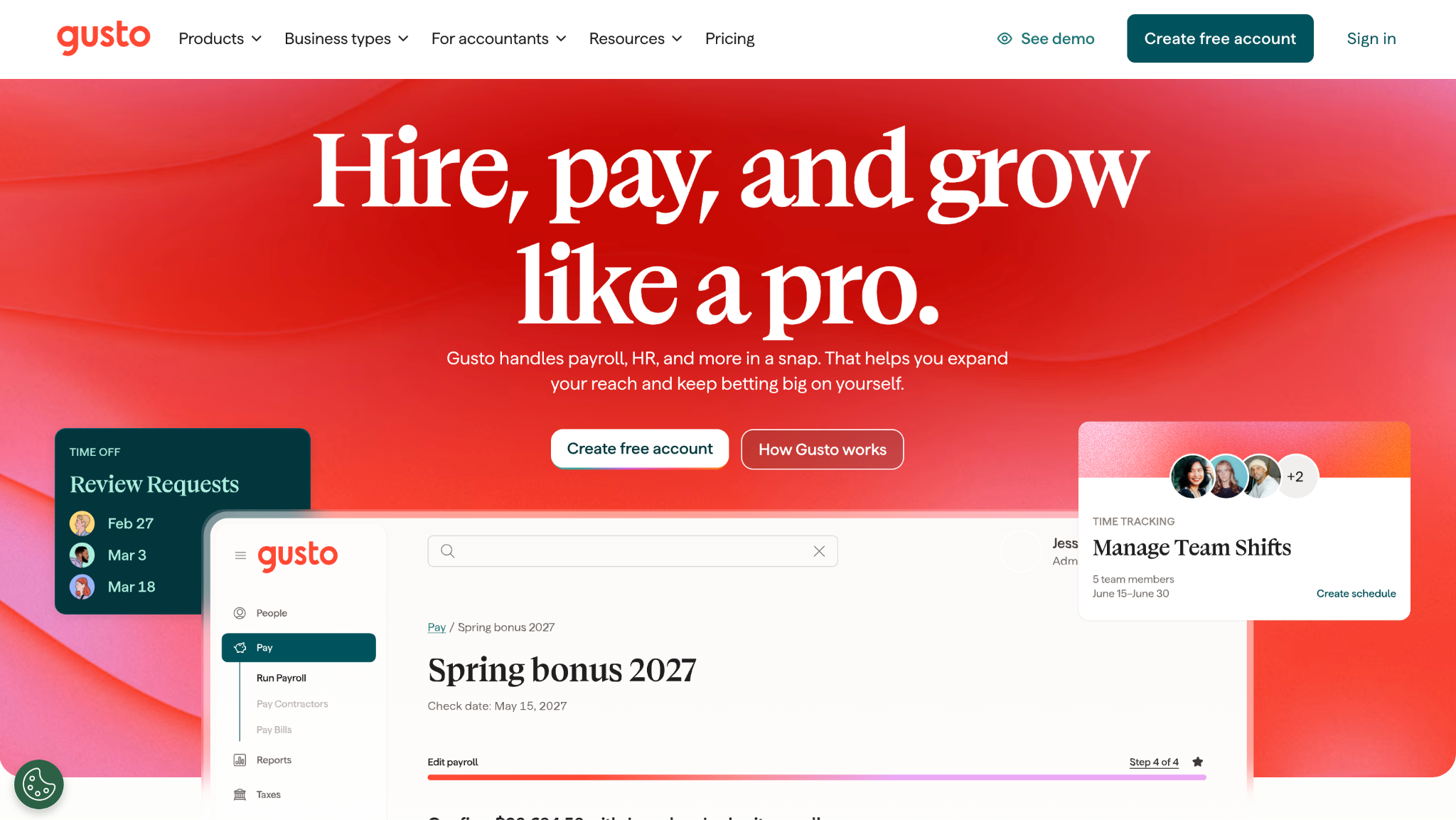
Gusto connects to QuickBooks Online through an integration it calls two-way. It reads your chart of accounts and writes a journal entry for every pay run. Prices start at $49 a month plus $6 per person on the Simple plan. Its entries can split earnings types, departments, and QuickBooks classes.
What it does better than QuickBooks Payroll:
- The Simple plan charges $6 per person vs. $7 on Workforce Payroll, saving $360 a year at 30 employees.
- A Contractor Only plan costs $35 a month plus $6 per person, with the base fee waived for the first 6 months.
- Paying freelancers abroad is built in across 120+ countries, and Gusto adds no monthly charge per contractor.
- Payroll isn’t tied to 1 ledger. Gusto also exports to QuickBooks Desktop, so a later change of accounting software need not force a payroll move.
Where QuickBooks Payroll still wins:
- Payroll and accounting remain 2 systems, so you need to map the connection at setup and check it after changes.
- Simple covers payroll in 1 state only, and a second state means Plus at $80 plus $12 per person.
- In QuickBooks, Gusto payroll appears as imported journal entries rather than paychecks created in the same file.
- Intuit sells payroll and accounting in 1 checkout, with 1 bill and 1 support line.
Base fee:
$49 (Simple), $80 (Plus), $180 (Premium)
Per employee:
$6, $12, or $22, depending on plan
QuickBooks sync:
Native two-way, per Gusto’s integration page
Tax filing:
Federal and state filings and payments; multi-state from Plus
Best for:
Small teams wanting a mainstream switch
G2:
4.6/5, 12,871 reviews in September 2026
Pick it over QuickBooks Payroll if:
you want a published price, a lower per-person fee, and payroll that can move with your books.
Stick with QuickBooks Payroll if:
a $1 monthly saving per person does not justify maintaining a second connected system.
*As pricing is subject to change, we are listing prices as they stand in September 2026.
Full-Service QuickBooks Payroll Competitors
ADP RUN and Paychex are the long-established payroll houses. Both put trained staff behind the software, file taxes at scale, and sell bigger HR packages as headcount grows. Neither publishes a price, which matters if billing surprises are why you are leaving Intuit.
#2 ADP RUN: full-service depth from the incumbent
ADP RUN
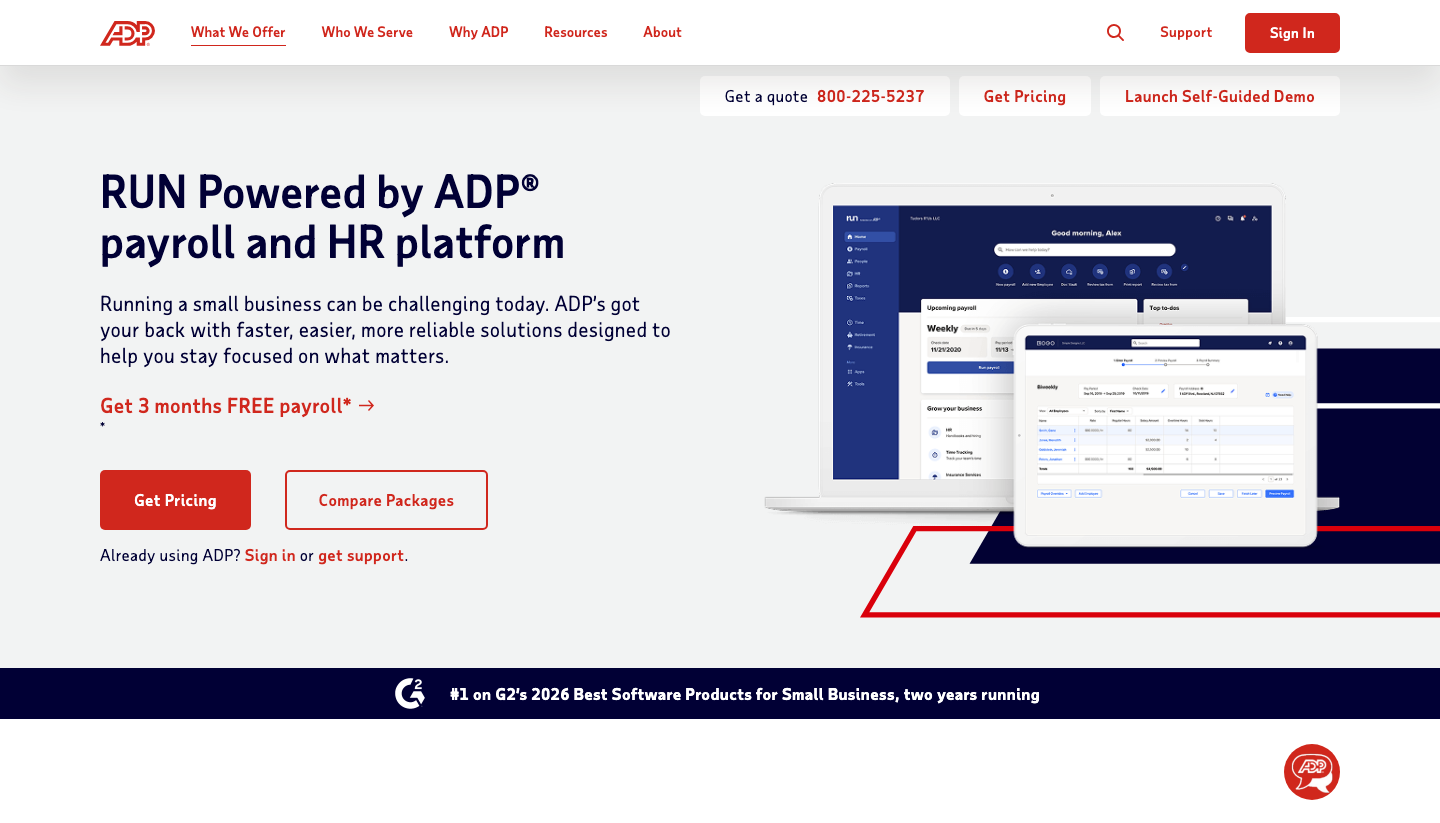
RUN Powered by ADP sends payroll to QuickBooks Online through a general ledger connection described in ADP’s own setup guide. Pricing is quote-only across 4 packages, so a reader leaving QuickBooks because the bill kept moving will not gain predictability here. ADP says over 900,000 small businesses run payroll on RUN.
What it does better than QuickBooks Payroll:
- 4 packages range from Essential Payroll to HR Pro, so you can add HR support later without changing vendors.
- The Enhanced package adds a State Unemployment Insurance service and garnishment payments.
- Hiring support through ZipRecruiter comes with Enhanced and every package above it.
- Growth has a path inside 1 company, because ADP also sells payroll products for much larger employers.
Where QuickBooks Payroll still wins:
- Every RUN package is priced by quote, while Intuit lists each tier and its price on 1 page.
- Payroll reaches the ledger through a general ledger transfer rather than living in the same file.
- Comparing packages takes a sales conversation instead of a few minutes on a pricing page.
- Books and payroll mean 2 vendors, 2 logins, and 2 separate support teams.
Base fee:
Custom pricing
Per employee:
Custom pricing
QuickBooks sync:
Native one-way, via ADP’s general ledger connection for QuickBooks Online
Tax filing:
Payroll taxes handled in every package; state terms set in the quote
Best for:
Growing teams that value service depth
G2:
4.7/5, 6,362 reviews in September 2026
Pick it over QuickBooks Payroll if:
you want a large payroll operation behind you and expect HR needs to grow faster than headcount.
Stick with QuickBooks Payroll if:
a published price matters more to you than having a sales rep and a service team.
ADP sells several payroll products, and RUN is the 1 built for small businesses. If you are weighing ADP’s range more broadly, this roundup of ADP competitors compares it with the other big payroll names.
#3 Paychex: service-led payroll with a person to call
Paychex

Paychex posts payroll entries to QuickBooks Online through a general ledger integration it built for Paychex Flex. Pricing is quote-only, so a reader tired of unpredictable bills will wait for a sales rep before seeing any numbers. The draw is people: its general ledger team answers the phone on weekdays from 8 am to 8 pm ET.
What it does better than QuickBooks Payroll:
- Entries land in QuickBooks Online by account, employee, organization, and class, which helps departmental reporting.
- A dedicated general ledger support line sits alongside regular payroll support.
- AccountantHQ lets an outside accountant manage client payroll data from 1 workspace.
- The Paychex Marketplace lists add-on apps for industries such as restaurants, healthcare, and skilled trades.
Where QuickBooks Payroll still wins:
- Paychex does not publish a price, while Intuit shows every tier before you buy.
- Payroll reaches QuickBooks only after it is released, instead of being native to the ledger.
- Adding features or changing plans usually runs through a rep, not a settings page.
- Keeping books and payroll with separate vendors adds 1 more contract to manage.
Base fee:
Custom pricing
Per employee:
Custom pricing
QuickBooks sync:
Native one-way, via the Paychex-built general ledger integration
Tax filing:
Payroll tax filing within Paychex Flex; state terms set in the quote
Best for:
Owners who prefer a phone relationship
G2:
4.1/5, 1,743 reviews in September 2026
Pick it over QuickBooks Payroll if:
you would rather call a person about a payroll problem than search a help center.
Stick with QuickBooks Payroll if:
you want to see the full price before talking to anyone.
If Paychex is on your shortlist but not the clear winner, this guide to Paychex alternatives compares it with its closest rivals.
Low-Cost QuickBooks Payroll Alternatives
These 3 publish low prices and include tax filing. OnPay sells a single plan, Patriot Payroll has the lowest full-service entry price, and Square Payroll is built for hourly staff paid through Square. Each posts payroll to QuickBooks Online through a connection it documents itself.
#4 OnPay: 1 plan and no tier ladder
OnPay
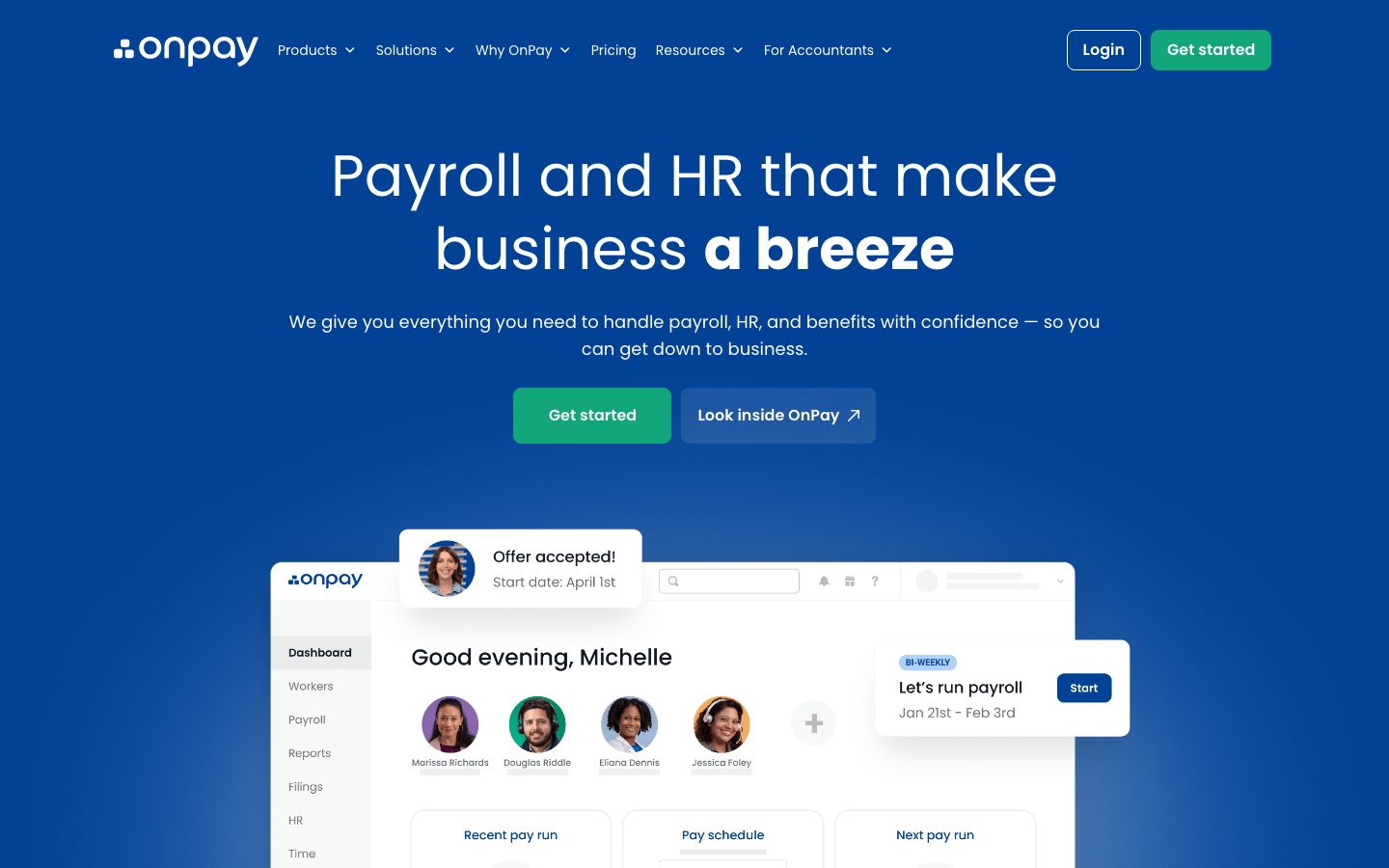
OnPay syncs payroll to QuickBooks Online automatically each time you run it, using line-item mapping you set once. It publishes 1 price: $49 a month plus $6 per worker. With no tiers, nobody pays for a higher plan just to reach 1 feature, which can happen across Intuit’s 3 tiers.
What it does better than QuickBooks Payroll:
- Federal, state, and local tax filings are included, and workers can be paid in as many states as needed.
- W-2s, 1099s, and year-end filings are included in the base price.
- There are no implementation or integration fees to start.
- Unlimited pay runs and pay schedules come with the single plan.
Where QuickBooks Payroll still wins:
- The ledger connection is 1 more thing to map and monitor, while QuickBooks posts payroll directly.
- OnPay’s HR tools cost $15 plus $2 per worker extra, and live HR support starts at $65 a month.
- Intuit bundles payroll with accounting at 1 checkout, such as Workforce Payroll with Simple Start.
- Bookkeepers who live in QuickBooks may know Intuit’s payroll screens better.
Base fee:
$49
Per employee:
$6 per worker
QuickBooks sync:
Native one-way, automatic sync with line-item mapping
Tax filing:
Federal, state, and local; any number of states included
Best for:
Multi-state small teams wanting 1 price
G2:
4.8/5, 417 reviews in September 2026
Pick it over QuickBooks Payroll if:
you pay people in more than 1 state and want every filing inside a single published price.
Stick with QuickBooks Payroll if:
your team sits in 1 state and the payroll tier you already have covers what you use.
*As pricing is subject to change, we are listing prices as they stand in September 2026.
#5 Patriot Payroll: the lowest published full-service price
Patriot Payroll
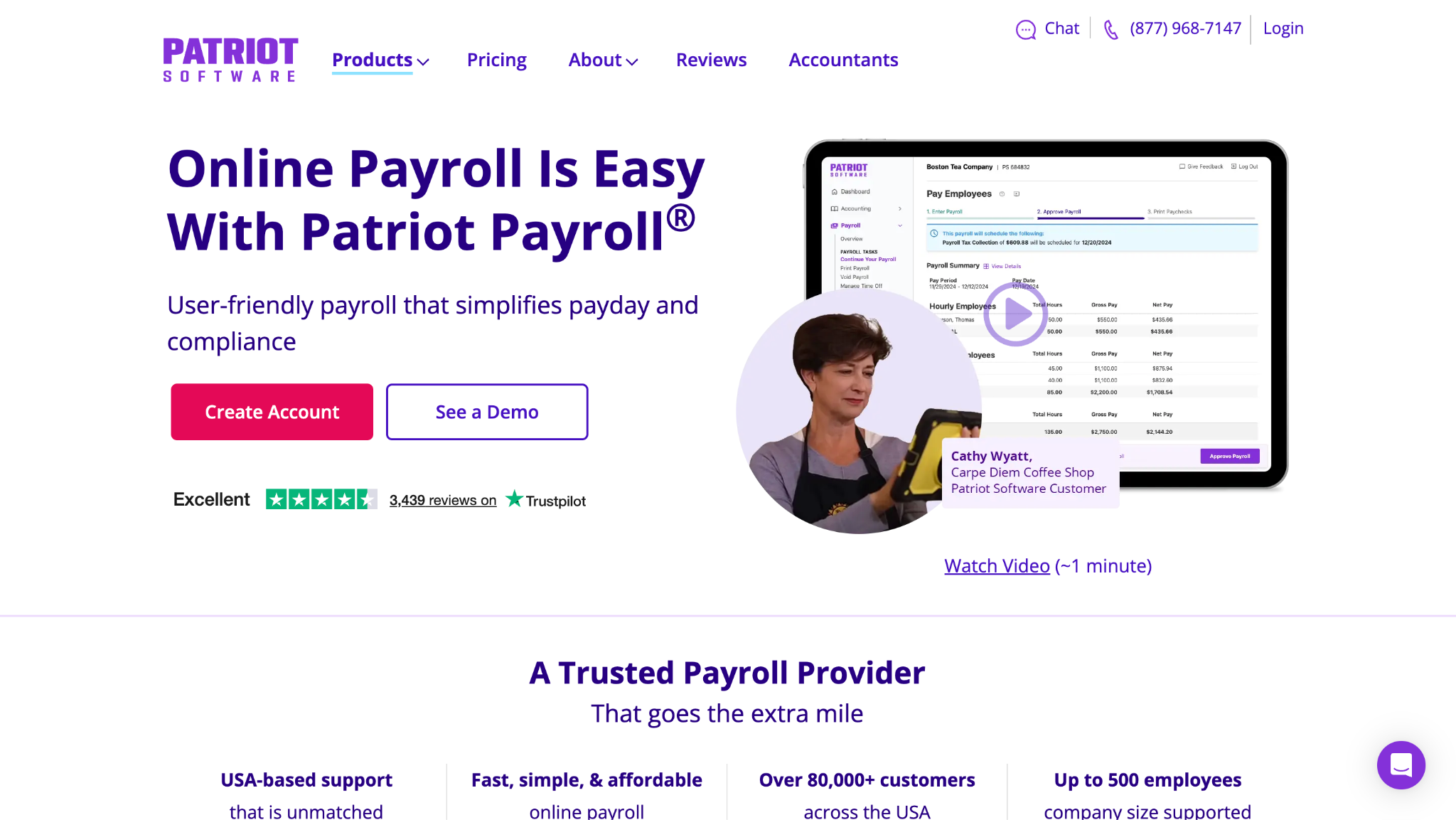
Patriot Payroll sends a journal entry to QuickBooks Online every time you post payroll, and an integration status report confirms it arrived. Prices are published: Full Service Payroll costs $37 a month plus $5 per worker paid. Basic Payroll costs $17 plus $4 per worker, but leaves tax filing to you.
What it does better than QuickBooks Payroll:
- At $5, the per-worker fee is the lowest on this list, charged once a month even when payroll runs twice.
- Months without a payroll run cost only the base fee.
- Patriot sells its own accounting software, useful if the books move later.
- Before posting, it checks the QuickBooks connection and flags missing account mappings.
Where QuickBooks Payroll still wins:
- Every additional state costs $12 a month, so 3 states add $24 to the bill.
- Workforce Payroll includes filing on its entry plan, while Patriot’s cheapest plan leaves taxes to you.
- A lost connection, from a password change, for example, must be reconnected before payroll can post.
- Payroll inside QuickBooks never depends on a connection staying active.
Base fee:
$37 (Full Service), $17 (Basic, no tax filing)
Per employee:
$5 (Full Service), $4 (Basic)
QuickBooks sync:
Native one-way, a journal entry after each posted payroll
Tax filing:
Full Service includes 1 state; $12 a month per extra state
Best for:
Single-state teams watching every dollar
G2:
4.8/5, 630 reviews in September 2026
Pick it over QuickBooks Payroll if:
your team works in 1 state and the lowest monthly total is the deciding factor.
Stick with QuickBooks Payroll if:
you pay staff across several states and want every filing included in 1 rate.
*As pricing is subject to change, we are listing prices as they stand in September 2026.
#6 Square Payroll: built for hourly and tipped staff
Square Payroll
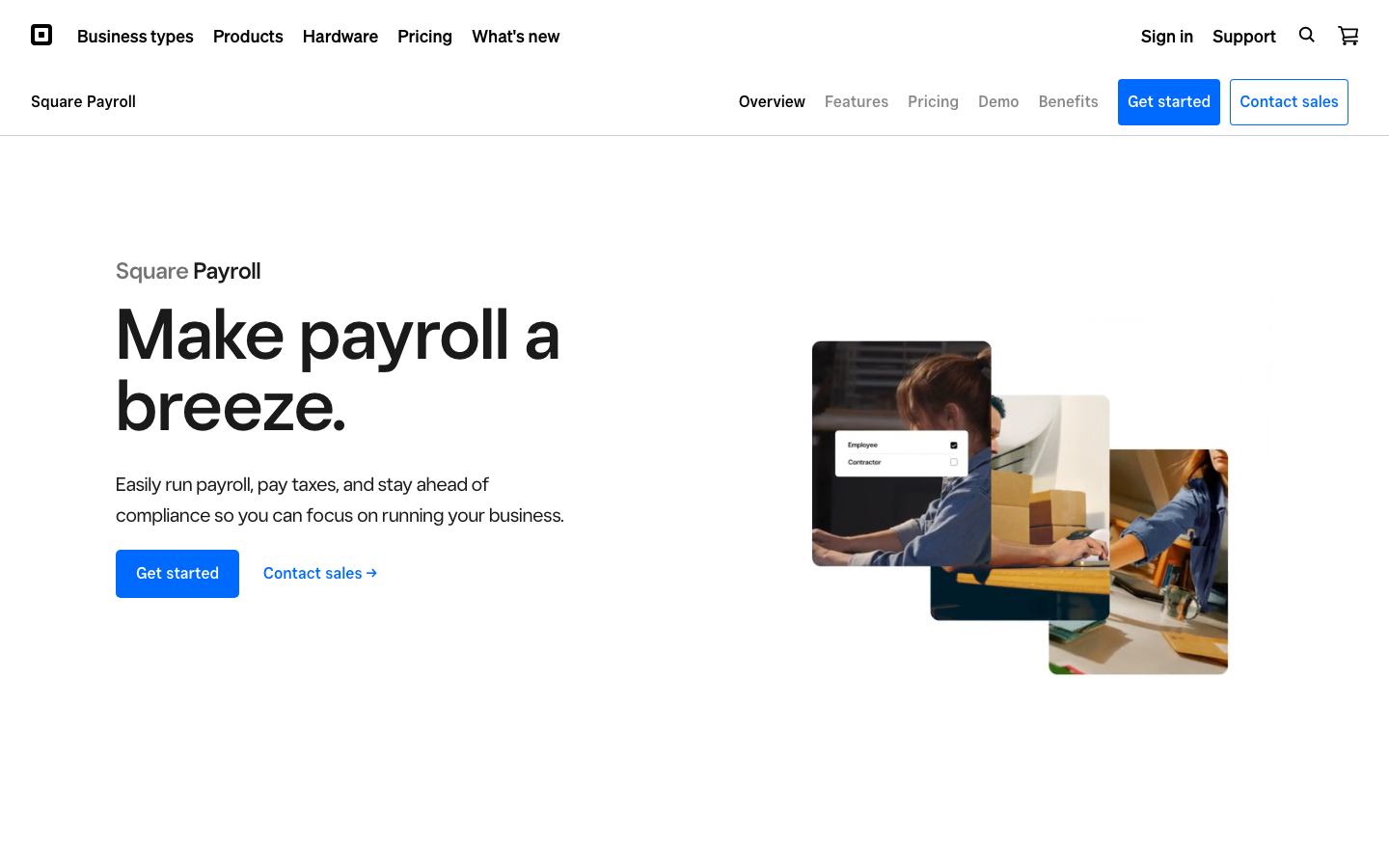
Square Payroll automatically sends payroll data to QuickBooks Online once you connect and map categories, with a manual send option. It charges $35 a month plus $6 per person paid. Its edge is Square POS, where timecards and direct tips flow into each pay run.
What it does better than QuickBooks Payroll:
- Timecards and tips import from Square POS, so nobody rekeys hours or tip totals.
- Multistate payroll is included, and remote staff get work locations so unemployment tax reaches their home state.
- Contractor-only payroll costs $6 per person paid, with no base fee.
- Commissions and multiple pay rates per employee are part of full-service payroll.
Where QuickBooks Payroll still wins:
- Teams that do not use Square POS lose the main reason to choose it.
- Mailing paper W-2 and 1099 copies costs $3 per form each year.
- The QuickBooks connection moves data one way, so edits in the ledger don’t flow back.
- A business on QuickBooks for everything keeps 1 vendor by staying with Intuit.
Base fee:
$35 (full service); none for contractor-only
Per employee:
$6 per person paid
QuickBooks sync:
Native one-way, automatic or manual send to QuickBooks Online
Tax filing:
Federal and state; multistate and multiple jurisdictions included
Best for:
Restaurants and shops already on Square
G2:
4.2/5, 31 reviews in September 2026
Pick it over QuickBooks Payroll if:
your staff clock in on Square POS and tips make up part of every paycheck.
Stick with QuickBooks Payroll if:
your team is salaried and nothing in your business runs through Square.
*As pricing is subject to change, we are listing prices as they stand in September 2026.
QuickBooks Alternatives With Payroll Built In
Rippling and Xero answer a different question from the 6 above, because the reader is replacing more than a payroll product. Rippling folds payroll into 1 system for HR, devices, and software access. Xero replaces QuickBooks as the ledger and runs payroll inside it. Either choice is a bigger project than a payroll-only move.
#7 Rippling: payroll inside a larger platform
Rippling
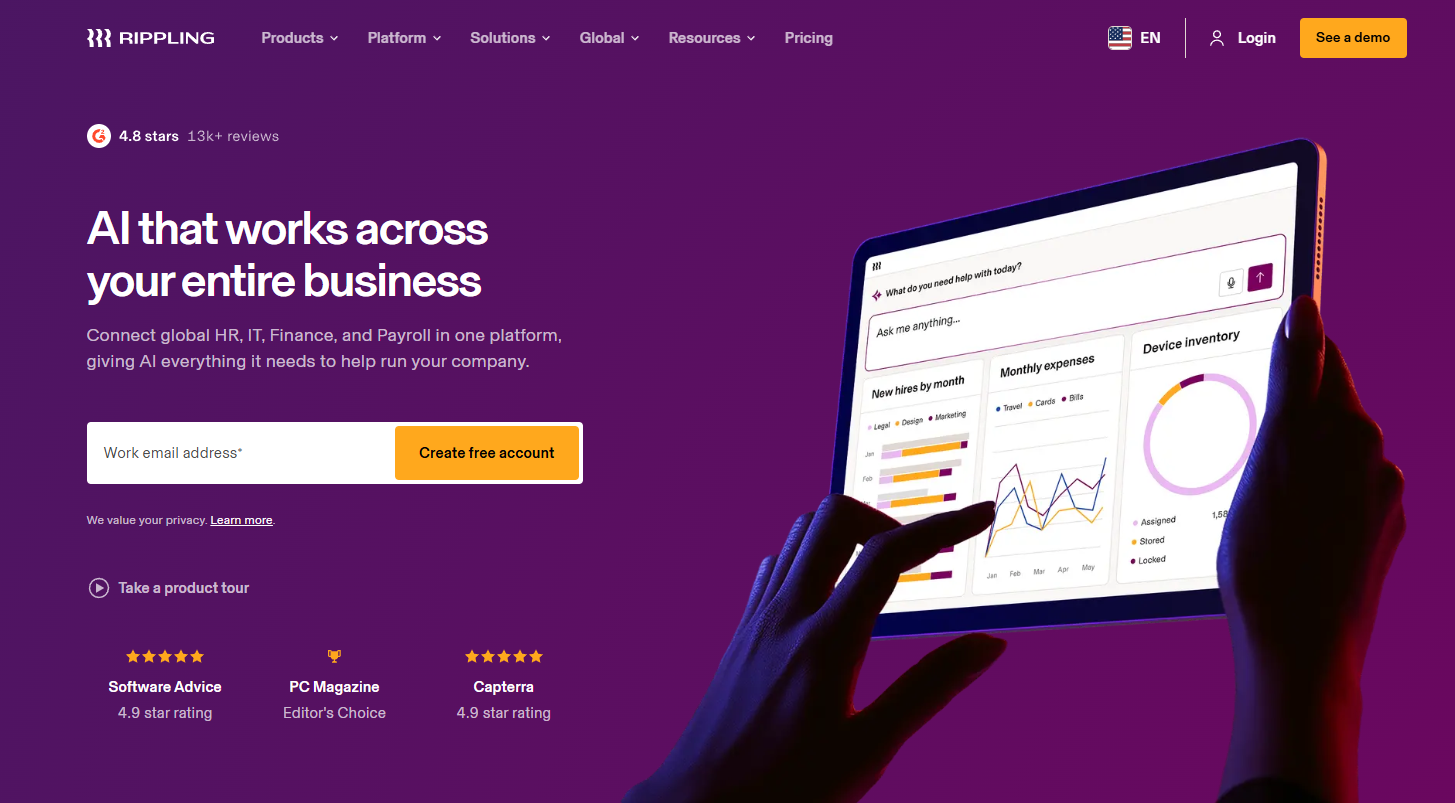
Rippling syncs payroll data to the QuickBooks general ledger, including accounts, classes, locations, and customers or jobs, according to its app listing. Pricing is custom and quoted by module. Treat it as a different purchase, not a cheaper one, because payroll comes bundled with HR, devices, and app access.
What it does better than QuickBooks Payroll:
- 1 employee record drives payroll, HR, devices, and app access, so a hire or exit updates everything at once.
- The ledger sync carries classes, locations, and customers or jobs, not just account totals.
- When someone leaves, RPass revokes access to shared logins, including QuickBooks.
- Accounting connections also cover Xero, NetSuite, and Sage Intacct as the business grows.
Where QuickBooks Payroll still wins:
- Rippling quotes every deal, and the cost rises with each module you add.
- A small salaried team rarely needs device or app management alongside payroll.
- QuickBooks Payroll needs no integration at all to reach the ledger.
- Setup covers several modules, while QuickBooks payroll is 1 add-on to switch on.
Base fee:
Custom pricing
Per employee:
Custom pricing
QuickBooks sync:
Native one-way, payroll data to the QuickBooks general ledger
Tax filing:
Payroll tax filing within Rippling Payroll; multi-state terms in the quote
Best for:
Growing teams adding HR and IT
G2:
4.8/5, 13,392 reviews in September 2026
Pick it over QuickBooks Payroll if:
payroll has turned into a people-operations job covering hiring, devices, and software access.
Stick with QuickBooks Payroll if:
payroll is the only people task you run, and the team is unlikely to grow much.
#8 Xero: replace the books and the payroll
Xero
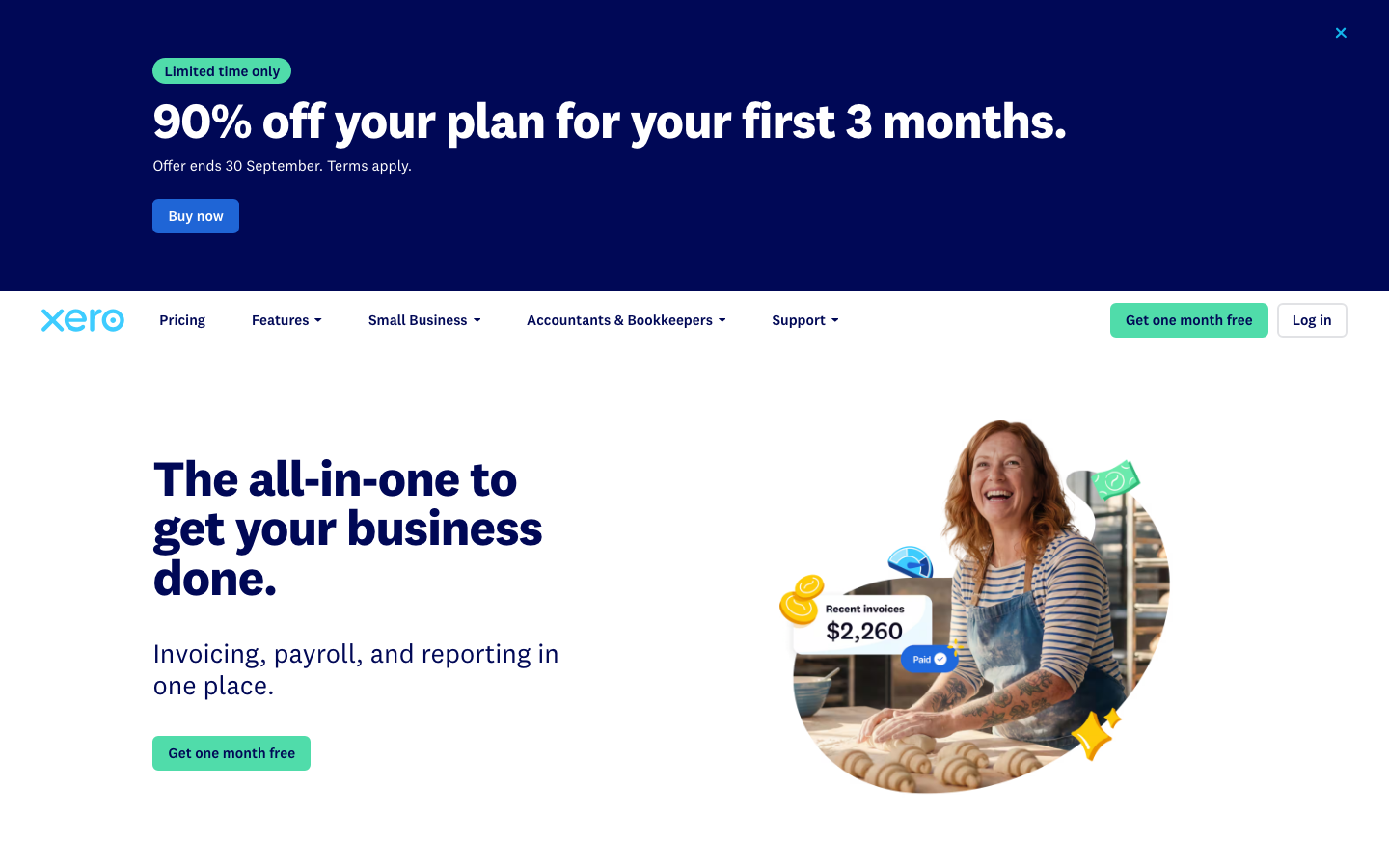
Xero launched Xero Payroll on August 12, 2026, and it runs on Gusto, the #1 pick above, through Gusto’s embedded payroll. Xero does not sync to QuickBooks because it replaces QuickBooks, so payroll posts to Xero’s own general ledger. Payroll costs $36 a month plus $6 per employee or contractor, on top of a Xero plan.
What it does better than QuickBooks Payroll:
- Payroll and the ledger share 1 system, just as in QuickBooks, with Gusto’s payroll engine underneath.
- All 50 states are supported at no extra cost.
- Xero handles year-end W-2s and 1099-NEC forms, and transfers historical payroll data for free.
- Existing Gusto customers can move their payroll into Xero instead of starting over.
Where QuickBooks Payroll still wins:
- Moving to Xero means migrating the books as well, a far larger project than changing payroll providers.
- Bookkeepers trained on QuickBooks have to learn a new ledger.
- Xero Payroll isn’t available to Xero’s US mobile subscribers.
- The total adds a Xero plan of $25, $55, or $90 a month once the introductory offer ends.
Base fee:
$36 for payroll, plus a Xero plan from $25
Per employee:
$6 per employee or contractor
QuickBooks sync:
Replaces QuickBooks
Tax filing:
Federal, state, and local; all 50 states at no extra cost
Best for:
Businesses leaving QuickBooks altogether
G2:
4.4/5, 1,832 reviews in September 2026
Pick it over QuickBooks Payroll if:
you are ready to leave QuickBooks entirely and want payroll inside the new ledger from day 1.
Stick with QuickBooks Payroll if:
your books need to stay where they are and you only want to change payroll.
*As pricing is subject to change, we are listing prices as they stand in September 2026.
Which QuickBooks Payroll Alternative Fits Your Situation
Alternatives to QuickBooks Desktop With Payroll
If Desktop 2023 payroll stopped calculating taxes after May 31, 2026, there are 2 routes. The first stays with Intuit. Active 2022 and 2023 subscribers can upgrade to Desktop Plus 2024; Enterprise is still sold, and QuickBooks Online adds Workforce payroll. The second leaves Intuit’s payroll behind. Gusto can export to QuickBooks Desktop while keeping the books where they are. Xero replaces both the ledger and the payroll. Either way, settle who files the current quarter before changing anything else.
Cheapest QuickBooks Payroll Alternatives
Base fee plus per-worker fee means the cheapest provider changes with headcount. In 1 state, Square Payroll ($35 plus $6) is cheapest for 1 worker. The 2 tie at 2 workers, and Patriot Payroll ($37 plus $5) wins from 3 workers onward. At 30 workers, Patriot costs $187 a month, OnPay $229, and Workforce Payroll $260. A second state adds $12 at Patriot, so Square stays cheaper up to 13 workers. OnPay includes every state, which makes it the value pick for dispersed teams.
Best QuickBooks Payroll Alternatives That Sync Back to QuickBooks
For books that stay in QuickBooks Online, the connection matters more than the price. Gusto reads your chart of accounts and writes a journal entry per pay run, and it calls this two-way. Rippling pushes payroll data with classes, locations, and jobs attached. OnPay syncs automatically with line-item mapping, while Square sends data automatically or on demand. Patriot posts a journal entry after each payroll, and ADP RUN and Paychex send general ledger data from their own integrations.
Best QuickBooks Payroll Alternatives for Hourly and Tipped Teams
Restaurants, salons, and retailers need hours and tips to reach payroll without rekeying. Square Payroll does this best for anyone on Square POS, because timecards and direct tips import straight into each run. Multistate payroll and multiple pay rates are included at $35 plus $6. For hourly teams without Square, Gusto Plus adds time tracking and next-day pay at $80 plus $12 per person.
QuickBooks Alternatives With Payroll Built In
Some readers are not just swapping payroll. They want to leave QuickBooks altogether and need payroll to come along. Xero is the direct answer, with Gusto’s payroll engine inside Xero’s own ledger. Rippling takes a different shape: it keeps payroll, HR, and IT together and connects to accounting software rather than replacing it. Pick Xero to move the books, and Rippling to move people operations.
Best QuickBooks Payroll Alternative as You Add HR
When onboarding, device setup, and app access start taking as much time as payroll, a payroll add-on stops fitting. Rippling handles it all from 1 employee record, and payroll updates when someone joins, moves, or leaves. Gusto’s Premium plan is a lighter step, with HR experts and performance tools included. For tools that automate more of that work, see this guide to AI HR software.
QuickBooks Payroll vs Competitors 2026
Comparing axis by axis beats naming a single winner. On ledger integration, QuickBooks Payroll leads, because nothing needs connecting. On published pricing, it matches Gusto, OnPay, Patriot, and Square, and beats the 3 quote-only providers. On per-employee cost at scale, it trails: $7 against $5 at Patriot and $6 at 4 others. On features, it sits mid-pack, with local filing reserved for higher tiers.
When QuickBooks Payroll Is Still the Right Choice
Stay put if your books already live in QuickBooks Online and your bookkeeper works there every day. The same goes for a small salaried team in 1 state with no appetite for maintaining a sync. In that setup, every alternative adds a connection to watch in exchange for a saving of a few dollars per person. A switch starts to pay off once headcount, extra states, or tipped staff change the math.
How to Switch From QuickBooks Payroll
These steps assume you’re moving payroll while keeping accounting in QuickBooks.
- Pick the cutover date. Move at a quarter boundary where possible, and at a year boundary if your tax position is complicated. A clean boundary keeps each quarterly return with 1 provider.
- Split the filings. Agree in writing which provider files the current quarter and which issues year-end W-2s and 1099s. Without that agreement, a form can be filed twice or not at all.
- Export history first. Export payroll registers, tax filings, and employee records before any subscription lapses, since later retrieval is not guaranteed.
- Set up the ledger connection. Connect the new provider to QuickBooks and confirm how payroll will appear in the ledger before the first live run. Check that wages, employer taxes, and liabilities map to the right accounts.
- Reassign state accounts. Check whether state tax account registrations or third-party authorizations need to move to the new provider.
- Run a parallel cycle. Run 1 payroll cycle in both systems and compare the results before cutting over. Differences in net pay or withholding show up before real money moves.
Desktop users moving the books too face 2 migrations, not 1, so avoid scheduling them in the same week.
INSIGHT: Where does payroll land in your books after you switch?
Someone has to post the payroll journal to the ledger. QuickBooks Payroll does it out of sight, and after a switch, an integration or a person takes over.
- Provider documentation describes 3 mechanisms. Gusto calls its connection two-way: it reads your chart of accounts and writes journal entries. Rippling, OnPay, Square, Paychex, and ADP RUN push payroll into the ledger in 1 direction. The fallback is a journal entry built by hand from a payroll register.
- As of September 2026, 7 of the 8 alternatives document a native QuickBooks Online connection on their own sites. Xero is the exception by design, because it replaces the ledger instead of syncing to it.
- Before signing, settle who maintains the connection when either side updates its software. That upkeep is the recurring cost nobody quotes.
FAQs on QuickBooks Payroll Alternatives
Which are the best QuickBooks Payroll alternatives 2026 has to offer?
It depends on what you need most. Gusto is the strongest all-round fit, with published prices and a working connection to QuickBooks Online. Patriot Payroll has the lowest published full-service cost for a team in 1 state. Square Payroll suits hourly and tipped staff on Square POS, while Xero fits businesses replacing their accounting software and payroll at the same time.
Is QuickBooks Desktop Payroll being discontinued?
Only in phases. Desktop 2023 lost payroll service after May 31, 2026, so its tax calculations and forms stopped. Desktop Plus 2024 and Enterprise 24.0 still get updates for existing subscribers, and Intuit has published no end date for either. New US subscriptions to Pro Plus, Premier Plus, Mac Plus, and Enhanced Payroll ended on September 30, 2024, though Enterprise is still sold.
Can I use a different payroll provider with QuickBooks Online?
Yes, and most businesses keep their books in QuickBooks Online and do exactly that. Providers differ in how payroll gets back into the ledger. Some read your accounts and write entries, some push data 1 way, and some leave a journal entry to post by hand. The sync column in the comparison table shows which route each provider documents on its own site as of September 2026.
Is Xero Payroll the same as Gusto?
The payroll engine is the same because Xero Payroll launched for US small businesses in August 2026 on Gusto’s embedded payroll technology. Gusto connects to the accounting software you already use, such as QuickBooks Online, while Xero builds that engine into its own ledger. The real decision is where your accounting should live, not whose payroll calculations are better.
How much does QuickBooks Payroll cost?
Pricing combines a monthly base fee with a per-employee charge across 3 tiers now sold as Workforce Payroll, Premium, and Elite. Intuit raised the per-employee part for new subscriptions on July 1, 2026, and bundles with accounting cost more. Extras such as automated local filing sit in the higher tiers, so check Intuit’s current rates before comparing quotes from other providers.
What is the cheapest alternative to QuickBooks Payroll?
It depends on headcount, because every price joins a base fee to a per-person fee. For 1 worker in 1 state, Square Payroll is cheapest at $41 a month, and from 3 workers, Patriot Payroll’s Full Service costs less. A second state changes the picture, since Patriot adds $12 a month for it and Square then stays cheaper up to 13 workers.
Can I switch payroll providers mid-year?
Yes, though 3 things decide how clean the move is. Agree which provider files the current quarter, confirm who issues year-end forms, and check whether state tax registrations must be reassigned. The switching steps earlier on this page walk through each point in order. None of it replaces advice from a tax professional who knows your filings and state accounts.
Verdict: The Best QuickBooks Payroll Alternative for You
Of the best alternatives to QuickBooks Payroll 2026 has to offer, pick Gusto for the best all-round fit, ADP RUN or Paychex for full-service depth, OnPay for 1 price across many states, Patriot Payroll for the lowest published cost, Square Payroll for hourly and tipped teams, Rippling for payroll inside HR and IT, and Xero for replacing the books too.
QuickBooks Payroll is still the right answer for a small salaried team whose books live in QuickBooks Online and whose bookkeeper works there. The alternatives matter when cost, business type, or a service discontinuation takes that decision out of your hands. Until 1 of those arrives, the built-in ledger is worth what it costs.

Helen is Anywherer’s Market Analyst & Content Researcher, with extensive experience in analyzing global employment markets and HR technology trends. She is skilled at turning complex market data into clear, well-researched insights that inform every piece of content. With a strong grasp of the EOR, PEO, and international hiring space, Helen plays a key role in keeping Anywherer’s research accurate, up to date, and genuinely useful for readers.