An applicant tracking system is the one piece of hiring software almost every company ends up owning. This page compares 13 of them by what they actually do, not how they position themselves. It starts by spelling out the five feature families that separate a capable ATS from a list of names in a database.
What Is the Best ATS Software for Recruiting in 2026?
An ATS is the system of record for hiring. It holds every applicant and moves them through defined stages. It stores the notes and scorecards behind each decision, and keeps a record an auditor can follow. Around that core sit four more families: sourcing and career sites, scheduling, reporting, and integrations with the rest of your stack. Good ATS recruiting software covers all five without a spreadsheet on the side.
The search term varies, but recruiting ATS software describes the same purchase. One place holds a requisition, its candidates, and its outcome.
Why look again in 2026? Because the category has absorbed AI into the workflow. Resume parsing, candidate matching, interview note-taking, and outreach drafting now ship inside platforms that were pure databases five years ago. The same pattern is running through AI tools across HR. Application volume has moved too. Candidates now use their own AI to apply at a scale no manual process was built for.

INSIGHT: How many companies actually hire through an ATS?

The ATS is the default hiring system, which is why candidates and recruiters both shape their process around it.
- Jobscan’s 2026 ATS Usage Report detected an applicant tracking system at 97.4% of Fortune 500 companies, or 487 of 500, by reverse-engineering the career page of every company on the list.
- SHRM, reporting on Appcast’s Recruitment Marketing Benchmark Report, notes that the study analyzed more than 302 million clicks and 27 million applications across nearly 1,200 employers, and that application rates rose partly because AI tools let candidates submit far more applications than before.
- The practical consequence is the part worth planning for. Applications arrive structured, resumes arrive parsed, and the pipeline imposes an order a shared inbox never could.
So which one is best? The honest answer is that the question needs a segment attached. A twenty-person startup and a global bank are not shopping for the same product, though both call it an ATS. The 13 platforms below span startup tools, small-business systems, mid-market platforms and enterprise suites, plus one built for staffing agencies. A broader guide covers recruiting software as a whole category.
Below, I’ve reviewed 13 of the leading platforms in A to Z order. Each block leads with the features the platform is built around, which separates them once marketing is set aside.
INSIGHT: Startup ATS, SMB ATS, enterprise suite, or agency system?
The 13 platforms here serve four different buyers, and the feature lists only make sense inside a segment.
- Startup and tech platforms (Ashby, Gem, Kula): fast to configure, strong on analytics and sourcing, priced for teams that hire in bursts.
- SMB and mid-market systems (JazzHR, Lever, Pinpoint, Teamtailor, Workable): the working middle of the category, where pipeline, career sites and scheduling matter more than global compliance tooling.
- Enterprise suites (iCIMS, SmartRecruiters): recruitment marketing, CRM, texting, video and compliance reporting across many countries, bought through procurement.
- The agency system (Bullhorn): built around clients and job orders rather than internal requisitions, which is a different data model, not a different feature list.
ATS Platforms Compared by Feature
Read the segment column first, then the three feature columns. Anyone shortlisting the best recruiting tools for ATS software will find the real gaps there. Scheduling depth and native analytics separate these platforms far more than the pipeline itself does.
Ratings sit in the last column for readers hunting a top-rated ATS with recruiting software behind it. The review count is attached, so you can weigh each score against its sample.
| Tool | Segment | Built-in scheduling | Native analytics | Candidate CRM | G2 rating |
|---|---|---|---|---|---|
| Ashby | Startup to mid-market | Yes | Custom dashboards | Yes | 4.7 (129) |
| Bullhorn | Agency | Yes | Standard reports | Yes | 4.2 (1,232) |
| Gem | Mid-market | Yes | Custom dashboards | Yes | 4.7 (304) |
| Greenhouse | Mid-market to enterprise | Yes | Custom dashboards | Yes | 4.4 (4,002) |
| iCIMS | Enterprise | Yes | Custom dashboards | Yes | 4.2 (988) |
| JazzHR | Small business | Via integration | Standard reports | No | 4.4 (868) |
| Kula | Startup to mid-market | Yes | Custom dashboards | Yes | 4.5 (69) |
| Lever | Mid-market | Yes | Custom dashboards | Yes | 4.3 (2,123) |
| Pinpoint | Mid-market | Yes | Standard reports | Add-on | N/A |
| Recruit CRM | Agency | Yes | Standard reports | Yes | 4.8 (123) |
| SmartRecruiters | Enterprise | Yes | Custom dashboards | Yes | N/A |
| Teamtailor | SMB to mid-market | Yes | Standard reports | Yes | 4.6 (564) |
| Workable | SMB to mid-market | Yes | Standard reports | Add-on | 4.4 (706) |
Each rating belongs to that tool’s individual G2 product profile, pulled in September 2026.
Best Recruiting Software With ATS Features: What to Look For
Every vendor claims the same capabilities, so it helps to know what each one means in practice. Shopping for the best recruiting software with built-in ATS comes down to five feature families. Platforms differ far more inside those families than their feature grids suggest.
The first family is pipeline and workflow. This is the tracking core. It covers named stages, scorecards that capture what each interviewer thought, and approval steps before a requisition opens or an offer goes out. Shared visibility lets a hiring manager check progress unprompted. Weak pipelines push recruiters into side channels, and decisions made in Slack never reach the record.
The second is sourcing and career sites. That covers distributing a job to boards and hosting a careers page that reflects your brand. It also means searching past applicants before advertising again. Platforms grown from sourcing tools treat outbound as first-class; those grown from trackers treat it as an add-on.
The third is scheduling, and it is where the differences get expensive. Booking one call is easy. Coordinating a four-person panel across time zones, with an automatic reschedule when somebody drops, is not. Any recruiting software with ATS tools worth the name handles candidate self-scheduling without a coordinator.
The fourth is analytics. The useful reports answer three questions. Where candidates enter, where they drop out, and how long each stage takes. Standard reports cover the basics; custom dashboards let you build the view leadership actually asks for.
The fifth is integrations and compliance. Your ATS should push hires into your HR system. It should also pull structured results back from pre-employment assessment tools, and produce the GDPR and EEO records your legal team needs. Assessments are the integration people underestimate, since scores that arrive by email never reach the decision.
ATS Recruiting Software Pricing
Three pricing shapes run through this list. A few vendors publish plans outright, which suits small teams buying without procurement. One prices by company headcount rather than by recruiter seat. The bill then tracks business size, not hiring-team size. The rest quote per deployment, and at that point the modules you add matter more than the base platform.
| Tool | Pricing model | Free plan or trial | Starting price |
|---|---|---|---|
| Ashby | Flat tier, then quote-based | No | $400 per month, up to 100 employees |
| Bullhorn | Quote-based | No | Custom pricing |
| Gem | Quote-based | No | Custom pricing |
| Greenhouse | Quote-based | No | Custom pricing |
| iCIMS | Quote-based enterprise contract | No | Custom pricing |
| JazzHR | Flat annual tiers | No | $1,000 per year |
| Kula | Headcount-based | No | $5,120 per year, 1 to 50 employees |
| Lever | Quote-based | No | Custom pricing |
| Pinpoint | Quote-based | No | Custom pricing |
| Recruit CRM | Per-user tiers | Trial | €79 per user per month, billed annually |
| SmartRecruiters | Quote-based enterprise contract | No | Custom pricing |
| Teamtailor | Quote-based | No | Custom pricing |
| Workable | Flat monthly tiers | Trial, 15 days | $299 per month |
As pricing is subject to change, prices are listed as of September 2026.
INSIGHT: Why does ATS pricing range from free trials to six figures?
The price tracks segment and modules, not feature count.
- Five of the 13 publish a usable figure: Ashby from $400 a month, JazzHR from $1,000 a year, Kula from $5,120 a year, Recruit CRM from €79 per user per month billed annually, and Workable from $299 a month. The other eight quote per deployment.
- The modules that move a quote are consistent across vendors: candidate CRM and outbound sequences, texting and video, higher analytics tiers, and access to a sourcing database. The tracking core is rarely the expensive part.
- Price the modules you expect to use in year two, not year one. Teams buy a base platform, add CRM and analytics six months later, then find the renewal costs twice the original quote.
How to Choose ATS Recruiting Software
Pin down your segment before you compare a single feature. These platforms all list similar capabilities, and the difference shows up in how much configuration each expects before it becomes useful.
Next, decide whether you need a candidate CRM. If most of your hires come from applications, an inbound pipeline is enough. If your recruiters run outbound campaigns and nurture people for months, the CRM stops being an add-on. It becomes the reason to pick one platform over another.
Then test scheduling against your real interview volume. Ask the vendor to demonstrate a panel across two time zones with a last-minute reschedule. That scenario is what consumes a coordinator’s week.
Check the analytics against the questions your leadership already asks. If the answer involves exporting to a spreadsheet every month, the reporting is not doing its job. Wiring the ATS into HR reporting and analytics tools is usually what closes that gap.
For engineering hiring, focus on the technical pipeline. The top ATS software for tech recruiting handles take-home assignments, live coding sessions, and structured debriefs in one product. It also integrates with the coding assessment platform your team already trusts.
That focus explains where the best ATS apps for recruiting in the software industry sit. They cluster at the startup and mid-market end of this list. At the enterprise end, strengths shift to compliance and scale.
Last, match compliance to where you hire. GDPR consent handling, data retention rules, and EEO reporting are documented features, not assumptions. A platform strong in one market can be thin in another.
Top 13 ATS Recruiting Software Platforms for 2026
I reviewed each platform’s documentation, pricing page, and G2 profile. Every block below names the flagship features the vendor actually ships, not the ones its homepage implies. Choosing ATS software for recruiting is mostly a question of which feature family has to be strongest.
The mix runs from startup platforms like Ashby and Kula to enterprise suites like iCIMS and SmartRecruiters. Mid-market systems like Lever and Pinpoint sit between them, and Bullhorn serves staffing agencies. That spread is what the most popular ATS recruiting software looks like once you stop treating the category as one market.
Read each verdict against your own segment. The best ATS software for recruiting in 2026 looks different for a fifteen-person startup than for a company hiring across twelve countries.
I’m listing all providers in alphabetical order to keep this comparison neutral.
Ashby
Quick Overview
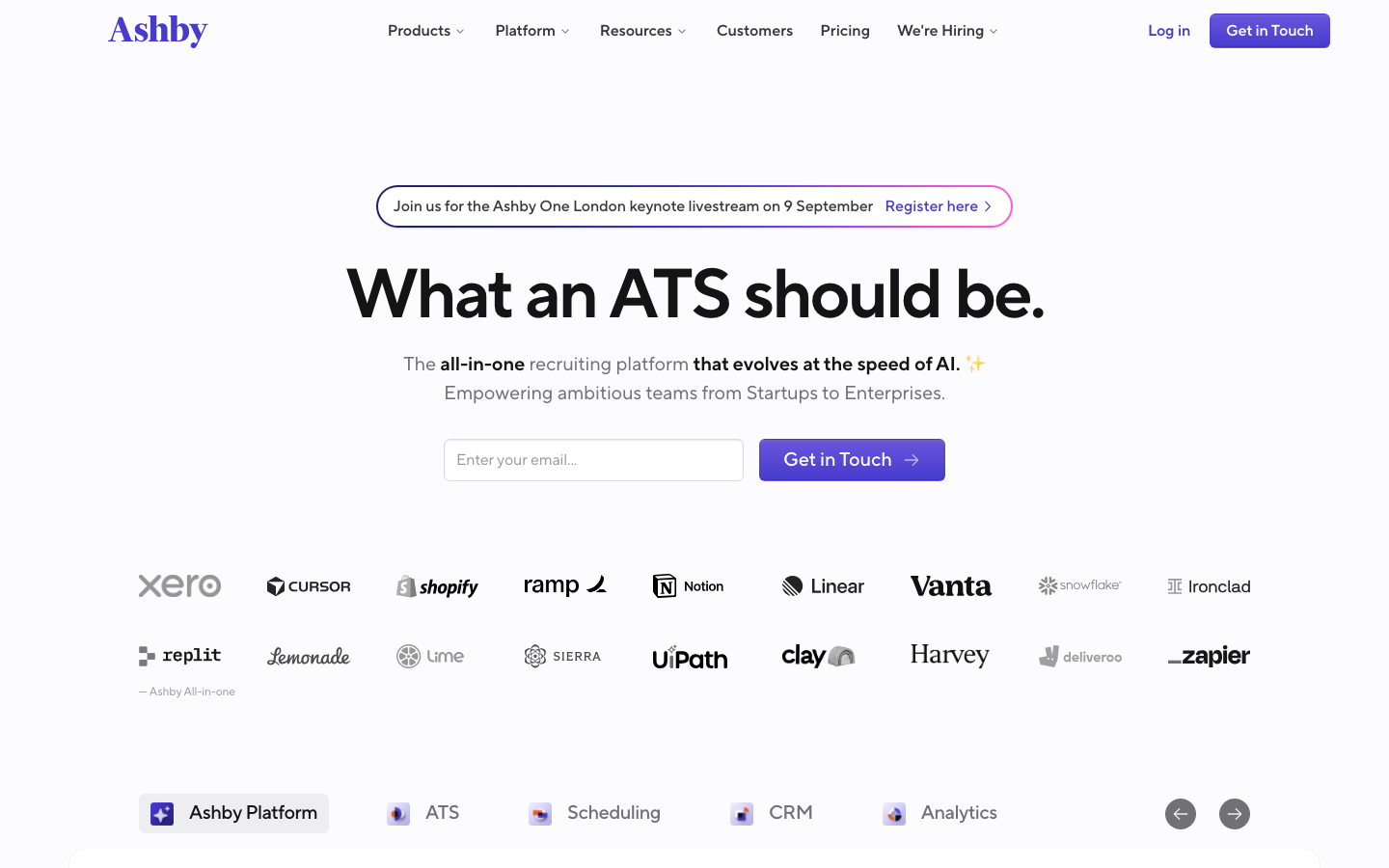
Ashby runs applicant tracking, interview scheduling, sourcing, and analytics on a single data model, so its reporting needs no exports. Custom dashboards, scorecards and a native scheduler are standard, not tiered. Foundations is published at $400 a month for companies with up to 100 employees.
Software Pros
- Custom reporting is built in, so pipeline questions get answered inside the tool
- Scheduling handles panels and time zones without a separate coordinator product
- Sourcing, tracking, and analytics share one record, so numbers reconcile by default
Software Cons
- Plus and Enterprise tiers are quoted, so the published rate covers only smaller teams
- The analytics depth is more than a team hiring a handful of people will use
- Configuration rewards a hands-on owner; set it up carelessly and reporting suffers
Ashby Review
While reviewing Ashby, the single data model is what justifies its reputation. Most platforms bolt analytics onto a pipeline and hand you a CSV when the question gets specific. Here the scheduler, the scorecards, and the dashboards read one record, so time-to-hire by source is a filter rather than a project.
Our Verdict
One Data Model Throughout
*As pricing is subject to change, we are listing prices as they stand in August 2026
Bullhorn
Quick Overview
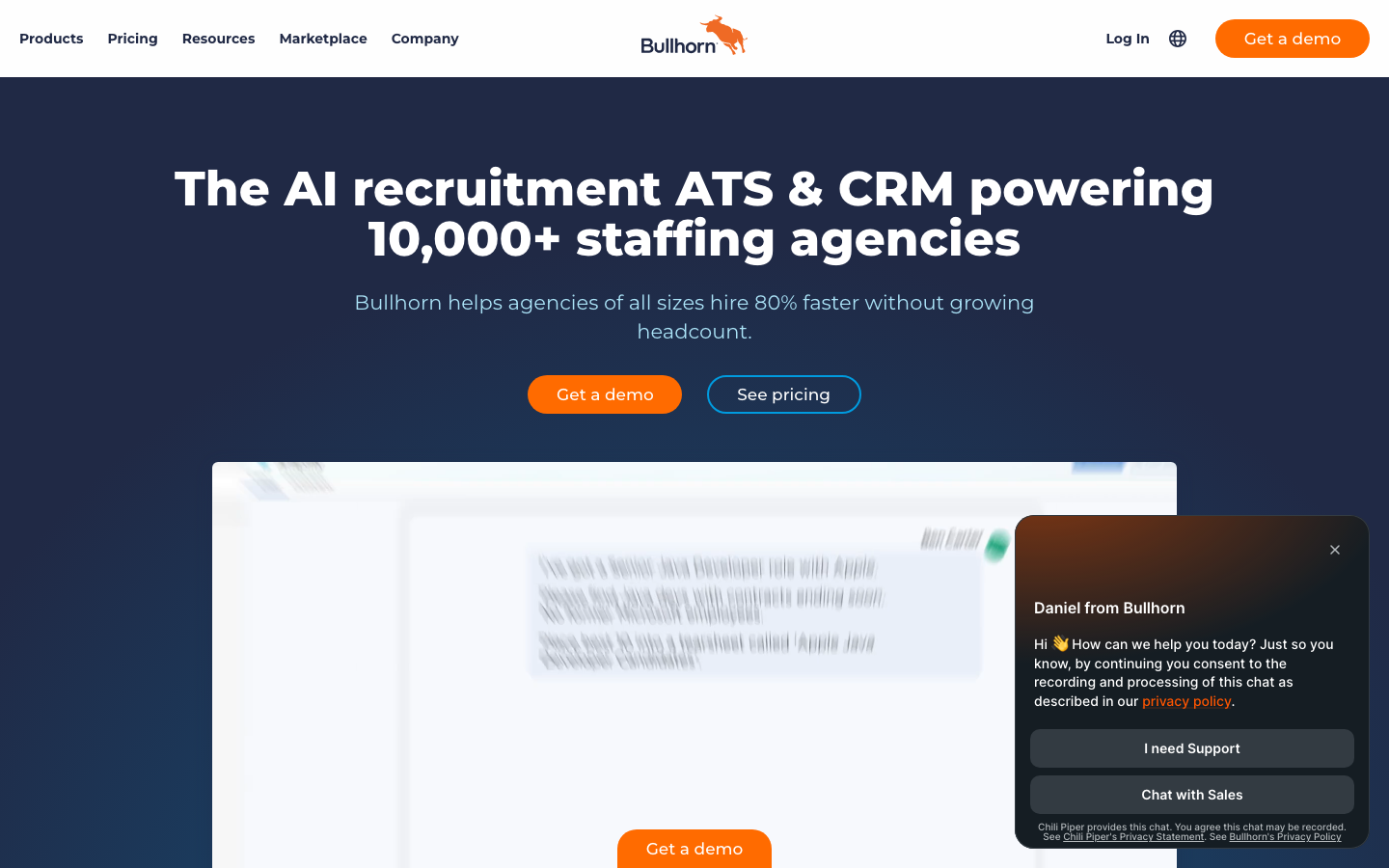
Bullhorn is the applicant tracking system for staffing and recruiting agencies, and its data model reflects that. Clients, job orders, and candidate submissions sit at the center rather than internal requisitions. It adds CRM and links into back-office pay and bill systems. The other ten platforms on this page serve in-house hiring teams.
Software Pros
- Client and job order management is native, not a workaround inside a corporate ATS
- Candidate submissions to clients run as a tracked workflow with their own statuses
- Back-office connections carry placements through to invoicing and payroll
Software Cons
- Not built for in-house corporate hiring, where the client concept does not exist
- No rate published anywhere, so every conversation starts with scoping
- Covering CRM and back office makes onboarding longer than a tracking-only tool
Bullhorn Review
What stood out to me is how differently Bullhorn models the work. An in-house ATS tracks candidates against your own openings; an agency system tracks them against somebody else’s, then tracks the commercial relationship on top. Submissions, job orders, and placements are objects here, not custom fields, which is why agencies do not run corporate platforms.
Our Verdict
The Staffing Agency System
Gem
Quick Overview
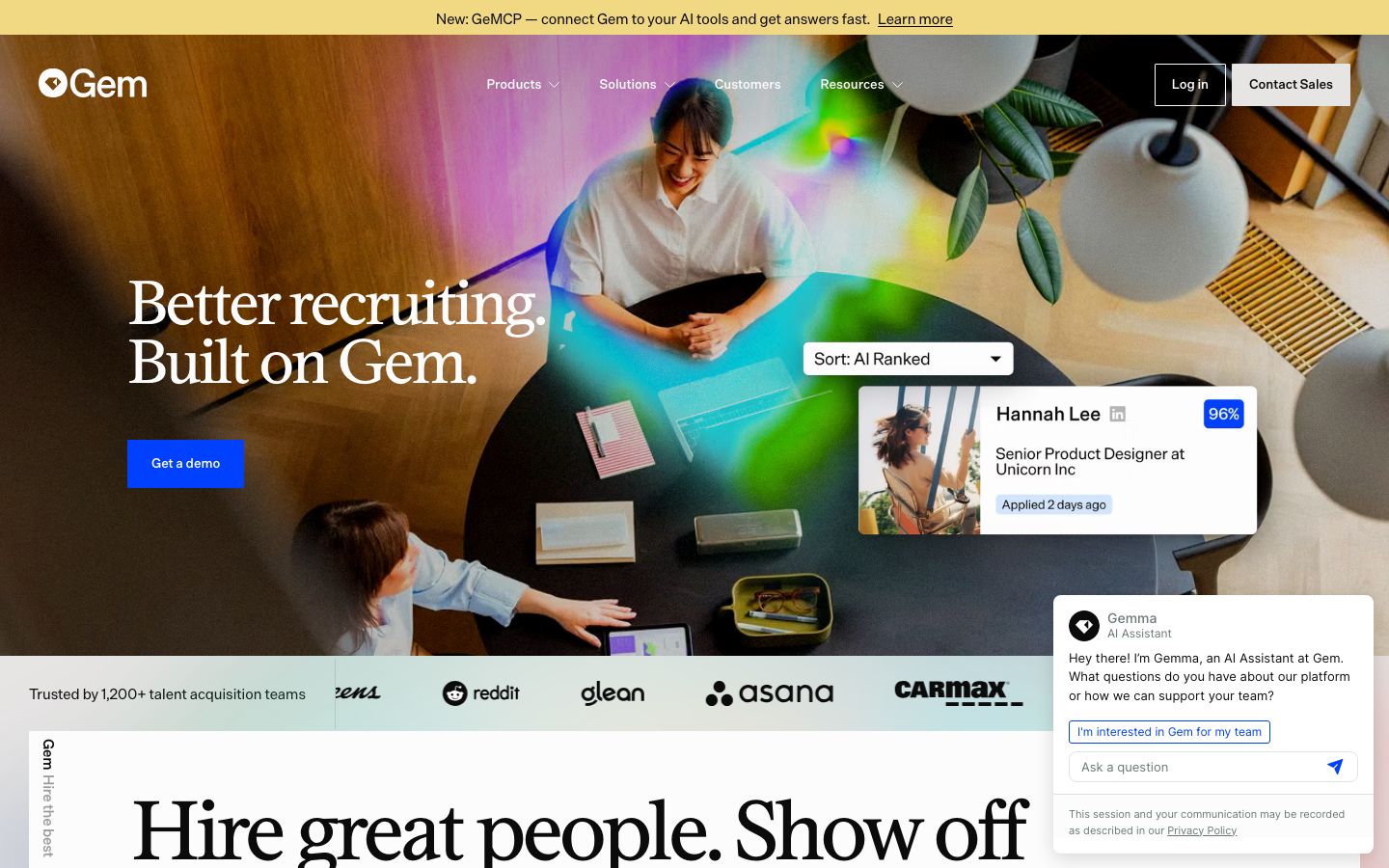
Gem grew out of sourcing and candidate relationship management before adding a full applicant tracking system, and the lineage shows. Outbound sequences, talent pools, and pipeline analytics sit in the same product as the tracking core, so nurture campaigns and applications report together.
Software Pros
- Outbound sequences and talent pools are native rather than a bolted-on module
- Pipeline analytics cover sourcing conversion, not just post-application stages
- One record spans a passive contact and an active applicant
Software Cons
- Quote-based pricing, so budgeting requires a sales conversation
- The value case assumes real outbound recruiting; inbound-only teams pay for reach they will not use
- Strongest for technology hiring, thinner for high-volume frontline roles
Gem Review
During my evaluation, the sourcing heritage is what makes Gem worth a look. Platforms that started as trackers treat outbound as an afterthought. Nurture data then lives apart from pipeline data, and nobody can tell which channel worked. Gem reports both in one view. For a team that builds pipelines months before a requisition opens, that continuity matters.
Our Verdict
Sourcing CRM Turned ATS
Greenhouse
Quick Overview
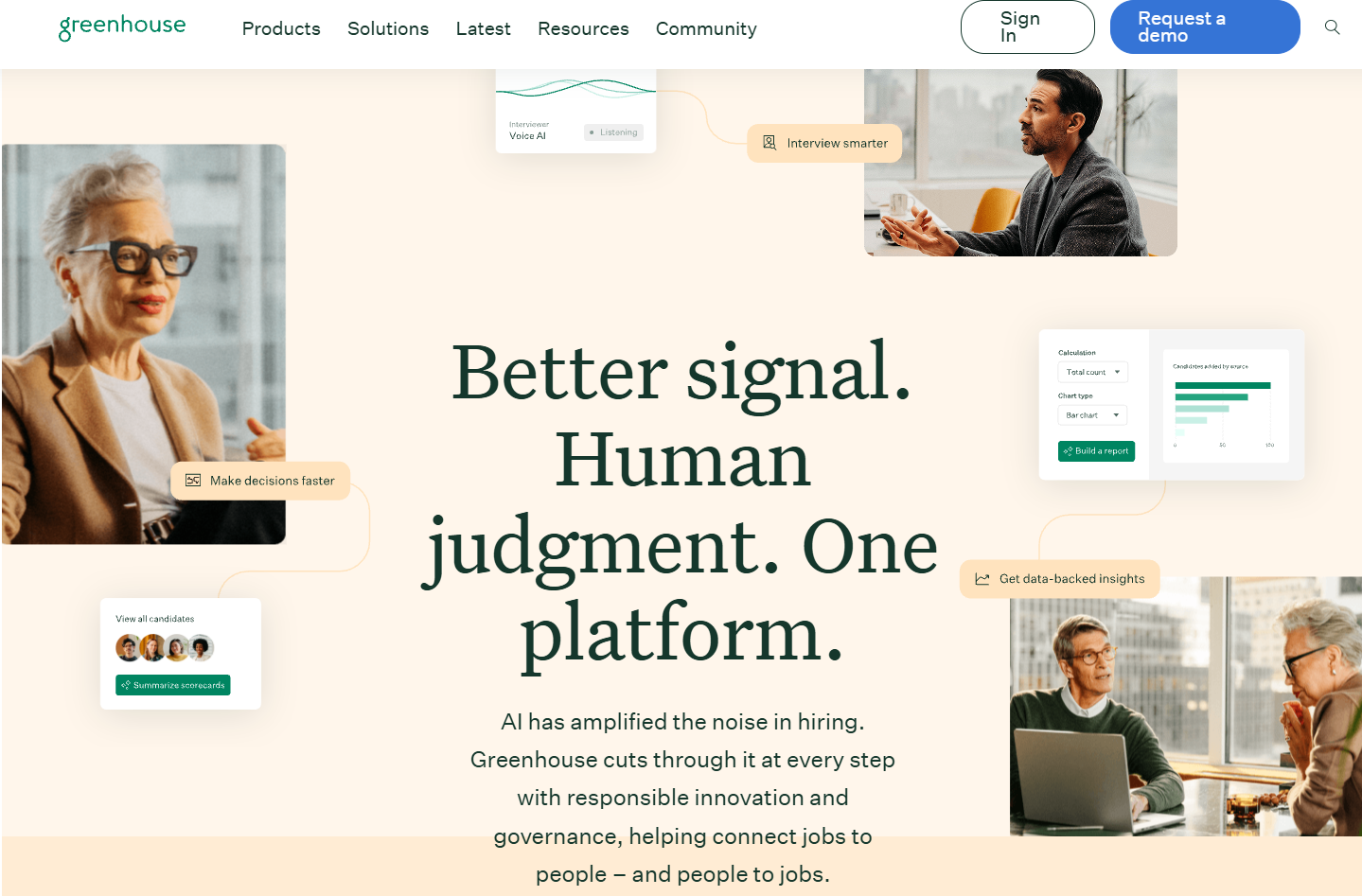
Greenhouse is an applicant tracking system built around structured hiring: every role gets a defined scorecard, every interviewer gets a focused assignment, and every decision gets a documented rationale. Native scheduling, custom reporting, and an ecosystem of 500+ integrations sit around that core. Pricing is quote-based across three tiers (Essential, Advanced, Expert), scoped to company size.
Software Pros
- Structured hiring is the product’s spine: scorecards and interview kits keep panel feedback consistent and auditable
- Native scheduling covers panels and self-booking, with custom dashboards answering pipeline questions without exports
- A 500+ integration ecosystem connects assessments, background checks, sourcing tools, and HR systems
Software Cons
- Quote-based pricing across all tiers, so budgeting starts with a scoping conversation
- Built for teams committed to structured hiring; the methodology rewards teams that adopt it fully
- Strongest for mid-market and enterprise in-house teams rather than very small companies
Greenhouse Review
While reviewing Greenhouse, the structure is what separates it from platforms that treat the pipeline as a container. Most tools record who advanced; Greenhouse records why. Scorecards force each interviewer to assess a defined attribute, which converts hiring debriefs from impressions into evidence. For teams that have watched decisions get made in Slack and never make it into the record, this is the discipline layer the category was supposed to deliver.
Our Verdict
The Structured Hiring Standard
iCIMS
Quick Overview
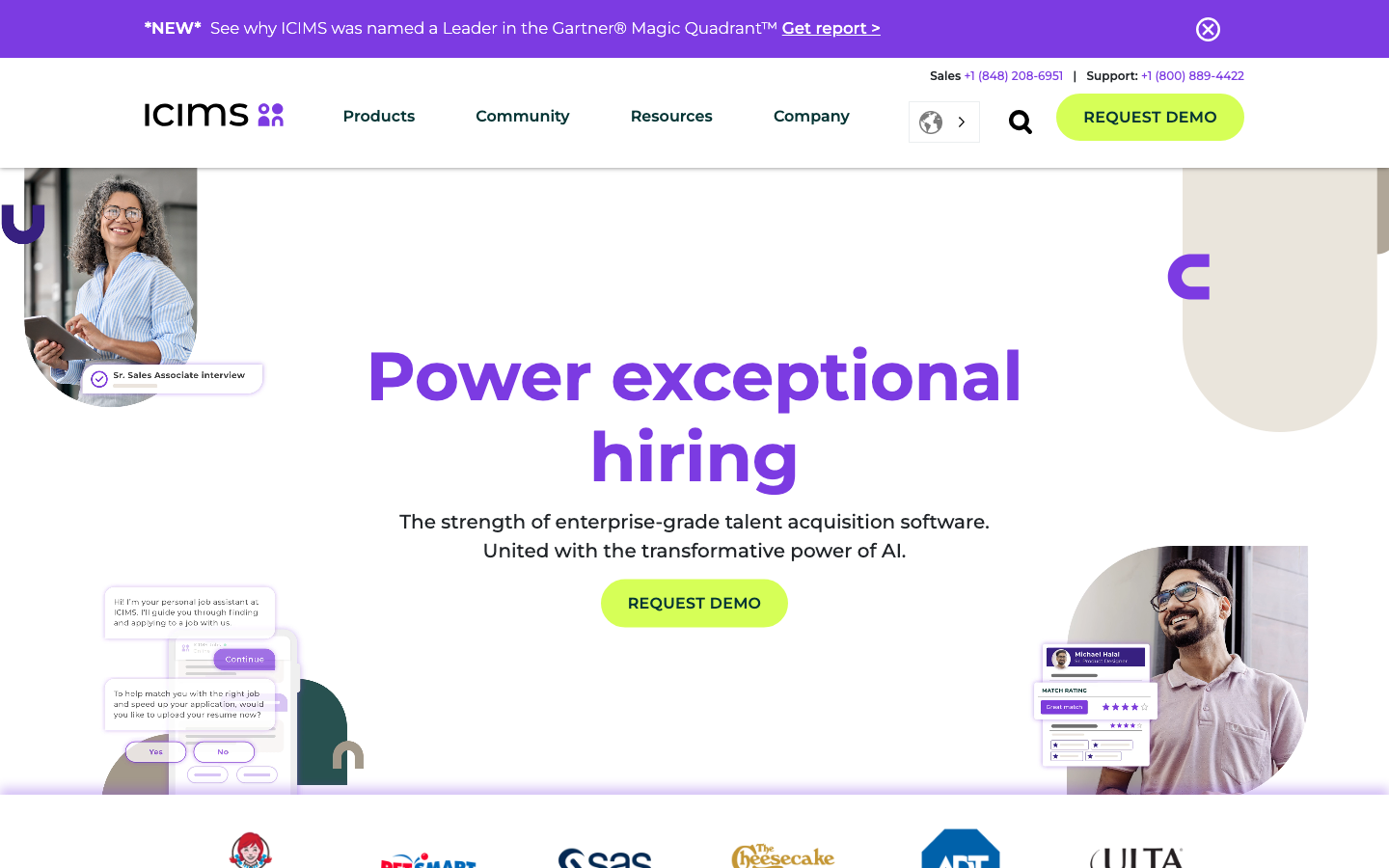
iCIMS is an enterprise talent platform covering candidate relationship management, branded career sites, text and video engagement, and compliance reporting across multiple countries. Its G2 listing reads iCIMS, formerly iCIMS Talent Cloud. The depth suits organizations hiring at scale in regulated markets.
Software Pros
- Compliance and reporting tooling built for multi-country, audited hiring
- Career site management and recruitment marketing sit inside the same platform
- Texting and video engagement handle high-volume candidate communication
Software Cons
- Rolling it out is a staged program involving IT and legal, not a signup
- Quote-based pricing with modules that move the total considerably
- Sized for organizations with a dedicated talent acquisition function
iCIMS Review
I spent time with the compliance side, which is the honest reason enterprises choose this tier. Producing EEO reporting and a defensible audit trail across several countries is work smaller platforms do not attempt. The trade-off is weight: nothing changes quickly once configured.
Our Verdict
Enterprise Talent Cloud
*As pricing is subject to change, we are listing prices as they stand in August 2026
JazzHR
Quick Overview
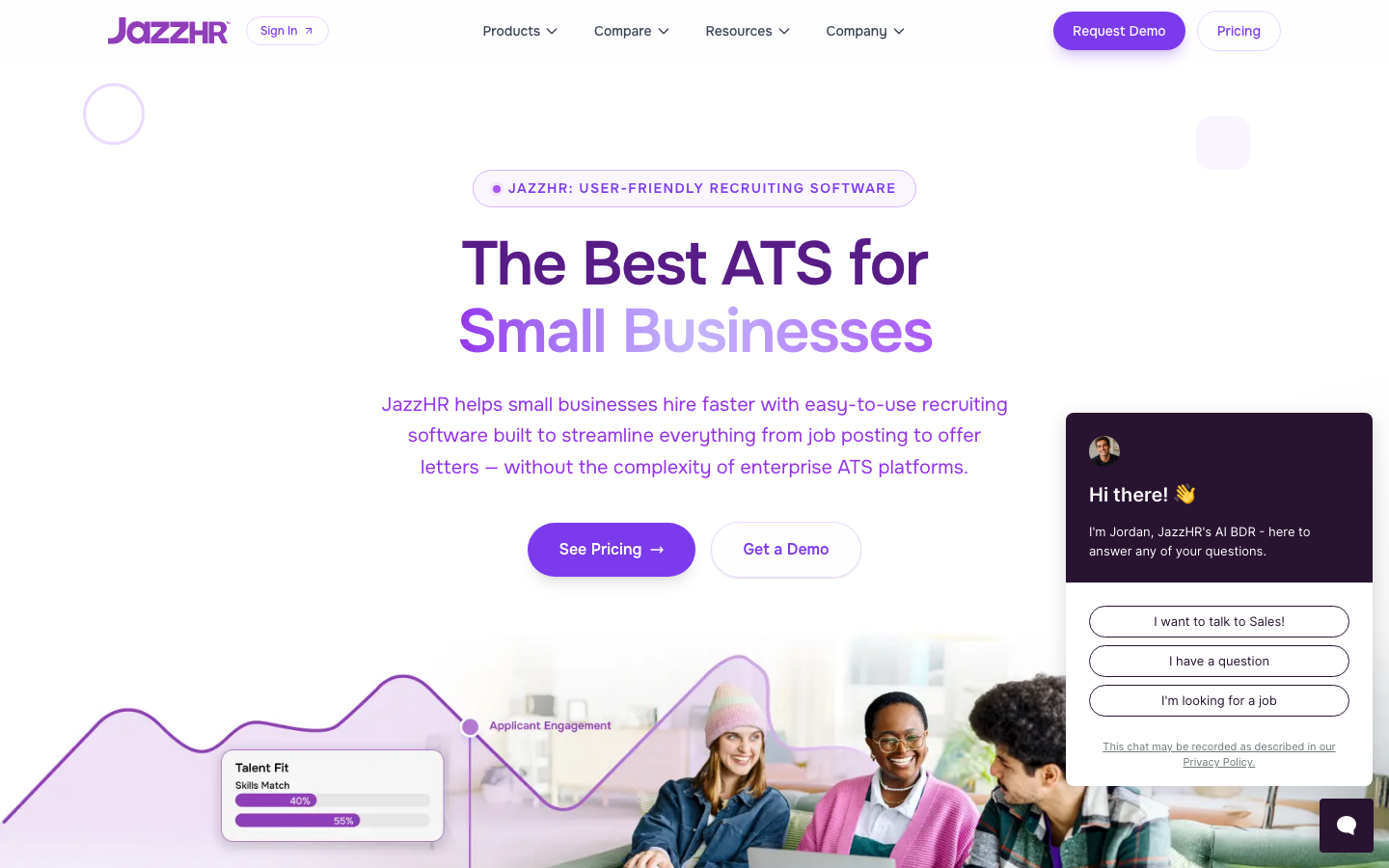
JazzHR is a small-business applicant tracking system with customizable workflows, job board syndication, and published annual plans. Hero costs $1,000 a year, Plus $3,480, and Pro $5,508. Its G2 profile sits under the Jazz-co listing, and it is owned by Employ, a group of recruiting software companies.
Software Pros
- Annual plans published in full, so the cost is known before any sales call
- Workflows and stages can be shaped without developer help
- Job syndication and offer management cover the basics a first ATS needs
Software Cons
- Scheduling depends on an integration rather than a native scheduler
- No candidate CRM, so outbound nurture needs another tool
- Hero is deliberately narrow, and Plus costs more than three times as much
JazzHR Review
The feature I kept coming back to is the workflow editor. Small teams usually inherit a hiring process built for somebody else and quietly work around it. JazzHR lets the stages bend to how you already hire, which is rare at this price. Scheduling is the visible gap, leaning on an integration where rivals ship their own.
Our Verdict
Published Plans For Small Teams
*As pricing is subject to change, we are listing prices as they stand in August 2026
Kula
Quick Overview
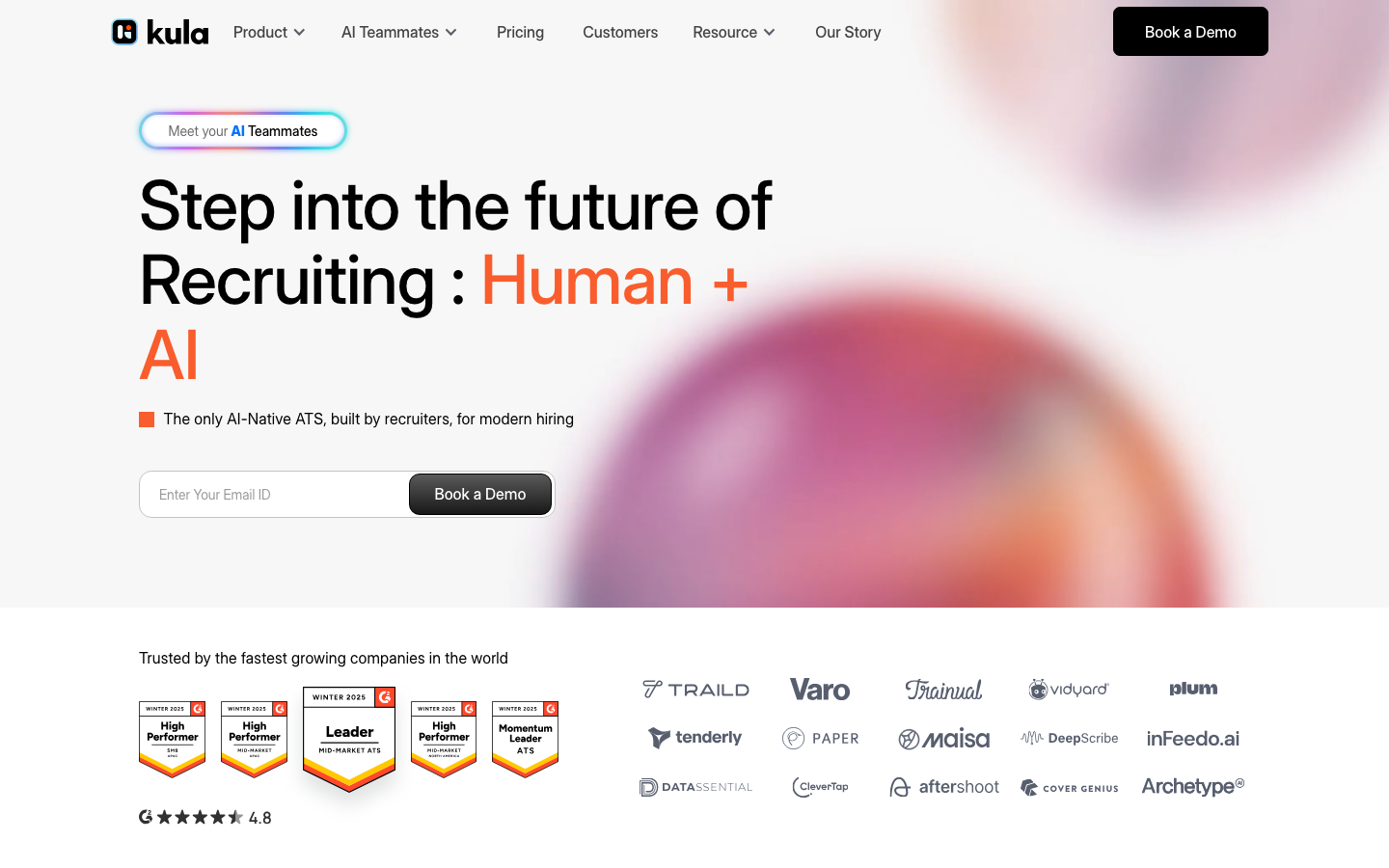
Kula, founded in 2021, is an AI-native applicant tracking system that runs sourcing, screening, scheduling, interview note-taking and conversational analytics in one flow. Pricing is headcount-based rather than per seat, published at $5,120 a year for 1 to 50 employees. The vendor claims teams save 30 to 50% of total recruiting software spend.
Software Pros
- Headcount-based pricing means adding recruiters does not raise the bill
- Interview note-taking and conversational analytics are native, not integrations
- Every feature is available on each band rather than gated behind higher tiers
Software Cons
- Fewer reviews to lean on than the platforms that have been around a decade
- Only the smallest headcount band carries a published price
- Savings claims come from the vendor and have no independent confirmation
Kula Review
My first impression of Kula was that the pricing model does more work than the AI does. Charging by company size rather than by recruiter seat removes the awkward conversation about who gets a login. That quietly shapes how a team uses an ATS. Judge it as an ATS whose differentiator happens to be AI.
Our Verdict
AI-Native All-In-One ATS
*As pricing is subject to change, we are listing prices as they stand in August 2026
Lever
Quick Overview
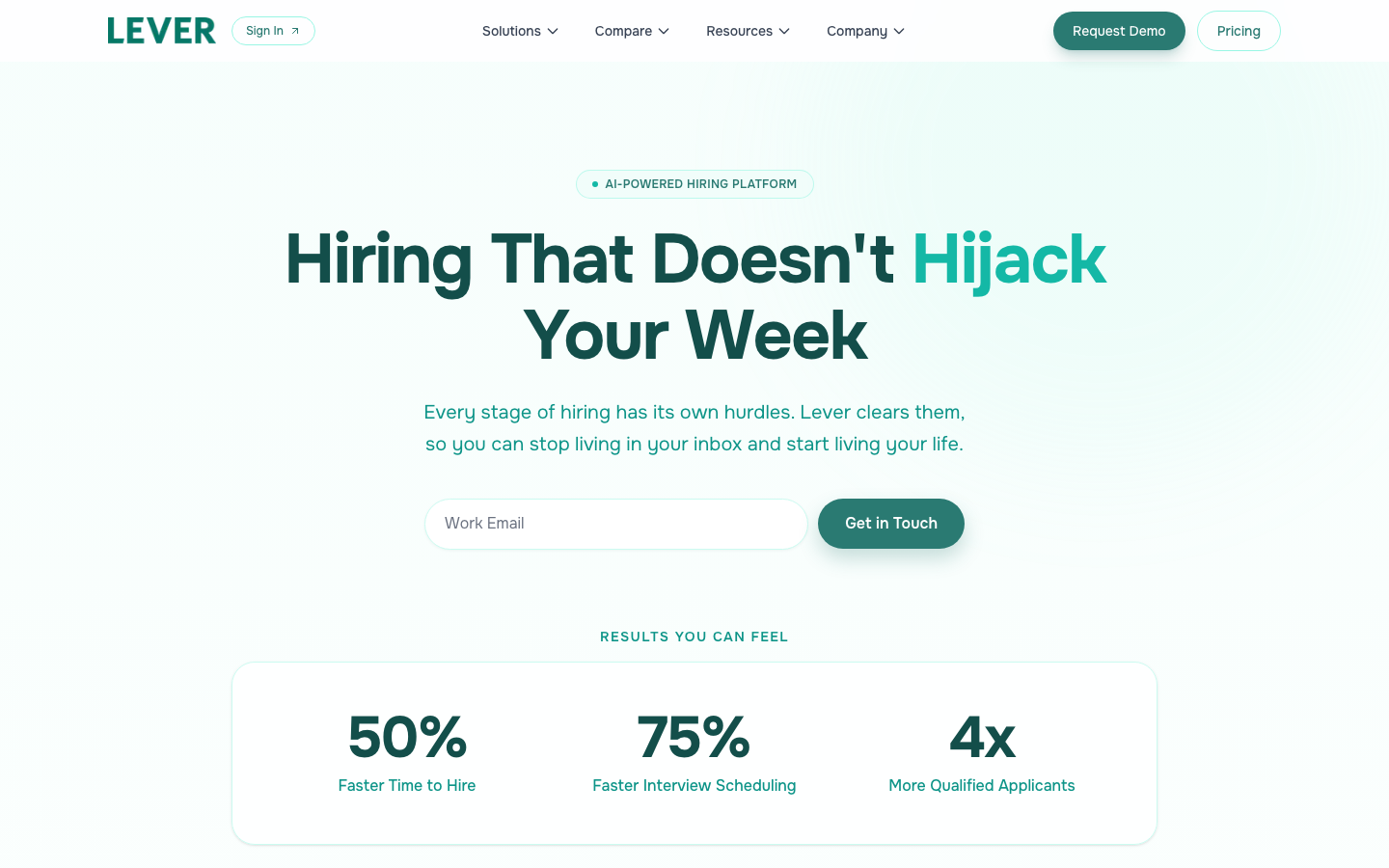
Lever pairs an applicant tracking system with a native candidate relationship manager. Inbound applications and outbound nurture then run through one pipeline rather than two products. Scheduling, structured feedback, and custom reporting are included. Like JazzHR, it is owned by Employ.
Software Pros
- ATS and CRM share one candidate record, so nothing is duplicated between them
- Scheduling covers panels and self-service booking without an add-on
- Custom reporting answers pipeline questions without exporting data
Software Cons
- Quote-based pricing, so the cost depends on a scoping conversation
- Aimed at mid-market teams; smaller companies pay for capability they will not reach
- The combined model takes longer to configure than a tracking-only system
Lever Review
While reviewing Lever, the merged pipeline is the argument. Teams that run sourcing separately end up with one person in two systems under two statuses. Here, a passive contact becomes an applicant without changing records. For a team doing both, that single history is worth the setup.
Our Verdict
Pipeline And Nurture Combined
Pinpoint
Quick Overview
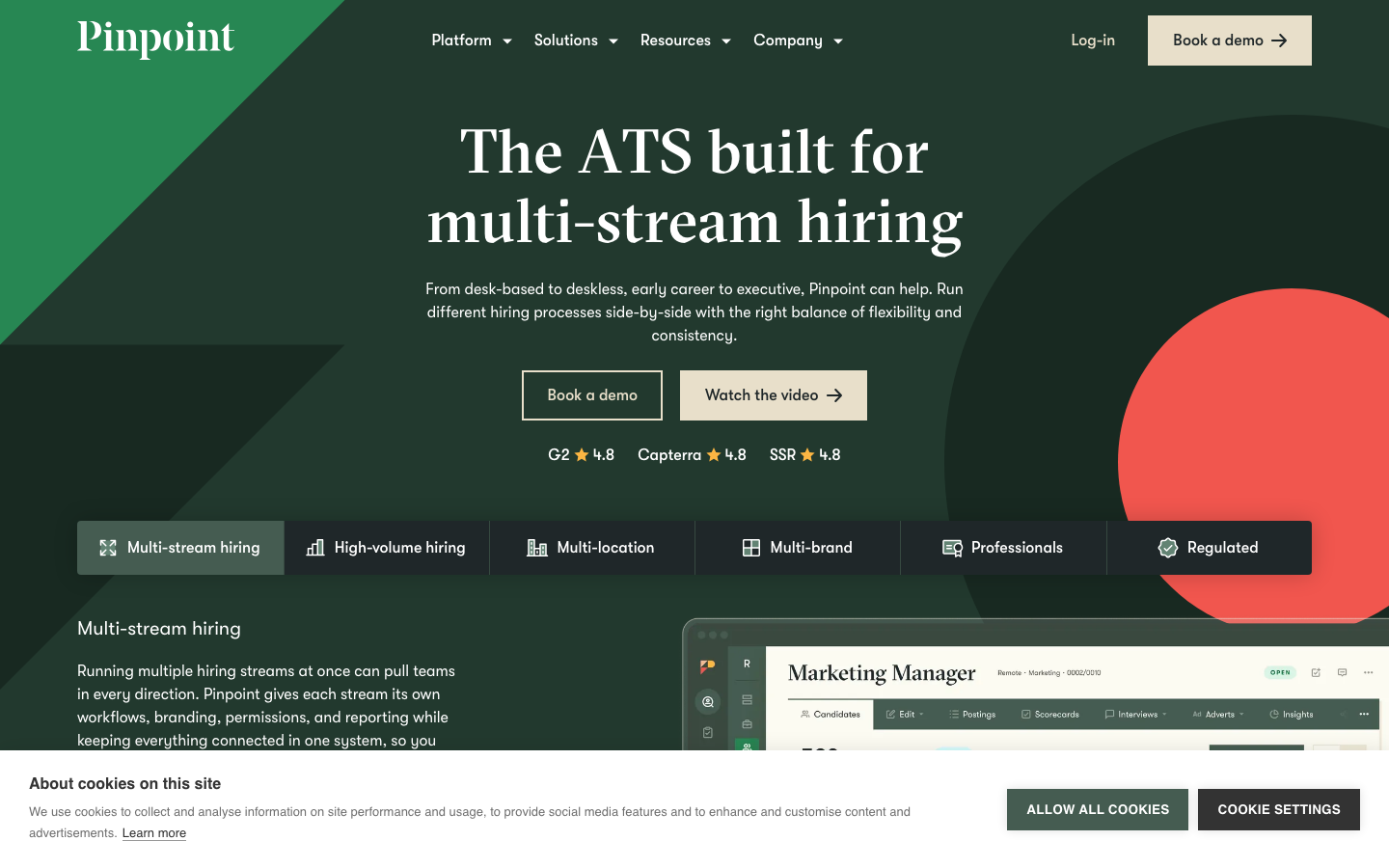
Pinpoint builds its applicant tracking system around candidate experience, starting with a careers-site builder that marketing teams can run themselves. Structured feedback, scheduling, and hands-on support round out a platform aimed at mid-market in-house teams.
Software Pros
- The careers-site builder produces pages without developer time
- Structured feedback keeps interviewer scoring consistent across a panel
- Support is hands-on rather than ticket-only, which shortens implementation
Software Cons
- No published pricing, so a quote is the only route to a number
- Candidate CRM is an add-on rather than part of the core platform
- No G2 product profile resolved, so third-party evidence is harder to weigh
Pinpoint Review
What stood out to me about Pinpoint is where it spends its effort. Most platforms treat the careers page as a template with your logo dropped in. This one treats it as a candidate’s first impression of the company. With structured feedback, the product is oriented toward how hiring feels from the outside.
Our Verdict
Candidate Experience First
Recruit CRM
Quick Overview
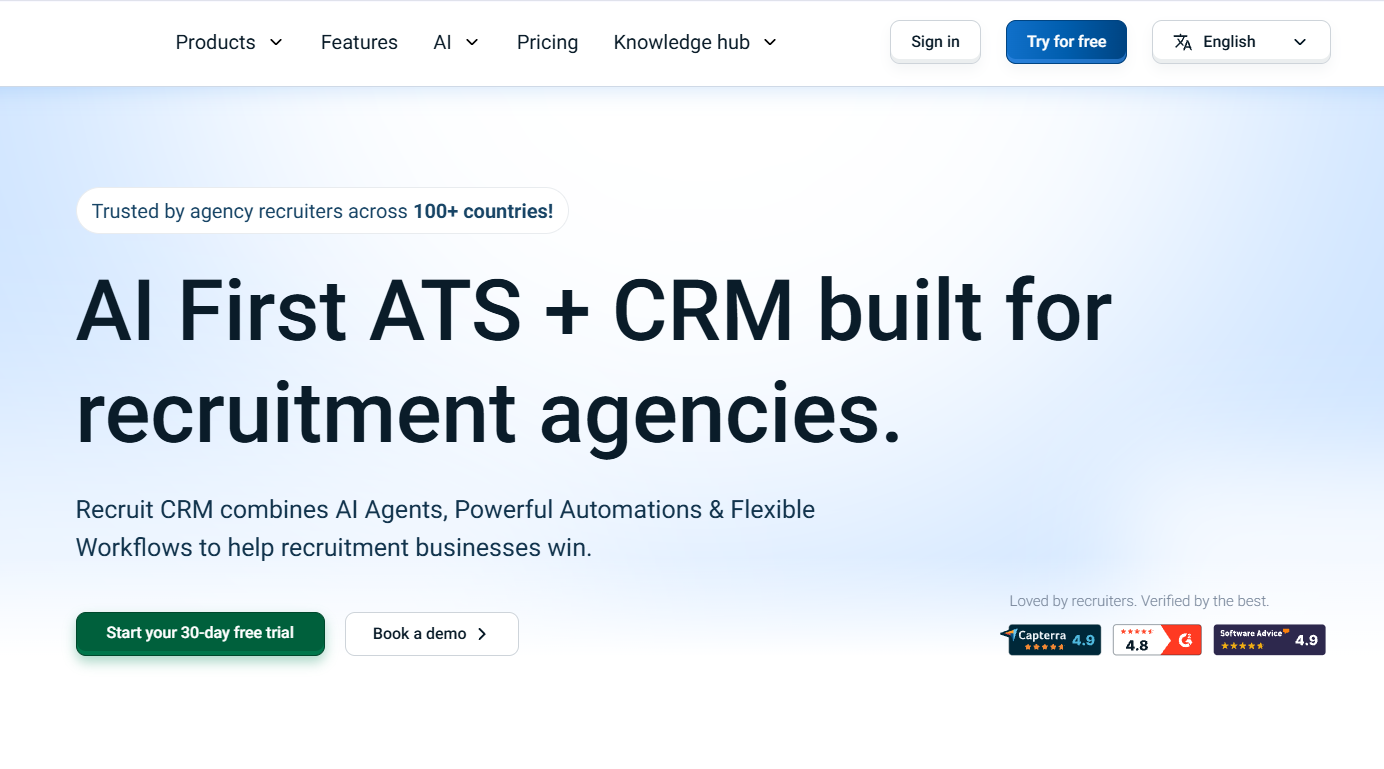
Recruit CRM is an AI-first applicant tracking system and CRM built for recruitment and executive search agencies. Candidates, clients, jobs, submissions, and communications sit in one system rather than being spread across separate tools. AI supports sourcing, resume parsing, matching, writing, and candidate submissions, while automation handles follow-ups and routine workflows.
Software Pros
- Agency-focused ATS and CRM with candidates, clients, jobs, and submissions managed in one place
- AI sourcing, resume parsing, matching, writing, and AI agents reduce repetitive recruitment work
- Communication, automation, job posting, and reporting are built into the same platform
Software Cons
- The broad feature set can mean a learning curve for new teams
- Some advanced capabilities, including workflow automation and advanced analytics, require Enterprise
- Teams may need some configuration to match their specific recruiting processes
Recruit CRM Review
What stood out to me is how much of the recruitment workflow sits inside one system. Recruiters can source candidates, parse resumes, match them to jobs, communicate with clients, and submit candidates without moving between separate tools. Its AI agents also turn repetitive tasks such as resume formatting and candidate pitches into drafts that recruiters can review before sending.
Our Verdict
The AI Operating System for Recruitment Firms
SmartRecruiters
Quick Overview
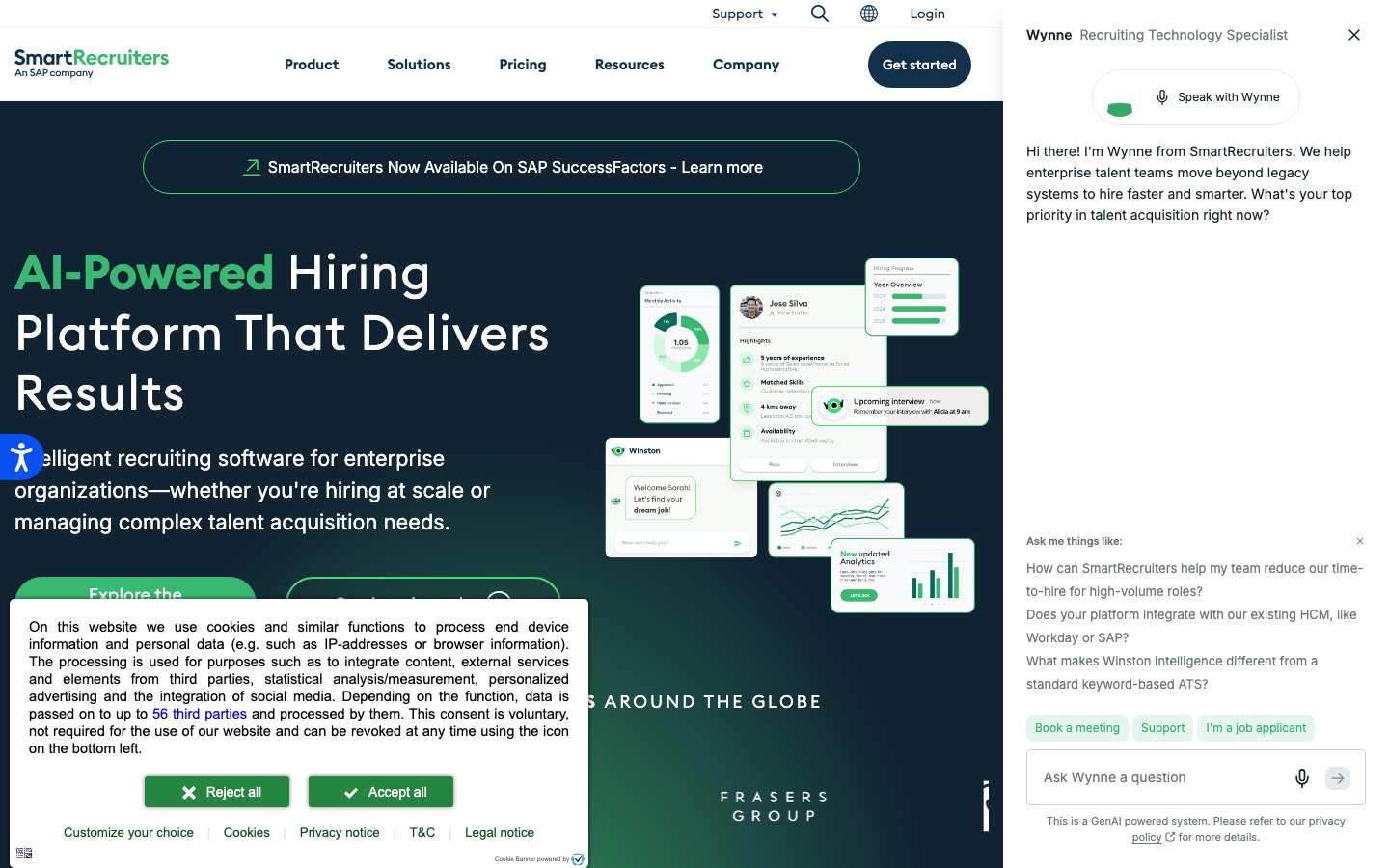
SmartRecruiters is an enterprise hiring suite spanning recruitment marketing, candidate relationship management, applicant tracking, and offer management, with a large marketplace of integrations. It targets organizations hiring across many countries.
Software Pros
- Recruitment marketing and CRM sit alongside the tracking core, not beside it
- Offer management and approvals handle the end of the process properly
- A broad integration marketplace covers assessments, background checks and HR systems
Software Cons
- Contract size and rollout effort rule it out below enterprise scale
- Quote-based pricing where added modules drive most of the cost
- No G2 product profile resolved, so no rating is published here
SmartRecruiters Review
During my evaluation, the marketplace mattered most. Enterprises rarely buy one system. They buy a hub, connect a dozen tools to it, and the connective tissue decides whether the hub holds. SmartRecruiters treats integrations as a product surface rather than a documentation page.
Our Verdict
Enterprise Hiring Suite
Teamtailor
Quick Overview
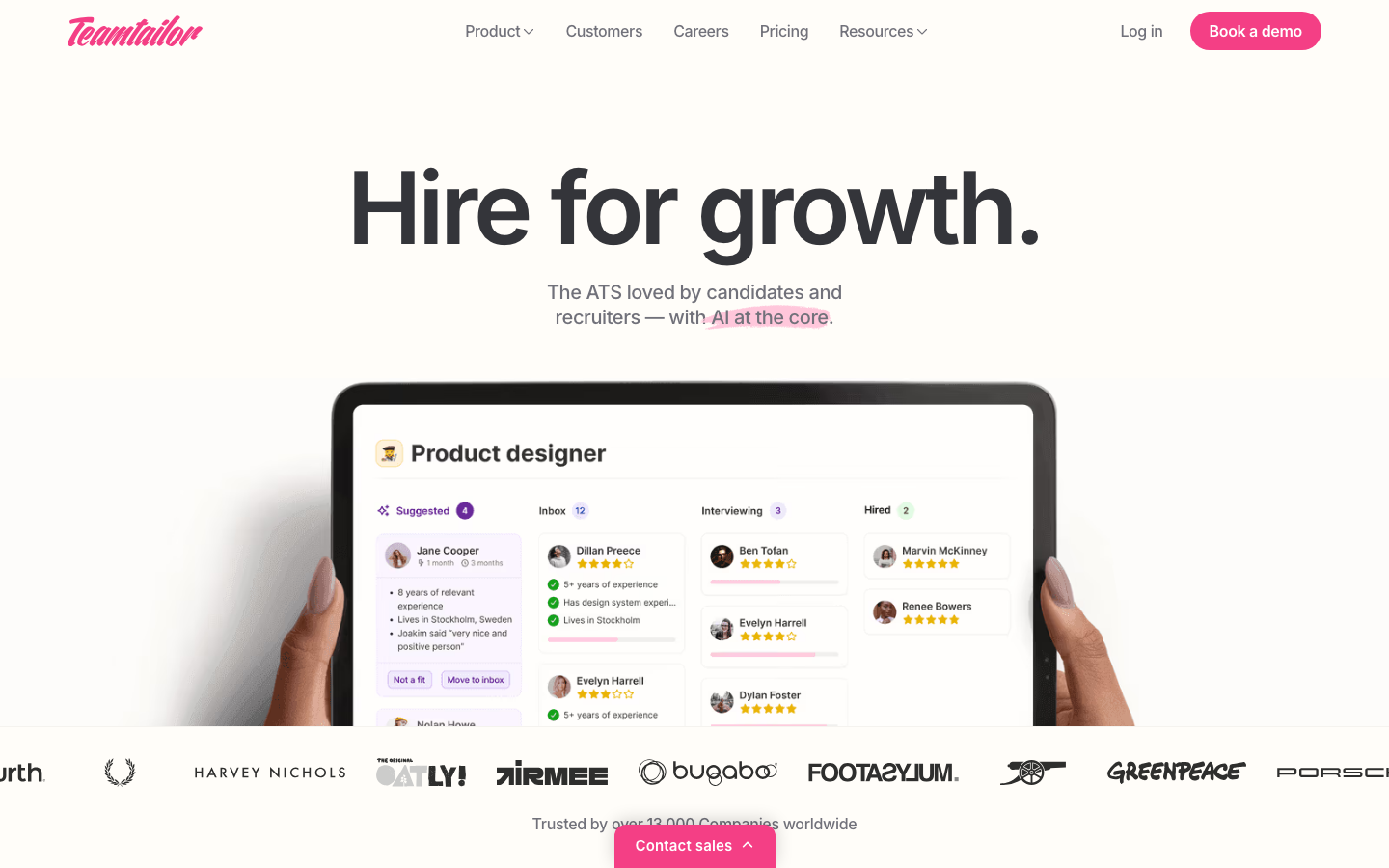
Teamtailor is an employer-branding-led applicant tracking system where the career site is the core of the product, not an output. Pipeline management, scheduling, and messaging sit around it, with European roots and GDPR-shaped defaults.
Software Pros
- The career site is a full content tool, with pages, blogs and employee stories
- GDPR consent and retention handling are defaults rather than configuration
- Candidate messaging and pipeline management are straightforward for non-recruiters
Software Cons
- Quote-based pricing with no published rate
- Analytics stay at standard reporting rather than custom dashboards
- Strongest in European markets, thinner elsewhere
Teamtailor Review
I spent time with the career site editor, which is genuinely a different product from the template builders elsewhere on this list. A company whose problem is attracting applicants rather than processing them will get more from this than from a deeper pipeline. Standard reports are the visible ceiling here.
Our Verdict
Career Site As Core
Workable
Quick Overview
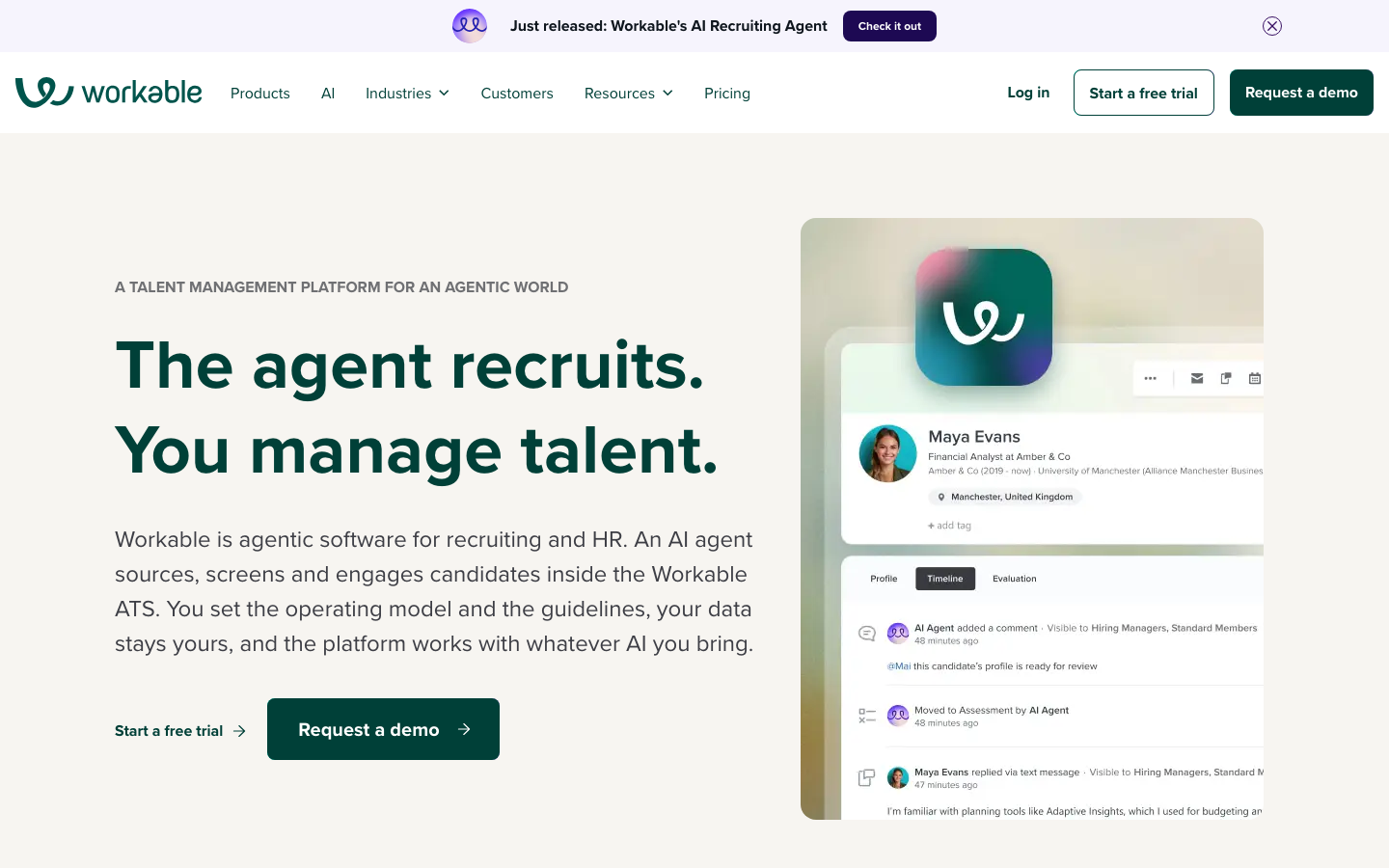
Workable combines applicant tracking with a candidate database the vendor puts at 400M+ profiles and job distribution to 200+ boards. An expanding set of HR tools sits alongside. Plans are published at $299, $599, and $719 a month, with a 15-day trial.
Software Pros
- Published monthly plans and a real trial, which is rare above the SMB tier
- Job distribution to a documented 200+ boards from one posting
- A large searchable candidate database is bundled rather than sold separately
Software Cons
- Candidate CRM is an add-on, so outbound nurture is not included at the base tier
- Analytics remain standard reports rather than configurable dashboards
- The widening HR toolkit means paying for scope beyond hiring
Workable Review
The feature I kept coming back to is the bundled database. Sourcing tools usually charge separately for profile access. Folding it into a published monthly plan changes the arithmetic for a company that would otherwise buy two products. This suits teams whose constraint is finding candidates rather than analyzing them.
Our Verdict
Database And Board Distribution
*As pricing is subject to change, we are listing prices as they stand in August 2026
FAQs About ATS Recruiting Software
Which Recruiting Software Offers the Best ATS?
That depends entirely on your segment, and any page naming one winner is guessing at your situation. Startups need fast setup and strong analytics, and small businesses need published prices and a short learning curve. Enterprises need compliance and scale, and agencies need a different data model altogether. Identify which of those four you are, then use the comparison table above and keep only the rows in that group.
What Is the Difference Between an ATS and Recruiting Software?
The applicant tracking system is the core: it stores candidates, moves them through stages, and keeps a record of every decision. Recruiting software is the wider term for everything built around that core, including sourcing tools, candidate relationship management, recruitment marketing and assessments. Most modern platforms sell both together, which is why the two words are often used interchangeably.
What Features Should an ATS Have?
Five families, and a platform should be credible in all of them. Pipeline and workflow cover stages, scorecards, and approvals. Sourcing and career sites cover job distribution, branded pages, and a searchable database of past applicants. Then scheduling, including panels and self-service booking; analytics on conversion, drop-off and time to hire; and integrations with your HR system, assessments and compliance reporting.
How Much Does an ATS Cost?
Three shapes exist. A few vendors publish plans outright. Among the 13 reviewed here, those run from $299 a month to $5,508 a year, as of August 2026. One prices by company headcount instead of recruiter seats, while the remaining seven quote per deployment. Added modules such as CRM, texting, and higher analytics tiers usually drive more of that total than the core platform does.
Do ATS Platforms Use AI?
Almost every platform ships some AI now, though as features inside the workflow rather than as the product itself. Typical work includes turning a resume into structured fields, ranking applicants against a job description, drafting outreach, and summarizing interview notes. AI-native platforms are a separate category, where the model runs the interview or sources candidates on its own. At this tier, expect assistance inside a familiar workflow.
What ATS Do Staffing Agencies Use?
Agencies run systems built around clients and job orders rather than internal requisitions. They place candidates into somebody else’s roles and track the commercial relationship alongside the hire. Bullhorn is the agency entry on this list. The other ten platforms are designed for in-house teams and have no native concept of a client submission.
Can an ATS Integrate With Assessments and HR Systems?
Yes, and the integration pattern is worth checking before you sign. Assessment platforms should push structured scores back into the candidate record so results appear where decisions are made. HR systems should receive a new hire without anybody rekeying it. Ask whether each connection is native, built through a marketplace partner, or a custom project you will be paying for.

Helen is Anywherer’s Market Analyst & Content Researcher, with extensive experience in analyzing global employment markets and HR technology trends. She is skilled at turning complex market data into clear, well-researched insights that inform every piece of content. With a strong grasp of the EOR, PEO, and international hiring space, Helen plays a key role in keeping Anywherer’s research accurate, up to date, and genuinely useful for readers.