Workforce management software manages the operational side of a shift-based team: scheduling, time and attendance, labor forecasting, leave, and the compliance rules that surround them. It is not an HRIS holding employee records, nor is it payroll cutting checks, though it feeds both. Deciding what is the best workforce management software starts with the people who live in it: operations and HR leaders steering hourly, shift, and deskless teams where a badly built rota costs money every single day.
The category has changed fast heading into 2026. Gartner tracks a workforce management market that is growing steadily, as labor remains one of the highest controllable costs in retail, hospitality, and healthcare. AI-driven scheduling that matches staff to forecast demand and mobile-first tools built for deskless workers are now the dividing lines. The same AI wave reshaping AI HR software now powers demand-based rostering, which is why buyers increasingly want the best HR and workforce management saas software rather than a standalone scheduler.
Choosing Workforce Management Software in 2026
The tools here span three groups: enterprise suites, mobile and deskless apps, and industry specialists for retail, healthcare, restaurants, and security. Because schedules, records, and pay should share a single source of truth, WFM usually sits alongside cloud HR software in the stack. To sort the best workforce management software 2026 has produced, I reviewed 14 of the leading platforms in alphabetical order below.
Top 14 Workforce Management Software Platforms for 2026
I put each of these platforms through real-world scheduling scenarios, testing shift-building, time capture, and how well each forecasts labor relative to demand. I am listing all providers in alphabetical order to keep this comparison neutral, so numeral-named brands sort first and no brands are ranked.
The field spans enterprise suites like UKG and Workday, mobile-first apps like Connecteam, and industry specialists like 7shifts and Legion. My picks for the best workforce management software tools 2026 buyers should shortlist cover every setting, from a single cafe to a hospital network, so read each verdict against your industry, your headcount, and how deskless your team really is.

7shifts
Quick Overview
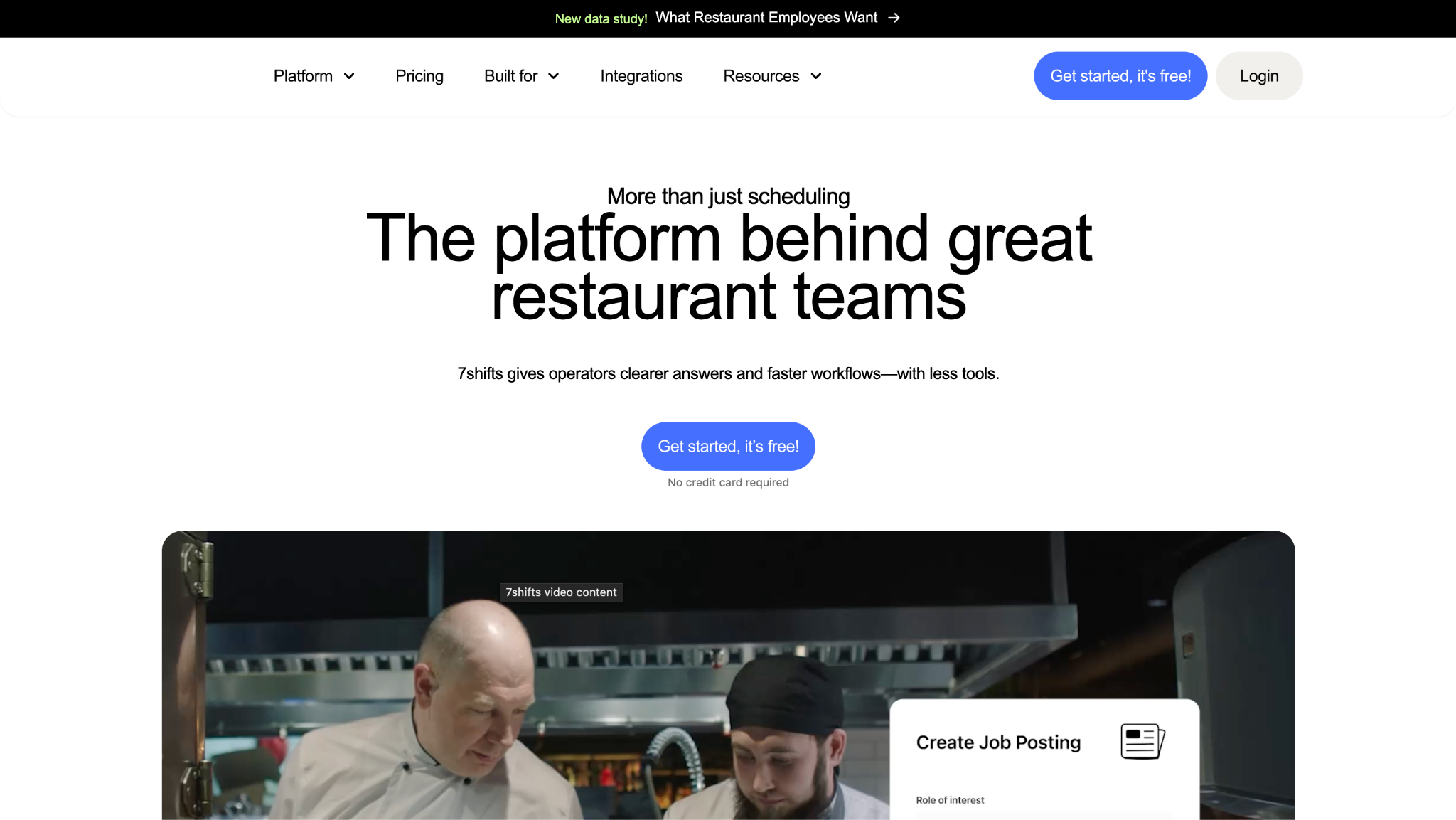
7shifts is a restaurant-specific workforce management platform built around scheduling, time clocking, tip pooling, and labor forecasting for the foodservice industry. Every feature assumes the rhythms of a kitchen and a dining room.
Software Pros
- Purpose-built for restaurants
- Tip pooling and distribution
- Sales-based labor forecasting
- Integrates with POS systems
Software Cons
- Restaurant-only focus
- Weak fit outside foodservice
- Fewer enterprise controls
7shifts Review
While reviewing 7shifts, its restaurant DNA was obvious in the best way: scheduling accounted for sales forecasts, and tip pooling and meal-break rules were baked in rather than bolted on. For a single site or a multi-unit group, that focus removes a lot of manual work. It is deliberately narrow, though, so a hospital or retail chain would find it built for an entirely different world. For an operator who lives and breathes covers and food cost, that single-mindedness is exactly what makes it stick.
Our Verdict
Restaurant Scheduling Specialist
ADP Workforce Now
Quick Overview
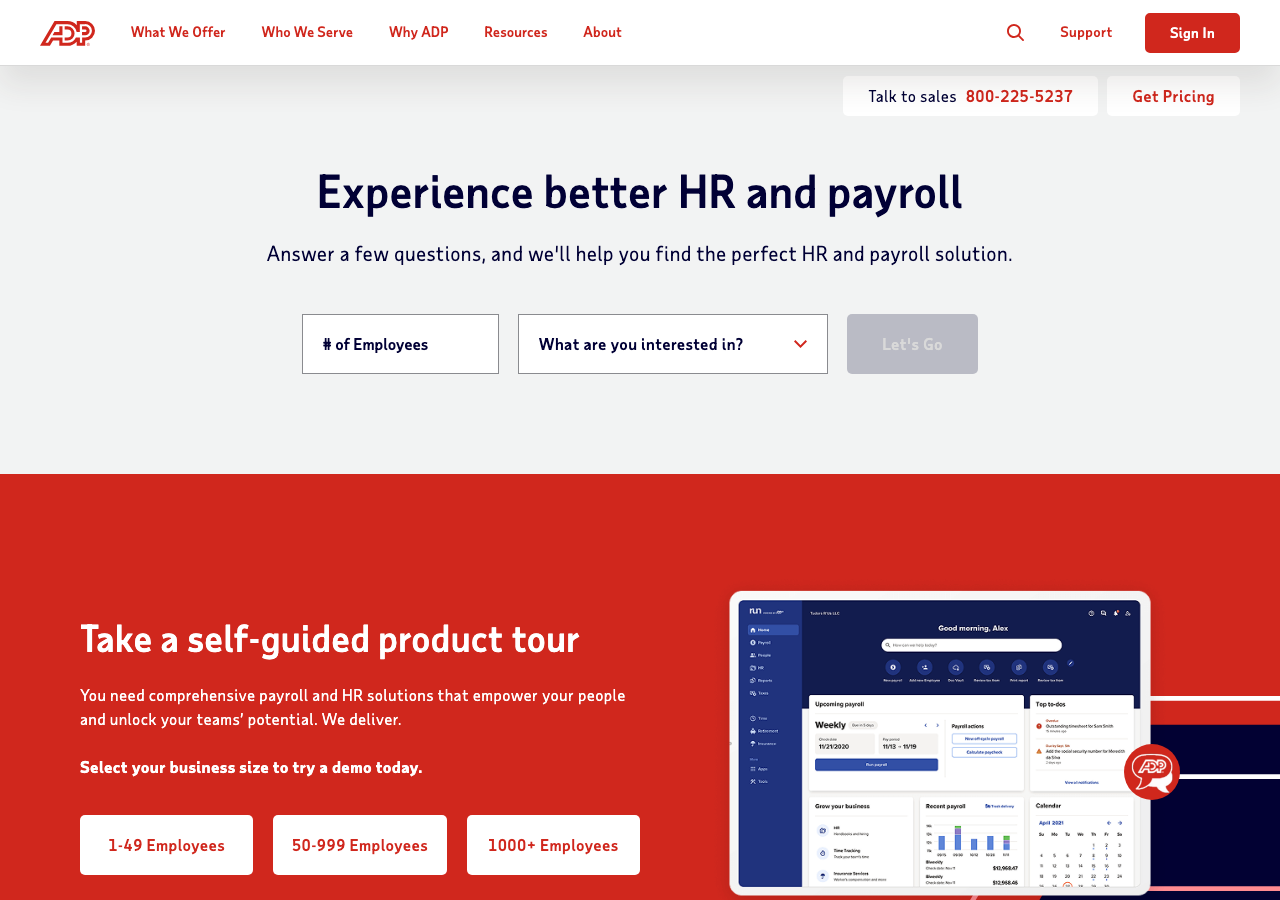
ADP Workforce Now brings enterprise time, attendance, and scheduling inside ADP’s HCM suite, adding labor forecasting and multi-jurisdiction compliance. The workforce management system leans on ADP’s long compliance pedigree.
Software Pros
- Time and scheduling in one suite
- Multi-jurisdiction compliance
- Labor forecasting included
- Backed by the ADP scale
Software Cons
- Full value needs the HCM suite
- Interface feels enterprise-heavy
- Setup is a project
ADP Workforce Now Review
During my evaluation, ADP Workforce Now made the most sense for a mid-to-large employer that wants scheduling and time living beside the rest of its HCM. Its compliance handling across jurisdictions was solid, which matters for multi-state operations. The WFM strength is real but tied to the broader suite, so a small hourly team wanting a nimble scheduler alone would find it heavier than the task requires. Where an organization already runs ADP for HR, keeping time and scheduling in the same place removes a lot of integration friction.
Our Verdict
Enterprise WFM Inside HCM
Connecteam
Quick Overview
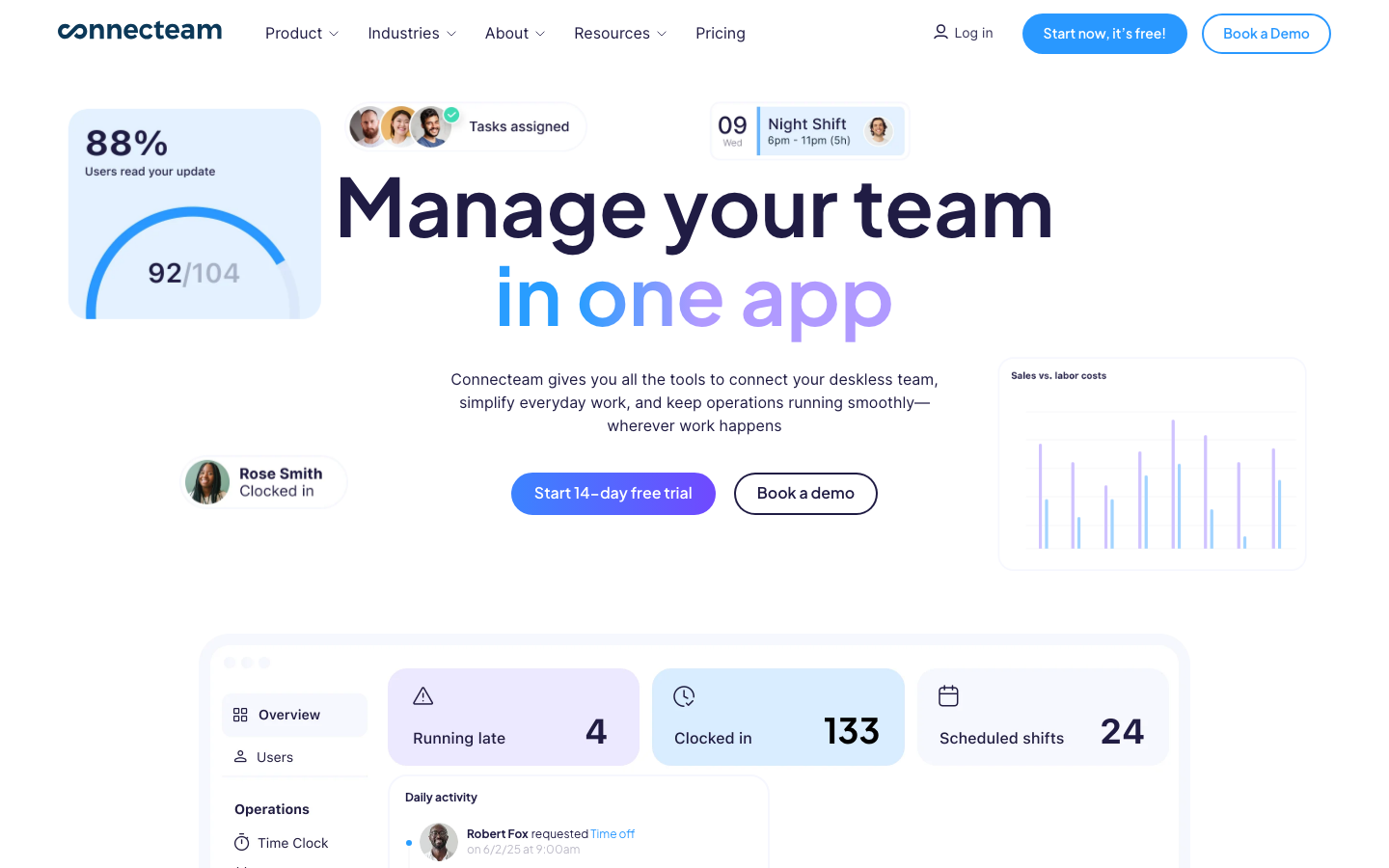
Connecteam is a mobile-first workforce management solution for deskless and frontline teams, combining scheduling, a GPS time clock, task management, and team communication. It is built for people who never sit at a desk.
Software Pros
- Genuinely mobile-first design
- GPS time clock for field teams
- Task management and chat built in
- Affordable for frontline teams
Software Cons
- Lighter on enterprise analytics
- Not built for salaried offices
- Advanced features need higher tiers
Connecteam Review
What stood out to me about Connecteam is that the phone is the primary device, not an afterthought, which makes it one of the best mobile workforce management software solutions for field and security crews. I built a schedule and a GPS-verified clock-in without touching a laptop. Its communication and task tools suit deskless work well, though a data-heavy enterprise wanting deep labor analytics may find it lighter than a full suite. For frontline managers, though, the speed of scheduling on a phone is the feature that is actually used.
Our Verdict
Mobile-First Deskless WFM
Dayforce
Quick Overview
Dayforce delivers enterprise workforce management with AI scheduling and continuous, real-time labor calculations within a single HCM platform. The workforce management platform is well-suited to large, complex shift-based operations.
Software Pros
- AI-assisted scheduling
- Real-time labor calculation
- Strong for complex shift rules
- Unified with the HCM suite
Software Cons
- Enterprise scale and pricing
- Substantial implementation
- Overbuilt for simple teams
Dayforce Review
In my assessment of Dayforce, the continuous calculation set it apart: labor cost updated as schedules and hours changed, so managers saw the impact of a shift swap immediately. For large healthcare or retail operations with intricate rules, that live view is valuable. It is an enterprise commitment, so a small hourly business would incur costs and complexity well beyond what its scheduling actually requires.
Our Verdict
Continuous-Calculation Enterprise WFM
Deel
Quick Overview
Deel is a global workforce platform managing international teams, contractors, and workforce data across more than 150 countries. Its workforce management strength is breadth of geography rather than deep shift scheduling.
Software Pros
- Coverage across 150-plus countries
- Manages contractors and workers
- Strong compliance context
- Good for distributed teams
Software Cons
- Lighter on shift scheduling
- Not built for deskless rostering
- Overlaps with HR more than WFM
Deel Review
While reviewing Deel for workforce management, its edge was global reach: coordinating an international, distributed team from one platform makes it one of the best global workforce management software options. I managed workers across countries with a compliance context attached. For shift-heavy rostering, it is lighter than Deputy or UKG, so a retailer or hospital scheduling hourly floors would pair it with, or choose, a dedicated scheduler.
Our Verdict
Global Distributed Workforce Platform
Deputy
Quick Overview
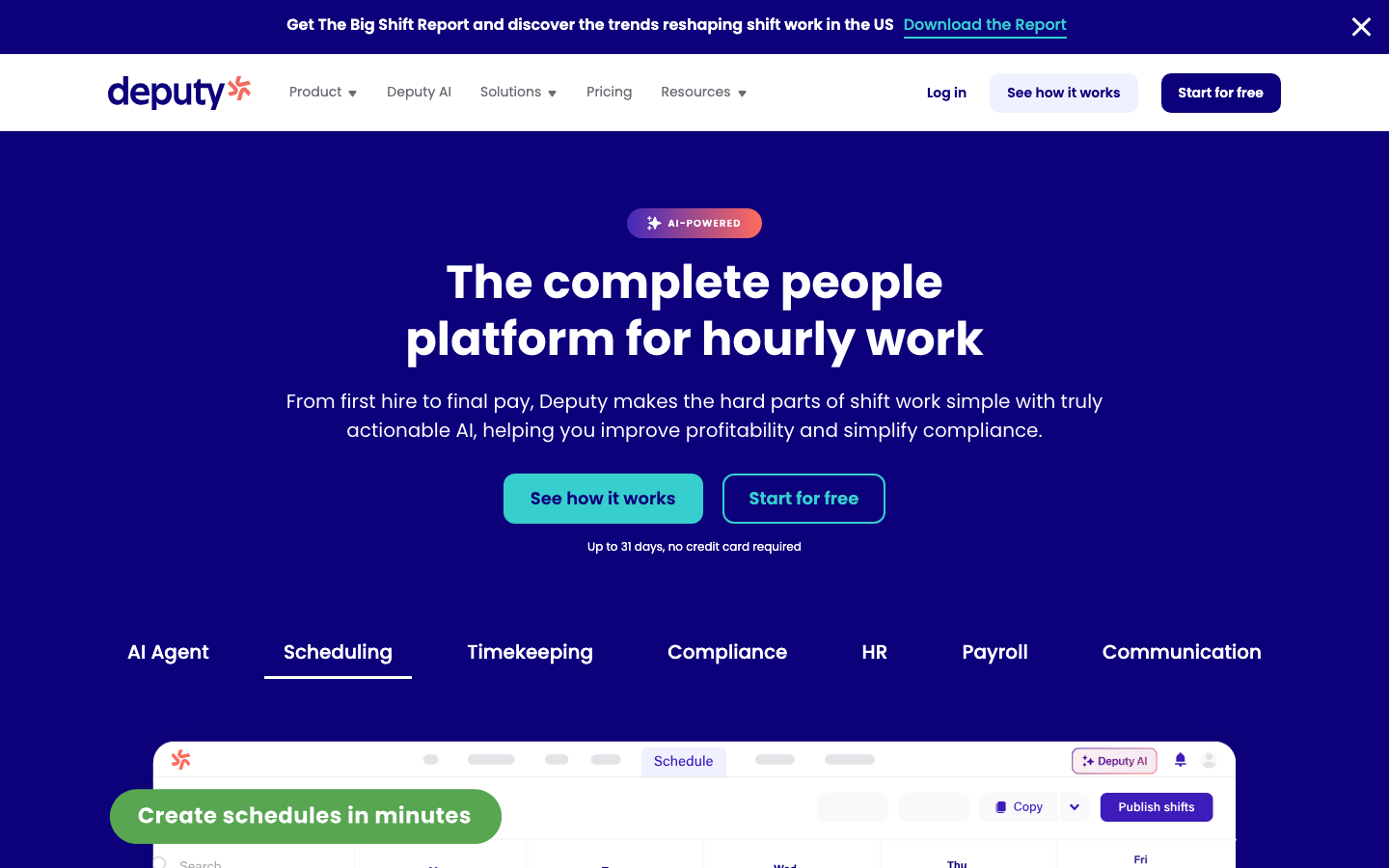
Deputy handles scheduling and time tracking for shift-based teams, with demand-based auto-scheduling and built-in compliance guardrails. The workforce management tool spans shift work across retail, hospitality, and healthcare.
Software Pros
- Demand-based auto-scheduling
- Strong compliance guardrails
- Clean, well-liked interface
- Broad industry fit
Software Cons
- Fewer deep enterprise features
- Costs rise with add-ons
- Reporting is mid-depth
Deputy Review
During my evaluation, Deputy hit a sweet spot between power and usability: auto-scheduling filled shifts based on demand, while compliance rules flagged issues before they became problems. Across retail, hospitality, and healthcare floors, it adapted well. It is not as deep as UKG at the largest enterprise scale, so a global hospital system with the most complex rules might still lean toward a heavier suite.
Our Verdict
Versatile Shift-Scheduling WFM
Homebase
Quick Overview
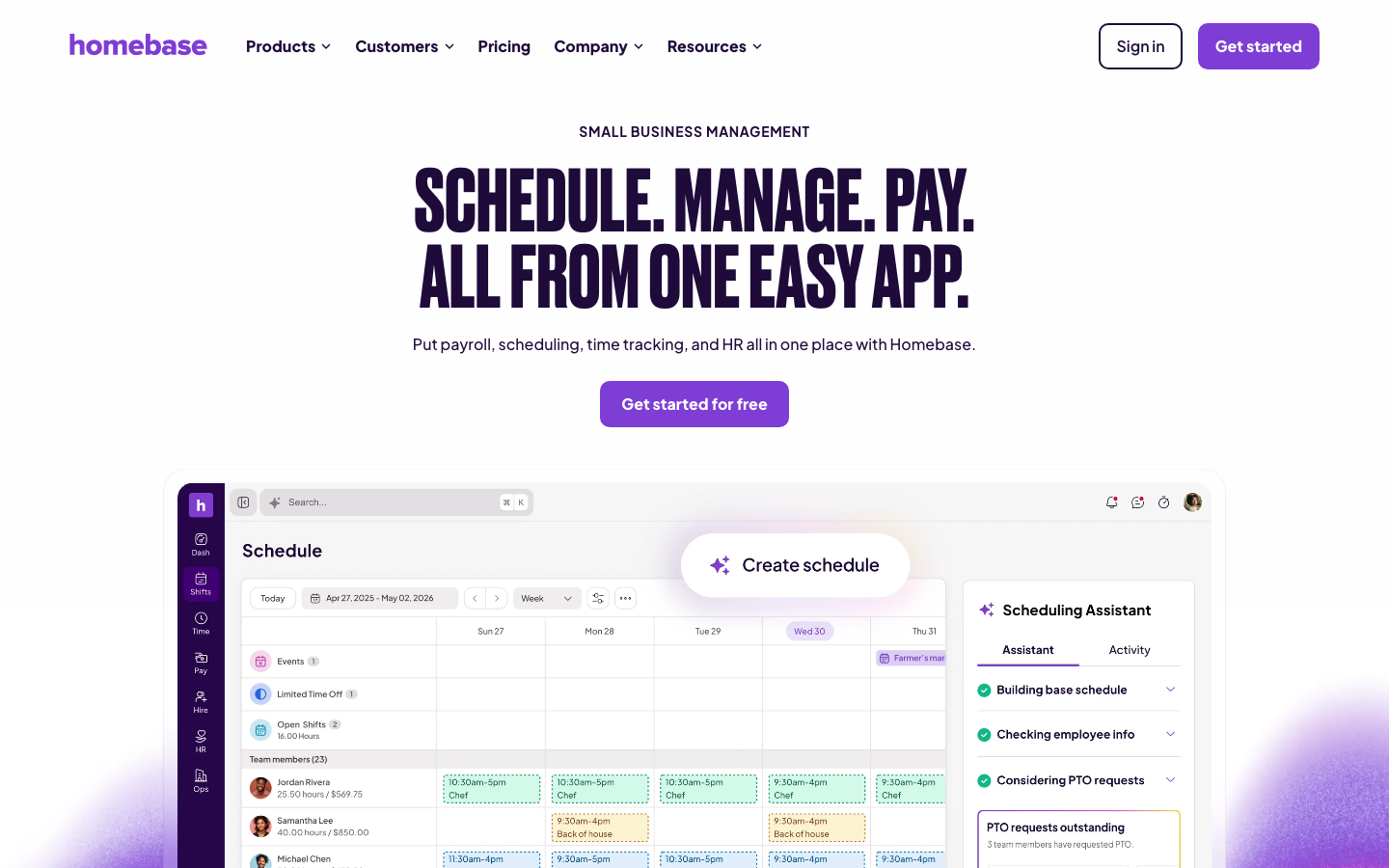
Homebase offers free-tier scheduling, time tracking, and team management for hourly teams in retail, restaurants, and services. The workforce management platform is aimed squarely at small hourly businesses.
Software Pros
- Genuinely useful free tier
- Simple scheduling and time tracking
- Good for small hourly teams
- Easy for non-technical managers
Software Cons
- Limited at a larger scale
- Advanced features are paid
- Lighter labor analytics
Homebase Review
What stood out to me about Homebase is the free entry point: a small cafe or shop can schedule and track time without paying anything, which considerably lowers the barrier. I set up a rota and time clock in minutes. It is built for small teams, so a growing multi-site operation or an enterprise floor will outgrow its depth and want a more analytical platform before long.
Our Verdict
Free WFM For Small Teams
Legion
Quick Overview
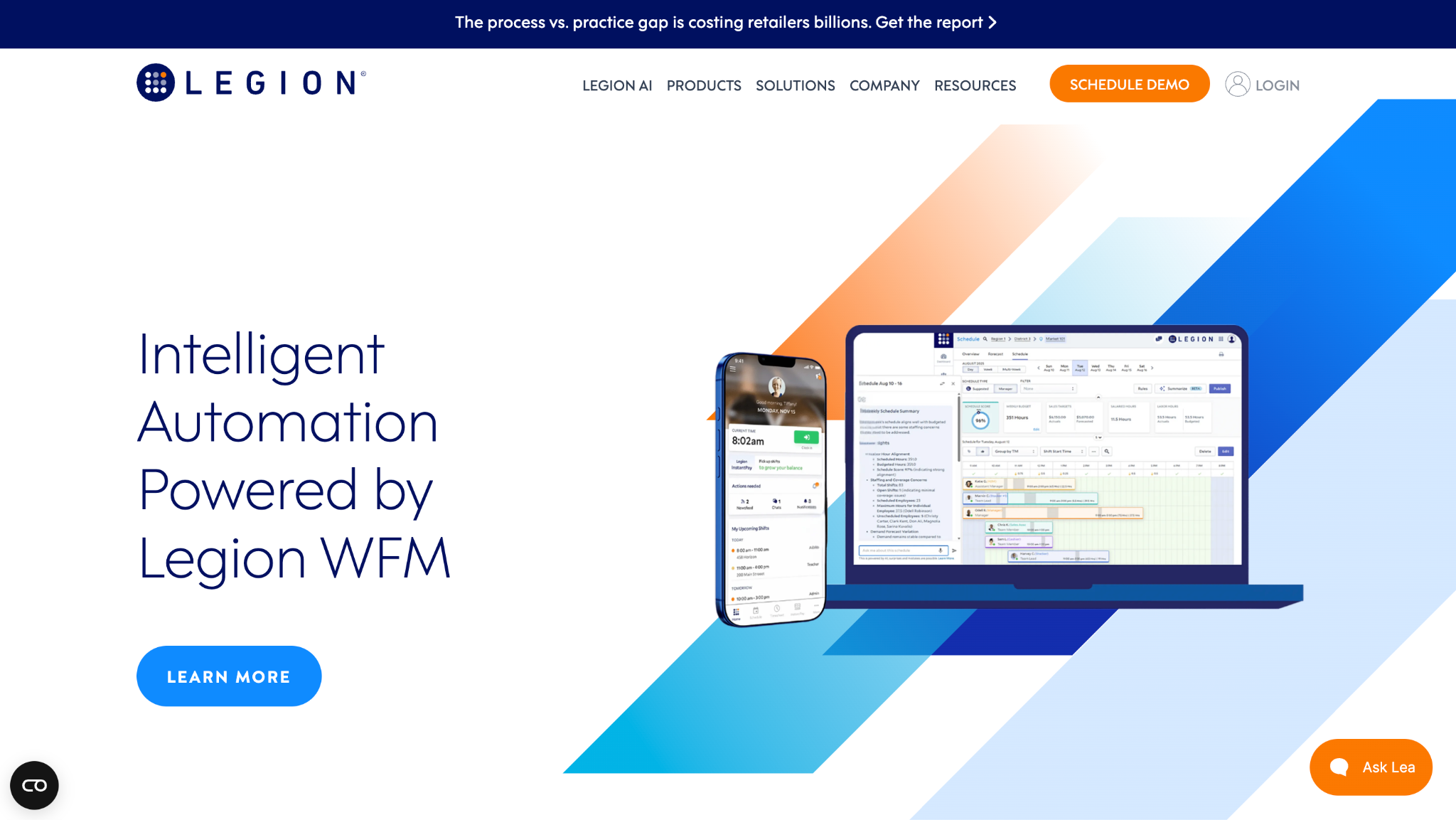
Legion is an AI-driven workforce management system that matches labor to forecasted demand and optimizes schedules for hourly retail and service teams. It leads with labor optimization rather than general HR.
Software Pros
- Strong AI demand forecasting
- Labor cost optimization
- Automated schedule generation
- Built for hourly operations
Software Cons
- Narrower than broad suites
- Best for retail and service
- Setup needs clean demand data
Legion Review
In my assessment of Legion, the forecasting was the headline: it modeled demand and generated schedules that balanced service levels against labor costs more sharply than manual rostering did. For a retailer or service chain chasing efficiency, that optimization is the point. It is focused on labor rather than broad HR or communication, so teams wanting an all-in-one people tool should look wider. In a demand-driven retail environment, that sharper labor math can pay for the platform on its own.
Our Verdict
AI Labor-Optimization WFM
Oracle
Quick Overview
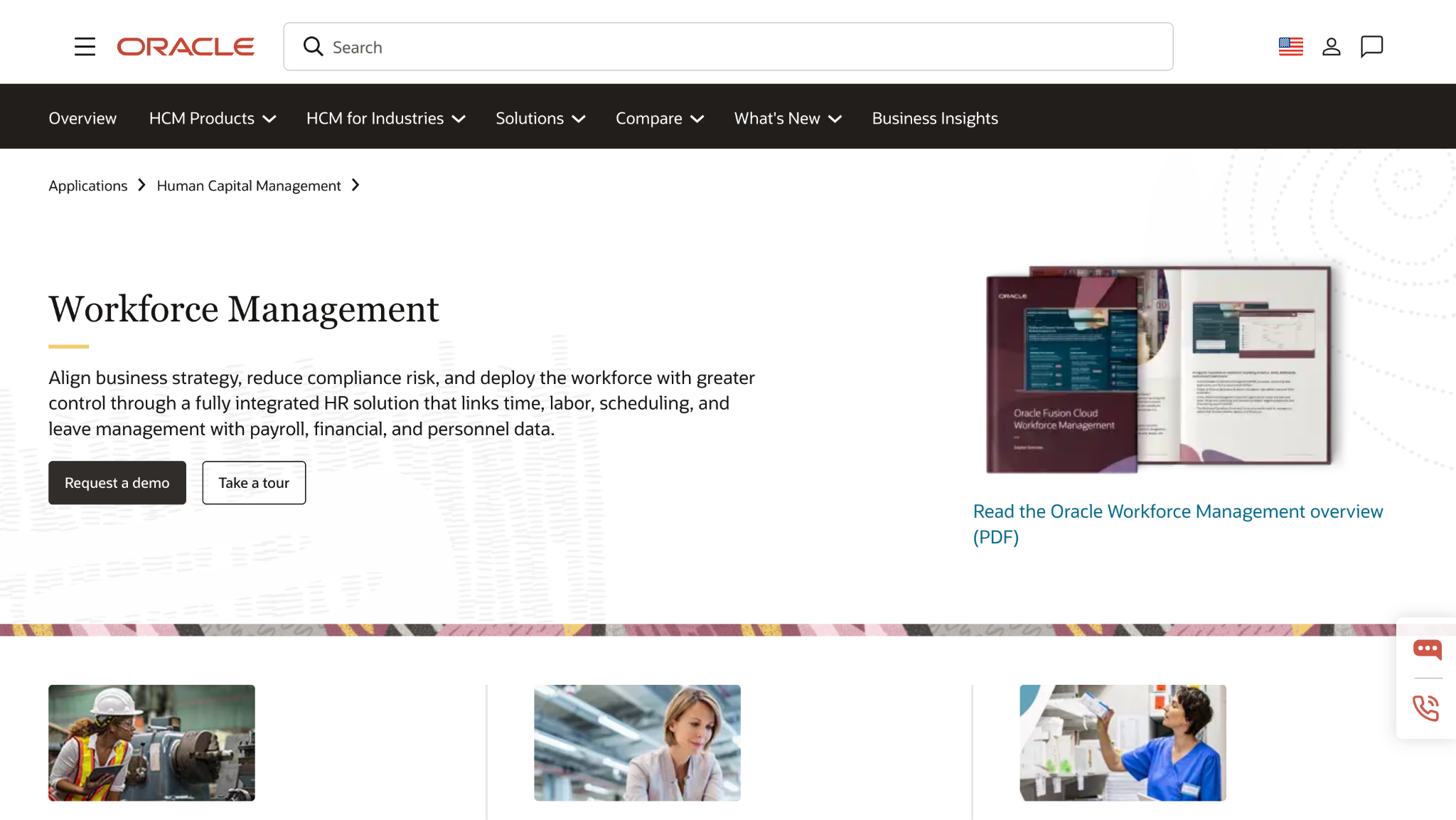
Oracle runs enterprise workforce management within Oracle Cloud HCM: scheduling, time, labor costing, and absence tied to Oracle ERP and Finance. The workforce management platform fits organizations on the Oracle stack.
Software Pros
- Tied to Oracle ERP and Finance
- Labor costing and absence
- Enterprise-grade controls
- Single data model with HCM
Software Cons
- Best value only inside Oracle
- Heavy implementation
- Needs specialist administration
Oracle Review
During my evaluation, Oracle’s WFM was compelling mainly for organizations already committed to Oracle Cloud, where scheduling and labor cost flowed into the same ledger as everything else. Its controls were enterprise-grade. Outside that ecosystem, the case weakens, since it expects a major implementation and skilled administrators, so it rewards existing Oracle shops far more than teams shopping fresh for a scheduler.
Our Verdict
Oracle-Native Enterprise WFM
Paylocity
Quick Overview
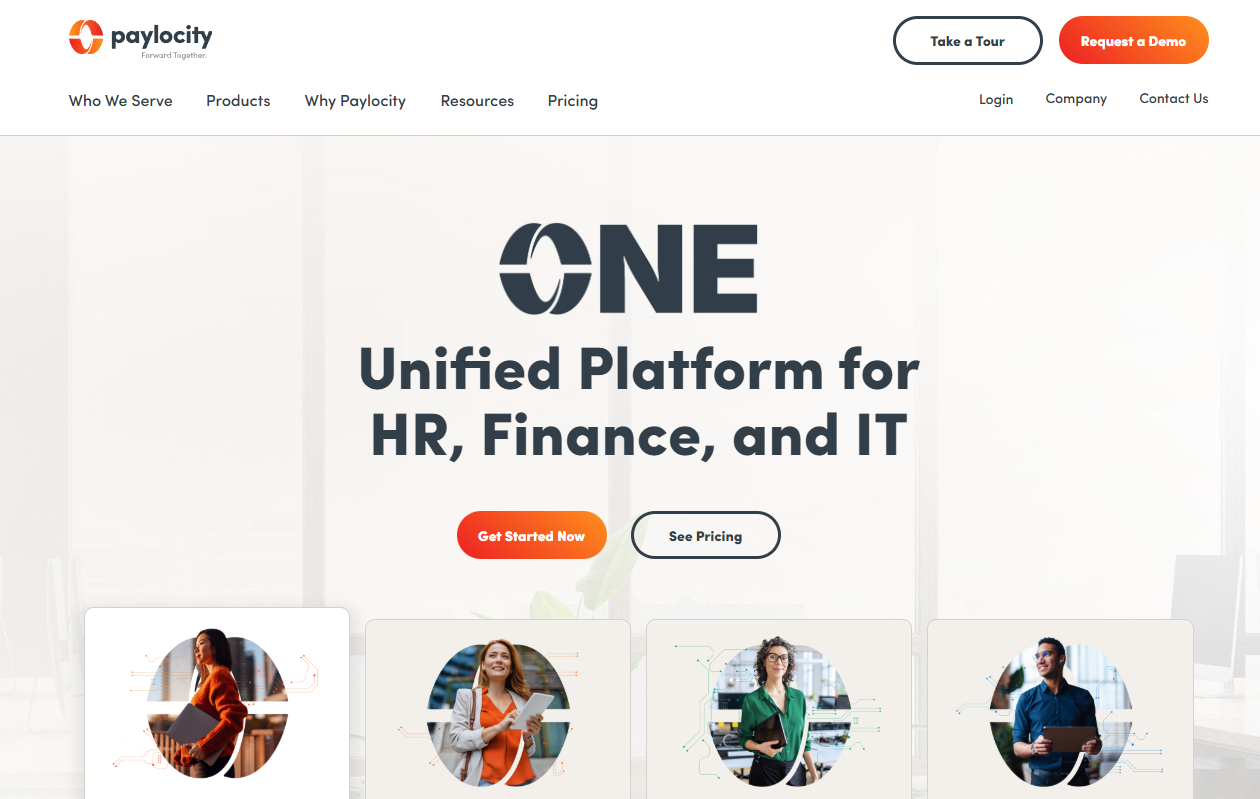
Paylocity is a modern HR and workforce management SaaS platform that combines scheduling, time and attendance, and self-service. It pairs WFM with HR for mid-to-large US organizations.
Software Pros
- HR and WFM on one platform
- Modern self-service tools
- Solid time and scheduling
- Good employee engagement
Software Cons
- US-focused, not global
- Lighter at mega-enterprise scale
- WFM depth trails pure specialists
Paylocity Review
While reviewing Paylocity, the draw was integration: scheduling and time sat beside HR and self-service, so managers and staff worked in one modern system rather than several. For a mid-to-large US organization wanting HR and WFM together, it fits well. Its scheduling is capable rather than specialist, so a shift-intensive retailer or hospital may still prefer a dedicated labor-optimization tool alongside.
Our Verdict
Unified HR And WFM SaaS
Rippling
Quick Overview
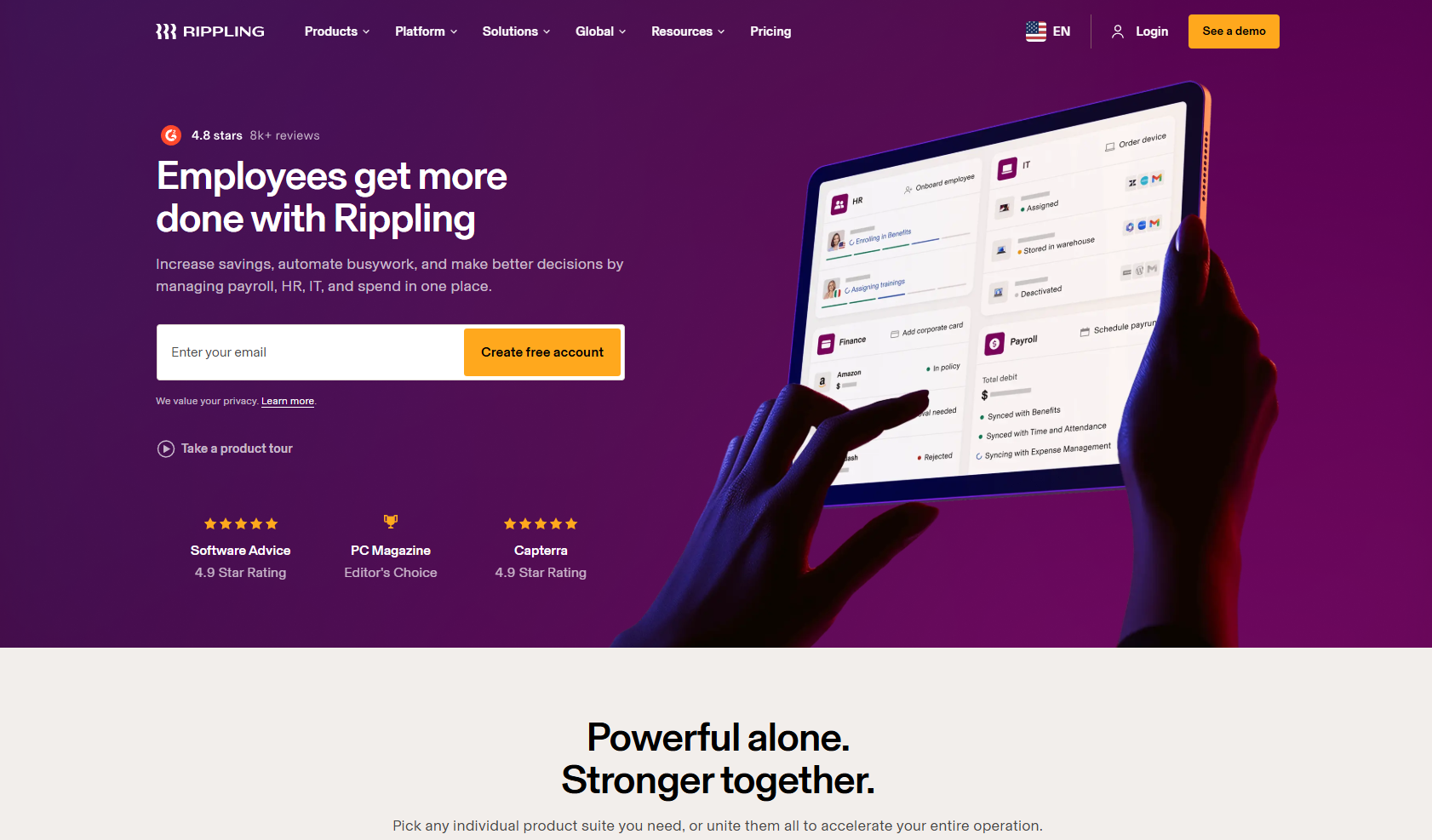
Rippling unifies workforce management with HR, IT, and payroll into a single employee record, syncing approved hours and automating shift workflows. The workforce management solution suits tech-forward and distributed companies.
Software Pros
- One record across HR, IT, and WFM
- Automated shift workflows
- Approved hours sync cleanly
- Powerful automation rules
Software Cons
- Best value only inside Rippling
- WFM is one module of many
- Less shift-specialist depth
Rippling Review
What stood out to me about Rippling is continuity: approved hours flowed straight from scheduling into the same record that runs HR and pay, which makes it one of the best remote workforce management software choices for distributed teams. I automated a shift approval end-to-end. As a pure shift scheduler, it is less specialized than Deputy, so a deskless retail floor may want a focused tool beside it. For a distributed company that values a single connected record over specialist rostering, the trade-off is usually worth it.
Our Verdict
Unified Automated Workforce Platform
UKG
Quick Overview
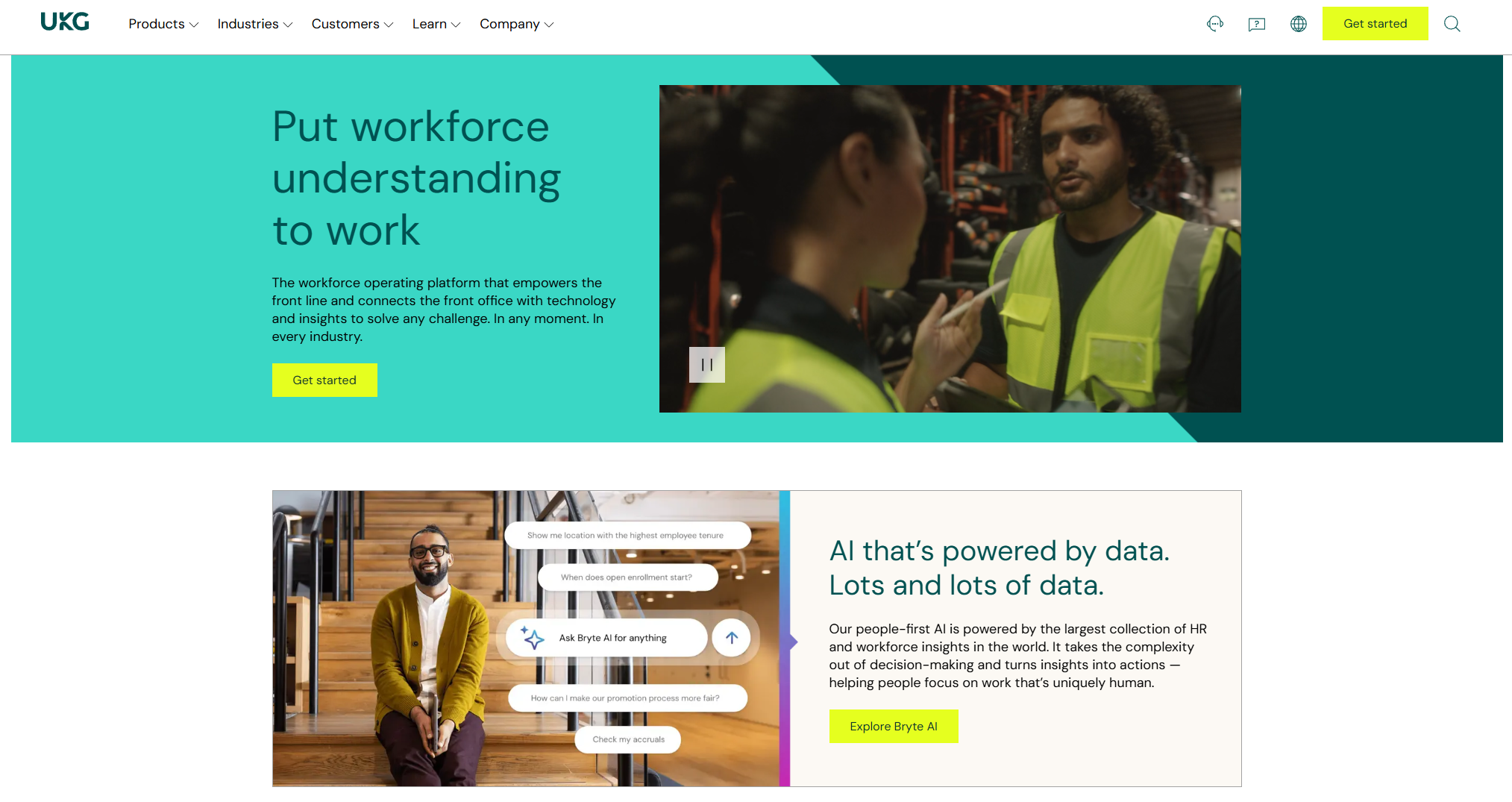
UKG, formerly Kronos, is an enterprise workforce management leader with AI scheduling, labor forecasting, and deep compliance capabilities for complex shift industries. It is a benchmark best enterprise workforce management software for healthcare and retail.
Software Pros
- Deep AI scheduling and forecasting
- Strong healthcare and retail credentials
- Rich compliance handling
- Proven at large scale
Software Cons
- Complex, lengthy implementation
- Premium enterprise pricing
- Overbuilt for small teams
UKG Review
In my assessment of UKG, its depth in complex shift industries was clear: staffing ratios, 24/7 patterns, and labor rules that break lighter tools were handled with room to spare. For a hospital network or a national retailer, that rigor is the draw. The cost is a serious implementation and premium pricing, so a small hourly business would pay for a capability it could never fully use. For the most demanding shift environments, however, few platforms match its depth of labor rules and forecasting.
Our Verdict
Enterprise Shift-Scheduling Leader
When I Work
Quick Overview
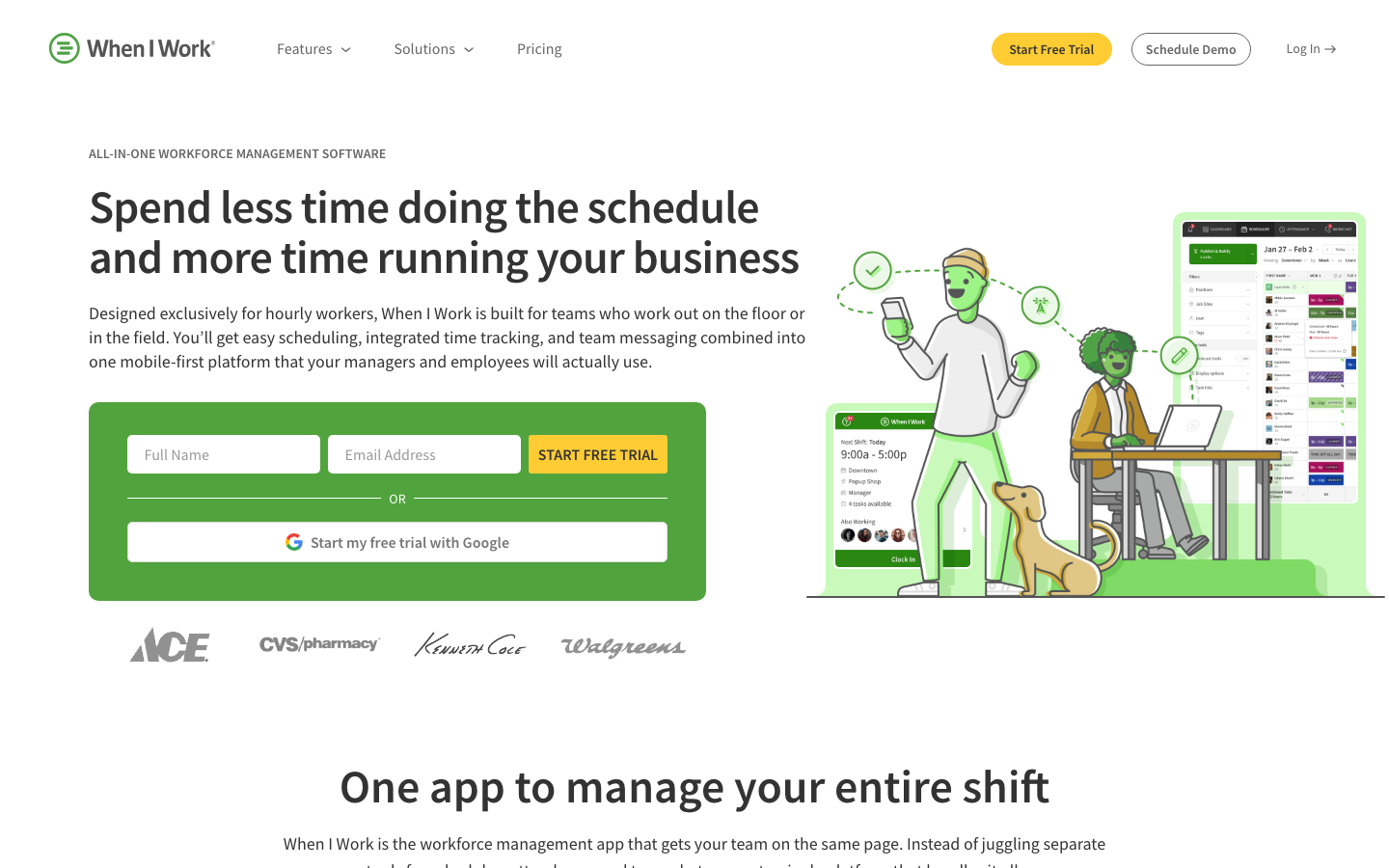
When I Work is mobile employee scheduling and time tracking for hourly teams, with shift swaps, availability, and team messaging. The workforce management tool keeps the day-to-day on a phone.
Software Pros
- Simple mobile scheduling
- Easy shift swaps and availability
- Built-in team messaging
- Fast to roll out
Software Cons
- Lighter labor analytics
- Fewer enterprise controls
- Best for small-to-mid teams
When I Work Review
During my evaluation, When I Work felt made for the manager running a rota from a phone between shifts, which makes it one of the best mobile workforce management software 2026 picks for hourly retail and hospitality. I swapped shifts and messaged the team without a desktop. It is lighter on deep labor analytics, so a large enterprise chasing demand-based optimization would look to Legion or UKG instead.
Our Verdict
Simple Mobile Shift Scheduling
Workday
Quick Overview
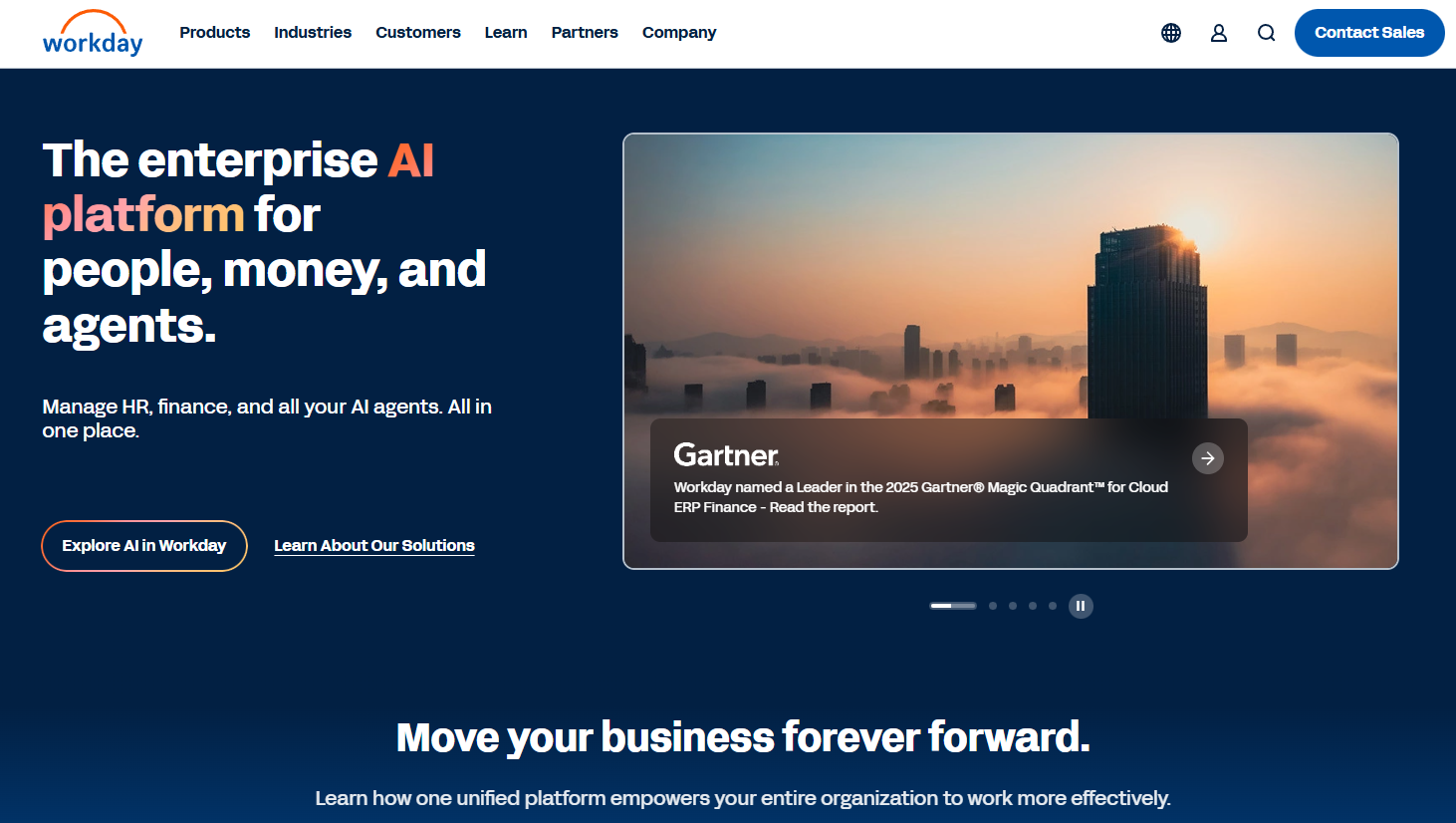
Workday runs enterprise workforce management within Workday HCM, tying labor scheduling and optimization to skills, demand, and a single data model. The workforce management platform targets large global enterprises.
Software Pros
- Scheduling tied to skills and demand
- Single data model with HCM
- Strong analytics and controls
- Built for global scale
Software Cons
- Major implementation timeline
- Premium pricing
- Best value inside Workday
Workday Review
While reviewing Workday’s WFM, the strength was coherence: labor scheduling drew on the same skills and demand data as the rest of the HCM, so decisions reflected the whole picture. For a large global enterprise, that unity is powerful. The commitment is a full implementation and budget, so it fits organizations standardizing on Workday rather than those wanting a standalone scheduler.
Our Verdict
Global Enterprise WFM Suite
FAQs About Workforce Management Software
What is the best workforce management software?
There is no single winner, since the right tool depends on your industry and team structure. Enterprise suites like UKG, Workday, and Dayforce are well-suited to large, complex operations. Deputy and Paylocity fit the mid-market, Connecteam and When I Work lead on mobile and deskless work, and 7shifts and Legion win their verticals. In short, the best software for workforce management is whichever one genuinely matches how your people actually work day to day.
What is the best workforce management software for hospitals and healthcare?
For clinical settings, the best workforce management software for hospitals usually comes from UKG, Workday, Dayforce, and Deputy, which handle staffing ratios, 24/7 shift patterns, and PBJ compliance. The best workforce management software for healthcare, more broadly, also depends on how tightly it integrates with your HCM and payroll.
Dedicated clinician-scheduling tools exist too, so the best healthcare workforce management software for a large hospital network may pair an enterprise WFM suite with a specialist physician- or nurse-scheduling system for the most complex rostering.
What is the best workforce management software for retail?
In retail, the best workforce management software for retail teams tends to be UKG, Legion, Deputy, and When I Work. The differentiators are demand forecasting that matches staff to foot traffic and compliance with Fair Workweek and predictive-scheduling laws. Legion leans hardest on AI labor optimization, while Deputy and When I Work win on everyday usability for store managers.
What is the best restaurant workforce management software?
For foodservice, the best restaurant workforce management software is most often 7shifts, Homebase, When I Work, or Deputy. The features that matter are tip pooling, meal-break compliance, and sales-based labor forecasting. 7shifts is the most restaurant-specific, while Homebase suits smaller sites, and When I Work keeps scheduling simple on mobile.
What is the best security workforce management software?
For guarding operations, Connecteam and Deputy cover general shift and field scheduling well, so either is a reasonable best security workforce management software starting point. That said, purpose-built guard platforms such as TrackTik and Belfry add guard tours, incident reporting, and license tracking that general WFM tools lack, so security firms often run one alongside.
What is the best mobile, remote, or hybrid workforce management software?
For deskless and mobile teams, Connecteam, When I Work, and Deputy lead, and the best remote workforce management software 2026 shortlists usually feature Rippling and Deel for distributed, cross-border teams.
For blended setups, the best hybrid workforce management software is typically Rippling, Deel, UKG, or Deputy, since each can coordinate a mix of on-site, remote, and shift-based staff in a single system without forcing everyone into the same mold.
What is the best enterprise or global workforce management software?
At the top of the market, UKG, Workday, Dayforce, ADP Workforce Now, and Oracle are the usual enterprise names, built for scale, compliance, and complex shift rules. For multi-country coordination, the best global workforce management software 2026 buyers weigh includes UKG, Workday, Deel, ADP Workforce Now, and Rippling, which handle scheduling and compliance across borders.
How much does workforce management software cost?
Pricing depends on scale. Lightweight scheduling apps often run roughly $2 to $15 per user per month, sometimes with a free tier like Homebase. Enterprise suites such as UKG, Workday, and Oracle are custom-quoted per employee plus implementation. As with any large system, factor in rollout, integrations, and training, not just the per-seat price, before you compare across vendors.

Yaryna is our lead writer with over 8 years of experience in crafting clear, compelling, and insightful content. Specializing in global employment and EOR solutions, she simplifies complex concepts to help businesses expand their remote teams with confidence. With a strong background working alongside diverse product and software teams, Yaryna brings a tech-savvy perspective to her writing, delivering both in-depth analysis and valuable insights.