Knowledge Management Tools in 2026: What They Are and Why Teams Need Them
Knowledge management tools are software platforms designed to help organizations capture, organize, store, and share institutional knowledge and information across teams and departments. These knowledge management solutions enable companies to create searchable repositories of documentation, procedures, best practices, and expertise that can be accessed by employees when needed. Modern knowledge management platforms go beyond simple document storage to include features like collaborative editing, automated content organization, and intelligent search capabilities.
Companies need these tools for several critical reasons in 2026. As remote and hybrid work models continue to reshape how teams collaborate, organizations struggle with knowledge silos and information scattered across multiple platforms. According to McKinsey & Company research, knowledge workers spend up to 20% of their time searching for internal information. The International Data Corporation (IDC) reports that Fortune 500 companies lose $31.5 billion annually due to failing to share knowledge effectively.
Additionally, these knowledge management system software solutions help organizations preserve institutional knowledge as experienced employees retire or change roles, while also supporting training and onboarding processes. Many companies integrate their knowledge management software with time and attendance software and employee training solutions to create comprehensive workplace efficiency systems. According to Deloitte’s Future of Work research, organizations with effective knowledge management systems see 35% faster decision-making and 25% increase in productivity. The Harvard Business Review emphasizes that successful knowledge management directly impacts innovation, employee satisfaction, and competitive advantage in rapidly changing markets.
Top 27 Knowledge Management Software for 2026
I explored some of the most notable knowledge management platforms that organizations use for capturing, organizing, and sharing institutional knowledge across teams. These solutions represent the best knowledge management tools available today, ranging from specialized knowledge management applications to comprehensive knowledge management software tools that serve multiple organizational functions. Many of these platforms are consistently rated among the top knowledge management software and best knowledge management systems by users and industry analysts. Organizations often evaluate each knowledge management application and knowledge management app to find the right fit for their specific needs. The following knowledge management tools list includes both established knowledge management software vendors and innovative newcomers offering unique approaches to organizational knowledge, with some teams preferring a simple tool for knowledge management over complex enterprise solutions. I’m listing all providers in alphabetical order to maintain a neutral knowledge management software comparison.

Bloomfire

Quick Overview:
Bloomfire is a social knowledge management platform that enables organizations to capture, organize, and share institutional knowledge through various content formats including videos, documents, and discussions. It provides knowledge management tools with particular strength in content discovery and social learning features. Many enterprise teams choose Bloomfire when they need best knowledge management software that encourages active participation and knowledge sharing across distributed organizations.
Software Pros:
- Strong social learning features with content ratings and comments
- Powerful search capabilities with AI-powered content recommendations
- Multiple content format support including video, audio, and documents
Software Cons:
- Can be expensive for smaller organizations with basic knowledge needs
- Interface may feel overwhelming for users preferring simple knowledge bases
- Implementation requires time to build engagement and content adoption
Bloomfire Review:
In my opinion, Bloomfire excels at making knowledge management feel more like a social learning experience rather than a static repository. What stood out to me was how the platform encourages employees to actively engage with content through ratings, comments, and discussions. I found it genuinely helpful when organizations want to capture not just explicit knowledge but also the tacit insights that come from collaborative learning.
Our Verdict
Social Knowledge Discovery Platform
BookStack
Quick Overview:
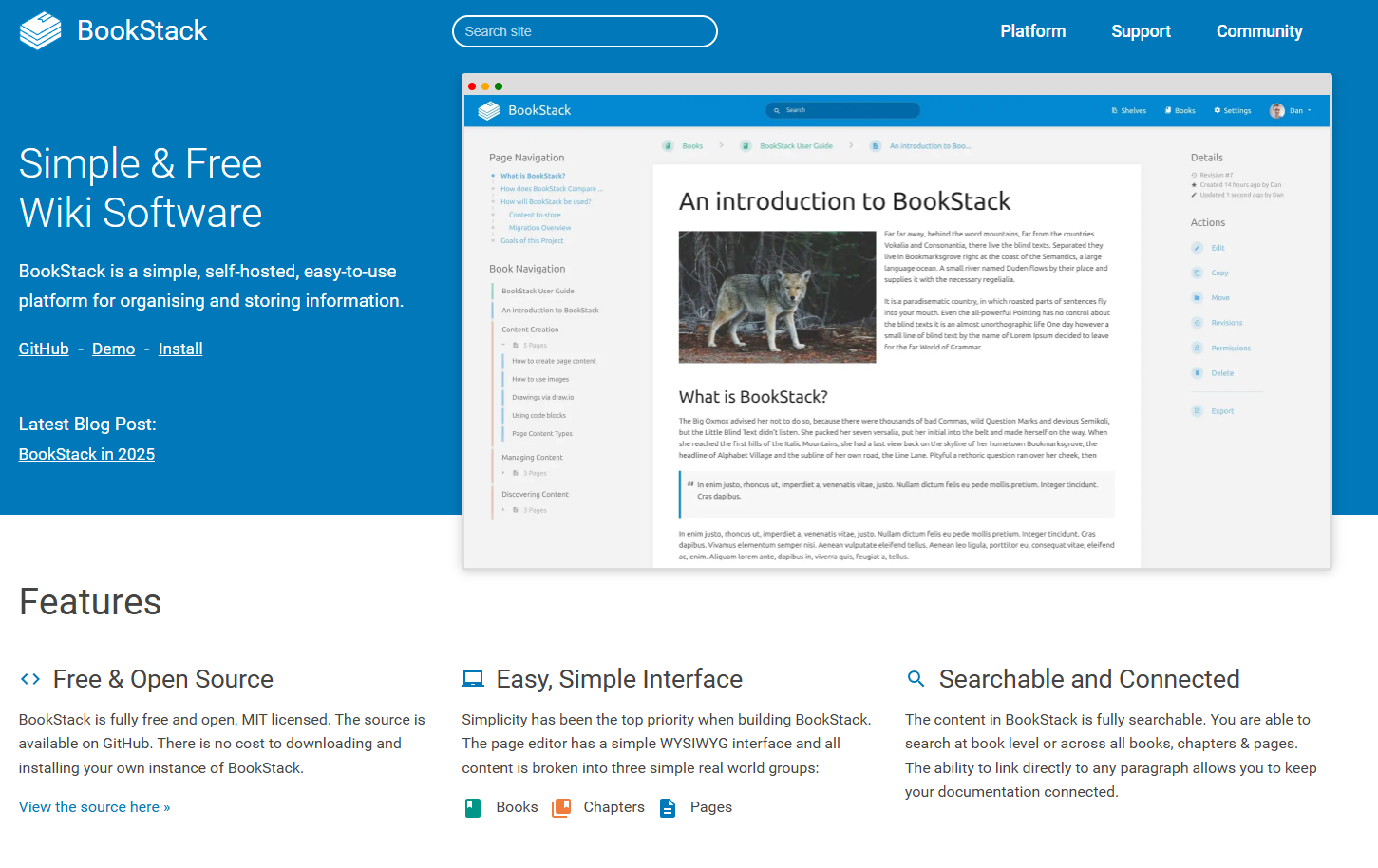
BookStack is an open-source knowledge management solution designed for creating and organizing documentation in a book-like structure with shelves, books, chapters, and pages. It provides simple knowledge management tools that focus on ease of use and clean organization. Many IT teams and small organizations choose BookStack when they need affordable knowledge management software that offers full control and customization without complex features.
Software Pros:
- Open-source solution with no licensing costs and full customization control
- Intuitive book-like organizational structure that’s easy to navigate
- Clean, distraction-free interface focused on content creation and reading
Software Cons:
- Requires technical expertise for installation, maintenance, and customization
- Smaller community and ecosystem compared to commercial alternatives
BookStack Review:
While exploring this tool, I appreciated its straightforward approach to knowledge organization using the familiar book metaphor. I found it easy to set up documentation hierarchies without getting bogged down in complex features. What I noticed fairly quickly was that BookStack works particularly well for technical teams who want control over their knowledge management tool without paying for enterprise features they don’t need.
Our Verdict
Open Source Documentation Platform
Cheat Cheetah

Quick Overview:
Cheat Cheetah is a micro-learning focused knowledge management platform that helps organizations create bite-sized learning content and quick-reference materials for employees. It provides knowledge management solutions with particular strength in creating searchable, scannable content formats. Many training-focused organizations choose Cheat Cheetah when they need tools for knowledge management that prioritize quick information retrieval and just-in-time learning.
Software Pros:
- Micro-learning format optimized for quick information consumption
- Strong search functionality for finding specific procedures or facts quickly
- Mobile-optimized interface enabling knowledge access from anywhere
Software Cons:
- Limited functionality for comprehensive documentation or detailed guides
- May not suit organizations needing traditional knowledge base structures
Cheat Cheetah Review:
I was curious to see how Cheat Cheetah’s micro-learning approach would work in practice, and I found the focus on bite-sized content refreshing for certain use cases. What stood out to me was how quickly users can find and consume specific information without navigating through lengthy documents. I tend to view this as a specialized knowledge management application rather than a comprehensive solution.
Our Verdict
Micro-Learning Knowledge Platform
Coda
Quick Overview:
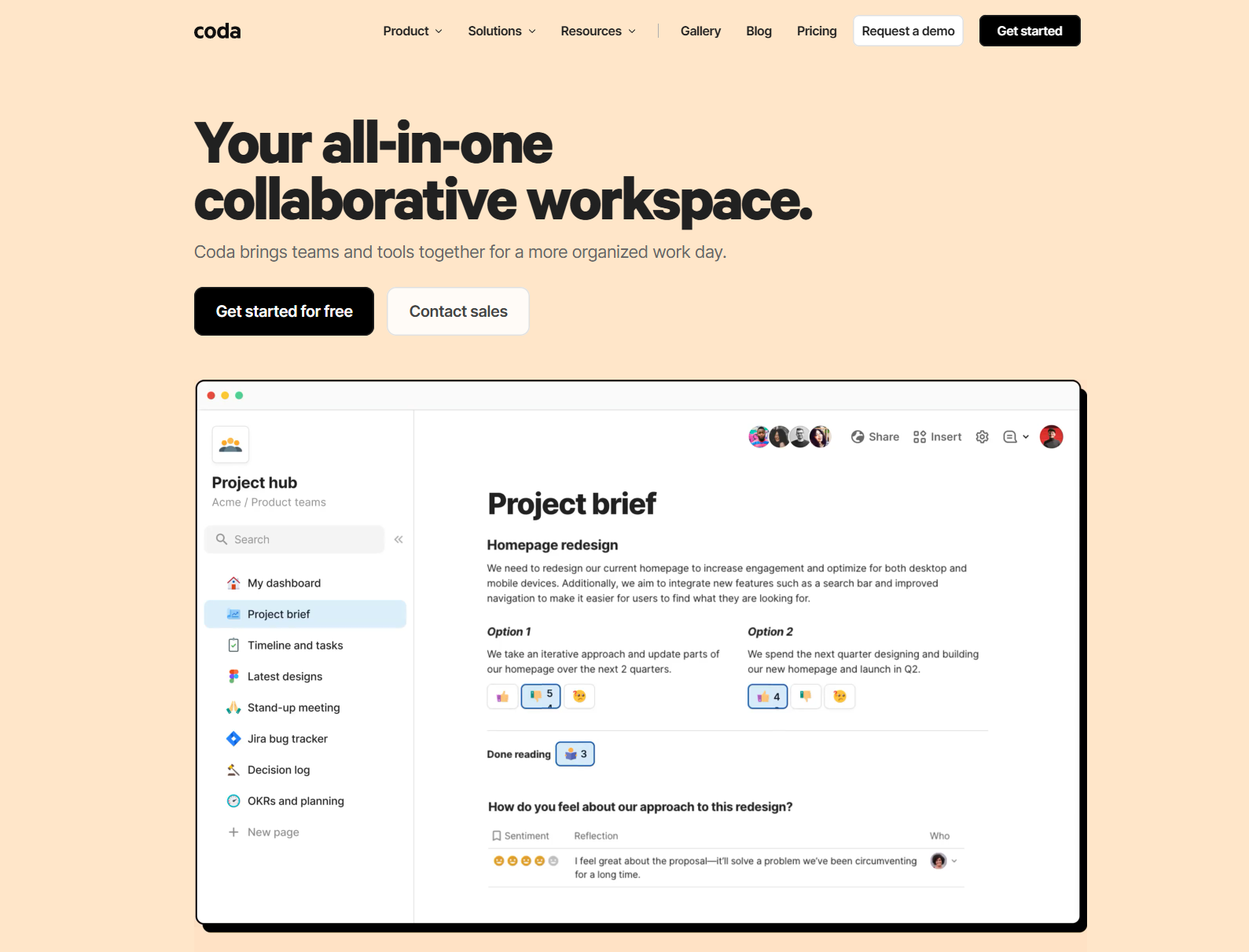
Coda is an all-in-one document and database platform that serves as a knowledge management system software by combining documents, spreadsheets, and databases into flexible workspaces. It offers powerful knowledge management tools with particular strength in creating interactive and dynamic knowledge resources. Many data-driven teams choose Coda when they need best knowledge management platforms that can handle both structured data and unstructured documentation.
Software Pros:
- Flexible document structure combining text, databases, and interactive elements
- Powerful automation and formula capabilities for dynamic knowledge systems
- Strong collaboration features with real-time editing and commenting
Software Cons:
- Steep learning curve for users unfamiliar with database concepts
- Can become complex quickly as documents grow and interconnect
Coda Review:
I approached this tool expecting a traditional document platform, but I found Coda’s hybrid approach to knowledge management genuinely innovative. I spent some time exploring how teams can create living documents that update automatically based on underlying data. What I found especially useful was how it bridges the gap between traditional documentation and structured data management.
Our Verdict
Interactive Document Database Platform
Confluence
Quick Overview:
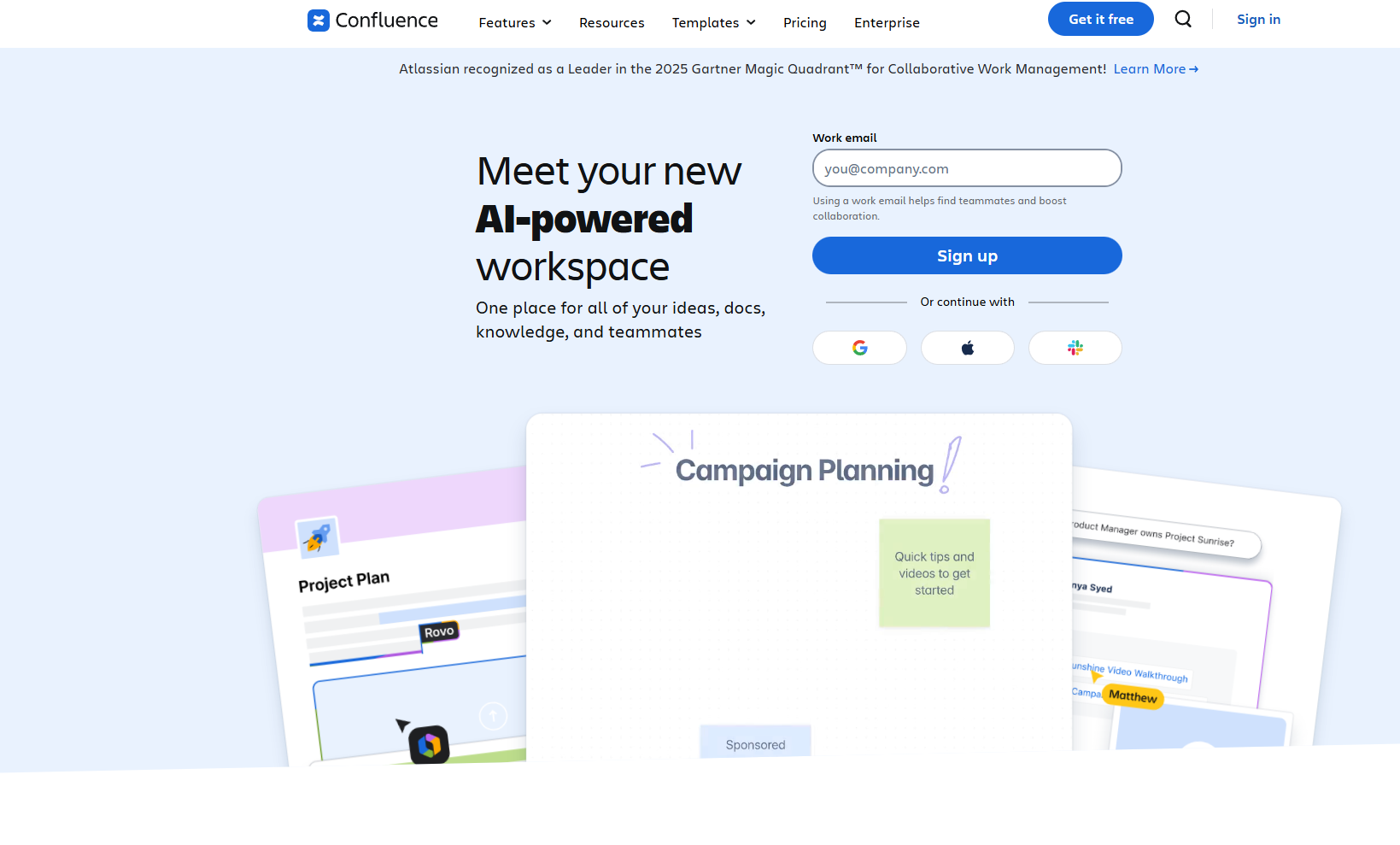
Confluence is a team collaboration and knowledge base platform developed by Atlassian that provides comprehensive knowledge management solutions for creating, organizing, and sharing team documentation and project knowledge. It offers extensive knowledge management software tools with particular strength in integration with development workflows. Many software development teams choose Confluence when they need top knowledge management software that integrates seamlessly with project management and development tools.
Software Pros:
- Deep integration with Atlassian suite including Jira for project-linked documentation
- Powerful macro system enabling rich content creation and dynamic pages
- Robust permission system for controlling access to sensitive knowledge areas
Software Cons:
- Can feel overwhelming for non-technical users or simple documentation needs
- Performance can slow down with large amounts of content and heavy usage
Confluence Review:
I’ve found that Confluence works exceptionally well for technical teams who need their knowledge management platform tightly integrated with their development workflow. I liked how naturally it fits into existing Atlassian ecosystems, making project documentation feel seamless. However, I’ve noticed that non-technical teams sometimes find the interface more complex than they need for basic knowledge sharing.
Our Verdict
Enterprise Team Collaboration Platform
Craft
Quick Overview:
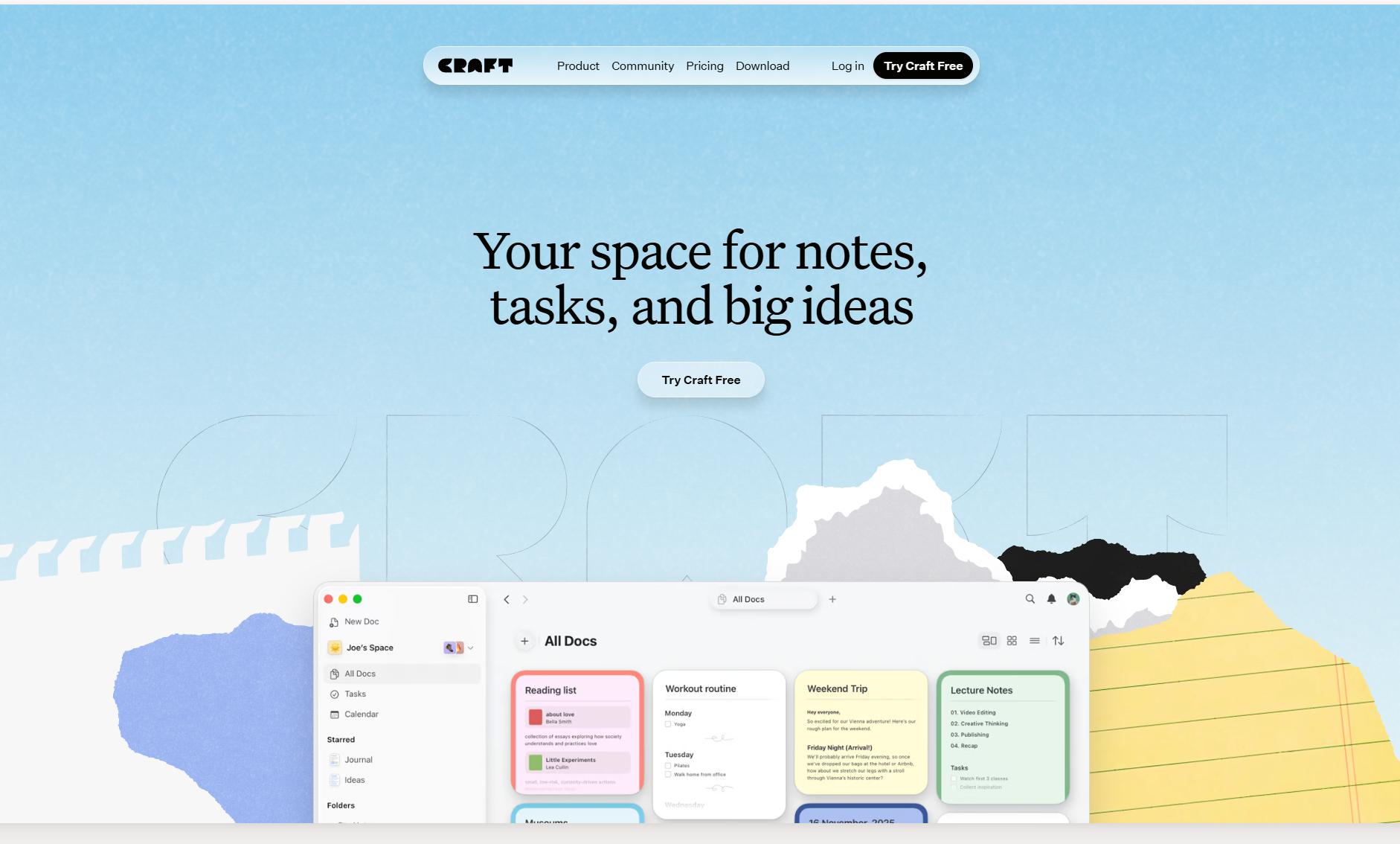
Craft is a structured document creation and knowledge management platform designed for individuals and teams who need elegant, organized knowledge capture with powerful linking and organizational capabilities. It provides knowledge management application tools with particular strength in visual organization and cross-platform accessibility. Many creative professionals and knowledge workers choose Craft when they need best knowledge management systems that balance powerful features with beautiful, intuitive design.
Software Pros:
- Beautiful, intuitive interface with excellent typography and visual design
- Strong linking system connecting ideas and documents across the knowledge base
- Excellent cross-platform support with native apps for multiple devices
Software Cons:
- Primarily focused on individual and small team use rather than enterprise scale
- Limited integration options compared to business-focused knowledge platforms
Craft Review:
What stood out to me about Craft was how it makes knowledge management feel elegant and enjoyable rather than purely functional. I found it genuinely helpful when creating interconnected documentation where visual presentation matters. I appreciated the way it handles both structured information and free-form thinking, though I’d position this primarily as a tool for individuals and small creative teams.
Our Verdict
Beautiful Personal Knowledge Management
Dendron
Quick Overview:
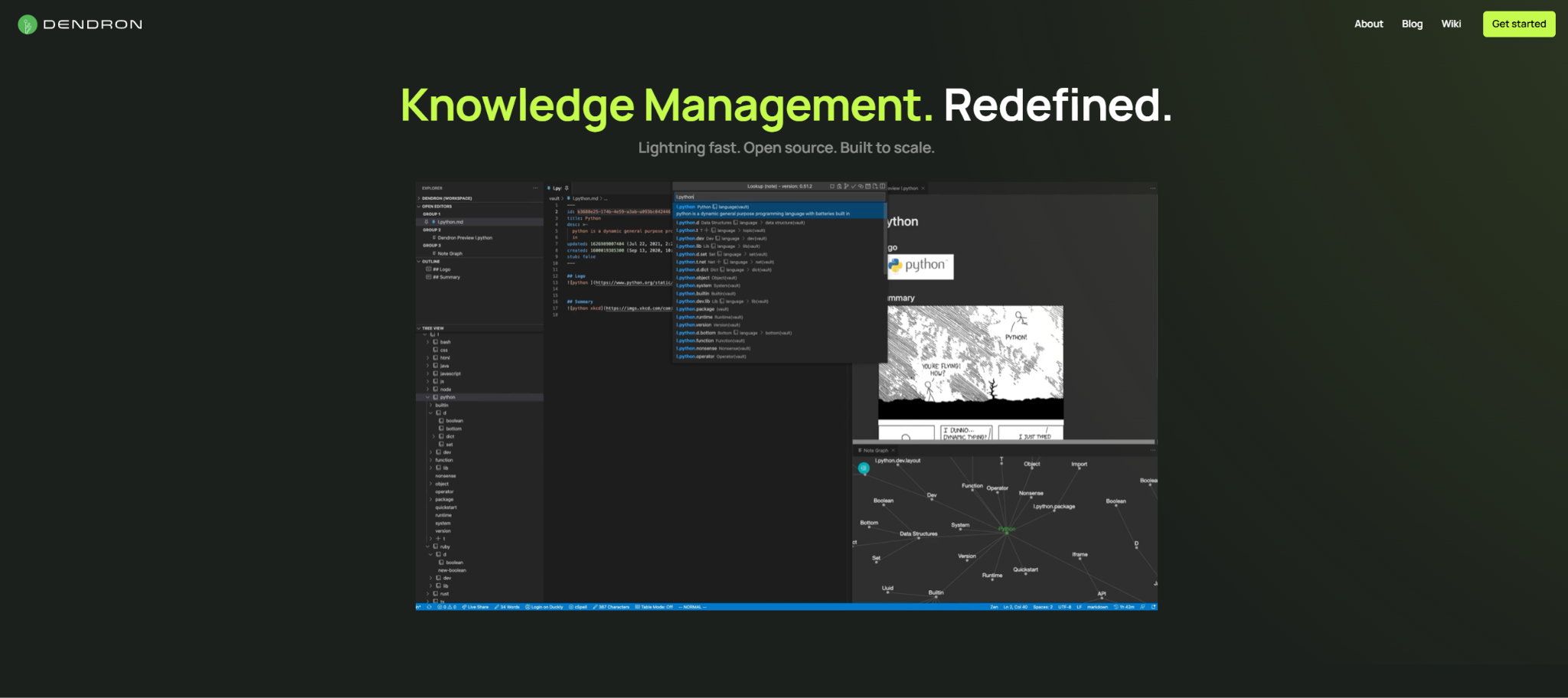
Dendron is a structured note-taking and knowledge management system built as a VSCode extension that uses hierarchical schemas and powerful search capabilities for organizing large knowledge bases. It provides knowledge management software tools specifically designed for developers and technical users who prefer working within their code editor. Many software engineers choose Dendron when they need knowledge management platforms that integrate directly into their development environment.
Software Pros:
- Seamless integration with VSCode providing familiar development environment
- Hierarchical schema system for organizing large-scale knowledge bases
- Powerful search and linking capabilities with excellent performance
Software Cons:
- Limited to users comfortable with VSCode and markdown-based workflows
- Steeper learning curve compared to traditional knowledge management applications
Dendron Review:
I was curious to see how a VSCode-native knowledge management solution would work, and I found Dendron surprisingly powerful for technical knowledge organization. What I noticed fairly quickly was how naturally it fits into developer workflows without requiring context switching. However, I tend to view this as a specialized solution for technical teams rather than a general-purpose knowledge management platform.
Our Verdict
Developer-Focused Knowledge System
Document360
Quick Overview:
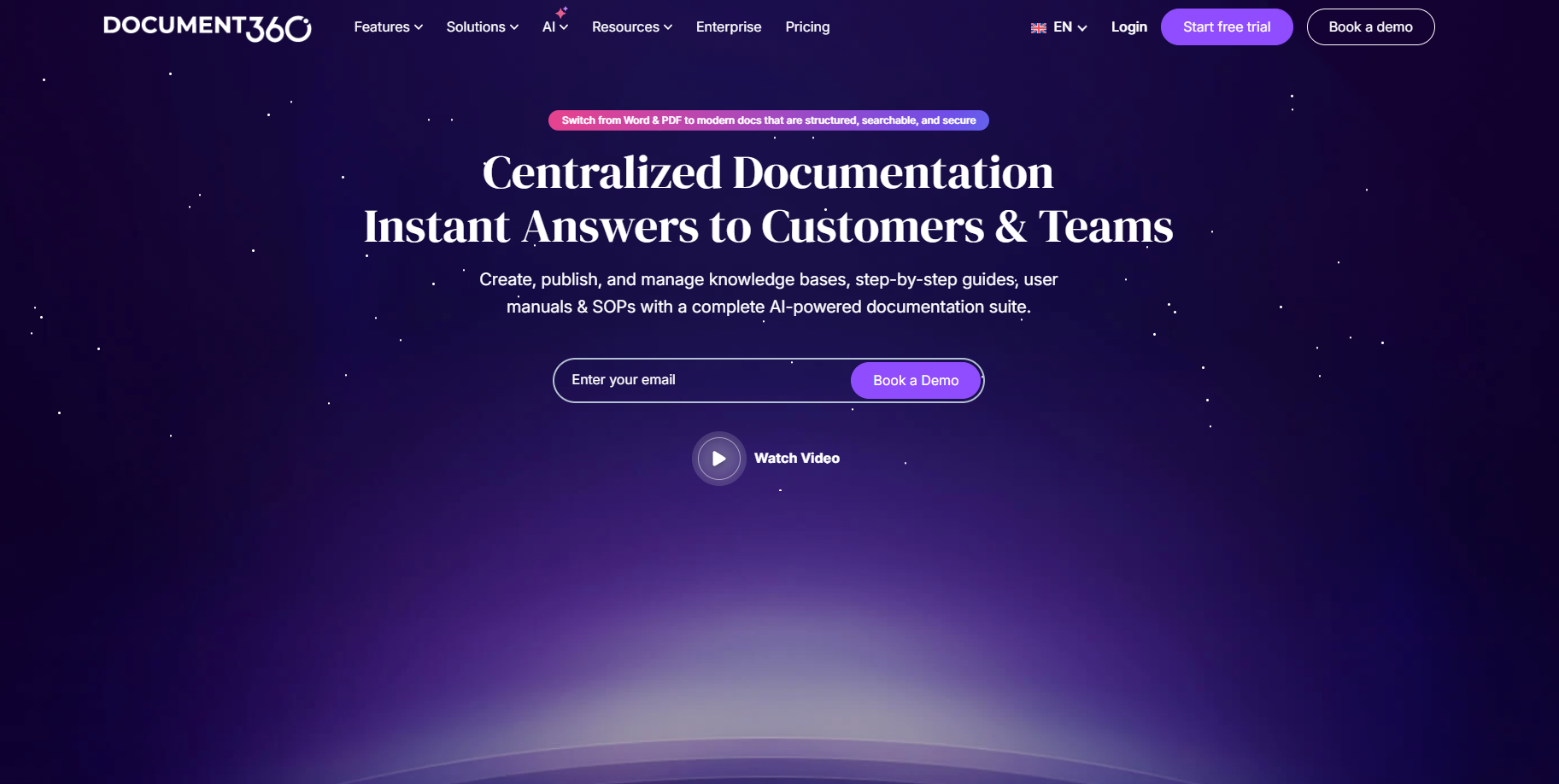
Document360 is a comprehensive knowledge base platform designed for creating both customer-facing help centers and internal knowledge management systems with advanced analytics and content management capabilities. It provides knowledge management solutions with particular strength in organized documentation structure and performance tracking. Many customer support teams choose Document360 when they need top knowledge management systems that serve both internal teams and external customers effectively.
Software Pros:
- Dual-purpose platform serving both internal knowledge and customer support needs
- Advanced analytics providing insights into content usage and knowledge gaps
- Strong SEO optimization features for public-facing knowledge bases
Software Cons:
- Can be complex to set up for organizations with simple knowledge needs
- Higher cost structure compared to basic knowledge base solutions
Document360 Review:
I spent some time exploring Document360’s dual approach to knowledge management, and I found the analytics capabilities particularly impressive for understanding how knowledge is actually used. I liked how it handles both internal documentation and customer-facing help content without requiring separate platforms. What I found especially useful when organizations need to track knowledge effectiveness and identify content gaps.
Our Verdict
Comprehensive Knowledge Analytics Platform
eXo Platform
Quick Overview:
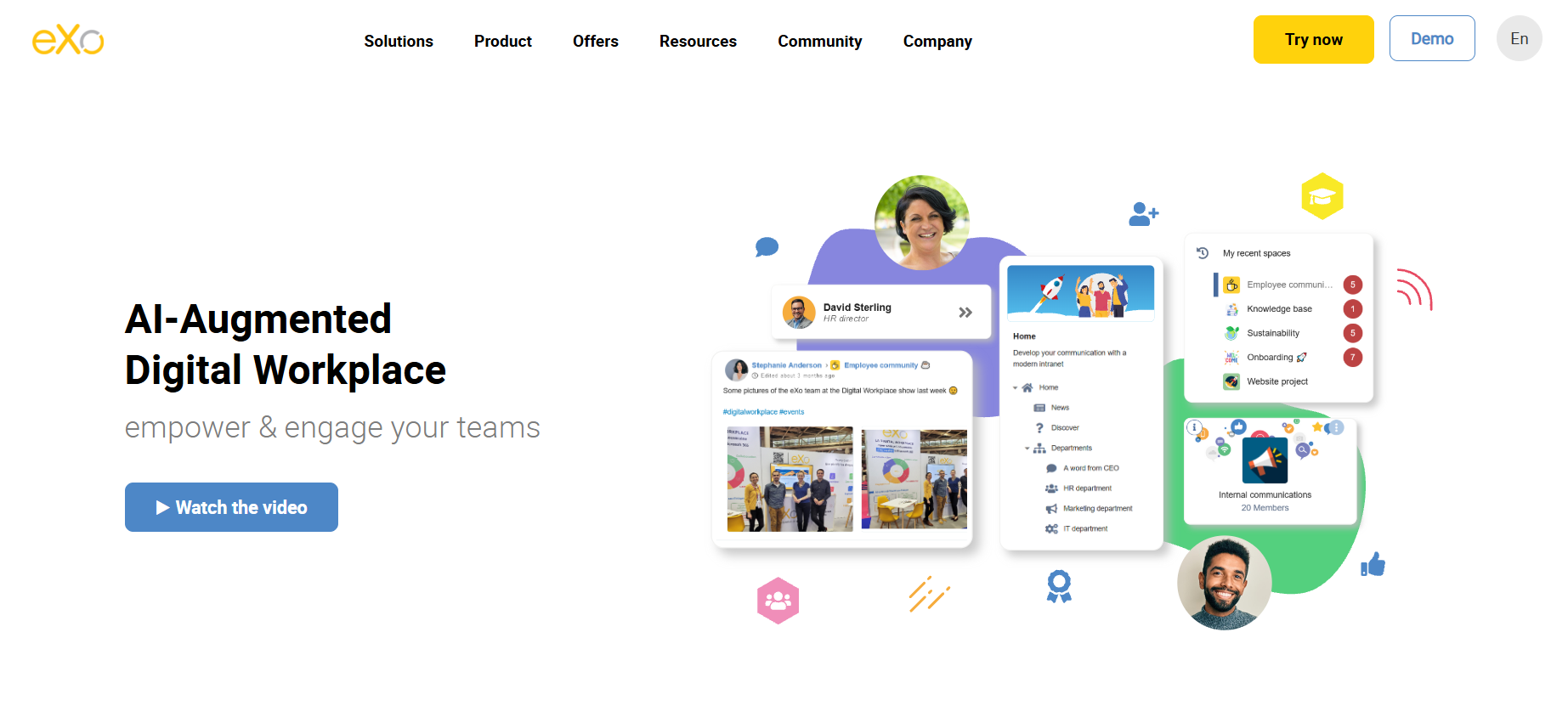
eXo Platform is an open-source digital workplace that combines a company intranet, team collaboration, an enterprise social network, and a knowledge hub to centralize and share company knowledge. It provides knowledge management tools with particular strength in structured organization, content lifecycle control, and deployment flexibility. Many public sector organizations and enterprises choose eXo Platform when they need knowledge management software that runs on their own infrastructure and keeps internal knowledge under their control.
Software Pros:
- Spaces, folders, categories, and metadata for organizing knowledge with full context
- Versioning and content ownership that keep information reliable over time
- Enterprise edition available for private cloud or on-premise deployment
Software Cons:
- Full digital workplace scope may be more than teams need for simple note-sharing
- On-premise deployments require internal IT resources for setup and maintenance
eXo Platform Review:
I approached eXo Platform as a digital workplace first, and I quickly noticed how its knowledge hub connects to the intranet, team spaces, and social features instead of living in a separate tool. I liked that the built-in AI suggests categories and metadata, offers guided reading for long documents, and flags outdated or duplicated content. I’d position it as a strong option for organizations that want knowledge management, internal communication, and collaboration in one open-source platform they can host themselves.
Our Verdict
Knowledge Management Inside A Digital Workplace
GitBook
Quick Overview:
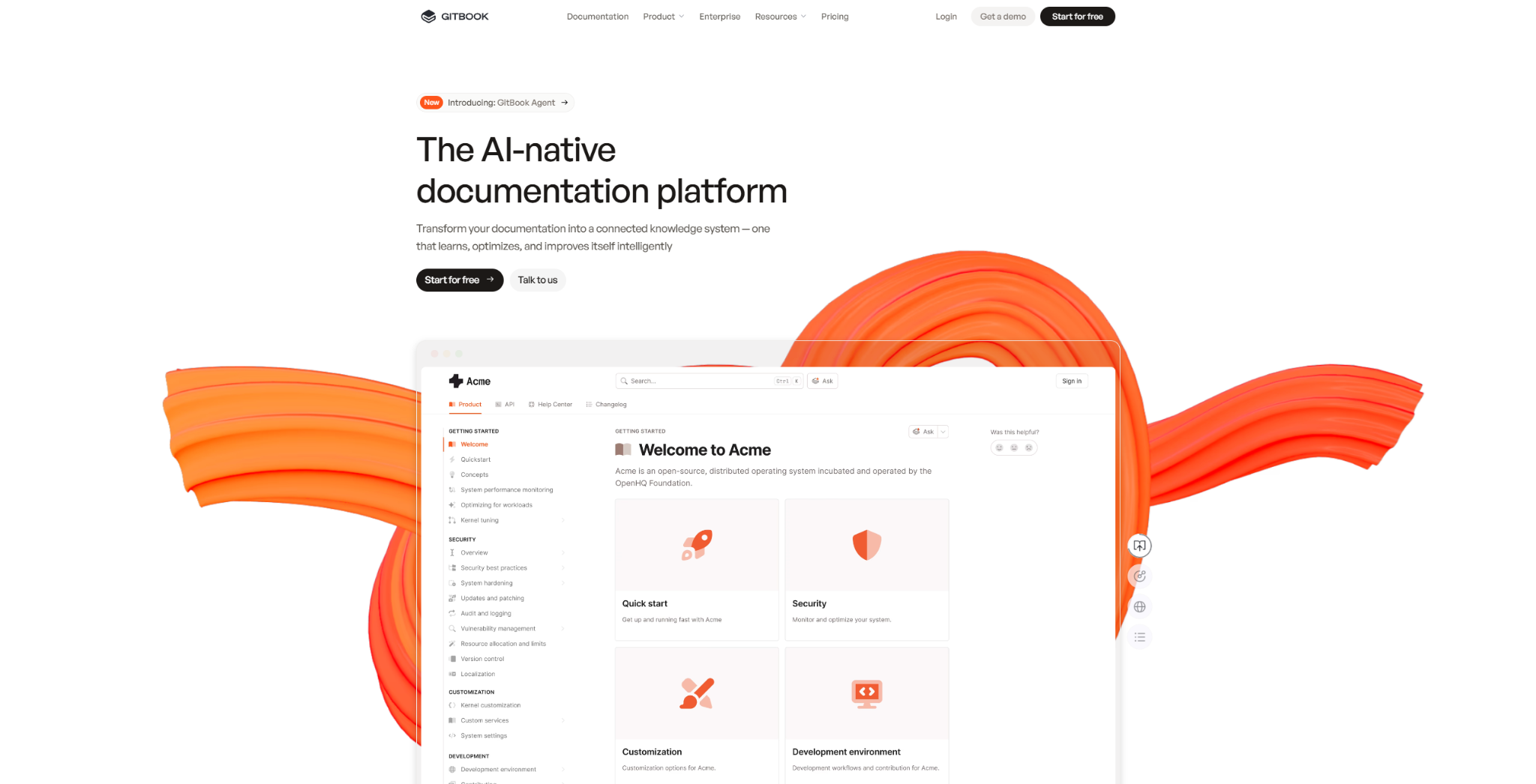
GitBook is a modern documentation and knowledge sharing platform that combines elegant publishing with powerful collaboration features, designed for teams creating technical documentation and knowledge bases. It offers knowledge management software with particular strength in clean presentation and Git-based workflow integration. Many technical writing teams choose GitBook when they need best knowledge management software that produces beautiful, professional documentation with strong version control.
Software Pros:
- Beautiful, professional presentation with customizable themes and branding
- Git integration enabling version-controlled documentation workflows
- Excellent collaboration features with inline comments and review processes
Software Cons:
- Primarily optimized for technical documentation rather than general knowledge
- Can be expensive for larger teams or extensive content publishing
GitBook Review:
In my opinion, GitBook excels at making technical documentation feel polished and professional while maintaining collaborative editing capabilities. I found it particularly effective for teams who want their knowledge management tool to produce publication-quality output. I appreciated the way it bridges the gap between collaborative editing and professional documentation presentation.
Our Verdict
Professional Documentation Publishing
Guru
Quick Overview:
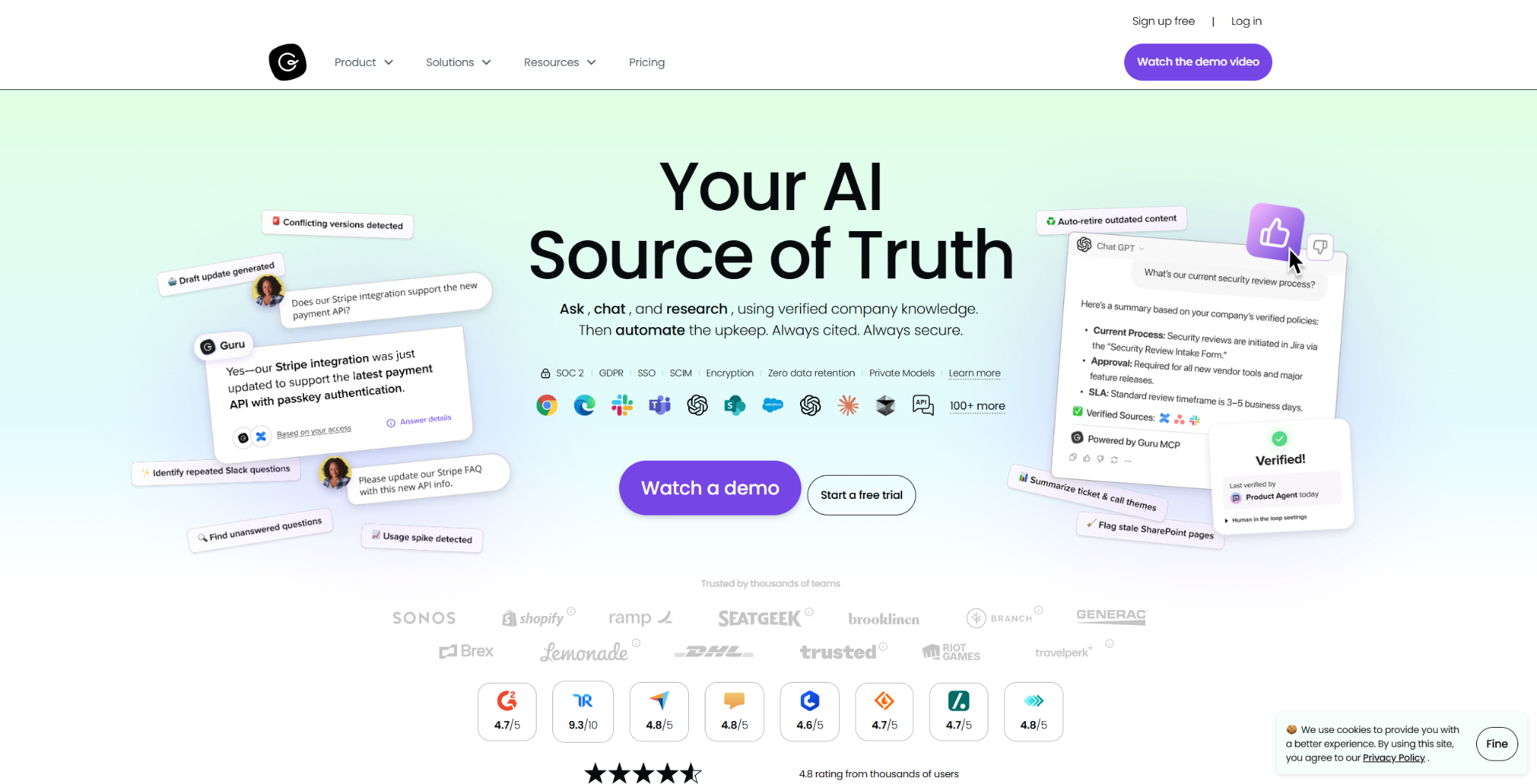
Guru is an AI-powered knowledge management platform that focuses on knowledge verification, distribution, and real-time access within team workflows rather than traditional knowledge base structures. It provides knowledge management tools with particular strength in ensuring information accuracy and contextual delivery. Many fast-moving teams choose Guru when they need tools for knowledge management that actively prevent knowledge decay and deliver information exactly when needed.
Software Pros:
- Unique knowledge verification system ensuring information stays current and accurate
- Browser extension and integrations delivering knowledge within existing workflows
- AI-powered knowledge suggestions and automatic content updates
Software Cons:
- Different approach may require adjustment for teams expecting traditional knowledge bases
- Higher cost structure compared to simple documentation platforms
Guru Review:
What stood out to me about Guru was its unique approach to solving knowledge decay through active verification systems. I found it genuinely helpful when teams struggle with outdated information in traditional knowledge bases. While exploring this tool, I noticed it works particularly well for organizations where knowledge accuracy is critical and information changes frequently.
Our Verdict
AI-Powered Knowledge Verification
Helpjuice
Quick Overview:
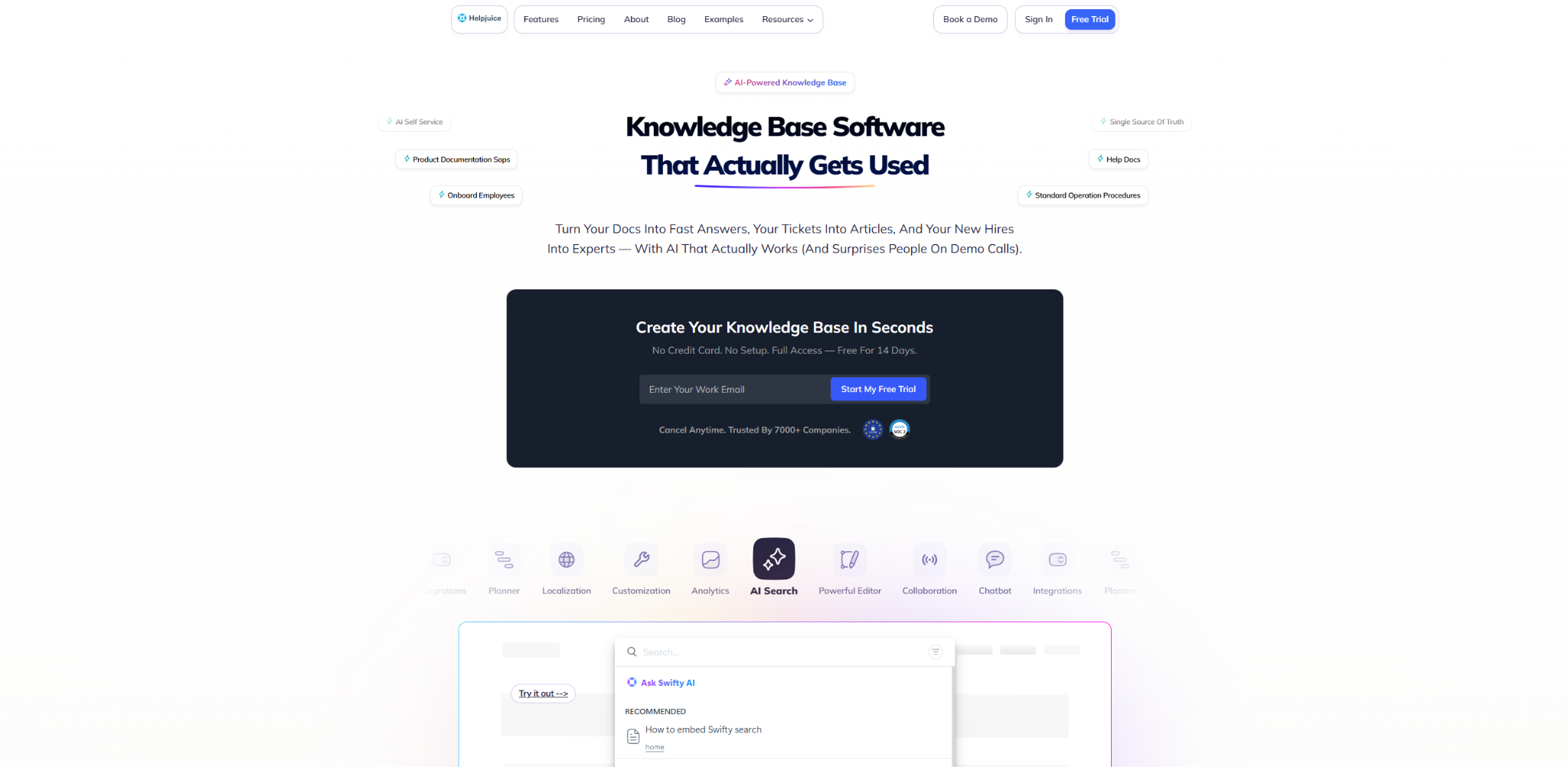
Helpjuice is a dedicated knowledge base software platform designed for creating searchable, well-organized internal and external knowledge repositories with advanced customization and analytics capabilities. It provides knowledge management solutions with particular strength in search functionality and content organization. Many customer support and HR teams choose Helpjuice when they need best knowledge management tools specifically focused on helping people find answers quickly and efficiently.
Software Pros:
- Powerful search functionality with advanced filtering and content discovery
- Extensive customization options for branding and knowledge base design
- Strong analytics providing insights into search patterns and content performance
Software Cons:
- Focused specifically on knowledge bases rather than broader collaboration features
- Interface can feel dated compared to more modern knowledge management platforms
Helpjuice Review:
I usually pay attention to search capabilities when evaluating knowledge management platforms, and Helpjuice impressed me with its focus on helping users actually find the information they need. What I found especially useful was how it tracks what people search for versus what they find, helping identify knowledge gaps. I’d position this primarily as a pure knowledge base solution rather than a collaborative workspace.
Our Verdict
Search-Focused Knowledge Base
LogicalDOC
Quick Overview:
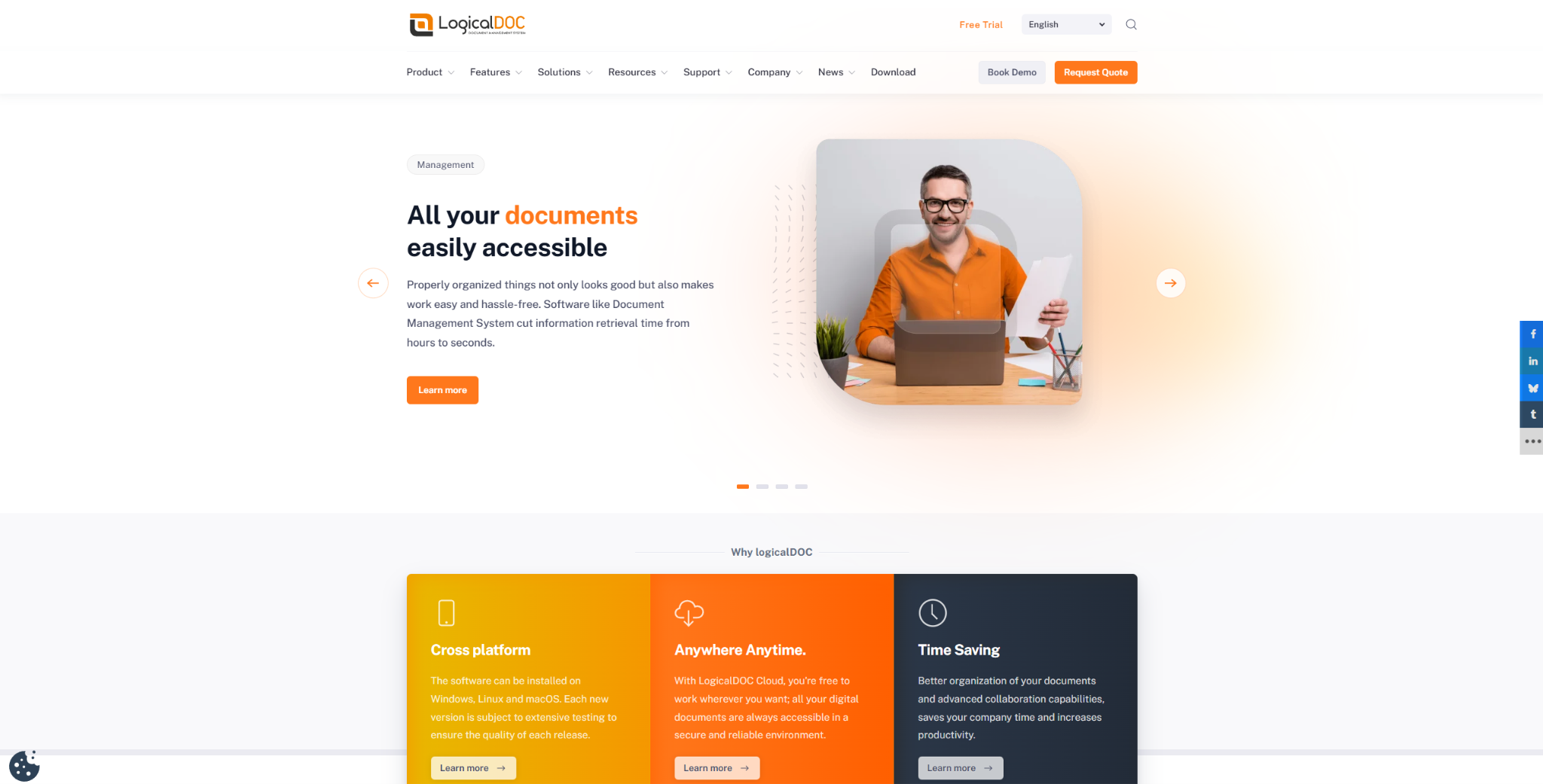
LogicalDOC is an enterprise document management platform that serves as knowledge management system software with strong focus on document lifecycle management, workflow automation, and compliance features. It provides comprehensive knowledge management software tools with particular strength in regulated industries requiring document control. Many enterprise organizations choose LogicalDOC when they need top knowledge management software that combines knowledge sharing with strict document governance and compliance requirements.
Software Pros:
- Enterprise-grade document lifecycle management with version control and workflows
- Strong compliance features supporting regulatory requirements and audit trails
- Comprehensive integration capabilities with business systems and authentication
Software Cons:
- Complex implementation requiring significant technical expertise and planning
- Can feel overwhelming for organizations with simple knowledge sharing needs
LogicalDOC Review:
I approached this tool expecting traditional knowledge management, but I found LogicalDOC’s focus on document governance sets it apart for regulated environments. I spent some time exploring how it handles document workflows and compliance tracking. What I noticed was that it’s really designed for organizations where knowledge management must meet strict regulatory and audit requirements.
Our Verdict
Enterprise Document Governance Platform
Logseq
Quick Overview:
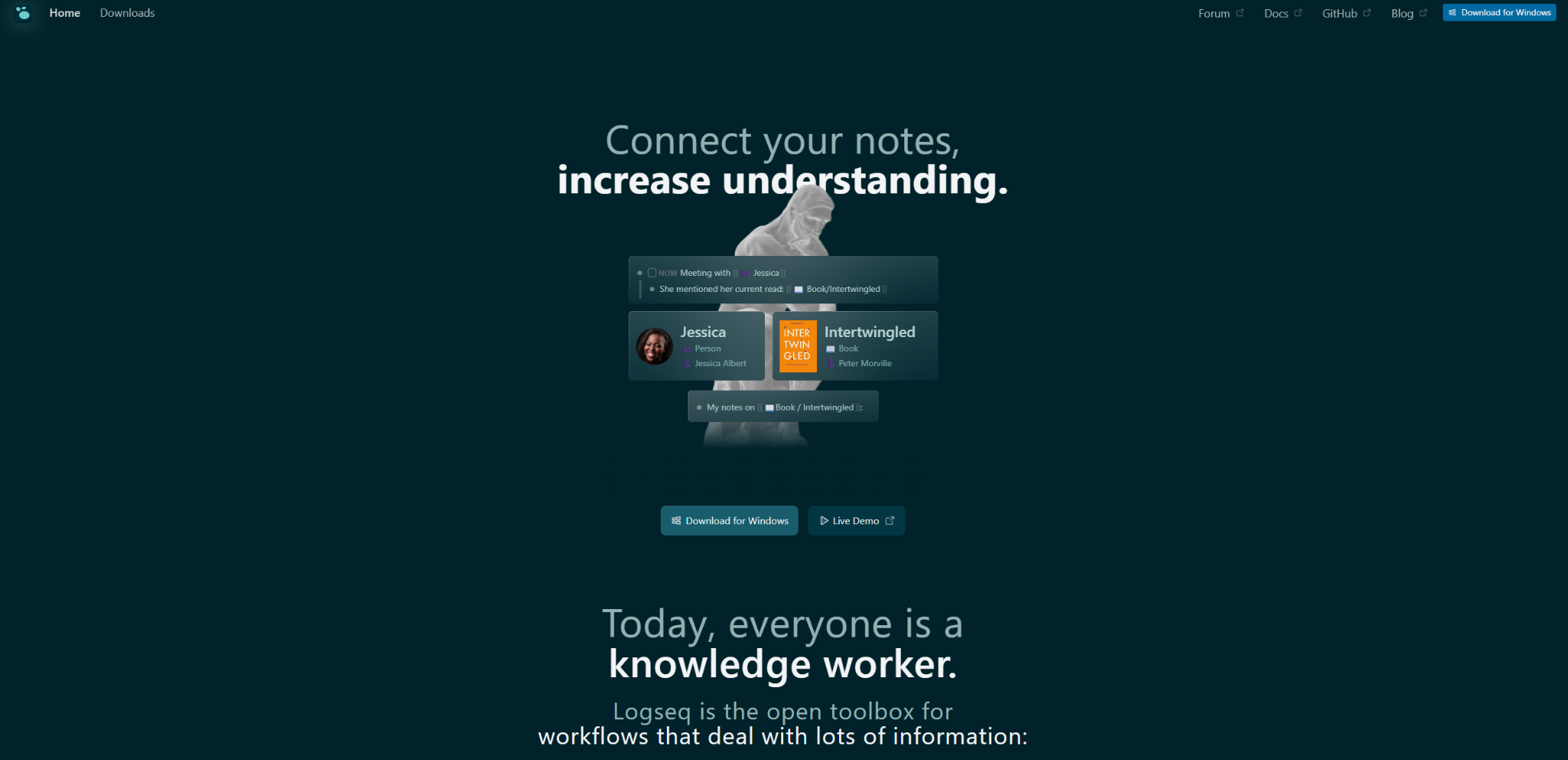
Logseq is a privacy-first, open-source knowledge management platform that uses block-based note-taking and bi-directional linking to create interconnected knowledge graphs stored locally on users’ devices. It provides knowledge management applications with particular strength in personal privacy and networked thinking. Many privacy-conscious knowledge workers choose Logseq when they need best knowledge management systems that keep all data under user control while supporting complex knowledge relationships.
Software Pros:
- Complete privacy with local data storage and no vendor lock-in
- Powerful block-based editing with bi-directional linking and knowledge graphs
- Open-source with active community development and plugin ecosystem
Software Cons:
- Steeper learning curve for users new to block-based or graph-based thinking
- Limited built-in collaboration features compared to team-focused platforms
Logseq Review:
What I found interesting about Logseq was its commitment to keeping knowledge management completely private while still providing powerful organizational features. I liked how it handles interconnected ideas through its graph-based approach. However, I tend to view this as better suited for individual knowledge work rather than team collaboration, given its privacy-first architecture.
Our Verdict
Privacy-First Personal Knowledge Graph
Notion
Quick Overview:
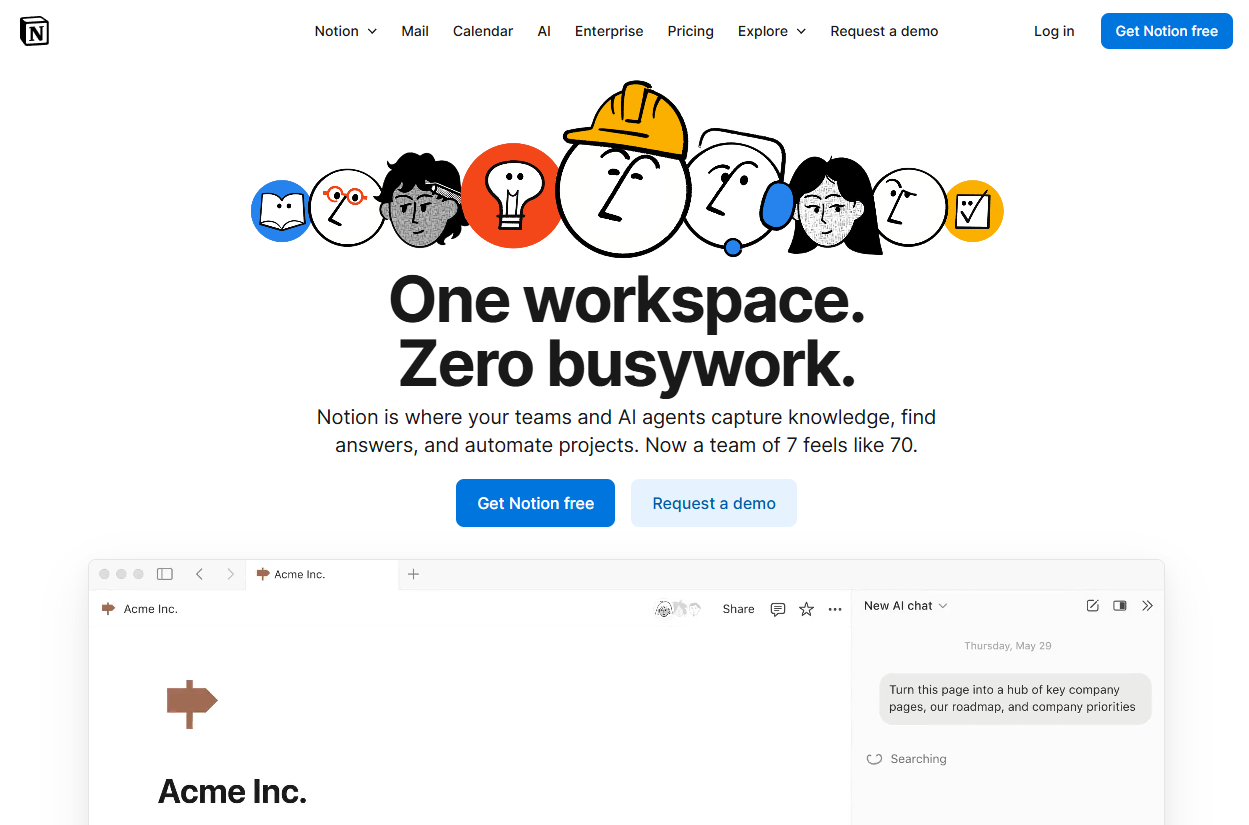
Notion is an all-in-one workspace platform that serves as knowledge management solutions by combining notes, databases, wikis, and project management in a flexible, block-based interface. It offers comprehensive knowledge management tools with particular strength in customization and multi-purpose functionality. Many teams across various industries choose Notion when they need best knowledge management platforms that can adapt to different organizational needs and workflows beyond just knowledge storage.
Software Pros:
- Extremely flexible block-based system accommodating various content types and structures
- Strong database capabilities enabling structured knowledge organization and tracking
- Affordable pricing with generous free tier making it accessible to small teams
Software Cons:
- Can become slow and unwieldy with large amounts of content or complex setups
- Steep learning curve to fully utilize advanced features and organizational systems
Notion Review:
I’ve noticed that Notion’s flexibility is both its greatest strength and potential weakness for knowledge management. While exploring its capabilities, I found teams can create almost any knowledge structure they envision, but this freedom can lead to over-complex setups. I found it especially useful when organizations want one platform for multiple purposes rather than specialized knowledge management software.
Our Verdict
Flexible All-In-One Workspace
Nuclino

Quick Overview:
Nuclino is a lightweight team knowledge base and collaboration platform designed for creating interconnected documentation with visual organization through nested structures and graph views. It provides knowledge management software with particular strength in simplicity and visual knowledge mapping. Many small to medium teams choose Nuclino when they need knowledge management platforms that balance ease of use with powerful organizational capabilities.
Software Pros:
- Clean, minimalist interface focused on content creation without distractions
- Visual graph view showing knowledge connections and organizational structure
- Real-time collaboration with excellent performance for team editing
Software Cons:
- Limited advanced features compared to more comprehensive knowledge platforms
- Fewer integration options with other business tools and systems
Nuclino Review:
What stood out to me about Nuclino was how it makes knowledge organization feel visual and intuitive through its graph-based approach. I found it easy to create interconnected documentation without getting overwhelmed by complex features. I appreciated the way it strikes a balance between simplicity and functionality, though larger organizations might need more advanced knowledge management software tools.
Our Verdict
Visual Team Knowledge Base
Obsidian
Quick Overview:
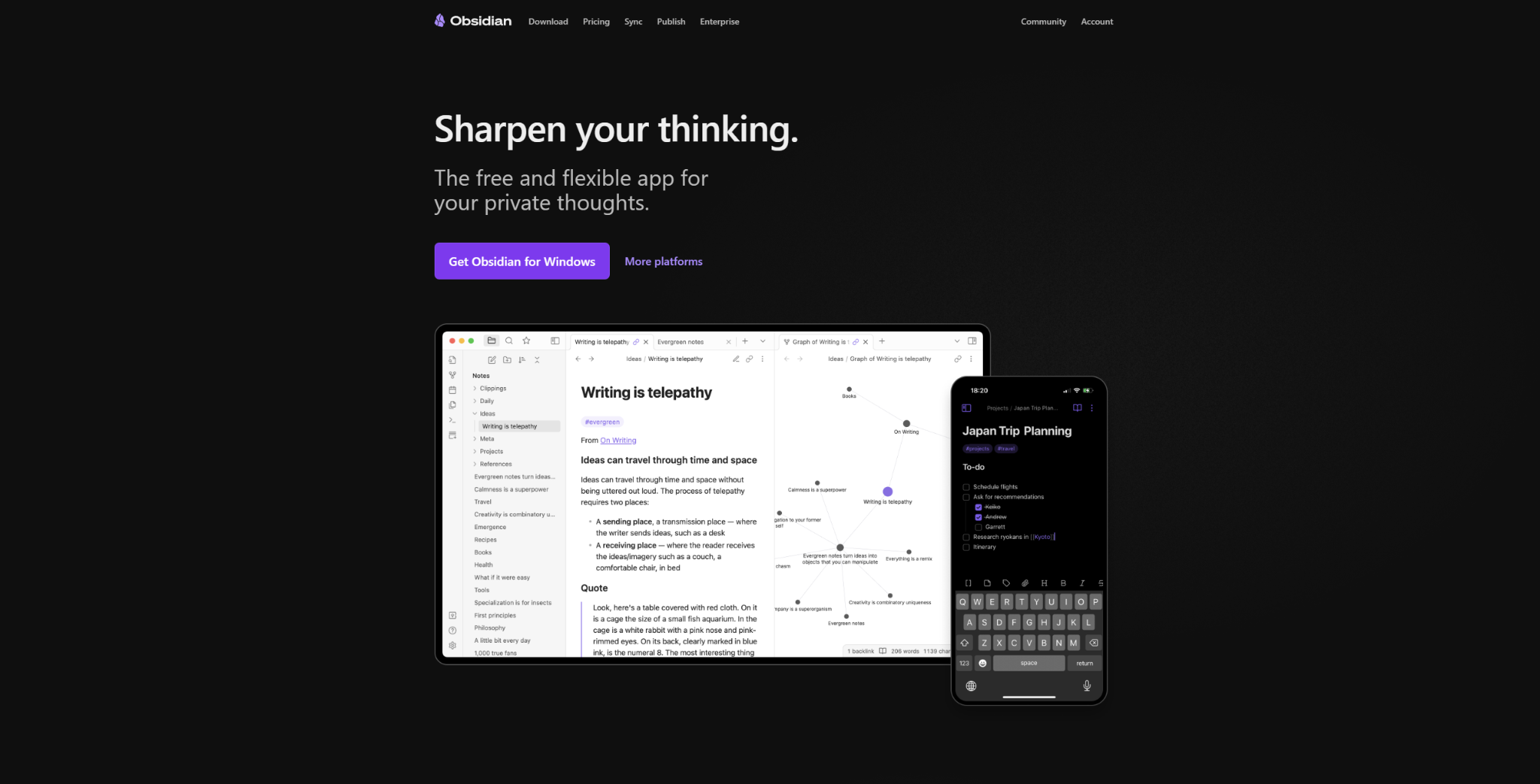
Obsidian is a powerful knowledge management platform built around linked note-taking that creates knowledge graphs showing relationships between ideas, concepts, and documents stored in markdown format. It provides advanced knowledge management tools with particular strength in personal knowledge management and complex idea relationships. Many researchers and knowledge workers choose Obsidian when they need best knowledge management software for building comprehensive personal knowledge systems with sophisticated linking and analysis capabilities.
Software Pros:
- Powerful bi-directional linking creating comprehensive knowledge graphs
- Extensive plugin ecosystem enabling highly customized knowledge workflows
- Local file storage with markdown format ensuring data portability and control
Software Cons:
- Steep learning curve requiring time investment to master advanced features
- Primarily designed for individual use with limited native collaboration features
Obsidian Review:
In my opinion, Obsidian represents the pinnacle of personal knowledge management through its sophisticated linking and graph visualization capabilities. I spent considerable time exploring how it handles complex knowledge relationships, and I found the plugin ecosystem remarkably rich. However, I’d position this primarily as a power-user tool for individuals rather than a team knowledge management solution.
Our Verdict
Advanced Personal Knowledge Management
Outline
Quick Overview:
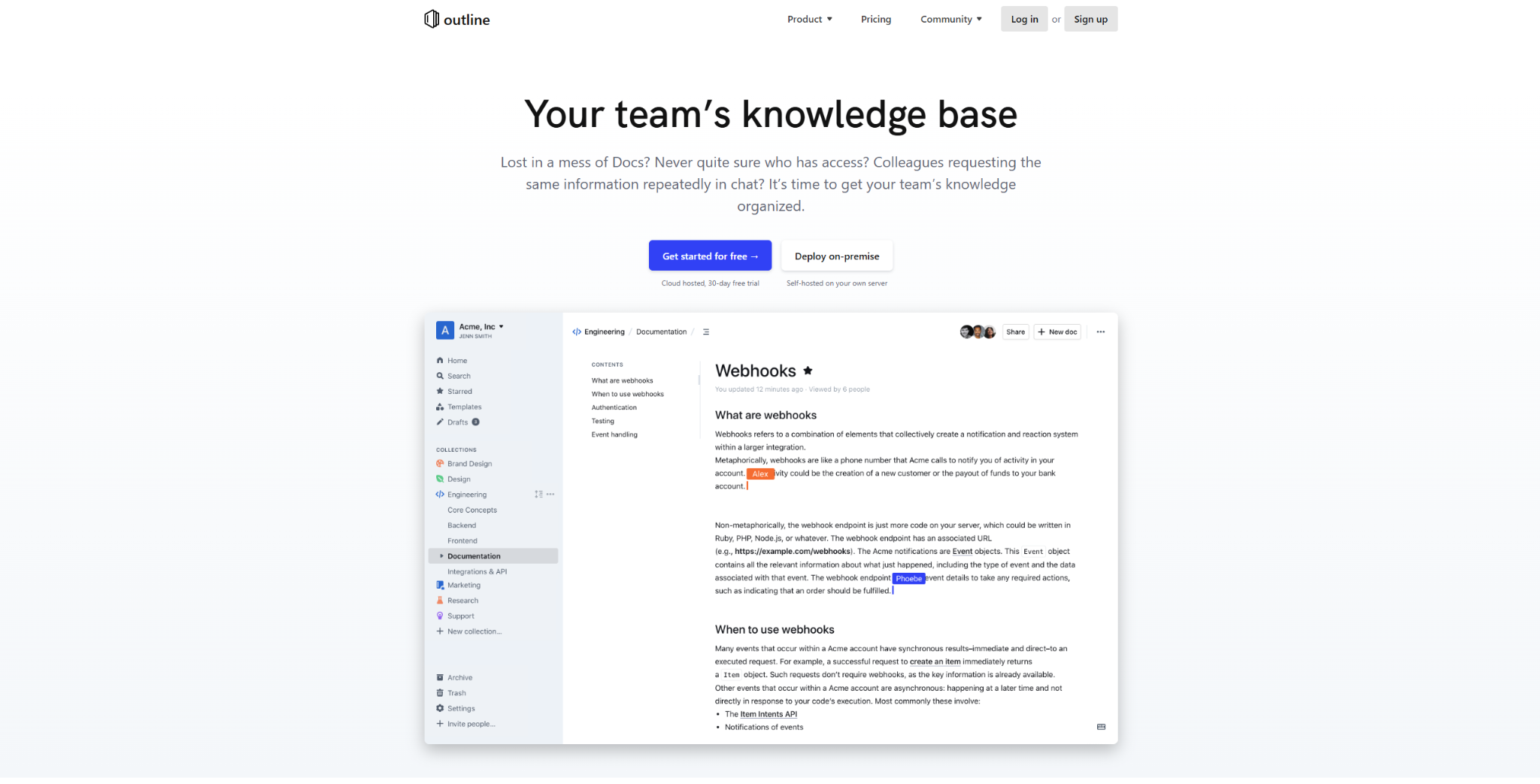
Outline is an open-source team knowledge base and wiki platform designed for creating fast, searchable documentation with modern collaborative editing features and clean organizational structure. It provides knowledge management solutions with particular strength in team collaboration and fast content creation. Many tech teams choose Outline when they need affordable knowledge management system tools that offer enterprise-level features without the enterprise cost structure.
Software Pros:
- Fast, modern interface with excellent search and navigation capabilities
- Strong collaboration features including real-time editing and commenting
- Open-source with self-hosting options providing cost control and customization
Software Cons:
- Self-hosting requires technical expertise for setup and maintenance
- Smaller feature set compared to comprehensive enterprise knowledge platforms
Outline Review:
I was impressed by how Outline combines the speed and simplicity of modern editing with robust collaborative features. What I noticed fairly quickly was its focus on making knowledge creation and discovery as frictionless as possible. I found it particularly effective for technical teams who want professional knowledge management capabilities without complex licensing or vendor relationships.
Our Verdict
Fast Collaborative Knowledge Base
PHPKB
Quick Overview:
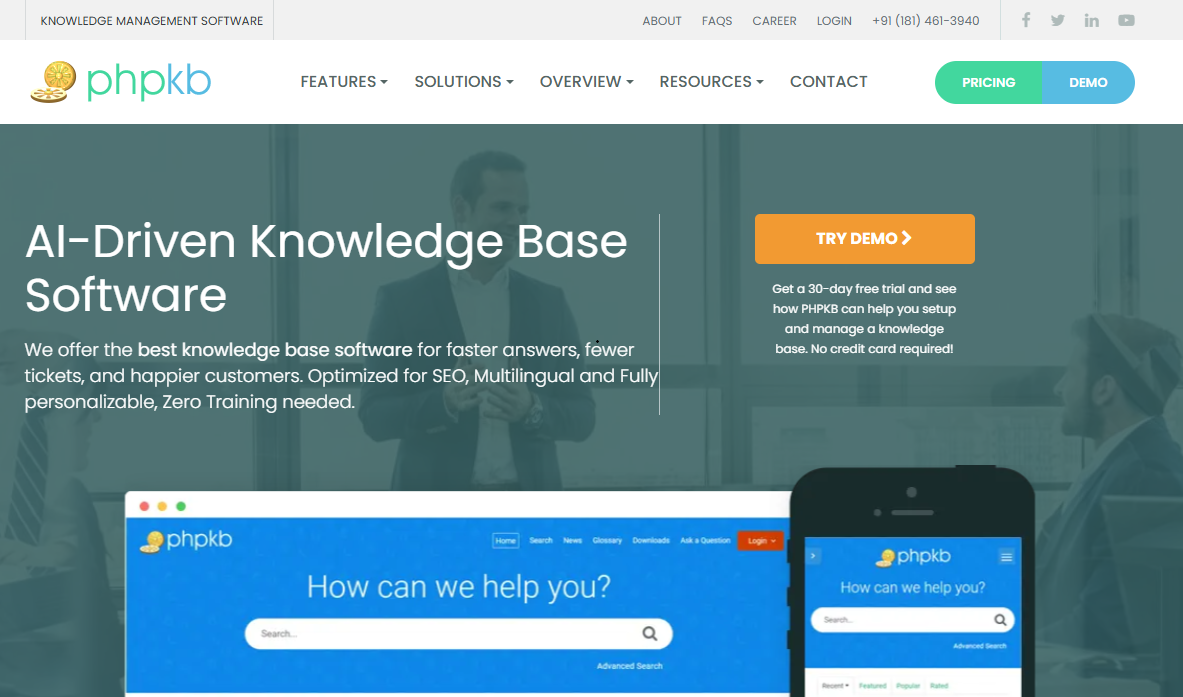
PHPKB is a powerful knowledge base software solution that helps businesses capture, store, and share knowledge with employees and customers through public or private knowledge bases. It provides knowledge management tools with particular strength in deployment flexibility, offering both self-hosted and SaaS options along with AI-powered features and advanced search. It is a strong fit for businesses that need knowledge management software with enterprise-class controls, including role-based access control (RBAC), SSO, APIs, and webhooks.
Software Pros:
- Flexible deployment through a self-hosted license or a SaaS subscription
- AI-powered features paired with advanced full-text and attachment search
- Role-based access control (RBAC) and SSO for governed access to sensitive knowledge
- APIs and webhooks for integrating knowledge with other business applications
Software Cons:
- API access, LDAP integration, and event logging are reserved for Enterprise editions
- Self-hosted deployments leave hosting, updates, and backups to your own team
PHPKB Review:
I approached PHPKB as a knowledge management platform for teams that want control over where their knowledge lives. What stood out was the choice between running it on your own server or as SaaS, backed by RBAC and SSO to manage who can see sensitive content. I found it especially useful for organizations that need to connect their knowledge base with other systems through APIs and webhooks while keeping a searchable self-service hub for staff and customers.
Our Verdict
Secure Knowledge Management With Deployment Choice
RemNote
Quick Overview:
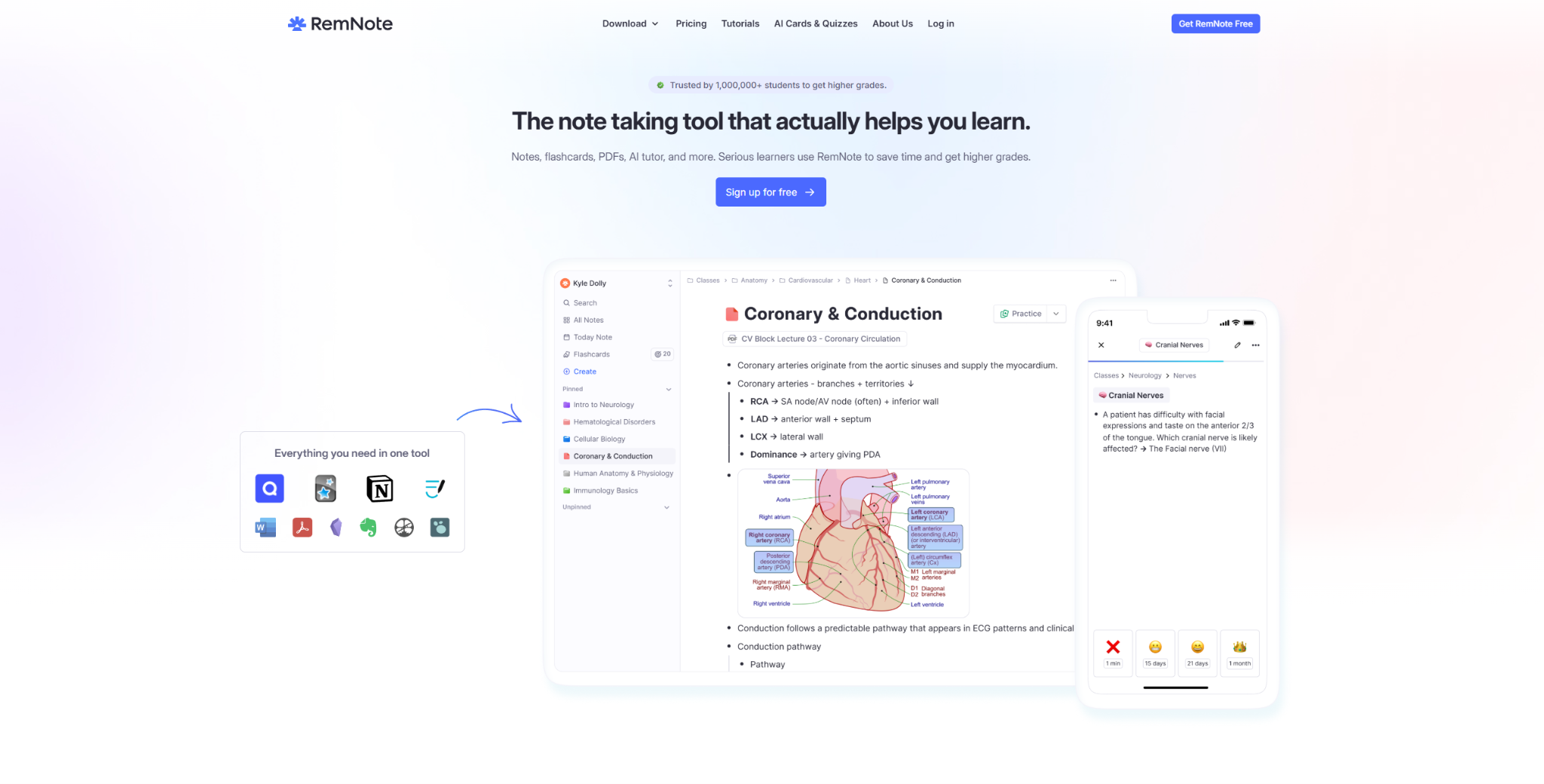
RemNote is a hierarchical note-taking and spaced repetition platform that serves as a knowledge management system software by combining active learning techniques with structured knowledge organization. It provides unique knowledge management tools with particular strength in educational and research contexts. Many students and researchers choose RemNote when they need tools for knowledge management that support both knowledge capture and active knowledge retention through spaced repetition algorithms.
Software Pros:
- Unique combination of knowledge management with spaced repetition learning
- Hierarchical organization system supporting complex knowledge structures
- Strong PDF annotation and research workflow integration capabilities
Software Cons:
- Learning curve can be steep for users unfamiliar with spaced repetition concepts
- Primarily focused on individual learning rather than team knowledge sharing
RemNote Review:
I found RemNote’s approach to combining knowledge management with active learning particularly innovative for educational and research contexts. What stood out to me was how it transforms passive knowledge storage into active retention through its spaced repetition system. While exploring this tool, I realized it serves a unique niche where knowledge management meets learning science.
Our Verdict
Active Learning Knowledge Platform
Roam Research
Quick Overview:
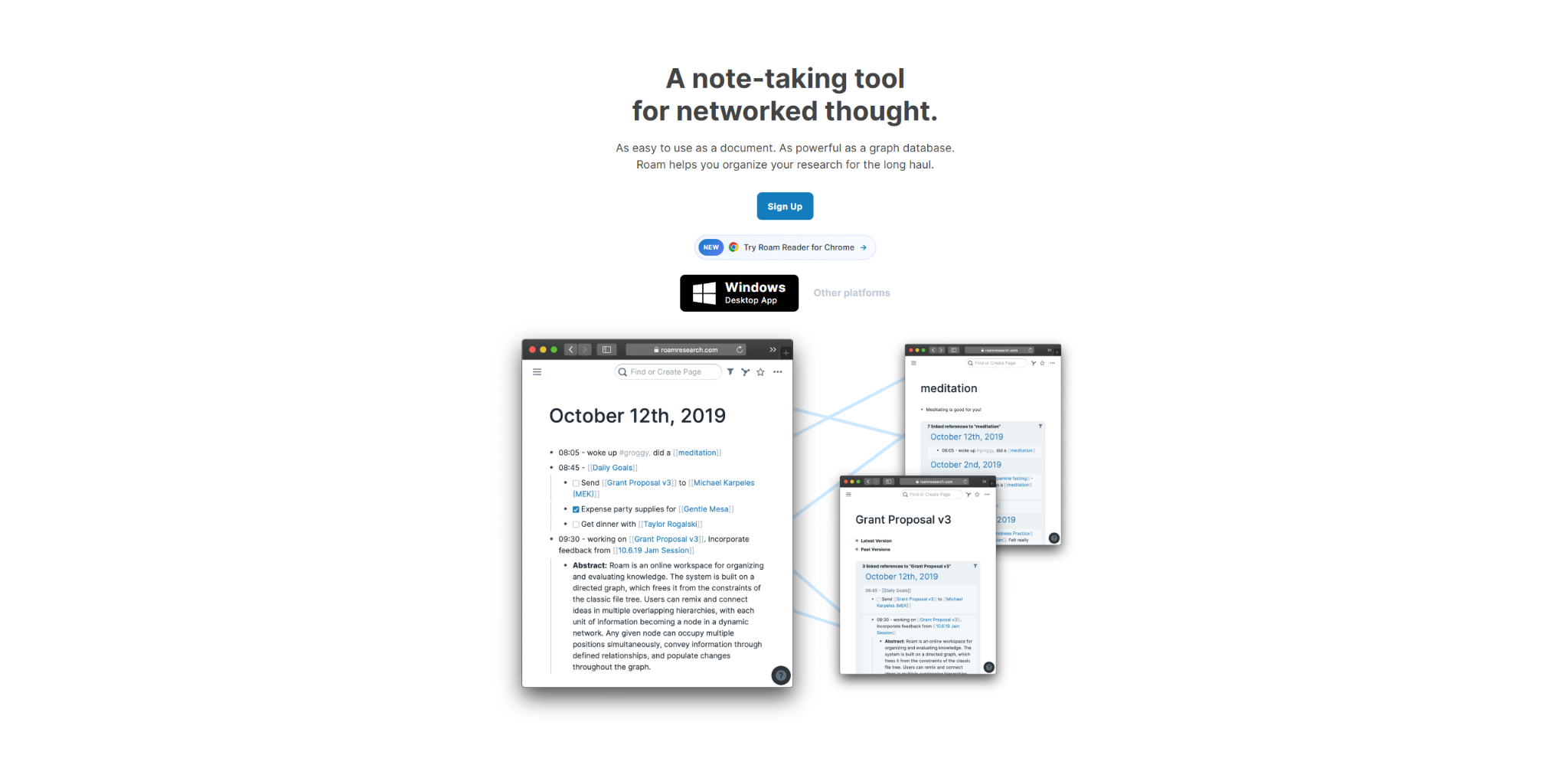
Roam Research is a networked thought and knowledge graph platform designed for creating bi-directional linked notes that form complex knowledge networks, emphasizing connections between ideas rather than hierarchical organization. It offers innovative knowledge management applications with particular strength in research and creative thinking workflows. Many researchers and creative professionals choose Roam when they need best knowledge management systems that support non-linear thinking and idea discovery through serendipitous connections.
Software Pros:
- Revolutionary bi-directional linking creating dynamic knowledge networks
- Block-level references enabling granular idea connections and reuse
- Powerful query system for discovering unexpected knowledge relationships
Software Cons:
- Steep learning curve requiring significant time investment to master effectively
- Can feel overwhelming and unstructured for users preferring organized hierarchies
Roam Research Review:
I approached Roam expecting another note-taking app, but I found its networked approach to knowledge fundamentally different and potentially transformative for research workflows. What I found especially interesting was how it encourages serendipitous discovery of knowledge connections. However, I tend to view this as a specialized tool for researchers and creative thinkers rather than general business knowledge management.
Our Verdict
Networked Thought Research Platform
SharePoint
Quick Overview:
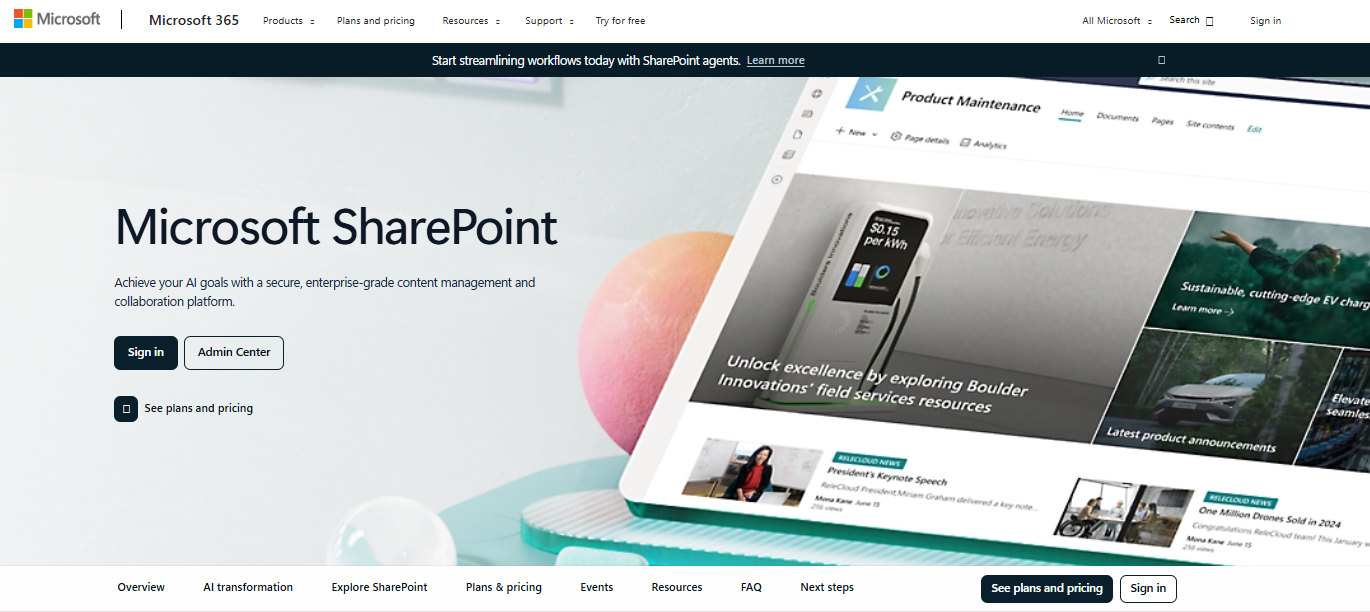
SharePoint is Microsoft’s collaboration and content management platform that serves as comprehensive knowledge management system software with deep integration into Microsoft 365 ecosystem and enterprise-grade security features. It provides extensive knowledge management software tools with particular strength in large-scale enterprise deployment and information governance. Many enterprise organizations choose SharePoint when they need top knowledge management systems that integrate seamlessly with existing Microsoft infrastructure and support complex organizational requirements.
Software Pros:
- Deep integration with Microsoft 365 providing unified document and collaboration ecosystem
- Enterprise-grade security, compliance, and information governance capabilities
- Extensive customization options through modern SharePoint framework and Power Platform
Software Cons:
- Complex setup and administration requiring specialized Microsoft expertise
- Can feel overwhelming for smaller organizations or simple knowledge sharing needs
SharePoint Review:
I’ve found that SharePoint works exceptionally well for organizations already invested in Microsoft’s ecosystem, but it requires careful planning and expertise to realize its knowledge management potential. What I noticed was that success with SharePoint often depends more on implementation strategy than the platform’s inherent capabilities. I felt the platform handled enterprise-scale requirements well but can be over-engineered for simpler knowledge sharing needs.
Our Verdict
Enterprise Microsoft Knowledge Ecosystem
Slab
Quick Overview:
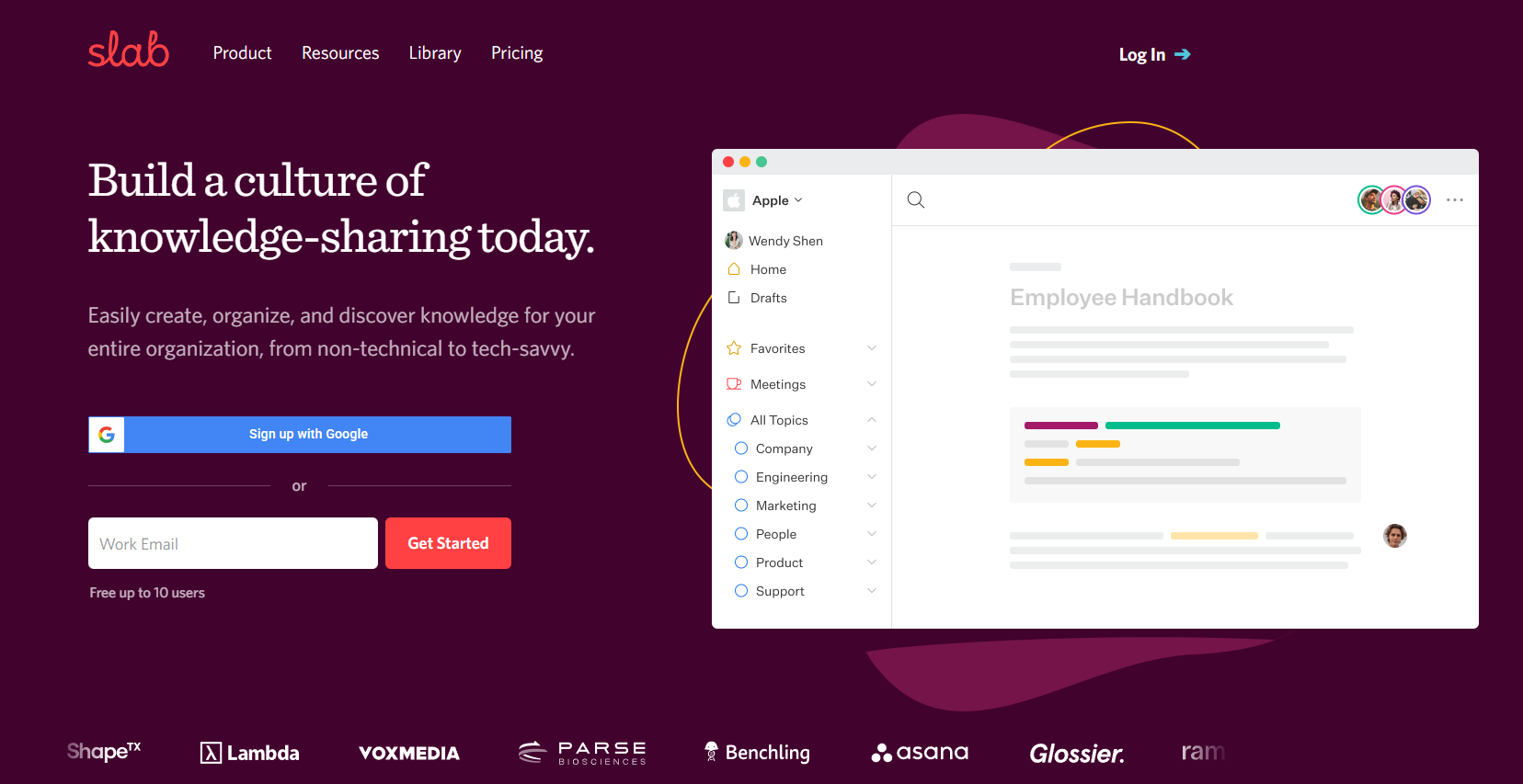
Slab is a modern knowledge base platform designed for distributed teams that need fast, searchable access to company knowledge with emphasis on clean design and efficient knowledge discovery. It provides knowledge management solutions with particular strength in user experience and team adoption. Many remote-first companies choose Slab when they need knowledge management platforms that feel modern and intuitive while supporting distributed team collaboration effectively.
Software Pros:
- Clean, modern interface designed specifically for knowledge consumption and creation
- Powerful search with AI-powered suggestions and content recommendations
- Strong integration capabilities with popular team communication and productivity tools
Software Cons:
- Limited advanced features compared to comprehensive enterprise knowledge platforms
- Higher cost structure for larger teams compared to some alternatives
Slab Review:
What stood out to me about Slab was how it prioritizes user experience and knowledge discoverability over feature complexity. I liked how naturally it fits into modern distributed team workflows through its integrations and clean interface. I found it genuinely helpful when teams want knowledge management that feels effortless rather than requiring training or complex setup procedures.
Our Verdict
Modern Distributed Team Knowledge Base
Slite

Quick Overview:
Slite is a collaborative knowledge base platform designed for modern teams that need organized, searchable documentation with strong collaborative editing and team communication features. It offers knowledge management software with particular strength in team collaboration and content organization. Many growing companies choose Slite when they need knowledge management tools that balance collaborative features with organized knowledge structure for scaling team documentation needs.
Software Pros:
- Excellent collaborative editing with real-time updates and team communication features
- Clean organizational structure with intuitive navigation and content discovery
- Strong mobile access enabling knowledge management from anywhere
Software Cons:
- Limited advanced features for complex knowledge management requirements
- Fewer integration options compared to more established enterprise platforms
Slite Review:
While exploring Slite, I appreciated how it focuses on making team knowledge collaboration feel natural and efficient. What I found especially useful was how it handles the balance between organized structure and flexible content creation. I noticed it works particularly well for growing teams who need more than basic wikis but don’t require enterprise-level knowledge management complexity.
Our Verdict
Collaborative Team Documentation
Tettra
Quick Overview:
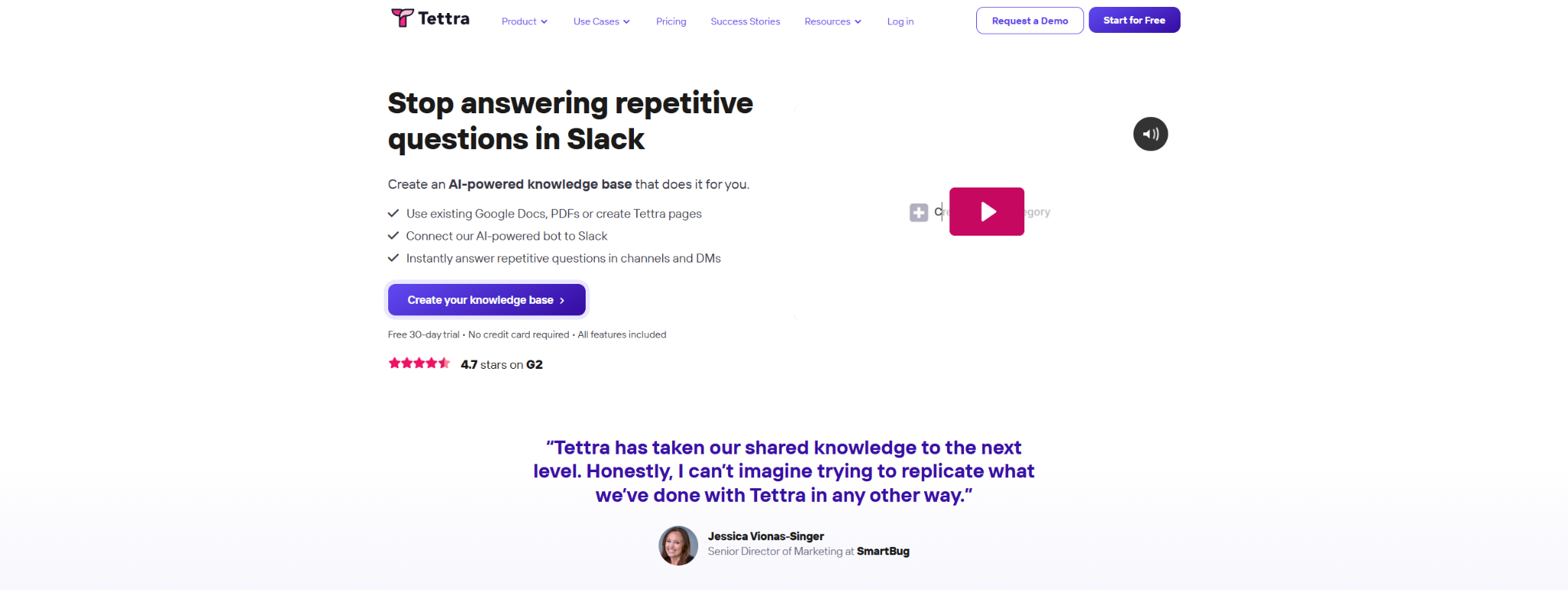
Tettra is an AI-powered knowledge management platform designed specifically for team Q&A and knowledge capture, with features that encourage active knowledge contribution and maintenance through gamification and AI assistance. It provides knowledge management solution tools with particular strength in converting team communications into searchable knowledge. Many customer success and support teams choose Tettra when they need best knowledge management software that captures knowledge from daily team interactions and conversations.
Software Pros:
- AI-powered knowledge suggestions and automatic content updates from team interactions
- Gamification features encouraging active knowledge contribution and maintenance
- Strong integration with team communication tools for seamless knowledge capture
Software Cons:
- Primarily focused on Q&A format rather than comprehensive documentation structures
- Smaller user base and ecosystem compared to established knowledge management vendors
Tettra Review:
I was curious to see how Tettra’s AI-powered approach would work in practice, and I found its focus on capturing knowledge from team conversations genuinely innovative. What stood out to me was how it gamifies knowledge contribution to encourage team participation. I’d position this as particularly effective for teams who struggle with knowledge capture from their daily communication flows.
Our Verdict
AI-Powered Team Knowledge Capture
TiddlyWiki
Quick Overview:
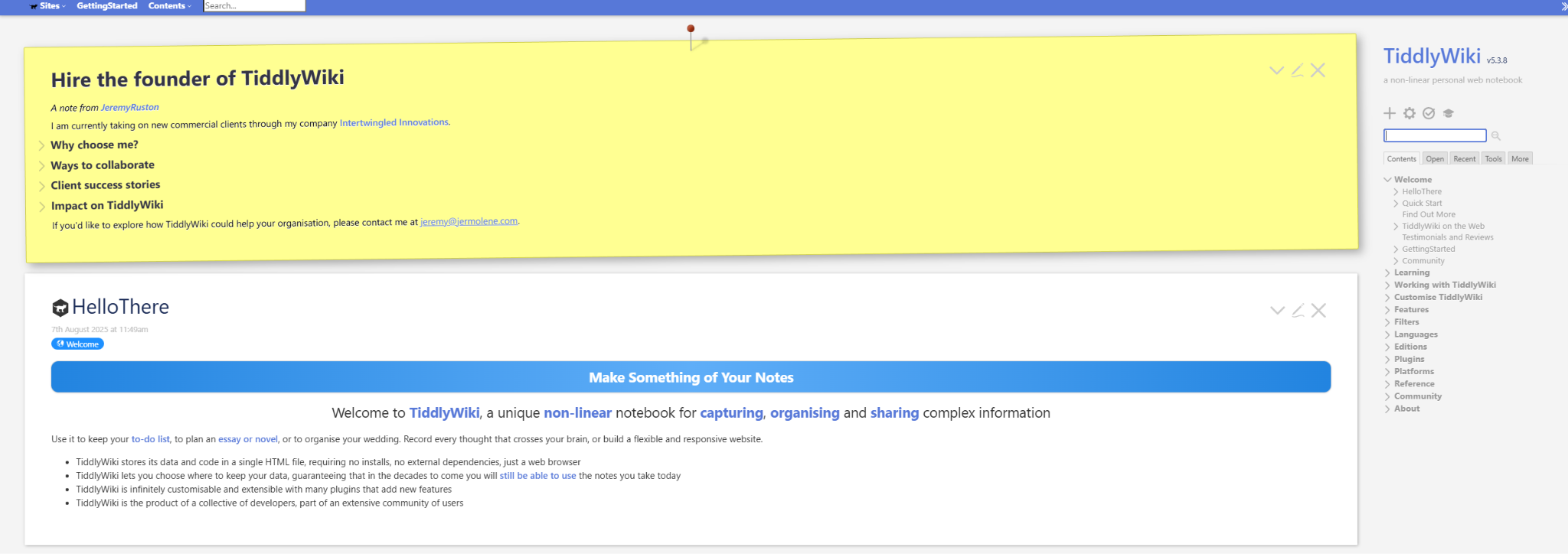
TiddlyWiki is a unique non-linear knowledge management platform that stores information in small, interconnected pieces called ‘tiddlers’ that can be dynamically combined and recombined to create different views of knowledge. It provides highly customizable knowledge management applications with particular strength in personal knowledge systems and non-traditional organizational approaches. Many power users and researchers choose TiddlyWiki when they need tool for knowledge management that offers complete control and unique organizational possibilities.
Software Pros:
- Completely unique approach to knowledge organization through interconnected tiddlers
- Extensive customization capabilities with rich macro and plugin systems
- Can run entirely in browser with no server requirements or vendor dependencies
Software Cons:
- Very steep learning curve requiring significant time investment to master
- Unconventional interface and concepts may confuse users expecting traditional knowledge bases
TiddlyWiki Review:
I found TiddlyWiki’s approach to knowledge management unlike anything else in the space, which can be both fascinating and frustrating. What I found interesting was how it encourages truly non-linear thinking about knowledge organization. However, I approached this tool realizing it requires a significant commitment to learn and is really designed for users who want to customize their knowledge management system extensively.
Our Verdict
Unique Non-Linear Knowledge System
Zendesk Guide
Quick Overview:
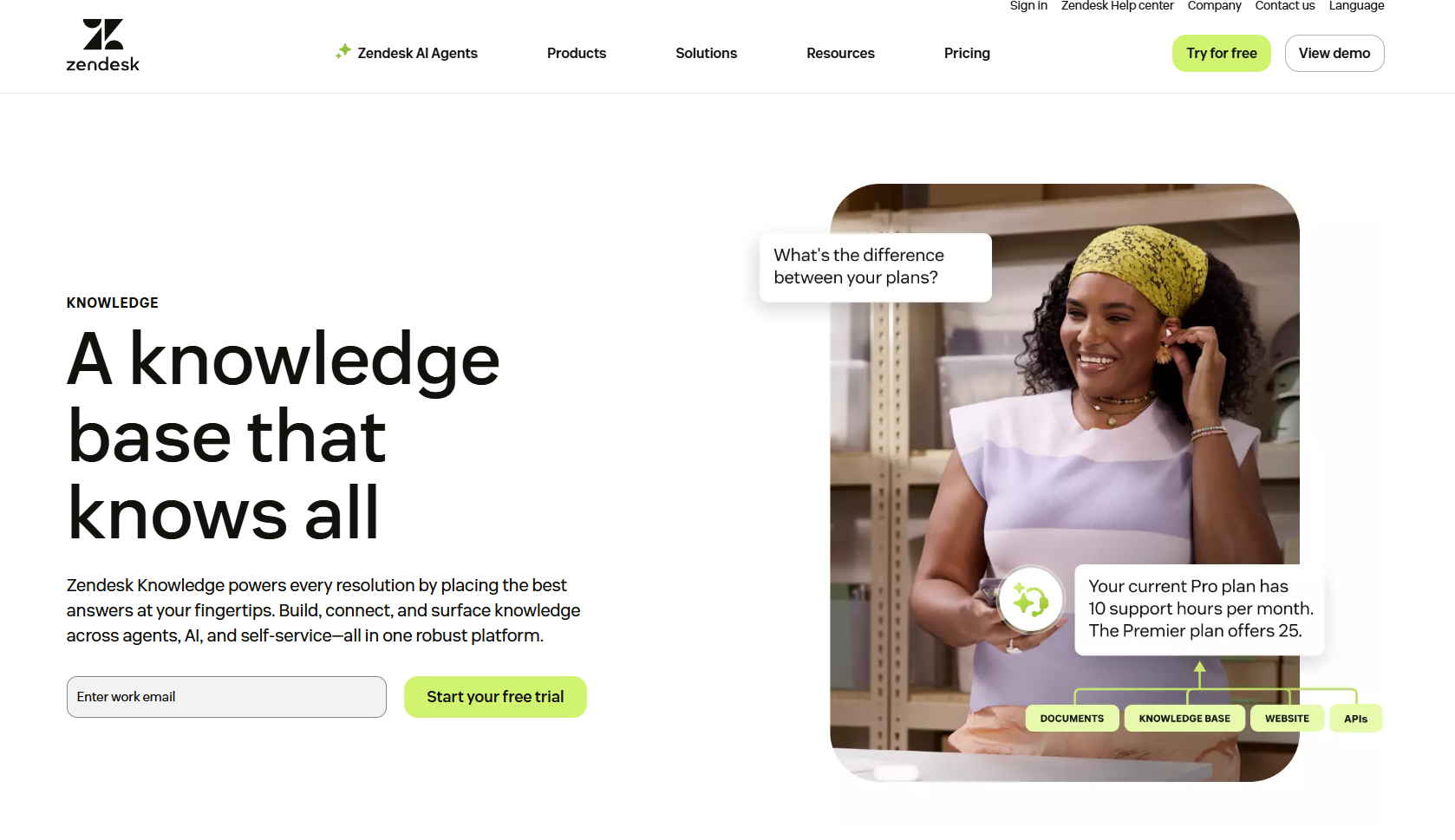
Zendesk Guide is a customer service knowledge base platform that provides both customer-facing help centers and internal knowledge management capabilities with strong integration into customer support workflows. It offers knowledge management software tools with particular strength in customer service and support team environments. Many customer support organizations choose Zendesk Guide when they need top knowledge management systems that serve both customer self-service needs and internal agent knowledge requirements.
Software Pros:
- Seamless integration with Zendesk’s customer support platform and ticketing system
- Strong analytics showing knowledge base effectiveness and customer satisfaction
- Multi-language support and customization for global customer service operations
Software Cons:
- Primarily designed for customer service rather than general organizational knowledge
- Requires Zendesk ecosystem for full feature utilization and best value
Zendesk Guide Review:
I usually pay attention to how knowledge management integrates with customer service workflows, and Zendesk Guide excels in this specialized area. What I found especially useful was how it serves both customers seeking self-service answers and agents needing quick access to support knowledge. However, I tend to view this as a customer service-focused solution rather than a general-purpose knowledge management platform.
Our Verdict
Customer Service Knowledge Integration
FAQs About Knowledge Management Solutions
How has knowledge management software evolved by 2026?
By 2026, knowledge management solutions have evolved significantly to incorporate artificial intelligence, advanced search capabilities, and seamless integration with collaborative workflows. Modern top knowledge management systems now feature AI-powered content recommendations, automated knowledge capture from team communications, and intelligent content organization. These knowledge management platforms have shifted from static repositories to dynamic, interactive systems that actively surface relevant information based on context and user behavior.
What problems do companies most often try to solve with knowledge management tools?
Companies primarily use best knowledge management software to address knowledge silos, reduce information search time, and prevent knowledge loss when employees leave. Organizations also implement these knowledge management system tools to improve onboarding efficiency, ensure consistent information across teams, and reduce repetitive questions that consume employee time. Many companies find that effective tools for knowledge management help standardize processes and reduce errors caused by outdated or inconsistent information.
How do modern knowledge management platforms support distributed teams?
Modern knowledge management applications support distributed teams through cloud-based accessibility, real-time collaboration features, and mobile optimization. The best knowledge management platforms include asynchronous communication tools, version control for collaborative editing, and integration with popular team communication platforms. These top knowledge management software solutions also provide time-zone aware notifications, offline access capabilities, and cultural localization features for global teams.
What’s the difference between internal knowledge bases and collaborative documentation tools?
Internal knowledge bases focus primarily on information storage and retrieval with structured organization and search capabilities, while collaborative documentation tools emphasize real-time editing, discussion, and content creation workflows. Many best knowledge management systems combine both approaches, offering structured knowledge organization with collaborative editing features. The distinction has blurred as knowledge management software tools increasingly integrate collaborative features with traditional knowledge base functionality.
How do knowledge management tools handle information ownership and access control?
Leading knowledge management software vendors implement sophisticated permission systems with role-based access control, content ownership tracking, and audit trails for sensitive information. These knowledge management software tools typically offer granular permissions allowing organizations to control who can view, edit, or share specific knowledge areas. Advanced top knowledge management systems also include features like content approval workflows, automatic access revocation, and integration with enterprise authentication systems. Many organizations find that implementing the right knowledge managment solution requires careful consideration of security and access control requirements.
What industries rely most heavily on knowledge management systems?
Healthcare, pharmaceutical, financial services, and technology companies rely most heavily on knowledge management solution platforms due to regulatory compliance requirements, rapid information changes, and knowledge-intensive workflows. Professional services firms, including consulting and legal organizations, also depend extensively on best knowledge management software for capturing and sharing expertise. Manufacturing companies increasingly use these knowledge management applications for maintaining technical documentation, safety procedures, and operational knowledge across global facilities.

Yaryna is our lead writer with over 8 years of experience in crafting clear, compelling, and insightful content. Specializing in global employment and EOR solutions, she simplifies complex concepts to help businesses expand their remote teams with confidence. With a strong background working alongside diverse product and software teams, Yaryna brings a tech-savvy perspective to her writing, delivering both in-depth analysis and valuable insights.