Why Virtual 1:1s Need a Clear Structure
Virtual one-on-one meetings tend to lose structure faster than in-person ones. Without the natural cues of a shared office, conversations drift, agendas get skipped, and important topics fall through the cracks. When a one on one meeting template is missing, calls often turn into status updates that could have been an email, or they end without clear next steps. Employees whose managers hold regular meetings with them are most likely to be engaged as those whose managers do not. In a remote setting, that regular rhythm matters even more.
A clear agenda is the difference between a virtual one on one meeting that feels productive and one that both sides dread. It gives the conversation direction, ensures both voices are heard, and creates a record of decisions and commitments. Whether you are running a weekly 1:1 or a quarterly career conversation, structure keeps the meeting focused and fair.
This post includes 11 ready-to-use 1:1 meeting templates covering the most common types of virtual one on one meetings, from weekly check-ins and feedback sessions to skip-level meetings and goal-setting conversations. Each template includes a full text version with guiding questions and a condensed image version you can print, share, or paste into your meeting tool. Think of these as a starting library of 1:1 meeting templates that you can adapt to fit your team.
11 One on One Meeting Templates for Virtual 1:1s
The following employee one on one meeting template samples cover a wide range of situations. Some are designed for routine weekly touchpoints, while others focus on specific needs like onboarding, well-being, career planning, or project alignment. Each template follows the same format: a short explanation of when to use it, a full agenda with guiding questions, and a condensed image-friendly version. If you need a printable one-on-one meeting template excel or a simple one-on-one meeting template free to download, any of these can be adapted to your preferred format.
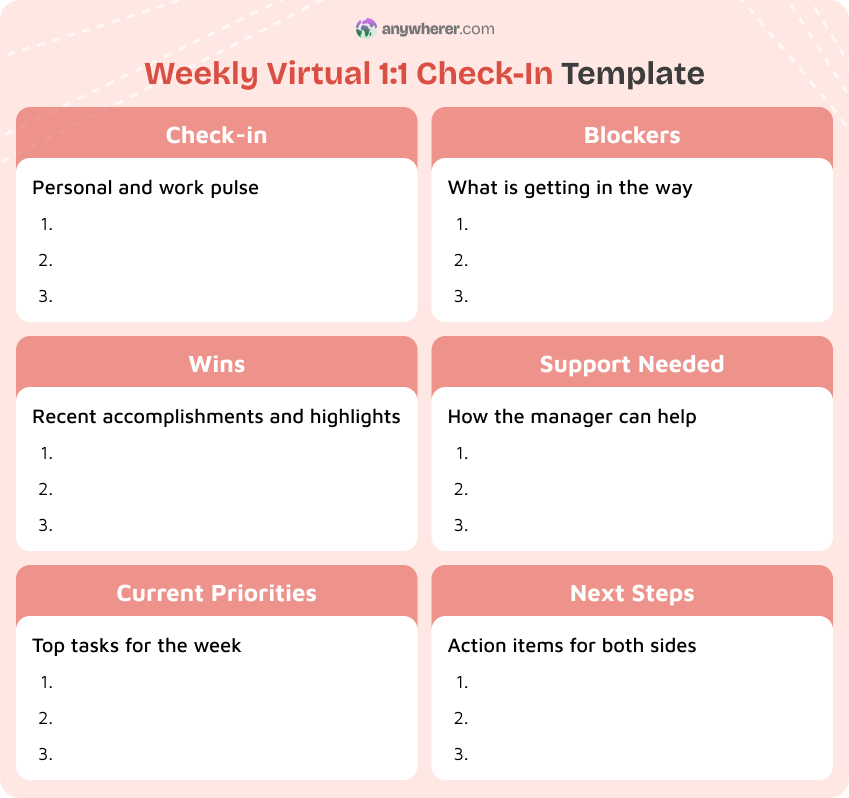
Weekly Virtual 1:1 Check-In
Use this weekly one on one meeting template for regular touchpoints with each direct report. It works best when you need a consistent rhythm to stay aligned on priorities, surface blockers early, and maintain connection in a remote setting.
Check-in
- How are you doing this week?
- Anything on your mind outside of work that might affect your week?
Wins
- What went well since our last meeting?
- Is there anything you are particularly proud of?
Current Priorities
- What are your top two or three priorities this week?
- Are they on track, or has anything shifted?
Blockers
- Is anything slowing you down right now?
- Do you need help from me or from someone else on the team?
Support Needed
- What can I do to make your week easier?
- Are there any tools, resources, or permissions you are missing?
Next Steps
- What will you focus on before our next check-in?
- Any commitments from my side to follow up on?
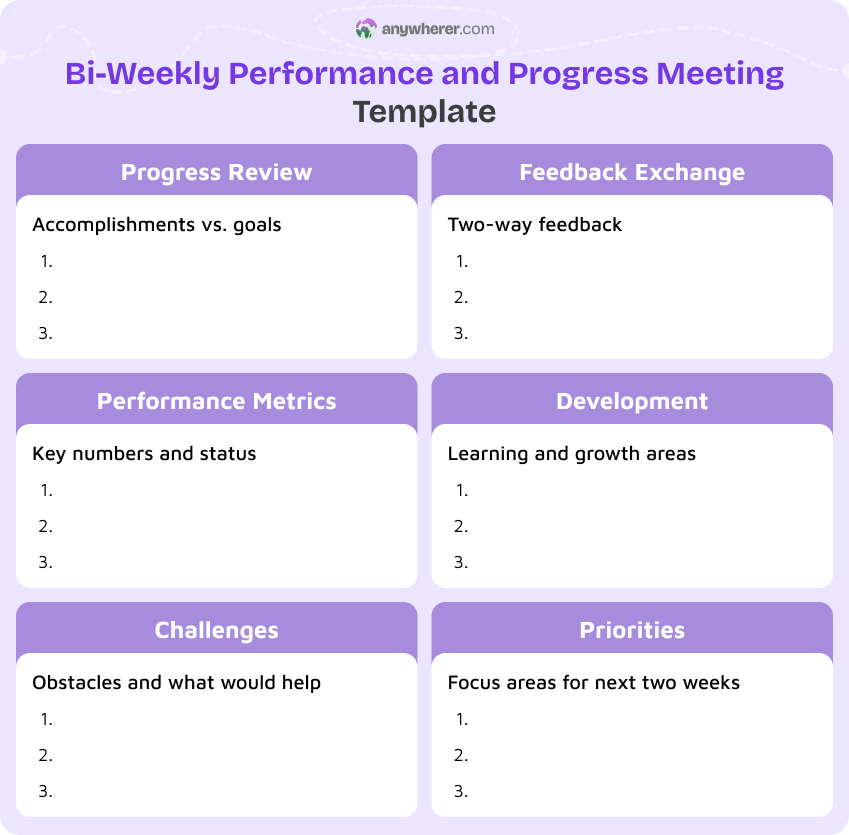
Bi-Weekly Performance and Progress Meeting Template
This template fits teams that meet every two weeks and need to go deeper than a quick status update. Use it when you want to review progress against goals, exchange feedback, and discuss development alongside day-to-day work.
Progress Review
- What have you accomplished in the past two weeks?
- How does your progress compare to the goals we set?
Performance Metrics
- Which of your key metrics are on track?
- Are there any that need attention or adjustment?
Challenges
- What obstacles have you faced recently?
- What would help you move past them?
Feedback Exchange
- What feedback do you have for me as your manager?
- Here is what I have noticed about your recent work.
Development
- Are you learning anything new that is helping your role?
- What skills would you like to develop next?
Priorities for Next Two Weeks
- What will you focus on in the next cycle?
- Are there any upcoming deadlines I should know about?
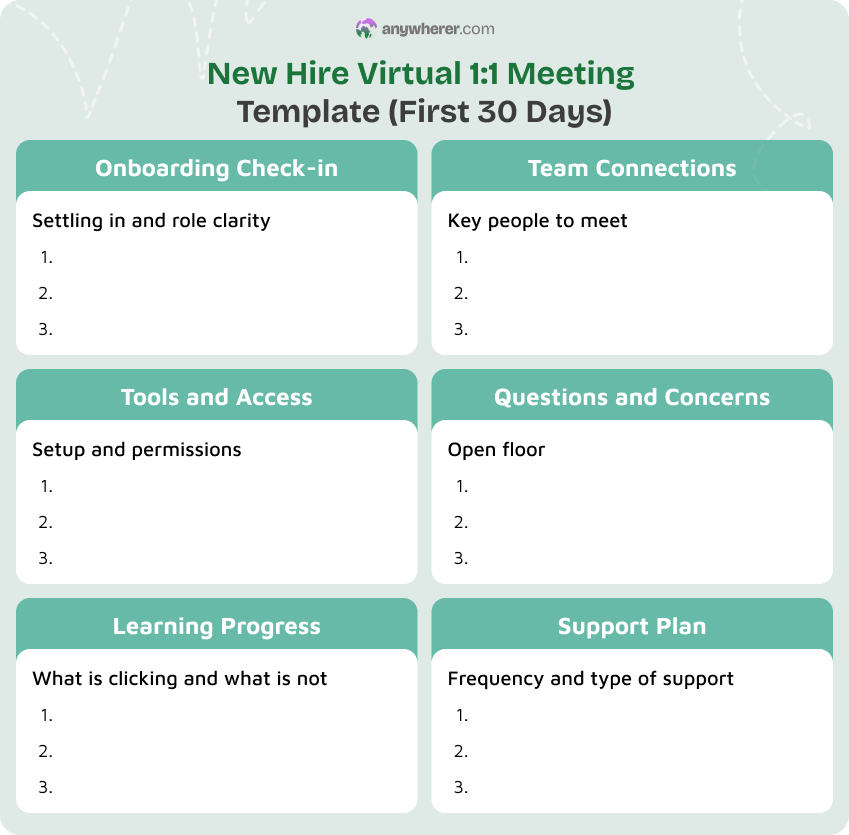
New Hire Virtual 1:1 Meeting Template (First 30 Days)
Use this one on one employee meeting template during the first month of a new hire’s onboarding. It helps managers check whether the new team member has what they need, understands the role, and is building connections with the team.
Onboarding Check-in
- How are you settling in so far?
- Is anything unclear about your role or responsibilities?
- How does the pace of onboarding feel?
Tools and Access
- Do you have all the tools and permissions you need?
- Is there anything missing from your setup?
Learning Progress
- What have you learned so far that was most helpful?
- What topics still feel confusing or unfamiliar?
Team Connections
- Have you met your key teammates and stakeholders?
- Who else should you connect with in the next week?
Questions and Concerns
- What questions have come up that you have not had a chance to ask?
- Is there anything that has surprised you about the role or company?
Support Plan
- What kind of support would be most helpful this week?
- How often would you like us to meet during your first month?
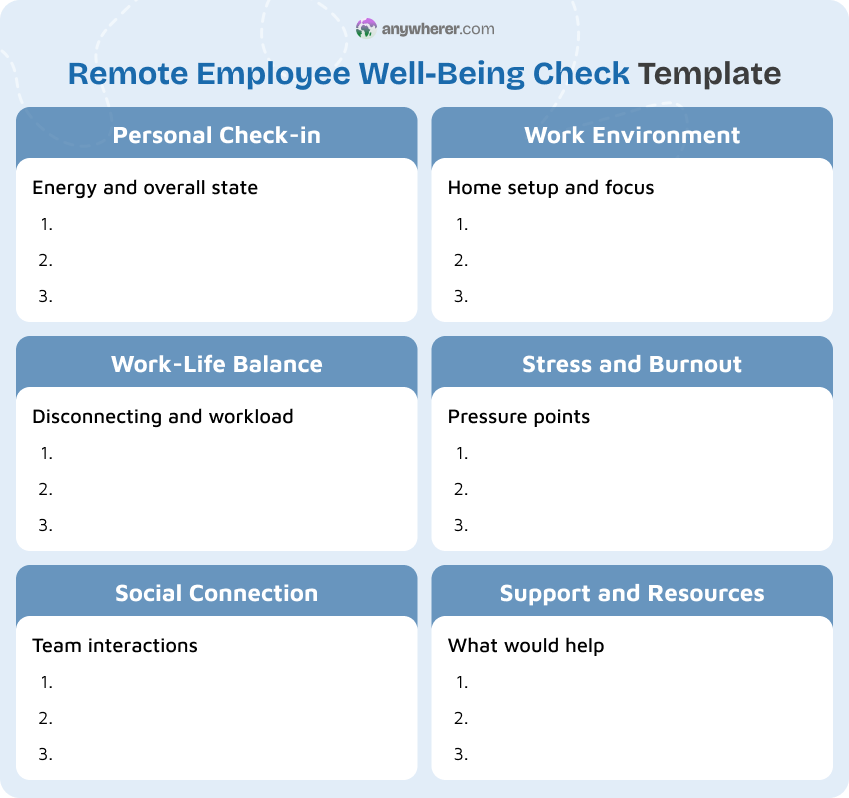
Remote Employee Well-Being Check
This template is designed for managers who want to check in on how a remote employee is actually doing, not just what they are producing. Use it when you notice signs of disengagement, fatigue, or when the team has been under pressure.
Personal Check-in
- How are you really doing this week?
- How is your energy level compared to last week?
Work-Life Balance
- Are you able to disconnect at the end of the day?
- How does your workload feel right now?
Social Connection
- Do you feel connected to the rest of the team?
- Have you had any meaningful interactions with colleagues recently?
Work Environment
- Is your home setup working well for you?
- Are there any distractions or issues affecting your focus?
Stress and Burnout
- Are you feeling overwhelmed by anything right now?
- What is causing the most stress for you at work?
Support and Resources
- Is there anything the company or I can do to support you?
- Would you benefit from any wellness or professional resources?
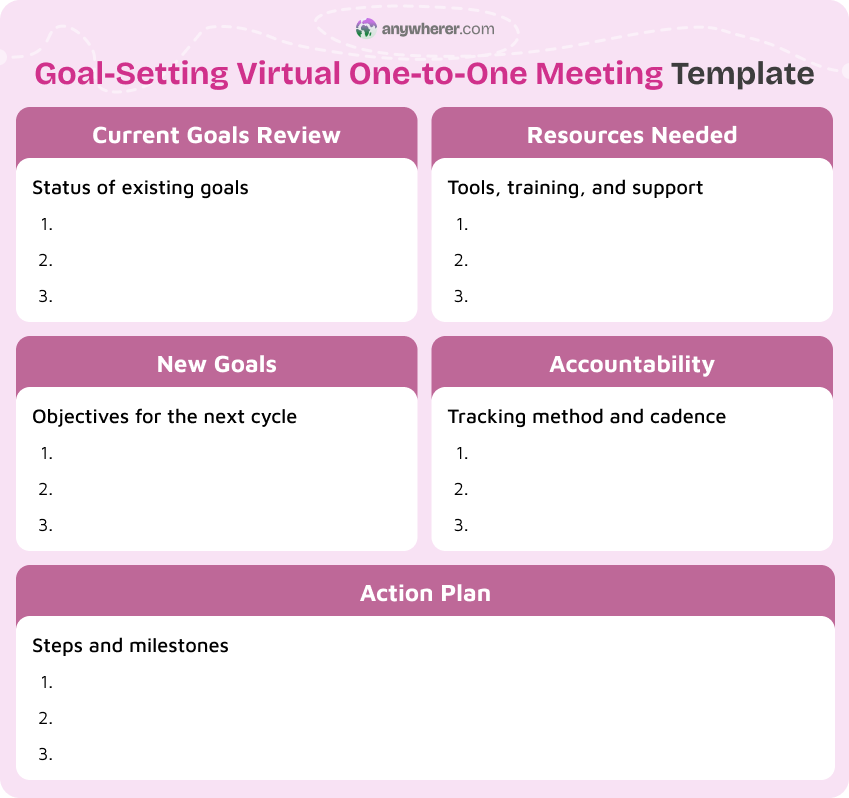
Goal-Setting Virtual One-to-One Meeting Template
Use this one to one meeting template at the start of a quarter, a new project phase, or whenever goals need to be set or reset. It gives structure to the goal-setting conversation and creates a shared record of commitments.
Current Goals Review
- Where do you stand on your current goals?
- Are there any that need to be adjusted or closed out?
New Goals
- What do you want to achieve in the next quarter or cycle?
- How do these goals align with team and company objectives?
Action Plan
- What specific steps will you take to reach each goal?
- What milestones will you use to track progress?
Resources Needed
- What do you need to achieve these goals? Training, tools, or time?
- Is there anything the team or I should provide?
Accountability
- How will we track progress together?
- What check-in cadence works best for you?
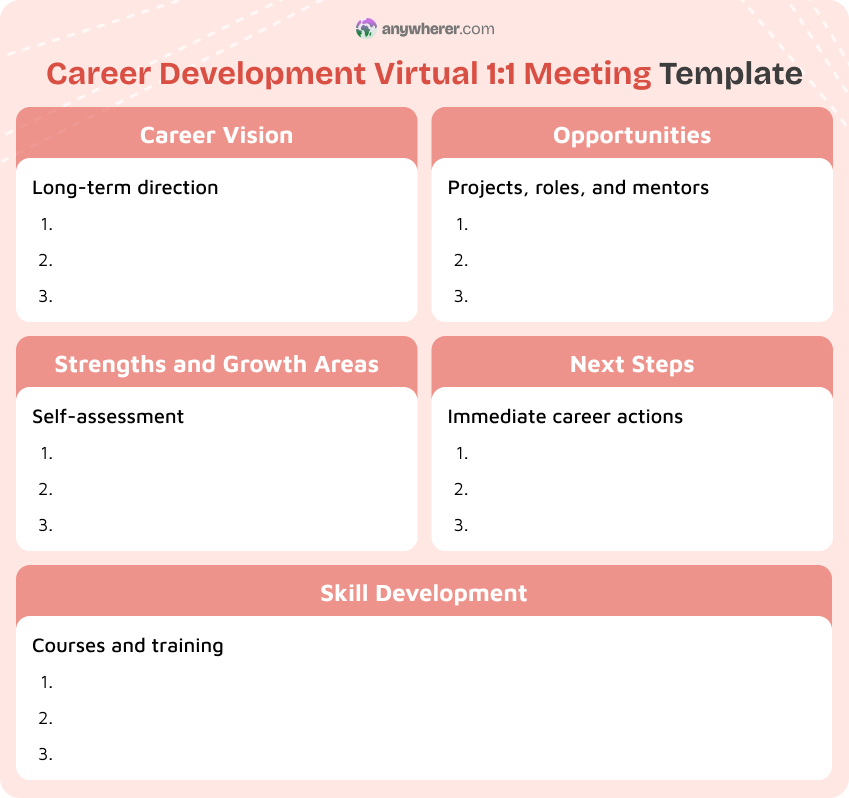
Career Development Virtual 1:1 Meeting Template
This 1-on-1 meeting with manager template is for conversations focused on long-term growth rather than day-to-day tasks. Use it quarterly or whenever an employee wants to discuss their career trajectory, development opportunities, or role evolution.
Career Vision
- Where do you see yourself in one to two years?
- What type of work excites you the most right now?
Strengths and Growth Areas
- What do you consider your biggest professional strengths?
- Where do you feel you have the most room to grow?
Skill Development
- Are there specific skills you want to build?
- Are there courses, certifications, or training programs you are interested in?
Opportunities
- Are there projects or roles in the company you would like to explore?
- Is there someone who could mentor you in your growth area?
Next Steps
- What is one concrete action you will take this month toward your career goals?
- How can I support you in that?
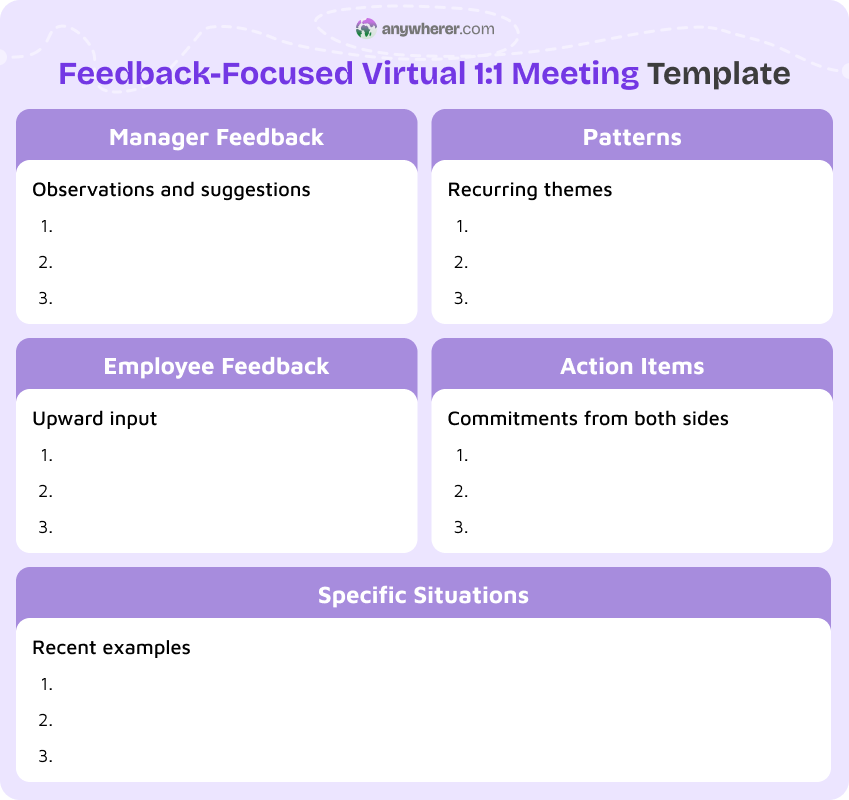
Feedback-Focused Virtual 1:1 Meeting Template
Use this 1-on-1 meeting template when the primary goal is to give and receive feedback. It is helpful after a major project, a performance review cycle, or when either side has specific observations to share.
Manager Feedback
- Here is what I have noticed going well in your recent work.
- Here is an area where I think there is room for improvement.
- Does this feedback match your own perspective?
Employee Feedback
- What feedback do you have for me as your manager?
- Is there anything I could do differently to support you better?
Specific Situations
- Let us discuss a recent project or interaction. What was your perspective?
- What would you do differently if you could do it again?
Patterns
- Are there recurring themes in the feedback you receive?
- What do those patterns tell us about what to work on?
Action Items
- What will each of us commit to based on this conversation?
- When will we check in on progress?
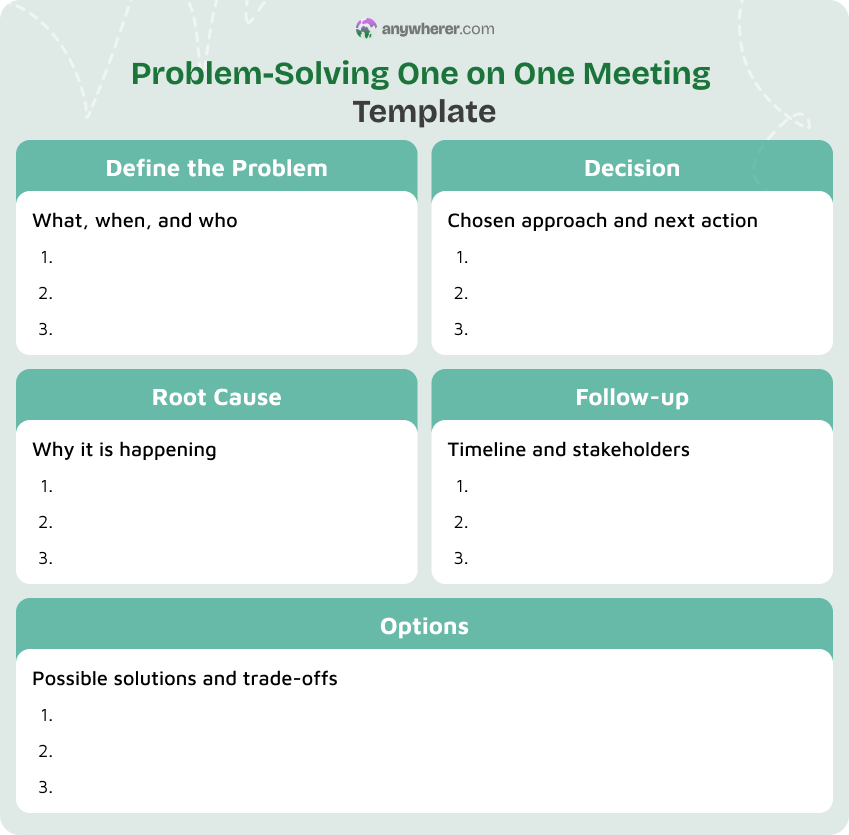
Problem-Solving One on One Meeting Template
Use this one on one meeting format when a specific issue or challenge needs focused attention. It could be a project setback, a team conflict, a process breakdown, or a performance concern that requires structured discussion.
Define the Problem
- What exactly is the issue?
- When did it start, and who is affected?
- What has been tried so far?
Root Cause
- What do you think is causing this?
- Have we seen a similar problem before?
Options
- What solutions have you considered?
- What are the trade-offs of each option?
Decision
- Which approach should we go with?
- What do we need to move forward?
Follow-up
- When will we check on progress?
- Who else needs to be informed or involved?
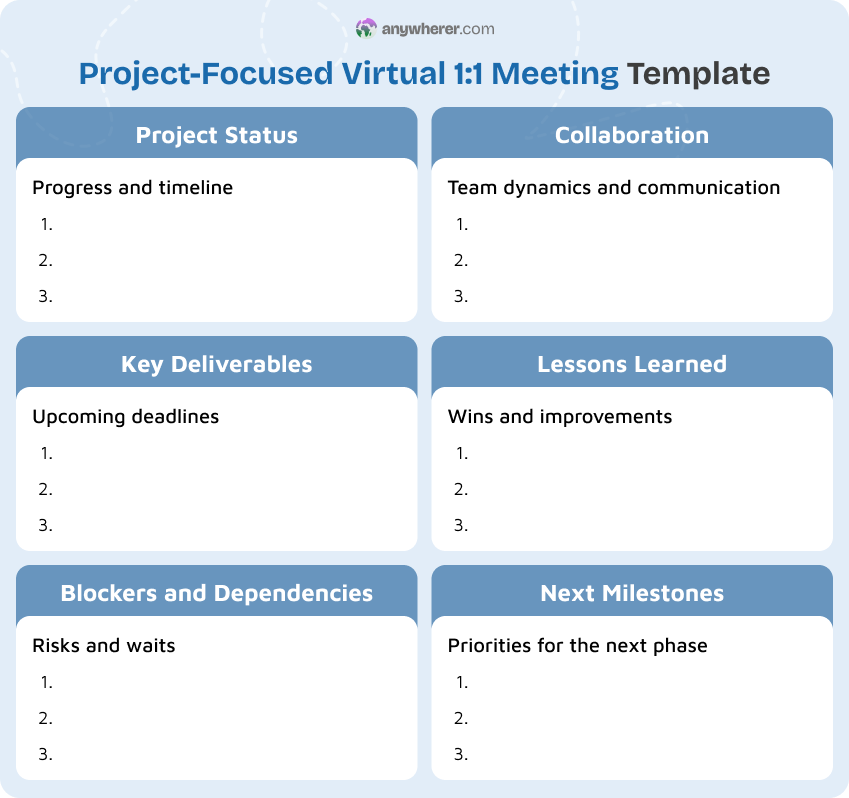
Project-Focused Virtual 1:1 Meeting Template
This template works when you need to dedicate a one on one virtual meeting to a specific project. Use it during critical phases, before major deliverables, or when a project needs closer alignment between manager and contributor.
Project Status
- Where are things right now?
- Are we on track with the original timeline?
Key Deliverables
- What is due next?
- Is anything at risk of slipping?
Blockers and Dependencies
- What is currently blocking progress?
- Are you waiting on anyone else to move forward?
Collaboration
- How is the team dynamic on this project?
- Are there any communication gaps you have noticed?
Lessons Learned
- What has worked well so far?
- What would you change about how we have approached this?
Next Milestones
- What are the priorities for the next sprint or phase?
- What do you need from me to hit them?
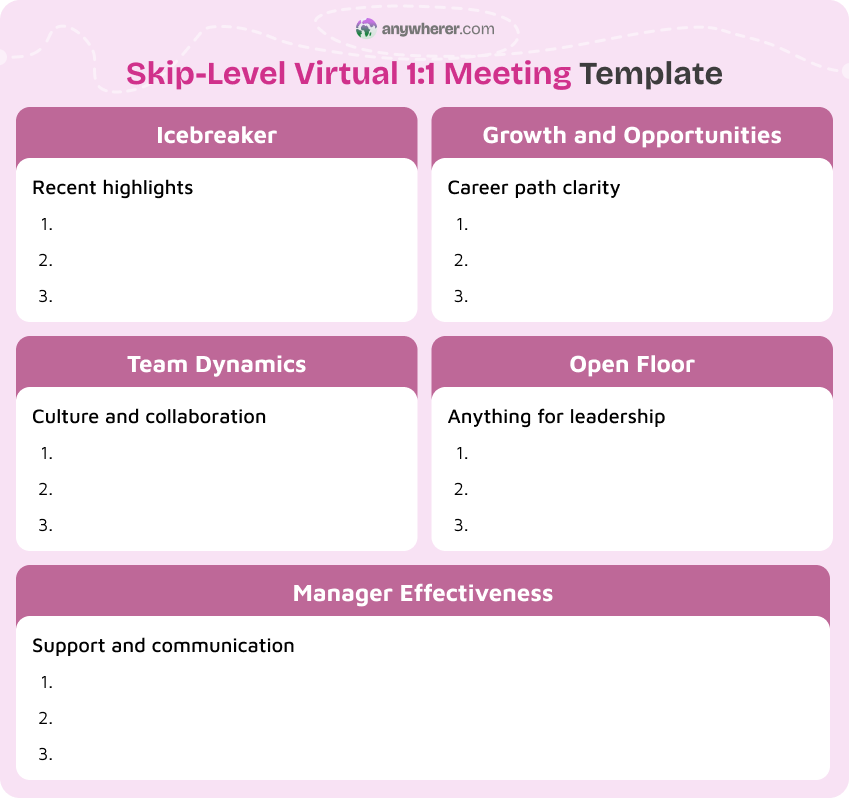
Skip-Level Virtual 1:1 Meeting Template
This one on one template for managers at the senior level is for meetings between a leader and someone who reports to one of their direct reports. Use it to get unfiltered input on team culture, manager effectiveness, and growth opportunities.
Icebreaker
- How has your experience on the team been lately?
- What has been the highlight of your month?
Team Dynamics
- How would you describe the team culture right now?
- Is there anything you would like to see change?
Manager Effectiveness
- Do you feel supported by your direct manager?
- Is communication clear and consistent?
Growth and Opportunities
- Do you see a clear path for growth in your role?
- Are there any barriers to your development?
Open Floor
- Is there anything you would want leadership to know?
- Any ideas or concerns you have not been able to raise elsewhere?
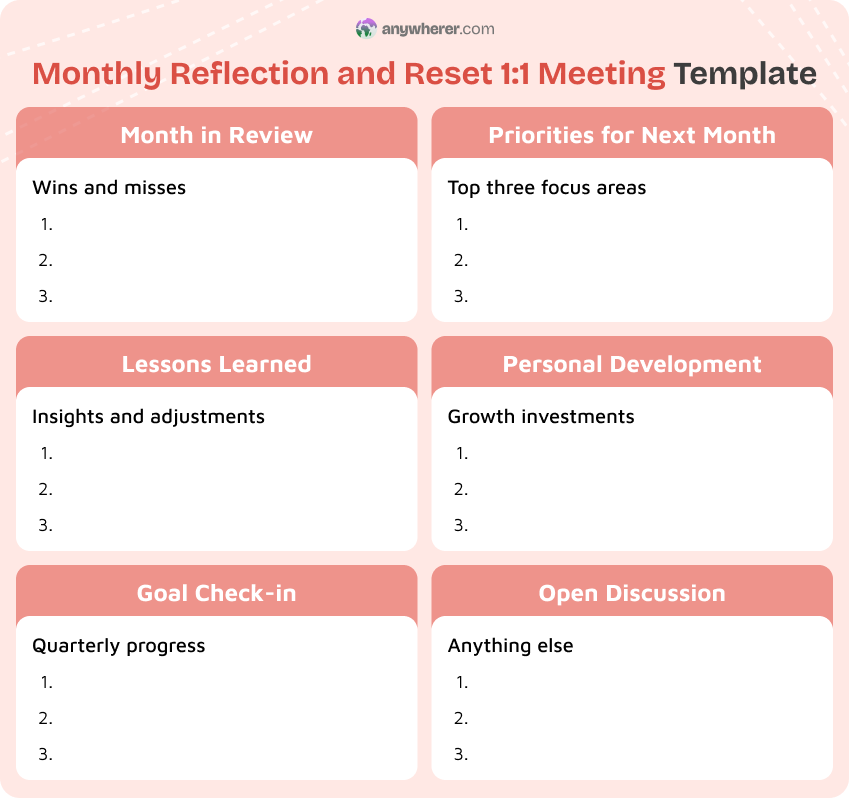
Monthly Reflection and Reset 1:1 Meeting Template
This monthly one on one meeting template is for a deeper, less frequent conversation that looks back at the past month and sets the direction for the next one. It complements weekly check-ins by providing space for broader reflection.
Month in Review
- What were your biggest accomplishments this month?
- What did not go as planned?
Lessons Learned
- What did you learn this month?
- What would you do differently next time?
Goal Check-in
- How are you tracking against your quarterly goals?
- Do any goals need to be adjusted or reprioritized?
Priorities for Next Month
- What are your top three priorities for the next four weeks?
- How do they connect to the broader team goals?
Personal Development
- Did you invest in your growth this month?
- What development activity do you have planned for next month?
Open Discussion
- Anything else on your mind?
- Any topics you want to make sure we cover next time?
How Often to Run Virtual 1:1 Meetings
There is no single correct cadence for virtual one on one meetings, but patterns from effective remote teams point to clear guidelines. Microsoft’s Work Trend Index found that 81% of employees say it is important that their managers help them prioritize their workload, yet less than a third report receiving clear guidance during one-on-ones. Frequency alone does not solve this, but it creates the space for it.
Weekly
For individual contributors and anyone in their first year on the team, a weekly 1 on 1 meeting template is the baseline. Weekly meetings catch small issues before they grow and help maintain the personal connection that remote work can erode. Keep them short, around 25 to 30 minutes, and protect the time.
Bi-weekly
For experienced team members who are autonomous and well-aligned on priorities, bi-weekly meetings often work well. The one on one meeting agenda template should be slightly more substantial to account for the longer gap between conversations.
Monthly
Monthly meetings work best for senior roles, skip-level conversations, and career development check-ins. A monthly one on one meeting template gives space for reflection and bigger-picture topics that weekly meetings rarely cover.
Ad hoc
During periods of change, high workload, or uncertainty, schedule additional 1:1s outside the regular rhythm. These do not need a full agenda. A short check-in to ask how someone is doing can make a significant difference.
What a Good Virtual 1:1 Agenda Looks Like
A strong 1:1 meeting agenda is not a status report. It is a framework for a two-way conversation that covers both work and the person doing it. The most productive one-on-ones are driven by the employee’s agenda rather than the manager’s. That shift in ownership changes the dynamic of the meeting entirely.
Good agendas share a few things in common, regardless of the one on one meeting format:
- They are not pure status updates. Project status belongs in your project management tool, not in a 1:1. Use the meeting for the conversations that only happen when two people sit down together.
- They include a human check-in. Asking how someone is doing, not just what they are working on, builds trust and surfaces issues that affect performance but never show up in a task list.
- They are a two-way conversation. The employee should have as much input into the agenda as the manager. Sharing the agenda in advance gives both sides time to prepare.
- They end with clear follow-ups. Every meeting should produce at least one concrete action item with an owner and a deadline. Without follow-ups, the meeting has no downstream value.
If your virtual 1:1s consistently produce meaningful follow-ups and both sides feel heard, the agenda is working. If not, the template may need to change, or the conversation culture around it may need attention. Managers who pair strong 1:1 habits with structured processes like employee evaluation examples and performance improvement plan example documentation often see compounding results over time.
Common Mistakes in Virtual One on One Meetings
Even with a solid template, virtual 1:1s can go wrong in predictable ways. Research from Buffer’s State of Remote Work found that 71% of companies offer 1:1 meetings as part of their remote support systems, yet 15% of remote workers still report difficulties with collaboration and communication. Having the meeting is not enough. Running it well is what matters.
Canceling 1:1s too often
When managers repeatedly cancel or reschedule one-on-one meetings, it sends a message that the employee’s time and concerns are not a priority. Over time, this erodes trust and makes employees less likely to bring up issues when they matter most.
Doing all the talking
A one on one meeting with manager template should guide a two-way conversation, not a manager monologue. If the manager speaks for most of the call, the employee loses the space to share what is really going on. Aim for the employee to do at least half the talking.
Skipping the shared agenda
Walking into a virtual one on one meeting without a shared agenda usually means one side is unprepared and the other feels unheard. When both the manager and the employee contribute to the agenda beforehand, the meeting is more focused and productive.
No follow-up after the call
A meeting without follow-up is a conversation that disappears. If action items are not documented and tracked, the same issues come up again and again. A simple one on one meeting notes template or shared document can solve this.
Treating 1:1s as status updates
Virtual 1:1s are not project status meetings. If the entire conversation is about what tasks are done and what is next, you are missing the human side of management. Use project tools for status and save the 1:1 for the conversations that only happen face to face.
Signals Your Virtual 1:1s Are Working
How do you know if your one on one meeting template is actually making a difference? Look for these patterns across your team.
Fewer surprises
When virtual 1:1s are working, managers hear about problems before they become crises. Employees feel safe raising issues early, and there are fewer last-minute escalations.
Clearer priorities
Effective one on one meetings keep priorities aligned. When the weekly 1 on 1 meeting template is working, both the manager and the employee leave with a shared understanding of what matters most.
Issues raised earlier
A well-structured 1:1 meeting agenda creates a safe, recurring space for employees to surface concerns. If team members are flagging risks and asking for help before deadlines are missed, the process is doing its job.
Better follow-through
When action items from previous meetings are consistently tracked and completed, it shows that both sides take the conversation seriously. Follow-through is one of the clearest indicators that 1:1 meeting templates are adding real value.
Conclusions
Virtual 1:1 meetings are one of the most important tools a remote manager has, and a clear one on one meeting template is what keeps them productive. The 11 templates in this post cover the most common situations you will face, from a simple weekly check-in to a one on one sales meeting template, a career development conversation, and everything in between.
The format matters less than the consistency. Pick a template that fits, use it every meeting, and adjust the questions as you learn what works for your team. If you are looking for a one-on-one meeting template free to start with, any of these samples will work. The goal is not a perfect document but a better conversation, one that keeps people connected, aligned, and supported even when they are working from different places.
FAQs on Virtual One on One Meetings
How long should a virtual 1:1 be?
Most effective virtual 1:1s run between 25 and 45 minutes. A weekly check-in can often be handled in 25 to 30 minutes if both sides prepare. Deeper conversations like career development or monthly reflections may need a full 45 minutes. The key is to protect the time and avoid letting it shrink to a rushed 10-minute call.
Should 1:1s be documented?
Yes. Keeping brief notes on what was discussed and what was agreed on makes the meeting more valuable. It does not need to be formal. A shared document, a simple one on one meeting notes template, or a few lines in your project management tool are all effective. Documentation creates accountability and helps both sides pick up where they left off.
Can the same template be reused?
Absolutely. The best 1:1 meeting templates are meant to be reused consistently. Repetition creates a rhythm that both the manager and the employee can rely on. You can adjust the questions over time, but the structure should remain stable so that meetings do not drift into unstructured conversations.
What if an employee has nothing to share?
If an employee consistently says there is nothing to discuss, it may indicate that they do not feel safe sharing, the questions are too generic, or they do not see the value in the meeting. Try sharing the agenda in advance so they have time to prepare. Ask more specific one on one meeting questions rather than open-ended ones. If the pattern continues, address it directly and ask how the format can work better for them.

Yaryna is our lead writer with over 8 years of experience in crafting clear, compelling, and insightful content. Specializing in global employment and EOR solutions, she simplifies complex concepts to help businesses expand their remote teams with confidence. With a strong background working alongside diverse product and software teams, Yaryna brings a tech-savvy perspective to her writing, delivering both in-depth analysis and valuable insights.